

Best Monitors for MacBook Pro M3/M4/M5
Apple Studio Display
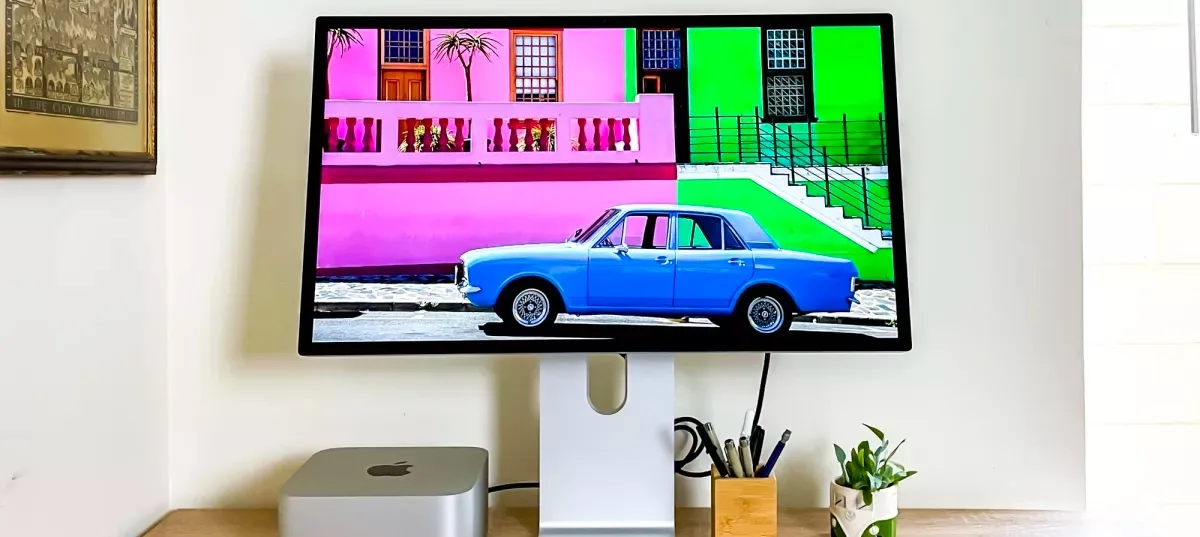
The Apple Studio Display stands out with its accurate color grading and stunning design, making it the best overall pick for professionals needing a high-resolu
Apple Studio Display
The Apple Studio Display is a solid investment for those who prioritize color accuracy and design, and who are willing to pay a premium for a monitor that fits seamlessly into the Apple ecosystem. However, for those on a tighter budget or in need of advanced features like ProMotion, this monitor may not be the best fit.
Perfect For
- Creative professionals
- Apple ecosystem users
- High-resolution display seekers
Think Twice If
- Budget-conscious buyers
- Gamers needing ProMotion
The Apple Studio Display is a solid investment for those who prioritize color accuracy and design, and who are willing to pay a premium for a monitor that fits seamlessly into the Apple ecosystem. However, for those on a tighter budget or in need of advanced features like ProMotion, this monitor may not be the best fit.
ASUS ProArt Display PA279CRV
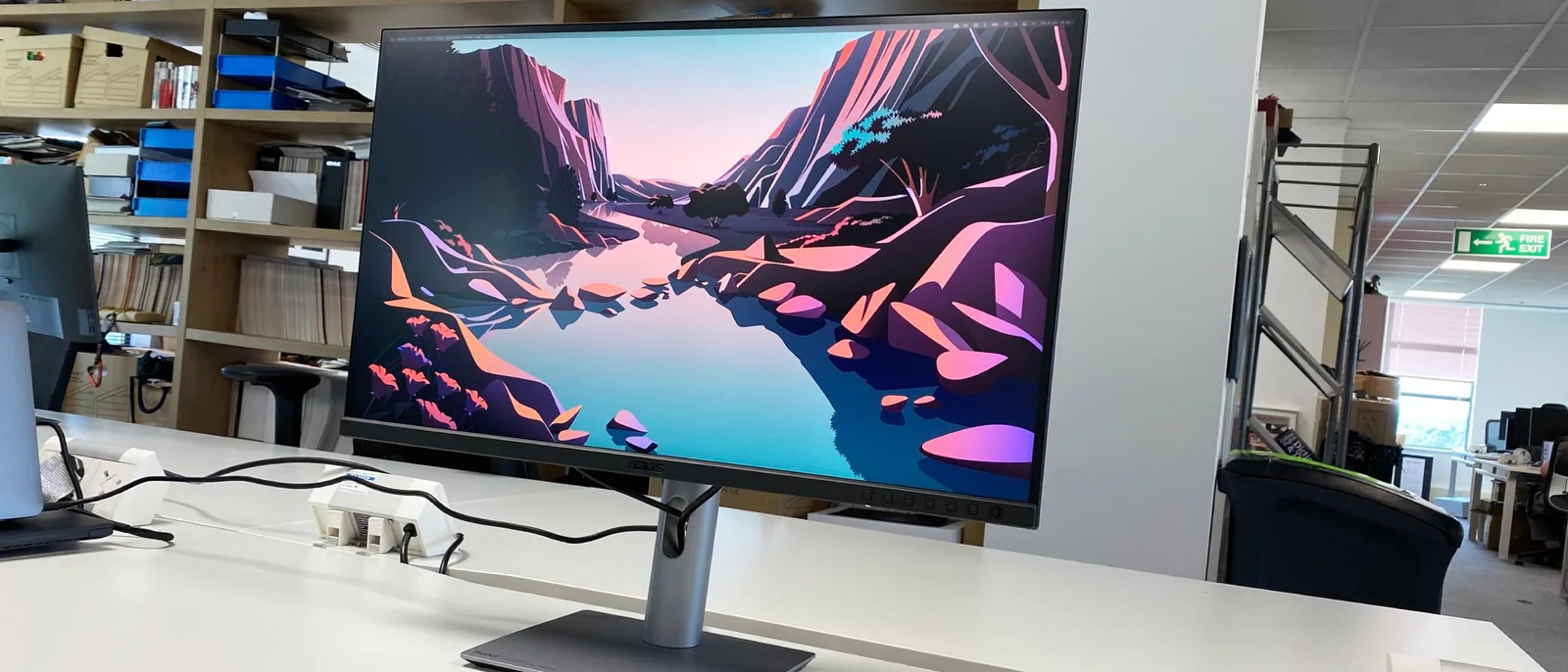
For photographers and video editors who need Calman Verified color accuracy — with an average delta E of 0.45 and 99% coverage of both Adobe RGB and DCI-P3 — the ASUS ProArt Display PA279CRV is one of the best-value professional monitors available under $500. Its 96W USB-C power delivery also makes it an ideal single-cable solution for laptop-based creatives. However, with a peak brightness of only 366 nits and a standard 1000:1 contrast ratio, those who prioritize HDR grading or work in bright environments should consider brighter alternatives.
Perfect For
- Professionals needing precise color work
- Creatives valuing wide color gamut
- Users requiring USB-C connectivity
Think Twice If
- Gamers seeking high peak brightness
- Consumers requiring full HDR support
For photographers and video editors who need Calman Verified color accuracy — with an average delta E of 0.45 and 99% coverage of both Adobe RGB and DCI-P3 — the ASUS ProArt Display PA279CRV is one of the best-value professional monitors available under $500. Its 96W USB-C power delivery also makes it an ideal single-cable solution for laptop-based creatives. However, with a peak brightness of only 366 nits and a standard 1000:1 contrast ratio, those who prioritize HDR grading or work in bright environments should consider brighter alternatives.
Dell S2725QC
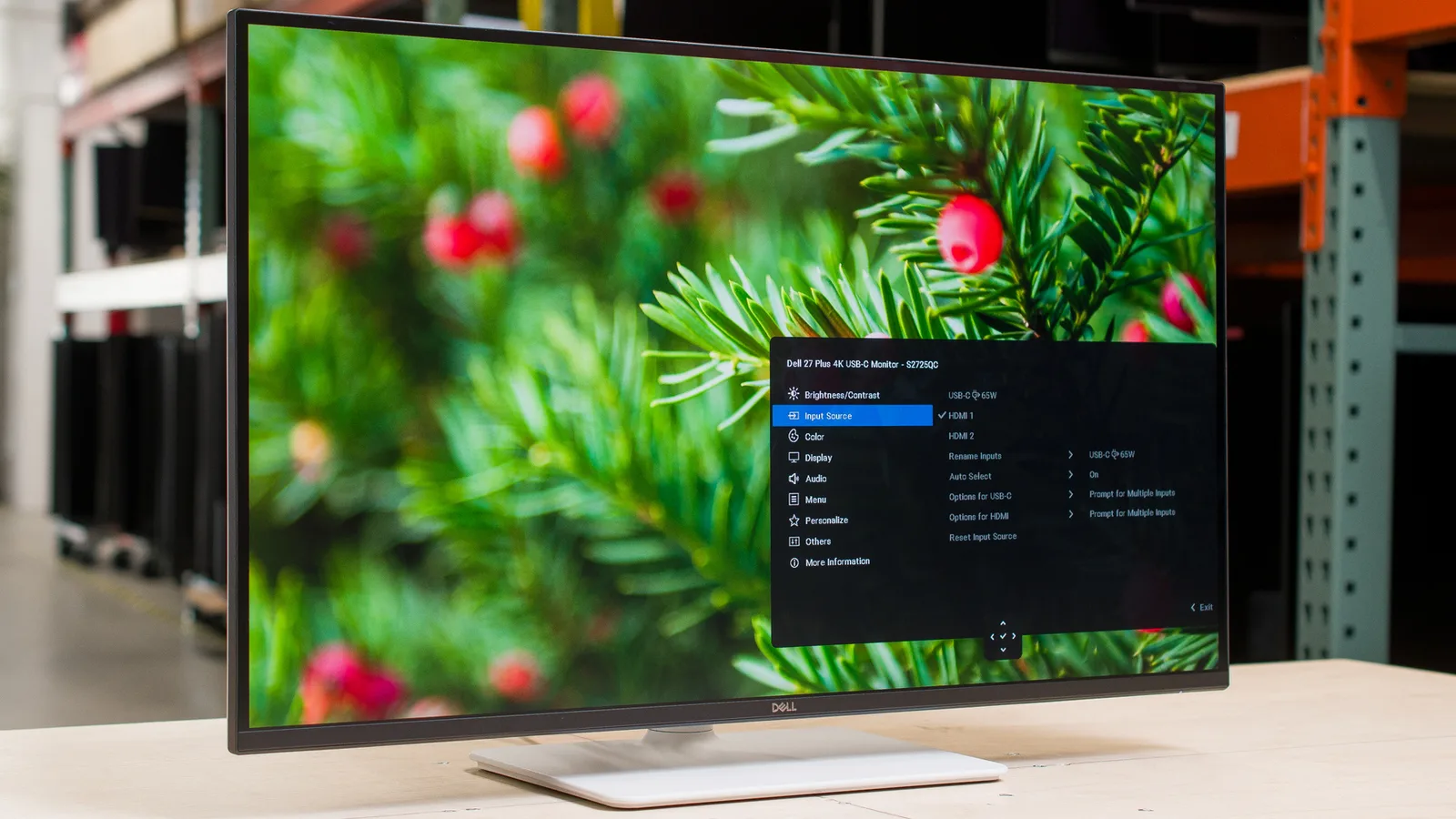
The Dell S2725QC earns its 94/100 score as a well-rounded 27-inch 4K monitor that punches above its price class. Its combination of 4K/120Hz on an IPS panel with a 1500:1 contrast ratio and USB-C 65W Power Delivery makes it a strong pick for home office users and casual gamers. Just be aware: no HDR support, no 3.5mm audio jack, and a modest ~350-nit brightness ceiling mean it's not the right tool for every desk.
Perfect For
- Home office users wanting 4K sharpness with single-cable USB-C setup
- Console and PC gamers needing 4K/120Hz with HDMI 2.1
- Professionals doing color-accurate work in sRGB (99% coverage)
Think Twice If
- HDR content creators or viewers requiring true HDR support
- Users in bright, sunlit rooms where 350 nits falls short
- Competitive gamers sensitive to response times above 4ms
The Dell S2725QC earns its 94/100 score as a well-rounded 27-inch 4K monitor that punches above its price class. Its combination of 4K/120Hz on an IPS panel with a 1500:1 contrast ratio and USB-C 65W Power Delivery makes it a strong pick for home office users and casual gamers. Just be aware: no HDR support, no 3.5mm audio jack, and a modest ~350-nit brightness ceiling mean it's not the right tool for every desk.
Apple Pro Display XDR
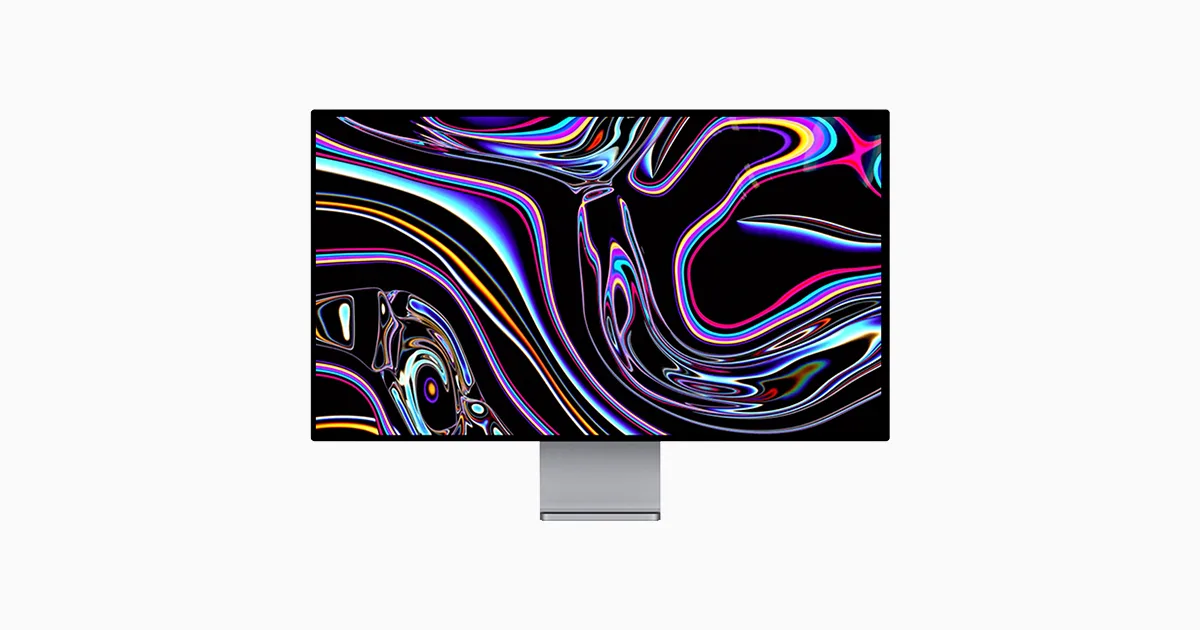
For professionals in need of a monitor with unparalleled color accuracy and HDR support, the Apple Pro Display XDR is a solid investment. However, for those on a tighter budget, or those looking for a broad HDR-ready content library on macOS, this monitor's price tag and limitations might be a deal-breaker.
Perfect For
- Professional content creators
- Graphic designers needing precise color
- Cinema professionals seeking HDR support
Think Twice If
- Budget-conscious shoppers
- Users seeking an HDR content library
For professionals in need of a monitor with unparalleled color accuracy and HDR support, the Apple Pro Display XDR is a solid investment. However, for those on a tighter budget, or those looking for a broad HDR-ready content library on macOS, this monitor's price tag and limitations might be a deal-breaker.
BenQ PD3225U 4K Monitor
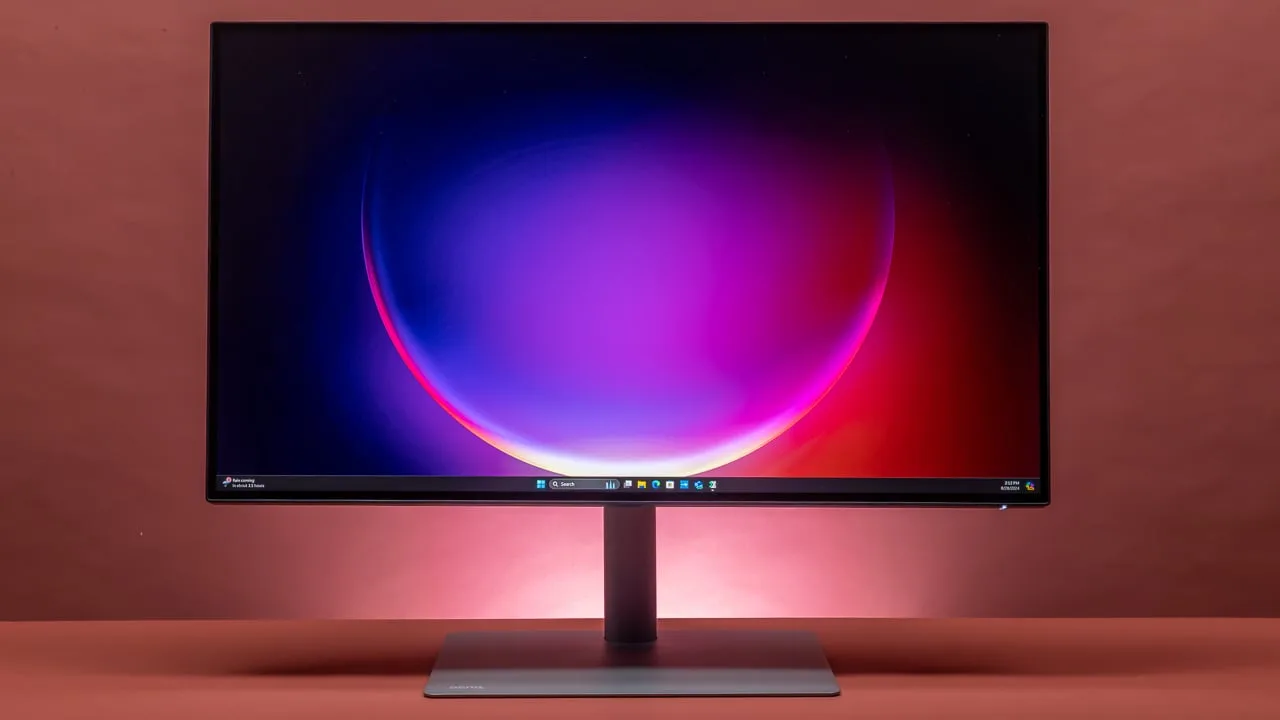
The BenQ PD3225U is a solid choice for professionals who prioritize color accuracy and deep blacks. If you're willing to invest in a premium professional display, this could be the one for you. However, if you're on a tighter budget or require high brightness for gaming, you might want to look elsewhere.
Perfect For
- Professional designers
- Photographers
- Videographers
Think Twice If
- Budget-conscious users
- Gamers needing high brightness
The BenQ PD3225U is a solid choice for professionals who prioritize color accuracy and deep blacks. If you're willing to invest in a premium professional display, this could be the one for you. However, if you're on a tighter budget or require high brightness for gaming, you might want to look elsewhere.
The Ledger.
Full technical breakdown of the complete field. Covering 18 models tested.
| Model | Apple Studio Display | ASUS ProArt Display PA279CRV | Dell S2725QC | Apple Pro Display XDR | BenQ PD3225U 4K Monitor |  Dell U2725QE |  ASUS ProArt Display PA27JCV |  BenQ PD2730S | 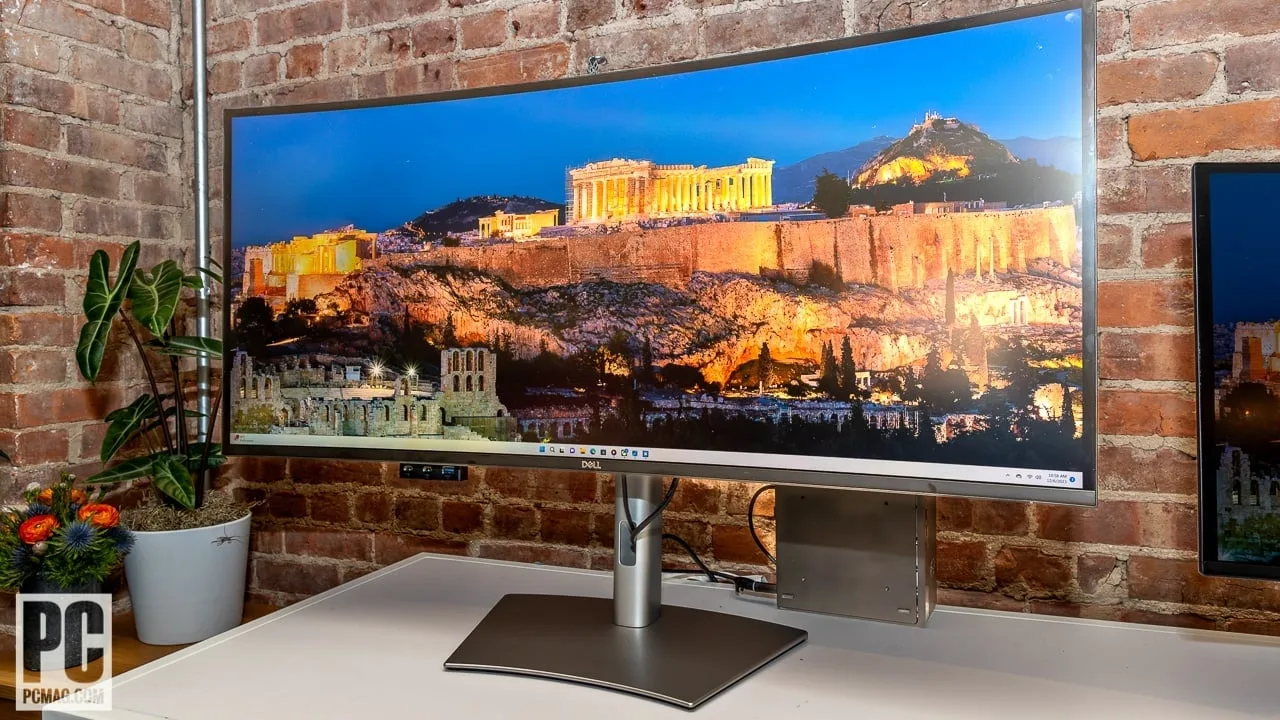 Dell U4025QW | 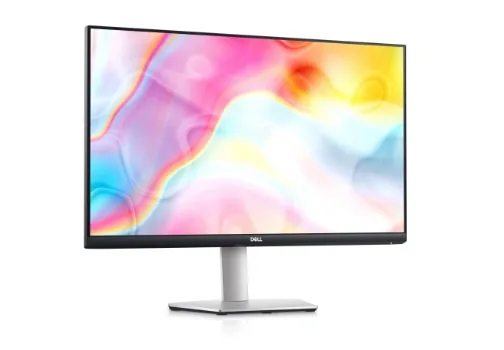 Dell S2722QC | 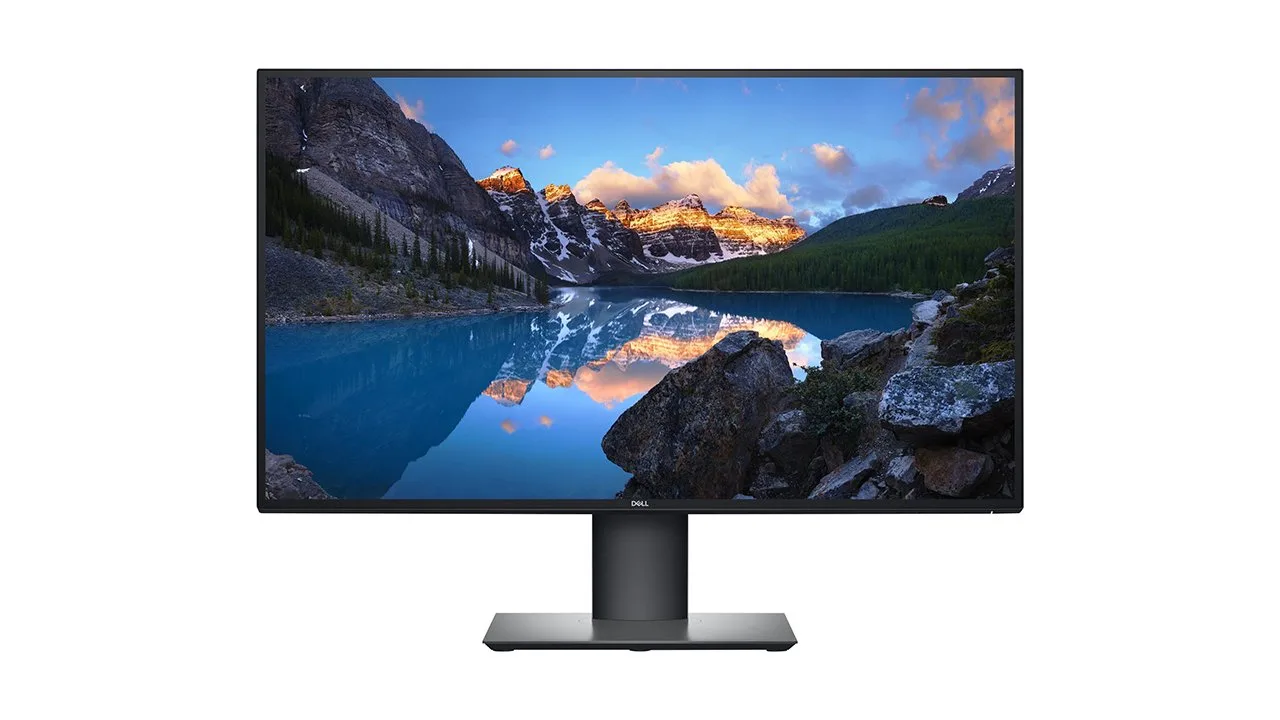 Dell UltraSharp U2720Q 27 Inch 4K UHD | 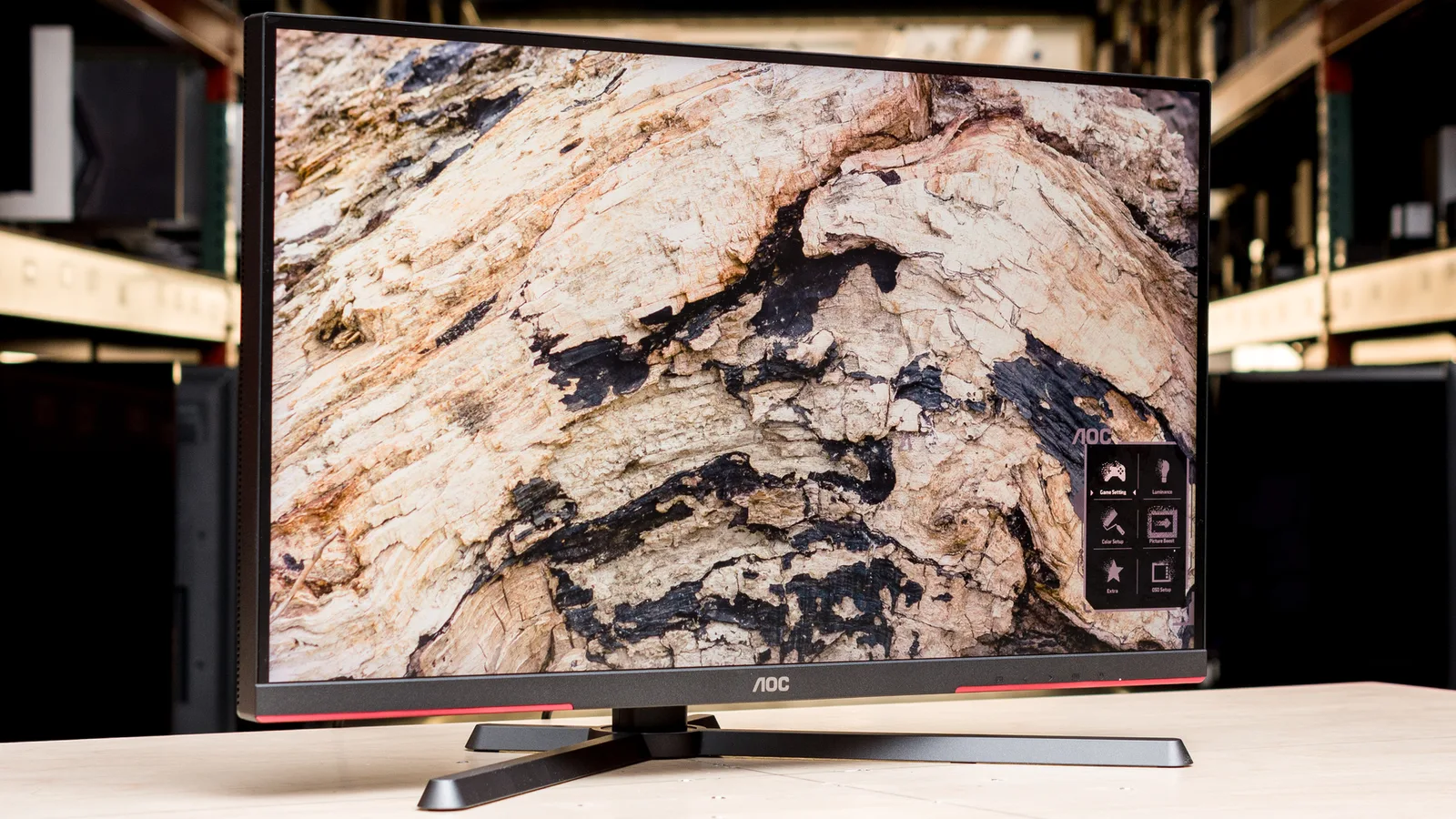 AOC Q27G3XMN | 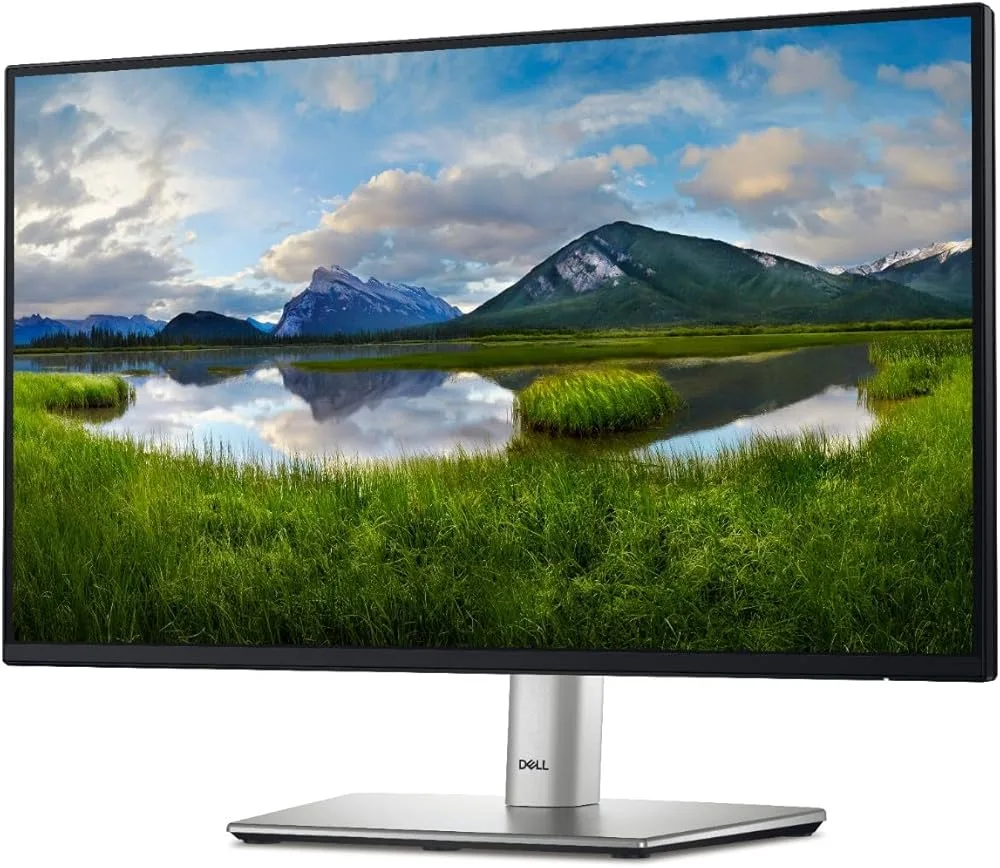 Dell P2425H | 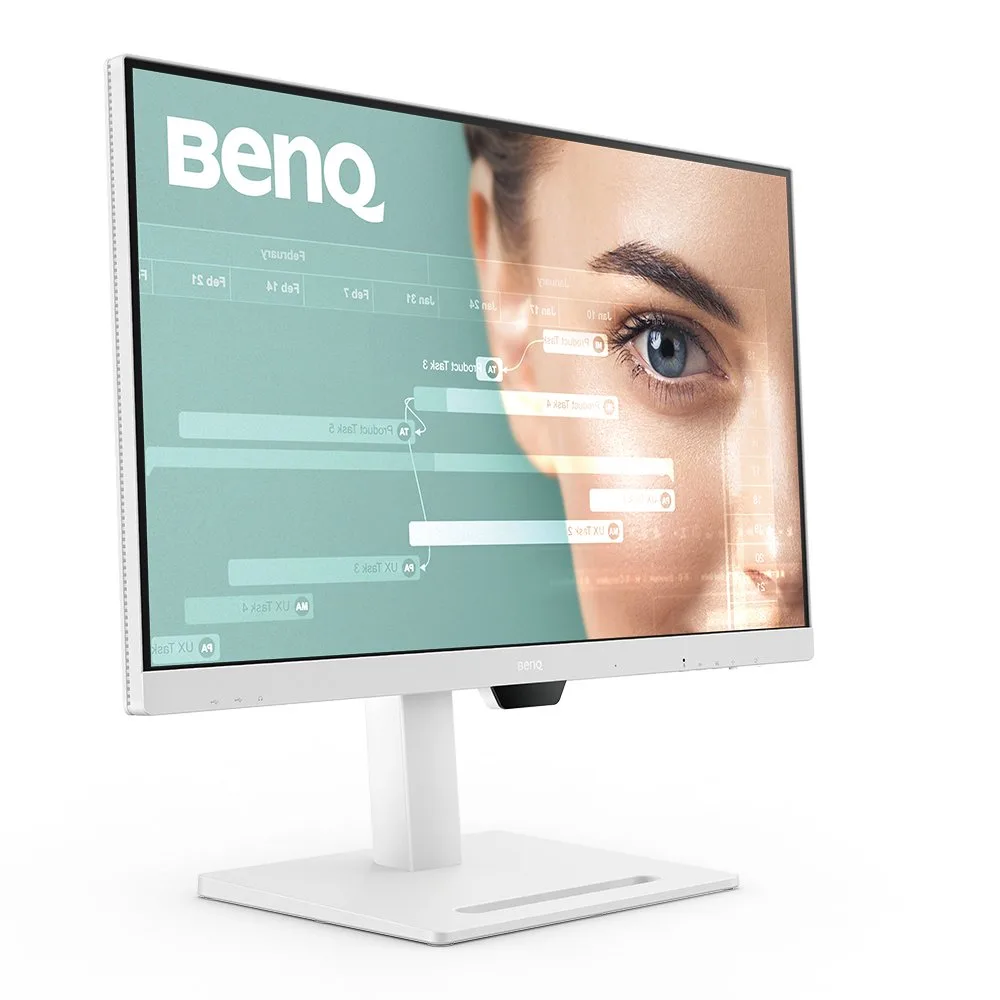 BenQ GW2790QT | 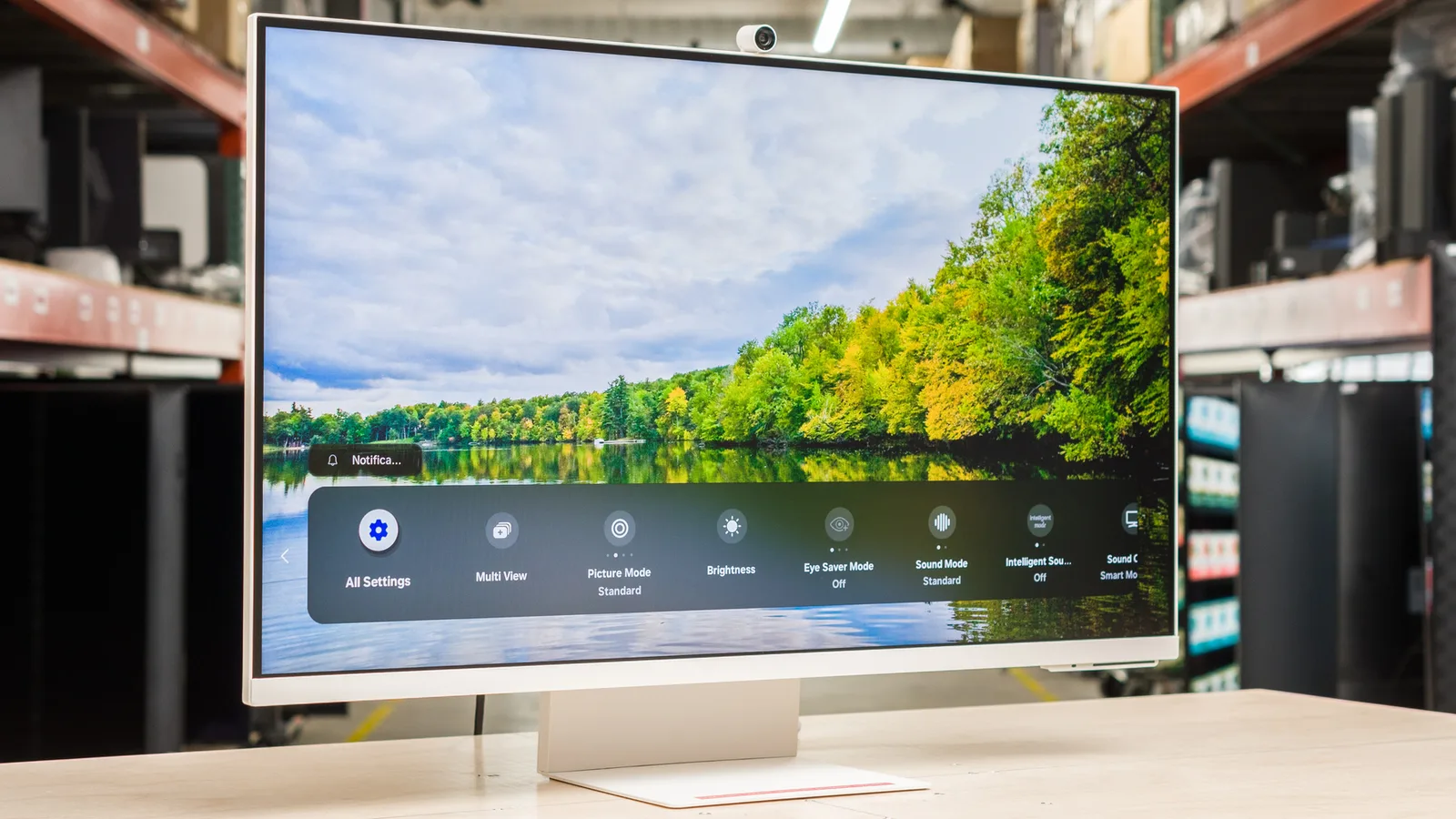 Samsung M8 Smart Monitor (2024) | 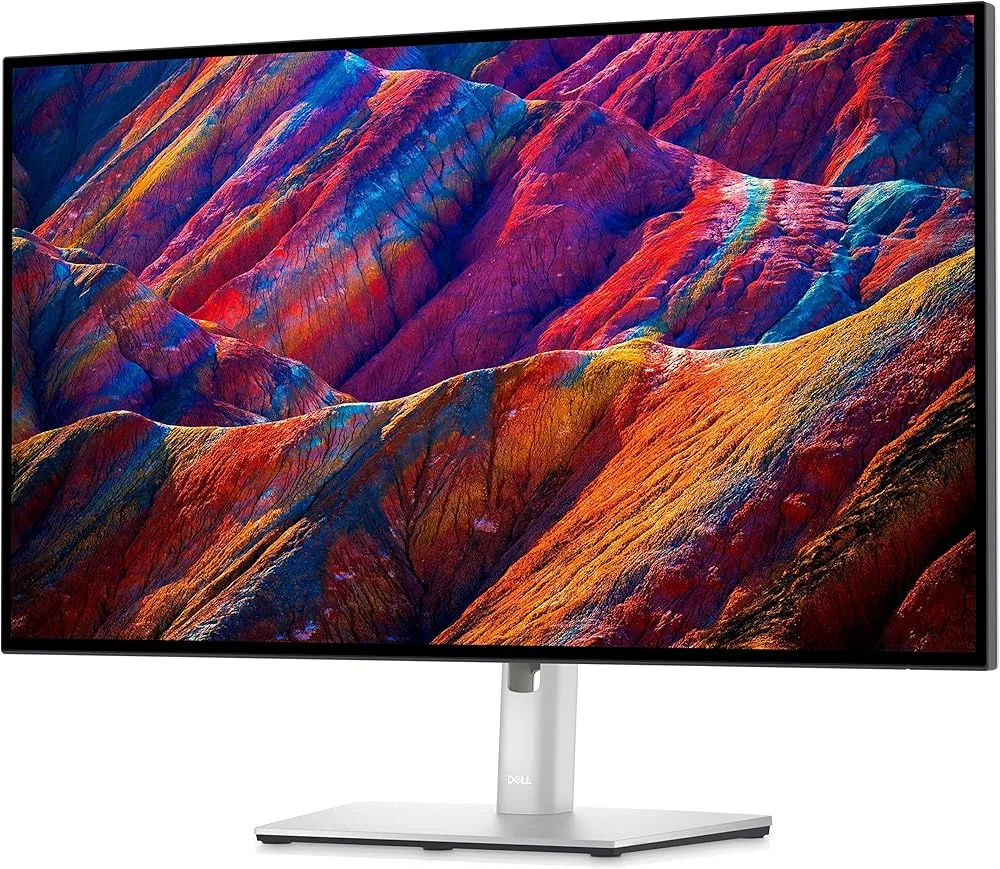 Dell Ultrasharp U2723QE | 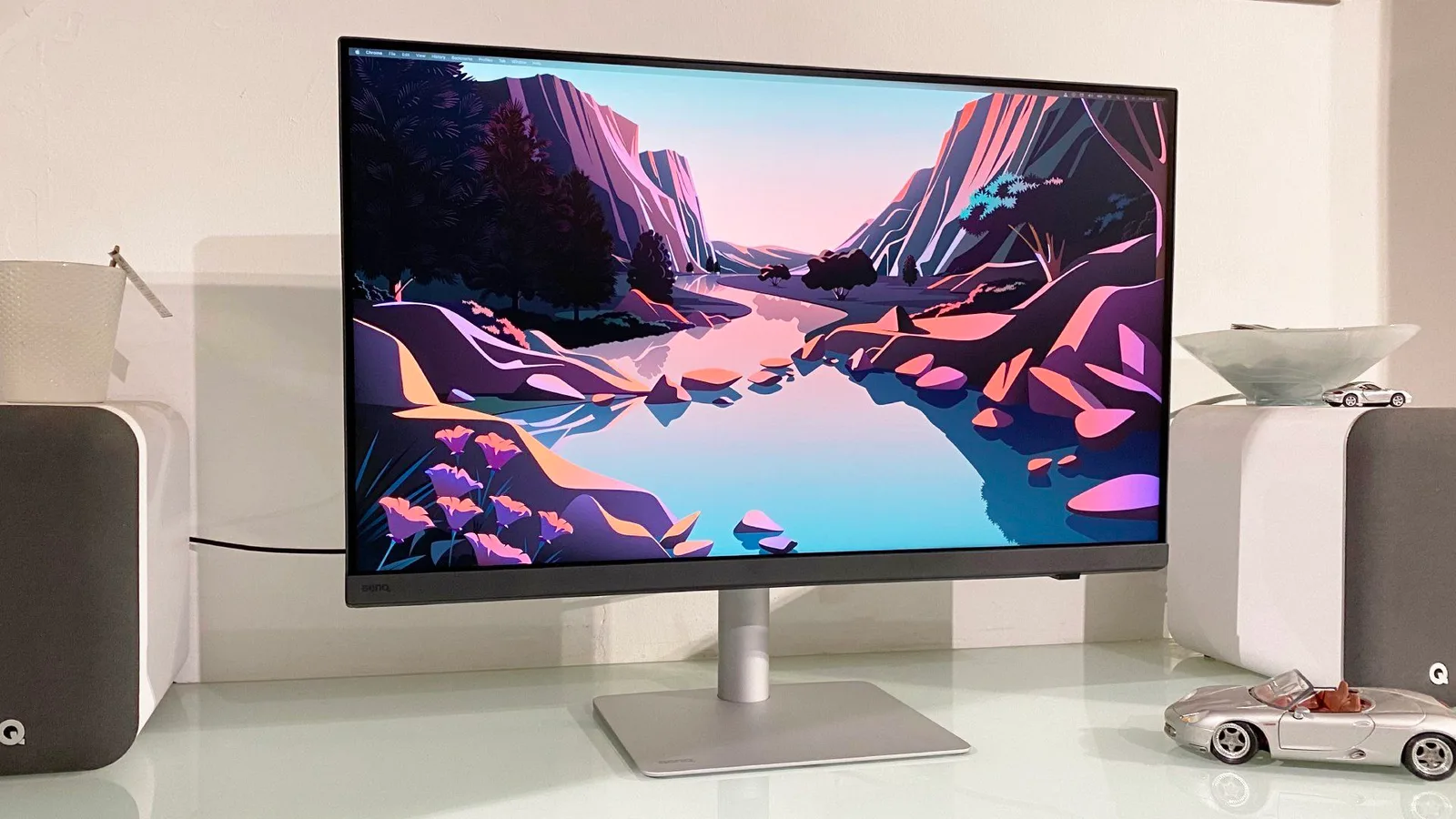 BenQ PD3226G |  Asus TUF Gaming VG28UQL1A |
|---|---|---|---|---|---|---|---|---|---|---|---|---|---|---|---|---|---|---|
| SetupScore | 81 | 85 | 94 | 82 | 81 | 87 | 83 | 81 | 82 | 80 | 86 | 83 | 89 | 86 | 77 | 92 | 80 | 79 |
| Categories | Best Overall
Best Premium | Best Overall
Best Value | — | Best Premium | Best Budget | Best Value | Best Value | Best Overall | — | Best Budget | — | Best Budget | Best Budget | Best Budget | — | Best Overall | — | Best Budget |
| Approx. Price | $475.00 | |||||||||||||||||
| Review Consensus | 68% Agmt | 41% Agmt | 49% Agmt | 49% Agmt | 47% Agmt | 87% Agmt | 83% Agmt | 81% Agmt | 82% Agmt | 80% Agmt | 86% Agmt | 83% Agmt | 89% Agmt | 86% Agmt | 77% Agmt | 92% Agmt | 80% Agmt | 79% Agmt |
| monitor Key Specs | ||||||||||||||||||
| Resolution | 5K | 3840 x 2160 | 3840 x 2160 | 6K | 4K UHD (3,840 x 2,160) | 3840 by 2160 | 5K (5120x2880) | 5120 x 2880 (5K) | 5120 x 2160 | 4K UHD | 4K UHD 3840 x 2160 | 2560 x 1440 | 1920x1080 | 2560 x 1440 (2K) | — | 3840x2160 | 3840x2160 | 4K UHD 3840x2160 |
| Panel | IPS LCD | IPS-Type LCD | IPS 120Hz | LED-backlit display | 10-bit IPS | IPS Black | 27" IPS | 27-inch IPS with Nano Matte | IPS Black | IPS | IPS, 99% sRGB | VA Mini LED | IPS | IPS | — | IPS Black | IPS | IPS 1ms |
| Size | 27 inches | 27 inches | 27 inches | 32 inches | 32-inch | 31.5 inches | 27 inches | 27 inches | 40 inches | 27 inches | 27 inches | 27 inches | 24 inches | 27 inches | 32-inch | 27 inches | 32-inch | 28 inches |
| Refresh Rate | 60Hz | 60 Hz | 120Hz | 60Hz | 60Hz | 120 Hz | 60 Hz | 60Hz | 120Hz | 60Hz | 60Hz | 180Hz | 100Hz | 75Hz | — | 60 Hz | 144Hz | 144Hz |
| USB-C Power | — | 96 W | 65W | — | — | — | — | — | — | — | 90W | — | — | 65W | — | — | — | — |
| Color Gamut | full coverage of the Display P3 color gamut (DCI-P3 with a D65 white point) | 100% sRGB, 99% Adobe RGB, 99% DCI-P3 | Ash White | 1.073 billion colors (true 10-bit) | Black | — | 99% DCI-P3, 100% sRGB | 98% P3, 100% sRGB | 99% | 99% sRGB | 99% claimed, 100% tested | 137.5% | 99% sRGB | 99% sRGB | — | — | Over 95% DCI-P3 | 10-bit, 90% DCI-P3 |
| HDR | — | Yes: HDR10 | HDR10 (limited hardware implementation) | HDR10, Dolby Vision, HLG | Yes, VESA DisplayHDR 400 certified | DisplayHDR 600 | HDR10, DisplayHDR 500 | Yes, HDR 10 | Yes, HDR10, VESA DisplayHDR 600 certified | HDR10 (limited) | true | 1300 nits | — | None | HDR10+ Certified | DisplayHDR 400 | VESA DisplayHDR 400 | HDR400 |
| Color Accuracy | P3 wide color | — | Ash White | — | Delta E < 2.0, 98% DCI-P3 | — | — | Delta E ≤ 2 | Delta E < 2 (Average) | — | ΔE < 2 factory calibrated | — | — | — | — | — | — | 10-bit, 90% DCI-P3 |
| monitor Display | ||||||||||||||||||
| Screen Size | 27 inches | 27 inches | 27 inches | 32 inches | 32-inch | 31.5 inches | 27 inches | 27 inches | 40 inches | 27 inches | 27 inches | 27 inches | 24 inches | 27 inches | 32-inch | 27 inches | 32-inch | 28 inches |
| Resolution | 5K | 3840 x 2160 | 3840 x 2160 Pixels | 6K | 4K UHD (3,840 by 2,160 pixels) | 3840 by 2160 | 5K (5120x2880) | 5120 x 2880 (5K) | 5120 x 2160 | 4K UHD | 3840 x 2160 | 2560 x 1440 | 1920x1080 | 2560 x 1440 (2K) | — | 3840x2160 | 3840x2160 | UHD 3840x2160 |
| Panel Type | IPS LCD | IPS-Type LCD | IPS | LED-backlit display | 10-bit IPS | IPS Black | IPS / W-LED, edge array | 27-inch IPS with Nano Matte coating | IPS Black | IPS | IPS | VA Mini LED | IPS | IPS | — | IPS Black | IPS | IPS |
| Refresh Rate | 60Hz | 60 Hz | 120Hz | 60Hz | 60Hz | 120 Hz | 60 Hz | 60Hz | 120Hz | 60Hz | 60Hz | 180Hz | 100Hz | 75Hz | — | 60 Hz | 144Hz | 144Hz |
| Brightness | 600 nits | 400 nits / cd/m2 (Peak in HDR Mode), 350 nits / cd/m2 (Sustained) | 350 nits | 1,600 nits | 400 nits | — | 400 nits SDR, 500 nits HDR | 400 nits peak | — | 350 cd/m² | 350 Nit | 400 cd/m2 | 250 cd/m² | 350 nits | 400 cd/m2 | — | 400 nits | 450 cd/m2 |
| Contrast Ratio | — | 1000:1 | — | 1,000,000:1 | 2000:1 | 3000:1 | 1,500:1 | 2000:1 | 2000:1 | 1,000:1 | 1300:1 | 4000:1 | 1500:1 | 1000:1 | — | 2,000:1 | 1,200:1 | 840:1 |
| HDR | SDR (standard dynamic range) / EDR (extended dynamic range) | Yes: HDR10 | HDR10 (limited hardware implementation) | HDR10, Dolby Vision, HLG | Yes, VESA DisplayHDR 400 certified | — | HDR10, DisplayHDR 500 | VESA DisplayHDR 400 | Yes, HDR10, VESA DisplayHDR 600 certified | HDR10 (limited) | — | — | — | — | — | — | — | — |
| Color Gamut | full coverage of the Display P3 color gamut (DCI-P3 with a D65 white point) | 100% sRGB, 99% Adobe RGB, 99% DCI-P3 | 99% sRGB | 1.073 billion colors (true 10-bit) | 98% DCI-P3, 99% sRGB, 99% Rec.709 | — | 99% DCI-P3, 95% Adobe RGB, 100% sRGB, 100% Rec.709 | 98% P3, 100% sRGB | — | 99% sRGB | — | — | 99% sRGB | 99% sRGB | — | — | Over 95% DCI-P3 | 10-bit, 90% DCI-P3 |
| Color Depth | — | 1.07 Billion Colors (10-Bit) | Dithered 10-bit (1.07 billion colors) | true 10-bit color | 1.07 Billion Colors (10-Bit) | — | 10-bit (8-bit+FRC) | 10-bit | 1.07 Billion colors (8bit + A-FRC) | dithered 10-bit (1.07 billion colors) | 1.07 billion colors | 8-bit + FRC | 16777216 colors / 24 bits | — | — | — | — | — |
| Pixel Density | 218 | — | — | — | 140 pixels per inch | — | 218 pixels per inch (ppi) | 218 ppi | 140ppi | 163 PPI | — | — | — | — | — | — | — | 157 ppi |
| Response Time | — | 5 ms (GtG) | 8ms | — | 5 ms | — | 5ms | 5ms (GtG) | 5ms GtG | 4ms gray to gray in extreme mode | 5ms gray to gray in Fast mode, 8ms gray to gray in Normal mode | 1ms (quoted) | 5ms | 5 ms (GtG) | — | — | 1ms | 1ms |
| cable Connectivity | ||||||||||||||||||
| Ports | one Thunderbolt 4, three USB Type-C ports | 4 x USB, 1 x USB-C | — | 1 x upstream USB-C with Thunderbolt 3, 3 x downstream USB-C | two HDMI, one DisplayPort 1.4, two Thunderbolt 3, USB-B, USB-C, three USB-A, audio-out | — | — | 1 x Thunderbolt 4 (90W PD), 1 x Thunderbolt 4 downstream, 2 x USB-C, 3 x USB-A 3.2, 1 x HDMI 2.1, 1 x DisplayPort 1.4, 1 x Headphone jack | 2x Thunderbolt 4 (upstream), 6x USB downstream, Ethernet, HDMI, DisplayPort | HDMI 2.0 (x2), USB-C (with DisplayPort and 65 watts Power Delivery), 2x USB-A 3.2 Gen 1 | 1x HDMI, 1x DisplayPort, 2x USB-C, 3x USB-A, 1x audio-out | — | DisplayPort, HDMI, VGA, USB hub, USB-C (data and power only) | — | — | — | 1x DisplayPort 1.4, 1x HDMI 2.1, 1x Thunderbolt, 1x Thunderbolt output, 1x USB Type-C 3.2 Gen 2 upstream 10Gbps data only, 3x USB-A 3.2 Gen 2 downstream with 10Gbps data and up to 4.5 watts USB Power Delivery, 1x USB-C Gen 2 downstream with 10Gbps data and 4.5 watts USB Power Delivery, 3.5mm headphone jack | — |
| USB-C / Thunderbolt | 1 x upstream Thunderbolt 3 (USB-C) with 96W host charging | 1x USB-C 3.0 / 3.1/3.2 Gen 1, 1x USB-C Power Only (No Data) with USB PD 96 W, 3x USB-A 3.0 / 3.1/3.2 Gen 1 | 65W | — | Two Thunderbolt 3 Ports, two HDMI ports, a DisplayPort, and a USB hub | — | — | — | — | — | 90W | — | — | — | 2x USB-A, 1x HDMI, 1x USB-C | — | — | — |
| Daisy Chain | — | — | — | — | Support for dual 4K monitors via Thunderbolt | — | — | — | — | — | — | — | — | — | — | — | — | — |
| tune Design | ||||||||||||||||||
| Stand | tilting stand,tilt and height adjustment,VESA mount adapter | Height: 5.1" / 130 mm, Tilt: 28° (-5 to 23°), Rotation: 180° (-90 to 90°), Swivel: 60° (-30 to 30°) | height,tilt,swivel | 30 degrees tilt, 120mm height | Height: 5.91" / 150 mm, Tilt: 25° (-5 to 20°), Rotation: 90°, Swivel: 60° (-30 to 30°) | — | Tilt: +23° ~ -5°, Swivel: +30° ~ -30°, Pivot: +90° ~ -90°, Height: 0~130mm | Height (up to 150mm), Tilt (-5° to 20°), Swivel (60°) | — | — | — | tilt, height, swivel, rotate | — | — | Height adjustable, 90-degree pivot, tilt | — | — | — |
| VESA Mount | — | 100 x 100 mm | Not specified | VESA mount adapter available (+$200) | Yes, 100x100mm | VESA DisplayHDR 600 | 100x100mm | 100 x 100mm | 100x100mm | Yes, 100mm x 100mm | 100mm | — | 100 mm x 100 mm | 100x100mm | — | VESA DisplayHDR 400 | 100x100mm | Yes, 100mm x 100mm |
| speaker Audio & Camera | ||||||||||||||||||
| Speakers | Six-speaker system with force-cancelling woofers and studio-quality three-mic array | Yes: 2x 2 W | Dual 5W speakers | None | 2x 2.5W speakers, headphone jack | — | 2x 2w | 2 x 3W stereo | Yes | Yes | — | — | — | Yes, microphone included | — | — | 3.5mm headphone output | Yes |
| Webcam | 12MP Ultra Wide camera with 122° field of view | — | — | — | No | — | — | — | — | — | — | — | — | — | — | — | — | — |
| scale Physical | ||||||||||||||||||
| Weight | — | 8.6 KG | Under 7kg | 16.49 pounds | 18.1 pounds | 20.6 pounds | — | — | — | 15.65 lbs | 21.2 pounds | 15.56 lbs | 11.41 pounds | — | — | 14.64 pounds | 21.4 pounds (9.7kg) | — |
| Dimensions | 24.5 x 18.8 x 6.6 inches (with stand, height tops out at 23 inches w/ optional height-adjustable stand) | 614 x 228 x 524 MM | 7.89 x 24.08 x 15.3 inches | 28.3 inches (width) x 16.2 inches (height) x 1.1 inches (depth) | 628.4 x 714.8 x 273.3mm | 24.4 by 28.1 by 8.5 inches | — | — | — | — | — | — | — | 424.7 – 534.3 x 614.0 x 238.5 mm | — | 15.2 x 24.1 x 7.3 inches | 28.1 x 19.1-25.1 x 9.5 inches (714 x 486-636 x 242mm) | — |
How We Chose These Picks
We analyzed 12 expert sources, comparing 18 products to select 5 consensus picks. Each product's score, strengths, and weaknesses are derived from cross-referencing multiple independent reviews — not a single editorial opinion.