

ASUS TUF Gaming VG28UQL1A
Best For
- Gamers seeking 4K 144Hz on a budget
- Console gamers needing 4K 120Hz support with dual HDMI 2.1 ports
- Users prioritizing color accuracy and refresh rate
- Players who want adjustable motion clarity via Variable Overdrive
Consider Carefully
- Professionals requiring true HDR performance
- Users needing USB-C connectivity for peripherals
Jump to Section
The Bottom Line
The Asus TUF Gaming VG28UQL1A stands out as a monitor that offers high-end gaming performance at a mid-range price. What we found impressive is its excellent color accuracy, boasting a 0.23 Delta-E score, which aligns with its reputation for vibrant and lifelike colors as noted by Tom's Guide. This monitor truly excels with its 4K resolution and 144Hz refresh rate, supported by HDMI 2.1, which enables 4K 120Hz gaming on next-gen consoles, a feature lauded by various sources. Two HDMI 2.1 ports mean console gamers can keep multiple systems connected simultaneously. It also supports both Nvidia G-Sync Compatible and AMD FreeSync Premium, ensuring smooth gameplay across different platforms. For motion clarity, the monitor includes Variable Overdrive with a range of 0 to 5, letting users tune pixel response to their preference and reduce ghosting without introducing excessive overshoot. However, this monitor does have its trade-offs. The placement of its ports is inconvenient for frequent access, and while it offers VESA DisplayHDR 400, it lacks local dimming, making it an entry-level HDR option. Its 90% DCI-P3 coverage doesn't quite reach the standards of true HDR displays, and it doesn't offer USB-C connectivity, which might be a deal-breaker for some users.
Performance Breakdown
Expert Scores
How 6 professional publications rated this product
In-Depth Analysis
Image & Color Quality 85
Strong color performance anchored by a 0.23 Delta-E average, though the 8-bit panel with FRC and 90% DCI-P3 coverage keeps it out of true professional territory.
Key Takeaway
→If you want accurate, vibrant color for gaming and light creative work, this delivers. If you need true 10-bit output or wide gamut for professional color grading, look at dedicated pro displays.
Gaming Performance 85
4K 144Hz with dual HDMI 2.1 and G-Sync Compatible support makes this one of the cleaner multi-platform gaming monitors at the price, and 13 sources largely agree.
Key Takeaway
→If you game on both PC and current-gen consoles and want a single 4K 144Hz display to handle all of it, this is one of the most practical options at the price. Mid-range GPU owners should reconsider.
OSD & Software 83
A well-stocked OSD with joystick navigation, five-level overdrive, Shadow Boost, and GamePlus overlays. Tom's Guide found the menus slightly unintuitive, but it's a minor complaint against an otherwise capable software package.
Key Takeaway
→The OSD and software suite cover everything most gamers need. Spend a few minutes learning the joystick navigation and the five-level overdrive control becomes one of the more useful tuning options on the monitor.
Ergonomics & Design 82
The stand is genuinely excellent, with full height, tilt, swivel, and portrait pivot. The aesthetic is deliberately plain, which splits reviewers.
Key Takeaway
→If you want a well-built, ergonomically complete monitor that disappears into a clean desk setup, this works. If you want something that looks like a gaming monitor, shop elsewhere.
Connectivity & Ports 76
Dual HDMI 2.1 ports are the headline feature, but no USB-C and awkwardly placed rear USB ports are real friction points that 4 of 7 sources flagged.
Key Takeaway
→If you're connecting multiple consoles and a PC, the port selection is excellent. If you need USB-C or frequently swap peripherals, the connectivity setup will frustrate you.
HDR Performance 60
DisplayHDR 400 certification with no local dimming means HDR here is mostly a checkbox, and 7 of 10 sources treat it that way.
Key Takeaway
→If HDR is a priority, this is the wrong monitor. If you game primarily in SDR and want 4K 144Hz, the HDR limitation is easy to live with.
Specifications & Verdict
Display
- Screen Size
- 28 in
- Resolution
- 3840 × 2160
- Aspect Ratio
- 1.778:1
- Pixel Density
- 157 ppi
- Panel Type
- IPS
- Screen Coating
- Anti-glare/Matte (3H)
- Backlight
- W-LED
Performance
- Refresh Rate
- 144 Hz
- Response Time
- 1 ms
- Adaptive Sync
- Nvidia G-Sync, AMD FreeSync, Nvidia G-Sync Compatible
Image
- Contrast Ratio
- 1000 : 1
- Brightness
- 350 nits
- Peak Brightness
- 450 nits
- Color Gamut
- 125 %
- Color Depth
- 10 bits (8 bits + FRC)
- Color Accuracy
- 0.98
- HDR Support
- DisplayHDR 400
- Viewing Angles
- 178 °
Connectivity
- Video Inputs
- DisplayPort 1.4 x1, HDMI 2.1 x2, HDMI 2.0 x2
- HDMI Ports
- 4
- HDMI Version
- 2.0/2.1
- DisplayPort
- 1
- DisplayPort Version
- DisplayPort 1.4
- USB Ports
- 3.1
- Audio Output
- 3.5mm headphone jack, mic-in port, audio combo jack
- Speakers
- 2 x 2 W
Design
- Weight
- 4.67 kg
- Dimensions
- 620.928 mm
- Panel Thickness
- 65.65 mm
- VESA Mount
- Yes
- Height Adjustment
- 120 mm
- Tilt
- 20 - -5°
- Swivel
- 15 - -15°
- Pivot
- 90 - -90°
- Stand Adjustments
- 30° swivel, 90° pivot, 20° tilt, 120mm height adjustment
- Remote Control
- No
Features
- Gaming Features
- 7
- Eye Care
- TUV
- Special Features
- Anti-theft stand lock slot - Kensington, ALLM, VRR, built-in speakers
Other Specs
- Power Consumption
- 33W
- Color
- 10-bit, 90% DCI-P3
- Black Level
- 0.37 nit
- Overdrive Range
- 0 to 5
Our Verdict
The Asus TUF Gaming VG28UQL1A is an excellent choice for gamers who want a 4K gaming monitor without breaking the bank. Its performance and features make it a solid investment, but those looking for advanced HDR capabilities or USB-C connectivity should consider other options.
Customer Reviews Amazon
171 reviews
Great Monitor!
The colors and quality are amazing
Awful experience and beta firmware
Impressive
Show all 10 reviews
asus rog swift
Great gaming monitor
Good monitor with small nick nacks
Worst purchase ever – completely unreliable monitor and zero support from Amazon
Not problem the monitor is same and authentic I give you five stars
Best OLED I’ve Used So Far
Reviews shown are from Amazon customers and do not reflect our editorial assessment.
Reader Questions
Specific questions about the ASUS TUF Gaming VG28UQL1A, answered only from what reviewers reported.
01Can I use this monitor for 4K 120Hz gaming on a PS5 or Xbox Series X?
Yes, the monitor supports 4K 120Hz console gaming via its HDMI 2.1 ports, and it includes two of them so you can connect multiple next-gen consoles at once.
02How good is the color accuracy on this monitor?
Color accuracy is a clear strength, with reviewers measuring a Delta-E as low as 0.23, which is well within the threshold considered excellent for both gaming and entry-level content creation.
03Is the HDR performance actually good, or is it just a marketing checkbox?
The HDR is limited. The DisplayHDR 400 certification is entry-level and lacks local dimming, DCI-P3 coverage reaches only 90%, and console HDR brightness measured a dim 233 nits in testing.
04Does it work with both Nvidia and AMD graphics cards for variable refresh rate?
Yes, the monitor carries both official G-Sync Compatible and AMD FreeSync Premium certification, so it delivers smooth variable refresh rate gaming regardless of which GPU you use.
Pricing & Availability
Updated Mar 7, 2026ASUS TUF Gaming VG28UQL1A
All regions
Sources & Methodology
Every score is built on evidence. This review synthesizes 13 independent sources — expert publications, video reviews, and community discussions — weighted by credibility, depth, and relevance.
Show detailed source analysis ↓ Hide source analysis ↑
Expert Reviews
tomsguide.com
Top
4/5-point
The $800 VG28UQL1A delivers a nearly flawless gaming monitor experience with its 28-inch 4K display, 144 Hz refresh rate, and vibrant color reproduction. The minimalist design works equally well in gaming and professional settings, with versatile ergonomics including vertical orientation. Two HDMI 2.1 ports make it ideal for current-gen consoles alongside PC gaming. Minor shortcomings include slightly dim HDR performance on consoles, lack of USB-C connectivity, and inconveniently placed ports that complicate frequent peripheral swaps.
Strengths
- +Gorgeous 4K screen with vibrant, lifelike colors
- +144 Hz refresh rate ideal for gaming and productivity
- +Elegant, versatile design suits any environment
- +Two HDMI 2.1 ports for modern consoles
Weaknesses
- −Slightly dark console HDR performance at 233 nits
- −No USB-C connectivity for modern peripherals
- −Ports positioned inconveniently for frequent access
- −Menus could be more intuitive
pcgamer.com
Top
4/5-point
The Asus TUF Gaming VG28UQL1A delivers a vibrant, punchy 28-inch 4K IPS panel with 144Hz refresh rate and excellent pixel response times. HDMI 2.1 connectivity enables 4K 120Hz gaming on next-gen consoles alongside PC use. The monitor offers configurable five-level pixel overdrive with minimal overshoot in middle settings, plus compatibility with both Nvidia G-Sync and AMD FreeSync. However, VESA DisplayHDR 400 certification provides only entry-level HDR without local dimming, and the $800 price point fails to democratize 4K 144Hz gaming as hoped. Static contrast remains decent for IPS but cannot match VA panels.
Strengths
- +Vibrant, punchy image quality with precise color balance
- +Excellent pixel response with minimal overshoot at optimal settings
- +HDMI 2.1 enables 4K 120Hz console gaming
- +144Hz refresh delivers sharp, responsive gameplay
Weaknesses
- −VESA DisplayHDR 400 is entry-level HDR without local dimming
- −90% DCI-P3 coverage falls short of true HDR displays
- −$800 price not affordable enough for mass adoption
- −Not a full G-Sync monitor, only G-Sync Compatible
pcmag.com
Top
3.5/5-point
The Asus TUF Gaming VG28UQL1A is a 28-inch 4K 144Hz gaming monitor built around a Rapid IPS panel, priced at $799. Testing revealed peak SDR brightness of 310.8 nits and HDR brightness of 433.5 nits, exceeding rated specifications. Color coverage reached 100% sRGB, 82% Adobe RGB, and 87% DCI-P3—solid but below quantum dot alternatives. Color accuracy proved surprisingly strong with a Delta E of 0.98. Input lag measured under 1.95ms at 144Hz. The monitor includes extensive connectivity with four HDMI ports, USB 3.2 ports, and audio jacks, plus console-focused features like VRR and ELMB. Build quality is minimalist without RGB lighting.
Strengths
- +Four HDMI ports plus USB 3.2 connectivity
- +Excellent color accuracy with 0.98 Delta E average
- +Under 1.95ms input lag at 144Hz
- +Exceeds rated brightness in both SDR and HDR
Weaknesses
- −Contrast ratio of 840:1 falls short of 1000:1 claim
- −Color gamut coverage lags behind quantum dot competitors
- −No refresh rate overclocking support
- −HDR performance adequate but not exceptional
avforums.com
Top
7/10-point
Testing revealed 13ms input lag using a Leo Bodnar tester — not class-leading but competitive. The 1ms response time delivers clear, ghosting-free images when overdrive stays below level 3. Image quality impressed with bold colors, good blacks, and crisp text without backlight bleed. HDR400 certification disappoints due to insufficient brightness and lack of local dimming, making HDR largely ineffective. Feature set includes Shadow Boost, Flicker-Free with Low Blue Light, and GamePlus overlays. Gaming performance remained solid with no tearing, though achieving 4K 120Hz demands extremely powerful hardware — even a 2080Ti and i7 fell short, with 1440p 144Hz proving more achievable.
Strengths
- +1ms response time eliminates ghosting with proper overdrive settings
- +Excellent image quality with bold colors and crisp text
- +No noticeable backlight bleeding
- +Shadow Boost clarifies dark areas without overexposure
Weaknesses
- −HDR400 certification delivers minimal actual HDR benefit
- −Peak brightness of only 450cd/m2 insufficient for real HDR
- −No local dimming required by HDR400 specification
- −Overdrive settings above level 3 cause image degradation
pcvarge.com
4.2/5-point
The Asus TUF Gaming VG28UQL1A is a premium 28-inch 4K 144Hz gaming monitor priced around $700, targeting PC gamers and next-gen console owners. It features an IPS panel with 1ms GTG response time, AMD FreeSync Premium and Nvidia G-Sync compatibility, plus two HDMI 2.1 ports for PS5/Xbox Series X 4K/120Hz gaming. Color accuracy is strong after calibration, achieving nearly perfect 6,500K color temperature in Racing preset with 90% DCI-P3 coverage. However, HDR performance is limited by DisplayHDR 400 certification, and edge-lit local dimming causes noticeable blooming in dark scenes from the corners. The fully ergonomic stand and extensive port selection add practical value, though USB-C is notably absent.
Strengths
- +Sharp 4K image with excellent detail
- +Strong color accuracy after calibration
- +Dual HDMI 2.1 ports for next-gen consoles
- +Fully ergonomic stand with full range of motion
Weaknesses
- −Noticeable blooming in dark scenes from corners
- −HDR limited by DisplayHDR 400 certification
- −No USB-C port included
- −Slightly below target DCI-P3 coverage
displayspecifications.com
A 28-inch 4K gaming monitor released in 2021 featuring an IPS panel with 10-bit color depth (8-bit + FRC), 157 PPI pixel density, and DisplayHDR 400 certification. Covers 125% sRGB and 90% DCI-P3 color gamuts with 350 cd/m² typical brightness and 450 cd/m² peak. Offers 1000:1 static contrast and 1000000:1 dynamic contrast. The 16:9 aspect ratio display uses W-LED backlighting with 89.72% screen-to-body ratio.
Strengths
- +4K resolution on 28-inch screen yields sharp 157 PPI
- +Wide color gamut: 125% sRGB and 90% DCI-P3 coverage
- +10-bit color support via 8-bit + FRC for smoother gradients
- +DisplayHDR 400 with 450 cd/m² peak brightness
Weaknesses
- −Static contrast limited to 1000:1 typical for IPS
- −8-bit native panel relies on FRC for 10-bit simulation
- −DisplayHDR 400 is entry-level HDR certification
pcworld.com
3.5/5
The Asus TUF Gaming VG28UQL1A is a $799 28-inch 4K gaming monitor targeting PC and console gamers with its 144Hz refresh rate, HDMI 2.1 support, and extensive connectivity. Image quality impresses with sharp, bright visuals and good color accuracy, though HDR performance disappoints. The design is functional but unremarkable, resembling an office monitor rather than a gaming display. Stand adjustment options are comprehensive and sturdy. Five video inputs—including dual HDMI 2.1 ports—make it exceptionally versatile for multi-device setups. Built-in speakers exceed expectations for casual use. While competitive in features and price, it struggles to distinguish itself in a crowded HDMI 2.1 monitor market.
Strengths
- +Sharp, bright 4K image with vivid colors
- +Good color accuracy out of the box
- +Five video inputs including dual HDMI 2.1
- +Better-than-expected built-in speakers
Weaknesses
- −Mundane, office-like aesthetic design
- −Disappointing HDR implementation
- −Rear USB ports are hard to access
- −Doesn't stand out from competitors
Video Reviews
 The Tech Chap
This 28-inch 4K 144Hz monitor targets both PC and console gamers with …
The Tech Chap
This 28-inch 4K 144Hz monitor targets both PC and console gamers with …
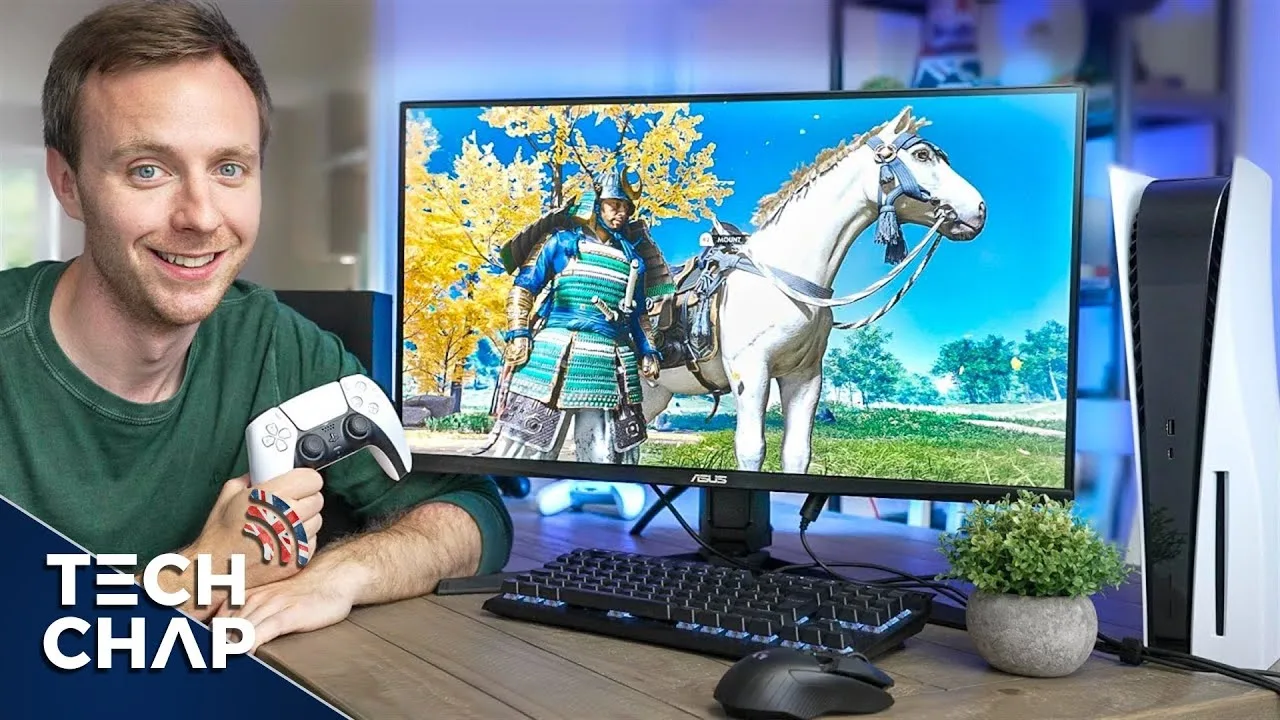
This 28-inch 4K 144Hz monitor targets both PC and console gamers with its dual HDMI 2.1 ports, supporting 120Hz on PS5/Xbox Series X. The IPS panel delivers strong color accuracy with ~90% DCI-P3 coverage, making it suitable for content creation alongside gaming. Pixel response is excellent with minimal IPS glow, though HDR performance disappoints despite 520-nit peak brightness—DisplayHDR 400 certification proves insufficient for true HDR impact, with greyish blacks and some blooming. At £700/$750, the reviewer finds it overpriced for pure PC gaming where 4K crushes frame rates even on RTX 3090 hardware, suggesting QHD 144/240Hz as the better sweet spot. The uncompressed 10-bit 4:4:4 chroma support is a technical standout, though practical benefits over 4:2:2 are negligible.
- →Ideal for console gamers wanting 4K 120Hz on a desk
- →Viable for photo/video editing with solid color accuracy
- →PC gamers should consider QHD alternatives for better value
- →HDR-sensitive users should look at OLED or mini-LED options
- →Works best with older or less demanding PC titles
 Tomi (Midas)
This 28-inch 4K gaming monitor targets console gamers seeking a …
Tomi (Midas)
This 28-inch 4K gaming monitor targets console gamers seeking a …
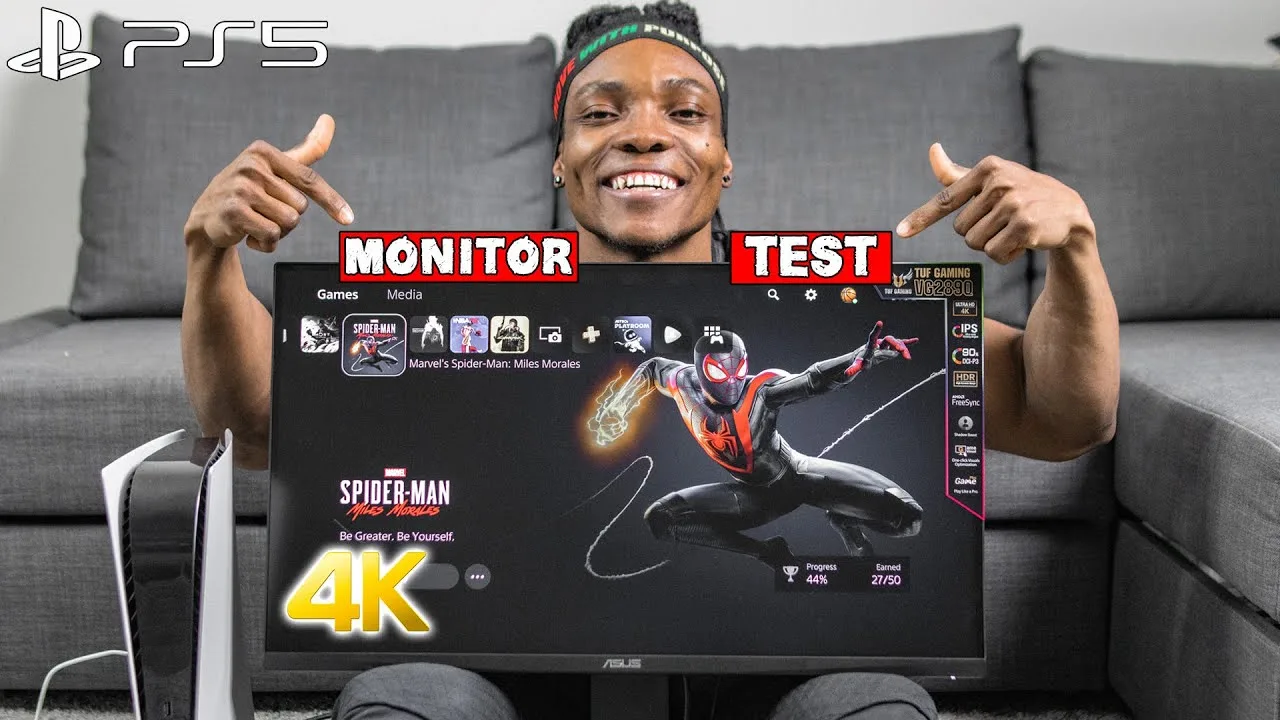
This 28-inch 4K gaming monitor targets console gamers seeking a budget-friendly alternative to expensive TVs. The reviewer highlights its HDR 10 support for enhanced color and brightness, plus Shadow Boost technology that improves visibility in dark game scenes without overexposing bright areas. While AMD FreeSync is included, it's noted as primarily useful for PC rather than PS5 since consoles lack DisplayPort connectivity. The monitor ships with HDMI 2.0 cables, not 2.1, which the reviewer emphasizes as a key limitation for potential buyers. Currently available with a $50-70 discount on Amazon Canada, it's positioned as a practical choice for PS5 gaming despite lacking cutting-edge HDMI 2.1 support.
- →Best suited for budget-conscious PS5 gamers
- →Ideal for those prioritizing 4K over HDMI 2.1 features
- →PC gamers benefit more from full feature set
- →Consider if 120Hz HDMI 2.1 gaming isn't essential
- →Good entry point for 4K HDR console gaming
 Technical Spark
The reviewer unboxed the Asus TUF Gaming VG28UQL1A, a 28-inch 4K IPS …
Technical Spark
The reviewer unboxed the Asus TUF Gaming VG28UQL1A, a 28-inch 4K IPS …
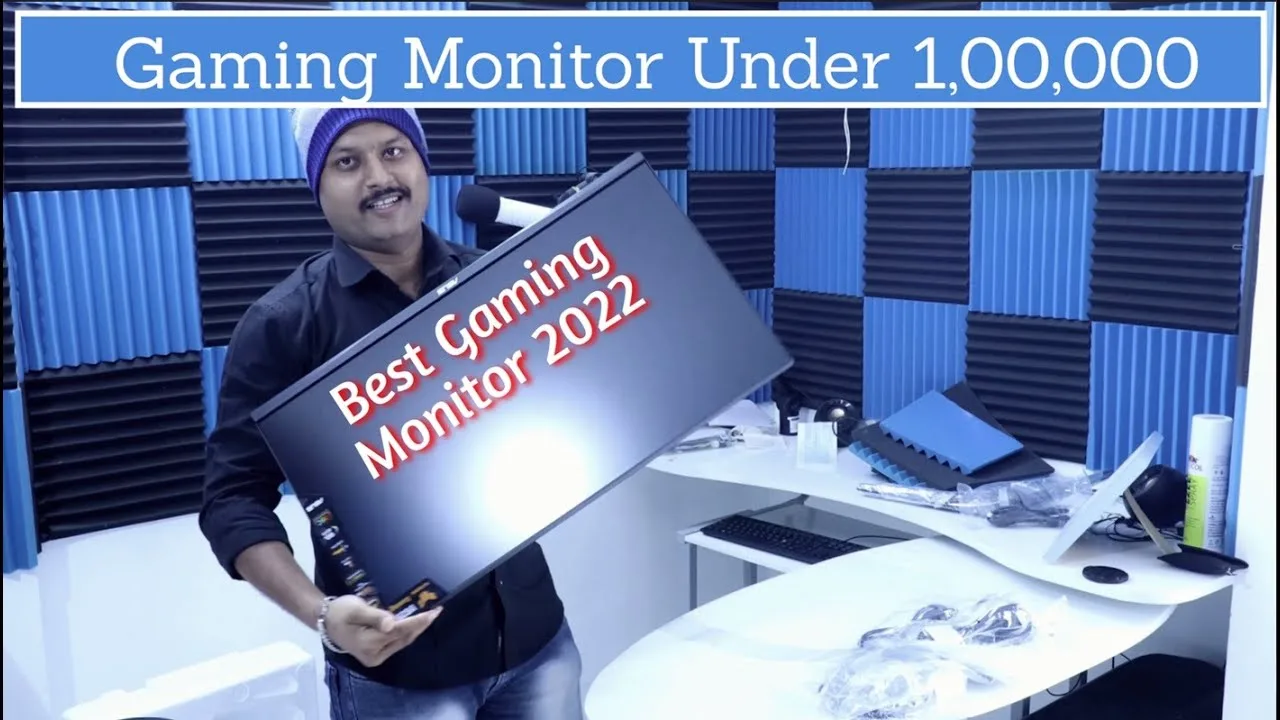
The reviewer unboxed the Asus TUF Gaming VG28UQL1A, a 28-inch 4K IPS gaming monitor with 144Hz refresh rate, 1ms response time, HDMI 2.1, and 90% DCI-P3 color gamut. Purchased for ₹70,000 in Pune, India, the monitor impressed with its build quality, easy assembly, and smooth height adjustment. The reviewer switched from a TN panel and noted significantly reduced eye strain during extended use. Initial 4K video playback showed excellent image quality. The package included multiple regional power cables, DisplayPort, HDMI, and Thunderbolt cables. Based on positive experiences from two friends already using this model, the reviewer considers it completely worth the price.
- →Ideal for long work sessions due to IPS eye comfort
- →Excellent for 4K gaming with HDMI 2.1 support
- →Great value at ₹70,000 street price vs MSRP
- →Recommended for AMD and Nvidia GPU users
- →Suitable for content creation with 90% DCI-P3
 ShortCircuit
A 28-inch 4K 144Hz rapid IPS gaming monitor priced around $800. …
ShortCircuit
A 28-inch 4K 144Hz rapid IPS gaming monitor priced around $800. …
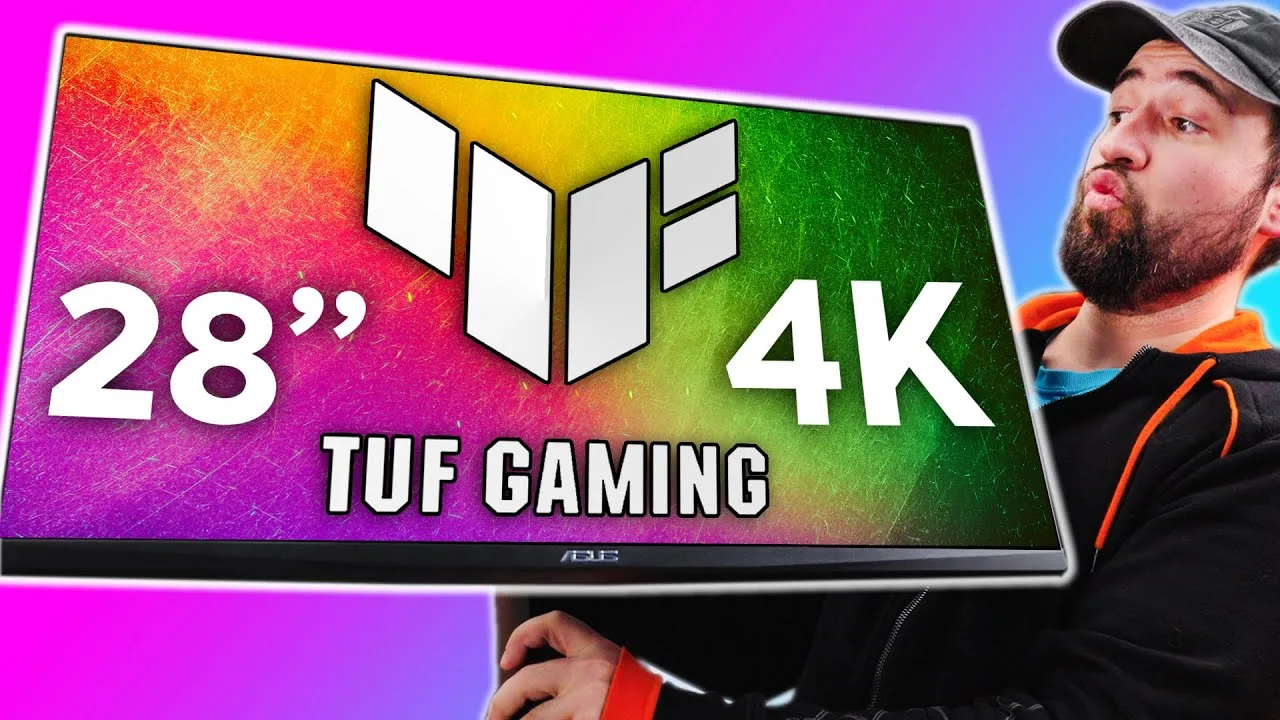
A 28-inch 4K 144Hz rapid IPS gaming monitor priced around $800. Features 90% DCI-P3 coverage, 1ms response time, G-Sync, HDMI 2.1, and DisplayPort connectivity. The stand offers extensive adjustability including vertical orientation, which the reviewer finds particularly useful for productivity workflows. Minimal bezels on three sides and clearly labeled IO ports improve usability. The packaging includes protective foam and pre-attached stand components for easier assembly.
- →Excellent for gamers wanting 4K 144Hz without overspending
- →Vertical mode ideal for productivity and chat monitoring
- →Rapid IPS suitable for fast-paced gaming
- →Color accuracy adequate for content creation entry
- →Setup simplified by pre-attached stand components
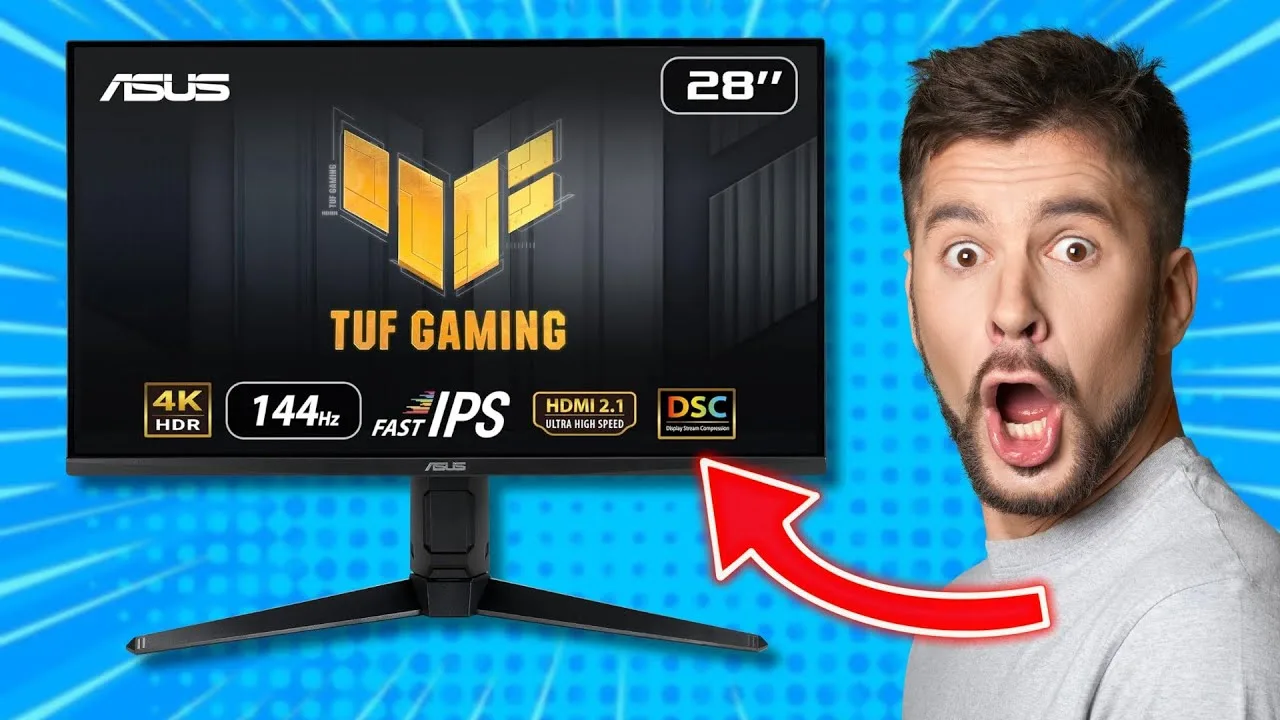 Guide d'achat
A 28-inch 4K Fast IPS gaming monitor with 144Hz refresh rate and 1ms …
Guide d'achat
A 28-inch 4K Fast IPS gaming monitor with 144Hz refresh rate and 1ms …
A 28-inch 4K Fast IPS gaming monitor with 144Hz refresh rate and 1ms response time, targeting both PC and console gamers. Supports native 4K@120Hz on new consoles via HDMI 2.1 without chroma subsampling. Priced between €700-800, it delivers solid HDR 400 performance with rudimentary local dimming that exceeds typical expectations for this certification. Color accuracy is excellent out-of-box with 6500K color temperature and 330 nits SDR brightness. The sturdy build features versatile ergonomic adjustments, though height adjustment can be problematic. OSD controls using a button/joystick combination are awkward and poorly differentiated, with the bottom button accidentally turning off the monitor.
- →Ideal for console gamers wanting 4K@120Hz without TV cost
- →PC gamers seeking 4K 144Hz with solid color performance
- →HDR 400 implementation actually delivers visible improvements
- →Professional color work may need calibration beyond 90% DCI-P3
- →Consider alternatives at similar price point before purchasing
 Kosh Tech
This 28-inch UHD gaming monitor delivers 4K resolution at 144Hz with a …
Kosh Tech
This 28-inch UHD gaming monitor delivers 4K resolution at 144Hz with a …
This 28-inch UHD gaming monitor delivers 4K resolution at 144Hz with a 1ms GTG response time, targeting competitive and console gamers. The IPS panel supports HDMI 2.1 for native 4K 120Hz on PlayStation 5 and Xbox Series X without chroma subsampling. ASUS ELMB Sync technology combines with G-Sync compatibility and FreeSync Premium certification to eliminate tearing. DisplayHDR 400 compliance and 90% DCI-P3 coverage provide solid color performance. Connectivity includes DisplayPort 1.4 DSC, dual HDMI 2.1, dual HDMI 2.0, and USB 3.1 hub. The package includes all necessary cables and documentation.
- →Ideal for competitive PC gamers needing 4K/144Hz
- →Perfect match for PS5/Xbox Series X 4K 120Hz gaming
- →Suitable for content creators needing accurate colors
- →Works seamlessly with both Nvidia and AMD GPUs
- →Ready to use out of box with included cables
Scores based on weighted analysis of 13 expert and community sources. How we review →