

BenQ PD2730S
Best For
- Professional photo editors
- Video editors
- 3D modelers
Consider Carefully
- Gamers needing high refresh rates
- Users requiring high brightness
Jump to Section
The Bottom Line
The BenQ PD2730S is a 27-inch 5K monitor that delivers on high-quality visuals and professional-grade color accuracy, making it an attractive option for creatives. What we found especially noteworthy is its factory-calibrated color presets, which received praise from 8 out of 23 sources, ensuring top-notch color performance right out of the box. Coupled with its 5K resolution, as highlighted by itpro.com, this monitor provides pin-sharp image quality that's ideal for detailed work, such as photo editing, video editing, and 3D modeling, which was recognized by 5 out of 23 sources. Furthermore, the PD2730S is equipped with ample connectivity options, including HDMI 2.1 and DisplayPort 1.4, which were mentioned by 6 out of 23 sources, making it a versatile choice for various setups. However, for all its strengths, the PD2730S does have a few limitations, such as its brightness capped at 400 nits and a 60Hz refresh rate, which might be a letdown for users requiring higher brightness levels or more fluid motion for gaming.
Performance Breakdown
Expert Scores
How 6 professional publications rated this product
In-Depth Analysis
Display Image Quality 92
5K at 218 PPI is the real draw here. 10 sources call it pin-sharp, and the Nano Matte coating earns consistent praise for killing glare without washing out the image.
Key Takeaway
→If you're a creative professional on macOS who needs a sharp, glare-resistant display, this delivers. If you want anything above 60Hz, look elsewhere.
Color Accuracy 92
98% P3 and factory calibration out of the box. Nine sources agree on excellent color accuracy, with one notable exception from r/BenQ reporting reliability failures.
Key Takeaway
→For sRGB and P3 work, this is a strong factory-calibrated choice. If AdobeRGB accuracy is critical to your workflow, test carefully before committing.
USB-C Connectivity 91
90W Thunderbolt 4 power delivery and single-cable setup for MacBooks. Six sources confirm the Mac compatibility story, and it largely holds up.
Key Takeaway
→If you're running a MacBook and want a single-cable 5K setup with 90W charging, this is one of the cleaner implementations available at this price.
Ergonomics & Stand 90
Six sources agree the stand is genuinely ergonomic, with 150mm height adjustment, full tilt and swivel, and portrait rotation. The Hotkey Puck remote is a small but consistently praised bonus.
Key Takeaway
→The stand is a genuine strength. You won't need a monitor arm unless you specifically want one.
Connectivity & Ports 86
Thunderbolt 4, HDMI 2.1, DisplayPort 1.4, and KVM support make this a well-connected hub. The daisy-chaining limitations are a real caveat that Reddit users discovered the hard way.
Key Takeaway
→The port selection covers most professional needs, but verify your specific daisy-chaining or hub requirements before buying. Direct connections are more reliable than the marketing suggests.
Build & Design 74
Slim bezels and a clean aesthetic earn praise, but the plastic backing and mediocre cable management clip are consistent complaints. This does not feel like a $800+ monitor from the back.
Key Takeaway
→Buy this for the display, not the chassis. If premium build quality matters as much as image quality, the Apple Studio Display is worth the price gap.
HDR & Brightness 69
HDR400 support exists but underwhelms. Pcworld.com called it outright disappointing, and at 400 nits peak brightness, it trails the Apple Studio Display.
Key Takeaway
→Don't buy this for HDR. It's a capable SDR professional monitor that happens to have HDR400 on the spec sheet.
Audio Quality 50
Three sources, one verdict: the speakers are poor. Don't factor them into your buying decision.
Key Takeaway
→Plan for external audio from day one. The built-in speakers are not a usable option for professional work.
Specifications & Verdict
Display
- Screen Size
- 27 in
- Resolution
- 5120 × 2880
- Aspect Ratio
- 1.778:1
- Pixel Density
- 218 ppi
- Panel Type
- IPS
- Screen Coating
- Anti-glare/Matte
- Backlight
- W-LED
Performance
- Refresh Rate
- 60 Hz
- Response Time
- 5 ms
- Adaptive Sync
- None
Image
- Contrast Ratio
- 2000 : 1
- Brightness
- 400 nits
- Peak Brightness
- 400 nits
- Color Gamut
- 100 %
- Color Depth
- 10 bits (8 bits + FRC)
- Color Accuracy
- Delta E ≤ 2
- HDR Support
- HDR10
- Viewing Angles
- 178 °
Connectivity
- Video Inputs
- HDMI, USB-C (DP Alt Mode), DisplayPort
- Ports
- 1 x Thunderbolt 4 (90W PD), 1 x Thunderbolt 4 downstream, 2 x USB-C, 3 x USB-A 3.2, 1 x HDMI 2.1, 1 x DisplayPort 1.4, 1 x Headphone jack
- HDMI Ports
- 1
- HDMI Version
- 2.1
- DisplayPort
- 1
- DisplayPort Version
- DisplayPort 1.4
- USB Ports
- 8
- USB-C Power Delivery
- One Thunderbolt port delivers 90W of power
- Speakers
- 2 x 3 W
Design
- Weight
- 8.22 kg
- Dimensions
- 596.736 mm
- Panel Thickness
- 242 mm
- VESA Mount
- Yes
- Height Adjustment
- 150 mm
- Tilt
- -5 - 20°
- Swivel
- 30 - 30°
- Pivot
- 0 - 90°
- Stand Adjustments
- Height (up to 150mm), Tilt (-5° to 20°), Swivel (60°)
- Remote Control
- Yes
- Included Accessories
- HotKey Puck G3 wireless controller
Other Specs
- Power Consumption
- 40W
- Special Features
- Anti-theft stand lock slot - Kensington
- Built in Calibration Report
- (ΔE < 3)
Our Verdict
The BenQ PD2730S is a solid choice for professionals who value color accuracy and sharp image quality. It's particularly well-suited for creative work where color precision is paramount. However, it may not be the best fit for those who require high brightness or are looking for a monitor to satisfy their gaming needs.
Customer Reviews Amazon
1,014 reviews
Sharp 4K USB-C Work Monitor - Built-In KVM switch is awesome for WFH
Full-featured, high quality monitor
Great monitor!
Beautiful Monitor. Minor Issue
Show all 7 reviews
Mac OS Scaling is perfect.
Easy To Install & Use
Best Monitor for MacBooks that isn’t the Studio Display!!!
Reviews shown are from Amazon customers and do not reflect our editorial assessment.
Reader Questions
Specific questions about the BenQ PD2730S, answered only from what reviewers reported.
01Is the color accuracy good enough for professional photo and video editing?
Reviewers confirmed the PD2730S covers 98% P3 and 100% sRGB, and it arrives factory-calibrated. Multiple sources called it ideal for photo editing, video editing, and 3D modeling.
02How sharp does the 5K display actually look in everyday use?
Reviewers described the 5K resolution as delivering pin-sharp image quality, and one source noted it maintains image quality even in bright environments.
03How bright does the screen get, and is it enough for a well-lit room?
Brightness is limited to 400 nits, which multiple reviewers flagged as a constraint. One source did note the display maintains image quality in bright environments, but the 400-nit ceiling is a documented limitation.
04Can it charge my laptop while connected?
Yes. The monitor includes Thunderbolt 4 with 90W power delivery, which reviewers noted is sufficient for charging a laptop through a single cable.
05Is the refresh rate a problem if I also want to game on this monitor?
The PD2730S is limited to 60Hz, and reviewers noted this refresh rate may discourage gamers. It is positioned as a professional display rather than a gaming monitor.
06Are the built-in speakers worth using?
Reviewers consistently rated the speakers as poor, so most users will want to rely on external audio.
Pricing & Availability
Updated Jul 17, 2026BenQ PD2730S
All regions
Sources & Methodology
Every score is built on evidence. This review synthesizes 35 independent sources — expert publications, video reviews, and community discussions — weighted by credibility, depth, and relevance.
Show detailed source analysis ↓ Hide source analysis ↑
Expert Reviews
itpro.com
Top
4/5-point
The BenQ PD2730S is a 27-inch 5K monitor that offers pin-sharp image quality with a minimal footprint. It boasts Thunderbolt 4, a KVM switch, and factory-calibrated color presets. Connectivity is robust with Thunderbolt 4, HDMI 2.1, DisplayPort 1.4, and multiple USB ports, although cable management could be improved. The monitor's design is stable and adjustable, but not as slim and elegant as competitors.
Strengths
- +5K resolution provides pin-sharp image quality
- +Includes Thunderbolt 4 and 90W power delivery
- +Factory-calibrated color presets for professional work
- +Ample connectivity options including HDMI 2.1 and DisplayPort 1.4
Weaknesses
- −Cable management clip is mediocre and drops cables
- −No USB-A ports on the rear of the monitor
- −Color coverage slightly lower than some competitors
creativebloq.com
Top
4/5-point
The BenQ PD2730S is a 5K monitor designed for creative professionals, offering sharp resolution, accurate color reproduction, and a variety of connectivity options. Its wireless HotKey puck and ergonomic design enhance usability, though the built-in speakers are a weak point. Priced under £1,000/$1,000, it's a competitive option compared to the Apple Studio Display.
Strengths
- +Exceptional 5K resolution for detailed work
- +Wide color gamut with factory calibration
- +Ample connectivity ports including Thunderbolt 4
- +Wireless control puck for easy adjustments
Weaknesses
- −Weak built-in speakers
- −Brightness limited to 400 nits
digitalcameraworld.com
Top
4/5-point
The BenQ PD2730S stands out with its 5K resolution, providing a pixel density of 218 PPI for exceptional sharpness. It offers 98% DCI-P3 coverage and HDR support, making it suitable for professional video editing. The monitor's USB-C connectivity at Thunderbolt 4 speed simplifies setup and allows for daisy-chaining. Despite its high price, the PD2730S delivers on image quality and build, though the 5K resolution's benefits are debatable on a 27-inch screen.
Strengths
- +Excellent color accuracy
- +Great all-round image quality
- +Fast, high-power USB connectivity
- +Handy Hotkey Puck remote
Weaknesses
- −5K resolution of limited benefit
- −Mediocre AdobeRGB coverage
techradar.com
Top
4/5-point
The BenQ PD2730S stands out with its 5K resolution, 98% P3 and 100% sRGB color accuracy, and versatile connectivity options like Thunderbolt 4. Its Nano Matte coating enhances viewing experience by managing reflections. The monitor's ergonomic stand and competitive pricing make it an excellent choice for professionals seeking high-quality performance without a premium price tag.
Strengths
- +5K Resolution with 218 PPI
- +98% P3 and 100% sRGB color accuracy
- +Thunderbolt 4 connectivity with 90W PD
- +Great input/output options
Weaknesses
- −Poor speakers
- −Brightness limited to 400 nits
- −Plastic backing lacks premium feel
cultofmac.com
Top
4/5-point
The BenQ PD2730S is an Apple Studio Display alternative that offers a 27-inch 5K Retina resolution screen with Thunderbolt connectivity at a lower price point. It features a handsome design with a slim bezel and a professional calibration for exceptional color reproduction. The display is rotatable between landscape and portrait without shaking, and the build quality is solid with minimal creaking and no wobbling. However, it is bulkier than other displays and slightly less bright than Apple's Studio Display.
Strengths
- +Attractive design with slim bezel
- +Double pixel density and more screen space
- +Professionally calibrated for color accuracy
- +Bright colors with no irritating reflections
Weaknesses
- −Bulkier design compared to other displays
- −Slightly less bright than Apple's Studio Display
machow2.com
Top
90/100-point
The BenQ PD2730S stands out as a high-quality Mac-compatible display, offering a 5K resolution and 218 PPI that scales perfectly with MacBook Retina displays. Its tasteful build quality, ample connectivity options, and amazing color reproduction make it an excellent choice for content creators. However, it falls short in speaker quality and is priced higher than some competitors.
Strengths
- +5K resolution for sharp visuals
- +Supports 218 PPI for Retina display compatibility
- +Scales perfectly with MacBook retina displays
- +Tasteful build quality with sleek design
Weaknesses
- −Speakers are poor
- −Price is on the higher side
francescogola.net
Top
The BenQ PD2730S is a 27-inch 5K monitor designed for creative professionals, featuring an IPS Black panel that ensures consistent color and contrast across viewing angles. It boasts a 2000:1 contrast ratio, 400 nits peak brightness, and HDR10 support. The monitor includes a variety of connectivity options, including HDMI, DisplayPort, Thunderbolt 4, USB-C, and USB-A, with one Thunderbolt port providing 90W power delivery for charging laptops. It covers 100% of sRGB and Rec.709, and 98% of Display P3, making it suitable for graphic designers, illustrators, and video editors.
Strengths
- +27-inch 5K resolution for detailed image viewing
- +IPS Black panel ensures consistent color and contrast
- +2000:1 contrast ratio for deep blacks
- +400 nits peak brightness with HDR10 support
machow2.com
The BenQ PD2730S is a 27-inch 5K monitor designed for creatives and professionals, offering precise color calibration, ergonomic adjustments, and macOS compatibility. It undercuts the Apple Studio Display by $300, with a higher contrast ratio and better port flexibility, including Thunderbolt 4 ports. The PD2730S also supports HDR up to 400 and has full ergonomic VESA mount adjustability. However, it lacks a webcam and has inferior speakers compared to the Apple Studio Display.
Strengths
- +Precise color calibration for professional work
- +Ergonomic adjustments for comfortable use
- +macOS compatibility for seamless integration
- +Higher contrast ratio for better visuals
Weaknesses
- −Inferior build quality compared to Apple's display
- −No webcam for video conferencing
- −Tepid speakers that lack premium audio quality
pcworld.com
The BenQ PD2730S impresses with its 5K display and Thunderbolt 4 connectivity, catering to creative professionals. Its new IPS technology enhances contrast ratio, and the monitor's robust stand offers extensive ergonomic adjustments. Despite lacking Ethernet connectivity and having an underwhelming HDR, the PD2730S provides a wide range of connectivity options, including multiple USB ports and a bundled remote, making it a strong contender in the 5K monitor market.
Strengths
- +Attractive and functional design
- +Wide range of connectivity including Thunderbolt 4
- +Bundled remote is handy
- +Excellent SDR image quality
Weaknesses
- −No Ethernet connectivity
- −HDR is available but underwhelming
- −Only a 60Hz refresh rate
macrumors.com
The BenQ PD2730S, priced at $1,200, offers a competitive alternative to higher-end displays with its comprehensive feature set and solid performance. It stands out for its Thunderbolt 4 support, robust stand, and versatile connectivity options. The monitor's IPS panel with Nano Matte coating provides excellent clarity and color accuracy, covering 98% of the P3 color gamut, which is essential for creative professionals.
Strengths
- +Thunderbolt 4 support for high-power delivery
- +Robust stand with great stability and adjustment capabilities
- +Comprehensive range of ports including HDMI 2.1 and DisplayPort 1.4
- +Outstanding clarity and color accuracy with 98% P3 color gamut coverage
Weaknesses
- −USB ports face downwards, potentially leading to messy cable appearance
macworld.com
The BenQ PD2730S is a 27-inch 5K monitor designed for graphics professionals, video producers, and anyone requiring color accuracy and top-notch image quality. It features a Nano Matte Panel to reduce glare and reflections, a height-adjustable stand, and a range of ports including HDMI 2.1, DisplayPort 1.4, and Thunderbolt 4. The PD2730S produces sharp detail and excellent color reproduction, supported by BenQ's AQColor technology and software utilities for color management.
Strengths
- +Excellent image quality
- +Handy set of software utilities for color professionals
- +Nano Matte Panel cuts down glare and reflections
- +Height-adjustable stand
Weaknesses
- −No webcam
- −60Hz refresh rate may discourage gamers
Video Reviews
 Jerry Schulze
The BenQ PD2730S is a 5K display that balances performance, features, …
Jerry Schulze
The BenQ PD2730S is a 5K display that balances performance, features, …
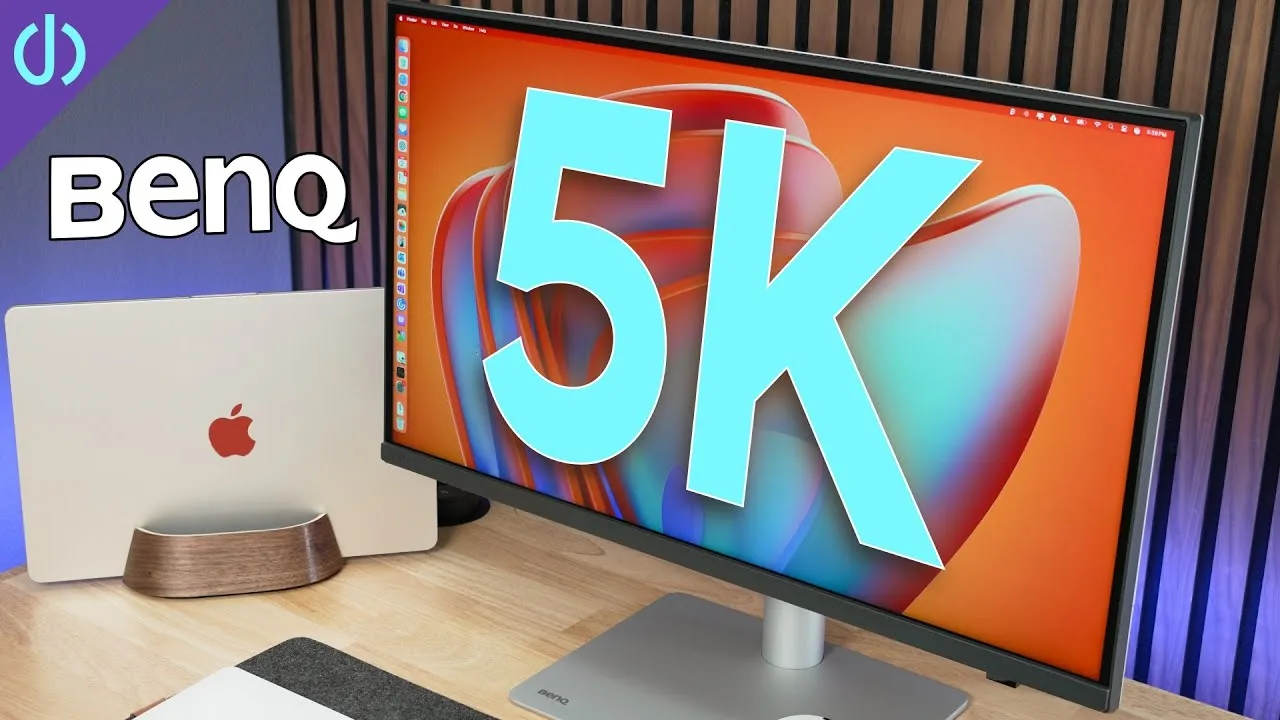
The BenQ PD2730S is a 5K display that balances performance, features, and price, with a focus on color accuracy. It offers a sharp image for Mac users due to its 5K resolution and Retina display preference. The monitor features a 60Hz panel with up to 400 nits of brightness, a 2000:1 contrast ratio, and is factory calibrated for color consistency. Its design is clean and minimal, with a sturdy stand and ergonomic adjustments. It includes HDMI, DisplayPort, Thunderbolt 4 ports, and a USB-C connection for a second device, with the Thunderbolt 4 port powering laptops up to 90 watts.
- →Ideal for professionals requiring color accuracy
- →Suitable for Mac users valuing Retina display
- →Great for multitasking with multiple device connections
- →Ergonomic features enhance comfort during long sessions
 Nemanja Sekulic
The BenQ PD2730S is a 27-inch 5K monitor tailored for professionals …
Nemanja Sekulic
The BenQ PD2730S is a 27-inch 5K monitor tailored for professionals …
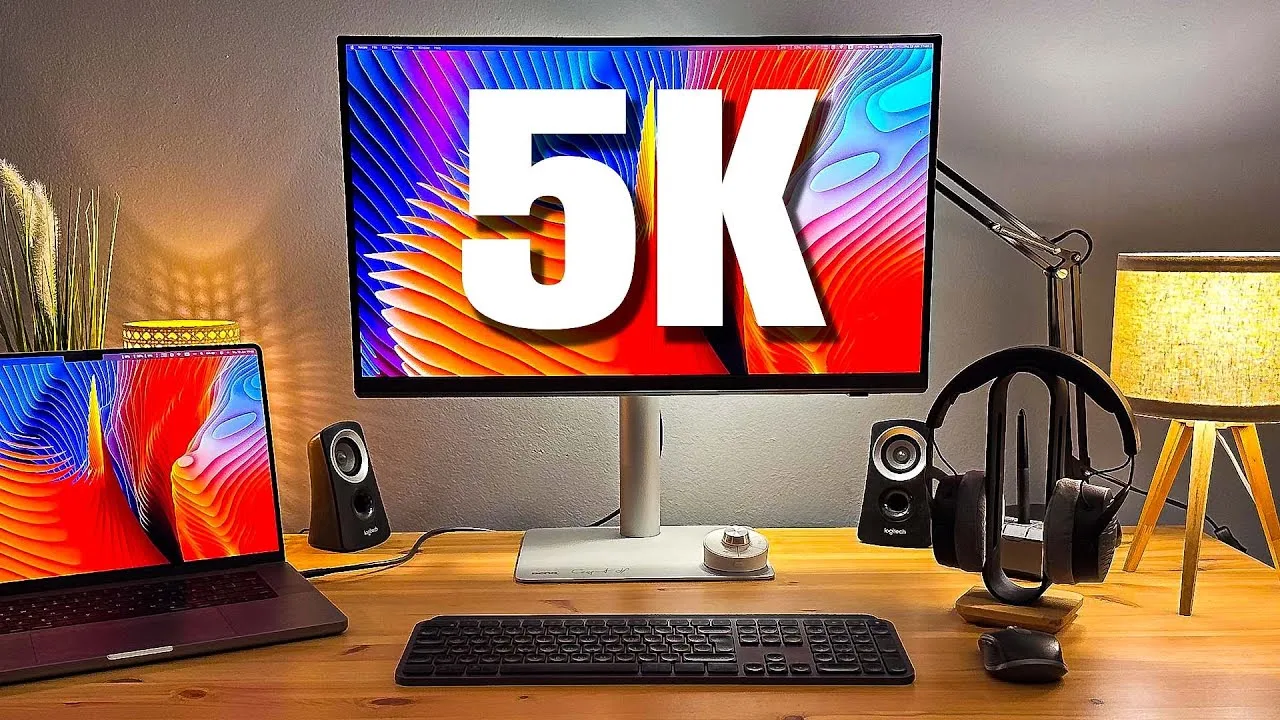
The BenQ PD2730S is a 27-inch 5K monitor tailored for professionals seeking high color accuracy and resolution. It boasts a sturdy build with a brushed aluminum base and redesigned stand, featuring a new cable management system. The monitor offers a 5K resolution with a pixel density of 280 ppi, providing sharp text and detailed image editing. It includes HDR10 and Display HDR 400 support, a 2000:1 contrast ratio, and comes pre-calibrated, ensuring color accuracy out of the box.
- →Ideal for photo editing, video editing, and 3D modeling
- →Anti-glare panel reduces eye strain during long work sessions
- →USB-C connectivity simplifies cable management
- →Height adjustable stand for ergonomic setup
- →VESA mount compatible for additional monitor arm setups
 Glyn Dewis
The BenQ PD2730S is a 27-inch 5K panel monitor with an ultra-high …
Glyn Dewis
The BenQ PD2730S is a 27-inch 5K panel monitor with an ultra-high …
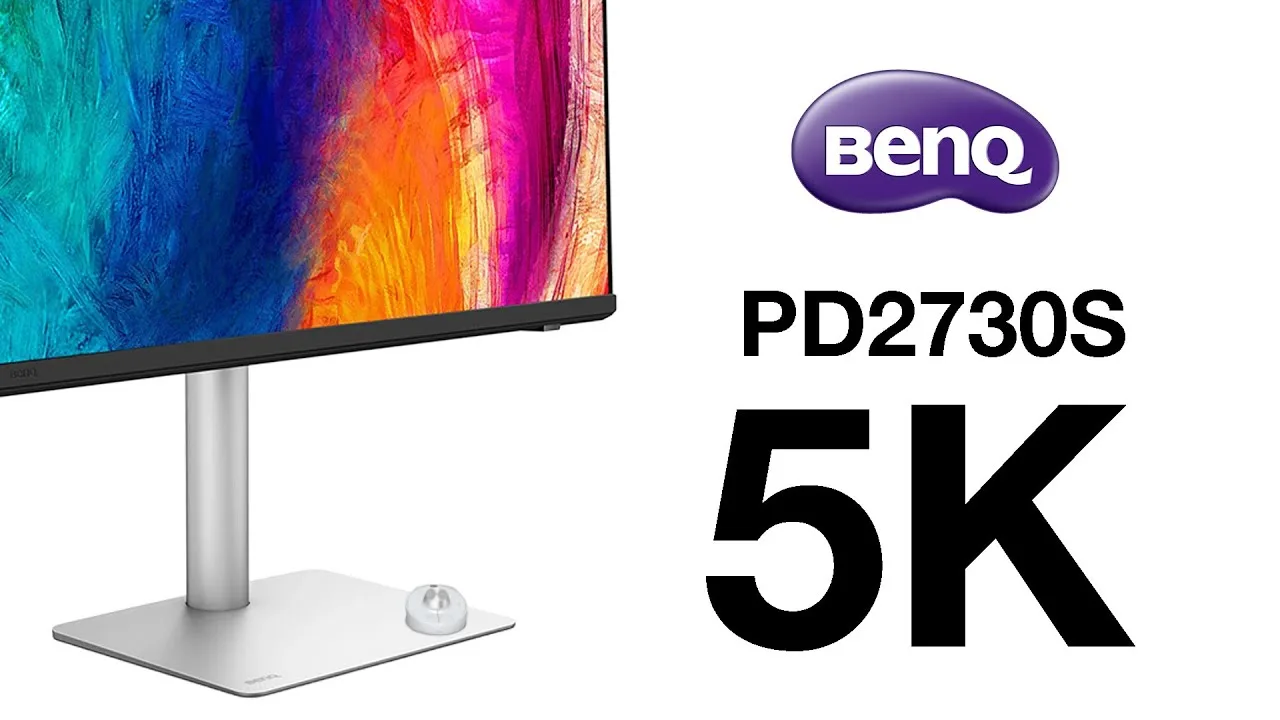
The BenQ PD2730S is a 27-inch 5K panel monitor with an ultra-high resolution screen, offering 218 pixels per inch for sharp edges and impressive clarity. It features dark tone reproduction for balanced tones in darker areas and a 2000:1 contrast ratio for deep blacks. The anti-reflective coating reduces glare, making it suitable for different lighting conditions. Connectivity is a standout feature, with HDMI, DisplayPort, USB, Thunderbolt 4, and USB-C ports, simplifying setup and cable management.
- →Suitable for designers, video, and graphics work
- →Great as a second monitor with P3 and sRGB color space
- →KVM feature allows use with two computers, one keyboard, and one mouse
- →Daisy chain multiple monitors using Thunderbolt cables
- →mBook mode ensures Mac compatibility with easy setup
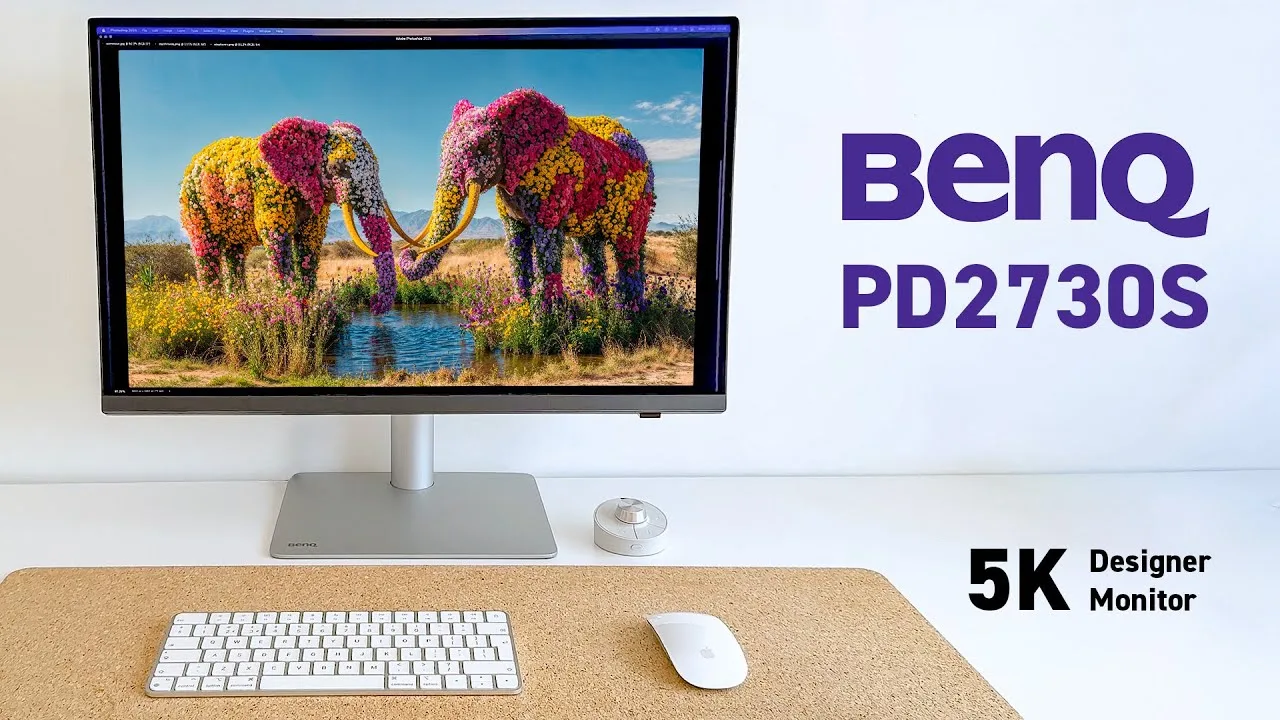 Yes I'm a Designer
The BenQ PD2730S is a significant upgrade for creative professionals, …
Yes I'm a Designer
The BenQ PD2730S is a significant upgrade for creative professionals, …
The BenQ PD2730S is a significant upgrade for creative professionals, offering a 5K Retina resolution on an IPS panel with a 218 ppi pixel density, providing 77% more screen real estate compared to 4K. Its Nano Matte Anti-Glare panel significantly reduces reflections and ambient light disruptions, enhancing visibility and comfort. The monitor also features a 2000:1 contrast ratio, 400 nits of brightness, and VESA HDR 400 certification, delivering deeper blacks and brighter highlights. The Hotkey Puck G3's wireless functionality and customization capabilities speed up workflow, while the design, with its polished white matte texture and exposed ports, is both stunning and practical.
- →Ideal for multitasking and high-res image editing
- →Enhances comfort during long design sessions
- →Improves workflow with advanced calibration software
- →Sync colors across monitors with ease
- →Customizable settings for print simulation
 Rafael Zeier
The reviewer has been testing the BenQ PD2730S monitor as an …
Rafael Zeier
The reviewer has been testing the BenQ PD2730S monitor as an …
The reviewer has been testing the BenQ PD2730S monitor as an alternative to the Studio Display, focusing on its color accuracy and aesthetics. They found the monitor to be visually pleasing and not unattractive from the back, which is a significant factor in their setup. The reviewer also appreciates the color fidelity of the BenQ PD2730S, although they mention that color accuracy is not a top priority for them.
- →Suitable as a secondary display for testing devices
- →Aesthetics are a strong point, not detracting from the setup
- →Color fidelity is a notable feature
 Craig Neidel
The BenQ PD2730S is a 5K monitor designed for Mac users, featuring an …
Craig Neidel
The BenQ PD2730S is a 5K monitor designed for Mac users, featuring an …
The BenQ PD2730S is a 5K monitor designed for Mac users, featuring an mBook mode for seamless integration. Priced at around $1,199, it offers a professional-grade panel with excellent build quality and an ergonomic stand that outperforms the Studio Display. The stand allows for extensive adjustments, including pivoting, swiveling, and tilting, providing flexibility for various viewing needs. The monitor also includes 3-watt speakers for occasional use.
- →Ideal for professional design work on Mac
- →mBook mode for Mac integration
- →Expensive but offers professional features
- →Versatile stand suitable for various workspaces
 9to5Mac
The BenQ PD2730S is a true 5K monitor with a 27-inch IPS panel, …
9to5Mac
The BenQ PD2730S is a true 5K monitor with a 27-inch IPS panel, …
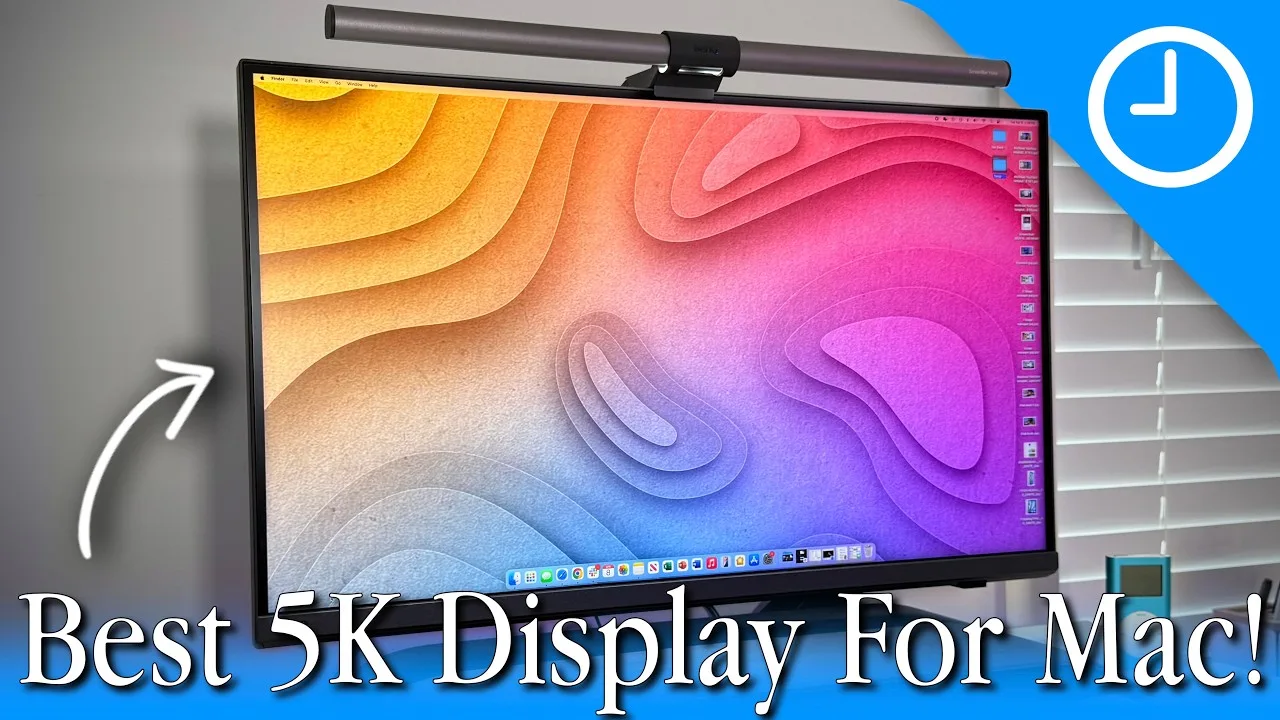
The BenQ PD2730S is a true 5K monitor with a 27-inch IPS panel, offering high pixel density and color accuracy. It covers 98% of the P3 color gamut, 100% of sRGB and REC 709, and has a 2000:1 contrast ratio. With 400 nits of brightness, it's suitable for indoor use and supports HDR10. Designed with MacBook users in mind, it features an M-Book mode for color accuracy and is Thunderbolt 4 compatible, providing a single cable solution for power, video, and audio.
- →Ideal for MacBook and iPad Pro users
- →Excellent color accuracy for professional work
- →USB-C connectivity simplifies cable management
- →Versatile port options for various devices
 John Branch IV Photography
The BenQ PD2730S is a 27-inch 5K monitor with a lighter color theme …
John Branch IV Photography
The BenQ PD2730S is a 27-inch 5K monitor with a lighter color theme …
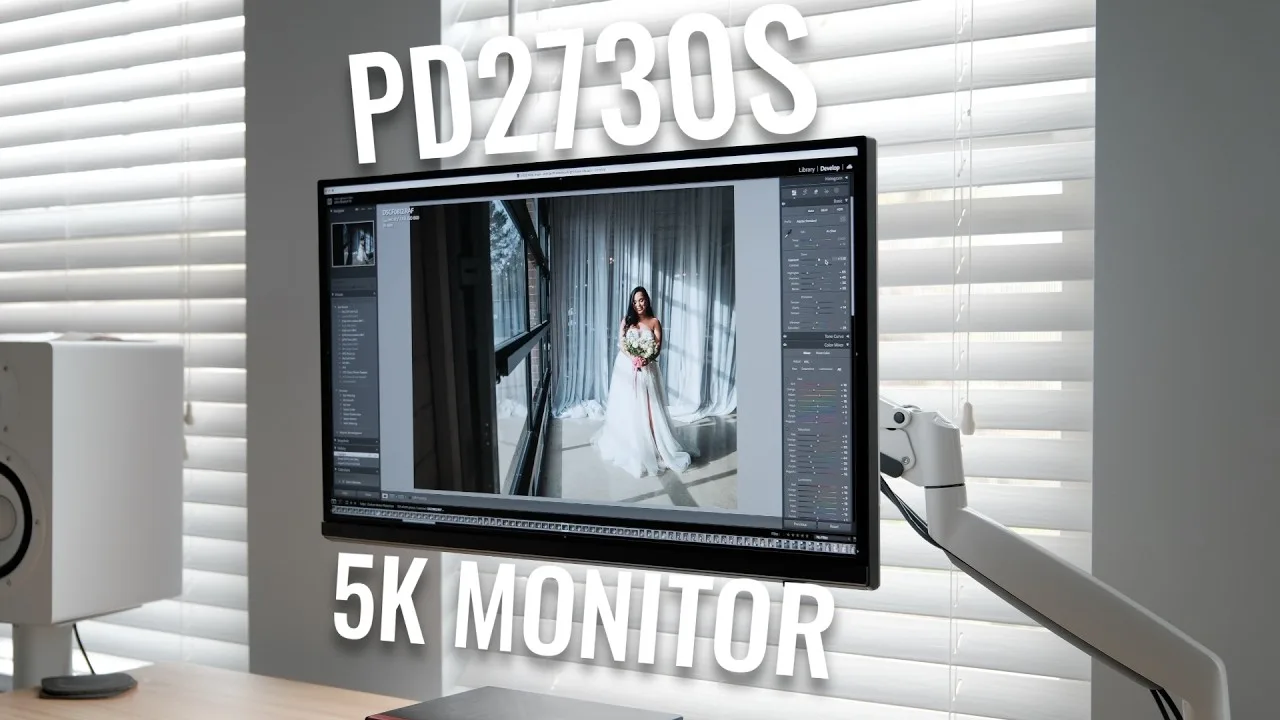
The BenQ PD2730S is a 27-inch 5K monitor with a lighter color theme and a beautiful white backing, fitting well with white-themed setups. It offers a high pixel density of 218 ppi, ensuring crisp images, and covers 98% P3 and 100% sRGB for excellent color accuracy. The monitor's Thunderbolt 4 compatibility provides fast data transfer, and its versatile connectivity options include HDMI, DisplayPort, and multiple USB ports.
- →Ideal for wedding photographers and content creators.
- →Great for photo and video editing with its color accuracy.
- →Suitable for design work and CAD applications.
- →Enhances productivity with a dual monitor setup.
 Best Choice Review
The BenQ PD2730S stands out with its superior contrast ratio, …
Best Choice Review
The BenQ PD2730S stands out with its superior contrast ratio, …
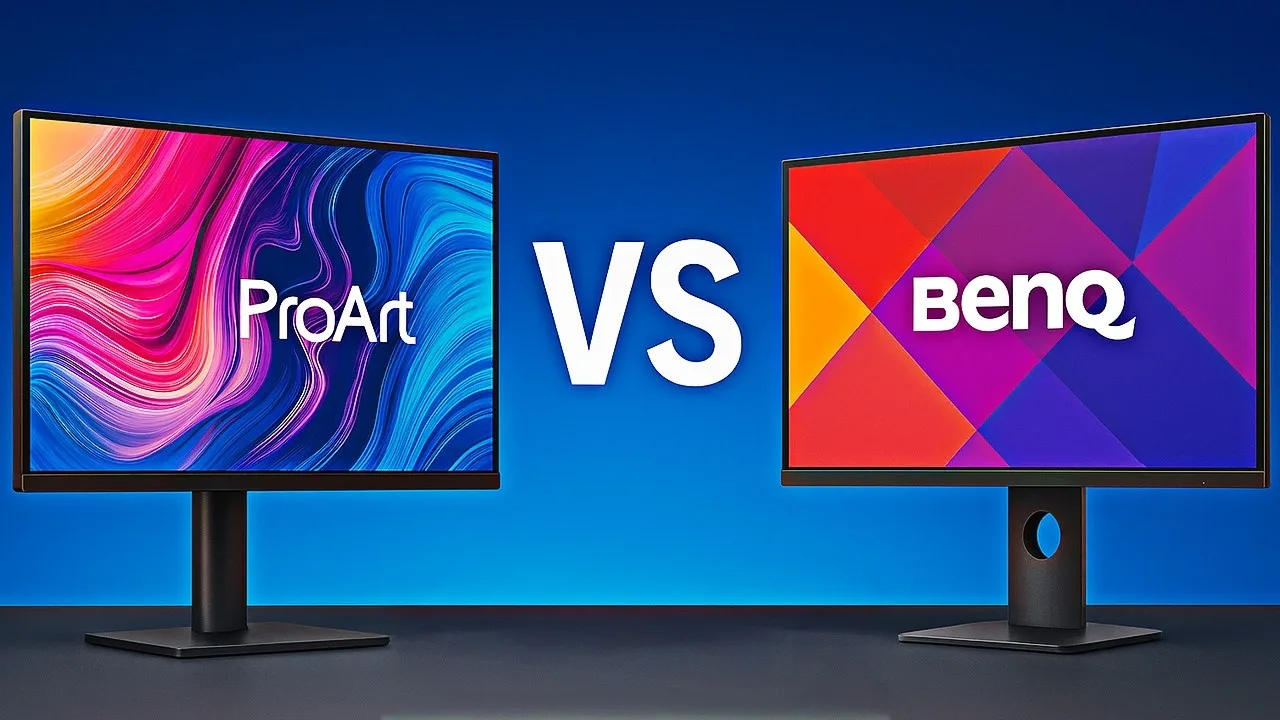
The BenQ PD2730S stands out with its superior contrast ratio, rendering deeper blacks and more detailed shadows, particularly beneficial for video editing. It also offers a higher Adobe RGB coverage than its competitor, enhancing color depth in print media. The monitor's anti-glare NanoMAT panel and Thunderbolt 4 connectivity, supporting daisy-chaining and power delivery, are significant advantages. However, it falls slightly behind in Adobe RGB coverage compared to the Asus ProArt, which could be crucial for certain professional workflows.
- →Ideal for video editing due to high contrast ratio
- →Suitable for print media with rich color depth
- →Excellent for Mac users with Thunderbolt 4 connectivity
 Terry X
The BenQ PD2730S is a productivity monitor that stands out with its …
Terry X
The BenQ PD2730S is a productivity monitor that stands out with its …
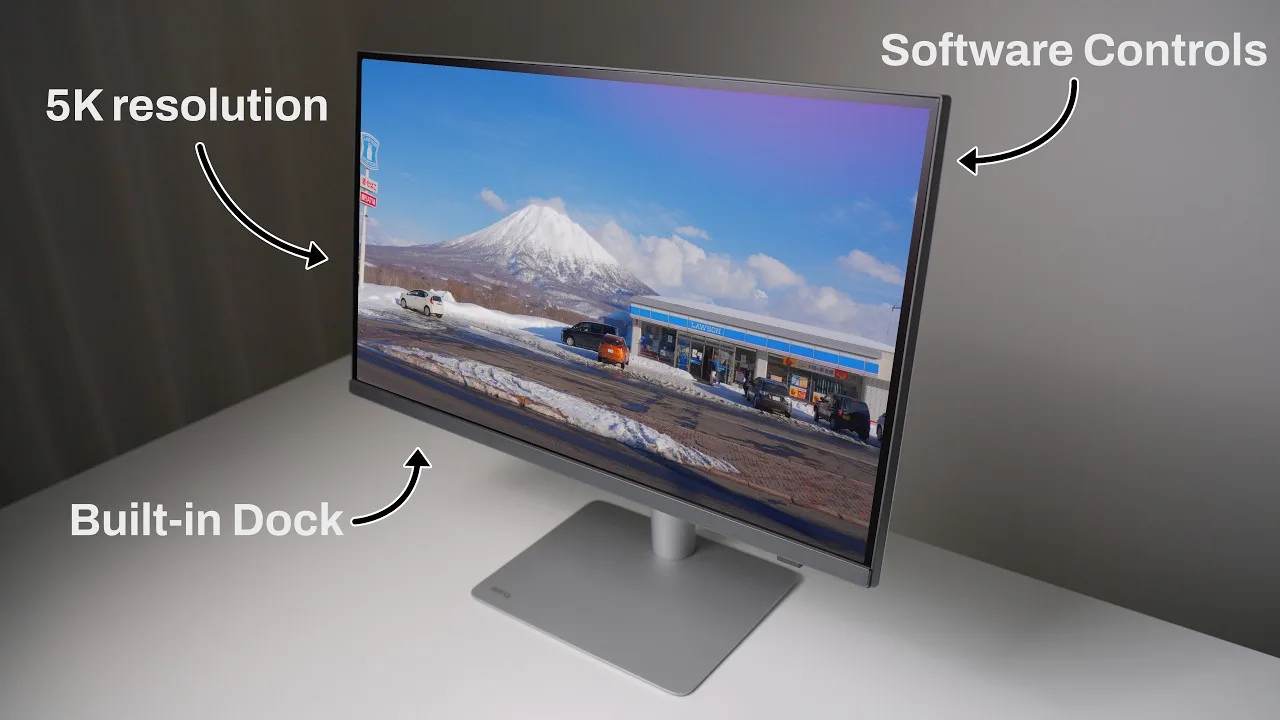
The BenQ PD2730S is a productivity monitor that stands out with its integrated dock, Thunderbolt support providing 90 watts of power, and a variety of quality of life improvements. It offers pre-calibrated modes for different professional fields and speeds up workflow with its extra features. The monitor includes a good selection of ports, with both USB-A and USB-C supporting power output for device charging. Its KVM support allows for signal management between two devices, and the wireless control puck offers enhanced functionality and convenience.
- →Ideal for professionals needing a dock.
- →Suitable for creators, engineers, and medical field.
- →Enhances workflow with dock functionality.
- →Useful for those with mixed USB-A and USB-C accessories.
 ArtIsRight
The BenQ PD2730S is a 27-inch 5K pro designer display with a nano …
ArtIsRight
The BenQ PD2730S is a 27-inch 5K pro designer display with a nano …
The BenQ PD2730S is a 27-inch 5K pro designer display with a nano matted screen, designed for creative professionals. It offers a wide range of pre-calibrated color modes, including Mbook, P3, Display P3, and SRGB, making it suitable for various creative disciplines. The display comes with an individual calibration report, boasting an average delta e of 0.2255, indicating excellent color accuracy. The PD2730S also features USB-C connectivity, simplifying cable management and providing versatility for different devices.
- →Ideal for designers, web, print, CAD, CAM, animation, and video workflow
- →Factory-calibrated for creative workflow with accurate color technology
- →Suitable for Mac users with Mbook color mode
- →Enhanced cable management with included Thunderbolt 4 cable
 Bartek Dziedzic TV
The BenQ PD2730S is an excellent choice for MacBook users seeking a 5K …
Bartek Dziedzic TV
The BenQ PD2730S is an excellent choice for MacBook users seeking a 5K …
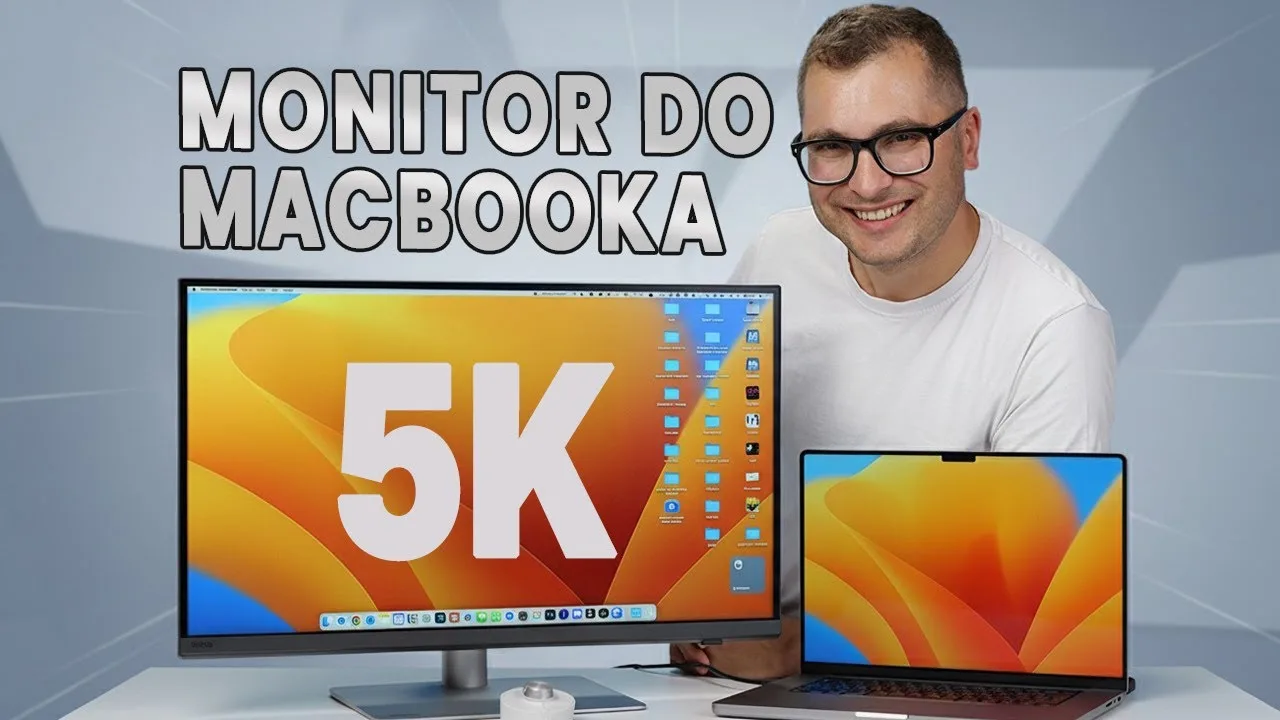
The BenQ PD2730S is an excellent choice for MacBook users seeking a 5K monitor without the high price tag of the Apple Studio Display. It offers native 5K resolution for crisp image quality and seamless macOS interface scaling. Factory color calibration ensures accurate color representation, which is essential for creative professionals. The matte, nano-structural anti-reflective coating significantly reduces reflections, enhancing the comfort of working in various lighting conditions. Additionally, the high native contrast ratio of 2000:1 ensures deep blacks without losing detail in shadows.
- →Ideal for professional photo and video editing
- →Excellent for tasks requiring high color accuracy
- →Reduces eye strain with minimal reflections
- →Maintains image quality even in bright environments
Community Discussions via Reddit
Comparison
r/MacStudio
u/MariusBienius
The BenQ PD2730S is anticipated for its 5K resolution, which is particularly appealing for professionals in DTP, photography, and video editing. However, there is curiosity and debate among users regarding its performance in color accuracy and overall value for money, especially when compared to other options in the market.
Key Insights
- →The BenQ PD2730S is a 5K monitor that could be suitable for professionals requiring high resolution for their work.
- →Users are curious about the monitor's color accuracy and overall performance, which are critical for professional work.
- →The value for money is a point of debate, with users considering other options in the market.
Top Comments
I’m a graphic designer at an agency. My reasoning for getting the Studio Display was a majority of the population uses iPhone to consume content. I needed something that will match those color specs …
I ended up with the Dell 6k/32" when I got my m2 studio - once you add the height adjustable stand to the studio display, it's only a couple hundred dollars cheaper than the Dell. Someone else …
Apple sells a VESA mount variant of the Studio Display. I've got two on VESA arms. They work great for rotation, and the Studio Display automatically detects 90º rotation and adjusts macOS …
Comparison
r/BenQ
u/thepixelgeek
Thepixelgeek's experience with the BenQ PD2730S has been marred by multiple hardware failures within a short period of ownership. Despite the high expectations set by the 'Designer' series' marketing, the monitor has failed to deliver reliable color accuracy and operational stability.
Key Insights
- →The BenQ PD2730S has shown issues with color accuracy and hardware reliability.
- →Professional users seeking color-critical work may find the monitor unsuitable due to the mentioned failures.
- →The monitor's performance has not met the expectations set by its price point and marketing.
Top Comments
That’s some real BS!! Customer service at its finest!
True! It's an all-around quality issue, no matter the type/model. So frustrating. **Planned obsolescence!** The question I have now is, what do I get instead...
Comparison
r/Monitors
u/m1ndwalker
The BenQ PD2730S is noted for its sturdy build and quick recovery from wobble, with a faint coil whine only noticeable in quiet environments without an active signal. It offers vivid colors, especially when contrast and brightness are maximized, and has a similar IPS glow to other monitors. The monitor's HDR functionality is confirmed to work across all resolutions at 60 Hz, but is disabled at 120 Hz for resolutions 1440p and above in MacOS.
Key Insights
- →The BenQ PD2730S has a better panel and colors, but offers features that may not be needed for all users.
- →The monitor's HDR functionality works across all resolutions at 60 Hz, but is disabled at 120 Hz for resolutions 1440p and above in MacOS.
Comparison
r/HiDPI_monitors
u/100Kinthebank
The BenQ PD2730S monitor received mixed reviews from users. Users appreciated the screen resolution and nano matte display, but initially faced issues with the wake from sleep feature. However, after proper setup and turning on USB power when the monitor is off, the user found the monitor to be impressive. The monitor's daisy chaining and hub capabilities were criticized as not meeting expectations, but the user was able to achieve consistent display arrangement and high refresh rates after adjusting the setup.
Key Insights
- →The BenQ PD2730S is best for users who value high screen resolution and nano matte display
- →Proper setup and configuration are crucial for optimal performance
- →Daisy chaining and hub capabilities may not meet all users' expectations
- →Calibration can significantly improve the display quality
Top Comments
I did try that at one point but only got 30 Hz for the Eizo and slow wake. I updated my post as I finally have the combo working and now really like the monitor. I may had had that same Asus ProArt …
I haven’t only because I don’t have need for it. I connect my MacBook and that’s it
Comparison
r/BenQ
u/100Kinthebank
The BenQ PD2730S monitor has been praised for its screen resolution and nano matte display, but has faced issues with wake from sleep. Users have reported that proper setup is crucial for optimal performance, with one user achieving 4k 60Hz on an Eizo monitor and 5k 60Hz on the BenQ when connected directly via Thunderbolt 4 cables. However, there are concerns about the monitor's 'hub' functionality and daisy-chaining capabilities, with resolution and refresh rate issues upon reconnecting the MacBook.
Key Insights
- →The BenQ PD2730S performs well when set up correctly, achieving high resolutions and refresh rates.
- →The monitor's 'hub' functionality is limited, and daisy-chaining capabilities are not as advertised, requiring a direct connection for optimal performance.
- →Calibration with an i1 Display Pro using ColorPalette software results in good color performance.
Top Comments
Case submitted as continue to have intermittent issues with display arrangement and resolution/refresh rate on a daisy chained monitor - 00648394
I sent screenshots but also have a video I can show that makes more sense I think.
Only fix was to run BenQ on own TB cable. Rest via the TB hub I had. Got a dongle to connect both so it’s kind of one cable plug/unplug. The BenQ is definitely not a hub and does not have the …
Comparison
r/mac
u/farnots
The BenQ PD2730S is considered by the community for its matte texture panel, which is a point of discussion regarding readability compared to a glossy panel. It is noted for its €1199 price point, making it a more affordable option than the Apple Studio Display. However, there is uncertainty about the impact of the matte panel on photo editing and programming tasks.
Key Insights
- →The BenQ PD2730S is a more affordable option compared to the Apple Studio Display.
- →The matte panel of the BenQ PD2730S could potentially affect readability and photo editing experience.
Top Comments
FYI, that article is pretty bad. Non-integer scaling on 4K 27" displays is not the huge issue they make it out to be and it's ridiculous that they suggest that a 110dpi display is a superior option.
I choose the BenQ one https://www.reddit.com/r/mac/s/66F0OgGmpb
Yeah I think they are a little nitpicking here but I want a display to last and doesn’t want to have blurry issue or software adaptation. 5K seams a suitable solution
Quick Opinion
r/Monitors
u/j3dimast3r
The BenQ PD2730S is a highly anticipated 5K monitor among Mac users, set to release on March 1st with pre-orders available for $1199.99. While not designed for gaming, the community consensus is that a higher refresh rate would enhance the user experience for general desktop use and productivity tasks, similar to MacBook Pro screens. The lack of a 120Hz refresh rate is seen as a downside by some users.
Key Insights
- →The BenQ PD2730S is positioned as a high-resolution monitor for productivity and general use, not gaming
- →A higher refresh rate is desired by the community for enhanced smoothness in scrolling and general tasks
- →The price point of $1199.99 is considered reasonable by some, but the lack of a 120Hz option is a point of contention
Top Comments
I mean I know it's not designed for gaming but even 120hz is better for general desktop use. That's why MacBook Pro screens are 120hz despite their terribly bad response times since it still makes …
High refresh rate monitors aren’t a gaming-only thing. Apple has MacBook Pros with ProMotion displays. You didn’t think that was for gaming did you?
At this price, it isn't. And high refresh is amazing for regular non-gaming tasks. If it wasn't it wouldn't be on Apple's laptops. You're just spouting nonsense equivalent to the "the eyes can't …
Comparison
r/MacOS
u/wborrem
The BenQ PD2730S is a 5K monitor considered by the author for occasional gaming and work on a MacBook M4 Pro. It is praised for its compatibility with macOS and quality, but criticized for its 60Hz refresh rate, which might not be ideal for gaming. The author has been using monitors for 10 years and is looking for a balance between quality and cost.
Key Insights
- →The BenQ PD2730S is praised for its compatibility with macOS.
- →The 60Hz refresh rate could be a downside for users interested in gaming.
- →The author is leaning towards a 5K monitor like the BenQ PD2730S for its quality with macOS.
Top Comments
Get 4K monitors for the refresh rate; higher resolutions do run at 60 Hz per Apple: https://support.apple.com/en-us/101571 Apple's displays have excellent color and contrast, so a cheap display …
Super pleased with mine. https://www.amazon.com/dp/B09TQZP9CL?ref_=ppx_hzsearch_conn_dt_b_fed_asin_title_1&th=1
Haha, yeah, I don't expect the games to run at 4K. I read a lot about 27" being preferred over 32" in combination with a MacBook. Hadn't found [rtings.com](http://rtings.com) yet, so thanks for the …
Comparison
r/BenQ
u/marblehead-photos
The BenQ PD2730S is being considered as a potential upgrade to replace the Dell Ultrasharp UP2516D in the user's setup. The user is specifically interested in its 5K native resolution, which they believe could improve upon the current 4k/2k setup. The BenQ PD2730S is also seen as a potential main screen and hub, due to its Thunderbolt ports and power delivery capabilities.
Key Insights
- →The BenQ PD2730S is considered a solid upgrade for the user's current setup.
- →The user is particularly interested in the 5K resolution for improved image quality.
- →There are very few reviews available for the BenQ PD2730S, indicating it may be a new or less widely used product.
Comparison
r/Monitors
u/marblehead-photos
The BenQ PD2730S is considered a solid upgrade by the user, particularly for its potential to replace the Dell Ultrasharp UP2516D in their existing setup. The user is impressed with the BenQ's 5K native resolution, which they believe will enhance their current 4K/2K setup. They also appreciate the equal number of Thunderbolt ports and improved power delivery compared to their current hub.
Key Insights
- →The BenQ PD2730S is seen as a potential upgrade for users seeking higher resolution and better power management
- →The user's long-term experience with monitors suggests a preference for quality over quantity of reviews
- →The 5K resolution is highlighted as a significant advantage for tasks requiring detailed visuals
Quick Opinion
r/HiDPI_monitors
u/JamesDFreeman
The BenQ PD2730S is praised for its text rendering and screen contrast by its user, who owns it alongside another monitor and uses them as a KVM setup with a MacBook Pro and a Windows desktop. The user has shared images to demonstrate the quality of text rendering and has noted the good contrast and lack of noticeable light bleed under specific conditions. The community has engaged in a detailed discussion about the monitor's performance, particularly in terms of text rendering and image quality.
Key Insights
- →Suitable for users needing a KVM setup with high-quality text rendering and image quality
- →Contrast and light bleed performance is good under specific viewing conditions
- →User experience suggests the monitor handles different resolutions well, though further testing is needed for custom resolutions
Top Comments
If it is not too late to ask. Can you compare text rendering subjectively? 4k is significantly worse displaying text than 5k on mac?
https://preview.redd.it/bogvidkidzwe1.jpeg?width=4032&format=pjpg&auto=webp&s=6e06e1becca4bb21f1b34637677d2a9290594fce Subjectively, very good. At default scaling, (1440 desktop …
https://preview.redd.it/bogvidkidzwe1.jpeg?width=4032&format=pjpg&auto=webp&s=6e06e1becca4bb21f1b34637677d2a9290594fce Subjectively, very good. At default scaling, (1440 desktop …
Troubleshooting
r/HiDPI_monitors
u/m1ndwalker
The BenQ PD2730S is considered by the user as a potential upgrade due to its 5K resolution and Thunderbolt connectivity, which could provide a sharp picture on MacOS. However, there is a concern about whether the 5K resolution can be downgraded to 1440p for Windows laptops without compromising image sharpness.
Key Insights
- →5K resolution is a strong selling point for MacOS users
- →Potential compatibility issues with Windows laptops at lower resolutions
Top Comments
Indeed.. I had that one on my radar as well. Unfortunately, the price in EU (Netherlands) has just been made available today, and at the moment it's going for 1149 Eur, which is basically a hair less …
Only productivity.. in fact I can’t even install software on these windows machines since they’re company controlled and I’ve got no Admin rights. If there’s going to be gaming it’s more likely to be …
Both laptops are indeed modern enough. Mine actually has a 4K screen, and sometimes the animations and window management seem to struggle a bit compared to when I run it exclusively with the Dell …
Scores based on weighted analysis of 35 expert and community sources. How we review →