

Monitors
Apple Studio Display
Best For
- Creative professionals
- Apple ecosystem users
- High-resolution display seekers
Consider Carefully
- Budget-conscious buyers
- Gamers needing ProMotion
Jump to Section
The Bottom Line
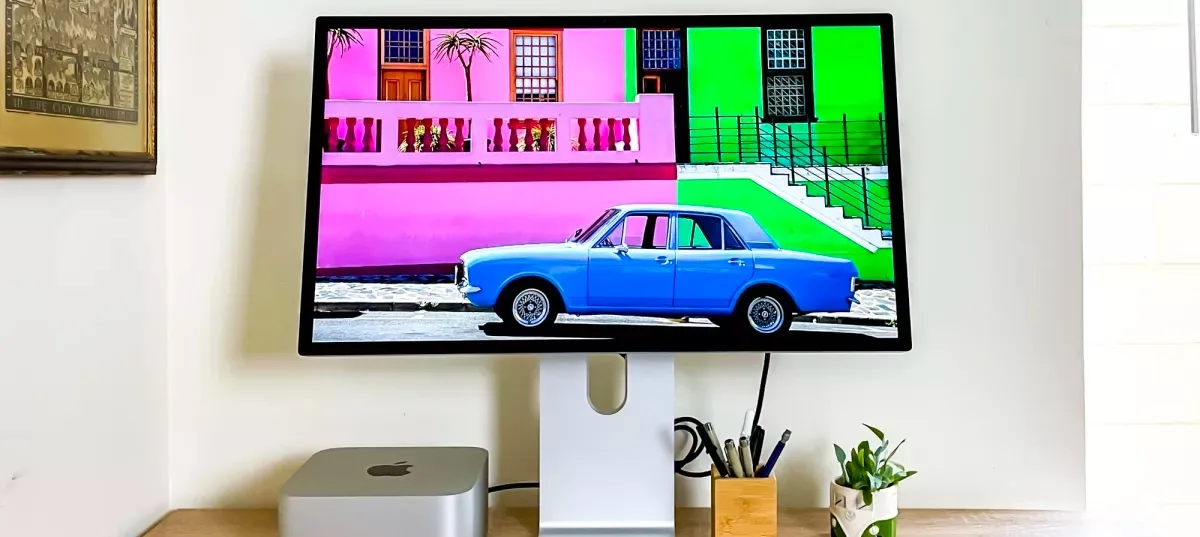
The Apple Studio Display is carving out a niche for itself as a high-quality monitor tailored for creative professionals and those invested in the Apple ecosystem. What we found particularly striking is its panel quality, which excels in color accuracy, making it a strong choice for professional work. As noted by zdnet.com, the 'wide color gamut' is a standout feature. Coupled with a high-resolution 5K Retina display, this monitor ensures a sharp and detailed image, which is further enhanced by an elegant design that seamlessly integrates with other Apple products. However, the high price point and lack of certain advanced features like ProMotion, as mentioned by tomsguide.com, mean that this isn't a monitor for everyone.
Performance Breakdown
In-Depth Analysis
Color Accuracy 100
Twelve of fourteen sources agree: color accuracy is the Studio Display's strongest card, with individual factory calibration and P3 wide color support.
Key Takeaway
→If color accuracy is your primary requirement, this is one of the most reliable options at this price point. No meaningful dissent across 14 sources.
Design & Build 98
Eight of fifteen sources call the build quality and aesthetic exceptional. The one consistent gripe is that the bezels could be thinner.
Key Takeaway
→If design and build quality matter to you, this is one of the best-built monitors on the market. The bezels are the only real aesthetic compromise.
Audio Performance 95
Four of six sources call the six-speaker array genuinely impressive. No meaningful dissent.
Key Takeaway
→The audio is genuinely good for a monitor. If you were planning to buy separate speakers for a clean desk setup, factor this in.
Connectivity & Ports 89
Seamless for Mac users, genuinely limited for everyone else. Two sources explicitly flag poor compatibility with Windows systems.
Key Takeaway
→Mac users get one of the cleanest connectivity experiences available. Non-Apple users should look elsewhere.
Webcam & Camera 84
Center Stage and the 12MP ultrawide camera earn praise for video calls, but markellisreviews.com calls the webcam quality poor. The gap between marketing and reality is real.
Key Takeaway
→If video calls are your main use case, the webcam is adequate. If you need professional-grade camera quality, this won't cut it.
Display Quality 78
A stunning 5K panel that earns near-universal praise for professional work, but 60Hz, no HDR, and 8-bit output are real limitations that reviewers don't ignore.
Key Takeaway
→If your work is color-critical photography, video editing, or design on a Mac, this display delivers. If you need HDR proofing, high refresh rates, or Windows compatibility, look elsewhere.
Stand & Adjustability 54
Three sources flag the same problem: height adjustment costs extra, and the standard stand is limited. This is the most consistent complaint about the physical product.
Key Takeaway
→Budget for the stand upgrade or a VESA mount from the start. The default stand is a real ergonomic compromise.
Price vs Features 53
Five of twelve sources flag the price as a problem. The core tension: you're paying for build quality, color accuracy, and ecosystem integration, not raw specs.
Key Takeaway
→If you're a Mac-based creative professional who values color accuracy and build quality, the price is defensible. If you're comparing spec sheets, it loses.
Specifications & Verdict
Connectivity
- Downstream
- 3 x downstream USB-C ports (up to 10Gb/s)
- Ports
- one Thunderbolt 4, three USB Type-C ports
- Upstream
- 1 x upstream Thunderbolt 3 (USB-C) with 96W host charging
Display
- Brightness
- 600 nits
- Color
- P3 wide color
- Color Calibration
- individually color calibrated at the factory
- Color Gamut
- full coverage of the Display P3 color gamut (DCI-P3 with a D65 white point)
- Dynamic Range
- SDR (standard dynamic range) / EDR (extended dynamic range)
- Panel Type
- IPS LCD
- Pixels per Inch
- 218
- Refresh Rate
- 60Hz
- Resolution
- 5K
- Size
- 27 inches
Ergonomics
- Height Adjustable Stand
- height-adjustable stand for an extra $400
- Stand
- tilt-adjustable
- Stand Options
- tilting stand,tilt and height adjustment,VESA mount adapter
Features
- Audio
- Six-speaker system with force-cancelling woofers and studio-quality three-mic array
- Built in Webcam
- 12MP Ultra Wide camera with 122° field of view
- Display Glass
- Standard anti-reflective or Nano-texture anti-reflective
- Extra Features
- Nano-texture Glass option,six speakers with force-cancelling woofers
- Nano Texture Glass
- Nano-texture glass for an extra $300
Performance
- Default Resolution
- 2560 x 1440 pixels
- Maximum Resolution
- 5120 x 2880 pixels
Physical
- Cable
- one-meter thunderbolt cable
- Dimensions
- 24.5 x 18.8 x 6.6 inches (with stand, height tops out at 23 inches w/ optional height-adjustable stand)
Our Verdict
The Apple Studio Display is a solid investment for those who prioritize color accuracy and design, and who are willing to pay a premium for a monitor that fits seamlessly into the Apple ecosystem. However, for those on a tighter budget or in need of advanced features like ProMotion, this monitor may not be the best fit.
Customer Reviews Amazon
544 reviews
What a great monitor. It's the best
Pricy, but a really great monitor
100% like it
Here's What You Need To Know About AppleCare+ Post-Purchase
Reviews shown are from Amazon customers and do not reflect our editorial assessment.
Pricing & Availability
Updated Feb 26, 2026Apple Studio Display
Sources & Methodology
Every score is built on evidence. This review synthesizes 37 independent sources — expert publications, video reviews, and community discussions — weighted by credibility, depth, and relevance.
Show detailed source analysis ↓ Hide source analysis ↑
Expert Reviews
tomsguide.com
Top
4/5-point
The Apple Studio Display offers a stunning 27-inch 5K screen, complemented by a six-speaker array for excellent sound and a 12MP ultrawide camera that supports Center Stage. Its elegant design and compatibility with a range of Apple devices make it a strong choice for Mac and iPad users. However, the lack of height adjustment in the standard model and the necessity of a Mac or iPad for firmware updates limit its appeal for non-Apple device users.
Strengths
- +Beautiful, bright 5K display
- +Six-speaker array delivers remarkably good sound
- +12MP ultrawide camera captures great images/video
- +Elegant design
Weaknesses
- −No height adjustment by default
zdnet.com
Top
4/5-point
The Apple Studio Display is a premium monitor tailored for creative professionals, featuring a sleek design that enhances any workspace. It offers a 27-inch 5K resolution display with a wide color gamut, delivering accurate color grading for video and photo work. Connectivity is streamlined with a single Thunderbolt cable, and it includes additional USB-C ports for peripherals. While it's priced higher than some alternatives, its design and functionality cater to Mac users and those in customer-facing roles.
Strengths
- +Sleek design suitable for customer-facing studios
- +Accurate color grading for professional work
- +Simplified cable management with Thunderbolt 3
- +Additional USB-C ports for peripheral connectivity
Weaknesses
- −High price point relative to feature set
- −Limited adjustability on standard stand
markellisreviews.com
8/10-point
The Apple Studio Display offers a premium aesthetic and build quality, with a 27-inch 5K retina display featuring a high resolution, P3 wide color, and True Tone support. Its design is reminiscent of Apple's iMac, with a solid aluminum construction that looks stunning on any desk. However, the display technology is similar to the iMac's, with the same 60Hz refresh rate, and the webcam quality is disappointing, which may not justify its high price for some users.
Strengths
- +Stunning design and premium build quality
- +High-resolution 5K retina display
- +Support for P3 wide color and True Tone
Weaknesses
- −Expensive price point
- −Webcam quality is poor
- −Lacks advanced features like ProMotion
pcmag.com
3.5/5-point
The Apple Studio Display is a 5K, 27-inch monitor released alongside the Mac Studio, targeting content creation and professional work. It features a sleek design with a standard tilting stand and the option for a more expensive height-adjustable stand. The display offers color accuracy and a slim profile, but its high price and limited compatibility outside the Apple ecosystem may deter some users. The inclusion of USB-C ports and macOS-only color profiles further emphasize its focus on Apple loyalists.
Strengths
- +5K resolution for detailed image quality
- +Color accuracy suitable for professional work
- +Slim profile and sturdy stand design
- +USB-C connectivity for modern devices
Weaknesses
- −High price point may not justify features
- −Limited compatibility outside of Apple devices
- −Additional cost for height adjustment and Nano-texture Glass
dpreview.com
The Apple Studio Display is a high-quality 5K monitor with excellent color accuracy and uniformity, offering a seamless experience for Mac users. Despite its high price, it delivers on performance, especially for creative professionals. However, it lacks some advanced features like miniLED backlighting and full 10-bit panel coverage, and its compatibility and control options are limited when used with Windows systems.
Strengths
- +Extremely color accurate for professional work
- +Excellent color uniformity
- +Seamless experience with Mac systems
- +Solid build quality with aluminum chassis and edge-to-edge glass
Weaknesses
- −Limited compatibility and controls with Windows systems
reneritchie.net
The Apple Studio Display offers a refined experience for Mac users seeking high-resolution displays. It provides a 5K resolution with native 2x pixel alignment, ensuring sharpness and clarity. The display is individually color calibrated and matches Apple's P3 wide gamut across devices, which is crucial for color-critical work. Brightness is improved at 600 nits, offering a better viewing experience than previous models. However, it's limited to 8-bit output and 60Hz refresh rate, which may be a downside for those requiring HDR or higher refresh rates.
Strengths
- +5K resolution with native 2x pixel alignment
- +Individually color calibrated for accurate color matching
- +600 nits brightness for improved viewing experience
Weaknesses
- −Limited to 8-bit output
- −Locked to 60Hz refresh rate
larryjordan.com
The Apple Studio Display impresses with its gorgeous display, offering extremely even colors and illumination up to 600 nits. It features a solid build with a tilt/lift/spin mounting system and a default resolution of 2560 x 1440 pixels, which can be switched to 5120 x 2880 pixels for 4K or 5K images. The speakers deliver rich sound with ample volume, and reflections are manageable in an office environment. However, it lacks HDR support, which could be a drawback for professionals requiring high image quality for HDR proofing.
Strengths
- +Gorgeous display with even colors and up to 600 nits illumination
- +Solid build quality and versatile mounting system
- +High-resolution display with 2560 x 1440 default and 5120 x 2880 option
- +Rich sounding speakers with sufficient volume
Weaknesses
- −Lacks HDR support for professional HDR proofing
- −Priced high for hardware that may not be fully utilized by all professionals
Video Reviews
 The Tech Chap
The Apple Studio Display offers a 27-inch 5K resolution with a sleek …
The Tech Chap
The Apple Studio Display offers a 27-inch 5K resolution with a sleek …
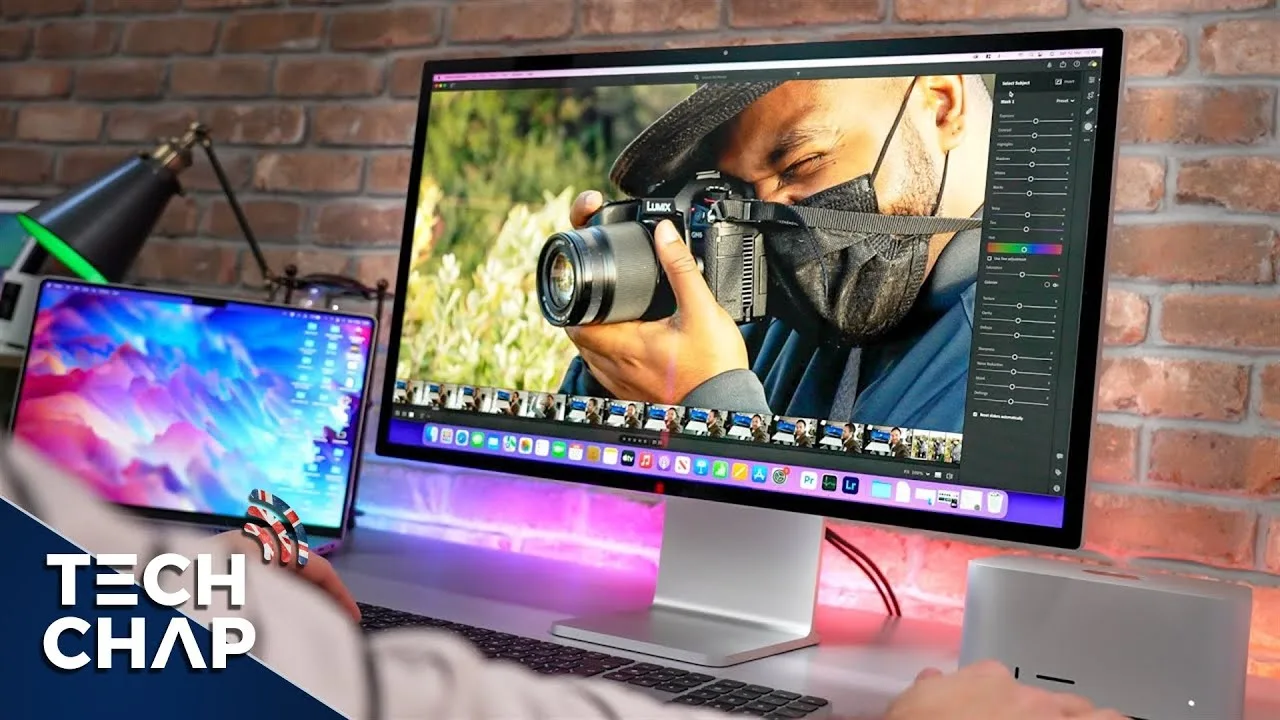
The Apple Studio Display offers a 27-inch 5K resolution with a sleek design and a powerful A13 chip, making it a feature-rich monitor. It includes a 12-megapixel ultra-wide camera with Center Stage and spatial audio, but the camera quality is noisy without the AI noise reduction present in other Apple devices. The display has a slim bezel and a single cable for power, with four USB-C ports, one of which supports Thunderbolt 3 and 96-watt power delivery. The anti-reflective coating is decent, and an optional nano-texture coating is available for additional cost. The height adjustable stand is expensive, and the display lacks HDR support, which is a significant drawback for a monitor at this price point.
- →Ideal for use with recent MacBooks, Mac Minis.
- →Center Stage feature useful for video conferencing.
- →Consider nano-texture coating for bright rooms.
- →Lack of HDR may be a deal-breaker for creators.
- →Expensive stand upgrade, consider VESA mount alternatives.
 ZONEofTECH
The reviewer praises the Apple Studio Display for its exceptional …
ZONEofTECH
The reviewer praises the Apple Studio Display for its exceptional …
The reviewer praises the Apple Studio Display for its exceptional sharpness, high brightness, impressive speaker volume and clarity, convenient connectivity, and premium build quality. They were particularly impressed with the monitor's PPI, lack of anti-reflective coating, and 2 to 1 Retina scaling, which contributed to its image clarity. The brightness level was also noted for being significantly higher than other monitors, making it usable in direct sunlight. However, the reviewer found the bass in the speakers to be overly strong, causing distortion, and was disappointed with the color accuracy, contrary to their expectations.
- →Ideal for workspaces requiring high resolution
- →Suitable for bright, sunny environments
- →Great for those needing direct drive connectivity
- →Premium design, but bezels could be thinner
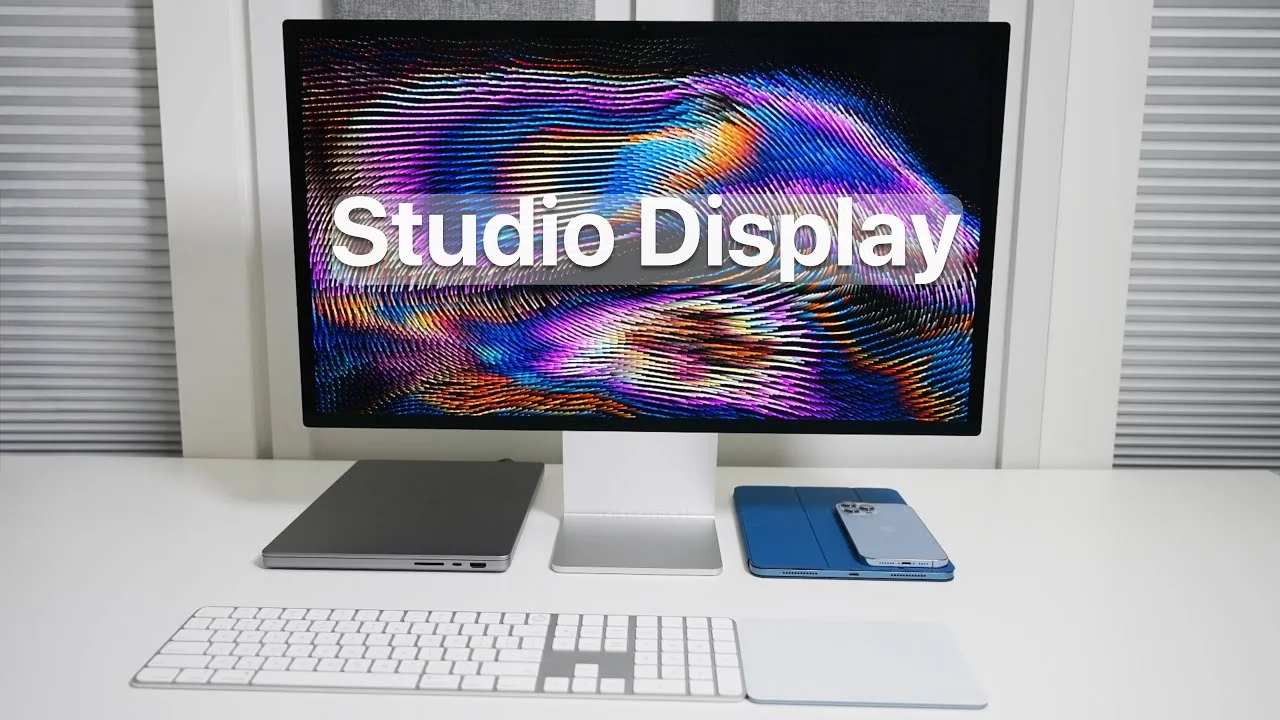 zollotech
Aaron from Zollotech unboxed the Apple Studio Display, highlighting …
zollotech
Aaron from Zollotech unboxed the Apple Studio Display, highlighting …
Aaron from Zollotech unboxed the Apple Studio Display, highlighting its design and features. The display is heavy, weighing 13.9 pounds, and comes with a braided Thunderbolt cable. It has a 5K Retina display with 5120 by 2880 resolution at 218 pixels per inch, up to 600 nits of brightness, and supports up to 1 billion colors in the P3 wide color gamut. It also includes a 12-megapixel webcam with a 122-degree field of view, F2.4 aperture, and Center Stage support. Compatibility includes iPads starting from the 5th generation iPad Air and iPad Pro models from the third generation onwards, as well as Macs from 2017 and later.
- →Suitable for professional work requiring high color accuracy
- →Ideal for use with compatible iPads and Macs from 2017 onwards
- →Webcam supports Center Stage for improved video calls
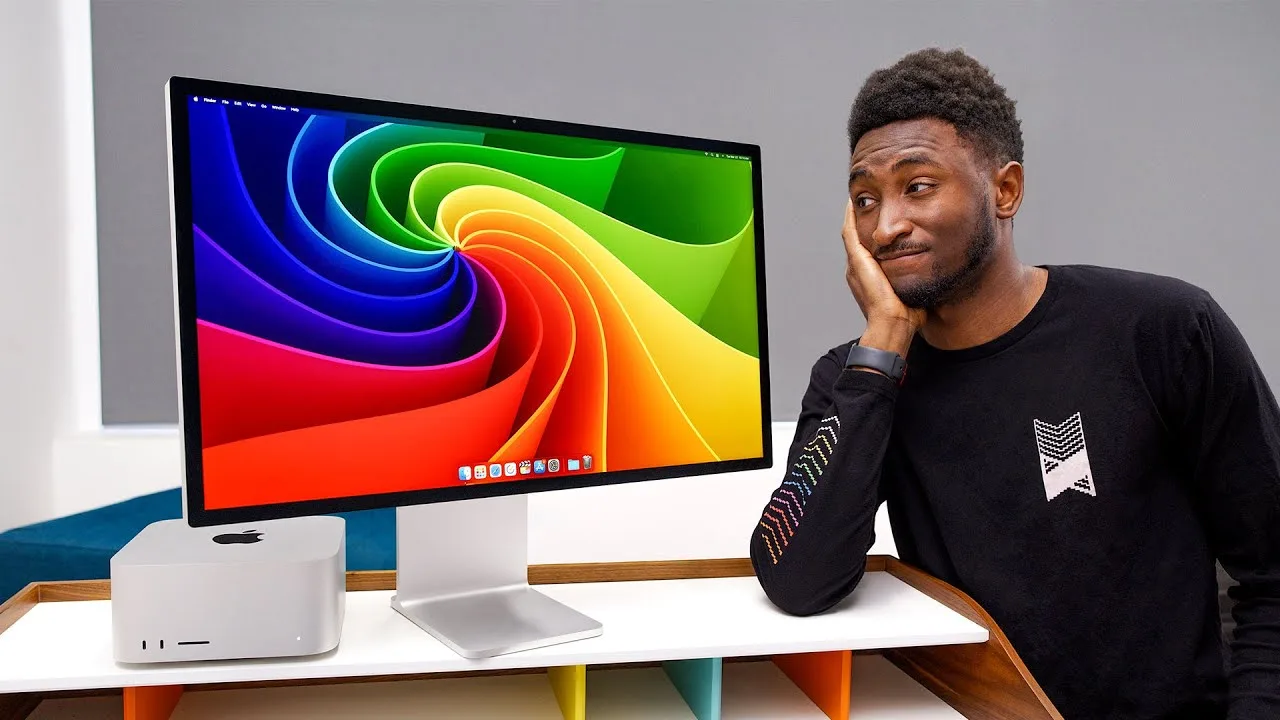 Marques Brownlee
The Apple Studio Display offers a unique combination of features that …
Marques Brownlee
The Apple Studio Display offers a unique combination of features that …
The Apple Studio Display offers a unique combination of features that make it stand out from competitors, despite not having the best specs on paper. It features a 27-inch 5K screen with 600 nits brightness, P3 color, and a webcam, all included for $1,600. While its price may seem high compared to other displays, the Studio Display's sharpness, clean scaling, and solid performance make it an attractive option for Apple users.
- →Ideal for Apple users seeking a high-resolution display
- →Suitable for professional work requiring sharp visuals
- →Consider the nanotexture version for environments with glare
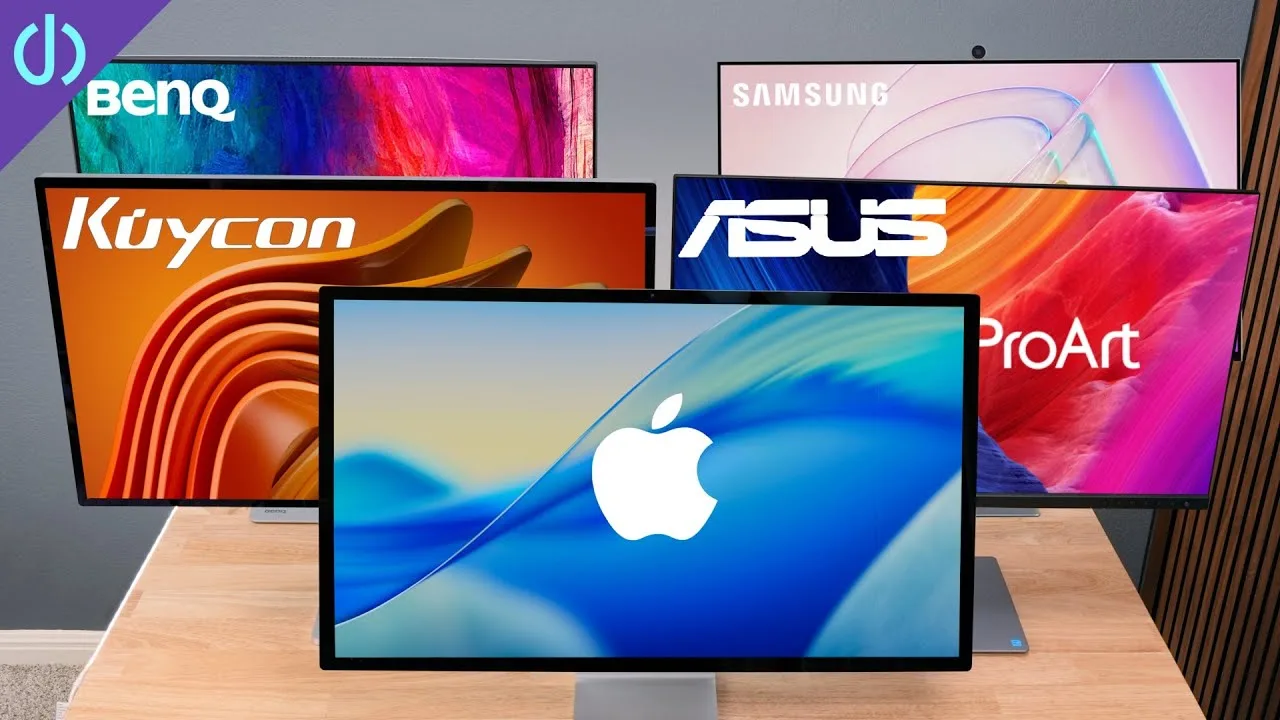 Jerry Schulze
The Apple Studio Display stands out for its premium unibody aluminum …
Jerry Schulze
The Apple Studio Display stands out for its premium unibody aluminum …
The Apple Studio Display stands out for its premium unibody aluminum construction and smooth, height-adjustable stand, which contributes to a high-end aesthetic and ease of use. Despite being sleek, its connectivity options are limited compared to competitors, offering only a single Thunderbolt 3 input port and three downstream USB-C ports without HDMI or DisplayPort.
- →Ideal for Mac users valuing design and build quality
- →Best suited for those using USB-C or Thunderbolt 3
- →Consider stand and cable management preferences
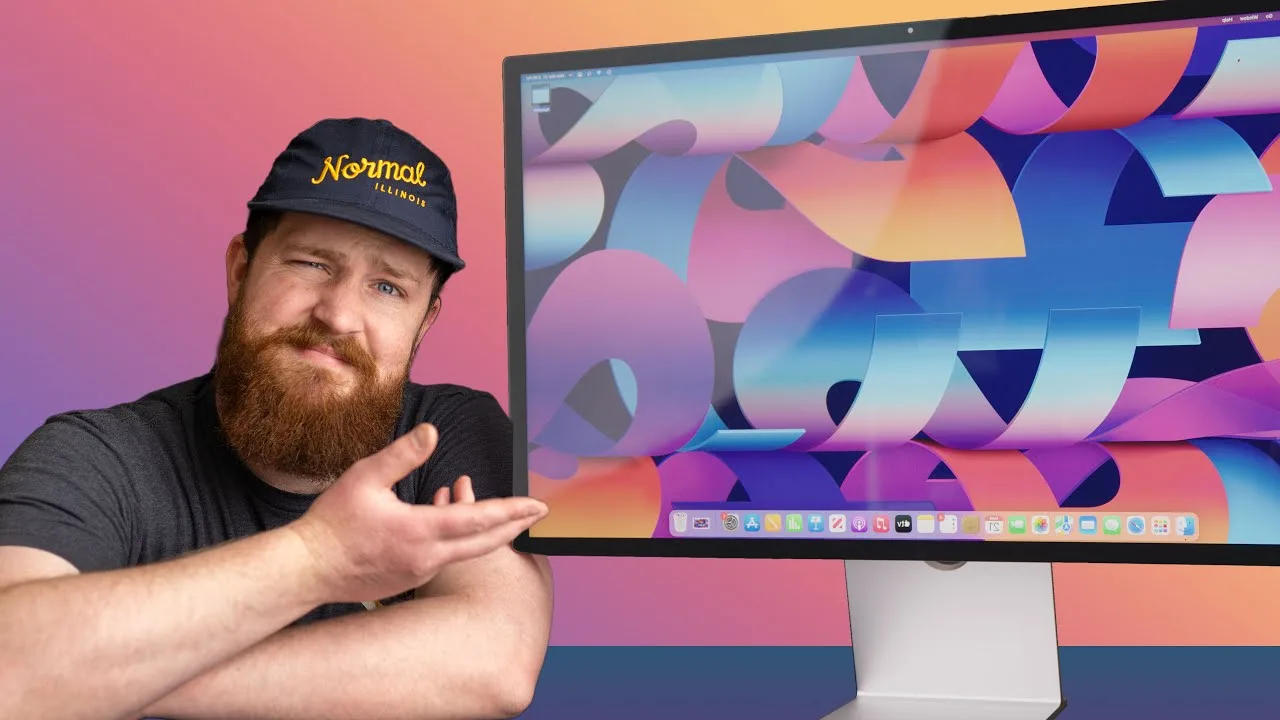 Snazzy Labs
The Apple Studio Display offers improved luminance over its …
Snazzy Labs
The Apple Studio Display offers improved luminance over its …
The Apple Studio Display offers improved luminance over its predecessor, the LG UltraFine 5K, with better color accuracy and uniformity across the screen. It has a laminated panel to glass design, reducing corner distortion and magenta bleed issues. However, it lacks HDR support and local dimming, resulting in a poor contrast ratio and a subpar HDR experience.
- →Suitable for professionals needing accurate color
- →Offers better brightness and uniformity than competitors
- →Lacks features for high-quality HDR content
- →May not be worth the price for non-professional use
 Waveform Clips
The Apple Studio Display offers a seamless experience for Mac users …
Waveform Clips
The Apple Studio Display offers a seamless experience for Mac users …
The Apple Studio Display offers a seamless experience for Mac users with its plug-and-play functionality, built-in webcam and speakers. While not the best value for cross-shoppers, it excels in certain areas for those specifically looking for a Mac monitor. The display's name is easy to remember, setting it apart from competitors' complex naming schemes.
- →Ideal for Mac users seeking a hassle-free monitor experience
- →Built-in features save desk space and reduce cable clutter
- →Simplicity in naming makes it easily identifiable among competitors
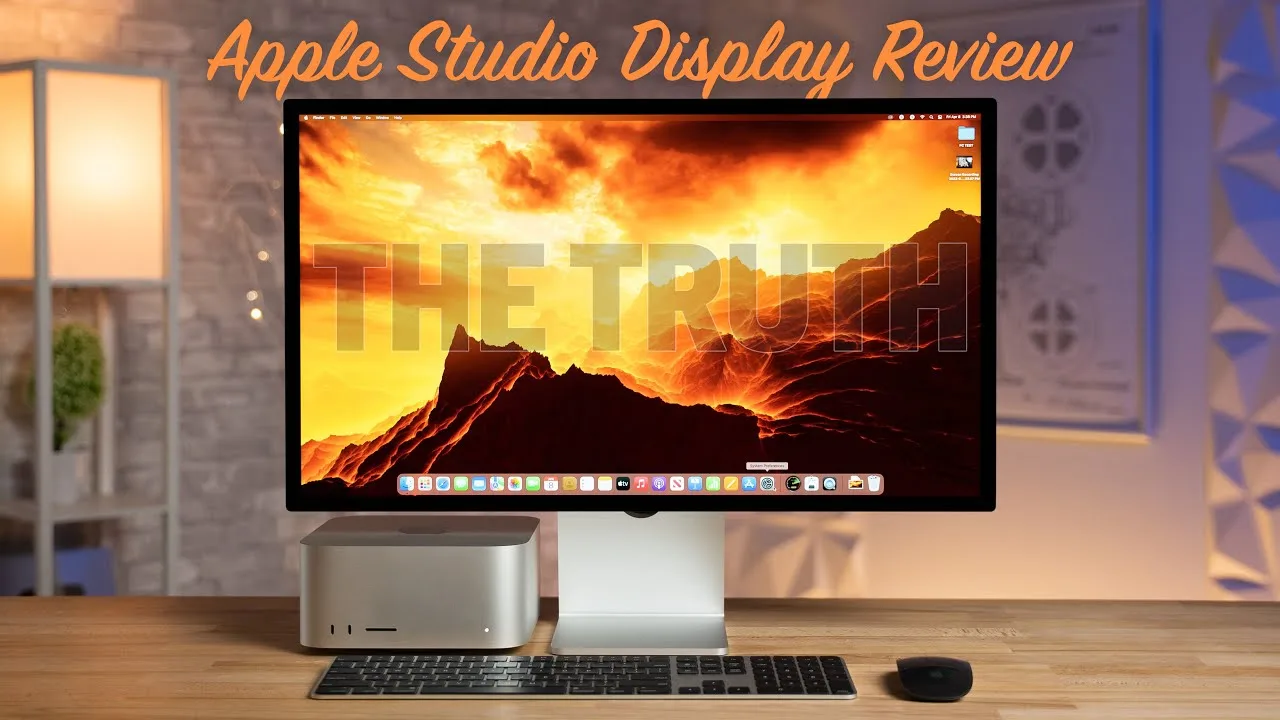 Max Tech
The Apple Studio Display stands out with its superior brightness and …
Max Tech
The Apple Studio Display stands out with its superior brightness and …
The Apple Studio Display stands out with its superior brightness and color reproduction compared to the LG 5K display. Its minimalistic and premium design, featuring thin bezels and a solid aluminum stand, aligns perfectly with Apple's aesthetic. The display also offers faster ports for data transfer and supports 96W pass-through charging for MacBooks. However, the ultra-wide webcam, while innovative, results in lower image quality when not using the center stage feature.
- →Ideal for professionals needing accurate color reproduction
- →Perfect fit for those valuing Apple's design language
- →Useful for MacBook users needing fast data transfer and charging
- →Speakers provide excellent audio quality for multimedia
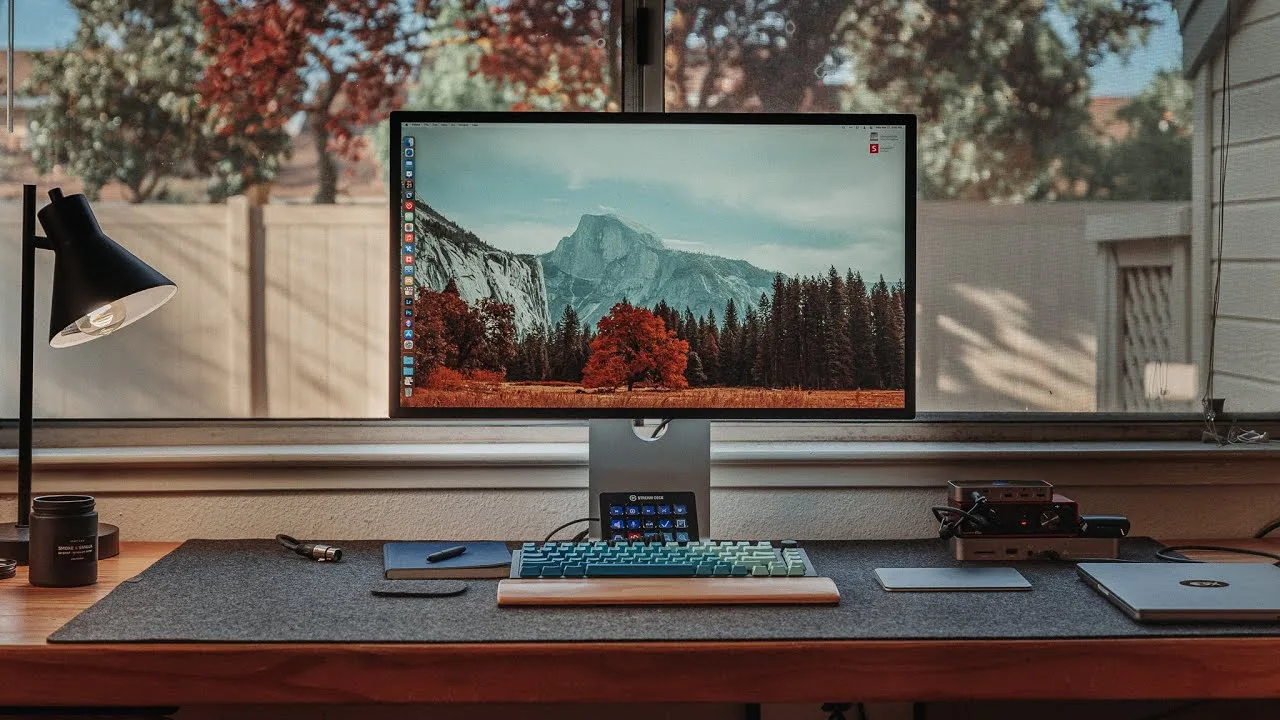 Christopher Lawley
The reviewer expresses excitement for the Apple Studio Display, …
Christopher Lawley
The reviewer expresses excitement for the Apple Studio Display, …
The reviewer expresses excitement for the Apple Studio Display, highlighting its stunning appearance and excellent color reproduction. They mention the monitor's ability to work seamlessly with their 5th generation iPad Air and are impressed with the visual quality when connected. The reviewer also appreciates the height and tilt adjustability, which is important for their comfort.
- →Ideal for professionals requiring accurate color reproduction
- →Enhances the functionality of Apple devices with display output
- →Useful for those who need adjustable monitor stands for comfort
- →Aesthetically pleasing, could be a centerpiece for any workspace
 ShortCircuit
The Apple Studio Display boasts Apple's signature industrial design …
ShortCircuit
The Apple Studio Display boasts Apple's signature industrial design …
The Apple Studio Display boasts Apple's signature industrial design and runs iOS 15.4, making it akin to a giant iPad. It features a single Thunderbolt input and three USB type-C ports, each potentially capable of 10 Gbps. However, the power cable is permanently attached, which could pose a problem if damaged. The display lacks a removable nanotexture glass option and has a basic tilt stand without additional adjustability.
- →Suitable for those seeking an iOS experience on a large display
- →Ideal for Apple fans valuing design over functionality
- →Not recommended for those needing cable replaceability or versatility in stand adjustments
 Mac Address
The Apple Studio Display is a mixed bag, delivering on high …
Mac Address
The Apple Studio Display is a mixed bag, delivering on high …
The Apple Studio Display is a mixed bag, delivering on high expectations in some areas but falling short in others. It offers a 5K resolution in an attractive design with impressive brightness and color accuracy. The built-in speakers are top-notch, and the center stage webcam performs well even under harsh lighting. However, the design lacks innovation in crucial areas, such as the power supply setup, which regresses to an older, less convenient method.
- →Suitable for professional work requiring high-resolution display
- →Ideal for those valuing built-in high-quality audio
- →Useful for video conferencing with its effective webcam
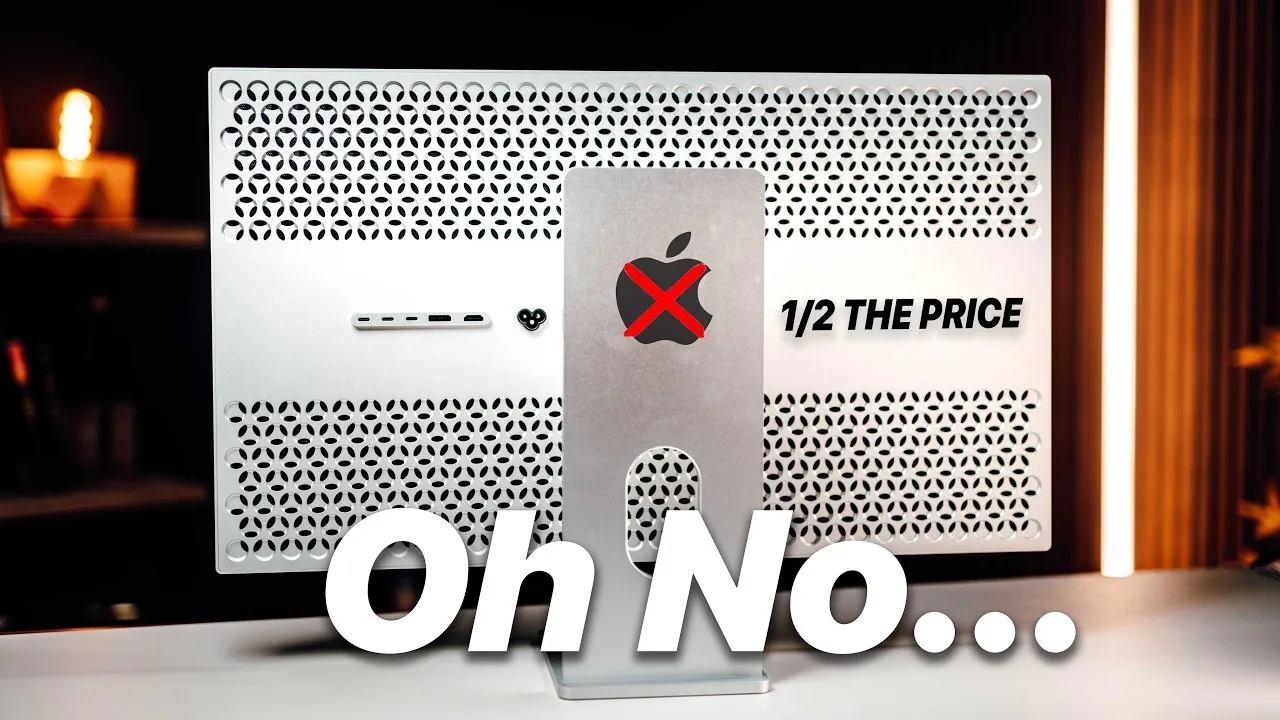 KevZ
The review highlights the Apple Studio Display's high-resolution 5K …
KevZ
The review highlights the Apple Studio Display's high-resolution 5K …
The review highlights the Apple Studio Display's high-resolution 5K screen, which matches the pixel density of 218 pixels per inch, deemed 'retina-level' by Apple. It also emphasizes the display's color accuracy, covering 99% of the DCI-P3 color gamut, making it suitable for professional photo and video work. The review mentions that while the color accuracy is not perfect out of the box, it is close and can be further improved with calibration. Brightness is on par with the Apple Studio Display, reaching up to 600 nits, although at peak brightness, there's some variation across the panel.
- →Ideal for professionals requiring high-resolution and color accuracy.
- →Suitable for photo and video editing with potential for further color calibration.
- →Brightness matches the Apple Studio Display, but with some inconsistencies at maximum levels.
Community Discussions via Reddit
Setup Showcase
r/mac
u/WallstreetWank
The Apple Studio Display has received mixed reviews from users on Reddit, particularly regarding the nano-texture screen. Some users have noted that the screen appears less sharp and has a 'greasy' look on white backgrounds, which has not been widely discussed. However, others appreciate the vibrant colors on the non-nano texture screen and believe the nano texture is primarily for glare reduction rather than aesthetics.
Key Insights
- →The nano-texture is primarily for glare reduction, not for making the screen look nicer as clarified by RMCaird.
- →Matte screens like the nano-texture can make the image appear fuzzy due to light scattering as explained by arcalumis.
- →Users who dislike the nano-texture can consider returning the product within the 30-day window and opting for the non-nano texture version as suggested by pi_mai.
Top Comments
You could make a trip to the apple store and see a non textured one, see if you like that better, then return this one get the new one
Do this! if in the 30day window, no questions asked return. IMHO always get the gloss version. All matte screens do is roughen up the surface refracting light ( the blur you see )
I’ll be fr the glare sucks but idk who genuinely thinks nano looks nicer than glossy. The colors are so much more vibrant.
Comparison
r/mac
u/Advantageous01
The Apple Studio Display is praised for its 5K resolution, deep contrast, color accuracy, and build quality. Users appreciate the clarity of text and UI elements, the impressive contrast without local dimming, and the consistent color accuracy across devices. The built-in speakers and microphone are also commended, though the camera is seen as mediocre. However, the display suffers from power supply noise and a slow response time, which is noticeable for some users.
Key Insights
- →Best for design, retouching, and video production due to color accuracy and clarity.
- →Not ideal for gaming due to the slow response time.
- →Community consensus suggests that color accuracy is not just visual but requires special spectrometers for accurate assessment.
Top Comments
Nice review. This being a T3/T4 monitor, you are right. You will need the recently announced T5 spec in order to achieve 120Hz at 5K resolution. Apple wants Thunderbolt connectivity so they don't …
I made the stupid mistake of believing the very first reviews of the Studio display whining that the price was unjustified because it was only 60Hz (don't need anything more for design and …
My guess it that the M4 Macs will have TB5. They likely want to make a statement with that to justify people upgrading their M1 Macs by releasing 5K120 and 6K120 ProMotion monitors sometime after the …
Comparison
r/macsetups
u/ashwin-mysore
The Apple Studio Display is praised for its minimal and sleek design, which fits well into a super minimal setup as described by the user. It is wall-mounted with a gap of only 1/2” from the wall, contributing to the clean and clutter-free look. The built-in speakers are considered quite good, which is a significant factor for the user who opted for the Studio Display over other lower-priced 5k monitors to avoid additional speakers on the desk.
Key Insights
- →The Apple Studio Display is ideal for setups where a minimalist and clutter-free aesthetic is desired.
- →The built-in speakers are a significant advantage for those looking to avoid additional desk clutter.
Top Comments
This looks soooo much like kitchen, I personally don’t like your setup but it would be funny if your partner is a chef and you just replicate same setup as your kitchen to have matching workspaces
The lighting and that thing on the right looks like a fridge. Anyway I’m not trying to shit on your taste you do you, I just noticed it and thought it was funny. If it works for you and you like it …
Kitchens are designed to make efficient use of space. I wanted an efficient corner of the room for my desk, hence had to borrow some design fundamentals. This is only one corner of the room. …
Comparison
r/macsetups
u/changdaniel
The Apple Studio Display is highly regarded for its minimalist design and 5K display quality, which users find superior to 4K monitors. It is particularly appreciated for its ability to enhance the aesthetics of a workspace while providing a high-resolution viewing experience. Users also value the display's compatibility with Thunderbolt 3 (USB-C) for a seamless connection to their devices.
Key Insights
- →The Apple Studio Display is praised for its high-quality display and minimalist design, making it a good fit for users valuing aesthetics and display quality.
- →The display's compatibility with Thunderbolt 3 (USB-C) is noted for its convenience in connecting to devices.
Top Comments
Just bought studio display few weeks ago and it’s so much better than my 4k monitors. Wish I did it forever ago. No regrets.
Ouch, Maybe with a discount? LOL, will see , I may post another update soon 😆
How’s the heat with your Schiit Magni? I have one and I’ve been thinking about mounting it to the underside of my desk, but it gets pretty warm.
Comparison
r/mac
u/Jobo1992
The Apple Studio Display (ASD) is discussed in the context of a price comparison with the Asus ProArt 5K. The community consensus highlights the ASD's superior build quality and screen performance, with one commenter noting its 'brighter screen with more accurate colors'. The post also mentions the ability to claim a tax refund on the ASD, which significantly reduces its cost.
Key Insights
- →The Apple Studio Display offers a superior visual experience compared to the Asus ProArt 5K.
- →The ability to claim a tax refund makes the ASD a more cost-effective option.
Top Comments
As an entrepreneur, you can claim VAT back on purchases. You also have to add VAT to invoices you send, and at the end of each quarter you have to pay this to the taxman. So if you purchase things, …
The Asus is cheap plastic and looks so. The ASD even though the same resolution has a brighter screen with more accurate colors. Don't know why everyone is caught up on 60 hz which both of these …
Can you send me a dm?
Comparison
r/macbookpro
u/fotuwe
The Apple Studio Display is praised for its sharp and crisp image quality, which is beneficial for long hours of programming and photography work. Users appreciate the display's color accuracy for editing purposes. Given the user's context as an enthusiast photographer and the display's performance with the M1 Pro Mac, the community consensus leans towards purchasing the display, especially since money is not a concern.
Key Insights
- →The Apple Studio Display is well-suited for programming and photography due to its image quality and color accuracy.
- →There is a potential for a new version to be released soon, but the current model still meets high-quality standards.
- →For users who value great built-in sound and do not have budget constraints, the Apple Studio Display is a solid choice.
Top Comments
I bought mine in October 2024 and really like it. My day job is programming and I'm also a hobbyist photographer, and it fills both roles perfectly. Code is sharp and crisp (which is more important …
Setup Showcase
r/macsetups
u/rapgamejordan
The Apple Studio Display is highlighted in a Reddit post by user rapgamejordan, who owns dual 5K models and uses them with high-end MacBook Pros. The setup showcases the wide 58-inch span of the displays, which the user navigates more comfortably with two trackpads. The community discussion revolves around the functionality of the dual trackpad setup and the user's experience with the Apple Studio Display's expansive screen real estate.
Key Insights
- →The Apple Studio Display's expansive screen real estate is well-suited for users who require a wide workspace.
- →The dual trackpad setup can improve navigation across the wide screen, but may not be necessary for all users.
Top Comments
I’m an Editor-in-chief at a well known magazine based in New York City.
Very nice setup! 2 questions: 1) can you elaborate on the 2 trackpads making it easier to navigate the wide setup? Either way, you still have 1 cursor, so I’m confused how it improves functionality. …
Lol, you don’t wanna be rich. Being wealthy is far more enjoyable. Honestly, that’s a great question. I was 32 years old when and finally started seeing an opening in my career path. If you’re …
Q&A Thread
r/macsetups
u/mostlyIwrite
The Apple Studio Display is praised by long-term users for its high-quality display and suitability for non-gaming applications. Users with the MacBook Air M3 note that the Studio Display offers a comparable experience. Despite its high cost, many users find the Studio Display worth the investment, particularly for professional use and Zoom calls.
Key Insights
- →The Apple Studio Display is highly regarded for professional use, particularly for those who require a high-quality display for non-gaming tasks.
- →The Studio Display's camera has been praised for its quality, making it a good choice for those who frequently participate in video calls.
- →The high cost of the Studio Display is a significant factor, and users should consider the value it adds to their specific use case.
Top Comments
Have a long and deep look at the display of your M3, thats a quite good comparison as they are very comparable: The Macbook Air Display has 224 ppi and 500 nits brightness. The Studio Display has …
Yes. I have had many displays over the last few years (couple of gaming monitors, LG 5k2k, and the Studio Display). The Studio Display is the best monitor for non-gaming applications that I have had. …
100%. I debated it for ages but have zero regret. Despite the camera reviews, I spend a lot of time on Zoom calls and my colleagues frequently tell me my camera looks good.
Troubleshooting
r/mac
u/DutyIcy2056
The Apple Studio Display is a solid choice for those prioritizing color accuracy and overall image quality, as highlighted by users who appreciate its performance in non-gaming scenarios. While some users are waiting for potential future models with higher refresh rates, the current model's 60Hz is sufficient for most tasks, especially considering the limitations of current MacBooks. The display's ability to replace additional hardware like speakers and hubs is also a notable advantage.
Key Insights
- →Best for professionals requiring color accuracy and high-resolution displays.
- →Not ideal for gaming due to its refresh rate.
- →Current MacBooks' limitations make the wait for a higher refresh rate model less pressing for most users.
Top Comments
I know some folks are all about the refresh rate, but I pretty much bought the studio display so I could eliminate my desktop speakers and my OWC thunderbolt hub. I don't game, so the refresh rate is …
If you're into gaming, get the gaming display. Studio display is more for those dealing with color accuracy.
I think the big thing about Display 2 will be mini led panel and not the refresh rate. Way bigger difference and way more visible results
Quick Opinion
r/MacStudio
u/LexMachinaUK
The Apple Studio Display is praised for its aesthetic appeal and high-resolution screen, making it a desirable choice for those seeking a visually pleasing and high-quality monitor. Users value its color accuracy and density, which is particularly beneficial for critical editing work. However, the high cost is a significant drawback, with some users hesitating to invest due to the possibility of a new model release and the availability of more affordable alternatives.
Key Insights
- →The Apple Studio Display is highly valued for its visual quality and color accuracy, making it suitable for professional use in editing and design.
- →The high price point is a common concern, with users considering the potential release of a new model and the availability of refurbished units.
- →The Studio Display is not considered a necessity for casual use, such as watching TV.
Top Comments
Not everyone wants to hang up a 42 inch monitor on the wall and pretend that’s a good experience - I think smaller screen with more density and color accuracy wins any day.
They will come maybe next year - maaaybe. I just bought 2 from Apple refurbished. Saves money and they’re fantastic.
dont bother, he deleted his posts on other subreddits and spends most of his time to try to tell people his idea is genius - but it is in fact not lol . …
Q&A Thread
r/MacStudio
u/hienesan
The Apple Studio Display is a monitor that has received mixed reviews from users. Some appreciate its accurate color and grayscale, bright and sharp text, good speakers, and serviceable webcam, despite the high price. Others feel that the technology is outdated, considering the panel is similar to what was used in 2014's 5K iMac. Users who value predictability and don't want to compromise on build quality or quality control find the Studio Display a suitable choice, although not necessarily the best value for money.
Key Insights
- →Best for users who value predictability and don't want to compromise on build quality or quality control
- →Not ideal for those seeking the best value for money or the latest technology
- →Users who own multiple units seem satisfied with their purchase, indicating it meets their specific needs
Top Comments
I think it was the right choice for me, but I don't think it's worth the price. Or at least, I wouldn't list "bang per buck" as a feature. I wanted it because it reportedly used the same panel as …
I think this answer mostly captures how I feel about it. It’s not a great deal for what it is, but it doesn’t make the compromises that you need to make to be a few hundred dollars cheaper, and I …
Yes, I think so. Accurate color and grayscale, bright, razor sharp text, good speakers for a display, serviceable webcam. You’ll pay the Apple tax but I’m satisfied. I own three.
Scores based on weighted analysis of 37 expert and community sources. How we review →