

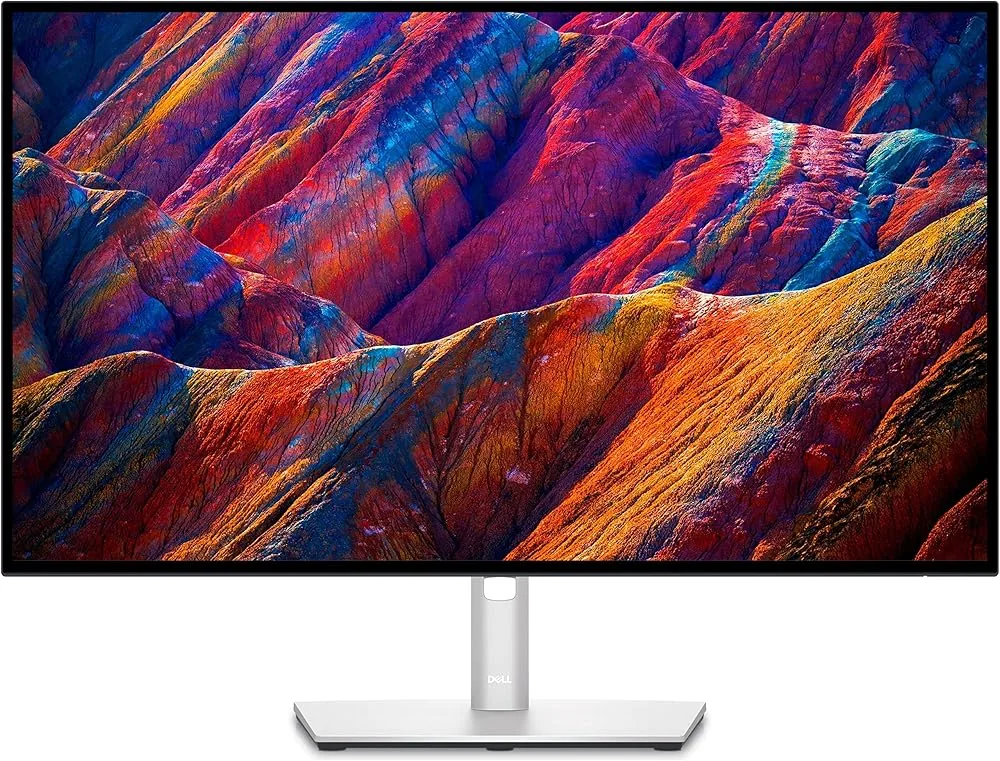
Dell UltraSharp U4025QW
Best For
- Data analysts needing a large workspace
- Professionals requiring high color accuracy
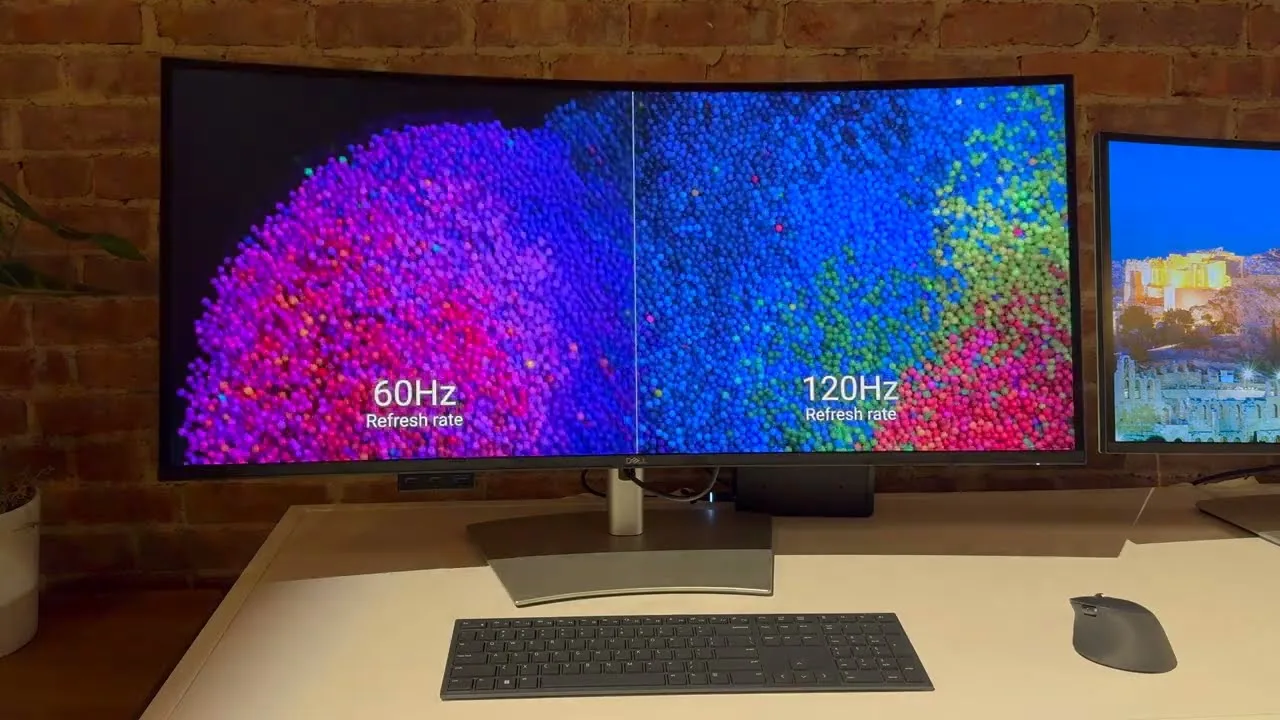
- Users valuing a 120Hz refresh rate for smoother scrolling
Consider Carefully
- Budget-conscious shoppers
- Gamers seeking fast-paced action
- Video editors working with fast motion
Jump to Section
The Bottom Line
The Dell UltraSharp U4025QW is a high-end monitor that delivers a premium experience for productivity and multitasking. With a massive 40-inch 5K2K workspace, this monitor is a powerhouse for data comparison tasks, offering an expansive view that's ideal for spreadsheets and automation workflows. What we found particularly impressive is its 120Hz refresh rate, which significantly improves scrolling responsiveness, and the inclusion of IPS Black technology for enhanced contrast and deeper blacks. As rtings.com noted, 'The Dell U4025QW is a 40-inch premium ultrawide monitor designed for office work and content editing.' However, despite its 120Hz capability, there are reservations about its motion handling and response time, with some sources reporting that it's slower than dedicated gaming monitors and not well suited for fast-paced video editing or gaming.
Performance Breakdown
Expert Scores
How 10 professional publications rated this product
In-Depth Analysis
Connectivity & Hub Features 92
Ten sources call the built-in KVM switch a standout feature for Mac and PC dual-device workflows, though one Reddit user warns it lacks polish for seamless laptop docking.
Key Takeaway
→If you run a MacBook Pro or any Thunderbolt laptop and want one cable to handle power, data, and display, this hub setup is hard to beat at this size.
Power Delivery 92
Eight sources confirm 140W Thunderbolt 4 power delivery, and the single-cable laptop docking story is as clean as it gets for MacBook Pro users.
Key Takeaway
→If single-cable Thunderbolt docking with full laptop charging is your priority, this delivers it without compromise.
Screen Real Estate 90
Twelve sources agree this is purpose-built for productivity, and 6 report users dropped their second monitor after switching. The 40-inch footprint is the only real cost.
Key Takeaway
→Measure your desk before ordering. If it fits, this is one of the most productive single-display setups available for knowledge workers.
Color Accuracy 90
98% DCI-P3 and factory calibration earn strong consensus across 8 sources, with only a slightly warm out-of-box color temperature as a minor footnote.
Key Takeaway
→For photographers, video editors, and UX designers, the color coverage and factory calibration are production-ready. Run a calibration pass if color temperature precision is critical.
Display Image Quality 85
The IPS Black panel's 2,000:1 contrast ratio is the headline, but 4 sources flag that DisplayHDR 600 certification oversells what edge-lit dimming can actually deliver.
Key Takeaway
→If your work is text, code, or color-critical creative tasks, the IPS Black panel delivers. If you want HDR or peak brightness, look elsewhere.
Ergonomics & Stand 79
The stand covers all the adjustments you'd expect, but PCWorld flags wobble during use and Tweaktown notes audible creaking on swivel, which is a problem on a $2,000 monitor.
Key Takeaway
→The stand works for a set-it-and-forget-it desk, but if you adjust position regularly or want VESA, budget for a heavy-duty arm and factor in the weight.
Gaming & Motion Performance 71
120Hz helps, but RTINGS flags poor motion handling and 5 sources confirm ghosting at 5ms GtG. This is not a gaming monitor wearing a productivity disguise.
Key Takeaway
→Casual gaming after work hours is fine. If gaming performance matters at all, or if you're on an older Mac, verify your hardware before buying.
Price & Value 63
Twelve sources flag the $2,399 price as the primary barrier, and PCWorld recommends waiting for a sale. Whether it's worth it depends entirely on how much you need the specific combination of features.
Key Takeaway
→Buy it on sale if you need the full feature set. If you're only after screen size or color accuracy, cheaper options exist.
Specifications & Verdict
Display
- Screen Size
- 39.7 in
- Resolution
- 5120 × 2160
- Aspect Ratio
- 2.37:1
- Pixel Density
- 140 ppi
- Panel Type
- IPS
- Curvature
- 2500R
- Screen Coating
- Anti-glare/Matte (3H)
- Backlight
- W-LED
Performance
- Refresh Rate
- 120 Hz
- Response Time
- 5 ms
- Input Lag
- 4.7 ms
- Adaptive Sync
- None
Image
- Contrast Ratio
- 2000 : 1
- Brightness
- 450 nits
- Peak Brightness
- 600 nits
- Color Gamut
- 100 %
- Color Depth
- 10 bits (8 bits + FRC)
- Color Accuracy
- Delta E < 2
- HDR Support
- DisplayHDR 600
- Viewing Angles
- 178 °
Connectivity
- Ports
- 2
- HDMI Ports
- 1
- HDMI Version
- 2.1
- DisplayPort
- 1
- DisplayPort Version
- DisplayPort 1.4
- USB Ports
- 8
- USB-C Power Delivery
- 140W
- Audio Output
- Yes
- Speakers
- 2 x 9 W
Design
- Weight
- 12.22 kg
- Dimensions
- 929.28 mm
- Bezel Width
- 11.3 mm
- Panel Thickness
- 108.04 mm
- VESA Mount
- Yes
- Height Adjustment
- 150 mm
- Tilt
- -5 - 21°
- Swivel
- -30 - 30°
- Pivot
- No
- Stand Adjustments
- Height (150mm), Tilt (-5° to 21°), Swivel (-30° to 30°)
- Remote Control
- No
Power
- Power Consumption
- 39.5W
- Certifications
- TUV Rheinland 5-star eye comfort
Other Specs
- Special Features
- Adaptive-Sync technology, sRGB, DCI-P3, Rec.709 (BT.709), Display P3, KVM switch, internal MST, ambient light sensor, Ambient light sensor, ComfortView Plus (low blue light), Easy Arrange software, Picture-in-Picture (PIP), Picture-by-Picture (PBP), Dell Display Manager
- Color Accuracy Claimed
- 99% DCI-P3
- Color Accuracy Actual
- 95% DCI-P3
- Additional Connectivity
- Ethernet, HDMI, DisplayPort
- Ethernet
- Yes
- Connection
- TB4/USB-C single cable
- Physical Width
- ~94 cm
- Energy Certification
- ENERGY STAR
- Recycled Materials
- 85%
- Hub Type
- Thunderbolt 4
Our Verdict
The Dell UltraSharp U4025QW is a solid choice for professionals who value a large, high-resolution workspace and enhanced color accuracy. It's a monitor that excels in office and content editing environments, but those on a tight budget or looking for a monitor suited for gaming and fast-paced video editing may want to look elsewhere.
Customer Reviews Amazon
209 reviews
4.6 out of 5 stars
from 209 reviews
Reviews shown are from Amazon customers and do not reflect our editorial assessment.
Reader Questions
Specific questions about the Dell UltraSharp U4025QW, answered only from what reviewers reported.
01Is the 120Hz refresh rate actually useful on a productivity monitor, or is it just a gaming spec?
Reviewers found the 120Hz refresh rate meaningfully improves scrolling responsiveness and everyday productivity, not just gaming. It also supports VRR up to 120FPS for smoother visuals across tasks.
02Can this monitor actually replace a dual-monitor setup?
Reviewers consistently report it can replace a dual-monitor setup and docking station, with the 21:9 curved format eliminating the bezel gap you get between two screens. Users report a reduced need for a second display after switching.
03How good is the contrast compared to a standard IPS panel?
The IPS Black panel delivers a 2,000:1 contrast ratio, which reviewers describe as roughly double that of standard IPS, producing noticeably deeper blacks. It addresses the traditional IPS weakness without the text fringing concerns associated with OLED.
04Is it worth buying if you mainly want it for gaming?
Reviewers caution that despite the 120Hz refresh rate, the monitor has poor motion handling and a 5ms response time that causes blur with fast-moving content, making it not well suited for gaming or fast-moving video editing. It is described as adequate for gaming as a secondary use, but not optimized for it.
05Does the Thunderbolt connection charge a laptop at full speed?
The Thunderbolt 4 port delivers up to 140W of power delivery, which reviewers note is enough to handle heavy MacBook loads through a single cable.
06Does the stand take up a lot of desk space?
Reviewers flag the stand base as large and chunky, consuming significant desk space, and note that the 40-inch panel itself requires substantial desk preparation before purchase.
Pricing & Availability
Updated May 8, 2026Dell UltraSharp U4025QW
All regions
Sources & Methodology
Every score is built on evidence. This review synthesizes 43 independent sources — expert publications, video reviews, and community discussions — weighted by credibility, depth, and relevance.
Show detailed source analysis ↓ Hide source analysis ↑
Expert Reviews
rtings.com
Top
8.1/10-point
The Dell U4025QW is a 40-inch premium ultrawide monitor designed for office work and content editing. Its 5120x2160 resolution and 2500R curve create an expansive workspace ideal for data-heavy tasks. The IPS Black panel delivers enhanced contrast with deeper blacks than previous generations, while the 120Hz refresh rate makes scrolling through documents noticeably more responsive than standard 60Hz displays. Productivity features include internal Multi-Stream Transport for virtual monitor subdivision, daisy chaining capability, and a KVM switch for seamless source switching. However, poor motion handling limits its suitability for gaming or fast-paced video editing despite the higher refresh rate.
Strengths
- +IPS Black technology delivers enhanced contrast with deeper blacks
- +120Hz refresh rate improves scrolling responsiveness significantly
- +Internal MST enables screen subdivision into virtual monitors
- +Built-in KVM switch simplifies multi-source workflows
Weaknesses
- −Poor motion handling despite 120Hz capability
- −Not well suited for gaming or fast-moving video editing
- −Premium pricing requires substantial budget
laptopmag.com
Top
3/5-point
The Dell UltraSharp 40 Curved Thunderbolt Hub Monitor (U4025QW) is a premium 5K curved display targeting business and productivity users. It combines monitor and docking station functionality with 140W power delivery, Thunderbolt 4 hub, and picture-in-picture modes for dual-source viewing. The 40-inch panel offers high color accuracy and TUV Rheinland 5-star eye comfort certification. However, at $2,399 it faces criticism for dim brightness (240 nits average), a bulky stand base, and unfortunate timing with Thunderbolt 5 imminent. The 5K resolution also suffers from limited content availability. Constructed from 85% post-consumer recycled plastic and 90% recycled aluminum, it emphasizes sustainability.
Strengths
- +High color gamut volume and accuracy for professional work
- +Up to 140W power delivery charges laptops efficiently
- +TUV Rheinland five-star eye comfort certification
- +Made from 85% recycled plastic and 90% recycled aluminum
Weaknesses
- −Expensive at $2,399.99 starting price
- −Dim display with only 240 nits average brightness
- −Large, chunky stand base consumes desk space
- −Thunderbolt 4 hub arrives just before Thunderbolt 5
displayratings.com
Top
8/10-point
A 39.7-inch ultrawide monitor with 5120 x 2160 resolution, the Dell U4025QW targets professionals needing extensive screen real estate. Color accuracy reaches 98% DCI-P3 coverage, supporting creative workflows. The curved display enhances immersion without overwhelming users. Connectivity options include USB-C, HDMI 2.1, DisplayPort 1.4, and Ethernet. Build quality features a sturdy adjustable stand with integrated cable management, though the plastic rear casing feels less premium. The 60Hz refresh rate limits gaming appeal. Energy efficiency features include Eco-mode and ENERGY STAR certification.
Strengths
- +98% DCI-P3 color coverage for creative work
- +5120 x 2160 resolution provides extensive screen space
- +Fully adjustable stand with height, tilt, and swivel
- +Integrated cable management reduces desk clutter
Weaknesses
- −Plastic rear casing lacks premium feel
- −60Hz refresh rate inadequate for competitive gaming
- −Some backlight bleed in dim settings
- −Lacks Thunderbolt 4 port
pcmag.com
Top
4/5-point
The Dell UltraSharp 40 Curved Thunderbolt Hub Monitor (U4025QW) targets creative professionals with its 40-inch curved 5K2K (5,120-by-2,160) display at 140ppi, utilizing LG's IPS Black technology for deep blacks and a 2,000:1 contrast ratio. A 120Hz refresh rate reduces artifacts and benefits game designers. Extensive connectivity includes two Thunderbolt 4 upstream ports (140W power delivery), six downstream USB ports (three front-facing in a retractable bay), Ethernet with Wake on LAN support, HDMI 2.1, and DisplayPort 1.4. The stand offers 5.9 inches of height adjustment, 30-degree swivel, and tilt control. Priced at $1,919.99, it serves as both monitor and Thunderbolt 4/USB docking station replacement.
Strengths
- +IPS Black technology delivers deep blacks with 2,000:1 contrast ratio
- +140ppi pixel density suits graphic arts and videography work
- +120Hz refresh rate reduces artifacts and screen tearing
- +Two Thunderbolt 4 upstream ports provide 140W power delivery
Weaknesses
- −Cannot pivot to portrait mode due to ultrawide form factor
- −Premium $1,919.99 price point limits accessibility
- −VESA wall-mount bracket not included
pcworld.com
Top
3.5/5-point
A 40-inch ultrawide 5K monitor with 120Hz refresh rate and extensive connectivity including Thunderbolt 4 with 140W power delivery, 2.5G Ethernet, and multiple USB ports. The IPS Black panel delivers sharp, color-accurate visuals, though contrast falls short of OLED alternatives and HDR performance is mediocre. Build quality suffers from a wobbly stand that complicates adjustments. Priced at $2,399.99, it targets corporate buyers and wealthy home office users seeking maximum screen real estate and connectivity in a professional, understated design.
Strengths
- +Sharp, vibrant, color-accurate 5K display
- +120Hz refresh rate impressive at this resolution
- +Extensive connectivity with Thunderbolt and Ethernet
- +Long list of menu options and features
Weaknesses
- −Stand wobbles and is difficult to adjust
- −Contrast ratio far short of OLED competitors
- −HDR performance doesn't look its best
- −Extremely expensive at $2,399.99 MSRP
hothardware.com
Top
4.5/5-point
The Dell UltraSharp 40 U4025QW is a 40-inch curved workstation monitor featuring 5K2K resolution and IPS Black panel technology. It delivers excellent color accuracy with 99% DCI-P3 coverage, deep blacks, and a 2000:1 contrast ratio. The 120Hz refresh rate and 140ppi pixel density create a crisp viewing experience, though response times lag behind gaming-focused displays. An integrated Thunderbolt hub with 140W charging, KVM functionality, and extensive I/O options make it exceptionally versatile for productivity workflows. The 2500R curvature and robust ergonomic adjustments enhance comfort during extended use. Response times of 5ms in Fast mode suffice for casual gaming but fall short for competitive esports.
Strengths
- +99% DCI-P3 and Display P3 color space coverage
- +IPS Black delivers 2000:1 contrast ratio
- +140ppi pixel density at 5K2K resolution
- +140W Thunderbolt charging for laptops
Weaknesses
- −5ms response time slower than gaming monitors
- −Response times inferior to standard IPS panels
- −Not suitable for fast-twitch esports gaming
- −$1919 MSRP is expensive
thetechreports.com
Top
88/100-point
The Dell U4025QW features a 39.7-inch curved ultra-wide display with 21:9 aspect ratio and 5K resolution, designed primarily for productivity workflows. IPS Black technology delivers rich, vivid colors with deep blacks. The monitor includes extensive connectivity through Thunderbolt hub, internal MST, and KVM switch functionality. Build quality emphasizes premium materials with minimalist bezel design and comprehensive ergonomic adjustments including height, tilt, and swivel. Cable management features help maintain tidy workspaces, and eco-friendly materials address sustainability concerns. The 120Hz refresh rate and anti-glare coating enhance visual comfort during extended use.
Strengths
- +Massive 39.7-inch curved screen with immersive 21:9 aspect ratio
- +5K resolution with IPS Black technology for vivid colors
- +Comprehensive ergonomic stand with height, tilt, and swivel adjustments
- +Built-in cable management maintains tidy workspace
Weaknesses
- −Value score of 75 suggests premium pricing concerns
- −40-inch size may overwhelm smaller desk setups
techradar.com
Top
4.5/5-point
The Dell U4025QW delivers exceptional productivity performance through its 40-inch 5K2K curved IPS Black panel. The built-in Thunderbolt hub and comprehensive port selection eliminate cable clutter, while the 120Hz refresh rate ensures smooth operation. Setup proves straightforward with included cables and VESA compatibility. The pop-out hub on the bottom bezel provides convenient access without awkward cable placement. However, the massive screen can overwhelm users who struggle with focus, and the display demands substantial desk space and powerful graphics hardware to function properly.
Strengths
- +Exceptional 5K2K resolution on 40-inch curved panel
- +IPS Black technology with 2000:1 contrast ratio
- +Built-in Thunderbolt hub with pop-out access
- +Comprehensive cable selection included in box
Weaknesses
- −Premium price point limits accessibility
- −Requires powerful graphics card to drive properly
- −Massive 40-inch footprint demands substantial desk space
- −Screen real estate can overwhelm focus-challenged users
displayninja.com
Top
4.4/5-point
The Dell U4025QW stands out as the first 5K2K ultrawide monitor with a 120Hz refresh rate, featuring LG's 39.7″ IPS Black panel with a 2,000:1 contrast ratio for notably deeper blacks than standard IPS displays. Its 5120×2160 resolution delivers 140 PPI pixel density, providing exceptional sharpness and screen real estate comparable to a 32″ 4K display with extra width. The monitor excels in color-critical work with 99% DCI-P3 coverage, 100% sRGB, and Delta E < 2 factory calibration. Connectivity is comprehensive with Thunderbolt 4, HDMI 2.1, and extensive USB options. However, HDR performance disappoints due to edge-lit dimming despite DisplayHDR 600 certification, and the premium price point may deter some buyers.
Strengths
- +IPS Black panel delivers 2,000:1 contrast ratio with significantly deeper blacks
- +140 PPI pixel density provides sharp details and ample screen real estate
- +Delta E < 2 factory calibration with 99% DCI-P3 and 100% sRGB coverage
- +120Hz refresh rate with VRR support up to 120FPS for smooth gameplay
Weaknesses
- −Edge-lit dimming produces poor HDR image quality despite DisplayHDR 600 certification
- −Premium price point is the main barrier to purchase
- −5ms GtG response time shows minor ghosting behind fast-moving objects
- −5K2K resolution demands high-end PC hardware for decent gaming performance
tweaktown.com
93/100-point
The Dell UltraSharp U4025QW is a 40-inch 5K curved monitor priced at $1,919.99, targeting creative professionals with its exceptional color accuracy, 120Hz refresh rate, and extensive connectivity. The minimalistic silver matte design suits corporate environments, featuring a retractable USB hub with two USB-C and one USB-A port. Total connectivity includes HDMI 2.1, DisplayPort 1.4, dual Thunderbolt ports (including 140W PD), multiple USB ports, and 2.5G Ethernet. At 30 pounds, it's notably heavy, requiring careful consideration for VESA mounting. The stand creaks during swivel adjustment. The OSD offers vast customization options for professional workflows.
Strengths
- +Exceptional color accuracy for professional creative work
- +5K resolution with 120Hz refresh rate
- +Extensive connectivity including dual Thunderbolt ports
- +140W Power Delivery through Thunderbolt 4
Weaknesses
- −Premium price point at nearly $2,000
- −Stand creaks noticeably during swivel adjustment
- −Auto brightness feature can be problematic
- −HDR performance is limited
ursamajorlab.com
The Dell U4025QW is a 40-inch ultrawide curved monitor with 5120 x 2160 5K resolution and 120Hz refresh rate, designed primarily for professional and office use. Its IPS Black panel delivers excellent color accuracy with 100%+ sRGB and 95.6% Adobe RGB coverage, making it ideal for content creation and image editing. The 2500R curved 21:9 display enhances multitasking efficiency, supported by MST and KVM features. USB-C with 90W power delivery and extensive connectivity add convenience. However, slow response time causes motion blur in fast-paced content, and local dimming limitations affect HDR dark detail. Peak HDR brightness reaches 600 cd/m². Gaming performance is mediocre despite adaptive sync support.
Strengths
- +IPS Black panel delivers higher contrast than standard IPS
- +Factory-calibrated with 100%+ sRGB and 95.6% Adobe RGB coverage
- +5K resolution enables efficient multitasking and data analysis
- +MST and KVM features streamline multi-device workflows
Weaknesses
- −Slow response time causes blur in fast-moving content
- −Local dimming imperfections lose detail in dark HDR areas
- −Reflection issues in extremely bright environments
- −HDR highlight effects lack prominence despite 600 cd/m² peak
workcrafthq.com
After 60 days of testing with creative workflows including coding, video editing, and interface design, the reviewer found this 40-inch curved monitor delivers near-Retina text clarity at 140 PPI through effective macOS scaling. The 120Hz refresh rate eliminates the jarring downgrade previously experienced when moving from MacBook Pro's ProMotion display to external monitors. LG's IPS Black panel technology provides 2000:1 contrast ratio—double standard IPS—without OLED burn-in risk, making it suitable for static productivity applications. The 140W Thunderbolt 4 power delivery reliably charges a 16-inch MacBook Pro under heavy load. Factory calibration achieves Delta E < 2 for professional color work. At $1,800, it successfully bridges the gap between Apple's Studio Display and gaming ultrawides.
Strengths
- +120Hz refresh rate matches MacBook Pro ProMotion fluidity
- +IPS Black panel doubles contrast to 2000:1 without burn-in risk
- +140W Thunderbolt 4 power delivery handles heavy MacBook loads
- +Excellent text clarity for coding and documentation reading
Weaknesses
- −140 PPI requires GPU overhead for HiDPI macOS scaling
- −Not quite as sharp as 218 PPI Apple Studio Display
- −$1,800 price point positions as premium investment
monitornerds.com
A 40-inch 5K2K ultrawide with factory calibration, Thunderbolt 4, and 120Hz refresh rate targeting mixed-use professionals. Features IPS Black panel technology with 2000:1 contrast, HDR 600 certification with edge-lit local dimming, and extensive connectivity including 140W Thunderbolt 4 and pop-out front USB hub. Matte silver design with bezel-free three sides, tool-free assembly, and 9-watt speakers. Requires substantial desk space and powerful GPU for gaming at full resolution. Very expensive positioning limits accessibility despite comprehensive feature set.
Strengths
- +Factory calibrated 40-inch 5K2K IPS Black panel
- +Thunderbolt 4 with 140W power delivery
- +120Hz refresh rate with VRR compatibility
- +Pop-out front USB hub with BC 2.1 charging
Weaknesses
- −Very expensive price point
- −Edge-lit local dimming limits HDR performance
- −Large size requires substantial desk preparation
- −Heavy 26.94-pound weight complicates setup
redditrecs.com
The Dell U4025QW earns strong praise as a productivity-focused ultrawide monitor. Users consistently describe it as 'the king for office work' due to its 5K2K resolution, 120Hz refresh rate, IPS Black panel, and slight curve. The integrated KVM functionality proves valuable for those switching between Mac and Windows systems. Text clarity receives particular commendation with its 140 PPI density. While capable of casual gaming, reviewers emphasize this is not its primary strength. Some users desire more vertical height for CAD work, and one user wishes for a slightly more pronounced curve. The monitor performs well in bright environments on auto settings.
Strengths
- +5K2K resolution delivers exceptionally sharp text at 140 PPI
- +120Hz refresh rate improves everyday responsiveness
- +IPS Black panel provides strong contrast for productivity
- +Integrated KVM simplifies multi-computer workflows
Weaknesses
- −Vertical height slightly insufficient for CAD/architecture workflows
- −Curve could be more pronounced for some preferences
- −Not optimized for serious gaming despite 120Hz capability
- −Premium pricing requires waiting for sales
electroreview.info
A 40-inch ultra-wide curved monitor delivering 5K2K resolution (5120 x 2160) with factory-calibrated color accuracy and HDR support. The 21:9 aspect ratio provides substantial workspace for multitasking, effectively replacing dual-monitor setups while reducing cable clutter. Connectivity options include Thunderbolt 4, USB-C, HDMI, and DisplayPort with single-cable docking capability. The ergonomic stand offers height, tilt, and swivel adjustments. While primarily designed for professional workflows rather than gaming due to its 60Hz refresh rate, the immersive curved display suits content creation, business productivity, and casual entertainment. The premium matte finish minimizes glare, and PIP/PBP modes enable simultaneous dual-device viewing.
Strengths
- +5K2K resolution provides 33% more screen real estate than 4K
- +Factory-calibrated 99% sRGB coverage for professional color work
- +Thunderbolt 4 enables single-cable laptop docking and charging
- +PIP/PBP modes allow simultaneous dual-device viewing
Weaknesses
- −60Hz refresh rate limits competitive gaming performance
- −40-inch width requires substantial desk space
- −Premium pricing above standard 4K monitor range
- −Excessive resolution for users with basic computing needs
dutchiee.tv
A 40-inch curved ultrawide with 5K2K resolution and Thunderbolt 4 hub functionality, factory-calibrated for professional color work. The IPS Black panel delivers wide viewing angles and enhanced contrast, while the integrated docking station eliminates clutter with 140W laptop charging and multiple ports. Eye comfort features include an ambient light sensor and low blue light technology. Best suited for creative professionals and multitaskers seeking to replace multi-monitor setups, though limited refresh rate and HDR400 performance make it less ideal for gaming.
Strengths
- +Massive 40-inch 5K2K curved screen replaces dual monitors
- +Excellent color accuracy with 99% DCI-P3 and AdobeRGB coverage
- +Thunderbolt 4 hub delivers 140W laptop charging
- +Factory calibration ensures professional-grade output
Weaknesses
- −Expensive compared to standard 4K ultrawides
- −HDR400 is limited versus true HDR displays
- −Integrated speakers are weak for the price
- −Refresh rate limited for gaming use
forums.macrumors.com
Running this 40-inch ultrawide through a single Thunderbolt 4 cable delivers full 5K2K resolution at 120Hz with 30-bit color on an M3 Max MacBook Pro. The curved screen creates an immersive dual-monitor experience without the bezel gap, comfortably fitting two Safari windows side by side. Screen uniformity is excellent, though the color temperature runs slightly warm. The built-in USB hub handles a DJ controller without issues, and wake/sleep functionality has remained reliable. Currently avoiding firmware and macOS updates due to reported USB hub compatibility concerns. At 140 PPI when scaled to 3840x1620 HiDPI, text remains reasonably sharp for productivity work, though not as crisp as Apple's Studio Display.
Strengths
- +Single TB4 cable delivers 5K2K 120Hz 30-bit color
- +Massive 40-inch screen exceeds online impressions
- +Curved ultrawide replaces dual monitors without bezel gap
- +Reliable wake/sleep behavior with MacBook Pro
Weaknesses
- −Color temperature runs slightly warm out of box
- −Lower 140 PPI versus Apple Studio Display's 218 PPI
- −Firmware and macOS updates may break USB hub functionality
- −No 8K or micro-LED option currently available
Video Reviews
 TechSite
After a six-month search for the perfect monitor, the reviewer settled …
TechSite
After a six-month search for the perfect monitor, the reviewer settled …
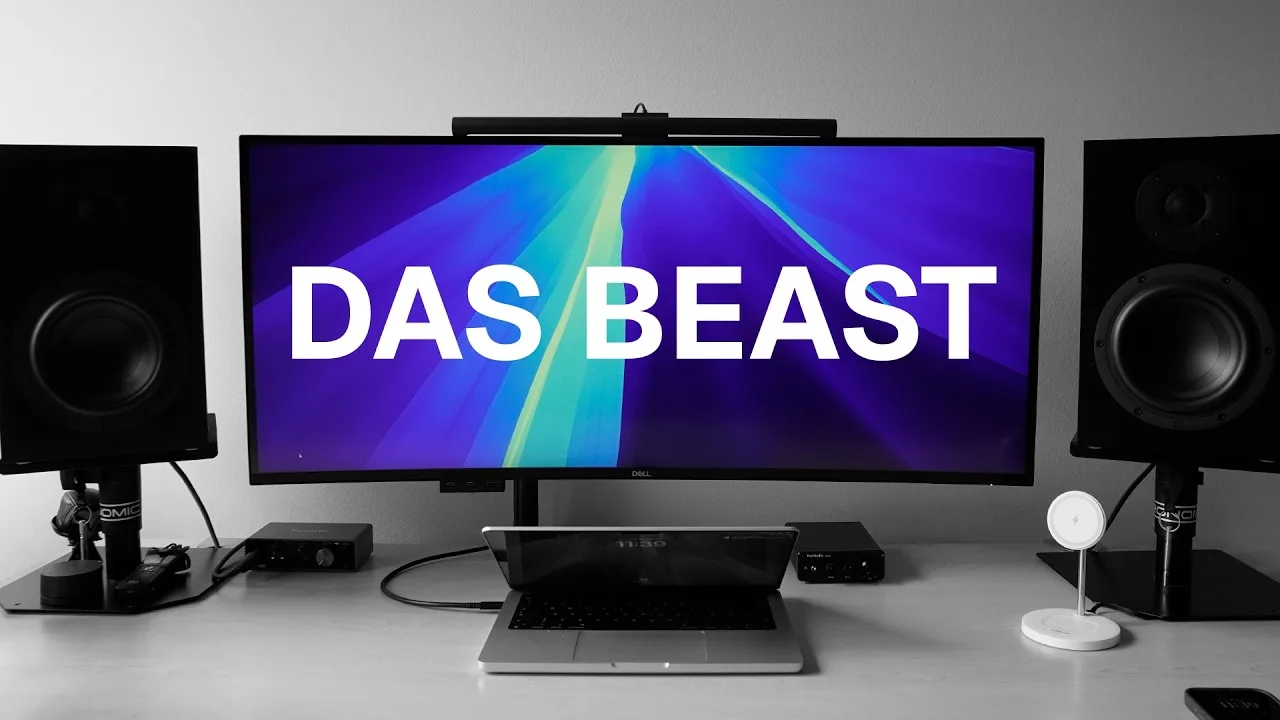
After a six-month search for the perfect monitor, the reviewer settled on the Dell U4025QW for €1,880, finding it ideal for UX design work. The 40-inch IPS Black panel delivers 2000:1 contrast and covers 99% Display P3 and 100% sRGB with Delta E under 2, though it uses 8-bit+FRC rather than native 10-bit color. The size initially shocked the reviewer coming from 34 inches, but the ultrawide format proved excellent for productivity with three full windows side by side. The monitor prioritizes color accuracy and screen real estate over features like high refresh rate, making it a specialized tool rather than an all-rounder.
- →Ideal for UX designers prioritizing color accuracy and workspace
- →Productivity-focused users benefit from 40-inch ultrawide format
- →8-bit+FRC sufficient for 99% of users despite not being native 10-bit
- →Not recommended for professional graphic designers needing absolute precision
- →Worth the premium if screen real estate and color coverage are priorities
 Marina Morre
Marina, a cloud software consultant, purchased this 40-inch ultrawide …
Marina Morre
Marina, a cloud software consultant, purchased this 40-inch ultrawide …
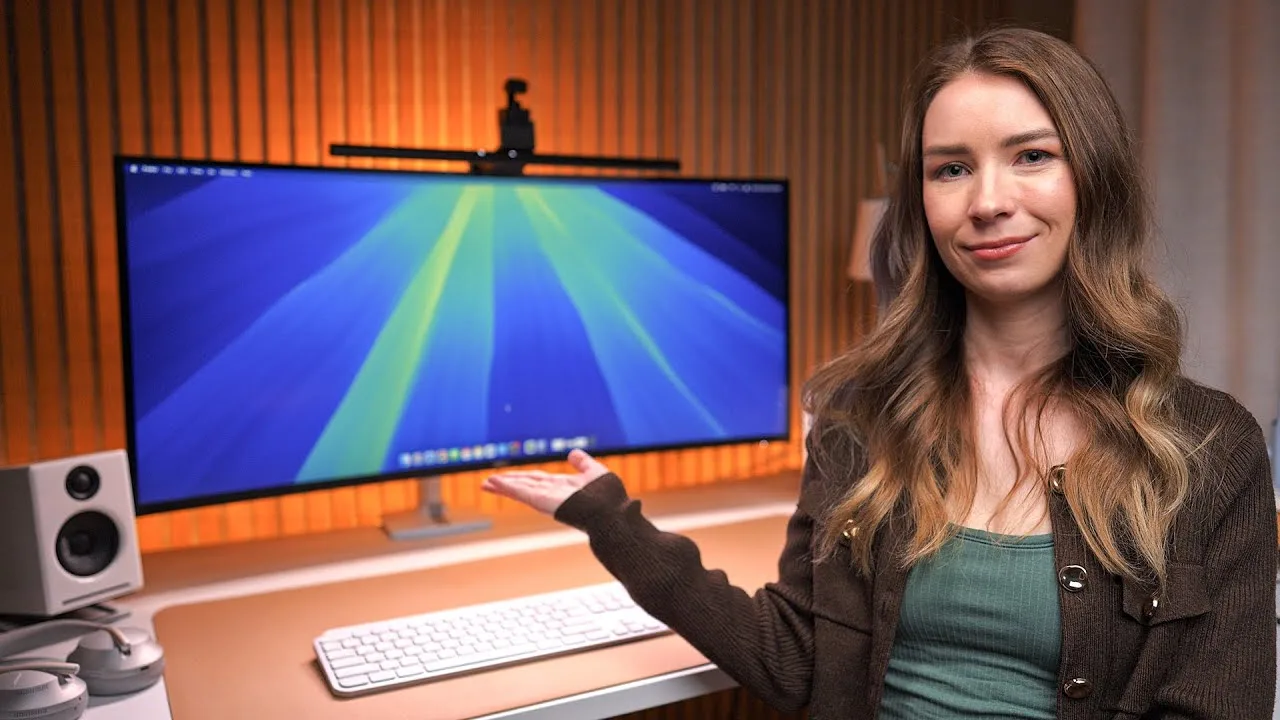
Marina, a cloud software consultant, purchased this 40-inch ultrawide monitor primarily for productivity work. The 5K2K resolution (5120x2160) provides effective screen real estate equivalent to dual monitors without a center bezel, reducing neck strain from head-turning. She values the curved design for readability at the edges and the built-in Thunderbolt 4 hub, which enables single-cable connection to her MacBook for display, charging, and USB peripheral access. The 120Hz refresh rate is present but not utilized for her static workflow. She finds 4K pixel density essential for text clarity during long work sessions, despite online concerns about macOS scaling.
- →Ideal for remote professionals needing extensive screen real estate
- →Perfect upgrade from dual-monitor setups with bezel fatigue
- →Excellent choice for MacBook users wanting single-cable workflow
- →Prioritizes productivity over gaming features
- →Best suited for spreadsheet, automation, and multitasking workflows
 COMPUTER BILD
The Dell U4025QW combines 5K resolution (5120 x 2160) with 120 Hz …
COMPUTER BILD
The Dell U4025QW combines 5K resolution (5120 x 2160) with 120 Hz …
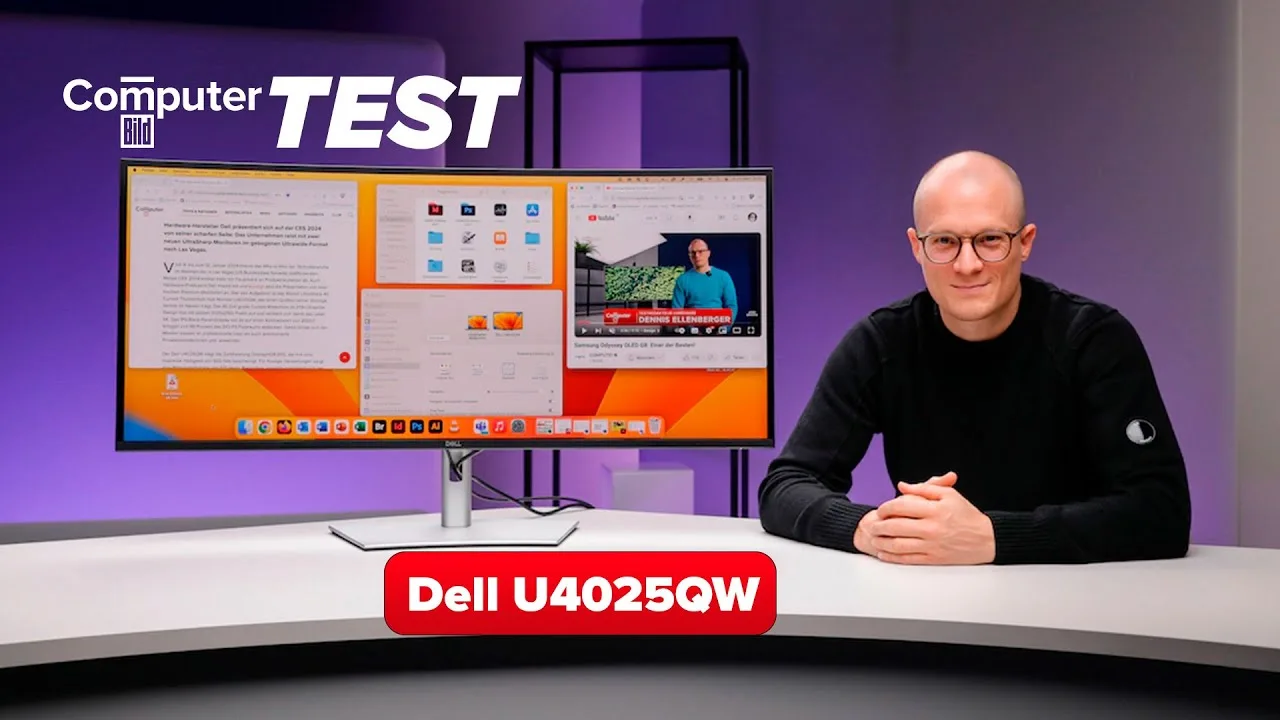
The Dell U4025QW combines 5K resolution (5120 x 2160) with 120 Hz refresh rate—a first for ultrawide office monitors. Its 40-inch curved 2500R panel with ultra-thin bezels offers substantial workspace without feeling bulky, making it ideal for video editing with extended timelines. Factory-calibrated color reproduction covers 99.7% sRGB and 92.1% DCI-P3 with excellent color accuracy. Peak brightness reaches 619 nits with HDR enabled, though the 1179:1 contrast ratio limits serious HDR work. The 120 Hz refresh rate delivers exceptionally smooth mouse movement across the expansive 101 cm diagonal. Comprehensive ergonomic adjustments include tilt, swivel, and height adjustment.
- →Ideal for video editors needing timeline space and preview quality
- →Excellent choice for professionals prioritizing smooth workflow
- →Skip for dedicated HDR content creation
- →Requires adequate desk space for 40-inch diagonal
- →Perfect upgrade for users frustrated by 60 Hz limitations
 DimusTech
A tech reviewer unboxes and sets up the Dell U4025QW, a 40-inch 5K …
DimusTech
A tech reviewer unboxes and sets up the Dell U4025QW, a 40-inch 5K …
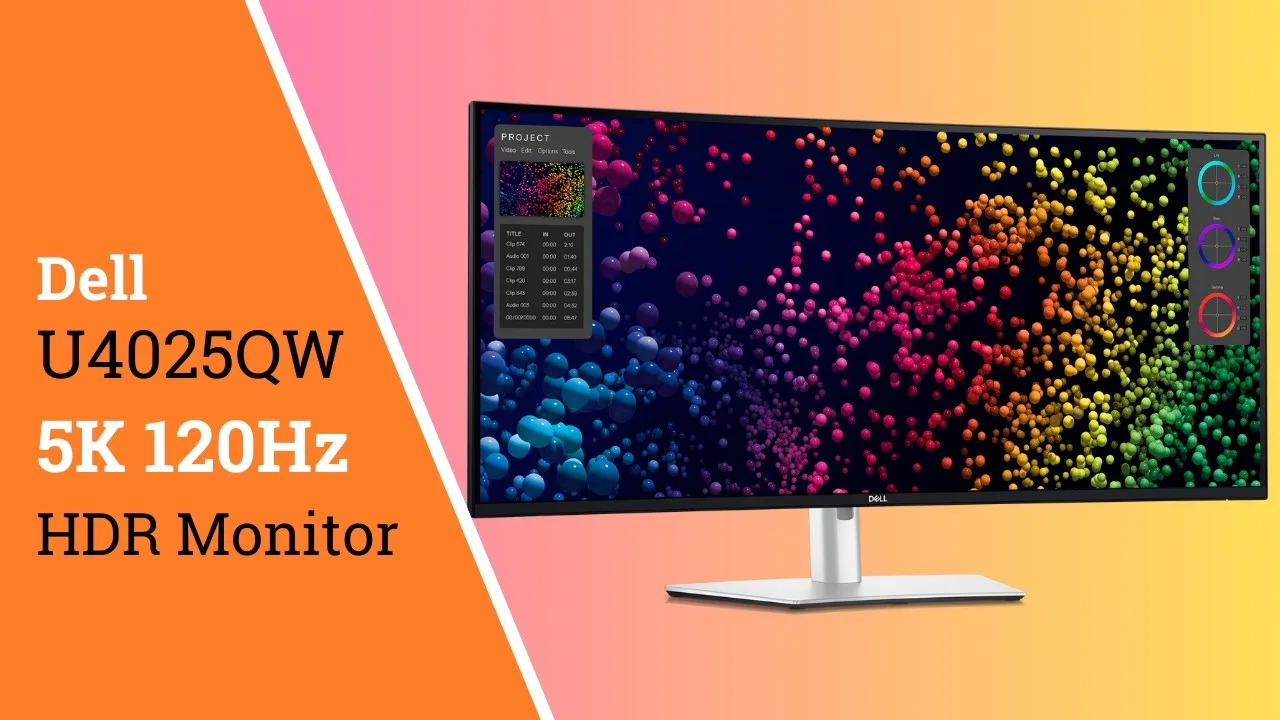
A tech reviewer unboxes and sets up the Dell U4025QW, a 40-inch 5K 120Hz monitor with extensive connectivity. After a week of use, they highlight the KVM functionality allowing seamless mouse and keyboard switching between two computers via USB-C and Thunderbolt, plus file transfer and clipboard sharing capabilities. The monitor successfully mounted on an existing arm despite its size. PbP (Picture-by-Picture) mode displays two computers simultaneously, with an option to make Windows recognize them as dual monitors for easier window management. HDR support exists but appears basic. Minor input lag exists when switching between systems.
- →Ideal for professionals working from home with multiple computers
- →Excellent for productivity workflows requiring frequent system switching
- →Great alternative to dual-monitor setups with virtual dual-screen feature
- →Suitable for content creators managing personal and work machines
- →Not recommended for competitive gaming due to KVM latency
 Dave's Garage
The reviewer, a self-described monitor enthusiast with decades of …
Dave's Garage
The reviewer, a self-described monitor enthusiast with decades of …
The reviewer, a self-described monitor enthusiast with decades of experience dating back to early computing, introduces the Dell UltraSharp U4025WQ as a 40-inch curved 5K 120 HDR display. He establishes his credibility through extensive personal history with monitors, from Commodore systems through his work on Windows NT's multi-monitor support at Microsoft. The review sets up as an unsponsored, independent evaluation where Dell had no editorial input. The reviewer emphasizes his picky standards regarding pixel pitch and response time, suggesting this monitor will face scrutiny from someone deeply knowledgeable about display technology.
- →40-inch curved form factor suits multi-window workflows
- →5K resolution targets professionals needing screen real estate
- →120Hz refresh rate benefits motion clarity and responsiveness
- →HDR capability expands dynamic range for content creation
 Lets Do Bonsai
The reviewer unboxes and sets up the Dell U4025QW monitor, expressing …
Lets Do Bonsai
The reviewer unboxes and sets up the Dell U4025QW monitor, expressing …
The reviewer unboxes and sets up the Dell U4025QW monitor, expressing satisfaction with the purchase. The monitor enables a dual-computer workflow with Thunderbolt connectivity, allowing both PC and Mac to share one large screen while keeping the MacBook closed. The included cable selection impresses—Thunderbolt 4, HDMI, USB-C to USB-A 3.2, and DisplayPort—addressing previous complaints about expensive monitors lacking accessories. The stand assembly requires connecting base to arm before lifting the panel. The reviewer plans to use Logitech Flow software alongside the monitor's hub functionality to control keyboard and mouse across both computers, though notes the monitor itself doesn't auto-switch inputs when moving the cursor to screen edges.
- →Ideal for professionals running dual Mac/PC workflows
- →Pair with Logitech Flow for seamless input switching
- →Excellent cable inclusion eliminates extra purchases
- →Requires proper stand assembly before lifting panel
 Leonardo
After extensive searching for an ultra-wide video editing monitor, the …
Leonardo
After extensive searching for an ultra-wide video editing monitor, the …
After extensive searching for an ultra-wide video editing monitor, the reviewer found the Dell U4025QW exceeded expectations despite initial skepticism from YouTube reviews. The 40-inch curved display delivers exceptional sharpness and brightness across the entire panel without overheating. The slight curvature provides immersive viewing with optimal visibility at the edges. Connectivity is comprehensive, including 140W Thunderbolt power delivery that enables single-cable MacBook Pro operation, plus HDMI 2.1 for gaming consoles. The monitor features height adjustment, tilt, rotation, and a built-in KVM switch. The only significant drawback is light reflection from the matte screen, requiring careful positioning or window treatments in bright environments.
- →Ideal for professional video editing with precise color spaces
- →Perfect for MacBook Pro users wanting clean single-cable setup
- →Excellent for immersive gaming via HDMI 2.1 console connection
- →Requires controlled lighting environment for optimal viewing
- →KVM switch streamlines multi-computer workflows efficiently
 Matt WhoisMatt Johnson
The reviewer, a video editor, finds the 40-inch Dell U4025QW …
Matt WhoisMatt Johnson
The reviewer, a video editor, finds the 40-inch Dell U4025QW …
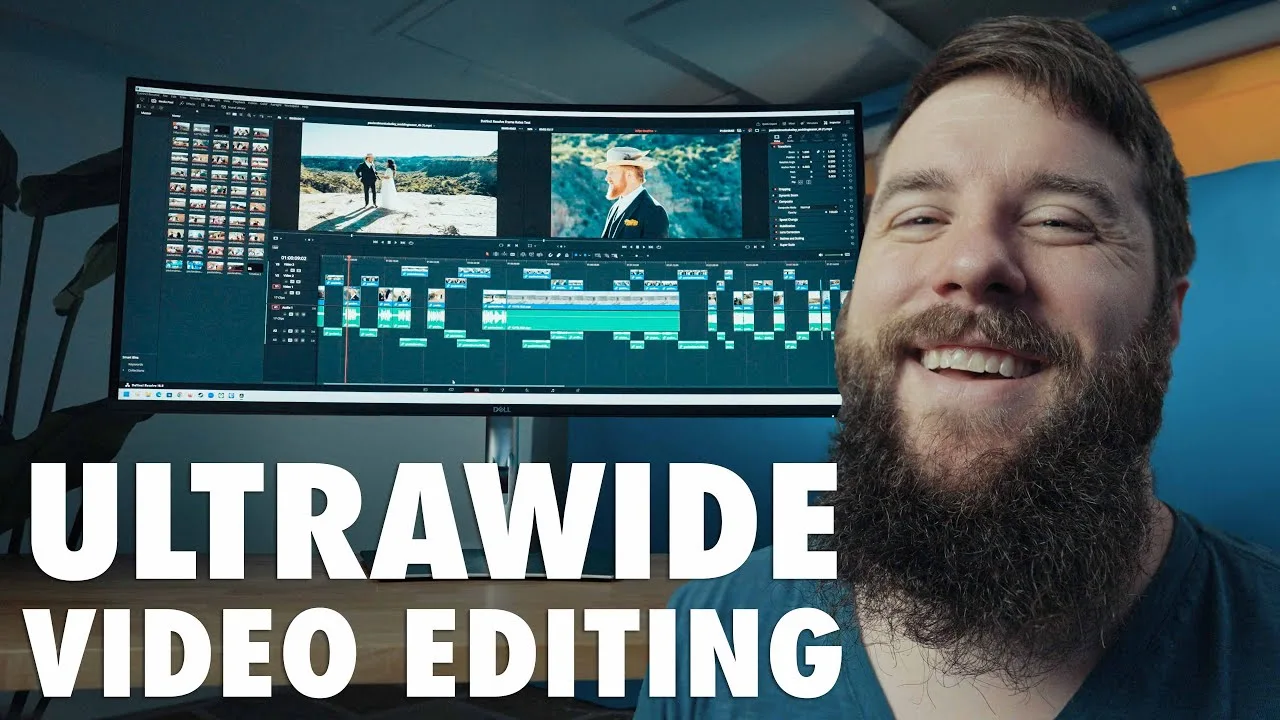
The reviewer, a video editor, finds the 40-inch Dell U4025QW exceptional for combining ultrawide screen real estate with 5120×2160 resolution—higher than 4K—eliminating the traditional trade-off between width and pixel density. The IPS Black panel delivers excellent color accuracy for grading, while 120Hz refresh rate enables surprisingly capable gaming. Setup proved remarkably easy despite the monitor's massive size. The reviewer, previously skeptical of curved displays, now approves of curves when paired with IPS technology rather than VA panels.
- →Ideal for 4K video editors needing timeline space and native resolution preview
- →Excellent dual-purpose monitor for professional work and gaming
- →IPS Black technology essential for color-critical creative workflows
- →Massive size requires substantial desk space planning
- →Curved ultrawide acceptable when paired with accurate IPS panels
 KTZ Systems
After 18 months of daily use, the reviewer considers this 39.7-inch …
KTZ Systems
After 18 months of daily use, the reviewer considers this 39.7-inch …
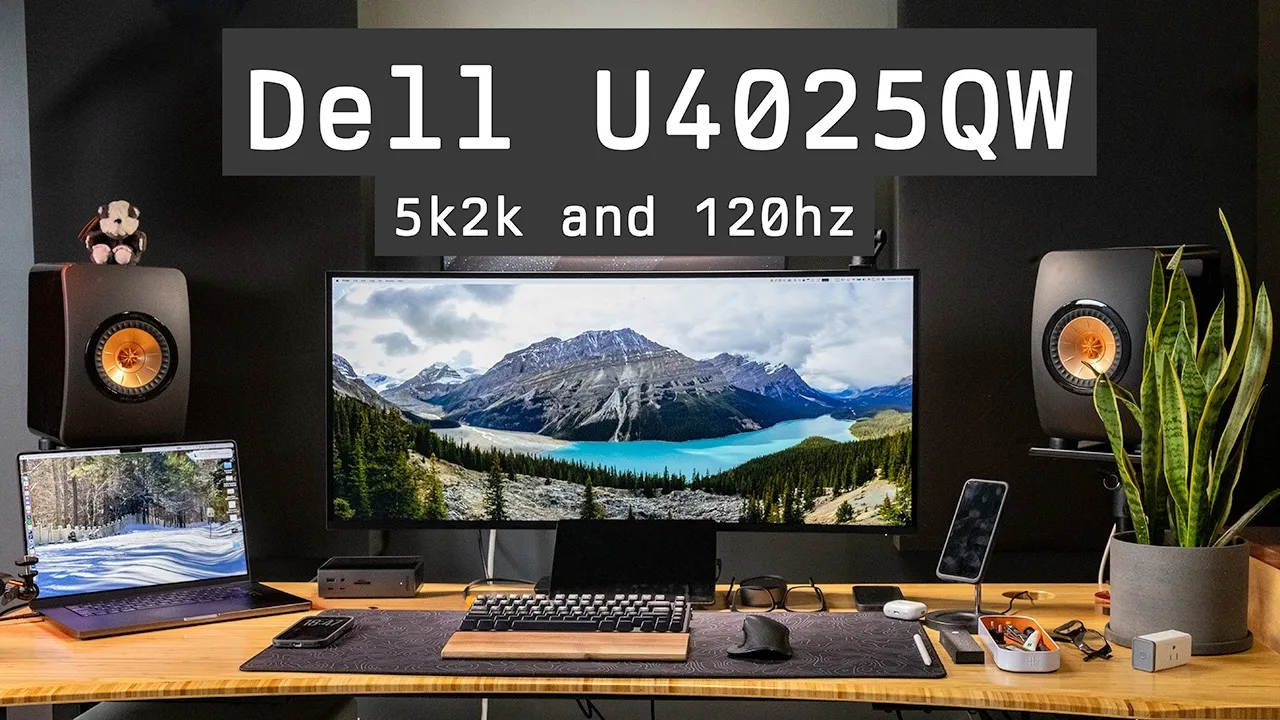
After 18 months of daily use, the reviewer considers this 39.7-inch 5K2K curved monitor the end of their long search for the perfect ultra-wide. Running at 120Hz with an IPS Black panel and 2000:1 contrast ratio, it delivers crisp text and smooth motion without excelling at any single spec. The integrated Thunderbolt 4 hub with 140W power delivery, 2.5GbE, KVM functionality, and extensive USB connectivity effectively replaces a separate dock. Typical brightness reaches 450 nits with HDR peaks at 600 nits. At $2,100, it's expensive but justifiable when factoring in dock replacement costs. No single feature dominates its class, yet nothing disappoints either.
- →Ideal for MacBook users wanting single-cable connectivity
- →Perfect for professionals prioritizing text clarity over gaming
- →Suits users needing integrated docking and networking
- →Best for those wanting high refresh without OLED compromises
- →Recommended for multi-computer setups using KVM features
 JessTechSpice
The Dell UltraSharp U4025QW is a 40-inch curved monitor designed to …
JessTechSpice
The Dell UltraSharp U4025QW is a 40-inch curved monitor designed to …
The Dell UltraSharp U4025QW is a 40-inch curved monitor designed to replace traditional docking stations with its built-in hub functionality. The unboxing reveals excellent packaging with protective materials, a substantial curved stand, and comprehensive cable options including HDMI ultra high speed certified cable, USB-C, and DisplayPort cables. Setup is straightforward with tool-free assembly using finger-tightened screws. The monitor features silicone plugs for USB-C charging ports and emphasizes cable management compatibility with standing desks.
- →Ideal for users wanting to eliminate separate docking stations
- →Best suited for professionals prioritizing cable simplification
- →Excellent choice for standing desk setups
- →Worth the premium over cheaper monitor plus dock combinations
- →Recommended for those valuing premium unboxing experience
 Drew Geraci
The Dell U4025QW is a 40-inch ultra-wide 5K monitor designed primarily …
Drew Geraci
The Dell U4025QW is a 40-inch ultra-wide 5K monitor designed primarily …
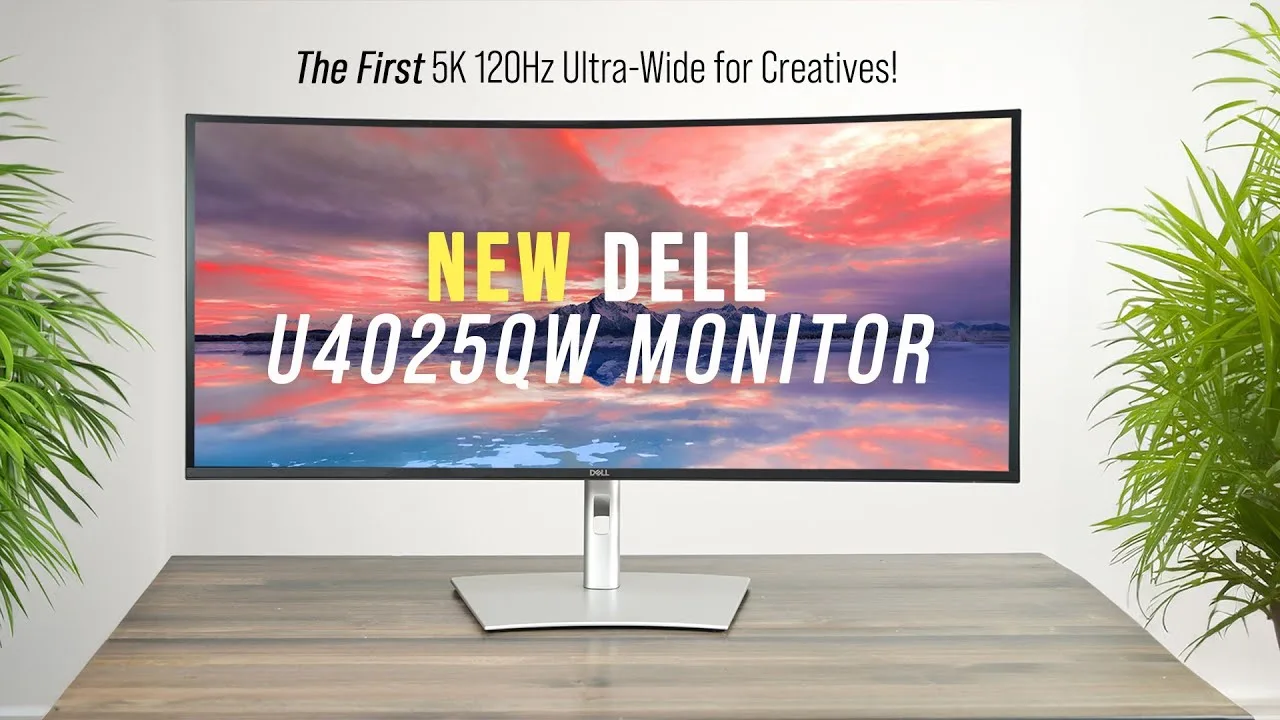
The Dell U4025QW is a 40-inch ultra-wide 5K monitor designed primarily for creative professionals. The reviewer, a photographer and cinematographer, praises its color accuracy with 100% sRGB and Adobe RGB coverage plus 99% DCI-P3, Delta E < 2, and HDR 600. The standout 5K 120Hz refresh rate provides fluid visuals for both editing and gaming. Connectivity is extensive with Thunderbolt 4 (140W), HDMI 2.1, 10Gb USB ports, 2.5Gb Ethernet, and a built-in KVM switch. A clever pop-out USB hub adds unexpected utility. The ergonomic stand and VESA mount system earn praise for flexibility. While HDR 600 falls short of ideal 1000-nit standards for HDR grading, the monitor excels for Rec. 709 video work.
- →Ideal for video editors prioritizing color accuracy
- →Perfect for creators using both Mac and PC simultaneously
- →Excellent choice for photographers needing wide gamut coverage
- →Capable for casual 5K gaming with modern GPUs
- →Best suited for Rec. 709 rather than HDR mastering
 NewGadgets.de
The Dell U4025QW features a 40-inch ultrawide curved IPS panel with …
NewGadgets.de
The Dell U4025QW features a 40-inch ultrawide curved IPS panel with …
The Dell U4025QW features a 40-inch ultrawide curved IPS panel with 5120 x 2160 (5K) resolution and VESA Display HDR600 certification. It delivers 99% DCI-P3 color coverage and includes Thunderbolt 4 connectivity providing up to 140W power delivery. A retractable USB hub on the monitor's underside offers convenient front-facing port access. The monitor supports 2.5GbE Ethernet via RJ45, HDMI 2.1 FRL, and DisplayPort 1.4. Ergonomic adjustments include height, tilt, and swivel functionality. It holds TÜV Rheinland's highest 5-star iComfort certification for eye comfort. The monitor launches February 27, 2024.
- →Ideal for creative professionals needing color accuracy
- →Perfect single-cable docking solution for power users
- →Excellent for reducing desk cable clutter
- →Suitable for long work sessions with eye comfort focus
- →Great for networking professionals needing fast Ethernet
 JimmyGMedia
The reviewer upgraded from a 27-inch 2K Mac monitor to the Dell …
JimmyGMedia
The reviewer upgraded from a 27-inch 2K Mac monitor to the Dell …
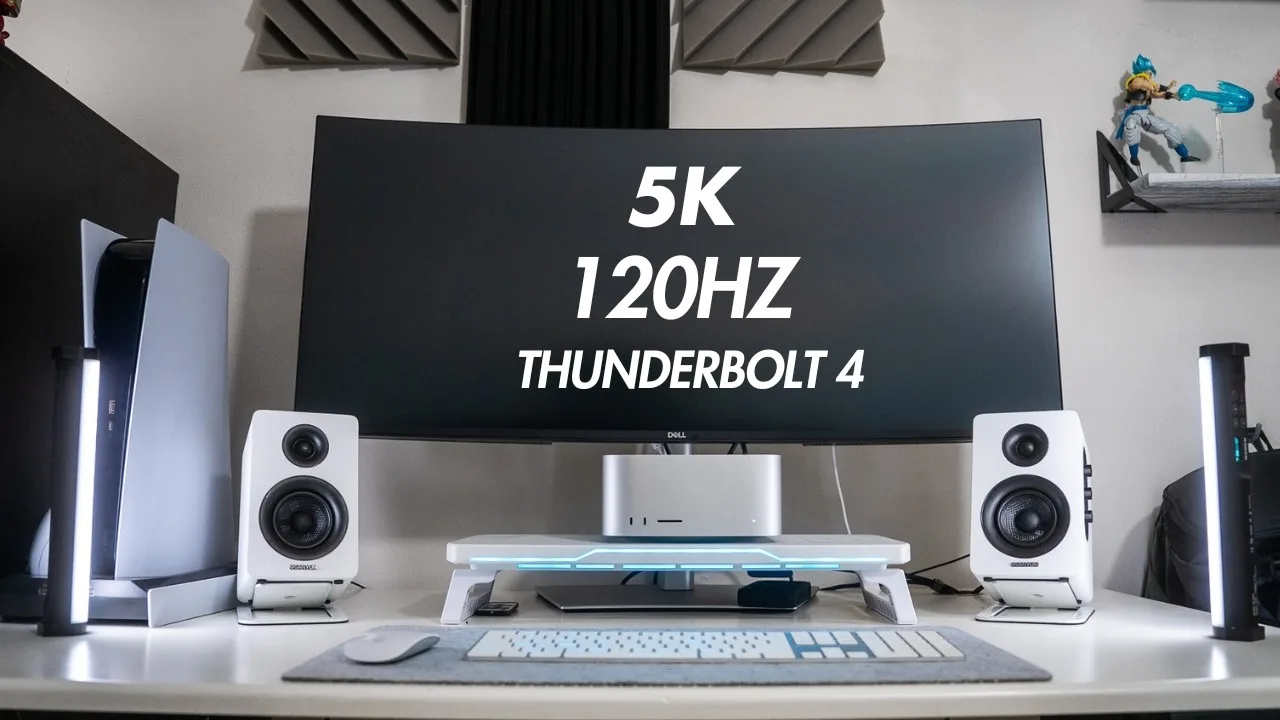
The reviewer upgraded from a 27-inch 2K Mac monitor to the Dell U4025QW after finding their previous setup inadequate for 4K video editing and frustrating for gaming due to input lag on an older TV. They describe the 5K2K resolution as providing substantially more workspace than standard 4K, enabling side-by-side use of Final Cut Pro, browsers, and tools without constant zooming or timeline shifting. Purchased at a discount from typical retail pricing, the monitor was selected specifically to pair with an M4 Mac Studio while also serving casual gaming needs.
- →Ideal for Mac users upgrading from 2K displays
- →Best suited for 4K video editing workflows
- →Works well for casual gaming after work hours
- →Replaces need for separate work and entertainment displays
- →Wait for retail discounts before purchasing
Community Discussions via Reddit
Comparison
r/ultrawidemasterrace
u/Cosmic-Cats-2001
The Dell U4025QW is a 40" 5K2K IPS monitor used by the author for 8 months as their all-time favorite display, split between 80% Mac productivity and 20% PC gaming. The owner describes it as "amazing" for their workflow, with particular praise for text sharpness and burn-in immunity. Despite ultimately preferring a new OLED competitor for gaming, the author contemplates keeping the Dell due to its practical strengths and is considering a dual-monitor setup. Community members note the Dell's established reputation for professional work and its clean aesthetic alongside other displays.
Key Insights
- →Best suited for productivity-focused users prioritizing text clarity and burn-in immunity over gaming performance
- →Strong Mac compatibility with full HDR support across all resolutions
- →Built-in KVM switch makes it ideal for multi-device workflows (Mac + PC)
- →8-month ownership demonstrates long-term satisfaction for professional use cases
- →Users with desk space may benefit from pairing with a dedicated gaming monitor rather than replacing
Top Comments
Nice writeup. I use the Dell for work and have the OG 1440p 45" LG for gaming. The 39" is tempting with wayyy better PPI compared to my 45". Plus it will look nice being the same size next to my …
I'm contemplating keeping my Dell too. I love the simplicity of having one monitor, but hmmm...I do have desk space for both monitors on my L-shaped desk.
Have you tried a usb-c to DisplayPort cable with your Mac? I don’t think plain usb-c has the bandwidth for hdr+high resolution + high framerate
Comparison
r/ultrawidemasterrace
u/S1mpel
The Dell U4025QW is a 40-inch 5K ultrawide monitor that delivers a seamless, plug-and-play experience with macOS, particularly for MacBook Pro users. The owner, using it with an M4 Pro MacBook Pro, confirms native 5K resolution runs sharply without scaling issues, and 120Hz works natively over Thunderbolt. The monitor emphasizes professional minimalism over gaming aesthetics, with practical features like built-in Ethernet, a pop-out USB hub, and KVM functionality. Eye comfort is excellent due to flicker-free operation and smooth scrolling. The matte coating pairs well with nanotexture MacBooks. Community feedback confirms the KVM quality and validates BetterDisplay compatibility for those wanting scaled resolutions. With no comparable announcements at CES and Dell's typical four-year refresh cycle, it appears future-proof for professional workflows.
Key Insights
- →Best for MacBook Pro users seeking a professional, productivity-focused ultrawide without gaming aesthetics
- →Plug-and-play macOS compatibility eliminates common fears about third-party ultrawide monitor support
- →BetterDisplay high-DPI mode works well but native resolution is reportedly sufficient for most users
- →Future-proof purchase with no comparable 5K ultrawide alternatives announced and Dell's slow refresh cycle
- →Ideal for users prioritizing eye comfort, text clarity, and clean desk setup over maximum screen real estate
Top Comments
The U4025QW is a great display. Sure, it doesn’t have the 32:9 ratio or size of a Sammy 56”, but it also doesn’t take up your entire desk. The KVM is better than the one in the Samsung, too. I …
It works fine. Typically, I use a 16:9 virtual display with PiP via Better Display so that I don’t have to share my actual screen.
**Thank you for the informative post! This is the best review I have seen for the Dell U4025QW. Your detailed insights helped me make my decision, and I finally chose to buy it. I appreciate the …
Setup Showcase
r/ultrawidemasterrace
u/Rorshack_co
Owner Rorshack_co has used the Dell U4025QW for over 50 years (likely typo for days/weeks) after upgrading from a Dell U4919DW. The monitor serves as the central hub for a multi-device home office setup including a company Windows laptop, personal desktop, and personal laptop. The owner emphasizes the display's sharpness enabling 100% scaling even with aging eyes, and praises the integrated KVM with Thunderbolt connectivity that simplifies switching between work and personal machines. Community member k2ui confirms long-term satisfaction, highlighting frequent use of flexible window layouts and PiP functions. The monitor appears particularly valued for productivity workflows with multiple browser windows side by side.
Key Insights
- →Best suited for productivity-focused users with multi-device workflows who need seamless switching between work and personal machines
- →Ideal replacement for dual-monitor setups, with users reporting reduced need for second display
- →High pixel density makes native scaling viable for users who typically require magnification
- →Strong community consensus on KVM functionality being a standout feature for hybrid work environments
- →Common usage patterns: single window centered at 75% width, or 2-3 equal columns for coding and browser-based work
Top Comments
Here is 3 browser windows side by side... My top bar is 30 pixels high so each window is 1706x2130 [https://imgur.com/a/Nx9EOh0](https://imgur.com/a/Nx9EOh0)
Here is 3 browser windows side by side... My top bar is 30 pixels high so each window is 1706x2130 [https://imgur.com/a/Nx9EOh0](https://imgur.com/a/Nx9EOh0)
I love love mine. Do you have any interesting utilities or workflows/layouts? I find that 90% of the time I’m using either 1 window stretched over the middle 75%, or 2 or 3 windows side by side. I do …
Full Review
r/ultrawidemasterrace
u/setzer
Owner setzer just received the Dell U4025QW and discovered that advertised 120Hz refresh rate does not work on M1 Macs, with only 60Hz selectable by default. They developed a workaround using custom EDID editing to unlock 100Hz (and up to 115Hz, though 110Hz is recommended to maintain full RGB bit depth). Multiple community members confirmed the workaround functions, with one achieving 116Hz at native 5120x2160. The monitor supports several scaled resolutions including 3840x1620 which users prefer for usability. However, some report settings revert after sleep. The community consensus is that 100Hz provides meaningful improvement over 60Hz with acceptable frame gaps.
Key Insights
- →Best for M1 Mac users willing to implement technical workarounds to achieve 100Hz+ performance
- →Not ideal for users expecting plug-and-play 120Hz on Apple Silicon Macs without configuration
- →3840x1620 at 100Hz appears to be the sweet spot for performance and usability based on owner preference
- →Thunderbolt 4 connection is essential for achieving these custom refresh rates
- →Consider waiting for firmware or driver updates if native 120Hz support on M1 is required without workarounds
Top Comments
These are selectable: 1920x810 2560x1080 3200x1350 3840x1620 I'm using 3840x1620 personally.
These are selectable: 1920x810 2560x1080 3200x1350 3840x1620 I'm using 3840x1620 personally.
Anybody else getting 404 errors on the imgur links? Both step 6 and 10 links return 404 for me. Edit: Working now. Must have been a temporary issue. Edit 2: Confirmed all working - have 100Hz at …
Comparison
r/ultrawidemasterrace
u/Humble_Contract_2620
The Dell U4025QW represents a significant release for productivity-focused users after 25 years of monitor ownership experience. Owners consistently praise the IPS Black panel for delivering improved contrast over standard LCDs while maintaining the text clarity essential for coding and professional work. The 40-inch 5K2K resolution with gentle curve suits multi-tasking workflows, with multiple users specifically noting enhanced coding experiences. Mac compatibility presents challenges—120Hz requires M2 chips by default, though M1 Pro users achieved 100Hz via custom EDID workarounds. The integrated Thunderbolt hub with 140W charging and dual-input KVM functionality (network or USB-based) appeals to one-cable setups, though KVM switching takes approximately 10 seconds. Users report 150% Windows scaling is necessary for readable text at full resolution. Gaming performance is adequate with functional VRR, but the monitor prioritizes professional use cases.
Key Insights
- →Best suited for 90%+ productivity workflows, particularly coding and text-heavy professional use; adequate but not optimized for gaming as secondary use
- →Mac users should verify chip generation compatibility or prepare for EDID customization to exceed 60Hz
- →One-cable Thunderbolt setup with 140W charging strongly appeals to laptop-docking workflows across Windows and Mac
- →IPS Black technology addresses traditional IPS weakness without OLED's text fringing concerns for productivity users
- →KVM functionality prioritizes IT-restricted environments (USB method avoids software installation) over speed
Top Comments
I got 100 Hz working on a Mac M1 Pro by creating a custom EDID (by default, only 60Hz is selectable). I'll post instructions soon. I could not get 120Hz working, but I don't really care about that, …
Got this delivered earlier this week. Not for me unfortunately, I need more of a hybrid work / gaming monitor and this doesn’t quite fit. Pros: - incredible SDR images, the IPs black panel is pretty …
I upgraded from a 38 inch LG monitor. Its been 5 days and I want to read and write more code on it. I use dark and vibrant editor themes for my IDEs and terminal. I am loving the text rendering and …
Comparison
r/ultrawidemasterrace
u/bubrreci
An architect using the Dell U4025QW praises its 21:9 ultrawide format for horizontal workspace in Archicad, describing it as "amazing" for professional CAD work. However, the owner identifies a key limitation: insufficient vertical height for their specific workflow. The 40-inch 21:9 display provides immersive panoramic viewing without the "wall effect" of larger 16:9 screens, but the user desires approximately 5 cm more visible height to reduce zooming/panning and accommodate toolbars without sacrificing drawing area. The community response is mixed—some validate the professional use case while others suggest workarounds like toolbar repositioning or alternative monitor sizes. No long-term durability or reliability issues were raised in the discussion.
Key Insights
- →Best suited for professionals prioritizing horizontal workspace and panoramic immersion over vertical screen real estate
- →Ideal for users who want ultrawide benefits without peripheral vision blockage from oversized 16:9 displays
- →May require workflow adaptation (toolbar repositioning to sides, dual-monitor setup) for CAD users needing more vertical space
- →Community consensus split: some validate vertical space concerns for CAD, others report no issues with 1440p ultrawides in architecture
- →No reported hardware defects or quality issues—limitations are ergonomic/design preferences rather than product failures
Top Comments
A quick google search found me a 45" 5k2k monitor with height of 46cm and width of 100cm, if you are insisting on the aspect ratio then add some black bars on the sides with a custom aspect ratio. …
So you want a custom size monitor instead of getting glasses? Come on man. At your age you must know how insane this is.
3000 hours is \~6 months for those of us that WFH (8hour workday, and 8 hour leisure). Not much of a baseline when we're talking about $3000 monitors.
Comparison
r/ultrawidemasterrace
u/robotecnik
A programmer upgraded from dual 24" QHD monitors to the Dell U4025QW, finding it ideal for coding with improved text sharpness and vertical screen real estate. The integrated Thunderbolt dock successfully replaced multiple peripherals including Ethernet, speakers, mouse, keyboard, and webcam. The 140W power delivery and 1Gbps networking worked as advertised. Notably, the monitor achieved full 5120x2160 at 120Hz with 10-bit color even over USB-C 3.2 Gen 2 (non-Thunderbolt) from a ThinkPad P14s. The owner initially couldn't perceive 120Hz benefits but confirmed the difference upon retesting. Minor complaints include visible black borders on three sides and Windows scaling limitations across multiple displays.
Key Insights
- →Best suited for programmers and developers prioritizing vertical screen real estate and text clarity over horizontal width
- →Excellent dock replacement capability for Thunderbolt and even non-Thunderbolt USB-C laptops
- →120Hz benefit exists but is not dramatic; users may need side-by-side comparison to appreciate it
- →Firmware appears stable with September 2024 version shipping on new units
- →Non-Thunderbolt USB-C laptops can still achieve full resolution and refresh rate, expanding compatibility
Top Comments
>My shitty brain is not impressed by the 120Hz, I fail to see a difference to be honest. There might be a chance you didn't change the setting in the OS, keeping the monitor at default 60hz.
Nope, I changed it... OK, the difference is there (I went back to 60Hz and I noticed it) maybe I did not noticed at the beginning... don't know, it's not night and day to me, but it's better at …
Nope, I changed it... OK, the difference is there (I went back to 60Hz and I noticed it) maybe I did not noticed at the beginning... don't know, it's not night and day to me, but it's better at …
Setup Showcase
r/ultrawidemasterrace
u/vhalen50
The Dell U4025QW is a 40-inch 5K ultrawide monitor primarily used for productivity and creative work. The owner, vhalen50, chose it over the 57-inch Samsung for its integrated Thunderbolt hub, enabling clean single-cable connectivity to a Mac for data, video, and audio interface (Apollo 8p). Coming from dual 27-inch 1440p monitors, they report significantly improved usable screen area despite some loss of total real estate. The monitor excels in professional workflows including music production and multi-window productivity setups. However, M1 Pro Mac users face a 100Hz refresh rate cap requiring EDID workarounds, and the ambient light sensor is criticized for being overly aggressive. The built-in Ethernet port lacks intelligent switching between connected machines. Gaming performance appears adequate for casual use with no reported ghosting or tearing issues.
Key Insights
- →Best suited for Mac-based productivity and creative professionals prioritizing single-cable Thunderbolt connectivity over high refresh rates
- →M1 Pro users should expect 100Hz maximum with workarounds; consider M2/M3 Macs or alternative monitors if 120Hz is essential
- →Excellent for multi-window development workflows with 5K clarity, though font size and usability depend on eyesight and viewing distance
- →Casual gaming is viable with no reported issues, but competitive gamers should verify specific performance needs
- →Thunderbolt hub integration is a standout feature that simplifies desk setups significantly for compatible workflows
Top Comments
No gaming from me. It’s basically only doing work or music production. I don’t see any “ghosting” but I prob wouldn’t be able to recognize it either.
No gaming from me. It’s basically only doing work or music production. I don’t see any “ghosting” but I prob wouldn’t be able to recognize it either.
Yeah this monitor is on my short list to replace my 8 year old Dell 38”. I was hoping for 120hz in 5k tho. If I have to upgrade my Mac too this gets way more expensive (m1 MBP)
Setup Showcase
r/ultrawidemasterrace
u/YourBeigeBastard
The Dell U4025QW is regarded by owners as an exceptional ultrawide monitor, particularly for those prioritizing productivity and gaming. Users with long-term UltraSharp experience call it the best monitor they've owned, praising its 5K2K resolution and 120Hz refresh rate capability. The monitor handles demanding games like Baldur's Gate 3 at full resolution without issues. However, the KVM functionality has a persistent limitation where it fails to send a "monitor off" signal when switching inputs, causing Windows to continue detecting the display as active. This creates workflow complications for laptop users who need their secondary machine to revert to single-screen behavior. The monitor supports Display Stream Compression, allowing even Intel integrated graphics from 12th gen to drive full resolution at 120Hz.
Key Insights
- →Best suited for users with the budget who prioritize both professional productivity and gaming performance
- →KVM functionality works technically but lacks polish for seamless multi-device workflows, particularly for laptop docking scenarios
- →Strong recommendation for those who work long hours and need extensive screen real estate
- →Future OLED alternatives in 5K2K or 45-inch sizes may offer compelling upgrades, but this monitor serves well as an interim solution
- →Integrated graphics compatibility makes it viable for business laptops without discrete GPUs
Top Comments
4k IPS 144Hz = ~$500 5k IPS 120Hz = ~$2000 *slaps forehead* I can't justify 4X price to upgrade to a 33% wider monitor Darn economies of scale
Yeah, it’s the best monitor I’ve ever had (almost always had UltraSharps). Really amazing. And I can still play BG3 at full rez and 120Hz! My one and only gripe is that the KVM *still* doesn’t send …
When I switch to one computer, I want the other (my laptop in this case) to revert to one screen, not to keep thinking it has two, especially when Windows doesn't support two different resolutions …
Setup Showcase
r/ultrawidemasterrace
u/unfulvio
The Dell U4025QW represents a significant upgrade for the owner after 8 years on a triple 24" 16:10 Dell setup. Purchased for approximately $1750 with a 4-year warranty directly from Dell, it replaced a backordered U4021QW order. The owner, a software developer and Photoshop user, finds 40" to be the ideal size for their workflow. The monitor is paired with an auxiliary Asus Proart PA147CDV 32:9 display (1920x550) for terminal and chat windows. The owner cannot achieve 120Hz due to 2019 Intel Mac Thunderbolt 3 limitations but plans to upgrade later this year.
Key Insights
- →Best suited for professionals in software development and creative work (Photoshop) who want a single large display rather than multi-monitor setups
- →40" form factor hits a sweet spot for productivity users who find 49" ultrawides excessive
- →Mac users with older Intel-based Thunderbolt 3 systems should expect 60Hz limitation; full 120Hz requires newer hardware
- →Pairing with a small auxiliary 32:9 display (like the Asus Proart PA147CDV) creates an effective productivity stack for separating primary work from communication tools
- →Direct purchase from Dell with extended warranty provides better value than third-party retailers
Top Comments
It’s a small Asus Proart PA147CDV 32:9 display I use for auxiliary stuff like terminal, chat windows etc. 1920x550 and very handy.
It’s a small Asus Proart PA147CDV 32:9 display I use for auxiliary stuff like terminal, chat windows etc. 1920x550 and very handy.
Probably because of the display quality but also has a bunch of features like touch screen and a utility wheel meant for creative apps which I ended up not using. I like the format though. There are …
Quick Opinion
r/ultrawidemasterrace
u/up20boom
The Dell U4025QW is a 40-inch ultrawide monitor with 5120x2160 resolution (140 PPI) that the owner uses scaled to 110 PPI for optimal text clarity. The owner replaced a 38-inch monitor with this model specifically for the extra pixel density that allows sharper text rendering at equivalent effective resolution. They operate it at approximately 3 feet viewing distance with a daisy-chained second monitor via single Thunderbolt cable. The monitor is praised for color quality and PPI, though the native 140 PPI makes text/UI elements too small without scaling. Pricing discussion reveals Dell's historical markup practices and current $1920 pricing with potential for additional discounts through sales chat.
Key Insights
- →Best suited for macOS users and developers prioritizing text clarity through HiDPI-style scaling workflows
- →Ideal for users wanting 4K-equivalent workspace (3840x1600 effective) with sharper rendering than native panels
- →Thunderbolt daisy-chain capability benefits multi-monitor setups seeking cable simplicity
- →Requires acceptance of resolution scaling; not plug-and-play for users wanting native resolution at standard distances
- →Purchase strategy: contact Dell sales chat for additional discounts beyond listed price
Top Comments
Dell initially launched it for $2399 wanting to run it at 20% discount after a few days, but they slashed the price to $1920 immediately next day across the globe. That's what they do with all …
Dell initially launched it for $2399 wanting to run it at 20% discount after a few days, but they slashed the price to $1920 immediately next day across the globe. That's what they do with all …
This 40 replaced the 38 for me. I wanted to use the same 3840 \* 1600 resolution but this gives me extra pixels to render same resolution. Extra crisp, smooth, sharp text. Much much better. That's …
Troubleshooting
r/ultrawidemasterrace
u/HoldTheWasabi
The Dell U4025QW is a 40" 5K2K ultrawide monitor that delivers excellent image quality and color reproduction when paired with capable hardware. Users report it shines with M3 Max MacBook Pros, supporting 3840x1620 HiDPI at 120Hz natively. However, it reveals significant limitations with base M1/M2/M3 chips, which cannot achieve HiDPI scaling or refresh rates above 60Hz due to framebuffer constraints. The monitor's 140 PPI physical density can be approximated to Retina-like 109 PPI through fractional scaling, though this requires specific chip capabilities. Multiple owners confirm text clarity concerns at native resolution, with some experiencing eye strain over extended use. The display demands careful hardware pairing to unlock its full potential.
Key Insights
- →Best suited for users with M3 Max or equivalent Pro-tier chips; base M chip users will experience significantly degraded functionality
- →Not ideal for users sensitive to small text or prone to eye strain without scaling workaround
- →3840x1620 HiDPI at 120Hz represents the optimal configuration for macOS users, but requires specific hardware validation before purchase
- →Monitor capabilities are heavily dependent on connected device's graphics processing power—verify chip specifications match use case
- →Consider as premium productivity display only when paired with capable hardware; otherwise lower-resolution alternatives may provide better experience
Top Comments
For MacOS display support, if you are planning to run anything above 4K, just buy the Max version of the chip. I've read reports where people using 5120x2160 displays on e.g M2 Pro chips are missing …
Thank you for sharing your findings. I've also spent a lot of time trying to understand why text clarity is poor with my U4025QW via MacBook Pro M1 Max (2021) and wrote a post about this last week. …
That’s one thing I didn’t appreciate before all this - the extent of how the trim levels of these chips can really matter. I was going for a MacBook M3 Air centric development environment and all …
Q&A Thread
r/ultrawidemasterrace
u/Psychological_Bit_40
The Dell U4025QW stands as the sole 5K2K (5120 x 2160) monitor with a refresh rate above 100Hz currently available, making it unique in a sparse market segment. Community discussion reveals it serves dual purposes well: productivity users praise its high DPI for multitasking with multiple laptops, while some users successfully run it at lower resolutions for gaming with upscaling. Multiple commenters confirm it doesn't require high-end GPU power for productivity work—one user runs 5K2K on a 3-year-old M1 Pro MacBook, another on a $100 Acer netbook with Ubuntu. The monitor appeals to users seeking 21:9 ultrawide benefits with higher pixel density and more desk space than 32:9 alternatives like the CRG9.
Key Insights
- →Best for productivity-first users who need high DPI for multitasking and occasional gaming at lower resolutions with upscaling
- →Viable for MacBook Pro and integrated graphics users for productivity work—does not require expensive dedicated GPU
- →Not ideal for users seeking native 5K2K gaming at high refresh rates without substantial GPU investment
- →40-inch form factor suits users upgrading from smaller ultrawides who have adequate desk space; others may want to wait for smaller 5K2K options rumored for Q4
- →Community consensus: refresh rate + resolution combination is uniquely valuable despite market limitations, with users accepting trade-offs between resolution and performance based on use case
Top Comments
Because the market for 2k+ monitors that require a 2k gpu and another 2k for the rest of the system is a very limited population, despite the demographics of this sub.
Because despite Ultrawide being awesome it still only accounts for single digits in the market, and these screens being as expensive and hard to drive as they will be, will account for a fraction of …
This assumes you only want it for gaming. I have no issue running it at 1440p equivalent for gaming with some upscaling. I just want the refresh rate. I want the 5k2k for the resolution during …
Scores based on weighted analysis of 43 expert and community sources. How we review →