

Monitors
BenQ PD3225U
Best For
- Photo and video editors needing accurate color out of the box
- MacBook users who want single-cable Thunderbolt docking
- Designers working across both Mac and PC setups
Consider Carefully
- Gamers who need high refresh rates or Adaptive Sync
- Budget shoppers comparing similarly specced IPS Black monitors
- Users in bright rooms who need high peak brightness
Jump to Section
The Bottom Line
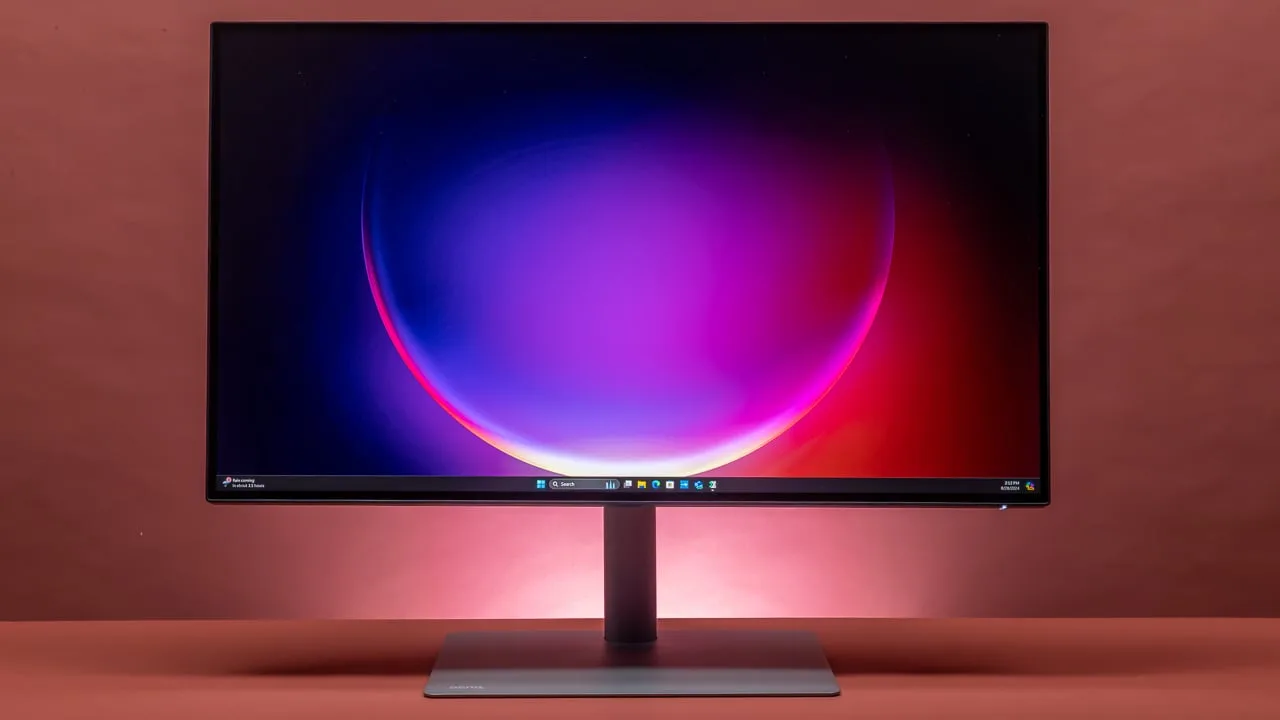
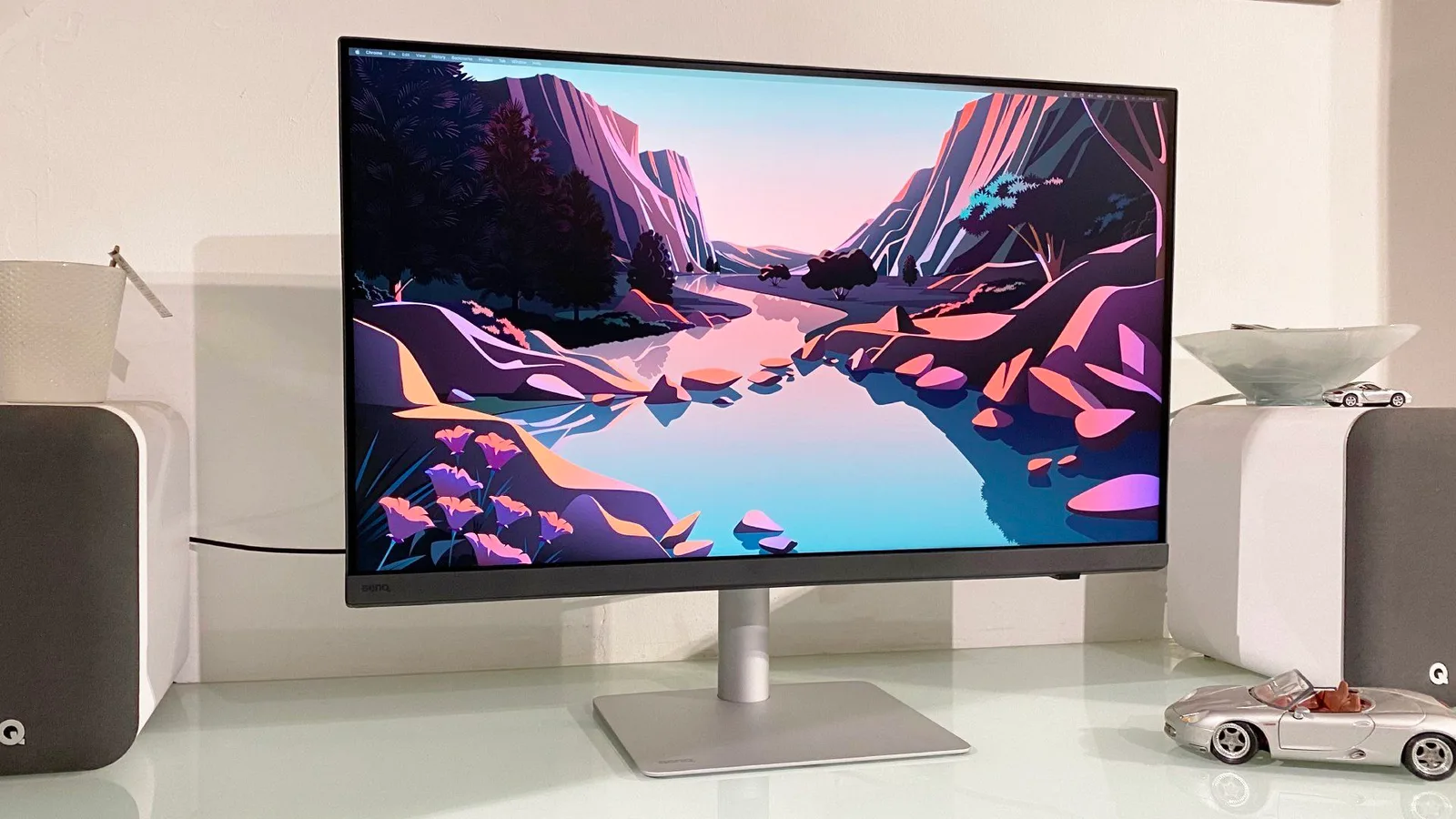
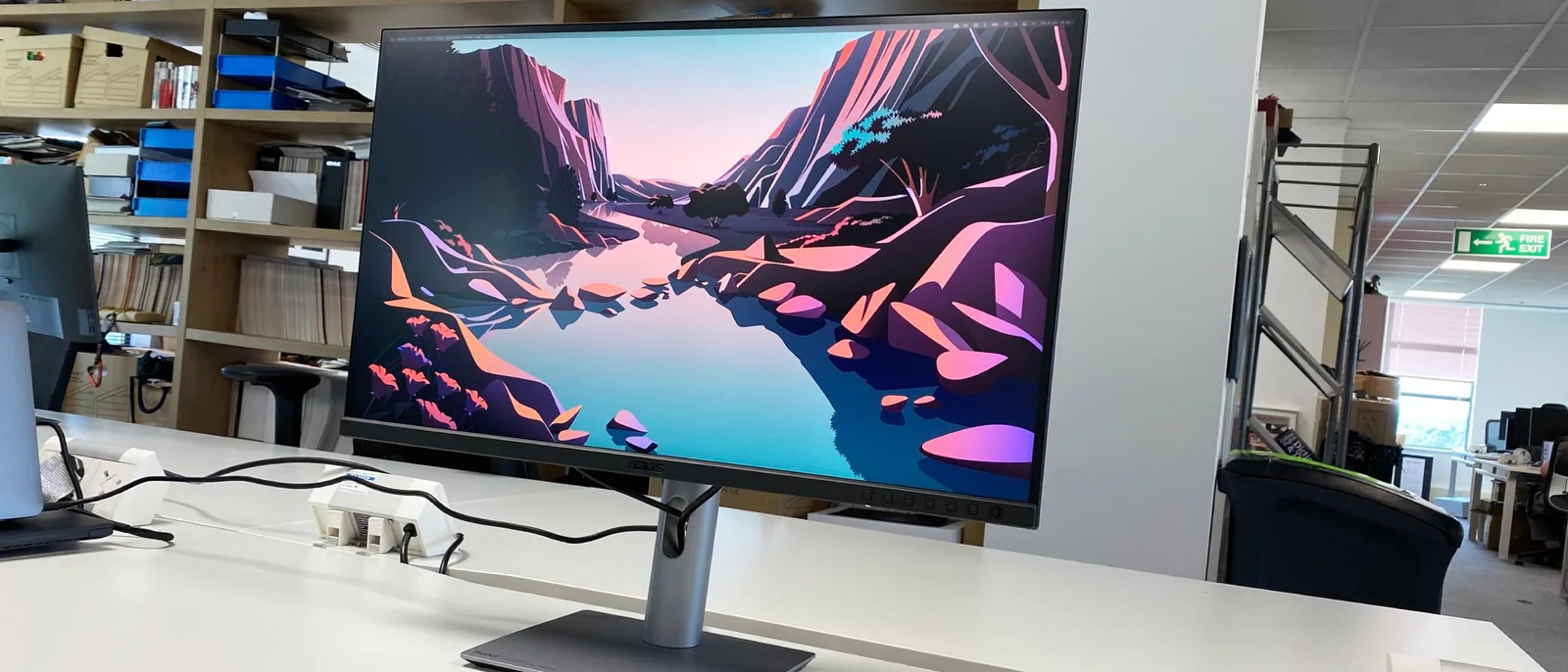
The BenQ PD3225U is a 32-inch 4K monitor that's carving out a niche for creative professionals who need a high-quality display that can handle both Mac and PC with ease. What we found is a monitor that's praised for its large IPS Black panel, which delivers deeper blacks than standard IPS screens, as noted by rtings.com. This panel's quality is its standout feature, offering excellent color accuracy and contrast ratio, making it a solid choice for design and media editing tasks. The monitor's Thunderbolt 3 support, highlighted by macworld.com, is another strong point, providing both display connection and power delivery in one cable, which is a practical feature for those with MacBooks. However, this monitor's 60Hz refresh rate is a point of contention; for those expecting smoother motion in graphics-intensive applications, this might be a letdown.
Performance Breakdown
In-Depth Analysis
Mac Integration 97
18 sources treat this as the default recommendation for Mac users who won't pay Apple Studio Display prices, with factory calibration tuned for macOS color output.
Key Takeaway
→If you're on macOS and want a large 4K display without paying Apple tax, this is the most consistently recommended option across the review set.
Stand & Ergonomics 96
Nine sources call the stand one of the best in class, with tool-less setup and full ergonomic adjustability. No meaningful dissent.
Key Takeaway
→The stand is a genuine strength. Buy with confidence on ergonomics, and budget a few extra minutes for the unboxing.
Color Accuracy 94
23 of 25 sources agree this is one of the most color-accurate monitors in its class, factory-calibrated and covering 100% sRGB and 94% P3.
Key Takeaway
→For screen-based creative work in sRGB and P3, this is a safe buy. Print professionals needing AdobeRGB should look elsewhere.
HotKey Puck & Software 94
The HotKey Puck G2 and Display Pilot 2 software are genuinely useful workflow tools, though the puck's wired connection is a minor frustration for a monitor at this price.
Key Takeaway
→The software and puck are legitimate differentiators for creative workflows. If you'll use dual color mode or KVM switching regularly, they justify part of the price premium.
Display Image Quality 88
The IPS Black panel is the headline feature, delivering noticeably deeper blacks than standard IPS, but brightness is a real limitation that 3 sources flag against direct competitors.
Key Takeaway
→If deep blacks and color vibrancy matter more than peak brightness, the IPS Black panel delivers. If you work in a bright room or need HDR pop, look at brighter alternatives.
Connectivity Options 85
Thunderbolt 3 with 85W power delivery and a built-in KVM switch make this a capable one-cable docking solution, though the TB3 spec is already a generation behind.
Key Takeaway
→If you want a single-cable docking solution for a MacBook or Thunderbolt laptop, this works well. If you need the latest TB4/TB5 speeds or a richer port selection, the spec is already dated.
Speaker Quality 68
The speakers are weak. macworld.com called them 'meager,' and machow2.com flagged quality concerns. The 2.5W upgrade from markellisreviews.com is a low bar.
Key Takeaway
→Don't rely on the built-in speakers for anything beyond system alerts. Budget for external audio.
Refresh Rate & Performance 66
60Hz with no Adaptive Sync. Three sources flag it plainly. This monitor is not for gaming.
Key Takeaway
→If you game or need high refresh rates for any reason, skip this. It's a 60Hz professional display and makes no apologies for it.
Specifications & Verdict
Connectivity
- Audio Out
- 1 (side-facing)
- Displayport
- 1 (DisplayPort 1.4)
- Hdmi Ports
- 2
- Thunderbolt3Ports
- 2 (1 upstream 85W, 1 downstream 15W)
- Usb APorts
- 3 (1 side-facing)
- Usb BPorts
- 1 (upstream)
- Usb CPorts
- 1 (upstream, side-facing)
Display
- Brightness
- 400 nits
- Color Gamut DCI_P3
- 98%
- Color Gamut Rec709
- 99%
- Color Gamut SRGB
- 99%
- Contrast Ratio
- 2000:1
- Hdr Support
- HDR10, VESA DisplayHDR 400
- Panel Type
- IPS Black
- Refresh Rate
- 60Hz
- Resolution
- 4K
- Size
- 32 inches
Ergonomics
- Stand Adjustments
- height, tilt, swivel, pivot
- Stand Height Adjustment
- up to nearly 6 inches (150mm)
- Stand Pivot
- up to 90 degrees
- Stand Swivel
- up to 60 degrees
- Stand Tilt
- up to 25 degrees
- Vesa Mount
- Yes, 100x100mm
Features
- Adaptive Sync
- No
- Brightness Hdr
- 400/400 nits
- Certifications
- Pantone Skin Tone, TUV
- Color Technology
- AQCOLOR
- Design Features
- borderless frame on all four sides, minimalist design
- Headphone Jack
- Yes
- Included Accessory
- HotKey Puck G2 controller
- Model
- BenQ PD3225U
- Series
- Professional Designer (PD)
- Speakers
- 2 x 2.5W
- Target Market
- graphic designers, photographers, video editors, digital artists
Performance
- Color Accuracy
- Delta E < 2.0
- Color Space
- 98% Display P3
- Pixel Density
- 140 ppi
- Response Time
- 5 ms
- Viewing Angle
- 178°
Physical
- Dimensions
- 628.4 x 714.8 x 273.3mm
- Dimensions With Stand
- 24.7 x 28.1 x 10.8 inches (HWD)
- Weight
- 18.1 pounds
- Weight Without Stand
- about 15 pounds
Our Verdict
The BenQ PD3225U earns its 79/100 for creative professionals who need a large, color-accurate display with single-cable Mac docking. The IPS Black panel's 2000:1 contrast ratio and pre-calibrated 98% DCI-P3 coverage are genuinely useful for design and photo editing work. The 60Hz refresh rate and premium price tag make it a poor fit for gamers or budget shoppers, but if you're a Mac-based creative who wants to ditch the dongle pile, this monitor delivers.
Customer Reviews Amazon
66 reviews
Excellent monitor
Professional display
Overall happy with the monitor for the price.
Exactly as advertised
Show all 10 reviews
Bad right out of the box
Love it!
Great Choice for Mac Users
Yes! The One!
Color accuracy exceeds my expectations
Works perfectly with Mac Studio
Reviews shown are from Amazon customers and do not reflect our editorial assessment.
Pricing & Availability
Updated Apr 8, 2026BenQ PD3225U
Sources & Methodology
Every score is built on evidence. This review synthesizes 35 independent sources — expert publications, video reviews, and community discussions — weighted by credibility, depth, and relevance.
Show detailed source analysis ↓ Hide source analysis ↑
Expert Reviews
rtings.com
Top
7.8/10-point
A premium 32-inch 4K productivity monitor targeting creative professionals with macOS integration. Features IPS Black panel technology for deeper blacks, Thunderbolt 3 with 85W power delivery, and unique workflow tools including a HotKey Puck for quick settings adjustments and dual color mode display. Includes KVM switch and Display Pilot 2 software for monitor tuning. Positioned as an expensive option best suited for users valuing its specific software features and hardware controls over raw performance metrics.
Strengths
- +IPS Black panel delivers deeper blacks than standard IPS
- +HotKey Puck enables quick settings adjustments remotely
- +Dual color mode display for side-by-side comparison
- +Close macOS integration benefits Apple users
Weaknesses
- −60Hz refresh rate less responsive than premium competitors
- −Lower brightness than direct alternatives
- −Less vivid and accurate color reproduction
- −Thunderbolt 3 lags behind newer Thunderbolt 4/5 standards
macworld.com
Top
4/5-point
The BenQ PD3225U is a 31.5-inch 4K monitor with Thunderbolt 3 support, providing high display quality and practical functions for design, desktop publishing, and media editing. Its Thunderbolt connection allows it to double as a docking station, offering 85 watts of charging power and multiple ports for peripherals. The monitor's color accuracy and coverage are impressive, with 98% DCI-P3, 99% sRGB, and 99% Rec.709 coverage, making it suitable for color-sensitive work.
Strengths
- +Very large 31.5-inch 4K screen
- +Colorfast and bright display
- +Thunderbolt connection for Mac docking
- +Extensive color space coverage
Weaknesses
- −Only 60Hz refresh rate
- −Speakers are rather meager
- −No built-in webcam
pcworld.com
Top
4/5-point
The BenQ PD3225U impresses with its 4K resolution IPS Black panel, offering improved contrast and top-tier color accuracy. Its Thunderbolt 3 connectivity provides Power Delivery and DisplayPort Alternate Mode, and the monitor's sleek design includes a robust stand with extensive ergonomic adjustments. However, it lacks Adaptive Sync and is limited to a 60Hz refresh rate, while its high price point is a significant drawback compared to competitors.
Strengths
- +Excellent brightness and wide color gamut
- +Improved contrast with IPS Black panel
- +Extensive image quality customization options
- +Attractive, minimalist design with great stand
Weaknesses
- −Only 60Hz refresh rate, no Adaptive Sync
- −Connectivity options are less than competitors
- −Priced higher than similar IPS Black monitors
creativebloq.com
Top
8/10-point
The BenQ PD3225U is a 32-inch IPS monitor designed for design professionals requiring accurate color reproduction. Factory-calibrated and equipped with an excellent color space, it ensures color accuracy regardless of office conditions or connected computer. The monitor offers Mac-centric features, convenient USB connectivity, and a large, imposing presence on any desk, supported by a sturdy stand.
Strengths
- +Factory-calibrated for color accuracy
- +Mac-centric features enhance usability
- +Convenient USB connectivity and single-cable solution for Thunderbolt laptops
- +Comes with Hotkey Puck G2 for workflow efficiency
Weaknesses
- −Lack of brightness compared to other screens
- −Priced higher than some alternatives
- −Difficult to unbox due to complex packaging
trustedreviews.com
Top
3.5/5-point
The BenQ PD3225U is a productivity-focused monitor with a 32-inch 4K IPS Black panel, offering detailed output and a highly adjustable stand. It boasts excellent color accuracy, making it suitable for design and video editing. However, its brightness and contrast levels are middling compared to competitors, with a peak brightness of 200.9 nits and a contrast ratio of 790:1.
Strengths
- +Large 32-inch 4K IPS Black panel
- +Excellent color accuracy for professional work
- +Highly adjustable stand with tool-less setup
- +Extensive connectivity options including Thunderbolt 3
Weaknesses
- −Middling brightness and contrast compared to competition
pcmag.com
Top
4/5-point
The BenQ PD3225U is a 32-inch 4K UHD monitor designed for creative professionals, offering improved brightness and contrast ratio over its predecessor. It provides a larger screen and more versatile stand than Apple's Studio Display at a lower cost. The PD3225U uses LG's IPS Black technology, enhancing the contrast ratio to 2,000:1 and delivering deeper blacks. It includes a stand with height, tilt, swivel, and pivot adjustments and a HotKey Puck G2 controller for convenient OSD settings control. The monitor also offers a variety of picture modes and multiple connectivity options, including HDMI, DisplayPort, and Thunderbolt 3 ports.
Strengths
- +Improved brightness and contrast ratio
- +Larger screen and more versatile stand than Apple's Studio Display
- +IPS Black technology for deeper blacks
- +Versatile stand with multiple adjustments
machow2.com
Top
90/100-point
The BenQ PD3225U is a 32-inch 4K monitor designed for graphic design software users, photographers, and desktop publishers, offering high color accuracy and Mac compatibility. It features a superb brightness level, HDR 400 support, and factory calibration for Macs. The adjustable vertical and horizontal stand, along with the excellent ColorTalk and DisplayPilot software, enhance usability. However, the HotKey Puck isn't wireless, and the volume adjust from Mac only works with headphones connected, while speaker quality is subpar.
Strengths
- +Superb brightness level and contrast ratio
- +Support for HDR 400
- +Factory calibrated for Macs
- +Adjustable vertical and horizontal stand
Weaknesses
- −HotKey Puck isn't wireless
- −Volume adjust from Mac only works with headphones connected
- −Speaker quality
markellisreviews.com
7.8/10-point
The BenQ PD3225U impresses with its enhanced features over its predecessor, the PD3220U. It addresses previous concerns with improved brightness, contrast ratio, and speakers. The monitor's utilitarian design remains, offering robust stand mechanisms and extensive adjustability. It also includes new certifications and compatibility, making it a significant internal upgrade.
Strengths
- +IPS Black display for deeper blacks and minimized light leakage
- +Brightness increased to 400 nits
- +Contrast ratio doubled to 2000:1
- +VESA DisplayHDR 400 compatibility
francescogola.net
The BenQ PD3225U is a monitor designed for creative professionals, featuring a 32-inch 4K LG IPS Black panel with high color accuracy and contrast. Its elegant design and sturdy ergonomic stand cater to modern workspaces, with a focus on seamless integration with the Mac ecosystem. The monitor's image quality is enhanced by HDR10 support and wide color space coverage, making it suitable for design, video, and photo post-production work.
Strengths
- +Elegant and minimalist design with borderless frame
- +Sturdy ergonomic stand with height, tilt, rotation, and pivot adjustments
- +Integrated VESA mount for flexible mounting options
- +32-inch 4K resolution LG IPS Black panel for sharp and detailed images
Video Reviews
 Terry X
The BenQ PD3225U is a 32-inch 4K monitor with an IPS black panel that …
Terry X
The BenQ PD3225U is a 32-inch 4K monitor with an IPS black panel that …
The BenQ PD3225U is a 32-inch 4K monitor with an IPS black panel that offers impressive color accuracy, making it ideal for creators. It boasts a variety of USB-A and USB-C ports for dock functionality, including KVM support, a hotkey puck, and integrated software features. The monitor comes with a premium stand that supports height, tilt, swivel, and pivot adjustments, and has a minimalist design with a space grey finish. The DisplayPilot 2 software provides on-screen controls, enhancing the user interaction experience.
- →Suitable for creators requiring color accuracy
- →USB-C and USB-A ports support dock functionality
- →Premium stand with extensive adjustability
- →DisplayPilot 2 software enhances user interaction
- →Ideal for professional or prosumer market
 Jeremy Mura
The BenQ PD3225U is a 32-inch 4K Ultra HD monitor tailored for …
Jeremy Mura
The BenQ PD3225U is a 32-inch 4K Ultra HD monitor tailored for …
The BenQ PD3225U is a 32-inch 4K Ultra HD monitor tailored for creative professionals. It offers superior color accuracy with 100% sRGB and 95% DCI-P3 coverage, HDR support, and 400 nits of brightness. The monitor's versatility is enhanced by its compatibility with Windows and Mac systems, and the inclusion of a KVM switch allows controlling two systems with one monitor and keyboard. Its ergonomic design allows for vertical, horizontal, and rotational adjustments, making it adaptable to various workspaces.
- →Ideal for graphic designers, photo editors, and video editors
- →Useful for high-detail image editing and color grading
- →Flexible for use with both Windows and Mac systems
- →Ergonomic adjustments can improve workspace comfort
- →KVM switch is beneficial for multi-system setups
 Filming with Alf
The BenQ PD3225U is a 32-inch monitor with a 60Hz refresh rate, 400 …
Filming with Alf
The BenQ PD3225U is a 32-inch monitor with a 60Hz refresh rate, 400 …
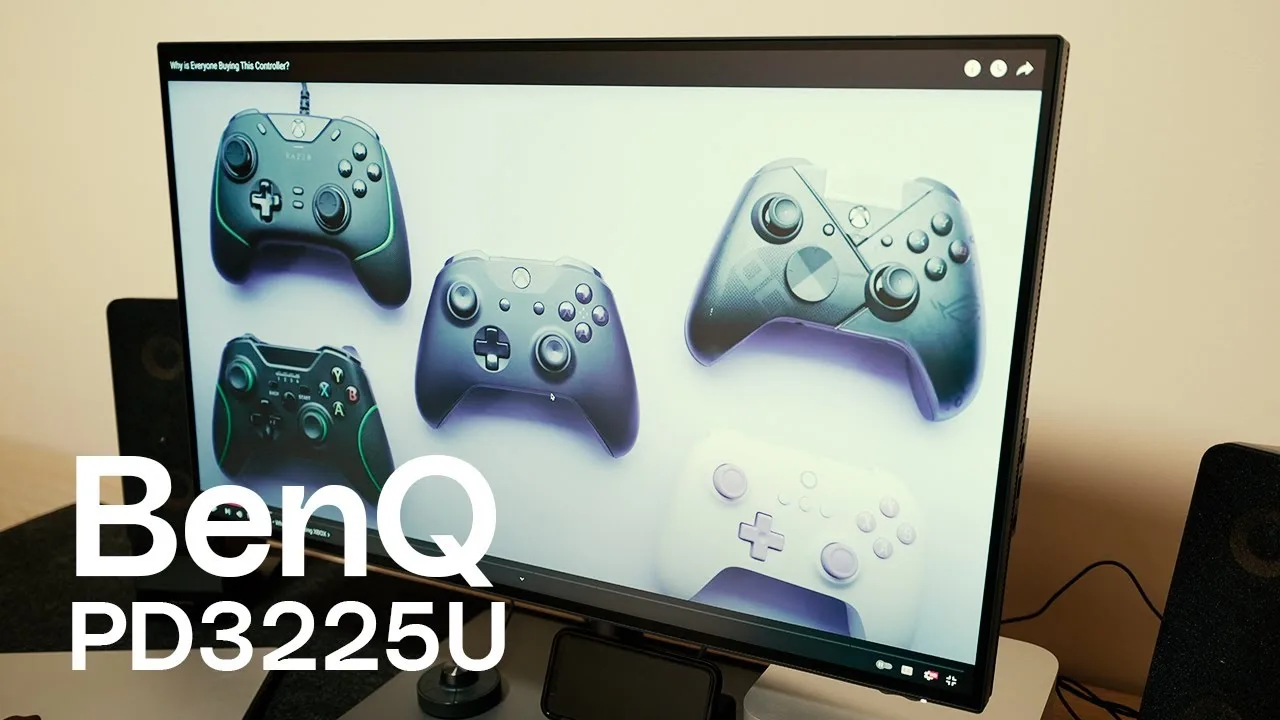
The BenQ PD3225U is a 32-inch monitor with a 60Hz refresh rate, 400 nits peak brightness, and a 2001 contrast ratio. It covers 100% sRGB, 100% Rec.709, and 98% P3 color gamuts, making it suitable for creative professionals. The monitor features a versatile stand with good maneuverability and a solid build quality. The hotkey puck controller is user-friendly, offering tactile feedback and precise adjustments.
- →Ideal for graphic design, web design, and video editing
- →Suitable for creative professionals requiring accurate color reproduction
- →Not ideal for high-refresh-rate gaming
- →Good value for the price, especially for ex-demo units
 Nemanja Sekulic
The BenQ PD3225U is a 4K 32-inch monitor designed for professionals, …
Nemanja Sekulic
The BenQ PD3225U is a 4K 32-inch monitor designed for professionals, …
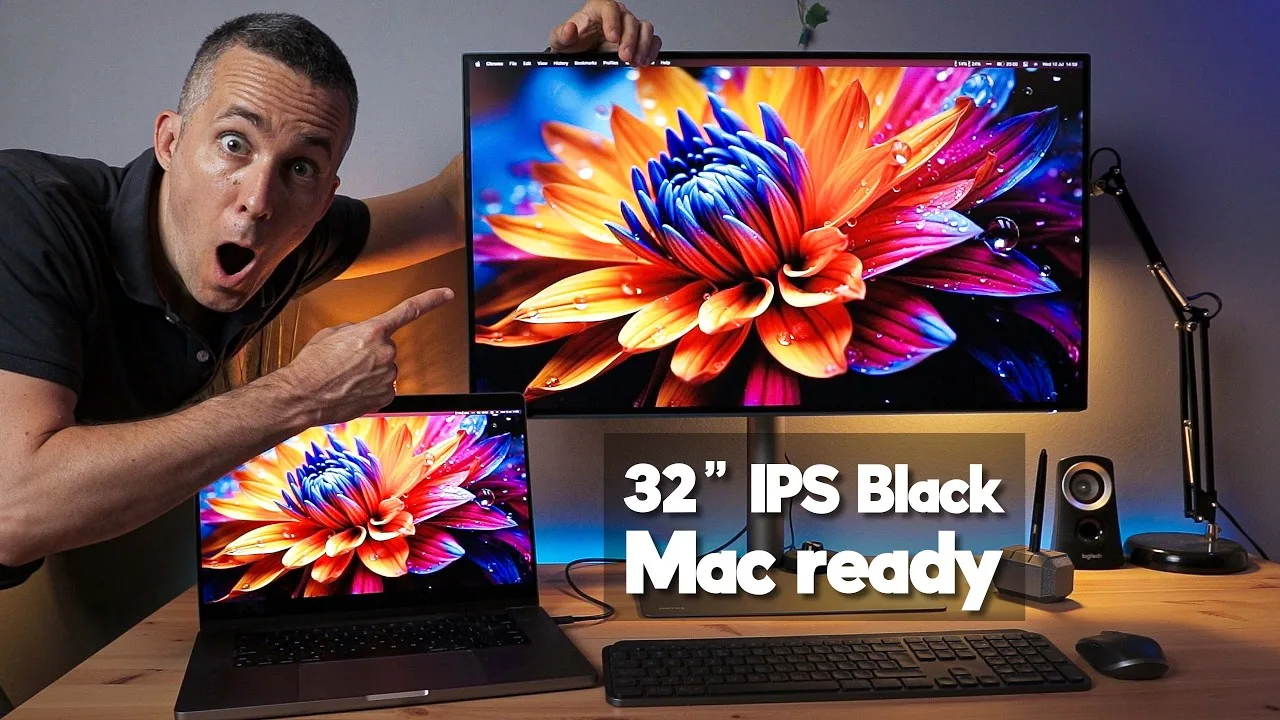
The BenQ PD3225U is a 4K 32-inch monitor designed for professionals, featuring a black IPS display with a 2000:1 contrast ratio for deep blacks. It comes pre-calibrated with a unique calibration card per unit, ensuring accurate colors out of the box. The monitor covers 99% of sRGB and Rec.709, and 98% of P3 color gamut, with a delta E less than one. It boasts a sturdy build with a brushed aluminum base, matte finish, and reduced glare. Connectivity includes USB, HDMI, DisplayPort, and Thunderbolt Type 3 ports, allowing for a single cable connection to power and display from a MacBook Pro.
- →Ideal for designers requiring accurate color representation
- →Suitable for photographers and videographers needing deep blacks
- →Easy single cable setup with MacBook Pro
- →Adjustable stand for ergonomic comfort
 Ben Mack
The BenQ PD3225U is a 32-inch flat screen monitor designed for …
Ben Mack
The BenQ PD3225U is a 32-inch flat screen monitor designed for …
The BenQ PD3225U is a 32-inch flat screen monitor designed for professional creators and designers, but versatile enough for general use. It offers a minimalist design with a matte finish that reduces reflections and maintains a high contrast ratio. The monitor's 4K resolution and DisplayPilot 2 app provide excellent color accuracy and customizable settings, making it competitive in its segment.
- →Ideal for professional work requiring color accuracy.
- →Suitable for Mac users looking for a monitor to match their devices.
- →Versatile for both photo/video content creation and general computer use.
- →Auto-pivot feature is handy for vertical work and social media video review.
- →The hotkey puck offers quick access to volume and brightness adjustments.
 Geeky Nerdy Techy
The BenQ PD3225U is a 4K HDR display that stands out for its value, …
Geeky Nerdy Techy
The BenQ PD3225U is a 4K HDR display that stands out for its value, …
The BenQ PD3225U is a 4K HDR display that stands out for its value, offering a larger and more affordable alternative to Apple's 27-inch iMac without compromising image quality. It features a plethora of ports, including Thunderbolt, which facilitates a plug-and-play setup. The monitor's full adjustability, including vertical orientation, and the inclusion of necessary cables enhance its versatility. Its 60Hz refresh rate makes it suitable for gaming, and the 2000:1 contrast ratio provides a pleasing experience for image and video editing.
- →Ideal for content creators needing a large, high-quality display
- →Offers significant cost savings over Apple's display with added features
- →Excellent for multitasking and using as a reference monitor for multiple cameras
- →Suitable for Mac Mini, Mac Studio, or MacBook users for a premium 4K HDR image
- →User-friendly with a command dial for easy menu navigation
 Marvin Schmidt
The BenQ PD3225U is a 32-inch 4K UHD monitor with an ultra-slim 14mm …
Marvin Schmidt
The BenQ PD3225U is a 32-inch 4K UHD monitor with an ultra-slim 14mm …
The BenQ PD3225U is a 32-inch 4K UHD monitor with an ultra-slim 14mm bezel, offering a large, immersive viewing experience. It boasts a wide range of adjustability, including height, rotation, pivot, and tilt, making it versatile for various setups. The monitor covers 99% sRGB, 99% Rec.709, and 98% DCI-P3 color spaces, and arrives pre-calibrated, which is convenient for professional color grading. It also includes a Hotkey Puck G2 for easy setting adjustments and a Thunderbolt 3 port for a single-cable solution with MacBooks, including video, audio transmission, and charging.
- →Ideal for professional photo and video editing due to color accuracy and gamut coverage.
- →Suitable for creators needing a large display with versatile adjustability.
- →Perfect for MacBook users seeking a single-cable docking solution.
- →Enhances productivity with color synchronization across devices.
- →Useful for multitasking with the built-in USB hub and switch.
 Mark Ellis Reviews
The reviewer has transitioned from an Apple Studio Display to the BenQ …
Mark Ellis Reviews
The reviewer has transitioned from an Apple Studio Display to the BenQ …
The reviewer has transitioned from an Apple Studio Display to the BenQ PD3225U, appreciating its improvements over the previous PD3220U model. They highlight the new monitor's enhanced brightness, deeper blacks, and better contrast ratio, which are beneficial for video editing. The reviewer also notes the environmental improvements and the price advantage over the Apple Studio Display.
- →Ideal for video editing with improved color accuracy
- →Offers better value than the Apple Studio Display
- →Enhanced for color-critical design work
 Craig Neidel
The BenQ PD3225U is a 32-inch 4K monitor designed for professionals …
Craig Neidel
The BenQ PD3225U is a 32-inch 4K monitor designed for professionals …
The BenQ PD3225U is a 32-inch 4K monitor designed for professionals requiring high color accuracy. It boasts a significant upgrade in brightness with 400 nits, making it HDR10 and Display HDR400 compatible. The contrast ratio has also been improved to 2000:1, resulting in deeper blacks. These enhancements, along with its color accuracy, make it suitable for professionals such as photographers and video editors.
- →Ideal for professionals needing precise color representation
- →Suitable for photographers and video editors
- →Enhanced brightness and contrast for better image quality
 Kayleigh June
The BenQ PD3225U is a 32-inch 4K monitor designed for creative …
Kayleigh June
The BenQ PD3225U is a 32-inch 4K monitor designed for creative …
The BenQ PD3225U is a 32-inch 4K monitor designed for creative professionals, offering precise color accuracy and a large screen size for detailed photo editing. It features 98% P3 color coverage, a 2000:1 contrast ratio, and BenQ's proprietary uniformity technology, making it suitable for photographers who require high color precision. The monitor's IPS panel ensures consistent image quality and color accuracy across viewing angles, and its DCI-P3 color space coverage provides a wider range of colors than sRGB.
- →Suitable for photographers needing high color precision
- →Good for video editors and graphic designers due to IPS panel
- →Offers a wide color range with DCI-P3 color space
- →Future-proof with compatibility for both Mac and PC
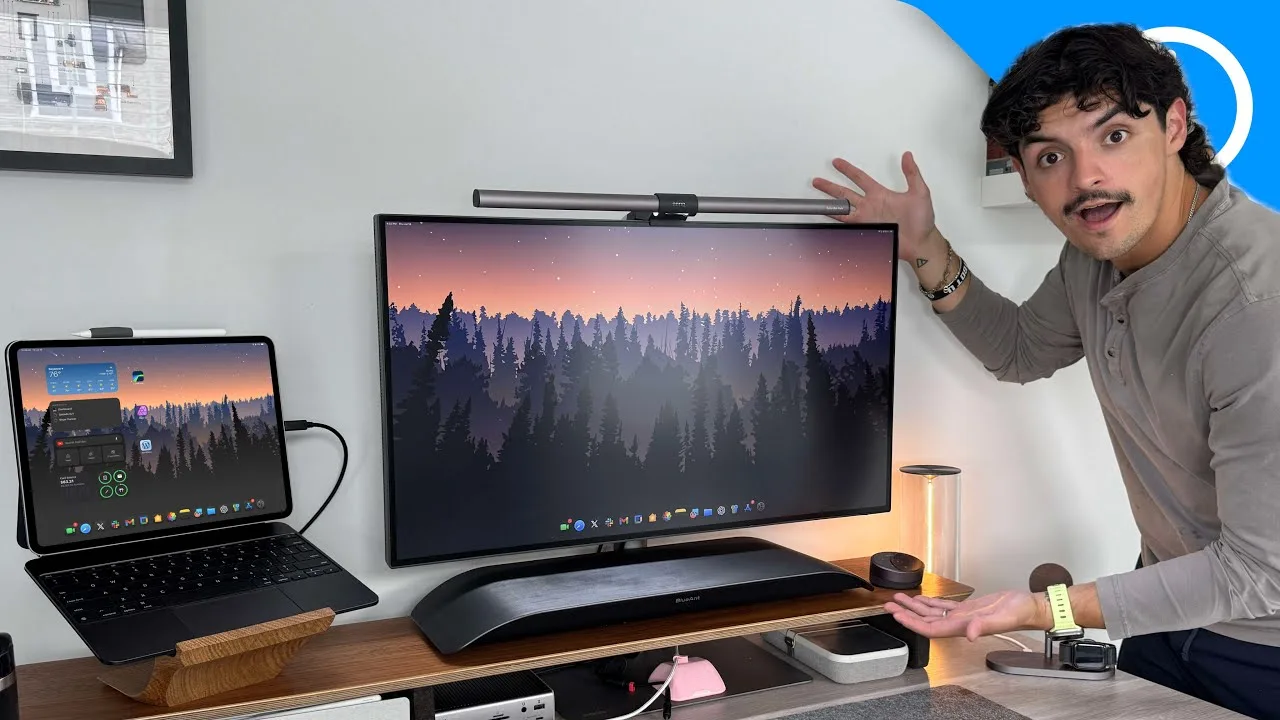 9to5Mac
The BenQ PD3225U is a highly regarded non-Apple display, offering …
9to5Mac
The BenQ PD3225U is a highly regarded non-Apple display, offering …
The BenQ PD3225U is a highly regarded non-Apple display, offering excellent color accuracy and compatibility with Apple devices. It features a 32-inch LED backlit IPS panel with a 4K resolution and 400 nits brightness, ensuring clear visuals even in well-lit environments. The monitor's stand is praised for its adjustability and build quality, allowing for easy movement and orientation changes. Additionally, it functions as a Thunderbolt hub, providing various ports and power delivery options.
- →Ideal for Mac users seeking a high-quality external display
- →Suitable for professional work requiring color accuracy
- →Useful as a Thunderbolt hub, saving on additional hardware costs
- →Adjustable stand caters to various workspace preferences
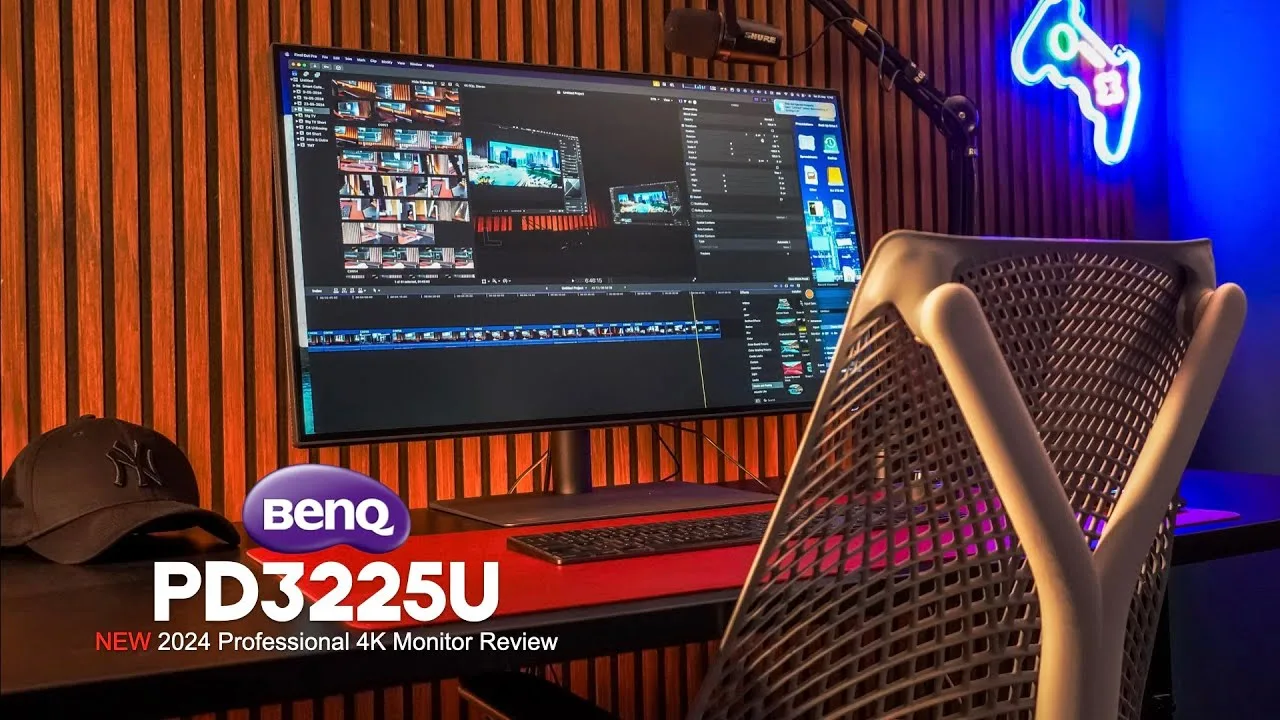 all things tech
The BenQ PD3225U impresses with its pre-calibrated professional range, …
all things tech
The BenQ PD3225U impresses with its pre-calibrated professional range, …
The BenQ PD3225U impresses with its pre-calibrated professional range, easy-to-assemble stand, and maneuverability. It offers daisy-chaining via Thunderbolt 3, auto-portrait mode, and excellent cable management. The Hotkey Puck G2 and DisplayPilot software provide intuitive control over numerous display settings, including dual view and autopivot.
- →Ideal for professional color-critical work.
- →Great for multitasking with dual view feature.
- →Enhances workflow with autopivot and print assist.
- →Suitable for Mac users with DisplayPilot integration.
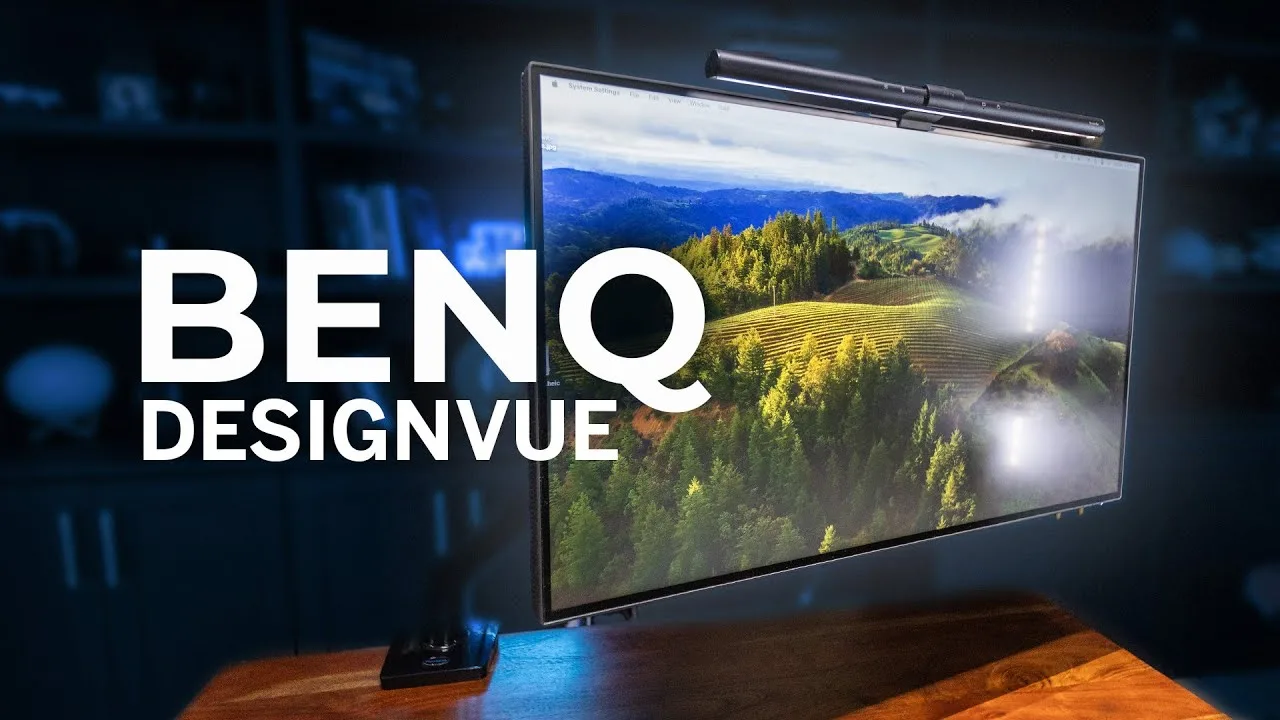 Rafael Ludwig
The BenQ PD3225U impresses with its color accuracy and feature-rich …
Rafael Ludwig
The BenQ PD3225U impresses with its color accuracy and feature-rich …
The BenQ PD3225U impresses with its color accuracy and feature-rich design, making it an excellent choice for professionals. It comes pre-calibrated, ensuring reliable color consistency for tasks like photo editing and video color grading. The inclusion of Thunderbolt 3 allows for efficient device daisy-chaining and high-speed data transfer, while the IPS black panel with a 2000:1 contrast ratio enhances visual depth and detail. The monitor's ergonomics and eye-care features, such as flicker-free technology and low blue light, contribute to a comfortable user experience during long work sessions.
- →Ideal for professional photo and video editing
- →Enhanced visual detail with high contrast ratio
- →Suitable for long work sessions due to eye-care features
- →Great for creators needing a high-quality display
Community Discussions via Reddit
Comparison
r/BenQ
u/GoldtopLP
The BenQ PD3225U monitor has been reported to have issues with color accuracy, particularly when displaying darker shades like #1c1c1c, resulting in a darker appearance compared to other devices. The user has calibrated both monitors with DataColor SpyderXElite, but the issue persists on the BenQ monitor when using Safari and Chrome, but not on Shift, which is Chrome-based. This discrepancy is only observed with video content, not still images.
Key Insights
- →The BenQ PD3225U may have color accuracy issues with video content in certain browsers.
- →The issue does not affect still images, suggesting a possible video processing or browser compatibility problem.
- →The monitor's color calibration does not seem to be the root cause, as the issue persists even after calibration.
Top Comments
I already submitted a request there and haven't heard back. As I mentioned, thought it could be a calibration issue but no matter what color profile I use it does this, including with the one …
Sending message now.
Comparison
r/buildapc
u/YearRealistic9493
The author is a graphic designer and photographer considering the BenQ PD3225U for color-critical creative work using Adobe suite. They prioritize color accuracy and eyecare features, planning to use it with a MacBook Pro M2 Pro, PC desktop, and occasionally a Nintendo Switch. The BenQ is priced at £1099, significantly higher than the Dell alternative at £650-700. The author seeks a monitor that will last several years and integrate well with their creative workflow, but is uncertain whether the premium price delivers meaningful advantages for their specific use case.
Key Insights
- →Best suited for professionals where color accuracy justifies premium pricing
- →Target user works in graphic design, photography, and Adobe Creative Suite workflows
- →Multi-device compatibility with Mac, PC, and gaming consoles appears supported
- →Intended as a long-term investment for creative professionals
- →Price premium requires clear justification over alternatives for budget-conscious buyers
Top Comments
Super kind of you to respond to my post, and I really appreciate the insight! I'm considering saving up a little longer and getting the PD monitor, but still weighing up if those features are worth …
Comparison
r/Monitors
u/nikolincami
The BenQ PD3225U is a 32-inch 4K monitor designed for professionals in video editing, motion design, photo editing, and graphic design. It features an IPS Black panel with a 2000:1 contrast ratio, 98% DCI-P3 and 100% sRGB color gamut coverage, Thunderbolt 3 with 85W Power Delivery, and a 60Hz refresh rate. The monitor also comes factory calibrated and includes Display Pilot software.
Key Insights
- →Suitable for professionals requiring accurate color representation and good connectivity
- →Offers a factory calibrated display for color accuracy
- →Thunderbolt 3 support for compatibility with MacBook Pro
Top Comments
Thanks for the input! Appreciate it
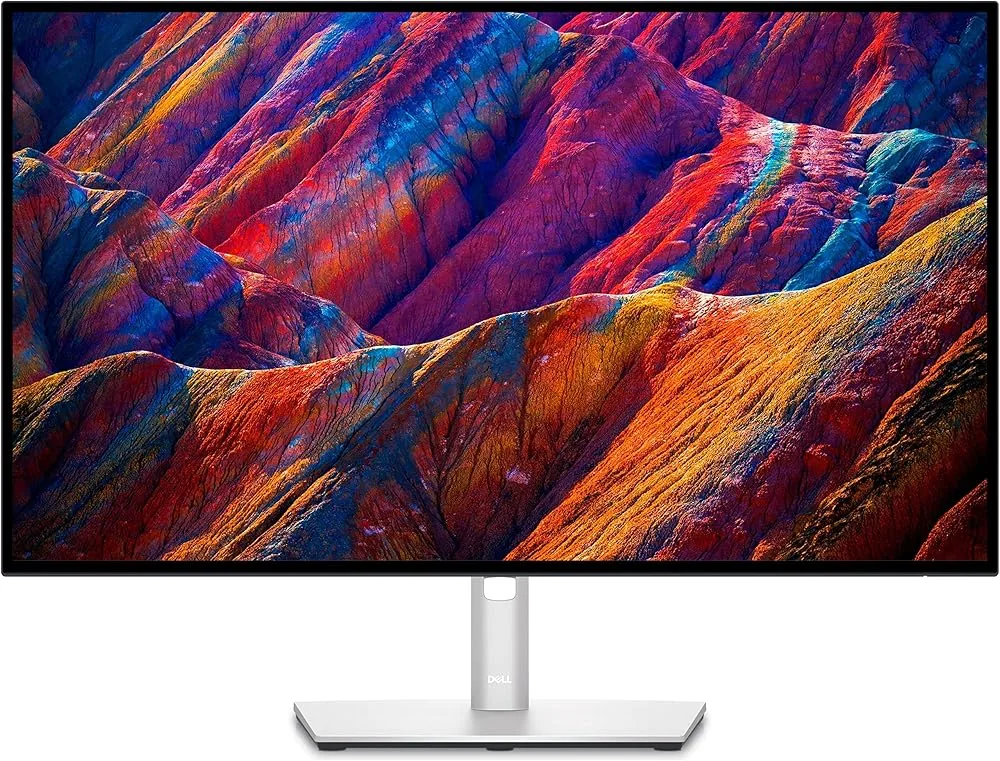
On paper Dell specs seem better in every point than Benq, maybe the colors on the one you tried weren’t calibrated? What other things you didn’t like? Thanks!
I got the Benq in the end. Really satisfied
Setup Showcase
r/macsetups
u/SammyTuladhar
The BenQ PD3225U monitor has been well-received by its owner, SammyTuladhar, who is a professional photographer. He has used the monitor for a year and finds it a joy to edit photos on, particularly with Adobe Camera Raw and Photoshop. The monitor provides extra real estate, which is beneficial for photo editing, and the text sharpness can be tweaked using BetterDisplay, resulting in crisp text. SammyTuladhar is satisfied with the monitor's performance, especially considering his previous use of a 27-inch iMac with Retina Display.
Key Insights
- →Best for professional photographers and photo editing.
- →Long-term satisfaction after a year of use.
- →Crisp text and good color accuracy for detailed photo work.
- →The monitor's size provides ample workspace for editing tasks.
Top Comments
I like it, it’s beautiful. How satisfied are you with the monitor? Sharpness, text quality? P.S. I’m a bit concerned about so many comments asking if it’s an AI-generated photo. Soon, we won’t be …
English isn't my first language, but I'll try and give you my long term review of the monitor. I've used the monitor for a year or so, and it's such a joy to edit photos on it. I use Adobe Camera Raw …
English isn't my first language, but I'll try and give you my long term review of the monitor. I've used the monitor for a year or so, and it's such a joy to edit photos on it. I use Adobe Camera Raw …
Scores based on weighted analysis of 35 expert and community sources. How we review →