

Samsung M8 Smart Monitor 2024
Best For
- Remote workers needing standalone Microsoft 365 access
- Minimalist desk setups wanting built-in smart TV features
- Video callers who want a privacy-covered webcam included
Consider Carefully
- Competitive gamers requiring above 60Hz refresh rates
- Users needing full-size HDMI or VESA mount support
- Anyone prioritizing strong built-in audio without external speakers
Jump to Section
The Bottom Line
The Samsung M8 Smart Monitor 2024, priced between $699 and $1299, stands out as a versatile display that caters to both work and entertainment needs. We found that its panel quality is a strong suit, with color accuracy, contrast, and brightness exceeding expectations, as highlighted by its 400 nits brightness surpassing the rated specification. The monitor's Office 365 support without an attached computer is a notable feature, as is its magnetic 1080p webcam with a privacy cover. Its slim, attractive design with color options is also a bonus. However, there are trade-offs to consider. While the height adjustment works well, as confirmed by multiple sources, some users may find the speakers lacking compared to iMac audio quality and the 60Hz refresh rate limiting for certain uses.
Performance Breakdown
Expert Scores
How 7 professional publications rated this product
In-Depth Analysis
Smart TV Features 83
19 sources agree this is the monitor to buy if you want a TV and a monitor in one box, but Tizen's interface frustrates nearly everyone who digs into it.
Key Takeaway
→If you're furnishing a small space and want one screen that does everything, this delivers. If you need a reliable smart TV interface for daily use, the Tizen experience will wear on you.
Display Image Quality 78
Solid 4K picture for the price, but the VA panel's narrow viewing angles and the absence of DCI-P3 keep it out of professional territory.
Key Takeaway
→Buy it for streaming and everyday computing at this price. Skip it if color accuracy for professional work is your benchmark, or if you're upgrading from the 2022 M8.
Build Quality & Design 76
The design turns heads, but three sources independently noted the plastic chassis flexes and feels cheap the moment you handle it.
Key Takeaway
→If desk aesthetics matter and you're not picking it up often, the design delivers. If you expect build quality to match the visual premium, it doesn't.
Connectivity Options 71
Single-cable USB-C with 65W charging is the headline feature, but no Ethernet, no DisplayPort, and outdated Wi-Fi 5 are real gaps for a 2024 monitor.
Key Takeaway
→MacBook users with a clean desk priority will find the USB-C setup genuinely useful. Anyone needing wired networking, DisplayPort, or multiple HDMI inputs should look elsewhere.
Webcam Performance 71
The magnetic SlimFit camera is a clever design, but The Verge called the image quality mediocre and face tracking only works in Google Duo.
Key Takeaway
→Fine for occasional video calls where convenience matters more than quality. If you're on camera daily for professional calls, skip it and buy a dedicated webcam.
Stand & Ergonomics 65
Four sources flagged a wobbly stand, and the VESA mount situation is a mess depending on which model year you're looking at.
Key Takeaway
→If you're wall-mounting or using a monitor arm, the stand is irrelevant. If you're using it as-is on a desk, the wobble is a real daily annoyance worth budgeting around.
Built-In Audio 48
Seven sources agree: plan to use external speakers. The built-in audio is an afterthought.
Key Takeaway
→Factor external speakers into your budget before buying. The built-in audio is not a selling point, and the missing headphone jack makes the workaround more annoying than it should be.
Gaming Capability 45
60Hz with no adaptive sync. Five sources flagged it, and there's no workaround. This is not a gaming monitor.
Key Takeaway
→If gaming beyond casual cloud titles is part of your use case, stop here and find a monitor with at least 120Hz and adaptive sync. The M8 is not built for it.
Specifications & Verdict
Image
- Brightness
- 400 nits
- HDR Support
- HDR10+ Certified
Design
- Stand Adjustments
- Height adjustable, 90-degree pivot, tilt
- Remote Control
- Yes
Other Specs
- Screen Size
- 32 in
- Ports
- 2x USB-A, 1x HDMI, 1x USB-C
- Special Features
- 4K AI Upscaling, 360 Audio Mode, Adaptive Sound Pro
- Processor
- NQM AI Processor
- Camera
- SlimFit Camera
- Operating System
- Tizen
Our Verdict
The Samsung M8 Smart Monitor 2024 earns a 77/100 — a capable 32-inch 4K display with genuine smart-monitor credentials, including standalone Microsoft 365 access, a magnetic 1080p webcam, and a 400-nit panel that outperforms its spec sheet. But at $699–$1,299, its 60Hz refresh rate, weak rear-mounted speakers with no audio-out jack, and lack of VESA mount compatibility are real compromises. Recommended for remote workers and minimalist desk setups; skip it if you game competitively or need flexible mounting.
Customer Reviews Amazon
302 reviews
Hey! This smart PC monitor is also a 32" 4K smart TV!! WOW!!!
Amazing monitor/tv at an amazing price
Cool Monitor
Great but annoying monitor
Show all 10 reviews
Its expensive but worth the extra cost to get an M80 monitor
Poor Picture Quality and Color Profile. Better monitors out there.
Great smart monitor!
+Nice build quality - lots of extra software
Llena necesidades muy específicas
Amazing monitor … for productivity!
Reviews shown are from Amazon customers and do not reflect our editorial assessment.
Reader Questions
Specific questions about the Samsung M8 Smart Monitor 2024, answered only from what reviewers reported.
01Is this monitor good for gaming?
The M8 is not well suited for gaming. Reviewers consistently flag its 60Hz refresh rate as a hard limit, with no adaptive sync or high refresh option available.
02Can I use this as both a monitor and a TV in a small space?
Yes, this is one of the M8's clearest strengths. Reviewers repeatedly highlight it as ideal for small apartments and bedrooms where a single display needs to cover both work and streaming duties.
03Is it a good match for MacBook users?
Reviewers specifically call it out as ideal for MacBook users, particularly those who want an iMac-like aesthetic without the iMac price. Those with a MacBook Air M2 or newer are noted as getting the most out of its USB-C single-cable setup.
04Does it work well for remote workers who need video calls?
Reviewers note it suits remote workers specifically because of its built-in webcam and microphone, and it also offers standalone access to Microsoft 365 without needing a connected PC.
05What is the remote control like, and do I need to keep buying batteries?
The included remote charges via USB-C and can also recharge using solar power, so you do not need disposable batteries. Reviewers describe the design as clever and the remote itself as responsive.
06Can I wall-mount this monitor?
No. Reviewers flag the absence of a VESA mount as a notable limitation, meaning wall installation is not supported.
Pricing & Availability
Updated Mar 7, 2026Samsung M8 Smart Monitor 2024
All regions
Sources & Methodology
Every score is built on evidence. This review synthesizes 31 independent sources — expert publications, video reviews, and community discussions — weighted by credibility, depth, and relevance.
Show detailed source analysis ↓ Hide source analysis ↑
Expert Reviews
musicphotolife.com
Top
3/5-point
The Samsung M8 Smart Monitor M80D is a 32-inch 4K display that functions as both a computer monitor and smart TV, retailing at S$988 in Singapore. It features a height-adjustable stand with 90-degree pivot, SlimFit Camera with magnetic attachment and privacy cover, and 400 cd/m2 brightness with HDR10+ certification. The reviewer found the built-in speakers lacking in midrange, requiring external speakers for better audio quality. The Picture-In-Picture and Picture-By-Picture modes enable useful multi-device collaboration, though toggling between inputs with the remote proves frustrating and prone to mispresses. The 4K AI upscaling was deemed a gimmick, performing no better than standard upscaling. While the smart TV integration offers convenient streaming access without a computer, the S$900+ price point is considered steep compared to the M7 alternative.
Strengths
- +Sturdy stand with pivot, tilt and height adjustments
- +SlimFit Camera with magnetic attachment and privacy cover
- +Excellent for multi-device collaboration with PIP/PBP modes
- +Solar or USB rechargeable remote control
Weaknesses
- −Built-in speakers lack midrange audio quality
- −Frustrating remote control for toggling between video inputs
- −Prone to mispressing commands and accidentally exiting apps
- −4K AI upscaling performs no better than standard upscaling
Techradar
4
The Samsung M8 Smart Monitor offers a 32-inch 4K VA panel with 400 nits brightness and 3,000:1 contrast, wrapped in colorful Apple-inspired styling with slim bezels. It packs extensive features including dual USB-C with 65W charging, micro-HDMI, a magnetic tilt-adjustable webcam, and full SmartTV functionality with streaming apps and AirPlay support. However, the build quality feels cheap with a wobbly stand, and the SmartTV interface doesn't run at native 4K resolution. Image quality falls short of expectations for the price, lacking true HDR or local dimming despite HDR10 processing. Integrated speakers deliver reasonable volume but poor dynamic range.
Strengths
- +Colorful pastel design options in white, pink, blue, and green
- +Full 4K resolution on 32-inch VA panel
- +USB-C with 65W single-cable charging and docking
- +Magnetic webcam with physical privacy cap
Weaknesses
- −Feels cheap and flimsy compared to premium alternatives
- −Wobbly height and tilt-adjustable stand
- −Image quality not exceptional for the price
- −SmartTV interface runs below native 4K resolution
Theverge
70/100
The Samsung M8 Smart Monitor is a 32-inch 4K hybrid device designed for users needing both a monitor and TV in limited space. At $699, it offers USB-C with 65W charging, Tizen smart TV streaming, AirPlay, Bluetooth, a detachable webcam, and SmartThings hub integration. The VA panel delivers 400 nits brightness, 99% sRGB coverage, and decent contrast, though viewing angles are poor. The non-adjustable stand cannot be replaced, and the webcam quality disappoints. Tizen navigation proves confusing, while built-in web apps run slowly and lack Google Workspace compatibility. The design comes in four colors with thin bezels, but glare and reflections are noticeable issues.
Strengths
- +Stylish, thin design available in four colors
- +USB-C with 65W charging for single-cable laptop use
- +Bright 400-nit 4K display with excellent contrast
- +100% sRGB coverage measured, good for content creators
Weaknesses
- −Non-adjustable stand that cannot be swapped out
- −Mediocre webcam image quality
- −Confusing Tizen interface navigation
- −Slow browser performance for web apps
Macworld
80/100
The Samsung M8 Smart Monitor (M80D, 2024) offers strong value at $549.99/£529 with its 32-inch 4K display, versatile adjustable stand, and built-in smart features. Assembly requires a screwdriver and the plastic build feels somewhat flimsy, though acceptable for stationary desk use. The 400 nits brightness proves adequate for everyday tasks at 80% setting, with 99% sRGB coverage suitable for basic creative work. Smart capabilities include AirPlay, streaming apps, and a solar-powered remote, though some features mandate creating a Samsung account. The 2024 model swaps one USB-C port for USB-A connectivity compared to prior generations. Mac users miss certain Samsung ecosystem integrations available to Windows and Galaxy device owners.
Strengths
- +Competitive $549.99 price point for 32-inch 4K
- +Height-adjustable, tilt, and pivot stand included
- +Built-in Wi-Fi with AirPlay support
- +Solar-powered remote eliminates battery waste
Weaknesses
- −No Ethernet port for wired networking
- −Samsung account required for AirPlay and features
- −No DCI-P3 color gamut support
- −Plastic casing and build feel somewhat flimsy
Pcworld
3.5/5
The Samsung M8 Smart Monitor functions as both a 32-inch 4K HDR television and computer monitor, running Samsung's Tizen OS for standalone streaming without a connected PC. Image quality impresses for SDR content with good HDR performance for the price, and the design offers playful pastel color options with slim bezels. However, durability concerns arise from flexible plastics, connectivity is limited to Micro-HDMI and USB-C ports, and the stand lacks swivel, pivot, or VESA mount options. The smart features introduce setup complexity and slower operation compared to traditional monitors, making this best suited for small living spaces where dual-purpose functionality matters more than pure monitor performance.
Strengths
- +Tizen OS enables streaming without connected PC
- +Includes remote, webcam, and speakers
- +Excellent SDR image quality
- +Good HDR quality for the price
Weaknesses
- −Limited connectivity options
- −Annoying setup and feature access
- −No adaptive sync or enhanced refresh rate
- −Narrow viewing angle
Trustedreviews
80/100
The 2023 Samsung M8 Smart Monitor refines an already compelling formula by adding a 27-inch size option, full-size HDMI port, and new pivot functionality while retaining the same excellent 4K display from its predecessor. Tizen OS powers genuinely useful smart TV features including Netflix, Disney Plus, and cloud gaming services. The minimalist iMac-inspired design now supports wall mounting and 92-degree portrait rotation. However, Samsung's decision to reuse the identical panel makes upgrading from the 2022 model difficult to justify, and the 60Hz refresh rate limits appeal for serious gamers. For newcomers, the M8 excels as a hybrid productivity and entertainment display, though the Samsung M7 offers better pure value.
Strengths
- +Excellent 4K picture quality with vibrant colors
- +New 27-inch size improves accessibility
- +Full-size HDMI port replaces inconvenient Micro HDMI
- +Tizen OS runs Netflix, Disney Plus, cloud gaming apps
Weaknesses
- −Identical 4K panel to 2022 model limits upgrade incentive
- −60Hz refresh rate unsuitable for competitive gaming
- −No OLED or Mini LED panel options available
- −Color options restricted to white in UK market
Techhive
80/100
The 32-inch Samsung M8 Smart Monitor serves as a hybrid 4K display combining computer monitor and smart TV functionality through Samsung's Tizen OS. Its iMac-inspired design features a height-adjustable pedestal in multiple colors with distinctive herring-bone rear stripes. The included 1080p webcam magnetically attaches with a privacy cover, though the cover detaches too easily. Connectivity includes USB-C hub, USB-C port, micro-HDMI, Wi-Fi 5, and Bluetooth 4.2 — notably lacking wired ethernet, over-the-air TV tuner, and wired audio output. The rechargeable remote offers clever volume/channel controls and responsive navigation. Image quality performs well for both entertainment and computing, though the 60Hz refresh rate limits gaming appeal.
Strengths
- +Attractively thin iMac-style design with color options
- +Tizen smart TV interface enables standalone streaming
- +Very good image quality for entertainment and computing
- +Includes detachable 1080p webcam with magnetic mount
Weaknesses
- −No over-the-air TV tuner limits free broadcast access
- −No wired ethernet connectivity — Wi-Fi only
- −No wired audio output, Bluetooth speakers only
- −Limited to 60Hz refresh rate
Blog
The Samsung M8 smart monitor serves as a versatile hybrid device bridging monitor and TV functionality. It features a 32-inch 4K HDR display with 400 cd/m² brightness and 3000:1 contrast ratio. The monitor runs on Tizen OS with Smart Hub streaming, Samsung TV Plus, and gaming features including Game Hub and Ultra Wide Game View. Its Iconic Slim Design stand enables 90-degree rotation, height adjustment up to 120mm, and tilt from -2.0 to 15.0 degrees. Connectivity includes USB-C, HDMI 2.0, and USB-A ports. The included SlimFit 1080p camera has a privacy cap. The reviewer found the stand sturdy though rotation requires tilting to clear the base, unlike the smoother M7.
Strengths
- +Includes SlimFit 1080p camera with privacy cap
- +Highest brightness at 400 cd/m² among series
- +Most input options: USB-C, HDMI 2.0, USB-A
- +Sturdy Iconic Slim Design stand hides cables well
Weaknesses
- −Rotation requires tilting to clear base plate
- −Stand design less smooth to maneuver than M7
- −Heavier base makes adjustments less effortless
Medium
The Samsung M8 smart monitor runs Tizen OS with streaming apps and voice assistants (Bixby, Alexa). It features a 32-inch display with 99% sRGB color gamut, HDR10+ support, and 4ms response time. The included clip-on camera supports face tracking and Google Duo for video calls. Connectivity includes one micro HDMI port and two USB-C ports with 65W charging. Available in four colors (blue, pink, white, green). Priced between $699.99-$729.99.
Strengths
- +60% brighter screen than previous generation
- +99% sRGB color gamut for accurate colors
- +4ms response time for reduced motion blur
- +HDR10+ support for enhanced dynamic range
Weaknesses
- −Only one micro HDMI port limits connectivity
- −No full-size USB-A ports included
- −No Google Assistant support as initially claimed
- −Premium pricing at $699.99-$729.99
Video Reviews
 Flourish Planner
The reviewer purchased the Samsung M8 Smart Monitor 2024 as a …
Flourish Planner
The reviewer purchased the Samsung M8 Smart Monitor 2024 as a …
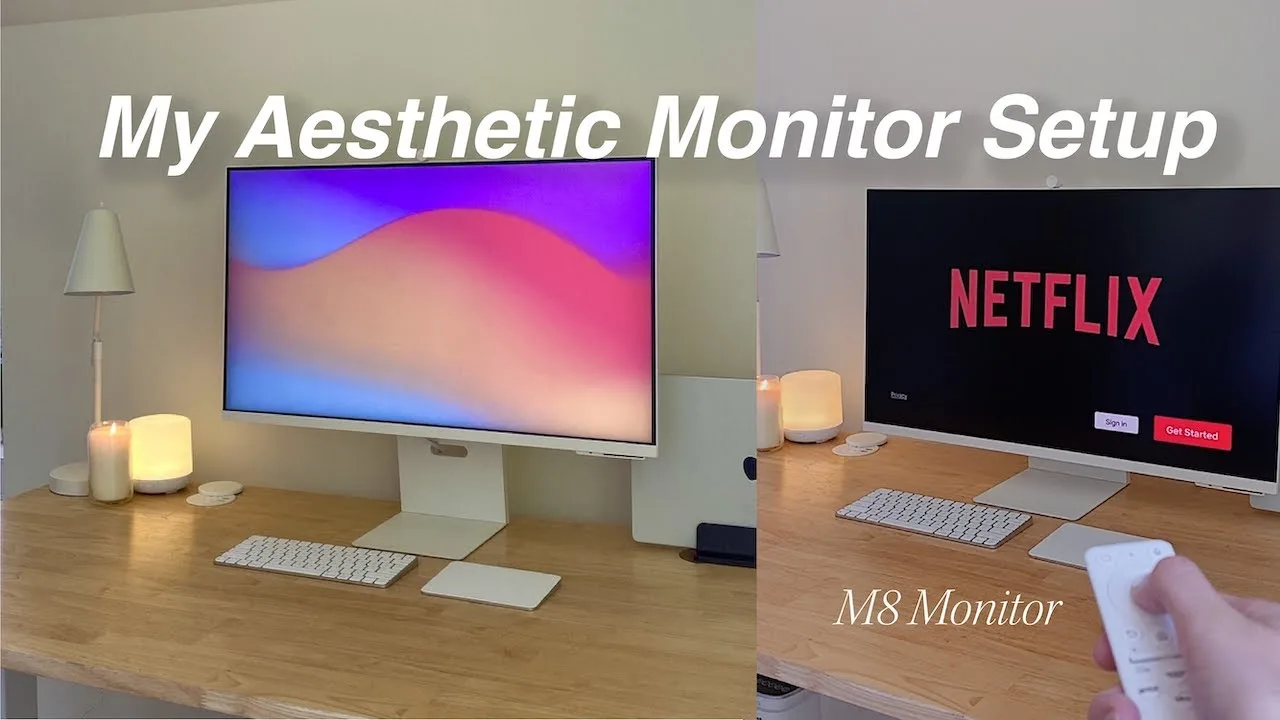
The reviewer purchased the Samsung M8 Smart Monitor 2024 as a replacement for their iMac, seeking a more affordable display that could pair with a MacBook Pro. They found the monitor visually stunning with a slim, clean aesthetic and height adjustability. The 32-inch screen suits medium to large desks, and built-in speakers outperform typical monitors though fall short of iMac quality. The 60Hz refresh rate drew criticism online, but the reviewer noticed no issues during casual gaming. Color accuracy concerns from others didn't bother them significantly. The monitor's smart TV functionality with streaming apps and remote remains unused in their office setup but would suit different living arrangements.
- →Ideal for MacBook users wanting iMac aesthetics affordably
- →Skip if you need 120Hz for competitive gaming
- →Perfect for small spaces needing dual work-TV function
- →Sufficient for casual gaming and everyday productivity
- →Best for users prioritizing design over pro-grade specs
 6 Months Later
After six months of use, this 32-inch 4K monitor excels as a bedroom …
6 Months Later
After six months of use, this 32-inch 4K monitor excels as a bedroom …
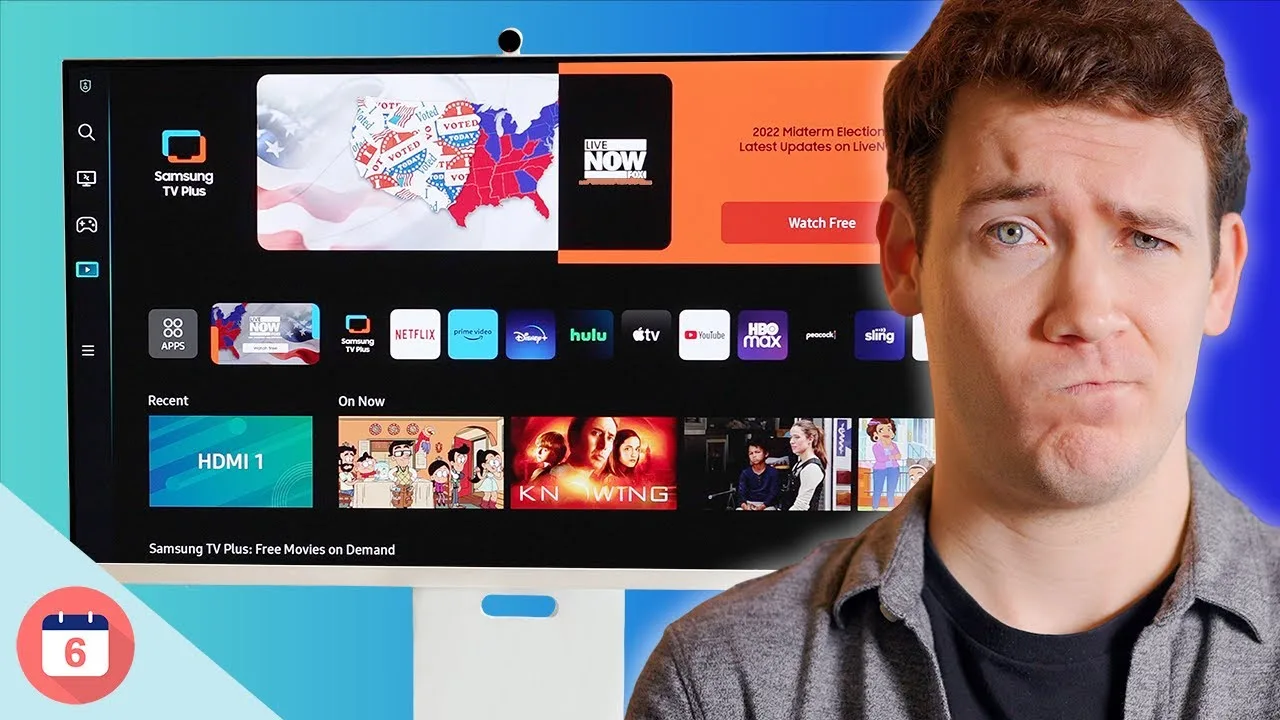
After six months of use, this 32-inch 4K monitor excels as a bedroom desk TV with HDR10 support, streaming apps, and Samsung TV+ for free live content. The included remote simplifies navigation, and Alexa integration enables smart home control. Aesthetic design stands out with color options and thoughtful details like the removable webcam with privacy cap. However, significant drawbacks led the reviewer to replace it: mediocre speakers without audio-out jack, poor camera color processing, inconvenient rear port placement, short included USB-C cable, subpar color accuracy out of the box, wobbling on standing desks, and a bulky power brick complicating cable management.
- →Best suited for bedroom desks without a separate TV
- →Not ideal for color-critical professional work
- →Consider external speaker limitations before purchasing
- →Standing desk users should plan for wobble and cable management
- →iPhone users may prefer Continuity Camera over built-in webcam
 J. Williams
After 48 hours of use, the reviewer considers the $699 Samsung M8 …
J. Williams
After 48 hours of use, the reviewer considers the $699 Samsung M8 …
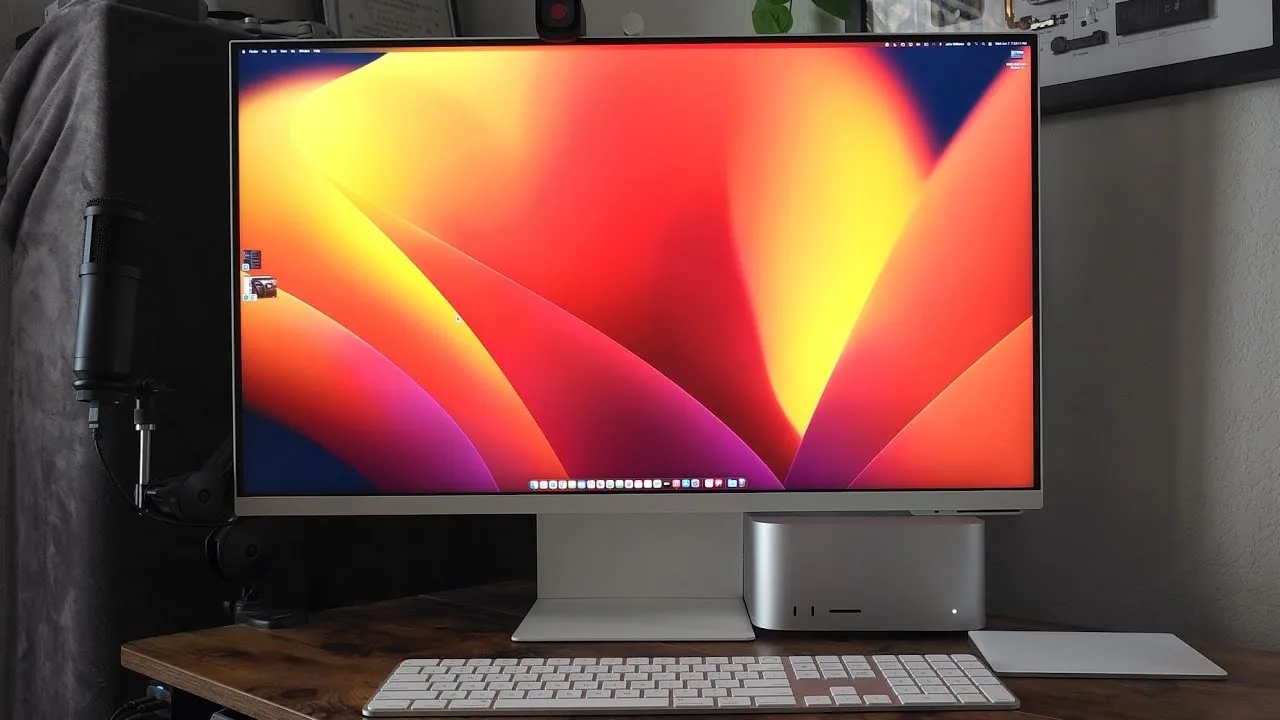
After 48 hours of use, the reviewer considers the $699 Samsung M8 Smart Monitor 2024 well-spent for their Mac Studio setup. The 32-inch 4K display functions as both a monitor and smart TV with built-in streaming apps. However, several features underperform: the integrated web browser is poor, the pop-up camera produces grainy video, and the rear-mounted speakers lack volume even at maximum. The monitor includes two USB ports, HDMI, and USB-C connectivity, plus a versatile remote with quick-access buttons for Netflix, Samsung TV, Disney+, and Prime Video. Mouse and Bluetooth keyboard support add flexibility, though the reviewer recommends wired peripherals via USB.
- →Ideal for Mac users wanting monitor and streaming combo
- →Plan to use external speakers for adequate audio
- →Use external webcam for professional video calls
- →Best paired with computer rather than standalone use
- →Wired peripherals recommended over Bluetooth setup
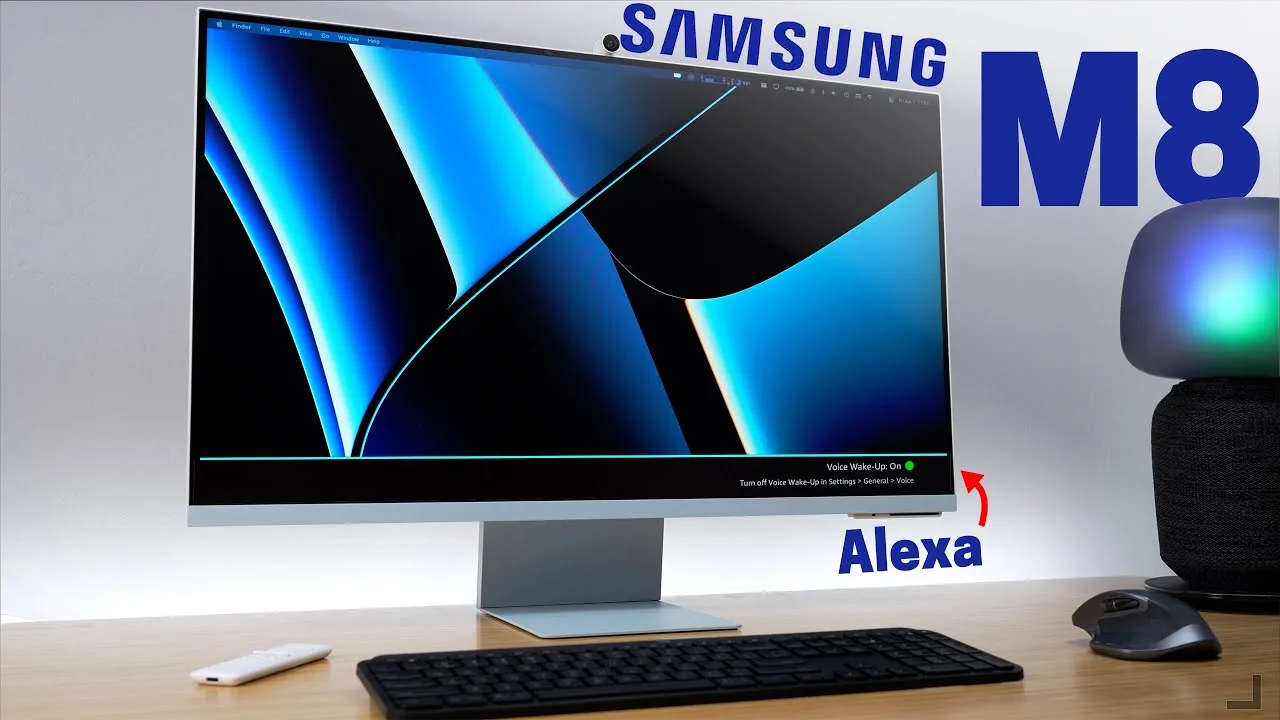 Smart Home Solver
The Samsung M8 Smart Monitor 2024 is a versatile 32-inch 4K display …
Smart Home Solver
The Samsung M8 Smart Monitor 2024 is a versatile 32-inch 4K display …
The Samsung M8 Smart Monitor 2024 is a versatile 32-inch 4K display that blends computing and entertainment features. It delivers 400 nits brightness, HDR10+, and 99% sRGB color coverage, though limited to 60Hz refresh rate. The design resembles premium competitors with color-accented chins and an included adjustable stand—though VESA mounting is unavailable. A magnetic 1080p webcam snaps on top but suffers from limited vertical adjustment. The monitor excels as a smart TV replacement with streaming apps and voice control, yet the remote lacks a dedicated input button. USB-C with 65W power delivery enables single-cable laptop connectivity. Samsung's Tizen OS enables surprising functionality including voice commands for source switching, though Bixby integration feels half-baked.
- →Ideal for remote workers wanting monitor-TV hybrid
- →Best for MacBook users needing single-cable setup
- →Skip if gaming or high refresh rates matter
- →Great for streaming-focused desk setups
- →Consider if smart home integration appeals
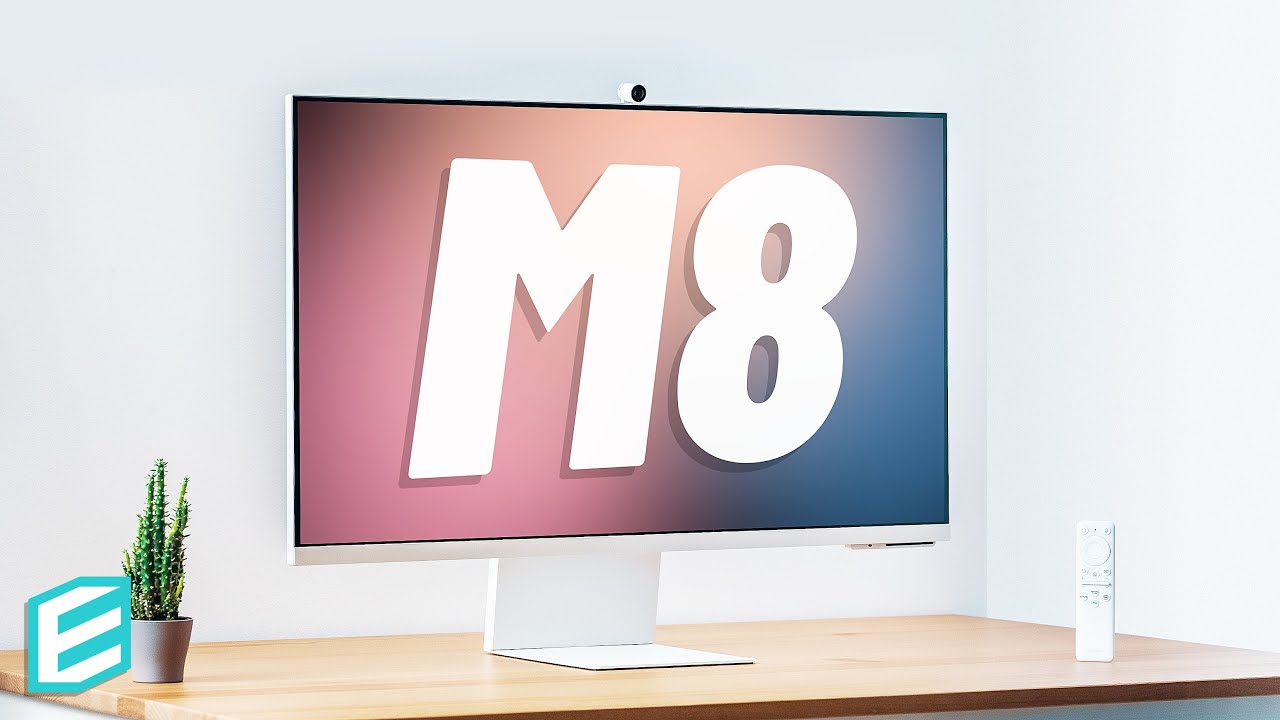 ThisIsE
The Samsung M8 Smart Monitor 2024 is a 32-inch 4K VA panel that …
ThisIsE
The Samsung M8 Smart Monitor 2024 is a 32-inch 4K VA panel that …
The Samsung M8 Smart Monitor 2024 is a 32-inch 4K VA panel that functions as both a monitor and standalone smart TV via Samsung's Tizen platform. Its striking thin design comes in multiple colors with a beautiful included stand, though this slim profile creates significant compromises. The built-in 2.2 channel speakers deliver exceptionally poor audio quality, and the thin chassis leaves no room for a 3.5mm audio jack—forcing users to rely on laggy Bluetooth or USB hubs for external audio. The detachable webcam adds versatility for video calls, but may be unnecessary for some users. Smart features include Microsoft 365 integration, remote connectivity, Bluetooth peripheral support, AirPlay (limited to 1080p), and both Bixby and Alexa voice assistants. The monitor lacks VESA mounting due to its thin design and lower mounting point.
- →Ideal for users wanting monitor-TV hybrid with minimal desk clutter
- →Requires external audio solution due to poor built-in speakers
- →Best suited for productivity work where response time isn't critical
- →Smart home users benefit from SmartThings hub functionality
- →Style-conscious buyers who don't need VESA mounting flexibility
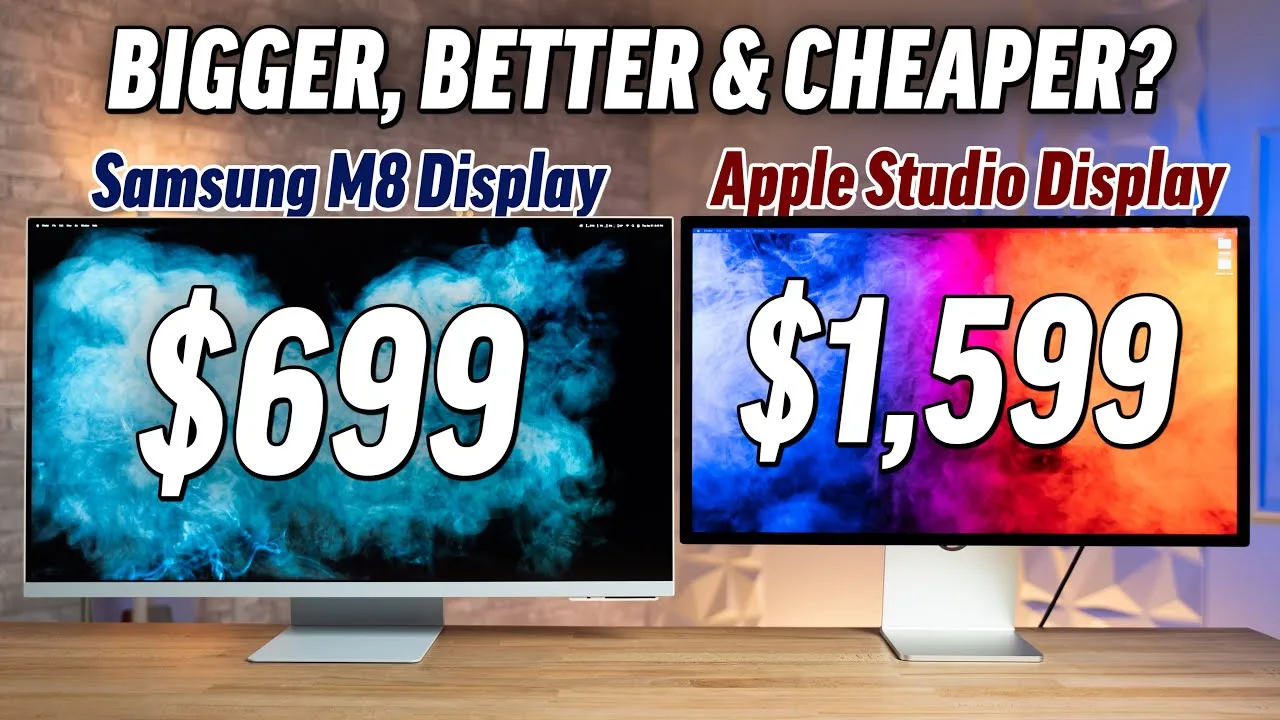 Max Tech
The reviewer unboxed and set up the 32-inch Samsung M8 Smart Monitor …
Max Tech
The reviewer unboxed and set up the 32-inch Samsung M8 Smart Monitor …
The reviewer unboxed and set up the 32-inch Samsung M8 Smart Monitor 2024, praising its herringbone-patterned packaging that resists fingerprints. The height-adjustable stand impressed despite its plastic construction with metal base, requiring no tools for assembly. The monitor features hidden ports including USB-C (65W power delivery), 5 Gbps USB-C, and mini HDMI. A slim profile is achieved through an external two-stage power brick. Notable accessories include a USB-C charging remote with streaming service shortcuts and a magnetic 1080p webcam with privacy cover that enables thin bezels. Build quality was deemed good for the price but inferior to all-aluminum alternatives.
- →Ideal budget alternative to premium studio displays
- →Best for users wanting smart TV functionality in a monitor
- →Suits remote workers needing built-in webcam and mic
- →Good fit for 13-14 inch laptop users, not 16-inch power users
- →Recommended for streaming-focused desk setups
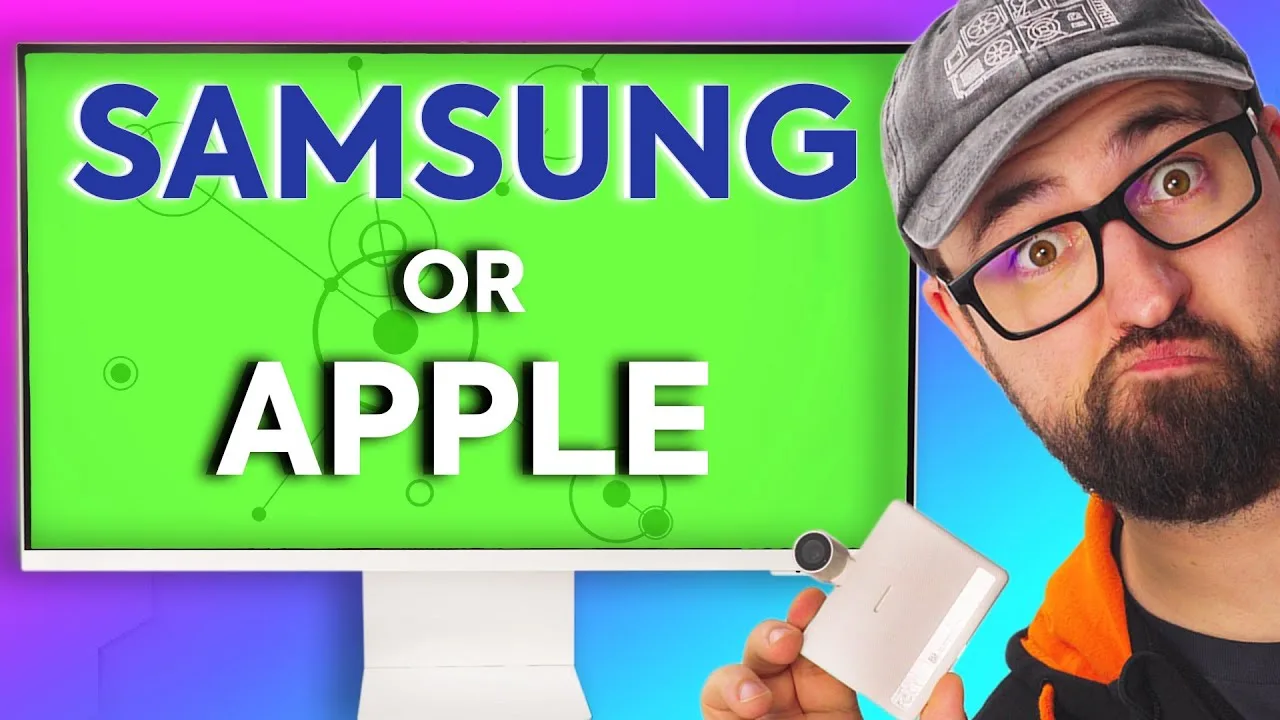 ShortCircuit
The reviewer unboxes the 32-inch 4K Samsung M8 Smart Monitor, …
ShortCircuit
The reviewer unboxes the 32-inch 4K Samsung M8 Smart Monitor, …
The reviewer unboxes the 32-inch 4K Samsung M8 Smart Monitor, highlighting its dual functionality as both monitor and TV with built-in Tizen OS. The ultra-slim 11.49mm design and magnetic Slim Fit 1080p webcam with face tracking impress, though assembly requires a screwdriver unlike tool-less competitors. The monitor runs Office 365 independently and includes a remote with streaming shortcuts. Connectivity includes micro HDMI and two USB-C ports with 45W power delivery—lower than the reviewer's preferred 60W. The herringbone-pattern stand lacks height adjustability without a $400 upgrade. Overall, it targets Apple aesthetic fans wanting streamlined entertainment and light productivity.
- →Ideal for minimalist desk setups wanting TV functionality
- →Suits remote workers needing basic document editing without PC
- →Best for streamers prioritizing design over port versatility
- →Face-tracking webcam benefits active presenters
- →Consider budget for height-adjustable stand upgrade
 Max Tech
The reviewer purchased the M8 seeking a clean, modern 4K display for …
Max Tech
The reviewer purchased the M8 seeking a clean, modern 4K display for …
The reviewer purchased the M8 seeking a clean, modern 4K display for home use and was impressed by its extensive capabilities at a relatively low price. The monitor features slim bezels, a fingerprint-resistant plastic body with herringbone-patterned back, and a heavy metal stand with height adjustment. Connectivity includes two USB-C ports (one with 65W charging), micro HDMI, and extensive wireless options including AirPlay and Samsung DeX. The built-in smart TV functionality with streaming apps, plus standalone computing via web browser and Office 365, allows use without a connected computer. The magnetic SlimFit camera offers excellent 1080p quality with face tracking, tilt adjustment, and a privacy cap. Users can choose between Bixby and Alexa voice assistants.
- →Ideal secondary computer for any room in the house
- →Perfect for users wanting monitor and smart TV combined
- →Great for families needing adjustable height for different users
- →Excellent choice for video calls without software setup
- →Best for basic web tasks rather than heavy computing
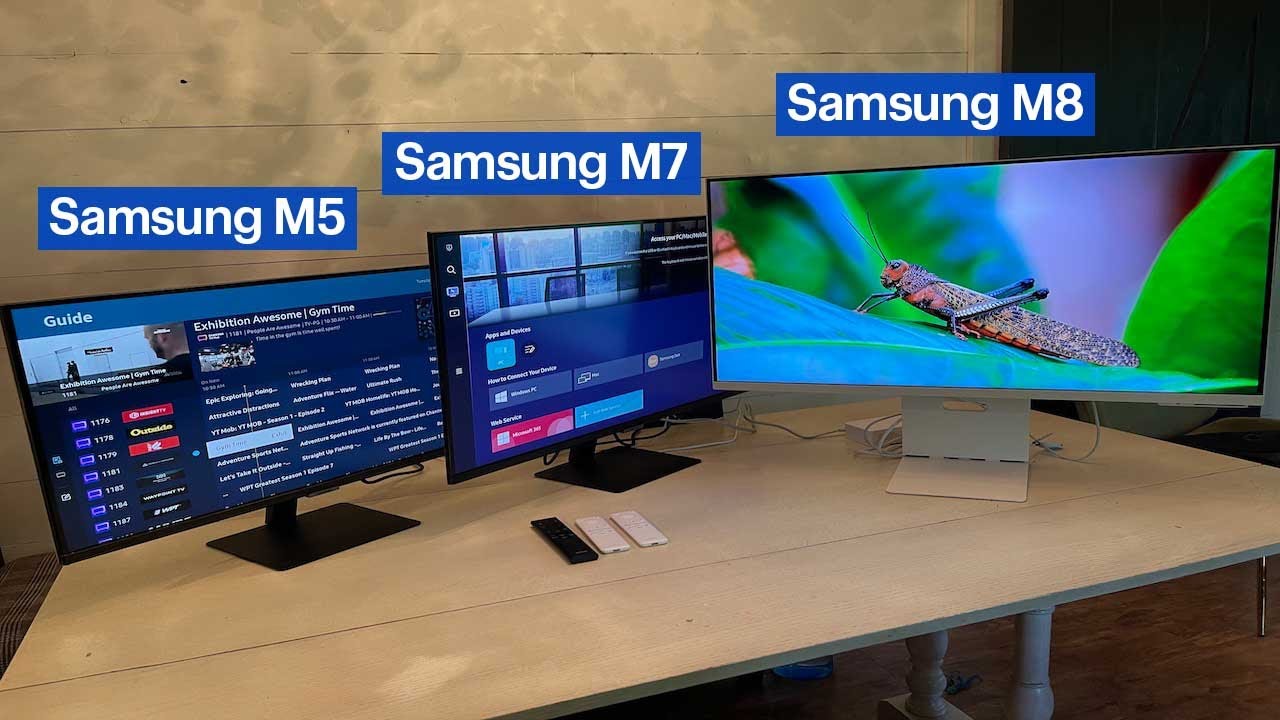 Best Buy Canada Product Videos
The Samsung M8 Smart Monitor 2024 functions as a hybrid TV-monitor …
Best Buy Canada Product Videos
The Samsung M8 Smart Monitor 2024 functions as a hybrid TV-monitor …
The Samsung M8 Smart Monitor 2024 functions as a hybrid TV-monitor with a 32-inch 4K ultra-wide display. Its sliding stand allows vertical adjustment between TV and monitor positions, making it versatile for entertainment units or desks. Gaming performance impressed during PS5 testing, with auto-detection, game mode optimization, and a game bar for quick settings access. The included HDMI to mini-HDMI cable accommodates the monitor's lack of standard HDMI ports. As a smart TV, it runs Samsung's TV operating system with full app support, voice control via Bixby, and smart home hub capabilities. Samsung phone users gain additional PC-like functionality through workspace features.
- →Ideal for small spaces needing dual TV-monitor functionality
- →Best suited for casual console gaming and streaming
- →Optimal for Samsung ecosystem users with phone integration
- →Works well as secondary entertainment display
- →Smart home enthusiasts benefit from built-in hub features
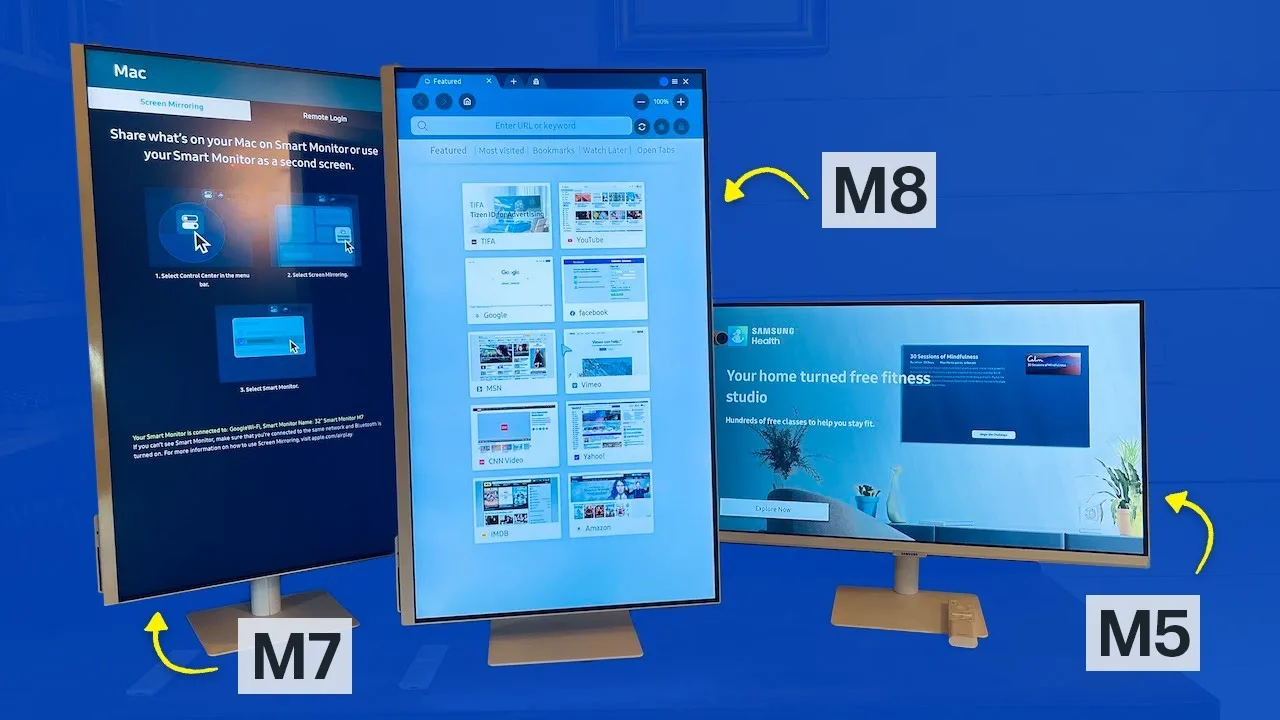 Best Buy Canada Product Videos
The Samsung M8 Smart Monitor 2024 features a 32-inch 4K display with …
Best Buy Canada Product Videos
The Samsung M8 Smart Monitor 2024 features a 32-inch 4K display with …
The Samsung M8 Smart Monitor 2024 features a 32-inch 4K display with 400 nits brightness, making it the brightest in Samsung's smart monitor lineup. Its unique stand supports height adjustment, tilt, and 90-degree rotation for vertical viewing. The monitor includes USB-C, HDMI, micro HDMI, and USB ports, plus a magnetic Slim Fit camera with 1080p/30fps video and a privacy cap. Built-in Smart Hub enables streaming, AirPlay, multi-window multitasking, remote computer access, and direct Microsoft 365 login without a PC. The stand rotation requires pulling the screen forward first, which feels less smooth than the M7's mechanism. The monitor functions well as both a TV and computer display, with particular utility for viewing vertical social media content or lengthy spreadsheets in portrait mode.
- →Ideal hybrid for users wanting TV and monitor in one device
- →Best for content creators viewing vertical social media
- →Productivity users benefit from portrait Excel viewing
- →Remote workers gain standalone Microsoft 365 access
- →Prioritize M7 if smoother stand adjustment matters
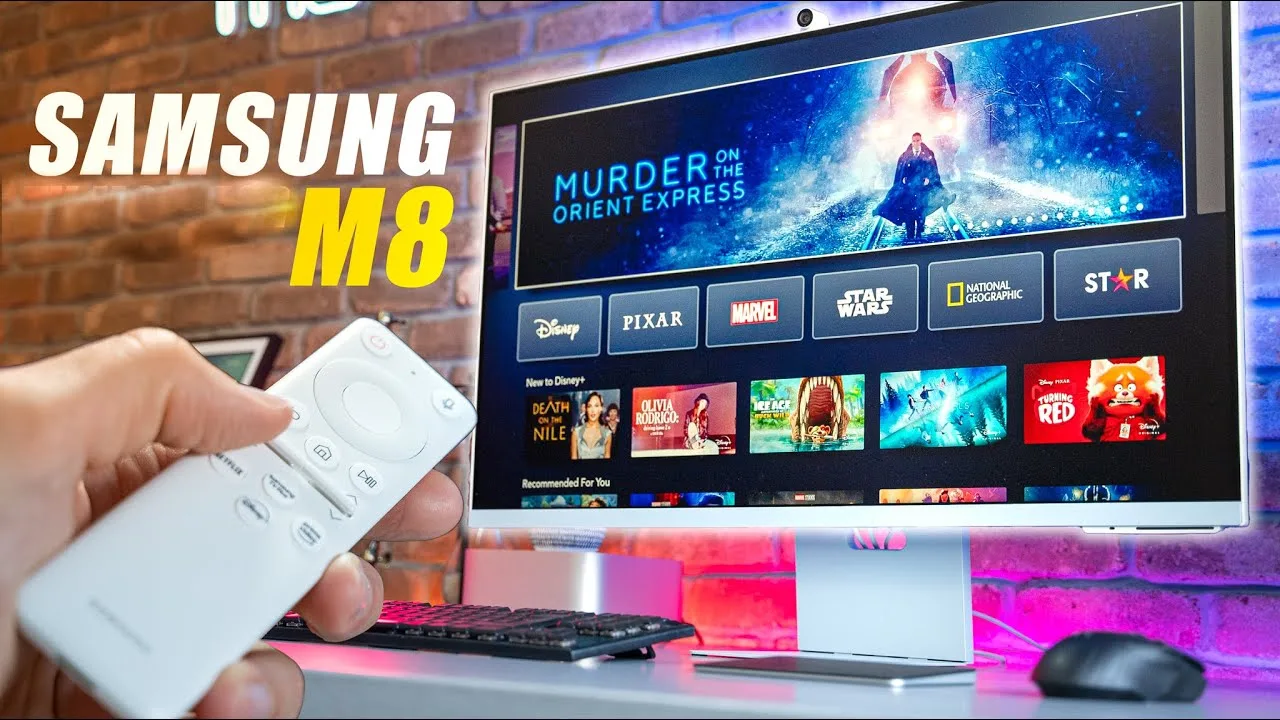 The Tech Chap
The Samsung M8 Smart Monitor 2024 functions as both a 32-inch 4K …
The Tech Chap
The Samsung M8 Smart Monitor 2024 functions as both a 32-inch 4K …
The Samsung M8 Smart Monitor 2024 functions as both a 32-inch 4K monitor and smart TV, featuring built-in streaming apps, free live TV channels, USB-C and HDMI connectivity, screencasting, AirPlay, smart home controls, and a detachable magnetic webcam with privacy cover. The design includes narrow bezels, slim profile with herringbone texture, and four color options for the stand. Image quality shows significant improvement over the previous M7 model. The Tizen-based interface organizes entertainment under Media and wireless casting under Workspace, though occasional slowdowns occur. Height adjustment has limited range, with no swivel and minimal tilt. The monitor targets users wanting an all-in-one work, entertainment, and smart home solution without separate TV and display.
- →Best for families wanting single display for work and entertainment
- →Ideal for students with limited space or budget
- →Suitable for businesses needing dual-purpose monitor/TV solution
- →Good bedroom TV alternative with desk-friendly size
- →Requires external tuner for traditional cable/satellite TV
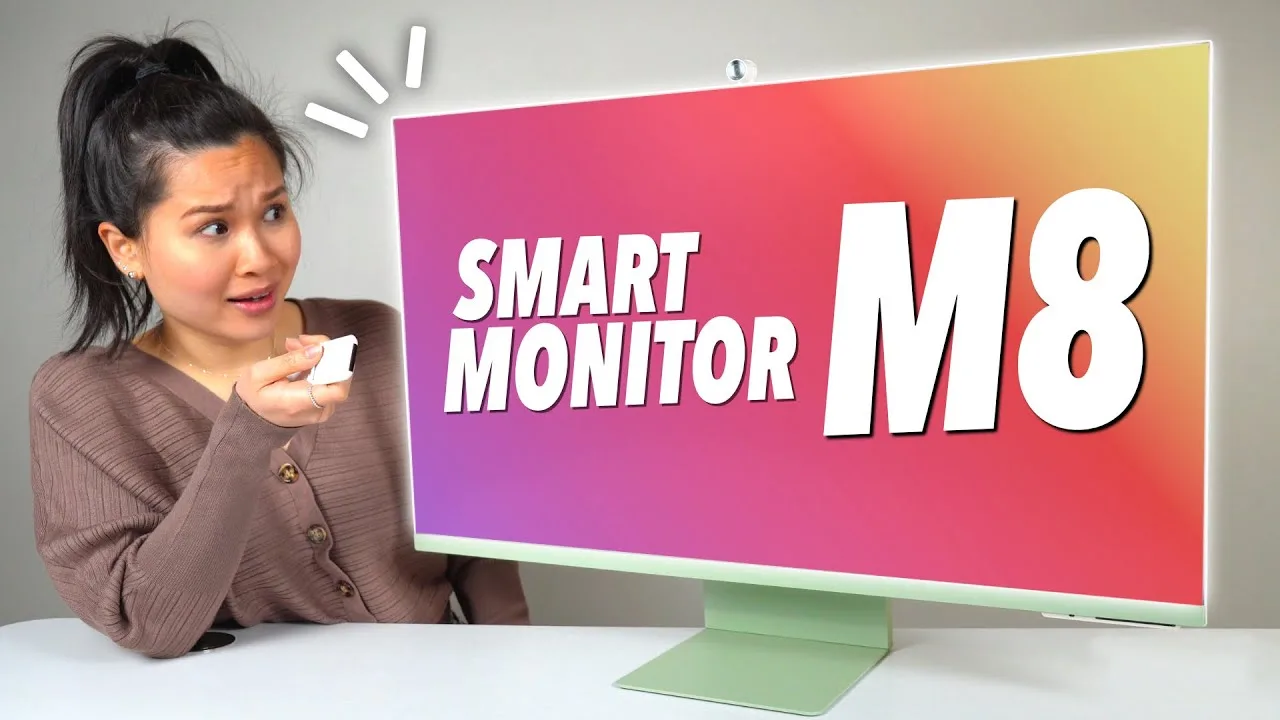 Thao Huynh
The 32-inch 4K Smart Monitor M8 delivers an exceptionally thin design …
Thao Huynh
The 32-inch 4K Smart Monitor M8 delivers an exceptionally thin design …
The 32-inch 4K Smart Monitor M8 delivers an exceptionally thin design at under 12mm with a distinctive herringbone-patterned back available in four colors. Setup proves straightforward with a tool-free stand assembly offering tilt, height adjustment, and a space-saving flat base. The VA panel achieves 400 nits brightness, 99% sRGB coverage, and HDR10 Plus certification with a matte anti-reflective finish. Standout capabilities include tap-to-mirror for Galaxy phones, wireless DeX desktop mode, Apple AirPlay support, and a full smart TV experience with pre-installed streaming apps and Samsung TV Plus. USB-C delivers 65W charging while adaptive picture technology automatically adjusts brightness and color temperature based on ambient lighting.
- →Ideal hybrid workspace and entertainment display for small spaces
- →Best suited for Galaxy ecosystem users wanting seamless phone integration
- →Strong choice for MacBook users needing wireless dual monitor setup
- →Perfect for cord-cutters wanting built-in streaming without extra devices
- →Well-suited for eye-conscious users with automatic brightness adaptation
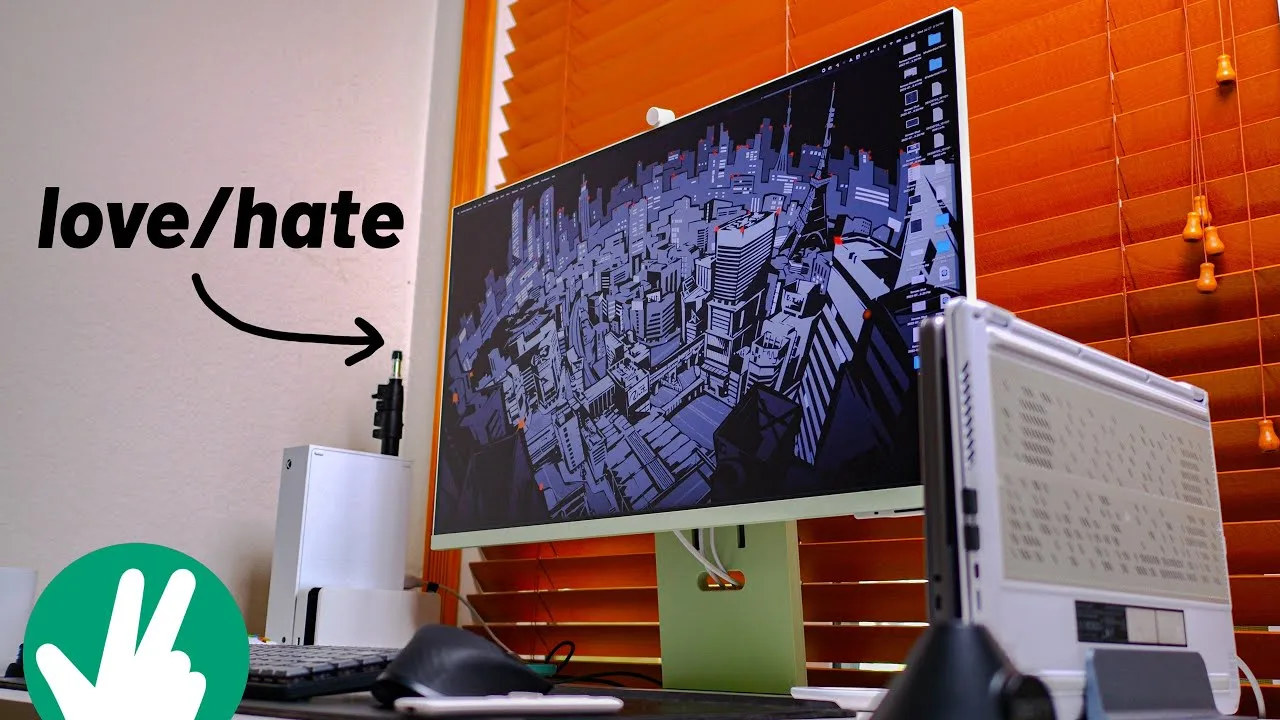 Joshua Vergara
The reviewer describes the Samsung M8 Smart Monitor 2024 as a device …
Joshua Vergara
The reviewer describes the Samsung M8 Smart Monitor 2024 as a device …
The reviewer describes the Samsung M8 Smart Monitor 2024 as a device attempting to merge high performance with minimalist design. The 32-inch 4K VA panel delivers deep blacks and excellent brightness, though minimum brightness remains too high for nighttime use. Its ultra-thin profile, narrow bezels, and clean aesthetic complement desk setups well. The smart TV functionality provides robust streaming capabilities via an included USB-C rechargeable remote with quick-access buttons. However, the reviewer expresses ongoing uncertainty about keeping the monitor due to significant limitations, particularly the complete absence of an audio jack and problematic port selection that introduces audio latency issues when using Bluetooth output with connected devices.
- →Ideal for users prioritizing minimalist desk aesthetics and space efficiency
- →Best suited as secondary entertainment display for streaming content
- →Requires external audio solutions due to missing headphone jack
- →Standing desk users may need alternative mounting for optimal eye level
- →Not recommended for users sensitive to screen brightness during evening hours
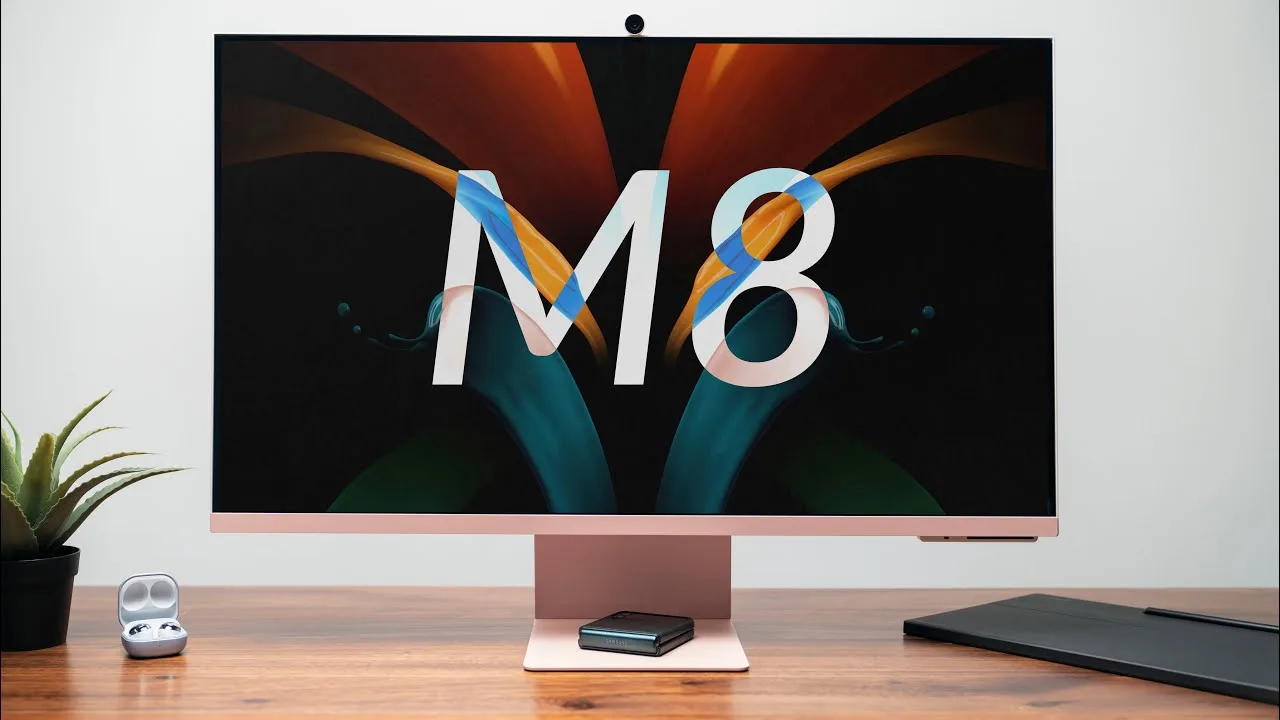 Matthew Moniz
The Samsung M8 Smart Monitor 2024 retails for $700 ($730 for non-white …
Matthew Moniz
The Samsung M8 Smart Monitor 2024 retails for $700 ($730 for non-white …
The Samsung M8 Smart Monitor 2024 retails for $700 ($730 for non-white colors) and functions as both a 32-inch 4K 60Hz monitor and standalone smart TV. Setup requires only one screw, with solid plastic construction featuring a distinctive herringbone pattern on the back. The monitor offers height adjustment and tilt out of the box, though it lacks portrait rotation and VESA mounting. A magnetic 1080p Slim Fit Cam attaches to the back and supports face tracking for video calls. The VA panel delivers excellent contrast and color accuracy suitable for video editing, with HDR10+ support. Built-in 2.2 channel speakers, Farfield microphone for voice assistants, and Tizen OS with streaming apps complete the package. Connectivity includes micro HDMI, two USB-C ports, plus wireless options for Mac, PC, and Samsung devices through DeX, AirPlay, or SmartThings.
- →Ideal for users wanting TV and monitor in one device
- →Strong choice for video editors needing color accuracy
- →Best value for existing Samsung ecosystem users
- →Suitable for conference calls with built-in webcam and mic
- →Good for desk setups lacking dedicated speakers
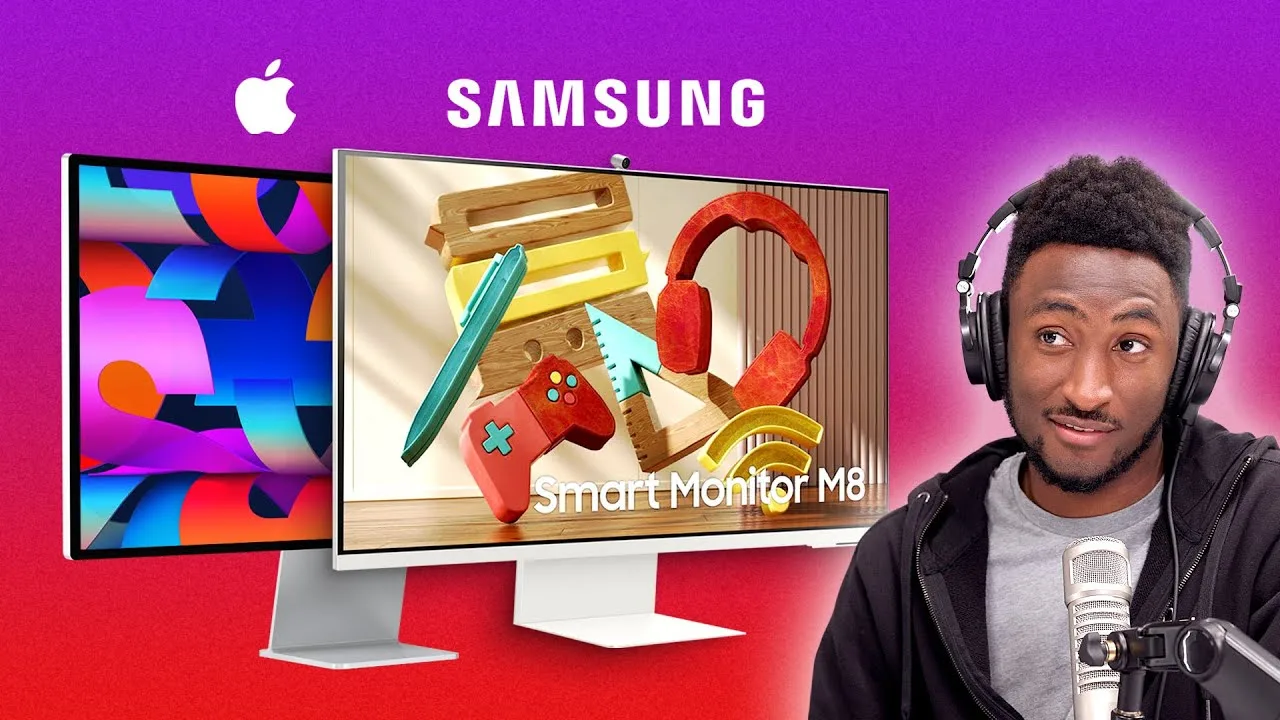 YouTube
A 32-inch 4K monitor with slim bezels and an iMac-like stand design. …
YouTube
A 32-inch 4K monitor with slim bezels and an iMac-like stand design. …
A 32-inch 4K monitor with slim bezels and an iMac-like stand design. Features built-in speakers, a detachable pop-up webcam with face tracking and auto-framing, and integrated smart TV capabilities powered by an internal chip. Priced at $729, it comes in colors matching the iMac lineup. The monitor includes Bixby voice assistant and an IR sensor at the bottom for remote control functionality. Designed for users who want dual-purpose functionality as both a desktop monitor and a TV.
- →Best for budget-conscious users wanting large 4K display
- →Ideal for small apartments needing dual monitor/TV use
- →Suitable for casual users, not color-critical professionals
- →Good option for PC users wanting Apple-like aesthetics
- →Consider if you specifically need smart TV functionality
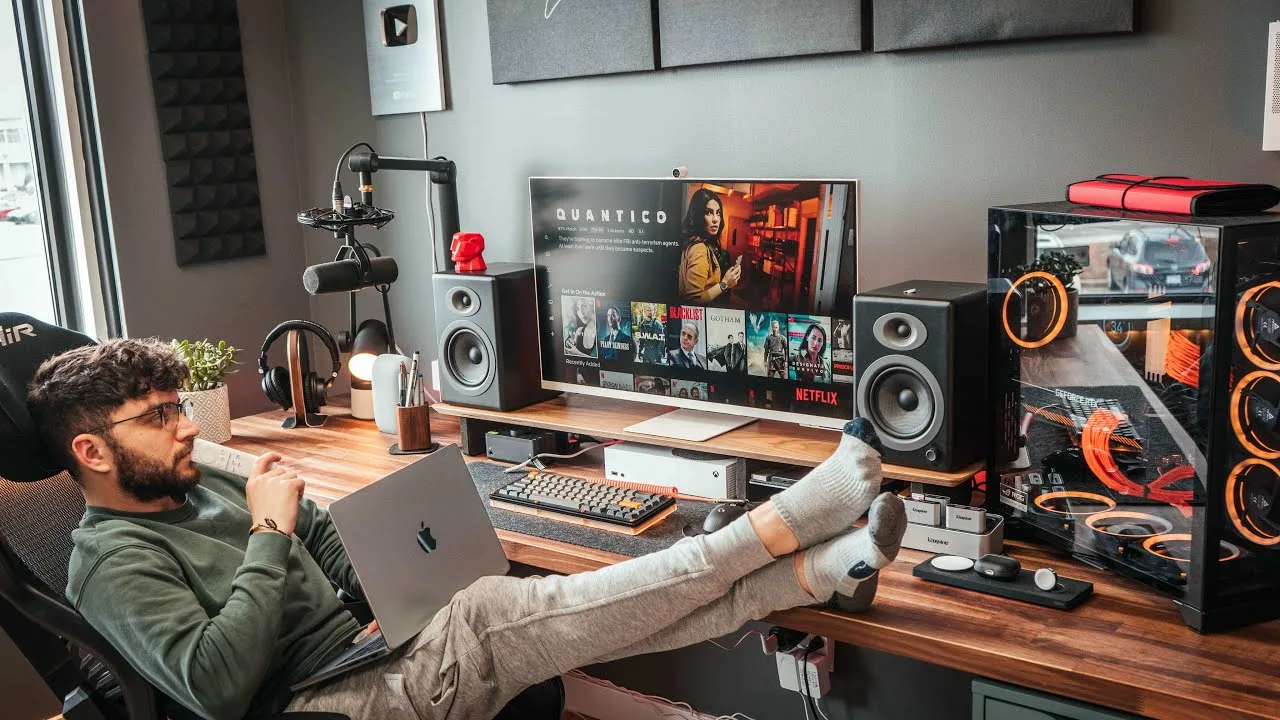 YouTube
The reviewer was impressed by the remarkably slim 11.9mm panel design …
YouTube
The reviewer was impressed by the remarkably slim 11.9mm panel design …
The reviewer was impressed by the remarkably slim 11.9mm panel design and lightweight 6.7kg construction, though the stand contributes roughly 30% of that weight. Setup proved straightforward with tool-free assembly, and the included magnetic slim-fit camera with privacy cover received particular praise. The monitor functions as a hybrid work-from-home solution combining 4K display capabilities with smart TV features including Bixby/Alexa voice control, AirPlay 2, and IoT hub functionality for controlling studio lights. Hardware includes 65W USB-C charging suitable for MacBook Pro connection, adaptive built-in speakers, and effective cable routing through the stand. Available in four colors with height adjustability, though the plastic construction and lack of VESA mounting were noted limitations. The micro HDMI port choice puzzled the reviewer despite the included adapter cable.
- →Ideal hybrid solution for work-from-home professionals
- →Best suited for MacBook Pro users needing single-cable setup
- →Perfect for those wanting smart TV features without separate device
- →Great for minimal desk setups prioritizing clean aesthetics
- →Recommended for users valuing voice-controlled IoT integration
 YouTube
The reviewer evaluated Samsung's 2025 M9 smart monitor, which combines …
YouTube
The reviewer evaluated Samsung's 2025 M9 smart monitor, which combines …
The reviewer evaluated Samsung's 2025 M9 smart monitor, which combines 4K workstation functionality with built-in TV capabilities via included remote. Key upgrades from the previous M8 include integrated webcam (previously magnetic attachment), 165Hz refresh rate with NVIDIA G-Sync, and QD-OLED panel technology promising improved contrast and color. Setup proved seamless with both MacBook Pro and Lenovo laptops via USB-C. The monitor offers tilt, height adjustment, and hidden VESA mount compatibility. However, input ports remain difficult to access beneath the sliding rear mount. New software features like click-to-search and multi-control target Samsung Galaxy device users, though these went untested. The dramatic price increase to match Apple Studio Display levels raises value questions.
- →Ideal for small spaces needing dual work-TV functionality
- →Strong choice for gamers wanting high refresh rates
- →Mac users have viable Apple Studio Display alternative
- →Best value for those already in Samsung ecosystem
- →Consider waiting if price drops or M8 remains available
 YouTube
The reviewer purchased the Samsung M8 smart monitor independently and …
YouTube
The reviewer purchased the Samsung M8 smart monitor independently and …
The reviewer purchased the Samsung M8 smart monitor independently and found several concerning issues from the start. The unit arrived with pre-existing smudges and fingerprints on the screen despite protective packaging. Build quality disappointed, with noticeable flex in the panel, wobbly plastic stand, and no VESA mounting option. The 32-inch 4K VA panel features 400 nits brightness, HDR10+ support, and 65W USB-C charging, but is limited to 60Hz refresh rate. Tizen OS powers the smart features with pre-installed streaming apps and Alexa/Bixby integration. The detachable webcam connects via USB-C and includes a magnetic privacy cover. Setup proved straightforward, though the two-piece webcam design seemed unnecessarily complicated.
- →Best for casual streaming and productivity, not competitive gaming
- →Consider alternative mounting solutions due to wobbly stand
- →Inspect screen immediately upon delivery for defects
- →Choose Alexa over Bixby for better voice control
- →Budget for potential quality control issues
 YouTube
After seven months of daily use, this reviewer finds the 32-inch …
YouTube
After seven months of daily use, this reviewer finds the 32-inch …
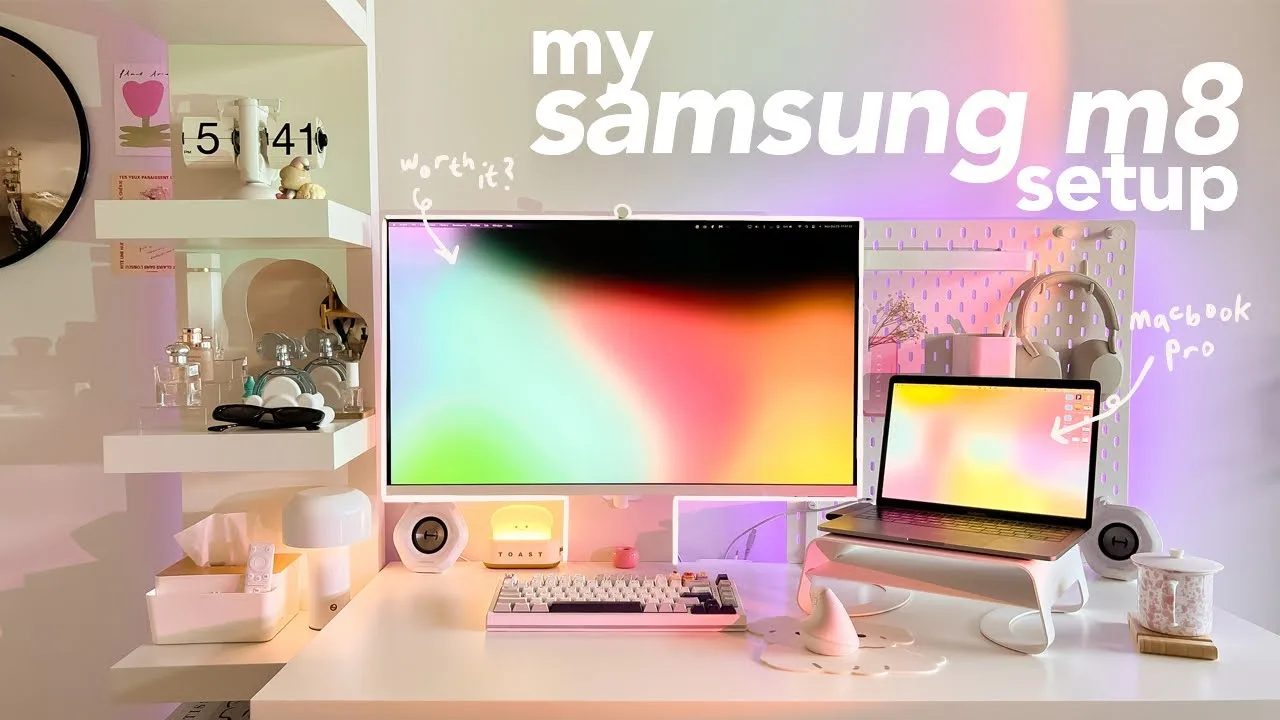
After seven months of daily use, this reviewer finds the 32-inch Samsung M8 smart monitor excels as a productivity and entertainment hub. The 4K display provides ample workspace for coding and document editing, while USB-C connectivity with newer MacBooks enables single-cable charging and display extension. The monitor doubles effectively as a smart TV for streaming services. However, color accuracy required manual calibration to match MacBook output, and the 60Hz refresh rate limits gaming appeal. Older MacBook users face connectivity limitations, requiring HDMI hubs and separate charging cables. The integrated 1080p webcam suffers from washed-out colors and awkward high placement.
- →Ideal for remote workers needing large 4K workspace with minimal cables
- →Best suited for MacBook Air M2 or newer for full USB-C functionality
- →Creative professionals should budget time for color calibration
- →Strong choice for streaming-focused users wanting TV functionality
- →Not recommended for competitive gamers due to 60Hz limitation
 YouTube
The Samsung M8 smart monitor is a 32-inch premium display that …
YouTube
The Samsung M8 smart monitor is a 32-inch premium display that …
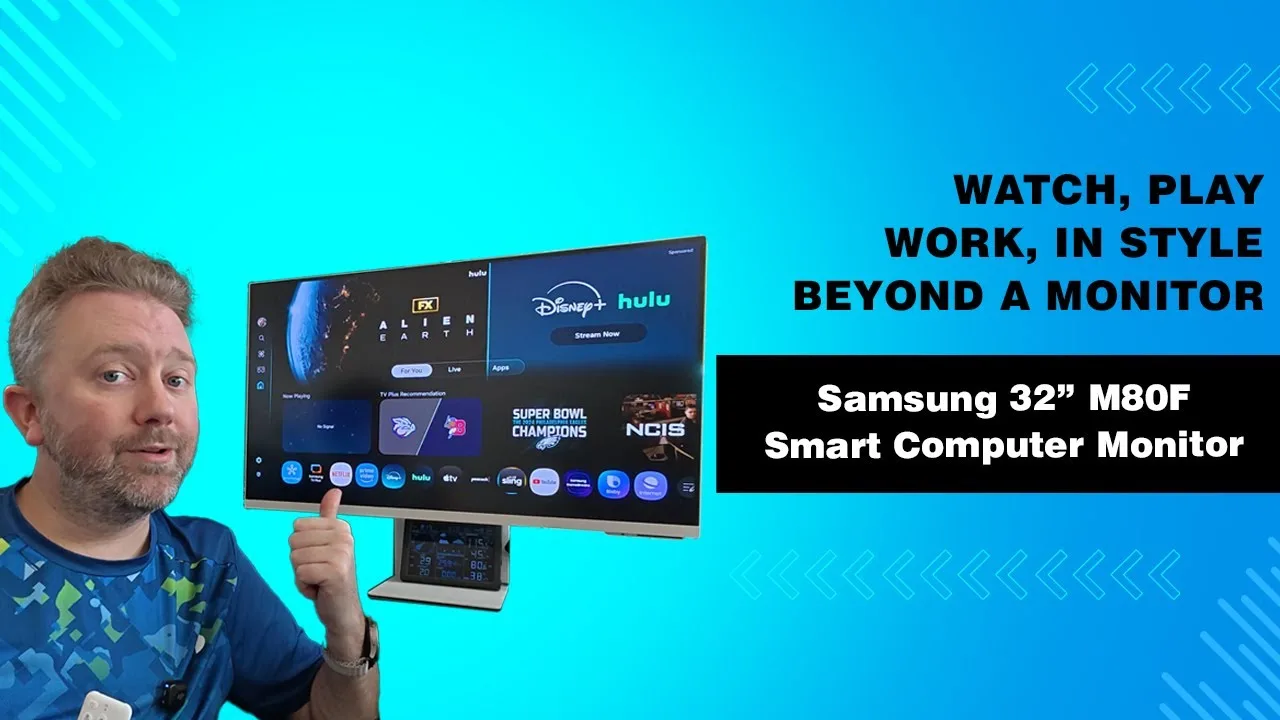
The Samsung M8 smart monitor is a 32-inch premium display that functions as both a computer monitor and standalone smart TV. It features an ultra-thin 1-inch screen profile with narrow bezels and a clean white aesthetic. The included magnetic webcam attaches via USB-C and includes a privacy cover. Built-in speakers, ambient light sensors, and a fully adjustable stand with height, tilt, and rotation capabilities add versatility. The monitor runs Samsung's smart TV platform with streaming apps like Netflix and Disney Plus, plus a game hub supporting Xbox Cloud Gaming, GeForce Now, and other services without requiring a connected PC or console.
- →Ideal for home offices wanting dual monitor/TV functionality
- →Perfect for gamers wanting cloud gaming without hardware
- →Great for minimalist setups with wall-mounting plans
- →Suits users needing integrated webcam for video calls
- →Best for those wanting streaming without separate TV
 YouTube
A versatile 32-inch 4K UHD display that functions as both monitor and …
YouTube
A versatile 32-inch 4K UHD display that functions as both monitor and …
A versatile 32-inch 4K UHD display that functions as both monitor and smart TV without requiring a PC. Features a slim, modern design with a unique green finish, built-in speakers with good clarity, and a slim-fit webcam for video calls. Runs Samsung's Tizen OS with pre-installed streaming apps including Netflix, HBO, and Prime VOD. Offers 65W USB-C connectivity for charging and video, plus Apple AirPlay 2, Wi-Fi, and Bluetooth. Generally praised for snappy performance, easy setup, and space-saving footprint, though some users encounter issues with Bixby, the built-in microphone, and limited port selection.
- →Ideal for users wanting monitor and smart TV in one device
- →Best suited for streaming and light productivity without PC
- →Good fit for Samsung ecosystem users with soundbars
- →USB-C single-cable setup works well for laptop users
- →Consider external audio for serious video calls
 YouTube
This 32-inch VA panel with 4K UHD resolution serves as both monitor …
YouTube
This 32-inch VA panel with 4K UHD resolution serves as both monitor …
This 32-inch VA panel with 4K UHD resolution serves as both monitor and smart TV, featuring 99% sRGB coverage suitable for color-accurate work. The magnetic Slim Fit webcam offers face tracking and auto zoom with above-average image quality. USB-C ports deliver 65W power delivery and DisplayPort connectivity, functioning as a USB 3.0 hub. Tizen OS enables standalone app usage including Xbox cloud gaming, Microsoft 365, and streaming services. Samsung Knox provides security, while SmartThings integration controls IoT devices. The 11.4mm thick white design includes height-adjustable stand with tilt. External power brick reduces heat generation. The reviewer uses it extensively for video editing and streaming, benefiting from the pixel density for extended timelines and multiple inputs.
- →Ideal for content creators needing color accuracy and screen space
- →Perfect for minimal desk setups with single-cable laptop connection
- →Suitable for remote workers wanting standalone productivity apps
- →Good for streamers needing multiple input visibility
- →Best for users wanting TV functionality without separate device
Scores based on weighted analysis of 31 expert and community sources. How we review →