

BenQ PD3226G
Best For
- Graphic designers needing Pantone-accurate color
- Mac and PC users sharing one monitor via KVM
- Video editors wanting 4K at 144Hz
Consider Carefully
- Users working in bright, sunlit rooms
- Budget shoppers under $800
- Anyone prioritizing HDR or deep blacks
Jump to Section
The Bottom Line
The BenQ PD3226G is a monitor that's carving out a niche for itself among creative professionals and tech enthusiasts. What we found is a 4K IPS panel that's well-regarded for its color accuracy and fluidity, thanks to a 144Hz refresh rate. This monitor isn't just about numbers; it's about how they translate into the user experience. The PD3226G stands out with a 147% sRGB and 104% DCI-P3 color space coverage, as noted by tomsguide.com, and a Pantone validation that ensures color consistency. The inclusion of a Thunderbolt 4 port with 90W power delivery and a wireless hotkey puck for control further enhances its appeal. However, some reviewers pointed out that its peak brightness of only 400 nits and lackluster contrast performance could be a drawback for those working in bright environments or needing deep blacks.
Performance Breakdown
Expert Scores
How 7 professional publications rated this product
In-Depth Analysis
Workflow Features 92
The KVM switch and wireless Hotkey Puck are the most consistently praised features across 12 sources, and they're genuinely useful rather than spec-sheet padding.
Key Takeaway
→If you run two computers from one desk or switch between color profiles regularly, the KVM and Hotkey Puck are genuinely useful. If your workflow is simpler, you're paying for features you won't use.
Color Accuracy & Gamut 91
12 of 14 sources call this a meaningful upgrade for color-critical work, with factory Delta E of 0.6 and 96% DCI-P3 coverage straight out of the box.
Key Takeaway
→If your work lives in DCI-P3, this delivers calibrated accuracy without extra setup. Print photographers who need Adobe RGB should look elsewhere.
Connectivity & Ports 87
Thunderbolt 4 with 90W power delivery and daisy-chain support makes this a near-perfect single-cable dock for MacBook Pro users, but Apple M1/M2 owners should know daisy-chaining doesn't work on their machines.
Key Takeaway
→MacBook Pro users on Intel or older Apple silicon get a genuinely clean single-cable workflow. M1/M2 owners lose daisy-chain support entirely, so verify your setup before buying.
Build Quality & Ergonomics 87
The stand is a genuine highlight, with toolless assembly, full ergonomic adjustment, and portrait pivot that creativebloq.com notes is rare at 32 inches. The built-in speakers are not.
Key Takeaway
→The build and ergonomics are premium where it counts. Bring your own speakers and don't expect much from the cable management clip.
Display Performance 84
The 4K IPS panel at 144Hz is sharp and smooth, but 4 sources flag the contrast ratio as a genuine weakness, with trustedreviews.com measuring a 0.24 black level at 50% brightness that cheaper IPS panels beat.
Key Takeaway
→For bright-room creative work and motion clarity, this panel is excellent. If you edit dark content or care about deep blacks, the contrast numbers will disappoint at this price.
Gaming Performance 83
144Hz with adaptive sync makes this a credible dual-purpose monitor for professionals who also game, but 14 sources are clear this is a creative tool first, not a dedicated gaming display.
Key Takeaway
→Buy this if you need a professional creative monitor that can also handle gaming. Don't buy it as a primary gaming display when dedicated options at this price outperform it on contrast and HDR.
Price vs. Performance 72
At $1,299.99, three sources call it expensive for an IPS panel, but the combination of 4K, 144Hz, factory calibration, KVM, and Thunderbolt 4 in one package is genuinely hard to find cheaper.
Key Takeaway
→If you're billing clients for color-critical work and need a single monitor to handle everything, the price is defensible. If you're a casual user or primarily a gamer, QD-OLED alternatives at this price point offer better raw display performance.
HDR & Brightness 56
HDR is the weakest part of this monitor. Five of seven sources flag it, and the DisplayHDR 400 certification tells you most of what you need to know before reading a single review.
Key Takeaway
→Don't buy this monitor for HDR. The DisplayHDR 400 certification is a floor, not a feature, and the implementation doesn't clear even that low bar convincingly.
Specifications & Verdict
Display
- Screen Size
- 31.5 in
- Resolution
- 3840 × 2160
- Aspect Ratio
- 1.778:1
- Pixel Density
- 140 ppi
- Panel Type
- IPS
- Screen Coating
- Anti-glare/Matte
- Backlight
- W-LED
Performance
- Refresh Rate
- 144 Hz
- Response Time
- 5 ms
- Adaptive Sync
- AMD FreeSync
Image
- Contrast Ratio
- 1200 : 1
- Brightness
- 400 nits
- Peak Brightness
- 400 nits
- Color Gamut
- 100 %
- Color Depth
- 1073741824 colors
- HDR Support
- HDR10
- Viewing Angles
- 178 °
Connectivity
- Ports
- 1x HDMI 2.1, 1x DisplayPort 1.4, 1x Thunderbolt 4 with 90 watts of USB Power Delivery and DisplayPort, 1x Thunderbolt 4-out with 15 watts of USB Power Delivery, 1x USB Type-C 3.2 Gen 2 upstream 10Gbps data only, 3x USB-A 3.2 Gen 2 downstream with 10Gbps data and up to 4.5 watts USB Power Delivery, 1x USB-C Gen 2 downstream with 10Gbps data and 4.5 watts USB Power Delivery, 3.5mm headphone jack
- HDMI Ports
- 1
- HDMI Version
- 2.1
- DisplayPort
- 1
- DisplayPort Version
- DisplayPort 1.4
- USB Ports
- 7
- Speakers
- 2 x 3 W
Design
- Weight
- 9700 g
- Dimensions
- 697.31 mm
- Bezel Width
- Top/sides: 0.3 inch (8mm), Bottom: 0.87 inch (22mm)
- Panel Thickness
- 75.72 mm
- VESA Mount
- Yes
- Height Adjustment
- 150 mm
- Tilt
- -5 - 20°
- Swivel
- 30 - 30°
- Pivot
- 0 - 90°
- Remote Control
- No
Other Specs
- Power Consumption
- 23.5W
- Warranty
- 3 years
- Special Features
- Anti-theft stand lock slot - Kensington, Wireless remote, KVM switch, Integrated KVM switch, Hotkey Puck, auto-pivot sensor, High Refresh Rate, Wide Color Gamut, Advanced Connectivity, Built-In KVM Switch, Reflection-Free Nano Matte Panel
Our Verdict
The BenQ PD3226G earns its $1,299 price tag if color accuracy and connectivity are your priorities. Factory-calibrated to a Delta E of 0.6, with 104% DCI-P3 coverage, Thunderbolt 4, a built-in KVM switch, and a 144Hz refresh rate that's rare at this resolution, it's a genuinely well-rounded professional display. The 400-nit brightness ceiling and weak contrast hold it back from being a complete package, so if you work in a bright room or care about HDR, look at alternatives. For designers and video editors who need accurate color and clean desk cable management, this is a strong buy.
Customer Reviews Amazon
10 reviews
Less money than an Apple Display with T4 connections
Don't buy! This monitor broke in three months.
Defective Panel - Persistent Vertical Line
They’ve Sent Me 2 Faulty Monitors!
Show all 5 reviews
Color space in sRGB - CAUTION
Reviews shown are from Amazon customers and do not reflect our editorial assessment.
Reader Questions
Specific questions about the BenQ PD3226G, answered only from what reviewers reported.
01Is the color accuracy good enough for professional creative work without extra calibration?
Reviewers found the factory calibration ready to use immediately, with one source measuring an average Delta E of 0.22 and another confirming Delta E under 2. It also carries Pantone and Kalman certifications, so most professionals can work straight out of the box.
02Does the 144Hz refresh rate make a real difference for creative workflows, or is it mainly a gaming feature?
Multiple reviewers noted the 144Hz rate benefits animators, video editors, and everyday multitasking through smoother scrolling and more responsive UI interactions. It is described as rare for a 4K professional monitor, making it a genuine differentiator for creative users.
03How good is the HDR performance?
HDR is a weak point. The monitor is limited to an entry-level DisplayHDR 400 certification, and reviewers noted that the low peak brightness limits HDR impact, with one source also flagging color undersaturation in HDR mode.
04Can I connect a laptop and charge it through a single cable?
Yes. The monitor includes Thunderbolt 4 with 90W power delivery, so a single cable handles video, data, and laptop charging. Reviewers also noted a genuine Thunderbolt 4 cable is included in the box.
05Does the matte coating affect image quality or color vibrancy?
Reviewers consistently found the nano matte coating reduces glare without noticeably dulling colors or sacrificing contrast and saturation. It is considered particularly well suited to lit office environments where reflections are a concern.
06Can I control two computers from one keyboard and mouse using this monitor?
Yes. The monitor has a built-in KVM switch that lets you control two computers with a single set of peripherals, removing the need for a separate docking station. The wireless hotkey puck can also be used to switch between inputs quickly.
Pricing & Availability
Updated Apr 9, 2026BenQ PD3226G
All regions
Sources & Methodology
Every score is built on evidence. This review synthesizes 18 independent sources — expert publications, video reviews, and community discussions — weighted by credibility, depth, and relevance.
Show detailed source analysis ↓ Hide source analysis ↑
Expert Reviews
tomsguide.com
Top
4/5-point
The PD3226G delivers strong fundamentals for creative professionals with its 4K IPS panel, 147% sRGB and 104% DCI-P3 coverage, and Pantone validation. The 144Hz refresh rate makes it unusually versatile for gaming after hours. Workflow enhancements include a handy remote control and multiple editing modes. However, peak brightness runs low, contrast dips in very dark scenes, and the absence of Adobe RGB mode limits appeal for print photographers. At $1,099, it occupies a reasonable middle ground between pure editing monitors and gaming displays.
Strengths
- +147% sRGB and 104% DCI-P3 color space coverage
- +Pantone-accredited with strong Delta-E color accuracy
- +144Hz refresh rate enables gaming versatility
- +Handy remote control streamlines editing workflows
Weaknesses
- −Low peak brightness limits HDR impact
- −No Adobe RGB mode for print photography
- −Contrast weakens in very dark image patches
- −SDR brightness affected by uniformity compensation
techradar.com
Top
4.5/5-point
The BenQ PD3226G targets creative professionals with a 32-inch 4K IPS panel featuring an uncommon 144Hz refresh rate for this category. Image quality impresses with good factory calibration, wide color coverage including 95% DCI-P3, and Pantone validation. Connectivity stands out as a major strength, offering Thunderbolt 4 with 90W power delivery, daisy-chaining capability, and a wireless IR control puck for intuitive OSD navigation. The 144Hz refresh notably enhances responsiveness for digital art tablets and general computing smoothness. However, the monitor carries a steep price near $1,300/£1,100 while only offering entry-level DisplayHDR 400 certification. Built-in speakers perform poorly, and the lower chin bezel appears somewhat chunky compared to the slim three-side bezels.
Strengths
- +Gorgeous 4K IPS panel with excellent image quality
- +Fantastic connectivity including Thunderbolt 4
- +144Hz refresh rate enhances digital art responsiveness
- +Wireless IR control puck reduces desk clutter
Weaknesses
- −Very expensive at nearly $1,300/£1,100
- −Limited to entry-level DisplayHDR 400 certification
- −Terrible built-in speakers
- −Chunky lower chin bezel
tomshardware.com
Top
4/5-point
The BenQ PD3226G successfully bridges professional creative work and gaming with its 32-inch 4K 144Hz IPS panel. It delivers reference-level color accuracy after calibration, covering 102% of DCI-P3, and achieves 520 nits peak brightness for HDR content. Build quality stands out with premium stand mechanics and elegant styling. Gaming performance impresses through precise overdrive tuning and low input lag despite not matching the fastest 240Hz alternatives. Multiple connectivity options including Thunderbolt, HDMI 2.1, and USB-C with KVM add versatility. However, uniformity compensation reduces peak brightness and dynamic range when enabled, and HDR mode exhibits some color undersaturation. Fixed color modes lock uniformity compensation on, limiting flexibility.
Strengths
- +Sharp, clean image quality across all content types
- +High brightness with perfect gamma tracking
- +Excellent color gamut volume exceeding DCI-P3
- +Reference-level accuracy achievable with calibration
Weaknesses
- −Uniformity compensation reduces peak brightness significantly
- −Uniformity compensation limits HDR dynamic range
- −Fixed color modes force uniformity compensation on
- −HDR mode shows some color undersaturation
itpro.com
Top
4/5-point
The PD3226G is a 32-inch 4K 144Hz monitor targeting users who need both professional color accuracy and gaming performance. It features a 10-bit IPS panel with over 95% DCI-P3 coverage and a factory-calibrated Delta E of 0.6. The design combines brushed metal and off-white plastics with excellent adjustability including 150mm height adjustment, tilt, swivel and portrait rotation. Connectivity is extensive with Thunderbolt 4, 90W power delivery, HDMI 2.1, DisplayPort 1.4 and an integrated KVM switch. The included Hotkey Puck provides convenient wireless control over settings and color profiles. Build quality is solid overall, though the plastic cable management clip feels cheap for the price point.
Strengths
- +First 4K 144Hz professional monitor on market
- +Factory calibrated to Delta E 0.6 out of box
- +Thunderbolt 4 with 90W power delivery
- +Hotkey Puck enables quick profile switching
Weaknesses
- −DisplayPort 1.4 instead of newer 2.1 standard
- −Plastic cable management clip feels cheap and ineffective
- −Only two USB ports provide 7.5W power delivery
creativebloq.com
Top
8/10-point
The PD3226G targets creative professionals with 4K resolution, 144Hz refresh rate, and pro-grade color accuracy. Its Nano Matte Panel eliminates reflections for comfortable long-term use, while Thunderbolt 4 connectivity delivers 90W power and data through a single cable. The ergonomic stand includes rare pivot functionality for a 32-inch display. However, poor HDR performance, high price, and missing Adobe RGB mode limit its appeal. The monitor suits animators, video editors, and photo retouchers, with occasional gaming capability. Reflection-free technology and wireless Hotkey Puck enhance workflow, though contrast weakness and cost remain significant drawbacks.
Strengths
- +144Hz refresh rate benefits animators and video editors
- +Pro-grade color accuracy for photo editing work
- +Nano Matte Panel eliminates reflections completely
- +Thunderbolt 4 with 90W power delivery simplifies connectivity
Weaknesses
- −Poor HDR mode performance
- −Expensive price point excludes many buyers
- −Lacks Adobe RGB mode for print professionals
- −Contrast performance is lacking
trustedreviews.com
Top
4/5-point
The PD3226G targets creative professionals with its 32-inch 4K 144Hz IPS panel, combining high refresh rates with color accuracy for design work. Setup proves effortless thanks to toolless assembly and extensive stand adjustments including portrait orientation. Connectivity stands out as a major strength: Thunderbolt 4 with 90W power delivery, daisy-chain support for dual monitors, and a three-port USB-A hub create exceptional versatility. Color performance delivers 99% sRGB and 96% DCI-P3 coverage, though measured brightness and contrast fall short of expectations for the price tier. The wireless puck controller offers convenient OSD navigation without cable clutter. At £1099.99/$1299.99, value concerns emerge given the IPS panel technology and middling luminance performance.
Strengths
- +Extensive port selection with Thunderbolt 4 and 90W power delivery
- +Toolless assembly with highly adjustable stand including portrait mode
- +Wireless puck controller reduces desk clutter
- +Daisy-chain support enables clean dual-monitor setups
Weaknesses
- −Middling brightness and contrast for the price point
- −Expensive for an IPS panel at £1099.99/$1299.99
- −0.24 black level at 50% brightness beaten by cheaper IPS alternatives
pcworld.com
Top
4/5-point
The BenQ PD3226G targets creative professionals who also want gaming capabilities. This 31.5-inch 4K IPS monitor delivers 144Hz refresh rate with adaptive sync, combining accurate color performance with smooth motion. Extensive Thunderbolt connectivity includes 90W power delivery and daisy-chain support. The elegant silver-and-white design features uncommon pivot functionality for portrait orientation. However, limited contrast ratio and mediocre HDR implementation are notable weaknesses. Priced at $1,099.99, it competes directly with 32-inch 4K QD-OLED alternatives.
Strengths
- +Excellent color accuracy and wide gamut coverage for professional work
- +144Hz refresh rate with adaptive sync enables smooth PC gaming
- +Extensive Thunderbolt 4 and USB-C connectivity with 90W power delivery
- +Daisy-chain support via Thunderbolt 3-out for dual monitor setups
Weaknesses
- −Limited contrast ratio reduces deep black performance
- −HDR support is present but implementation is subpar
- −Only three video inputs when four would be preferable
- −Cable management clip is finicky and may prove insufficient
Video Reviews
 Brad Colbow
The reviewer received the 32-inch 4K BenQ PD3226G primarily for …
Brad Colbow
The reviewer received the 32-inch 4K BenQ PD3226G primarily for …
The reviewer received the 32-inch 4K BenQ PD3226G primarily for evaluation rather than personal need, as color accuracy hasn't been critical to their workflow. Factory calibrated with included documentation, the monitor features a subtle matte anti-glare coating that effectively eliminates reflections without significantly impacting color vibrancy. The 144Hz refresh rate stands out as uncommon for professional design monitors at this size and resolution. During casual use, the reviewer was particularly impressed when watching colorful YouTube content, noting how colors 'screamed' and 'popped' off the screen. While acknowledging it's not primarily a gaming monitor, they found gaming performance surprisingly good.
- →Ideal for creative professionals needing color-matched secondary displays
- →Perfect for teams sharing files requiring consistent color accuracy
- →Suitable for users wanting gaming capability alongside professional work
- →Best for those whose workflows demand precise color reproduction
- →Not recommended for users who don't prioritize color accuracy
 DAVISION
The BenQ PD3226G targets photographers and filmmakers prioritizing …
DAVISION
The BenQ PD3226G targets photographers and filmmakers prioritizing …
The BenQ PD3226G targets photographers and filmmakers prioritizing color accuracy through hardware calibration and native 10-bit color depth. As a 32-inch 4K IPS panel with 144Hz refresh rate and 1ms gray-to-gray response time, it bridges professional color work and gaming. The matte display suits office environments, and integrated speakers add convenience. However, the bulky design with a prominent bottom chin feels dated compared to competitors, and at nearly 10kg with stand, it's unusually heavy for a standard IPS panel without Mini-LED or exceptional brightness capabilities. The integrated power supply is appreciated over external bricks, and the stand offers full ergonomic adjustment.
- →Ideal as reference monitor for photo/video color grading
- →Rare combination of color accuracy and 144Hz gaming
- →Best suited for mixed creative and gaming workflows
- →Office-friendly matte finish reduces glare
- →Premium price justified by hardware calibration feature
 Tyler Edlin
The BenQ PD3226G is a 4K, 144Hz monitor targeting creative …
Tyler Edlin
The BenQ PD3226G is a 4K, 144Hz monitor targeting creative …
The BenQ PD3226G is a 4K, 144Hz monitor targeting creative professionals who previously had to choose between color accuracy and smooth performance. The 144Hz refresh rate with FreeSync delivers noticeably smooth animation blocking, timeline scrubbing, and instant tablet stroke response without screen tearing. Color accuracy is reliable out of the box with consistent edge-to-edge panel uniformity. The nano matte coating effectively reduces glare without washing out contrast or saturation. Thunderbolt 4 daisy chaining enables single-cable power, data, and video for clean desk setups. A built-in KVM switch supports hybrid PC/Mac workflows, while the wireless hotkey puck provides convenient input switching and app launching. DisplayPilot 2 offers accessible software control, though professionals seeking hardware-level calibration will need Palette Master Ultimate.
- →Ideal for animators needing smooth playback and accurate color simultaneously
- →Perfect for tablet artists wanting instant stroke response
- →Excellent for studios requiring consistent color across multiple displays
- →Strong fit for game development pipelines with fast motion rendering
- →Best suited for hybrid PC/Mac workstation setups
 TechFloyd
The BenQ PD3226G combines 4K resolution with 144Hz refresh rate, …
TechFloyd
The BenQ PD3226G combines 4K resolution with 144Hz refresh rate, …
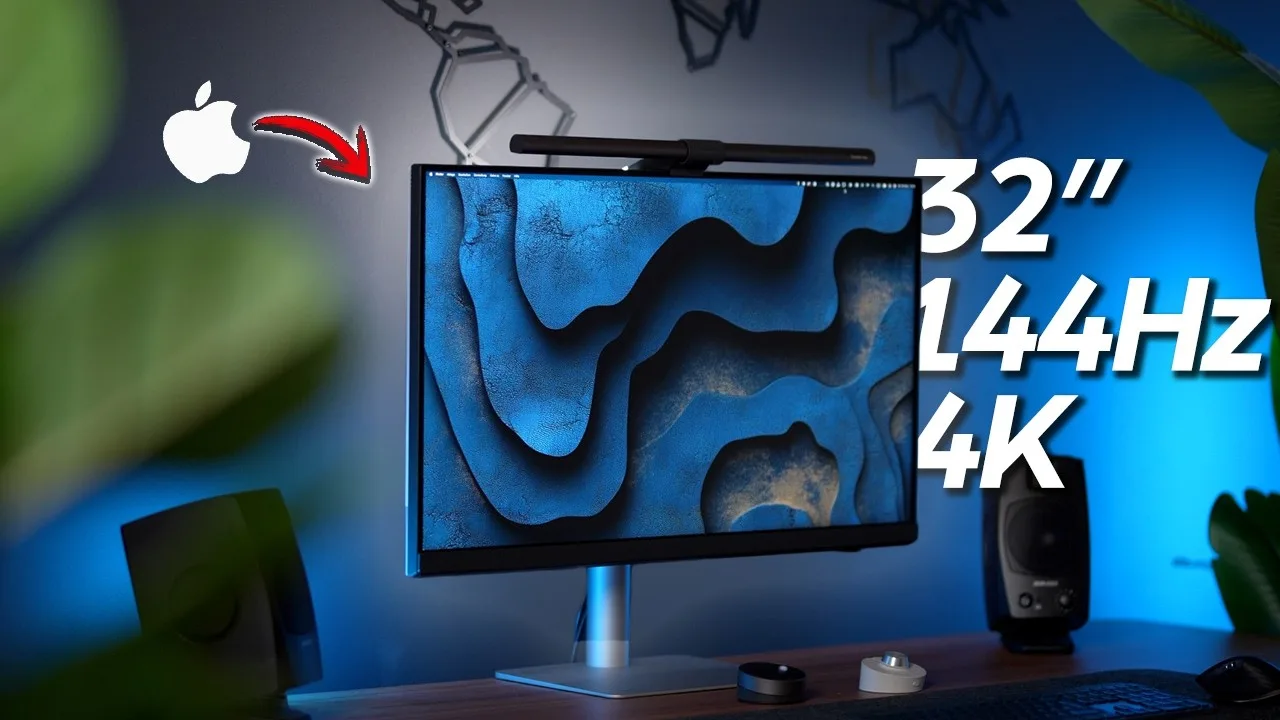
The BenQ PD3226G combines 4K resolution with 144Hz refresh rate, positioning itself as a hybrid monitor for designers, video editors, and game developers. The 144Hz delivers exceptional motion clarity for timeline scrubbing and VFX work, while 1ms GTG response time ensures fluid visuals. Color accuracy is a standout strength with 95% DCI-P3, 100% sRGB coverage, Canon Verified certification, and Pantone Skin Tone Validation. Factory calibration achieves Delta E under 2. The Nano IPS panel virtually eliminates reflections under any lighting. Dual Thunderbolt 4 ports enable daisy-chaining and 90W power delivery charges high-end laptops through a single cable. The aluminum stand offers full ergonomic adjustment including pivot. The wireless Hotkey Puck G3 controls brightness, volume, and color modes without desk clutter.
- →Ideal for hybrid creative workflows combining design and development
- →Perfect for video editors needing smooth timeline navigation
- →Excellent for color-critical work with validated skin tone accuracy
- →Best suited for MacBook Pro users wanting single-cable setup
- →Great for content creators requiring pivot for vertical content
 9to5Mac
This 32-inch 4K monitor targets professionals needing both color …
9to5Mac
This 32-inch 4K monitor targets professionals needing both color …
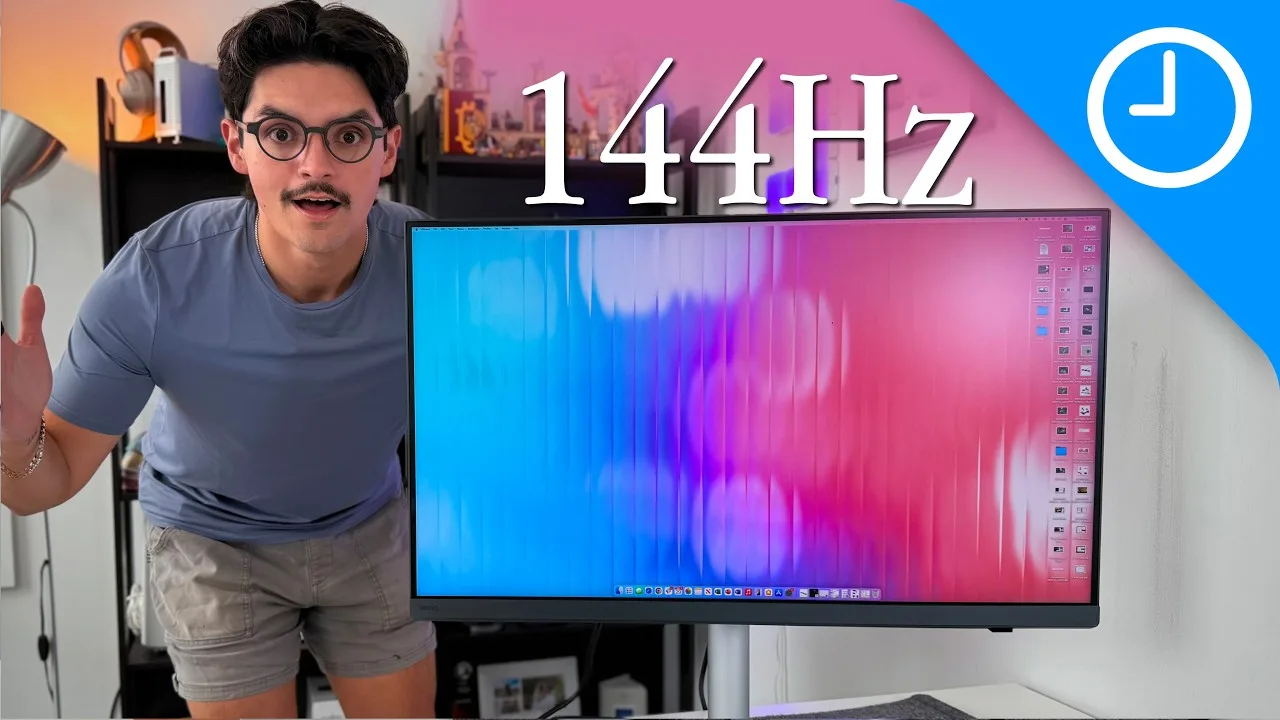
This 32-inch 4K monitor targets professionals needing both color accuracy and gaming capability. The 144Hz refresh rate paired with 100% sRGB, 100% Rec. 709, and 95% DCI-P3 coverage makes it versatile for creative work and fast-paced tasks. Built-in Thunderbolt 4 hub functionality simplifies workstation connectivity. The nano-texture coating effectively eliminates glare even under direct lighting. Premium stand offers extensive adjustability including full rotation and vertical orientation. Wireless HotPuck G3 controller provides convenient access to brightness, contrast, KVM switching, and input selection. Packaging includes Thunderbolt 4, HDMI 2.1, and USB-A to USB-C cables, though DisplayPort cable is notably absent. The two-tone aesthetic with white rear and dark front bezels prioritizes color accuracy over uniform appearance.
- →Ideal for professionals who also game occasionally
- →Perfect for bright environments due to anti-glare coating
- →Excellent choice for Thunderbolt-centric Mac workflows
- →Suitable for vertical orientation coding or document work
- →Strong option for color-critical video and photo editing
 WINBUSH
After nearly a month of testing, the reviewer—a professional motion …
WINBUSH
After nearly a month of testing, the reviewer—a professional motion …
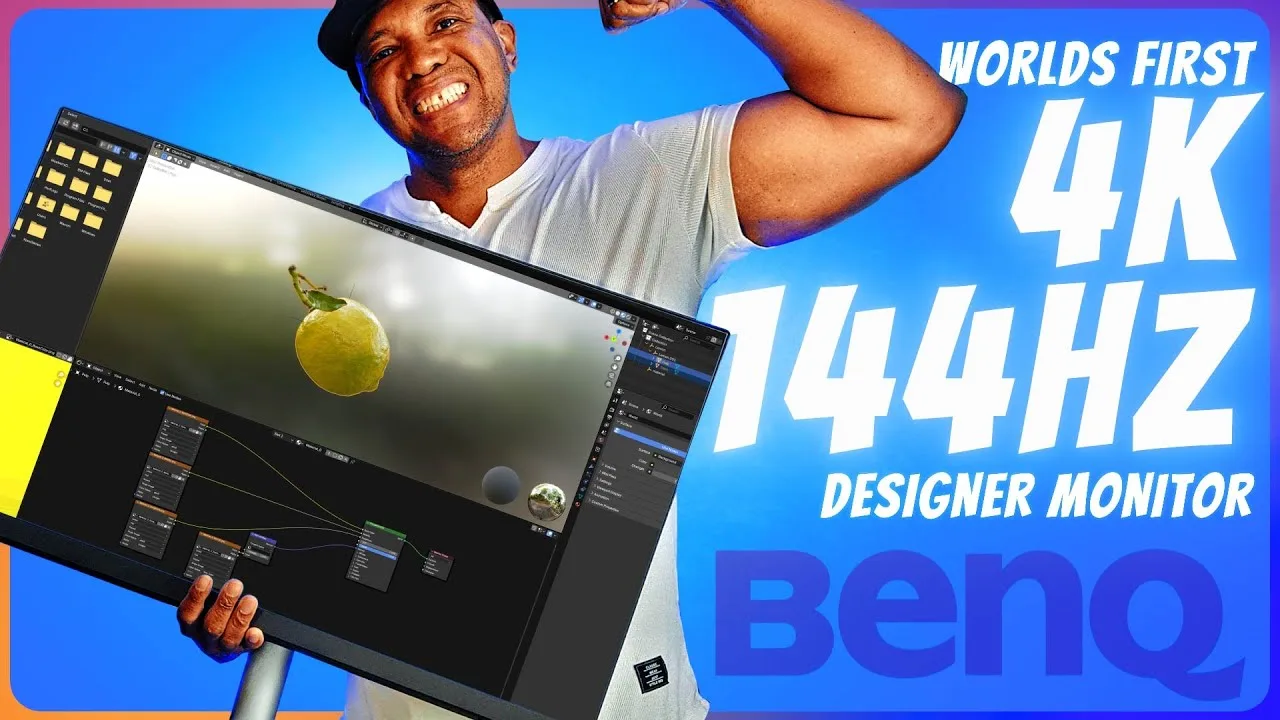
After nearly a month of testing, the reviewer—a professional motion graphics artist—plans to integrate this monitor into his permanent dual-monitor workflow. The 4K 144Hz combination suits both his professional 4K/60fps broadcast work and personal gaming. Factory calibration eliminated setup time, while the rear port design impressed him for easy cable access even against walls. The wireless puck controller with customizable shortcuts for creative software proved particularly valuable for his Blender, Cinema 4D, Unreal Engine, and Substance Painter workflows. Display Color Talk software for multi-monitor color syncing and Palette Master Ultimate calibration software addressed past color space disputes with editors. Thunderbolt 4, DisplayPort 1.4, and included cables rounded out the package.
- →Ideal for motion graphics artists working in 4K/60fps broadcast
- →Serves dual purpose for professional work and high-refresh gaming
- →Color management tools resolve multi-monitor workflow disputes
- →Portrait mode suits Instagram and TikTok content creators
- →Wireless puck accelerates creative software workflows
 ArtIsRight
The reviewer unboxes BenQ's new 32-inch 4K 144Hz professional display …
ArtIsRight
The reviewer unboxes BenQ's new 32-inch 4K 144Hz professional display …
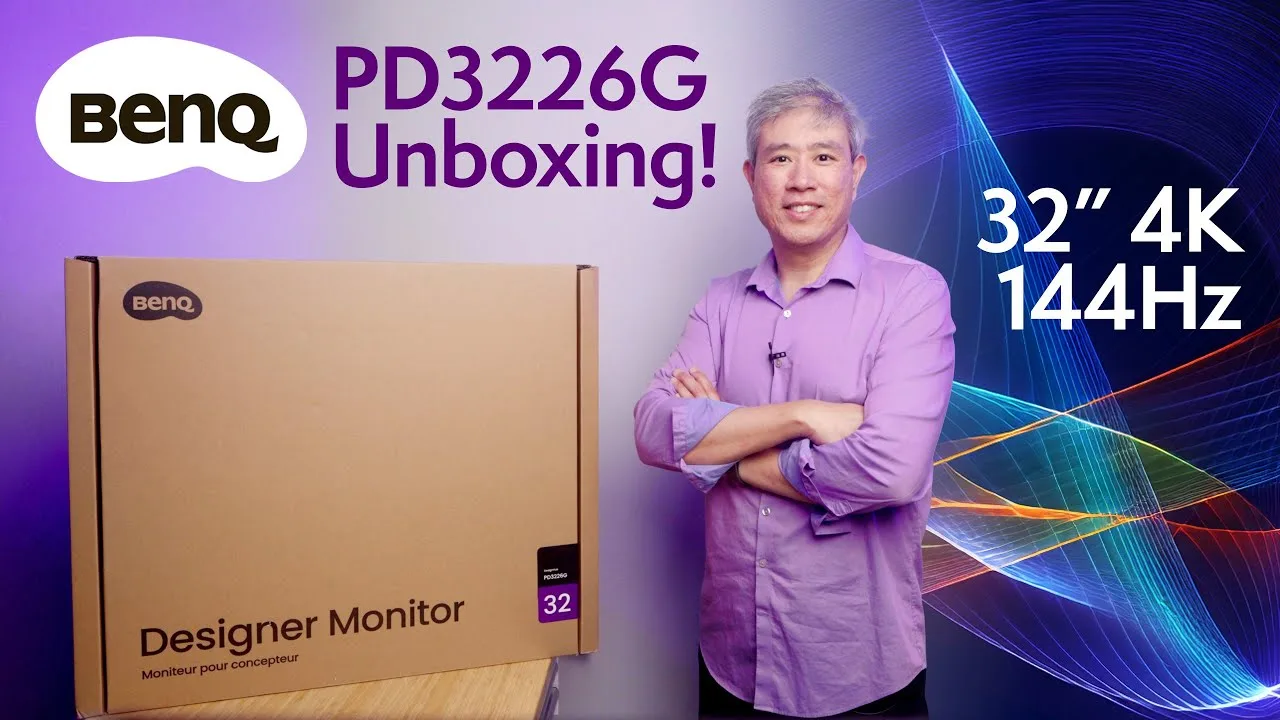
The reviewer unboxes BenQ's new 32-inch 4K 144Hz professional display designed for creators. Factory calibration shows exceptional color accuracy with average delta E of 0.22, well below the imperceptible threshold. The monitor features Calman and Pantone validation, redesigned packaging with easier unboxing, and includes software like DisplayPilot 2 and one year of Pantone Connect. The industrial design follows the PD2730S aesthetic. Packaging still uses some foam material though no foam appears in the main packaging. Individual calibration reports document gamma curves, grayscale tracking, and uniformity measurements.
- →Ideal for professional designers needing color-critical workflows
- →Suitable for creators doing revenue-generating work
- →Good upgrade from MA line for rigorous color accuracy needs
- →High refresh rate benefits motion graphics and video editing
- →Mac and PC compatible with brightness control integration
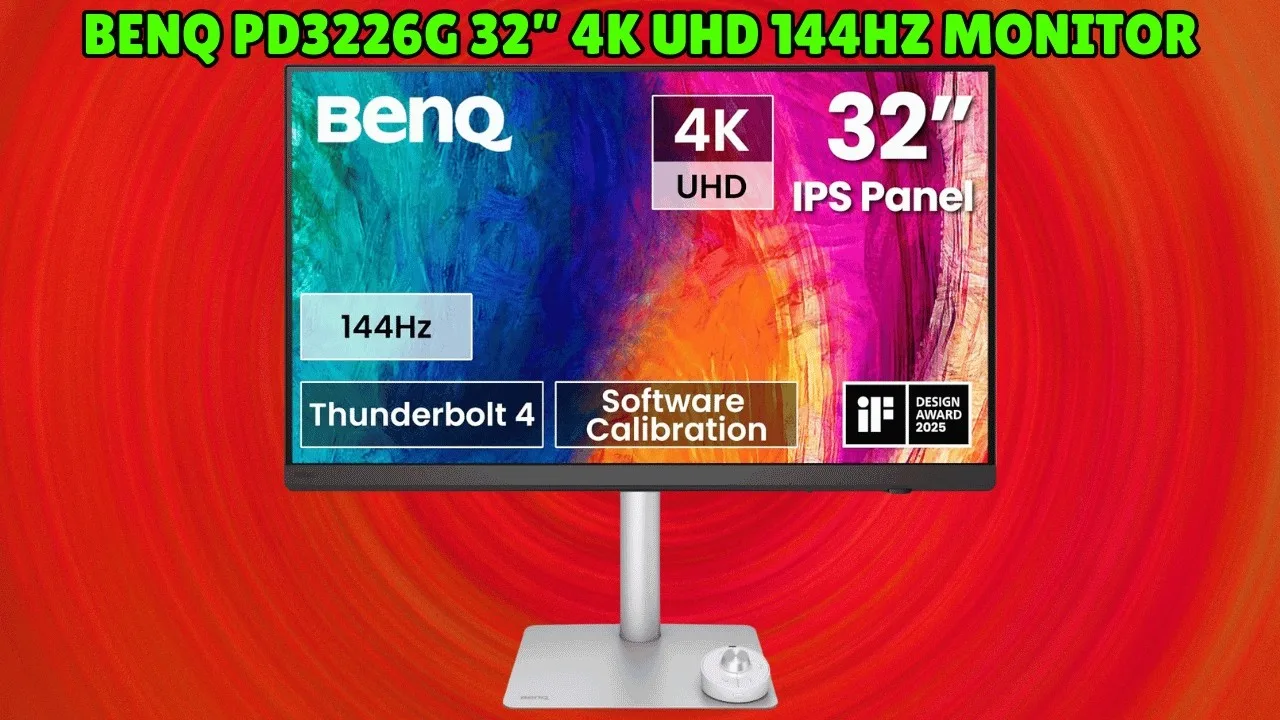 Ultimate Tech Finds
The BenQ PD3226G is a 32-inch 4K UHD 144Hz monitor targeting designers …
Ultimate Tech Finds
The BenQ PD3226G is a 32-inch 4K UHD 144Hz monitor targeting designers …
The BenQ PD3226G is a 32-inch 4K UHD 144Hz monitor targeting designers and creators. It delivers 95% DCI-P3 and 100% sRGB coverage with factory calibration to Delta E ≤ 2. The Thunderbolt 4 port provides 90W power delivery, 40Gbps data transfer, and daisy-chain support. A nano matte panel reduces glare, while the built-in KVM switch and wireless hotkey puck enable seamless dual-computer control. The height-adjustable stand allows ergonomic customization. The reviewer notes it costs more than entry-level alternatives and exceeds casual user needs, but considers it a sound investment for professionals prioritizing color accuracy and connectivity.
- →Ideal for photo editors requiring precise color reproduction
- →Suits video editors needing smooth 144Hz motion clarity
- →Perfect for multi-device workflows with Thunderbolt daisy-chaining
- →Recommended for long sessions due to glare-reducing panel
- →Best value for professionals, not casual home users
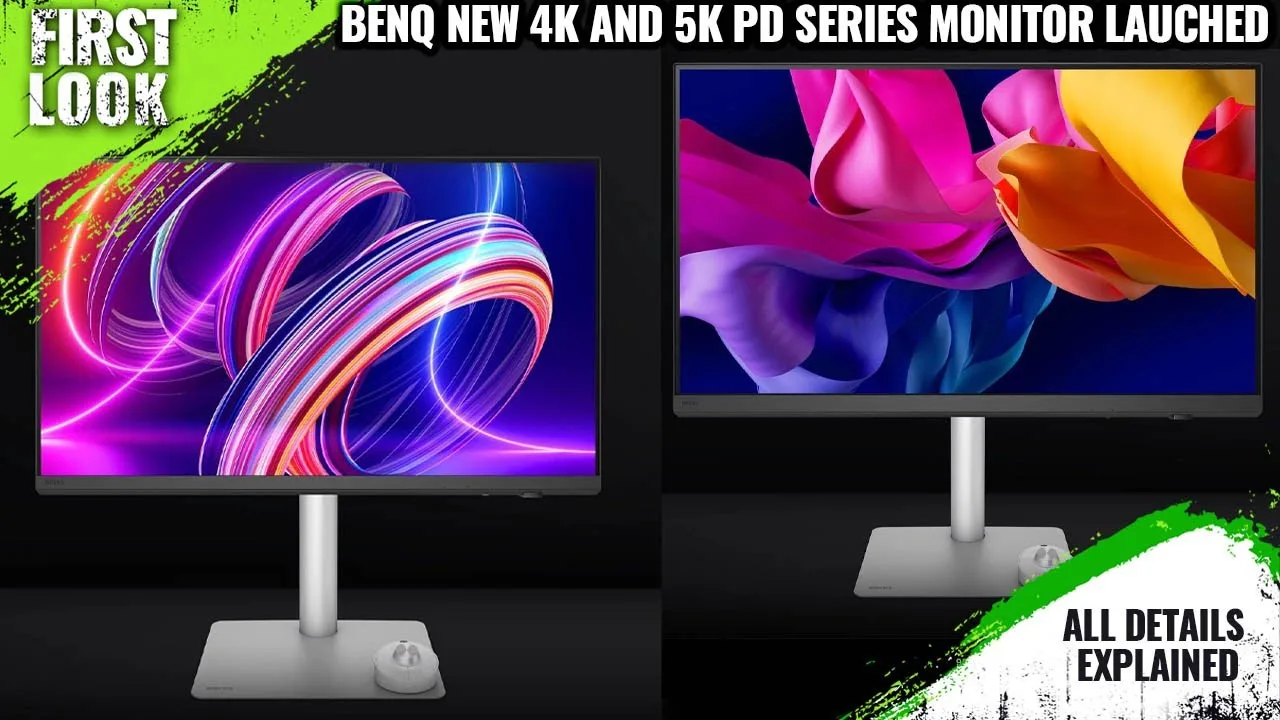 The Tech Legends Niks
The BenQ PD3226G is a 4K monitor targeting designers, illustrators, …
The Tech Legends Niks
The BenQ PD3226G is a 4K monitor targeting designers, illustrators, …
The BenQ PD3226G is a 4K monitor targeting designers, illustrators, game developers, and content creators who use tablets for 3D work or drawing. It features a 144Hz refresh rate combined with FreeSync Premium technology, optimized for fluid UI interactions when paired with MacBooks or drawing tablets. The higher refresh rate enhances the design experience with smoother pen strokes and seamless navigation. The monitor is specifically positioned for creative professionals who require responsive, accurate visual feedback during detailed work.
- →Ideal for designers using drawing tablets daily
- →Best paired with MacBooks for seamless workflow
- →144Hz benefits 3D creature design and illustration
- →Smooth navigation crucial for professional design work
- →Targeted at game developers needing responsive displays
Community Discussions via Reddit
Comparison
r/Monitors
u/TheDeliriousNicholas
The BenQ PD3226G is positioned as a premium IPS monitor for users prioritizing productivity and work reliability over cutting-edge gaming performance. The original poster, planning a 70/30 work/gaming split, favors it primarily due to OLED concerns (burn-in risk for coding with static UI elements, text fringing) and practical workspace constraints (glossy panel reflections from overhead lighting). The monitor's integrated Thunderbolt 4 hub and KVM switch are highlighted as workflow-essential features for Mac laptop users. Community discussion largely validates these concerns, with multiple programmers and designers warning against OLED for text-heavy work, though some OLED owners dispute this. The PD3226G's higher price for an IPS panel is acknowledged but accepted as justified for its target use case.
Key Insights
- →Best suited for users with 60%+ productivity/coding workloads who prioritize text clarity and eye comfort over gaming performance
- →Ideal for Mac ecosystem users needing seamless Thunderbolt connectivity and KVM for multi-device workflows
- →Recommended for environments with uncontrollable lighting where glossy panel reflections would be problematic
- →Community consensus: OLED burn-in and text fringing concerns are validated by multiple programmers/designers, making IPS the safer long-term choice for work-focused setups
- →Price premium accepted by target users as justified for reliability and feature integration
Top Comments
100% not OLED if you do programming. Text fringing will make it very hard to do anything as you strain your eyes and get headaches.
I had a Dell 32" SE3223Q and now use a MSI MAG 321UP OLED 32" 4K for programming 8 hours a day + gaming/movies etc. the rest of the time. I really have never had any trouble reading text on it or …
ditch the OLED, monitors unboxed saw burn in after 3 months under normal daily usage lol ya they turned off the annoying care protections but their use case would be very normal for regular lcd
Comparison
r/Monitors
u/wadamean
The BenQ PD3226G is presented as a professional monitor option for a social media manager seeking productivity and longevity. The author frames it as the "Better User Experience" choice in their decision dilemma. Its standout feature mentioned is the 144Hz refresh rate, positioned as enhancing everyday workflow smoothness. The monitor targets users wanting excellent color and uniformity without manual calibration hassle. However, no actual owners or community members provided direct experience with this specific model in the available context—all claims come from the original poster's research rather than verified ownership.
Key Insights
- →Best suited for users prioritizing refresh rate and UI responsiveness over maximum brightness
- →Target user: Social media managers and creative professionals doing photo editing, graphics work, and heavy multitasking
- →Designed for MacBook Pro connectivity and productivity workflows
- →Intended as a long-term investment with 5-10 year service life
- →May require additional measures for bright room usage compared to higher-nit alternatives
Top Comments
Oh my lanta what a lifesaver! That discrepancy with the user manual and every other website is not ideal. So spot on how there is no reviews of the Asus due to how freshly new it is and barely shown …
I decided to go with the ASUS ProArt PA32UCE and placed my order this morning. Since this model is so new, there aren’t any reviews available for it, even after conducting extensive deep research …
I’ve been using the PA32UCE for a couple of days now, and honestly, it’s freakin' amazing! That LuxPixel coating (which I barely found out from you is a new version/generation of it) really lives up …
Scores based on weighted analysis of 18 expert and community sources. How we review →