

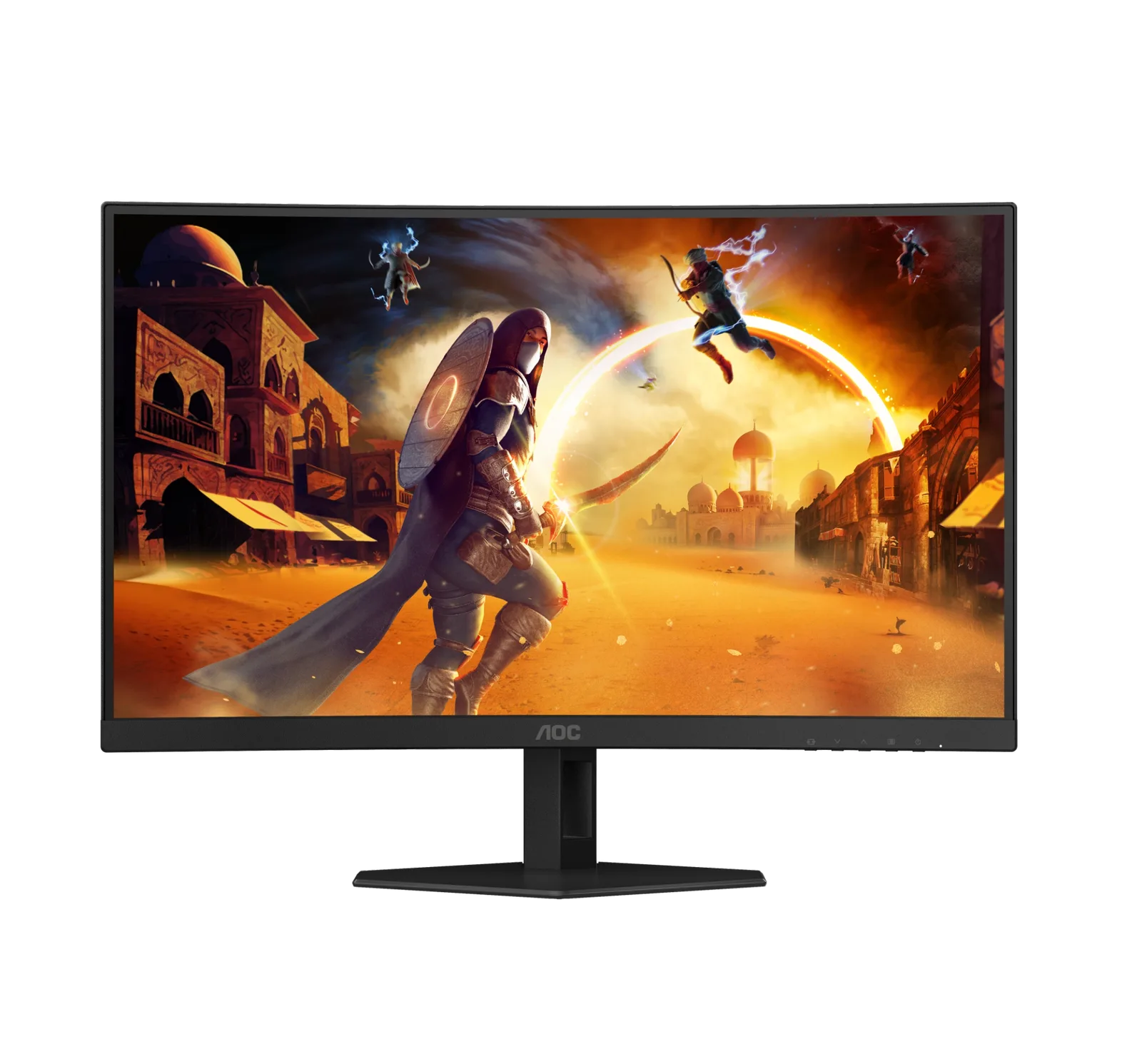
AOC Q27G3XMN
Best For
- Budget gamers wanting true HDR under $300
- Dark-room gamers who prioritize deep contrast
- Casual gamers benefiting from 180Hz smooth gameplay
Consider Carefully
- Competitive FPS players sensitive to VA black smearing
- Users who watch subtitled content in dark rooms
- Console gamers needing full-bandwidth HDMI 2.1
Jump to Section
The Bottom Line
The AOC Q27G3XMN is a 27-inch 1440p QHD VA gaming monitor that stands out for its value proposition, delivering a mini LED experience at an affordable price point under $300. What we found particularly impressive is its panel quality, with 1000+ nits peak brightness and a 4000:1 static contrast ratio that produces vibrant colors and deep blacks. It also boasts a 180 Hz refresh rate, enhancing the gaming experience with smoother motion. The monitor's 336-zone FALD backlighting enables true HDR, making it one of the most affordable options for genuine HDR gaming. However, some users may be let down by significant blooming with subtitles, minor ghosting in fast motion, and poor horizontal viewing angles that wash out quickly. For single-viewer dark-room gaming on a budget, it's a strong choice — but those sensitive to VA panel limitations or who watch subtitled content in dark rooms should look elsewhere.
Performance Breakdown
Expert Scores
How 2 professional publications rated this product
In-Depth Analysis
Refresh Rate & Response 88
180Hz with FreeSync Premium Pro works well for most gaming, but overdrive settings require manual tuning and competitive players may notice residual smearing.
Key Takeaway
→Set overdrive to Strong at a locked 180Hz or Medium with VRR, and this handles most gaming well. If you play fast-paced competitive shooters and smearing is a dealbreaker, test it before committing.
Contrast & Black Levels 88
Native contrast measured above 4000:1 puts this well ahead of any IPS panel at the price, but the VA viewing angles are severe enough that off-center seating is a real problem, not just an edge case.
Key Takeaway
→If you game alone in a dark room and sit directly in front of your monitor, the contrast performance here is hard to beat at this price. If you share your screen or work with lots of text in daylight, look at IPS alternatives.
Build Quality & Design 86
Under $300 for mini LED with a full ergonomic stand and thin bezels is a strong value proposition, but panel tinting QC is a known lottery and build feel is a notch below premium competitors.
Key Takeaway
→The value is real and durability reports are encouraging, but inspect your unit carefully on arrival since panel tinting QC is inconsistent enough that some buyers have needed to exchange.
HDR & Local Dimming 84
16 sources call this the best budget HDR gaming monitor available, but the local dimming behavior that makes games look spectacular will actively annoy you during desktop work.
Key Takeaway
→If HDR gaming is your primary use case, this delivers more than anything near its price. If you work on a dark desktop or watch movies in a dark room, the blooming will frustrate you.
Stand & Ergonomics 82
Full ergonomic adjustment including portrait rotation is rare at this price, though the height adjustment is stiff and the stand wobbles during repositioning.
Key Takeaway
→The ergonomic range is genuinely useful and covers most setups. If the stiffness or wobble bothers you, VESA compatibility means a third-party arm is a clean exit.
Color Accuracy & Gamut 76
96% DCI-P3 coverage is strong on paper, but out-of-box accuracy requires calibration and the Windows color management situation adds friction that casual users won't want to deal with.
Key Takeaway
→The color gamut is genuinely wide, but accurate color requires manual calibration and ongoing profile management. If you want plug-and-play accuracy, this isn't it.
Connectivity & Ports 70
One DisplayPort and two HDMI 2.0 ports cover the basics, but no USB-C and no USB hub means this monitor does nothing to simplify your desk.
Key Takeaway
→If you're connecting a single PC via DisplayPort, the ports are sufficient. If you need USB connectivity, a hub, or USB-C, this monitor has nothing to offer you.
Specifications & Verdict
Display
- Screen Size
- 27 in
- Resolution
- 2560 × 1440
- Aspect Ratio
- 1.778:1
- Pixel Density
- 109 ppi
- Panel Type
- VA
- Curvature
- false
- Screen Coating
- Anti-glare/Matte (3H)
- Backlight
- Mini LED
Performance
- Refresh Rate
- 180 Hz
- Response Time
- 2.7 ms
- Input Lag
- 3.5 ms
- Adaptive Sync
- AMD FreeSync Premium Pro
Image
- Contrast Ratio
- 4000 : 1
- Brightness
- 450 nits
- Peak Brightness
- 1000 nits
- Color Gamut
- 99 %
- Color Depth
- 10 bits (8 bits + FRC)
- HDR Support
- DisplayHDR 1000
- Local Dimming Zones
- 336
- Viewing Angles
- 178 °
Connectivity
- Video Inputs
- 1x DisplayPort 1.4, 2x HDMI 2.0
- HDMI Ports
- 2
- HDMI Version
- HDMI 2.0
- DisplayPort
- 1
- DisplayPort Version
- DisplayPort 1.4
- USB Ports
- 0
Design
- Weight
- 5.43 kg
- Dimensions
- 596.736 mm
- Panel Thickness
- 71.8 mm
- VESA Mount
- Yes
- Height Adjustment
- 130 mm
- Stand Adjustments
- tilt, height, swivel, rotate
- Remote Control
- No
Other Specs
- Power Consumption
- 54W
- Warranty
- 3 year
- Special Features
- Anti-theft stand lock slot - Kensington, 100mm x 100mm VESA mount, mini-LED backlight with 336 dimming zones
- Local Dimming Settings
- Off, Medium, Strong
- Response Time Overdrive Modes
- Off, Weak, Medium, Strong
- Has Color Calibration
- true
- Height
- 365.6 mm
- Body Volume
- 16128.05 cm³
- Eu Energy Label
- F
- Has Sleep Timer
- true
Our Verdict
The AOC Q27G3XMN earns its 83/100 score as one of the best-value mini LED gaming monitors under $300, combining 336-zone local dimming, 1000+ nit HDR brightness, and a 180Hz refresh rate in a single package. It's a strong buy for budget-focused gamers who want genuine HDR performance — but VA panel trade-offs like black smearing, blooming with subtitles, and narrow viewing angles mean it's not the right fit for everyone.
Customer Reviews Amazon
721 reviews
MINI LED, INSANE VALUE, HYPE IS REAL.
Great quality for the price! Recommended for gamers on a budget!
For $350 CAD - This is the best QHD Mini-LED HDR 1000 monitor you can buy
The best Mini LED Monitor!
Show all 7 reviews
ممتازه على سعرها
Good for it's price
I like it
Reviews shown are from Amazon customers and do not reflect our editorial assessment.
Reader Questions
Specific questions about the AOC Q27G3XMN, answered only from what reviewers reported.
01Is this a good monitor for HDR gaming on a budget?
Reviewers consistently rate it the best budget HDR gaming monitor currently available, making it a strong pick for budget-conscious PC gamers who want an authentic HDR experience without premium pricing.
02What local dimming setting should I use for the best results?
Community consensus leans toward the medium local dimming setting rather than high for HDR use, and reviewers note that local dimming performance is content-dependent, working well for video but causing problems with static UI elements.
03Do I need DisplayPort to get the full 180Hz refresh rate?
Yes, reviewers are clear that DisplayPort is required to reach the full 180Hz refresh rate and take advantage of VRR support.
04Is it suitable for productivity and desktop work, or mainly gaming?
Reviewers consistently flag it as better suited for HDR gaming and media consumption rather than productivity or desktop work, largely due to local dimming behavior that causes issues with static UI elements and dark mode.
05Is there any ghosting with fast-moving content?
Some ghosting is visible despite the fast VA panel technology, with reviewers noting minor ghosting in fast motion as a limitation to be aware of.
06How is the OSD navigation experience?
Reviewers flag the OSD navigation as clunky, relying on buttons rather than a joystick.
Pricing & Availability
Updated Mar 6, 2026AOC Q27G3XMN
All regions
Sources & Methodology
Every score is built on evidence. This review synthesizes 32 independent sources — expert publications, video reviews, and community discussions — weighted by credibility, depth, and relevance.
Show detailed source analysis ↓ Hide source analysis ↑
Expert Reviews
displayninja.com
Top
4.3/5-point
The AOC Q27G3XMN delivers impressive HDR gaming performance at an affordable price point as one of the cheapest mini LED monitors available. Its 336-zone FALD backlight enables true HDR with up to 1300-nit peak brightness, while the VA panel's 4000:1 native contrast reduces blooming compared to IPS alternatives. The 27-inch 1440p display covers 96% DCI-P3 and 90% Adobe RGB for vibrant colors, though sRGB content appears oversaturated without emulation mode. Factory overclocked to 180Hz with FreeSync Premium Pro, it handles fast-paced gaming adequately despite some ghosting. Navigation buttons feel clunky compared to a joystick, and local dimming causes noticeable blooming during desktop work.
Strengths
- +Most affordable mini LED monitor with true HDR support
- +336-zone FALD backlight with 1300-nit HDR peak brightness
- +High 4000:1 native contrast reduces blooming versus IPS
- +96% DCI-P3 and 90% Adobe RGB wide color gamut coverage
Weaknesses
- −Some ghosting visible despite fast VA panel technology
- −Significant blooming with local dimming during desktop use
- −Clunky OSD navigation using buttons instead of joystick
- −Gamma and saturation shifts at off-center viewing angles
pcvarge.com
Top
4.1/5-point
The AOC Q27G3XMN is a 27-inch Mini LED gaming monitor offering strong value under $300. It combines a 180Hz VA QHD panel with 336 dimming zones for high contrast and fluid motion. The fully ergonomic stand provides height, tilt, swivel, and portrait adjustments with solid build quality. Gaming performance prioritizes speed with VRR support and Adaptive Sync compatibility for both AMD and Nvidia cards. SDR brightness reaches 450 nits with HDR peaks up to 1300 nits. The design includes subtle gaming aesthetics with red trim and unique cable management, though the button controls prove finicky compared to joystick alternatives. No built-in speakers or USB ports are included.
Strengths
- +180Hz refresh rate with VRR support for smooth gaming
- +336-zone Mini LED local dimming enhances contrast
- +Fully ergonomic stand with height, tilt, swivel, portrait
- +Strong 1300-nit HDR peak brightness
Weaknesses
- −Some black smearing from VA panel
- −Minor ghosting in fast motion
- −No built-in speakers included
- −Lacks USB ports for connectivity
blog.szynalski.com
After 15 years with an aging IPS monitor, this reviewer found their definitive upgrade. The 27-inch VA panel with mini-LED backlight delivers exceptional contrast (4300:1 native, enhanced by 336 local dimming zones) that surpasses their old display and even rivals their plasma TV in certain scenes. The 180Hz refresh rate and complete absence of backlight bleed add to the appeal. However, the local dimming algorithm prioritizes bloom reduction over peak brightness, which dims small bright elements like stars or subtitles. Most critically, narrow viewing angles require dead-center positioning to maintain contrast—any off-angle viewing produces washed-out images. The reviewer uses Medium local dimming for gaming and video, accepting muted highlights for deeper blacks.
Strengths
- +Exceptional contrast ratio far exceeds IPS displays
- +Mini-LED with 336 zones enhances depth dramatically
- +Zero backlight bleed observed
- +180 Hz high refresh rate
Weaknesses
- −Terrible viewing angles require dead-center seating
- −Local dimming mutes small bright objects like stars
- −Blooming obvious with uniform colored desktop elements
- −No microcontrast for fine bright/dark patterns
reviewed.com
This budget gaming monitor punches far above its $280 price point with mini-LED backlighting delivering exceptional brightness and contrast. The 27-inch 1440p VA panel achieves over 1200 nits in HDR with 336 dimming zones, creating genuinely spectacular HDR visuals that rival far more expensive displays. Color coverage impresses at 96% DCI-P3 and 95% AdobeRGB. The 180Hz refresh rate with Adaptive Sync provides good motion clarity with minimal VA smearing. However, the feature set is stripped down with no USB ports, and the mini-LED implementation shows some blooming around bright objects against dark backgrounds. Menu navigation proves frustrating. Despite these compromises, the value proposition is extraordinary—this monitor effectively makes most sub-$300 competitors obsolete.
Strengths
- +Mini-LED backlight delivers spectacular HDR brightness up to 1200 nits
- +Outstanding contrast ratio exceeding 25,200:1
- +Excellent color coverage: 100% sRGB, 96% DCI-P3, 95% AdobeRGB
- +180Hz refresh rate with Adaptive Sync for smooth gaming
Weaknesses
- −No USB connectivity or USB-C port
- −Confusing and frustrating menu system
- −Blooming visible around bright objects on dark backgrounds
- −HDR performance varies depending on game implementation
tftcentral.co.uk
A 27-inch 1440p VA monitor with 336-zone Mini LED backlight delivering genuine HDR1000 performance at a competitive price point. The 180Hz refresh rate with adaptive-sync support targets gamers seeking high dynamic range without premium pricing. Build quality reflects cost-cutting with stiff height adjustment and some wobble, while connectivity is limited to DisplayPort 1.4 and dual HDMI 2.0—no USB-C, USB data ports, or HDMI 2.1. The design is understated with subtle red accents rather than aggressive gaming aesthetics. Factory calibration and RGB emulation modes are included, though local dimming behavior requires careful setup for optimal SDR use.
Strengths
- +336-zone Mini LED enables true HDR1000 performance
- +Competitive pricing for Mini LED technology
- +180Hz refresh rate with FreeSync Premium Pro
- +Fully adjustable stand with tilt, height, swivel, rotate
Weaknesses
- −No USB-C or USB data ports available
- −No HDMI 2.1 connectivity
- −Height adjustment is quite stiff
- −Screen wobbles during repositioning
Video Reviews
 Monitors Unboxed
The AOC Q27G3XMN delivers genuine HDR performance at an unprecedented …
Monitors Unboxed
The AOC Q27G3XMN delivers genuine HDR performance at an unprecedented …
The AOC Q27G3XMN delivers genuine HDR performance at an unprecedented budget price point of around $280 US. This 27-inch 1440p VA panel features 336 full array local dimming zones—a rarity in this price tier—paired with a 180Hz refresh rate. The design prioritizes function over form with basic plastic construction and a functional but wobbly stand offering full ergonomic adjustability. Port selection is minimal with just HDMI 2.0 and DisplayPort 1.4, lacking USB connectivity entirely. Motion performance is adequate rather than exceptional, with the strong overdrive mode providing the best balance of speed and clarity despite some overshoot. The matte anti-glare coating performs well, though the OSD navigation via face buttons proves frustrating. Overall, it represents exceptional value for HDR-curious gamers unwilling to spend significantly more.
- →Best budget HDR gaming monitor currently available
- →Ideal for PC gamers using DisplayPort for full 180Hz
- →Console users limited to 144Hz via HDMI 2.0
- →Requires importing in some regions due to limited distribution
- →Strong overdrive recommended for competitive gaming
 RTINGS Computer
The AOC Q27G3XMN is a 27-inch 1440p 180Hz budget monitor with a VA …
RTINGS Computer
The AOC Q27G3XMN is a 27-inch 1440p 180Hz budget monitor with a VA …
The AOC Q27G3XMN is a 27-inch 1440p 180Hz budget monitor with a VA panel featuring 336 local dimming zones. It delivers excellent contrast with deep blacks that challenge OLED performance, and strong HDR brightness up to 900 nits. However, it suffers from a basic tilt-only stand with wobble issues, limited connectivity with just one DisplayPort and one HDMI, and a significant software bug where the strong local dimming setting causes over-brightened, desaturated content in Display HDR mode requiring a full reset to fix.
- →Best for dark room gaming and movie watching
- →Use medium local dimming with Display HDR mode
- →Avoid strong local dimming setting to prevent bugs
- →Consider newer manufacturing dates for potential fixes
- →Not ideal for bright room productivity work
 TotallydubbedHD
This budget mini LED monitor delivers exceptional value at £350/$280, …
TotallydubbedHD
This budget mini LED monitor delivers exceptional value at £350/$280, …
This budget mini LED monitor delivers exceptional value at £350/$280, combining a 1440p 180Hz VA panel with DisplayHDR 1000 certification and 336 local dimming zones. Input lag measures just 0.3ms at 180Hz with low input lag mode enabled, though this option becomes unavailable when using adaptive sync. Response time performance impresses with the strong overdrive preset achieving 2.37ms average initial time and near 100% window compliance, albeit with minor inverse ghosting. HDR performance stands out as the key selling point, exceeding 1300 nits peak brightness for a lifelike experience rarely matched at this price point. VA smearing exists but remains minimized at higher overdrive settings, making the monitor suitable for competitive gaming, casual use, and content consumption alike.
- →Ideal for budget-conscious HDR gaming enthusiasts
- →Best suited for 1440p high-refresh PC gaming
- →Console users should stick to 120Hz+ to avoid input lag
- →Competitive gamers may prefer disabling adaptive sync
- →Strong overdrive preset recommended for fastest response
 TechteamGB
This budget 1440p 180Hz mini LED monitor retails for £350, featuring …
TechteamGB
This budget 1440p 180Hz mini LED monitor retails for £350, featuring …
This budget 1440p 180Hz mini LED monitor retails for £350, featuring 336 backlight zones and 1000 nits peak brightness. The reviewer found the local dimming implementation severely flawed, with extreme haloing around bright objects on dark backgrounds and noticeable flickering during motion. Response time testing revealed strange 50ms delays when the backlight transitions from dim to bright states. The OSD uses frustrating downward-facing buttons rather than a joystick. However, the high-frequency PWM backlight control is an improvement over previous AOC mini LED models. With local dimming disabled, the monitor delivers solid brightness performance.
- →Disable local dimming and use as standard bright 1440p monitor
- →Use DisplayPort for full 180Hz gaming experience
- →Avoid dark room usage due to poor local dimming implementation
- →Suitable for budget-conscious gamers prioritizing brightness over contrast
- →Not recommended for HDR content viewing due to haloing issues
 PC Monitors
The reviewer tested HDR performance on this DisplayHDR 1000 certified …
PC Monitors
The reviewer tested HDR performance on this DisplayHDR 1000 certified …
The reviewer tested HDR performance on this DisplayHDR 1000 certified budget monitor, which uses a 336-zone mini LED FALD backlight. Peak brightness reached 1374 nits at 100% white, though smaller bright elements showed dark biasing effects (633 nits at 1% white). Black levels remained excellent at under 0.01 nits for most window sizes. The local dimming solution offers high, medium, and low settings with measurable contrast differences. Unlike QD OLED alternatives, this monitor maintains high brightness when bright shades dominate without ABL limitations, though sustained full-screen white can trigger temporary brightness reduction to prevent overheating due to passive cooling.
- →Excellent HDR gaming performance without ABL dimming
- →Best suited for mixed content rather than sustained full-white workloads
- →High local dimming setting recommended for maximum contrast
- →Passive cooling ideal for noise-sensitive environments
- →Budget-friendly entry into true HDR 1000 territory
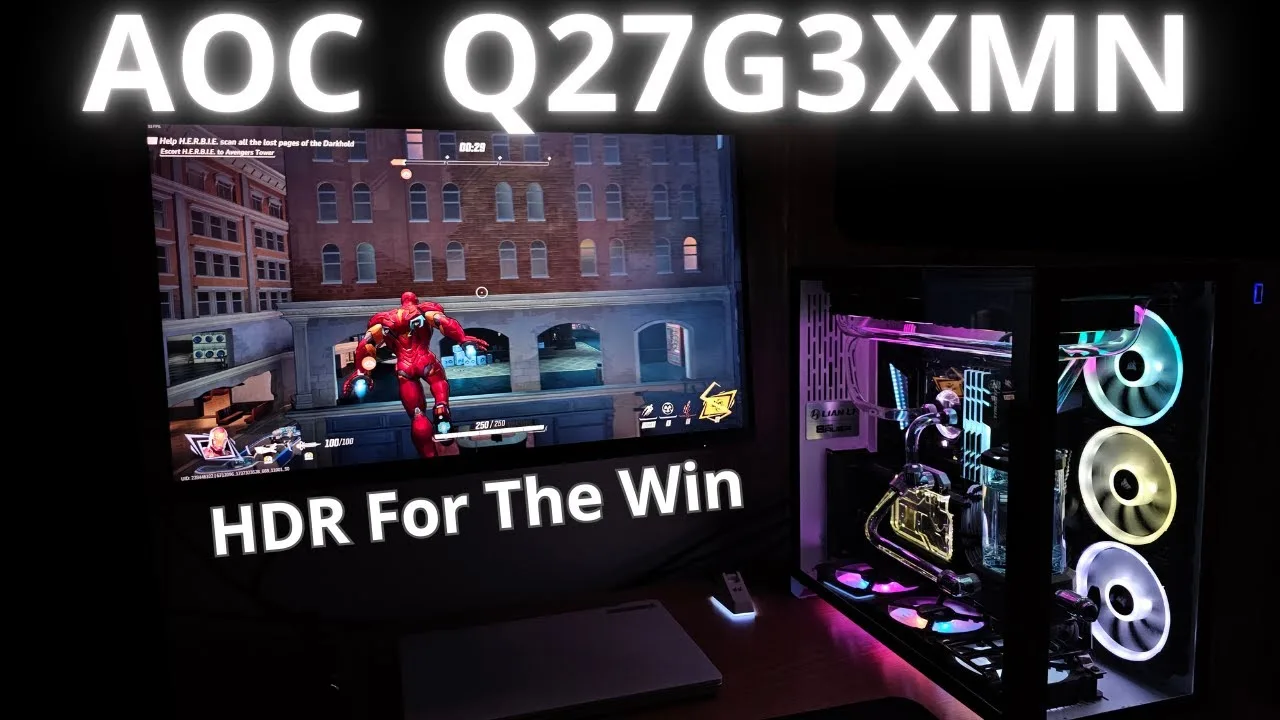 Pixelosophy
This MiniLED 180Hz 1440p VA panel delivers genuinely impressive HDR …
Pixelosophy
This MiniLED 180Hz 1440p VA panel delivers genuinely impressive HDR …
This MiniLED 180Hz 1440p VA panel delivers genuinely impressive HDR performance at an entry-level price point, transforming the reviewer's gaming experience with realistic brightness and cinematic color range. The monitor handles SDR/HDR switching automatically in Windows, though users must manually toggle Windows HDR settings. Overdrive settings help mitigate VA panel motion blur, with 'high' recommended for competitive games despite some ghosting. However, noticeable flickering occurs at lower frame rates (60-80 FPS), particularly in demanding titles like Red Dead Redemption 2, which may bother sensitive users. SDR content appears poor when Windows HDR is enabled, requiring frequent manual switching.
- →Best for HDR gaming at 120+ FPS to minimize flicker
- →Ideal entry point for first-time HDR monitor buyers
- →Configure overdrive per game genre for optimal results
- →Avoid if primarily playing demanding games at 60-80 FPS
- →Requires Windows HDR management discipline
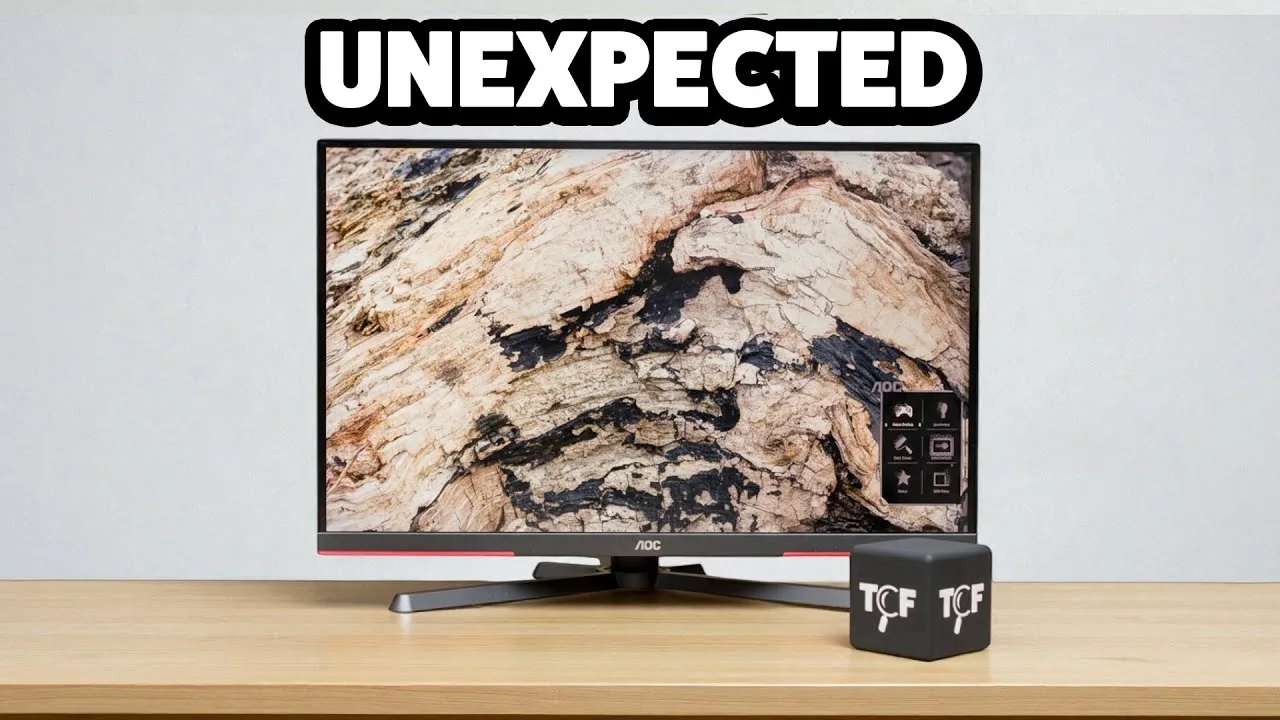 The Consumer's Friend
This budget mini-LED monitor delivers exceptional contrast and HDR …
The Consumer's Friend
This budget mini-LED monitor delivers exceptional contrast and HDR …
This budget mini-LED monitor delivers exceptional contrast and HDR performance that redefines expectations for its price class. The solid metal stand offers premium ergonomics with smooth height, swivel, and 90-degree pivot adjustments. The 336 local dimming zones produce genuinely deep blacks with bright highlights that rival more expensive displays. While marketed primarily for gaming with its 180Hz refresh rate, the mini-LED backlighting proves to be the standout feature. Some minor compromises exist: a mushy OSD joystick and occasional VA panel smearing with fast motion. Viewing angles fall short of IPS alternatives, though this matters little for single-user desktop use. For mixed productivity, gaming, and media consumption, it integrates seamlessly into daily workflows.
- →Ideal for HDR gaming and cinematic media consumption
- →Excellent choice for users prioritizing contrast over viewing angles
- →Well-suited for long work sessions thanks to ergonomic stand
- →Best experienced from centered, single-user position
- →Requires medium overdrive setting to minimize motion artifacts
 PC Monitors
This review provides detailed recommended settings for the monitor …
PC Monitors
This review provides detailed recommended settings for the monitor …
This review provides detailed recommended settings for the monitor based on colorimeter measurements and personal preferences. The reviewer advises leaving game mode off for maximum flexibility, as presets like FPS, RTS, and racing lock away important settings including shadow control, overdrive, and color adjustments without improving input lag. For color accuracy, they suggest setting color temp to user mode with red at 46, green at 50, and blue at 50 to achieve a balanced 6500K white point. Brightness should be reduced to 25 for approximately 160 nits. AMD FreeSync should be enabled for adaptive sync functionality, which automatically activates low input lag. Overdrive is recommended at medium, though this varies by preference and refresh rate. The color gamut setting appears non-functional on this particular unit, so panel native is advised. Gamma 1 proved most accurate, while local dimming should be disabled for desktop use but can enhance dynamic content.
- →Disable game mode for full setting control
- →Use AMD FreeSync for low input lag and VRR
- →Calibrate to 6500K with user color temp mode
- →Enable local dimming only for dynamic content
- →BK model lacks functional sRGB emulation
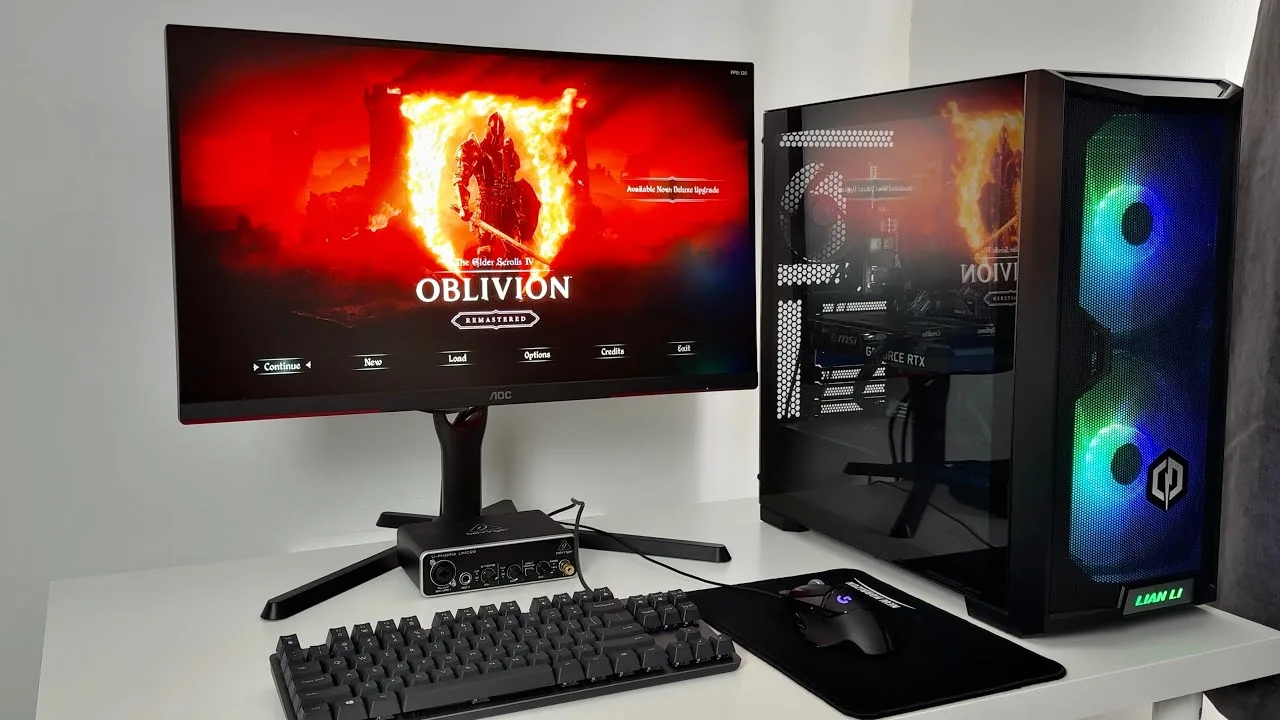 YouTube
A casual gamer reviews the AOC Q27G3XMN, a 27-inch 1440p 180Hz mini …
YouTube
A casual gamer reviews the AOC Q27G3XMN, a 27-inch 1440p 180Hz mini …
A casual gamer reviews the AOC Q27G3XMN, a 27-inch 1440p 180Hz mini LED monitor with HDR 1000 certification. Purchased refurbished for approximately £200, the monitor impressed with its adjustable stand, solid motion clarity on medium overdrive setting, and effective local dimming. However, the rear-mounted control buttons proved difficult to use in dark environments, and the menu system applied unwanted sharpening filters on most HDR modes except Display HDR. The reviewer found the monitor thicker than expected due to its mini LED backlighting, and the wide stand base requires substantial desk space. Overall, it delivered good gaming performance for the price point despite some usability frustrations.
- →Best suited for budget-conscious PC gamers wanting HDR
- →Use Display HDR mode to avoid artificial sharpening
- →Requires desk space due to wide stand footprint
- →Ideal entry point from console gaming to PC monitors
- →Set overdrive to medium for optimal motion handling
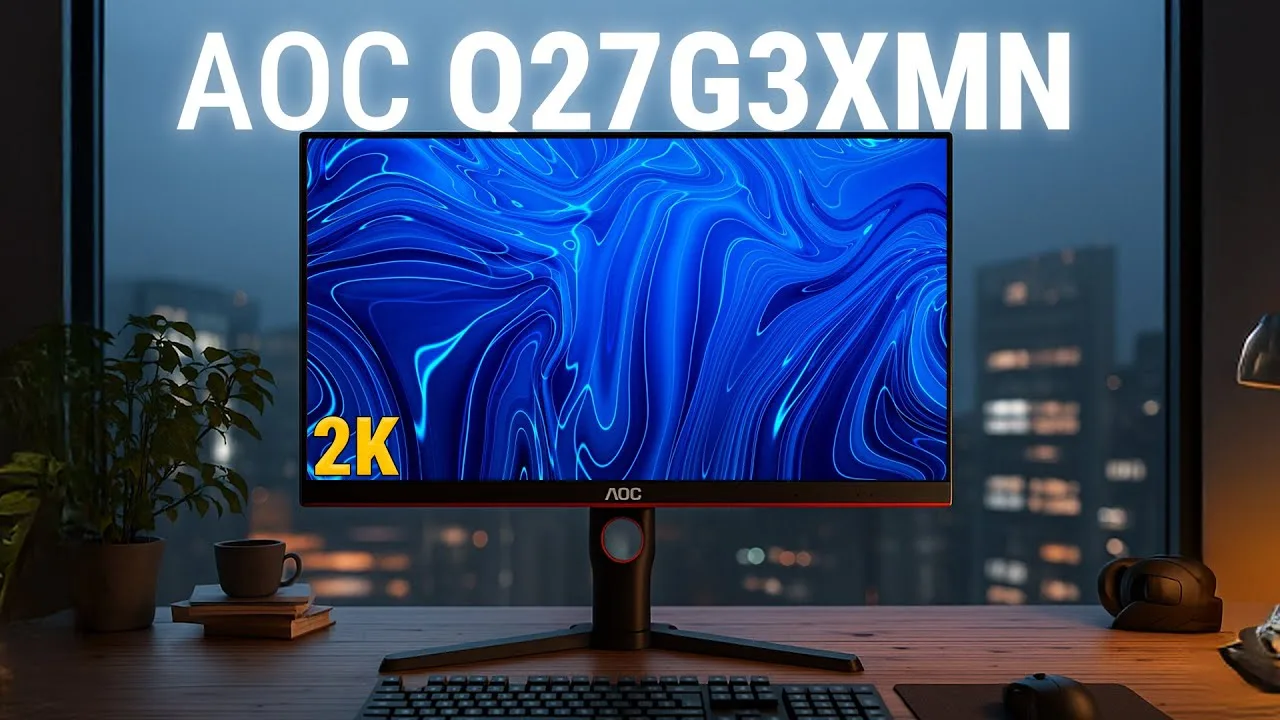 M Review
This 27-inch VA monitor delivers impressive versatility for under …
M Review
This 27-inch VA monitor delivers impressive versatility for under …
This 27-inch VA monitor delivers impressive versatility for under $300. The 2K resolution paired with 180Hz refresh rate and 1ms response time creates smooth gaming performance on both PC and console, though PS5 VRR requires HDMI 2.1 which is absent. Mini LED backlighting with local dimming produces genuine HDR exceeding 1000 nits, making bright elements pop while maintaining deep blacks. Color accuracy impresses for creative work: 102% sRGB out of box, reaching 98% with calibration alongside near-perfect gamma and color temperature. The design features thin bezels for multi-monitor setups and decent ergonomic adjustment, though the large base consumes desk space. Connectivity includes two HDMI 2.0 ports and one DisplayPort 1.4.
- →Ideal for gamers wanting true HDR without premium pricing
- →Sufficient color accuracy for entry-level professional creative work
- →Best suited for single-user setups due to narrow viewing angles
- →Console gamers should verify VRR needs before purchasing
- →Excellent all-rounder for mixed productivity and entertainment use
 Reviewsinside
The AOC Q27G3XMN delivers impressive gaming performance with its 180Hz …
Reviewsinside
The AOC Q27G3XMN delivers impressive gaming performance with its 180Hz …
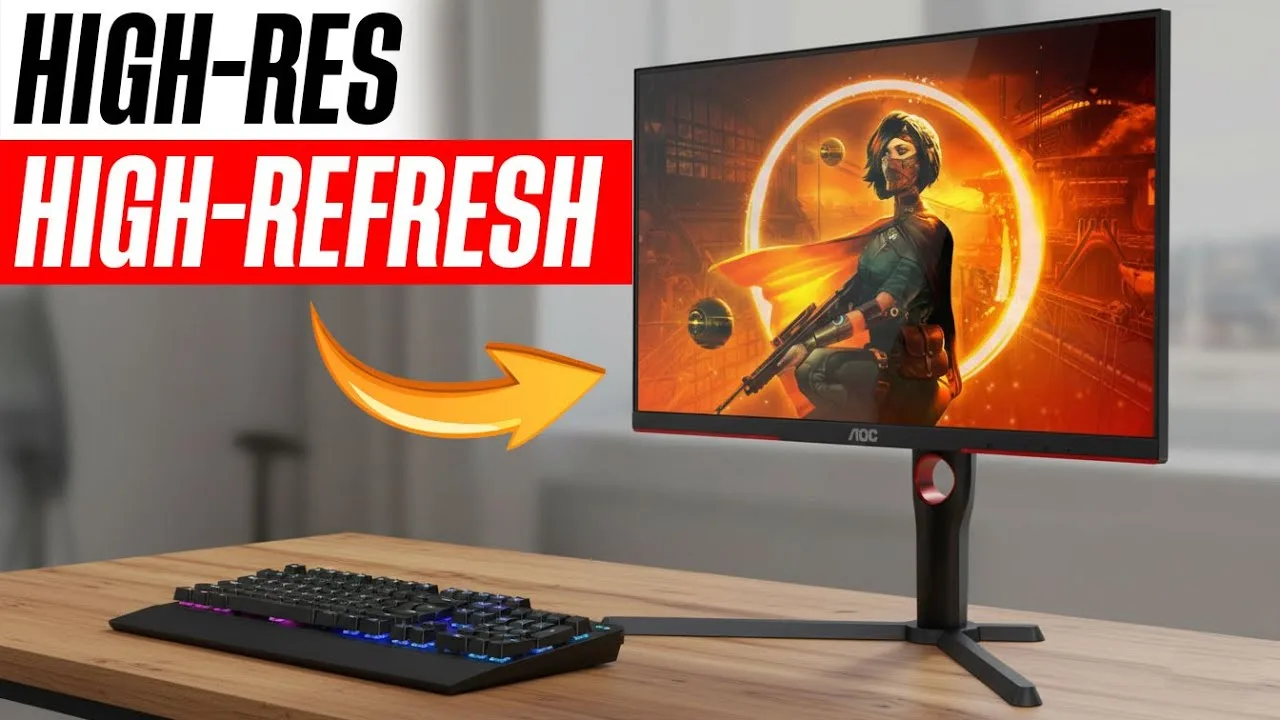
The AOC Q27G3XMN delivers impressive gaming performance with its 180Hz refresh rate, 1ms GTG response time, and mini-LED backlighting with 336 dimming zones. Setup proved straightforward with HDMI 2.0 and DisplayPort 1.4 connectivity. Fast-paced titles ran buttery smooth with deep blacks and vibrant colors, though the VA panel exhibits color shift at off-angles. HDR content benefits from VESA Display HDR 1000 certification. Build quality feels solid if not premium, with a sturdy stand and sleek frameless design. The 134% sRGB color gamut produces true-to-life colors suitable for both gaming and media consumption.
- →Ideal for competitive gamers prioritizing speed and smoothness
- →Excellent choice for dark-themed games needing deep blacks
- →Console-ready with HDMI 2.0 for Xbox, PS5, and Switch
- →Skip if USB hub functionality is essential to your setup
- →Consider alternatives if wide viewing angles are required
 Marty Explains Tech
The AOC Q27G3XMN delivers exceptional value as a budget-to-mid-range …
Marty Explains Tech
The AOC Q27G3XMN delivers exceptional value as a budget-to-mid-range …
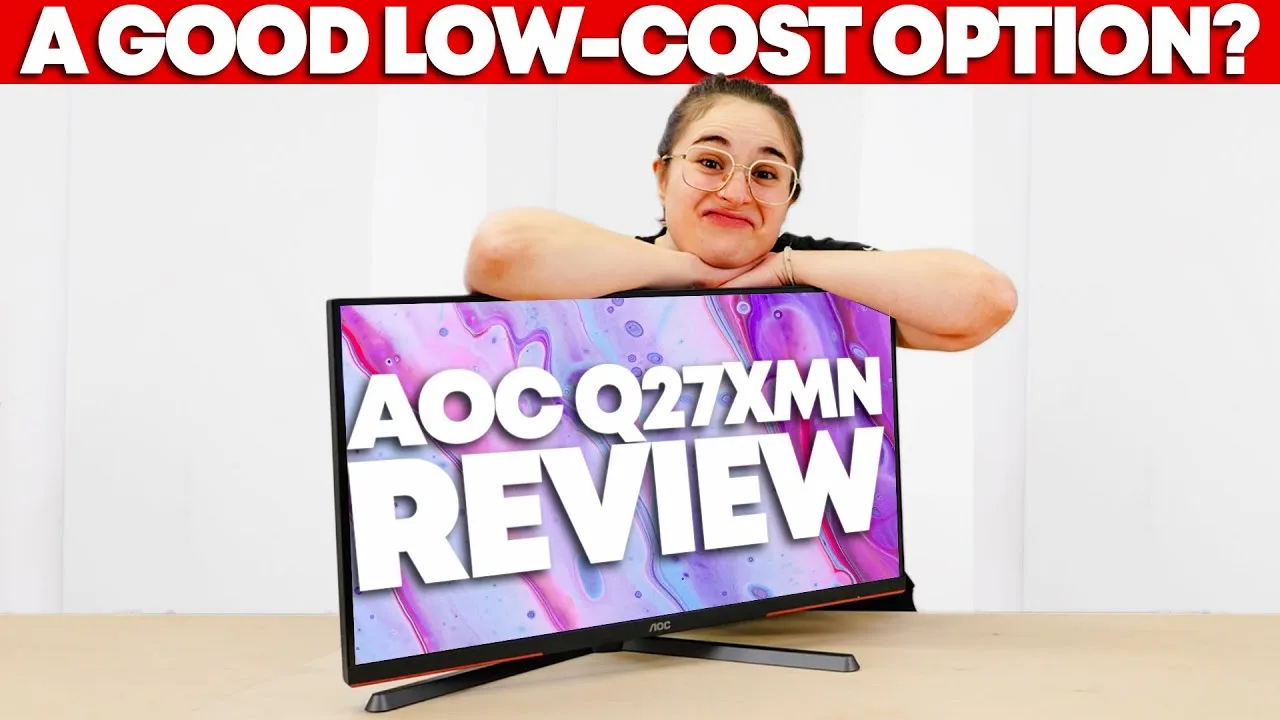
The AOC Q27G3XMN delivers exceptional value as a budget-to-mid-range gaming monitor. Its 27-inch 1440p VA panel with mini-LED backlighting and 336 local dimming zones produces deep blacks, high contrast, and impressive HDR performance with 1000 nits peak brightness. The 165Hz refresh rate (overclockable to 180Hz via DisplayPort) provides smooth gameplay, though 4-10ms response times and minor ghosting reflect typical VA limitations. Color coverage hits 90% DCI-P3, sufficient for casual content creation. Priced at $260 on sale ($300 regular), it excels for immersive cinematic gaming while remaining capable for competitive play.
- →Best for immersive single-player and cinematic gaming
- →Viable for casual competitive play despite VA response times
- →Strong HDR movie and streaming experience
- →Suitable for hobbyist photo editing and content creation
- →Requires DisplayPort for maximum refresh rate
 RTINGS Home Theater
The AOC Q27G3XMN is a 27-inch budget gaming monitor with a …
RTINGS Home Theater
The AOC Q27G3XMN is a 27-inch budget gaming monitor with a …
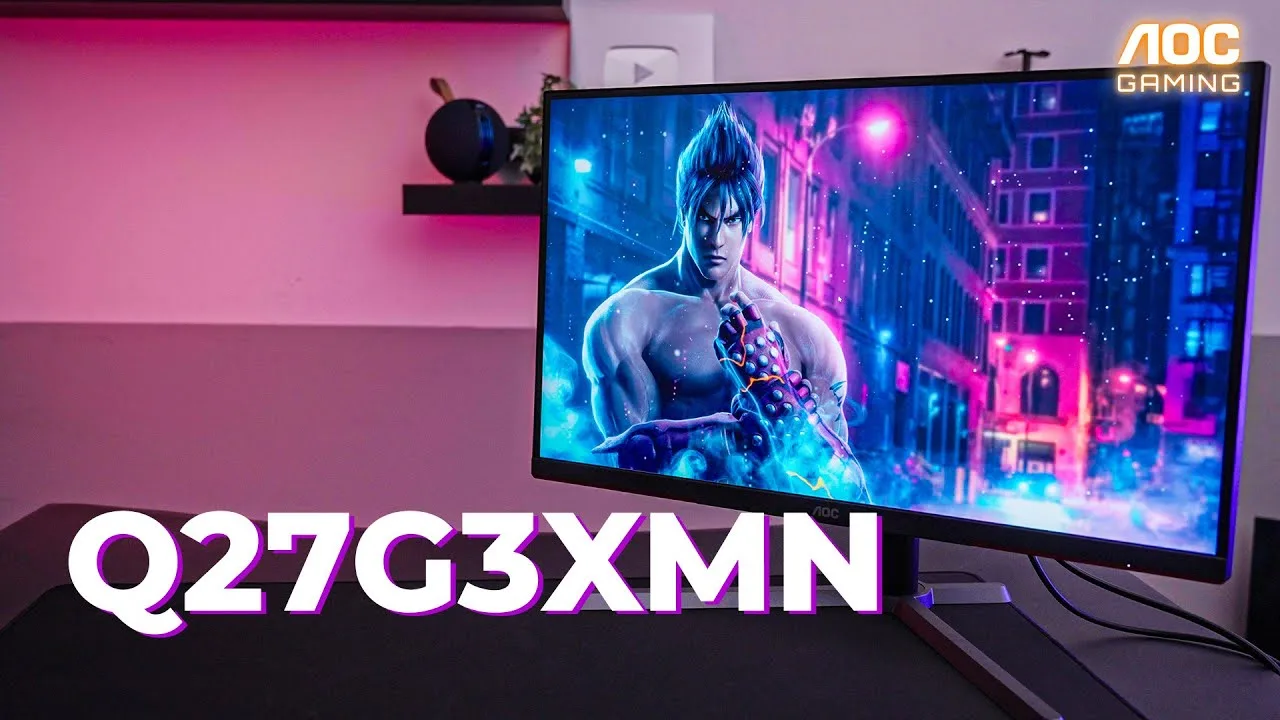
The AOC Q27G3XMN is a 27-inch budget gaming monitor with a straightforward plastic design featuring red accents and thick bezels. Its stand has a large footprint that may cramp smaller desks, though it offers excellent ergonomic adjustment including height, rotation, and swivel. Gaming performance impresses with 180Hz refresh rate, low input lag, and smooth motion using medium overdrive, though VRR shows flicker in dark scenes. The mini LED backlight with 336 dimming zones delivers excellent contrast and peak brightness around 1000 nits, but HDR has limited adjustable settings and PQ EOTF tracking issues. Color accuracy is excellent after calibration, though viewing angles are poor on both axes.
- →Best for single-user gaming due to poor viewing angles
- →Ideal for bright rooms with excellent peak brightness
- →Great budget option for HDR gaming with mini LED
- →Requires calibration for accurate colors
- →Use DisplayPort for full 180Hz and VRR support
 Rebels Squad Tech
This 27-inch QHD monitor features mini LED with quantum dot …
Rebels Squad Tech
This 27-inch QHD monitor features mini LED with quantum dot …
This 27-inch QHD monitor features mini LED with quantum dot technology, delivering vibrant colors through 1.07 billion display colors. Setup proved straightforward with included DisplayPort and HDMI cables, requiring no additional configuration. The stand offers 130mm height adjustment, -5° to 23° tilt, 30° swivel, and full portrait mode rotation. On-screen controls include FPS, RTS, Racing, and two custom game modes, plus AMD FreeSync Premium and built-in FPS counters. Currently priced at SGD 489 under promotional offer. The 7kg chassis includes cable management and VESA mount compatibility.
- →Ideal for competitive gamers needing fast response and color accuracy
- →Great for productivity with portrait mode and height adjustability
- →Plug-and-play setup suits users wanting minimal configuration
- →Mini LED suits content creators requiring color precision
- →Included cables make it ready to use out of box
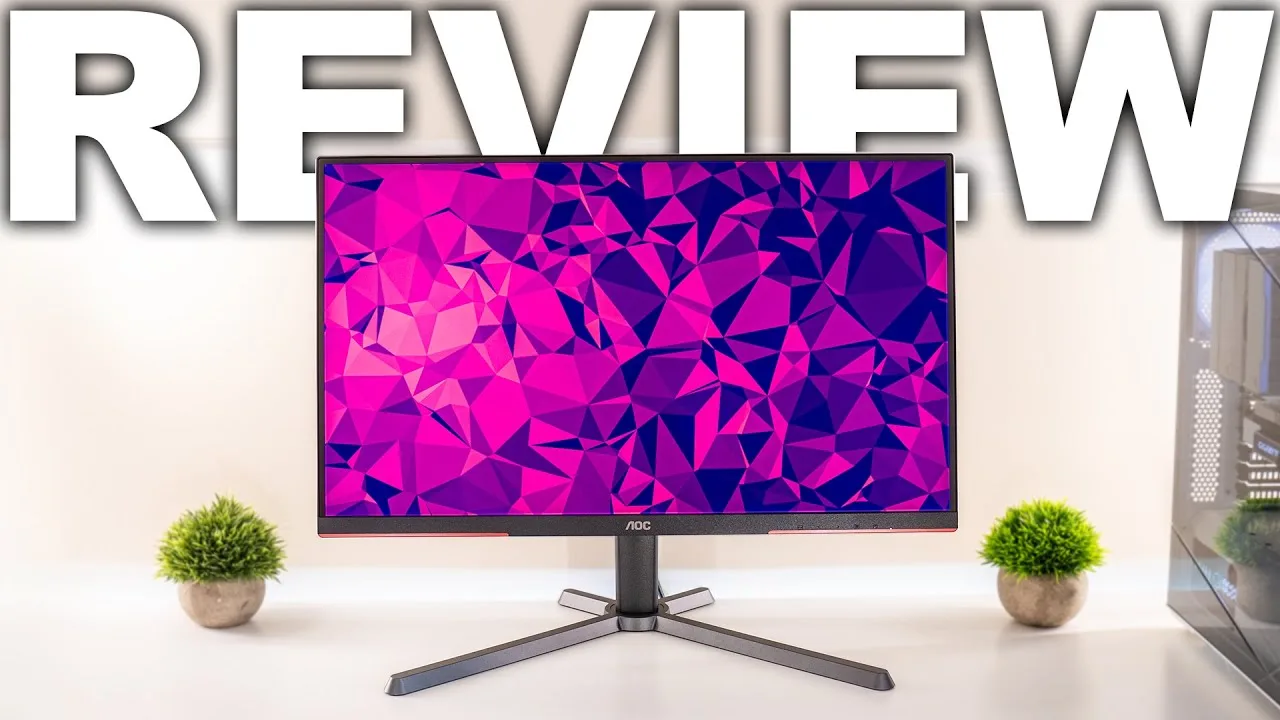 Type-C Tech Reviews
This 27-inch 1440p monitor delivers exceptional value for HDR gaming …
Type-C Tech Reviews
This 27-inch 1440p monitor delivers exceptional value for HDR gaming …
This 27-inch 1440p monitor delivers exceptional value for HDR gaming through its mini LED backlighting with 336 local dimming zones. SDR brightness reaches 560 nits, while HDR peaks exceed 1000 nits for genuine high dynamic range performance. The VA panel achieves nearly 10,000:1 contrast ratio with deep, inky blacks that approach OLED-like visual quality. Color gamut coverage hits 98.5% DCI-P3, though VA color rendering remains slightly behind IPS alternatives. The thinner matte coating reduces dirty screen effect compared to typical gaming monitors. Minor color calibration improves accuracy significantly. Port selection covers essentials with dual HDMI 2.0 and DisplayPort 1.4, though USB-C is omitted at this price tier. 180Hz refresh rate with FreeSync Premium Pro enables smooth HDR gaming.
- →Best budget option for authentic HDR gaming experience
- →Ideal for dark room gaming and movie viewing
- →Requires minor red adjustment for optimal color accuracy
- →Suitable for competitive gaming at 180Hz with VRR
- →Prioritizes contrast and brightness over IPS color purity
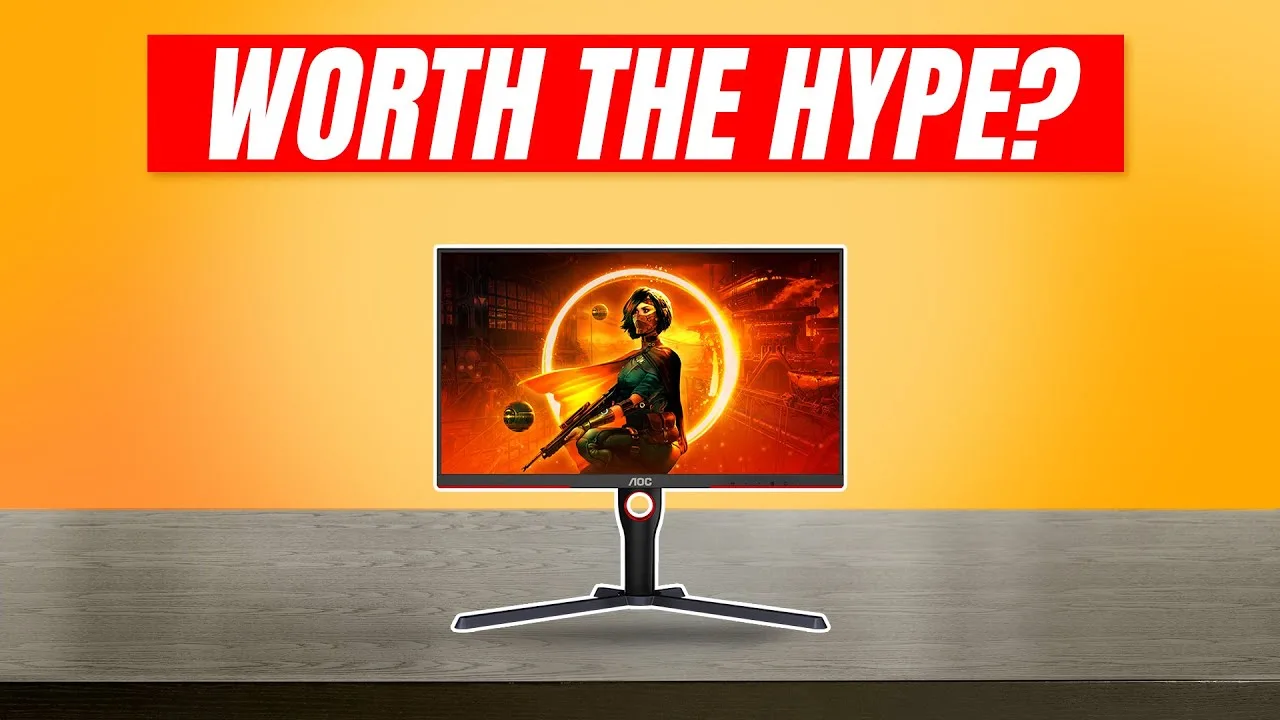 Best Choice Review
This 27-inch 1440p VA monitor delivers genuine HDR performance rare at …
Best Choice Review
This 27-inch 1440p VA monitor delivers genuine HDR performance rare at …
This 27-inch 1440p VA monitor delivers genuine HDR performance rare at its price point through a 336-zone mini-LED backlight and VESA Display HDR 1000 certification, achieving 1000+ nit peak brightness. The 180Hz refresh rate with AMD FreeSync Premium Pro targets gamers, while the flat format suits mixed work/play use. Build quality includes a fully adjustable stand and understated black design with subtle red accents. AOC prioritizes value, packing high-end HDR hardware typically found in premium displays into an accessible package.
- →Ideal for HDR gaming on mid-range GPUs
- →Strong choice for movie watching in dark rooms
- →Flat panel suits productivity and creative work
- →Mini-LED bridges gap between LED and OLED
- →Best value for authentic HDR 1000 experience
Community Discussions via Reddit
Comparison
r/buildapcmonitors
u/CAMl117
The author, CAMl117, has owned the AOC Q27G3XMN for 8 months after importing it from the USA to Colombia for $350 total. They purchased it to replace a Samsung LC24FG73FQLX that developed horizontal sync issues and overheating problems. The AOC was discovered through Amazon recommendations, RTings review, and Chinese reviews. The author strongly recommends this monitor over alternatives like the Samsung G5, calling it an excellent value proposition for VA technology at its price point. Their experience spans daily use as a primary display, with the Samsung retained as a secondary screen for comparison.
Key Insights
- →Best suited for users seeking a mid-range VA monitor with good value, particularly in markets where local pricing is unfavorable
- →8-month ownership suggests reasonable durability with no reported hardware failures or degradation
- →Not ideal for users extremely sensitive to Black Smear who may prefer Samsung's high-end VA implementations
- →Import purchasing from USA can be cost-effective for international buyers in regions with inflated local monitor prices
- →Community consensus from the author strongly favors this over the Samsung G5 alternative at similar price points
Top Comments
What you should be asking yourself is, which VA monitor should you get. You can buy a Samsung G5, you can buy this AOC, or you can buy any other one you want... Would I recommend a G5? No, that …
What you should be asking yourself is, which VA monitor should you get. You can buy a Samsung G5, you can buy this AOC, or you can buy any other one you want... Would I recommend a G5? No, that …
I Am going to recomend something to you, turn off HDR, put the monitor in SRGB mode and resest any color changes in you GPU driver. Use it for 2 or 3 days an ask yourself... Like I how the monitor …
Long-term Update
r/Monitors
u/[deleted]
After one year of ownership, this user reports that the AOC Q27G3XMN's local dimming feature is fundamentally broken in SDR mode. The backlight brightness drops dramatically when displaying darker colors (not just black), requiring brightness to be raised from 5% to 20% to compensate, yet still producing poor results with bright colors becoming too bright and dark colors remaining too dark. The issue manifests as apparent gamma 2.6 in reviews, but the user clarifies it's actually backlight level changes while LCD gamma stays at 2.2. HDR mode local dimming works correctly. The user considers the SDR local dimming implementation unusable and expresses frustration at having endured this issue for a full year hoping to watch movies without black bar blooming.
Key Insights
- →Best for HDR content consumption where local dimming functions properly; SDR local dimming should likely be disabled
- →Not ideal for users wanting functional local dimming in SDR for movies or general use
- →Long-term ownership reveals hardware/firmware limitation that reviewers may misattribute to gamma issues
- →User invested significant time troubleshooting (multiple posts, attempted fixes) without resolution
- →Community awareness of this specific SDR local dimming behavior appears low based on author's observation
Comparison
r/Monitors
u/Berkosbobo
The AOC Q27G3XMN is a Mini-LED gaming monitor purchased as an upgrade from an IPS panel, prioritizing true HDR and contrast over motion clarity. The owner reports excellent HDR performance and dramatically improved contrast, with acceptable dark-level ghosting in games like Diablo 4. A notable red tint out-of-box requires calibration (red value 45). The BK model lacks an sRGB clamp, requiring software solutions like novideo_srgb. VRR flickering exists but is rare and manageable with FPS caps. Viewing angle sensitivity requires careful positioning. Multiple community members confirm finicky behavior, with some preferring to use SDR mode despite the HDR capability, and mixed experiences with OLED alternatives.
Key Insights
- →Best for users prioritizing HDR and contrast over perfect motion clarity, particularly in dark games
- →Requires calibration and positioning effort to achieve optimal image quality; not plug-and-play
- →Suitable for users sensitive to input lag who want HDR gaming without OLED pricing/availability issues
- →Community consensus: HDR capability often goes unused due to SDR content prevalence and implementation friction
- →Considered by some as competitive with significantly more expensive OLED alternatives, though with different trade-offs
Top Comments
I like the AOC, but have found it somewhat finicky. Personally, although I really like HDR, I have barely used HDR since getting the monitor. All the media I consume is SDR, and I don't exactly …
Have you ran into bugs with the OSD controls? I got this monitor in the mail from Amazon yesterday and have only played a couple games on it so far. After tweaking a couple settings, I was liking …
The AOC X27G3XMN is $280 so I’m not sure exactly where you’re talking about HDR being $300 better. What did you mean by that..?
Comparison
r/Monitors
u/WeeziMonkey
The AOC Q27G3XMN is positioned as the 'king of budget HDR' among 1440p 27" VA monitors. Owner WeeziMonkey tested it for several days before comparing it against the Samsung Odyssey G7, ultimately deciding to keep whichever performed better for SDR content. Community feedback from long-term owners is generally positive, with one user calling it a 'dream monitor' after months of use. However, multiple users note significant QC issues including a persistent red tint that appears unfixable. The monitor's HDR implementation requires specific settings (medium local dimming recommended over high) to look its best, and setup can be finicky with brightness levels potentially causing headaches.
Key Insights
- →Best for budget-conscious users prioritizing HDR gaming who are willing to tinker with settings
- →Not ideal for users sensitive to color tint issues or those wanting plug-and-play HDR experience
- →Community consensus: use medium local dimming setting rather than high for best HDR results
- →QC lottery with panel tinting may require exchange/return; verify unit upon receipt
- →Strong value proposition for SDR content if HDR headaches or setup complexity are concerns
Top Comments
>Yesterday the cheapest price in my country (Netherlands) was €370 Jesus. This monitor is around $280 here in the US.
Dang. Real extensive review. Samsung QA be danged, the G7 is a pretty solid monitor that will last for a long time. I would love to see Samsung refresh this monitor as it’s getting much harder to …
I have been using the AOC Q27G3XMN for a couple months now and it's been a dream monitor for me. Still can't believe it was less than $300. Best advice I've read about this panel is with RTING's …
Comparison
r/buildapcmonitors
u/WeeziMonkey
The AOC Q27G3XMN is positioned as a budget-friendly 27" 1440p VA monitor specifically noted for its HDR capabilities, earning it the nickname "king of budget HDR" in the community. The author, who owns both this AOC and a Samsung Odyssey G7, originally purchased the AOC as their primary gaming monitor after upgrading from a decade-old 1080p TN panel. While impressed with the HDR performance for its price class, the author found HDR gaming overall disappointing due to setup complexity, inconsistent game implementation, and brightness-induced headaches. The monitor was ultimately kept as a secondary option specifically for SDR content after the author decided to compare it against the Odyssey G7 for their use case.
Key Insights
- →Best suited for users prioritizing budget HDR gaming over motion clarity
- →Strong upgrade for those on 5+ year old 1080p TN monitors seeking contrast improvement
- →HDR enthusiasts should temper expectations — impressive for price but still has usability friction
- →Consider keeping as dedicated SDR monitor if HDR fatigue becomes an issue
- →European buyers should verify BK suffix model for regional power/standards compatibility
Top Comments
When will you do it? Maybe I can await your results before my return period is over
Would love to hear it
> I can already tell there is 90% change I keep it. Keeping the AOC while returning your OLED?
Long-term Update
r/Monitors
u/PikachuEXE
Long-term owner PikachuEXE provides a 2-year update on the AOC Q27G3XMN, describing it as a capable HDR stepping-stone monitor with notable brightness and contrast but significant usability compromises. The monitor excels at delivering impactful HDR brightness and deep blacks compared to IPS alternatives, yet suffers from poor OSD controls, lack of firmware updates, missing multiple user profiles, and HDR brightness fluctuations. Community consensus largely validates these findings, with multiple owners praising the value and black levels while confirming issues like scan lines at 180Hz, pinkish color shift at edges, and Windows color profile instability. Most view it as a transitional purchase before OLED adoption.
Key Insights
- →Best suited as an affordable HDR entry point for users upgrading from IPS, not as a permanent endgame monitor
- →Requires significant manual tuning: GPU color settings, overdrive on medium, refresh rate capped at 165Hz, and local dimming adjusted per mode
- →Windows 10/11 color management issues persist—ICC profiles from RTINGS help but need frequent reapplication
- →Mixed desktop/gaming HDR usage is challenging due to single profile limitation; owners recommend disabling HDR for streaming video
- →Most owners plan to upgrade to OLED within several years, viewing this as a transitional purchase
Top Comments
> Conclusion: mixed bag but good enough for me as a stepping stone until I reevaluate OLED/other better monitors several years later I tried the AOC Q27G3XMN, now I'm using a Dell Alienware OLED …
I love this monitor and it seems worth more than $280. My previous monitor, LG 27GP850 $400 , drove me nuts with glow. But the black levels are so much better here. [HDR demos on …
I just don't think the current price & quality & the compromises needed for using OLED is good enough for me right now Also for maximum brightness this one can get really bright (my eyes
Comparison
r/Monitors
u/Busle1985
The AOC Q27G3XMN is a 27-inch VA panel monitor praised for its exceptional HDR performance, deep blacks, and effective local dimming. The reviewer tested it alongside the HP 27k and Gigabyte M28U for a dual-purpose work/gaming setup but ultimately chose a different monitor. The AOC excels at nighttime gaming with vivid, punchy colors and virtually no backlight bleed, making it ideal for HDR content consumption. However, its VA panel characteristics create significant drawbacks for productivity work: viewing angles cause grey, dim corners even when sitting directly in front, and the high contrast proves fatiguing for extended reading despite brightness adjustments. Gaming-specific issues include smearing in fast movements with certain color combinations and occasional texture blooming when moving the camera. A community commenter confirmed the viewing angle problem as their own dealbreaker, noting visible greying in corners during colorful UI scenarios.
Key Insights
- →Best suited for HDR gaming and multimedia consumption rather than productivity work
- →VA panel strengths (contrast, blacks) become weaknesses for text-heavy daytime work
- →Viewing angle limitations are severe enough to affect normal seated use, not just extreme angles
- →Gaming performance acceptable for casual use but smearing may bother competitive players
- →sRGB mode can partially address motion handling issues
Top Comments
I tried the AOC and the viewing angles were the biggest dealbreaker for me too. Even when sitting directly in front of it the corners of your monitor become grey and dim. Very noticeable when there's …
I think the further you sit away from it the better :). The bad viewing angles are very visible when you are looking closely at the screen to read for example. You can still read everything but it …
Yes I think it really depends how sensitive you are towards these viewing angles issues. In games I was barely noticing it only when sitting closer to the screen and actively looking for it. In …
Comparison
r/Monitors
u/JedPlaysForDays
The AOC Q27G3XMN is a 27-inch 1440p 180Hz Mini-LED monitor with 336 dimming zones that the author purchased as a budget alternative to OLED due to burn-in concerns for productivity work. The owner found the local dimming algorithm well-tuned for HDR content consumption, delivering superb contrast with deep blacks and minimal blooming. However, the limited 336-zone count creates noticeable halo effects around the cursor during dark mode productivity work, which proved distracting for coding and writing tasks. Subtitles also exhibit significant blooming. The monitor was purchased for $349 CAD, positioned as a Christmas gift purchase when the author's preferred alternative was unavailable in Canada.
Key Insights
- →Best suited for HDR media consumption rather than productivity work with dark mode
- →Local dimming performance is content-dependent: excellent for video, problematic for static UI elements
- →Budget Mini-LED trade-off: fewer zones require algorithmic tuning that shows limitations in specific use cases
- →Consider alternative panel types if primary use is coding or document work with dark themes
Top Comments
[https://imgur.com/a/LK2sd1i](https://imgur.com/a/LK2sd1i) Apologies for any compression artifacts. Image taken from iPhone 15 Pro.
I'm based in Canada, so it's unfortunately not available here.
Comparison
r/Monitors
u/Lethargo226
The AOC Q27G3XMN is a budget Mini-LED monitor ($300 USD) that delivers impressive HDR performance with 1000+ nits brightness and effective local dimming. Multiple owners report strong satisfaction for HDR gaming, with one user keeping it since November 2023 with no regrets. The panel's native contrast is excellent for dark room use, and color accuracy is solid when using the sRGB profile. However, the monitor has notable usability issues: poor physical buttons, color fringing at high local dimming strength in SDR desktop use, red tint to white requiring calibration (SDR-only), and small objects like the mouse appearing dim with local dimming active. The author returned it not due to panel quality but likely due to these ergonomic and workflow limitations compared to their existing OLED and IPS displays.
Key Insights
- →Best suited for HDR gaming and media consumption rather than productivity/desktop work due to local dimming behavior
- →Requires switching to sRGB profile for accurate SDR color rather than default settings
- →Local dimming strength should be set to Medium or lower for SDR desktop use to minimize fringing artifacts
- →Strong recommendation for budget-conscious users prioritizing HDR performance over color perfection
- →Not ideal as sole monitor for users sensitive to color accuracy or doing professional color work
Top Comments
I also have this monitor. I'll offer some thoughts after reading this: * For SDR color, just switch it to the sRGB profile. RTings tested it and it's so accurate that I don't see a reason not to use …
>Get the Innocn 32M2V or the 27M2V. I have the latter and no regrets, HDR games look beautiful. The AOC Q27G3XMN costs less than $300 USD. The two monitors you are recommending cost $600 to $800, …
I've used this monitor since early November and for me, no chance I'm getting rid of it. The buttons DO absolutely suck but I have my settings dialed in so rarely need to touch them now. I don't …
Troubleshooting
r/Monitors
u/SuperSpartan300
Owner SuperSpartan300 used the AOC Q27G3XMN for 3 months as their first Mini LED monitor after owning multiple OLED displays. They report being extremely satisfied with the monitor's brightness (450-550 nits SDR), describing it as "eye searing" and "eye popping." The high brightness reportedly eliminates the typical grainy/dirty appearance of matte coatings while avoiding glossy reflections. The owner considered it exceptional value, calling it the "best budget monitor in 2024/2025" and stating it "feels so much more than what it's priced at." The only explicitly mentioned issue was the HDMI 2.0 port limitation. The experience was so positive that the owner upgraded to a higher-end AOC Mini LED model (AG274QZM) rather than returning to OLED.
Key Insights
- →Best suited for users prioritizing SDR brightness over OLED's perfect blacks - may spoil users for dimmer displays
- →Ideal budget entry point into Mini LED technology with near-flagship brightness performance
- →Matte coating implementation works well for bright room environments due to high luminance output
- →3-month ownership showed no reliability issues or degradation
- →Serves as effective "gateway" monitor - positive experience led to upgrade within same brand/ecosystem
Top Comments
Seriously dude. If you do not have one, actively buying one or won't sell your soul for one, you should basically be jailed in some people's opinion.
Try it for a few days, the AOC is a great deal, you won't be able to use a non Mini LED monitor after you've experienced the insane amount of brightness that it has. Because it's so bright, even …
Try it for a few days, the AOC is a great deal, you won't be able to use a non Mini LED monitor after you've experienced the insane amount of brightness that it has. Because it's so bright, even …
Quick Opinion
r/Monitors
u/MajkTajsonik
Owner MajkTajsonik shares motion clarity test results for the AOC Q27G3XMN, demonstrating VA panel performance at 144Hz with overdrive settings. The post sparked technical discussion about testing methodology validity. Community confirms the medium overdrive setting provides balanced performance without overshoot across VRR ranges (20-144fps), while high overdrive improves clarity but introduces overshoot below 180fps. HDR mode significantly alters overdrive behavior per user CAMl117. The VA panel shows low smear in UFO tests but community member Theio666 notes potential weaknesses in complex motion scenarios like hay/star tests, though this wasn't verified on this specific model.
Key Insights
- →Best suited for users who prioritize single overdrive setting convenience—medium setting handles 20-144fps range without adjustment
- →Not ideal for users who frequently drop below 180fps and want maximum overdrive performance; high setting requires high frame rate lock
- →HDR users should expect to re-tune overdrive settings as behavior differs from SDR
- →UFO test performance is solid but complex scene handling (vegetation, particle effects) remains unverified on this specific unit
- →Strong value proposition for 144Hz VA gaming if motion clarity expectations are calibrated to panel technology limits
Top Comments
This is also going to be limited by the framrate of your video recording so not a good example at all.
No, the way smooth pursuit test work, you can use low frame rate videos and even photos! That's the magic of that test. Since the camera follows the motion, in the resulting video the UFO is static …
But the smearing is perfectly visible and that was the point.
Scores based on weighted analysis of 32 expert and community sources. How we review →