Our Analysis
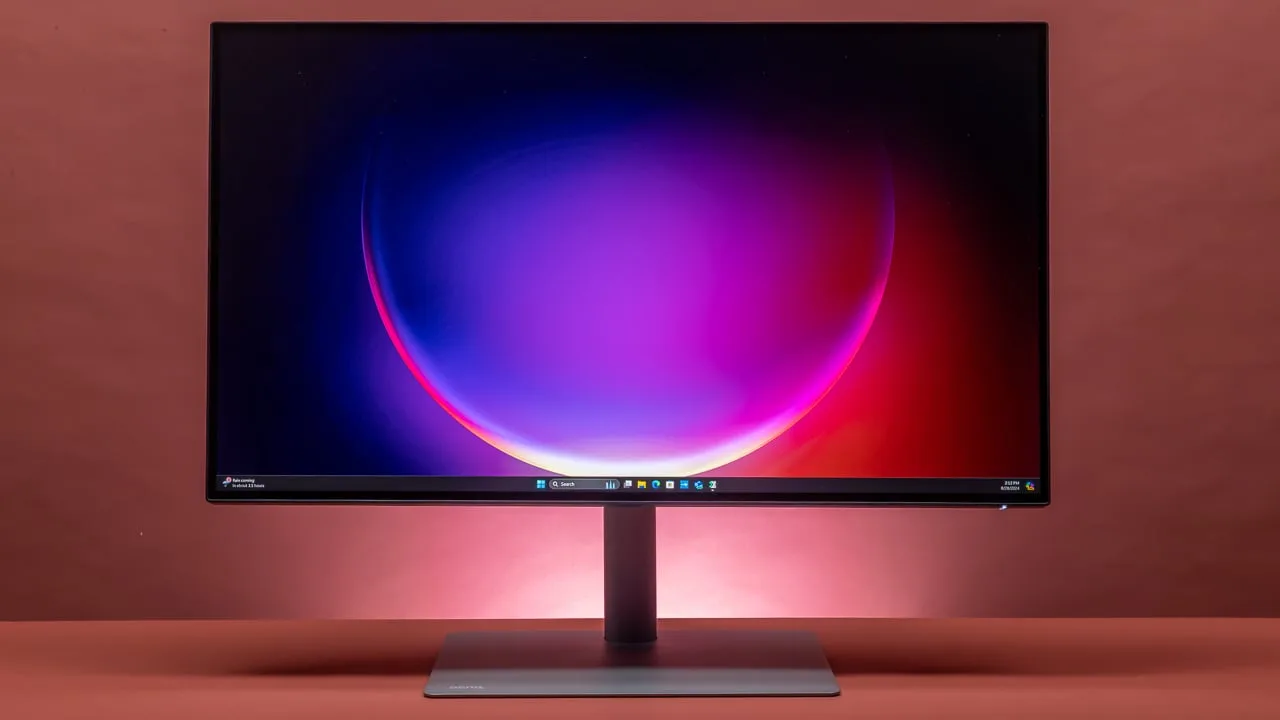
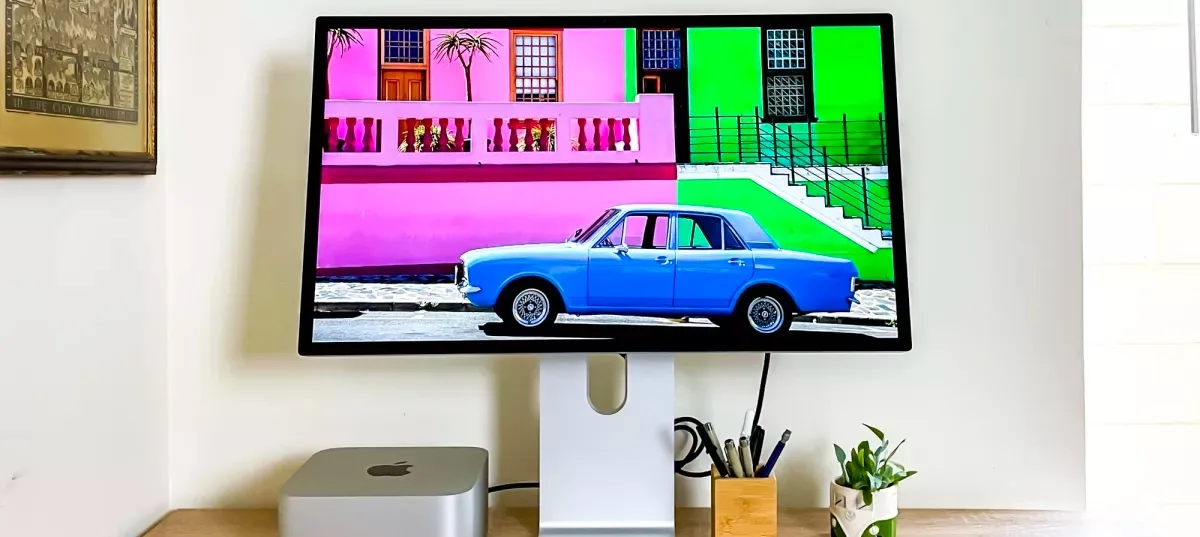
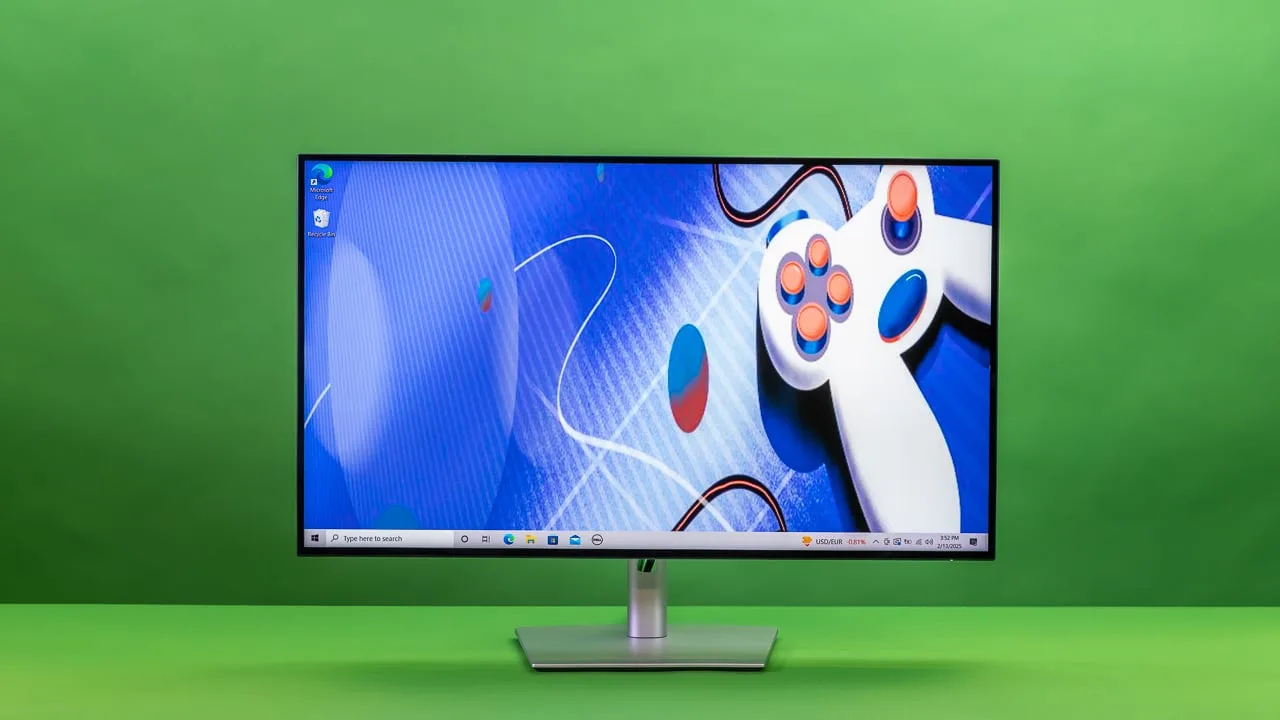
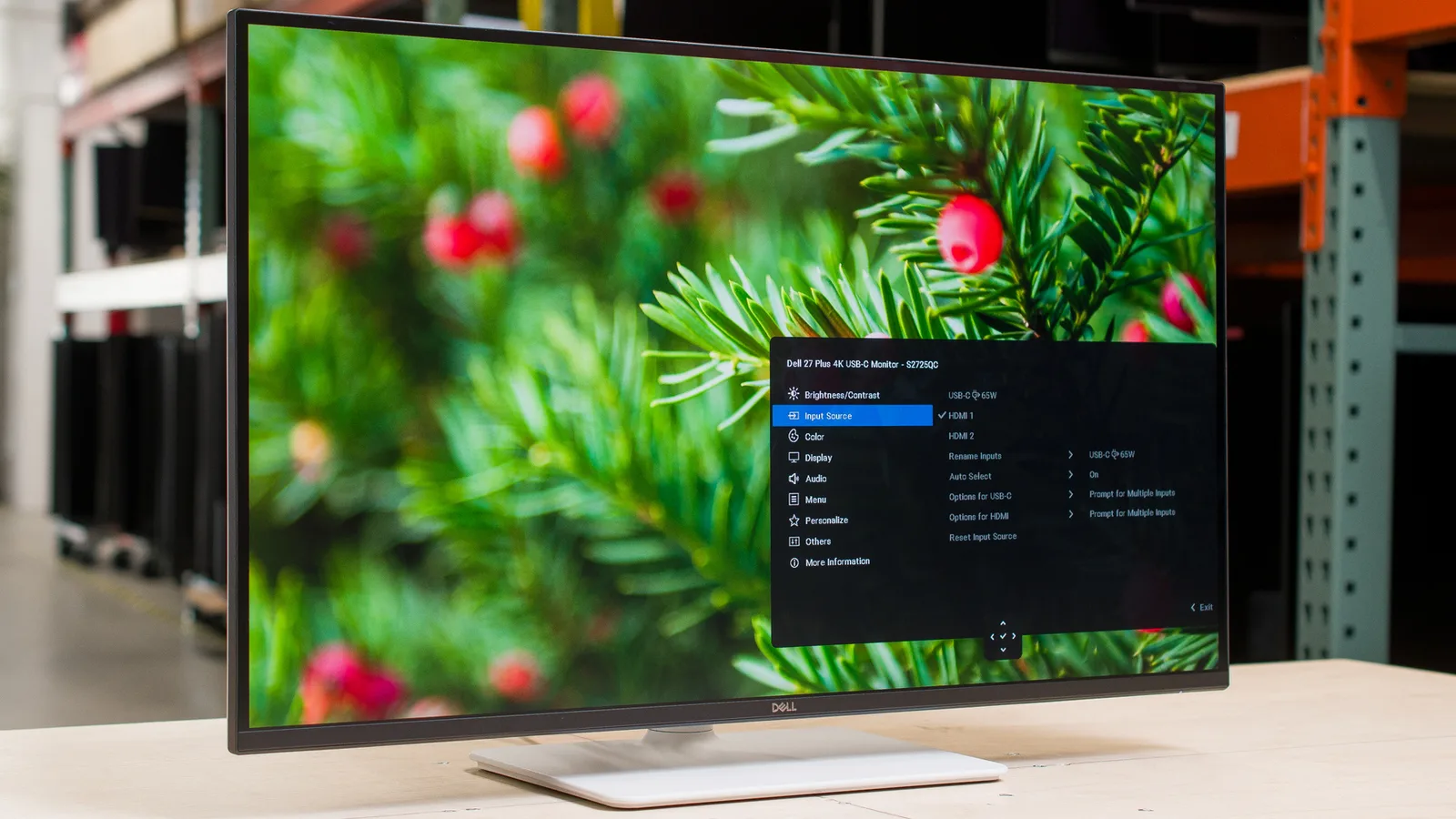
The Dell S2725QC is a monitor that's widely praised for its high-quality panel and feature set. It sits comfortably at the top of its category, earning a strong consensus as a highly recommended product. What we found particularly impressive is the monitor's 4K resolution and 120Hz refresh rate, which are both supported by a broad consensus of experts. This combination delivers sharp, detailed images with smooth visuals, making it a standout in panel quality. The 1500:1 static contrast ratio, as noted by multiple sources, ensures deep blacks and vibrant colors, further enhancing the viewing experience. USB-C upstream with 65W Power Delivery is another feature that sets this monitor apart, providing convenience and power efficiency. However, there are some trade-offs. The lack of a 3.5mm audio jack means you'll need an external extractor, and the 360 nits peak brightness might not be sufficient for brightly lit rooms. Additionally, the average response time of 5ms is considered mediocre, and some users have reported compatibility issues with older MacBook models, along with the absence of HDR support.
Key Points
What Reviewers Love
- +
Supports 120Hz refresh rate
- +
1500:1 static contrast ratio
- +
Features USB-C upstream with 65W Power Delivery
- +
4K resolution provides sharp, detailed image quality
What To Consider
- −
Lacks 3.5mm audio jack requiring external extractors
- −
360 nits peak brightness insufficient for well-lit room usage
- −
Response time averages 5ms which is fairly mediocre
- −
Compatibility issues with older MacBook models reported
Points of Disagreement
- Some sources say "1500:1 static contrast ratio" (6 sources) while others say "Low contrast ratio produces grayish blacks" (3 sources)
check_circle Best For
- Home office users wanting 4K sharpness with single-cable USB-C setup
- Console and PC gamers needing 4K/120Hz with HDMI 2.1
- Professionals doing color-accurate work in sRGB (99% coverage)
warning Consider Carefully
- HDR content creators or viewers requiring true HDR support
- Users in bright, sunlit rooms where 350 nits falls short
- Competitive gamers sensitive to response times above 4ms
Specifications
Display
- Panel
- IPS
- Refresh rate
- 120Hz
- Resolution
- 3840 x 2160 Pixels
- Size
- 27 inches
Performance
- Color coverage
- 99% sRGB
- Color depth
- Dithered 10-bit (1.07 billion colors)
- Peak brightness
- 350 nits
- Response time
- 8ms
Source Analysis
This review synthesizes insights from 35 independent sources to provide a comprehensive, unbiased assessment.
Expert Reviews (8)
Professional testing labs & tech publications
Unboxing reveals thoughtful protective packaging with separate component compartments preventing transit damage. Tool-free assembly utilizing hand-tightening screws enables quick setup without additional tools. The 27-inch 4K display produces stunning vivid colors with sharp contrasts and remarkable clarity essential for artistic work. A thin bezel design maximizes screen real estate for multitasking with multiple windows simultaneously. Comprehensive connectivity options include USB-C, HDMI, and USB ports for versatile peripheral connections. Flicker-free technology combined with comfort view mode and anti-glare properties reduces eye strain across varying lighting conditions. The refresh rate delivers smooth transitions without lag when running demanding graphics software like Photoshop and Illustrator. Solid build quality suggests excellent long-term durability for professional studio environments.
Pros
- Stunning 4K resolution displays vivid colors with sharp contrasts and remarkable clarity
- Accurate color representation essential for professional artistic and design work
- Thin bezel design creates larger appearance and uncluttered workspace for intricate designs
- Tool-free base assembly using hand-tightening screws eliminates need for screwdrivers
Unboxing revealed thoughtful packaging protecting all components during transit. Setup proved remarkably straightforward with tool-free base assembly using intuitive turning tabs instead of screwdrivers. The 4K display delivers vivid colors and sharp contrasts crucial for accurate artistic work and photo editing. Thin bezels maximize screen real estate for intricate design tasks and multitasking. Versatile connectivity options include USB-C, HDMI, and USB ports enabling convenient peripheral charging. Flicker-free technology combined with ComfortView mode significantly reduces eye fatigue during extended creative sessions. Anti-glare properties maintain clarity across varying studio lighting conditions from bright sunlight to artificial evening light. The monitor handles high-resolution graphics in Adobe Photoshop, Illustrator, and Corel Painter without lag or delay.
Pros
- Tool-free assembly with intuitive turning tabs for base attachment
- Stunning 4K resolution with vivid colors and sharp contrasts
- Thin bezel design maximizes workspace for intricate projects
- Versatile connectivity including USB-C, HDMI, and USB ports
The reviewer sought an affordable matte 27-inch display with single-cable USB-C charging for a MacBook. Costing under $330, this monitor delivers 4K UHD resolution with unexpected 120Hz support and 65W power delivery handling video, audio, and peripheral data simultaneously. The matte IPS panel offers 99% sRGB coverage and 1500:1 contrast ratio, remaining easy on the eyes during extended sessions while providing ergonomic height adjustment. However, macOS users must install BetterDisplay software to access non-integer refresh rates required for proper video project cadence due to incomplete EDID implementation. While not originally designed for professional color grading, it exceeds expectations for general productivity and video monitoring. The reviewer suggests Dell complete the EDID via firmware update but remains extremely satisfied with the overall value proposition.
Pros
- Costs under $330 while offering premium features
- Delivers 65W laptop charging through single USB-C cable
- Matte IPS panel easy on eyes with height adjustment
- Supports 4K resolution with high DPI Retina scaling
Cons
- Incomplete EDID requires BetterDisplay software on macOS
- Not intended for professional color grading applications
Video Reviews (7)
Hands-on demonstrations & setup guides
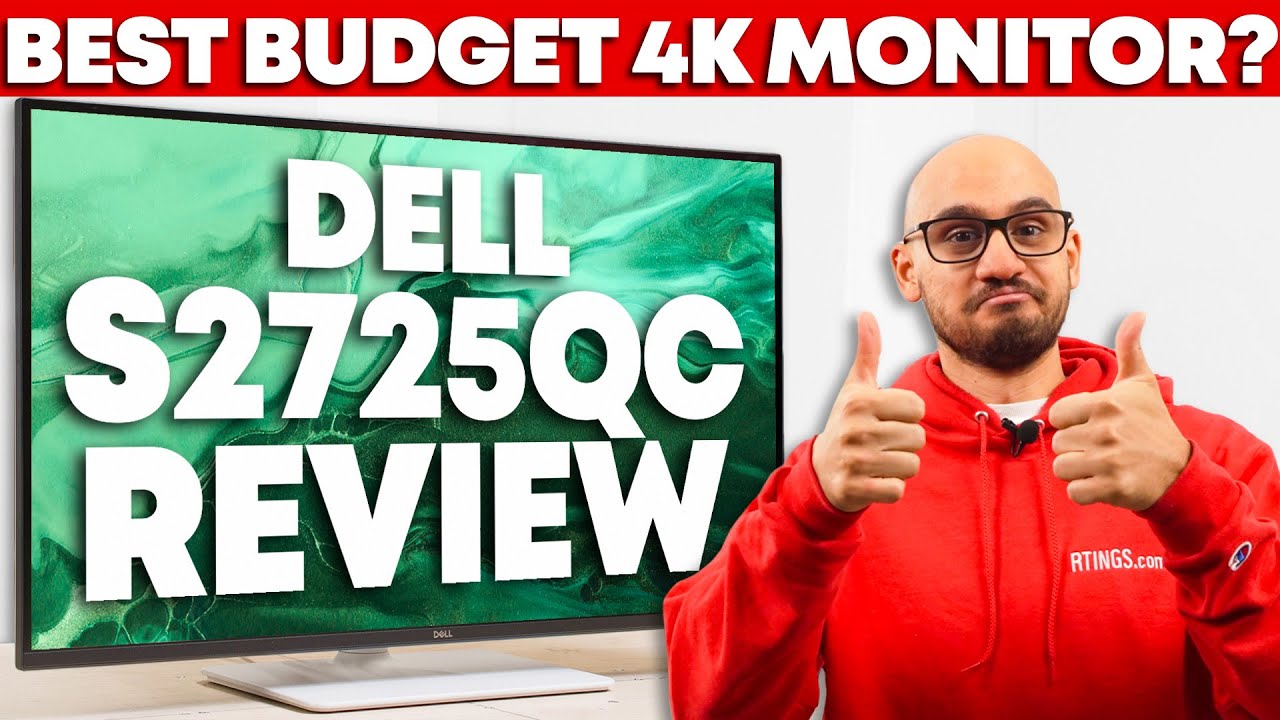
- Ideal for office productivity with occasional console gaming sessions
- Requires calibration for accurate color reproduction in professional workflows
- Best suited for dim to moderately lit room environments
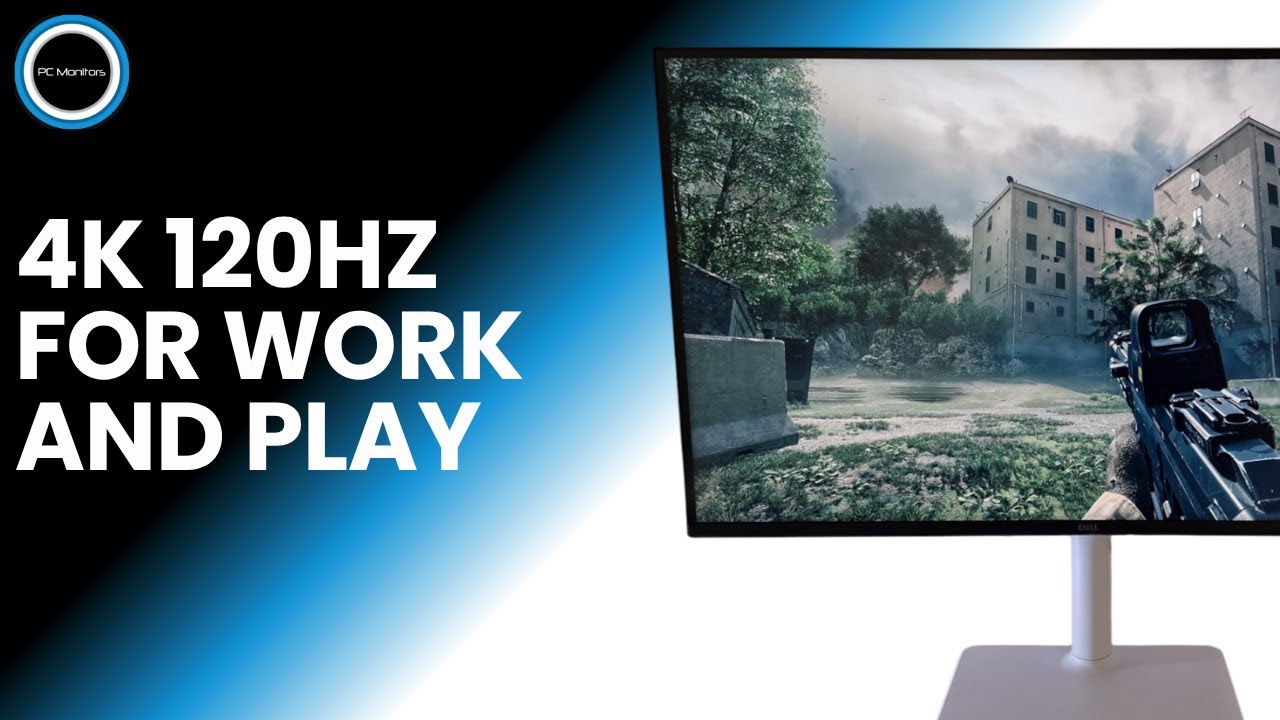
- Ideal for productivity with excellent 4K text clarity
- Requires manual color settings adjustment for DisplayPort 120Hz
- Supports high refresh rate gaming with VRR and HDR

- Ideal for video editing with 4K resolution and IPS panel technology
- Perfect for laptop users needing USB-C single cable connectivity
- Suitable for gaming with AMD FreeSync Premium support included



Community Discussions (7)
Real owners sharing experiences
u/derhutzt
Long-term Update- Best suited for PS5 gamers seeking HDMI 2.1 features in a desk environment without TV bulk
- Ideal for users preferring minimalist, non-gaming aesthetic designs over aggressive gaming monitor styling
- Not suitable for users requiring audio output to external speakers or amplifiers due to missing 3.5mm jack
u/Mugen42
Setup Showcase- Best for casual gaming and amateur photo editing workflows
- Targeted at Mac mini users seeking reliable external display functionality
- Practical choice for users prioritizing accessible pricing over premium features
u/EhchGee
Comparison- Best for users prioritizing high refresh rates (120Hz) and integrated audio at a sub-$300 price point
- 65W USB-C Power Delivery represents the primary limitation for users requiring higher wattage laptop charging
- Lacks HDR support, limiting suitability for HDR content workflows or media consumption
Customer Reviews Amazon
What buyers are saying
420 reviews
Recently Added Reviews
Decent Monitor for Mac mini
Awesome Upgrade!
Great display. Great support
Good monitor
Excellent color, contrast and deep blacks right out of the box.
Reviews shown are from Amazon customers and do not reflect our editorial assessment.
The Verdict
The Dell S2725QC earns its 91/100 score as a well-rounded 27-inch 4K monitor that punches above its price class. Its combination of 4K/120Hz on an IPS panel with a 1500:1 contrast ratio and USB-C 65W Power Delivery makes it a strong pick for home office users and casual gamers. Just be aware: no HDR support, no 3.5mm audio jack, and a modest ~350-nit brightness ceiling mean it's not the right tool for every desk.