

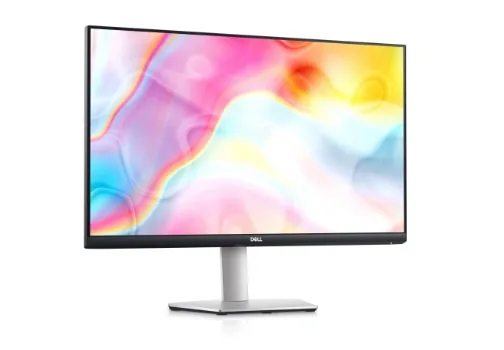
Dell UltraSharp U2723QE
Best For
- Professional photo editors
- Video editing professionals
- Creative designers
Consider Carefully
- Gamers needing high refresh rates
- Budget-conscious users
- Users who need built-in speakers
Jump to Section
The Bottom Line
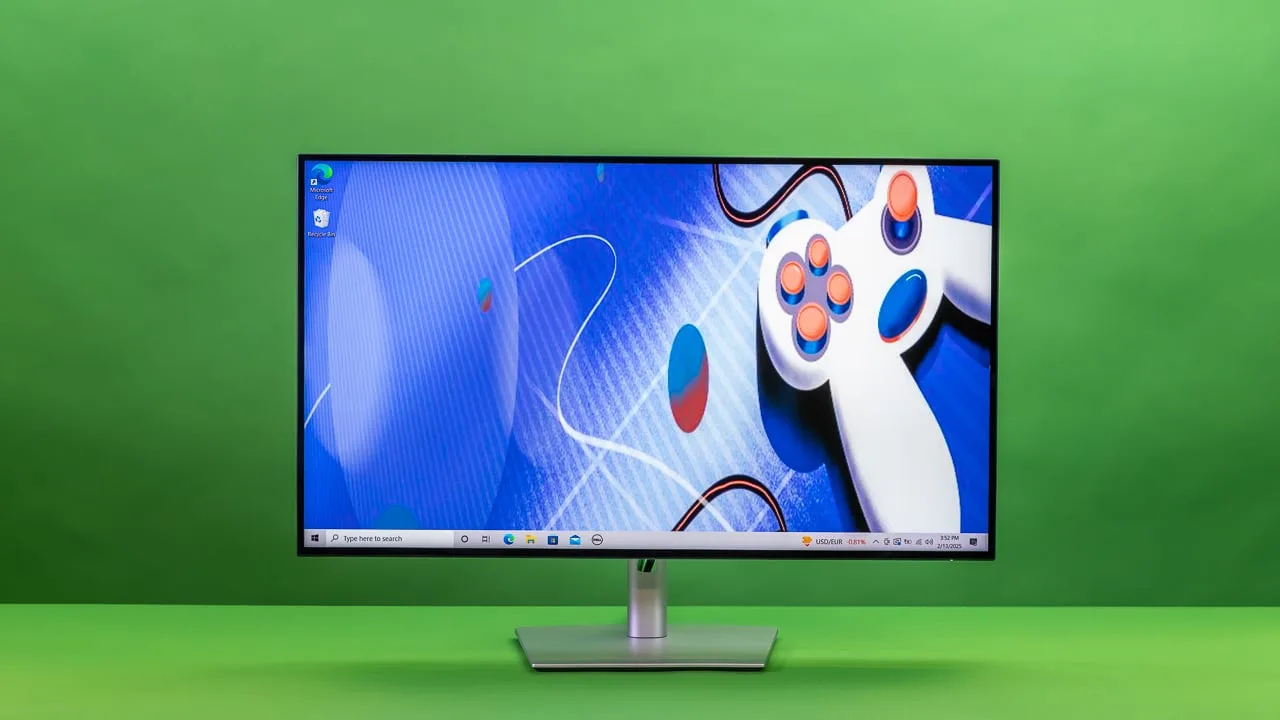
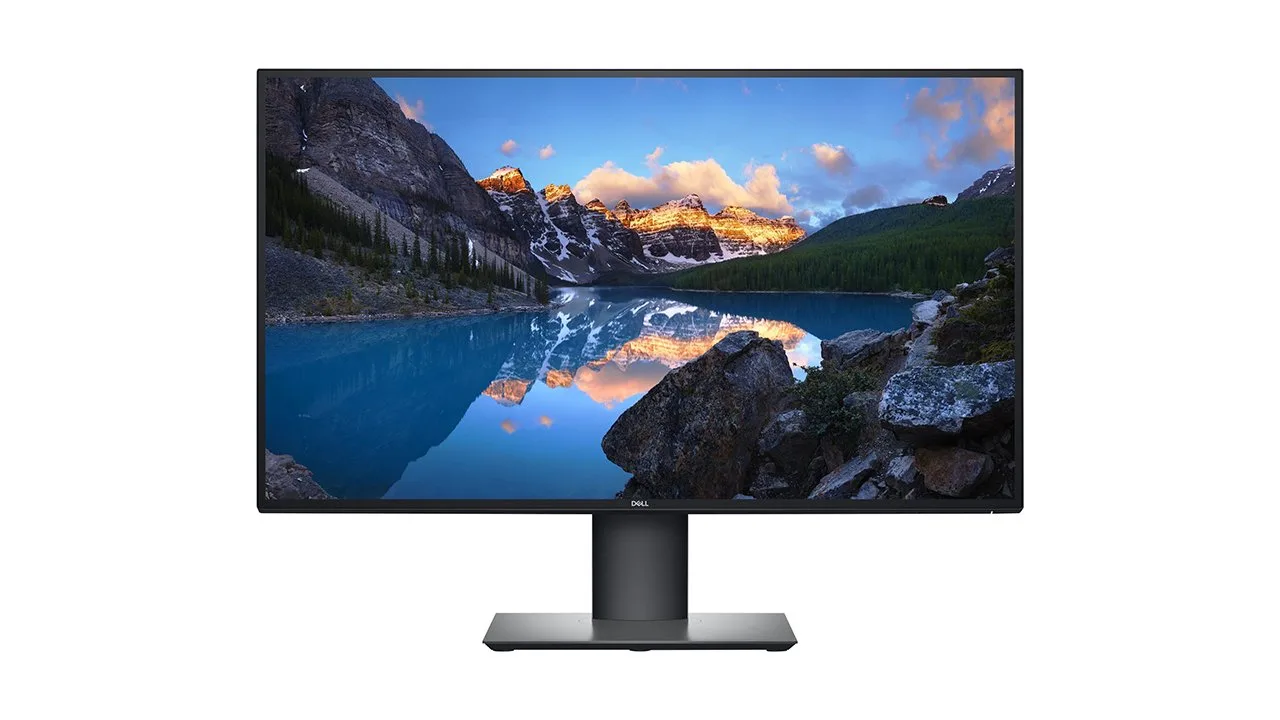
The Dell UltraSharp U2723QE is a 27-inch 4K monitor that has earned its place as a highly recommended option in the professional workspace, particularly for those in creative fields. What we found most striking about this monitor is its exceptional panel quality. It boasts a high contrast ratio of 2,000:1 and covers 100% sRGB, 100% Rec. 709, and an impressive 98% DCI-P3 color gamut, making it a standout for color accuracy. This, combined with its IPS Black panel technology, delivers deeper blacks and brighter whites, enhancing the visual experience. The monitor's fully adjustable stand is another strong point, ensuring an ergonomic setup that caters to various workspace requirements. USB-C connectivity adds to its appeal, simplifying cable management and offering a built-in connectivity hub with plenty of USB ports. Buyers expecting built-in speakers should note that none are present here, so a separate audio solution will be needed for those long work sessions. There are a few trade-offs to keep in mind: the included USB-C cable is notably short, and connecting via USB-C requires choosing between High Resolution and High Data Speed modes, a limitation that may affect users who rely heavily on USB peripherals.
Performance Breakdown
Expert Scores
How 6 professional publications rated this product
In-Depth Analysis
Color Accuracy 98
Near-universal agreement across 18 sources: this is one of the most color-accurate monitors at its price point, with factory calibration at Delta E < 2 and 98% DCI-P3 coverage.
Key Takeaway
→If your work lives in sRGB or DCI-P3, buy with confidence. If AdobeRGB coverage is non-negotiable, keep looking.
Connectivity & Ports 95
90W USB-C power delivery and a built-in hub make this a genuine one-cable docking solution, though the included USB-C cable is too short to actually use that way.
Key Takeaway
→If you want a single-cable setup for a MacBook Pro, this delivers it. Just buy a longer USB-C cable and know you'll have to pick between resolution and data speed.
IPS Black Contrast 94
The IPS Black panel delivers a 2,000:1 contrast ratio, roughly double what standard IPS panels offer, and all six sources that covered it treated this as a genuine differentiator.
Key Takeaway
→If contrast ratio matters to your work and you need IPS color accuracy, the 2,000:1 spec here is a real advantage over standard IPS alternatives.
Display Quality 93
Excellent 4K IPS image quality for professional and everyday use, but IPS glow, a 60Hz refresh rate, and a premium price make it a poor fit for gamers or budget-conscious buyers.
Key Takeaway
→Buy this for professional work or all-day productivity. Skip it if you game, need high refresh rates, or can't justify the premium over cheaper 4K alternatives.
Ergonomics & Stand 89
The stand covers all the adjustments you'd want, but two sources flagged wobble and poor cable management as genuine annoyances for a monitor at this price.
Key Takeaway
→The ergonomic range is genuinely good, but if stand wobble or cable management will bother you, budget for a VESA arm from the start.
HDR Performance 76
Three of seven sources recommend turning HDR off entirely. DisplayHDR 400 certification looks good on paper but delivers little in practice.
Key Takeaway
→Treat HDR as a checkbox feature, not a selling point. Turn it off and use this monitor for what it's actually good at: accurate SDR color work.
Specifications & Verdict
Display
- Screen Size
- 27 in
- Resolution
- 3840 × 2160
- Aspect Ratio
- 1.778:1
- Pixel Density
- 163 ppi
- Panel Type
- IPS
- Screen Coating
- Anti-glare/Matte (3H)
- Backlight
- W-LED
Performance
- Refresh Rate
- 60 Hz
- Response Time
- 5 ms
- Input Lag
- 9 ms
- Adaptive Sync
- None
Image
- Contrast Ratio
- 2000 : 1
- Brightness
- 340 nits
- Peak Brightness
- 430 nits
- Color Gamut
- 100 %
- Color Depth
- 10 bits (8 bits + FRC)
- HDR Support
- DisplayHDR 400
- Viewing Angles
- 178 °
Connectivity
- Video Inputs
- USB-C
- HDMI Ports
- 1
- HDMI Version
- 2.0
- DisplayPort
- 2
- DisplayPort Version
- DisplayPort 1.4
- USB Ports
- 3.2
- Audio Output
- Yes
- Speakers
- No
Design
- Weight
- 4.48 kg
- Dimensions
- 596.736 mm
- Bezel Width
- 7.35 mm
- Panel Thickness
- 53.3 mm
- VESA Mount
- Yes
- Height Adjustment
- 150 mm
- Tilt
- -5 - 21°
- Swivel
- -45 - 45°
- Pivot
- -90 - 90°
- Remote Control
- No
Other Specs
- Power Consumption
- 25.9W
- Special Features
- Security lock slot
Our Verdict
The Dell UltraSharp U2723QE earns its 92/100 score by delivering something genuinely rare in the IPS monitor category: a 2,000:1 contrast ratio courtesy of its IPS Black panel technology, paired with 98% DCI-P3 and 100% sRGB/Rec. 709 coverage. For photo editors, video colorists, and creative professionals who need both accurate color and deeper blacks than a standard IPS can offer, this monitor is a compelling choice. Prospective buyers should be aware of the USB-C bandwidth trade-off, where you must choose between High Resolution and High Data Speed, and the short included cable. The absence of built-in speakers is also worth factoring into your total setup cost. Gamers and budget-focused users will want to look elsewhere, but for color-critical professional work, the U2723QE stands out from the IPS crowd.
Customer Reviews Amazon
1,013 reviews
Best Monitor for MacBooks that isn’t the Studio Display!!!
Mac OS Scaling is perfect.
Beautiful Monitor. Minor Issue
Full-featured, high quality monitor
Show all 10 reviews
Great monitor!
Easy To Install & Use
Sharp 4K USB-C Work Monitor - Built-In KVM switch is awesome for WFH
Excelente monitor y muy funcional
Great screen
Finally I found the perfect monitor
Reviews shown are from Amazon customers and do not reflect our editorial assessment.
Reader Questions
Specific questions about the Dell UltraSharp U2723QE, answered only from what reviewers reported.
01Is this monitor good enough for professional photo and video editing?
Reviewers consistently found it suitable for color-critical professional work, including photo editing, video editing, and color grading. Its color accuracy and wide gamut coverage make it a strong choice for content creators.
02Can I connect a laptop with a single USB-C cable and charge it at the same time?
Yes, the USB-C port supports 90W power delivery, so a single cable handles both display output and laptop charging. Reviewers noted this meaningfully simplifies cable management.
03Is the stand comfortable for long work sessions?
The stand is fully adjustable and supports multiple orientations, which reviewers found enhances comfort during extended use.
04Is the included USB-C cable long enough for most desk setups?
Multiple reviewers flagged the bundled USB-C cable as too short, and some users needed to purchase a longer cable for their setup.
05Does it suffer from IPS glow or backlight bleed on dark content?
Reviewers noted that IPS glow and backlight bleeding can affect dark content viewing, and one source specifically observed a faint shadow along the top and bottom edges of the panel.
06Is there a trade-off when using USB-C for high-resolution output?
When connecting via USB-C, reviewers found you must choose between High Resolution mode and High Data Speed mode, meaning you cannot have both simultaneously.
Pricing & Availability
Updated Feb 19, 2026Dell UltraSharp U2723QE
All regions
Sources & Methodology
Every score is built on evidence. This review synthesizes 22 independent sources — expert publications, video reviews, and community discussions — weighted by credibility, depth, and relevance.
Show detailed source analysis ↓ Hide source analysis ↑
Expert Reviews
displayninja.com
Top
4.5/5-point
The Dell UltraSharp U2723QE is a premium 27-inch 4K monitor offering excellent image quality for photo and SDR video editing. Its IPS Black panel boasts a 2,000:1 contrast ratio, providing deeper blacks and brighter whites compared to typical IPS models. Factory calibrated with Delta E < 2 for sRGB, Rec. 709, and DCI-P3 color spaces, it ensures color accuracy. The monitor also features a fully adjustable stand, extensive connectivity options including USB-C, and a flicker-free backlight with a low-blue light filter to reduce eye strain.
Strengths
- +High contrast ratio of 2,000:1 for deeper blacks and brighter whites
- +100% sRGB, 100% Rec. 709, and 98% DCI-P3 color gamut coverage
- +Factory calibrated at Delta E < 2 for accurate colors
- +Fully adjustable stand for ergonomic setup
Weaknesses
- −IPS glow and backlight bleeding may affect dark content viewing
techradar.com
Top
4/5-point
The Dell UltraSharp U2723QE stands out with its high performance, ergonomic design, and space-saving features. It offers a wide range of color settings and high image quality, making it suitable for long viewing sessions. The built-in connectivity hub simplifies cable management and enhances productivity. However, some users may find the USB-C cable too short and the display panel's faint shadow along the edges to be minor drawbacks.
Strengths
- +Built-in connectivity hub with plenty of USB ports
- +Wide range of color setting options
- +High image quality with Low Blue Light setting and anti-glare finish
Weaknesses
- −When connecting via USB-C, must choose between High Resolution or High Data Speed
- −Provided USB-C cable is too short
- −Display panel has a faint shadow along the top and bottom edge
xda-developers.com
Top
9.5/10-point
The Dell UltraSharp U2723QE is a premium monitor with IPS Black technology, offering enhanced color and contrast. It caters to professionals and creators with its accurate color reproduction and deep contrast. The monitor features a slim design, a wide range of ports, and productivity-boosting features. While the plastic stand's durability is questionable, the U2723QE's overall performance and features make it a strong contender in the market.
Strengths
- +High-end features for professionals and creators
- +Slim, contemporary design with VESA mount options
- +Extensive port selection for versatile connectivity
- +IPS Black panel for improved contrast
Weaknesses
- −Plastic stand's durability might be an issue
digitalcameraworld.com
Top
4/5-point
The Dell UltraSharp U2723QE stands out for its superb image quality, excellent versatility, and solid build quality, offering good value for money. It features 98% DCI-P3 color space coverage, 4K resolution, and USB-C connectivity with Power Delivery. The IPS Black technology enhances contrast and black depth, making it suitable for demanding creatives.
Strengths
- +Excellent color accuracy for professional work
- +USB-C connectivity simplifies cable management
- +IPS Black technology boosts contrast ratio
- +4K resolution provides crisp image quality
Weaknesses
- −AdobeRGB coverage could be better
- −Lacks extras like a hood or remote dial
pcmag.com
Top
4.5/5-point
The Dell UltraSharp U2723QE is a 27-inch 4K USB-C Hub Monitor that offers exceptional display quality with a wide range of ports and ergonomic features. It incorporates LG's IPS Black technology, enhancing color gamut and contrast ratio. The monitor's pixel density and UHD resolution make it ideal for detailed photo and video editing. Its ergonomic design and joystick-style menu controller add to its appeal, earning it an Editors' Choice award among office displays for discerning users.
Strengths
- +Exceptional display quality with wide color gamut
- +High contrast ratio for an IPS panel
- +Full range of ergonomic adjustments
- +Rich selection of ports including USB-C hub
createdtech.com
91/100
The Dell UltraSharp U2723QE stands out with its 4K resolution, impressive color accuracy, and extensive connectivity options. It offers unmatched connectivity with USB-C, HDMI, and DisplayPort, along with a USB hub feature. The monitor has a sleek design with thin bezels and improved stand adjustability over its predecessor. However, it has average brightness and a pricier tag compared to the competition, along with some cable management and stand stability issues.
Strengths
- +4K resolution for crisp images
- +Great color accuracy
- +Impressive connectivity options
- +USB-C port with 90W power delivery
Weaknesses
- −Fairly average brightness
- −Pricier than the competition
- −Poor cable management
- −Wobbly stand
techwalls.com
The Dell UltraSharp U2723QE is a 27-inch 4K monitor that has impressed with its sleek design, flexible stand, and advanced features. It boasts IPS Black technology, offering a wider dynamic range and deeper blacks compared to conventional IPS screens. The monitor covers 100% of the sRGB and Rec.709 color spaces, and 98% of the DCI-P3 color space, making it suitable for professional work. Its USB-C port with 90W power delivery simplifies cable management and reduces clutter, especially for MacBook Pro users.
Strengths
- +Flexible stand allows height, tilt, swivel, and rotation adjustments
- +Thin bezels for a sleek setup when daisy-chaining monitors
- +IPS Black technology provides wider dynamic range and deeper blacks
- +Wide color gamut coverage with accurate color representation
Weaknesses
- −USB-C cable included is too short, requiring a longer cable for some setups
- −HDR content playback reveals limitations in contrast and detail
Video Reviews
 SoulOfTech
The Dell UltraSharp U2723QE impresses with its crystal clear 4K image …
SoulOfTech
The Dell UltraSharp U2723QE impresses with its crystal clear 4K image …
The Dell UltraSharp U2723QE impresses with its crystal clear 4K image quality and excellent color reproduction, making it a great choice for professional work. It features a robust stand with full adjustability and a VESA mounting interface for versatile setup options. The monitor also serves as a USB-C hub, offering multiple connectivity options including HDMI, DisplayPort, and USB-A ports. Its simple, clean menu navigation and high-quality base add to its appeal.
- →Ideal for professional work requiring color accuracy
- →Suitable for office use with 4K clarity and peak brightness
- →Great for color grading and video editing
- →Versatile connectivity for a dock-like setup
- →Robust stand allows for various display orientations
 Smarikoe
The Dell UltraSharp U2723QE offers a sleek design with symmetrical, …
Smarikoe
The Dell UltraSharp U2723QE offers a sleek design with symmetrical, …
The Dell UltraSharp U2723QE offers a sleek design with symmetrical, thin bezels and an ergonomic stand that adjusts for height, swivel, and tilt. Its port selection is extensive, including HDMI, DisplayPort, USB-C with power delivery, and a KVM switch. The 27-inch 4K monitor provides adequate pixel density and clarity for content creation and media consumption. The panel's peak brightness of 400 nits performs well in bright conditions, though the anti-reflective coating reduces contrast.
- →Ideal for content creation and bright rooms
- →Great for video and photo editing due to clarity
- →USB-C port simplifies cable management and provides power
- →Adjustable stand enhances comfort during long work sessions
 Stuart Rouse - Landscape and Aviation Photographer
The reviewer is highly impressed with the Dell UltraSharp U2723QE, …
Stuart Rouse - Landscape and Aviation Photographer
The reviewer is highly impressed with the Dell UltraSharp U2723QE, …
The reviewer is highly impressed with the Dell UltraSharp U2723QE, praising its factory calibration for accurate color representation, especially beneficial for photo work. They also highlight the monitor's responsiveness when waking and sleeping, and its compatibility with USB-C connections without any issues. The monitor's ability to scale resolution to match previous display settings is also noted positively.
- →Suitable for professional photo work
- →Easy to connect with USB-C
- →Responsive power management
- →Flexible resolution scaling
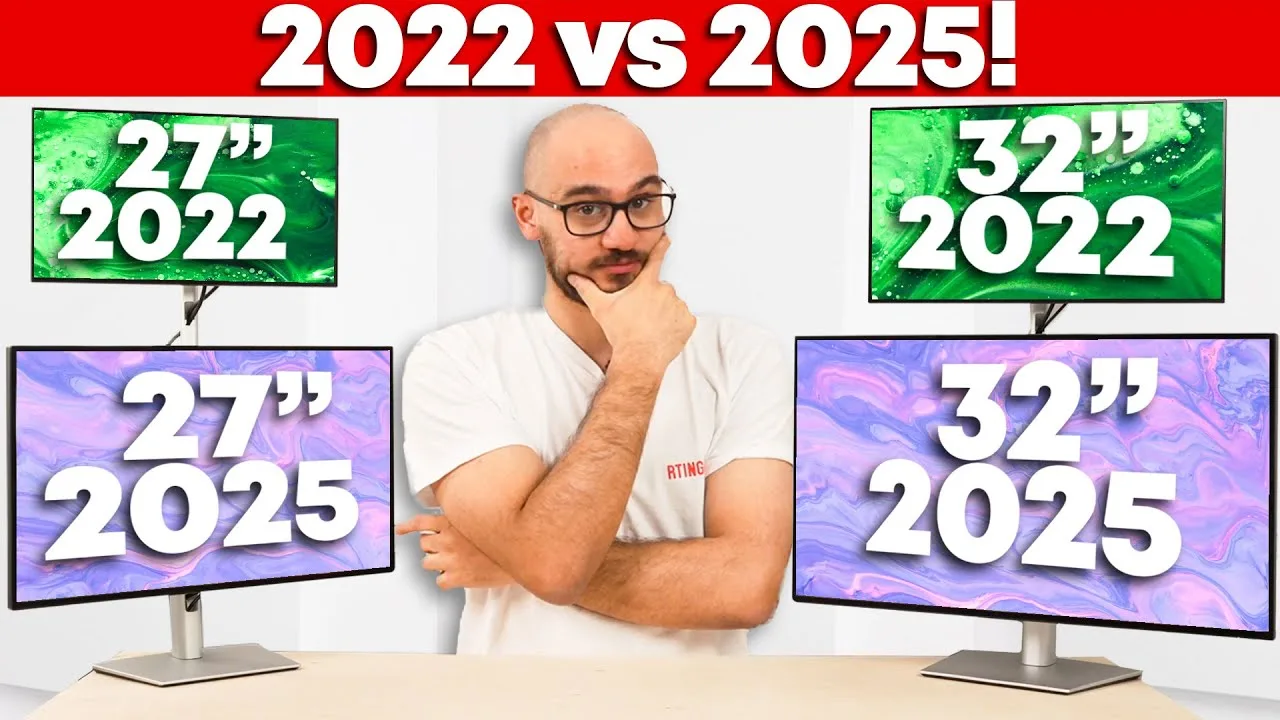 RTINGS Computer
The Dell UltraSharp U2723QE is part of Dell's 2025 UltraSharp lineup, …
RTINGS Computer
The Dell UltraSharp U2723QE is part of Dell's 2025 UltraSharp lineup, …
The Dell UltraSharp U2723QE is part of Dell's 2025 UltraSharp lineup, offering a 4K resolution and a range of features tailored for professional work and content creation. It supports higher power delivery, up to 140W, and includes Thunderbolt 4 support, which is absent in the 2022 models. This monitor also comes with a 120Hz refresh rate and VRR support, enhancing its utility for gaming and smooth document scrolling. However, it's worth noting that while the 2022 models may have better color accuracy before calibration, the U2723QE displays a wider range of colors in Adobe RGB, DCI-P3, and Rec. 2020 after calibration.
- →Ideal for professional work and content creation
- →Enhanced gaming capabilities with higher refresh rate and VRR
- →Improved color accuracy in wide color spaces post-calibration
- →Useful for gaming consoles with HDMI 2.1 bandwidth support
 The Nutmeg Home
The Dell UltraSharp U2723QE has been a great addition to the …
The Nutmeg Home
The Dell UltraSharp U2723QE has been a great addition to the …
The Dell UltraSharp U2723QE has been a great addition to the reviewer's workstation, offering a crisp and clear resolution with excellent color rendering. Ideal for professional work, photo editing, and gaming, the monitor's 16:9 ratio and fast frame rate enhance the user experience. Its ease of operation, with a joystick-style knob and additional button, along with thoughtful engineering for cord management, adds to its appeal.
- →Ideal for work, gaming, and photo editing
- →Enhanced color clarity compared to older models
- →Seamless operation with multiple monitors
- →Easy to daisy-chain for extended workspace

 Top 5 Product
The Dell UltraSharp U2723QE offers excellent color accuracy, making it …
Top 5 Product
The Dell UltraSharp U2723QE offers excellent color accuracy, making it …
The Dell UltraSharp U2723QE offers excellent color accuracy, making it ideal for professional work. Its USB-C connectivity simplifies cable management and supports high-speed data transfer. The monitor also boasts a sleek design that fits well in any workspace.
- →Ideal for color-critical work
- →Suitable for high-speed data transfer needs
- →Enhances workspace aesthetics with its design

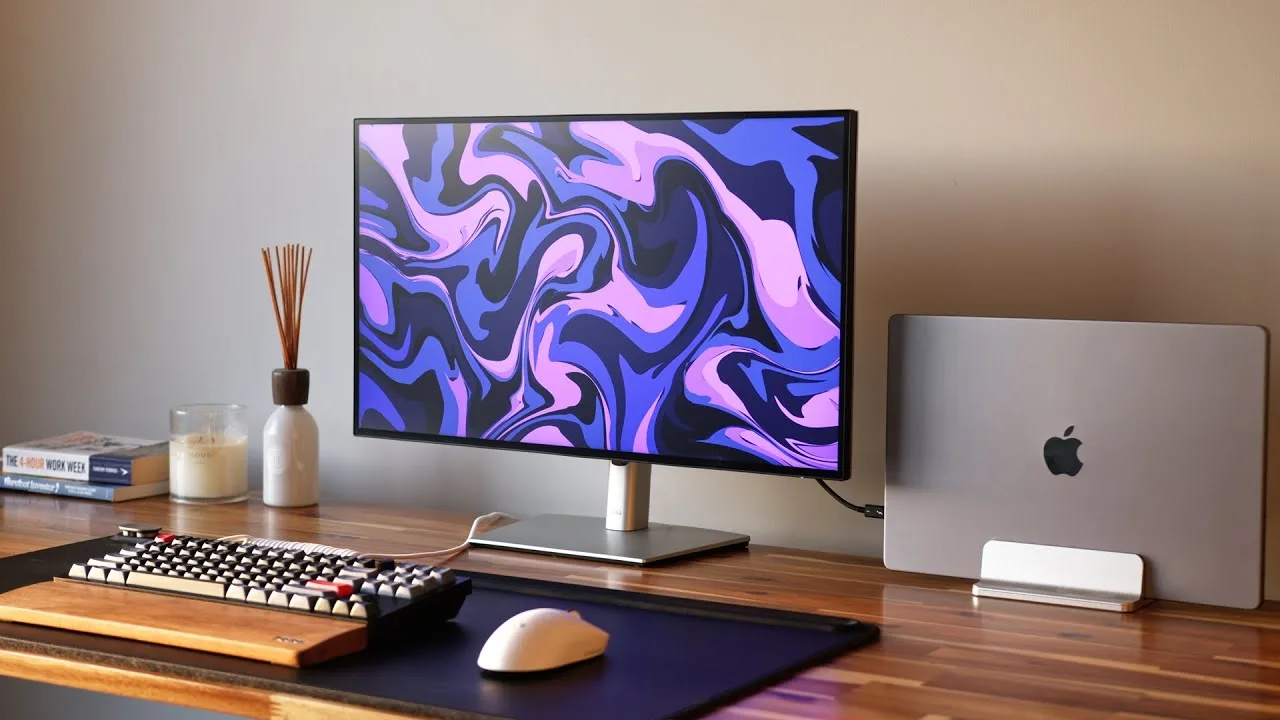 Created Tech
The Dell UltraSharp U2723QE is a versatile monitor with robust …
Created Tech
The Dell UltraSharp U2723QE is a versatile monitor with robust …
The Dell UltraSharp U2723QE is a versatile monitor with robust connectivity options, serving as a monitor and a USB hub. It offers USB-C connectivity providing up to 90 watts of charging, 4K image output, and access to connected devices. The monitor also includes HDMI, DisplayPort, and additional USB ports, making it a potential cost-saver for those needing a monitor and a hub. It features an auto KVM switch for controlling multiple computers with a single setup.
- →Ideal for professionals needing a monitor and USB hub
- →Saves desk space and cable clutter with built-in connectivity
- →Useful for those with multiple devices, like PCs and MacBooks
- →Ethernet port beneficial for those with access to wired networks
- →USB-C port offers power charging and high-resolution display output
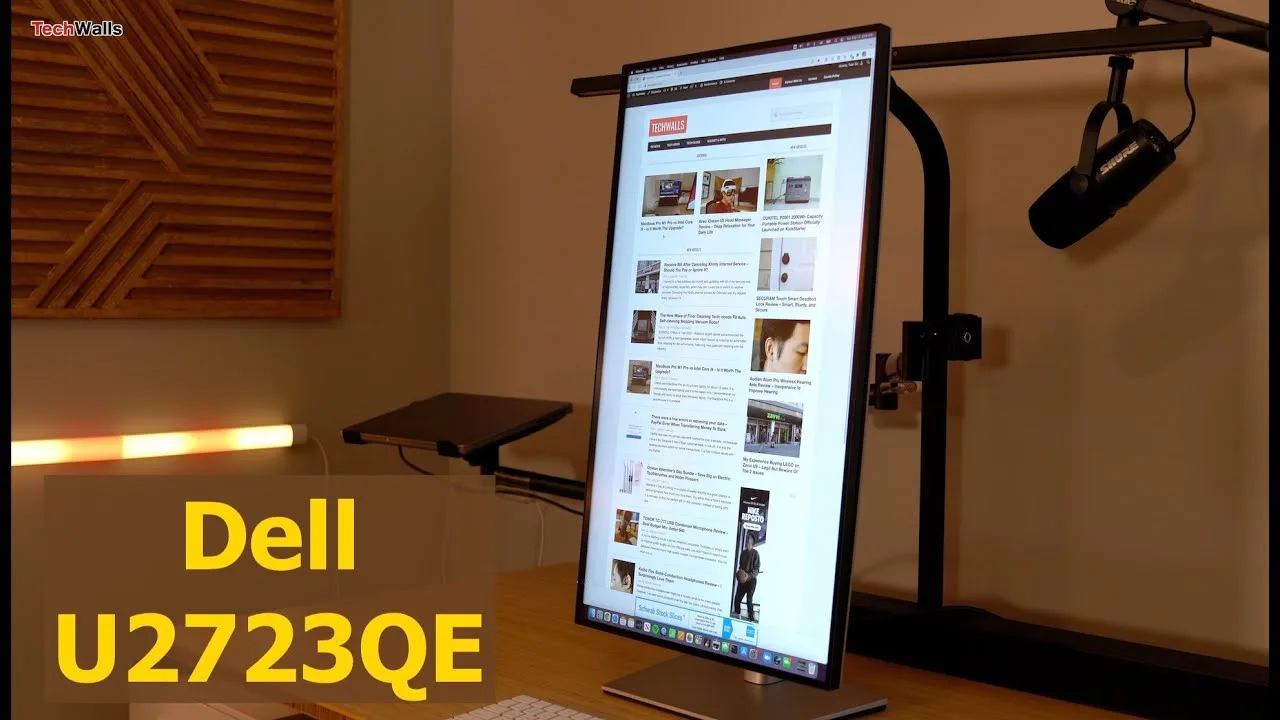 TechWalls
The Dell UltraSharp U2723QE impresses with its flexible stand, sleek …
TechWalls
The Dell UltraSharp U2723QE impresses with its flexible stand, sleek …
The Dell UltraSharp U2723QE impresses with its flexible stand, sleek design, and wide color gamut covering 100% sRGB and Rec. 709, and 98% DCI-P3. Its USB-C port with 90W power delivery simplifies connectivity with MacBook Pro users. However, it falls short in HDR content playback, with blown-out highlights and inaccurate dark areas.
- →Ideal for professional work requiring accurate color representation
- →Suitable for multi-monitor setups due to its sleek design
- →Not recommended for HDR content due to contrast limitations
- →Reduces eye strain with flicker-free and blue light reduction features
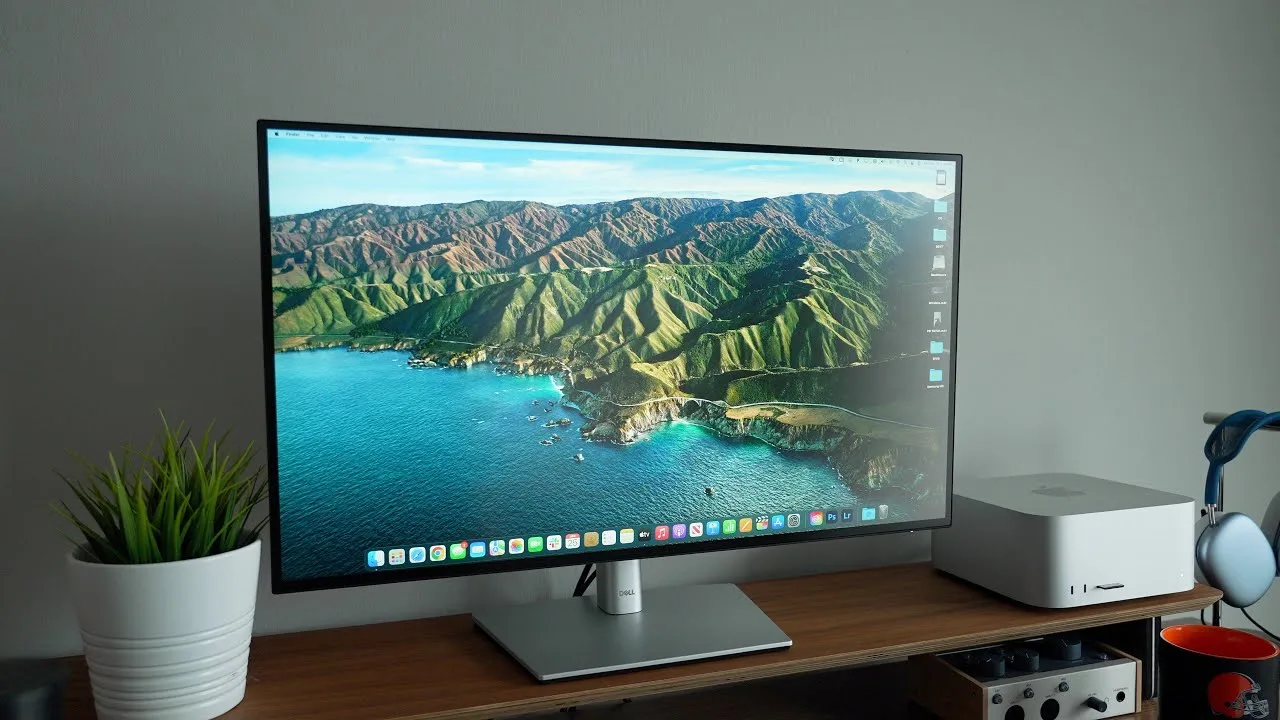 MacRumors
The Dell UltraSharp U2723QE is a 27-inch 4K monitor with IPS Black …
MacRumors
The Dell UltraSharp U2723QE is a 27-inch 4K monitor with IPS Black …
The Dell UltraSharp U2723QE is a 27-inch 4K monitor with IPS Black technology, offering a slim bezel design and a comprehensive port selection, including USB-C hub functionality. It provides excellent color accuracy and a noticeable 2000:1 contrast ratio, with vibrant colors and deep blacks for an IPS display. Although its design is more traditional compared to other premium monitors, the image quality and feature set make it a strong contender in its price range.
- →Ideal for Mac users needing a monitor with extensive port options
- →Suitable for professional work requiring color accuracy
- →Offers versatility with adjustable stand for various orientations
- →Not the best for HDR content due to issues with highlight brightness
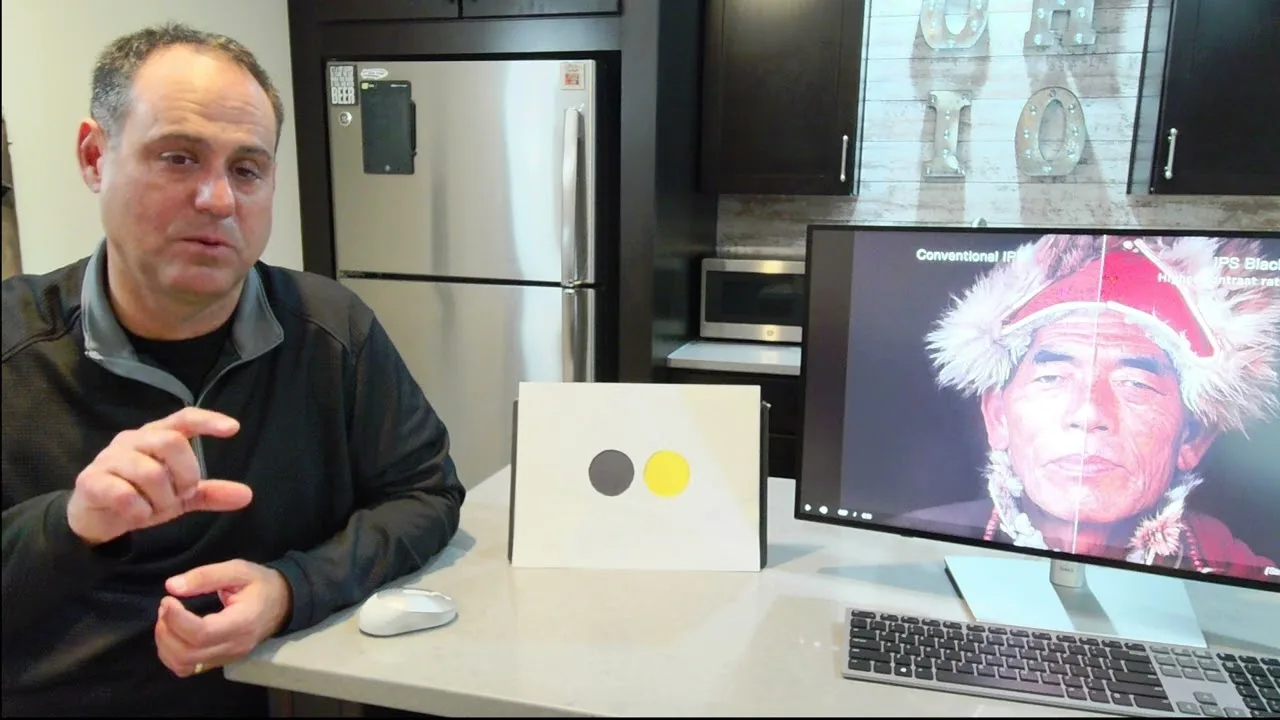 Michael O'Hanian
The Dell UltraSharp U2723QE features IPS Black technology, enhancing …
Michael O'Hanian
The Dell UltraSharp U2723QE features IPS Black technology, enhancing …
The Dell UltraSharp U2723QE features IPS Black technology, enhancing contrast ratios and color vibrancy without washing out images. This 27-inch 4K monitor boasts a 178-degree viewing angle and is Display HDR 400 certified. Its hub display capabilities include a docking station and KVM functionality, allowing connection to multiple PCs and sharing a single mouse and keyboard setup.
- →Ideal for professional work requiring high color accuracy
- →Suitable for home offices with multiple PCs
- →Enhanced visual experience with HDR 400 certification
- →Improved image clarity with IPS Black technology
 RonaRigs
The Dell UltraSharp U2723QE monitor offers a refined upgrade over the …
RonaRigs
The Dell UltraSharp U2723QE monitor offers a refined upgrade over the …
The Dell UltraSharp U2723QE monitor offers a refined upgrade over the S2721QS with its cleaner design, richer blacks, and improved color quality. Its built-in USB dock is a convenient feature for those looking to simplify cable management. However, the significant price increase may not justify the upgrade for casual users or those not requiring advanced color accuracy.
- →Ideal for professional video editing and photo work
- →Convenient for users looking to reduce cable clutter
- →Price difference may not be justified for basic tasks
Community Discussions via Reddit
Quick Opinion
r/macbookpro
u/YouthOfTheNation1
The Dell UltraSharp U2723QE monitor has been well-received by its user, who appreciates its integration with their MacBook Pro setup. The monitor's quality and performance have been praised, with no reported issues with text blurriness. The user is also satisfied with the monitor's resolution, although they are still adjusting settings for optimal use.
Key Insights
- →The Dell U2723QE is a good fit for users looking to expand their MacBook Pro's display without牺牲ing quality.
- →Resolution and scaling may require adjustments for optimal use, especially for new macOS users.
- →User considers simplifying the setup in the future with a Thunderbolt 4 dock for a cleaner connection solution.
Top Comments
Setup looks amazing. I’ve been in a monitor rabbithole for a month now looking for what monitor to get for my first Macbook Pro, with the M3 Pro chip. I’ve also been thinking about doing exactly what …
Hello brother, thanks for your comments. I’m happy with them, although if I set them at 4k the text is too small. I have them configured at around 2000ish by 1440p (when I get home I can give you the …
Sure brother, the chair is a Steelcase Please 2, monitors are the Dell U2723QE, monitor arm is the Ergotron LX Dual Monitor. As for the table, it’s from IKEA and it’s quite old already, no idea of …
Setup Showcase
r/Monitors
u/self_observer1412
The Dell UltraSharp U2723QE monitor is praised for its sharpness with a 163 PPI resolution, which is considered rare among 4K monitors not made by Apple. Users appreciate the color accuracy, which is close to that of a MacBook's display. The monitor's build quality is also lauded, with one user mentioning the durability of Dell products compared to LG monitors. However, some users have concerns about the monitor's backlight bleeding and long-term quality, as well as its 60Hz refresh rate, which may not be suitable for gaming.
Key Insights
- →The monitor is not recommended for gaming due to its 60Hz refresh rate.
- →The Dell UltraSharp U2723QE is appreciated for its color accuracy and sharpness, making it a good fit for non-gaming use with a MacBook.
- →There is a community consensus that the monitor's PPI is rare and valuable among non-Apple 4K monitors.
Top Comments
resolution determines sharpness, not UI size. Adjust OS scaling to your preference. In 2023 even Windows 10/11 has proper user interface scaling built in, there's no need to look at tiny icons like …
I don't play game that's why I go with this monitor. I may play D4 later and 60hz is still ok for me, but it's kind of low compared with current standard. If you play game, I won't suggest this …
I don't play game that's why I go with this monitor. I may play D4 later and 60hz is still ok for me, but it's kind of low compared with current standard. If you play game, I won't suggest this …
Setup Showcase
r/Monitors
u/samslades
The Dell UltraSharp U2723QE has received a positive reception from its owner, who noted that it appears slightly warm and has slightly desaturated blues out of the box, but this was only noticeable when compared to a high-end calibrated monitor. The owner experienced shipping issues with two units arriving broken, suggesting potential sensitivity to shipping damage. Overall, the monitor is considered great by the owner.
Key Insights
- →The Dell UltraSharp U2723QE is praised for its overall quality, despite minor color issues that are only noticeable when compared to a high-end calibrated monitor.
- →The monitor may be sensitive to shipping damage, as evidenced by two broken units received by the owner.
Top Comments
I have not calibrated it yet, but it seems a teeny weeny bit warm out of the box and the blues seem slightly desaturated. If I didn't have a $24,000 calibrated color grading monitor sitting next to …
I have not calibrated it yet, but it seems a teeny weeny bit warm out of the box and the blues seem slightly desaturated. If I didn't have a $24,000 calibrated color grading monitor sitting next to …
Holy crap... I am jealous of both your shiny setup and of your neck for being able to use monitors stacked like that >_<
Comparison
r/Monitors
u/skylinestar1986
The Dell UltraSharp U2723QE monitor has been a topic of discussion on r/Monitors, with users sharing their experiences and insights. The monitor's brightness has been a point of contention, with some users finding it too bright even at 30%, while others in bright environments find it necessary to have it at 100%. The community consensus seems to be that the monitor's brightness is situational, depending on the user's environment and personal preferences.
Key Insights
- →The Dell UltraSharp U2723QE's brightness is situational and depends on the user's environment and personal preferences.
- →The monitor's HDR capabilities are appreciated for providing a more dynamic and realistic visual experience.
- →Brightness settings can be adjusted to suit different environments, from dark bedrooms to bright offices.
Top Comments
If your working environment are under day light, high brightness will be very useful, because direct sun lights are really really bright, you just can't see any thing clear if it is not bright …
Yes except 300 nit isn't enough for gaming in a bright environment, I definitely appreciate my laptop's 450 nit display in those situations. Anything above 500 seems to be only for HDR in most …
Because I have a very bright room with lots of sun and can't see shit. Quite often my U2723QE is at 100% brightness and I wish it was brighter.
Scores based on weighted analysis of 22 expert and community sources. How we review →