

MSI MPG 271QRX
Best For
- Competitive FPS gamers seeking clarity
- Laptop users needing a single-cable solution
- Gamers valuing high refresh rates and response times
Consider Carefully
- Shoppers on a tight budget
- Users needing Nvidia G-Sync compatibility
Jump to Section
The Bottom Line
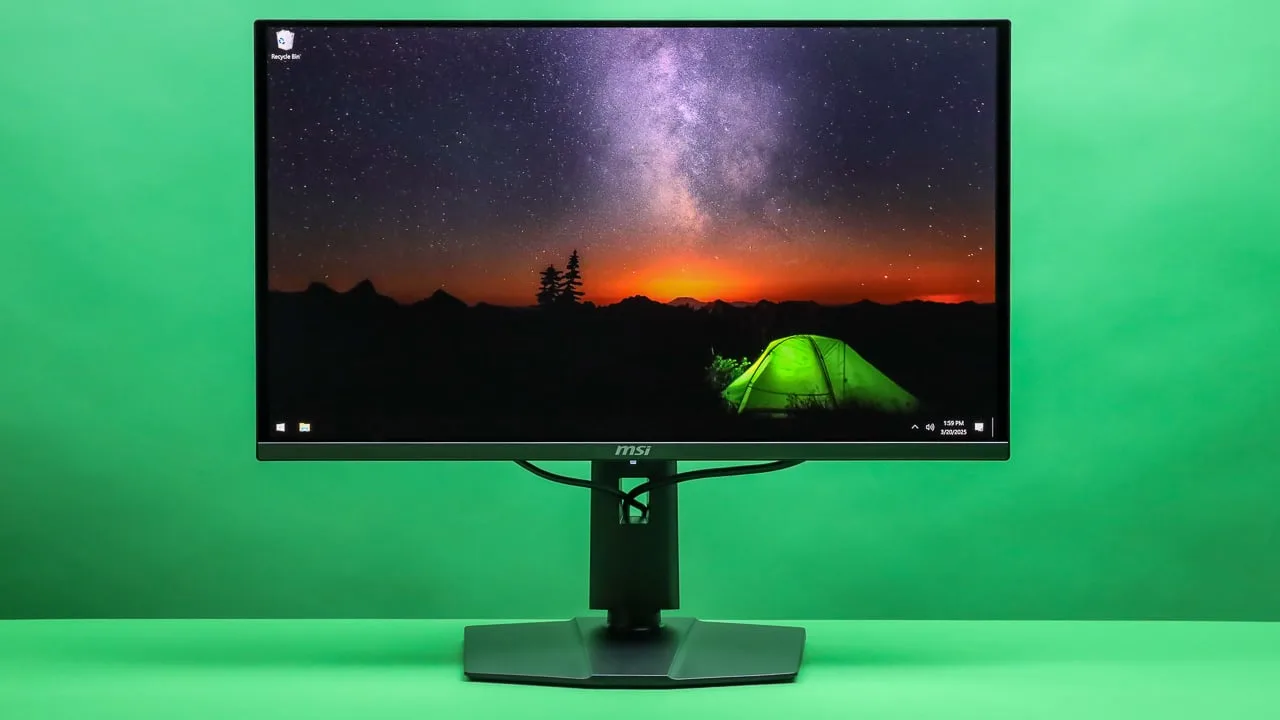
When we analyzed the MSI MPG 271QRX, what we found was a monitor that's making waves among competitive gamers and tech enthusiasts. This 27-inch QD-OLED panel shines with its 360Hz refresh rate, offering a smooth and tear-free gaming experience as noted by numerous experts. Its quick response time and excellent motion clarity, ideal for FPS gamers prioritizing a clear view of fast-paced action, are further enhanced by its 90W USB-C power delivery, which conveniently charges laptops without the need for additional cables. The panel's color accuracy, contrast ratio, and brightness are top-notch, with some of the best performance metrics in its category. However, the MPG 271QRX isn't without its trade-offs; some critics have pointed out its plastic build quality, which feels less premium at its price point, and the high cost relative to its size. While it offers excellent performance in SDR brightness, it doesn't quite reach the levels of HDR-certified monitors, and there are concerns about the lack of Nvidia G-Sync certification and potential input lag issues at lower refresh rates.
Performance Breakdown
Expert Scores
How 10 professional publications rated this product
In-Depth Analysis
Refresh Rate Performance 93
360Hz at 0.03ms is the fastest 27-inch panel tested, and 11 sources agree it makes a real difference in competitive titles. The catch: most games can't hit 360fps, and you'll need an RTX 4090-class GPU to even try.
Key Takeaway
→If you play competitive esports titles and already have the GPU to push 360fps, this is the best 27-inch panel available. If you're gaming at 144Hz or below, the premium is wasted.
Image Quality 91
The QD-OLED panel delivers infinite contrast and factory-calibrated color accuracy that 8 sources say holds up for creative work, but text clarity is a genuine problem that PCGamer and Tweaktown both flagged independently.
Key Takeaway
→If gaming and media are your primary use cases, the image quality is exceptional. If you spend significant time reading or writing on screen, the text rendering will frustrate you daily.
Connectivity Features 91
90W USB-C with DP Alt mode, dual HDMI 2.1, and all three inputs running full 360Hz at 1440p. 11 sources flagged the USB-C as a standout feature for laptop users.
Key Takeaway
→If you're running a laptop-plus-gaming-PC setup and want single-cable docking, this monitor's connectivity is purpose-built for you. Multi-monitor or custom-resolution users should research the DSC limitations first.
OLED Burn-In Protection 88
A three-year burn-in warranty backed by OLED Care 2.0 is the strongest protection package in this category, and 6 sources called it out specifically. The trade-off is that the pixel shift is noticeable during text work.
Key Takeaway
→If long-term OLED ownership anxiety has kept you off the technology, the three-year burn-in warranty is the most credible answer to that concern available at this price point.
KVM & Multi-Device 87
Built-in KVM with 90W USB-C makes this a capable hub for PC-plus-laptop setups, and 7 sources flagged it as a genuine workflow advantage. PIP on a 27-inch screen is less convincing.
Key Takeaway
→If you run a PC and laptop from the same desk and want seamless peripheral switching with single-cable laptop charging, the KVM plus USB-C combination is genuinely useful. Don't buy it for PIP.
HDR & Brightness 81
1000-nit HDR peaks and infinite OLED contrast make dark-room HDR gaming genuinely impressive, but SDR brightness sits around 239 nits, which multiple sources say struggles in well-lit rooms.
Key Takeaway
→If you game in a dark or dim room, the HDR performance is among the best at this price. If your setup gets significant daylight or overhead lighting, look at a high-nit mini-LED alternative.
Ergonomics & Design 80
The stand is fully featured with 110mm height adjustment, tilt, swivel, and pivot, but PCGamer called the angular gamer aesthetic dated and cheap-looking, and that view isn't isolated.
Key Takeaway
→If ergonomic flexibility matters more than aesthetics, the stand covers every adjustment you need. If you want a monitor that looks as premium as it performs, the design will disappoint.
Build Quality 74
Reviewers are split: the fanless graphene cooling and internal power supply are genuine engineering wins, but three sources independently called the plastic construction cheap-feeling for a monitor priced at £899 to $800.
Key Takeaway
→If you're buying for panel performance and can overlook the chassis, the value case holds. If you expect premium materials to match a premium price, the build will disappoint from the moment you unbox it.
Specifications & Verdict
Display
- Screen Size
- 26.5 in
- Resolution
- 2560 × 1440
- Aspect Ratio
- 1.778:1
- Pixel Density
- 110 ppi
- Panel Type
- QD-OLED
- Screen Coating
- Glossy
Performance
- Refresh Rate
- 360 Hz
- Response Time
- 0.03 ms
- Input Lag
- 2.8 ms
- Adaptive Sync
- AMD FreeSync, VESA Adaptive Sync
Image
- Contrast Ratio
- 1500000 : 1
- Brightness
- 250 nits
- Peak Brightness
- 1000 nits
- Color Gamut
- 138 %
- Color Depth
- 1073741824 colors
- Color Accuracy
- Delta E ≤ 2
- HDR Support
- DisplayHDR 400 True Black
- Viewing Angles
- 178 °
Connectivity
- Video Inputs
- 1 x DisplayPort 1.4a, 2 x HDMI 2.1 (WQHD@360Hz)
- HDMI Ports
- 2
- DisplayPort
- 1
- DisplayPort Version
- DisplayPort 1.4
- USB Ports
- 4
- Audio Output
- 1 x Headphone-out
Design
- Weight
- 8.3 kg
- Dimensions
- 590.42 mm
- Panel Thickness
- 69 mm
- VESA Mount
- Yes
- Height Adjustment
- 110 mm
- Tilt
- -5° ~ 20°
- Swivel
- -30° ~ 30°
- Pivot
- -90° ~ 90°
- Security Lock
- Yes
- Remote Control
- No
Features
- OLED Care
- MSI OLED Care 2.0
- Special Features
- Anti-theft stand lock slot - Kensington, virtual KVM, Mystic Light RGB, AI Vision mode, fanless ventilation with graphene film and custom heatsink
Other Specs
- Power Consumption
- 43W
- Warranty
- 3 years with burn-in coverage
- Cooling
- Heatsink (no fan)
- Frameless Design
- Yes
Our Verdict
The MSI MPG 271QRX is a solid choice for gamers who prize high refresh rates and quick response times, especially in the competitive FPS scene. It's a high-performance monitor that delivers on its promises, but its high price and a few minor drawbacks may give some buyers pause. If you're after the best in gaming performance and can afford it, this monitor is worth considering. However, those on a tighter budget or needing specific compatibility features might want to look elsewhere.
Customer Reviews Amazon
237 reviews
Gorgeous Gaming and Work Monitor
Mind‑blowing Colors. My First OLED and I’m Obsessed
Solid gaming/media monitor
Best uplift to quality of life
Show all 9 reviews
Breathtaking visuals and solid design make this monitor perfect
Quintessential WQHD gaming monitor
good
The colors are exteremely dull
Bueno
Reviews shown are from Amazon customers and do not reflect our editorial assessment.
Reader Questions
Specific questions about the MSI MPG 271QRX, answered only from what reviewers reported.
01Is 360Hz actually noticeable over 240Hz for gaming?
Reviewers found the 360Hz refresh rate delivers a detectable improvement over 240Hz, with extremely clear motion that benefits competitive gaming. The QD-OLED panel's 0.03ms response time works alongside the high refresh rate to eliminate motion blur in fast-paced titles.
02Does the build quality feel premium given the price?
Several reviewers flagged that the plasticky build does not feel premium for the price, and noted the absence of built-in speakers at the £899-£999 price point. The feature set was also described as sparse relative to what competitors offer at this cost.
03Can I use this monitor to charge my laptop?
Yes, the monitor includes a USB-C port with 90W power delivery, which reviewers confirmed is genuinely useful for charging laptops and simplifying connectivity. It also supports DisplayPort Alt mode over that same USB-C connection.
04Is burn-in a real risk, and does MSI cover it under warranty?
MSI includes a three-year warranty that specifically covers burn-in damage, alongside an OLED Care 2.0 feature set. This gives buyers meaningful protection against one of the main concerns with OLED panels.
05Does it work well with Nvidia GPUs?
The monitor is not officially certified for Nvidia G-Sync, which is worth noting for Nvidia GPU owners who rely on that certification. It does support a variable refresh rate range, but G-Sync Compatible status is absent.
06How do blacks look in a bright room?
In bright ambient light, reviewers noted that deep blacks can appear slightly purple, which is a known characteristic of the QD-OLED panel. The monitor is better suited to controlled lighting or darker environments where the true black levels can be fully appreciated.
Pricing & Availability
Updated May 15, 2026MSI MPG 271QRX
All regions
Sources & Methodology
Every score is built on evidence. This review synthesizes 27 independent sources — expert publications, video reviews, and community discussions — weighted by credibility, depth, and relevance.
Show detailed source analysis ↓ Hide source analysis ↑
Expert Reviews
rtings.com
Top
9.2/10-point
A 27-inch 1440p QD-OLED gaming monitor delivering premium performance with a 360Hz refresh rate, full-bandwidth HDMI 2.1, and comprehensive connectivity options. The heatsink-based thermal design operates without fans. Notable productivity features include a KVM switch and 90W USB-C power delivery for laptop charging. MSI provides a three-year warranty with burn-in coverage. Firmware updates have addressed input lag issues and added an 'EOTF Boost' HDR brightness mode. Response time and image quality rank among the best available, with strong performance at high refresh rates.
Strengths
- +360Hz refresh rate for competitive gaming
- +QD-OLED panel with excellent response time
- +Heatsink cooling eliminates fan noise
- +KVM switch for multi-device workflow
Weaknesses
- −Input lag issues at lower refresh rates without firmware update
- −Deep blacks appear slightly purple in bright ambient light
kitguru.net
Top
4/5-point
The MSI MPG 271QRX is a 27-inch QD-OLED gaming monitor featuring a 3rd Generation Samsung panel with 2560×1440 resolution and 360Hz refresh rate. It delivers near-instant 0.03ms response times and effectively infinite contrast ratios typical of OLED technology. The design closely mirrors its larger 32-inch sibling with a matte-black, bezel-less front, compact square stand foot, and small RGB zone on the rear. Build quality feels somewhat plasticky for the £899 price point. The stand offers full ergonomic adjustment including 110mm height, 30-degree swivel, -5 to +20 degree tilt, and 90-degree pivot. Connectivity includes DisplayPort 1.4a, two HDMI 2.1 ports (all supporting 1440p at 360Hz), USB-C with 90W power delivery and DP Alt mode, plus USB hub with KVM functionality. The OSD is well-organized and navigated via rear joystick with customizable button.
Strengths
- +360Hz refresh rate with 0.03ms response time
- +Full ergonomic stand with pivot and 110mm height adjustment
- +Compact square stand foot saves desk space
- +USB-C with 90W power delivery and DP Alt mode
Weaknesses
- −Plasticky build quality for £899 price point
- −Very small rear RGB zone invisible from front
- −No PIP/PBP with single input active
pcgamesn.com
Top
8/10-point
The MSI MPG 271QRX QD-OLED delivers exceptional gaming performance with its 360Hz refresh rate and near-instant OLED response times, making it the fastest 27-inch panel tested. HDR content handling impresses, though menu tweaking proves necessary. At $799.99, it costs less than previous-generation OLED monitors but still commands a premium for its size class. The feature set remains surprisingly sparse—no speakers, headphone holder, remote control, or meaningful extras beyond core connectivity. A USB-C port with 90W power delivery and internal power supply offer practical conveniences. The RGB backlit logo disappoints with minimal customization. Stand adjustments cover height, pivot, rotation, and tilt, with VESA mounting supported.
Strengths
- +Fastest 27-inch panel tested with flawless gaming speed
- +360Hz refresh rate with detectable improvement over 240Hz
- +Essentially instant OLED response time
- +Handles HDR content well after menu adjustment
Weaknesses
- −Expensive for a 27-inch monitor
- −Sparse features for the price point
- −No internal speakers included
- −No flip-down headphone holder
playfront.de
Top
9.1/10-point
The MPG 271QRX delivers a compelling combination of 360 Hz QD-OLED performance with practical versatility. Its 26.5-inch WQHD panel produces true black levels and vibrant HDR up to 1,000 nits, while comprehensive burn-in protection includes pixel shift, panel refresh, and static content detection—backed by a three-year warranty covering burn-in. Gaming benefits from exceptionally clear motion, though VRR flicker and DSC limitations appear. The monitor suits desk work and console use via dual HDMI 2.1, USB-C with 90W power delivery, and KVM functionality. Firmware updates proved essential, as early versions suffered latency issues at 60 FPS. Minor office weaknesses exist, and OLED maintenance features can briefly interrupt workflow.
Strengths
- +True black at 0 cd/m² with pixel-level dimming
- +360 Hz refresh rate with extremely clear motion
- +HDR peak brightness up to 1,000 nits
- +sRGB mode nearly perfectly calibrated from factory
Weaknesses
- −Pixel shift noticeable during text reading and writing
- −Panel Protect refresh briefly blocks quick power cycling
- −VRR flicker occurs in certain scenarios
- −DSC limitations affect some use cases
pcmag.com
Top
4/5-point
The MSI MPG 271QRX QD-OLED is a 27-inch 1440p gaming monitor priced at $799.99, distinguished by its exceptional 360Hz refresh rate and 0.03ms response time. It shares design elements with its 32-inch sibling, including thin bezels, a hexagonal stand with full ergonomic adjustability, and RGB lighting via Mystic Light software. The monitor features a fanless graphene-based cooling system, extensive connectivity with 90W USB-C power delivery, and a built-in virtual KVM. Its OLED panel delivers outstanding color range and contrast, supported by DisplayHDR True Black 400 and VESA ClearMR 13000 certifications. A post-launch firmware update added AMD FreeSync Premium Pro support. SDR brightness measured 239 nits, which is typical for OLED technology that maintains contrast at lower brightness levels.
Strengths
- +360Hz refresh rate ideal for competitive gaming
- +0.03ms response time eliminates motion blur
- +OLED panel with exceptional color and contrast
- +90W USB-C power delivery for connected devices
Weaknesses
- −Not certified for Nvidia G-Sync
- −Lower 1440p resolution than some competitors
- −239 nits SDR brightness below some alternatives
- −At 18.3 pounds, heavier than comparable monitors
techradar.com
Top
4.5/5-point
The MSI MPG 271QRX delivers exceptional 27-inch 1440p QD-OLED gaming performance with a 360Hz refresh rate and 0.03ms response time. Image quality rivals high-end televisions while maintaining esports-level speed, a rare combination. The panel carries VESA DisplayHDR True Black 400 and Clear 13000 certifications. Color accuracy approaches Apple display standards for creative applications like Adobe Premiere Pro and Photoshop. MSI includes OLED Care 2.0 for screen durability, Gaming Intelligence with crosshair overlay, customizable RGB rear lighting, and KVM functionality. A three-year burn-in warranty addresses OLED longevity concerns. At $799.99, it positions as premium despite being called 'entry-level' for QD-OLED. The stand supports vertical portrait orientation. Connectivity includes DisplayPort, dual HDMI 2.1, USB-C with 90W charging, USB-B, and dual USB-A ports.
Strengths
- +Jaw-dropping overall image quality from QD-OLED panel
- +360Hz refresh rate with 0.03ms response time
- +Color accuracy matches Apple displays for creative work
- +OLED Care 2.0 improves screen durability
Weaknesses
- −$800 price tag may deter budget-conscious buyers
- −Only one DisplayPort available
expertreviews.co.uk
Top
5/5-point
The MSI MPG 271QRX QD-OLED is a premium 27-inch gaming monitor priced at £999, featuring a Samsung Quantum Dot OLED panel with a 360Hz refresh rate. Build quality impresses with solid plastic construction and minimalist design, though the lack of built-in speakers at this price point draws criticism. Ergonomic adjustments are extensive, including pivot, swivel, tilt and 110mm height adjustment. The control scheme uses a five-way joystick with programmable buttons, though physical space below is needed for operation. Connectivity stands out with HDMI 2.1, DisplayPort 1.4, and a USB-C port with 90W power delivery enabling full KVM functionality. Image quality begins with notably crisp text rendering.
Strengths
- +Outstanding motion handling for competitive gaming
- +360Hz refresh rate exceeds typical 240Hz OLED alternatives
- +Superb colour accuracy out of the box
- +KVM switch with USB-C 90W power delivery included
Weaknesses
- −No built-in speakers at £999 price point
- −Expensive compared to similar 27-inch displays
- −Joystick requires clear space below for comfortable use
- −Broad 9mm side and 15mm bottom bezels
displayninja.com
Top
4.8/5-point
The MPG 271QRX is a 27″ 1440p 360Hz gaming monitor using Samsung's QD-OLED panel. It offers USB-C with 90W Power Delivery, a built-in KVM switch, and a USB hub enabling firmware updates. These additional features come at a $50 premium over the base MAG 271QPX model. The monitor delivers infinite contrast ratio, wide color gamut, and decent peak brightness up to 1000 nits for small windows. It includes comprehensive burn-in prevention through MSI's OLED Care 2.0 technology and a 3-year warranty covering burn-in.
Strengths
- +USB-C port with 90W Power Delivery for laptop charging
- +Built-in KVM switch for controlling multiple computers
- +USB hub enables convenient firmware updates
- +Samsung QD-OLED panel with infinite contrast ratio
Weaknesses
- −$50 more expensive than base MAG 271QPX model
- −OLED panels risk permanent burn-in with static content
- −Lower brightness than high-end LED and mini LED displays
- −Only ~450 nits in True Black 400 HDR mode
pcgamer.com
Top
85/100-point
The MSI MPG 271QRX delivers exceptional 27-inch 1440p gaming performance through Samsung's revised QD-OLED technology paired with a blazing 360Hz refresh rate. Visual punch exceeds earlier LG-based OLED monitors, with 0.03ms response times and 99% DCI-P3 color coverage. Connectivity is comprehensive: dual HDMI 2.1 ports, DisplayPort 1.4, and USB-C with 90W power delivery all support full 360Hz at 1440p, plus a USB-A hub with KVM switch. The fully adjustable stand includes portrait rotation and a smartphone slot. However, the $800/£1,000 price stings for 1440p, and the angular gamer aesthetic with plasticky build doesn't feel premium. Font rendering disappoints, and pixel overprovisioning for burn-in protection visibly enlarges effective bezel size. Three-year burn-in warranty with OLED Care 2.0 mitigation provides reassurance.
Strengths
- +Gorgeous glossy QD-OLED panel with exceptional visual pop
- +Incredibly fast 360Hz refresh and 0.03ms response times
- +Spectacular HDR performance with 1000 nits peak brightness
- +USB-C delivers 90W power with DisplayPort alt mode
Weaknesses
- −Expensive at $800/£1000 for a 1440p panel
- −Plasticky build doesn't feel premium for the price
- −Dated angular gamer aesthetic looks cheap
- −Font rendering is noticeably poor
tweaktown.com
Top
96/100-point
The MSI MPG 271QRX is a 27-inch QD-OLED gaming monitor delivering 2560x1440 resolution at 360Hz with 0.03ms response time. Assembly proves straightforward thanks to a quick-release stand mechanism and thumb-screw feet. The compact rear housing contains performance components with airflow grills that emit expected heat during intensive sessions. Build quality impresses with sturdy hard plastic construction and brushed aesthetic accents. Connectivity includes DisplayPort 1.4a, dual HDMI 2.1, USB-C with 90W power delivery, USB 2.0 ports, and headphone out. The panel delivers vibrant colors and exceptional responsiveness ideal for FPS gaming, though some text clarity issues and occasional pixel artifacts appear. At its price point, the physical design and feature set satisfy expectations for a premium gaming display.
Strengths
- +360Hz refresh rate ideal for competitive FPS gaming
- +Vibrant QD-OLED colors with true black levels
- +Sleek, compact physical design complements setups
- +Reasonable price for specifications offered
Weaknesses
- −Brightness levels disappoint for HDR content
- −Text appears blurry in desktop use
- −Random pixel artifacting occurs occasionally
pcmena.com
A 26.5-inch WQHD QD-OLED gaming monitor combining 360Hz refresh rate with 0.03ms response time for competitive play. The Quantum Dot OLED panel delivers deep blacks, exceptional contrast, and vibrant colors with wide viewing angles. Adaptive-Sync ensures tear-free performance, while DisplayHDR True Black 400 enhances HDR content. Real-world testing confirmed noticeable smoothness advantages in fast-paced shooters and racing titles, with excellent dark-scene detail visibility. Brightness at 250 nits may fall short in well-lit environments, and the included stand offers limited ergonomic flexibility despite tilt, swivel, pivot, and height adjustments. USB-C with 90W power delivery adds versatility for laptop users.
Strengths
- +QD-OLED panel produces deep blacks with exceptional contrast ratios
- +360Hz refresh rate eliminates motion blur in competitive titles
- +0.03ms response time prevents ghosting during fast action
- +Adaptive-Sync delivers stutter-free, tear-free gameplay consistently
Weaknesses
- −250-nit brightness struggles in well-lit room conditions
- −Included stand feels basic for the premium price point
Video Reviews
 RTINGS Computer
The MSI MPG 271QRX remains a popular 1440p 360Hz QD OLED gaming …
RTINGS Computer
The MSI MPG 271QRX remains a popular 1440p 360Hz QD OLED gaming …
The MSI MPG 271QRX remains a popular 1440p 360Hz QD OLED gaming monitor despite being released last year. It features RGB lighting, excellent ergonomics with a highly adjustable stand, and useful cable management. The port selection includes dual HDMI 2.1, DisplayPort 1.4, USB-C with 90W power delivery and KVM functionality, though USB-A ports are limited to 2.0 speeds. Gaming performance is strong with low input lag (after firmware update to 0.11+), sharp motion, and full VRR support, though it lacks black frame insertion and suffers from VRR flicker in dark scenes with variable frame rates. Console gaming works well with 4K downscaling support. As with all OLEDs, burn-in risk exists but panel protection features are included. Text clarity falls short of LCD alternatives due to fringing, and while reflection handling is good, the glossy coating and limited SDR brightness can cause issues in very bright rooms.
- →Best suited for dedicated PC and console gaming enthusiasts
- →Update firmware immediately to 0.11+ for optimal performance
- →Viable for occasional productivity but text clarity suffers
- →Avoid if gaming with highly variable frame rates in dark games
- →Position away from direct sunlight or very strong light sources
 talkingStuff Network
This 360Hz QD OLED monitor delivers exceptional gaming performance …
talkingStuff Network
This 360Hz QD OLED monitor delivers exceptional gaming performance …
This 360Hz QD OLED monitor delivers exceptional gaming performance with virtually no ghosting and incredibly smooth cursor movement. The 3rd generation panel produces deep blacks and accurate colors covering 99% DCI-P3, making it suitable for content creation alongside gaming. Build quality impresses with a brushed aluminum back, versatile stand with full articulation, and thoughtful cable management. Connectivity is comprehensive with dual HDMI 2.1, DisplayPort 1.4, and USB-C with 90W PD charging, though the absence of an included DisplayPort cable disappoints. The anti-reflective coating proves valuable in bright environments. RGB lighting on the rear MSI logo adds flair, though the reviewer wished the dragon logo also illuminated.
- →Ideal for competitive FPS gamers prioritizing motion clarity
- →Viable for photo and video editing with accurate color reproduction
- →Excellent home theater alternative with deep blacks and HDR
- →USB-C charging suits laptop docking station setups
- →Bright room users benefit from anti-reflective coating
 TFTCentral
The MSI MPG 271QRX is a 27-inch QD OLED gaming monitor built around …
TFTCentral
The MSI MPG 271QRX is a 27-inch QD OLED gaming monitor built around …
The MSI MPG 271QRX is a 27-inch QD OLED gaming monitor built around Samsung Display's 3rd generation QD-OLED panel. It features a 2560x1440 resolution with an industry-leading 360Hz refresh rate—the fastest currently available for OLED monitors. Response times average 0.5ms GtG consistently across all refresh rates with no overshoot. Connectivity includes DisplayPort 1.4 with DSC, two full-speed HDMI 2.1 ports, and USB-C with 90W power delivery plus KVM functionality. The stand offers full ergonomic adjustments though with slight wobble, and the OSD is navigable via joystick. Motion clarity shows noticeable improvement over 240Hz OLEDs, though the jump is more subtle than lower refresh rate transitions. HDR performance benefits from per-pixel dimming and OLED's inherent contrast advantages.
- →Ideal for competitive gamers seeking maximum refresh rate OLED performance
- →Worthwhile upgrade from 144Hz or 175Hz OLED monitors
- →Unnecessary upgrade if already owning a 240Hz OLED display
- →Excellent for laptop users wanting single-cable USB-C docking
- →Strong choice for console and PC dual-system setups via KVM
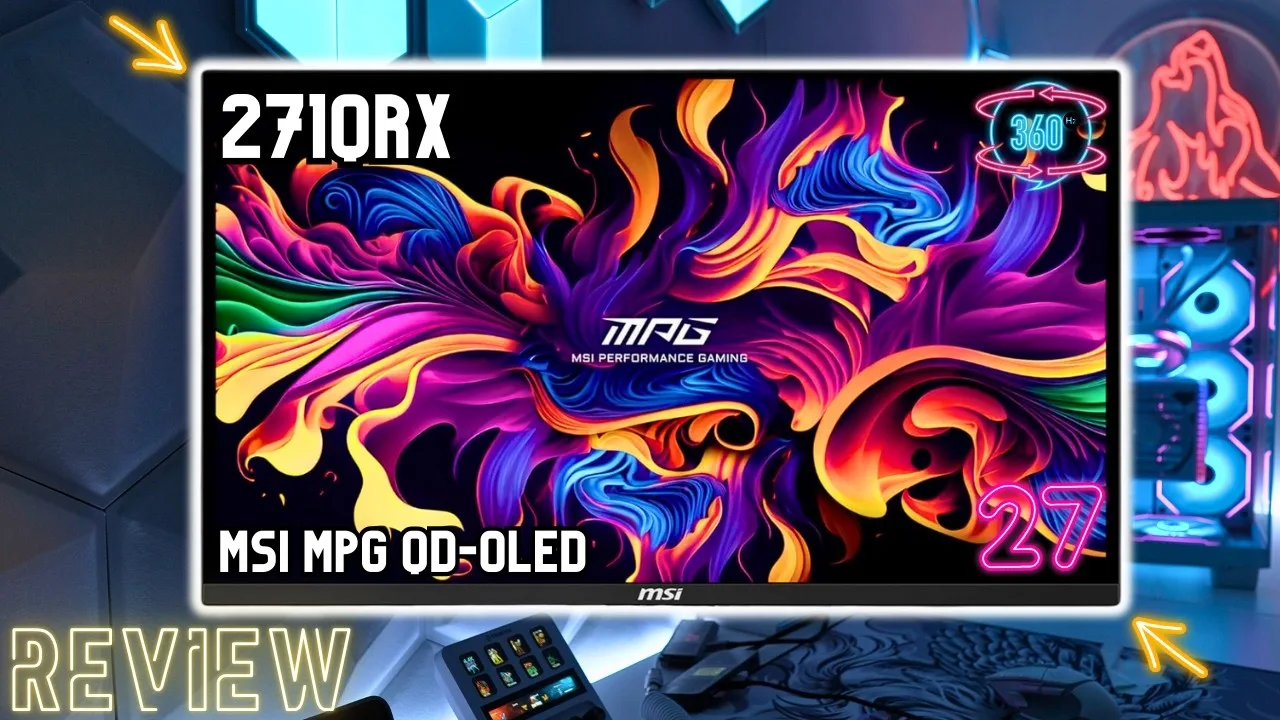 FIRE WOLF TECH
A 27-inch QD OLED gaming monitor with 360Hz refresh rate and 1440p …
FIRE WOLF TECH
A 27-inch QD OLED gaming monitor with 360Hz refresh rate and 1440p …
A 27-inch QD OLED gaming monitor with 360Hz refresh rate and 1440p resolution, priced under $800. Features third-gen QD OLED panel with 99% DCI-P3 coverage and factory-calibrated Delta E < 2. Requires Display Stream Compression to reach 360Hz on both DisplayPort and HDMI 2.1. Gaming performance excels in fast-paced competitive titles, though achieving 360 FPS demands high-end hardware like an RTX 4090. Single-player games benefit from gorgeous colors and deep blacks. SDR mode offers game mode filters, night vision, and AI black level adjustment. HDR provides True Black 400 or Peak 1000 modes but locks brightness and color controls. OLED VRR flicker in dark scenes affects all OLED monitors and can be eliminated by disabling VRR. Firmware updates require DisplayPort with USB upstream. USB hub lacks KVM switch and runs on USB 2.0 bandwidth.
- →Best suited for competitive esports titles at high frame rates
- →Requires high-end GPU like RTX 4090 to reach 360 FPS
- →Single-player games still benefit from QD OLED color and contrast
- →Consider disabling VRR if OLED flicker in dark scenes bothers you
- →Use DisplayPort for firmware updates and maximum flexibility
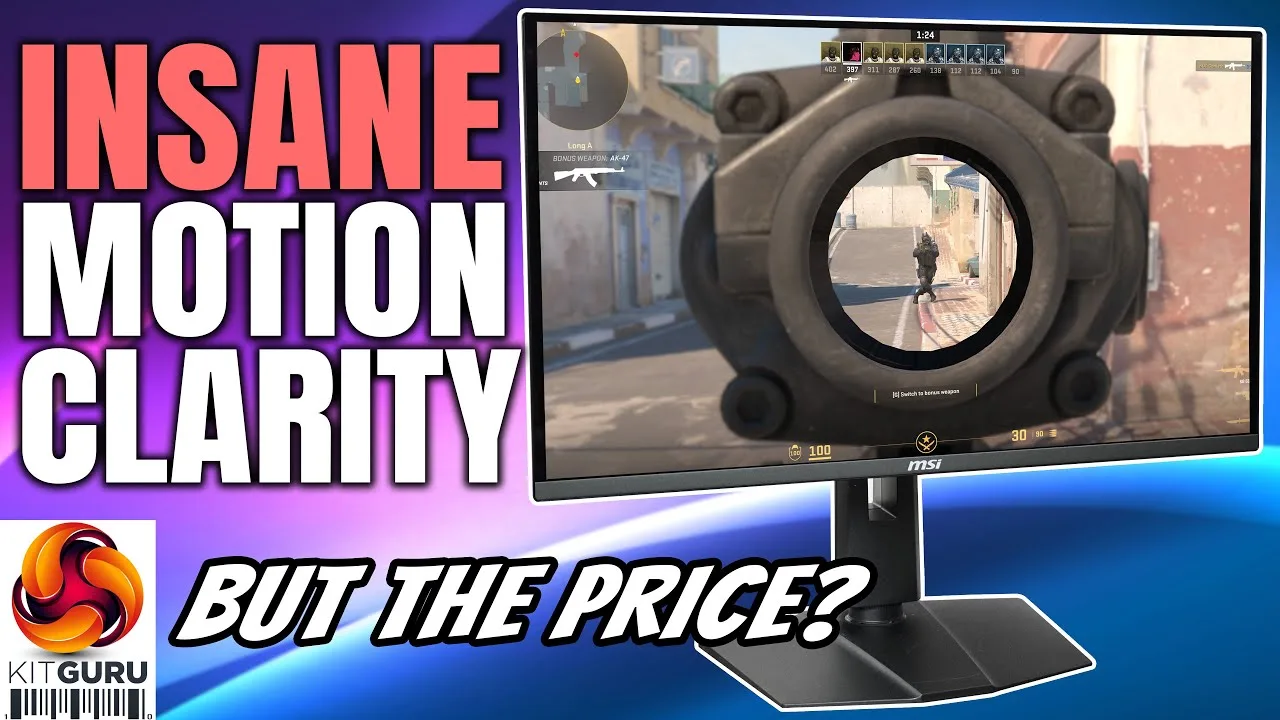 KitGuruTech
The MSI MPG 271QRX is a 27-inch 1440p 360Hz QD OLED monitor using …
KitGuruTech
The MSI MPG 271QRX is a 27-inch 1440p 360Hz QD OLED monitor using …
The MSI MPG 271QRX is a 27-inch 1440p 360Hz QD OLED monitor using Samsung's 3rd generation panel. It delivers peak HDR brightness up to 1000 nits with effectively infinite contrast ratio and near-instant response times. The design closely mirrors its larger 32-inch sibling with a matte black bezel-less front, 14mm chin, and small RGB zone on the rear. Ergonomic adjustments include 110mm height adjust, 30-degree swivel, -5 to +20 degree tilt, and 90-degree pivot. Connectivity covers DisplayPort 1.4a, two HDMI 2.1 ports (all supporting 1440p 360Hz), USB-C with 90W PD, and KVM functionality. The OSD is well-featured and navigable via joystick, with MSI's Gaming Intelligence app offering desktop control and firmware updates. SDR peak brightness reaches approximately 250 nits in user mode with steady luminance regardless of window size.
- →Ideal for competitive esports gamers prioritizing speed
- →Excellent HDR gaming with 1000 nit peaks
- →Great cable management with 90W USB-C
- →Space-efficient alternative to 32-inch QD OLED
- →Professional color work possible with calibration tools
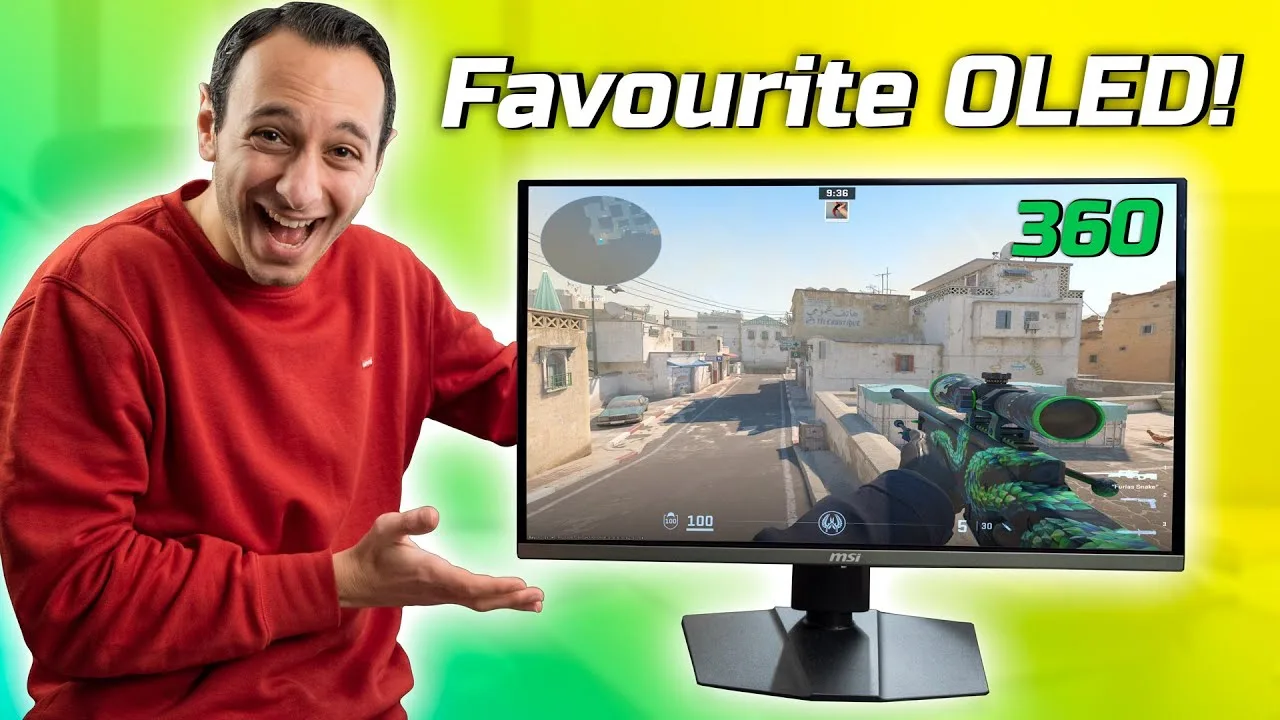 TotallydubbedHD
The MSI MPG 271QRX delivers exceptional gaming performance through its …
TotallydubbedHD
The MSI MPG 271QRX delivers exceptional gaming performance through its …
The MSI MPG 271QRX delivers exceptional gaming performance through its 27-inch flat glossy QD OLED panel running at 360Hz with 1440p resolution. Input lag tested at just 1ms, with class-leading average response time of 0.81ms (D2G) that hits 100% of the refresh rate window. Motion clarity is excellent at 360Hz with no inverse ghosting, though no motion blur reduction technology is included. HDR performance is outstanding with peak luminance reaching 932 nits; the DisplayHDR TrueBlack 400 mode sacrifices peak brightness for superior black levels, producing lifelike imagery in games like Destiny 2. Adaptive sync works well overall—NVIDIA G-SYNC ran successfully at 1440p/360Hz with HDR active over DisplayPort—but occasional flickering was noticed in some games. The 360Hz refresh rate provides extra fluidity and lower system latency for competitive gaming, though the improvement over 240Hz isn't dramatic. Pricing sits around £900/$900-1000.
- →Ideal for hardcore competitive FPS gamers prioritizing low latency
- →Best HDR experience found in current 27-inch OLED class
- →DisplayHDR TrueBlack 400 mode preferred for cinematic gaming
- →Sufficient for 240Hz upgraders seeking marginal competitive edge
- →Verify adaptive sync stability with your specific GPU and games
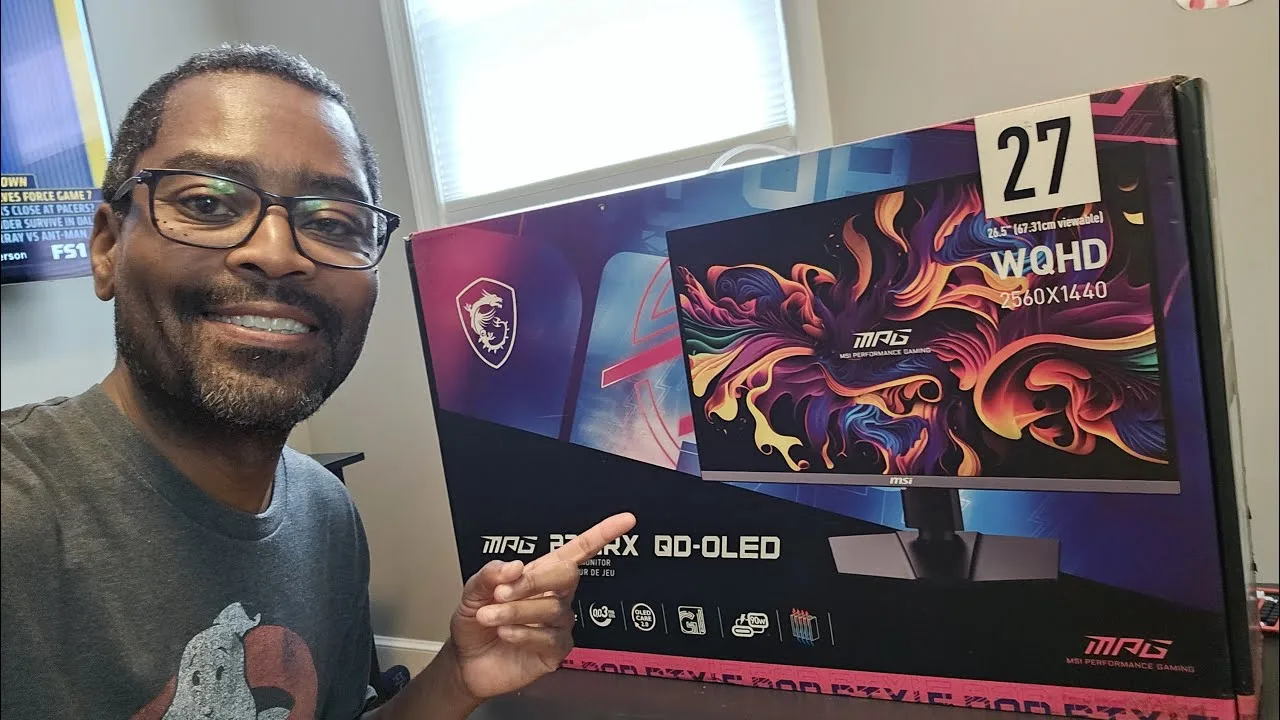 Slyclient The Tech Dad
The reviewer enthusiastically recommends the MSI MPG 271QRX QD OLED …
Slyclient The Tech Dad
The reviewer enthusiastically recommends the MSI MPG 271QRX QD OLED …
The reviewer enthusiastically recommends the MSI MPG 271QRX QD OLED display as an immediate purchase, calling it 'a buy all day long' for anyone seeking a 1440p 360Hz QD OLED monitor around $800. Having owned five different OLED displays, they praise the glossy panel's visual impact—previously skeptical of glossy finishes, they found it changed their mind completely. Gaming performance impressed with inky blacks, vivid reds, and excellent shadow quality in HDR. The monitor works well with handheld docking setups like the GPD Win Mini. A notable unique feature is 4K Blu-ray player compatibility with downsampling to 1440p, appealing to physical media collectors. The reviewer explicitly avoids deep technical analysis, focusing instead on real-world visual experience.
- →Ideal for 1440p high-refresh gaming enthusiasts
- →Perfect for handheld console dock users
- →Great choice for physical 4K Blu-ray collectors
- →Worth buying immediately despite long waitlists
- →Glossy finish preferred over matte alternatives
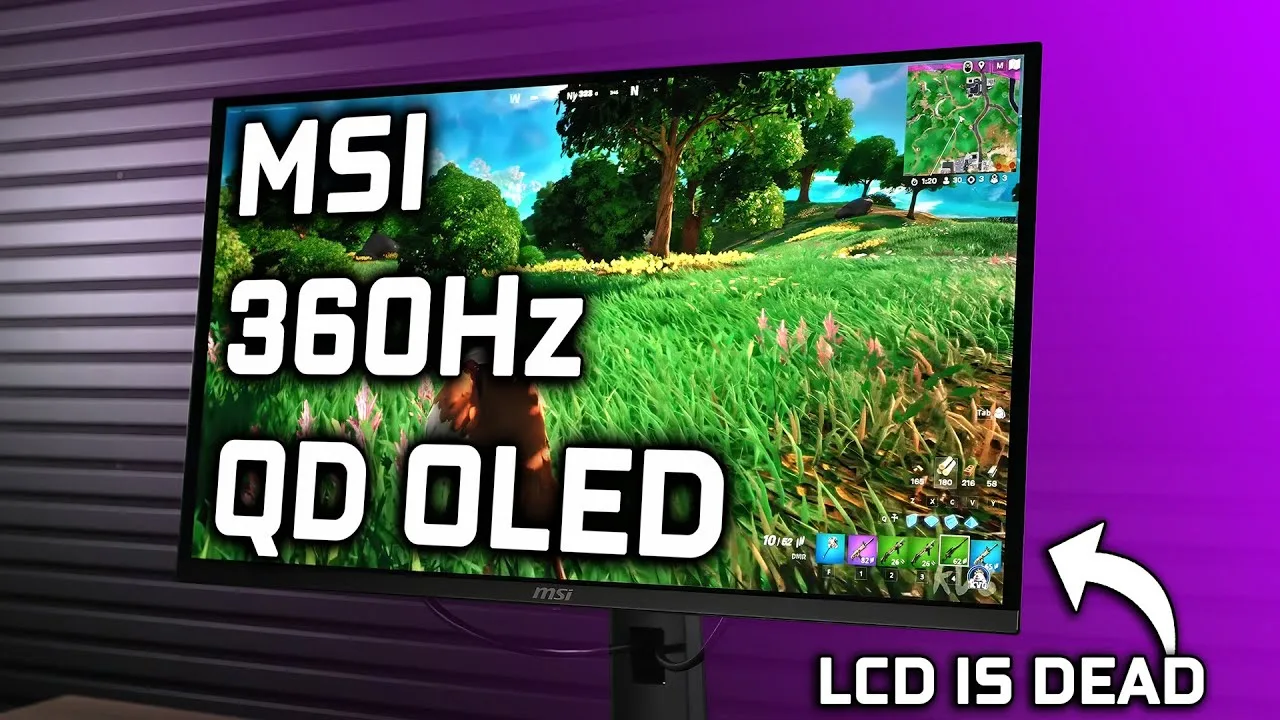 The Display Guy
This 27-inch 1440p 360Hz QD OLED V3 monitor delivers exceptionally …
The Display Guy
This 27-inch 1440p 360Hz QD OLED V3 monitor delivers exceptionally …
This 27-inch 1440p 360Hz QD OLED V3 monitor delivers exceptionally vibrant, punchy colors thanks to quantum dot technology and a glossy finish. Out-of-box color accuracy is solid with an average Delta E of 1.2, though white balance needs refinement. HDR performance benefits from 108% DCI-P3 coverage but lacks sufficient brightness for truly impactful HDR content, measuring 278 nits at 100% window and 471 nits at 10%. The 360Hz refresh rate paired with 0.03ms response time makes it compelling for competitive gaming. Design is restrained rather than overly gamery, though cable management proves tricky and the stand base runs large for the screen size. At $799.99 with a three-year burn-in warranty, it occupies a competitive position in the premium OLED monitor segment.
- →Best suited for competitive gamers prioritizing 360Hz OLED speed
- →Ideal for users wanting vibrant SDR colors over peak HDR brightness
- →Warranty coverage makes it safer OLED investment long-term
- →Content creators benefit from strong DCI-P3 and factory calibration
- →Wait for firmware update if precise white balance control matters
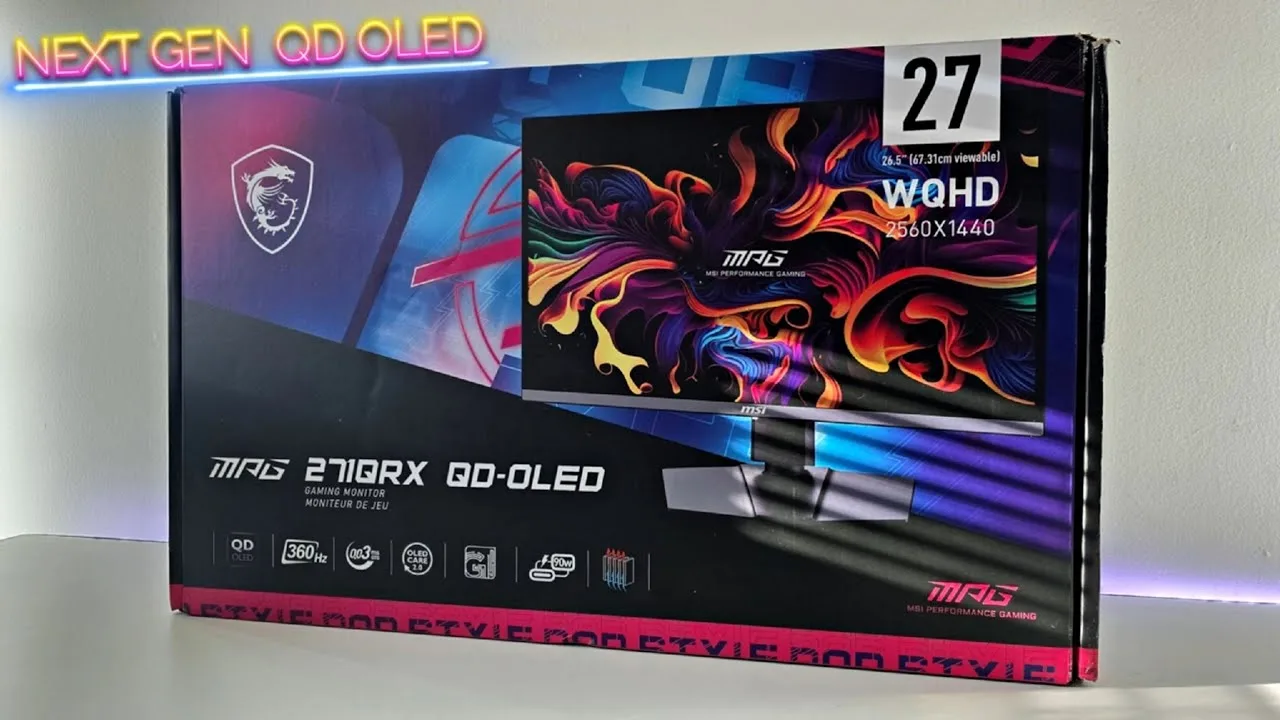 Viktor's Reality
This first-impressions review covers the unboxing and initial testing …
Viktor's Reality
This first-impressions review covers the unboxing and initial testing …
This first-impressions review covers the unboxing and initial testing of the MPG 271QRX, a 1440p 360Hz QD OLED monitor with a substantial heatsink. The reviewer praised the colorful, gamer-oriented packaging and secure styrofoam protection. The monitor features a thumbstick navigation nub, well-designed but currently buggy menu system with numerous AI options, and MSI's OLED care technologies including pixel shift and static screen detection. A critical firmware update is needed at launch. Daytime testing with direct sunlight revealed the glossy coating's limitations without a polarizer—elevated blacks and purple haze appear, though brightness remains sufficient for playable visibility. Notably, the monitor showed no ABL dimming during testing, and image clarity impressed the reviewer significantly.
- →Update firmware immediately upon receiving this monitor
- →Best suited for controlled lighting or cave-like environments
- →Ideal for competitive gamers prioritizing clarity and 360Hz
- →Verify AI settings haven't changed when switching modes
- →Consider matte alternatives if bright room usage is needed
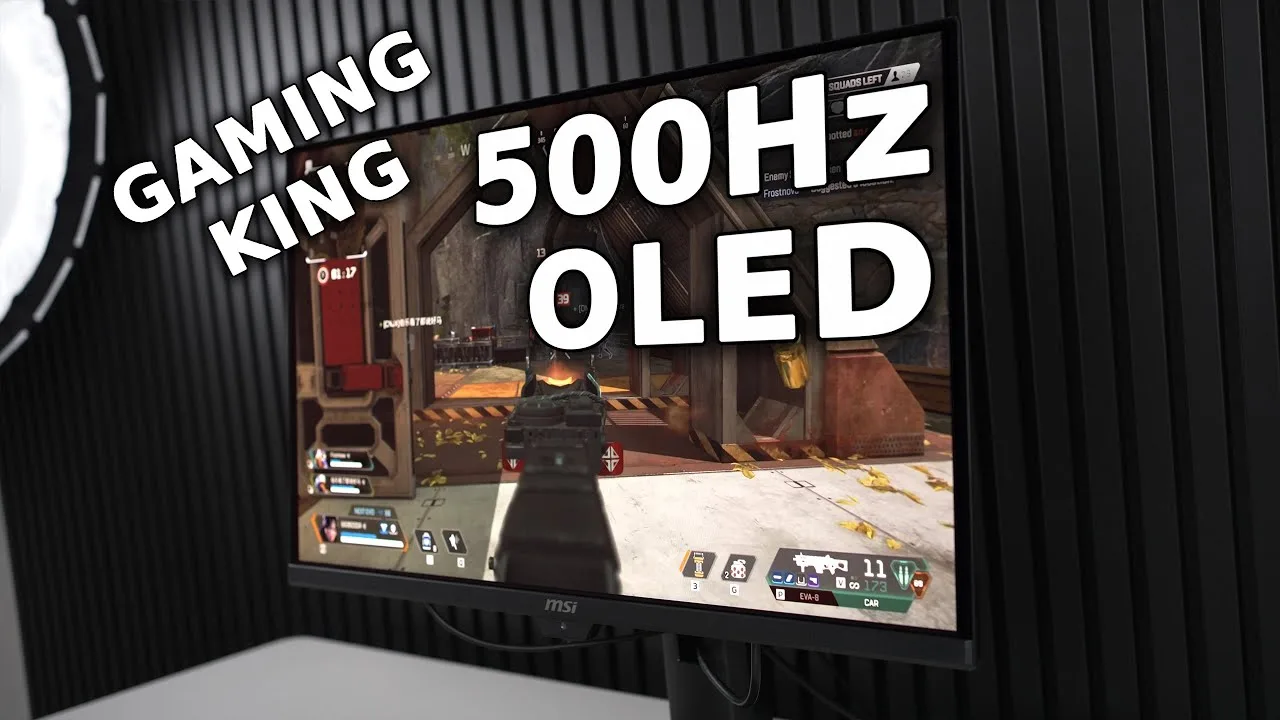 The Display Guy
The MSI MPG 271QRX features a 27-inch QD OLED panel with DisplayPort …
The Display Guy
The MSI MPG 271QRX features a 27-inch QD OLED panel with DisplayPort …
The MSI MPG 271QRX features a 27-inch QD OLED panel with DisplayPort 2.1 and HDMI 2.1, eliminating the need for DisplayStream compression. It runs at 500Hz at 1440p with HDR TrueBlack 500 certification for higher brightness than previous generations. SDR color accuracy is excellent with an average delta E of 1.5 after adjustments, though it ships with suboptimal default settings and shows excess red in bright white elements. HDR near-black performance is surprisingly strong, but EOTF tracking has issues across all HDR modes. BT.2020 coverage reaches approximately 80% in UV terms. Motion clarity and responsiveness are standout strengths due to the OLED panel's inherent speed.
- →Ideal for competitive online gaming at high frame rates
- →Requires calibration for accurate SDR colors
- →Best experienced in dark room environments
- →Strong choice for gamers prioritizing motion clarity
- →Suitable for content creation with proper setup
 LORELYNF
The MSI MPG 271QRX is a 27-inch QD OLED monitor with 2K resolution and …
LORELYNF
The MSI MPG 271QRX is a 27-inch QD OLED monitor with 2K resolution and …
The MSI MPG 271QRX is a 27-inch QD OLED monitor with 2K resolution and 360Hz refresh rate, positioned as a premium option for gamers and creators. It features OLED Care 2.0 burn-in prevention, graphene film with custom heatsink for thermal management, and a 3-year warranty covering burn-in. The monitor includes Gaming Intelligence app for software-based control, profile linking to games, and 90W USB Type-C PD charging. Factory pre-calibration ensures color accuracy for creative work. The 27-inch variant is priced at 54,995 pesos.
- →Ideal for competitive gamers needing maximum refresh rates
- →Suitable for creators requiring color-accurate workflow
- →Burn-in protection makes it safer long-term OLED investment
- →USB-C connectivity benefits laptop and mobile users
- →Consider GPU power to fully utilize 360Hz capability
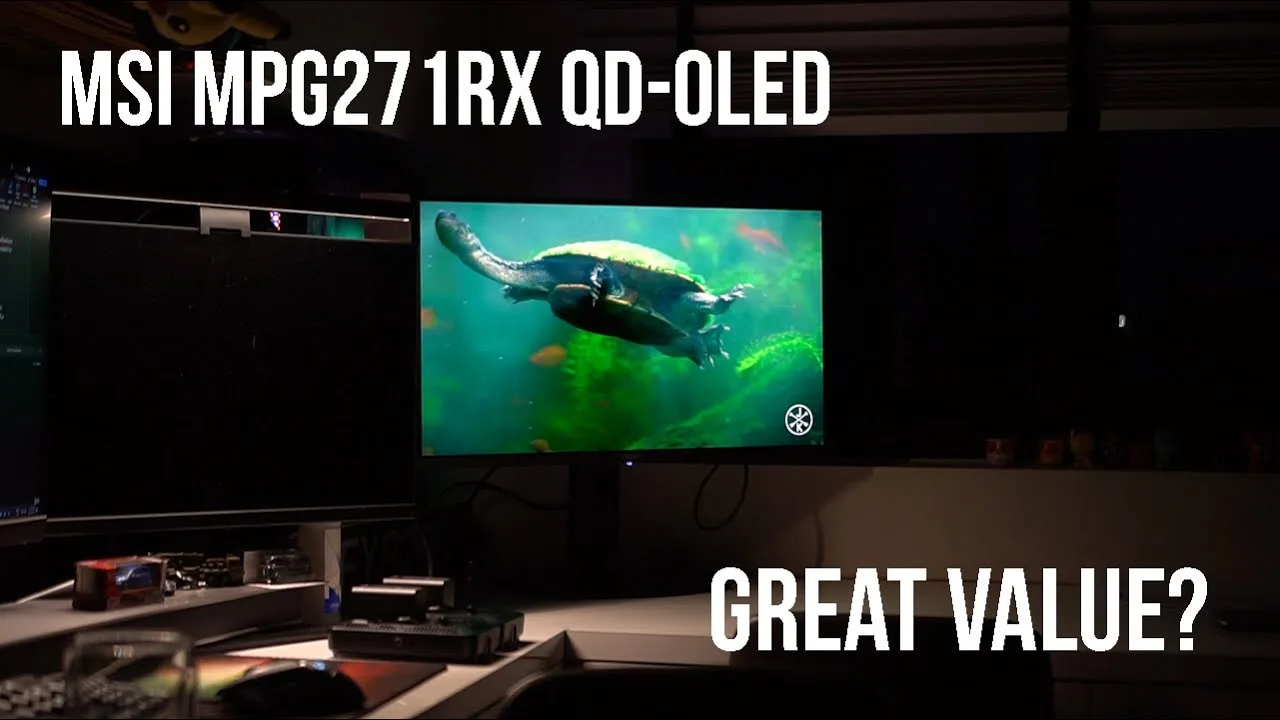 NWH Productions
This 27-inch 1440p glossy QD OLED monitor delivers a 360Hz refresh …
NWH Productions
This 27-inch 1440p glossy QD OLED monitor delivers a 360Hz refresh …
This 27-inch 1440p glossy QD OLED monitor delivers a 360Hz refresh rate with 0.03ms GTG response time, making it exceptionally smooth for gaming, content creation, and general use. Color reproduction covers 99% DCI-P3 with 10-bit color, while HDR peaks at 1000 nits. Standout features include 90W USB-C power delivery, tool-free assembly, comprehensive stand adjustability, and a 3-year warranty covering burn-in. Pixel-shifting technology and reconditioning functions help mitigate OLED burn-in risks. Build quality is solid with firm buttons and minimal wobble. The OSD uses MSI's joystick control with optional software management via USB connection. However, at 1.6K SGD, it commands a significant premium over near-identical competitors, and the package lacks included USB-C and DisplayPort cables despite the monitor's full functionality requiring them.
- →Ideal for competitive gamers needing 360Hz smoothness
- →Excellent for content creators requiring accurate colors
- →Great for bright room usage with 1000 nit HDR
- →Requires high-end GPU to fully utilize 360Hz
- →Wait for price drop unless budget is unlimited
Community Discussions via Reddit
Comparison
r/OLED_Gaming
u/Freds1765
A new owner of the MSI MPG 271QRX reports that as their first OLED monitor, they are impressed by the blacks and response times compared to their previous IPS display. However, they express dissatisfaction with color reproduction, describing colors as either washed out or over-saturated across different OSD presets. They are currently experimenting with settings, including recommendations from a TFT Central video, to improve the color experience. The owner seeks community input on whether this is a settings issue or inherent to OLED technology, wanting good performance for gaming as well as streaming and browsing.
Key Insights
- →Best for users prioritizing black levels and response time over out-of-box color accuracy
- →Not ideal for users expecting vibrant, saturated colors without calibration
- →Requires patience with settings adjustment; sRGB color space with 2.2 gamma and warm color temperature suggested by community for non-HDR content
- →HDR mode selection should prioritize accuracy and brightness per community recommendation
- →Adjustment period of several days may be needed to appreciate accurate color reproduction
Top Comments
To some, accurate colors can be “underwhelming.” I always set my monitors to the sRGB color space, 2.2 gamma, and warm color temperature for non-HDR content, and whatever HDR mode offers the best …
This. I recently got the FO32U2P and was underwhelmed after years of being blasted by my MacBook colours. My eyes are starting to appreciate the warmer 'tint' only after a couple of days light use.
I'm not, no. Based on the TFT central video I'm using the User preset with the values they suggest for individual RGB channels.
Troubleshooting
r/OLED_Gaming
u/jb44_
New owner of the MSI MPG 271QRX reports strong initial impressions after several hours of use. The 360Hz QD-OLED panel delivers notably smooth motion and vibrant colors with Display P3 profile working well out of the box. Build quality impresses with thin panel design and metal housing. Brightness at 40-60/100 suits sensitive eyes without causing eye strain during extended sessions. VRR flicker appears absent across multiple connection methods and games. A significant HDMI 2.1 issue causes some fullscreen games to incorrectly switch to 4K@120Hz signal instead of native 1440p@360Hz, though a community workaround exists via GPU scaling settings. Pixel shifting offers Slow/Normal/Fast options with cursor visibility maintained at screen edges.
Key Insights
- →Best suited for users with sensitive eyes who prefer lower brightness environments and want OLED without eye strain issues
- →HDMI 2.1 console scaling feature interferes with PC fullscreen gaming; set GPU scaling to 'GPU' instead of 'Monitor' in NVIDIA control panel as workaround
- →Strong out-of-box color experience with Display P3 profile eliminates need for manual calibration for most users
- →360Hz benefit most apparent in fast motion content; less critical for non-competitive gaming where ghosting differences are marginal
- →Panel finish may differ from other QD-OLED monitors using same panel, potentially affecting eye strain susceptibility on individual basis
Top Comments
Thank you for the very detailed report. Also, very good news about no flickering or eye strain, although some people may feel it anyway. Can I ask if you got to see how "pixel/display shifting" is …
For the HDMI 2.1 and 4k signal thing, this is caused by the monitor scaling 4k:2k for consoles. You can fix this by going into your GPU control panel and switch the scaling from "Monitor" to "GPU" …
This is the same OLED panel as AW2725DF right? So if my eyes are strained on that panel, that should mean the strain will be present on this MSI model as well?
Troubleshooting
r/OLED_Gaming
u/ReverbCS
A user discovered workarounds to create custom resolutions on the MSI MPG 271QRX while DSC (Display Stream Compression) is enabled, which is normally restricted. The monitor supports 360Hz via DisplayPort 1.4 and HDMI 2.1. Two methods were found: temporarily disabling DSC to create resolutions that persist upon re-enabling, or using ScaledResolutionEditor with a full restart. However, DSC combined with fullscreen exclusive mode on non-native resolutions causes significant flickering and signal loss (up to 30 seconds) when launching or alt-tabbing in games like CSGO and Valorant. Display scaling mode and setting resolution via NVIDIA control panel rather than Windows settings partially mitigate this. The issue does not occur with DSC disabled.
Key Insights
- →Best used with DSC disabled if frequently playing games in fullscreen exclusive mode with non-native resolutions
- →For competitive gaming with custom resolutions, borderless fullscreen is recommended over exclusive fullscreen to avoid DSC-related flickering
- →Setting resolution through NVIDIA control panel rather than Windows display settings reduces flickering duration
- →Setting display scaling to 'Display' instead of 'GPU' provides minor improvement for DSC flickering issues
- →Monitor is functional for custom resolution users but requires specific workflow adjustments due to DSC implementation limitations
Top Comments
Yes, just remember to set the scaling mode to fill in your Nvidia control panel
Comparison
r/MSI_Gaming
u/Lumitesi_pt
Top Comments
Yup, I tried taking the cable out on both sides and plugging on again, I also tried connecting a laptop via USB-C. They issue remains :/
Scores based on weighted analysis of 27 expert and community sources. How we review →