

ASUS ROG Swift OLED PG27UCDM
Best For
- Gamers seeking high refresh rates
- Professionals needing color accuracy
- Users valuing high pixel density
Consider Carefully
- Budget-conscious shoppers
- Those needing built-in speakers
Jump to Section
The Bottom Line
The ASUS ROG Swift OLED PG27UCDM is a 27-inch 4K QD-OLED monitor that sits firmly at the premium end of the market, combining high-end gaming performance with professional-level color accuracy. Its QD-OLED panel delivers a high pixel density of 166 PPI — a meaningful step up in sharpness over larger 4K panels — making it one of the densest high-refresh OLED monitors available. What we found most impressive is its panel quality: a 240Hz refresh rate, 0.03ms response time, true 10-bit color, and 99% DCI-P3 gamut coverage make it equally compelling for competitive gaming and color-critical professional work. Support for Dolby Vision and wide viewing angles further elevate its image quality credentials, as noted by tomshardware.com and displayninja.com. Compared to WOLED alternatives such as LG's larger-panel offerings, the PG27UCDM trades screen real estate for significantly sharper pixel density in a more desk-friendly 27-inch footprint. The premium price reflects these capabilities, and the monitor does carry a few caveats: there are no internal speakers, and its HDR modes have some limitations.
Performance Breakdown
Expert Scores
How 7 professional publications rated this product
In-Depth Analysis
Image & Color Quality 95
29 sources, near-unanimous praise. QD-OLED at 166 PPI delivers the kind of color accuracy and sharpness that holds up for both competitive gaming and professional color work.
Key Takeaway
→If color accuracy and pixel density matter to your workflow or your gaming setup, this panel delivers without compromise. If you're upgrading from another QD-OLED, the visual jump is smaller than you'd expect.
Gaming Performance 93
15 of 23 sources specifically call out the 240Hz refresh rate as a headline strength. The catch: you need a GPU powerful enough to actually push 4K at that rate.
Key Takeaway
→If you're running an RTX 4080 or better, this monitor's 4K 240Hz spec is fully usable. If your GPU is mid-range, you're buying future-proofing, not current performance.
Connectivity & Ports 92
DisplayPort 2.1, HDMI 2.1, USB-C with 90W Power Delivery, and a built-in KVM switch. 7 of 12 sources flag the port selection as a genuine strength.
Key Takeaway
→If clean cable management and multi-device flexibility matter to your setup, the port selection here is among the best in class at this tier.
HDR Capabilities 89
Dolby Vision support and 985 nits peak brightness are strong on paper, but reviewers flag real-world HDR limitations that require manual tuning to get the best out of it.
Key Takeaway
→HDR is genuinely good here, but you'll need to spend time in the settings. Out of the box, it's not the full picture the Dolby Vision badge implies.
Ergonomics & Design 84
Premium build and solid ergonomics, but the stand is oversized for a 27-inch monitor and the price is hard to justify on form factor alone.
Key Takeaway
→The build quality is premium and the ergonomics are solid, but budget for a VESA arm if desk space is tight, and plan on external audio from day one.
OLED Panel Protection 82
ASUS's OLED Care suite, including a Neo Proximity Sensor and Target Mode, addresses burn-in concerns seriously. Long-term durability still requires user discipline around pixel cleaning cycles.
Key Takeaway
→If you're willing to follow OLED care routines, the protection suite here is among the most comprehensive available. If you want a set-and-forget panel, OLED still isn't that.
Specifications & Verdict
Display
- Screen Size
- 26.5 in
- Resolution
- 3840 × 2160
- Aspect Ratio
- 1.778:1
- Pixel Density
- 165 ppi
- Panel Type
- QD-OLED
- Screen Coating
- Glossy
Performance
- Refresh Rate
- 240 Hz
- Response Time
- 0.03 ms
- Input Lag
- 2.7 ms
- Adaptive Sync
- AMD FreeSync Premium Pro, Nvidia G-Sync Compatible
Image
- Contrast Ratio
- 1500000 : 1
- Brightness
- 250 nits
- Peak Brightness
- 1000 nits
- Color Gamut
- 145 %
- Color Depth
- 1073741824 colors
- HDR Support
- DisplayHDR 400 True Black
- Viewing Angles
- 178 °
Connectivity
- Video Inputs
- 1x DisplayPort 2.1, 2x HDMI 2.1
- Ports
- 1x USB-C 90W (DP Alt Mode), 3x USB 3.2 Gen 1 Type-A
- HDMI Ports
- 2
- HDMI Version
- 2.1
- DisplayPort
- 1
- DisplayPort Version
- DisplayPort 2.1
- USB Ports
- 4
- Speakers
- No
Design
- Weight
- 4.97 kg
- Dimensions
- 589.97 mm
- Panel Thickness
- 70 mm
- VESA Mount
- Yes
- Height Adjustment
- 110 mm
- Tilt
- -5 - 20°
- Swivel
- -30 - 30°
- Pivot
- -90 - 90°
- Stand Adjustments
- 0~110mm
- Remote Control
- No
Other Specs
- Power Consumption
- 80W
- Warranty
- 3 years
- Special Features
- Anti-theft stand lock slot - Kensington
Our Verdict
The ASUS ROG Swift OLED PG27UCDM's 166 PPI QD-OLED panel, 240Hz refresh rate, 0.03ms response time, and DisplayPort 2.1 connectivity make it one of the sharpest and most capable high-refresh OLED monitors available. It earns its premium price for both competitive gamers and color-critical professionals — just be prepared to add external speakers and accept some HDR limitations.
Customer Reviews Amazon
5,713 reviews
MIND BLOWING: Did NOT regret this purchase! So WORTH IT!! Color FANTASTIC!!! Speed: EPIC
Just get it!
Crazy Blacks, Amazing Value, 100% worth the money
11 years of use, still great!
Show all 8 reviews
Gloss OLED!
Estupendo monitor para gaming
اولد حقيقي
Must have for Gamers
Reviews shown are from Amazon customers and do not reflect our editorial assessment.
Reader Questions
Specific questions about the ASUS ROG Swift OLED PG27UCDM, answered only from what reviewers reported.
01Can this monitor handle 4K at 240Hz for gaming?
Yes. Reviewers confirmed it delivers a 4K image at a 240Hz peak refresh rate, with a 0.03ms response time that keeps input lag low during fast-paced play.
02Is it good enough for professional color work, or just gaming?
Reviewers found it suitable for both. The panel covers 99% DCI-P3 with true 10-bit color depth, and a dedicated sRGB Cal Mode delivers significant color accuracy improvements for color-critical tasks.
03How sharp does the image look at 27 inches?
Reviewers noted a high pixel density of 166 PPI, which produces sharp details that professionals and content creators found particularly useful.
04Does it support Dolby Vision for movies and HDR content?
Yes. Reviewers confirmed support for both HDR10 and Dolby Vision, making it suitable for cinematic HDR content.
05What connectivity options does it offer?
Reviewers highlighted comprehensive connectivity including DisplayPort 2.1 and HDMI 2.1, with DisplayPort 2.1 noted as providing advanced bandwidth for high-resolution, high-refresh-rate output.
06Does it have built-in speakers?
No. Reviewers noted there are no internal speakers, so you will need external audio.
Pricing & Availability
Updated Feb 18, 2026ASUS ROG Swift OLED PG27UCDM
All regions

Sources & Methodology
Every score is built on evidence. This review synthesizes 36 independent sources — expert publications, video reviews, and community discussions — weighted by credibility, depth, and relevance.
Show detailed source analysis ↓ Hide source analysis ↑
Expert Reviews
tomshardware.com
Top
5/5-point
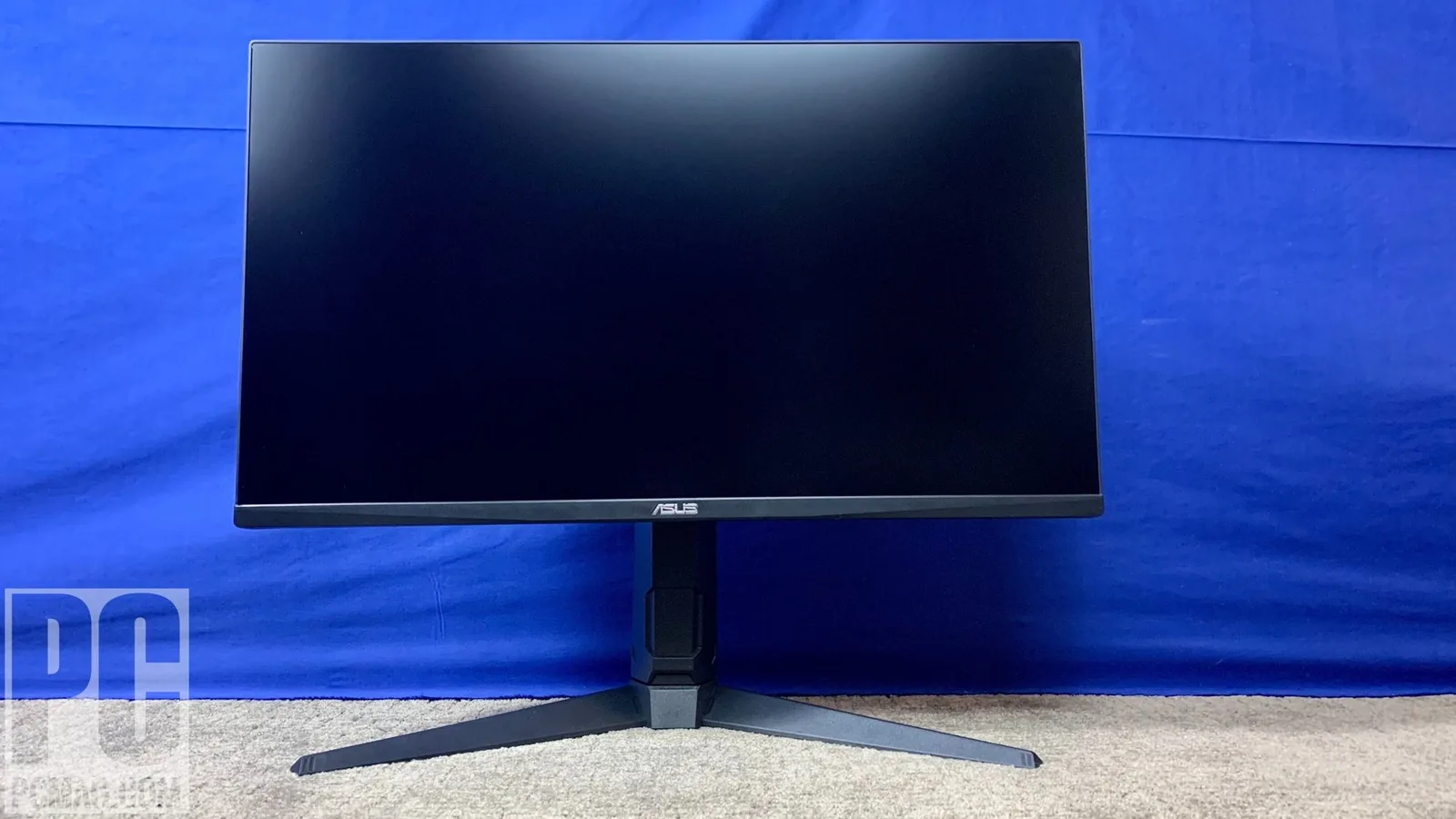
The ASUS ROG Swift PG27UCDM stands out with its premium build quality, high pixel density, and Dolby Vision support. It offers stunning image quality with high contrast and saturated colors, accurate out of the box, and flexible image and gaming options. Its Quantum Dot layer covers over 103% of DCI-P3, and it's capable of 1,000-nit peaks in HDR mode. The 240 Hz refresh rate is available over all four video inputs, and it includes KVM with USB 3.2 ports and a 3.5mm headphone jack, though it lacks internal speakers.
Strengths
- +Stunning image with high contrast and saturated color
- +Accurate out of the box
- +Flexible image and gaming options
- +Premium video processing
Weaknesses
- −No internal speakers
displayninja.com
Top
4.1/5-point
The ASUS ROG Swift OLED PG27UCDM impresses with its high pixel density and sharp details due to its 4K UHD resolution and 166 PPI. It offers an exceptional 99.3% DCI-P3 gamut coverage, wide viewing angles, and true 10-bit color depth. The monitor also boasts a high 240Hz refresh rate, low input lag, and supports NVIDIA G-SYNC Compatible, AMD FreeSync Premium, and HDMI 2.1 VRR for smooth gameplay. However, it shares similar characteristics with previous-gen panels and has limitations in HDR modes.
Strengths
- +High pixel density and sharp details
- +Exceptional 99.3% DCI-P3 gamut coverage
- +Wide viewing angles and true 10-bit color depth
- +High 240Hz refresh rate and low input lag
Weaknesses
- −Shares characteristics with previous-gen panels
- −HDR modes have limitations
ign.com
Top
7/10-point
The ASUS ROG Swift PG27UCDM is a high-end gaming monitor that delivers outstanding performance with a crisper image in a more accessible screen size. It features a high pixel density, esports-ready 240Hz refresh rate, and 10-bit color with 99% DCI-P3 color gamut coverage. The monitor also includes a range of gaming features and a KVM feature, making it versatile for various uses. Its design is almost identical to its larger sibling, with thin bezels, a customizable logo, and a high-quality tripod-style stand offering excellent ergonomics and cable management.
Strengths
- +More accessible screen size with higher pixel density
- +Esports-ready 240Hz refresh rate
- +10-bit color with 99% DCI-P3 color gamut
- +High-quality tripod-style stand with excellent ergonomics
techradar.com
Top
4/5-point
The ASUS ROG Swift OLED PG27UCDM delivers a stunning OLED panel with 4K resolution and a 240Hz refresh rate, providing excellent color accuracy and performance. Its generous port selection and user-friendly interface allow for high customization. However, the monitor's aesthetics, including an oversized stand and gimmicky projector, feel overdone, and the high price tag makes it less competitive compared to other monitors with more impressive specs.
Strengths
- +Epic OLED panel with 4K resolution and 240Hz refresh rate
- +Brilliant port arrangement for cable management
- +Awesome user interface for performance customization
Weaknesses
- −Expensive, especially for a 27-inch panel
- −Annoyingly big stand
- −Downward-facing projector gimmick is outdated
techpowerup.com
Top
1/100-point
The ASUS ROG Swift OLED PG27UCDM offers a refined OLED experience with a 4K QD-OLED panel, 240 Hz refresh rate, and excellent motion clarity. Its HDR performance is impressive, with high peak brightness and Dolby Vision support. While out-of-the-box color accuracy is decent, it can be significantly improved with OSD controls. The monitor also excels in uniformity and ergonomics, and offers comprehensive connectivity options.
Strengths
- +High refresh rate of 240 Hz for smooth gaming
- +Exceptional motion clarity with fast response times
- +Strong HDR performance with peak brightness of 985 nits
- +Dolby Vision support for cinematic content
Weaknesses
- −Initial color accuracy in SDR is merely decent
- −USB-C bandwidth limitation when running at 4K 240 Hz
pcmag.com
Top
4.5/5-point
The ASUS ROG Swift PG27UCDM is a high-end gaming monitor featuring a 4K screen, 240Hz peak refresh rate, and DisplayPort 2.1 technology, making it an Editors' Choice winner. It boasts a QD-OLED screen for vivid colors and high brightness, and its low input lag ensures a responsive gaming experience. The monitor's innovative Neo Proximity Sensor and Target Mode setting enhance user convenience and performance.
Strengths
- +4K screen with 240Hz peak refresh rate
- +DisplayPort 2.1 technology for high resolutions and refresh rates
- +QD-OLED screen delivers vivid colors and high brightness
- +Low input lag for responsive gaming
pcworld.com
Top
80/100
The ASUS ROG Swift OLED PG27UCDM is a 27-inch 4K QD-OLED monitor that boasts top-tier SDR color performance and a sharp 4K image with 161 pixels per inch. It offers crisp motion clarity, FreeSync and G-Sync support, and a USB-C port with 90 watts of Power Delivery. Despite its premium features, the monitor is expensive and has a larger-than-ideal stand that takes up desk space.
Strengths
- +Top-tier SDR color performance
- +Tack-sharp 4K image with 161 pixels per inch
- +Crisp motion clarity with ELMB black frame insertion
- +FreeSync and G-Sync support
Weaknesses
- −Included monitor stand is larger than it should be
- −Image quality is similar to competitive QD-OLED monitors
- −Expensive
tftcentral.co.uk
The ASUS ROG Swift PG27UCDM is a groundbreaking 27-inch OLED monitor featuring a 4K resolution with a high pixel density of 166 PPI. It boasts a 240Hz refresh rate and 0.03ms response time, enhancing gaming performance. The monitor includes DisplayPort 2.1, USB-C, and HDMI 2.1 connections, supporting HDR10 and Dolby Vision. It also introduces OLED Antiflicker 2.0 and a Neo Proximity Sensor, showcasing ASUS's commitment to reducing screen flicker and improving user interaction.
Strengths
- +First 4K resolution on a 27-inch OLED screen
- +High pixel density of 166 PPI
- +240Hz refresh rate and 0.03ms response time
- +Wide range of connectivity options including DisplayPort 2.1
Video Reviews
 SpawnPoiint
The ASUS ROG Swift OLED PG27UCDM is a 27-inch 4K OLED gaming monitor …
SpawnPoiint
The ASUS ROG Swift OLED PG27UCDM is a 27-inch 4K OLED gaming monitor …
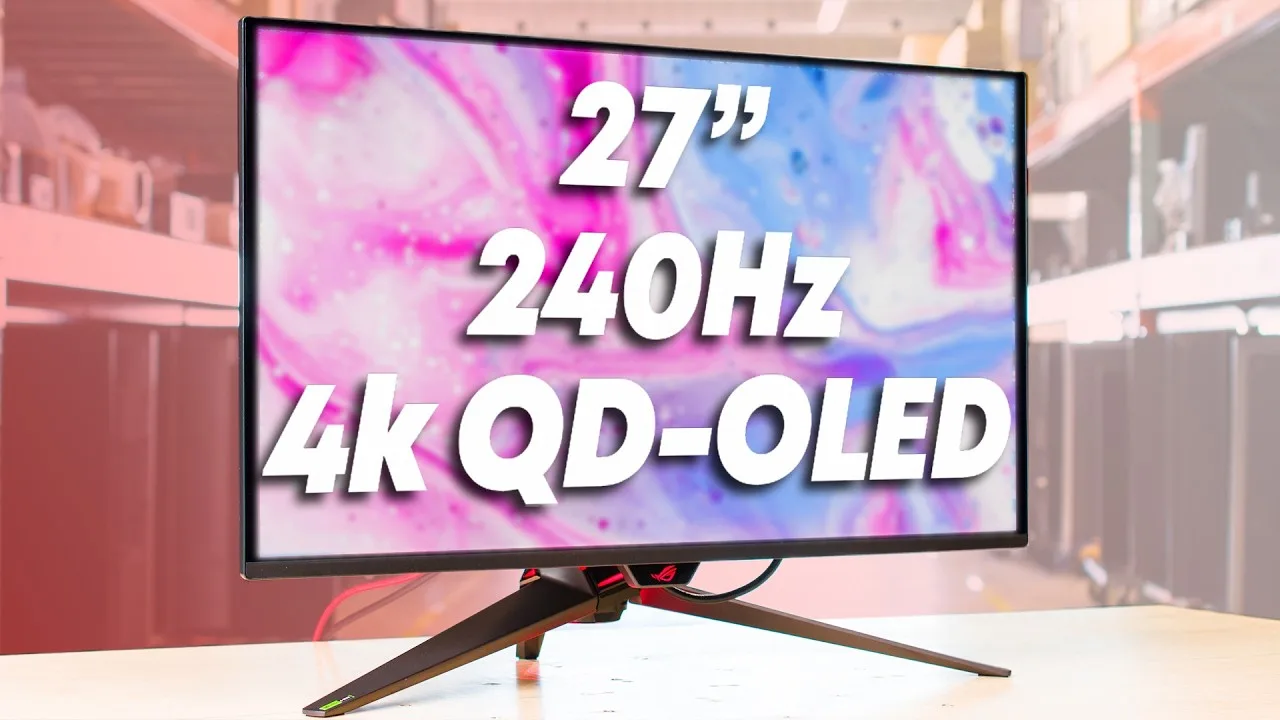
The ASUS ROG Swift OLED PG27UCDM is a 27-inch 4K OLED gaming monitor with a 240Hz refresh rate, VRR, DisplayPort 2.1, and Dolby Vision support, making it suitable for PS5, Xbox, and PC. It features a sleek design with a sturdy metal stand offering full movement capabilities and a VESA adapter for alternative mounting options. The fourth-gen QD OLED panel provides a clear, sharp image with a high PPI of 160, impressive color vibrancy due to the 99% DCI-P3 color gamut, and excellent contrast levels.
- →Ideal for gaming and professional work requiring color accuracy
- →Versatile for console and PC gaming with 4K resolution and VRR
- →Glossy screen reduces reflections for better image quality
- →HDR performance is suitable for normal lighting conditions
 RTINGS Computer
The ASUS ROG Swift PG27 UCDM stands out with its 27-inch 4K 240Hz QD …
RTINGS Computer
The ASUS ROG Swift PG27 UCDM stands out with its 27-inch 4K 240Hz QD …
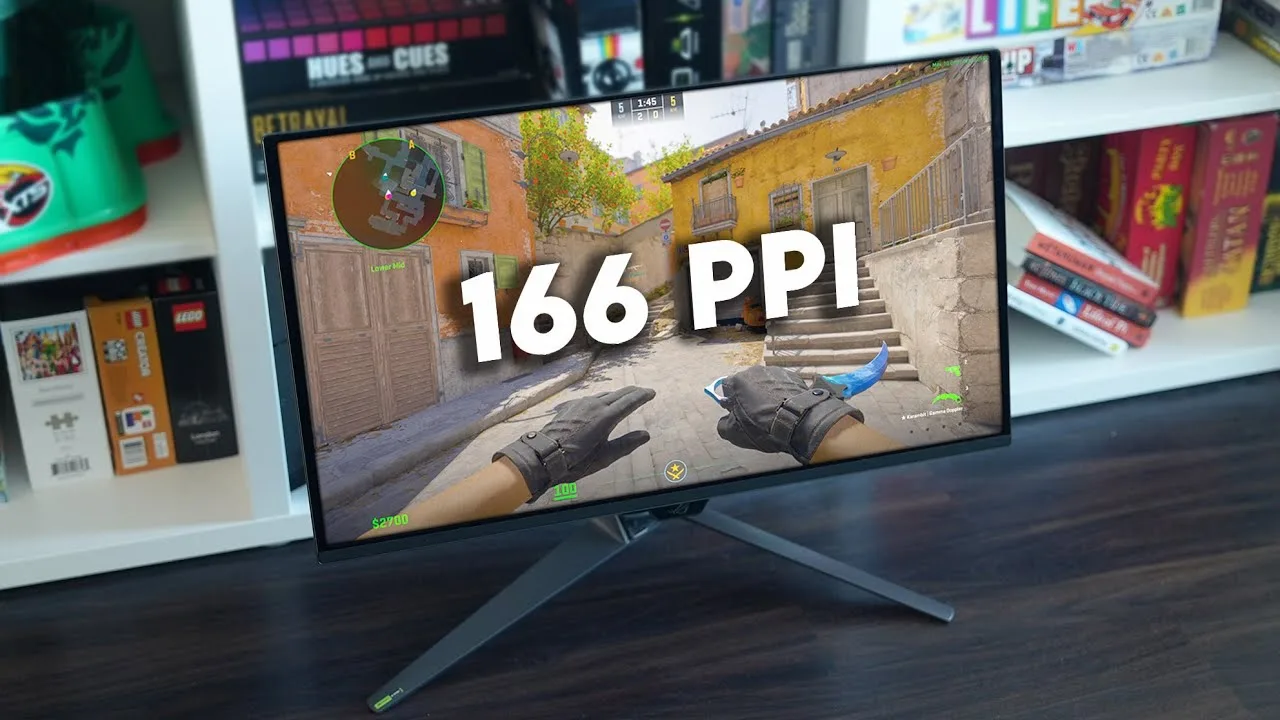
The ASUS ROG Swift PG27 UCDM stands out with its 27-inch 4K 240Hz QD OLED display, offering a compact alternative to larger models. It boasts excellent text clarity with a pixel density of 166ppi, and its glossy screen coating provides top-notch reflection handling. The monitor excels in terms of inputs, supporting full bandwidth over HDMI and DisplayPort, and includes a USB-C port with DisplayPort Alt Mode and 90W power delivery. Its HDR performance is impressive, displaying a wide range of colors accurately and maintaining high brightness levels.
- →Ideal for those seeking a smaller 4K QD OLED monitor
- →Great for professional work due to sharp text and color accuracy
- →Suitable for HDR content with wide color range and high brightness
- →Excellent gaming performance with 240Hz refresh rate and DisplayPort 2.1 support
 Ameli's Tech
The ASUS ROG Swift OLED PG27UCDM offers unmatched sharpness in the …
Ameli's Tech
The ASUS ROG Swift OLED PG27UCDM offers unmatched sharpness in the …
The ASUS ROG Swift OLED PG27UCDM offers unmatched sharpness in the high refresh OLED space, making it ideal for a variety of uses from gaming to professional work. Its 4K resolution on a 27-inch screen provides a perfect balance for clarity without the bulkiness of larger monitors. The inclusion of DisplayPort 2.1 and the ability to turn off display stream compression are notable, though the differences in image quality with compression off are minimal and require close inspection to notice.
- →Ideal for competitive gaming and professional editing
- →DisplayPort 2.1 offers advanced connectivity options
- →Minimal visual difference with display stream compression off
- →Future developments may reduce price and improve versatility
 Digital Trends
The ASUS ROG Swift PG27UCDM is a groundbreaking 27-inch 4K OLED gaming …
Digital Trends
The ASUS ROG Swift PG27UCDM is a groundbreaking 27-inch 4K OLED gaming …
The ASUS ROG Swift PG27UCDM is a groundbreaking 27-inch 4K OLED gaming monitor, offering a 3rd-gen QD-OLED panel for exceptional image quality. It stands out for its high resolution and color accuracy, making it suitable for professional work. USB-C connectivity is also a notable feature, enhancing cable management.
- →Ideal for gamers seeking high-resolution displays
- →Suitable for professional work due to color accuracy
- →Enhanced cable management with USB-C
 Chris Rodriguez Media
The ASUS ROG Swift OLED PG27UCDM is a 27-inch 4K 240Hz OLED monitor …
Chris Rodriguez Media
The ASUS ROG Swift OLED PG27UCDM is a 27-inch 4K 240Hz OLED monitor …
The ASUS ROG Swift OLED PG27UCDM is a 27-inch 4K 240Hz OLED monitor that offers deep blacks and ultra-fast response times. It features a built-in KVM switch, enhancing connectivity options. This monitor is particularly suited for professional work due to its excellent color accuracy and high refresh rate, making it ideal for gaming and content creation.
- →Ideal for professional content creation
- →Suitable for high-performance gaming
- →Enhanced connectivity with built-in KVM switch
- →Ultra-fast response times for smooth visuals
 HDTVTest
The ASUS ROG Swift PG27UCDM is a 27-inch 4K UHD OLED monitor with a …
HDTVTest
The ASUS ROG Swift PG27UCDM is a 27-inch 4K UHD OLED monitor with a …
The ASUS ROG Swift PG27UCDM is a 27-inch 4K UHD OLED monitor with a 240Hz refresh rate, offering exceptional performance for gaming and professional work. It features full-bandwidth 80Gbps DisplayPort 2.1 and Dolby Vision support, enhancing the visual experience. The monitor's high refresh rate and color accuracy make it suitable for both gaming enthusiasts and professionals.
- →Ideal for gamers seeking high refresh rates and sharp visuals
- →Professionals will appreciate the color accuracy and 4K resolution
- →OLED technology provides deep blacks and vibrant colors
- →DisplayPort 2.1 ensures compatibility with future gaming hardware
 Gear Seekers
The ASUS ROG Swift OLED PG27UCDM is a 27-inch 4K OLED monitor that …
Gear Seekers
The ASUS ROG Swift OLED PG27UCDM is a 27-inch 4K OLED monitor that …
The ASUS ROG Swift OLED PG27UCDM is a 27-inch 4K OLED monitor that boasts double the pixel density compared to its predecessors. This monitor is designed to deliver high-resolution visuals, making it suitable for professional work.
- →Ideal for professionals requiring high pixel density
- →Suitable for detailed image and video work
 Spudd Gaming
The ASUS ROG Swift OLED PG27UCDM is a 27-inch 4K OLED monitor with a …
Spudd Gaming
The ASUS ROG Swift OLED PG27UCDM is a 27-inch 4K OLED monitor with a …
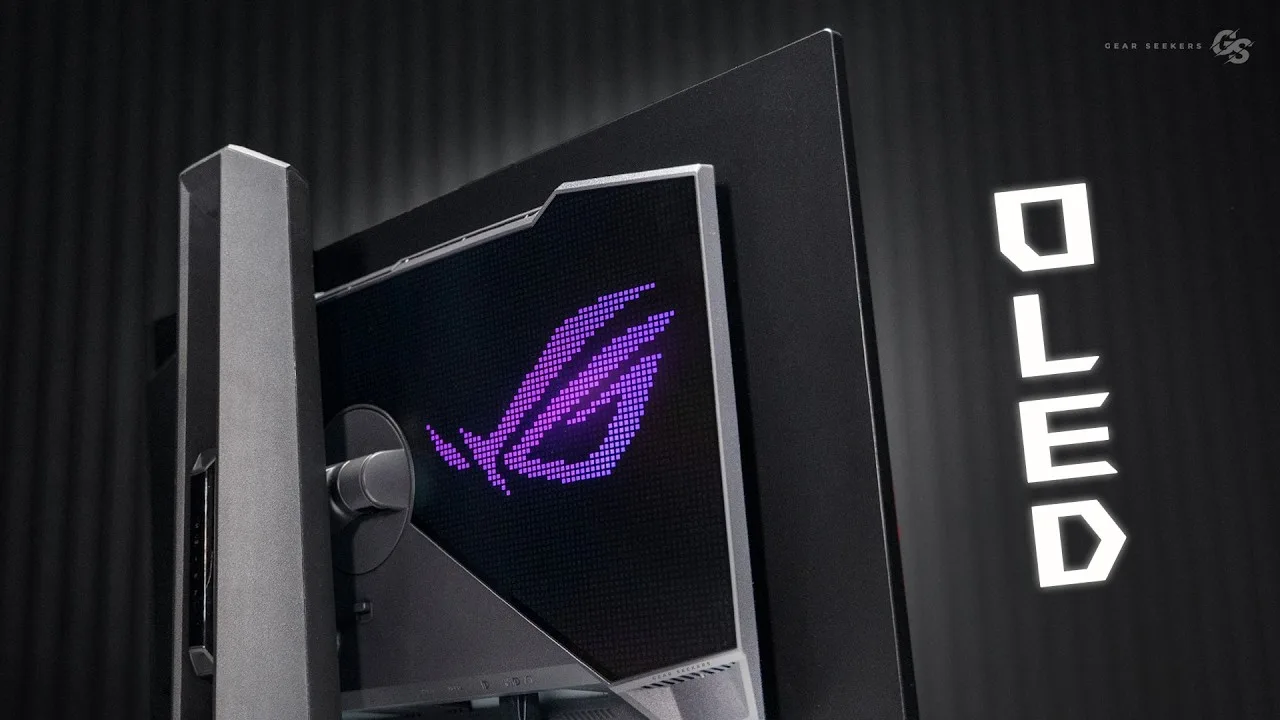
The ASUS ROG Swift OLED PG27UCDM is a 27-inch 4K OLED monitor with a 240Hz refresh rate and 0.03ms grey-to-grey response time, offering a sharp and crisp image. It features a 4th generation OLED panel with variable refresh rate support and USB-C connectivity with 90W power delivery. The monitor's design is similar to larger ROG models, with a thin panel, slim bezels, and a distinctive ROG logo matrix on the back.
- →Ideal for gaming with high refresh rate and fast response time
- →Suitable for professional work requiring color accuracy
- →Easy to mount with VESA adapter included
- →Compact size with high pixel density
 Info Fusion 2.0
The ASUS ROG Swift OLED PG27UCDM offers excellent color accuracy and …
Info Fusion 2.0
The ASUS ROG Swift OLED PG27UCDM offers excellent color accuracy and …
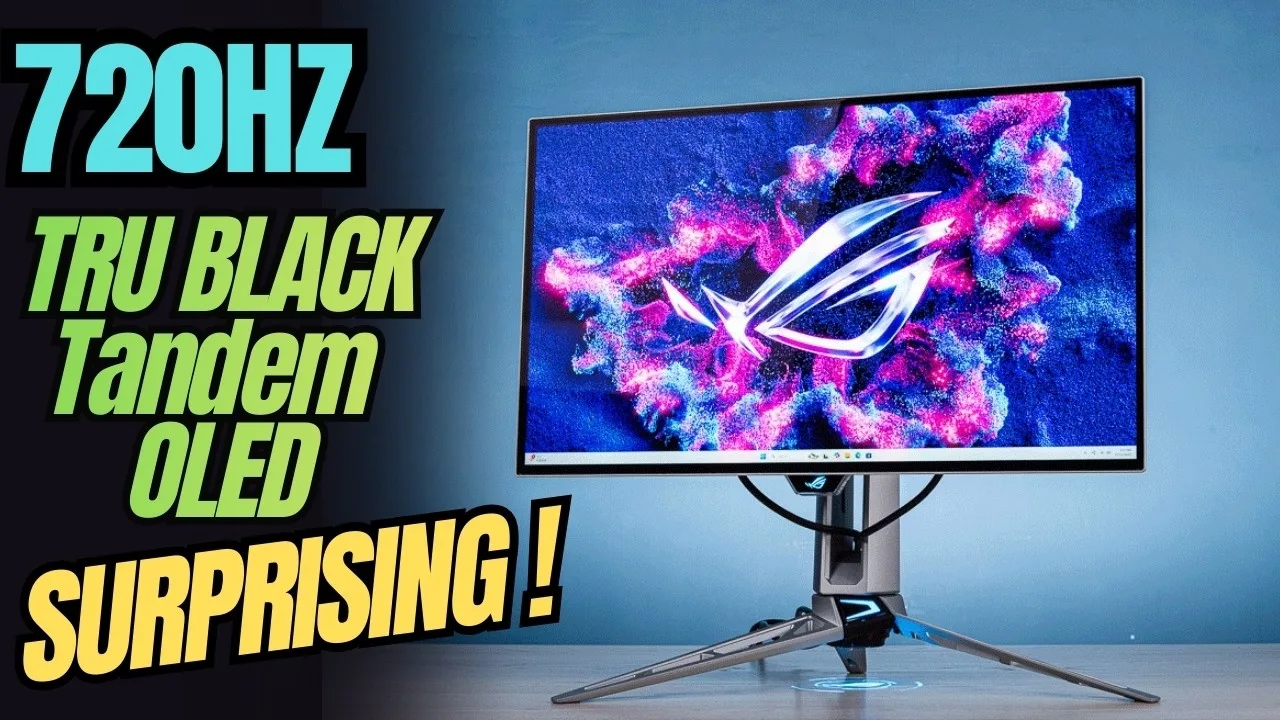
The ASUS ROG Swift OLED PG27UCDM offers excellent color accuracy and USB-C connectivity, making it suitable for professional work and simplifying cable management. It features a 4K resolution and high refresh rate, enhancing the gaming experience. The monitor's ergonomic stand and customizable RGB lighting add to its appeal.
- →Ideal for professional work requiring color accuracy
- →Suitable for gamers seeking high refresh rates
- →USB-C connectivity for modern devices
- →Ergonomic design for long-term comfort
- →RGB lighting for a personalized setup
 Linus Tech Tips
The ASUS ROG Swift OLED PG27UCDM stands out with its world-first 4K …
Linus Tech Tips
The ASUS ROG Swift OLED PG27UCDM stands out with its world-first 4K …
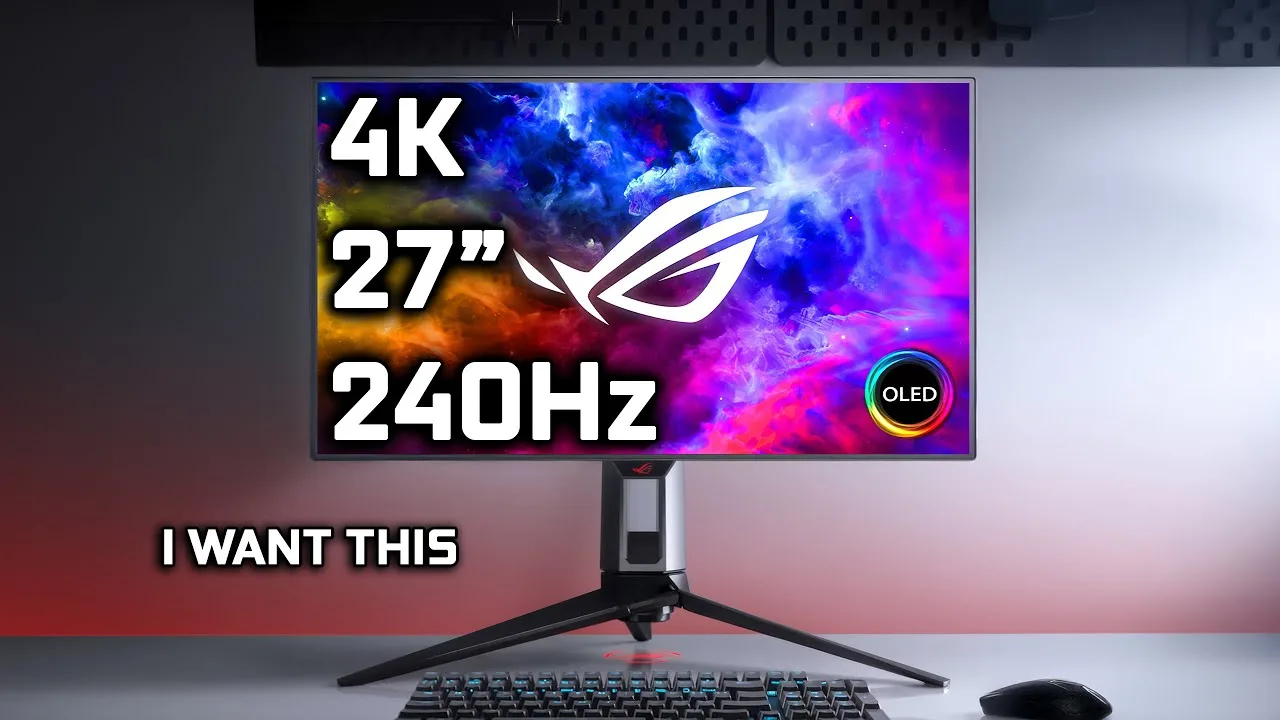
The ASUS ROG Swift OLED PG27UCDM stands out with its world-first 4K 240Hz 27” QD-OLED display, offering a unique blend of high resolution and refresh rate. It boasts a 0.03ms response time, making it ideal for fast-paced gaming. The monitor also supports G-Sync and DisplayHDR 1400, enhancing the visual experience.
- →Suitable for professional gaming
- →Ideal for high-resolution, high-refresh-rate needs
- →Advanced visual technology for enhanced gaming
 The Display Guy
The ASUS ROG Swift OLED PG27UCDM offers excellent color accuracy, …
The Display Guy
The ASUS ROG Swift OLED PG27UCDM offers excellent color accuracy, …
The ASUS ROG Swift OLED PG27UCDM offers excellent color accuracy, making it ideal for professional work. Its USB-C connectivity simplifies cable management, and the 4K resolution provides crisp visuals. The monitor also boasts a high refresh rate, enhancing the gaming experience.
- →Suitable for professional color-critical work
- →Ideal for gamers seeking high refresh rates
- →USB-C port supports modern connectivity
- →4K resolution suitable for high-definition content
 TFTCentral
The ASUS ROG Swift OLED PG27UCDM offers excellent color accuracy, …
TFTCentral
The ASUS ROG Swift OLED PG27UCDM offers excellent color accuracy, …
The ASUS ROG Swift OLED PG27UCDM offers excellent color accuracy, making it ideal for professional work. Its USB-C connectivity simplifies cable management. The guide video provides valuable setup insights for SDR and HDR modes, OLED care, and gaming options, enhancing the user experience.
- →Ideal for professional work requiring precise color accuracy
- →Suitable for gamers looking for high-quality visuals
- →USB-C port offers flexibility in device connection
Community Discussions via Reddit
Comparison
r/OLED_Gaming
u/simon96
The ASUS ROG Swift OLED PG27UCDM stands out for its QD-OLED panel and high pixel density, offering sharp text and vibrant colors. However, users have noted its large bezels and the distracting ROG chin, which detracts from its premium look. The glossy coating is prone to fingerprints and micro scratches, and some users find the bezels unappealing, especially the grey one at the bottom.
Key Insights
- →The ASUS ROG Swift OLED PG27UCDM's QD-OLED panel provides great colors but may lack in HDR compared to some other models.
- →The ASUS ROG Swift OLED PG27UCDM is not a touchscreen, which is a feature some users might consider.
- →The bezels, especially the grey one at the bottom, are a point of contention among users, affecting the overall aesthetic appeal.
Top Comments
I really hate the grey bezel at the bottom of the Asus, because there's already a black border around the screen so now there's a visible gap under the taskbar compared to their previous models. …
If the matte coating never bothers you go with the WOLED. For me i couldn’t unsee it in light backgrounds and it gave the illusion of making things more blurry. Also, LG does not have the best …
I had the LG ASUS PG32UCDM, LG 32GS95UE, Samsung LS32DG802SNXZA. I tested each of them. Asus PG32UCDM - too dim, great colors, lacking HDR LG 32GS95UE - coating sucked Samsung LS32DG802SNXZA - …
Setup Showcase
r/OLED_Gaming
u/BlessedSeal
The ASUS ROG Swift OLED PG27UCDM has been praised by its owner for its high-quality gaming experience and higher resolution. The owner, BlessedSeal, has had the monitor for over five years and decided to get a new OLED panel to experience the quality and feel of OLED technology. The community consensus is that the OLED panel provides a noticeable and massive difference in image quality compared to IPS panels, with better blacks and clarity.
Key Insights
- →The ASUS ROG Swift OLED PG27UCDM is recommended for gamers looking to upgrade their display for a better gaming experience.
- →The monitor has been in use for over five years, indicating a long-term durability.
- →The OLED panel is praised for its superior image quality, especially in terms of blacks and clarity.
Top Comments
I’m glad someone posted a picture in day time just because it’s unfair to IPS to take pictures in a completely dark room. As you can see, the blacks are not that bad. But on the other hand, the …
Yes, VAs have much better contrast ratio. To be very honest, I dislike the VA hate on monitor subReddits. There is a reason why almost every flagship TV is a VA, including Bravia 9 and Samsung …
It is hard to find mid range VA tho. It’s either low end or high end. There is plenty of mid range IPS.
Comparison
r/OLED_Gaming
u/Othoric
The ASUS ROG Swift OLED PG27UCDM is a monitor that has been part of a user's extensive OLED monitor comparison, with a focus on personal preference and experience. The user found it to be a strong contender, but ultimately chose another model due to a preference for the glossy coating. The PG27UCDM is noted for its vibrant color pop, a characteristic of QD-OLED technology, which the user appreciated.
Key Insights
- →The ASUS ROG Swift OLED PG27UCDM offers a vibrant color experience due to its QD-OLED technology.
- →User preference played a significant role in the decision between this monitor and others.
- →The PG27UCDM was considered a strong option, but personal taste in coating and other features led to a different choice.
Top Comments
I love this thank you. I got an msi QD OLED for a crazy price and this made me feel better about my decision
The only ones of the bunch I still have are the AW3423DWF and the XG32UCWMG. The others I purchased and then sold them or traded with a friend of mine. I could never find one that I just found to be …
The only ones of the bunch I still have are the AW3423DWF and the XG32UCWMG. The others I purchased and then sold them or traded with a friend of mine. I could never find one that I just found to be …
Comparison
r/OLED_Gaming
u/Livestock110
The ASUS ROG Swift OLED PG27UCDM has been praised for its incredible display, with high contrast, vibrance, and accuracy. Users are impressed with the anti-glare feature, which reflects less than a good matte IPS. The monitor is perfectly calibrated out of the box, and the 240Hz refresh rate provides a smooth motion experience. Bonus features like the motion sensor and projector logo are appreciated. However, some users experience text fringing, which is a minor drawback.
Key Insights
- →The monitor is perfect for gaming and media consumption due to its excellent display quality.
- →The 4th gen OLED technology reduces concerns about burn-in.
- →The monitor's bonus features add value and enhance the user experience.
- →Text fringing is a minor issue that some users may need to adapt to.
Top Comments
you really still see color fringing on 27in 4k? one of my biggest gripes with the pg32ucdm was the green/purple color fringing in vscode and dark theme sites/apps.
Update - It looks better when my eyes aren't tired at night. There's no clear fringing, but white text has a soft, coloured 'glow' to it. It's only subtle, but expected with OLED vs IPS looking …
Update - It looks better when my eyes aren't tired at night. There's no clear fringing, but white text has a soft, coloured 'glow' to it. It's only subtle, but expected with OLED vs IPS looking …
Comparison
r/OLED_Gaming
u/rockstar34543
The ASUS ROG Swift OLED PG27UCDM is praised for its 4th generation panel and superior text quality. Users have noted its excellent performance with a high pixel density, making it a strong choice for those seeking a balance between screen size and image quality. The monitor's 27-inch size has been a point of debate, with some users preferring the immersion of a larger screen, while others find the 27-inch size sufficient for their needs, especially considering the high-quality OLED panel and the user's existing 77-inch LG OLED setup.
Key Insights
- →Ideal for users valuing high pixel density and text quality
- →Suitable for those with a 77-inch OLED for maximum immersion
- →Size may be a matter of personal preference for immersive experiences
Top Comments
4th gen, best PPI for the money, best text quality for the money, the only reason I can see to go to 32 for is because some people find 32 more “immersive”.
Same here. Wish i could return my 27ucdm and get my 32ish back. 27 is effin beautiful but its to "small". Went from a Dual LG 27 to Asus 32ucdm to Asus 27ucdm and missin my 32ucdm currently :D
It's not a question of 32 or 27. But how far away can you go max. It's all about the viewing angle. If you want Maximum cinematic immersion than according to thx Standard you would be 50-60cm away …
Comparison
r/OLED_Gaming
u/RidexSDS
The ASUS ROG Swift OLED PG27UCDM is praised for its size and performance, with the user enjoying it for three weeks before upgrading to a larger model. However, the user did not experience VRR flicker with this model, unlike with the larger PG32UCDM. The community consensus suggests that VRR flicker is not a common complaint for the 27-inch model, indicating it may be an issue specific to the 32-inch variant or related to game optimization.
Key Insights
- →ASUS ROG Swift OLED PG27UCDM is suitable for users who prefer a smaller, high-performing OLED gaming monitor.
- →VRR flicker, a common complaint with the 32-inch model, is not reported for the 27-inch model, suggesting better optimization or panel quality.
- →User experience suggests that the 27-inch model may be more reliable in terms of VRR performance.
Top Comments
That game has poor frame times, I can see from your fps that’s it’s all over the place. Lock it down to 120 and see if that improves, usually VRR flicker tends to happen on poorly optimised games.
VRR flicker is indicative of very bad fps in a game - watching that fps counter you can see it's atrocious. It happens due to the voltage fluctuations of the refresh rate jumping up and down by …
Look at your refresh rate. Do yourself a favour and lock your monitors max refresh to 120 or so, so vrr doesn't go beyond 120
Comparison
r/Monitors
u/LaPalourdeMolle
The ASUS ROG Swift OLED PG27UCDM was praised for its picture quality, but the owner experienced significant eye strain, making it unusable after 20-30 minutes. Despite trying different settings, no solution was found. The community consensus is that the issue might not be with OLED technology itself but potentially with the specific PWM approach used by some OLED displays to adjust brightness.
Key Insights
- →The monitor's OLED technology may not be the issue, but rather the PWM approach used for brightness adjustment
- →The owner had to revert to an older monitor due to the discomfort
- →Community suggests looking into WOLED for less flicker and better eye comfort
Top Comments
You could try Mini LED, they're really good as long as you find one with a solid dimming algorithm. There are various 4K dual-mode models out there now (4K160/1080p320) with 1,000+ dimming zones and …
It's not OLED that gave you eyestrain, it's the shitty PWM approach used by some OLED displays to change their brightness while being more energy efficient. You might have to search online …
Definitely try MiniLEDs. Go for IPS miniLEDs if you're quite sensitive to VRR flicker. VA miniLEDs have better contrast and deeper blacks with less obvious blooming, but it still suffers from VRR …
Quick Opinion
r/OLED_Gaming
u/Sheyko
The ASUS ROG Swift OLED PG27UCDM is praised for its superior OLED display, offering an unparalleled contrast and visual experience compared to traditional LCD monitors. Users appreciate the monitor's performance, but also note the need for careful handling and regular pixel cleaning cycles to maintain its quality. The community consensus highlights the significant visual upgrade from older LCDs to OLED technology, with some concerns about the monitor's sensitivity to handling.
Key Insights
- →The ASUS ROG Swift OLED PG27UCDM is recommended for users seeking a high-quality OLED gaming experience, but it may not be ideal for those who require less maintenance and handling小心翼翼.
- →Long-term durability may be a concern due to the need for regular pixel cleaning and the monitor's sensitivity to handling.
- →Community consensus is that while the visual upgrade to OLED is significant, users should be aware of the additional care required for this technology.
Top Comments
The “same setting values” means absolutely nothing and you shouldn’t do it that way. Each should be calibrated separately to the same standard using test patterns. That said, OLED imo will always …
in before - "but hurr durr your expousure is ruining ips!!!" shut up WE KNOW. but still. relatively oled is king
It's funny that no matter how many times I see this it's still fantastic, I always forget how bad lcd are
Q&A Thread
r/OLED_Gaming
u/vanguarde
The ASUS ROG Swift OLED PG27UCDM has received positive feedback from users on r/OLED_Gaming. Users are impressed with the display quality, noting its 'gorgeousness' and the belief that it represents a pinnacle in monitor technology. The owner is taking precautions such as using a translucent taskbar and changing wallpapers regularly to protect the OLED panel. The community consensus is that with proper use, the risk of image retention or burn-in is minimal, and the benefits of the OLED technology outweigh these concerns.
Key Insights
- →The ASUS ROG Swift OLED PG27UCDM is highly regarded for its display quality and is considered a significant advancement in monitor technology.
- →Proper use and precautions can prevent common OLED issues like burn-in, according to long-term users of OLED technology.
- →The community consensus is that the benefits of the OLED technology in this monitor outweigh the minor concerns, making it a worthwhile investment for those seeking high-quality visuals.
Top Comments
I did recommend the translucent taskbar before I realised it was an OLED display, honestly I would just auto-hide the taskbar completely to be safe
Yeah I'm going to use a translucent taskbar that someone else suggested. And change wallpapers regularly. Not too much work to take these precautions in return for the benefits.
Yeah I'm going to use a translucent taskbar that someone else suggested. And change wallpapers regularly. Not too much work to take these precautions in return for the benefits.
Q&A Thread
r/OLED_Gaming
u/migs-10
The ASUS ROG Swift OLED PG27UCDM has received mixed reviews from the community. Some users have praised its upgrade from 1440p to 4K resolution, citing a significant improvement in gaming experience. However, others have noted the need to compromise on settings to achieve playable frame rates, especially with less powerful GPUs. The monitor's high pixel count requires a powerful GPU to fully utilize its capabilities.
Key Insights
- →The ASUS ROG Swift OLED PG27UCDM is best suited for users with powerful GPUs that can handle 4K gaming.
- →Users may need to adjust their expectations regarding frame rates when upgrading to 4K from 1440p.
- →The monitor's high pixel count requires a significant amount of GPU power to fully utilize its capabilities.
Top Comments
I went from a pg27aqn 360hz 1440p ips to a pg27ucdm 4k 240hz 4k. Id say it is worth it in most games but even with a 4090 I sometimes hate seeing the fps difference between the two.
Idk that I'd be in a rush to upgrade to 4k tbh. No doubt a 4070ti will do it, but you're probably very used to seeing pretty great frame rates at 1440p with that card and that's just... Not what …
make sure you are ready to drive the thing. 4k is a lot of pixels and you will likely to have to compromise on settings more than before.
Quick Opinion
r/OLED_Gaming
u/death_becomes
The ASUS ROG Swift OLED PG27UCDM has received high praise from its owner, who was initially skeptical about OLED technology. After experiencing discomfort with a Mini LED monitor, they were pleasantly surprised by the PG27UCDM's performance and image quality, describing it as 'absolutely stunning' and noting a significant improvement in gaming visuals. The community comments echo this sentiment, with many users acknowledging the OLED's superior display capabilities.
Key Insights
- →The ASUS ROG Swift OLED PG27UCDM is highly recommended for gamers seeking an exceptional visual experience.
- →The monitor's performance has converted skeptics into believers, as evidenced by the owner's initial resistance and subsequent satisfaction.
- →Community consensus is that the OLED display is a significant upgrade from Mini LED, particularly in terms of eye comfort and image quality.
Top Comments
I see literally see 5 post a day of people saying they didn’t believe the OLED hype despite everyone else confirming it but now that they have one they see it. Do people that don’t have a OLED think …
I find its pretty common for people to hype something up that they spent money on to make them feel better about their purchase, when in reality theyre not really happy with it. I see it a lot with …
That's because of the super bright store lighting, in darker or softer lights the difference would be palpable
Quick Opinion
r/OLED_Gaming
u/ThePathicus
The ASUS ROG Swift OLED PG27UCDM has a built-in pixel cleaning feature that activates when the monitor is turned off, requiring users to wait at least 10 minutes before unplugging to prevent interrupting the process. This feature is crucial for maintaining the monitor's OLED panel longevity. Users have noted the importance of understanding this to avoid potential damage to the monitor.
Key Insights
- →Users must wait at least 10 minutes after turning off the monitor to allow the pixel cleaning cycle to complete.
- →Interrupting the pixel cleaning cycle may lead to damage or faults in the monitor's OLED panel.
- →Understanding the monitor's power-off procedures is essential for proper maintenance.
Top Comments
I switch my entire home off at the fuse box every evening. Take all the light bulbs out and all the taps off as well, can't be too careful.
Switching off the socket outlet or the switch on power strip is equivalent to unplugging electrically. I guess only in the states where socket outlets dont have a switch (haven’t visited every …
Switching off the socket outlet or the switch on power strip is equivalent to unplugging electrically. I guess only in the states where socket outlets dont have a switch (haven’t visited every …
Comparison
r/OLED_Gaming
u/Jetcat11
The ASUS ROG Swift OLED PG27UCDM has been praised by its owner for its sharp 166 PPI display, which provides a noticeably better gaming experience compared to the owner's previous 31.5” 4K QD-OLED panels. The monitor's performance with a 5080 FE without DSC is also appreciated, offering smoother gaming and quicker game closures. The owner's few days of usage has been positive, with no significant weaknesses noted so far, leading to a strong recommendation.
Key Insights
- →Best for gamers looking for a high PPI and sharp display without the need for DSC.
- →The monitor's performance is enhanced by the higher pixel density, making it an excellent choice for FPS titles.
- →The absence of DSC解决了 accidental ALT+TAB issues, allowing for smoother gaming experiences.
Top Comments
I honestly don’t play a lot of games where VRR flicker is bothersome but when I have noticed it is during menu loading screens with unstable frame times but nothing in game yet. Thanks!
I honestly don’t play a lot of games where VRR flicker is bothersome but when I have noticed it is during menu loading screens with unstable frame times but nothing in game yet. Thanks!
Oh it’s a huge issue as I had to move my PC right next to the monitor. The cable is basically not useable so I’ve ordered a Silkland 80Gbps 2.1M cable recommended by Monitors Unboxed. There is a link …
Q&A Thread
r/buildapc
u/stm-1
The ASUS ROG Swift OLED PG27UCDM is a 27-inch 4K QD-OLED monitor that has been discussed in the r/buildapc subreddit. Users considering this monitor are looking for a significant upgrade from their previous 1440p 27-inch monitor. The community consensus suggests that the 4K resolution on a 27-inch screen is a noticeable improvement over 1440p, with increased sharpness and clarity. Users also mention the benefits of OLED technology for gaming and single-player games.
Key Insights
- →The ASUS ROG Swift OLED PG27UCDM is recommended for users seeking a significant upgrade in resolution and display technology for gaming and single-player games.
- →The 4K resolution on a 27-inch screen is considered a substantial improvement by the community.
- →OLED technology is seen as a positive feature for color and contrast in gaming.
Top Comments
Don’t listen to anyone that says 27 inch 4K isn’t noticeable over 32 inch 4K or that it’s not a big jump from 27 inch 1440p because first of all it’s a multiple times bigger than 1080p to 1440p and …
Im totally sure it's noticeable. People are just saying, if you're upgrading your monitor, and have the space, at that point you should go for 32" cause even at that point the ppi is high enough that …
you can handle it but i don't see much advantages in going for 27" 4k. you should. go at least 32" at that point.
Q&A Thread
r/OLED_Gaming
u/Nicolas277
The ASUS ROG Swift OLED PG27UCDM has received mixed feedback from the community. Users appreciate the high pixel density and sharpness on a 27-inch display, with some noting it as a noticeable upgrade in fidelity from 1440p. However, opinions vary on whether the jump to 4K is significant enough to justify the potential loss in performance. The monitor's performance is highly dependent on having a powerful GPU to drive it, with some suggesting that a high-end card is necessary for an exceptional experience.
Key Insights
- →The ASUS ROG Swift OLED PG27UCDM offers a significant upgrade in pixel density and sharpness, but the value of this upgrade is subjective and depends on individual preferences.
- →The monitor's performance is highly dependent on the user's GPU, with a high-end card recommended for the best experience.
- →There is a consensus that the jump to 4K is less noticeable on a 27-inch screen compared to larger displays.
Top Comments
if u have nvidia gpu test it in the nvidia control panel by going to manage 3d settings, turn on DSR Factors, select 2.25x DL and hit apply. Then go to your desktop, right click, select display and …
It's not as life changing as1080 to 1440 but when I got my 32 4k, it's definitely a very noticeable upgrade in fidelity. at 27 it will be even more dense.
If you have the hardware to drive it well, it's incredible. High pixel count on a smaller display is just massage for your eyeballs. I'm always in awe of how sharp everything is on my partner's 14" …
Troubleshooting
r/OLED_Gaming
u/pilotgong
The ASUS ROG Swift OLED PG27UCDM is praised for its long-term reliability, performance, and OLED Care Pro system, which reduces static image risk. Users appreciate its Dolby Vision HDR support for enhanced media consumption. However, there is a debate about the effectiveness of its cooling features, with some stating that the advertised 'custom heatsink' does not directly impact burn-in, brightness, or lifespan.
Key Insights
- →Best for long-term investment due to its cooling, HDR tuning, and burn-in prevention features
- →Suitable for media consumption with Dolby Vision HDR support
- →Community consensus on the importance of HDR calibration for OLED monitors
Top Comments
Just a note, Asus doesn't actually have any special cooling features. The "custom heatsink" they advertise is for the scaler and other internal components, so it does not affect burn-in, brightness, …
In simpler words, the Asus 27UCDM delivers more gamer friendly colours which is subjective to users, some people prefer it some don't, including gamers. The biggest difference between MSI 272URX, …
The burn-in features certainly are important, but personally, I'd say the HDR calibration is the main thing that'd make me pick it. I haven't tried these models myself, but generally, Asus has …
Scores based on weighted analysis of 36 expert and community sources. How we review →