

Dell Alienware AW3425DW
Best For
- PC gamers wanting 240Hz QD-OLED at under $1,000
- Content creators needing 99.3% DCI-P3 color accuracy
- Console gamers using PS5 with VRR support
- Desk-conscious users who need a compact stand footprint
Consider Carefully
- Multi-device users who need a KVM switch
- Bright-room setups where glossy panels cause reflections
- Users needing USB-C video input for laptops
Jump to Section
The Bottom Line
The Dell Alienware AW3425DW has carved out a niche in the high-end gaming monitor market, earning high praise for its cutting-edge panel quality and performance. What we found most impressive is its 0.03 ms pixel response time and the flat base design, both of which are unanimously lauded by experts for their contribution to a superior gaming experience and desk space efficiency. The monitor also boasts a more color-accurate display compared to its predecessor, along with deep inky blacks without haloing artifacts, which is a significant plus for gamers and content creators alike. However, while the AW3425DW shines in many areas, it does have its shortcomings, such as the lack of a KVM switch and limited USB-A port availability, which might be a deal-breaker for some users.
Performance Breakdown
Expert Scores
How 3 professional publications rated this product
In-Depth Analysis
Gaming Performance 95
Five sources call this the benchmark for 240Hz ultrawide gaming, and there's essentially no dissent. The 0.03ms response time and G-Sync/FreeSync dual certification are the headline specs.
Key Takeaway
→If you have the GPU to feed it, this is one of the strongest gaming monitors available at this price. If you're running mid-range hardware, the 240Hz ceiling will go mostly unused.
Design & Build Quality 88
Clean, ergonomic, and desk-friendly, but the aesthetic divides reviewers. PC Gamer called it dated while Tom's Guide praised the interstellar indigo chassis.
Key Takeaway
→Solid ergonomics and a clean footprint make this easy to live with. Buy from a retailer with easy exchanges in case you land a coil whine unit.
Display Image Quality 84
Stunning for gaming and creative work, but the QD-OLED subpixel layout makes text fringing a real problem. Three sources flag it as a poor fit for productivity-heavy workflows.
Key Takeaway
→If your workflow is gaming and creative color work, this display delivers. If you spend hours reading text, look at an IPS or newer-gen OLED with a better subpixel layout.
Connectivity & Ports 84
HDMI 2.1 and USB-C charging cover most use cases, but the missing USB-C display input is a real gap for laptop users.
Key Takeaway
→If you're running one PC or a console, the connectivity is fine. If you need USB-C display input for a laptop or KVM for multiple machines, this isn't the right monitor.
HDR & Brightness 77
RTINGS recommends using it in SDR mode. That's a significant finding for a monitor with a 1,000 nit peak brightness spec.
Key Takeaway
→In a dark room, HDR gaming looks genuinely impressive. In a bright environment, the 250 cd/m² typical brightness and reflective panel will undercut the experience.
Audio Features 45
No speakers, no headphone jack. Three sources flag this independently. Budget for an external audio solution before you buy.
Key Takeaway
→Add the cost of external speakers or a DAC/amp to your budget. There is no audio output of any kind built into this monitor.
Specifications & Verdict
Display
- Screen Size
- 34.2 in
- Resolution
- 3440 × 1440
- Aspect Ratio
- 2.389:1
- Pixel Density
- 109 ppi
- Panel Type
- QD-OLED
- Screen Coating
- Glossy
Performance
- Refresh Rate
- 240 Hz
- Response Time
- 0.03 ms
- Input Lag
- 2.9 ms
- Adaptive Sync
- AMD FreeSync
Image
- Contrast Ratio
- 1500000 : 1
- Brightness
- 250 nits
- Peak Brightness
- 1000 nits
- Color Gamut
- 100 %
- Color Depth
- Interstellar Indigo
- HDR Support
- HDR10
- Local Dimming Zones
- 4953600
- Viewing Angles
- 178 °
Connectivity
- Video Inputs
- 1x DisplayPort 1.4, 2x HDMI 2.1
- HDMI Ports
- 2
- HDMI Version
- 2x HDMI 2.1
- DisplayPort
- 1
- DisplayPort Version
- DisplayPort 1.4
- USB Ports
- 3
- USB-C Power Delivery
- 15W
- Speakers
- None
Design
- Weight
- 5.09 kg
- Dimensions
- 814.15 mm
- Bezel Width
- Top: 0.3 inch (8mm), Sides: 0.41 inch (10mm), Bottom: 0.67 inch (17mm)
- Panel Thickness
- 132.46 mm
- VESA Mount
- Yes
- Height Adjustment
- 110 mm
- Tilt
- -5° to 21°
- Swivel
- -20° to 20°
- Pivot
- -5°/5°
- Stand Adjustments
- Tilt, height, swivel
- Remote Control
- No
Features
- Lighting
- AlienFX RGB
- Special Features
- Anti-theft stand lock slot, AlienFX, PiP, PbP
Other Specs
- Power Consumption
- 36.7W
- Layout
- curved and ultrawide
- Native Color Depth and Gamut
- 10-bit / DCI-P3+
- Usb Hub
- 2-port USB 5 Gbps hub (Type-A and Type-C)
Our Verdict
The Dell Alienware AW3425DW is a strong pick at 86/100 for PC gamers who want a 34-inch QD-OLED ultrawide with a 240Hz refresh rate, near-perfect color accuracy, and deep blacks that most IPS panels can't touch. The flat stand, compact footprint, and PS5 VRR support are genuine wins. The tradeoffs are real though: only one USB-A port, no KVM switch, no audio jack, and SDR brightness capped around 240 nits make it a poor fit for multi-device desks or bright rooms. If your setup is a single gaming PC in a controlled lighting environment, this monitor delivers.
Customer Reviews Amazon
261 reviews
Best monitor ever!!!
These Gaming curved screens are amazing
Incredible gaming monitor
Great monitor
Show all 10 reviews
Looks fantastic! Worth spending the extra for this nice unit.
Amazing monitor
Muy buenos materiales
Best OLED monitor under 1000$
Should have bought it sooner!
Bubble on screen
Reviews shown are from Amazon customers and do not reflect our editorial assessment.
Reader Questions
Specific questions about the Dell Alienware AW3425DW, answered only from what reviewers reported.
01Is the text clarity good enough for everyday productivity work?
Text clarity is a known weak point. The triangular subpixel layout causes color fringing on text, and reviewers note that third-party software like BetterDisplay on Mac or MacType on PC is needed to meaningfully improve it.
02How does it perform in a bright room?
The glossy coating reflects light like a mirror, and the SDR brightness is limited, which makes the panel struggle in well-lit environments. Reviewers also noted that blacks can appear purple in bright rooms.
03Are the blacks and contrast as good as you would expect from an OLED panel?
Yes, the QD-OLED panel delivers deep, inky blacks with no haloing artifacts, backed by a 1,500,000:1 contrast ratio and per-pixel lighting control.
04Is the HDR experience impressive?
HDR has some limitations. Peak brightness drops noticeably with larger bright scenes, and reviewers found the overall HDR brightness relatively dim compared to expectations.
05Does it work well with a PS5 or other consoles?
The dual HDMI 2.1 ports support console connectivity, but the ultrawide format means most console games will display black bars since they do not output in ultrawide resolutions.
06Can I connect a laptop to this monitor via USB-C?
No. Reviewers specifically flagged the absence of a USB-C display input as a drawback for laptop users.
Pricing & Availability
Updated May 8, 2026Dell Alienware AW3425DW
All regions
Sources & Methodology
Every score is built on evidence. This review synthesizes 13 independent sources — expert publications, video reviews, and community discussions — weighted by credibility, depth, and relevance.
Show detailed source analysis ↓ Hide source analysis ↑
Expert Reviews
tomshardware.com
Top
4.5/5-point
The Alienware AW3425DW delivers a 34-inch curved QD-OLED ultrawide experience with exceptional color accuracy and gaming performance at a competitive $800 price point. Its 240 Hz panel with G-Sync and FreeSync Premium Pro certification produces perfect blacks and vivid HDR highlights. Factory calibration includes an eleven-screen color report covering gamma, grayscale, and uniformity. The monitor features AlienVision gaming aids including crosshairs, sniper/night vision modes, and a frame rate counter. However, it completely lacks audio output options with no headphone jack or speakers. The updated styling and lower cost compared to previous Alienware OLED generations make this a compelling near-flagship option.
Strengths
- +Bright, sharp QD-OLED image with perfect blacks
- +Accurate color out of the box with excellent benchmarks
- +Creator mode with accurate sRGB and DCI-P3 gamuts
- +Premium motion processing with perfect motion resolution
Weaknesses
- −No headphone jack for audio output
- −No internal speakers included
- −DCI-P3 coverage slightly below 110% competitors
tomsguide.com
Top
4.5/5-point
The Alienware AW3425DW delivers a compelling ultrawide gaming experience at $799, featuring a 34-inch QD-OLED panel with 3440 x 1440 resolution, 240Hz refresh rate, and 0.03ms response time. Its redesigned flat stand saves desk space while maintaining full ergonomic adjustability including 4.3 inches of height adjustment, -5 to 21 degree tilt, and 20-degree swivel in both directions. The 1800R curvature provides immersion without being overly aggressive, and the "interstellar indigo" chassis offers a clean aesthetic with optional AlienFX lighting. Color reproduction is vivid, motion clarity excels for competitive gaming, and the on-screen display interface is intuitive. HDR brightness remains the primary limitation.
Strengths
- +Sleek flat stand design saves considerable desk space
- +Vivid picture quality with sharp 1440p resolution
- +Smooth 240Hz refresh rate with 0.03ms response time
- +Clean, intuitive on-screen display interface
Weaknesses
- −HDR brightness is relatively dim compared to expectations
- −At 17.9 pounds with stand, somewhat heavy to move
- −Flat stand design may appear boring to some users
pcgamer.com
Top
78/100-point
The Alienware AW3425DW updates the 34-inch ultrawide OLED line with a 240 Hz refresh rate while maintaining the ~$770 price point of its predecessor. It carries over the same QD-OLED panel with 0.03 ms response time, per-pixel lighting, and glossy coating. HDR peak brightness remains at 1,000 nits, but full-screen brightness stays limited to 250 nits. The design shifts to Alienware's AW30 'Interstellar Indigo' aesthetic, which reviewers found somewhat dated. No USB-C display input is included. First-generation QD-OLED limitations persist: subpixel fringing on text, purplish-grey appearance in ambient light, and warm color temperature.
Strengths
- +240 Hz refresh rate upgrade at same price point
- +0.03 ms pixel response time
- +Excellent per-pixel lighting control
- +1,000 nit peak HDR brightness
Weaknesses
- −No improvement to full-screen brightness
- −Sub-optimal subpixel structure causes text fringing
- −Purplish-grey appearance in strong ambient light
- −Overly warm color temperature
displayspecifications.com
The Dell Alienware AW3425DW is a 2025 model featuring a 34.18-inch curved QD-OLED panel manufactured by Samsung. It delivers 3440 x 1440 resolution at 109 ppi with a 1800R curvature radius. The monitor achieves 100% sRGB, 99.3% DCI-P3, and 80.7% Rec. 2020 color coverage with true 10-bit color depth supporting over 1 billion colors. Peak brightness reaches 1000 cd/m² with a 1,500,000:1 static contrast ratio, enabling HDR performance. The ultra-wide 21:9 aspect ratio and 91.63% display area maximize screen real estate for immersive viewing.
Strengths
- +True 10-bit panel displays over 1 billion colors natively
- +99.3% DCI-P3 coverage suits professional color work
- +1000 cd/m² peak brightness enables vivid HDR content
- +1,500,000:1 contrast produces deep, inky blacks
Weaknesses
- −250 cd/m² typical brightness may limit bright room use
- −80.7% Rec. 2020 coverage falls short of full UHD standards
- −3440 x 1440 resolution at 34 inches yields moderate 109 ppi
Video Reviews
 Monitors Unboxed
The Dell Alienware AW3425DW represents a measured evolution of its …
Monitors Unboxed
The Dell Alienware AW3425DW represents a measured evolution of its …
The Dell Alienware AW3425DW represents a measured evolution of its predecessor, offering a 240Hz refresh rate upgrade on the same first-gen Samsung QD OLED panel at a competitive $800 launch price. The 2025 redesign introduces the AW30 industrial design with an Interstellar indigo finish, a more compact square stand, and improved rear panel aesthetics. Port selection covers essential connectivity with accessible USB placement, though USB-C lacks video input capability. The monitor maintains Alienware's strong build quality but offers limited OLED care customization, with only manual pixel refresher available. Text clarity remains unchanged from previous generation QD OLED ultrawides due to the unchanged subpixel layout, showing some fringing issues compared to newer OLED implementations.
- →Best for gamers prioritizing 240Hz at sub-$1000 pricing
- →Consider competitors if text clarity is critical
- →Wait for sale if seeking predecessor's lowest prices
- →Ideal for Alienware ecosystem buyers wanting matching design
- →Not recommended if extensive OLED care control matters
 Monitors Unboxed
The AW3425DW features Dell's updated 2025 Alienware design with …
Monitors Unboxed
The AW3425DW features Dell's updated 2025 Alienware design with …
The AW3425DW features Dell's updated 2025 Alienware design with excellent build quality and premium aesthetics. It uses a QD OLED panel, making it thinner than the VA-based DWM variant. The monitor shares the same minimalist rear design, rounded stand pillar, and compact flat square base that maximizes desk space. The outer plastic surfaces come in Interstellar Indigo, a blue-tinted black color. The stand offers height, tilt, and swivel adjustments with acceptable maximum height. The 1500R curvature is standard for this screen size, and the matte finish effectively diffuses light with minimal grain.
- →Premium design matches flagship aesthetic at lower cost
- →QD OLED enables slimmer profile than LCD alternatives
- →Ideal for users prioritizing build quality and aesthetics
- →Desk-friendly base suits space-constrained setups
- →Consider color compatibility with existing setup
 RTINGS Computer
The AW3425DW is a 34-inch ultra-wide QD-OLED monitor with 1440p …
RTINGS Computer
The AW3425DW is a 34-inch ultra-wide QD-OLED monitor with 1440p …
The AW3425DW is a 34-inch ultra-wide QD-OLED monitor with 1440p resolution and 240Hz refresh rate. It uses an updated Gen 2 QD-OLED panel that delivers similar picture quality to its predecessor, with deep blacks, vivid colors, and punchy HDR. The monitor includes HDMI 2.1 support, enabling full 240Hz over HDMI and broader console compatibility including downscaled 4K at 120Hz. However, it has two fewer USB ports than the older model and lacks an audio jack or ARC audio pass-through. Text clarity remains affected by triangular subpixel fringing common to QD-OLED technology. HDR brightness is approximately 40 nits higher in real scenes, and the monitor ships without the firmware bugs that plagued the older model at launch.
- →Best suited for PC gamers wanting high refresh rates
- →Ideal for HDMI 2.1 graphics card owners
- →Console gamers should expect black bars
- →Not worth upgrading from AW3423DWF for picture quality alone
- →Audio solutions needed for media players and consoles
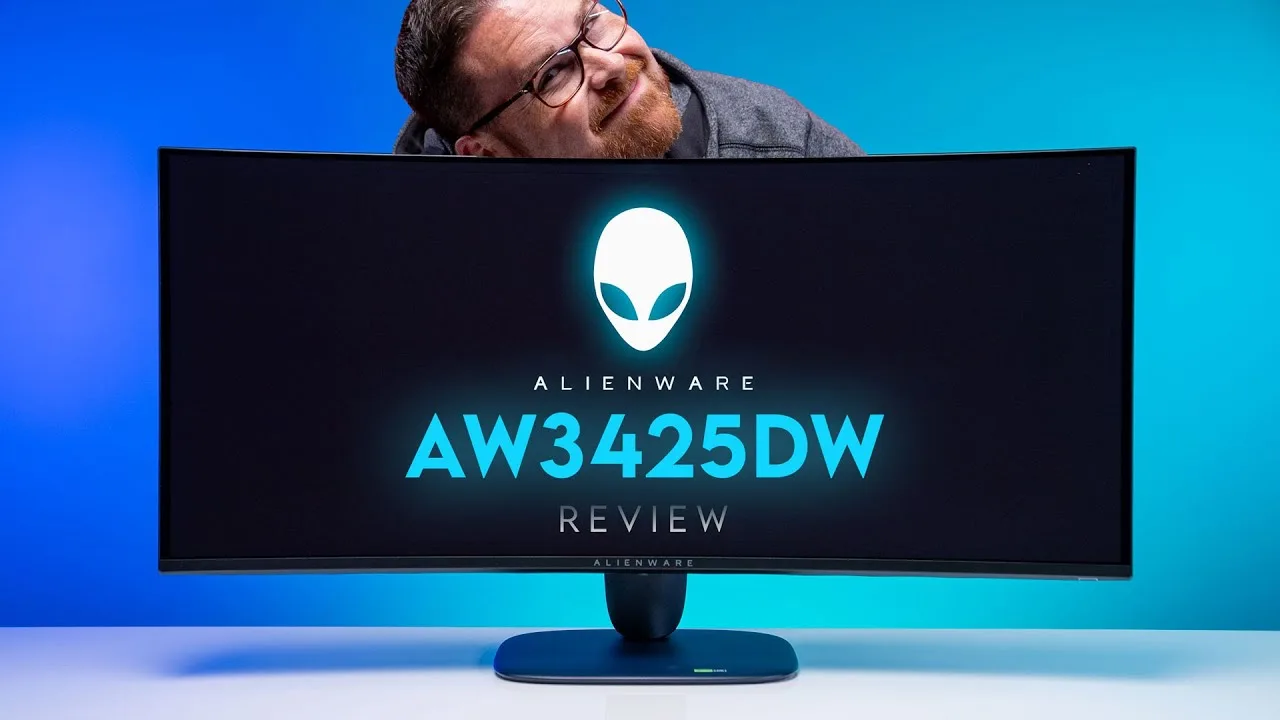 Robeytech
The Alienware AW3425DW is a 34-inch curved ultrawide QD-OLED monitor …
Robeytech
The Alienware AW3425DW is a 34-inch curved ultrawide QD-OLED monitor …
The Alienware AW3425DW is a 34-inch curved ultrawide QD-OLED monitor priced around $750-$800, positioning it at the lower end of its competitive landscape. It features WQHD resolution, Alienware's AW30 anniversary design with updated glyph aesthetics, and comprehensive connectivity including dual HDMI 2.1, DisplayPort 1.4, and USB-C with 15W power delivery. Assembly is tool-less with the included stand, though VESA mounting requires spacers due to recessed holes. Notable omissions include eARC support, any audio handling capability, and KVM functionality despite the USB-C port being downstream only. The panel weighs approximately 11 pounds without its stand.
- →Ideal budget entry into 34-inch QD-OLED ultrawide gaming
- →Best for single-PC setups not needing KVM switching
- →Requires separate audio solution for console or media use
- →Plan for VESA spacer accessories if arm-mounting
- →Strong value against $900-$1,300 competitors
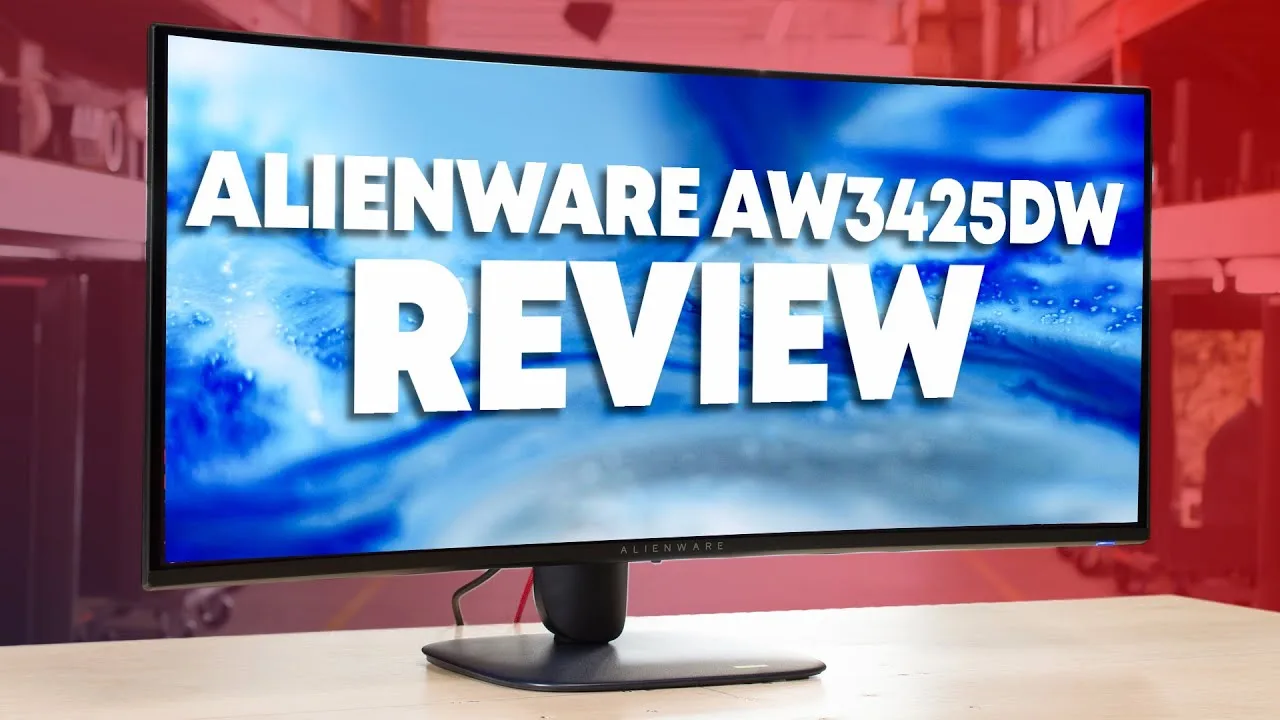 RTINGS Computer
The AW3425DW upgrades Alienware's QD OLED lineup with 240Hz refresh …
RTINGS Computer
The AW3425DW upgrades Alienware's QD OLED lineup with 240Hz refresh …
The AW3425DW upgrades Alienware's QD OLED lineup with 240Hz refresh rate and HDMI 2.1 while keeping the same 34-inch 1440p ultrawide format. It features a distinctive blue 2025 Alienware design with RGB lighting and solid plastic construction that attracts fingerprints. Picture quality delivers deep blacks, vivid DCI-P3/Rec.2020 colors, and highly accurate sRGB mode suitable for content creation. HDR performance shows small highlight pop but struggles with sustained brightness on large highlights, comparable to second-gen QD OLED panels. The glossy coating reflects light prominently, and the curve stretches reflections. Notable omissions include no audio jack or ARC support, limiting direct audio connections for console use.
- →Ideal for gamers wanting 240Hz QD OLED ultrawide
- →Content creators benefit from accurate factory sRGB
- →Avoid very bright rooms due to reflection and purple blacks
- →Console users need alternative audio solutions
- →Rotate displayed content to mitigate burn-in risk
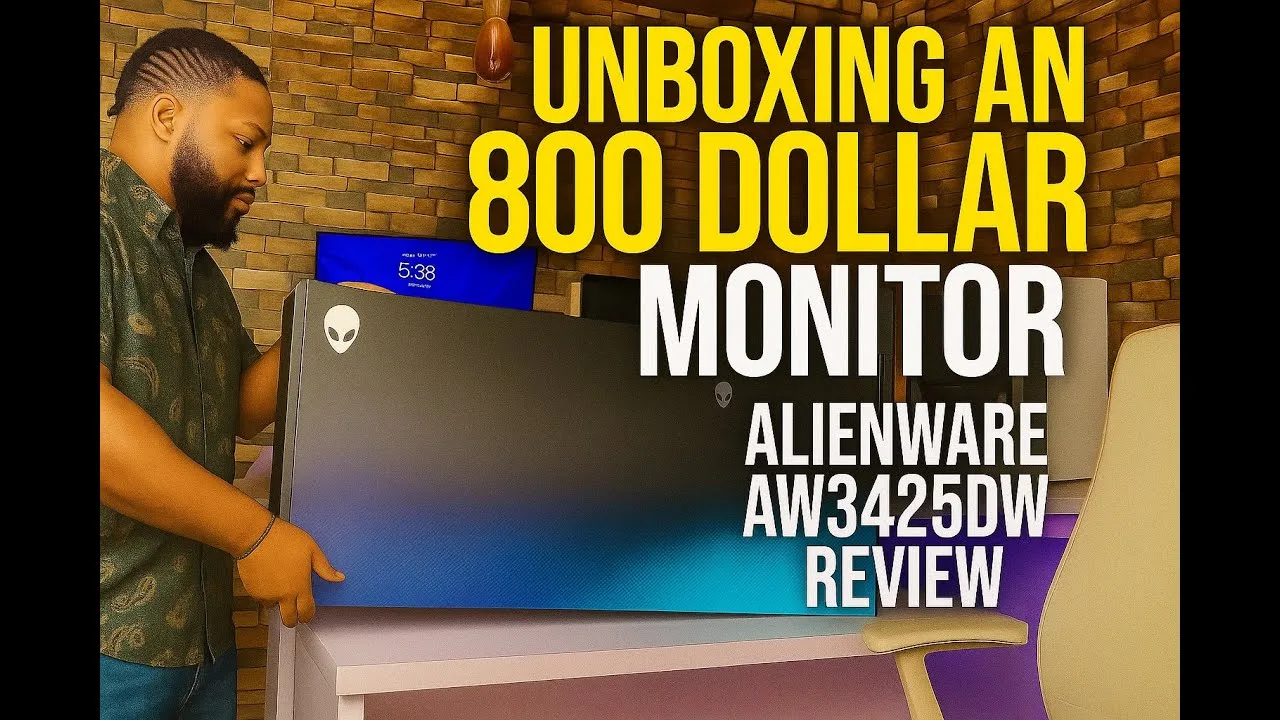 360Tech
Wilson unboxes the Dell Alienware AW3425DW, a 34-inch QD-OLED gaming …
360Tech
Wilson unboxes the Dell Alienware AW3425DW, a 34-inch QD-OLED gaming …
Wilson unboxes the Dell Alienware AW3425DW, a 34-inch QD-OLED gaming monitor with 240Hz refresh rate and 0.03ms response time. He highlights its premium packaging, redesigned stand with smaller footprint versus the previous three-legged model, and improved burn-in prevention through a built-in fan and graphene oxide backplate. The monitor features height adjustment with measurement marks, swivel capability, and multiple ports including USB-C with 20W charging. Panel health monitoring is accessible via on-screen display. Initial setup reveals 60Hz default requiring manual adjustment to 240Hz.
- →Ideal for esports gamers needing 240Hz and fast response
- →Content creators benefit from accurate media editing display
- →Burn-in prevention suits long daily usage scenarios
- →USB-C charging reduces desk cable clutter
- →Monitor arm recommended for full positioning flexibility
 Seyyah Ressam
The AW3425DW targets demanding gamers with its 34-inch 1800R curved …
Seyyah Ressam
The AW3425DW targets demanding gamers with its 34-inch 1800R curved …
The AW3425DW targets demanding gamers with its 34-inch 1800R curved QD-OLED ultrawide panel and 240Hz refresh rate. The refreshed AW30 design introduces an interstellar indigo finish and compact square stand, though this bold aesthetic may clash with minimalist setups. Color performance impresses with 99.4% DCI-P3 coverage and strong factory calibration, yet the triangular sub-pixel layout causes text fringing that hinders productivity work. Motion clarity ranks among the best available thanks to 0.3ms response times and sub-1ms input lag. HDR content benefits from per-pixel dimming without blooming, though peak brightness requires choosing between accuracy (450 nits) or punchier highlights (1000 nits). The port selection omits KVM functionality and USB-C video input, while automatic burn-in protection cannot be manually adjusted despite Dell's three-year warranty coverage.
- →Ideal for competitive FPS gamers prioritizing motion clarity
- →Best suited for dimly lit gaming environments
- →Not recommended for text-heavy productivity workloads
- →HDR content consumption benefits from true black performance
- →Requires GPU capable of exceeding 165fps for 240Hz advantage
 AV Atmos
The Dell Alienware AW3425DW is a 34-inch QD OLED monitor with a …
AV Atmos
The Dell Alienware AW3425DW is a 34-inch QD OLED monitor with a …
The Dell Alienware AW3425DW is a 34-inch QD OLED monitor with a 3440x1440p resolution and 240 Hz refresh rate, an improvement over the previous 175 Hz model. It features HDMI 2.1, G-Sync compatibility, AMD FreeSync Premium Pro, and VESA Adaptive Sync. Dell offers a 3-year limited OLED burn-in hardware warranty with this monitor.
- →Ideal for gamers wanting high refresh ultrawide QD OLED
- →Burn-in warranty offers peace of mind for OLED buyers
- →Wait for summer availability before purchasing
Community Discussions via Reddit
Full Review
r/ultrawidemasterrace
u/roguedaemon
The Dell Alienware AW3425DW is a premium 34-inch ultrawide OLED monitor that represents a significant generational upgrade for users coming from older displays. The reviewer highlights its premium build quality, sleek redesigned rear aesthetic, and excellent color accuracy with factory calibration showing average ΔE2000 < 2 in sRGB and DCI-P3 modes. The monitor includes thoughtful quality-of-life features and comprehensive accessories. However, the product suffers from inconsistent quality control regarding coil whine, with some units experiencing loud electrical noise while others remain completely silent. The gen 2 QD-OLED panel maintains the same subpixel structure as its predecessor, resulting in mediocre text clarity that requires third-party software workarounds. The updated stand design creates a floating visual effect, and the iconic glowing AlienFX logo can be disabled for those preferring subtlety.
Key Insights
- →Best for users prioritizing color accuracy and gaming performance over text clarity; not ideal for productivity-heavy workflows without font rendering workarounds
- →Panel lottery risk for coil whine — purchase from retailers with easy return/exchange policies due to significant unit-to-unit variance
- →Factory calibration and included color report make this suitable for color-critical work out of the box without additional hardware calibration
- →The $799 MSRP with 3-year warranty represents competitive positioning in the QD-OLED ultrawide market when available at that price
- →Users with sensitive hearing should thoroughly test for coil whine within return window, as severity ranges from inaudible to deal-breaking
Top Comments
Do me a favor and turn the monitor settings to the maximum peak brightness to make it draw as much power as possible BUT only run dark content on it or a small window and then put your ear on the …
I have the same monitor and am running it at peak brightness all the time and I haven't heard any coil whine
is it glossy like all other alienware OLED? Says anti-reflective coating on this one, curious if its matte like the Samsung OLED.
Scores based on weighted analysis of 13 expert and community sources. How we review →