

Logitech MX Mechanical
Best For
- Digital creators seeking a premium typing experience
- Professionals needing a quiet yet tactile keyboard
- Users valuing long battery life with low-profile switches
Consider Carefully
- Users requiring a wired connection
- Those sensitive to fingerprints on keycaps
- Individuals preferring standard wrist rests
Jump to Section
The Bottom Line
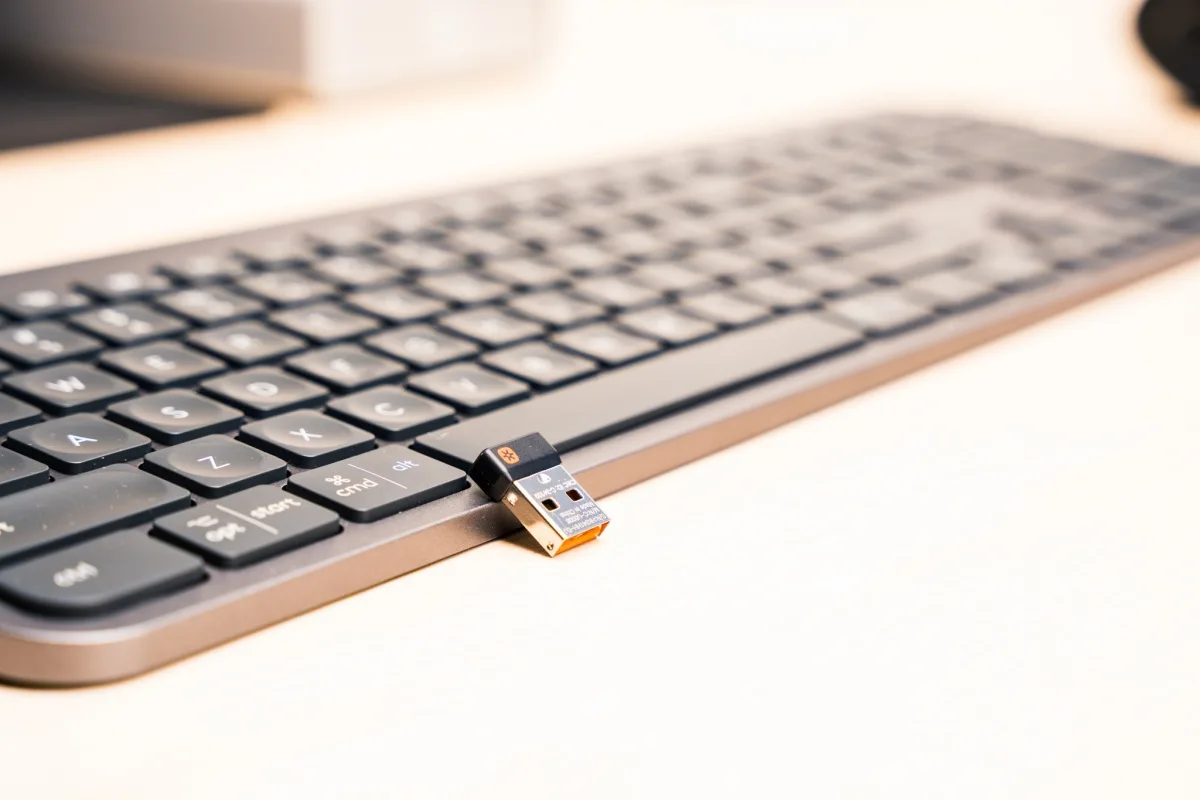
The Logitech MX Mechanical is a wireless productivity keyboard built around low-profile tactile switches that deliver satisfying feedback without the noise that disrupts open offices. Its aluminum plate and recycled-plastic keycaps give it a solid, premium feel, though the glossy finish picks up fingerprints quickly. Battery life reaches up to 15 days on a full charge, and the two-tone silver-and-gray design fits neatly into modern desk setups. The main trade-off is the lack of wired mode, which limits its appeal for users who need a cable fallback.
Performance Breakdown
Expert Scores
How 4 professional publications rated this product
In-Depth Analysis
Typing Experience 88
Across 17 sources, the verdict is nearly unanimous: this is one of the better low-profile mechanical typing experiences you can buy for an office setting.
Key Takeaway
→If you type for a living in a shared space, this delivers. If you need gaming-grade actuation or high-accuracy input, look elsewhere.
Battery Life 87
Five sources agree on 15-plus days of battery life, USB-C charging, and the ability to charge while typing. No meaningful dissent across 9 sources.
Key Takeaway
→Battery life is a non-issue. Charge it every couple of weeks over USB-C and forget about it.
Build Quality & Design 84
The aluminum base and sleek profile earn consistent praise, but ABS keycaps that shine over time and a price that 3 sources called hard to justify keep this from being a clean win.
Key Takeaway
→Buy it for the aluminum build and compact design. Accept that the keycaps will show wear, and factor the premium price into your expectations.
Wireless Connectivity 84
Multi-device switching via Bolt USB receiver and Bluetooth works well across 7 sources, but 3 of those same sources flag the lack of any wired mode as a real gap.
Key Takeaway
→If you work across multiple devices and want clean wireless switching, this delivers. If you ever need a wired fallback, this keyboard has none.
Switch Options 80
Six of 7 sources confirm three switch types across six models, but the switches aren't hot-swappable and layout options are limited.
Key Takeaway
→Pick your switch type carefully before buying. Three options exist, but none are hot-swappable, so you're locked in at purchase.
Backlighting 80
Five sources cover backlighting and the consensus is functional: it works well in low light, adapts to ambient conditions, and hibernates automatically to protect battery.
Key Takeaway
→The backlight is practical and battery-conscious. If you want per-key RGB or deep lighting customization, this isn't the keyboard for it.
Software & Customization 70
Logi Options+ gets called 'powerful' by some sources and 'outdated' by others. The key remapping limitations are the most consistent complaint across 11 sources.
Key Takeaway
→If you want basic customization and cross-platform shortcuts, Options+ covers it. If you need full key remapping or expect polished software, this will frustrate you.
Ergonomics & Comfort 66
The low-profile design is comfortable for many users, but a single fixed tilt angle and no wrist rest compatibility are real limitations that 3 sources flagged independently.
Key Takeaway
→If you're comfortable with a flat or near-flat typing angle, this works well. If you need adjustable tilt or a wrist rest, the MX Mechanical will fight you.
Specifications & Verdict
Design
- Dimensions
- 17.8 x 5.9 x 2 inches
- Weight
- 2.49 pounds
- Number of Keys
- 110
- Color Options
- Graphite
Connectivity
- Interface
- RF Wireless
- USB Passthrough
- None
Power
- Battery
- Battery Powered
- Battery Life
- 10 months
Features
- Media & Controls
- Shared With Other Keys
- Palm Rest
- None
Other Specs
- Switch Type
- Kailh Choc V2 Linear (Red)
- Backlighting
- Single-Color
- OS Compatibility
- Android, Chrome OS, Linux, Windows 10, Windows 11, iOS 14, iPadOS 14, macOS 10.15
- Series
- MX Mechanical Master
- Hardware Platform
- Laptop, PC
Our Verdict
The Logitech MX Mechanical earns its 77/100 with quiet tactile switches, a solid aluminum build, and 15-day battery life that make it a reliable daily driver for office professionals. The lack of wired mode is a real limitation, and the glossy keycaps show fingerprints faster than you'd like. For wireless-first users who type a lot and want mechanical feel without disturbing colleagues, this is a strong buy.
Customer Reviews Amazon
3,707 reviews
Nice keyboard with a few flaws
Never thought I'd love a keyboard so much...
Nostalgic Tactile Feel with Modern Wireless Flexibility
High end keyboard that doesn’t hold back on the features.
Show all 8 reviews
I'm loving this keyboard!
Best Mechanical Keyboard so far
Lovely Product - but US layout not clear in product description
Best office keyboard to date
Reviews shown are from Amazon customers and do not reflect our editorial assessment.
Reader Questions
Specific questions about the Logitech MX Mechanical, answered only from what reviewers reported.
01Is this keyboard quiet enough to use in an open office?
Reviewers consistently found it quiet enough for most office environments, with several noting its quiet and smooth keys make it well suited to shared workspaces.
02How long does the battery last on a full charge?
Reviewers report up to 15 days of battery life on a full charge, with some noting it can last over two weeks between charges.
03Can you use it plugged in via USB while it charges?
No. Reviewers flag the lack of a wired mode as a clear limitation, meaning you cannot operate the keyboard over a USB connection.
04What are the switch options, and do they provide good tactile feedback?
The default option is tactile brown switches, which reviewers describe as quiet with a muted, satisfying click. Alternative switch options are also available.
05Does it support connecting to multiple devices?
Yes, reviewers confirm it pairs with up to three devices and allows seamless switching between them.
06Will it work with a standard wrist rest?
Reviewers note that the keyboard's design means it won't work with standard wrist rests, which could be a comfort concern for longer sessions.
Pricing & Availability
Updated Feb 19, 2026Logitech MX Mechanical
Sources & Methodology
Every score is built on evidence. This review synthesizes 24 independent sources — expert publications, video reviews, and community discussions — weighted by credibility, depth, and relevance.
Show detailed source analysis ↓ Hide source analysis ↑
Expert Reviews
basic-tutorials.com
Top
4.35/5-point
The Logitech MX Mechanical is a full-size keyboard designed for digital creators, featuring a two-tone design with a silver aluminum plate and light gray keycaps. It offers a mid-angle, low-profile key design with tactile and quiet brown switches, also providing blue and red switch options. The keyboard has a high-quality build, clear key lettering, and a convincing backlight. However, it has some susceptibility to fingerprints and wobbly free-standing keys.
Strengths
- +Two-tone design with silver aluminum plate
- +Low-profile keys similar to notebook keyboards
- +Tactile and quiet brown switches, with alternative options
- +High-quality build with clear key lettering
Weaknesses
- −Glossy keycaps susceptible to fingerprints
- −Free-standing keys appear wobbly
tomshardware.com
Top
4/5-point
The Logitech MX Mechanical and MX Mechanical Mini provide a superior typing experience with their low-profile mechanical switches, powerful customization software, and seamless device-switching capabilities. Despite their premium aesthetic, they lack compatibility with standard wrist rests and do not offer a wired mode, which may be drawbacks for some users.
Strengths
- +Great typing experience
- +Seamless switching between three devices
- +Powerful customization software
- +USB Type-C Charging
Weaknesses
- −Won’t work with standard wrist rests
- −No wired mode
- −Can’t remap every key
tomsguide.com
Top
3/5-point
The Logitech MX Mechanical is a wireless, low-profile mechanical keyboard that offers a decent typing experience with a variety of switch options. It features wireless connectivity over USB and Bluetooth, an integrated rechargeable battery, and fully backlit keys. However, it is more expensive and less customizable than competitors, with limited key and backlight customization and no indicator for NumLock status.
Strengths
- +Wireless over USB and Bluetooth
- +Integrated rechargeable battery
- +Fully backlit keys
- +Available in clicky, tactile, and linear mechanical switches
Weaknesses
- −Expensive for what you get
- −Can’t operate in wired USB mode
- −No indicator for NumLock status
- −Limited key and backlight customization
pcmag.com
Top
4/5-point
The Logitech MX Mechanical is a comfortable, customizable keyboard with a focus on productivity, available in six models with three key switch options. It features a sleek design with 45% post-consumer recycled plastic keys on an aluminum base, swiveling feet for an 8-degree tilt, and a USB-C charging port. The keyboard supports both Windows and macOS, with customizable top-row keys and a white backlight that adjusts to ambient light. It also offers wireless connectivity via a Logi Bolt USB receiver or Bluetooth, and a battery life of up to 15 days on a full charge.
Strengths
- +Available in six models with three key switch options
- +Sleek design with recycled plastic keys and aluminum base
- +Supports both Windows and macOS with customizable keys
- +Wireless connectivity via USB receiver or Bluetooth
thetechnovore.com
The Logitech MX Mechanical Wireless Keyboard offers a premium typing experience with its aluminum top case and quiet tactile keys. It boasts a long battery life, lasting over two weeks with backlights on, and charges conveniently via USB Type-C. However, the keyboard's design has a few drawbacks, including smudging keycaps and a fixed, short stand that limits adjustability.
Strengths
- +Premium look with aluminum top case
- +Quiet tactile keys with smooth sensitivity
- +Long battery life with over two weeks on a single charge
- +Convenient USB Type-C charging
Weaknesses
- −Keycaps smudge easily
- −Fixed, short stands limit typing angle adjustability
trevortan.com
The Logitech MX Mechanical keyboard provides a superb typing experience with quiet Brown switches, making it a pleasure to use. Its full 110-key layout and smart illumination enhance productivity. Despite the high price, it offers a long battery life and pairs easily with up to three devices. However, it lacks a wired mode and has limited key rebinding options.
Strengths
- +Superb and pleasant typing experience
- +Quiet typing with Brown switches
- +Pairs up to three devices
- +Long battery life
Weaknesses
- −Only one tilt angle available
- −Can only rebind very few keys
- −No wired mode
dealibrium.com
The Logitech MX Mechanical keyboard is a professional-grade option that combines the sleek aesthetic and productivity features of its predecessor with the tactile feedback of mechanical switches. It offers an excellent typing feel, superb build quality, and multi-device switching, backed by outstanding battery life and customization options. However, it comes with a premium price point and lacks hot-swappable switches, which might be a drawback for some users.
Strengths
- +Excellent, satisfying typing feel
- +Superb build quality and sleek design
- +Flawless multi-device switching
- +Outstanding battery life
Weaknesses
- −Premium price point
- −Switches are not hot-swappable
- −ABS keycaps show shine over time
- −Not designed for hardcore gaming
sypnotix.com
The Logitech MX Mechanical keyboard is praised for its smooth keycaps and satisfying tactile brown switches, offering a muted clickiness that enhances the typing experience. Its low-profile design presents a futuristic aesthetic, and the keyboard's functionality, including a full Fn-row with media control and numpad, caters well to MacOS and Windows users. The MX also boasts a USB-C charging slot, lasting about three weeks on a single charge with backlighting on, and a sleep mode to conserve battery. Despite its generic color scheme, it integrates well into office settings and is seen as a worthy addition to the MX line, complementing the MX Master mouse.
Strengths
- +Smooth keycaps with a slight dip for enhanced texture.
- +Low-profile design offers a futuristic, sleek aesthetic.
- +Tactile brown switches provide a muted, satisfying click.
- +Full Fn-row with media control and numpad for extensive functionality.
Weaknesses
- −Generic light gray and dark gray color scheme.
Video Reviews
 Created Tech
The Logitech MX Mechanical keyboard has garnered attention and after …
Created Tech
The Logitech MX Mechanical keyboard has garnered attention and after …
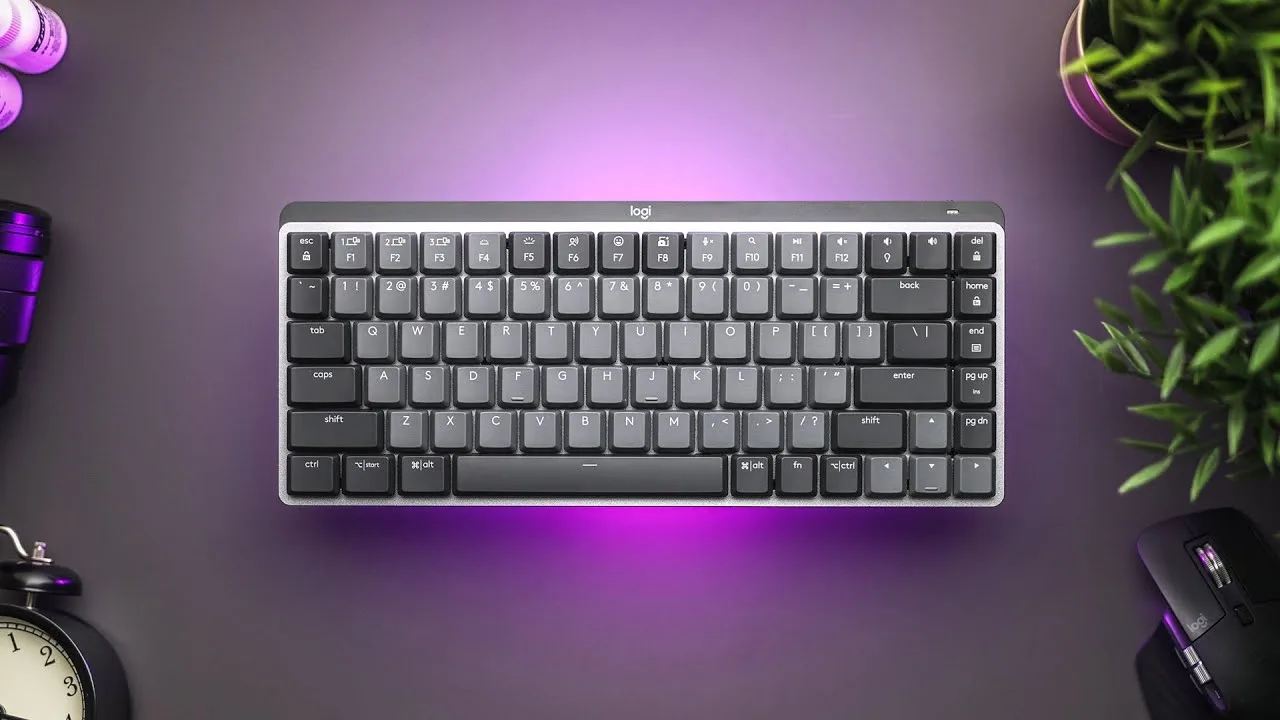
The Logitech MX Mechanical keyboard has garnered attention and after extensive use, it lives up to expectations. Known for its comfortable typing experience and responsive keys, it offers a satisfying tactile feedback. The keyboard's build quality is robust, and it integrates well with Logitech's software for customization.
- →Ideal for typists seeking tactile feedback
- →Sturdy construction for long-term use
- →Customizable via Logitech software
 Joseph Kim
The Logitech MX Mechanical keyboard offers a unique blend of …
Joseph Kim
The Logitech MX Mechanical keyboard offers a unique blend of …
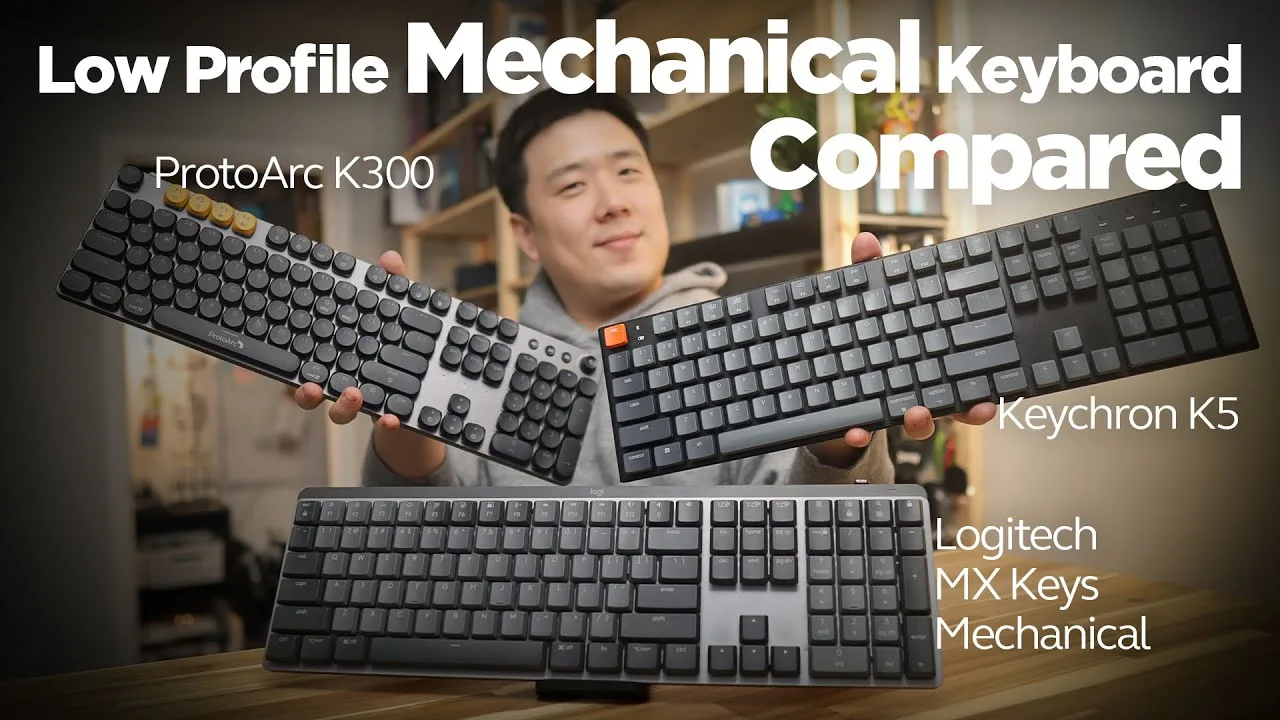
The Logitech MX Mechanical keyboard offers a unique blend of performance and comfort. It features a low-profile design with responsive mechanical switches, providing a tactile typing experience. Users appreciate the quiet operation and the compact size, which is ideal for space-constrained environments. However, some may find the key travel to be slightly shorter than traditional mechanical keyboards.
- →Ideal for quiet office environments
- →Suitable for users with limited desk space
- →Offers a tactile typing experience without excessive noise
 Cameron Dougherty Tech
The Logitech MX Mechanical keyboard is a reliable choice for many, …
Cameron Dougherty Tech
The Logitech MX Mechanical keyboard is a reliable choice for many, …
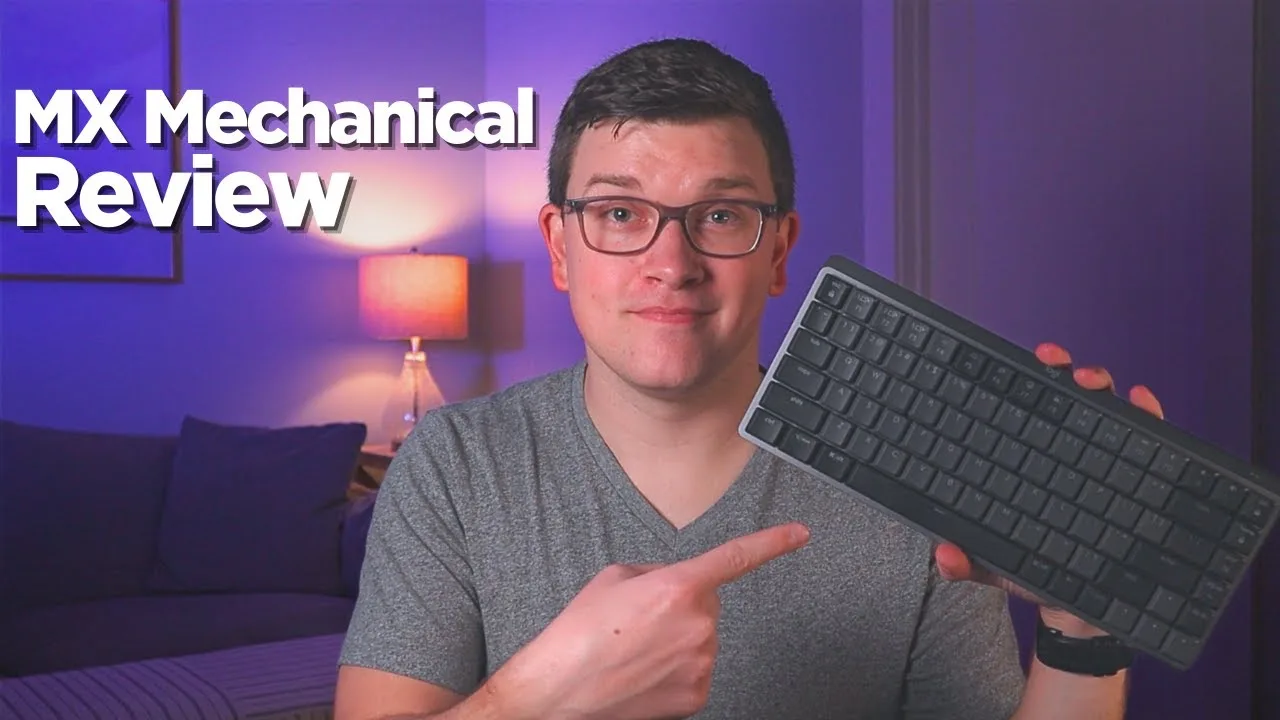
The Logitech MX Mechanical keyboard is a reliable choice for many, though it comes with a high price tag and some imperfections. It offers a comfortable typing experience and is designed with a focus on precision and performance. However, it's not without its flaws, which may impact user satisfaction.
- →Suitable for those seeking a high-quality keyboard
- →May not be cost-effective for all users
- →Flaws could affect overall user satisfaction
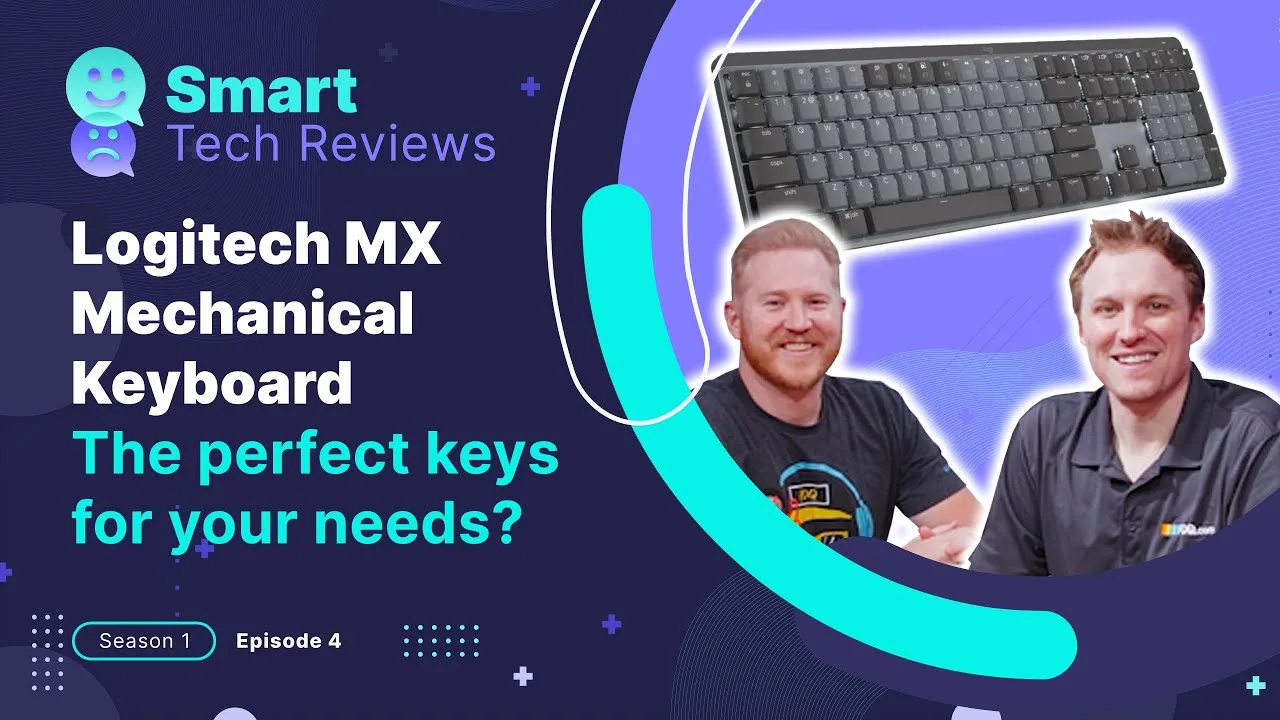 SmartDeploy
The Logitech MX Mechanical Keyboard is a premium offering tailored for …
SmartDeploy
The Logitech MX Mechanical Keyboard is a premium offering tailored for …
The Logitech MX Mechanical Keyboard is a premium offering tailored for professionals and power users. It features a sleek design, responsive keys, and advanced connectivity options. Users have praised its build quality and typing experience, making it a solid choice for those seeking a high-end keyboard.
- →Ideal for professional use
- →Enhances productivity with responsive keys
- →Stylish design fits modern workspaces
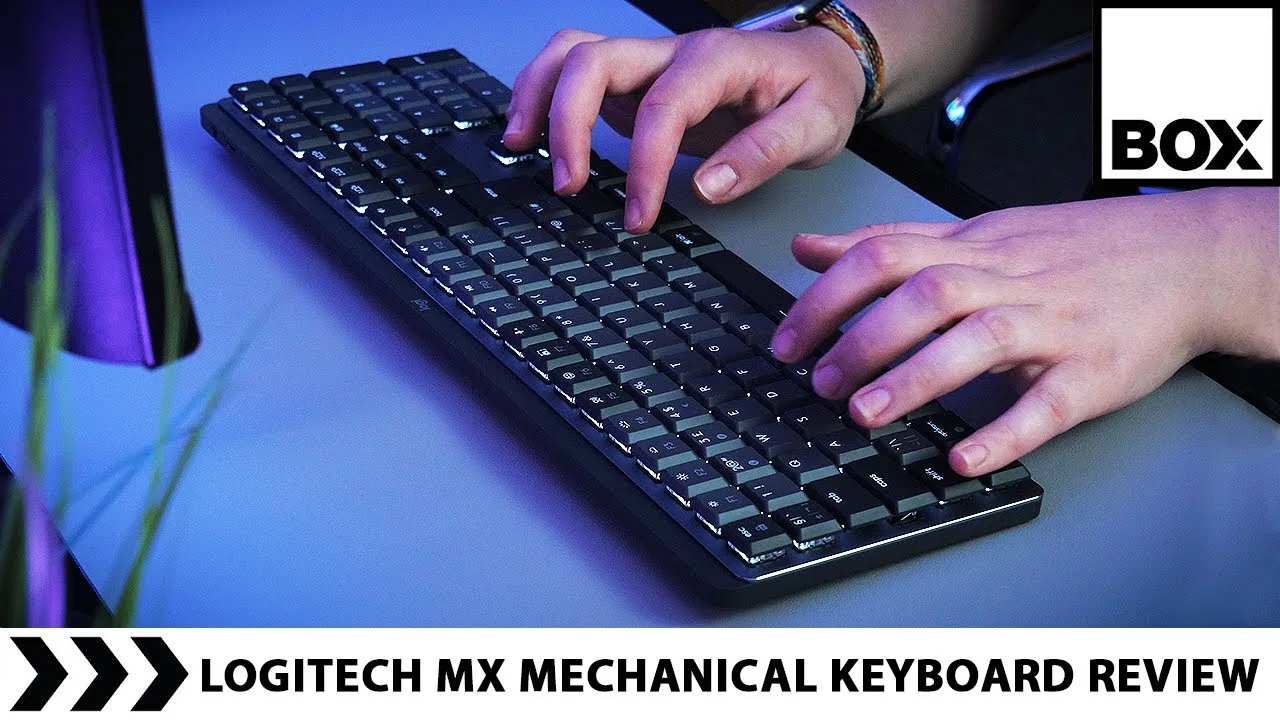 Box.co.uk
The Logitech MX Mechanical Keyboard, available in both full size and …
Box.co.uk
The Logitech MX Mechanical Keyboard, available in both full size and …
The Logitech MX Mechanical Keyboard, available in both full size and mini versions, is renowned for its ergonomic design and comfort. It offers a satisfying typing experience with its mechanical keys, which are quieter than most, contributing to a more pleasant work environment. The keyboard also boasts a sleek design and is easy to clean, enhancing its appeal for daily use.
- →Ideal for users seeking ergonomic comfort
- →Suitable for quiet office environments
- →Enhances productivity with responsive keys
- →Stylish and practical for daily use
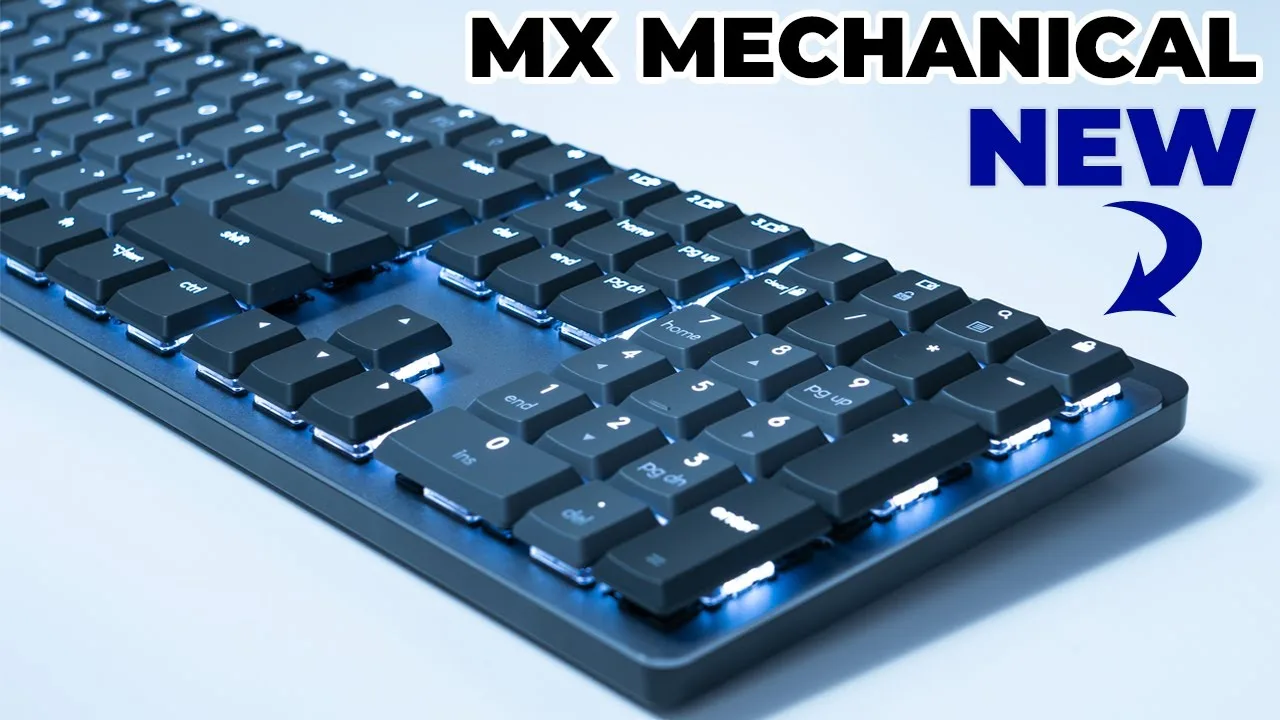 Dem Crumblies Tech
The Logitech MX Mechanical Keyboard - Tactile Quiet Version offers a …
Dem Crumblies Tech
The Logitech MX Mechanical Keyboard - Tactile Quiet Version offers a …
The Logitech MX Mechanical Keyboard - Tactile Quiet Version offers a unique typing experience with its quiet tactile feedback. Its design caters to those who want a mechanical keyboard without the loud noise. The keyboard is also equipped with advanced features like USB-C connectivity, which simplifies cable management.
- →Ideal for office environments
- →Reduces noise disturbance
- →Enhances productivity with tactile feedback
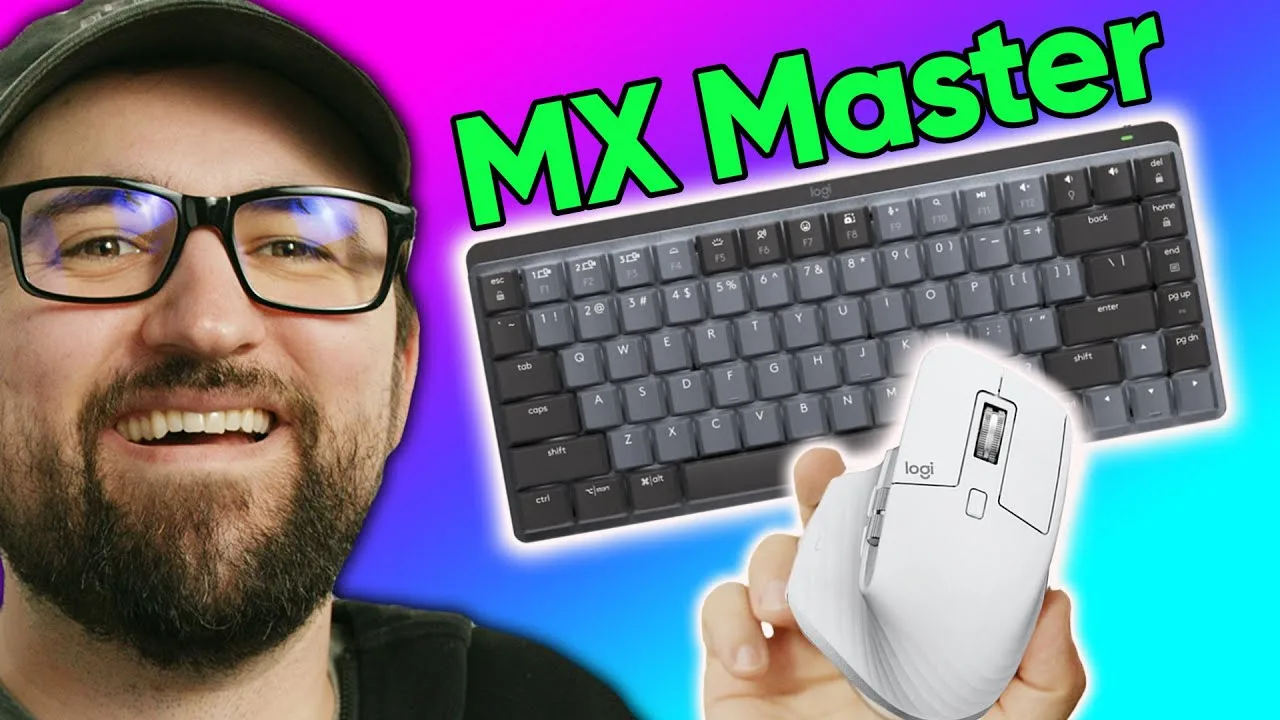 ShortCircuit
The Logitech MX Mechanical is a well-received keyboard, praised for …
ShortCircuit
The Logitech MX Mechanical is a well-received keyboard, praised for …
The Logitech MX Mechanical is a well-received keyboard, praised for its build quality and typing experience. Users appreciate the comfortable key travel and the solid feel, which contributes to a satisfying typing experience. However, some have noted issues with the keyboard's software, which can detract from its overall appeal.
- →Ideal for those valuing typing comfort
- →Build quality enhances durability
- →Software issues may affect user experience
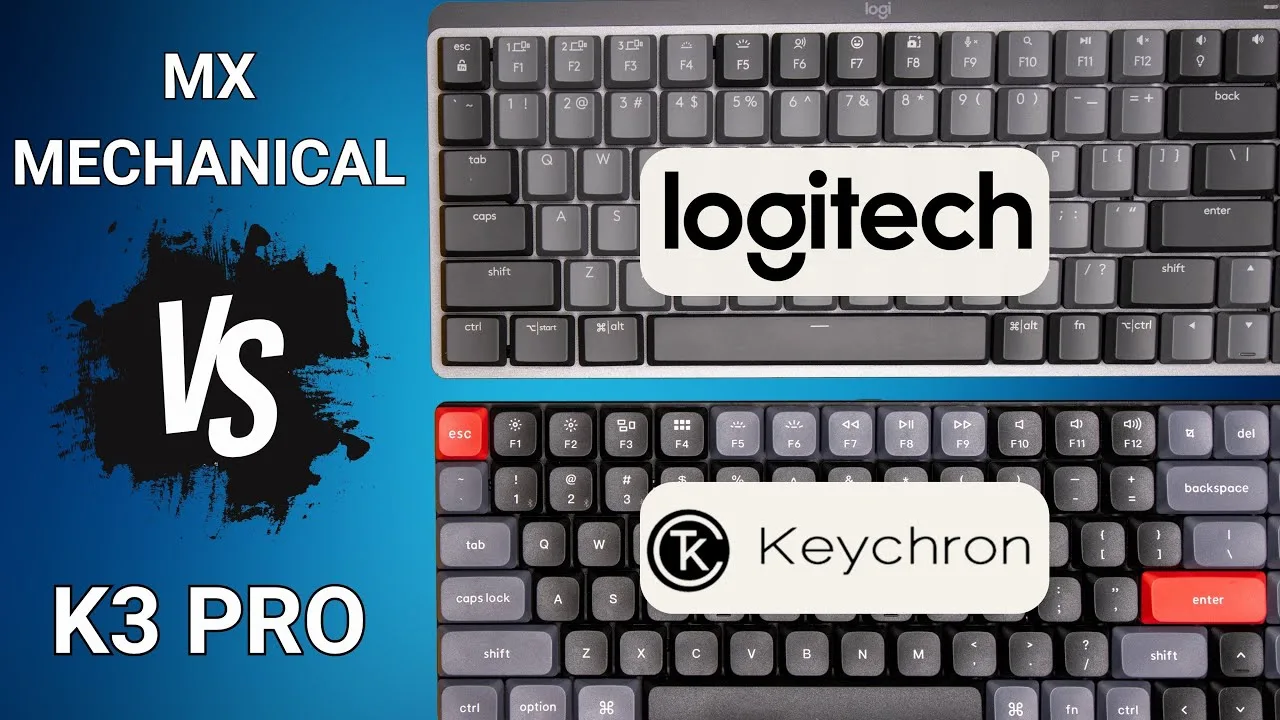 Corey Staden
The Logitech MX Mechanical keyboard offers a premium typing experience …
Corey Staden
The Logitech MX Mechanical keyboard offers a premium typing experience …
The Logitech MX Mechanical keyboard offers a premium typing experience with its low-profile mechanical switches. It provides a comfortable and quiet typing experience, making it ideal for professional use. The keyboard's build quality is solid, and it features a sleek design with a compact layout, which saves desk space. However, some users might find the keycaps to be a bit slippery, which could affect typing accuracy over extended periods.
- →Ideal for professionals seeking a quiet and comfortable keyboard
- →Sleek design fits well in modern office setups
- →Compact size is space-efficient for smaller desks
- →May not be best for users who require high typing accuracy
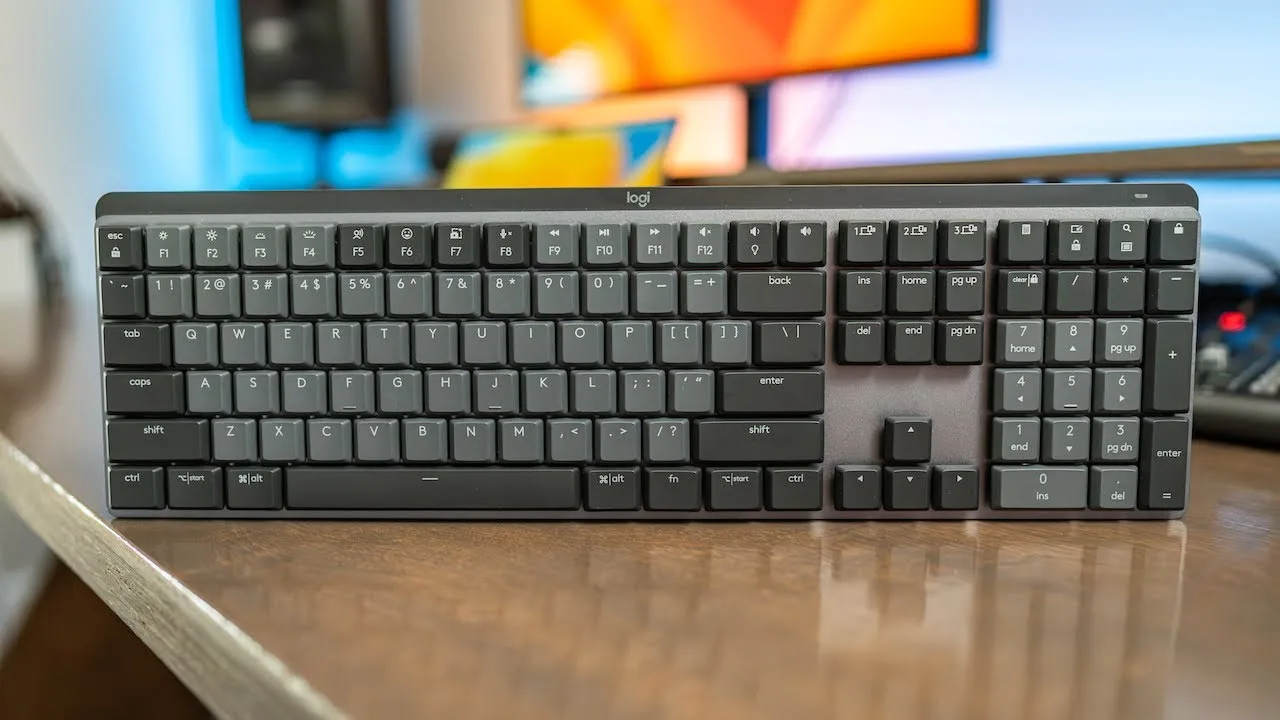 Adam Talks Tech
The Logitech MX Mechanical Keyboard offers a variety of key types and …
Adam Talks Tech
The Logitech MX Mechanical Keyboard offers a variety of key types and …
The Logitech MX Mechanical Keyboard offers a variety of key types and distinct sounds, enhancing the typing experience. It provides a customizable feel with its unique key switches, catering to different preferences. The keyboard's design allows for a personalized typing experience, which is a standout feature.
- →Ideal for typists seeking a personalized feel
- →Offers variety in key types and sounds
- →Enhances typing experience with customization
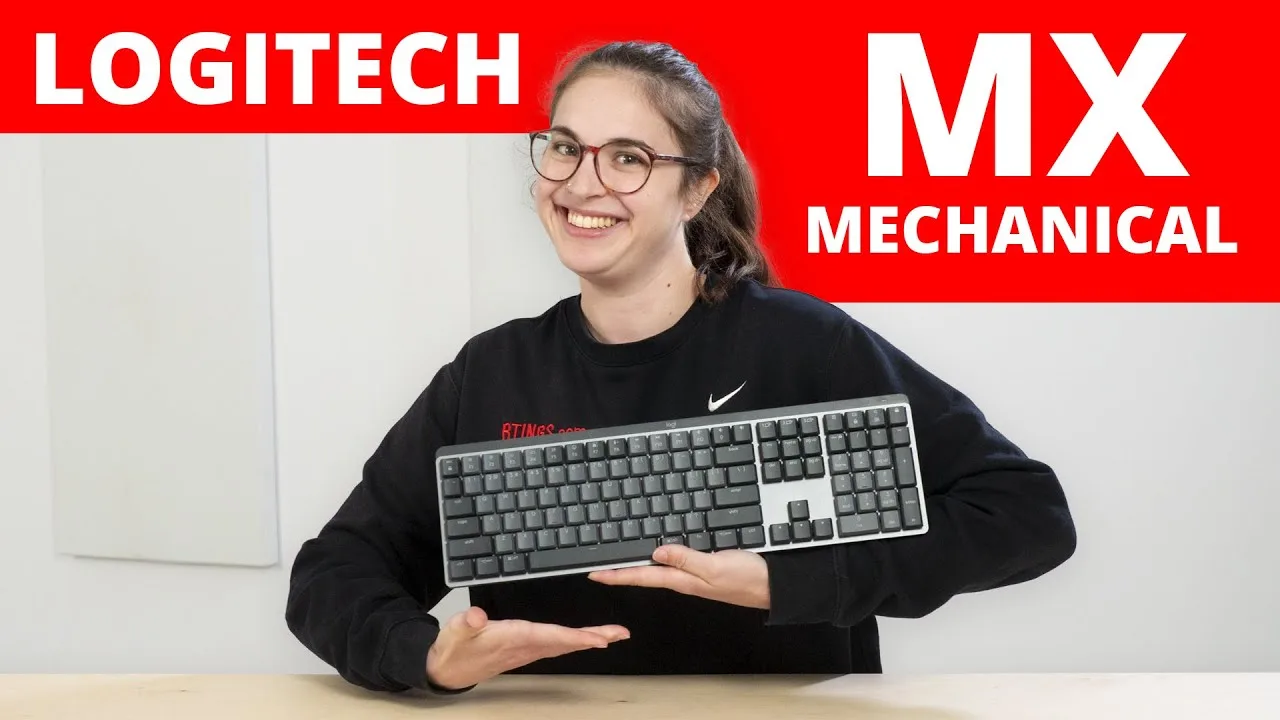 RTINGS Home Theater
The Logitech MX Mechanical is a wireless keyboard with a sleek design, …
RTINGS Home Theater
The Logitech MX Mechanical is a wireless keyboard with a sleek design, …
The Logitech MX Mechanical is a wireless keyboard with a sleek design, featuring Logitech's office-focused MX lineup. It offers a comfortable typing experience and is equipped with advanced connectivity options. The keyboard is designed for professional use, providing a quiet and smooth operation.
- →Ideal for office use with its quiet and smooth keys
- →Wireless connectivity for clutter-free workspace
- →Enhanced with Logitech's MX features for efficiency
- →Suitable for professionals requiring a high-quality keyboard
 RakeRock
The Logitech MX Mechanical keyboard offers a premium typing experience …
RakeRock
The Logitech MX Mechanical keyboard offers a premium typing experience …
The Logitech MX Mechanical keyboard offers a premium typing experience with its low-profile mechanical switches. It provides a comfortable and quiet typing experience, making it suitable for office environments. The keyboard's compact design saves desk space without compromising on functionality. Its wireless connectivity ensures a clutter-free setup, and the battery life is impressive, lasting up to 10 days on a single charge.
- →Ideal for office use due to quiet operation
- →Compact size is perfect for limited workspaces
- →Wireless design offers greater flexibility
- →Long battery life reduces charging frequency
 Dylan The Technogizguy
The Logitech MX Mechanical keyboard offers a premium typing experience …
Dylan The Technogizguy
The Logitech MX Mechanical keyboard offers a premium typing experience …
The Logitech MX Mechanical keyboard offers a premium typing experience with its high-quality build and responsive keys. Users will appreciate the comfortable key travel and the quiet operation, making it suitable for both home and office use. Its compact design saves space without compromising on functionality.
- →Ideal for professional typing needs
- →Offers a comfortable and quiet typing experience
- →Saves space on your desk with its compact form factor
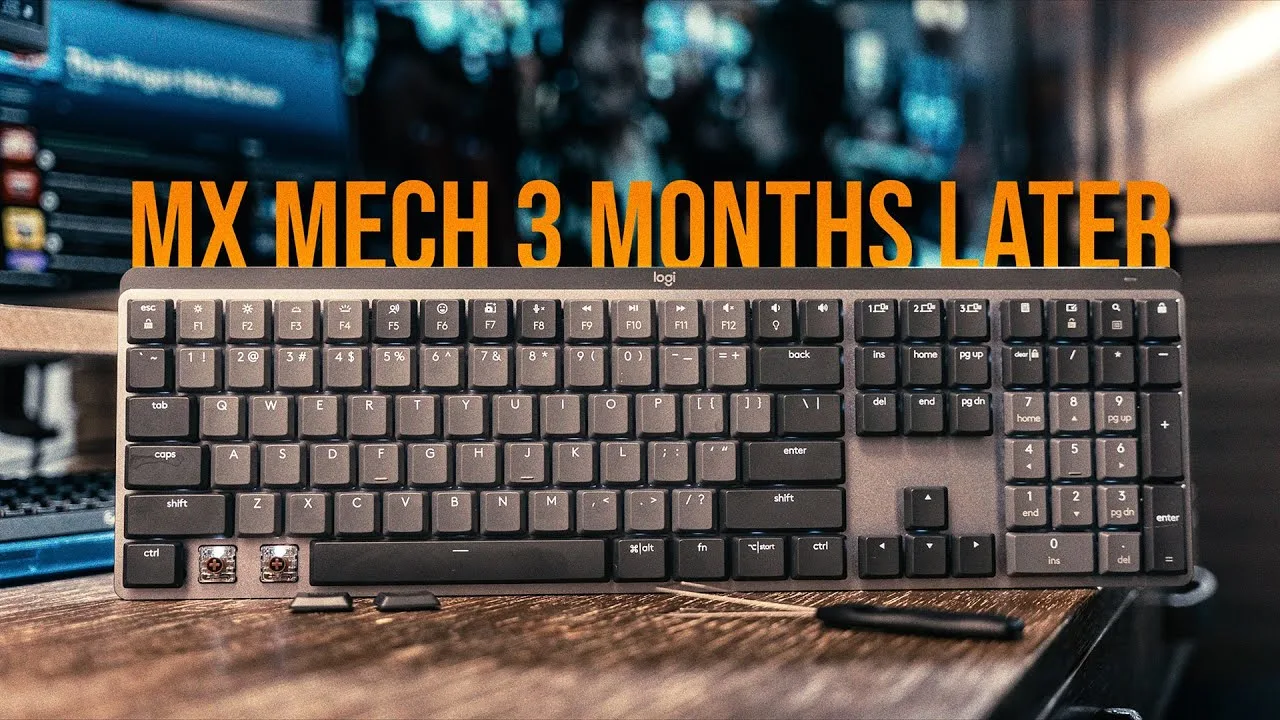 Phillip R Peck
The Logitech MX Mechanical keyboard offers a premium typing experience …
Phillip R Peck
The Logitech MX Mechanical keyboard offers a premium typing experience …
The Logitech MX Mechanical keyboard offers a premium typing experience with its mechanical switches, providing tactile feedback and durability. Users appreciate its sleek design and quiet operation, making it suitable for both home and office use. The keyboard's build quality is robust, ensuring longevity. However, some may find the price point to be on the higher side, which could be a deterrent for budget-conscious buyers.
- →Ideal for professionals seeking a high-quality keyboard
- →Suitable for both home and office settings
- →Durable construction for long-term use
- →May not be budget-friendly
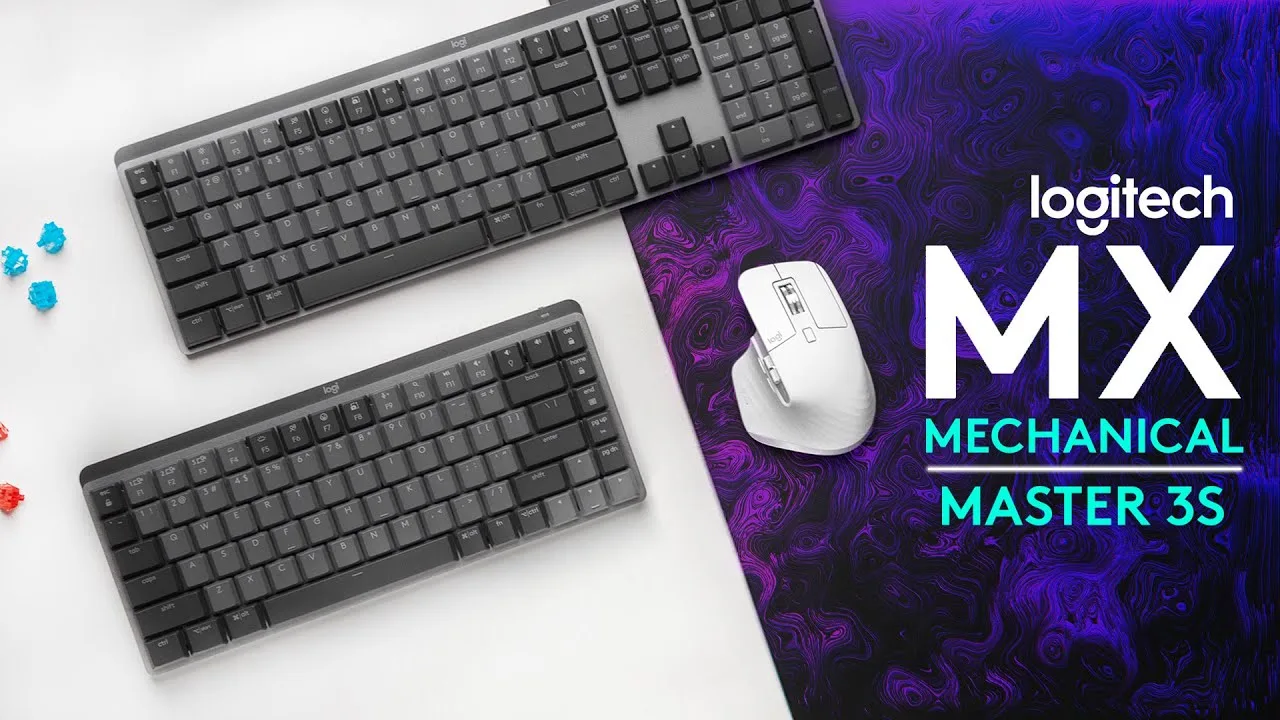 Hardware Canucks
The Logitech MX Mechanical Series combines a slim design with …
Hardware Canucks
The Logitech MX Mechanical Series combines a slim design with …
The Logitech MX Mechanical Series combines a slim design with Logitech's gaming keyboard expertise. It offers a sleek form factor that appeals to users, integrating advanced gaming features. The keyboard's performance is enhanced by its slim profile, making it a preferred choice for gaming enthusiasts.
- →Ideal for gamers seeking a slim keyboard
- →Combines aesthetics with performance
Community Discussions via Reddit
Setup Showcase
r/keyboards
u/jazor11
The user jazor11 is highly satisfied with their Logitech MX Mechanical keyboard, highlighting its sound, design, and customization options as significant upgrades from their previous keyboard. The ownership duration is not specified, but the user's positive experience is evident.
Key Insights
- →The Logitech MX Mechanical keyboard offers a noticeable upgrade in terms of sound, design, and customizability.
- →The user's satisfaction suggests that the keyboard meets their expectations for a premium mechanical keyboard experience.
Top Comments
Well, let’s hope for the best.
Logitech, Corsair, and other mainstream and gamer companies charge out the butt for keyboards that are not very good and often completely pants. One of my favorite keyboards was only $35.
It’s weird cause the MX keyboard was more expensive but this one is in a whole other level.
Setup Showcase
r/LogitechG
u/HarvWhanDon
The Reddit discussion on the Logitech MX Mechanical showcases a variety of user experiences and opinions. Users have differing views on the product's features, with some appreciating its design and functionality, while others express frustration with the lack of updates to the accompanying app. The community consensus seems to be that the Logitech MX Mechanical is a device with potential, but it is let down by outdated software support.
Key Insights
- →The Logitech MX Mechanical is praised for its design, but suffers from outdated software support.
- →The device is best suited for users who value design and are willing to work with outdated software.
- →Community consensus is that the product has potential, but the lack of app updates is a significant drawback.
Top Comments
Pretty sure it'd be written in user manual, that annoying book shipped with shit that no one reads because asking the internet feels better... Looks like a smartphone stand though.
Which was updated last 2016. I mean fucking hell Logitech. This app was not developed for **6 years now!**
Phone Holder. For when you want to use it for ARX Control. [ARX Control App](https://play.google.com/store/apps/details?id=com.logitech.gaming.arxcontrolapp)
Scores based on weighted analysis of 24 expert and community sources. How we review →