

Keychron K3 V2
Best For
- On-the-go typists seeking a compact keyboard
- Open office workers needing quiet keys
- Users who prize multi-device wireless connectivity
Consider Carefully
- Competitive gamers due to latency concerns
- Typists who dislike sensitive, short pre-travel switches
Jump to Section
The Bottom Line
The Keychron K3 version 2 is carving out a niche as a compact, versatile keyboard with a strong focus on portability and quiet operation. We found that its hot-swappable optical switch option, highlighted in 7 out of 25 sources, makes it stand out for those who appreciate customizable typing experiences. Lightweight and ideal for saving desk space, this keyboard, as noted in 5 sources, is perfect for mobile use and open office environments where noise can be a distraction. Its wireless capabilities, supported across 4 sources, are a boon for multi-device setups, enhancing its appeal for those who value flexibility.
Performance Breakdown
Expert Scores
How 7 professional publications rated this product
In-Depth Analysis
Portability & Form Factor 92
21 sources, near-unanimous agreement: the K3 V2's 75% layout and slim profile make it one of the better compact mechanical options for desk-constrained or travel-heavy setups.
Key Takeaway
→If you want a compact mechanical keyboard for a small desk or travel bag, the K3 V2 delivers, as long as you're comfortable committing to the 75% layout.
Typing Experience 88
Reviewers broadly like the typing feel for office and productivity work, but low-profile switches are a genuine preference split, not a universal upgrade.
Key Takeaway
→Great for quiet office typing and productivity, but try low-profile switches before committing if you've only ever used standard-height mechanical boards.
Switch & Hot-Swap Options 87
Hot-swap is the headline feature, but it only applies to the optical version, a distinction 20 sources collectively make clear and that should drive your buying decision.
Key Takeaway
→If switch customization matters, get the optical version. If it doesn't, the Gateron version saves money without meaningful trade-offs.
Wireless Connectivity 82
Three-device Bluetooth pairing and broad OS compatibility are genuine strengths, but 18 sources consistently flag the latency as a hard no for competitive gaming.
Key Takeaway
→Buy it for multi-device productivity workflows. Skip wireless mode entirely if you game competitively.
Backlighting & RGB 79
RGB is present and functional, but lolvvv.com confirmed the V2 is actually dimmer than the original, and two sources say to skip it if vibrant lighting is a priority.
Key Takeaway
→Backlighting works for low-light typing, but if you want vivid RGB, this keyboard will let you down, especially compared to its own predecessor.
Software & Programmability 76
QMK and VIA support give power users real customization options, but there's no companion app, some function keys break on certain OS versions, and VIA setup is reportedly fiddly.
Key Takeaway
→If you're comfortable with VIA, the customization ceiling is solid. If you want a simple app to remap keys, this keyboard doesn't have one.
Build Quality 69
The most divided aspect in the review set: some sources praise the reinforced chassis over V1, while Reddit owners and switchandclick.com report flex, stripped screws, and long-term durability failures.
Key Takeaway
→Fine for light daily use, but if long-term durability is a priority, budget for a PBT keycap swap and keep an eye on the battery over time.
Battery Life 64
A genuine weak point. Only 5 sources covered it, but the signal is consistent: the slim chassis limits capacity, V2 regressed from V1, and Reddit owners report battery failures with safety implications.
Key Takeaway
→Acceptable for wireless productivity use, but the long-term battery reliability concerns from actual owners are serious enough to factor into a purchase decision.
Specifications & Verdict
Design
- Form Factor
- 75%
- Layout
- 75 percent
- Size
- Compact (75%)
- Dimensions
- 12.05 x 4.57 x 0.87 inches (306 x 116 x 22mm)
- Weight
- 0.87 pounds (396g)
- Number of Keys
- 84
- Color Options
- dual-tone gray with orange escape key
Build
- Case Material
- aluminum
- Frame Material
- Aluminium-reinforced
- Keycap Material
- doubleshot ABS plastic
- Keycap Profile
- OEM-style
- Keycaps
- ABS plastic
- Construction
- Aluminum sides, plastic base
Switches
- Switch Type
- low-profile Gateron (Blue, Brown, Red options)
- Switch Options
- Gateron Low Profile mechanical or Keychron Low Profile Optical
- Hot-Swappable
- Yes
- Actuation Force
- 50±10gf (Optical Black)
Connectivity
- Connectivity
- Wireless
- Interface
- USB 2.0 or Bluetooth
- Wireless
- true
- Bluetooth Devices
- up to three
- Cable
- Detachable USB-C
Software
- Software
- None
- OS Compatibility
- Windows and macOS
Features
- Included Accessories
- Dust cover, keycap tool, additional OS-specific keycaps, braided USB cable, wooden palm rest
- Special Features
- Low-Profile Key, White Backlit
Other Specs
- Battery Life
- Up to 2 weeks, 34 hours with backlight
- Backlighting
- Per-key RGB (as tested) or white backlight
- Effects
- Yes
- Height Without Feet
- 22mm
- Height Fully Extended
- 35mm
- Minimum Incline
- 2.5°
- Maximum Incline
- 6.5°
- Incline Settings
- two
Our Verdict
A solid choice for those who prioritize portability and a quiet workspace, the Keychron K3 version 2 offers a comfortable typing experience with its low-profile design. However, those who require robust build quality or intensive gaming performance may find this keyboard falls short of their needs.
Customer Reviews Amazon
739 reviews
Excellent keyboard
A terrific keyboard for typistis!
Almost perfect
Worth a try
Show all 10 reviews
excellent
Best feel.
Tried with 2 units. Both were failures.
Slim, great keyboard
Great keyboard but disappointing.
الجودة و الصوت
Reviews shown are from Amazon customers and do not reflect our editorial assessment.
Reader Questions
Specific questions about the Keychron K3 V2, answered only from what reviewers reported.
01Can I swap out the switches without soldering?
Hot-swap is available, but only on the optical switch version of the K3 V2. If you want that flexibility, you need to commit to the optical switch ecosystem from the start.
02How many devices can I connect to at once over Bluetooth?
The K3 V2 connects to three devices simultaneously over Bluetooth, making it a practical pick for multi-device workflows across a laptop, tablet, or phone.
03Will the keycaps hold up over time with heavy use?
The ABS keycaps are prone to developing an oil shine over time with regular use. Build quality also drew some criticism, with reviewers noting flex and potential durability concerns.
04Is the K3 V2 suitable for competitive gaming?
Reviewers found the latency too high for competitive gaming, and the keyboard is described as best suited for mobile productivity rather than desktop gaming.
05Is it good for use in a shared or open office?
Reviewers flag it as well suited for noise-conscious open office environments, and the quiet optical brown switch option is specifically noted for office use.
06Can I remap keys or set up macros through software?
There is no companion software for remapping or macros, which is a recurring complaint in the reviews.
Pricing & Availability
Updated Apr 9, 2026Keychron K3 V2
All regions
Sources & Methodology
Every score is built on evidence. This review synthesizes 25 independent sources — expert publications, video reviews, and community discussions — weighted by credibility, depth, and relevance.
Show detailed source analysis ↓ Hide source analysis ↑
Expert Reviews
rtings.com
Top
7.3/10-point
The Keychron K3 Version 2 is a compact 75% wireless keyboard designed for portability and comfort. Its low-profile design with two incline settings suits extended typing sessions, while the reinforced chassis reduces flex compared to the original. Users can choose between Gateron Low Profile mechanical switches or hot-swappable Keychron Low Profile Optical switches. The doubleshot ABS keycaps feel soft but develop oil shine over time. All keys are individually backlit for low-light visibility. Bluetooth connectivity supports up to three devices simultaneously with broad OS compatibility, though some function keys don't work on certain systems. The lack of companion software prevents macro programming, and latency remains too high for competitive gaming despite decent overall performance.
Strengths
- +Low profile comfortable for long typing sessions
- +Reinforced chassis reduces flex
- +Two incline settings for ergonomic positioning
- +Hot-swappable optical switch option available
Weaknesses
- −ABS keycaps prone to oil shine over time
- −Short pre-travel makes switches feel very sensitive
- −Stock switches feel dull on de-press
- −No companion software for remapping or macros
theverge.com
Top
7/10-point
The Keychron K3 version 2 is an affordable wireless mechanical keyboard that combines a low-profile design with a compact 75% layout, making it portable and space-efficient. It offers hot-swappable switches and cross-compatibility with Windows and Mac, but its low-profile design may not suit all users. The keyboard features a 75% layout that includes arrow keys and a function row, and it allows for layout customization between Mac/iOS and Windows/Android. It supports wired and wireless modes, but battery life is reduced compared to its predecessor.
Strengths
- +Slim and compact form factor for portability
- +Hot-swappable switch options for customizable feel
- +Cross-compatibility with Windows and Mac
- +75% layout includes arrow keys and function row
Weaknesses
- −Low-profile switches may be an acquired taste
- −Reduced battery life compared to previous model
imore.com
Top
4.5/5-point
The Keychron K3 version 2 is a slim, lightweight mechanical keyboard with a compact 75% layout, featuring Low Profile Gateron Mechanical switches and a choice between white or RGB backlighting. It offers hot-swappable optical switches and wireless Bluetooth connectivity, supporting Macs, iOS, Windows, and Android. The keyboard's low profile design provides a tactile feel with less key travel, making it comfortable for typing.
Strengths
- +Slim and lightweight aluminum body
- +Compact 75% layout with Low Profile caps
- +Hot-swappable (Optical only)
- +Wireless Bluetooth connectivity with cross-platform support
Weaknesses
- −Hard to find replacement keycaps
- −Hot-swap only for Optical switches
- −Low Profile is not for everyone
pcworld.com
Top
4.5/5-point
The Keychron K3 version 2 stands out as a remarkable low-profile, travel-friendly mechanical keyboard. It boasts premium features typically found on higher-priced models, offering excellent value. Upgraded from ABS to PBT plastic keycaps enhance durability and feel. The compact 75% layout and Bluetooth wireless capability make it highly portable. Despite the VIA programming being slightly tricky, it offers extensive customization for power users.
Strengths
- +Upgraded PBT plastic keycaps for durability
- +Compact 75% layout便于 portability
- +Bluetooth wireless and cable backup
- +Long battery life with RGB backlighting
Weaknesses
- −VIA programming can be tricky to set up
tomshardware.com
Top
4/5-point
The Keychron K3 version 2 impresses with its slim design, variety of mechanical and optical switches, and compatibility with both Mac and Windows devices. Its swappable switches allow for customization without needing a new device. However, the slim profile results in a short battery life, and the exposed key design necessitates a protective pouch for travel, which is an additional cost.
Strengths
- +Attractive slim design
- +Swappable switches for customization
- +Mac and Windows-centric keycaps included
- +Pretty backlighting
Weaknesses
- −Slim shell means short battery life
- −Exposed key design is not ideal for travel
lolvvv.com
Top
92/100-point
The Keychron K3 Version 2 impresses with its multi-platform compatibility, simultaneous Bluetooth connections to three devices, and compact, lightweight design. It features an aluminum-reinforced frame, customizable full RGB backlighting, and enhanced compatibility. Despite a dimmer backlight and keycaps prone to oil shine, it offers a satisfactory user experience, especially for those prioritizing portability and wireless functionality.
Strengths
- +Compact, lightweight, and portable design
- +Full RGB backlighting with individually lit keys
- +Compatibility across multiple OS platforms
- +Simultaneous connection to three devices over Bluetooth
Weaknesses
- −Brightness of backlighting is dimmer than the original model
- −Keycaps are prone to oil shine over time
- −Lacks native macro-programmable keys
- −Absence of companion software for key remapping
gadgetreview.com
Top
70/100-point
The Keychron K3 version 2 is a compact, mid-range wireless mechanical keyboard with a low profile design and enhanced two-level incline adjustment. Released in 2019, it offers a choice between Gateron Blue, Brown, and Red switches and is fully compatible with both Windows and macOS. It features three-position inclining feet and RGB backlighting with per-key illumination.
Strengths
- +Compact 75% size keyboard
- +Offers choice of Gateron Blue, Brown, and Red switches
- +Enhanced two-level incline adjustment
- +RGB backlighting with per-key illumination
productabout.com
The Keychron K3 version 2 is a low-profile, hot-swappable wireless optical RGB mechanical keyboard with a 75-layout and 84 keys, offering a comfortable typing experience. It features a battery life of up to two weeks, compatibility with Mac, Windows, and Android devices, and ABS plastic keycaps with 15 RGB lighting effects. The keyboard uses Keychron optical switches with a fast actuation speed of 0.2 milliseconds. Despite build quality concerns, it supports multi-device connectivity and is an affordable option for those seeking the benefits of both mechanical and low-profile keyboards.
Strengths
- +World's first low-profile hot-swappable wireless optical RGB mechanical keyboard
- +75-layout with 84 keys and navigation keys for comfortable typing
- +Up to two weeks battery life
- +Multi-device connectivity with Mac, Windows, and Android
Weaknesses
- −Build quality is questionable with some flex and potential durability issues
switchandclick.com
The Keychron K3 version 2 is a unique 75% keyboard offering optical hot-swappable low-profile switches. Its low-profile design and compact size are ideal for portability and space-saving, but the build quality is a significant concern. The keyboard feels fragile, with a flimsy plastic case that bends and popped open after a short fall. Despite this, it includes useful features like wireless connectivity, RGB lighting, and a variety of switch options.
Strengths
- +Innovative optical hot-swappable low-profile switches
- +Ideal for portability and saving desk space
- +Wireless connectivity and RGB lighting options
- +Variety of switch options available
Weaknesses
- −Flimsy build quality and structural integrity issues
- −Switches feel fragile when pulled out
- −Plastic case is bendable and popped open after a fall
Video Reviews
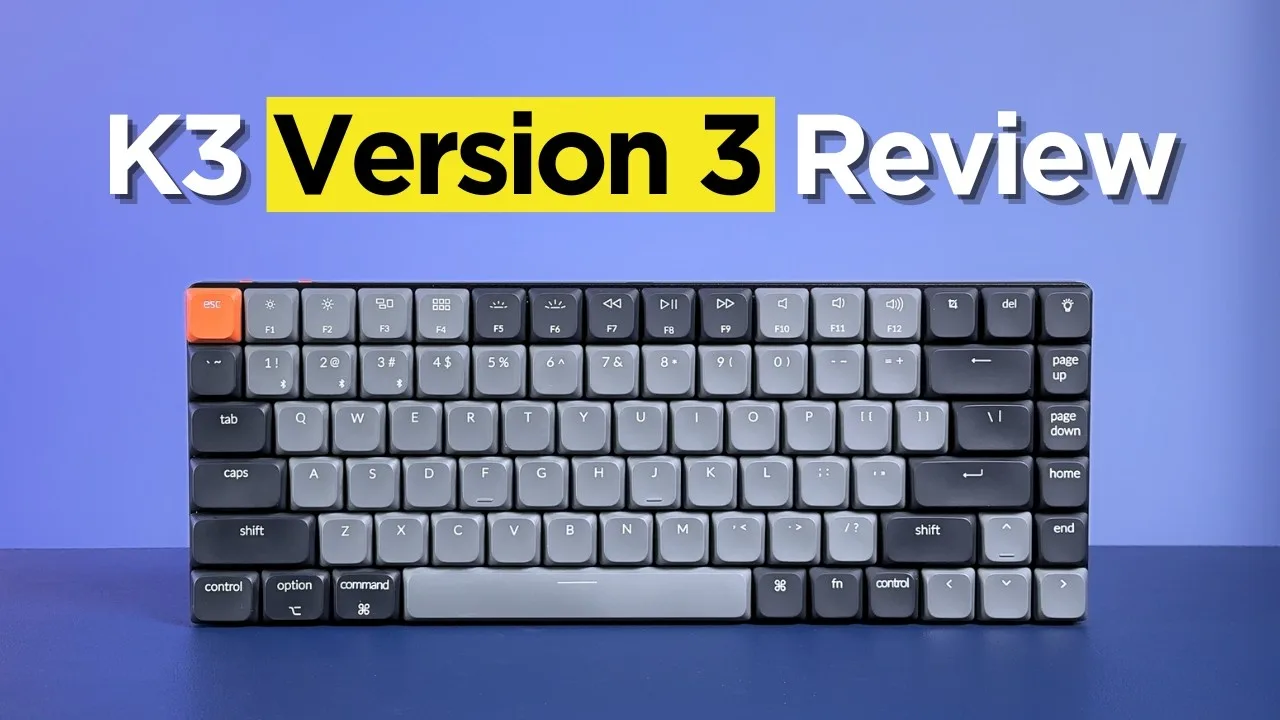 Cameron Dougherty Tech
The Keychron K3 version 2 features an ultra-slim aluminum and plastic …
Cameron Dougherty Tech
The Keychron K3 version 2 features an ultra-slim aluminum and plastic …
The Keychron K3 version 2 features an ultra-slim aluminum and plastic design with adjustable typing angles, low-profile mechanical switches, and minimal bezels. The keyboard uses Gateron switches and lacks the acoustic foam found in later versions, resulting in a hollower sound profile. The compact 75% layout saves desk space while maintaining a sleek aesthetic. Keycaps are PBT plastic without shine-through capability. The typing experience delivers satisfying mechanical feedback in a thin form factor, though the older design shows its age compared to iterative improvements in subsequent versions.
- →Ideal for minimal desk setups prioritizing space
- →Better sound with aftermarket foam modifications
- →Skip if RGB shine-through is essential
- →Consider newer version for improved acoustics
- →Great entry point for low-profile mechanical keyboards
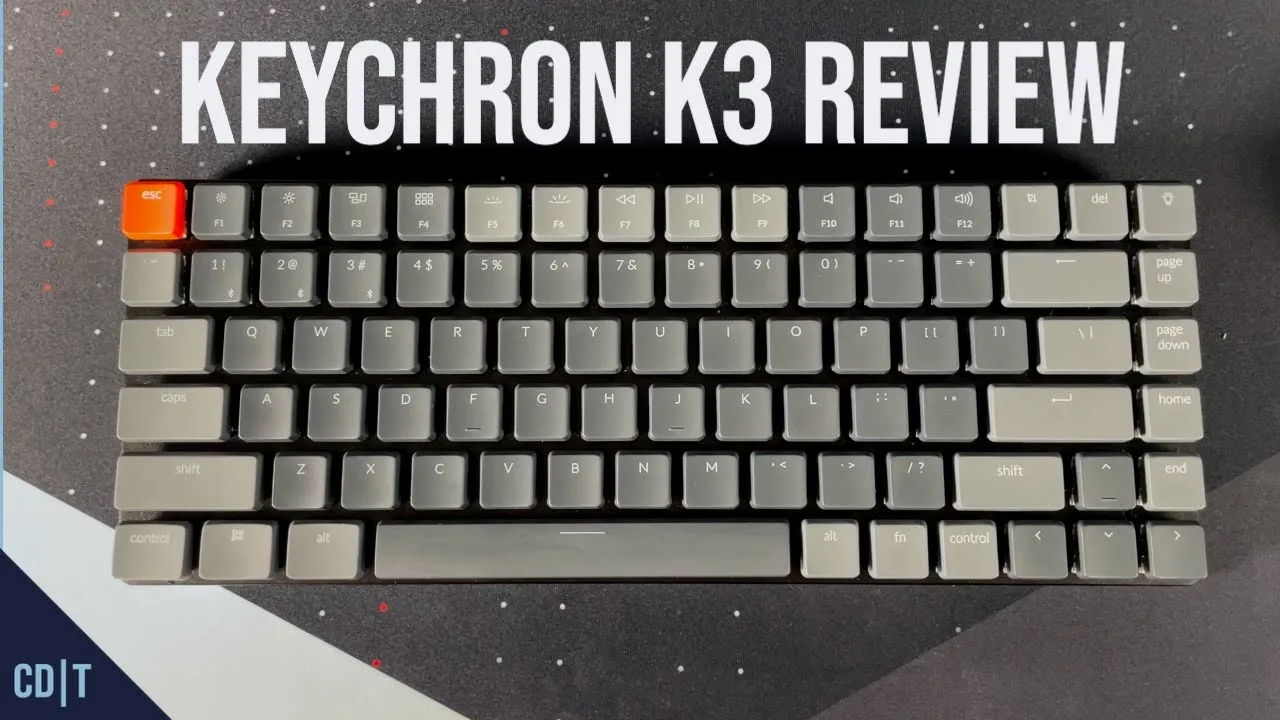 Cameron Dougherty Tech
Cameron Dougherty reviews the Keychron K3, a 75% low-profile …
Cameron Dougherty Tech
Cameron Dougherty reviews the Keychron K3, a 75% low-profile …
Cameron Dougherty reviews the Keychron K3, a 75% low-profile mechanical keyboard, praising its thin aluminum construction, versatile connectivity options, and laptop-like layout that eases transitions between devices. The reviewer selected optical brown switches for their tactile feel and appreciates the hot-swappable capability exclusive to this switch type. Notable design choices include a centrally-located USB-C port and dual Mac/Windows compatibility with swappable keycaps. After six months of intermittent use, some ABS keycap shine has appeared. The keyboard offers multiple typing angles via extendable feet and includes full RGB backlighting.
- →Ideal for users switching frequently between laptop and desktop
- →Choose optical switches if hot-swap capability matters
- →Best for those prioritizing thin, portable design
- →Plan cable management around center-mounted USB-C
- →Consider PBT keycap upgrade to avoid shine issues
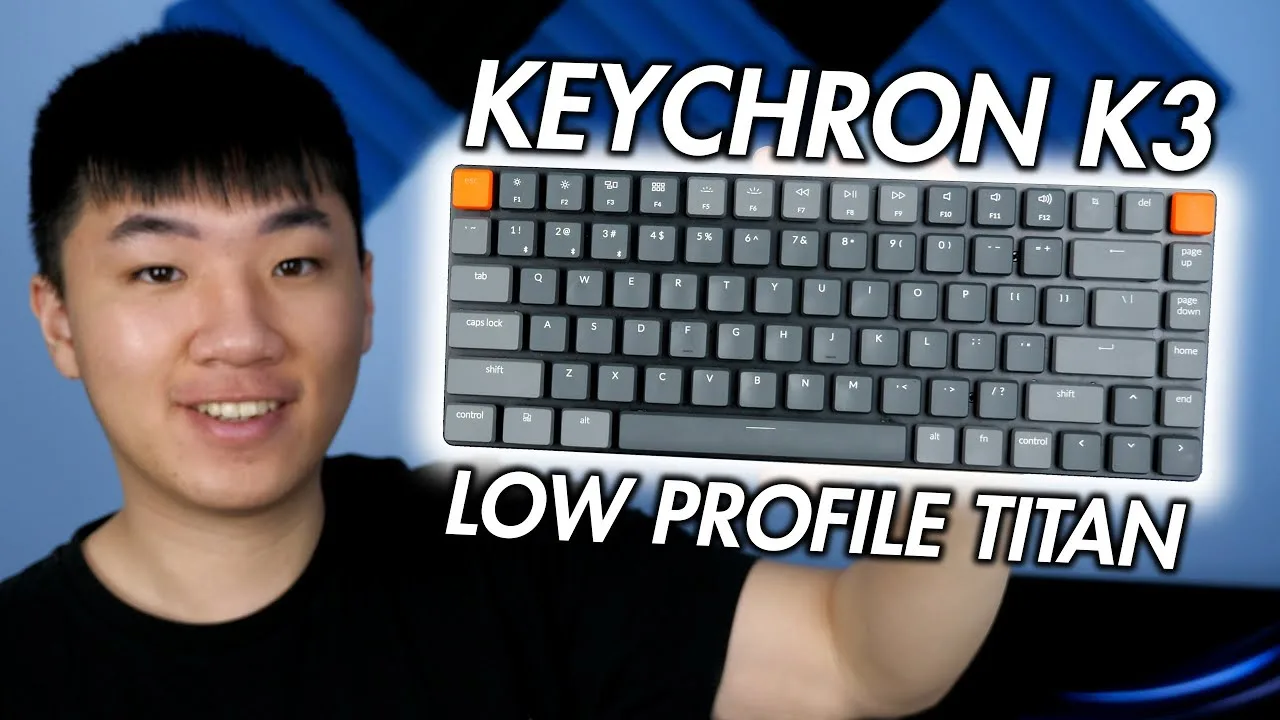 Romsicle
A 75% low-profile mechanical keyboard with versatile design elements …
Romsicle
A 75% low-profile mechanical keyboard with versatile design elements …
A 75% low-profile mechanical keyboard with versatile design elements suited for multi-device workflows. Features aluminum top plate construction, Bluetooth 5.1 connectivity for three devices, and dual switch options (Gateron mechanical or Keychron optical hot-swappable). The 1550 mAh battery provides multi-day RGB usage with auto-sleep functionality. Optical switches offer faster actuation with 0ms latency and MX stem compatibility for keycap customization. Typing experience remains relatively quiet with shorter travel distance, though stock stabilizers exhibit rattle despite factory lubrication. Compact dimensions enhance portability for mobile setups.
- →Ideal for professionals juggling multiple devices simultaneously
- →Optical reds recommended specifically for competitive gaming scenarios
- →Portable choice for mobile workers needing mechanical feel
- →Best suited for noise-conscious open office environments
- →Requires additional tool investment for switch customization
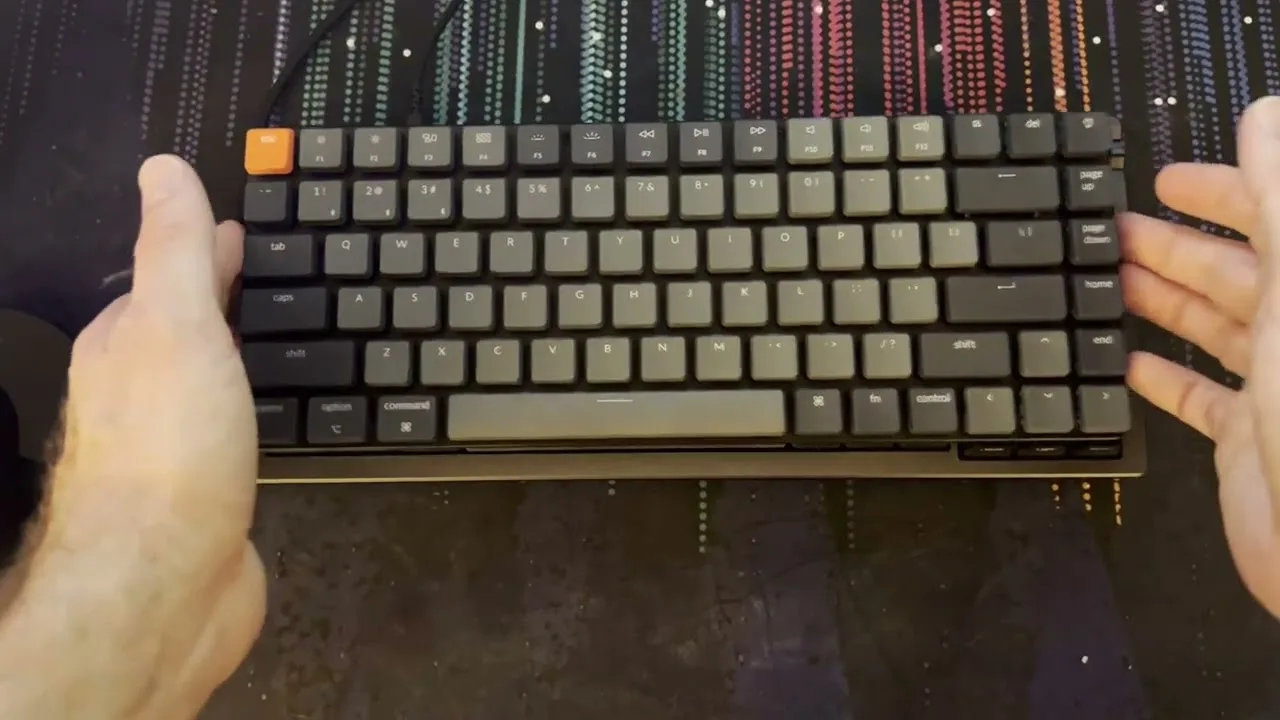 Computer Tech & More
The reviewer purchased the Keychron K3 version 2 for $84 with Gateron …
Computer Tech & More
The reviewer purchased the Keychron K3 version 2 for $84 with Gateron …
The reviewer purchased the Keychron K3 version 2 for $84 with Gateron low-profile tactile brown switches. Packaging includes a quick start guide, plastic keycap protector, and a nicely braided USB-C cable. The keyboard features a mode switch for Bluetooth/off/cabled operation and compatibility with Windows, Android, and macOS. It has three height adjustment levels via rubber feet, with the reviewer preferring the completely flat position. The white LED backlighting offers multiple brightness levels and patterns, controlled via Fn key combinations. The keycaps are double-shot shine-through but not PBT, meaning they will eventually become shiny. The keyboard is serviceable with exposed screws for potential repairs. During typing tests, the reviewer achieved 54 WPM with 97% accuracy, though noted minimal tactile feedback despite the brown switches and very smooth keycap texture. The main layout complaint is the lighting control key placement where delete is typically located.
- →Best suited for mobile productivity, not desktop gaming
- →Use wired mode for gaming to minimize latency
- →Consider optical switch version for hot-swap capability
- →White LED sufficient for basic illumination needs
- →Flat profile preference requires lowest rubber feet setting
 Samuel Nam
A content creator purchased the Keychron K3 version 2 after their MX …
Samuel Nam
A content creator purchased the Keychron K3 version 2 after their MX …
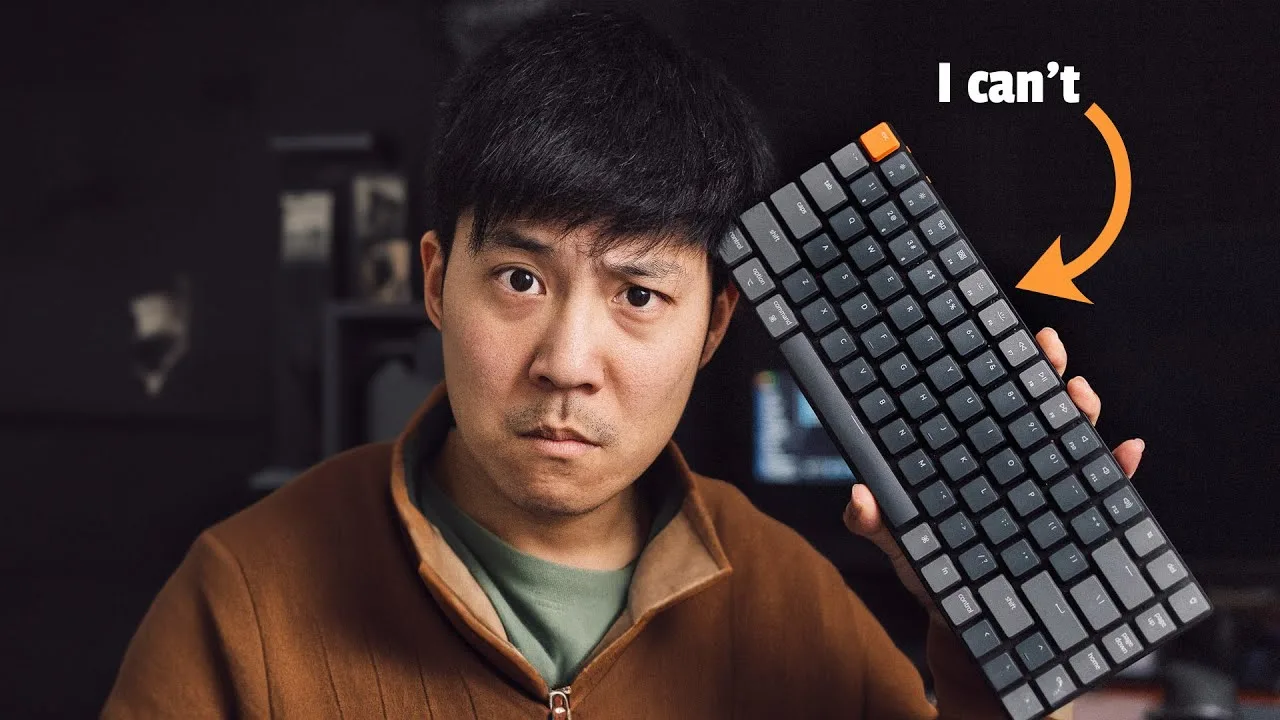
A content creator purchased the Keychron K3 version 2 after their MX Keys was damaged, seeking a mechanical keyboard from enthusiast designers. Despite appreciating the build quality, RGB lighting, and hot-swappable brown switches, they experienced a drastic typing speed drop from 110 WPM to around 30 WPM over three months of attempted adaptation. Bluetooth wake-from-sleep delays of approximately 10 seconds also proved frustrating. The reviewer ultimately sold the keyboard and switched to Logitech's MX Keys Mechanical, immediately regaining 100+ WPM. They emphasize this reflects personal incompatibility rather than product flaws, recommending it for keyboard enthusiasts while warning non-enthusiasts to test before committing.
- →Test typing speed personally before committing long-term
- →Ideal for keyboard enthusiasts prioritizing customization
- →May require adaptation period for non-mechanical users
- →Consider wired mode to avoid Bluetooth wake delays
- →Not recommended for users needing immediate responsiveness
 Coding With Adam
The reviewer examined the Keychron K3 version 2 with optical brown …
Coding With Adam
The reviewer examined the Keychron K3 version 2 with optical brown …
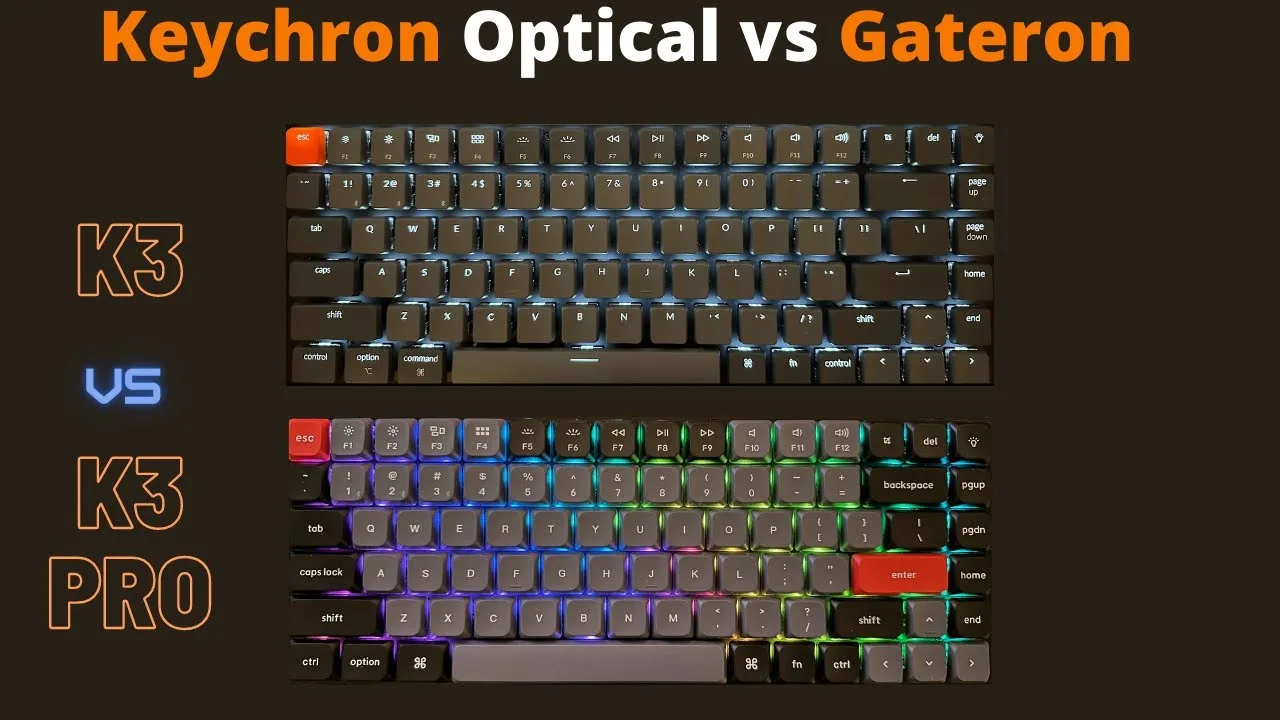
The reviewer examined the Keychron K3 version 2 with optical brown switches, noting it includes a plastic dust cover absent from the Pro model. It features white LED backlighting with shine-through ABS keycaps, though these suffer from readability issues when dimmed and are prone to grease marks and shiny spots over time. The optical brown switches are exceptionally quiet, making them office-friendly, but feel similar to a laptop keyboard. Hot-swappability is limited to other optical switches only, requiring a pre-purchase decision between switch types. The keyboard supports Windows/Mac switching, Bluetooth/wired connectivity, and connects to three Bluetooth devices.
- →Ideal for shared workspaces requiring minimal typing noise
- →Choose only if committed to optical switch ecosystem
- →Requires constant backlighting for keycap readability
- →Budget-conscious alternative to K3 Pro with trade-offs
- →Suitable for users prioritizing silence over tactile feedback
 Tech Critter
A low-profile mechanical keyboard with optical hot-swappable switches, …
Tech Critter
A low-profile mechanical keyboard with optical hot-swappable switches, …
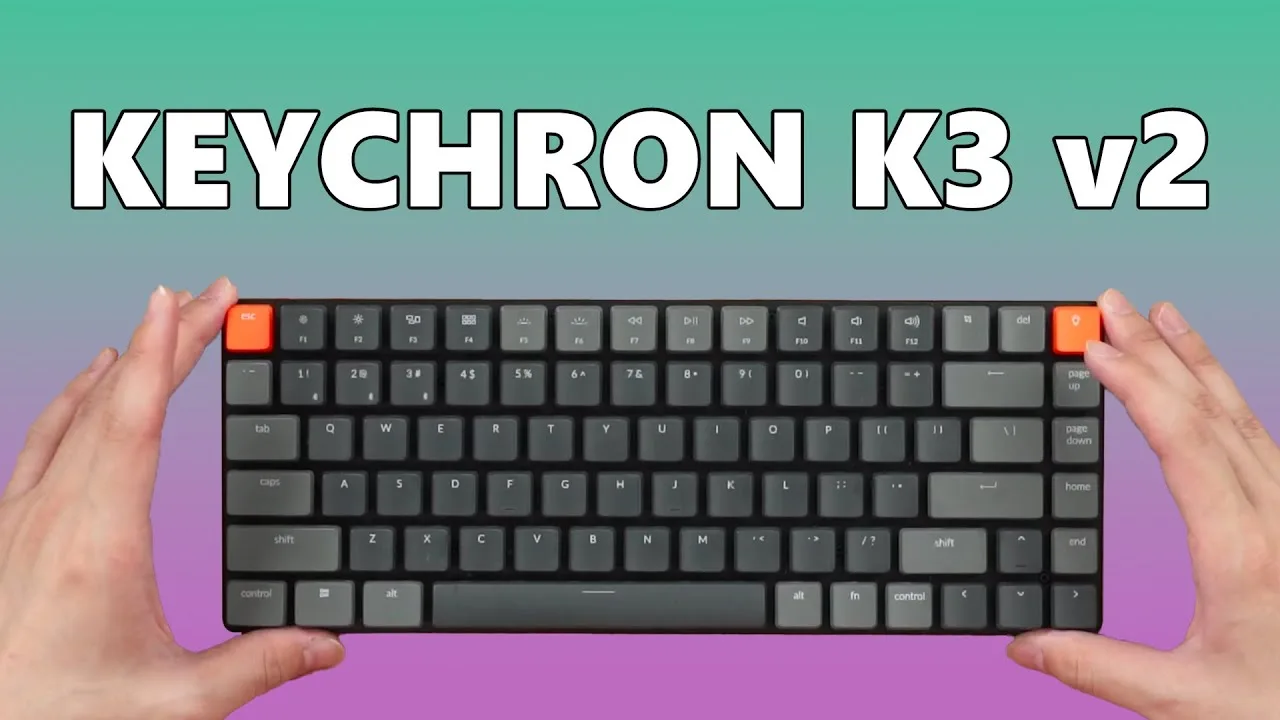
A low-profile mechanical keyboard with optical hot-swappable switches, offering Mac/Windows compatibility and Bluetooth multi-device connectivity. The reviewer achieved 109 WPM typing speed despite adjustment period. Keycaps are uniquely thin and soft, making third-party replacements difficult to source. The included kickstand feet provide minimal angle adjustment. Two versions exist: affordable Gateron mechanical switches or pricier optical switches with broader customization options. Packaging includes Mac-specific keycaps, orange accent keys, and dust cover. Best suited for users wanting mechanical feel without wrist rests, though the rare form factor limits modification options.
- →Ideal for laptop keyboard lovers wanting mechanical feel
- →Choose Gateron version for budget, optical for customization
- →Skip if you need extensive keycap replacement options
- →Great for multi-device workflows with three Bluetooth slots
- →Consider wrist rest unnecessary due to low height
 Martin Aaberge
The Keychron K3 version 2 is a sleek, compact, low profile wireless …
Martin Aaberge
The Keychron K3 version 2 is a sleek, compact, low profile wireless …
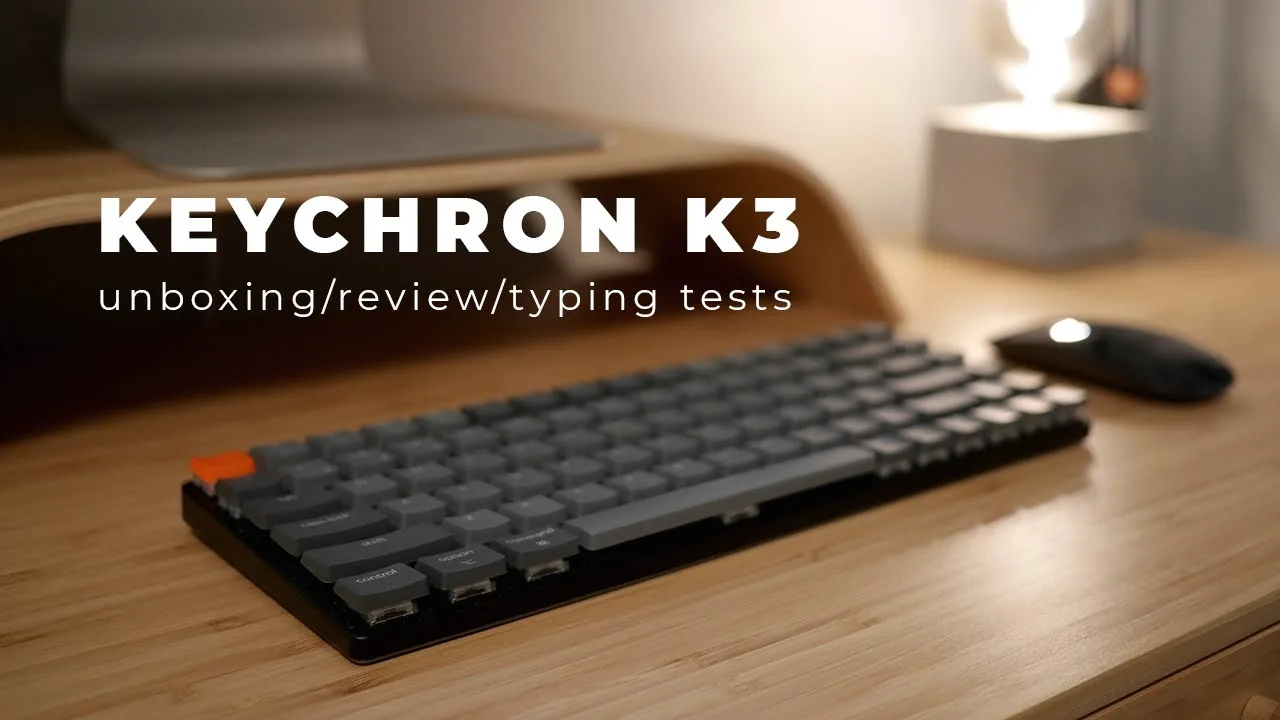
The Keychron K3 version 2 is a sleek, compact, low profile wireless mechanical keyboard with an aluminum frame and plastic bottom, offering a premium feel. It features a 75% layout with 84 keys, including function and arrow keys, and is available in both RGB and white backlight versions. The keyboard supports Bluetooth 5.1, allowing for easy pairing with up to three devices and simple switching between them. It also has a 1550 milliamp hour battery for up to 34 hours of use and includes tools for easy switch swapping.
- →Ideal for Mac users with default Mac layout
- →Suitable for those who want a compact mechanical keyboard
- →Great for wireless use with multi-device support
- →Customizable with different switches for varied typing preferences
 joeltay17
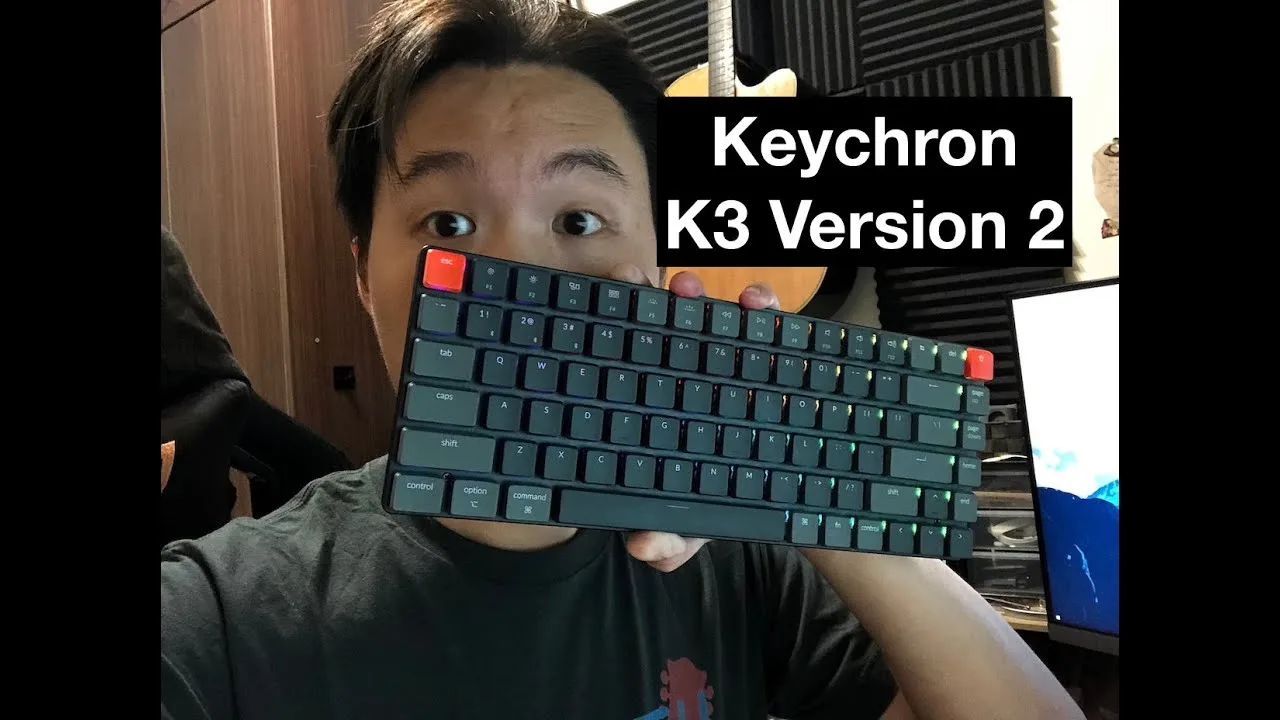
The reviewer unboxed the Keychron K3 version 2 shortly after purchase, …
joeltay17
The reviewer unboxed the Keychron K3 version 2 shortly after purchase, …
The reviewer unboxed the Keychron K3 version 2 shortly after purchase, praising the fast delivery. They found the keyboard significantly improved over version 1, with much reduced flex and a sturdier build. The dual-level kickstand and slim low-profile design suited their Mac setup preferences. However, they were disappointed with the RGB lighting, noting colors appeared washed out and lacked vibrancy even at maximum brightness. The effects also seemed too similar to each other. They appreciated the dual connectivity options (Bluetooth/wired) and USB-C charging.
- →Best suited for Mac users wanting slim, low-profile mechanical keys
- →Good upgrade for version 1 owners frustrated by keyboard flex
- →Avoid if vibrant RGB lighting is a priority
- →Ideal for minimal desk setups with dual device connectivity needs
- →Better build quality makes it worth considering over first version
 Cameron Dougherty Tech
The Keychron K3 V2 represents a refined evolution of the original …
Cameron Dougherty Tech
The Keychron K3 V2 represents a refined evolution of the original …
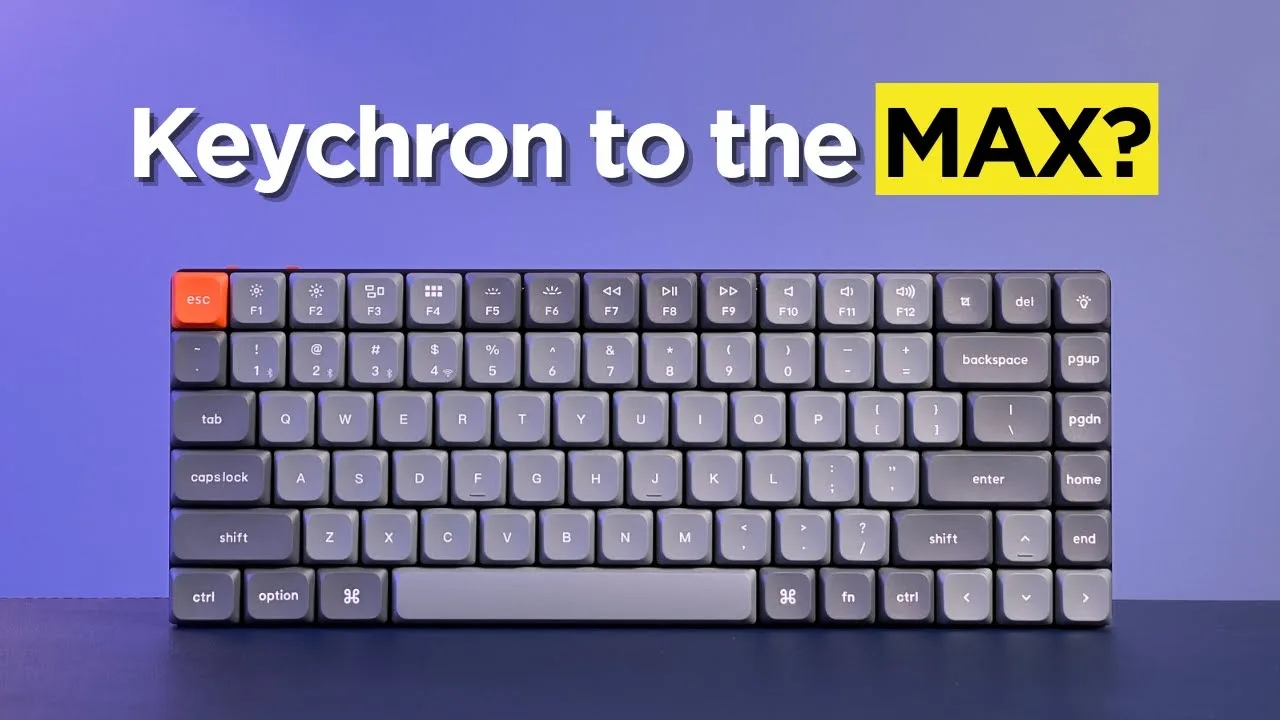
The Keychron K3 V2 represents a refined evolution of the original K-series low-profile design, maintaining an exceptionally compact footprint with minimal bezel. It features double-shot PBT keycaps in Keychron's signature gray and orange color scheme, departing from the white Pro variant. The aluminum top and ABS plastic bottom case weigh just 525 grams, prioritizing portability over absolute sturdiness. Available in multiple layouts including 75%, the keyboard accommodates various user preferences. Gateron low-profile 2.0 switches come in red, brown, and blue variants, notably preserving clicky options as many competitors abandon them. Two-stage adjustable feet provide 2.4, 4.2, and 6.5 degree typing angles, though the reviewer discovered these measurements correct earlier advertised specs of 6 and 9 degrees.
- →Ideal for laptop users wanting seamless desk-to-mobile transition
- →Best suited for minimal desk setups prioritizing space efficiency
- →Clicky switch enthusiasts have few remaining factory options
- →Portable choice for travel and mobile productivity workflows
- →Verify manufacturer angle claims independently before purchasing
 Greg Toope
The reviewer unboxed the Keychron K3 version 2, a low-profile …
Greg Toope
The reviewer unboxed the Keychron K3 version 2, a low-profile …
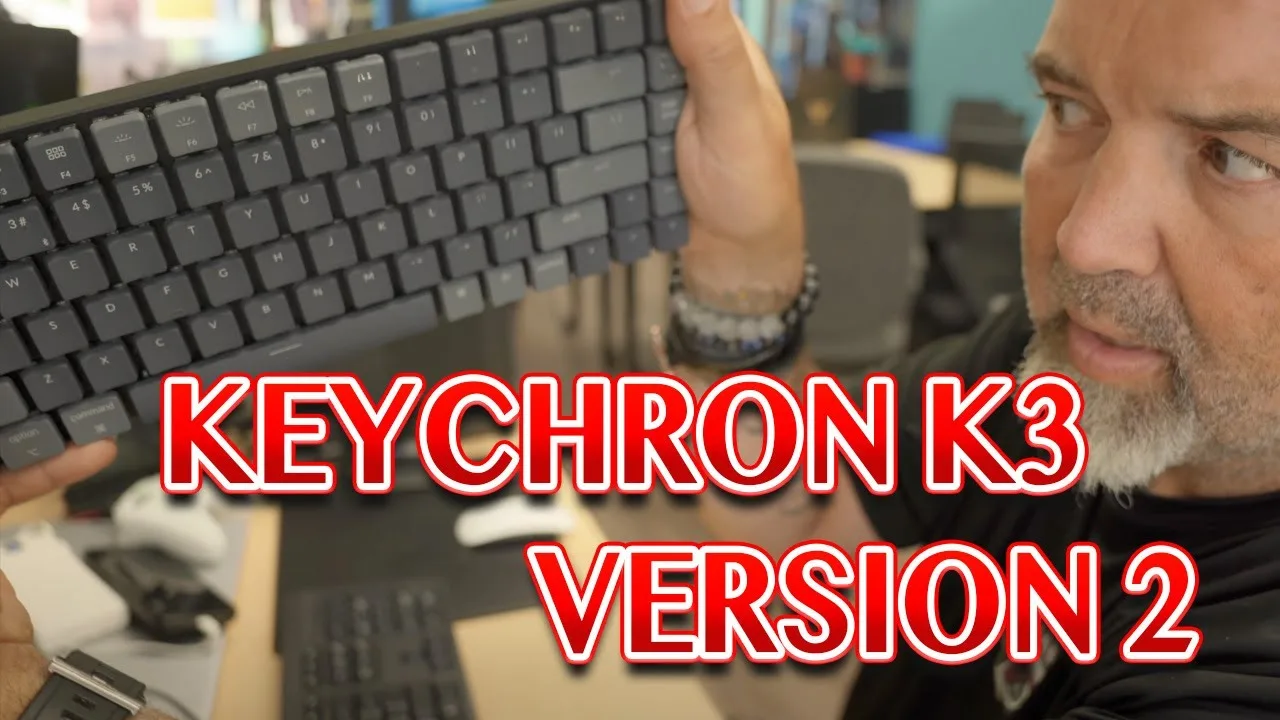
The reviewer unboxed the Keychron K3 version 2, a low-profile mechanical keyboard priced at $118 USD. They appreciated its ultra-slim aluminum body, minimal bezels, and compact 75% layout. The keyboard features white backlighting, USB-C connectivity, and the ability to pair with up to three devices via Bluetooth. It comes with a braided USB-A to USB-C cable, extra keycaps for Windows users, and a keycap puller. The reviewer noted it ships with Mac keycaps by default. Battery capacity is 1550 mAh, rated for 1-2 weeks with backlight disabled. They found it felt light and somewhat cheap despite the aluminum construction.
- →Ideal for multi-device setups with Mac and Windows
- →Good option for travel due to slim compact design
- →Suitable for users wanting customizable switches
- →Best for those prioritizing wireless flexibility
- →Consider if 75% layout fits your typing needs
 Digital Adventures!
The reviewer received a Keychron K3 version 2 with red switches for …
Digital Adventures!
The reviewer received a Keychron K3 version 2 with red switches for …
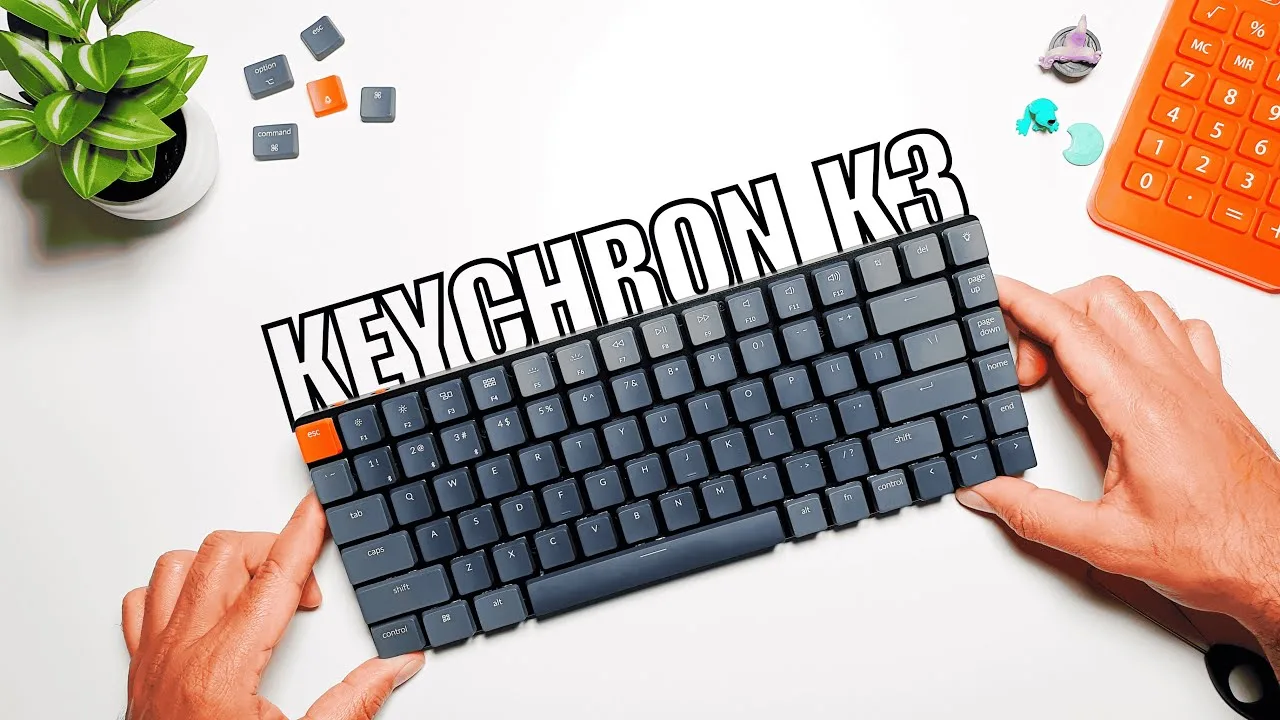
The reviewer received a Keychron K3 version 2 with red switches for evaluation. At 22mm thick, the keyboard delivers an ultra-slim mechanical experience with sturdy build quality and minimalist aesthetics. The unit includes both Mac and Windows keycaps, dual connectivity via Bluetooth 5.1 and USB-C, and supports up to three paired devices. The linear red switches provide smooth, quiet keystrokes suitable for fast typing and gaming. Hot-swappable switches allow customization without soldering, and the 1550 mAh battery lasts 2-3 weeks without RGB or 1-1.5 days with lighting enabled. Customizable RGB backlighting and Keychron Launcher software add further personalization options.
- →Ideal for users switching between Mac and Windows systems daily
- →Well-suited for fast typists and gamers preferring linear switches
- →Great for mobile professionals needing portable mechanical typing
- →Perfect for enthusiasts wanting to experiment with switch types
- →Strong choice for multi-device workflows across laptop, tablet, phone
 Paul Wilson's eLearning Tutorials
The Keychron K3 version 2 is a sleek and compact mechanical keyboard …
Paul Wilson's eLearning Tutorials
The Keychron K3 version 2 is a sleek and compact mechanical keyboard …
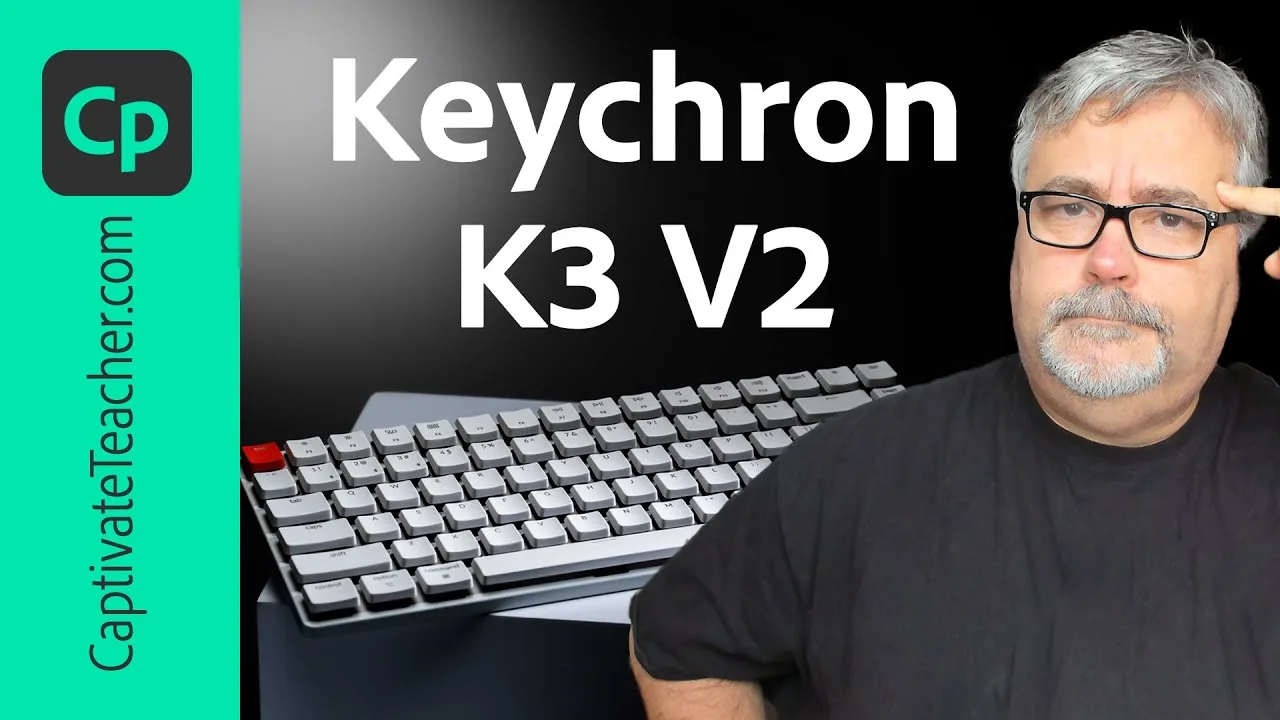
The Keychron K3 version 2 is a sleek and compact mechanical keyboard that saves desk space and offers durability with a galvanized steel base and aircraft-grade aluminum enclosure. It features adjustable rubber feet for different tilt angles, Mac iOS keys with the option to swap for Windows keys, and Bluetooth 5.1 connectivity for up to three devices. The keyboard also boasts cool backlighting patterns and colors.
- →Ideal for e-learning professionals with limited desk space
- →Adjustable tilt for comfortable typing
- →Multi-device connectivity for increased productivity
- →Backlighting enhances user experience in various environments
- →Durability reduces long-term replacement costs
Community Discussions via Reddit
Comparison
r/Keychron
u/[deleted]
Owner reports a disappointing long-term experience with the Keychron K3 after approximately one year of ownership. Initially attracted by YouTube recommendations and premium design aesthetics, the user found the typing experience underwhelming despite the $120 CAD price point. The most severe issue was catastrophic battery degradation: capacity dropped from one full day to half a day within months, then to just a few hours after a year. Once used exclusively wired, the battery swelled dangerously within one month, rendering the keyboard unusable and leading to disposal. The linear switch variant provided minimal improvement over membrane keyboards due to rapid bottoming out.
Key Insights
- →Battery represents critical long-term failure point with safety implications
- →Linear switch variant may not suit users seeking substantial upgrade from membrane keyboards
- →Premium pricing creates elevated expectations that typing experience may not meet
- →Wired-only use appears to accelerate battery failure mode
- →One-year ownership timeline reveals rapid deterioration of core functionality
Setup Showcase
r/MechanicalKeyboards
u/LipsLikeCrispyBacon
The Keychron K3 version 2 is an interesting board with a unique design choice regarding its stabilizers, which do not accept standard round MX stems and are offset, limiting keycap choices. Users have praised its price point and feature set, but have experienced quality control issues such as stripped screws. Some users are resorting to 3D printing custom stabilizers to have more keycap options.
Key Insights
- →The board's unique stabilizer design locks in keycap sets, which may be a pro or con depending on user preference
- →Quality control issues with stripped screws are a common concern
- →Custom solutions like 3D printed stabilizers are being sought to overcome keycap limitations
Top Comments
So I got my K3 and I will say. It’s an interesting board. Upon looking at swapping key caps out it would appear that keychron not only made their stabs Not accept standard round MX stems, they offset …
It's a low profile board and well in the first place itself finding keycaps for low profile switches is a pain in the ass so well this I'm not exactly surprised they did something like this.
The thing is every other key that doesn’t use a stabilizer will accept pretty much any MX compatible keycap.
Q&A Thread
r/MechanicalKeyboards
u/DrKeksimus
The Keychron K3 version 2 is generally well-received by users who appreciate its low-profile design and improved typing experience. Users have reported satisfaction with the new keycaps and the switch to blue switches for better typing feel. The low-profile design is praised for eliminating the need for a wrist rest, which was a concern with previous models.
Key Insights
- →The Keychron K3 version 2 is praised for its improved typing experience and comfort.
- →The low-profile design is seen as a significant advantage over previous models, reducing the need for a wrist rest.
- →The blue switches are preferred by some users for their typing feel.
Top Comments
I really like my low-profile Keychron. I have the v3, which had completely flat caps, but have upgraded to their new caps with the slight cup and really like it. Just brought it to the office and …
There is nothing wrong with low profile keyboards. Idk about that one in specific but I would suggest you try a normal one and see the difference ;)
I switched from the Logitech MX Keys to the Keychron K3 and absolutely love it. Still keeping low profile but a much better typing experience all together!
Scores based on weighted analysis of 25 expert and community sources. How we review →