

Gigabyte MO27Q28G
Best For
- PC gamers who want the brightest 1440p OLED available
- Console gamers needing dual HDMI 2.1 ports
- Multi-device users who need a built-in KVM switch
Consider Carefully
- Laptop users who rely on USB-C charging over 18W
- Photographers needing accurate out-of-box SDR tone mapping
- Users who prefer glossy OLED panels for maximum image pop
Jump to Section
The Bottom Line
In a crowded market, the Gigabyte MO27Q28G stands out for its exceptional panel quality, making it a top choice for those seeking a high-end gaming monitor. We analyzed expert reviews and found that this 27-inch 1440p OLED monitor leverages fourth-gen RGB Tandem OLED panel technology to provide a vibrant, high-contrast viewing experience. What we found particularly impressive is its enhanced HDR brightness capabilities, a feature that received near-universal praise. This monitor delivers significantly brighter HDR performance than previous OLED generations, which is a major selling point for HDR content enthusiasts. Its near-instantaneous 0.03ms response time and generous height adjustment range are also noteworthy, ensuring crisp motion clarity and ergonomic flexibility. However, some minor reservations have been raised regarding its USB-C power delivery and over-brightening of highlights in SDR content, which might be a concern for users with specific display preferences.
Performance Breakdown
Expert Scores
How 6 professional publications rated this product
In-Depth Analysis
Refresh Rate Performance 94
Ten sources converged without dissent: 280Hz at 1440p with low input lag makes this one of the strongest competitive gaming monitors at its price.
Key Takeaway
→If 280Hz at 1440p is your target, this is the most straightforward recommendation in its price bracket. No caveats on the core performance.
Burn-In Protection 88
The 3-year burn-in warranty and automated OLED Care features make this a low-anxiety OLED purchase for typical gaming use, though the community notes some manual maintenance is still required.
Key Takeaway
→The 3-year burn-in warranty makes this a reasonable OLED first purchase. Just know that 'automatic' protection still requires occasional manual attention.
HDR & Brightness 87
The 1,500-nit HDR claim doesn't hold up in full-screen testing, but the real-world HDR gaming experience still impresses across most sources.
Key Takeaway
→For HDR gaming, this punches well above its price. Just change the default brightness mode out of the box and don't take the 1,500-nit spec at face value.
Color Accuracy 87
Out-of-box color is vivid and wide-gamut, but professional users will need calibration time. The panel outperforms typical WOLED on color purity, though it still trails QD-OLED on some shades.
Key Takeaway
→For gaming and media, the color performance is excellent at this price. For professional color work, budget time for calibration and don't expect QD-OLED-level accuracy.
Build & Design 86
The hardware design is genuinely premium for the price, but a panel lottery for vertical banding is a real risk that the community has documented across multiple units.
Key Takeaway
→Buy from a retailer with a straightforward return policy. The design and value are real, but the banding lottery means your first unit might not be a keeper.
Connectivity & Ports 82
Dual HDMI 2.1 and a built-in KVM are legitimate differentiators, but the 18W USB-C power delivery is a known limitation that will frustrate laptop users.
Key Takeaway
→The KVM and dual HDMI 2.1 are genuinely useful. If you're pairing this with a laptop, plan for a separate charging solution.
Display Image Quality 80
The matte coating is the defining trade-off: it handles bright rooms well, but a vocal contingent across Reddit and professional reviews consistently calls it a visual downgrade from glossy alternatives.
Key Takeaway
→If you game in a bright room and can live without glossy 'pop', this delivers. If image clarity is your priority, wait for the glossy variant.
Ergonomics & Stand 80
The stand covers all the adjustments on paper, but conflicting reports on swivel and pivot availability suggest quality control or documentation inconsistencies worth investigating before purchase.
Key Takeaway
→The stand is functional but not reliable enough to depend on for precise ergonomic positioning. VESA compatibility makes a monitor arm the smarter long-term investment.
Specifications & Verdict
Display
- Screen Size
- 27 in
- Resolution
- 2560 × 1440
- Panel Type
- 4th Gen WOLED (RGB Tandem OLED)
- Screen Coating
- Matte
Performance
- Refresh Rate
- 280 Hz
- Response Time
- 0.03 ms
- Adaptive Sync
- G-SYNC Compatible, FreeSync Premium Pro
Image
- Contrast Ratio
- Unmeasurable
- Brightness
- 349 nits
- Peak Brightness
- 1500 nits
- Color Gamut
- nearly full DCI-P3
- Color Accuracy
- Delta E < 2
- HDR Support
- VESA DisplayHDR True Black 500
Connectivity
- Video Inputs
- 1x DisplayPort 1.4, 2x HDMI 2.1, 1x USB-C
- HDMI Ports
- 2x HDMI 2.1
- DisplayPort
- 1x DisplayPort 1.4
- USB Ports
- 2x USB 3.2 downstream, 1x USB 3.2 upstream, 1x USB Type-C (upstream, 18W PD)
- Speakers
- 2x 5w
Design
- Weight
- 13.2 pounds (6kg)
- Dimensions
- 20.7 x 23.7 x 7.3 inches (HWD)
- Bezel Width
- Top: 0.3 inch (8mm), Sides: 0.35 inch (9mm), Bottom: 0.47 inch (12mm)
- Panel Thickness
- 2.1 inches (54mm)
- VESA Mount
- 100x100mm
- Height Adjustment
- 5.1 inches
- Tilt
- -5 to 21 degrees
- Pivot
- 90 degrees (clockwise only)
Features
- OLED Care
- AI OLED Care
- Special Features
- Virtual KVM, anti-glare coating, KVM, Tactical Switch 2.0
Other Specs
- Power Consumption
- 32w, brightness @ 200 nits
- Native Color Depth and Gamut
- 10-bit / DCI-P3+
- Bfi Feature
- Ultra Clear
- Bfi Target Refresh
- 120Hz
- Included Features
- KVM, OSD Sidekick software
- Anti Reflection Coating
- Up to 99% glare reduction
- Design Features
- 4-sided borderless, 2mm metal base
Our Verdict
The Gigabyte MO27Q28G earns its 86/100 by delivering the brightest 1440p OLED panel you can buy right now, with 1500 nits peak HDR, a 0.03ms response time, and dual HDMI 2.1 ports that make it genuinely useful for both PC and console setups. The 18W USB-C power delivery is a real limitation if you want to charge a laptop through it, and the matte coating softens the image slightly compared to glossy OLED alternatives. For most gamers, neither issue will be a dealbreaker. If you want top-tier OLED brightness without paying flagship prices, this is the monitor to buy.
Customer Reviews Amazon
185 reviews
OVER PRICED
Reviews shown are from Amazon customers and do not reflect our editorial assessment.
Reader Questions
Specific questions about the Gigabyte MO27Q28G, answered only from what reviewers reported.
01Does the matte coating hurt image quality?
The matte coating is a genuine trade-off. It effectively scatters ambient light and controls reflections, but reviewers consistently noted it introduces minor visual grain and makes the image appear slightly softer compared to glossy alternatives. Some community members described a visible haze that reduces sharpness and color vibrancy.
02Is there a risk of banding on this panel?
Banding is a known concern and appears to be a panel lottery situation. Some owners reported severe vertical banding that did not improve after multiple pixel refreshes, while others found it barely visible at normal viewing distances after a break-in period. It tends to show up most under specific test conditions such as gray patterns in a dark room.
03How bright does this monitor get in HDR?
Reviewers found the Tandem OLED panel reaches over 1,300 nits in small highlights, with a certified 1,500-nit peak HDR brightness. SDR brightness also lands notably higher than previous OLED generations, measured at 333 nits, which is 23% above older OLED panels.
04Can I charge my laptop through the USB-C port?
Technically yes, but the USB-C port is limited to 18W power delivery, which reviewers consistently flagged as insufficient for most laptops. You will likely need a separate charger for any modern laptop.
05Is VRR flicker a real problem on this monitor?
It is a reported issue for some owners. VRR flicker has been described as very noticeable, and while the built-in anti-flicker feature helps, it does not fully resolve the problem. At least one owner disabled VRR entirely as a result, and reviewers noted the anti-flicker effectiveness varies by system and frame rate.
06Does it work well with consoles?
Yes. The monitor includes dual HDMI 2.1 ports running full spec without compression, which simplifies connecting multiple consoles simultaneously. Reviewers noted all four video inputs support the maximum resolution and refresh rate.
Pricing & Availability
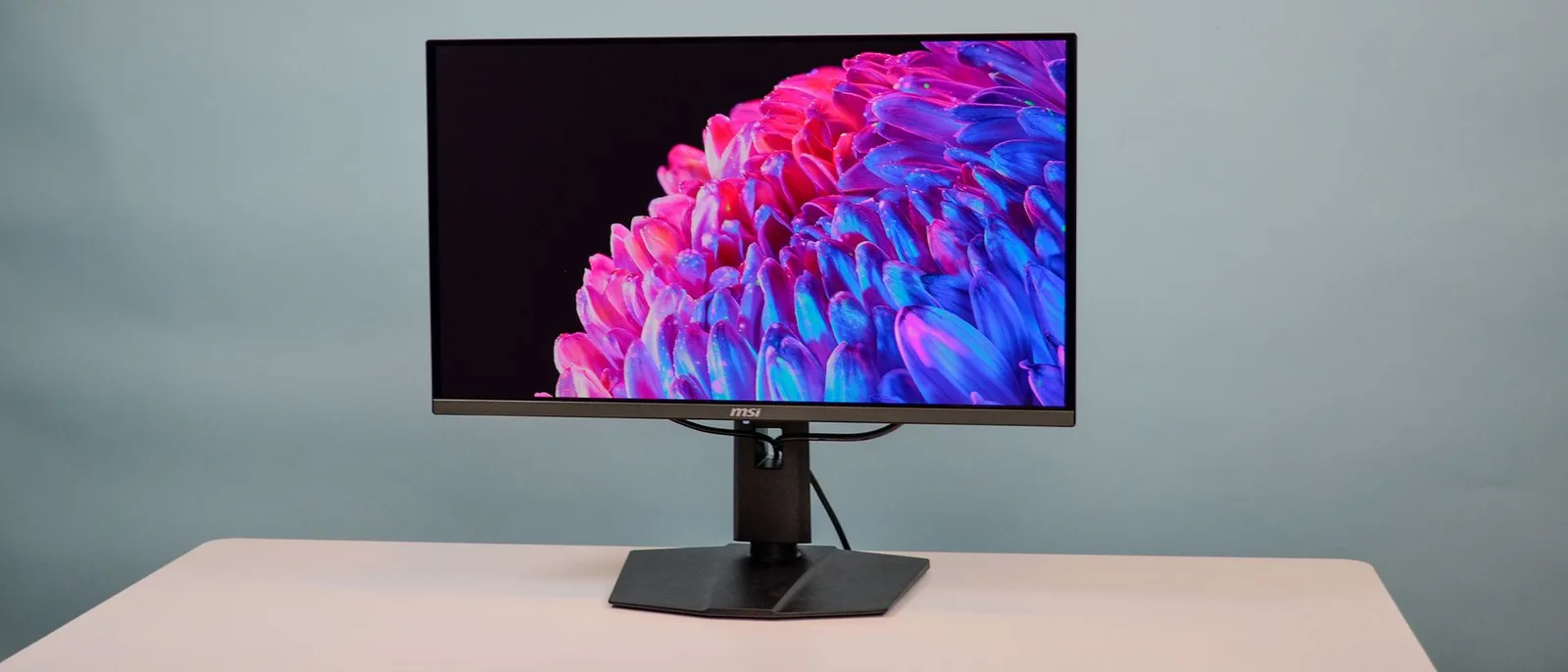
Updated Aug 4, 2026Gigabyte MO27Q28G
Sources & Methodology
Every score is built on evidence. This review synthesizes 38 independent sources — expert publications, video reviews, and community discussions — weighted by credibility, depth, and relevance.
Show detailed source analysis ↓ Hide source analysis ↑
Expert Reviews
rtings.com
Top
9.1/10-point
A 27-inch 1440p OLED gaming monitor utilizing fourth-gen RGB Tandem OLED panel technology with 280Hz refresh rate. Delivers significantly brighter HDR performance than previous OLED generations, with improved specular highlight detail. Features HDMI 2.1, G-SYNC Compatibility, FreeSync Premium Pro, and a small built-in USB hub with 65W USB-C power delivery via Smart PD. Suffers from crushed midtones in SDR and potential red tint on certain gray shades. Available in matte (MO27Q28G) and glossy (MO27Q28GR) variants. Colors are more vivid than WOLED alternatives though still fall short of QD-OLED saturation levels.
Strengths
- +Significantly brighter HDR than previous OLED generations
- +280Hz refresh rate for competitive gaming
- +HDMI 2.1 bandwidth for console compatibility
- +65W USB-C power delivery with Smart PD enabled
Weaknesses
- −Crushed midtones visible in SDR content
- −Red tint appears on certain shades of gray
- −Some colors appear slightly washed out versus QD-OLED
- −Color vividness still trails behind QD-OLED panels
tomshardware.com
Top
4.5/5-point
The Gigabyte MO27Q28G is a 27-inch QHD Tandem OLED monitor with a 280 Hz refresh rate that delivers exceptional gaming performance and image quality at a competitive $600 price point. It produces nearly 600 nits in SDR mode with variable brightness enabled, and HDR highlights reach approximately 1,000 nits. Color volume measures just under 110% of DCI-P3, placing it in the top tier of tested displays. The panel achieves professional-level accuracy with minimal calibration. Gaming features include perfect Adaptive-Sync operation up to 280 Hz on both Nvidia and AMD platforms, plus an Ultra Clear blur reduction mode for content below 120 Hz. The monitor includes internal speakers, USB ports, HDMI 2.1, DisplayPort 1.4, and USB-C connectivity, along with gaming aids like aiming points and system monitoring dashboard.
Strengths
- +Bright, colorful and sharp image quality
- +Reasonable out-of-box accuracy, improves with calibration
- +Super low input lag with perfect motion resolution over 200fps
- +Available blur reduction at 120 Hz or below
Weaknesses
- −Should be calibrated for best image quality
- −Variable brightness option is hard to find
- −Slight color tint when viewed at 45 degrees
- −Tiny brightness penalty from Tandem OLED tech
club386.com
Top
4.5/5-point
The Gigabyte MO27Q28G delivers transformative brightness through its LG Tandem OLED panel, where dual RGB emissive layers improve upon traditional WOLED technology. At 27 inches with WQHD resolution, it hits a sweet spot for pixel density and screen real estate. The 280Hz refresh rate paired with OLED's inherent sub-1ms response time produces exceptionally smooth motion without overdrive artifacts. Build quality impresses with slender metal stand components and clean aesthetics, though cable management requires workarounds. Port selection covers most needs, though the USB-C power delivery falls short for true single-cable laptop use. Matte coating trades some image sharpness for reflection control. Pricing around £500-550 positions it competitively for bleeding-edge panel technology.
Strengths
- +Class-leading brightness from Tandem OLED panel
- +Excellent color accuracy out of the box
- +280Hz refresh with true sub-1ms response time
- +No overdrive ghosting or overshoot artifacts
Weaknesses
- −Minor uniformity issues visible in some content
- −Text fringing from WOLED subpixel layout
- −Matte coating subtly softens image output
- −USB-C limited to 18W power delivery
geekculture.co
Top
8.2/10-point
This 27-inch WOLED gaming monitor delivers 1440p resolution at up to 280Hz refresh rate with exceptional color accuracy, covering 99.5% of DCI-P3 gamut. The four-sided borderless design features a stealthy metallic black finish with minimal branding, eschewing RGB for a professional aesthetic. Connectivity is comprehensive with HDMI 2.1, DisplayPort 1.4, USB-C with 18W power delivery, and multiple USB ports. The matte anti-reflection display performs well even under direct lighting, and built-in 5W speakers provide backup audio. HDR performance is consistent though highlights can appear overly bright. Gigabyte includes extensive software features via Tactical 2.0 switch and thumbstick controls, plus AI OLED care functions to mitigate burn-in risk. Priced at S$899, it targets competitive gamers seeking premium performance without flagship cost.
Strengths
- +280Hz refresh rate at 1440p for competitive gaming
- +99.5% DCI-P3 coverage with vivid colors and deep blacks
- +Matte display with 99% anti-reflection works in any lighting
- +Four-sided borderless design with stealthy metallic black finish
Weaknesses
- −OLED burn-in remains a concern with prolonged use
- −HDR highlights can appear overly bright at times
- −Matte finish reduces visual 'pop' compared to glossy screens
pcmag.com
Top
4/5-point
The Gigabyte MO27Q28G is a 27-inch QHD OLED gaming monitor priced at $599, featuring a 280Hz refresh rate and remarkably slim design. The panel measures just under 0.1 inch thick with ultra-thin bezels, though a rear housing for the heatsink interrupts the sleek profile. Color range, contrast, and HDR brightness impress, with a rated peak of 1,500 nits enabled by WOLED technology. The I/O selection includes two HDMI 2.1 ports, DisplayPort 1.4, USB-C with 18W power delivery, and a virtual KVM for productivity. Built-in 5-watt speakers sound decent but lack bass. The anti-reflection coating effectively reduces glare in testing. Tactical Switch 2.0 allows quick aspect ratio and screen size changes for esports preferences.
Strengths
- +Remarkably slim profile with near-disappearing panel from side view
- +Impressive OLED color range, contrast, and HDR brightness
- +Effective anti-reflection coating reducing glare up to 99%
- +Virtual KVM enables single keyboard/mouse across multiple devices
Weaknesses
- −Rear heatsink housing interrupts otherwise sleek design
- −Built-in speakers sound hollow with lack of bass
- −Pivot rotation limited to clockwise only
- −AI features described as ho-hum and ignorable
pcworld.com
Top
4/5-point
The Gigabyte MO27Q28G delivers a 27-inch 1440p OLED experience at an unusually competitive $599.99 price point by incorporating a 4th-generation LG tandem WOLED panel typically reserved for more expensive displays. It achieves VESA DisplayHDR True Black 500 certification with strong SDR brightness and excellent contrast, though the reviewer never observed the claimed 1,500-nit peak HDR brightness. The design prioritizes function over flair with a remarkably slim yet fully adjustable stand, while connectivity remains adequate but limited—most notably the USB-C port's meager 18-watt Power Delivery. Feature concessions including the 280Hz refresh rate and lack of extras help enable this aggressive pricing.
Strengths
- +Slim yet fully functional stand with height, tilt, swivel, and pivot adjustments
- +High SDR brightness for an OLED display with True Black 500 certification
- +Excellent contrast and wide color gamut from tandem WOLED panel
- +Extremely competitive $599.99 MSRP for advanced panel technology
Weaknesses
- −Design is basic without RGB lighting or gaming-oriented aesthetics
- −USB-C port only provides 18 watts of Power Delivery
- −HDR performance is good but not class-leading
- −Joystick control placement favors right-handed users
forum.pcmonitors.info
The Gigabyte MO27Q28G is a 26.5″ QHD Tandem WOLED monitor with matte finish and 280Hz refresh rate. Brightness performance impressed under SDR and select HDR scenes, with strong results across broad APL ranges. Color volume and gamut show meaningful improvements over traditional WOLED, though QD-OLED remains ahead in some areas. The monitor delivers low input lag and exceptional pixel response times, with an 'Ultra Clear' BFI option for enhanced clarity at lower refresh rates. Black crush issues appear at higher refresh rates under SDR, addressable via gamma mode switching but not under HDR. VRR flicker persists as a typical OLED limitation, with a basic anti-flicker setting of limited utility. Priced attractively against faster QD-OLED alternatives.
Strengths
- +Impressive brightness without strong ABL behavior
- +Strong color volume improvements over typical WOLED
- +Excellent 280Hz performance with low input lag
- +Exceptional pixel response times
Weaknesses
- −Black crush at higher refresh rates under SDR
- −Black crush not fixable under HDR
- −Basic anti-flicker setting with limited usefulness
- −VRR flicker remains an issue
tech-critter.com
This 27-inch 1440p OLED monitor delivers exceptional visual performance through its tandem OLED panel technology, achieving nearly 100% sRGB and DCI-P3 coverage with 280Hz refresh rate and native NVIDIA G-Sync. The 340 nits SDR brightness proves sufficient due to an effective anti-reflective coating, while HDR peaks at 1500 nits in small windows. Burn-in protection runs automatically via AI OLED Care. The minimalist stand offers full ergonomics with a flat base for desk space. However, the USB-C port only provides 18W—insufficient for most laptops—and cable management options are limited. The external power supply enables easy replacement but adds clutter.
Strengths
- +Tandem OLED panel produces exceptionally vivid, beautiful colors
- +Nearly 100% sRGB and DCI-P3 coverage out of the box
- +280Hz refresh rate with native NVIDIA G-Sync support
- +Anti-reflective coating makes 340 nits SDR brightness adequate
Weaknesses
- −USB-C port only delivers 18W, insufficient for most laptops
- −Limited USB-A and USB-C ports for peripherals
- −Cable management ring flexes and cannot hold cables securely
- −HDR 1500 nits only achievable in small screen areas
australianphotography.com
The Gigabyte MO27Q28G WOLED monitor impresses with its 1500-nit HDR peak brightness, 99.5% DCI-P3 coverage, and exceptional anti-reflection coating that performs well in daylight conditions. Shadow detail remains stable under bright ambient lighting, and the 280Hz refresh rate with 0.03ms response time benefits video work. However, real-world calibration proved complicated, with the panel initially feeling too dark and contrast-heavy even after extensive tweaking. Connectivity issues plagued testing, including failed USB-C negotiation and intermittent HDMI signal dropouts requiring manual power cycling. Burn-in protection through AI OLED Care and a 3-year warranty with burn-in coverage provide reassurance for professional use.
Strengths
- +1500-nit HDR peak brightness with excellent color coverage
- +99% anti-reflection coating eliminates distracting glare
- +Stable shadow detail under bright ambient lighting
- +3-year warranty includes burn-in coverage
Weaknesses
- −Out-of-box image too contrasty for precise photo editing
- −USB-C failed to negotiate stable connection
- −Intermittent HDMI signal dropouts interrupted workflow
- −Required extensive manual calibration to reach acceptable baseline
hardwarezone.com.sg
The Gigabyte MO27Q28G is a 27-inch QHD OLED gaming monitor with a 280Hz refresh rate, positioned as an accessible option for mainstream gamers rather than a premium luxury. The design is understated with slim bezels and a compact, sturdy stand offering height and tilt adjustments but lacking swivel or pivot. Connectivity is a strength, featuring DisplayPort 1.4, dual HDMI 2.1 ports, USB-C with DisplayPort Alt Mode, and a two-port USB hub. The matte anti-reflection coating effectively controls reflections but produces slightly softer images compared to glossy alternatives. Image quality excels with deep blacks, strong DCI-P3 coverage, and impressive HDR highlight performance, though large bright areas trigger predictable brightness limiting. Built-in speakers are functional but inadequate for serious gaming use.
Strengths
- +Understated design with slim bezels and tidy footprint
- +Dual HDMI 2.1 ports simplify multi-console setup
- +USB-C with DP Alt Mode simplifies laptop connectivity
- +Matte coating effectively controls reflections in bright rooms
Weaknesses
- −No swivel or pivot adjustment on stand
- −Minimal cable management options or space
- −USB-C power delivery insufficient for gaming laptops
- −Built-in speakers inadequate for serious gaming use
techbroll.com
A compact 27-inch OLED monitor combining clean minimal design with robust aluminum and metal construction. The 4th Gen WOLED panel delivers 1440p resolution at up to 280Hz with 0.03ms response time, achieving 1500 nits peak brightness and 99.5% DCI-P3 coverage. Testing confirmed 100% sRGB, 93% AdobeRGB, and 99% P3 with SDR brightness reaching 349 nits. Black levels remain consistent across lighting environments with minimal reflections. Gaming features include Tactical Switch 2.0 for instant resolution changes, Black Equalizer, Super Resolution, and OLED VRR Anti-flicker with G-Sync compatibility. USB-C with DP Alt Mode, USB hub with KVM, and AI OLED care features are included, backed by 3-year warranty with burn-in coverage.
Strengths
- +Extremely compact with thin bezels and no visible branding
- +Sturdy aluminum support bar and solid metal polygonal base
- +USB-C with DisplayPort Alt Mode and KVM-enabled USB hub
- +1500 nits peak brightness with 99.5% DCI-P3 accuracy
Video Reviews
 ShortCircuit
The reviewer unboxes and examines Gigabyte's MO27Q28G, a 27-inch flat …
ShortCircuit
The reviewer unboxes and examines Gigabyte's MO27Q28G, a 27-inch flat …
The reviewer unboxes and examines Gigabyte's MO27Q28G, a 27-inch flat 1440p Tandem OLED monitor with 280Hz refresh rate positioned as an affordable option in its category. The unboxing reveals an external power brick, multiple cables including USB-B, DisplayPort 1.4, and HDMI 2.1, plus a factory color calibration report showing impressive sRGB Delta E of 0.59. The stand features unusually small columns that the reviewer finds functional yet noticeably cheap, with rubber grippy feet compensating for the lightweight feel. The monitor offers tilt, limited swivel, substantial height adjustment, and clockwise-only pivot. Port selection includes dual HDMI 2.1, DisplayPort 1.4, USB-C, USB-B, two USB-A ports, and an earphone jack. The reviewer appreciates the directional nubbin plus separate buttons for OSD navigation. The panel ships with unusual moisture protection including desiccant, suggesting OLED sensitivity concerns.
- →Strong choice for competitive gamers wanting affordable 280Hz OLED
- →Content creators benefit from accurate factory calibration
- →Flat panel suits users who dislike curved displays
- →Budget-conscious buyers accepting stand quality tradeoffs
- →Consider aftermarket VESA mount for better ergonomics
 TFTCentral
The Gigabyte MO27Q28G is among the first monitors featuring LG …
TFTCentral
The Gigabyte MO27Q28G is among the first monitors featuring LG …
The Gigabyte MO27Q28G is among the first monitors featuring LG Display's new 4th generation W OLED panel with primary RGB tandem structure. Measuring 27 inches with 1440p resolution and 280Hz refresh rate, it delivers measurable improvements over previous OLED generations. SDR brightness reaches 333 nits in uniform brightness mode—a 23% increase from prior panels—with optional APL stabilize modes pushing up to 1504 nits at small APL though with aggressive dimming. Black depth performance is notably enhanced, maintaining deep blacks even in brighter room conditions, earning UL Solutions certification. The matte anti-glare coating handles reflections well with minor visual grain comparable to previous generations.
- →Best suited for gaming and multimedia in high APL brightness modes
- →Avoid high brightness modes for desktop and office applications
- →Ideal for bright rooms where black depth preservation matters
- →Custom mode recommended over default eco for full brightness
- →Middle APL mode balances brightness boost with manageable dimming
 PC Monitors
The reviewer tested the Gigabyte MO27Q28G using Custom preset with VRR …
PC Monitors
The reviewer tested the Gigabyte MO27Q28G using Custom preset with VRR …
The reviewer tested the Gigabyte MO27Q28G using Custom preset with VRR enabled and brightness set to 40. At 280 Hz, they addressed gamma issues by turning off a specific setting that caused problems with dark shades. They adjusted RGB channels to 99/99/100 and left color space at native for maximum vibrancy. For SDR brightness, they recommend using APL Stabilise in OLED Care settings, noting it increases peak brightness but causes brightness fluctuations. The monitor offers 6-axis color calibration in Custom mode. Anti-Flicker setting depends on frame rate preferences. Standard preset works well without much adjustment needed.
- →Use Custom preset for full calibration control
- →Set brightness to 40 for balanced SDR viewing
- →Disable problematic gamma setting when running 280 Hz
- →Enable APL Stabilise only if maximum SDR brightness needed
- →Keep color space native for most vibrant gaming experience
 RTINGS Computer
The Gigabyte MO27Q28G features a new RGB Tandem OLED panel promising …
RTINGS Computer
The Gigabyte MO27Q28G features a new RGB Tandem OLED panel promising …
The Gigabyte MO27Q28G features a new RGB Tandem OLED panel promising brighter, more vivid colors than older W-OLED technology. The monitor offers a simple, well-built plastic housing with a sturdy metal stand and basic cable management clip. Input options include a USB hub with KVM switch and USB-C with DisplayPort Alt Mode, though limited to 18W charging. DisplayPort 1.4 and HDMI limited to 24 Gbps require compression for high bandwidth content. HDR brightness reaches about 550 nits in real scenes with over 1300 nits peak in small highlights, though 10% window brightness falls to ~600 nits. Color purity and gamut exceed older W-OLED panels, with near-perfect sRGB and Adobe RGB coverage. However, the RGBWB sub-pixel layout causes text fringing, vertical banding appears in dark content, and our unit exhibited a persistent red tint at certain grey levels.
- →Best for HDR gaming with impactful bright highlights
- →Suitable for well-lit rooms due to good SDR brightness
- →Color-accurate creative work after calibration
- →Not ideal for text-heavy productivity tasks
- →Wait for 4K RGB Tandem OLEDs for better text clarity
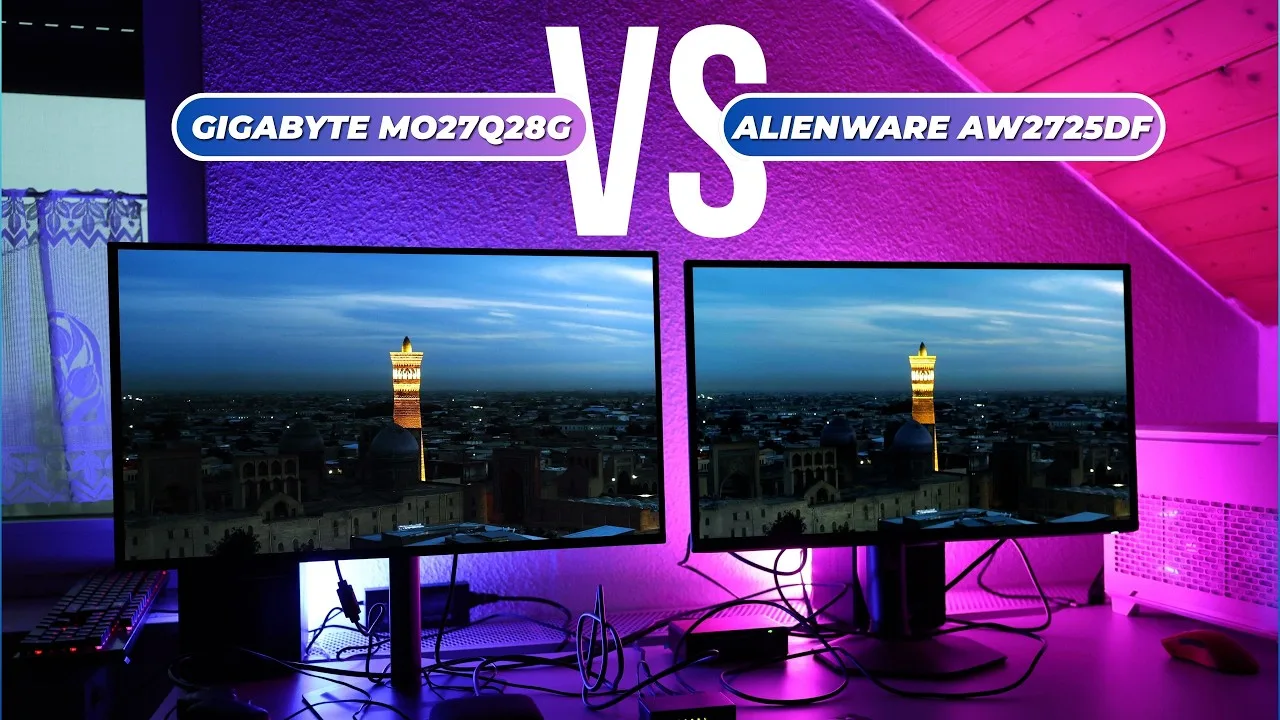 WB Display Tech
The reviewer examines the Gigabyte MO27Q28G, a 280Hz W-OLED monitor …
WB Display Tech
The reviewer examines the Gigabyte MO27Q28G, a 280Hz W-OLED monitor …
The reviewer examines the Gigabyte MO27Q28G, a 280Hz W-OLED monitor with an external power supply enabling a smaller backplate and completely passive cooling via heatpads. Its matte panel effectively diffuses ambient light, producing deep blacks even in lit environments. The design prioritizes simplicity without internal fans, reducing potential points of failure. The monitor suits users wanting OLED benefits without glossy screen reflections or active cooling concerns.
- →Ideal for users prioritizing silent, fanless operation
- →Best suited for rooms with uncontrolled ambient lighting
- →Good choice for reliability-focused minimal setups
- →Matte panel preferred over glossy for glare reduction
- →Consider if external PSU tradeoff acceptable
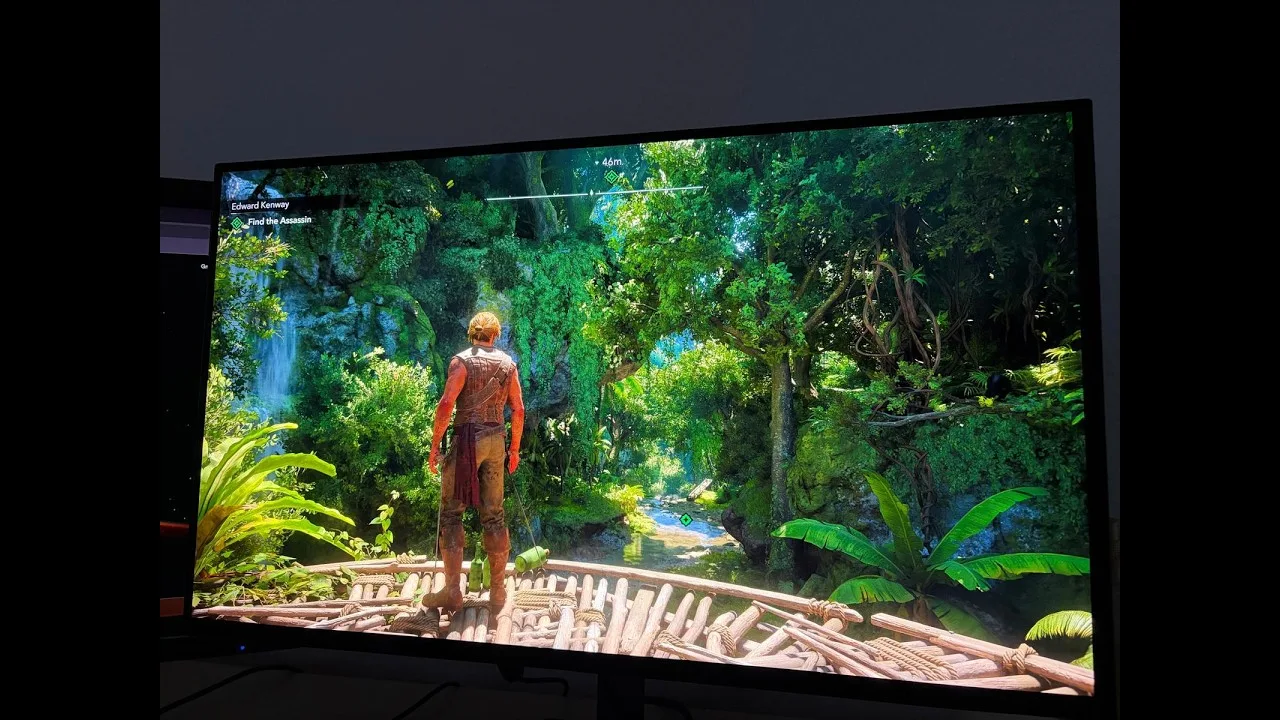 DreamEx3m
After 265 hours of use over two months, the reviewer decided to keep …
DreamEx3m
After 265 hours of use over two months, the reviewer decided to keep …
After 265 hours of use over two months, the reviewer decided to keep this fourth-generation tandem WOLED monitor despite one significant flaw. The display delivers exceptional picture quality with rich, vibrant colors, true black glossy coating, and buttery smooth motion in games like Counter-Strike. No VRR flickering occurs even during game loading, and eye strain is virtually nonexistent. The main drawback involves slow DisplayPort 1.4 and limited-bandwidth HDMI 2.1 connections, causing 5-10 second delays when alt-tabbing from fullscreen games, switching resolutions, or changing inputs. Minor vertical banding exists but remains invisible during gameplay. At 550-600 dollars/euro, the reviewer considers it excellent value.
- →Ideal for competitive gaming with excellent motion clarity
- →Great for movie watching with true blacks and vibrant colors
- →Best suited for users who don't frequently alt-tab
- →Good value option for OLED monitor buyers
- →Recommended for AMD or Nvidia users comfortable at 240Hz
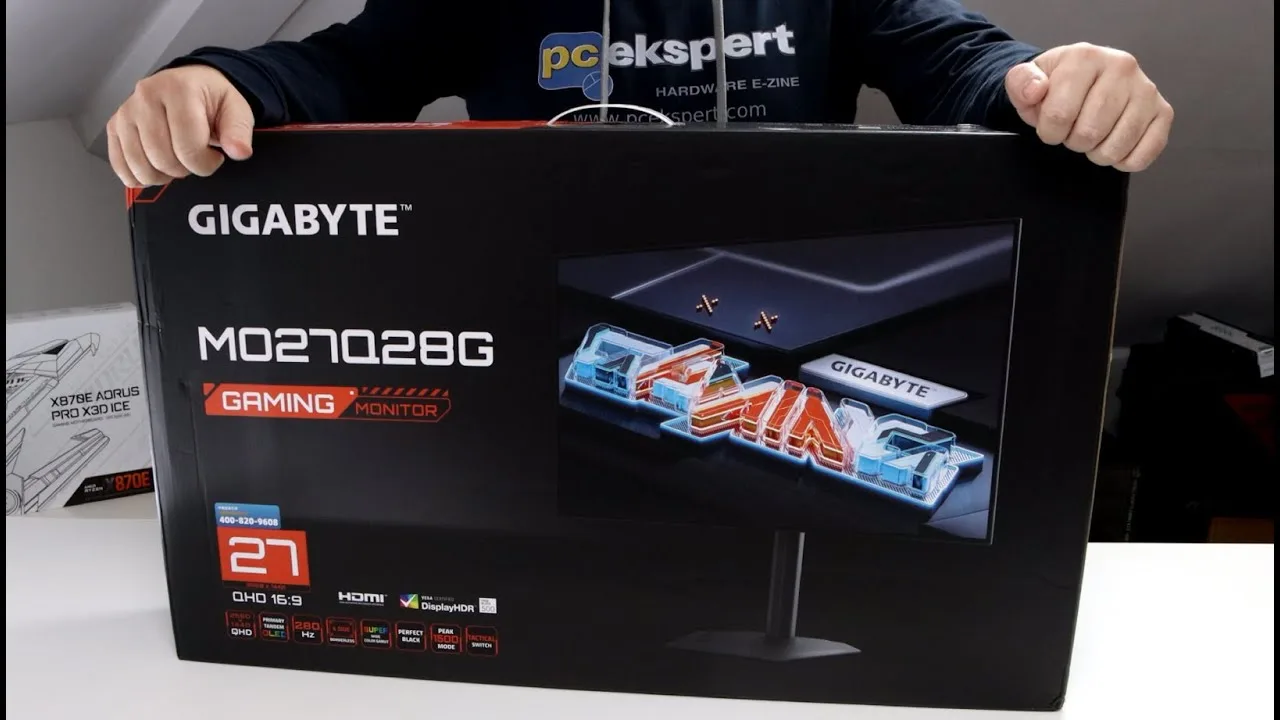 PCEkspertTV
This unboxing and first impressions review covers Gigabyte's MO27Q28G, …
PCEkspertTV
This unboxing and first impressions review covers Gigabyte's MO27Q28G, …
This unboxing and first impressions review covers Gigabyte's MO27Q28G, the first monitor to use LG's 4th generation V-OLED panel with a primary RGB tandem OLED structure. The panel achieves 1,500 nits peak brightness at 1.5% APL and 335 nits at 100% APL. The 27-inch QHD (2560x1440) display runs at 280 Hz with 0.03 ms response time, supports both G-Sync and FreeSync, and features VRR anti-flicker technology. The monitor includes extensive connectivity with dual HDMI, DisplayPort, USB-C, and multiple USB ports. The stand offers tool-less assembly, 130mm height adjustment, pivot, -5 to 21 degree tilt, and limited 15-degree swivel. The anti-reflective coating proves highly effective in demonstrated lighting conditions.
- →Ideal for competitive gamers needing extreme speed and response
- →Excellent choice for bright rooms due to anti-reflective coating
- →Well-suited for HDR content with 1,500 nit peak brightness
- →Good fit for color-sensitive work with 10-bit billion-color support
- →Consider desk space for limited swivel range
 Monitors Unboxed
The Gigabyte MO27Q28G features a matte screen coating on a 27-inch …
Monitors Unboxed
The Gigabyte MO27Q28G features a matte screen coating on a 27-inch …
The Gigabyte MO27Q28G features a matte screen coating on a 27-inch 1440p 280Hz tandem W OLED panel manufactured by LG Display. Gigabyte now offers both matte and glossy variants at identical pricing, letting buyers choose based on environment and preference. The matte coating diffuses incoming light, eliminating mirror-like reflections and reducing distractions from bright light sources or windows opposite the display. This comes with slight trade-offs: some coding grain is visible, and sharpness is marginally reduced compared to glossy, particularly noticeable with text. The monitor received firmware update F07 in February 2026 adding HyperNits HDR brightness boosting, a feature now shared with the glossy variant.
- →Ideal for bright rooms with uncontrollable ambient lighting
- →Choose matte if reflections distract or cause eye strain
- →Position away from direct light sources for best results
- →Sufficient for general gaming where absolute sharpness isn't critical
- →Consider glossy alternative for dim, controlled lighting setups
 DasMonty
The Gigabyte MO27Q28G is a 27-inch QHD OLED gaming monitor featuring …
DasMonty
The Gigabyte MO27Q28G is a 27-inch QHD OLED gaming monitor featuring …
The Gigabyte MO27Q28G is a 27-inch QHD OLED gaming monitor featuring Tandem OLED technology, priced at €569. It uses a W-OLED panel with an additional white subpixel for improved brightness, particularly beneficial for text work and web browsing. The Tandem OLED stacks multiple light-emitting layers to improve brightness, longevity, and efficiency. Peak brightness reaches approximately 1500 nits in a special mode, though not sustainably. The monitor offers 280Hz refresh rate and near-instantaneous response times (0.03ms claimed). Color coverage includes 99.5% DCI-P3 and 84% BT.2020. At the time of review, it ranked as the top value monitor in price comparison for 27-inch displays.
- →Ideal for competitive gamers prioritizing speed and response
- →Suitable for mixed use including text work due to W-OLED
- →Good entry point for OLED without luxury pricing
- →Best paired with mid-range GPUs under €1000
- →Enable peak mode sparingly for HDR content only
 Monitors Unboxed
The Gigabyte MO27Q28G is a 27-inch 1440p 280Hz gaming monitor …
Monitors Unboxed
The Gigabyte MO27Q28G is a 27-inch 1440p 280Hz gaming monitor …
The Gigabyte MO27Q28G is a 27-inch 1440p 280Hz gaming monitor featuring a 4th Gen Primary RGB Tandem W OLED panel priced at $550 US. It achieves Display HDR TrueBlack 500 certification due to higher brightness than comparable QD OLEDs. The redesigned 2025 stand uses a thin six-sided metal base with excellent stability and full ergonomic adjustment. The monitor includes one DisplayPort 1.4, two HDMI 2.1 (24Gbps) ports, and USB-C with 18W power delivery, though DSC is required for full 10-bit 280Hz operation. The new RGWB sub-pixel layout improves text clarity over previous W OLEDs, making desktop use more viable despite some remaining artifacts at small font sizes. A matte coating distinguishes it from glossy alternatives, with reduced reflections compared to earlier W OLED panels.
- →Ideal for gamers prioritizing brightness over glossy finishes
- →Suitable for mixed desktop use with improved text rendering
- →Console users should verify bandwidth limitations for their setup
- →Compact desk setups benefit from small stand footprint
- →Budget-conscious buyers seeking latest OLED technology
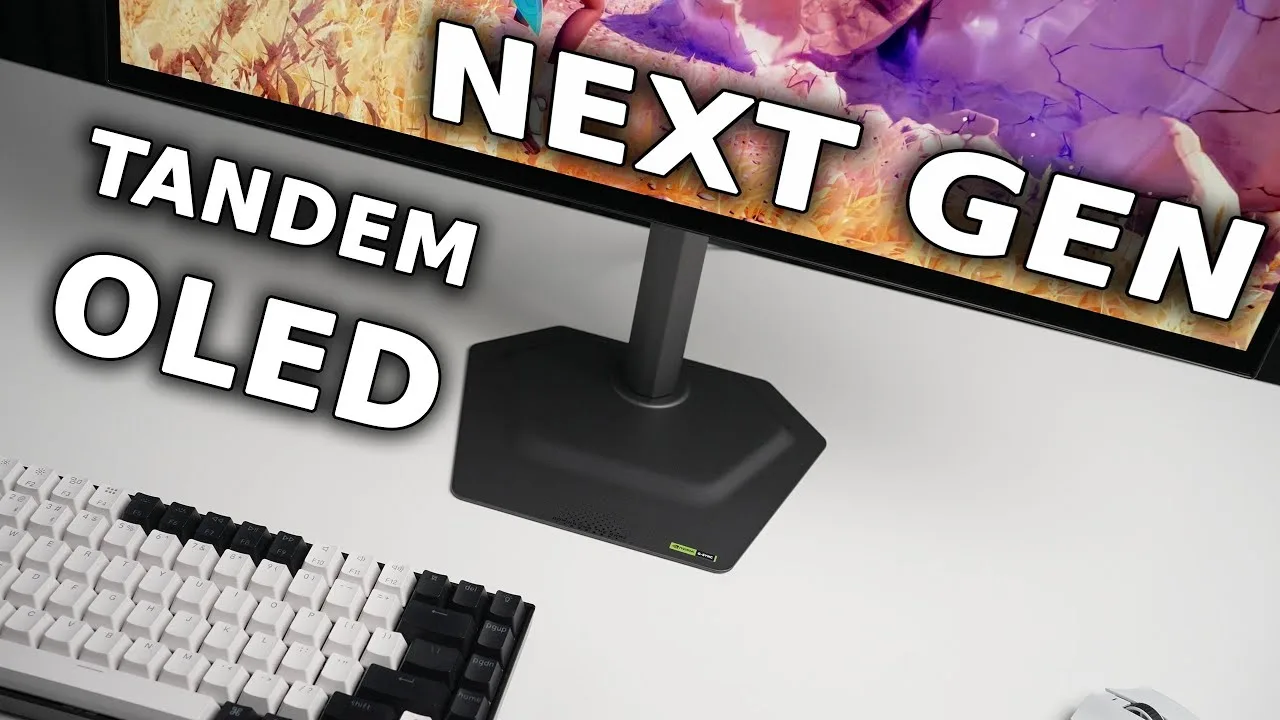 The Display Guy
The MO27Q28G features a 27-inch 1440p 280Hz 4-layer W OLED panel with …
The Display Guy
The MO27Q28G features a 27-inch 1440p 280Hz 4-layer W OLED panel with …
The MO27Q28G features a 27-inch 1440p 280Hz 4-layer W OLED panel with significantly improved color reproduction compared to previous W OLED generations, nearly matching QD OLED quality. SDR accuracy is strong with an average Delta E of 1, though shadow detail is slightly raised. HDR color checker analysis shows decent results with 83% BT.2020 coverage, but HDR brightness modes suffer from blown-out highlights or under-tracking issues. Brightness testing reveals a trade-off: 100% window reaches 344 nits (improved), yet 10% window drops to 639 nits (a regression from ~800 nits on prior panels). Connectivity includes DisplayPort 1.4, two HDMI 2.1 ports, and USB-C. Priced around $550 with a three-year warranty.
- →Best W OLED option for color-focused buyers previously considering QD OLED
- →Viable for SDR professionals needing accuracy without calibration
- →HDR content creators should verify brightness behavior first
- →Competitive choice for 1440p high-refresh gaming at mid-range price
- →Wait for firmware updates if HDR accuracy is priority
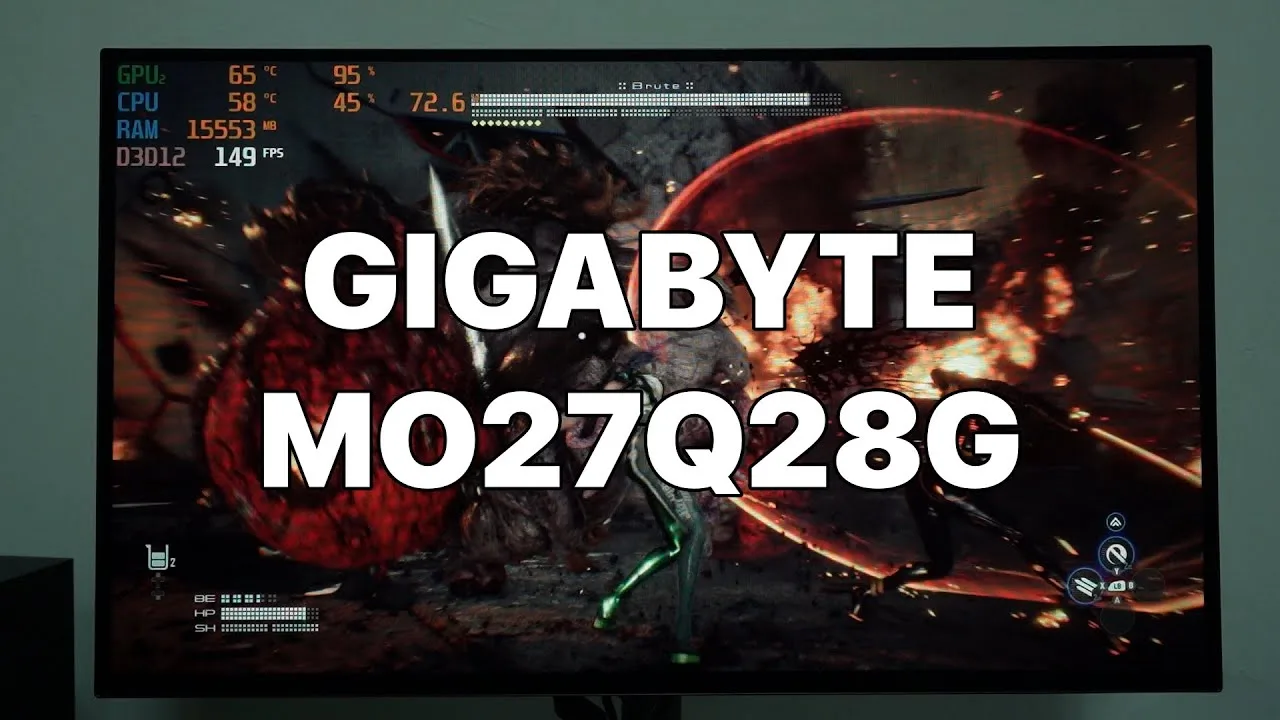 Tech Critter
The Gigabyte MO27Q28G is a 27-inch 1440p OLED gaming monitor with a …
Tech Critter
The Gigabyte MO27Q28G is a 27-inch 1440p OLED gaming monitor with a …
The Gigabyte MO27Q28G is a 27-inch 1440p OLED gaming monitor with a 280Hz refresh rate, featuring a fourth-generation tandem WOLED panel that delivers exceptionally vibrant colors and high brightness. SDR brightness reaches 314 nits, which proves adequate due to the effective anti-reflective coating that eliminates glare issues. Out-of-box color gamut coverage approaches 100% for both Adobe RGB and DCI-P3, though this can be toned down via sRGB profile for those sensitive to oversaturated colors. HDR peak brightness hits 1,500 nits in small window scenarios. The monitor includes native NVIDIA G-SYNC support, AI OLED Care burn-in prevention, and KVM functionality. However, the USB-C port only delivers 18W power delivery—insufficient for modern laptops—and cable management options are poor due to an ineffective plastic ring design.
- →Ideal for competitive gamers with powerful GPUs seeking high refresh rates
- →Best paired with NVIDIA graphics cards for native G-SYNC benefits
- →Color professionals may prefer sRGB mode for accuracy over vibrancy
- →KVM users should note limited USB-C charging for laptops
- →HDR content shines but peak brightness limited to small window areas
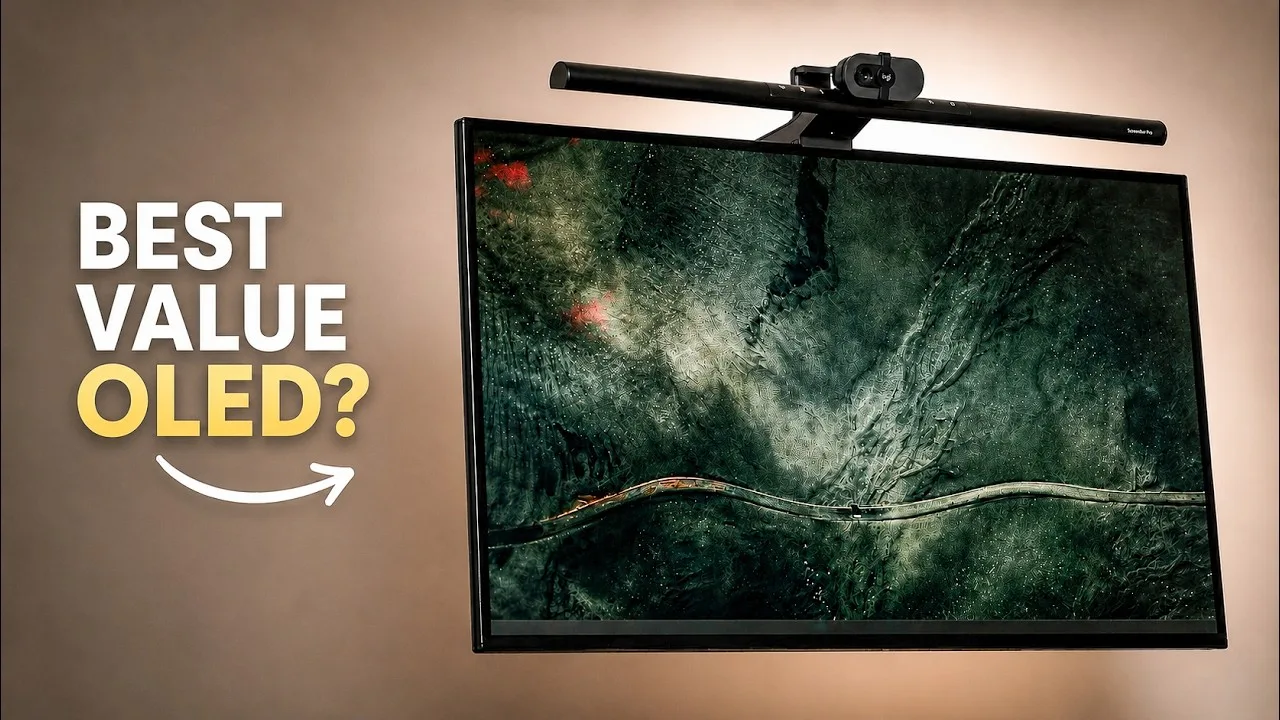 TechTicals
This 27-inch 1440p 280Hz monitor features fourth-gen tandem OLED …
TechTicals
This 27-inch 1440p 280Hz monitor features fourth-gen tandem OLED …
This 27-inch 1440p 280Hz monitor features fourth-gen tandem OLED technology, delivering significantly improved brightness over previous OLED generations. The reviewer found the default 85% brightness setting sufficient with headroom to spare, unlike older W OLED panels that required maximum brightness. Gaming performance impressed despite the 1440p resolution, though port selection disappoints with HDMI 2.1 limited to 24 Gbps and DisplayPort 1.4 instead of 2.1. USB-C provides only 18W power delivery, insufficient for laptop charging. The glossy finish option (model ending in 'R') provides a more immersive, window-like viewing experience compared to matte. Firmware updates via HDMI caused visual glitches, resolved by switching to DisplayPort. At $560 USD, the reviewer considers it the best value in its spec class.
- →Best suited for gamers prioritizing brightness over 4K resolution
- →Glossy variant recommended for most immersive experience
- →Laptop users will need separate charging solution
- →Use DisplayPort for firmware updates to avoid issues
- →Worth premium over older OLED generations for brightness alone
Community Discussions via Reddit
Comparison
r/OLED_Gaming
u/cldskt
Owner cldskt used the Gigabyte MO27Q28G (4th Gen Tandem WOLED) for approximately one month before returning it. The monitor exhibited severe vertical banding that persisted despite multiple pixel refreshes, requiring a workaround of lowering refresh rate from 280Hz to 240Hz. Color fringing was present on everything from folder icons to in-game colors, particularly yellow. Text clarity suffered from 'pixel-fringing' with blurrier letter edges compared to alternatives. The owner physically inspected similar panels in-store and confirmed these issues were not unique to their unit. Community discussion notes the monitor's trueblack glossy coating and black shield performance in bright rooms as distinguishing features, though grey uniformity and VRR flicker remain concerns.
Key Insights
- →Best suited for users prioritizing black levels in bright room environments who can tolerate panel uniformity issues
- →Not ideal for productivity use due to color fringing and pixel-fringing on text
- →Panel quality may vary significantly between units; owner suspects review samples may be cherry-picked
- →Workaround of reducing refresh rate from 280Hz to 240Hz may partially address banding but defeats purpose of high-refresh purchase
- →Community notes marketing focuses on comparisons to older WOLED rather than direct QD-OLED competition
Top Comments
on pretty much every stat third gen QD beats out tandem oled. Notice how Tandem oled's marketing is always comparing it to third gen WOLED vs the actual comptetion of QD OLED. Why? Because its worse.
Objectively with the exception of ambient light handling, I agree with you.
incorrect. Tandem beats QD OLED in color GAMUT not volume. It loses by a landslide at color volume. Peak brightness is a fake marketing stat. What they dont tell you is that at 1500 nits thats pure …
Comparison
r/OLED_Gaming
u/Rev0ltTTV
The Gigabyte MO27Q28G is a tandem OLED monitor that received mixed feedback from users. One owner returned it due to dissatisfaction with SDR brightness levels and the matte coating finish, though another owner with calibration knowledge disputes this claim, suggesting the monitor ships with suboptimal default settings (ECO mode at ~70% brightness and low APL stabilizer) that require manual adjustment. The monitor is recognized as having strong HDR performance and competitive brightness when properly configured. However, the matte coating remains a consistent point of criticism across users. The product appears to require more technical setup knowledge than competitors to achieve optimal performance.
Key Insights
- →Best for users willing to manually configure monitor settings rather than use out-of-box defaults
- →Not ideal for users prioritizing glossy screen finishes or plug-and-play brightness performance
- →Tandem OLED technology offers genuine brightness advantages but requires proper configuration to realize benefits
- →Community dispute exists regarding whether SDR brightness complaints stem from product limitations or incorrect default settings
- →Matte coating is a consistent, uncontroversial weakness across all user feedback
Top Comments
congrats bud, i've bought the PG32UCDM a week after it's release and it's still the best monitor i've ever laid my eyes on. I barely toggle HDR on since the color accuracy and gamma tracking is …
what are u talking about? the MO27Q28G has higher brightness in SDR overall. Did u even put the settings right? the Gigabyte comes out of the box in ECO setting (brightness 70% or somtin) AND with …
Phenomenal monitor, Just know that even if you are super careful and use the right tools, you may still end up getting micro scratches, so don’t feel too down when you do eventually get them.
Troubleshooting
r/OLED_Gaming
u/643310
Owner of Gigabyte MO27Q28G since release reports very positive long-term experience using it as an IPS replacement. Preordered unit with 600+ hours logged by another commenter. User emphasizes the monitor's robust OLED Care features enable carefree daily use without excessive manual intervention—static UI dimming, automatic screensaver after 20 minutes of inactivity, and pixel shift operate unobtrusively. SDR and HDR performance both praised. Matte coating considered tame with no perceived blur. Brightness adequate for both bright and dark room use. Owner stopped manual pixel cleaning, allowing automated cycles every ~6 hours without concern. Community discussion reveals panel lottery concerns with grey banding, though severity and prevalence debated among owners.
Key Insights
- →Best for users with strong PCs seeking premium OLED experience who prioritize image quality over VRR functionality
- →VRR should likely be disabled if flicker sensitivity is a concern; owner found no meaningful downside to disabling it
- →Burn-in anxiety largely unfounded with normal care—automated OLED Care features sufficient for protection without burden
- →Panel quality varies: grey banding affects some units but not all; community reports suggest lottery element exists
- →Long-term ownership viable without obsessive manual maintenance; automated pixel cleaning and screensaver features effective
Top Comments
I mean, users that do not have banding with such panels wouldn't come here to post about it. Thus leading to a certain bias in how bad those panels are. They defo have issues but not as widely spread …
https://preview.redd.it/txm411kwxelg1.png?width=1400&format=png&auto=webp&s=0be88f7597aa45fd4511e780da2b91c1ef99a12e
I’ve had very similar experiences with mine. 600+ hours in, and really happy with it. I just let the oled care features take care of the panel and I stopped manually pixel cleaning after like 50 …
Troubleshooting
r/OLED_Gaming
u/One-Influence-3681
Owner of Gigabyte MO27Q28G shares 100-hour usage experience, expressing overall satisfaction with no regrets. HDR performance praised across dozens of games. Monitor features separate PSU, good matte coating, and effective APL stabilizer even in SDR. Main issues identified: black crush at 280Hz (workaround found via Display P3 setting before HDR activation), DSC not disabling when lowering refresh rate, and inadequate automatic pixel cleaning requiring manual intervention for sessions over 4 hours. Community discussion reveals confusion around pixel cleaning functionality, with some users noting configurable start time delay settings exist. Owner believes firmware updates could resolve remaining issues, noting professional reviewers missed black crush problem.
Key Insights
- →Best for HDR gaming with workaround applied; SDR users may need APL stabilizer for optimal experience
- →Requires active maintenance: manual pixel cleaning needed despite automatic feature, and specific color setting adjustment needed to fix black crush in HDR
- →Firmware immaturity suspected; owner believes black crush and other issues are fixable via future updates that reviewers may have had pre-release versions of
- →Cleaning routine is straightforward and low-risk with proper materials (distilled water + multiple microfiber cloths)
- →Separate PSU design benefits thermal management but requires managing an additional component
Top Comments
There is absolut no need for that. Just let the monitor do the pixel clean whenever you're turning off your pc. I've been using the LG 32GS95UX-B for the past year with 4-8 hours a day. It will …
personally for me it very good . better than the matte that you see in IPS.
Nope, because the monitor automatically powers off when you are not using it. I have to turn them myself.
Comparison
r/OLED_Gaming
u/Iddqd84
The Gigabyte MO27Q28G is a 27-inch OLED gaming monitor with a matte coating that has surprised users with its quality. Owner Iddqd84 purchased both matte and glossy versions simultaneously for comparison and found them visually nearly identical, with minimal banding visible only at very low brightness levels. Multiple community members who have used both coatings report the matte implementation is exceptional and not typical of traditional matte displays. The monitor performs well in HDR and maintains color vibrancy. Users note it handles ambient light situations better than glossy alternatives, making it practical for real-world rooms with windows. The display reaches high brightness levels that satisfy HDR content consumption.
Key Insights
- →Best for users in rooms with uncontrolled lighting, windows, or who work during daytime hours where reflections would impact glossy displays
- →Matte coating implementation is exceptional for this specific model; buyers who typically avoid matte should reconsider for this display
- →Sufficient brightness for HDR content consumption without needing to pay premium for glossy alternative
- →No meaningful image quality penalty for choosing matte version; community consensus is the coating decision is genuinely difficult
- →Suitable for mixed usage including productivity/browsing and gaming; text clarity reported as good
Top Comments
It is the 2 monitors I want. I pre oredred the Asus, if the glossy panel annoy me (it should not because i can control the lights) I'd switch for the gigabyte. What about the text while browsing in …
Glossy is always more attractive than matt, but this monitor from Giga is very impressive and much more brighter than most monitors overall, so in my opinion I dont think adding 200 bucks just for …
Yes. That is excactly what I have experienced as well. I honestly can't see any issues with it compared to my old lg 32gs95ux, which was a lot more noticeable. It doesn't ruin the colors or make it …
Quick Opinion
r/buildapcsales
u/ryankrueger720
The Gigabyte MO27Q28G is a tandem OLED monitor that has maintained a $600 price point since launch, with this post marking an all-time low. The monitor features an 8KHz polling rate and includes KVM functionality. Community discussion reveals mixed sentiment: while tandem OLED technology is praised as an advancement, there are notable complaints about vertical banding on these panels. The matte finish generates debate, with some users appreciating reflection control while glossy advocates prefer alternatives. The monitor is positioned as a premium option in the emerging OLED monitor market, with buyers encouraged to be selective due to panel lottery concerns for the banding issue.
Key Insights
- →Best for users prioritizing reflection control in moderately lit environments rather than perfectly dark rooms
- →Significant panel lottery risk for vertical banding — inspect unit carefully and be prepared for potential exchange
- →KVM feature and 8KHz polling rate may work at cross-purposes; dedicated competitive users should consider direct connection
- →Wait for further price drops or panel revisions if vertical banding tolerance is low, given ongoing community complaints
- →First-time OLED buyers should weigh whether tandem OLED premium is justified versus established single-stack alternatives
Top Comments
All time low for this product, has been $600 since launch Rtings Review https://www.rtings.com/monitor/reviews/gigabyte/mo27q28g Monitor Unboxed https://www.youtube.com/watch?v=bn-bbk_p3Do
While tandem OLED is the next best iteration in OLED technology, I've been seeing a lot of complaints about the vertical banding on these panels. Hope y'all win the lottery!
> fuck the "gLoSsY iS ThE oNLy wAy" idiots I'm glad we're to the point where people start complaining about glossy advocates because it reflects that there's finally been a wake up to the fact that …
Quick Opinion
r/OLED_Gaming
u/SubstantialBother881
The Gigabyte MO27Q28G is a 27-inch monitor featuring Tandem RGB Technology WOLED, positioned as a more affordable alternative to LG's recently released equivalent priced at $849. Based on community discussion around this specific model, there is strong anticipation for its US release with hopes for a ~$500 price point based on Chinese pricing. The monitor represents Gigabyte's entry into the emerging tandem OLED monitor market. Community members view this technology as superior for monitors compared to mini-LED due to pixel response advantages, though some express concerns about OLED technology's everyday usability for non-HDR content like web browsing and text.
Key Insights
- →Best suited for users prioritizing HDR gaming and media consumption over general productivity and web browsing
- →Wait for confirmed US pricing before purchasing; Chinese pricing suggests strong value but tariffs may affect final cost
- →Consider whether primary use case matches OLED strengths (fast motion, HDR content) versus weaknesses (text clarity, saturation)
- →Represents emerging tandem OLED technology generation; early adoption carries some uncertainty about real-world performance
- →Community consensus favors OLED over mini-LED for monitors specifically due to pixel density and response requirements
Top Comments
For Tvs I think they're fine. The extra size allows mini led to function better. I have both for Tvs and in some content the mini led just pops. You get much more blooming on monitors because they …
Mass production and competition in full swing. Seems like OLED won against mini-led for monitors. TV has been fore fronting the tech for a while.
Hope they do a full global release soon too. Many new stuffs only seem to be getting China release, but this should be popular everywhere at same price.
Quick Opinion
r/OLED_Gaming
u/CRTgamer
The Gigabyte MO27Q28G is an OLED monitor purchased by a user who switched from IPS due to backlight bleed issues, primarily for dark horror gaming. Community discussion reveals this is a 4th generation OLED panel with 3-year warranty coverage. The monitor receives praise for its uniformity, with at least one owner reporting excellent panel uniformity at 53 brightness (250 nits). However, the community actively debates OLED-specific characteristics including banding visibility under specific test conditions (low brightness, greyscale patterns, dark rooms). The consensus leans toward enjoying the monitor without aggressive flaw-seeking, as OLED technology inherently exhibits some banding that may not affect real-world usage. Brightness preferences vary significantly, with some users questioning why others run OLEDs at 35% brightness when IPS panels can achieve higher SDR brightness.
Key Insights
- →Best for users prioritizing dark scene performance and horror gaming where IPS backlight bleed was previously problematic
- →Not ideal for users who will obsessively test for panel uniformity flaws or run monitors at very low brightness in dark rooms
- →Community consensus recommends using at moderate brightness (~50% or 250 nits) for optimal experience without hunting for defects
- →4th generation panel with warranty reduces burn-in anxiety for typical gaming use cases
- →OLED banding exists as inherent technology characteristic but may not impact actual gaming experience
Top Comments
Test it at : - 95% greyscale. - Total dark room. - 35% brightness. - sRGB All Oled have banding, Even when it is not noticeable 😉
or, just a thought, don’t test it further and just be happy with a great monitor? I got pg32ucdm and I know if I test it I will probably find something I’m not happy with - but it’s a great monitor …
The comments of people actively looking for reasons to doubt/shit-talk the monitors uniformity always cracks me up. 💀 “Oh but use it at 20% brightness and you’ll see that your monitor has banding.” …
Comparison
r/OLED_Gaming
u/Between_Nowhere
The Gigabyte MO27Q28G is a 1440p OLED monitor that delivers exceptional color quality and high FPS performance, but its lower resolution creates noticeable visual compromises for users upgrading from 4K. The owner, who recently purchased this monitor after using a 4K LG IPS since 2020, found the 1440p resolution produced blurry text during browsing and occasional distance blur in games, causing eye strain. Despite appreciating the vibrant colors and FPS headroom for graphical mods in single-player games, the resolution downgrade proved unacceptable for this user's visual standards. The owner plans to return it for a 32" 4K OLED or 42" LG C5, hoping DLSS Performance mode can maintain playable frame rates at 4K with their RTX 5070 Ti.
Key Insights
- →Best suited for users prioritizing OLED color quality and high refresh rates over pixel density, particularly those without prior 4K experience
- →Not ideal for productivity tasks, text-heavy workflows, or users sensitive to resolution downgrades from 4K
- →1440p at 27 inches may be insufficient for users who value sharpness in desktop use and distant game details
- →Strong GPU pairing (RTX 5070 Ti class) recommended to maximize the high FPS potential of 1440p
- →Community consensus suggests 4K OLED is preferable for users who can achieve adequate frame rates, with DLSS Performance mode considered viable for maintaining image quality
Top Comments
Dlss perf in 4k looks better than native 1440p in most games. Still very sharp and no shimmering or ghosting with dlss4
Going from 4K to 1440p is honestly a visual downgrade regardless of panel tech. I know some people won't agree with this (e.g. also went from 4K IPS to 1440p OLED or whatevs) but I'm simply stating …
I can get use to going up or down in size, now going from 4k to 1440....... https://giphy.com/gifs/14ooolmDKfgrO8
Quick Opinion
r/OLED_Gaming
u/iibergazz_94
Owner iibergazz_94 reports a positive experience with the Gigabyte MO27Q28G after several days of use. Initial concerns included two vertical lines resembling dead pixels and noticeable banding in Windows dark mode, both of which resolved after use and pixel refreshing. The monitor now shows minimal banding only visible at very close distances. The owner appreciates the dual 1440p setup upgrade from a 2016 Dell monitor. One persistent issue remains: the monitor fails to enter sleep mode as configured in Windows. Community commenter szczuroarturo calls this Gigabyte model 'a steal' and difficult to beat for value. The discussion largely revolves around broader OLED panel technology comparisons (QD-OLED vs Tandem WOLED) rather than specific critiques of this model.
Key Insights
- →Monitor requires break-in period: initial defects (vertical lines, banding) may resolve with use and pixel refreshing
- →Best for users upgrading from older 1440p monitors seeking improved dual-monitor productivity setup
- →Sleep mode issue appears to be a firmware or compatibility problem without community-discovered workaround
- →Value proposition is strong enough that community considers it difficult to find better alternatives
- →Users should expect potential early quality issues that may self-resolve rather than indicate permanent defects
Top Comments
QD OLEDs have more vibrant colors. Other people find it very saturated. 4th gen WOLED have natural look. It really depends on your taste.
Who cares about your proper comparison. It’s fine because you have to sit straight in front of IPs and underexpose a monitor that you set to 100 nits. And still see some glow. LCD just sucks. Get an …
According to testing from Monitors Unboxed, Tandem has a slightly higher Colour Volume than even QD OLED. The Top 3 OLEDs are Tandem WOLEDs. …
Quick Opinion
r/OLED_Gaming
u/indy167
Owner purchased the Gigabyte MO27Q28G to replace an 8-year-old Zowie 144Hz TN panel, finding colors beautiful even in bright rooms. Purchased for approximately $530 from Shopee Thailand with a promotional choice of $50 Steam gift card or Netflix code. The owner initially perceived whites as yellowish, which the community clarified is likely due to the monitor's more accurate warm white balance calibration rather than an OLED-specific issue, contrasting with the overly cool/blue calibration common on many LED monitors. The owner also encountered difficulty locating firmware updates on Gigabyte's website after previously seeing them available. Community discussion touched on the stand design, with some finding it unattractive and recommending monitor arms, while others noted improvement over older tripod-style designs. Questions remain about competitive gaming performance at full 280Hz with DSC.
Key Insights
- →Best for users upgrading from older TN panels who prioritize color accuracy and vibrant display quality in varied lighting conditions
- →Users transitioning from cool-toned monitors should expect an adjustment period for accurate warm white balance; community recommends sticking with default calibration for eye comfort
- →Regional purchasing incentives may significantly improve value proposition in select markets like Thailand
- →Firmware support and website maintenance appears inconsistent, potentially affecting long-term software updates
- →Ergonomic investment in monitor arm likely beneficial given community feedback on stand aesthetics
Top Comments
The whites being “yellowish” has nothing to do with it being OLED and is just due to the current white balance calibration. However, I am willing to bet that since you think that the whites look …
What monitor arm do you use? The stand that ships with this model is hideous imo, definitely needs an arm.
Most leds have a cool tone automatically cuz warm looks garbage without accurate whites and colors. I suggest sticking to warm on oled tho you will get used to it and it will eventually look better …
Troubleshooting
r/OLED_Gaming
u/One-Influence-3681
Owner of the Gigabyte MO27Q28G shares gameplay photos taken with iPhone 15 showcasing HDR performance in multiple games (Dead Space Remake, Final Fantasy Rebirth, Silent Hill f) and SDR performance (Resident Evil 3 Remake). The user runs HDR with HDR 500 True Black setting plus Windows HDR Calibration, and SDR on Eco mode with Native preset. They purchased the monitor for approximately $525 using a promotional code (roughly $93 discount). The owner explicitly chose this 1440p 27" model for high framerate gaming over 4K, having previously returned a QD-OLED glossy monitor due to eye strain. Community discussion confirms 27" provides adequate PPI for 1440p resolution.
Key Insights
- →Best suited for gamers prioritizing high refresh rate 1440p gaming over 4K resolution, particularly those sensitive to eye strain from glossy QD-OLED panels
- →27" size considered the practical minimum for acceptable PPI at 1440p resolution; smaller sizes would compromise clarity
- →HDR performance benefits significantly from proper calibration rather than default settings
- →Strong value proposition when purchased on sale with promotional codes in the $500-525 range
- →Eco mode + Native preset serves as effective SDR alternative for extended use or content without HDR support
Top Comments
Sorry, I have never used a 4k monitor on a PC. I only plug it into the TV if I want to watch something 4K. For gaming, I think 1440P is perfect for me because I love to play at High Framerate.
Sorry, I have never used a 4k monitor on a PC. I only plug it into the TV if I want to watch something 4K. For gaming, I think 1440P is perfect for me because I love to play at High Framerate.
It's literally a fact that WOLED text clarity is MUCH MUCH better than QD-OLED. Your QD-OLED must have been a 4k display and the WOLED 1440p, otherwise your comment makes absolutely zero sense. Text …
Quick Opinion
r/OLED_Gaming
u/Longjumping-Arm-2075
The Gigabyte MO27Q28G is positioned as the HDR brightness leader among 1440p OLED monitors, with community members citing approximately 19% higher average HDR brightness and notable brightness advantages over competitors using the same 4th gen tandem WOLED panel. The monitor uses a standard matte coating and is priced lower than comparable alternatives. However, concerns exist about whether Gigabyte's aggressive brightness tuning could impact long-term OLED burn-in durability, with speculation that competitors may be limiting brightness intentionally for longevity reasons. The product features half-bandwidth HDMI 2.1 ports, requiring Display Stream Compression (DSC) for certain high-bandwidth configurations. Community discussion suggests a glossy version may be forthcoming.
Key Insights
- →Best suited for users prioritizing peak HDR brightness in 1440p OLED gaming
- →Potential burn-in risk from aggressive brightness tuning remains an unverified community concern
- →HDMI 2.1 bandwidth limitation may affect users seeking uncompressed high-refresh-rate console gaming
- →Worth considering waiting for potential glossy variant release if coating preference is important
- →Strong value proposition for matte-tolerant users wanting maximum brightness performance
Top Comments
I believe he said 19%(!) on average in HDR. That seems unusual to me too. And yet he ultimately prefers the ASUS due to the panel coating. That’s kind of wild to me but I’ve no issues with matte. …
It's about 10% brighter than ASUS 27AQWMG Is it unusual to have this much gap between brightnesss levels for the same panel (4th gen WOLED)?
A 19% boost is incredible, it feels more like a generational leap. I can’t help but wonder if this is a miscommunication between Gigabyte and LG Display, similar to the ASRock and AMD situation. …
Quick Opinion
r/OLED_Gaming
u/yokoyoko6678
The Gigabyte MO27Q28G is a 27-inch QD-OLED gaming monitor priced around $480 USD, positioned as an affordable entry into OLED gaming. The community discussion reveals this is a matte-finish display with a glossy version planned for future release. Users note image quality appears slightly upscaled. There is significant community interest in the glossy variant, with conflicting information about release timing—some claim Gigabyte confirmed a glossy version within months, while others dispute this timeframe and suggest a longer wait of 6+ months. The monitor uses an LG.Display WOLED panel, but lacks the 'True Black' zero-haze glossy solution that ASUS has exclusivity on.
Key Insights
- →Best for budget-conscious buyers wanting QD-OLED technology who can tolerate matte finish and don't need maximum image sharpness
- →Not ideal for users prioritizing absolute image clarity—community strongly prefers glossy for 'sharper, cleaner image'
- →Wait for glossy version if possible, but be prepared for potentially lengthy delay with unconfirmed release date
- →Regional availability varies significantly with some markets facing multi-month waits
- →Panel quality is solid but finish implementation lags behind premium glossy alternatives
Top Comments
Glossy gives a sharper, cleaner image. There is zero reason to ever get a matter screen unless you have unavoidable direct reflections that distract you. That is the only downside to glossy. The …
Are you from China? I can't believe that I have to wait till 30 sep for this monitor and probably more than 6 months for the Glossy version...
ASUS doesn’t have exclusivity on glossy. They just have it on their marketing speak “true black” whatever. Anyone could do glossy.
Scores based on weighted analysis of 38 expert and community sources. How we review →