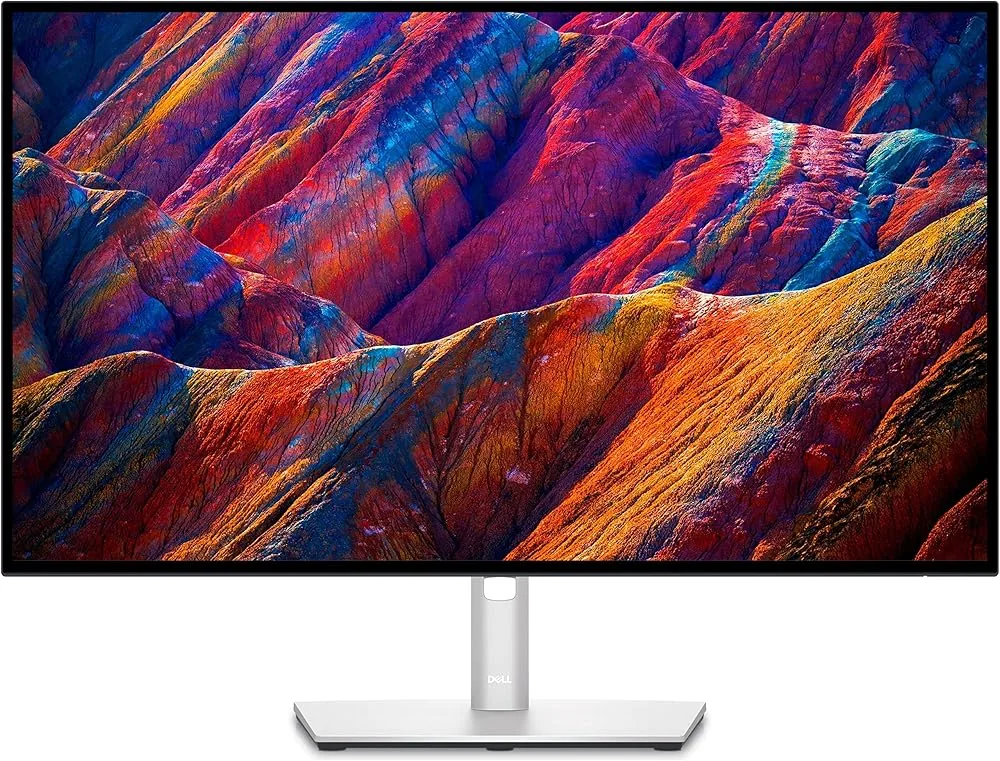
Comparison

Dell S2722QC vs Dell S2725QC
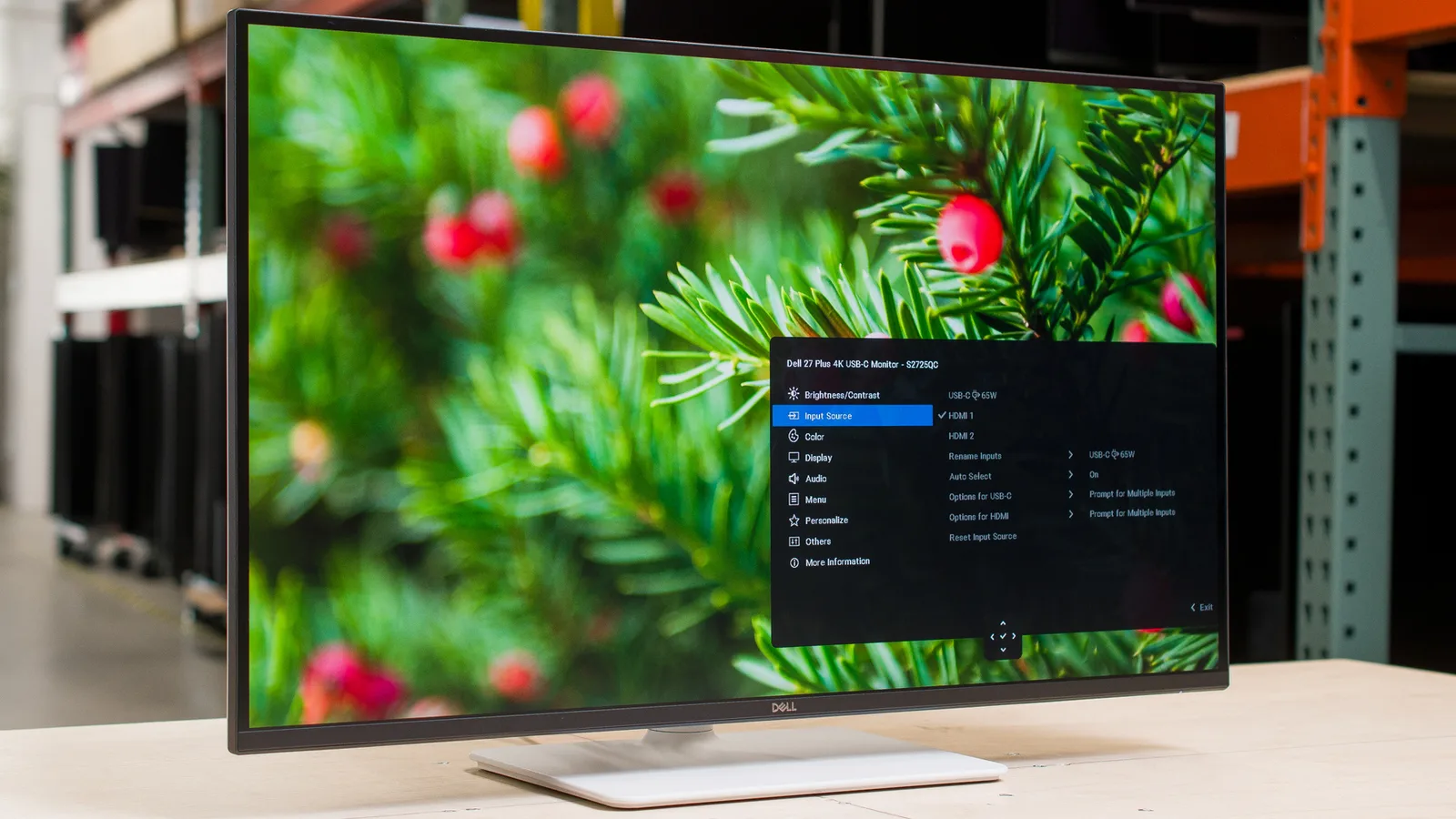
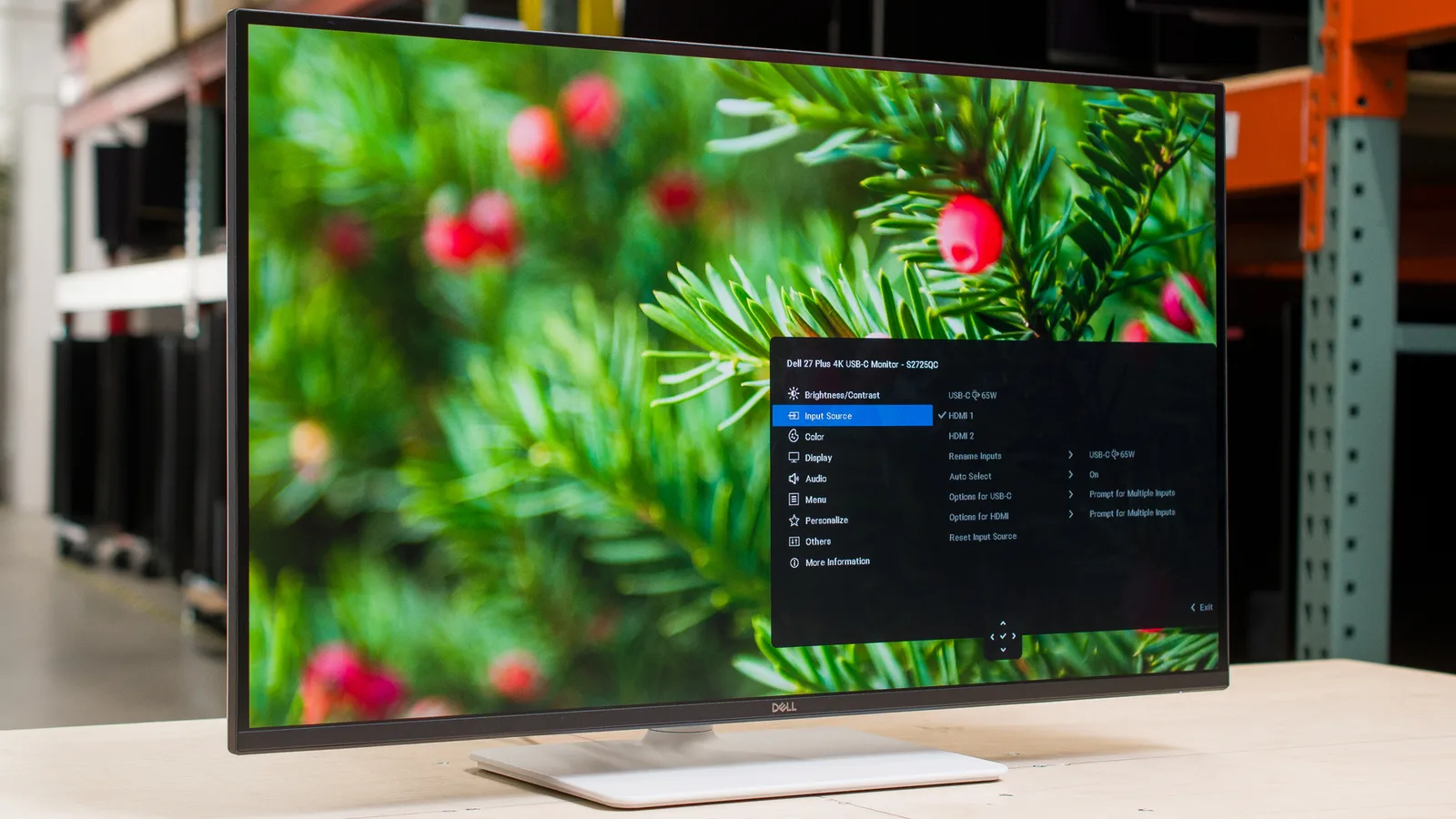
Dell S2722QC

Dell S2722QC

Dell

S2722QC

85 /100
Read full review

Dell S2725QC

Dell S2725QC

Dell

S2725QC

89 /100
Our pick
Read full review

The verdict

The S2725QC costs less and adds 120Hz with full HDMI 2.1 support, making it the stronger all-around choice unless you specifically need a headphone jack or reliable USB-C audio on a Mac.

At a glance

How the two stack up across every aspect we could align, side by side. This is the single scorecard behind the analysis that follows.

S2722QC S2725QC
Productivity Display
Display Image Quality 88 87 Even
Color Accuracy 88 88 Even
Ergonomics & Stand 91 87 Even
Connectivity & Versatility
USB-C Connectivity 83 88 +5
Refresh Rate Performance 66 81 +15
HDR & Brightness 67 67 Even
Design & Audio
Build & Design 91 82 +9
Audio Quality 64 42 +22
Even 4 S2722QC 2 S2725QC 2

Expert scores ranged 83 to 86 for the S2722QC and 84 to 96 for the S2725QC. See every published score.

The questions that decide it

Does the S2725QC actually look better than the S2722QC?

The two panels are closely matched on image quality, with both delivering 4K sharpness, 99% sRGB coverage, and a light matte coating, though each carries the same IPS contrast limitations.
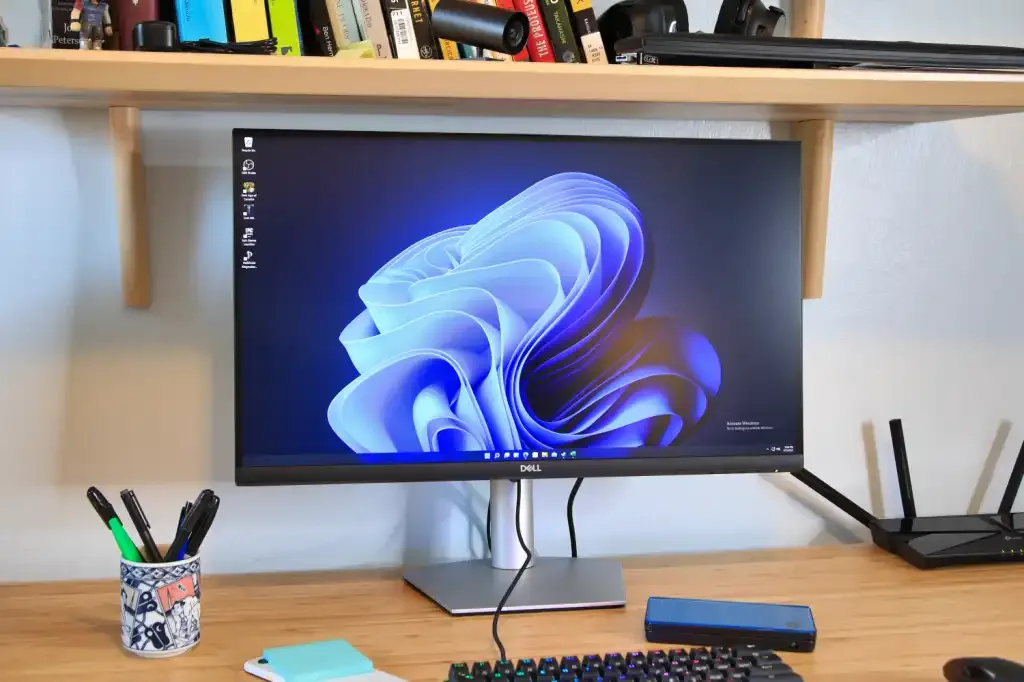
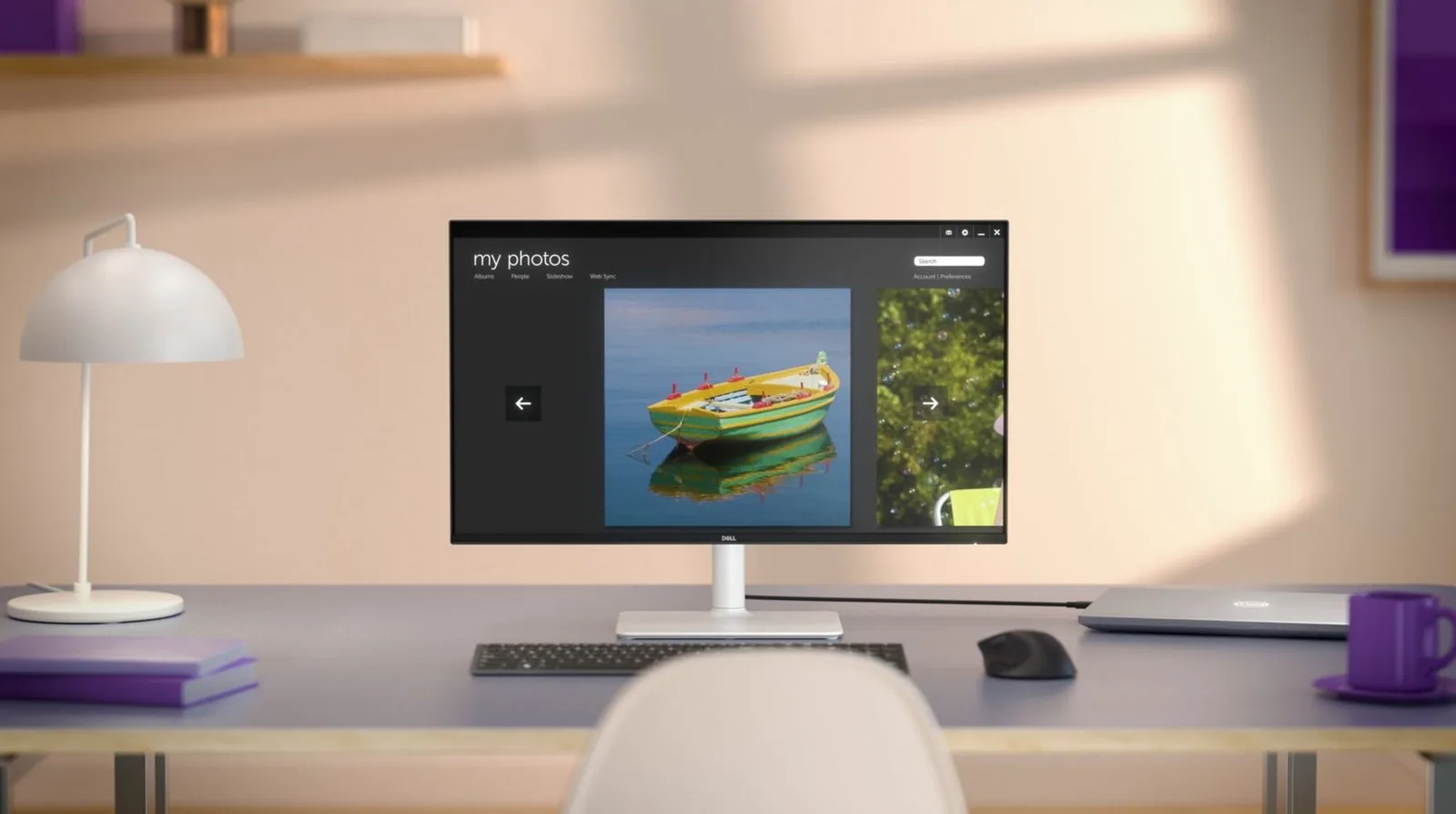
In photos Display Image Quality
Dell S2722QC — Display Image Quality
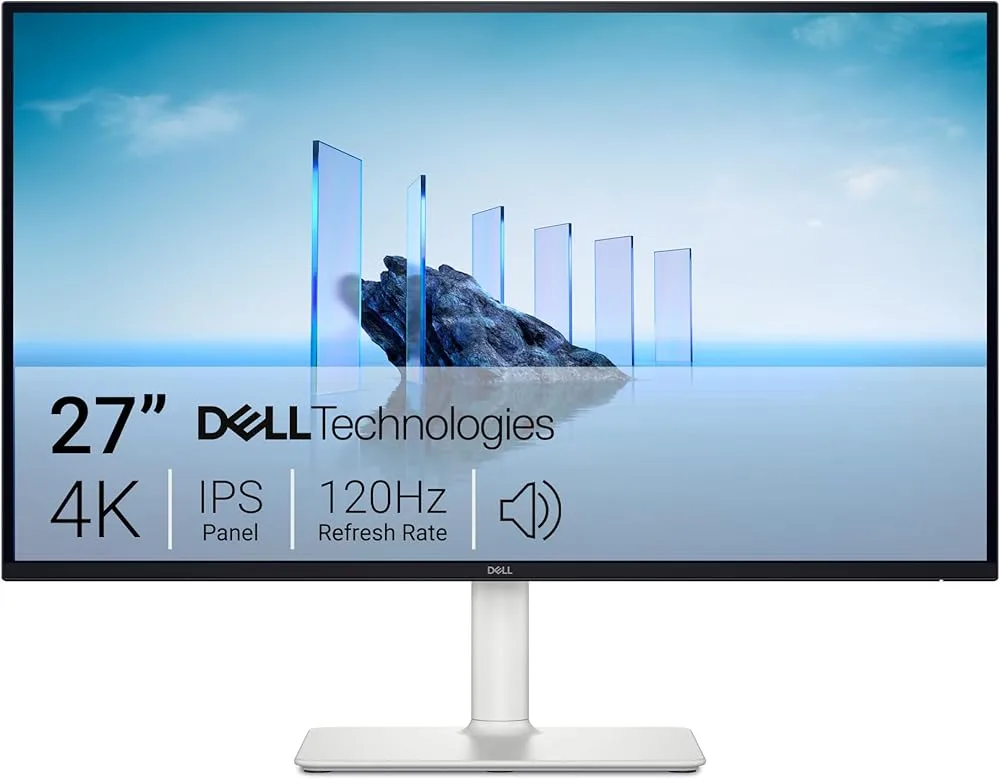
Dell S2725QC — Display Image Quality
88
87
Evenly matched on Display Image Quality
S2722QC
The S2722QC earns consistent praise for text clarity and clean rendering, with the light matte coating specifically noted for cutting reflections without the grainy texture found on cheaper alternatives. For document work, coding, and long-duration productivity tasks, reviewers treat the 4K resolution as a genuine strength. The contrast picture is less flattering: PCWorld measured a 270:1 effective SDR contrast ratio, and IPS glow is visible in dark content. Calibration controls are minimal, and panel border reflections at angles add a shadowy frame effect that reviewers at pcmonitors.info flagged directly.
S2725QC
The S2725QC draws the same core praise: razor-sharp 4K text rendering that makes browser-heavy workflows genuinely pleasant, paired with a light matte coating that handles glare without graininess. The 99% sRGB coverage satisfies most users out of the box. Contrast is the shared limitation here. RTINGS and Impulsegamer both flag that IPS blacks look gray in dark rooms, and one forum reviewer spotted edge brightness drop at typical desk distances. For productivity and web work the panel punches above its weight; for cinematic dark-room viewing, the IPS ceiling applies just as it does on the S2722QC.

How much better is the S2725QC for gaming?

The S2725QC is meaningfully better for gaming, offering a 120Hz refresh rate, dual HDMI 2.1 ports with full PS5 VRR support, and AMD FreeSync Premium, where the S2722QC tops out at 60Hz with no path to competitive play.
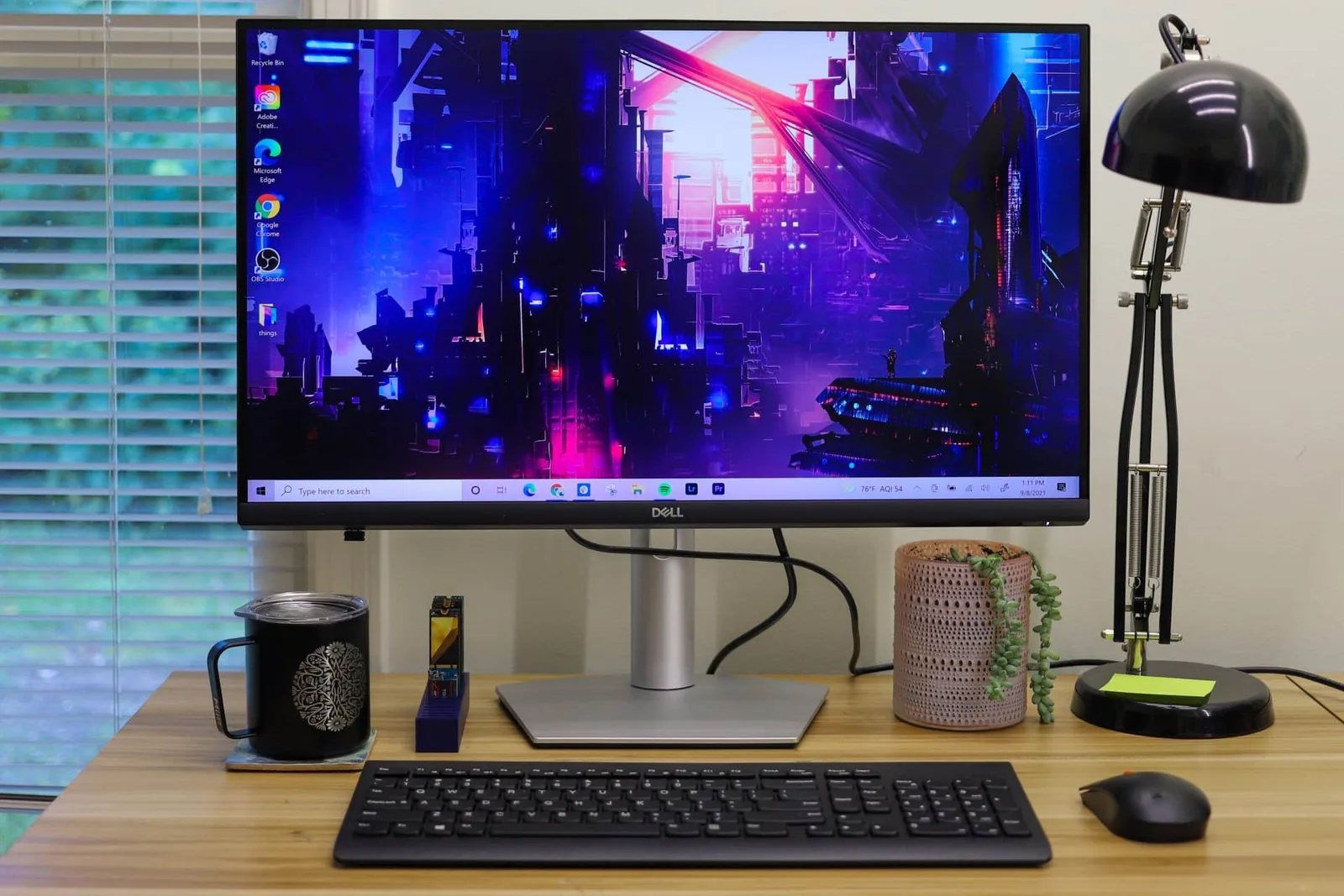
In photos Refresh Rate Performance
Dell S2722QC — Refresh Rate Performance
Dell S2725QC — Refresh Rate Performance

S2725QC

via Amazon
66
81
Leans Dell S2725QC on Refresh Rate Performance
S2722QC
The S2722QC was never designed for gaming, and reviewers are consistent on that point. The 60Hz refresh rate is the hard ceiling, with multiple sources explicitly warning against competitive or hardcore use. The overdrive implementation compounds the problem: DisplayNinja found that ‘Fast’ and ‘Extreme’ modes introduce visible overshoot, leaving ‘Normal’ as the only viable setting. FreeSync and low input lag make casual, story-driven, or console gaming acceptable, but this is a productivity monitor that tolerates occasional gaming, not one that supports it.
S2725QC
The S2725QC’s gaming credentials are real but bounded. Dual HDMI 2.1 ports with confirmed PS5 VRR support and AMD FreeSync Premium represent a genuine step up, and forum users verify the HDMI 2.1 implementation actually delivers on its advertised features. The 120Hz refresh rate opens the door to smoother motion that the S2722QC simply cannot offer. The ceiling is motion handling: RTINGS calls it poor, and forum.pcmonitors.info is direct that this is not a dedicated high-refresh gaming monitor. Overdrive behavior also varies with refresh rate and VRR, adding fiddliness competitive players will not tolerate. For PS5 owners and casual PC gamers, it is an excellent fit; for esports, a faster panel is the right call.

Which one is more comfortable to work with, the Dell S2722QC or S2725QC?

Both monitors offer full ergonomic adjustment including height, tilt, swivel, and portrait rotation, making either a capable long-session workstation display, though the S2722QC’s stand draws more uniformly positive feedback.
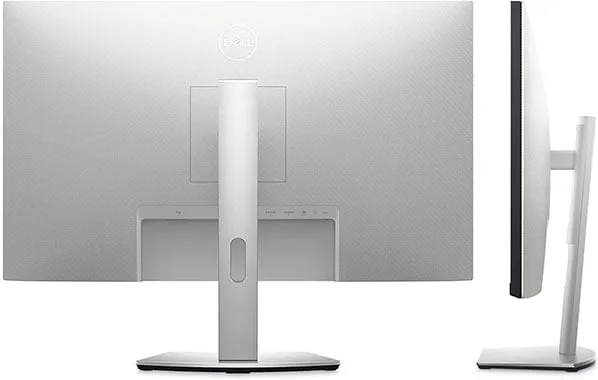
In photos Ergonomics & Stand
Dell S2722QC — Ergonomics & Stand
Dell S2725QC — Ergonomics & Stand
91
87
Evenly matched on Ergonomics & Stand
S2722QC
The S2722QC’s stand is a consistent highlight across reviews. The full adjustment range, including portrait rotation, is verified by multiple independent sources, and StorageReview specifically praised the fan-shaped base and built-in cable management. For coders wanting a vertical second display or multi-monitor users who need precise positioning, this stand is a genuine differentiator against fixed-base alternatives at the same price. The only caveat raised is niche: users needing extreme adjustability without any aftermarket solution might still consider a monitor arm, but that is a stretch given what is included.
S2725QC
The S2725QC ships with a tool-free stand covering height, tilt, and swivel, and slim bezels that work well in multi-monitor configurations. Reddit users with long screen hours specifically praise the ergonomic flexibility alongside the matte coating. The stand is not without caveats: RTINGS Computer suggests reconsidering if stand stability and frequent adjustments are priorities, and a separate reviewer advises verifying stability before finalizing placement, particularly on lighter tables or standing desks. For standard desk use, the included stand eliminates the cost of a VESA mount entirely and works well for most buyers.

Is the S2725QC's built-in audio actually usable, or does the S2722QC handle it better?

The S2722QC handles audio more practically, because it includes a headphone jack alongside its speakers, while the S2725QC omits any analog audio output entirely, forcing USB adapter workarounds for anyone with external speakers.
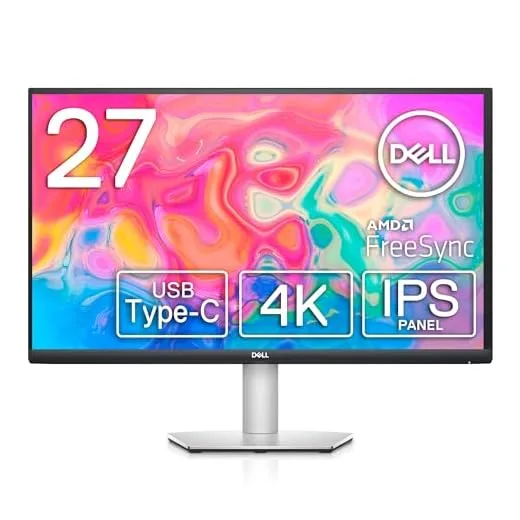
In photos Audio Quality
Dell S2722QC — Audio Quality
Dell S2725QC — Audio Quality
64
42
Leans Dell S2722QC on Audio Quality
S2722QC
The S2722QC includes 3W built-in speakers and a headphone jack, which reviewers treat as functional conveniences rather than genuine audio solutions. PCWorld measured distortion at higher volumes and described music and movies as sounding muddy and unpleasant. For Zoom calls and system alerts, the speakers are adequate. For media consumption, gaming audio, or anything where sound quality matters, external audio is the practical requirement. The headphone jack at least provides a direct, no-adapter path to better sound.
S2725QC
The S2725QC ships with dual 5W speakers that reviewers consistently describe as lacking bass and immersive quality. The more significant issue is what is absent: no 3.5mm or optical output of any kind. RTINGS, r/Monitors, and r/Dell all flag this as a meaningful limitation, requiring a USB audio adapter or HDMI audio extractor for anyone with external speakers or a receiver. The built-in speakers are a marginal step up in wattage from the S2722QC, but the missing analog output makes the S2725QC a harder fit for buyers who already own desktop audio equipment.

Does the S2725QC's newer design actually improve on the S2722QC's build?

The S2722QC edges ahead on build quality, with sub-1mm three-sided bezels and a cleaner rear panel, while the S2725QC’s white aesthetic is distinctive but comes with a notable omission in its audio output design.
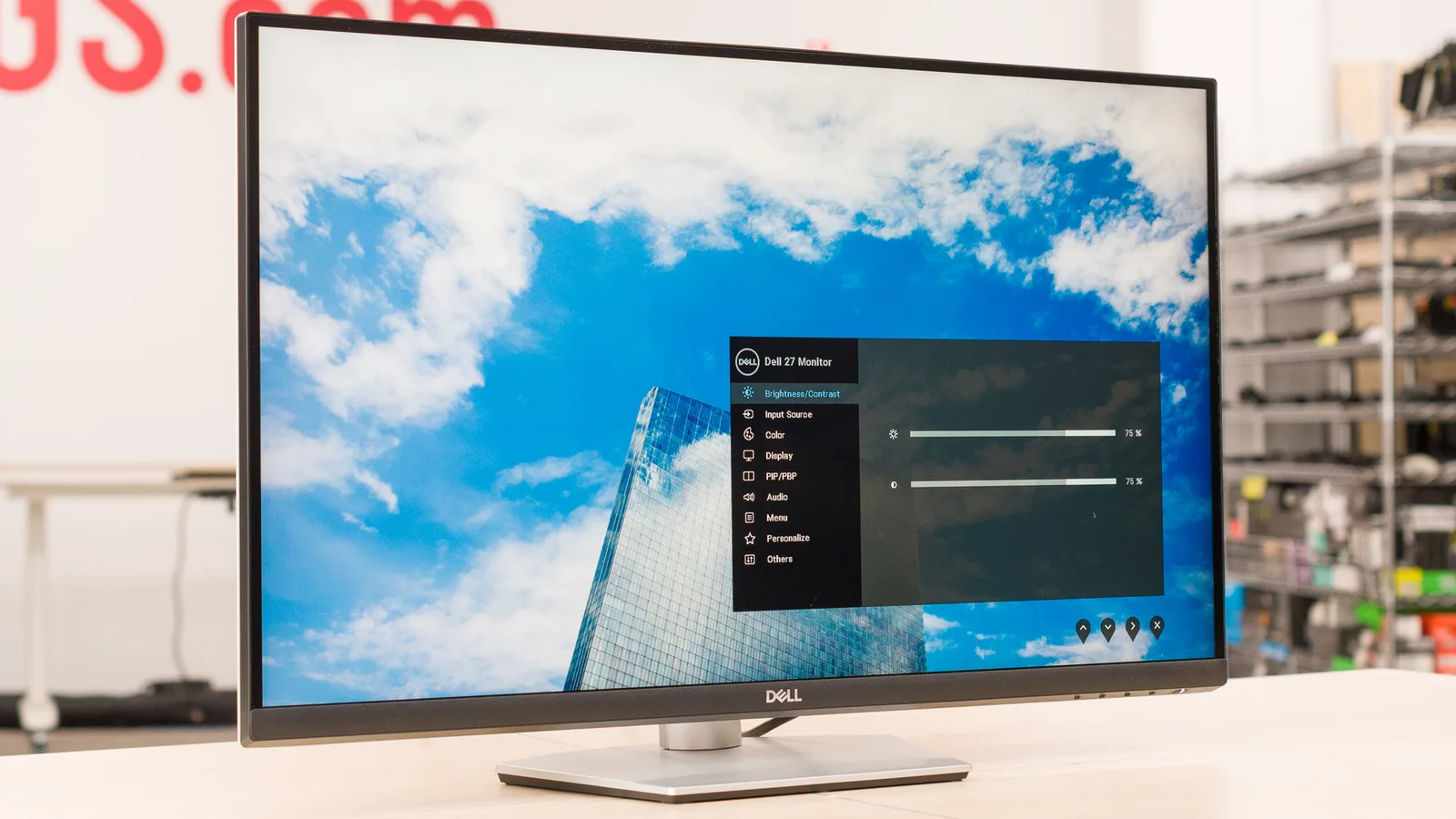
In photos Build & Design
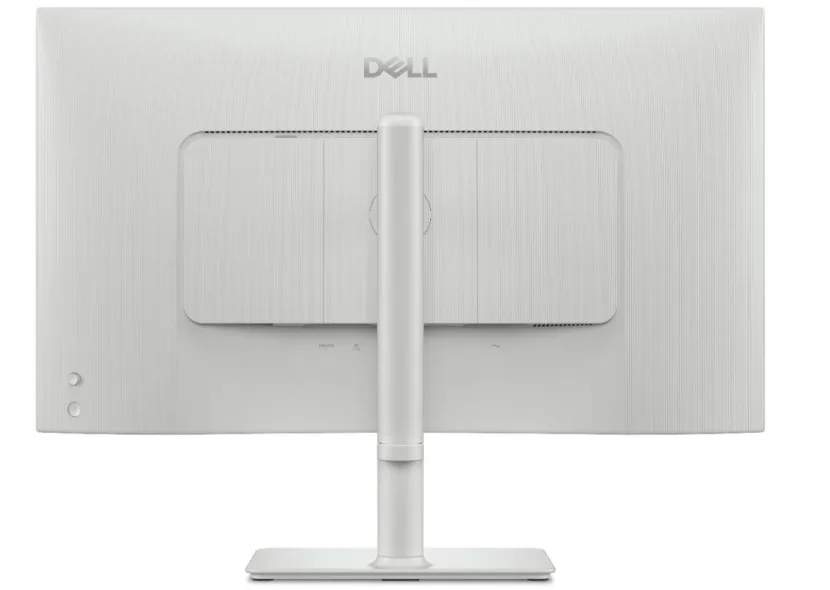
Dell S2722QC — Build & Design
Dell S2725QC — Build & Design
91
82
Leans Dell S2722QC on Build & Design
S2722QC
The S2722QC presents a front panel that looks more expensive than its price suggests. PCWorld and pcvarge.com both measured sub-1mm bezels on three sides, and the Arctic white aesthetic, borrowed from Dell’s XPS line, stands out against the black plastic that dominates this price tier. Eco-friendly materials with recycled plastics add a sustainability angle that reviewers note resonates with buyers. The compromises are on the back: pcvarge.com found the mixed color scheme on the rear panel jarring, and pcmonitors.info flagged the downward-facing OSD buttons as less intuitive than a joystick. DisplayNinja also notes that buyers should verify current pricing against the S2725QC before committing.
S2725QC
The S2725QC’s clean white chassis is a genuine differentiator, with multiple reviewers calling it a standout in a category dominated by black rectangles. Built-in speakers add convenience for minimal setups, and tool-free assembly with a quick-release stand design earns straightforward praise. The design has a meaningful gap, however: the absence of any 3.5mm or optical audio output is flagged by RTINGS, r/Monitors, and r/Dell as a significant limitation that undermines the clean-cable promise for anyone with existing speaker investments. At 6.71kg, the monitor also requires a sturdy desk surface.

Specifications

Display

Display specifications
Dell S2722QC Dell S2725QC
Screen Size
27 in27 in
Resolution
3840 × 21603840 × 2160
Aspect Ratio
1.778:11.778:1
Pixel Density
163 ppi163 ppi
Panel Type
IPSIPS
Screen Coating
Anti-glare/Matte (3H)Anti-glare/Matte (3H)
Backlight
W-LEDEdge LED

Performance

Performance specifications
Dell S2722QC Dell S2725QC
Refresh Rate
60 Hz120 Hz
Response Time
4 ms5 ms
Input Lag
9 ms4.7 ms
Adaptive Sync
AMD FreeSyncAdaptive-Sync, AMD FreeSync Premium, Nvidia G-SYNC Compatible

Image

Image specifications
Dell S2722QC Dell S2725QC
Contrast Ratio
1000 : 11500 : 1
Brightness
350 nits350 nits
Peak Brightness
400 nits350 nits
Color Gamut
99 %99 %
Color Depth
10 bits (8 bits + FRC)10 bits (8 bits + FRC)
HDR Support
YesHDR10 (basic)
Viewing Angles
178 °178 °
Color Accuracy
99% sRGB

Connectivity

Connectivity specifications
Dell S2722QC Dell S2725QC
Ports
HDMI 2.0 (x2), USB-C (with DisplayPort and 65 watts Power Delivery), 2x USB-A 3.2 Gen 1USB-C, HDMI, DisplayPort
HDMI Ports
22 (HDMI 2.1)
HDMI Version
2.0
DisplayPort
01.4 via USB-C Alt Mode
USB Ports
3.2
Audio Output
YesYes
Speakers
2 x 3 W2 x 5 W
USB-C Power Delivery
65W

Design

Design specifications
Dell S2722QC Dell S2725QC
Weight
5.37 kg5.37 kg
Dimensions
596.736 mm596.736 mm
Bezel Width
21.55 mm
Panel Thickness
55 mm
VESA Mount
YesYesYesYes
Height Adjustment
110 mmYes
Tilt
-5 - 21°
Swivel
-30 - 30°
Pivot
-90 - 90°
Stand Adjustments
110mm height adjustment, 25 degrees tilt, 60 degrees swivel, 90 degree pivotheight, tilt, swivel
Remote Control
No

Power

Power specifications
Dell S2722QC Dell S2725QC
Power Consumption
24.8W

Warranty

Warranty specifications
Dell S2722QC Dell S2725QC
Warranty
1 yearStandard Dell limited hardware warranty

Features

Features specifications
Dell S2722QC Dell S2725QC
Eye Care
Yes, ComfortView with Flicker-free screenUp to 35% (ComfortView Plus)
Special Features
AMD FreeSync technology, Picture-in-Picture, Picture-by-PictureAMD FreeSync Premium, Stand lock, Kensington Security Slot, speakers, height adjustment, AMD FreeSync Premium, Integrated speakers, ComfortView Plus low blue light

Other Specs

Other Specs specifications
Dell S2722QC Dell S2725QC
Usb C Features
DisplayPort Alt Mode with power delivery
Desktop Footprint
24.08 x 6.88 (LxW)
Color Mode
sRGB
Hdmi4k120Hz Support
trueYes
Usb Type
5Gbps
Daisy Chain Support
No
Material
Plastic and metal components
Color Options
Ash White

Where the scores actually land

These are the scores the publications that reviewed each product actually published, plotted on one shared scale. Expert reviews, video reviews and owner threads all feed the analysis; the sources that put a number on it are named below.

Same reviewer, both products

1 publication reviewed both. 1 scored the S2725QC higher.

Published scores from the publications that reviewed both the S2722QC and the S2725QC
Publication S2722QC S2725QCGap
rtings.com83 out of 10084 out of 100 S2725QC ahead by 1

S2722QC

3 of 20 sources published a score · median 86

S2725QC

3 of 24 sources published a score · median 90
79Published score100

The vertical rule marks each product's median. The shaded band spans 84 to 86, where the two ranges overlap.

Possible bias: the review shows signs of a commercial relationship or a consistent slant toward one brand, so weigh it accordingly.

Which should you buy?

The S2725QC is the right choice for most buyers. It costs less, runs at 120Hz, supports PS5 with full HDMI 2.1 feature delivery, and matches the S2722QC on the productivity fundamentals that matter most: 4K sharpness, 99% sRGB color, and single-cable USB-C docking. The missing headphone jack and the no-analog-output audio design are real inconveniences for buyers with existing speaker setups, but they do not change the overall calculus for the majority of users.

The S2722QC makes sense in two specific scenarios: you are on a Mac and need reliable USB-C audio passthrough, or you have already found it at a meaningfully lower price than the S2725QC. Its stand is slightly more battle-tested in reviews, and its build quality draws more uniform praise. Outside those scenarios, the S2725QC’s combination of lower price and expanded feature set is the harder argument to counter.

Neither monitor is the right answer for HDR content, color-critical commercial work, or competitive gaming. Both carry the same IPS contrast ceiling and the same nominal HDR badge that reviewers on both sides recommend ignoring. Buy either for a well-lit productivity desk; buy the S2725QC if you also want a capable PS5 display or a smoother 120Hz workflow.

Which one is for you

Buy the Dell S2722QC if…

  • Mac users who need reliable USB-C audio passthrough, or buyers prioritizing a proven stand and clean build quality in a bright-room productivity setup

Buy the Dell S2725QC if…

  • PS5 owners, laptop users wanting single-cable docking, and professionals who want 120Hz smoothness in a productivity monitor at a lower price

Read the S2722QC review Read the S2725QC review

Prices

Dell S2722QC

In stock · B&H Photo

Dell S2725QC

In stock · Amazon

Prices are indicative and may include affiliate links. SetupScore may earn a commission. It never affects our scores.

Built from each product's pooled expert, video, and owner reviews. Comparison generated 30 Jul 2026. Prices refreshed 30 Jul 2026.