Comparison

Apple Studio Display vs BenQ PD2730S

Apple Studio Display
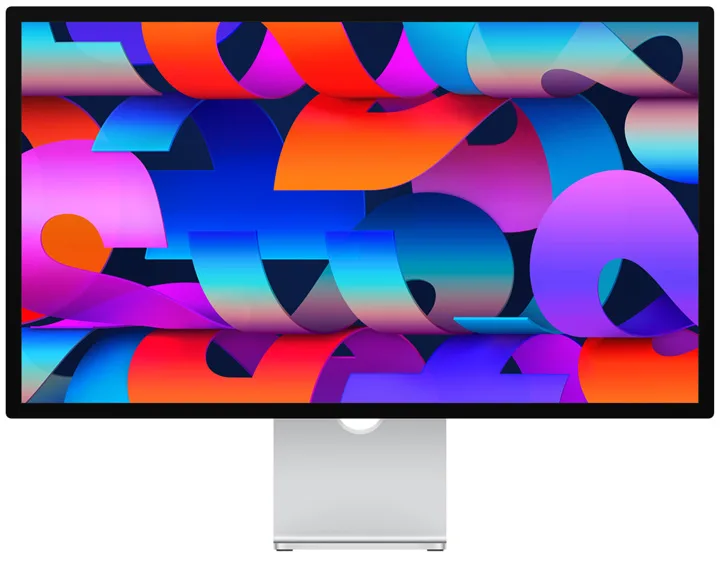
Apple Studio Display

Apple

Studio Display

81 /100
Read full review

Leads on

Audio & Camera · Build & Design

BenQ PD2730S
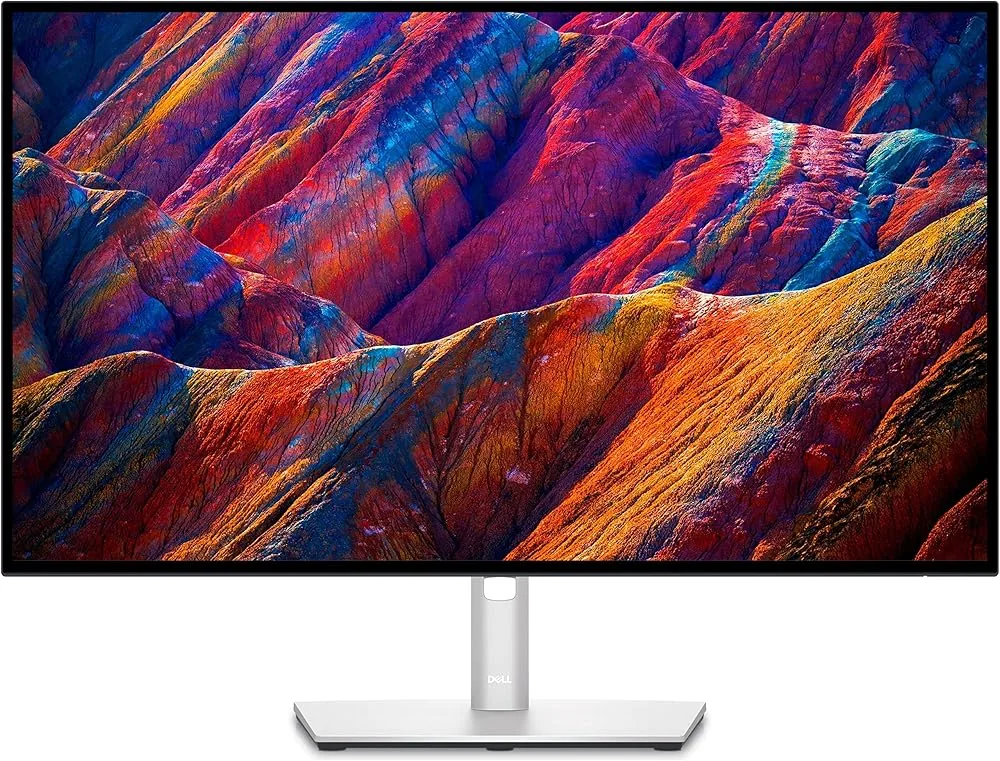
BenQ PD2730S

BenQ

PD2730S

81 /100
Read full review

Leads on

Ergonomics & Stand · USB-C Connectivity · Display Image Quality

Evenly matched · 81 · 81

The Apple Studio Display wins on build quality and integrated peripherals, while the PD2730S wins on ergonomics, reflection management, and price, making the right choice entirely dependent on which trade-offs matter more to your workflow.

At a glance

How the two stack up across every aspect we could align, side by side. This is the single scorecard behind the analysis that follows.

Studio Display PD2730S
Image Quality & Color
Display Image Quality 87 92 +5
Color Accuracy 93 92 Even
HDR & Brightness 69 69 Even
Design & Ergonomics
Build & Design 91 74 +17
Ergonomics & Stand 57 90 +33
Connectivity & Peripherals
Connectivity & Ports 84 86 Even
USB-C Connectivity 84 91 +7
Audio & Camera 82 50 +32
Even 3 Studio Display 2 PD2730S 3

Expert scores ranged 70 to 90 for the Studio Display and 80 to 90 for the PD2730S. See every published score.

The questions that decide it

Does the PD2730S match the Apple Studio Display for image quality, or is the gap still big?

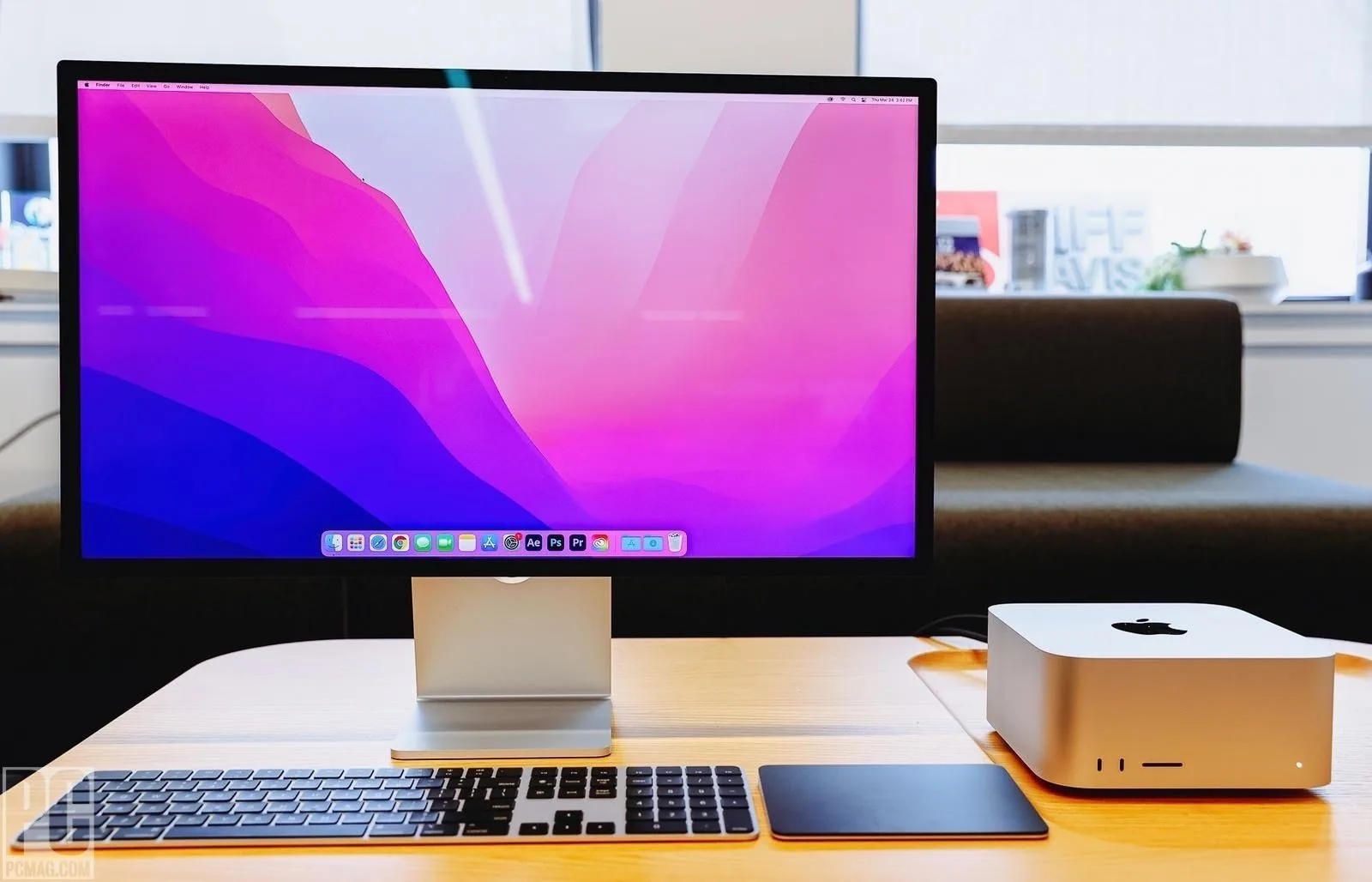
The PD2730S edges ahead on image quality, largely because its Nano Matte panel manages reflections without the haze that can affect the Apple Studio Display’s nano-texture glass option.
In photos Display Image Quality
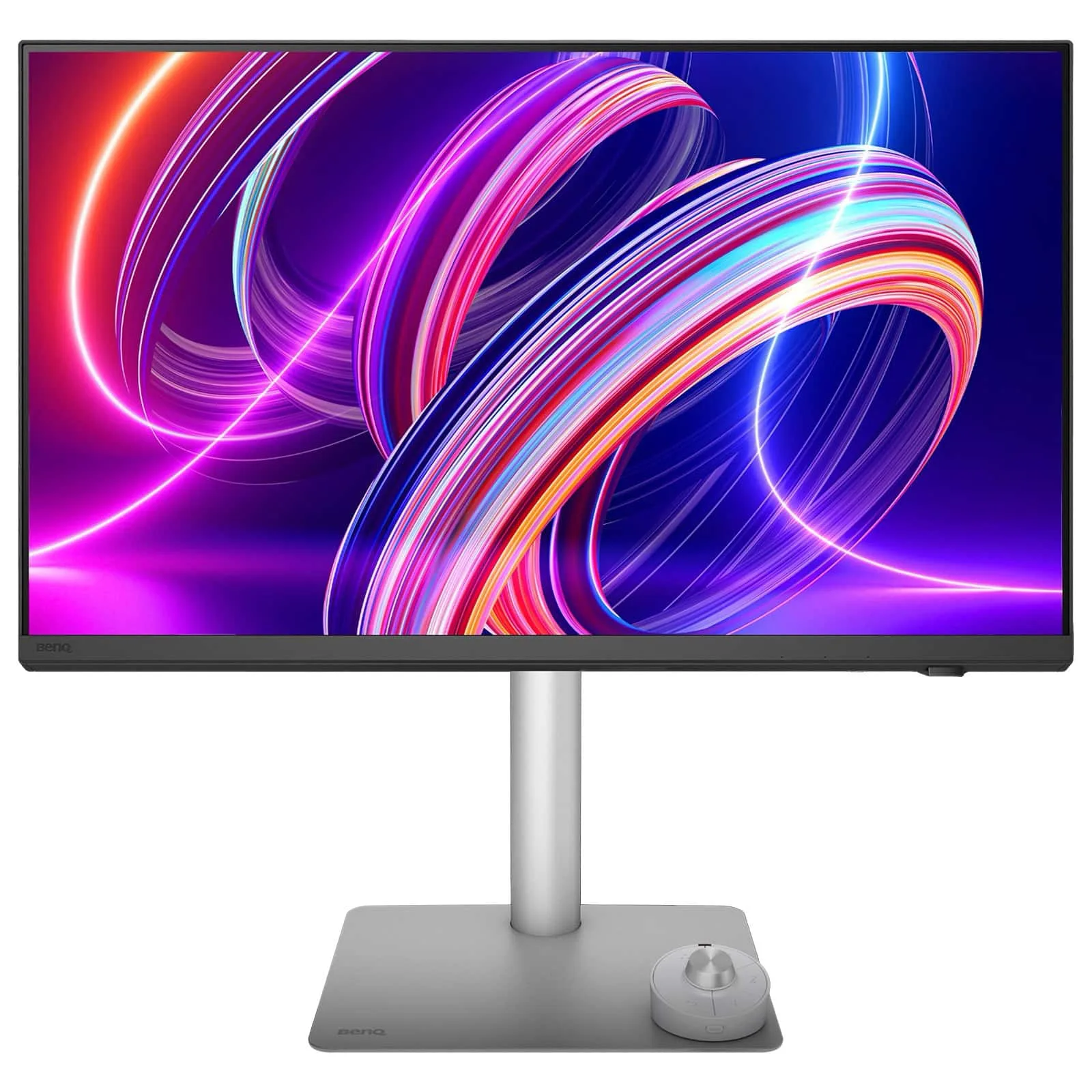
Apple Studio Display — Display Image Quality

Studio Display

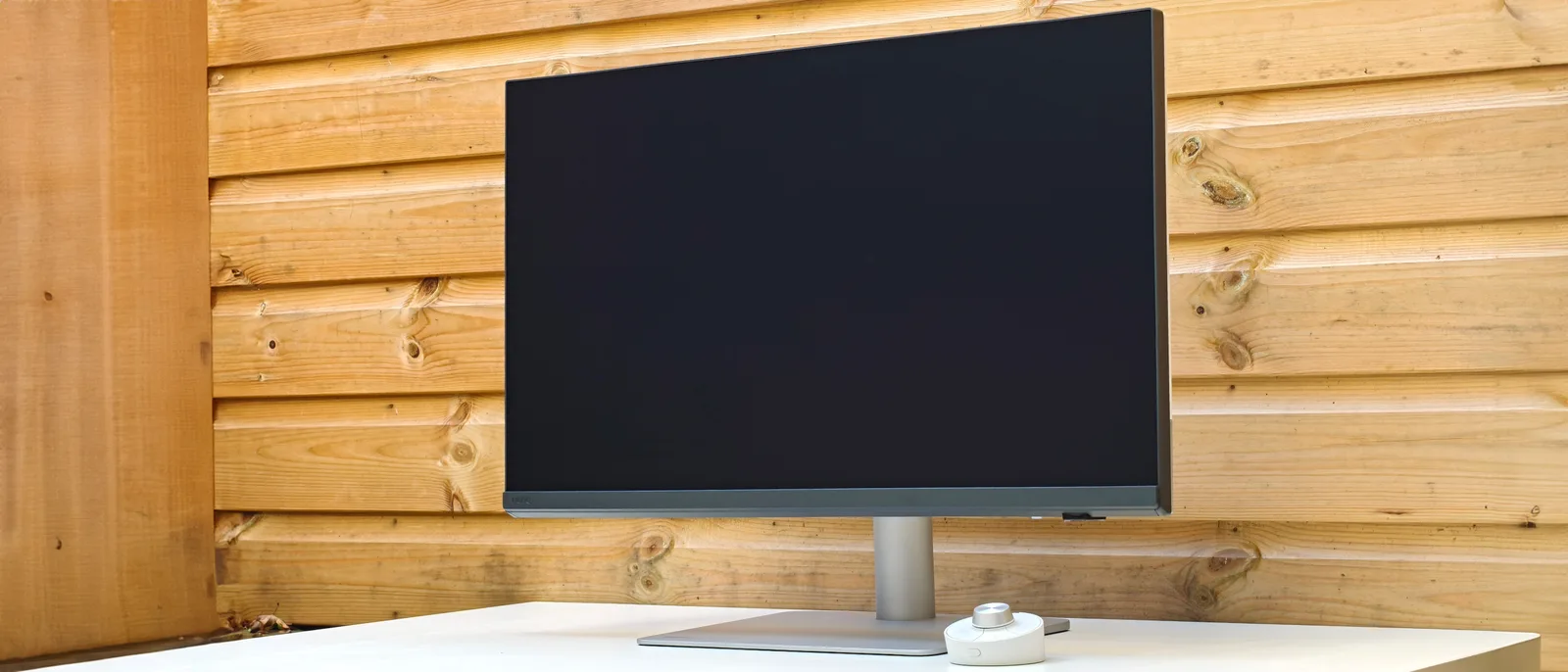
BenQ PD2730S — Display Image Quality
87
92
Leans BenQ PD2730S on Display Image Quality
Studio Display
The Apple Studio Display delivers a 5120x2880 resolution with native 2x pixel alignment, and reviewers consistently praise the sharpness it brings to text and fine detail. The 60Hz refresh rate is a real limitation for motion-heavy work, and the 8-bit output ceiling is worth noting for serious color grading. The nano-texture glass option divides opinion: it helps in bright rooms but can introduce light-scattering fuzziness that some users find distracting.
PD2730S
The PD2730S matches the 5K resolution and 218 PPI density, putting it in a different class from the crowded 4K field. Its Nano Matte panel is a consistent highlight across reviewers, managing reflections without the clarity loss associated with cheaper anti-glare coatings. The 2000:1 contrast ratio adds depth that most IPS panels at this price cannot match. Like the Apple Studio Display, it tops out at 60Hz, which is a shared limitation for both monitors in this comparison.

How much does HDR matter when choosing between the Apple Studio Display and PD2730S?

For most professional workflows, HDR is a non-issue on both monitors, since neither delivers meaningful HDR performance and both are best treated as SDR professional displays.

In photos HDR & Brightness
Apple Studio Display — HDR & Brightness

Studio Display

BenQ PD2730S — HDR & Brightness

PD2730S

69
69
Evenly matched on HDR & Brightness
Studio Display
The Apple Studio Display offers 600 nits with good uniformity, which handles bright office environments well. However, it lacks HDR support entirely, and reviewers who work with HDR content for video production or high-end photo editing flag this as a hard ceiling. For SDR professional work, the brightness and uniformity are more than adequate, but if proofing HDR content is part of your workflow, this display cannot do it.
PD2730S
The PD2730S carries an HDR400 certification, but reviewers are consistent in finding the implementation underwhelming in practice. The 400-nit brightness ceiling is flagged as a limitation, and on macOS there is a real-world constraint where HDR is disabled at higher refresh rates for 1440p and above. For SDR professional work, brightness is adequate. Like the Apple Studio Display, this is not the right tool for HDR color grading or content proofing.

Is the Apple Studio Display's design worth paying extra over the PD2730S?

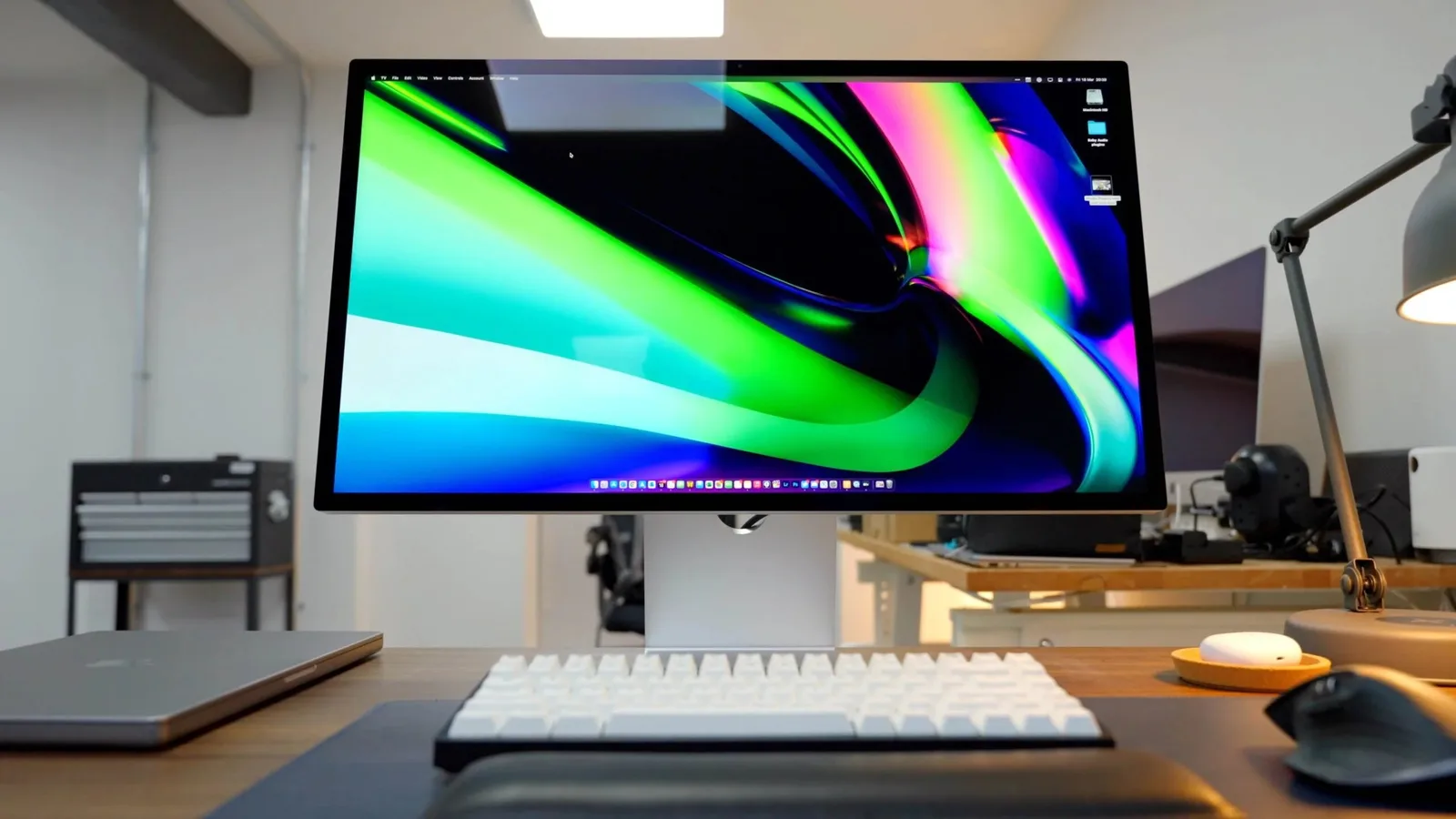
The Apple Studio Display’s build quality is genuinely premium throughout, while the PD2730S presents well from the front but uses plastic backing that reviewers consistently find falls short of its price.
In photos Build & Design
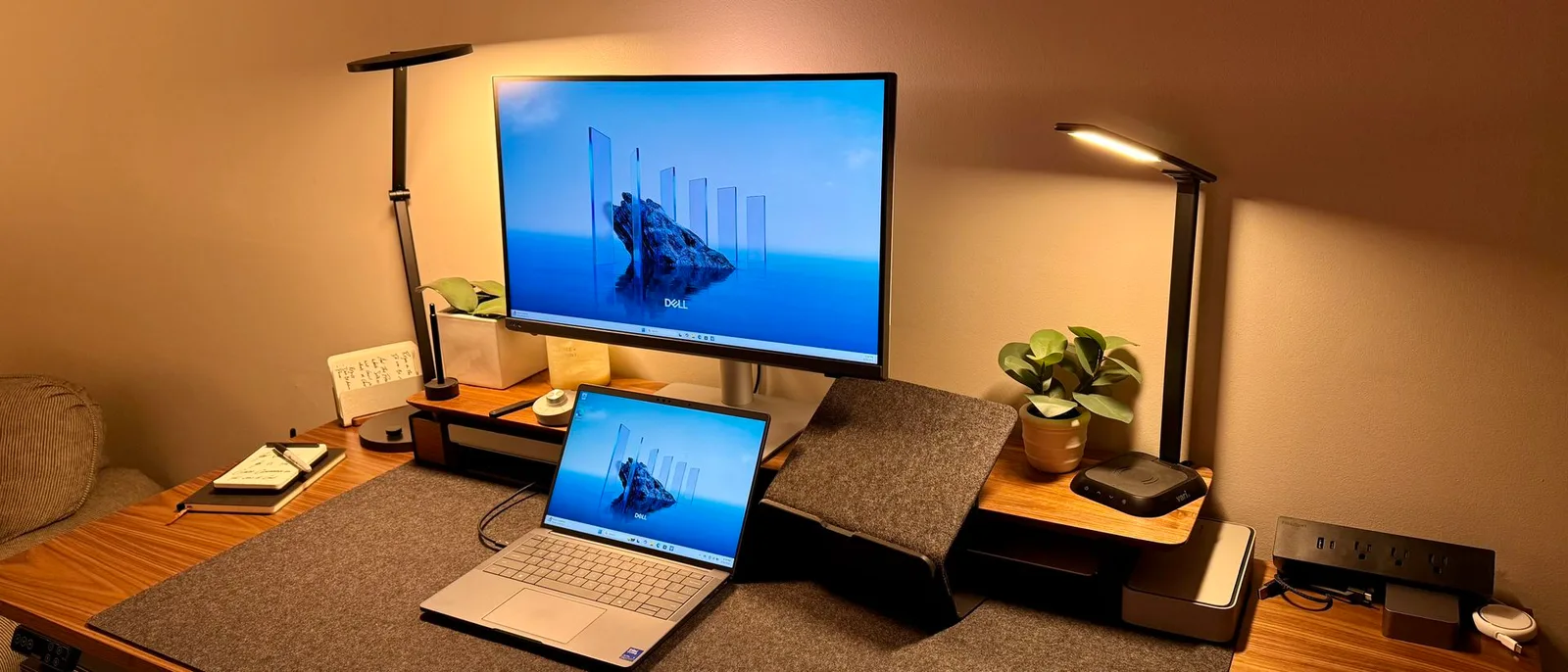
Apple Studio Display — Build & Design

Studio Display

91
74
Leans Apple Studio Display on Build & Design
Studio Display
The Apple Studio Display’s aluminum chassis and edge-to-edge glass earn consistent praise, and reviewers note it holds up well in client-facing studios where aesthetics carry weight. The build quality is substantively good, not just visually appealing. The one recurring criticism is that the bezels could be thinner given what competitors offer at this price point, but there are no meaningful complaints about materials or long-term durability.
PD2730S
The PD2730S looks the part from the front, with a slim-bezel design that reviewers find attractive. The back of the chassis is a different matter: the plastic backing is specifically called out as lacking a premium feel, and reviewers who compare it directly to the Apple Studio Display find the build quality gap real. Practical issues compound this, with the cable management clip drawing criticism for dropping cables and the downward-facing USB ports creating clutter. The monitor also ships without a webcam, which two sources flag as a notable omission.

Does the PD2730S stand hold up better for long work sessions than what Apple ships?

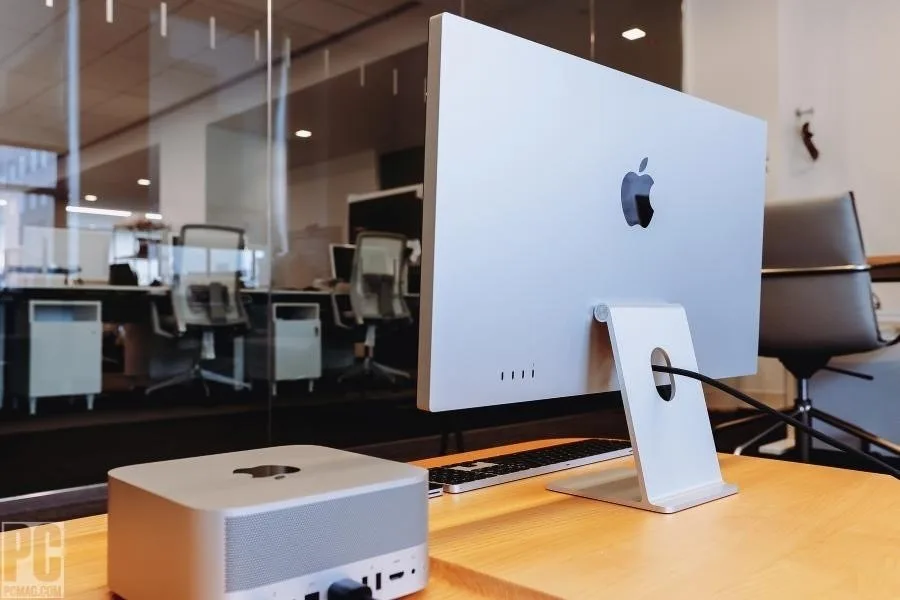
The PD2730S ships with a fully adjustable stand as standard, while the Apple Studio Display’s base stand offers no height adjustment without an additional purchase.
In photos Ergonomics & Stand
Apple Studio Display — Ergonomics & Stand

Studio Display

BenQ PD2730S — Ergonomics & Stand
57
90
Leans BenQ PD2730S on Ergonomics & Stand
Studio Display
The Apple Studio Display’s standard stand provides no height adjustment, a limitation that reviewers across multiple sources find difficult to justify at this price. Apple’s answer is to charge extra for a tilt-and-height-adjustable stand or a VESA mount adapter. Reviewers consistently recommend budgeting for one of those options from the start rather than treating the base stand as sufficient for extended work sessions.
PD2730S
The PD2730S includes a stand with 150mm of height adjustment, tilt, swivel, and portrait rotation as standard, and reviewers across a wide range of outlets land positively on its adjustability. The Hotkey Puck remote adds a practical layer for switching between color presets without navigating menus. VESA compatibility means you are not locked into the included stand if you prefer a monitor arm, but most reviewers find the included stand sufficient.

How big a difference does the built-in audio and camera make in day-to-day use?

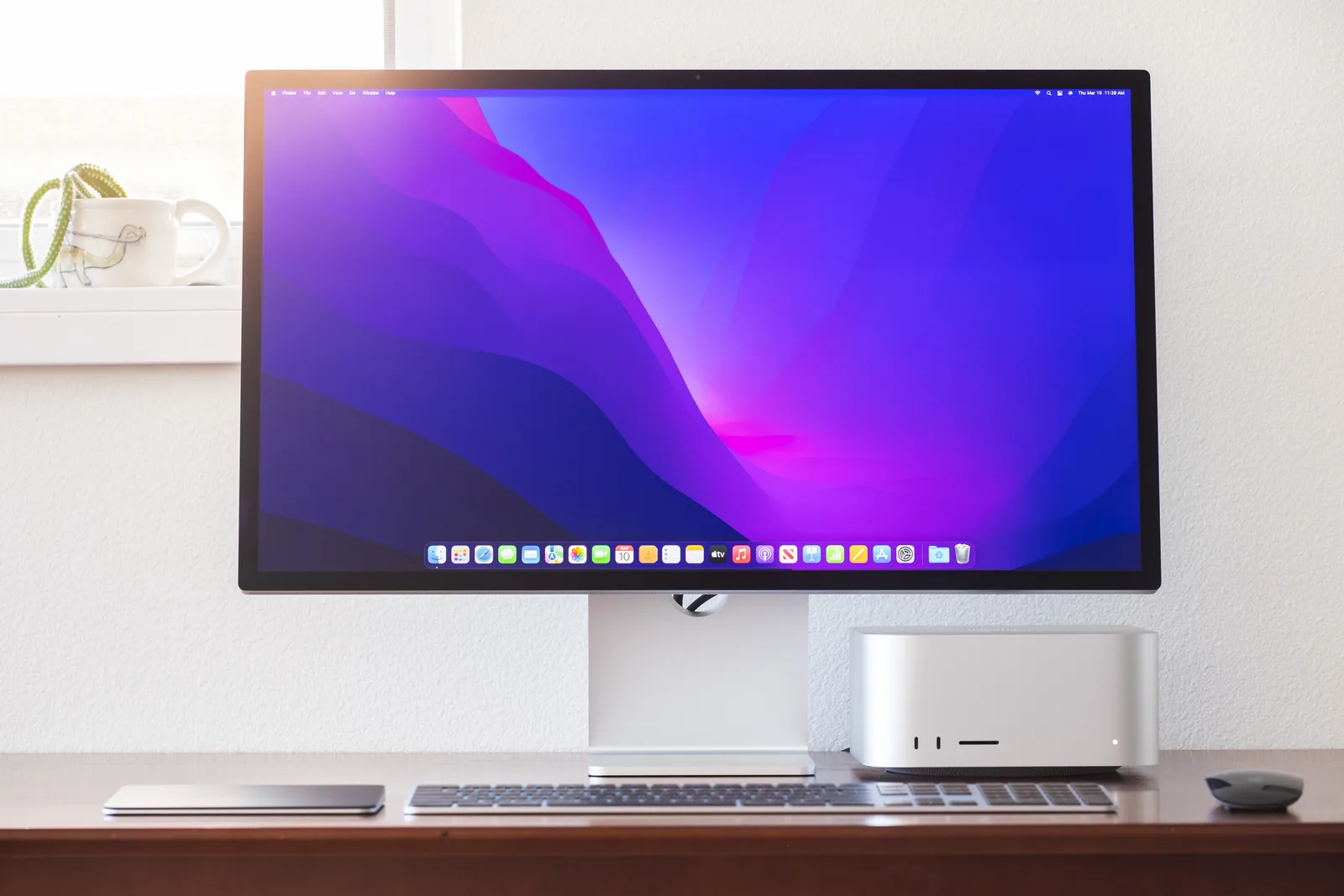
The Apple Studio Display includes a six-speaker array and a 12MP ultrawide camera that reviewers find genuinely useful, while the PD2730S ships with speakers that reviewers uniformly describe as poor and no built-in camera.
In photos Audio & Camera
Apple Studio Display — Audio & Camera

Studio Display

BenQ PD2730S — Audio & Camera

PD2730S

82
50
Leans Apple Studio Display on Audio & Camera
Studio Display
The Apple Studio Display’s six-speaker array earns consistent praise as above average for a monitor, reducing the need for a separate speaker setup on most desks. The 12MP ultrawide camera with Center Stage support is well-regarded for video conferencing, though at least one reviewer rates the webcam quality as poor for professional video production. For everyday calls and desk audio, the built-in hardware is a practical advantage.
PD2730S
The PD2730S has no built-in camera, a gap flagged by reviewers as a notable omission for a monitor at this price. The built-in speakers draw uniform criticism, with reviewers describing them as poor and not a usable option for professional work. If audio and video conferencing hardware matter to your setup, plan to budget for external speakers and a separate webcam from the start.

Specifications

Display

Display specifications
Apple Studio Display BenQ PD2730S
Screen Size
27 in27 in
Resolution
5120 × 28805120 × 2880
Aspect Ratio
1.778:11.778:1
Pixel Density
217 ppi218 ppi
Panel Type
IPSIPS
Screen Coating
Anti-glare/MatteAnti-glare/Matte
Backlight
W-LED

Performance

Performance specifications
Apple Studio Display BenQ PD2730S
Refresh Rate
60 Hz60 Hz
Response Time
5 ms
Adaptive Sync
None

Image

Image specifications
Apple Studio Display BenQ PD2730S
Brightness
600 nits400 nits
Color Gamut
full coverage of the Display P3 color gamut (DCI-P3 with a D65 white point)100 %
Color Depth
10 bits (8 bits + FRC)10 bits (8 bits + FRC)
Viewing Angles
178 °178 °
Contrast Ratio
2000 : 1
Peak Brightness
400 nits
Color Accuracy
Delta E ≤ 2
HDR Support
HDR10

Connectivity

Connectivity specifications
Apple Studio Display BenQ PD2730S
Ports
one Thunderbolt 4, three USB Type-C ports1 x Thunderbolt 4 (90W PD), 1 x Thunderbolt 4 downstream, 2 x USB-C, 3 x USB-A 3.2, 1 x HDMI 2.1, 1 x DisplayPort 1.4, 1 x Headphone jack
HDMI Ports
01
DisplayPort
01
USB Ports
28
Audio Output
Six-speaker system with force-cancelling woofers and studio-quality three-mic array
Video Inputs
HDMI, USB-C (DP Alt Mode), DisplayPort
HDMI Version
2.1
DisplayPort Version
DisplayPort 1.4
USB-C Power Delivery
One Thunderbolt port delivers 90W of power
Speakers
2 x 3 W

Design

Design specifications
Apple Studio Display BenQ PD2730S
Weight
6.3 kg8.22 kg
Dimensions
597.73 mm596.736 mm
Panel Thickness
31 mm242 mm
VESA Mount
YesYesYesYes
Height Adjustment
105 mm150 mm
Stand Adjustments
tilting stand,tilt and height adjustment,VESA mount adapterHeight (up to 150mm), Tilt (-5° to 20°), Swivel (60°)
Remote Control
NoYesYes
Tilt
-5 - 20°
Swivel
30 - 30°
Pivot
0 - 90°
Included Accessories
HotKey Puck G3 wireless controller

Features

Features specifications
Apple Studio Display BenQ PD2730S
Special Features
Nano-texture Glass option,six speakers with force-cancelling woofersAnti-theft stand lock slot - Kensington

Power

Power specifications
Apple Studio Display BenQ PD2730S
Power Consumption
40W

Other Specs

Other Specs specifications
Apple Studio Display BenQ PD2730S
Color
P3 wide color
Color Calibration
individually color calibrated at the factory
Dynamic Range
SDR (standard dynamic range) / EDR (extended dynamic range)
Downstream
3 x downstream USB-C ports (up to 10Gb/s)
Cable
one-meter thunderbolt cable
Display Glass
Standard anti-reflective or Nano-texture anti-reflective
Nano Texture Glass
Nano-texture glass for an extra $300
Built In Webcam
12MP Ultra Wide camera with 122° field of view
Built In Calibration Report
(ΔE < 3)

Where the scores actually land

These are the scores the publications that reviewed each product actually published, plotted on one shared scale. Expert reviews, video reviews and owner threads all feed the analysis; the sources that put a number on it are named below.

Studio Display

5 of 30 sources published a score · median 80

PD2730S

6 of 35 sources published a score · median 80
66Published score94

The vertical rule marks each product's median. The shaded band spans 80 to 90, where the two ranges overlap.

Outlier: a score that lands far outside the range the rest of the reviews settle in.
Possible bias: the review shows signs of a commercial relationship or a consistent slant toward one brand, so weigh it accordingly.

Which should you buy?

Choose the Apple Studio Display if you are a Mac-based creative professional who values premium build quality, integrated audio and camera hardware, and a display that fits seamlessly into the Apple ecosystem. The individually factory-calibrated panel and P3 wide color support make it a strong choice for photo and video editors who want a monitor that works out of the box without additional peripherals. Budget for a VESA mount or the stand upgrade from the start, since the base stand’s lack of height adjustment is a real ergonomic compromise.

Choose the PD2730S if ergonomics, reflection management, and a lower price are your priorities. The fully adjustable stand is a genuine advantage for long work sessions, the Nano Matte panel handles bright rooms without the haze risk of the Apple Studio Display’s nano-texture glass option, and the $400 savings is real money. The plastic backing and poor built-in speakers are genuine trade-offs, and buyers who need a webcam will need to add one separately.

Neither monitor is the wrong choice for a professional creative workflow. The Apple Studio Display rewards buyers who want the complete package in a single premium device. The PD2730S rewards buyers who want strong image quality and ergonomics at a lower price and are willing to add peripherals separately.

Which one is for you

Buy the Apple Studio Display if…

  • Mac-based creative professionals who want a premium, all-in-one display with factory-calibrated color accuracy and built-in audio and camera hardware
  • Client-facing studio users where build quality and aesthetics are as important as display performance

Buy the BenQ PD2730S if…

  • Professional photo and video editors who prioritize ergonomics, a Nano Matte anti-glare panel, and a lower price over premium chassis materials
  • MacBook users who want a single-cable 5K setup with 90W charging and a fully adjustable stand included as standard

Still deciding?

Is it worth it to buy an Apple Studio display?

The Apple Studio Display is worth buying if you are already in the Apple ecosystem and prioritize individually factory-calibrated color accuracy, premium build quality, and integrated audio and camera hardware. The case weakens if you need a fully adjustable stand without paying extra, since the base stand offers no height adjustment, or if the $400 price gap over the PD2730S is a deciding factor for your budget.

Read the Studio Display review Read the PD2730S review

Prices

Apple Studio Display

In stock · Amazon

BenQ PD2730S

In stock · Amazon

Prices are indicative and may include affiliate links. SetupScore may earn a commission. It never affects our scores.

Built from each product's pooled expert, video, and owner reviews. Comparison generated 30 Jul 2026. Prices refreshed 30 Jul 2026.