Comparison

Alienware 34 QD-OLED AW3423DWF vs ASUS ROG Swift PG32UCDM3

Alienware 34 QD-OLED AW3423DWF
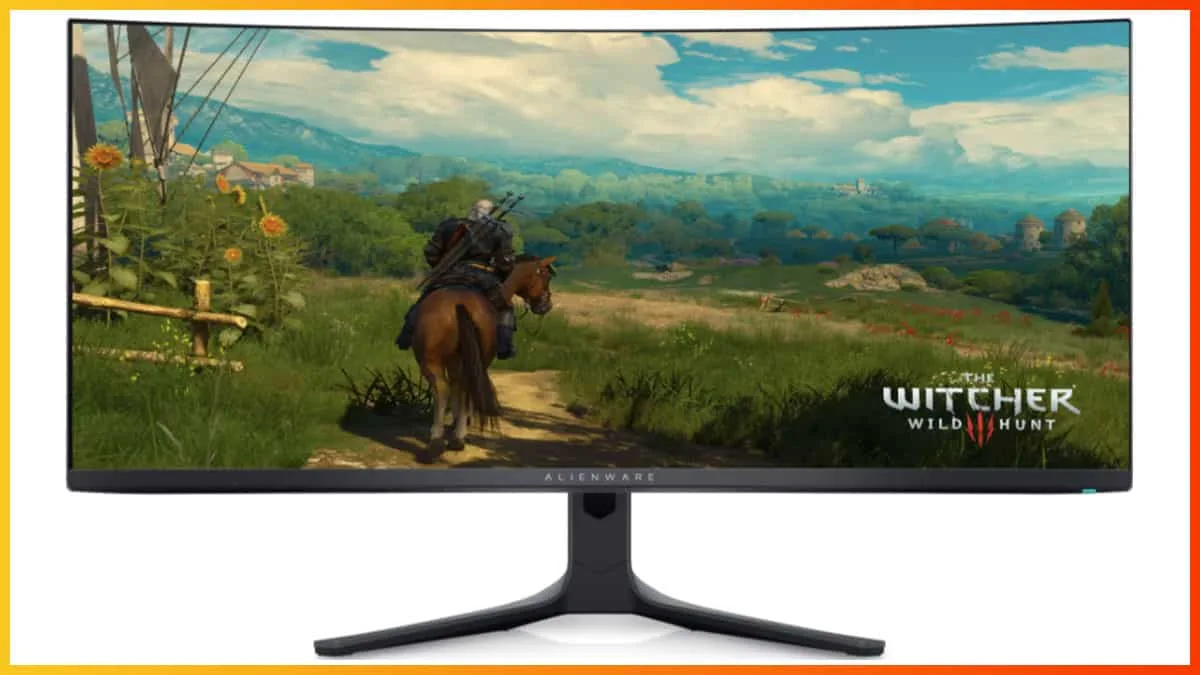
Alienware 34 QD-OLED AW3423DWF
Alienware

34 QD-OLED AW3423DWF

91 /100
Our pick
Read full review

ASUS ROG Swift PG32UCDM3

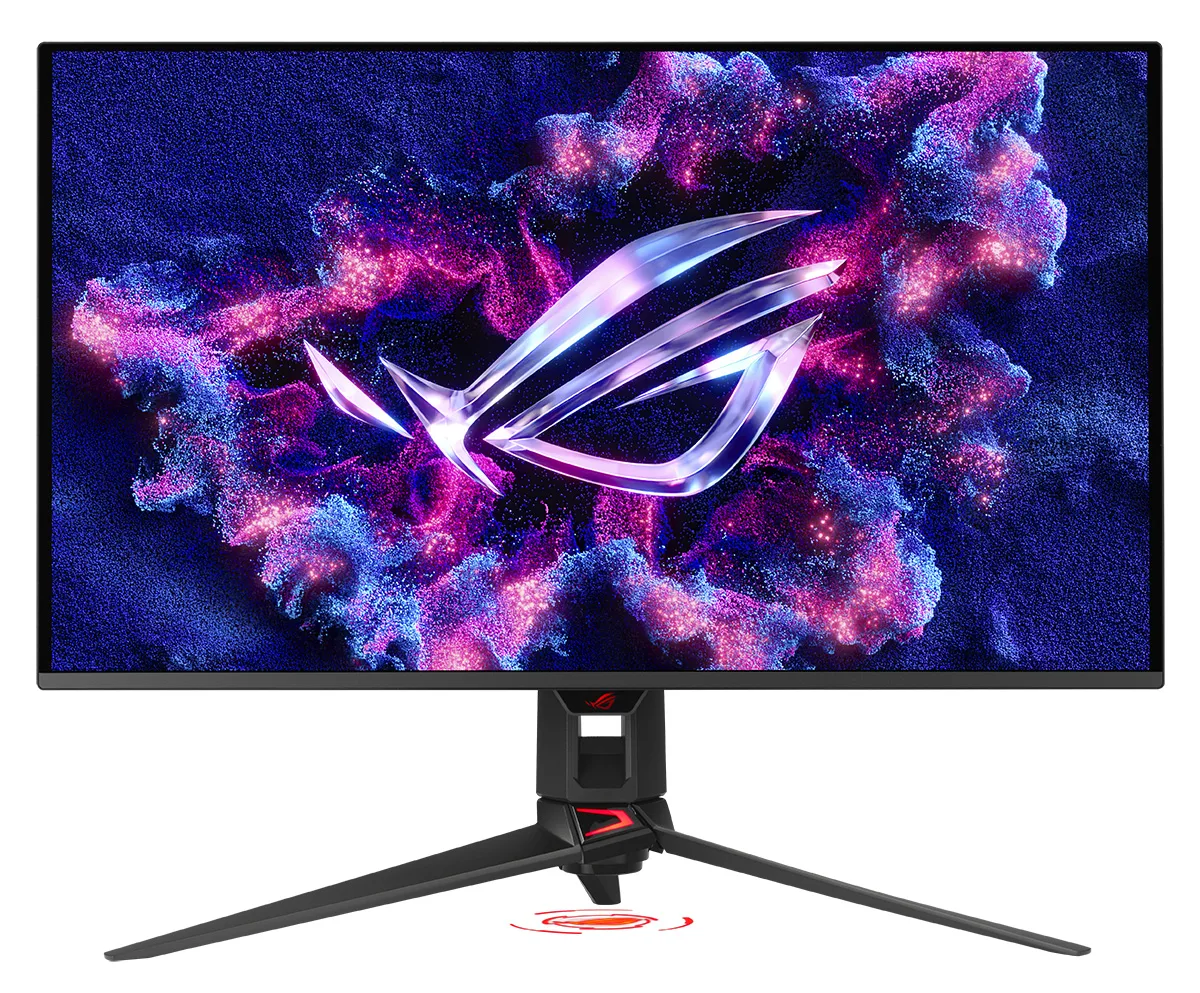
ASUS ROG Swift PG32UCDM3

ASUS

ROG Swift PG32UCDM3

88 /100
Read full review

The verdict

The Alienware 34 QD-OLED AW3423DWF wins on value and overall balance, while the ASUS ROG Swift PG32UCDM3 justifies its premium only for buyers who specifically need 4K 240Hz, DisplayPort 2.1a, or better ambient-light performance.

At a glance

How the two stack up across every aspect we could align, side by side. This is the single scorecard behind the analysis that follows.

Expert scores ranged 82 to 100 for the 34 QD-OLED AW3423DWF and 80 to 96 for the ROG Swift PG32UCDM3. See every published score.

The questions that decide it

Which monitor offers better value for the money?

The Alienware 34 QD-OLED AW3423DWF delivers comparable QD-OLED image quality and strong gaming performance at $200 less than the ASUS ROG Swift PG32UCDM3, making it the stronger value proposition for most buyers.
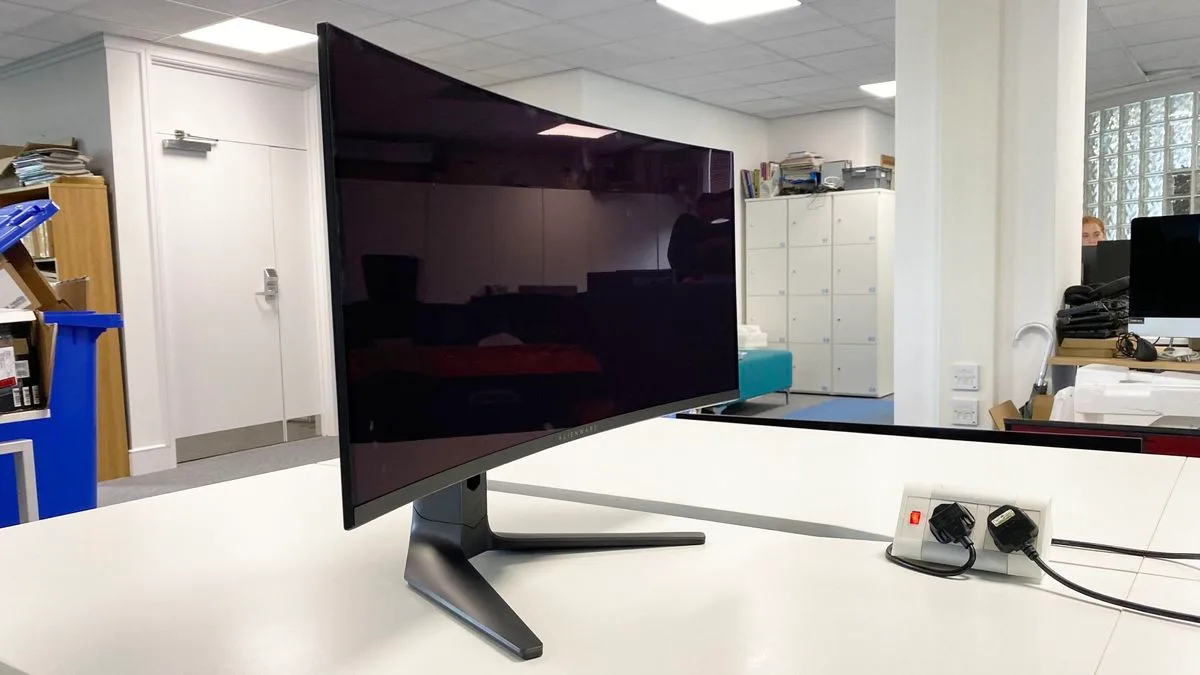
In photos Build & Design
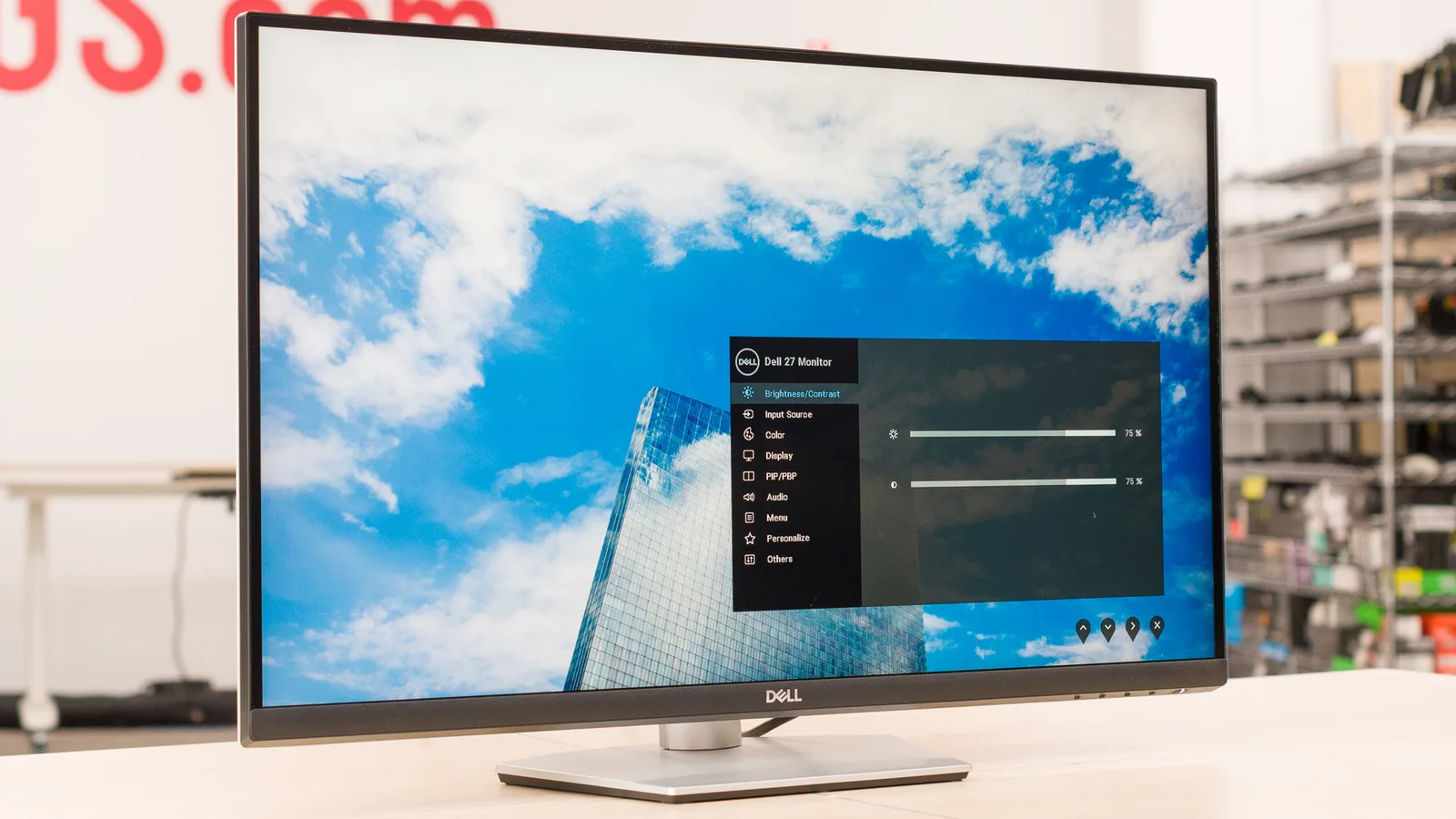
Alienware 34 QD-OLED AW3423DWF — Build & Design

34 QD-OLED AW3423DWF

via pcgamer.com
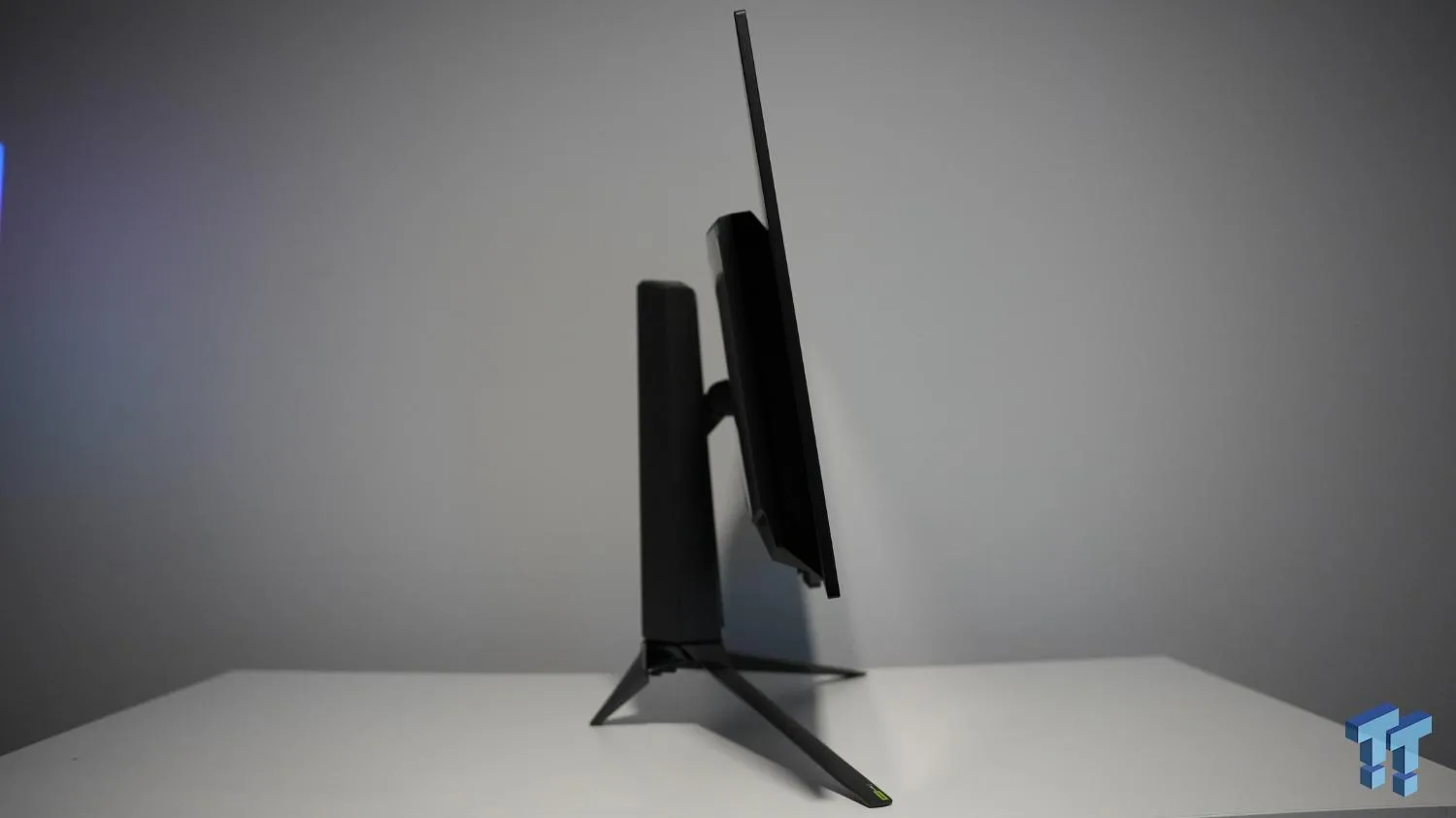
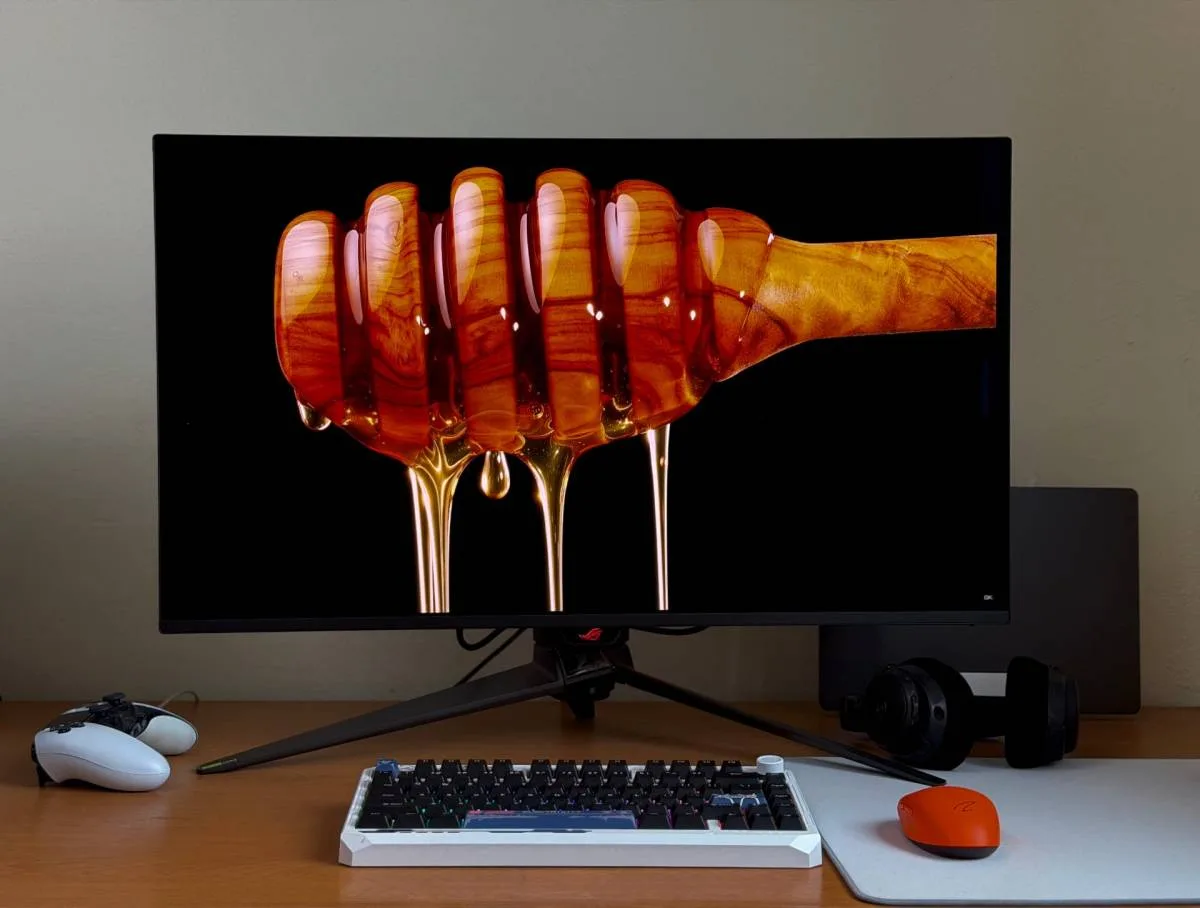
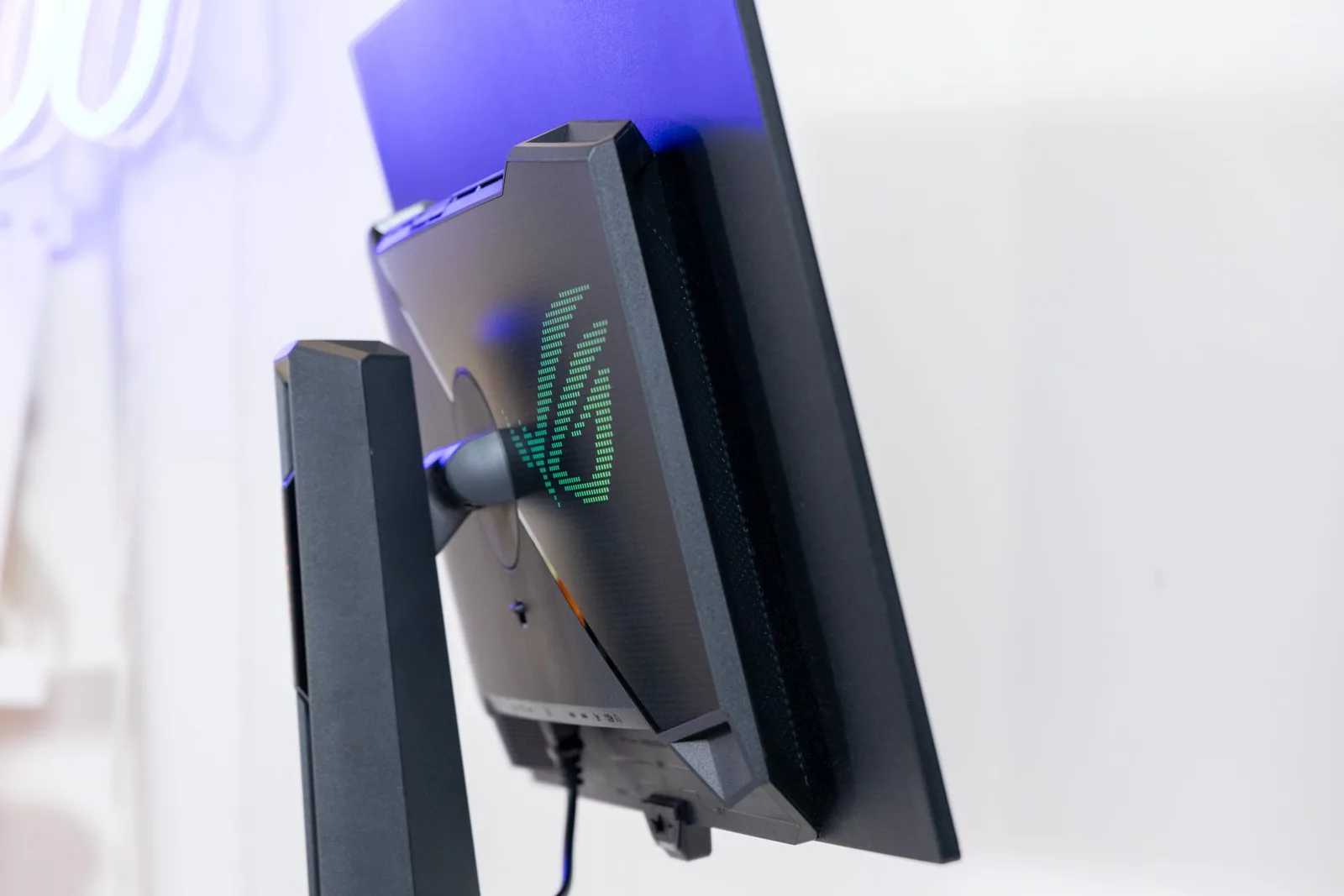
ASUS ROG Swift PG32UCDM3 — Build & Design

ROG Swift PG32UCDM3

via tweaktown.com
89
76
Leans Alienware 34 QD-OLED AW3423DWF on Build & Design
34 QD-OLED AW3423DWF
At $1,099, the Alienware delivers factory-calibrated QD-OLED performance that reviewers consistently describe as close to the ceiling of what is available in an ultrawide. TechSpot confirmed the performance is nearly identical to the original AW3423DW, which cost significantly more, and the quieter fanless-style cooling is a genuine improvement. The trade-offs are cosmetic: plain black plastic replaces the original’s premium finish, and the light ring is gone. For buyers who care about output over aesthetics, the price advantage is real.
ROG Swift PG32UCDM3
The ASUS ROG Swift PG32UCDM3 carries a $1,299 price tag that reviewers found difficult to justify for anyone already in the QD-OLED ecosystem. Computerbase put the European price at roughly €1,349, well above its predecessor, and noted the prior-generation PG32UCDMR as a more rational buy for most people. The panel itself is not a new generation, and reviewers from tftcentral.co.uk and tweaktown.com both noted this is the third revision of the same shell in two years. First-time flagship OLED buyers are the clearest beneficiaries of what the premium buys.

Which monitor performs better in a bright room?

The ASUS ROG Swift PG32UCDM3’s BlackShield anti-reflection coating delivers a measurable improvement in ambient-light conditions that the Alienware’s glossy panel cannot match.
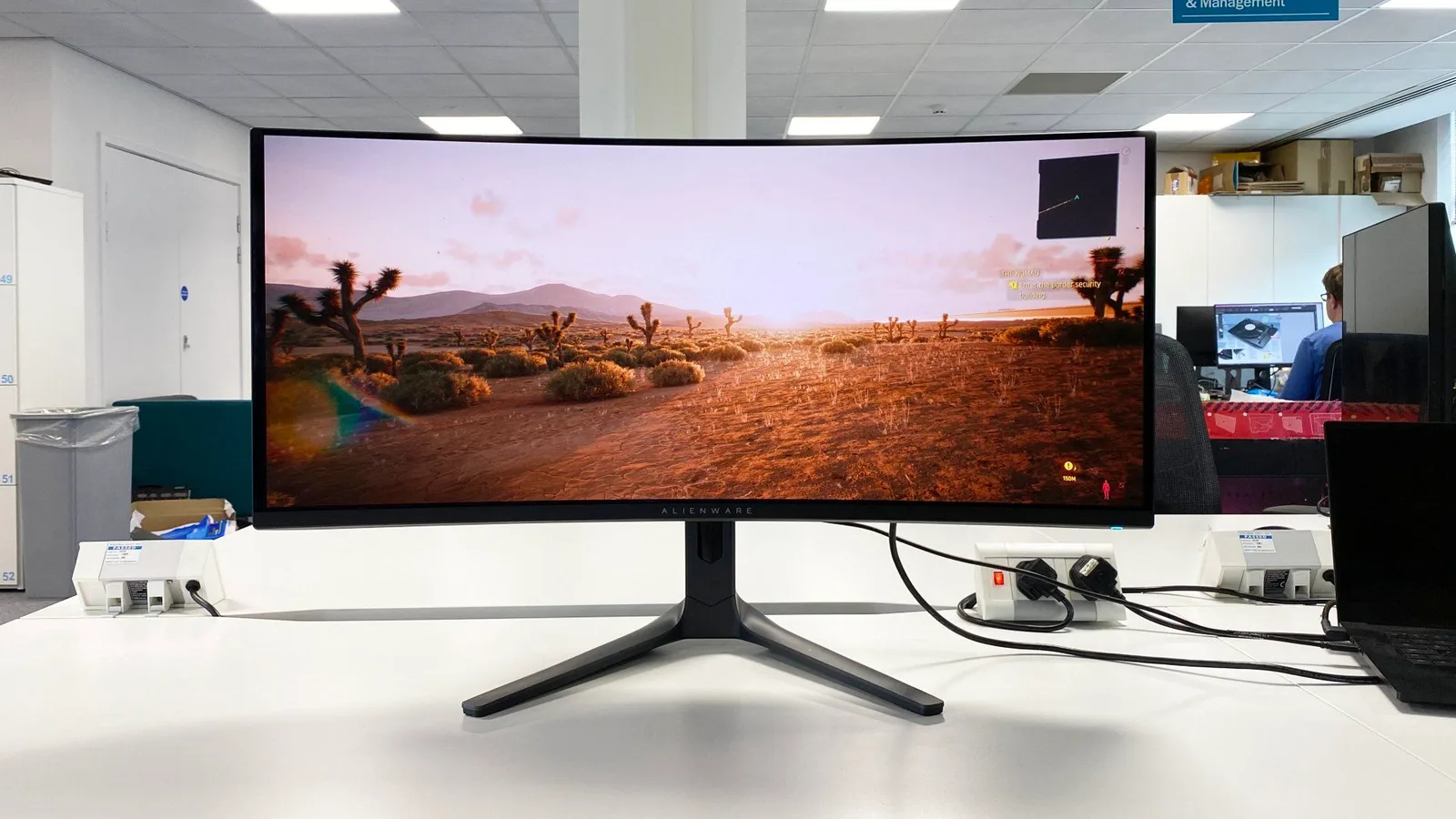
In photos Display Image Quality
Alienware 34 QD-OLED AW3423DWF — Display Image Quality

34 QD-OLED AW3423DWF

via pcgamer.com
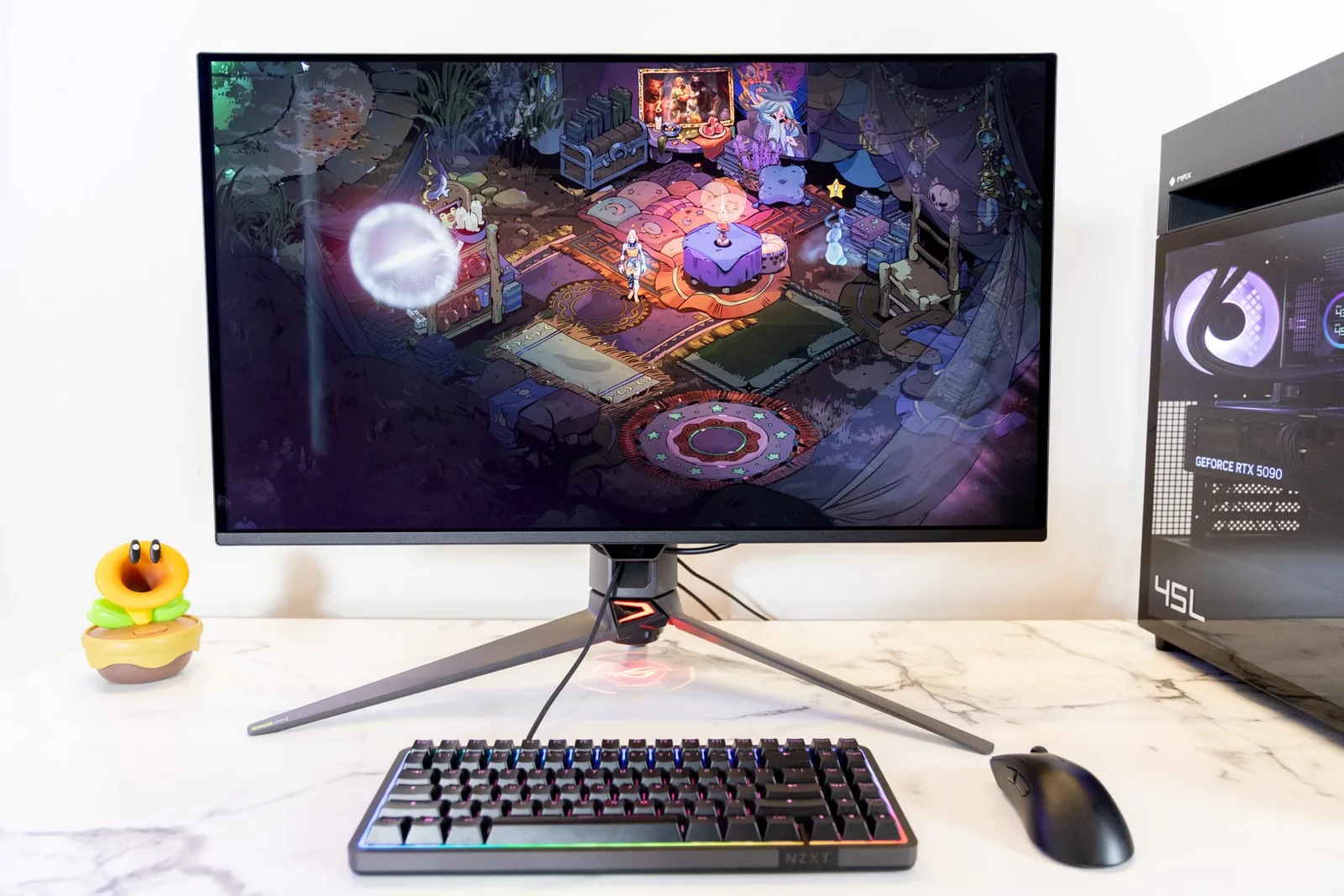
ASUS ROG Swift PG32UCDM3 — Display Image Quality

ROG Swift PG32UCDM3

via Gizmodo
92
95
Leans ASUS ROG Swift PG32UCDM3 on Display Image Quality
34 QD-OLED AW3423DWF
The Alienware’s glossy coating is its biggest strength in a dark room and its clearest liability in a bright one. Without a polarizer, blacks lift visibly under direct ambient light, a finding confirmed by RTINGS and Wired. The coating maximizes contrast and color vibrancy when conditions are controlled, but the moment room lighting changes, reflections become a real issue. This is a monitor built for dim environments, and reviewers are consistent on that point.
ROG Swift PG32UCDM3
The BlackShield coating on the ASUS is the defining differentiator for bright-room use. Computerbase and tweaktown.com both described its purple tint reduction as meaningful rather than cosmetic, and tbreak.com measured the ambient black level improvement at around 40%. That is a real-world difference for anyone gaming or working without full light control. The underlying QD-OLED picture quality is excellent in dark rooms as well, but the coating is what separates this panel from prior-generation OLED displays in practical, everyday conditions.

Which monitor is better for PC gaming?

Both monitors deliver best-in-class OLED motion clarity for PC gaming, with the Alienware’s 165Hz ultrawide format suiting immersive single-player play and the ASUS’s 4K 240Hz panel targeting competitive performance.
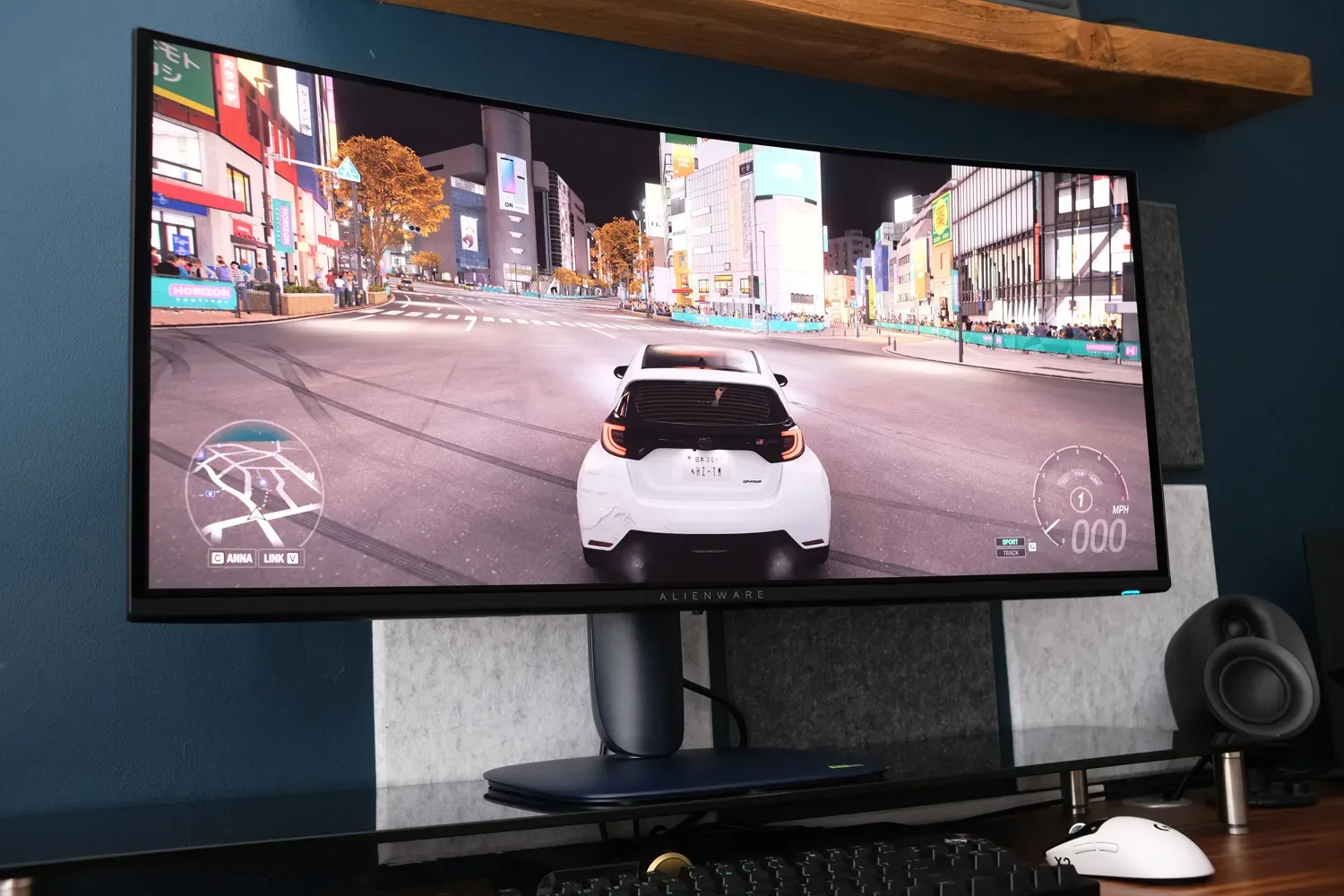
In photos Gaming Performance
Alienware 34 QD-OLED AW3423DWF — Gaming Performance

34 QD-OLED AW3423DWF

via stuff.tv
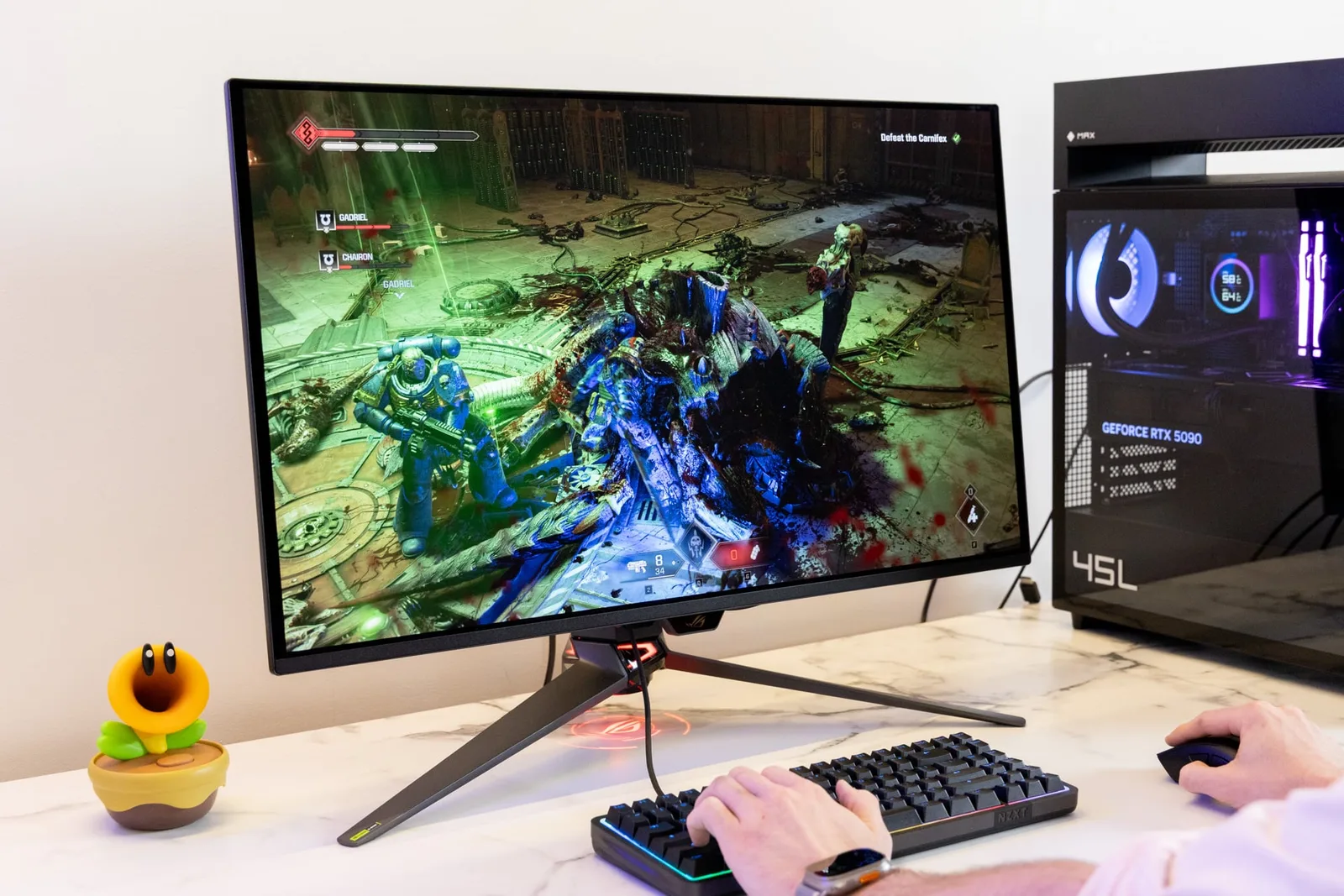
ASUS ROG Swift PG32UCDM3 — Gaming Performance

ROG Swift PG32UCDM3

via Gizmodo
90
92
Evenly matched on Gaming Performance
34 QD-OLED AW3423DWF
The Alienware’s 0.1ms gray-to-gray response time was confirmed across reviewers, with GamesRadar describing it as effectively blur-free pixel response that beats any LCD. FreeSync Premium Pro works with both AMD and Nvidia GPUs, though AMD owners get the most from adaptive sync. The 165Hz refresh rate is a step down from the original model’s 175Hz, and reviewers flagged it, but the practical difference in most gaming scenarios is marginal. The 34-inch 21:9 ultrawide format adds genuine immersion for open-world and cinematic titles.
ROG Swift PG32UCDM3
The ASUS delivers a 0.03ms response time confirmed by Gizmodo and Notebookcheck, and Blurbusters testing found excellent motion clarity at 240fps. The pixel aspect control feature, which simulates 27-inch and 24.5-inch display sizes, is a genuine differentiator for competitive players who want a larger panel without giving up familiar target sizing. One caveat worth noting: ELMB mode disables both VRR and HDR while adding over 10ms of latency, making it a net negative for most gaming scenarios. Pushing 4K at 240Hz consistently also demands serious GPU hardware.

Which monitor delivers better HDR performance?

The ASUS ROG Swift PG32UCDM3 edges ahead on HDR through Dolby Vision support and a higher sustained full-screen brightness ceiling, while the Alienware’s HDR performance is strong in dark scenes but constrained by lower full-screen output.
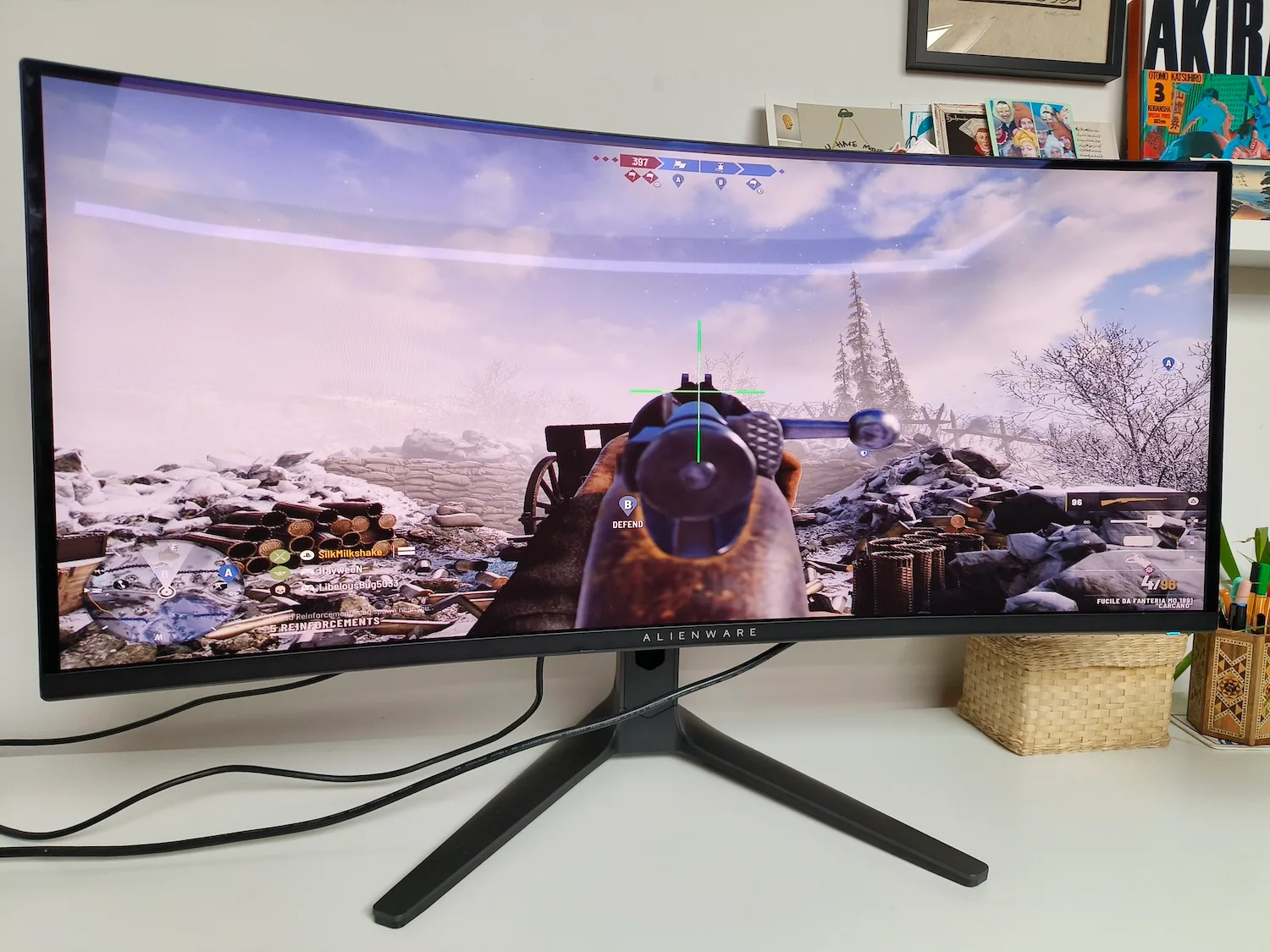
In photos HDR & Brightness
Alienware 34 QD-OLED AW3423DWF — HDR & Brightness

34 QD-OLED AW3423DWF

via stuff.tv
ASUS ROG Swift PG32UCDM3 — HDR & Brightness

ROG Swift PG32UCDM3

via Gizmodo
80
88
Leans ASUS ROG Swift PG32UCDM3 on HDR & Brightness
34 QD-OLED AW3423DWF
The Alienware’s 1,000-nit peak applies only to small specular highlights. Full-screen brightness lands around 250 nits, which IGN described as significantly less bright than LED panel competitors. Per-pixel HDR lighting is genuinely excellent for dark scenes and cinematic content, and the VESA TrueBlack 400 certification reflects real performance. However, the automatic brightness limiter activates on bright scenes, and reviewers specifically recommended applying firmware M3B104 before evaluating HDR performance, as earlier firmware had tone mapping issues.
ROG Swift PG32UCDM3
The ASUS carries a DisplayHDR True Black 500 certification, and Computerbase measured sustained brightness in that mode at around 525 cd/m², with full-screen white output exceeding 300 cd/m², both figures above what the Alienware delivers at full screen. Dolby Vision support with three dedicated picture modes is a genuine addition that the Alienware lacks. The headline caveat is that peak luminance measured by tftcentral.co.uk sits at 1,000 nits, unchanged from the prior generation, so the certification reflects efficiency and sustained output gains rather than a peak brightness leap.

Which monitor has better connectivity for modern setups?

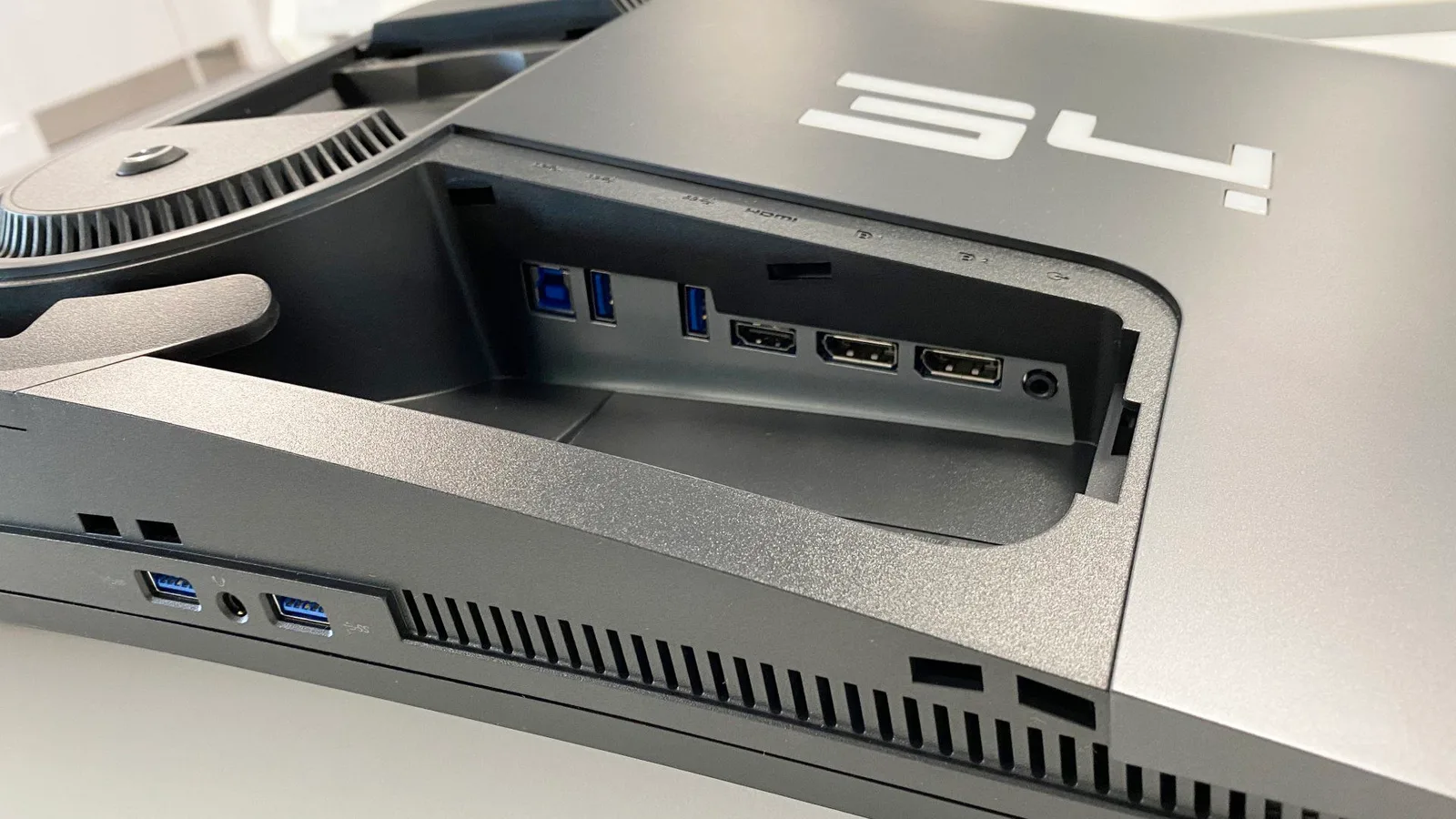
The ASUS ROG Swift PG32UCDM3 is the clear choice for connectivity, offering DisplayPort 2.1a, 90W USB-C Power Delivery, and a built-in KVM switch that the Alienware cannot match.
In photos Connectivity & Ports
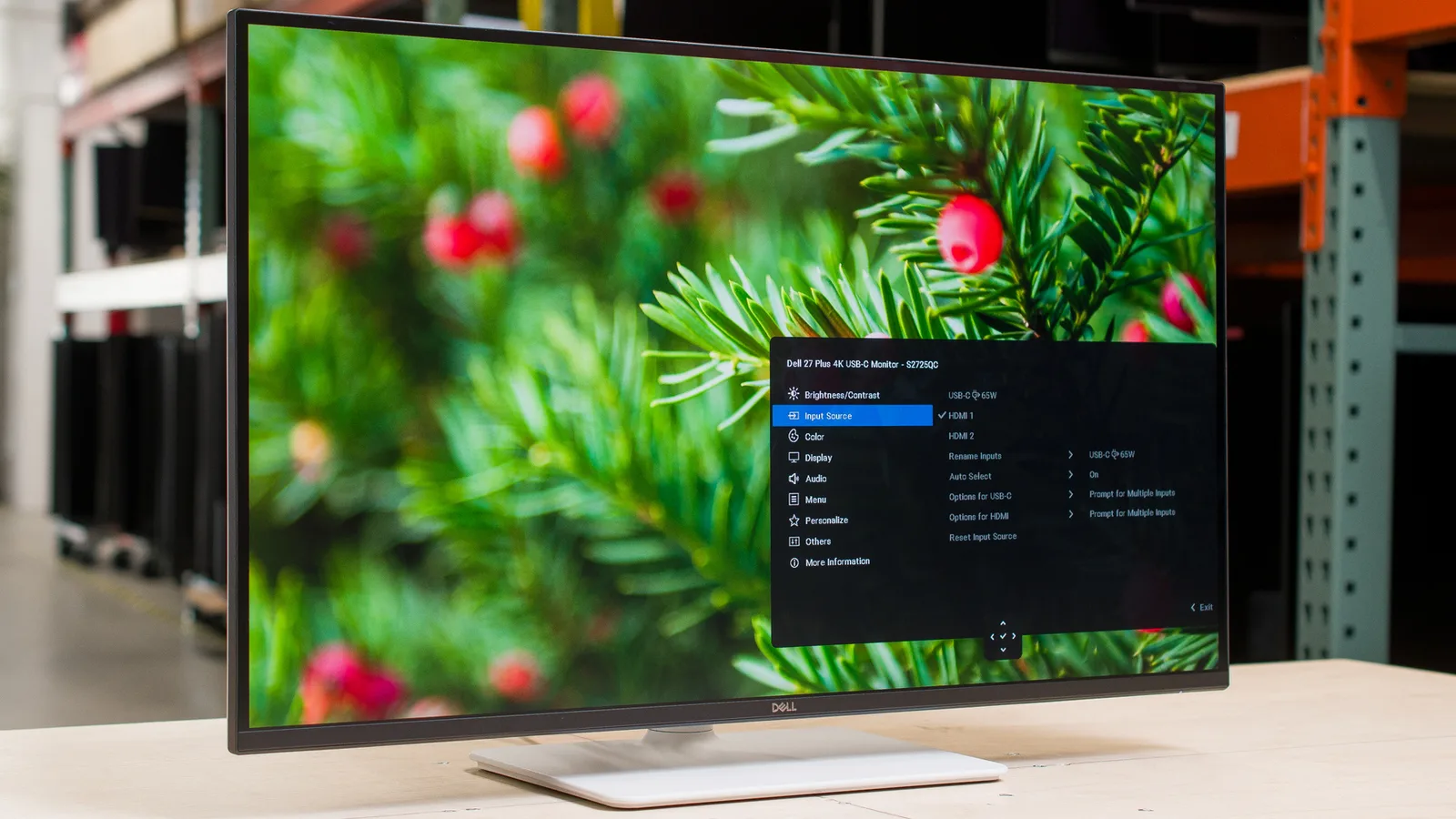
Alienware 34 QD-OLED AW3423DWF — Connectivity & Ports

34 QD-OLED AW3423DWF

via pcgamer.com
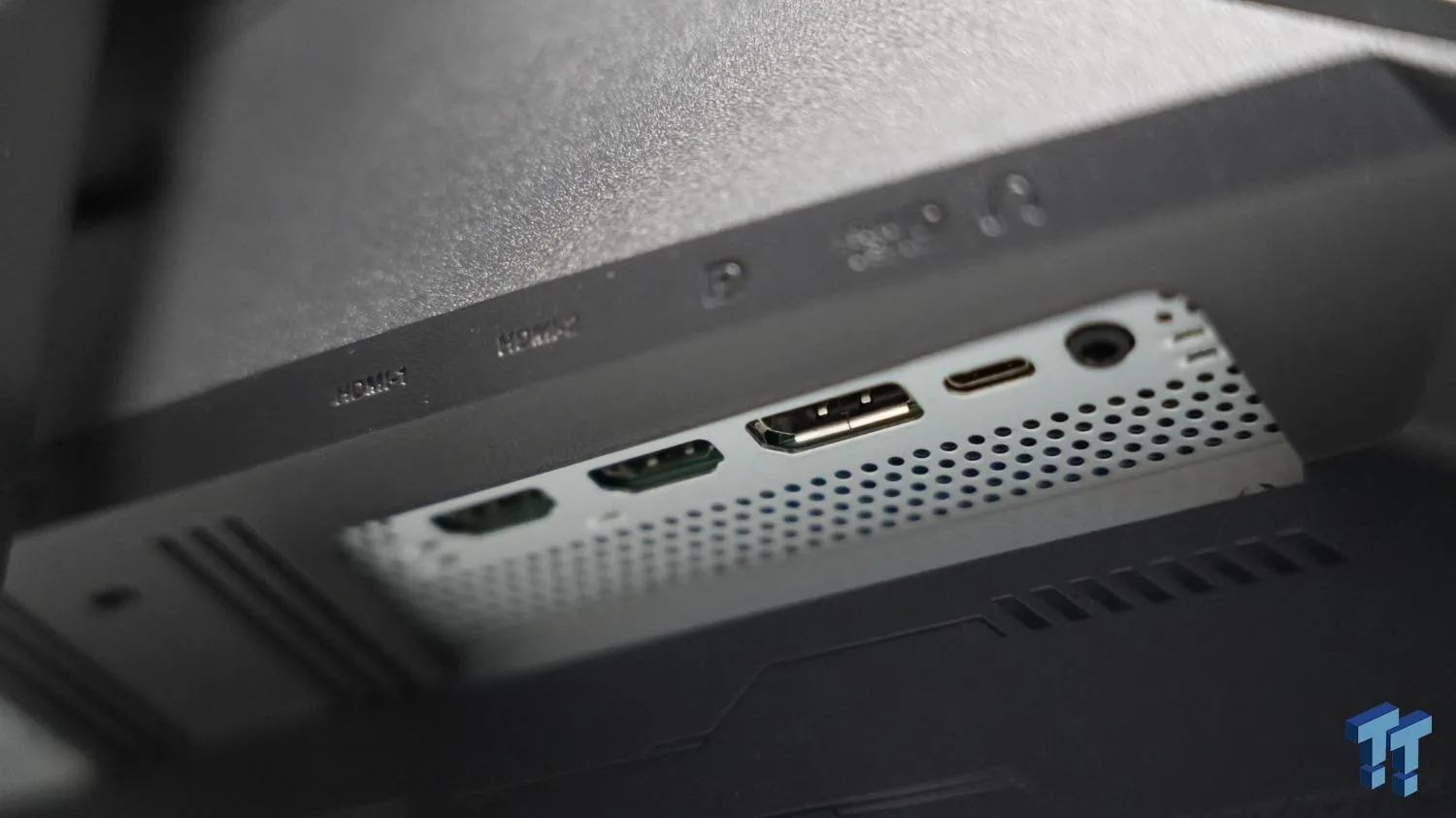
ASUS ROG Swift PG32UCDM3 — Connectivity & Ports

ROG Swift PG32UCDM3

via tweaktown.com
74
95
Leans ASUS ROG Swift PG32UCDM3 on Connectivity & Ports
34 QD-OLED AW3423DWF
The Alienware’s connectivity is adequate for a dedicated PC gaming setup but shows its age in a multi-device context. There is no USB-C, a gap called out by PCWorld, TechSpot, and GamesRadar. The HDMI port is version 2.0, which caps console connections at 100Hz at native resolution according to reviewer testing. Dual DisplayPort 1.4 inputs serve PC users well, and four USB-A ports add hub utility, but anyone expecting USB-C laptop docking or full HDMI 2.1 console bandwidth will need to look elsewhere.
ROG Swift PG32UCDM3
The ASUS’s connectivity spec is genuinely future-proof. DisplayPort 2.1a with full UHBR20 bandwidth supports uncompressed 4K at 240Hz, and Computerbase confirmed an 80 Gbps cable ships in the box. The 90W USB-C Power Delivery is sufficient for most laptops, and The Tech Chap specifically confirmed MacBook Pro compatibility at full 4K 240Hz over a single cable. A built-in KVM switch rounds out the multi-device case. The one regression noted by tweaktown.com is the removal of the SPDIF optical audio port from the previous generation.

Which monitor is more accurate for color-critical work?

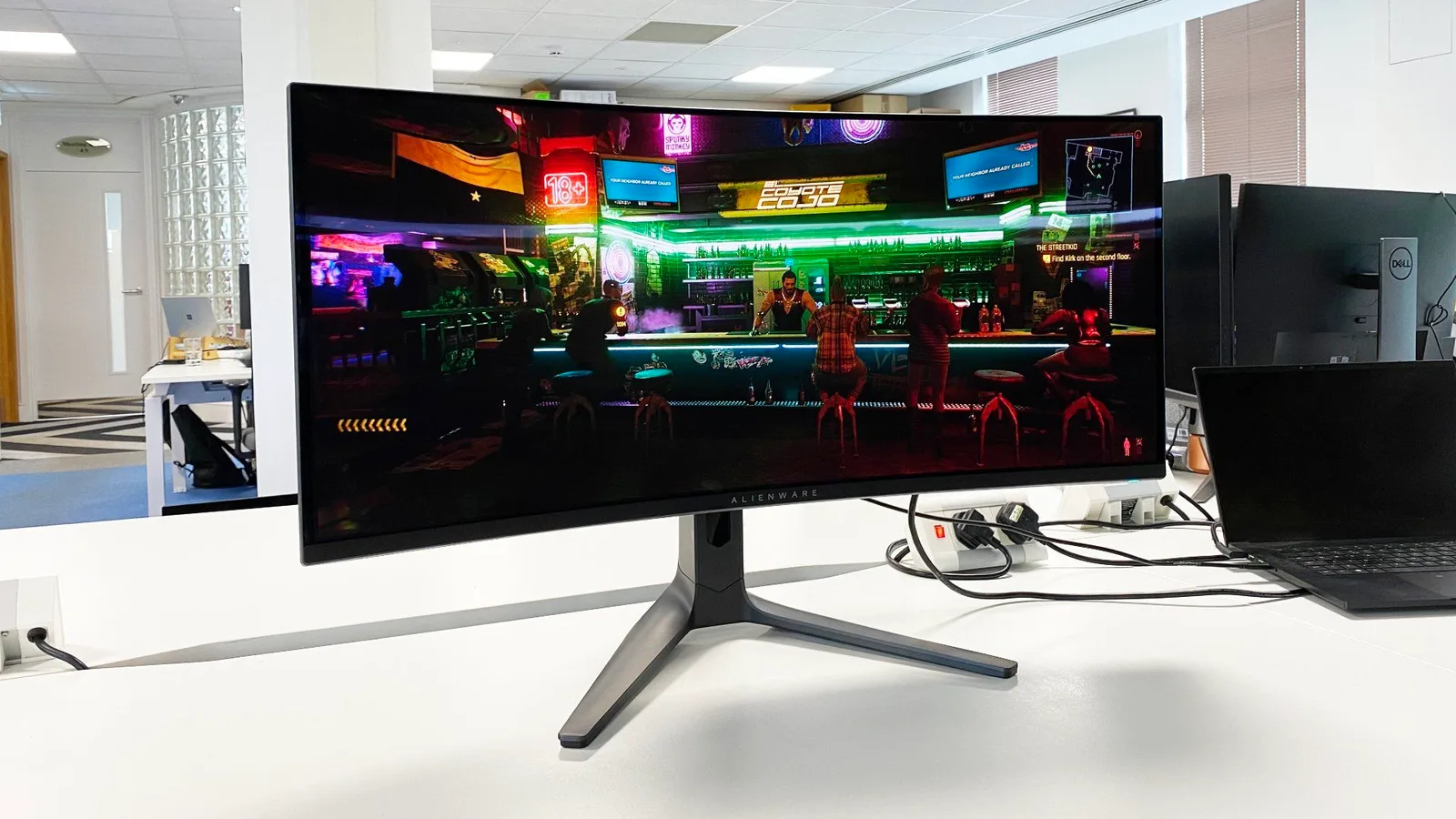
Both monitors deliver factory-calibrated color accuracy that reviewers found ready to use out of the box, making this a genuine draw for most creative workflows.
In photos Color Accuracy
Alienware 34 QD-OLED AW3423DWF — Color Accuracy

34 QD-OLED AW3423DWF

via pcgamer.com
ASUS ROG Swift PG32UCDM3 — Color Accuracy

ROG Swift PG32UCDM3

via tbreak.com
95
93
Evenly matched on Color Accuracy
34 QD-OLED AW3423DWF
The Alienware’s factory calibration is among the more consistent findings in its review set. DisplayNinja confirmed Delta E below 2.0 out of the box, and TomHardware described it as ready for photo editing without additional calibration. Gamut coverage measured at over 107% DCI-P3 by TomHardware, with Stuff.tv reporting 99.3% DCI-P3. Dedicated Creator modes with sRGB and DCI-P3 switching add practical flexibility for professionals moving between color spaces. PCWorld noted some limitations in color temperature mode calibration, but that is a narrow finding against an otherwise strong result.
ROG Swift PG32UCDM3
The ASUS’s color accuracy story is similarly clean. Computerbase confirmed 10-bit color with factory Delta E below 2, and Noobfeed’s testing returned an average Delta E of 0.7, which is genuinely impressive straight from the box. TomHardware found no significant hue errors in secondary colors and described EOTF tracking as nearly reference-grade, with one exception: a slight darkness below 30% in the tone curve. RTINGS noted that SDR color work still benefits from a calibration pass for precision grading, which is worth knowing for professional workflows beyond gaming and HDR content.

Which monitor is easier to live with day to day, considering ergonomics and burn-in risk?

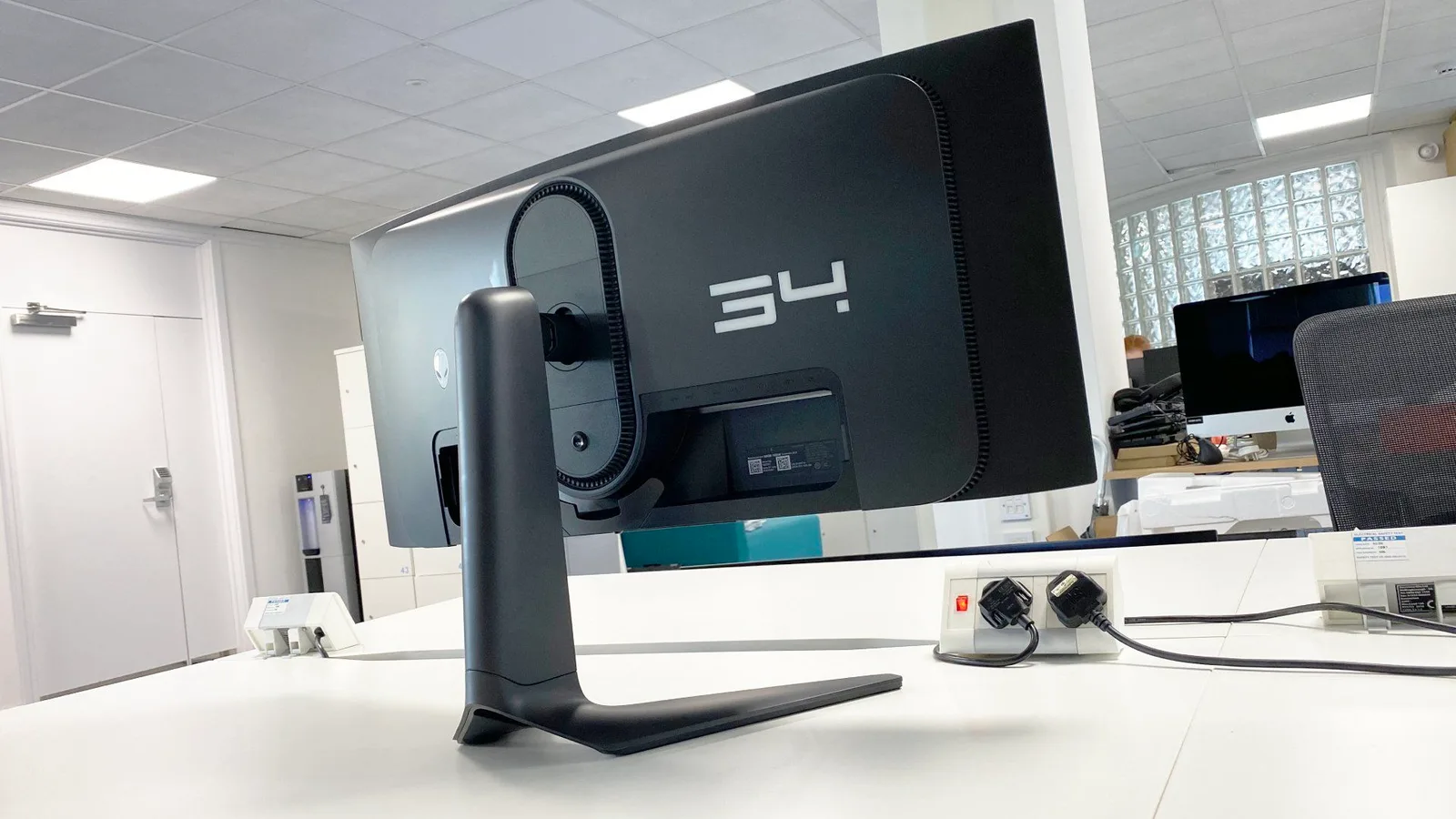
The ASUS ROG Swift PG32UCDM3 has a clear advantage in daily usability, with a more manageable stand footprint and a more capable burn-in protection suite including a proximity sensor.
In photos Ergonomics & Stand
Alienware 34 QD-OLED AW3423DWF — Ergonomics & Stand

34 QD-OLED AW3423DWF

via pcgamer.com
ASUS ROG Swift PG32UCDM3 — Ergonomics & Stand

ROG Swift PG32UCDM3

via Gizmodo
79
92
Leans ASUS ROG Swift PG32UCDM3 on Ergonomics & Stand
34 QD-OLED AW3423DWF
The Alienware’s stand offers solid height, tilt, and swivel adjustment with a quick-release VESA mount, but its V-shaped base is a consistent complaint. WindowsCentral called it overly long for typical desk setups, and multiple reviewers specifically recommended pairing it with a third-party monitor arm to solve the depth problem. On burn-in, the three-year warranty provides meaningful coverage, and automatic pixel shifting handles the basics without user input. The mandatory pixel refresh cycle runs on its own schedule with no user control, which can interrupt sessions at inconvenient times.
ROG Swift PG32UCDM3
The ASUS stand drew no criticism from the reviewers who addressed it, and the panel’s sub-1cm profile keeps the overall footprint manageable. On burn-in, the OLED Care Pro suite with Neo Proximity Sensor automatically reduces panel stress when you step away, a feature reviewers described as a meaningful improvement for long-term ownership confidence. tftcentral.co.uk specifically cited improved burn-in resistance as a factor in long-term ownership at this price point. The protection suite does not eliminate the underlying risk, but it actively manages it in a way that earlier OLED generations did not.

Specifications

Display

Display specifications
Alienware 34 QD-OLED AW3423DWF ASUS ROG Swift PG32UCDM3
Screen Size
34 in31.5 in
Resolution
3440 × 14403840 × 2160
Panel Type
Quantum Dot Organic Light-Emitting Diode (QD-OLED)QD-OLED
Aspect Ratio
1.778:1
Pixel Density
139 ppi
Screen Coating
Anti-glare/Matte (3H)

Performance

Performance specifications
Alienware 34 QD-OLED AW3423DWF ASUS ROG Swift PG32UCDM3
Refresh Rate
165 Hz240 Hz
Response Time
0.1 ms0.03 ms
Adaptive Sync
AMD FreeSync Premium Pro, NVIDIA G-SYNC CompatibleAMD FreeSync Premium Pro, G-Sync Compatible

Image

Image specifications
Alienware 34 QD-OLED AW3423DWF ASUS ROG Swift PG32UCDM3
Contrast Ratio
1,000,000:11500000 : 1
Peak Brightness
1000 nits1000 nits
Color Gamut
DCI-P3 ~99%99% DCI-P3
Color Depth
10-bit1073741824 colors
HDR Support
DisplayHDR TrueBlack 400DisplayHDR 500 True Black
Brightness
500 nits
Color Accuracy
Under 3dE
Viewing Angles
178 °

Connectivity

Connectivity specifications
Alienware 34 QD-OLED AW3423DWF ASUS ROG Swift PG32UCDM3
Video Inputs
2x DisplayPort 1.4, 1x HDMI 2.01x DisplayPort 2.1, 2x HDMI 2.1 (FRL)
USB Ports
1x up, 4x down3
Audio Output
3.5mm headphone output
HDMI Ports
2
HDMI Version
2.1
DisplayPort
1
DisplayPort Version
2.1
Speakers
No

Design

Design specifications
Alienware 34 QD-OLED AW3423DWF ASUS ROG Swift PG32UCDM3
Weight
20.5 pounds (9.3kg)8.8 kg
Dimensions
32.1 x 16.4-20.7 x 14.3 inches (815 x 417-527 x 240mm)699.48 mm
Bezel Width
Top/sides: 0.4 inch (9mm), Bottom: 0.7 inch (17mm)
Panel Thickness
5 inches (127mm)
VESA Mount
VESA compatible (quick-release button)Yes
Stand Adjustments
height, tilt, swiveltilt, height, swivel (no rotate)
Height Adjustment
80 mm
Tilt
20 - -5°
Swivel
-15 - 15°

Power

Power specifications
Alienware 34 QD-OLED AW3423DWF ASUS ROG Swift PG32UCDM3
Power Consumption
40.7w, brightness @ 200 nits42 W

Warranty

Warranty specifications
Alienware 34 QD-OLED AW3423DWF ASUS ROG Swift PG32UCDM3
Warranty
3 years3 years

Features

Features specifications
Alienware 34 QD-OLED AW3423DWF ASUS ROG Swift PG32UCDM3
Special Features
AlienVision (Night Vision, Clear Vision, Chroma Vision, Crosshair), Alienware RGB lightingAnti-theft stand lock slot - Kensington, KVM switch, PiP/PbP support, BlackShield technology, Tandem QD-OLED, Neo Proximity Sensor
OLED Care
OLED Care Pro with Neo Proximity Sensor

Other Specs

Other Specs specifications
Alienware 34 QD-OLED AW3423DWF ASUS ROG Swift PG32UCDM3
Stand Type
V-shaped
Oled Material
EL 3.0
Bt2020Coverage Red
90%
Bt2020Coverage Green
75%
Bt2020Coverage Blue
95%
Tone Map Transition
70%
Hdr10Modes
4 specific modes with automatic switch

Where the scores actually land

These are the scores the publications that reviewed each product actually published, plotted on one shared scale. Expert reviews, video reviews and owner threads all feed the analysis; the sources that put a number on it are named below.

Same reviewer, both products

1 publication reviewed both. 1 scored the 34 QD-OLED AW3423DWF higher.

Published scores from the publications that reviewed both the 34 QD-OLED AW3423DWF and the ROG Swift PG32UCDM3
Publication 34 QD-OLED AW3423DWF ROG Swift PG32UCDM3Gap
tomshardware.com100 out of 10090 out of 100 34 QD-OLED AW3423DWF ahead by 10

ROG Swift PG32UCDM3

3 of 18 sources published a score · median 90
76Published score100

The vertical rule marks each product's median. The shaded band spans 82 to 96, where the two ranges overlap.

Possible bias: the review shows signs of a commercial relationship or a consistent slant toward one brand, so weigh it accordingly.

Which should you buy?

For most PC gamers and color-conscious creators, the Alienware 34 QD-OLED AW3423DWF is the right choice. It delivers factory-calibrated QD-OLED performance, genuine gaming credentials, and color accuracy that reviewers found ready to use out of the box, all at a price that undercuts the ASUS by $200. The stand is a real inconvenience and the connectivity has gaps, but neither issue changes the fundamental quality of what is on screen.

The ASUS ROG Swift PG32UCDM3 is the better monitor for a narrower set of buyers. If you game in a room with variable lighting and the BlackShield coating’s ambient-light performance matters to you, if you need DisplayPort 2.1a for next-generation GPU readiness, or if single-cable USB-C laptop docking is part of your workflow, the premium is justified. Dolby Vision support and the more capable burn-in protection suite are genuine additions. But if none of those specific features apply to your setup, the ASUS asks you to pay more for a panel that is not a generational step forward.

Buyers upgrading from a non-OLED monitor will find both panels transformative. Those already in the QD-OLED ecosystem should look hard at whether the ASUS’s specific advantages match their actual use before committing to the higher price.

Which one is for you

Buy the Alienware 34 QD-OLED AW3423DWF if…

  • PC gamers and creative professionals who want factory-calibrated QD-OLED quality in an ultrawide format without paying a flagship premium
  • Dark-room gamers who prioritize infinite contrast and color accuracy over connectivity breadth

Buy the ASUS ROG Swift PG32UCDM3 if…

  • Competitive gamers who need 4K at 240Hz and DisplayPort 2.1a readiness for next-generation hardware
  • Laptop users and multi-device setups that benefit from 90W USB-C docking and a built-in KVM switch

Read the 34 QD-OLED AW3423DWF review Read the ROG Swift PG32UCDM3 review

Prices

Alienware 34 QD-OLED AW3423DWF

In stock · Amazon

ASUS ROG Swift PG32UCDM3

In stock · Amazon

Prices are indicative and may include affiliate links. SetupScore may earn a commission. It never affects our scores.

Built from each product's pooled expert, video, and owner reviews. Comparison generated 4 Aug 2026. Prices refreshed 4 Aug 2026.