

Turtle Beach Vulcan II TKL
Best For
- Gamers seeking hot-swappable switches
- Mechanical keyboard enthusiasts
- Users who value build quality
Consider Carefully
- Typists who prefer a wrist rest
- Those seeking a more traditional keycap feel
Jump to Section
The Bottom Line
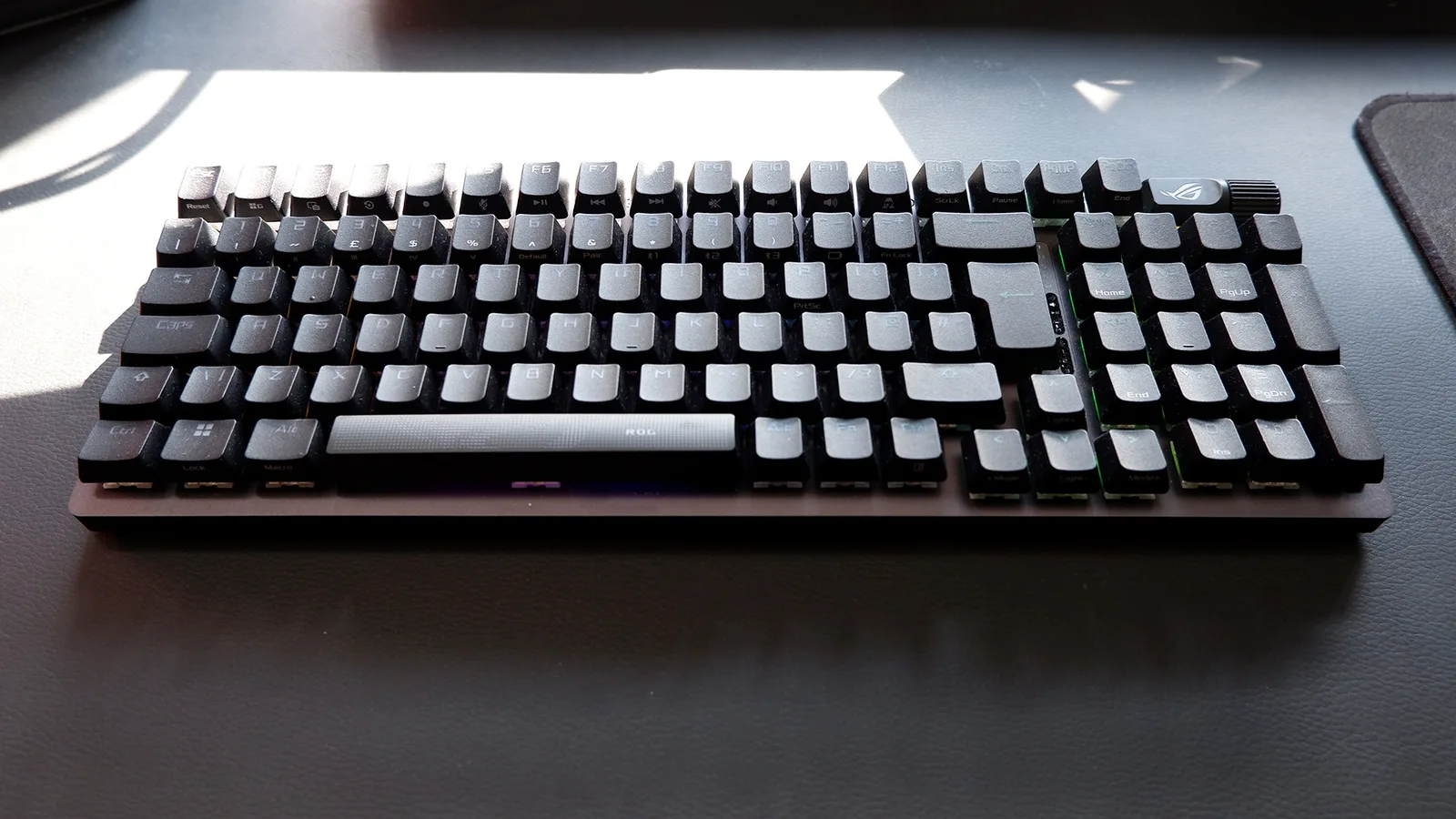
We analyzed the Turtle Beach Vulcan II TKL and found a mechanical keyboard that's generally well-regarded for its typing feel and build quality, though it does come with some trade-offs. What we found is that the Vulcan II TKL's smooth Titan HS linear switches, rated for 50 million keystrokes, are a standout feature, offering a satisfying typing experience, as noted by tomshardware.com. The hot-swappable PCB is a game-changer, allowing for switch customization without soldering. The premium build quality, featuring a brushed aluminum top plate and solid construction, adds to its appeal. However, the Vulcan II TKL's distinctive keycaps and the mushy-sounding key acoustics during typing may not appeal to everyone, and the absence of a wrist rest is a notable omission for some users.
Performance Breakdown
Expert Scores
How 6 professional publications rated this product
In-Depth Analysis
Build Quality & Design 87
Brushed aluminum top plate, detachable USB-C, and a volume knob on a sub-$100 TKL is a strong package, but the missing wrist rest is a consistent complaint across 4 sources.
Key Takeaway
→Solid build for the money, but factor in the cost of a wrist rest if you're doing long sessions.
Switch Feel & Performance 85
The Titan HS linears are genuinely smooth and quiet, but if you want tactile feedback or adjustable actuation, this isn't your keyboard.
Key Takeaway
→If quiet linears are your thing and you don't need adjustable actuation, these switches deliver well above their price point.
Gaming Features 84
The ReactAP SOCD implementation and clickable volume wheel are standout gaming-specific additions, and full NKRO with anti-ghosting covers the basics cleanly.
Key Takeaway
→Competitive FPS players get real value from the SOCD implementation and volume mute combo. Casual gamers will find it more than sufficient.
Software & Customization 82
Five onboard profiles and Easy-Shift remapping are genuinely useful features, but Swarm II has a rough first impression that pcgamer.com called mediocre.
Key Takeaway
→Power through the Swarm II setup once and the onboard profiles make this genuinely portable. Just don't expect the software to impress you.
RGB Lighting 78
Bright per-key RGB with real visual impact through the T-shaped caps, but light bleed between keys and inconsistent color accuracy keep it from being a clean implementation.
Key Takeaway
→If RGB showmanship with stock caps is the goal, it delivers. If you want clean, precise per-key lighting, the bleed will bother you.
Hot-Swap Functionality 76
Hot-swap is here and supports both 3-pin and 5-pin switches, but gamesradar.com and pcgamer.com both found the actual process difficult enough to warn against frequent swapping.
Key Takeaway
→Hot-swap is a real feature worth having, but treat it as a one-or-twice option rather than a regular modding tool.
Keycap Quality 62
The stock ABS keycaps are the weakest part of this keyboard. Two sources flagged shine and fingerprints, and gamesradar.com recommended swapping them immediately.
Key Takeaway
→Budget for aftermarket keycaps from day one. The Cherry-style compatibility makes it easy, and the stock ABS set gives you every reason to.
Typing Experience 61
Reviewers are split. The pre-lubed switches feel smooth, but gamingtrend.com flagged key spacing issues causing fat-fingering, and Tom's Hardware described the acoustics as mushy.
Key Takeaway
→If typing is your primary use case, look elsewhere. If gaming is primary and typing is secondary, the smooth switches and sound dampening are good enough.
Specifications & Verdict
Design
- Form Factor
- Tenkeyless (80%)
- Layout
- ANSI (United States)
- Size
- TKL (tenkeyless)
- Dimensions
- 14.42 x 5.41 x 1.27
- Weight
- 1.29 pounds (584g)
- Color Options
- Black, White
Build
- Case Material
- Plastic
- Plate Material
- Aluminum
- Keycap Material
- ABS
- Keycap Profile
- OEM
- Keycap Type
- Shine-through, ABS
- Construction
- aluminum plates
Switches
- Switch Type
- Hall effect
- Switch Feel
- Linear
- Hot-Swappable
- Yes
- Actuation Force
- 36 g
- N-Key Rollover
- Yes
- Switch Lifespan
- 150 million keystrokes
- Actuation Distance
- 0.1 mm
Connectivity
- Connectivity
- Wired
- Interface
- Wired USB-A
- Wireless
- No
- Wired
- Yes
- Polling Rate
- 1000 Hz
Features
- Media & Controls
- Via Fn key, Volume dial and media control keys
- Special Features
- Volume wheel with push-to-mute, two-angle kickstands, detachable foam wrist rest
Other Specs
- Backlighting
- Per-key RGB
- Software
- Swarm II
Our Verdict
The Turtle Beach Vulcan II TKL is a solid choice for gamers and enthusiasts who value switch customization and a sturdy build. However, if you're looking for a keyboard with a wrist rest or prefer traditional keycaps, this might not be the best fit.
Customer Reviews Amazon
88 reviews
Amazing
Hidden Gem
Winner
Great
Show all 7 reviews
Compact and comfortable
Good with a Few Flaws
Fantastic keyboard
Reviews shown are from Amazon customers and do not reflect our editorial assessment.
Reader Questions
Specific questions about the Turtle Beach Vulcan II TKL, answered only from what reviewers reported.
01How do the switches feel, and are they easy to swap out?
The Titan HS linear switches are smooth and consistent, with a 1.8mm actuation point and a rating of 50 million keystrokes. The PCB is hot-swappable, so you can replace them with 3-pin or 5-pin switches without any soldering, and spare switches are included in the box.
02Is the build quality solid for the price?
Reviewers consistently praised the construction, pointing to a brushed aluminum top plate that resists fingerprints and eliminates flex. The overall feel is premium and sturdy.
03Does it work well for long typing sessions?
Some reviewers found the typing experience stiffer and less comfortable than the gaming performance suggests, and the distinctive keycaps require an adjustment period. There is also no wrist rest included, which several reviewers flagged as a drawback for extended use.
04Can I take my settings to a different PC without reinstalling software?
Yes. The keyboard stores five onboard profiles with dedicated memory, so your settings travel with the board and work without any software installed on the new machine.
Pricing & Availability
Updated Apr 10, 2026Turtle Beach Vulcan II TKL
Sources & Methodology
Every score is built on evidence. This review synthesizes 14 independent sources — expert publications, video reviews, and community discussions — weighted by credibility, depth, and relevance.
Show detailed source analysis ↓ Hide source analysis ↑
Expert Reviews
tomshardware.com
Top
4/5-point
A well-built tenkeyless mechanical keyboard featuring hot-swappable switches, bright customizable RGB lighting, and smooth linear Titan HS switches. The slim plastic chassis with brushed aluminum top plate feels premium despite its lightweight 584g construction. T-shaped ABS keycaps maximize light exposure but feel cheap and sit too high. The volume knob cannot be remapped through software. Gaming performance is solid with accurate, quiet switches, though the softer 45g actuation and mushy acoustics may not suit everyone. Available for $120 with detachable USB-C connectivity and five onboard storage profiles.
Strengths
- +Hot-swappable PCB allows switch customization without soldering
- +Premium build with brushed aluminum top plate and solid construction
- +Bright, customizable RGB lighting with excellent light spillage
- +Smooth, accurate Titan HS linear switches rated for 50 million keystrokes
Weaknesses
- −Mushy-sounding key acoustics during typing
- −Default ABS keycaps feel cheap and too high-profile
- −Volume knob lacks remapping functionality in software
- −Switches may feel too soft for users preferring firmer actuation
gamesradar.com
Top
3/5-point
The Vulcan II TKL delivers a satisfying typing experience through its pre-lubed Titan HS linear switches and impressive sound dampening that eliminates ping and echo. RGB lighting shines exceptionally bright through the unique T-shaped keycap design, and the volume dial remains easily accessible. However, the ABS keycaps feel cheap and show shine quickly, while the hot-swap functionality proves frustratingly difficult to use due to switches that seem cemented into the PCB. A slight accuracy drop compared to competitors further limits its appeal for competitive gaming.
Strengths
- +Pleasant sound dampening eliminates ping and echo
- +Bold, vibrant RGB lighting through T-shaped caps
- +Soft, creamy typing feel from pre-lubed switches
- +Easily accessible dedicated volume dial
Weaknesses
- −Cheaper ABS keycaps show shine quickly
- −Extremely difficult to hot-swap switches
- −Slight drop in accuracy for gaming
- −No texture on keycaps gets clammy fast
pcgamer.com
Top
83/100-point
The Vulcan II TKL delivers a distinctive linear typing experience through its Titan HS mechanical switches, which offer higher resistance and shorter travel than typical linear switches. The tenkeyless design includes a clickable volume wheel and per-key RGB lighting with visible bleed between shallow keycaps. Hot-swappable switches are technically supported but practically difficult to replace. Swarm software enables five customizable profiles with macros and game-specific lighting schemes. Construction quality feels solid despite the affordable $120 price point, though the chassis isn't ideally suited for switch experimentation.
Strengths
- +Smooth, high-resistance linear switches with consistent feel
- +Affordable price point for feature set
- +Solid construction quality throughout
- +Clickable volume wheel for media control
Weaknesses
- −RGB light bleeds visibly between shallow keycaps
- −Hot-swap feature is fiddly and impractical
- −Swarm software described as mediocre
- −No included wrist rest at this price tier
gamingtrend.com
Top
4/4-point
The Vulcan II TKL delivers a solid gaming experience with TITAN HS linear red switches that offer responsive, smooth presses with a satisfying clack. The aluminum top cover and six wide rubber feet provide stability, while the push-to-mute volume knob adds welcome functionality rarely found on compact keyboards. The distinctive low-profile keycaps enhance RGB lighting but require adjustment time. Hot-swappable switches make customization effortless. Gaming performance excels with accurate, responsive inputs and useful features like ReacTap for strafing. However, the wider TKL design and slightly different key spacing create an awkward typing experience that demands adaptation. Swarm II software has improved significantly, offering comprehensive remapping and macro programming.
Strengths
- +TITAN HS linear red switches are responsive with satisfying clack
- +Pre-lubed switches provide smooth, premium-feeling presses
- +Push-to-mute volume knob on compact board
- +Easy hot-swap switch replacement with included tools
Weaknesses
- −Wider than typical TKL designs due to shaved-off layout
- −Key spacing causes awkward typing and fat-fingering
- −Distinctive keycaps require adjustment period
- −Typing experience feels off compared to gaming performance
cgmagonline.com
Top
8/10-point
The Vulcan II TKL delivers a sleek, well-built mechanical keyboard experience with TITAN HS linear switches, per-key RGB lighting, and a signature aluminum top plate. Its sound-damping structure keeps typing impressively quiet despite the mechanical switches. The fixed 1.8mm actuation point and 1,000 Hz polling rate provide responsive performance for gaming, though enthusiasts lose the customizable actuation found in the Pro version. Features like Easy-Shift programming and ReactAP SOCD for FPS strafing add genuine utility. At $119.99, it targets budget-conscious users who want core Vulcan design elements without paying for hall-effect magnetic switches.
Strengths
- +Impressively quiet for a mechanical keyboard due to sound-damping structure
- +TITAN HS switches feel like quality linear reds with hot-swap capability
- +Per-key RGB illumination is bright and consistent via AIMO lighting
- +ReactAP SOCD enables smooth strafing for competitive FPS gameplay
Weaknesses
- −Fixed 1.8mm actuation point lacks customization of hall-effect switches
- −No clicky audible feedback for users who prefer tactile confirmation
tweaktown.com
Top
80/100-point
The Turtle Beach Vulcan II TKL delivers a distinctive gaming experience through its unique pairing of full-sized linear TITAN HS mechanical switches with custom low-profile keycaps. The floating key design creates striking per-key RGB visibility, though some color tones like red and orange appear slightly inaccurate. Build quality impresses with an aluminum top plate, sound-dampening, and rubberized feet that prevent movement. Pre-lubed hot-swappable switches, dedicated volume knob, and ReacTap (SOCD) functionality cater to competitive gamers. However, the ABS keycaps attract fingerprints readily, and the shorter travel distance creates a stiffer typing sensation that requires adjustment. At under $100, it offers substantial value for those prioritizing gaming performance over typing comfort.
Strengths
- +Smooth, consistent TITAN HS linear switches
- +Compact yet sturdy aluminum construction
- +Extensive customization via software
- +Competitive pricing under $100
Weaknesses
- −ABS keycaps attract fingerprints easily
- −Stiffer, less comfortable typing experience
- −Inconsistent RGB color accuracy
- −Adjustment period needed for low-profile feel
notebookcheck.net
Top
A low-profile tenkeyless mechanical keyboard featuring hot-swappable Titan HS linear switches and five onboard profiles for portable gaming setups. The aluminum-topped plastic construction keeps weight around 600 grams, though it sacrifices some premium heft. Per-key RGB lighting with AIMO effects and a volume rocker add functionality, while the detachable USB-C cable aids travel. Software integration via Swarm II had initial communication issues requiring reinstallation. The typing experience earns praise for smoothness, though the 1000Hz polling rate lags behind some competitors and no wrist rest is included despite other Vulcan models offering one.
Strengths
- +Hot-swappable switches enable easy customization without soldering
- +Five onboard profiles work without software installation
- +Low 32mm profile and 600g weight enhance portability
- +Smooth Titan HS linear switches provide addictive typing feel
Weaknesses
- −More plastic construction than premium wired alternatives
- −Replacing switches requires noticeable effort
- −No included wrist rest unlike other Vulcan line entries
- −1000Hz polling rate below some competing wired keyboards
mp1st.com
The Turtle Beach Vulcan II TKL delivers a refined mechanical keyboard experience built around minimalism and quality. Its tenkeyless aluminum frame strikes an impressive balance between compact portability and sturdy stability, with a matte black finish that resists fingerprints. The Titan HS linear switches provide smooth, quiet actuation at 1.8mm with 45g force, rated for 50 million presses. A 32-bit ARM processor and 1000Hz polling rate ensure responsive performance for both gaming and productivity. RGB lighting adds subtle personality without overwhelming professionalism. The package includes practical accessories like a braided USB-C cable and extra switches, though the left-side port placement may frustrate neat cable management. The keyboard excels at reducing fatigue during extended sessions, though it lacks a wrist rest that was included with the Pro variant.
Strengths
- +Compact tenkeyless design frees desk space without feeling cramped
- +Slim black aluminum top plate resists fingerprints and eliminates flex
- +Titan HS linear switches actuate at 1.8mm with smooth, quiet travel
- +Subtle RGB lighting suits professional and gaming environments equally
Weaknesses
- −USB-C port placement on top left complicates clean cable routing
- −No included wrist rest despite long-session comfort needs
aphnetworks.com
The Turtle Beach Vulcan II TKL arrives as a tenkeyless mechanical keyboard with RGB per-key illumination and hot-swappable Titan HS linear switches. Packaging emphasizes environmental consciousness with recyclable paper sleeves rather than plastic. The keyboard includes practical accessories: a keycap puller, detachable 1.8m braided USB-C cable, and three spare linear switches. Hardware features include a volume knob with push-to-mute functionality, double-height kickstand for adjustability, and onboard memory storing five profiles. The 32-bit ARM Cortex M3 processor enables 1000Hz polling rate. Software control comes via Swarm II. Build specifications show compact dimensions at 366mm width, with standard 45g actuation force and 1.8mm actuation point on the linear switches.
Strengths
- +Hot-swappable 3-pin and 5-pin switch compatibility
- +Environmentally conscious recyclable paper packaging
- +Detachable 1.8m braided USB-C cable included
- +Five onboard profiles with dedicated memory
Video Reviews
 Hyecross
The Vulcan 2 TKL sits at a $120 price point in a competitive market, …
Hyecross
The Vulcan 2 TKL sits at a $120 price point in a competitive market, …
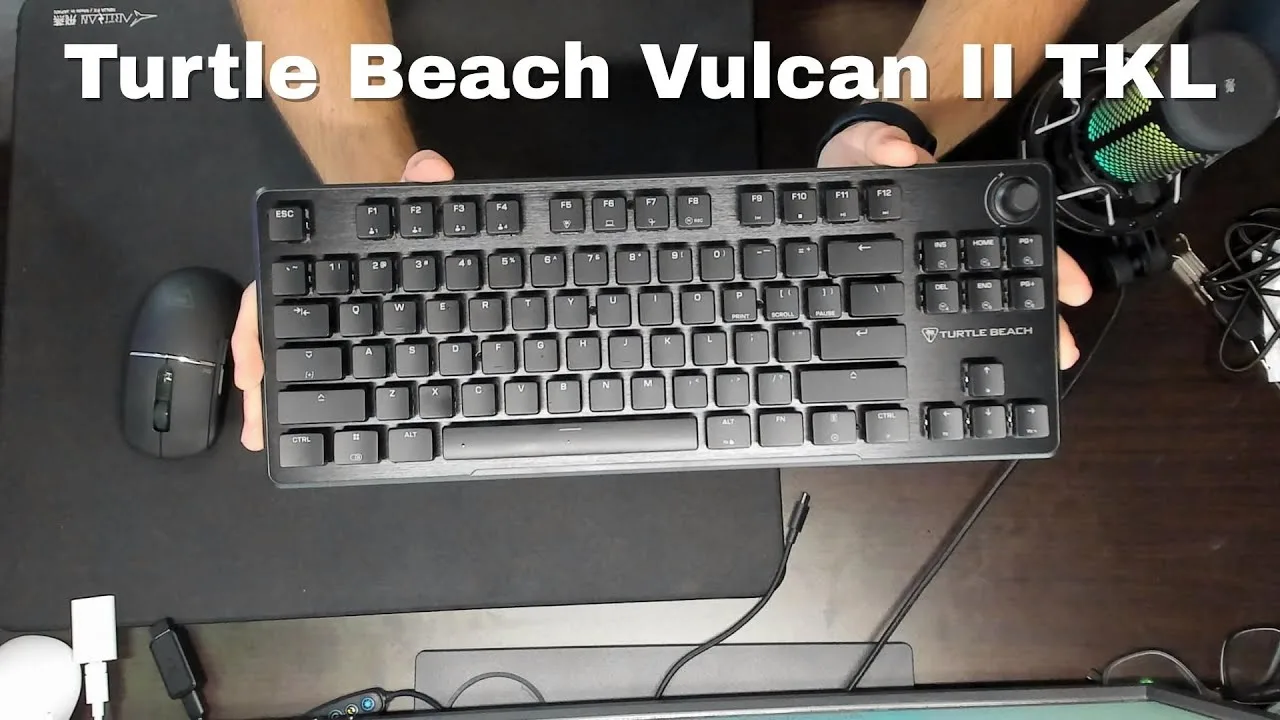
The Vulcan 2 TKL sits at a $120 price point in a competitive market, featuring hot-swappable Titan HS linear switches, sound dampening foam, and a premium aluminum plate. The compact TKL layout includes arrow keys, function keys, and a convenient volume knob. The USB-C port placement on the far left prevents cable drag across mousepads, an improvement over previous designs. The 1.8mm actuation point and 45g actuation force make for a lighter feel, though the reviewer notes this is slower than some competitors. The keyboard runs surprisingly quiet due to internal foam and upgraded stabilizers, though this creates a slightly mushy feel that takes adjustment. Build quality impresses with brushed aluminum and low-profile housing. Hot-swap support covers both 3-pin and 5-pin switches, with spare switches and tools included.
- →Ideal for users prioritizing quiet operation over speed
- →Good choice for school and gaming hybrid use
- →Suitable for those wanting hot-swap customization
- →Better for relaxed typing than competitive esports
- →Consider if cable management is a priority
 GregglesTV
The Turtle Beach Vulcan II TKL is a $80 wired mechanical keyboard …
GregglesTV
The Turtle Beach Vulcan II TKL is a $80 wired mechanical keyboard …
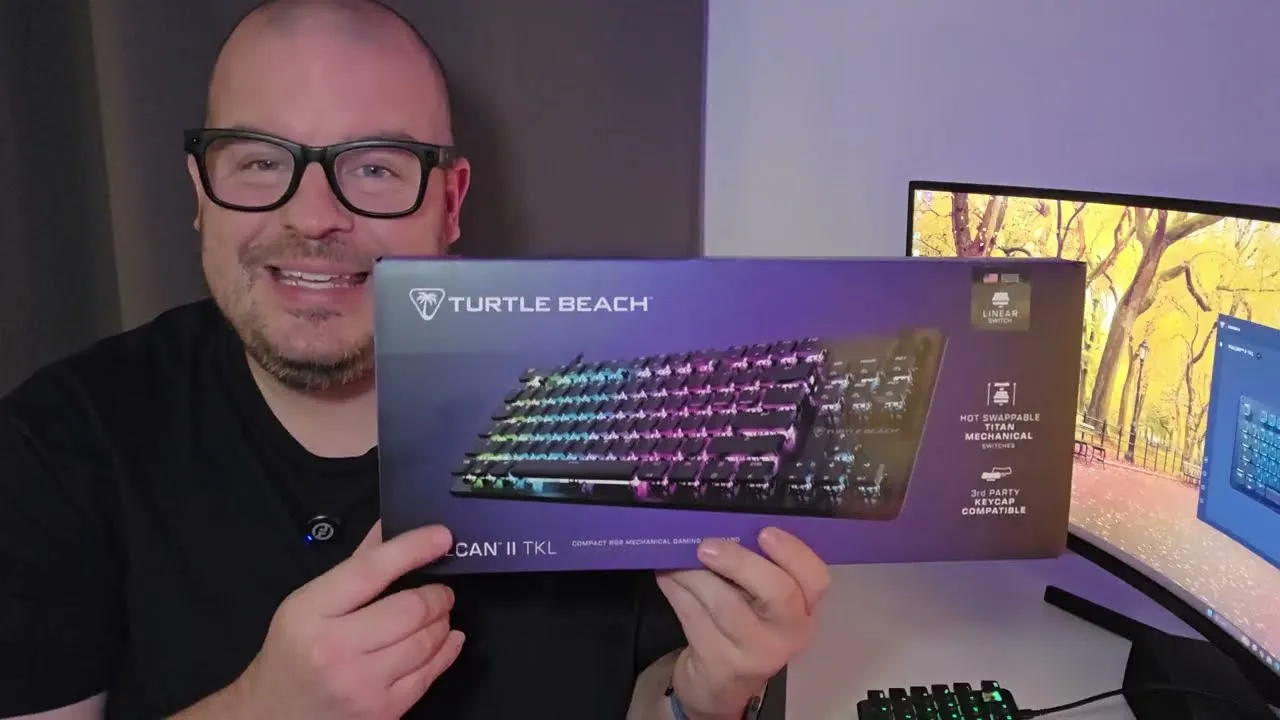
The Turtle Beach Vulcan II TKL is a $80 wired mechanical keyboard featuring USB-C connectivity and a compact tenkeyless design. The reviewer found typing comfortable due to raised keycaps and appreciated the dedicated volume/play-pause roller. Through Turtle Beach's Swarm 2 software, users can remap keys, create macros, adjust per-key RGB lighting with multiple effects, and save multiple profiles. The keyboard includes extra keycaps and a keycap puller. Build quality includes adjustable rear feet, though the reviewer noted limited physical features on the underside.
- →Ideal for gamers wanting extensive macro customization
- →Good fit for users prioritizing compact desk setups
- →Suitable for RGB enthusiasts wanting per-key control
- →Best for those comfortable with wired connections
- →Recommended for media users who value dedicated volume controls
 Mekel Kasanova
The Turtle Beach Vulcan II TKL delivers a clean, professional …
Mekel Kasanova
The Turtle Beach Vulcan II TKL delivers a clean, professional …
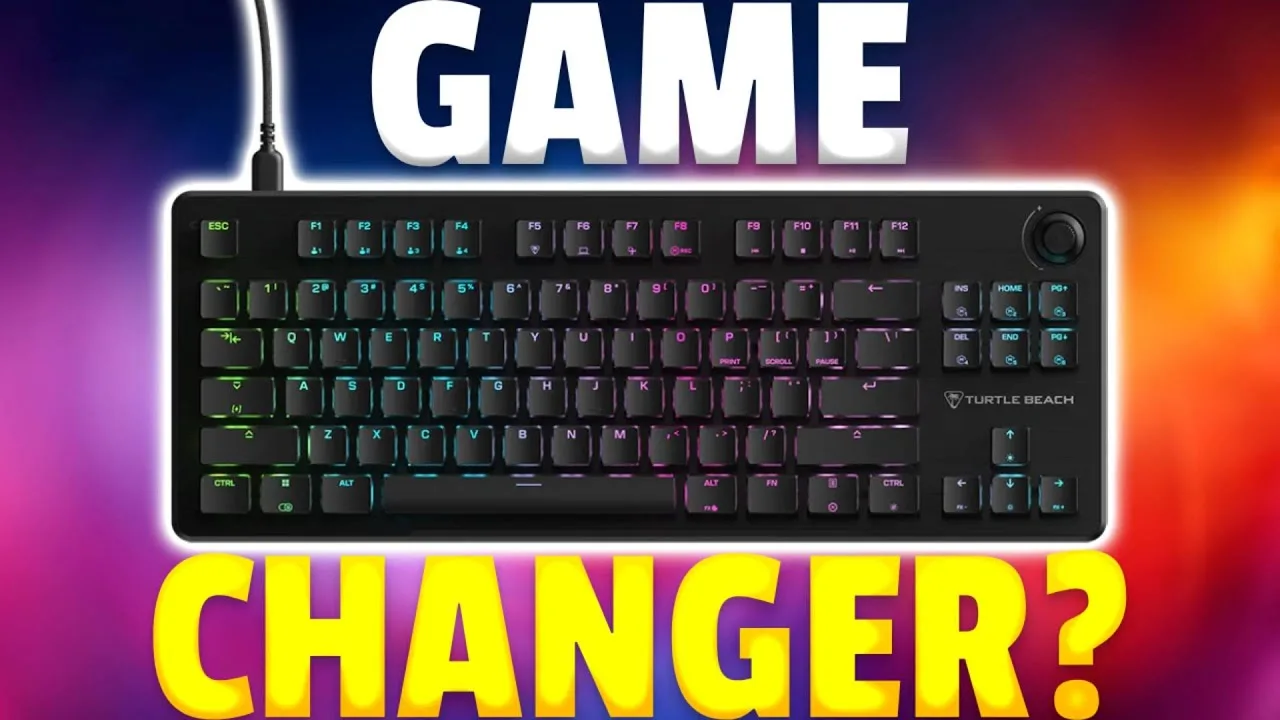
The Turtle Beach Vulcan II TKL delivers a clean, professional aesthetic with an aluminum top plate and compact tenkeyless layout that maximizes desk space for mouse movements. The pre-lubed Titan HS Linear switches provide smooth, creamy keystrokes with excellent sound dampening on larger keys. Performance shines in gaming scenarios, though the extremely short actuation point can slightly reduce typing accuracy despite boosting speed. Hot-swappable 3-pin and 5-pin switch support adds customization flexibility. However, the ABS keycaps show wear quickly, Swarm 2 software frustrates compared to competitors, and notable omissions include wrist rest and USB pass-through at this price tier.
- →Ideal for gamers prioritizing performance over flashy aesthetics
- →Best suited for shooter and strategy game enthusiasts
- →Tinkerers benefit from hot-swappable switch compatibility
- →Heavy typists may need adjustment period for short actuation
- →Look elsewhere if wrist rests and USB hubs are essential
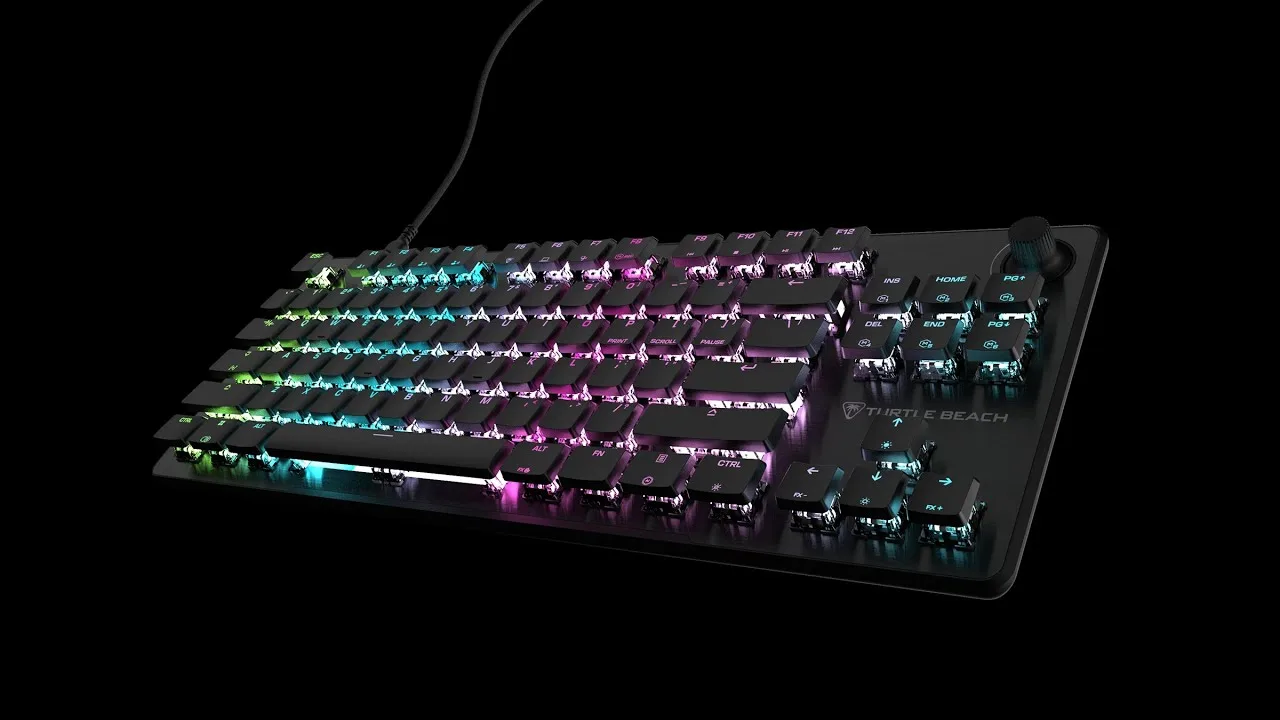 Christ Centered Gamer
First unboxing and initial impressions of Turtle Beach's debut …
Christ Centered Gamer
First unboxing and initial impressions of Turtle Beach's debut …
First unboxing and initial impressions of Turtle Beach's debut hot-swappable mechanical keyboard. Features linear red switches with 1.8mm actuation, 45g force, and quiet operation. Physical design includes slim aluminum top plate, dedicated media wheel with push function, dual-sized rear feet, and USB-C connectivity. Keycap profile has been redesigned from previous Vulcan models—now featuring a smoother incline closer to Cherry profile rather than the stepped design of earlier versions. Includes braided cable, keycap/switch puller, and three spare switches. Reviewer notes absence of included wrist rest (present in Pro model) and praises third-party cap compatibility.
- →Ideal for users wanting to customize switches without soldering
- →Good entry point for keyboard modding beginners
- →Suitable for those preferring quieter linear switches
- →Better for users who don't need included wrist rest
- →Compatible with existing Cherry-style keycap sets
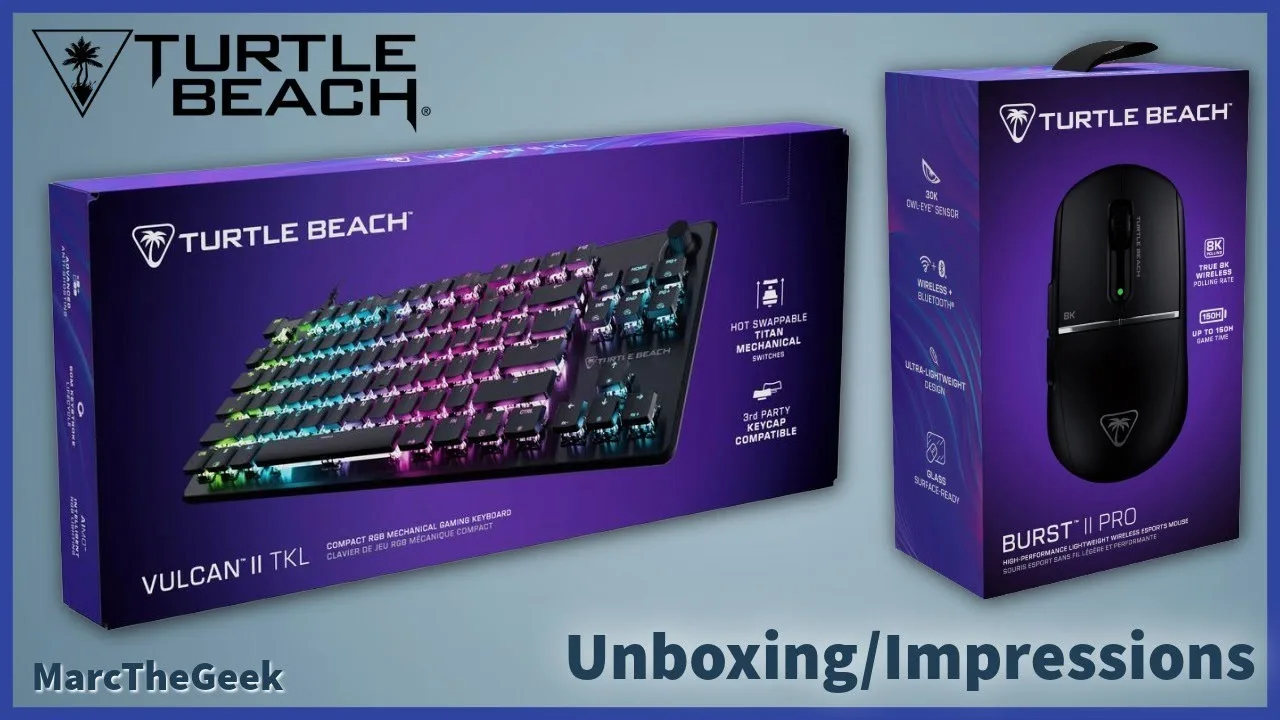 Marc The Geek
The reviewer unboxed and tested the Turtle Beach Vulcan II TKL …
Marc The Geek
The reviewer unboxed and tested the Turtle Beach Vulcan II TKL …
The reviewer unboxed and tested the Turtle Beach Vulcan II TKL mechanical gaming keyboard alongside the Burst 2 Pro mouse. After two weeks of use primarily with a handheld gaming PC, they found the keyboard functional for their needs. The review focused heavily on the mouse, mentioning the keyboard only briefly as part of a dual product unboxing. No specific detailed feedback about the keyboard's performance, switches, or features was provided in the available content.
- →Suitable for handheld gaming PC setups
- →Mechanical gaming keyboard for general use
- →Compact TKL form factor saves desk space
Scores based on weighted analysis of 14 expert and community sources. How we review →