

Logitech G413 SE
Best For
- Budget-conscious gamers seeking sturdiness
- Users needing a minimalist keyboard setup
- Beginners to mechanical keyboards
Consider Carefully
- Professional typists requiring wrist rests
- Power users needing extensive customization
- Those expecting premium quality
Jump to Section
The Bottom Line
The Logitech G413 SE is a budget mechanical keyboard targeting gamers and minimalist desk setups at around $69.99. Its brushed aluminum top plate—highlighted by tomshardware.com and trustedreviews.com—delivers genuine structural rigidity and a professional aesthetic uncommon at this price. However, the Long Hua switches draw consistent criticism for mushy tactility, spring ping, and stabilizer rattle, undermining the typing experience that the build quality promises. The keyboard also lacks G Hub software support for any customization, has no dedicated media controls or macro keys, and ships with a non-detachable rubber cable. For those who can tolerate these trade-offs, the G413 SE offers a clean, no-RGB design—but the G413 Carbon is worth considering for just $10 more.
Performance Breakdown
Expert Scores
How 5 professional publications rated this product
In-Depth Analysis
Keycap Quality 65
PBT keycaps with double-shot molding at this price is a genuine win, and 4 sources agree they outclass what you'd normally find on a budget board.
Key Takeaway
→The PBT keycaps are a legitimate bright spot and a reason to pick this over cheaper ABS alternatives, just keep the backlight on.
Backlighting 64
White-only LED backlighting looks clean and works well, but a reported END key defect across multiple production batches is a serious quality control flag.
Key Takeaway
→The white backlighting looks great for clean desk setups, but the reported END key defect across production batches is worth researching before you buy.
Build Quality 54
The aluminum top plate looks and feels premium for $69.99, but Logitech quietly stripped out USB passthrough and downgraded the cable from the previous model to get here.
Key Takeaway
→Buy this if you want an aluminum-topped board at $69.99 and don't care about USB passthrough, but check the G413 Carbon price before you do.
Switch Feel & Sound 43
Reviewers are split: some find the tactile switches a solid entry-level option, others call them mushy, rattly, and fatiguing compared to Cherry MX Browns.
Key Takeaway
→Fine for casual gaming and first-time mechanical keyboard users, but if typing feel matters to you, spend more on Cherry switches.
Software & Customization 36
No G Hub support, no macros, no RGB programming. Six sources agree on this, and it's a deliberate design choice, not an oversight.
Key Takeaway
→If you want plug-and-play simplicity, this is fine. If you need macros, RGB control, or any software customization, this keyboard has nothing for you.
Key Rollover 27
Logitech cut key rollover from 26 keys on the original G413 down to 6 on the SE. Five sources flag this, and it matters for competitive gaming.
Key Takeaway
→For typing and casual gaming it's fine, but competitive gamers should treat the 6KRO as a hard disqualifier and look at the original G413 or any board with NKRO.
Specifications & Verdict
Design
- Form Factor
- Full (100%)
- Layout
- ANSI (United States)
- Size
- 13.98×5×1.43 inches (355×127×36.3 mm)
- Dimensions
- 1.4 by 17.1 by 5 inches (HWD)
- Weight
- 1.4 pounds
- Color Options
- Black
Build
- Case Material
- Plastic, Aluminum
- Plate Material
- Brushed aluminium
- Keycap Material
- PBT
- Keycap Profile
- OEM
- Keycap Type
- PBT
Switches
- Switch Type
- Mechanical
- Switch Feel
- Tactile
- Switch Options
- Tactile only (no linear or clicky)
- Hot-Swappable
- No
- Actuation Force
- 52 g
- N-Key Rollover
- Six-key rollover with anti-ghosting gaming matrix
- Actuation Distance
- 1.9 mm
Connectivity
- Connectivity
- Wired
- Polling Rate
- 1000 Hz
- Cable
- 6-feet, Rubber
- USB Passthrough
- None
Features
- Media & Controls
- Via Fn key, With FN
- Palm Rest
- None
- Onboard Storage
- 1 Profile
Other Specs
- Backlighting
- White
- Alternative Layouts
- G413 SE (full-size with numpad)
- Key Deck Material
- Aluminum alloy
- Software Compatibility
- None (not compatible with Logitech G Hub)
Our Verdict
The Logitech G413 SE is a difficult recommendation. Its brushed aluminum plate is genuinely impressive for the price, but the Long Hua switches feel mushy and produce distracting spring ping and stabilizer rattle during extended use. The non-detachable rubber cable and complete lack of G Hub software support further limit its appeal. At just $10 less than the G413 Carbon—a meaningfully better keyboard—the SE's value proposition is weak. Buy only if a metal build and no-RGB aesthetic are your top priorities; otherwise, spend the extra $10 or look at competing budget options.
Customer Reviews Amazon
2,441 reviews
Best Budget Keyboard IMO
Great step-up "basic"-ish mechanical/gaming keyboard
Solid, no-nonsense mechanical keyboard
Amazing
Show all 8 reviews
Great keyboard
Its a very solid keyboard
Big for Gaming
Nice compact keyboard, with brown switches
Reviews shown are from Amazon customers and do not reflect our editorial assessment.
Reader Questions
Specific questions about the Logitech G413 SE, answered only from what reviewers reported.
01Is the build quality solid for the price?
Reviewers consistently praised the aluminum top plate, noting it adds rigidity and texture with no flex. The construction feels sturdy, which stands out at this price tier for a mechanical keyboard.
02Can I customize the lighting or remap keys with software?
No. The G413 SE has no G Hub software support, meaning there is no macro programming, key remapping, or lighting customization available at all.
03How do the switches feel compared to other mechanical options?
Reviewers found the Long Hua switches divisive. Some described them as heavy and stiff, causing finger fatigue, while others noted they feel mushy and lack crisp tactile feedback compared to premium alternatives like Cherry MX Browns.
04Is the cable detachable or braided?
The cable is neither detachable nor braided. Reviewers noted it is a basic rubber cable with no strain relief, which is a drawback for desk management or portability.
Pricing & Availability
Updated Mar 11, 2026Logitech G413 SE

Sources & Methodology
Every score is built on evidence. This review synthesizes 14 independent sources — expert publications, video reviews, and community discussions — weighted by credibility, depth, and relevance.
Show detailed source analysis ↓ Hide source analysis ↑
Expert Reviews
tomshardware.com
Top
2/5-point
A budget mechanical keyboard retailing for $79.99 that targets gamers new to mechanical keyboards. Features an aluminum plate for sturdiness, PBT keycaps with unusual near-invisible legends, and white LED backlighting with adjustable brightness. Uses Logitech Romer-G Brown switches with 45g actuation force, offering subtle tactility similar to other MX Brown clones. However, suffers from significant spring ping and stabilizer rattle, lacks software support entirely, and uses a basic non-detachable rubber cable. The keycap legends are difficult to read without backlight enabled due to missing diffuser material underneath.
Strengths
- +Aluminum plate provides sturdy build quality
- +PBT keycaps offer coarse texture and durability
- +Bright white LED backlighting with adjustable brightness
- +Romer-G Brown switches provide subtle tactility
Weaknesses
- −No software support for customization
- −Non-detachable rubber cable instead of braided
- −Significant spring ping from switches
- −Stabilizer rattle and ticking noise
trustedreviews.com
Top
0.5/10-point
The Logitech G413 SE delivers solid fundamentals for its sub-$80 price point. A brushed aluminium top plate provides unexpected structural rigidity at this budget, complemented by textured PBT keycaps that outclass typical ABS offerings. Kaihua Brown switches offer adequate tactile feedback for gaming and typing, though consistency varies between keys. The bright white backlighting proves functional if uninspiring, while the 6-key rollover and complete absence of software integration represent notable compromises. At 780g, it remains remarkably lightweight for a full-sized board. For users prioritizing build quality and switch feel over customization, it represents competent value—though competitors may offer genuine Cherry MX switches at similar prices.
Strengths
- +Brushed aluminium top plate adds durability and premium aesthetics
- +Textured PBT keycaps with double-shot moulding outclass budget rivals
- +Kaihua Brown switches provide adequate tactile bump for all-round use
- +Bright white backlighting effectively illuminates keys
Weaknesses
- −6-key rollover feels inadequate compared to modern standards
- −No software integration for any customization options
- −Switch consistency varies between keys in actuation feel
- −Single-colour backlighting lacks RGB versatility
gamesradar.com
Top
2/5-point
The Logitech G413 SE is a budget mechanical keyboard available in full-size ($79.99/£69.99) and TKL ($69.99/£59.99) variants. It features a slim, understated all-black design with white LED backlighting, an aluminum top plate, and surprisingly durable PBT keycaps. However, the SE designation strips away numerous features present in the original G413, including USB passthrough, RGB lighting, dedicated media keys, macro controls, wrist rest, key programming, and G-Hub software compatibility. The Long Hua Tactile Brown switches feel heavy, stiff, and fatiguing during extended use. While build quality exceeds expectations for the price, the minimal savings over the superior predecessor and uncomfortable switch feel make this a difficult recommendation despite competent core performance.
Strengths
- +Subtle, slimline design with skinny bezels
- +Well-constructed aluminum top plate with no flex
- +Surprising PBT keycaps with textured surface
- +Available in streamlined TKL form factor
Weaknesses
- −Heavy, stiff Long Hua switches cause finger fatigue
- −Loud, clunky, cumbersome switch actuation
- −Drops USB passthrough from previous model
- −No dedicated media keys or macro controls
pcmag.com
Top
3/5-point
The Logitech G413 SE delivers a budget-friendly full-size mechanical keyboard with tactile switches, PBT keycaps, and white LED backlighting. Its aluminum alloy construction keeps weight at just 1.4 pounds while maintaining sturdiness. However, significant compromises were made to reach the $79.99 price point: Long Hua switches feel mushy with unsatisfying feedback, six-key rollover is minimal for gaming, and key features like USB passthrough, G Hub software compatibility, programmable macros, and customizable lighting were removed. The PBT keycaps are durable and heat-resistant, though the faceted keycaps from the predecessor are gone. At only $10 less than the superior G413 Carbon, the value proposition is questionable.
Strengths
- +Lightweight 1.4-pound aluminum alloy construction
- +Durable heat- and wear-resistant PBT keycaps
- +Attractive brushed black finish with white LED backlighting
- +Compact full-size design with minimal wasted space
Weaknesses
- −Mushy Long Hua switches lack crisp tactile feedback
- −No G Hub software support for macros or lighting customization
- −Missing USB passthrough port found in predecessor
- −Six-key rollover is bare minimum for gaming keyboards
theverge.com
Top
60/100
The Logitech G413 SE (and its tenkeyless variant) targets budget-conscious buyers seeking a no-frills mechanical keyboard with simple white backlighting. Priced at $69.99, it features Cherry MX-style Longhua tactile switches, PBT keycaps, and a clean black design with minimal branding. However, the typing experience reveals cost-cutting compromises: switches feel rattly and produce hollow thuds rather than crisp feedback. The keyboard lacks modern conveniences like detachable cables, hot-swappability, software customization, and native remapping. It offers 6-key rollover and no USB passthrough. Available in full-size (G413 SE) and tenkeyless (G413 TKL SE) layouts, it's best suited for users prioritizing affordability and simplicity over premium feel.
Strengths
- +Affordable $69.99 price point from major brand
- +Simple white backlighting avoids RGB distraction
- +PBT keycaps with clean, bold font
- +Cherry MX-style switches enable aftermarket keycap swaps
Weaknesses
- −Switches feel cheap and rattly compared to premium options
- −Keypresses produce hollow thuds rather than crisp taps
- −Non-detachable 1.8m USB cable
- −Only one switch option available (tactile)
Ars Technica
The Logitech G413 SE is a $80 budget mechanical keyboard targeting users who prefer subtle, professional aesthetics over flashy gaming designs. It features Long Hua Brown switches, PBT plastic keycaps, and white backlighting with five effects. The typing experience is described as light and bouncy with a brief adjustment period needed. However, the SE designation offers puzzlingly fewer features than the cheaper non-SE G413, lacking software support, macro programmability, USB passthrough, and extra keycaps. The all-black design with dark legends makes the keyboard nearly illegible without backlighting. Build quality mixes an attractive brushed aluminum top plate with a plain plastic bottom chassis and basic rubber cable.
Strengths
- +Quality, mildly unusual typing experience with bouncy tactile switches
- +PBT plastic keycaps instead of ABS on non-SE version
- +Conservative, sleek black design avoids gaming flashiness
- +White backlight with five effects and three brightness levels
Weaknesses
- −No Logitech G Hub software support or programmability
- −Dark legends on black keycaps illegible without backlight
- −Plain plastic bottom chassis feels cheap
- −Basic rubber cable with no strain relief
Video Reviews
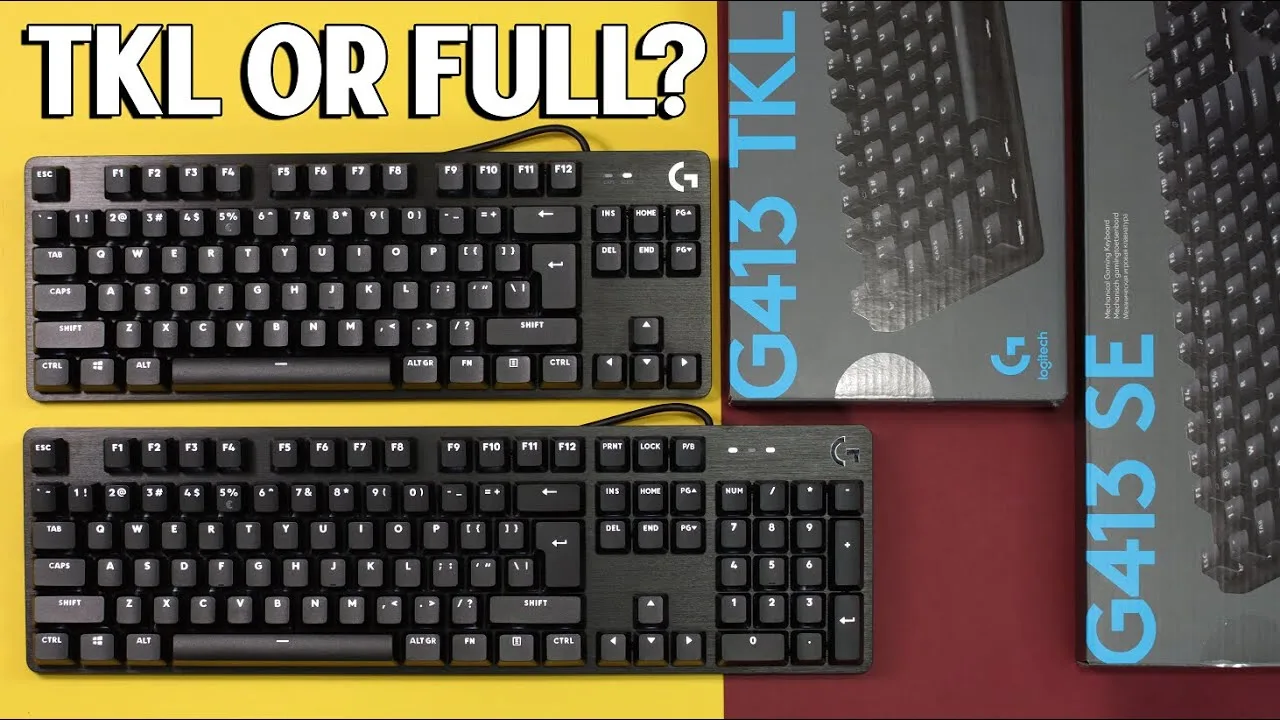 PC Crazy
The Logitech G413 SE comes in full-size and TKL variants featuring …
PC Crazy
The Logitech G413 SE comes in full-size and TKL variants featuring …
The Logitech G413 SE comes in full-size and TKL variants featuring Longhua brown tactile switches with 1.5mm actuation distance and 50g force requirement. PBT keycaps replace the previous ABS plastic, offering superior durability with matte finish and no wear on legends. The brushed aluminum-magnesium alloy top case provides minimal flex and eliminates echoing. Six-key rollover anti-ghosting supports gaming use. White LED backlighting offers adjustable brightness and multiple modes via FN+F12. The spacebar edge has been smoothed to prevent discomfort. Rubber feet configuration differs between variants—four on TKL, five on full-size—with additional feet when legs are extended.
- →Ideal for gamers wanting tactile feedback without loud clickiness
- →Suitable for users prioritizing durable PBT keycaps
- →Good choice for those preferring minimalist white backlighting
- →Full-size recommended for number pad users, TKL for compact desks
- →Best for users valuing solid aluminum build quality
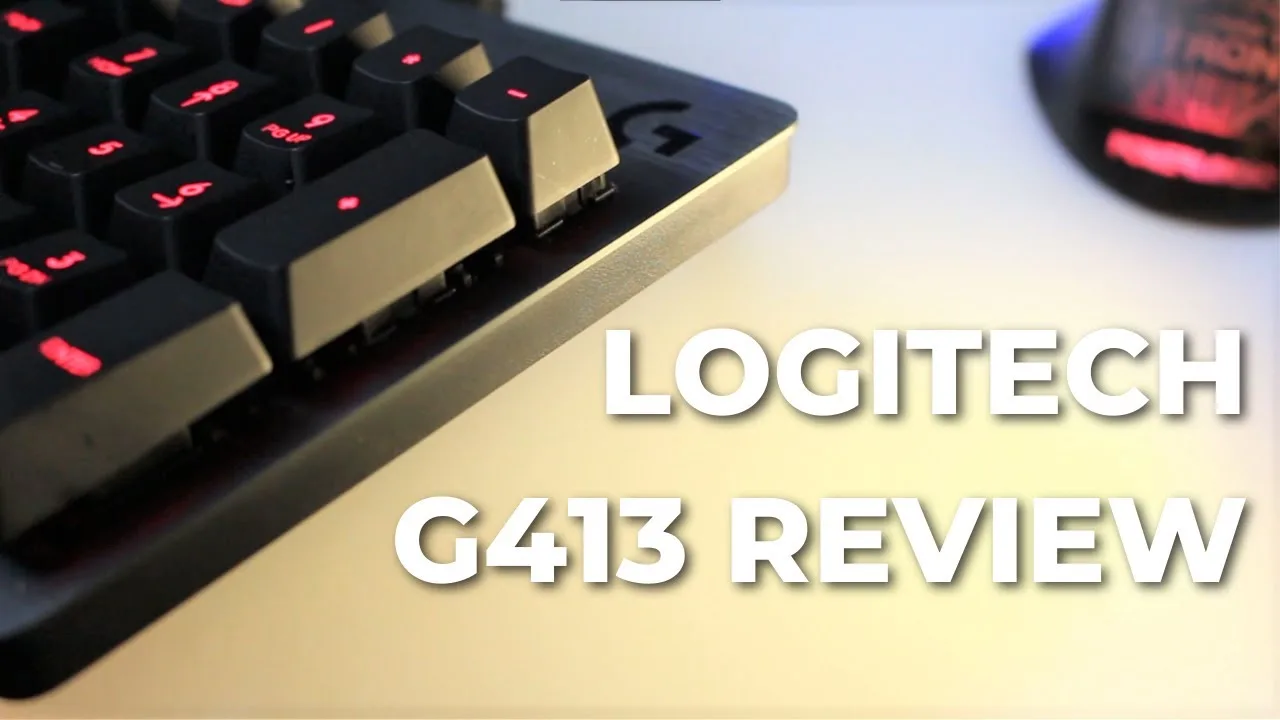 Jacky YBT
The reviewer finds the G413 SE impressively built with a solid …
Jacky YBT
The reviewer finds the G413 SE impressively built with a solid …
The reviewer finds the G413 SE impressively built with a solid aluminum-magnesium alloy top plate that resists flexing despite its slim profile. The minimalistic design looks compact for a full-size board, and the 1105g weight provides stability. Romer G switches deliver fast 1.5mm actuation with quiet operation and lighter 45g force than expected. Red backlighting offers five brightness stages with centered LEDs preventing bleed. The permanently attached braided cable includes a USB 2.0 passthrough requiring dual connections. While the plastic base and sharp frame edges are minor compromises, the overall build quality exceeds expectations for the price point.
- →Ideal for gamers wanting fast actuation without loud clicks
- →Suits users prioritizing build quality over RGB customization
- →Good fit for minimal desk setups preferring stealth aesthetics
- →Better for stationary use given non-detachable cable
- →Consider silver variant if white backlighting preferred
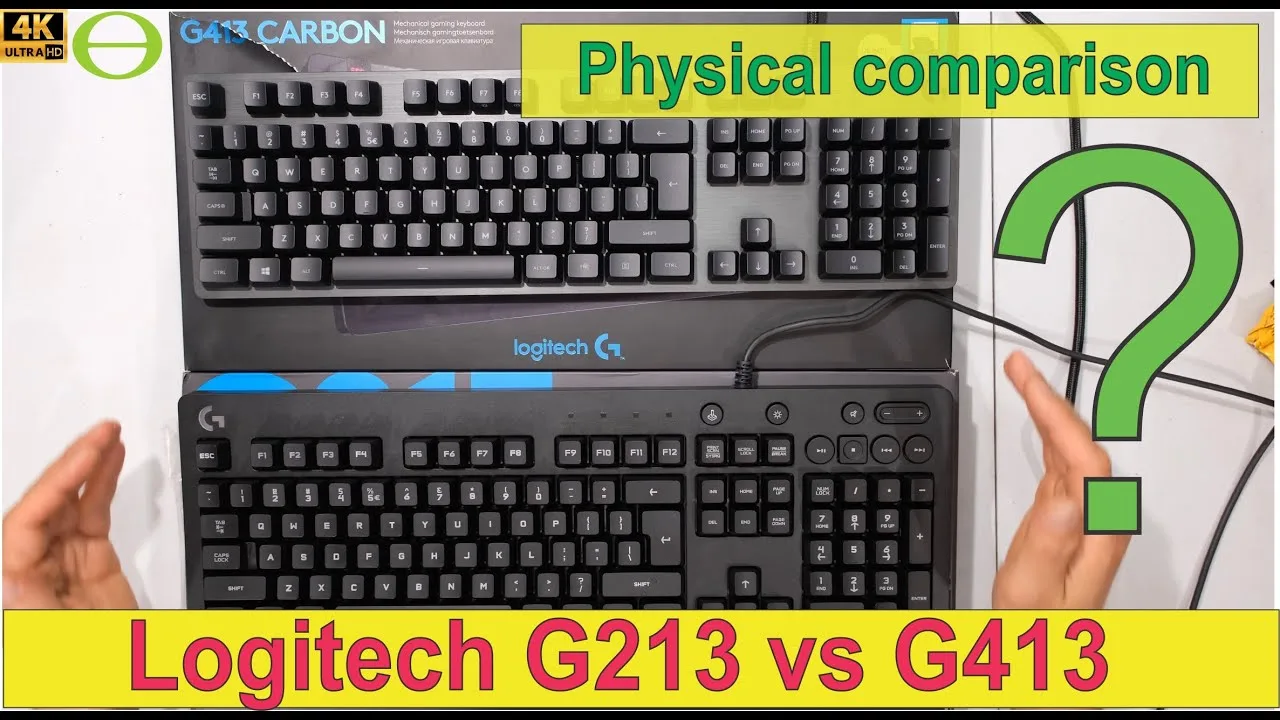 ecologicaltime
The reviewer examines the G413 SE alongside the G213, focusing on …
ecologicaltime
The reviewer examines the G413 SE alongside the G213, focusing on …
The reviewer examines the G413 SE alongside the G213, focusing on physical build and materials. Constructed with an aluminum top plate, it feels substantially heavier and more rigid than plastic alternatives despite minimal weight difference. The keyboard features a compact, space-efficient layout with mechanical switches and per-key LED backlighting. Key removal is effortless, requiring no tools. However, the braided cable—while appearing premium—shows early fraying concerns and unnecessary bulk from its dual-USB design (one for keyboard, one for pass-through). The USB 2.0 pass-through adds connectivity convenience. Overall, it presents as a sturdy, no-frills mechanical option with some questionable cable durability.
- →Best for users prioritizing build rigidity over portability
- →Suitable for those wanting per-key lighting without software complexity
- →Ideal if USB passthrough is essential for desk setup
- →Consider cable durability concerns for long-term ownership
- →Good entry mechanical option with minimal desk footprint
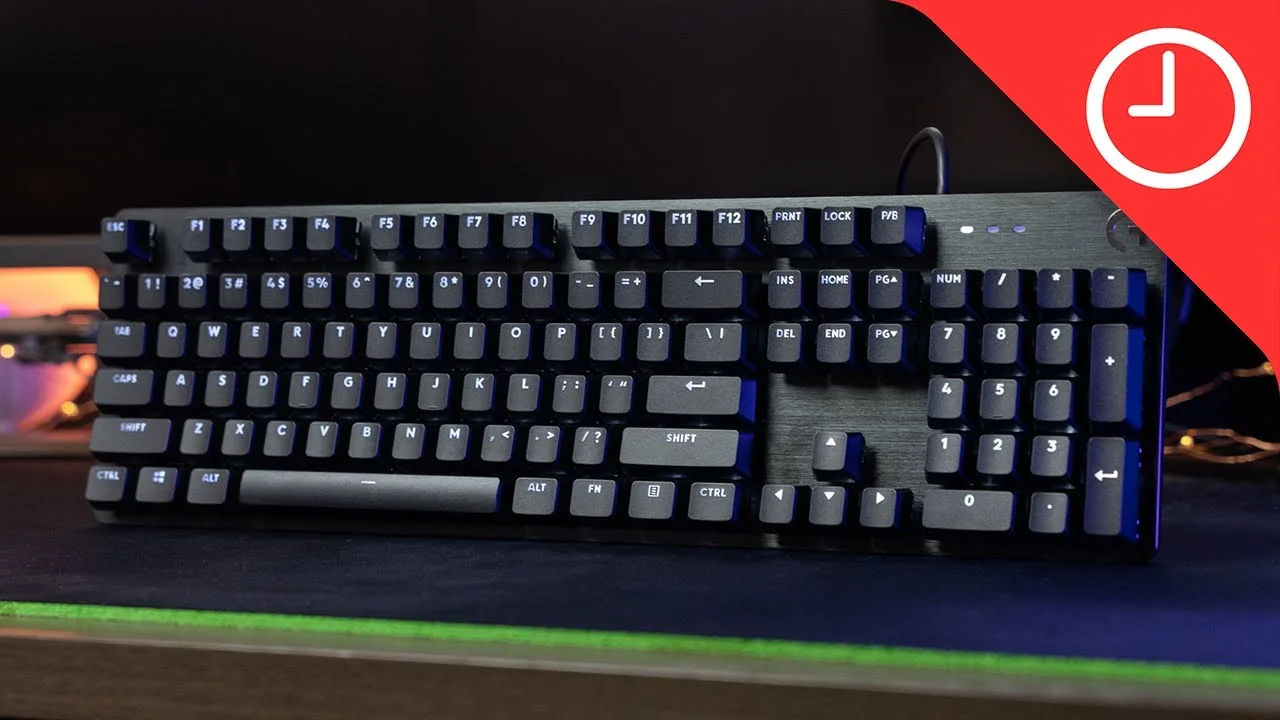 9to5Toys
The Logitech G413 SE is a budget-friendly mechanical keyboard …
9to5Toys
The Logitech G413 SE is a budget-friendly mechanical keyboard …
The Logitech G413 SE is a budget-friendly mechanical keyboard positioned as a simplified, more affordable alternative to its predecessor. At $80 for full-size and $70 for TKL, it strips away features like USB passthrough and proprietary Logitech switches in favor of third-party tactile switches. The build quality impresses with a brushed black aluminum faceplate and minimal flex. White per-key lighting offers five modes and three brightness levels through clean, professional-looking PBT keycaps. The 50g tactile switches with 1.9mm actuation provide a slightly heavier feel than Cherry Browns, which the reviewer found beneficial for preventing accidental keypresses during gaming. Notably, it lacks software support entirely—appealing to those wanting simplicity but limiting customization options.
- →Ideal for users wanting simple, no-software mechanical keyboard
- →Well-suited for office environments due to professional styling
- →Good choice for gamers prone to accidental keypresses
- →TKL variant available for space-constrained setups
- →Consider spending more if advanced features are needed
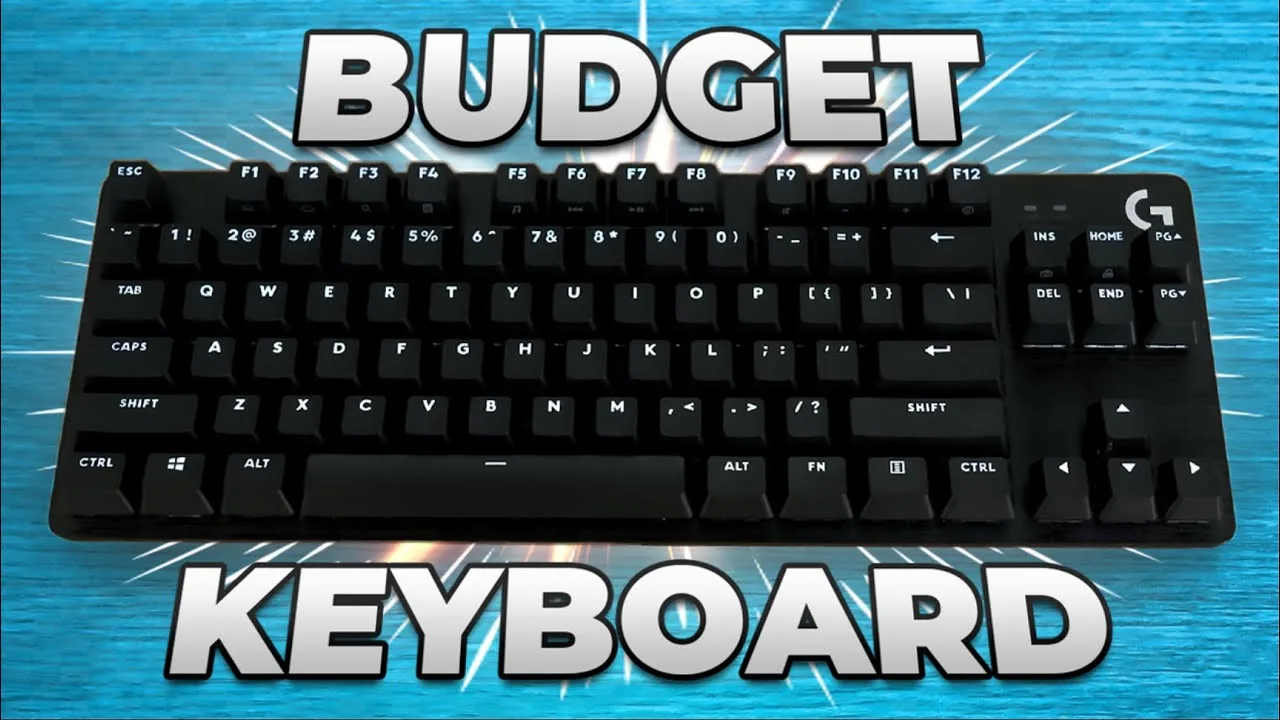 Nevz
A budget-friendly mechanical keyboard that punches above its weight …
Nevz
A budget-friendly mechanical keyboard that punches above its weight …
A budget-friendly mechanical keyboard that punches above its weight with premium materials and practical features. The brushed aluminum finish and PBT keycaps deliver unexpected quality for under $100. Tactile brown switches provide satisfying feedback with minimal noise, making it office-friendly. White backlighting with five modes and three brightness levels offers clean aesthetics without RGB complexity. The trade-off comes in software support—no G-Hub integration means zero customization options for lighting or macros. Function-based shortcuts replace dedicated keys like print screen, requiring adjustment. Overall, a straightforward, durable option for users prioritizing build quality and simplicity over flashy features.
- →Ideal for office workers needing quiet tactile feedback
- →Perfect for users wanting premium build without software hassle
- →Skip if RGB customization or macro programming is essential
- →Great entry point for mechanical keyboard newcomers
- →Best suited for minimalist desk setups preferring clean aesthetics
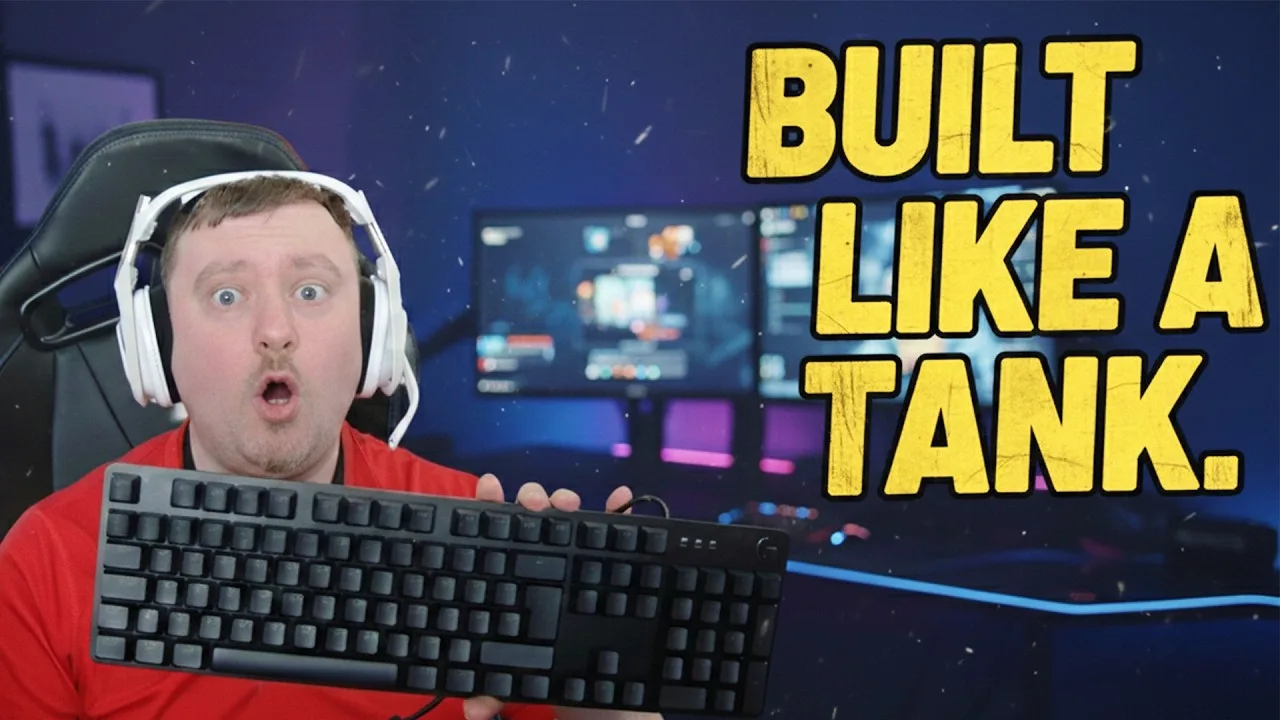 Simon's Reviews
A driverless mechanical keyboard prioritizing durability over …
Simon's Reviews
A driverless mechanical keyboard prioritizing durability over …
A driverless mechanical keyboard prioritizing durability over customization. Features PBT keycaps that resist shine over years of use, tactile third-party switches with heavier actuation, and a rigid brushed aluminum magnesium alloy deck with zero flex. Lacks software support entirely—no macros, remapping, or G-Hub integration. USB passthrough from the original model has been removed. Single white LED backlighting only, no RGB. Positioned as a plug-and-play option for users wanting premium build materials without premium pricing.
- →Ideal for plug-and-play gamers avoiding software bloat
- →Perfect for heavy typists needing durable PBT caps
- →Skip if macro programming is essential to workflow
- →Great entry point for premium mechanical feel
- →Best suited for minimalist desk setups
Community Discussions via Reddit
Long-term Update
r/logitech
u/xstagex
Owner xstagex purchased the Logitech G413 SE keyboard to pair with their G502 Hero mouse, attracted by the black aluminum aesthetic matching. Initial impressions were positive with good typing feel, but the experience deteriorated rapidly. The first unit developed a flickering END key backlight after two weeks. After a month-long RMA process, the replacement unit arrived with the same key completely dead. A third unit received in mid-September was DOA with the identical END key failure. The owner discovered this is a widespread defect visible in multiple YouTube review thumbnails that reviewers failed to mention. After three defective units in under two months, the owner considers this the worst Logitech product they've personally used and warns the community to avoid it even on sale.
Key Insights
- →Avoid this product entirely — systematic END key backlight defect affects multiple production batches
- →Defect is visually detectable in review content, suggesting inadequate critical evaluation in media coverage
- →Not suitable for users seeking reliable peripherals despite attractive aesthetic pairing with G502
- →Logitech's quality control failed to catch a consistent hardware defect across multiple units
- →RMA process is lengthy and ultimately futile for this specific defect
Top Comments
Sorry for late reply. If I saw it early I would have recommended to stay away from this particular module entirely. High chance some of the lights start dying in some time (like my first one I …
Troubleshooting
r/LogitechG
u/baconkopter
Owner reports chronic key chattering and failure on Logitech G413 SE after 2+ years of light use (1-2 hours daily). Issues began March 2020 with specific keys (c, v, comma) typing double characters or failing entirely. Cleaning provides only temporary relief. Logitech support offered generic troubleshooting without resolution. Despite functional failures, owner praises build quality and aesthetic design, specifically appreciating the single white backlight with dimming options. Post demonstrates issues through intentional typos. Owner seeking alternatives due to frustration with Logitech support and deteriorating usability, particularly problematic for current work-from-home needs.
Key Insights
- →Key switch degradation appears to be progressive and irreversible, not resolved by standard maintenance
- →Light usage (1-2 hours daily) insufficient to prevent hardware failure within 2-4 year timeframe
- →Build quality and aesthetics do not correlate with switch longevity in this model
- →Best suited for users prioritizing appearance and simple lighting over long-term reliability
- →Not recommended for productivity/work-from-home scenarios requiring consistent input accuracy
Top Comments
Thank you for your reply. unfortunately I just uninstalled Ghub and went bacck to LGS just to ccheckc if the problem persists. As you can see,, it's still here...hopefully yours is a software issue,, …
Hey.. I've come to realise that this is a hobby on its own as people are constantly changing switches, lubricating etc etc. That's the only way to maintain such a keyboard. I have better things to do …
it fixes it for a while indeed. hope it was a once and for all fix for you!
Scores based on weighted analysis of 14 expert and community sources. How we review →