

Monitors
MSI MPG 341CQR X36
Best For
- Competitive PC gamers who need ultrawide at 360Hz
- Laptop users wanting a single-cable 98W USB-C setup
- HDR enthusiasts chasing 1,300-nit peak brightness
Consider Carefully
- Budget buyers: price sits around $950-$1,100
- Designers needing sharp text at high pixel density
- Users sensitive to VRR flicker
Jump to Section
The Bottom Line
We analyzed the MSI MPG 341CQR X36 and found it to be a powerhouse in the world of gaming monitors. With its exceptional 360Hz refresh rate, it leads the pack in delivering buttery smooth gameplay experiences, a feature that was highly praised across 23 out of 25 expert reviews. The monitor also impresses with its rich, vibrant color reproduction, enhanced by the DarkArmor Film that boosts black levels by 40%, as noted by 19 out of 25 sources. These features, combined with HDR performance reaching 1,300 nits peak brightness and DisplayHDR TrueBlack, as highlighted by pcgamer.com, place this monitor at the forefront for serious gamers and professionals who demand high-quality visuals. However, this cutting-edge technology comes with a hefty price tag, which might deter budget-conscious buyers, and some users found the included DisplayPort cable to be inconveniently short for certain setups.
Performance Breakdown
Expert Scores
How 8 professional publications rated this product
In-Depth Analysis
Refresh Rate & Response 95
360Hz on an ultrawide OLED is genuinely unprecedented, and 19 sources agree this is the fastest panel in its class. The one real caveat: VRR flicker in certain games has no fix beyond returning to IPS.
Key Takeaway
→If ultrawide immersion at maximum refresh rate is the goal, nothing else delivers this combination. If you play competitive FPS or are sensitive to VRR flicker, the calculus changes.
Connectivity & USB-C 95
98W USB-C power delivery, DisplayPort 2.1a, HDMI 2.1, and KVM switching: 13 sources treat the connectivity suite as one of the strongest arguments for this monitor.
Key Takeaway
→If you run a laptop alongside a desktop or need a single cable to do everything, this connectivity suite is genuinely useful. Just bring a longer DisplayPort cable.
Text & Pixel Clarity 94
The new vertical RGB stripe sub-pixel layout is the most significant text clarity upgrade QD-OLED has seen, and 11 of 17 sources flag it as a genuine productivity improvement. The 110 PPI pixel density is still the ceiling.
Key Takeaway
→If text fringing on older QD-OLEDs kept you away, this panel addresses it directly. If pixel density is your primary concern for text work, 4K is still the better call.
Color Accuracy & Coverage 94
99.3% DCI-P3 coverage and Delta E below 2 make this credible for color-critical work, but out-of-box SDR colors are oversaturated and require sRGB mode to be usable.
Key Takeaway
→Capable enough for color-critical work once sRGB mode is enabled. Don't judge it by the default out-of-box SDR output.
Burn-In Protection 93
A three-year burn-in warranty backed by OLED Care 3.0 and an AI proximity sensor gives 7 sources confidence in long-term ownership. The main nuance is learning the system well enough to avoid mid-session interruptions.
Key Takeaway
→The three-year burn-in warranty removes the biggest long-term risk of OLED ownership. Spend an hour learning the OLED Care settings before your first long session.
Coating & Reflectivity 90
The DarkArmor coating meaningfully reduces reflections versus prior QD-OLEDs and improves scratch resistance to 3H hardness, but 3 sources note it still falls short in genuinely bright environments.
Key Takeaway
→A genuine step forward for QD-OLED in mixed-light rooms. If your setup faces direct sunlight or strong overhead lighting, the coating helps but doesn't solve the problem.
Display Brightness & HDR 89
1,300 nits peak makes this the brightest QD-OLED panel available, but full-screen brightness still sits around 300 nits, and flicker-sensitive users are explicitly warned off by owners.
Key Takeaway
→Best for dark-room HDR gaming or mixed-light setups where peak highlights matter. If you need TV-class full-screen brightness or are flicker-sensitive, look elsewhere.
Ergonomics & Stand Design 80
The redesigned octagonal base cuts desk footprint by 62% and the stand covers tilt, swivel, height, and pivot, but cable management is widely criticized and the panel itself still demands serious desk real estate.
Key Takeaway
→The stand itself is well-engineered and space-efficient. Budget for cable management accessories separately, and make sure your desk can handle the weight and width.
Specifications & Verdict
Connectivity
- Audio
- 1x Headphone-out
- Display Port
- 1x DisplayPort 2.1a (UHBR13.5)
- Hdmi
- HDMI 2.1 (48 Gbps)
- Hdmi Ports
- 2x HDMI 2.1 (UWQHD@360Hz)
- Io Ports
- 2x HDMI 2.1, 1x DisplayPort 2.1a, 1x Type-C, 2x USB 5Gbps Type-A, 1x USB 5Gbps Type-B, 1x Headphone-out
- Usb A5Gb S
- x2
- Usb B5Gb S
- x1
- Usb C
- 1x Type-C (DP alt.) w/ 98W PD
- Usb CPower Delivery
- 98W
- Usb Type A
- 2x USB 5Gbps Type-A
- Usb Type B
- 1x USB 5Gbps Type-B
Display
- Aspect Ratio
- 21:9
- Panel Backlight
- OLED
- Panel Curvature
- 1800R
- Panel Generation
- 5th-generation
- Panel Type
- QD-OLED
- Pixel Density
- 110 PPI
- Pixel Pitch
- 0.2315 x 0.2315 mm
- Pixels per Inch
- 109
- Refresh Rate
- 360Hz
- Resolution
- 3440 x 1440 (UWQHD)
- Screen Coating
- DarkArmor Film
- Screen Surface
- glossy
- Size
- 34 inches
- Sub Pixel Layout
- V-Stripe / True RGB / RGB Stripe
- Viewing Angles
- 178°(H) / 178°(V)
Ergonomics
- Height Adjustment
- 0 ~ 110 mm
- Pivot
- -10° ~ 10°
- Swivel
- -30° ~ 30°
- Tilt
- -5° ~ 15°
- Vesa Mount
- 100×100
Features
- Adaptive Sync
- Adaptive-Sync
- Black Level Improvement
- 40% deeper blacks
- Curve
- 1800R
- Features
- OLED Care 3.0, AI Care Sensor, KVM
- Firmware Update Available
- v.014
- Firmware Version Tested
- FW.009
- Kvm
- yes
- Oled Care
- OLED Care 3.0 with built-in NPU and sensor
- Panel Treatment
- DarkArmor Film
- Scratch Resistance
- 2.5x better than previous
- Special Features
- DarkArmor Film, OLED Care 3.0 with built-in NPU and sensor
- Warranty
- Three-year (burn-in included)
Performance
- Adaptive Sync
- Adaptive-Sync
- Color Depth
- 1.07B, 10 bits
- Color Gamut Dci P3
- 99.3%
- Color Gamut Srgb
- 163.6%
- Hdr Brightness
- True Black 500 with 10% APL, 1300 nits (Typ.) Peak with 3% APL
- Hdr Support
- DisplayHDR True Black 500
- Native Contrast
- 1500000:1 (Typ.)
- Peak Brightness
- 1,300 nits (3% APL)
- Response Time
- 0.03ms (GtG)
- Sdr Brightness
- 300 cd/m2
- Variable Refresh Rate
- Yes (48-360Hz)
- Vrr Sync
- AMD FreeSync Premium Pro, NVIDIA G-Sync Compatible, 48–360Hz VRR range
Physical
- Dimensions
- 812.83x118.54x371.9 mm
- Model
- MSI MPG 341CQR QD-OLED X36
- Weight
- 29.7lbs (with stand)
Our Verdict
The MSI MPG 341CQR X36 earns its 91/100 score by delivering the fastest ultrawide OLED on the market right now. At 360Hz with a 0.03ms response time, a Gen 5 QD-OLED panel, and 1,300 nits peak HDR brightness, it sets a new bar for competitive gaming on a large curved screen. The DarkArmor coating genuinely improves black levels in lit rooms, and the 98W USB-C port makes it a capable single-cable hub for laptops. The price sits around $950-$1,100 depending on region, which is steep, and the 110 PPI pixel density won't satisfy anyone doing detailed design work. For serious PC gamers who want the best ultrawide OLED available today, this is the one to buy.
Customer Reviews Amazon
6 reviews
4.3 out of 5 stars
from 6 reviews
Reviews shown are from Amazon customers and do not reflect our editorial assessment.
Pricing & Availability
Updated May 20, 2026MSI MPG 341CQR X36
Sources & Methodology
Every score is built on evidence. This review synthesizes 36 independent sources — expert publications, video reviews, and community discussions — weighted by credibility, depth, and relevance.
Show detailed source analysis ↓ Hide source analysis ↑
Expert Reviews
pcgamer.com
Top
92/100-point
This MSI monitor showcases Samsung's latest QD-OLED technology with significant improvements over previous generations. The HDR performance reaches 1,300 nits peak brightness with DisplayHDR TrueBlack 500 certification, while full-screen brightness increases to 300 nits. The revised RGB subpixel structure uses a vertical stripe pattern that improves text clarity and reduces color fringing, though pixel density remains limited at 110 DPI on the 34-inch 3440x1440 panel. Ambient light absorption is substantially improved compared to earlier QD-OLED panels, though not fully matching LG WOLED performance. The glossy panel coating and enhanced EOTF controls from MSI further refine the viewing experience. At $1,099, it targets enthusiasts seeking premium OLED gaming performance rather than users needing an all-purpose display.
Strengths
- +Stunning HDR performance with 1,300 nits peak brightness
- +Revised RGB subpixel structure reduces color fringing
- +Improved ambient light absorption over prior QD-OLED
- +360 Hz refresh rate with 0.03 ms response time
Weaknesses
- −Expensive at $1,099 estimated price
- −Mediocre 110 DPI pixel density for computing tasks
- −300 nits full-screen brightness still below ideal
- −Not perfect for all-round daily computing use
pcguide.com
Top
4.5/5-point
The MSI MPG 341CQR X36 delivers an exceptional ultrawide gaming experience built around a 5th-generation Samsung QD-OLED panel. Its 3440 × 1440 resolution paired with 360Hz refresh rate produces remarkably smooth, sharp visuals. The 1800R curvature creates genuine immersion without overwhelming desk space. A redesigned single-plate stand improves footprint efficiency, though adjustment range remains somewhat restricted. MSI addresses OLED longevity concerns with a three-year burn-in warranty and extensive protection settings. The DarkArmor film coating meaningfully boosts contrast by absorbing ambient light, while the new stripe sub-pixel layout enhances text clarity. Connectivity impresses with HDMI 2.1, DisplayPort 2.1a, USB-C with power delivery, and built-in KVM. However, corner brightness varies significantly, cable management is virtually absent, and the £999 price demands serious investment.
Strengths
- +360Hz refresh rate delivers exceptionally smooth gaming performance
- +Three-year warranty specifically covers burn-in damage
- +Extensive burn-in protection settings in OSD menu
- +DarkArmor film coating absorbs ambient light, improving contrast
Weaknesses
- −Little to no cable management solution included
- −Corner brightness varies wildly across the panel
- −Expensive £999 purchase price
- −Tilt range limited to -5° to 15°
tomsguide.com
Top
4.5/5-point
The MSI MPG 341CQR QD-OLED X36 is a 34-inch curved ultrawide QD-OLED monitor positioned as a premium hybrid for gaming and productivity. Its standout 360Hz refresh rate and 0.03ms response time deliver exceptionally smooth gameplay, while 10-bit color depth and wide color coverage suit professional work. The sleek all-black design with minimal branding includes a compact flat base stand that saves desk space and allows generous tilt, swivel, and pivot adjustments. Connectivity is comprehensive with HDMI 2.1, DisplayPort 2.1a, and USB-C with 98W power delivery for single-cable laptop use. AI features add practical functionality. However, the panel runs slightly dim, and the $949/£999 price demands a significant investment.
Strengths
- +Silky smooth 360Hz refresh rate for competitive gaming
- +Blazing fast 0.03ms response time eliminates motion blur
- +Beautiful, bold and accurate colors with wide coverage
- +Sleek all-black design with compact, flat base stand
Weaknesses
- −Panel can be a little dim in certain conditions
- −Expensive at $949 / £999 retail price
displayninja.com
Top
4.8/5-point
The MSI MPG 341CQR X36 introduces a 5th-generation QD-OLED panel with significant improvements over previous ultrawide monitors. It delivers 1,300 nits peak brightness for 3% APL, a new V-stripe RGB subpixel layout that virtually eliminates colored fringing on text, and a DarkArmor Film coating with 2.5x better scratch resistance and 40% deeper blacks without magenta tinting under ambient light. The 3440×1440 resolution at 34 inches yields approximately 110 PPI for reasonably sharp details. Color performance is strong with 163.6% sRGB volume and 97.1% DCI-P3 coverage, though out-of-box SDR accuracy requires switching to sRGB mode for proper color management. MSI includes OLED Care 3.0, an AI Care Sensor, USB-C 98W PD with KVM, and extensive HDR customization options.
Strengths
- +Highest brightness of any QD-OLED panel at 1,300 nits
- +New V-stripe RGB subpixel layout eliminates text fringing
- +DarkArmor Film coating improves scratch resistance 2.5x
- +True 10-bit color depth with 99.3% DCI-P3 coverage
Weaknesses
- −Out-of-box SDR colors are oversaturated without sRGB mode
- −DCI-P3 coverage measured slightly below specified 99.3%
- −Some lighter shades appear brighter than intended
club386.com
Top
4.5/5-point
Launched at $1,099, this 34-inch ultrawide QD-OLED monitor features Samsung's latest panel technology with a 360Hz refresh rate and 0.03ms response time. Setup requires no tools thanks to an octagonal stand that reduces desk footprint versus traditional Y-shaped designs, though cable management remains mediocre. The panel delivers excellent out-of-box color accuracy with minimal calibration needed. HDR customization allows peak brightness adjustments across 14 steps. Connectivity is comprehensive, including DisplayPort 2.1a, dual HDMI 2.1, USB-C with 98W power delivery, and a built-in KVM switch. Console Mode enables 4K HDR downscaling from gaming systems. MSI includes a three-year warranty covering burn-in alongside its OLED Care 3.0 system.
Strengths
- +Bright, color-accurate QD-OLED panel with minimal calibration needed
- +Silky-smooth 360Hz refresh rate with 0.03ms response time
- +Excellent connectivity including DP 2.1a and 98W USB-C
- +Robust OLED Care 3.0 system with three-year burn-in warranty
Weaknesses
- −Mediocre cable management with no routing shelf
- −High power consumption typical of OLED displays
- −HDMI 2.1 requires DSC for full 360Hz at UWQHD
- −Large 21:9 panel demands substantial desk space
geekawhat.com
Top
4.6/5-point
Built around Samsung's fifth-generation QD-OLED panel, this 34-inch curved ultrawide delivers meaningful generational improvements. The revised vertical RGB stripe sub-pixel layout addresses text clarity issues that plagued earlier panels, while the new DarkArmor coating significantly reduces ambient light reflection to preserve deep blacks in varied lighting. HDR performance steps up to DisplayHDR 500 certification with 1,300-nit peaks. At 360Hz with 0.03ms GtG response time, it achieves exceptional responsiveness for diverse gaming genres. The redesigned octagonal base cuts desk footprint by 62% versus previous Y-shape stands. Connectivity includes DisplayPort 2.1a, dual HDMI 2.1, and USB-C with 98W power delivery. A three-year burn-in-inclusive warranty provides peace of mind.
Strengths
- +360Hz refresh rate with 0.03ms GtG enables exceptional responsiveness
- +New vertical RGB stripe sub-pixel layout improves text clarity
- +DarkArmor coating preserves deep blacks under ambient light
- +Redesigned octagonal base reduces desk footprint by 62%
Weaknesses
- −Pixel density remains relatively average at roughly 110 PPI
- −Brightness limitations still somewhat apparent despite improvements
- −Playing competitive FPS at native resolution not optimal versus smaller panels
kitguru.net
Top
4.5/5-point
The MSI MPG 341CQR X36 features Samsung's new 5th Gen QD-OLED panel with a 360Hz refresh rate, making it the fastest 21:9 OLED monitor available. Key panel improvements include an RGB V-stripe sub-pixel layout replacing the older diamond shape to reduce text fringing, a new PureBlack coating that improves black depth in bright conditions, and increased surface hardness from 2H to 3H for better scratch resistance. Design updates include a more refined metal foot replacing previous plastic versions, and a proximity sensor that dims or turns off the display when no user is detected. The stand offers height adjust, swivel, tilt and limited pivot with VESA 100×100 support. Connectivity includes DisplayPort 2.1a, dual HDMI 2.1, USB-C with 98W power delivery and KVM, plus USB-A ports. MSI claims 1300 nits HDR and 300 nits SDR brightness, with an MSRP of £999/$1,099.
Strengths
- +360Hz refresh rate is fastest for ultrawide OLED
- +New RGB V-stripe sub-pixel reduces text fringing
- +PureBlack coating improves black depth significantly
- +Metal foot adds refined feel versus plastic
techspot.com
91/100-point
The MPG 341CQR QD-OLED X36 comes across as a polished, well-rounded display. It delivers fast performance, rich colors, and sufficient brightness for mixed lighting environments. The new subpixel layout and strong SDR output make it unexpectedly capable for productivity tasks. Priced at $1,099, it offers a 360 Hz ultrawide OLED experience using fifth-generation QD-OLED panel technology. Motion performance is excellent, HDR impact is genuine, and the connectivity suite can serve as a practical docking station replacement for laptop users.
Strengths
- +Fast 360 Hz refresh rate for ultrawide OLED
- +Rich, vibrant color reproduction
- +Bright enough for mixed lighting conditions
- +New subpixel layout aids productivity work
wccftech.com
The MSI MPG 341CQR X36 is a 34-inch curved (1800R) QD-OLED ultrawide gaming monitor featuring 3440x1440 resolution and 360Hz refresh rate via DP2.1 UHBR20. It employs 5th-gen Tandem QD-OLED with Samsung V-Stripe pixel technology to reduce color fringing and improve text clarity. The panel includes DarkArmor Film for enhanced black levels and scratch resistance. HDR performance reaches 1300 nits peak (3% APL) with True Black 500 certification. Connectivity includes HDMI 2.1, DP 2.1a, and 98W USB-C PD. The monitor integrates OLED Care 3.0 with NPU-powered presence detection and uses an internal power supply eliminating external bricks.
Strengths
- +360Hz refresh rate with 0.03ms response time
- +V-Stripe pixel tech improves text clarity
- +DarkArmor Film enhances black levels 40%
- +1300 nits peak HDR brightness
Weaknesses
- −Included DP cable is short for some setups
- −Hefty 7.77 kg weight requires sturdy desk
- −1800R curve not flat like newer MSI options
forum.pcmonitors.info
A 34-inch 3440x1440 ultrawide QD-OLED monitor with 360Hz refresh rate, 1800R curve, and glossy finish. The reviewer praised its more scratch-resistant screen surface that smears less during cleaning, and reduced ambient light reflection compared to other QD-OLEDs. The RGB stripe subpixel layout significantly reduces fringing versus triangle RGB alternatives at this pixel density. HDR performance lacks a high brightness mode to counteract medium shade dimming, though the 'True Black 500' implementation delivers noticeably brighter results than typical 'True Black 400' experiences. Both SDR and HDR peak brightness showed measurable improvements. Connectivity includes DP 2.1 (UHBR 13.5), full bandwidth HDMI 2.1, USB-C, and KVM functionality.
Strengths
- +More scratch-resistant screen surface with less smearing when cleaned
- +Reduced ambient light reflection compared to other QD-OLEDs
- +RGB stripe subpixel layout significantly reduces color fringing
- +True Black 500 noticeably brighter than typical True Black 400
Weaknesses
- −No high brightness HDR setting to counteract medium shade dimming
redditrecs.com
The MSI MPG 341CQR X36 is a 34" ultrawide 360Hz 5th Gen QD-OLED monitor featuring the new V-Stripe (True RGB) sub-pixel layout, which dramatically improves text clarity compared to older OLED panels. The RGB stripe sub-pixel arrangement eliminates green/pink fringing and horizontal shadowing, making text quality comparable to LCDs at the same pixel density. The screen coating offers improved black level handling over earlier QD-OLED generations with an 11% contrast improvement, though some black raise in bright rooms persists. DisplayPort 2.1a supports 3440x1440@360Hz, though some users report DSC is required for full 360Hz with 10-bit HDR color. VRR flicker remains a concern for sensitive users despite claims of G-Sync compatibility working well. Gaming Intelligence software receives criticism for poor quality. Cable management is noted as a weakness. The monitor competes closely with the ASUS PG34 and Alienware AW3225QF in the premium OLED space.
Strengths
- +New RGB stripe sub-pixel layout eliminates text fringing completely
- +Text clarity effectively matches LCD at equivalent pixel density
- +Improved screen coating reduces black level raise vs older QD-OLED
- +11% contrast improvement from better light reflection handling
Weaknesses
- −DSC required for 360Hz with 10-bit HDR color simultaneously
- −VRR flicker remains problematic in many games for sensitive users
- −Gaming Intelligence software quality is poor and frustrating
- −Cable management design is inadequate and difficult
Video Reviews
 TFTCentral
This content provides detailed setup guidance for the 34-inch …
TFTCentral
This content provides detailed setup guidance for the 34-inch …
This content provides detailed setup guidance for the 34-inch ultrawide 360Hz OLED monitor. The reviewer recommends using the user preset mode over the default eco mode for full adjustment access. For SDR usage, they suggest either the native wide gamut mode for vivid, saturated colors in gaming and multimedia, or the sRGB emulation mode for standard content. Specific brightness targets are provided: 28 for 120 nits, 37 for 150 nits, and 53 for 200 nits. A customized RGB balance (98 red, 98 green, 100 blue) delivers a white point close to 6500K. HDR should remain disabled in Windows for SDR setup. The gaming menu includes AI vision for shadow detail enhancement and an AI care sensor with wake-on-approach and lock-on-leave functionality.
- →Use user preset mode, not default eco mode
- →Set brightness to 53 for 200 nits in typical rooms
- →Enable AI vision for dark game environments
- →Use sRGB mode for standard content, native gamut for games
- →Turn on AI care sensor for automatic screen management
 KitGuruTech
The MSI MPG 341CQR X36 features Samsung's 5th generation QD OLED panel …
KitGuruTech
The MSI MPG 341CQR X36 features Samsung's 5th generation QD OLED panel …
The MSI MPG 341CQR X36 features Samsung's 5th generation QD OLED panel with a 360Hz refresh rate, making it the fastest 21:9 OLED monitor available. Key panel improvements include a new RGB V-Stripe sub-pixel layout that reduces text fringing, an enhanced coating that significantly improves black depth in bright conditions, and increased surface hardness from 2H to 3H for better scratch resistance. The monitor delivers up to 1300 nits HDR and 300 nits SDR brightness. Design-wise, MSI added a more premium metal foot, a proximity sensor for power saving, and maintained good ergonomic adjustability with height, swivel, tilt and limited pivot. Connectivity includes HDMI 2.1, DisplayPort 2.1, USB-C with 98W power delivery and KVM, plus USB hub functionality. The improved coating delivers noticeably darker blacks compared to previous QD OLED panels, particularly beneficial in bright rooms.
- →Ideal for competitive gamers wanting ultrawide OLED speed
- →Best suited for bright rooms where black depth matters
- →Productivity users benefit from reduced text fringing
- →Single-cable laptop docking via USB-C with 98W
- →Premium price demands serious use case justification
 Level1Techs
The reviewer was initially skeptical about the ultra-wide form factor …
Level1Techs
The reviewer was initially skeptical about the ultra-wide form factor …
The reviewer was initially skeptical about the ultra-wide form factor but found the fifth-generation QD OLED technology genuinely impressive. The panel delivers 1300 nits peak brightness with a true vertical RGB stripe sub-pixel layout that produces noticeably sharper text than other OLED monitors. MSI includes a three-year warranty covering burn-in, supported by an occupancy sensor that manages brightness based on presence. The monitor offers 360Hz refresh rate and built-in gaming features like contrast enhancement for competitive play. The reviewer specifically requested a non-ultra-wide 4K version with the same panel technology from MSI, indicating strong overall satisfaction with the display quality despite personal preference against ultra-wide formats.
- →Excellent for users prioritizing text clarity on OLED
- →Ideal for competitive gamers needing 360Hz and enhancement features
- →Strong choice for bright room use with 1300 nits capability
- →Burn-in protection suits heavy daily users confidently
- →Worth considering despite premium pricing for latest panel tech
 The Display Guy
A 34-inch 1800R curved QD OLED ultrawide monitor with 3440x1440 …
The Display Guy
A 34-inch 1800R curved QD OLED ultrawide monitor with 3440x1440 …
A 34-inch 1800R curved QD OLED ultrawide monitor with 3440x1440 resolution and 360Hz refresh rate. Features HDR500 True Black certification, DisplayPort 2.1b, and dual HDMI 2.1 ports. Gaming performance excels with 23ms total system latency and exceptional motion clarity at 360Hz. The redesigned metal stand improves desk space and build quality. HDR brightness shows modest gains over previous generations (585 nits in 10% window, 336 nits in 100% window) but remains far dimmer than OLED TVs. Out-of-box sRGB accuracy has shadow brightening issues that require adjustment. Priced around $949.99 with three-year warranty, expected March/April 2026 availability.
- →Best suited for competitive gamers prioritizing 360Hz OLED speed
- →Ideal for immersive single-player titles with native ultrawide support
- →Productivity users benefit from 100% window brightness for documents
- →Expect to calibrate sRGB mode for accurate shadow detail
- →Not recommended for users wanting TV-class HDR brightness
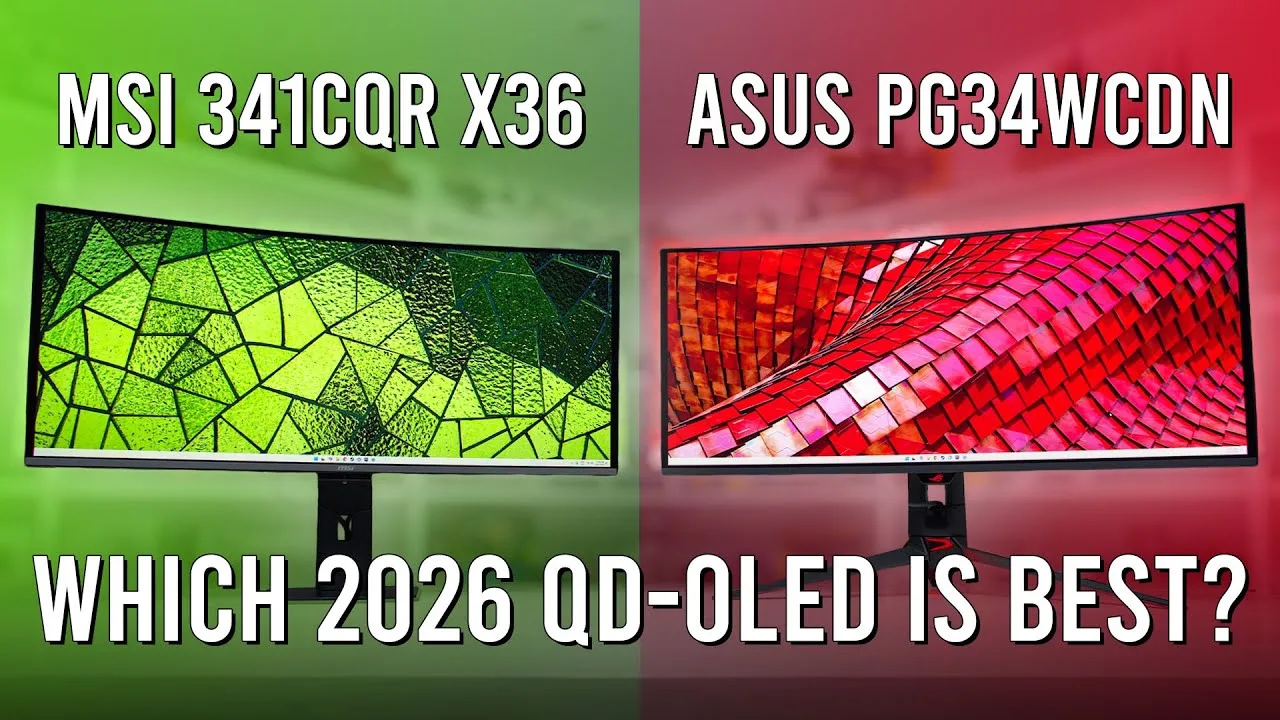 Monitors Unboxed
The MSI MPG 341CQR X36 uses Samsung Display's latest 34-inch QD OLED …
Monitors Unboxed
The MSI MPG 341CQR X36 uses Samsung Display's latest 34-inch QD OLED …
The MSI MPG 341CQR X36 uses Samsung Display's latest 34-inch QD OLED panel with 3440x1440 resolution, 21:9 aspect ratio, 1800R curvature, and 360Hz refresh rate with VRR. It features a traditional RGB stripe sub-pixel layout that eliminates previous QD OLED text rendering issues, making web browsing and desktop use comparable to LCDs. The improved screen coating reduces ambient light reflectivity and purple tinting compared to earlier QD OLEDs, though glossy WOLED panels still perform better in bright environments. MSI brands the coating improvement as "pure black," functionally identical to ASUS's "true black film." The monitor has a thin OLED panel section with a central rear component housing, RGB LED lighting, and plastic construction befitting a high-end display.
- →Ideal for users prioritizing text clarity over maximum resolution
- →Best QD OLED yet for bright room usage, though not perfect
- →Excellent choice for competitive gaming at high refresh rates
- →Suitable for mixed productivity and gaming workflows
- →Consider WOLED alternatives for purely dark room viewing
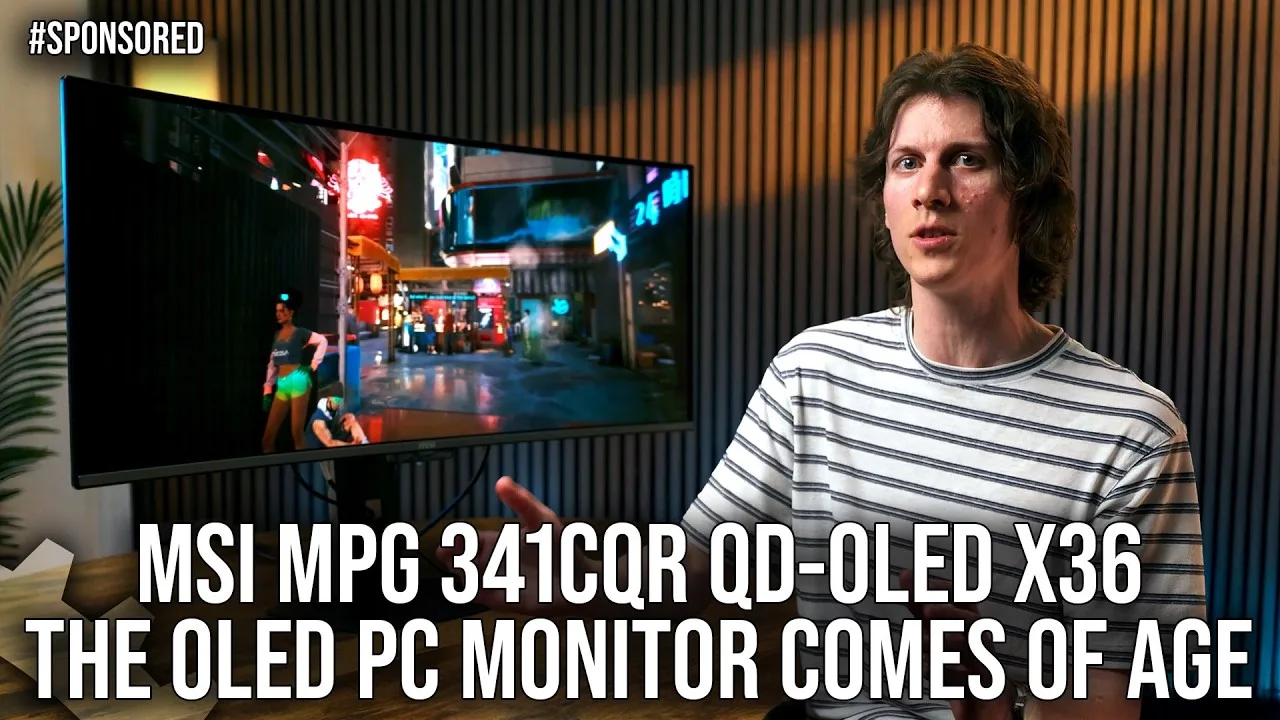 Digital Foundry
This 34-inch curved ultra-wide QD OLED monitor represents a …
Digital Foundry
This 34-inch curved ultra-wide QD OLED monitor represents a …
This 34-inch curved ultra-wide QD OLED monitor represents a significant advancement for PC-oriented OLED displays. The fifth-generation Tandem Quantum Dot panel addresses previous text clarity concerns, while a new dark armor coating improves black levels for both gaming and productivity. At 3440x1440 resolution with 360Hz refresh rate, it targets competitive gamers seeking motion clarity and low input latency. MSI's OLED Care 3.0 provides comprehensive burn-in prevention through pixel shifting, screen protection dimming, and automated panel refresh cycles. Connectivity is robust with HDMI 2.1, DisplayPort 2.1a with UHBR 13.5 bandwidth, and 98W USB-C power delivery. Variable refresh rate support spans HDMI 2.1 VRR, G-Sync, and FreeSync Premium for cross-platform compatibility.
- →Ideal for competitive gamers prioritizing motion clarity
- →Suitable for mixed productivity with burn-in safeguards active
- →Console-ready with full HDMI 2.1 VRR support
- →Laptop docking simplified via 98W USB-C power delivery
- →Requires VRR or frame generation for optimal 360Hz utilization
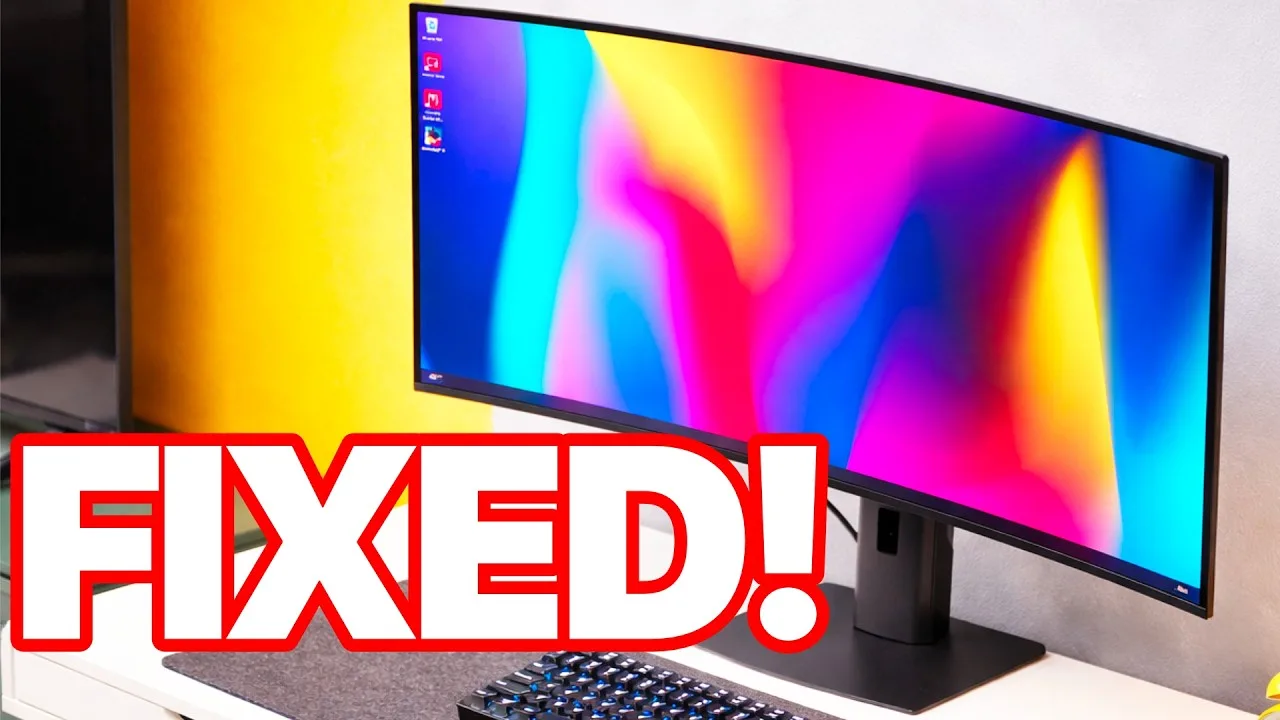 Jon Rettinger
A pre-production first look at a fifth-generation QD OLED ultrawide …
Jon Rettinger
A pre-production first look at a fifth-generation QD OLED ultrawide …
A pre-production first look at a fifth-generation QD OLED ultrawide that finally solves text readability through RGB stripe subpixel layout. Previously, triangular subpixel arrangements caused rainbow fringing and eye strain during document work. Image quality remains stunning with accurate—not oversaturated—colors, and gaming at 360Hz 3440x1440 delivers exceptional motion fluidity. The proprietary 'pure black' coating successfully prevents the purple/magenta ambient light reflection common to OLEDs. Peak brightness is extremely high, requiring dark mode for comfortable extended text use. Burn-in safeguards exist but HUD-heavy gaming remains a risk factor.
- →Ideal for users wanting one display for gaming and productivity
- →Best suited for dark mode users doing text-heavy work
- →Excellent choice for bright room HDR gaming setups
- →Consider burn-in risks for games with persistent HUDs
- →Wait for full retail review before purchasing decision
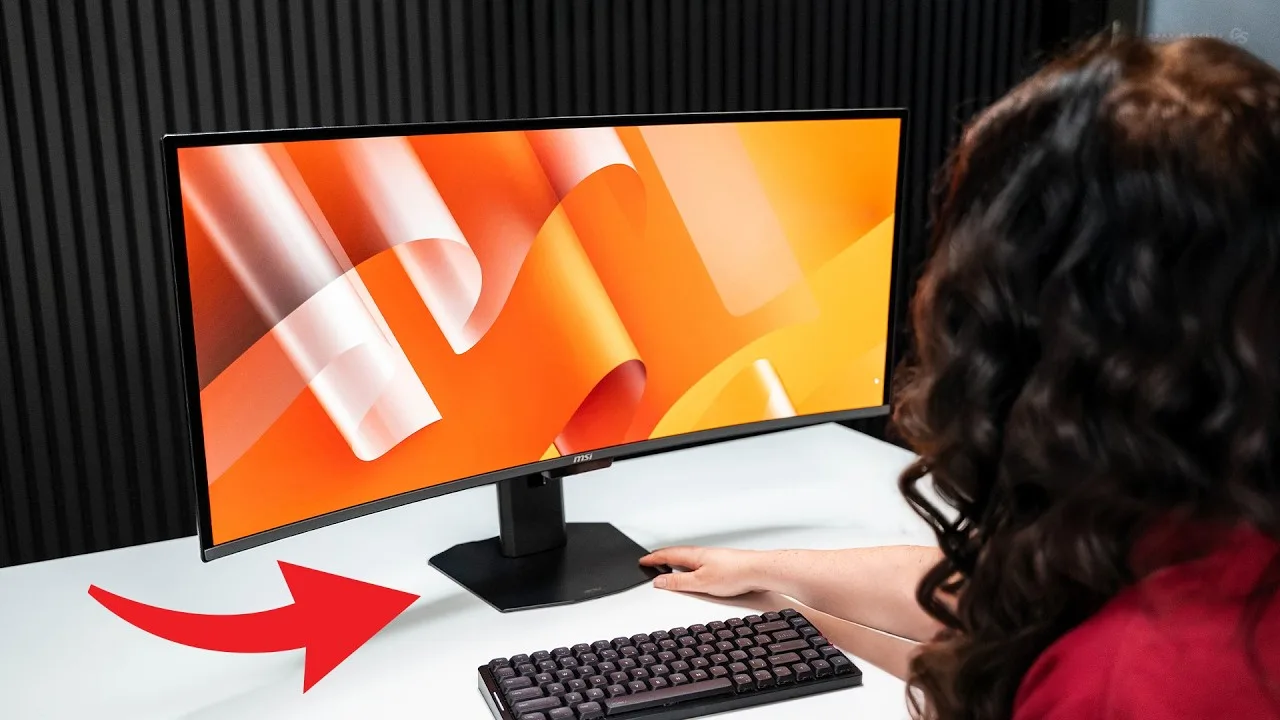 Gear Seekers
Nick has used the MPG 341CQR X36 since December 2025 and considers it …
Gear Seekers
Nick has used the MPG 341CQR X36 since December 2025 and considers it …
Nick has used the MPG 341CQR X36 since December 2025 and considers it transformative for ultrawide gaming. The 360Hz refresh rate combined with the immersive curved format creates fluidity that ruins other monitors by comparison. At approximately $1,100 USD, it targets serious enthusiasts. The panel uses Gen 5 Tandem OLED technology—dual stacked organic layers that increase brightness while reducing burn-in risk by sharing workload. RGB stripe subpixel layout returns to traditional vertical bar arrangement, finally resolving text clarity issues that plagued triangular OLED pixel layouts. The stand earns particular praise for its exceptionally thin, desk-space-saving base compared to typical ultrawide leg designs.
- →Ideal for competitive gamers prioritizing motion clarity above all
- →Excellent for users frustrated by OLED text fringing
- →Worthwhile for professionals needing accurate color gamut coverage
- →Consider only if budget allows premium flagship investment
- →Strong choice for desk-space-constrained setups
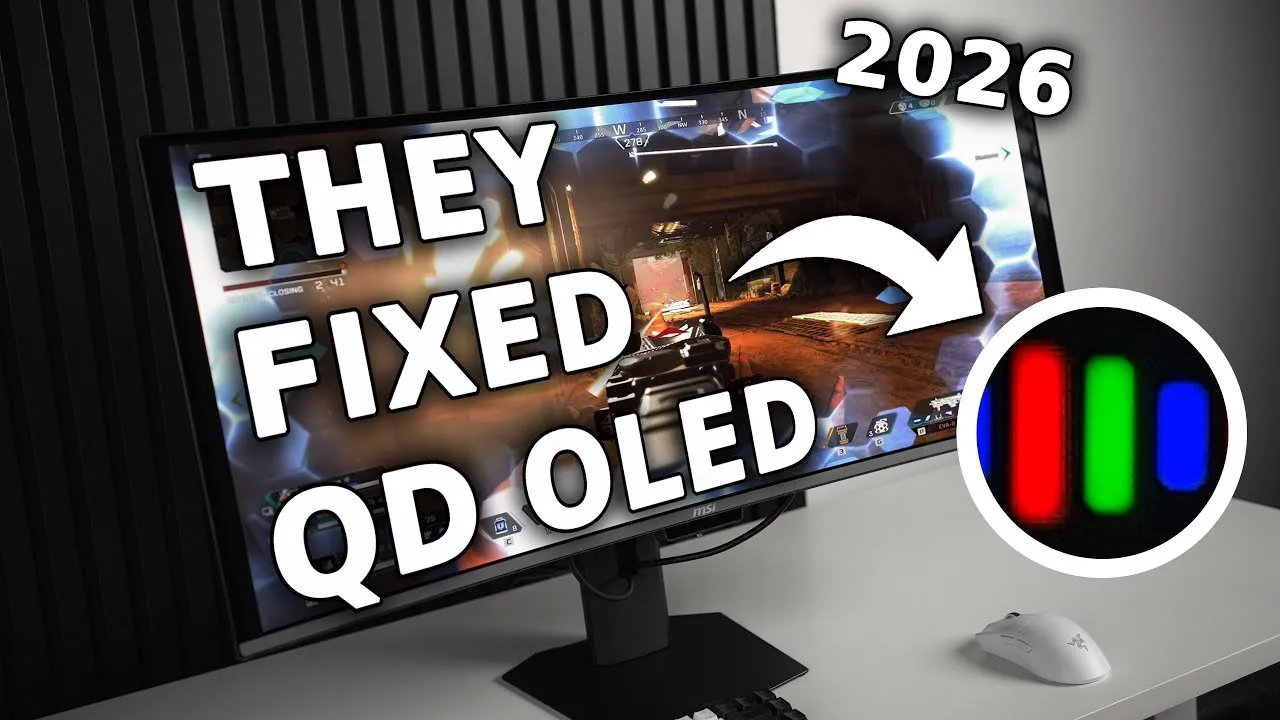 The Display Guy
MSI's MPG 341CQR X36 is a 3440x1440 360Hz curved QD OLED monitor …
The Display Guy
MSI's MPG 341CQR X36 is a 3440x1440 360Hz curved QD OLED monitor …
MSI's MPG 341CQR X36 is a 3440x1440 360Hz curved QD OLED monitor featuring a Gen 5 panel with notable upgrades over previous generations. HDR performance impresses with 1300-nit highlights and vibrant imagery, though the 10% window remains under 600 nits, limiting it to True Black 500 rather than the hoped-for 1000 nits. A standout feature is the first-ever HDR curve editor, allowing per-window-size adjustments. Ambient light handling sees significant improvement—from roughly 0.18 nits to 0.11 nits—making the monitor more usable in bright rooms, though it still trails WOLED technology. Text clarity benefits from Samsung's new V-Stripe RGB panel, which should reduce fringing issues that plagued earlier QD OLED displays.
- →Excellent for dark-room HDR gaming with bright highlight pop
- →Viable finally for bright-room users upgrading to QD OLED
- →Professionals benefit from first-ever HDR curve customization
- →Text-heavy workflows improved by V-Stripe RGB panel clarity
- →Not ideal for users demanding absolute best ambient light rejection
 Seyyah Ressam
This monitor delivers exceptional gaming performance with its 34-inch …
Seyyah Ressam
This monitor delivers exceptional gaming performance with its 34-inch …
This monitor delivers exceptional gaming performance with its 34-inch QD OLED panel running at 360Hz with 0.03ms response time. The unboxing experience impresses with premium accessories including a factory color calibration report. Assembly requires no tools, and the aggressive gaming aesthetic features RGB lighting and carbon-style ventilation. The 1800R curve strikes a balance for gaming, movies, and productivity, while Dark Armor Coating improves black depth by 40% and scratch resistance. Connectivity is comprehensive with HDMI 2.1, DisplayPort 2.1a (54Gbps), and USB-C with 98W power delivery. HDR peaks at 1300 nits, and AI features like automatic dimming help prevent OLED burn-in. Real-world gaming performance in titles like Cyberpunk and racing games is described as stunning and hard to return from.
- →Ideal for competitive esports and fast-paced shooters
- →Suitable for photo and video editing workflows
- →Perfect for immersive racing and cinematic gaming
- →Great for users wanting premium unboxing experience
- →Excellent for those prioritizing OLED burn-in prevention
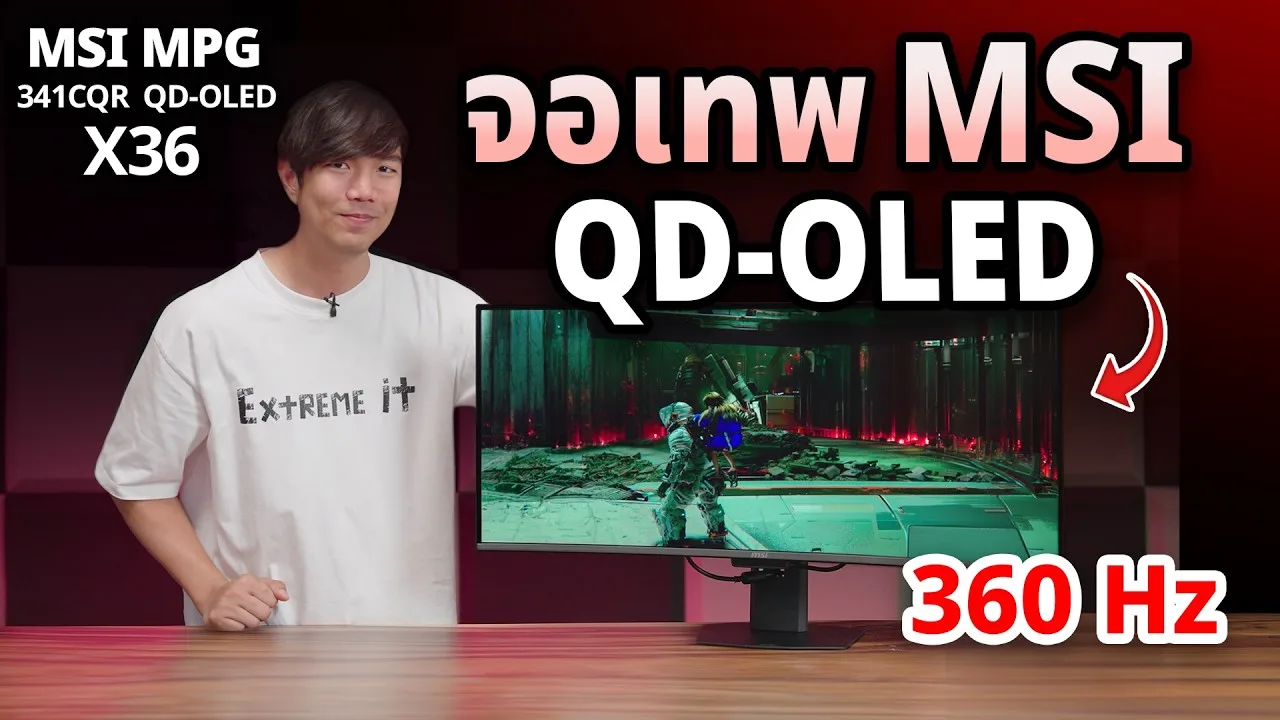 Extreme IT
This 34-inch QD OLED monitor features a 3440x1440 resolution with an …
Extreme IT
This 34-inch QD OLED monitor features a 3440x1440 resolution with an …
This 34-inch QD OLED monitor features a 3440x1440 resolution with an exceptionally high 360Hz refresh rate and 0.03ms response time, priced at 34,900 THB. The Gen 5 QD OLED panel incorporates Pentatandem 5-layer structure with RGB Strip subpixel arrangement for improved sharpness near IPS levels. Brightness reaches 1300 nits with Delta E below 2 and DCI-P3 99% coverage. The 1800R curved design includes versatile stand adjustment with near-ground height capability, though portrait mode requires VESA mount removal. Multiple OLED Care features are included: proximity sensor for auto-dimming when away, pixel refresh, dimming functions, and ambient light adjustment. The Dark Armor film coating enhances black depth by 40% and reduces scratches. Third-gen Teo EEL material improves light emission efficiency, reducing power consumption and heat to minimize burn-in risk. 98W PD charging is supported.
- →Ideal for competitive gamers needing 360Hz refresh rate
- →Suitable for color-critical work with Delta E below 2
- →OLED Care features make burn-in unlikely in 2025-2026
- →Curved ultrawide format fits immersive gaming setups
- →Consider VESA mount for portrait orientation needs
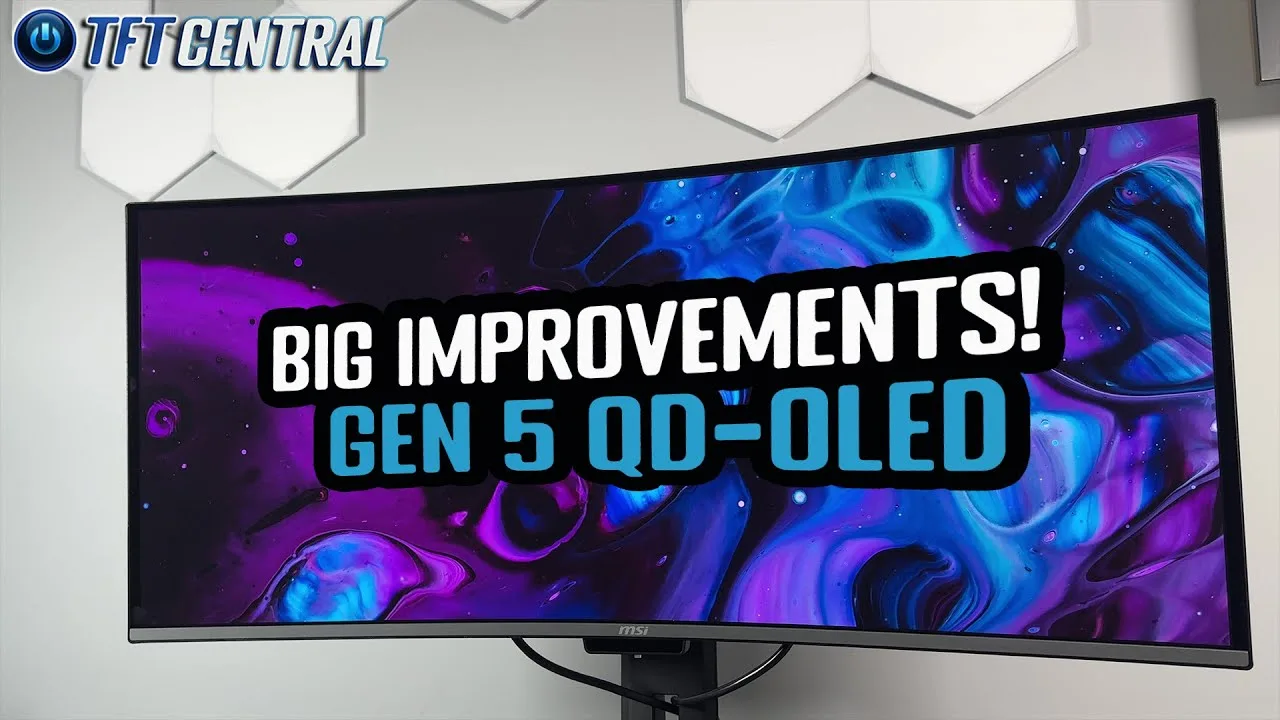 TFTCentral
The MSI MPG 341CQR X36 is a 34-inch ultrawide QD OLED monitor …
TFTCentral
The MSI MPG 341CQR X36 is a 34-inch ultrawide QD OLED monitor …
The MSI MPG 341CQR X36 is a 34-inch ultrawide QD OLED monitor featuring Samsung Display's new 2026 panel (referred to as Gen 5). It maintains the 3440x1440 resolution and 1800R curvature of previous generations while introducing significant improvements. The panel now offers a true RGB stripe sub-pixel layout for the first time in modern OLED monitors, eliminating text fringing artifacts that plagued earlier QD OLED panels. The coating has been upgraded from 2H to 3H hardness, providing 2.5x better scratch resistance. Additionally, the new coating and adjusted color layers improve perceived black depth in well-lit rooms, addressing a longstanding weakness of QD OLED technology where blacks would appear gray or purple under ambient lighting.
- →Ideal for productivity users needing sharp, artifact-free text rendering
- →Well-suited for bright room environments due to improved black levels
- →Good upgrade path from earlier 34-inch QD OLED monitors
- →Recommended for users concerned about panel scratch durability
Community Discussions via Reddit
Comparison
r/OLED_Gaming
u/viky109
Owner viky109 recently purchased the MSI MPG 341CQR X36 and initially praised its picture quality, but experienced severe VRR flickering during gameplay in titles like Satisfactory and Helldivers 2, particularly noticeable when looking at bright sky scenes. The flicker persisted despite FPS capping due to inconsistent frame times. Community discussion confirmed this as a widespread OLED technology limitation rather than a unit defect, with multiple users noting some games are simply too poorly optimized to avoid flicker regardless of settings. The owner ultimately returned the monitor, citing inability to tolerate the flicker and unwillingness to disable VRR due to resulting hitching.
Key Insights
- →Best for users who prioritize picture quality over VRR stability and are not sensitive to flicker
- →Not ideal for users playing poorly optimized games with inconsistent frame times
- →Not ideal for users sensitive to flicker, particularly in bright scenes—owner explicitly warns 'Do not buy this monitor if you're sensitive to flicker'
- →VRR flicker is inherent to OLED technology in this product, not a defect or fixable issue
- →Community consensus: no reliable mitigation exists for problematic games; returning to IPS is the only guaranteed solution for affected users
Top Comments
VRR Flicker is currently one of the limitations of OLED monitors unfortunately. They all fare quite poorly on that metric in comparison to IPS monitors. If you want VRR that works, you'd need to go …
The flicker is mostly present in menu and loadings where the framerate and framepacing is all over the place.. but thats the tradeoff of oled To reduce it cap your fps and turn on vsync To …
It can. It’s a technology flaw. Only because _you_ can not make it happen, does not mean it does not exist.
Quick Opinion
r/MSI_Gaming
u/sjwaller
Owner sjwaller praises the MSI MPG 341CQR X36 as the best ultrawide they've owned, highlighting the 5th-gen QD-OLED panel with RGB Stripe sub-pixel layout for improved text clarity and reduced color fringing. The monitor delivers strong gaming performance at 3440×1440 with 360Hz refresh rate and 0.03ms response time. HDR performance reaches 1300 nits with deep blacks attributed to DarkArmor Film coating. Connectivity includes DP 2.1a, dual HDMI 2.1, and USB-C with 98W power delivery, plus built-in KVM functionality. The main learning curve involves OLED Care features including AI Care Sensor, panel protection, static screen detection, and occasional forced panel refreshes during use. MSI provides 3-year burn-in warranty coverage.
Key Insights
- →Best suited for gamers seeking high-refresh ultrawide experience with premium OLED image quality
- →Text clarity improvements make this viable for productivity/mixed use, not just gaming
- →Users should expect to invest time learning OLED Care features to avoid mid-session interruptions
- →Burn-in warranty provides peace of mind for long-term OLED ownership concerns
- →Strong connectivity options make this appropriate for multi-device workstations, not just single-PC setups
Top Comments
I'm not a bot - lol. I had to create a review of the monitor to redeem my RE9 key ...
Scores based on weighted analysis of 36 expert and community sources. How we review →