

LG UltraGear 45GX950A
Best For
- Sim racing and flight sim enthusiasts
- Creative pros needing accurate wide-gamut color
- Gamers who want ultrawide OLED at max resolution
Consider Carefully
- Users with GPUs below high-end tier (e.g., RTX 3080 Ti)
- Anyone with a compact or shallow desk setup
- Budget-focused buyers under $1,500
Jump to Section
The Bottom Line
The LG UltraGear 45GX950A is a high-end gaming monitor that's making waves with its stunning WOLED panel and immersive 800R curve. We found that this 45-inch behemoth is particularly favored for its exceptional pixel density of 125 PPI, which delivers sharp, bright visuals with extensive color gamut coverage of 98–98.5% DCI-P3. According to rtings.com, it's the 'first 45-inch WOLED with 5120x2160 resolution', and tomshardware.com notes its 'nearly 98% DCI-P3 coverage'. Its 0.03ms response time is a boon for competitive gaming, ensuring smooth motion clarity. However, the expansive size and curve design demand a spacious desk and a powerful GPU to fully leverage its capabilities, and some users might find the curve too tight for their comfort.
Performance Breakdown
Expert Scores
How 5 professional publications rated this product
In-Depth Analysis
Display & Image Quality 96
The first 45-inch WOLED at 5120x2160 earns near-unanimous praise across 19 sources, with the 800R curve and 125 PPI density making it the go-to for immersive single-player gaming.
Key Takeaway
→If you want the largest, sharpest WOLED ultrawide available for immersive gaming or productivity, this is the panel. If pixel density is your top priority, the 39-inch sibling wins.
Refresh Rate & Performance 91
Reviewers agree the motion performance is excellent for immersive gaming, but the 330Hz dual mode doesn't make this a competitive esports monitor.
Key Takeaway
→For single-player and simulation gaming, the motion performance is excellent. Competitive esports players chasing raw performance should look at purpose-built high-refresh panels instead.
Connectivity & Ports 90
DisplayPort 2.1, two HDMI 2.1, and 90W USB-C make this one of the better-connected monitors at this size, though the lack of KVM is a real gap for dual-computer users.
Key Takeaway
→For a single PC or laptop setup, the connectivity is excellent. If you need KVM for two computers or are managing multiple consoles, plan around the gaps before buying.
HDR & Color Accuracy 88
Nearly 98% DCI-P3 without a Quantum Dot layer is impressive, but The Display Guy is clear that HDR gaming falls short of QD-OLED alternatives.
Key Takeaway
→For dark room gaming and color-critical creative work, the panel delivers. If HDR gaming performance is your benchmark, QD-OLED alternatives score higher.
Dual-Mode Versatility 87
The 165Hz to 330Hz dual mode is a genuine differentiator, but dropping to 1080p for 330Hz is a real resolution trade-off that divides reviewers on whether it's worth using.
Key Takeaway
→If you split time between immersive single-player and occasional competitive gaming, dual mode adds real flexibility. If competitive esports is your main use, the resolution drop at 330Hz makes this the wrong tool.
Ergonomics & Design 74
The 800R curve and premium build earn real praise, but five sources flagged the desk space demands and five more called out the price, making this a monitor that requires commitment on both fronts.
Key Takeaway
→If you have a large desk, a sim racing or flight sim setup, and the budget, the design delivers. If your desk is under 80cm deep or you want flexibility in curve and orientation, this is the wrong monitor.
Built-in Audio 72
The speakers surprise with bass presence but can't get loud enough for serious use. Six sources agree: treat them as a backup, not a feature.
Key Takeaway
→The speakers work for casual background audio and the DTS headphone support is a nice touch, but budget for external audio if sound quality matters to you.
GPU & System Requirements 59
Four sources flagged GPU requirements as a hard prerequisite, and Sean Aslam put a number on it: RTX 5080 or 5090 territory to fully exploit the resolution.
Key Takeaway
→Check your GPU before anything else. If you're not running an RTX 5080, 5090, or equivalent, you won't get full value from this panel at native resolution.
Specifications & Verdict
Display
- Screen Size
- 44.5 in
- Resolution
- 5120 × 2160
- Aspect Ratio
- 2.37:1
- Pixel Density
- 124 ppi
- Panel Type
- OLED
- Curvature
- 800R (800mm radius)
- Screen Coating
- Anti-glare/Matte
Performance
- Refresh Rate
- 165 Hz
- Response Time
- 0.03 ms
- Input Lag
- 3.7 ms
- Adaptive Sync
- FreeSync and G-Sync Compatible
Image
- Contrast Ratio
- 1500000 : 1
- Brightness
- 275 nits
- Peak Brightness
- 1300 nits
- Color Gamut
- 100 %
- Color Depth
- 1073741824 colors
- HDR Support
- DisplayHDR 400 True Black
- Viewing Angles
- 178 °
Connectivity
- Video Inputs
- 1x DisplayPort 2.1, 2x HDMI 2.1, 1x USB-C
- USB Ports
- 3.2 2x down
- Audio Output
- 3.5mm headphone output
- Speakers
- 2 x 10 W
Design
- Weight
- 9.4 kg
- Dimensions
- 1042.66 mm
- Bezel Width
- 0.28 inch (7mm)
- Panel Thickness
- 8.9 inches (226mm)
- VESA Mount
- Yes
- Height Adjustment
- 120 mm
- Tilt
- -5° to 15°
- Swivel
- ±10°
Other Specs
- Power Consumption
- 85.3w, brightness @ 200 nits
- Warranty
- 2 years
- Special Features
- Antu-theft stand lock slot - Kensington
- Smart Os
- No
Our Verdict
The LG UltraGear 45GX950A earns its 89/100 score. At $1,999, it's a serious investment, but the 5120x2160 WOLED panel with 125 PPI, 98–98.5% DCI-P3 coverage, and an 800R curve deliver something genuinely hard to find elsewhere. Sim racers and creative professionals will get the most out of it. If your GPU is below RTX 4080 territory, or your desk is under 60 inches wide, look elsewhere first.
Customer Reviews Amazon
572 reviews
Insanely immersive
Great Panel!
OLED is superior
THE Best 45inch Gaming Oled Monitor of Today!
Show all 7 reviews
This monitor is amazing; pros/cons for non-professional users
beautiful monitor. good pixel density for desktop use. absolutely shines when playing games
I was blown away,going from Alienware 3225qf
Reviews shown are from Amazon customers and do not reflect our editorial assessment.
Reader Questions
Specific questions about the LG UltraGear 45GX950A, answered only from what reviewers reported.
01Is the 800R curve too aggressive for everyday use?
Reviewers are divided on this. The curve creates strong immersion for simulators and fills peripheral vision, but some found it excessively aggressive for normal gaming and noted the monitor ends encroach deeply into desk space. Productivity users are advised to consider their curve tolerance carefully before buying.
02Do you need a top-end GPU to run this monitor at full resolution?
Yes, reviewers consistently flag this as a real concern. Running the full 5K2K resolution at 165Hz demands serious hardware, with one reviewer noting that even a 3080 Ti cannot reach 165Hz at max settings. The dual-mode 330Hz option drops to a lower resolution, which eases the GPU load for competitive gaming.
03Can I use this as a single-cable dock for my laptop?
The USB-C port delivers 90W of power delivery, which reviewers noted eliminates the need for a separate laptop docking station. However, the monitor lacks a USB hub with KVM support, so users running dual-computer workflows will still need additional hardware.
04How does the OLED panel handle HDR brightness?
Reviewers measured peak HDR brightness reaching nearly 1,300 nits in small highlight areas, with one source recording 820 nits in a 10% window. The OLED panel also delivers true blacks and infinite contrast, which reviewers said makes HDR content look exceptional.
05Is the external power brick a practical problem?
Reviewers flagged the large external power supply as a minor but real inconvenience, noting it typically requires floor placement rather than sitting neatly on a desk. It is worth factoring into your setup planning alongside the monitor's 100 cm desk footprint.
06Is the text sharp enough for productivity work on a 45-inch screen?
Reviewers found the 125 PPI pixel density noticeably improves text clarity compared to lower-resolution ultrawides, and the 5K2K resolution was specifically highlighted as a meaningful upgrade for productivity. The 800R curve also reduces head movement when working across the wide panel.
Pricing & Availability
Updated Jul 7, 2026LG UltraGear 45GX950A
All regions
Sources & Methodology
Every score is built on evidence. This review synthesizes 22 independent sources — expert publications, video reviews, and community discussions — weighted by credibility, depth, and relevance.
Show detailed source analysis ↓ Hide source analysis ↑
Expert Reviews
rtings.com
Top
9.1/10-point
The LG 45GX950A-B is a 45-inch ultrawide WOLED gaming monitor with a 5120x2160 resolution (125 PPI) and fixed 800R curve. Its standout feature is Dual-Mode, allowing switching between 5K2K at 165Hz or 2560x1080 at 330Hz. Connectivity includes HDMI, DisplayPort 2.1, and USB-C with 90W power delivery. The monitor delivers sharp motion, deep blacks, and bright highlights. A March 2026 firmware update improved HDR brightness and color volume. LG offers a two-year warranty including OLED panel coverage in the United States, though regional variations exist. The monitor is positioned as a premium, versatile option for gamers who want both high-resolution immersion and competitive high-refresh gaming.
Strengths
- +First 45-inch WOLED with 5120x2160 resolution
- +Dual-Mode switches to 330Hz at lower resolution
- +DisplayPort 2.1 and HDMI for modern devices
- +USB-C with 90W power delivery included
Weaknesses
- −Very expensive price point
- −Lower pixel density than smaller alternatives
- −Fixed 800R curve not adjustable
- −No Smart OS unlike some LG variants
tomshardware.com
Top
4.5/5-point
A 45-inch 21:9 OLED monitor with 5120x2160 resolution and 800R curve, purpose-built for racing and flying simulators. The 125ppi panel delivers bright, sharp visuals with nearly 98% DCI-P3 coverage and strong HDR performance up to 1,300 nits in small windows. Motion handling excels through 165 Hz native refresh (330 Hz dual-mode at lower resolution), 0.03ms response time, and Adaptive-Sync support. Built-in speakers with DTS Headphone:X and premium construction round out the package. Calibration introduces gamma errors, though accuracy is strong out of the box.
Strengths
- +Bright, sharp image with high 125ppi pixel density
- +Accurate color without calibration needed
- +Excellent video processing and motion clarity
- +Flexible 165 Hz and 330 Hz dual refresh modes
Weaknesses
- −Gamma errors appear when calibrating
- −Requires powerful GPU for full resolution gaming
- −Very tight curve may not suit all users
me.pcmag.com
Top
4.5/5-point
Testing the 45-inch curved OLED monitor with a Windows PC and Mac Studio Ultra yielded a largely positive experience. Cyberpunk 2077 displayed vibrant colors and deep blacks, while the ultrawide format streamlined multitasking. The 800R curve feels natural after brief adjustment, and thin bezels across all four sides create a sleek appearance. The anti-glare coating manages reflections effectively even with direct sunlight. Build quality feels durable despite the 20.5 kg weight, and setup remains straightforward. Ergonomics include 120mm height adjustment, -5° to 15° tilt, and ±10° swivel, though pivot is absent. Connectivity covers two HDMI 2.1 ports, DisplayPort 2.1 with UHD 13.5 and DSC, USB-C with 90W power delivery, plus USB-A and headphone jack. Internal 10W speakers suffice for casual use but fall short for serious entertainment. The OSD is well-organized with responsive joystick navigation, though lacks gaming overlays and remote control convenience.
Strengths
- +5K2K resolution with 165Hz refresh rate, 330Hz in Dual-Mode
- +Vibrant colors and deep blacks in gaming
- +Ultrawide format effortless for multitasking
- +Thin bezels on all four sides with no chin
Weaknesses
- −AED 7,499 / $1,699 premium price point
- −Requires spacious desk and powerful GPU
- −Occupies 100 cm of desk space
- −Some wobbling expected due to large size
techradar.com
Top
4.5/5-point
The LG Ultragear GX9 45GX950A-B is a premium 44.5-inch ultrawide OLED gaming monitor priced at $1,999.99. Its 800R curvature, 5K2K resolution, and high refresh rates create an immersive experience ideal for open-world and cinematic games. The built-in speakers sound decent, and port selection includes USB-C with 90W power delivery. However, the massive screen size requires eye movement to catch peripheral information, making it unsuitable for esports. Ergonomics are somewhat limited given the panel's size. The monitor targets affluent gamers prioritizing immersion over competitive performance.
Strengths
- +Immersive 4K HDR display with high refresh rate
- +OLED panel delivers excellent picture quality
- +Built-in speakers sound pretty decent
- +USB-C port with 90W power delivery included
Weaknesses
- −Expensive at $1,999.99 / £1,799.98 / AU$3,499
- −45-inch screen may be too wide for practicality
- −Requires darting eyes to read edge information
- −Not ideal for esports despite fast refresh rate
pcmag.com
4/5-point
The LG UltraGear 45GX950A is a $1,999 45-inch ultrawide OLED gaming monitor with a 5,120-by-2,160 resolution and 800R curvature. It introduces DisplayPort 2.1 for uncompressed high-bandwidth performance, and offers dual-mode functionality switching between 5K2K at 165Hz or 1080p at 330Hz. Measured brightness reached 413 nits in SDR, exceeding LG's own specifications. The monitor includes a USB-C port with 90W power delivery, DTS Headphone:X via its four-pole jack, and surprisingly capable internal speakers with some bass response. Multiple display size options allow simulating smaller 16:9 or 21:9 screens with black bars. The hexagonal stand design permits keyboard placement close to the screen, though the 30.9-pound monitor demands substantial desk space.
Strengths
- +First 45-inch curved OLED with 5,120-by-2,160 resolution
- +DisplayPort 2.1 enables uncompressed high refresh rates
- +Measured 413 nits SDR brightness exceeds spec claims
- +Dual-mode: 165Hz at 5K2K or 330Hz at 1080p
Weaknesses
- −Premium $1,999 price point
- −Heavy 30.9-pound weight
- −Requires substantial desk space
- −Speakers don't get very loud
digitrendz.blog
A premium 45-inch 21:9 OLED monitor engineered specifically for racing and flight simulation enthusiasts. The extreme 800R curve creates a near-VR level of immersion, wrapping the virtual cockpit around the user. Performance is strong with 5120×2160 resolution at 165 Hz, optional 330 Hz dual-mode, and excellent motion clarity from the OLED panel. HDR brightness reaches 673 nits in real-world testing with nearly 98% DCI-P3 coverage. Comprehensive connectivity includes DisplayPort 2.1, HDMI 2.1, and 90W USB-C. Minor gamma issues during calibration and the extreme curve's potential unsuitability for shooters are noted drawbacks.
Strengths
- +Extreme 800R curve creates near-VR immersion for simulators
- +125 PPI pixel density on 45-inch 5120×2160 OLED panel
- +Nearly 98% DCI-P3 color gamut without Quantum Dot layer
- +HDR reaches 673 nits real-world from 25% window
Weaknesses
- −Minor gamma issues noted during calibration process
- −Extreme curve may overwhelm users in shooter games
- −330 Hz dual-mode significantly reduces resolution
- −Over 11 million pixels demands powerful graphics card
Video Reviews
 Weenie Tech Builds and Weenie Tech Games
The reviewer purchased an open-box LG UltraGear 45GX950A for $1,149 …
Weenie Tech Builds and Weenie Tech Games
The reviewer purchased an open-box LG UltraGear 45GX950A for $1,149 …
The reviewer purchased an open-box LG UltraGear 45GX950A for $1,149 (down from $1,999) after it had sat in store since February with minor scratches. The monitor arrived well-packed despite the worn box, with only one tiny mark on the bottom of the screen and barely visible bezel scratches. Stand assembly proved simple with a click-in design and two base screws. The rear ARGB lighting impressed visually but serves little practical purpose during use. At 45 inches, the monitor fits reasonably on a desk despite its size. The OLED panel delivers gorgeous image quality with advertised peak brightness up to 1300 nits, though real-world average sits closer to 300 nits. The display covers 98.5% DCI-P3 color gamut.
- →Open-box deals can yield significant savings with minimal compromise
- →1000R curve suits users wanting aggressive immersion
- →OLED panel ideal for color-critical and cinematic content
- →45-inch size manageable for standard desk setups
- →Consider actual 300-nit average brightness for bright rooms
 Brian Mads
The reviewer purchased the 45-inch LG UltraGear 45GX950A, the first 5K …
Brian Mads
The reviewer purchased the 45-inch LG UltraGear 45GX950A, the first 5K …
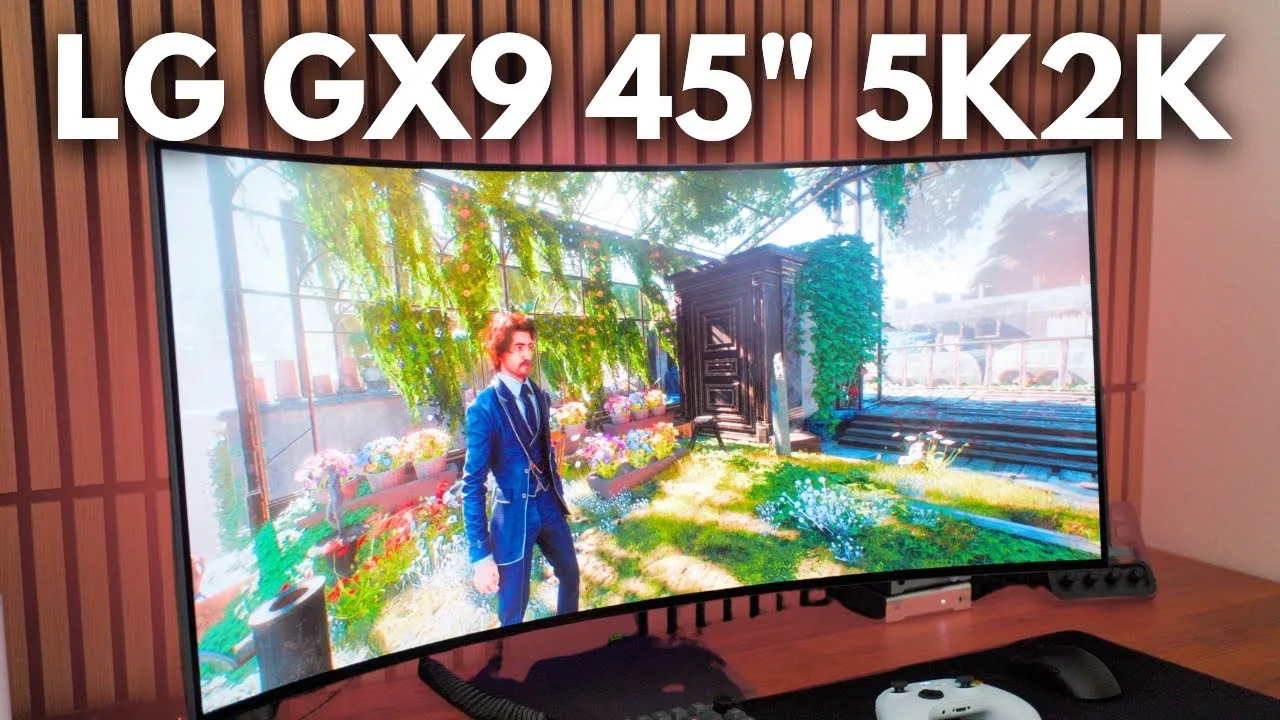
The reviewer purchased the 45-inch LG UltraGear 45GX950A, the first 5K 2K monitor from LG, primarily for productivity and immersive gaming. He found the 5120x2160 resolution with high pixel density transformative for video editing, trading, and multitasking. The 800R curve, matte screen, and compact base make the large display surprisingly desk-friendly. USB-C with power delivery eliminated his need for a laptop dock. While too large for competitive esports like Valorant, the monitor excelled at story-driven AAA games, prompting him to revisit titles like Cyberpunk and Red Dead Redemption. However, driving native resolution at 165Hz proved demanding even for his RTX 3080 Ti, requiring reduced graphics settings in most games.
- →Ideal for creative professionals prioritizing screen real estate
- →Best suited for immersive story games, not competitive esports
- →Ensure high-end GPU before purchasing this monitor
- →Excellent laptop companion thanks to USB-C power delivery
- →Consider desk space carefully despite relatively small base
 Monitors Unboxed
A 45-inch ultrawide OLED monitor with a 5120x2160 resolution that …
Monitors Unboxed
A 45-inch ultrawide OLED monitor with a 5120x2160 resolution that …
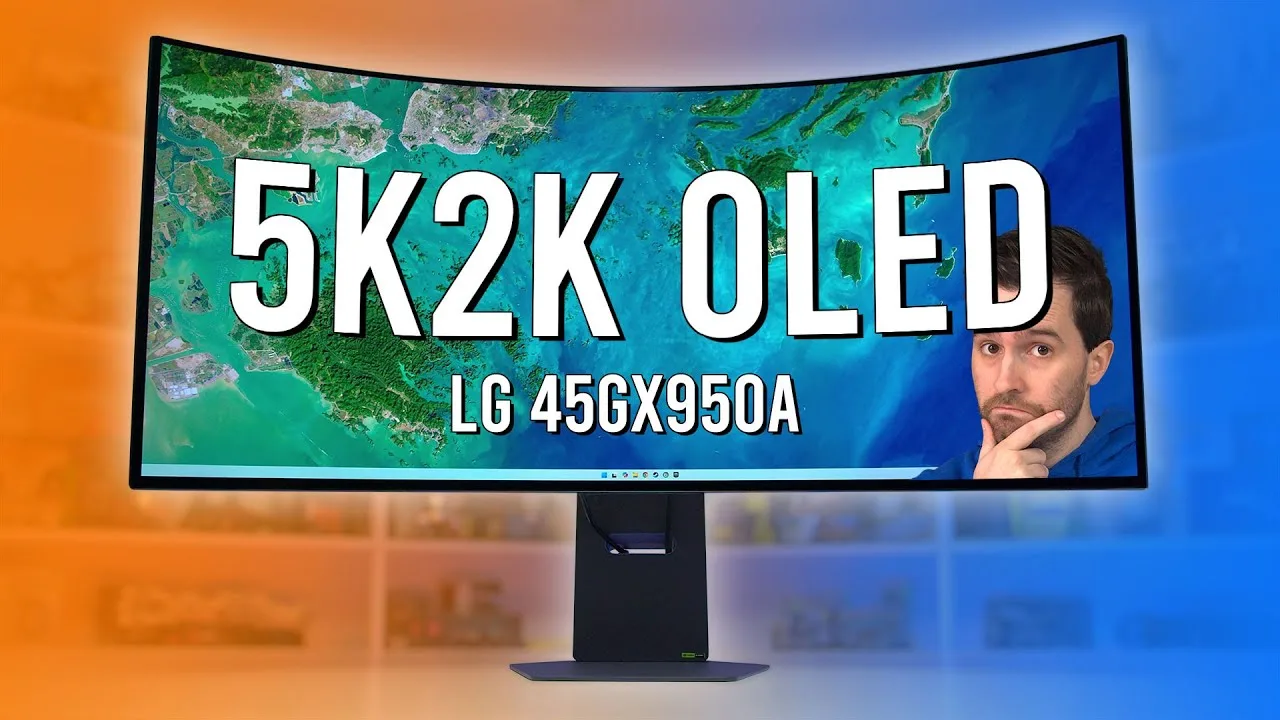
A 45-inch ultrawide OLED monitor with a 5120x2160 resolution that delivers exceptional gaming immersion due to its massive screen area—76% larger than 34-inch ultrawides. The 165Hz W OLED panel with DisplayHDR TrueBlack 400 produces phenomenal visuals in modern single-player titles and multiplayer shooters, extending the image horizontally rather than simply enlarging it. However, the aggressive 800R fixed curve proves divisive, distorting flat-designed applications and limiting productivity use despite the resolution upgrade. The reviewer finds the curvature excessive for general gaming, suggesting 1800R would broaden appeal, though racing sim enthusiasts may appreciate it.
- →Ideal for immersive single-player and simulation gaming setups
- →Requires deep desk space due to dominant physical footprint
- →Productivity users should strongly consider curve tolerance
- →Wait for 45GX990A if adjustable curvature is preferred
- →Racing sim rig builders may appreciate 800R immersion
 RTINGS Computer
This 45-inch W OLED monitor delivers a unique ultra-wide experience …
RTINGS Computer
This 45-inch W OLED monitor delivers a unique ultra-wide experience …
This 45-inch W OLED monitor delivers a unique ultra-wide experience with 5K 2K resolution and aggressive 800R curvature that brings the massive screen closer to the viewer. The standout dual mode feature lets users switch between 165Hz at full resolution or 330Hz at 2560x1080 for competitive gaming. Connectivity includes two HDMI ports, one DisplayPort with UHBR 10 (40 Gbps), and a USB-C hub with 90W power delivery. OLED picture quality delivers deep blacks without blooming, though black levels rise in bright rooms. HDR performance makes small highlights pop with near 98% DCI-P3 coverage, but bright color reproduction is limited. SDR colors are accurate out of the box with only gamma tracking needing calibration. VRR flicker in dark scenes remains an OLED weakness, worsening at 330Hz.
- →Best for dark room gaming with controlled lighting
- →Use 330Hz dual mode for competitive esports titles
- →Keep dual mode off for 60-120Hz console gaming
- →Ideal for immersive single-player and simulation games
- →Works well for laptop docking with single USB-C cable
 The Friendly Xennial Gamer
The reviewer describes the 45-inch curved OLED display as …
The Friendly Xennial Gamer
The reviewer describes the 45-inch curved OLED display as …
The reviewer describes the 45-inch curved OLED display as transformative for both gaming and productivity. The 21:9 ultrawide aspect ratio significantly expands visible game worlds in supported titles, creating an immersive experience comparable to multiple monitors without the hassle. The 800R curve enhances this immersion by pulling the viewer into the image, becoming unnoticeable during use. While acknowledging the high price and format limitations for some users, the reviewer considers it a worthwhile investment for serious gamers and tech enthusiasts seeking to elevate their setup beyond console capabilities.
- →Ideal for immersive single-player and simulation gaming experiences
- →Excellent for creative professionals needing expansive workspace
- →Best suited for gamers with powerful modern GPUs
- →Requires checking game compatibility for ultrawide support
- →Worth the investment for dedicated PC gaming enthusiasts
 The Display Guy
The LG UltraGear 45GX950A delivers the first true 4K ultrawide OLED …
The Display Guy
The LG UltraGear 45GX950A delivers the first true 4K ultrawide OLED …
The LG UltraGear 45GX950A delivers the first true 4K ultrawide OLED experience with a 5120x2160 resolution panel, offering significantly more screen real estate and detail than 1440p alternatives. It features MLA-RGWB sub-pixel arrangement for improved text clarity, 165Hz refresh rate at full resolution, and 0.03ms response time with both G-Sync and FreeSync support. HDR brightness reaches 820 nits in a 10% window, making it one of the brightest tested displays. However, SDR colors stretch out of the box requiring menu correction, and every HDR mode exhibits EOTF tracking issues with visibly inaccurate colors. The DisplayPort 2.1 implementation is limited to 54 Gbps bandwidth, forcing display stream compression for 4K 165Hz. At $1,999.99, it includes a two-year warranty and maintains a relatively understated design suitable for most environments.
- →Ideal for ultrawide gamers prioritizing resolution and brightness
- →Requires manual calibration to fix stretched SDR colors
- →HDR gaming usable but inferior to QD-OLED alternatives
- →Professional HDR color work not recommended
- →Consider HDMI 2.1 to bypass DisplayPort bandwidth limitation
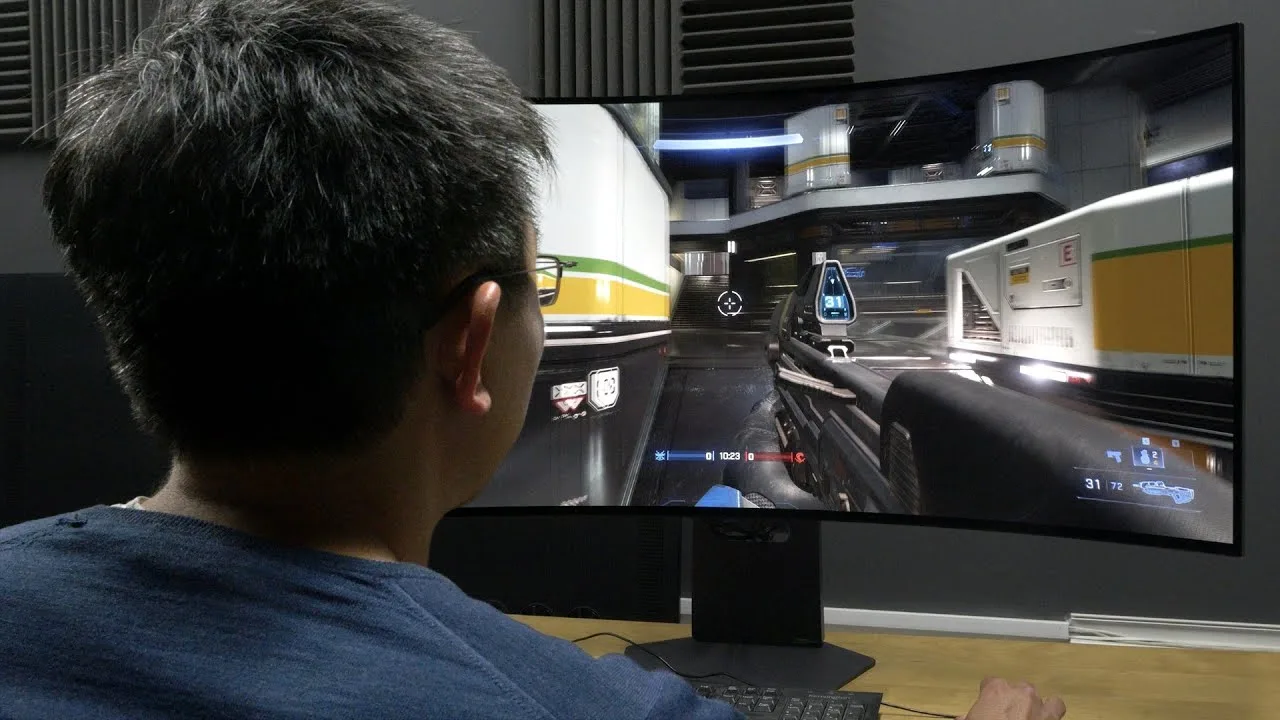 HDTVTest
The 45GX950A delivers the world's first 5K2K native resolution on a …
HDTVTest
The 45GX950A delivers the world's first 5K2K native resolution on a …
The 45GX950A delivers the world's first 5K2K native resolution on a 45-inch ultrawide OLED panel, achieving 125ppi for enhanced text clarity and productivity use. Its 800R curvature proves more acceptable at this size than on smaller displays, improving immersion in racing games. Dual mode functionality offers flexible performance: 165Hz at native 5120x3160 or 330Hz at 2560x1080, switchable via OSD, software, or hotkey. Factory calibration impresses in SDR with accurate grayscale in Gamer One preset, though sRGB mode is needed for proper color accuracy. HDR peak brightness reaches nearly 1300 nits at high setting but sacrifices PQ accuracy, continuing LG's struggle with simultaneous brightness and tracking precision. MLA Plus technology enables higher light output than conventional OLEDs.
- →Ideal for gamers wanting both cinematic quality and competitive speed
- →Productivity users benefit from 50% more pixels than 49-inch alternatives
- →Content creators gain timeline space with larger effective screen area
- →Racing game enthusiasts receive enhanced immersion from curvature
- →Color-critical work requires switching from default to sRGB mode
 At Home with Lucas
The reviewer unboxed and tested the 45-inch LG UltraGear 45GX950A, …
At Home with Lucas
The reviewer unboxed and tested the 45-inch LG UltraGear 45GX950A, …
The reviewer unboxed and tested the 45-inch LG UltraGear 45GX950A, praising its unique 5K/2K dual-resolution capability, 125 PPI pixel density, and 800R curvature for immersive gaming. The monitor delivers 0.03ms response time, 1300 nits brightness, and OLED picture quality with LG Care burn-in prevention. However, the 45-inch size and weight caused stability issues on a 9-inch shelf, requiring desk placement instead. Running at 165Hz and 5K demands a powerful PC. The reviewer was initially blown away by gameplay immersion but planned further testing for a final verdict.
- →Best for gamers with powerful PCs and ample desk space
- →Ideal for bright room gaming at 1300 nits
- →Requires sturdy, deep desk or wall mount for safety
- →Consider graphics card upgrade before purchasing
- →OLED burn-in protection suits long gaming sessions
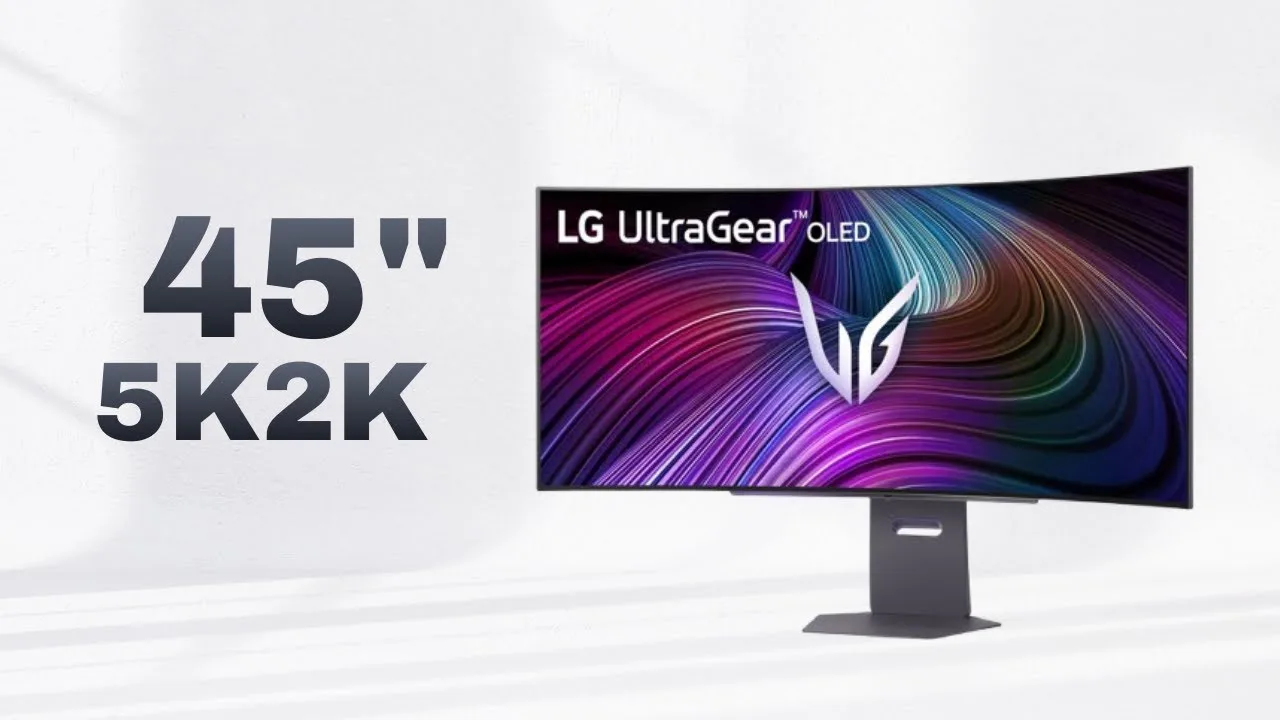 Kizzy
The reviewer spent two weeks with the 45-inch LG UltraGear 45GX950A, a …
Kizzy
The reviewer spent two weeks with the 45-inch LG UltraGear 45GX950A, a …
The reviewer spent two weeks with the 45-inch LG UltraGear 45GX950A, a 5K2K 165Hz OLED ultrawide gaming monitor. Setup is tool-free, though the monitor's nearly 10kg weight makes solo VESA mounting risky. The design earns praise for its minimal, non-gamer aesthetic and clean rear RGB lighting. The 800R curve effectively fills peripheral vision without causing eye strain during extended use. Port selection includes two HDMI 2.1, one DisplayPort 2.1 with 80Gbps bandwidth for uncompressed 4K, USB-C with 90W power delivery, and two USB-A ports. However, the reviewer criticizes the external power brick, limited port selection lacking USB-B and KVM functionality, and the desk space requirements—occupying roughly 80% of a 1.7m desk.
- →Ideal for immersive gaming with its 800R curved OLED panel
- →Best suited for users with large desks, 1.7m or wider
- →DisplayPort 2.1 benefits high-resolution, uncompressed workflows
- →USB-C with 90W suits single-laptop docking setups
- →Poor fit for dual-computer users needing KVM functionality
 Johnny McPro
A 45-inch curved W OLED monitor with 5120x2160 resolution, 165Hz …
Johnny McPro
A 45-inch curved W OLED monitor with 5120x2160 resolution, 165Hz …
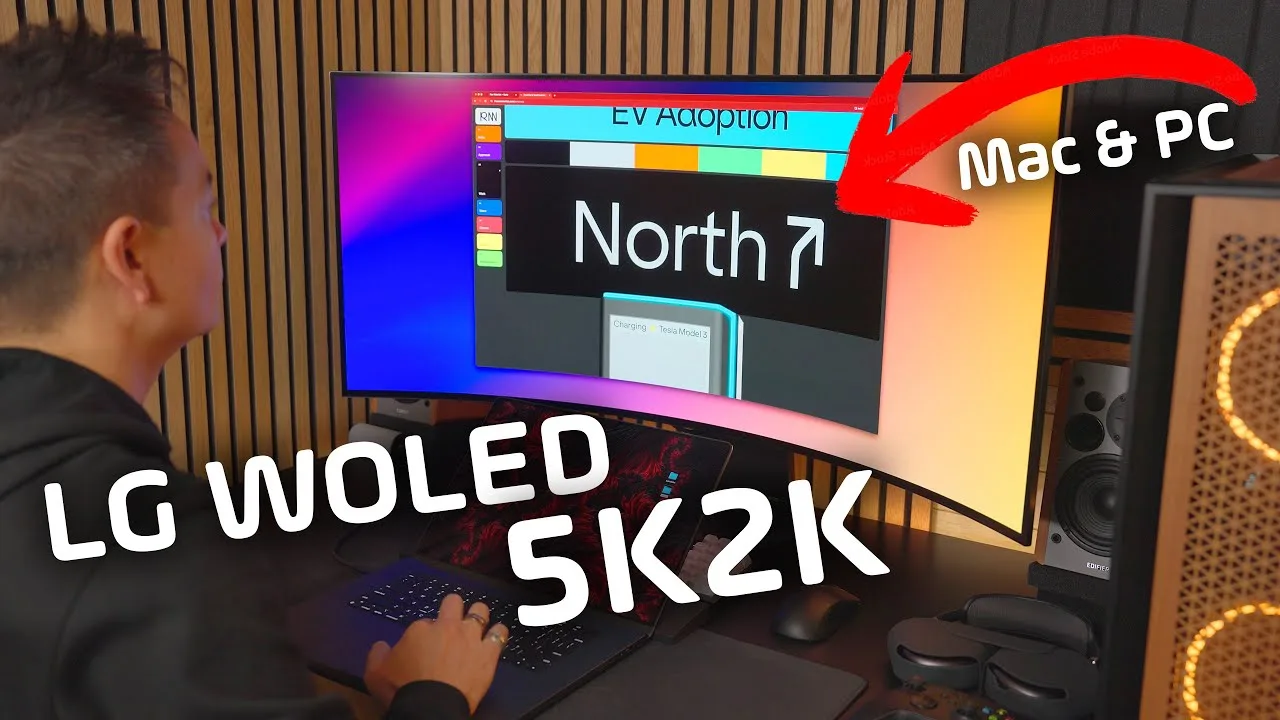
A 45-inch curved W OLED monitor with 5120x2160 resolution, 165Hz refresh rate (upgradable to 330Hz in FHD dual mode), 0.03ms response time, and 1300 nits peak brightness. Features updated pixel layout achieving 98.5% DCI-P3 coverage, DisplayPort 2.1, dual HDMI 2.1, and USB-C with 90W power delivery. The matte coating slightly reduces perceived clarity but becomes unnoticeable during use. Excellent for immersive story-based gaming and surprisingly adaptable for shooters due to expanded peripheral vision. At 100% scaling, text appears crisp with perfect scaling on both PC and Mac. The curved ultrawide format creates strong immersion despite initial skepticism about size for competitive play.
- →Ideal for immersive story-based gaming experiences
- →Viable alternative to QD OLED for color-critical creative work
- →Excellent Mac companion with 90W USB-C power delivery
- →Requires proper desk depth for comfortable curved viewing
- →Consider for users wanting ultrawide without sacrificing resolution
 Created Tech
The LG UltraGear 45GX950A features a massive 45-inch OLED panel with …
Created Tech
The LG UltraGear 45GX950A features a massive 45-inch OLED panel with …
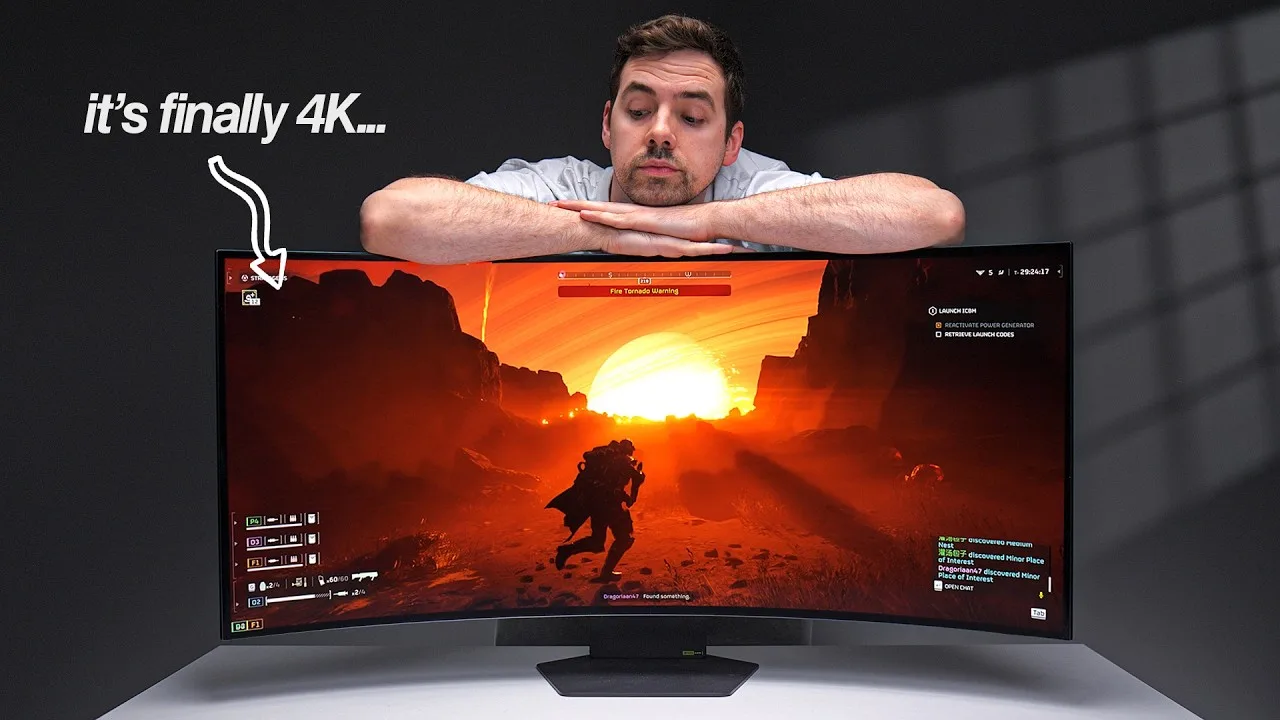
The LG UltraGear 45GX950A features a massive 45-inch OLED panel with aggressive 800R curvature and upgraded 5K2K resolution (5120x2160), delivering 125 PPI for sharper text versus the previous model's 84 PPI. The dual-mode technology enables up to 330Hz refresh rate with 0.03ms response time. Desk space poses a significant challenge—the curved ends encroach deeply even on large 183cm desks, practically requiring a monitor arm for shallow surfaces. Productivity work benefits enormously from the higher pixel density and immersive curve reducing head movement, though gaming demands substantial GPU power to approach the 165Hz baseline at full resolution.
- →Use a monitor arm if desk depth is under 80cm
- →Ideal for mixed productivity and gaming workflows
- →Budget for high-end GPU to unlock full refresh potential
- →Verify speaker placement before purchasing
- →Significant upgrade for text clarity over 1440p ultrawides
 Sean Aslam
A 45-inch ultrawide OLED monitor with 5120x2160 resolution and …
Sean Aslam
A 45-inch ultrawide OLED monitor with 5120x2160 resolution and …
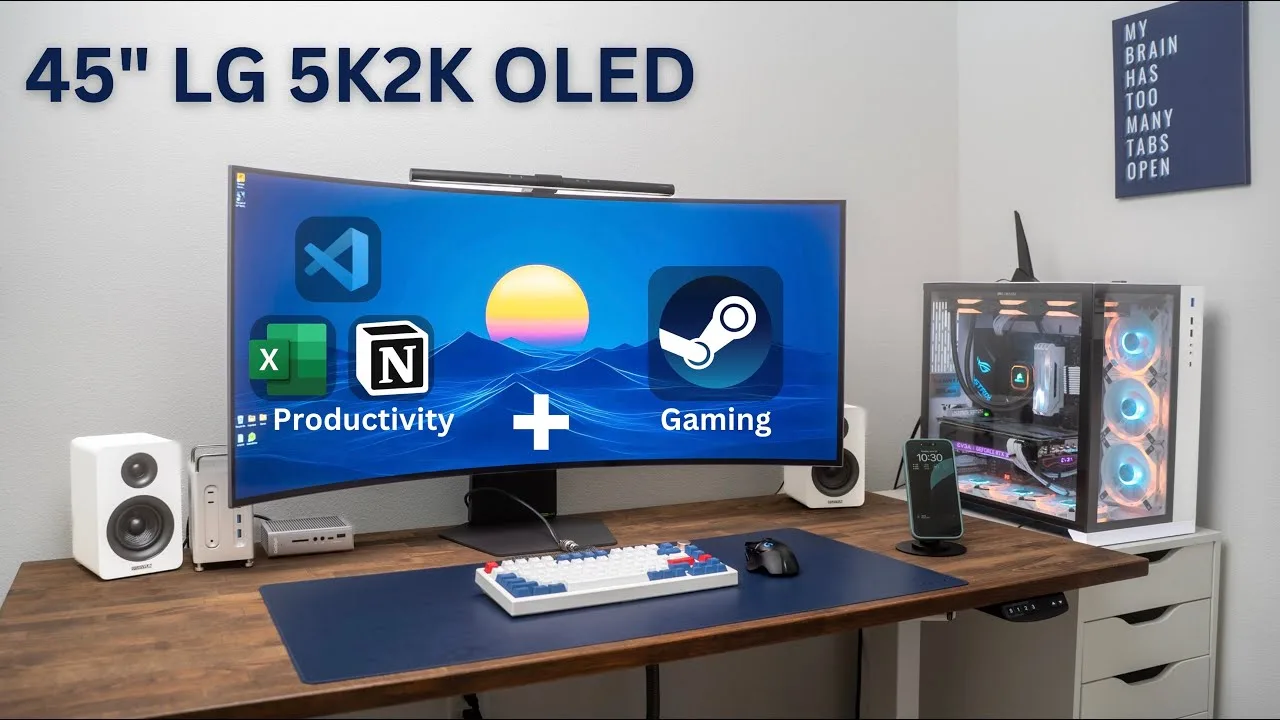
A 45-inch ultrawide OLED monitor with 5120x2160 resolution and aggressive 800R curve that delivers exceptional immersion for gaming and productivity. The reviewer praises its plug-and-play compatibility across multiple devices, clean design with slim bezels and metal stand, and versatile port selection including DisplayPort 2.1 and 90W USB-C. However, the monitor demands extremely powerful hardware to run modern games at high settings, and the $2,000 retail price is steep despite frequent sale opportunities dropping it to ~$1,600.
- →Best suited for RTX 5080/5090 or equivalent GPU owners
- →Ideal for immersive story-driven and cinematic gaming experiences
- →Excellent for multi-device productivity setups requiring simplicity
- →Wait for holiday sales rather than paying full retail price
- →Perfect for users prioritizing visual immersion over competitive gaming
 The Display Guy
The reviewer considers this the most immersive ultrawide monitor …
The Display Guy
The reviewer considers this the most immersive ultrawide monitor …
The reviewer considers this the most immersive ultrawide monitor they've tested in 2025. The 45-inch size combined with an aggressive 800R curve creates a wraparound effect that feels uniquely engaging when sitting close. It runs at 5120x2160 resolution with 165Hz refresh rate (330Hz at lower resolution) using an MLA-W OLED panel. Features include DisplayPort 2.1 at 54Gbps, two HDMI 2.1 ports, and USB-C with 90W power delivery. Image clarity suffers from the matte coating, which introduces softness, grain, and shimmering. Color accuracy was decent but not perfect, though latency results were very good. As the only purchasable 4K ultrawide currently available, it delivers exceptional motion performance and micro contrast thanks to OLED technology.
- →Best for immersive single-player gaming experiences
- →Ideal for dark room usage despite matte coating
- →Great for users wanting maximum screen wraparound
- →Sufficient 165Hz for most competitive gaming needs
- →Consider waiting for sale price from original MSRP
 Unbox Therapy
The LG UltraGear 45GX950A is a 45-inch curved gaming monitor with 800R …
Unbox Therapy
The LG UltraGear 45GX950A is a 45-inch curved gaming monitor with 800R …
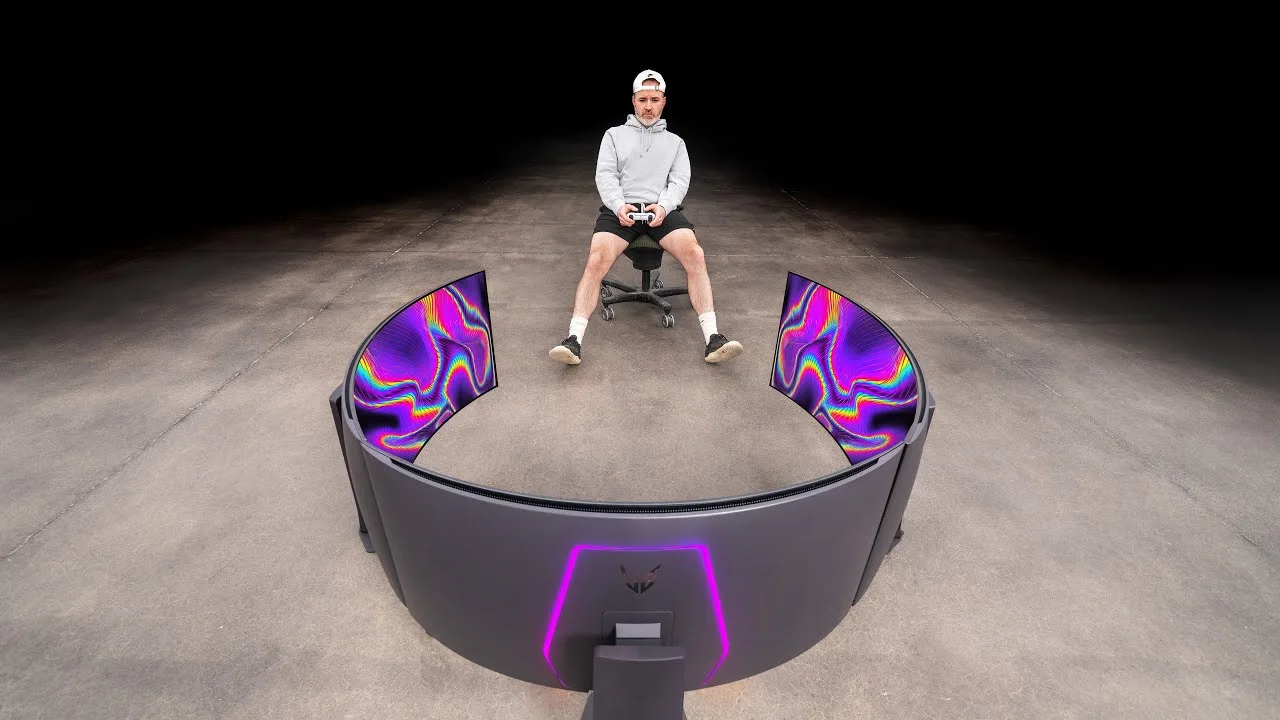
The LG UltraGear 45GX950A is a 45-inch curved gaming monitor with 800R curvature and variable refresh capabilities. Its standout dual mode feature allows users to prioritize either resolution (5K2K) or refresh rate by adjusting settings. The monitor includes height-adjustable stand, RGB lighting, and multiple ports including HDMI 2.1, DisplayPort 2.1, and USB-C with hub functionality. When used in triple-monitor setups, it creates an immersive surround experience that fills peripheral vision. The on-screen interface enables quick switching between game presets, VRR, HDR, and DAS mode. A notable feature lets users simulate smaller 24-inch 16:9 displays for competitive gaming comfort.
- →Ideal for simulator and immersive gaming experiences
- →Dual mode suits both competitive and cinematic gaming
- →USB-C hub simplifies single-cable workstation setup
- →Competitive gamers can simulate familiar 24-inch view
- →Requires powerful GPU for triple-monitor high refresh
 Wired Hardware
At $2,000, this 45-inch ultrawide OLED delivers an immersive gaming …
Wired Hardware
At $2,000, this 45-inch ultrawide OLED delivers an immersive gaming …
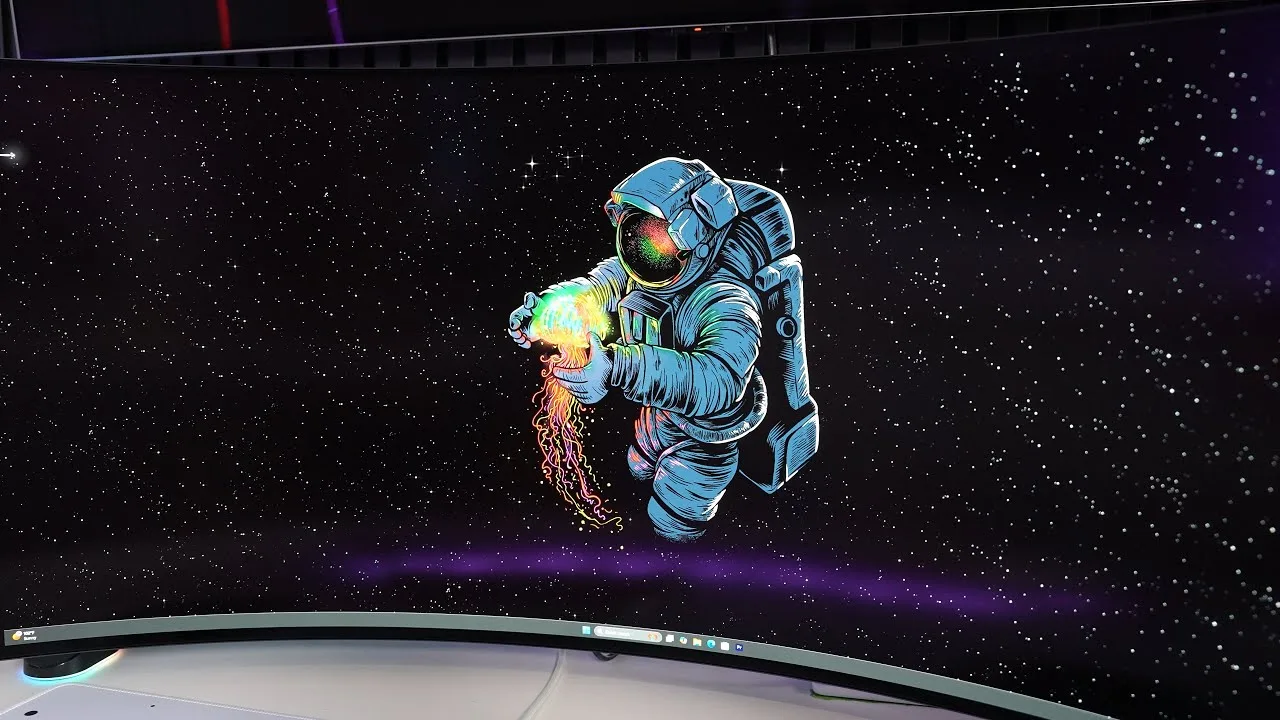
At $2,000, this 45-inch ultrawide OLED delivers an immersive gaming experience with its massive 5120x2160 resolution and 165Hz refresh rate. The panel features deep blacks, strong HDR highlights up to 1200 nits in small areas, and excellent response times. Text sharpness has been notably improved over LG's previous 45-inch OLED, making it viable for productivity work including 4K editing. The clean, slim design with minimal bezels and useful height adjustment works well despite the panel's enormous footprint. However, the aggressive 800R curve proves awkward for general use, and color saturation falls short of QD-OLED competitors. SDR brightness around 250-300 nits suffices indoors but struggles in daylight.
- →Ideal for sim racing and flight sim enthusiasts
- →Great for cinematic story-driven gaming experiences
- →Viable for content creators needing 4K editing space
- →Competitive gamers benefit from 330Hz dual mode
- →Requires large, stable desk due to massive size
 Maka91Productions
The reviewer tested the 45-inch ultra-wide 21:9 OLED monitor with …
Maka91Productions
The reviewer tested the 45-inch ultra-wide 21:9 OLED monitor with …
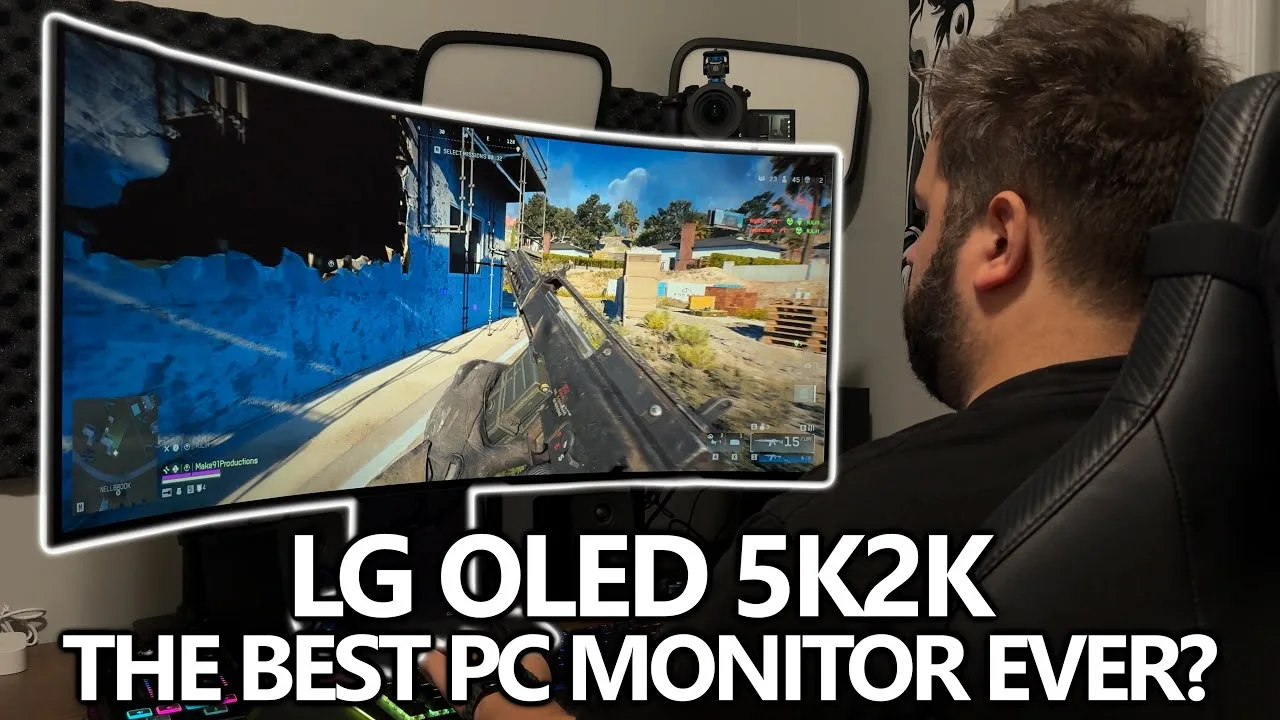
The reviewer tested the 45-inch ultra-wide 21:9 OLED monitor with 5120x2160 resolution and 800R curve for several weeks across gaming, content creation, and productivity tasks. A standout feature is dual mode, allowing instant switching between 5K2K at 165Hz and Full HD at 330Hz via a physical button. The OLED panel delivers 0.03ms response time, true blacks, rich colors, and wide viewing angles. DisplayPort 2.1 support enables full performance with newer GPUs, while G-Sync, FreeSync, and VESA Adaptive Sync compatibility enhance gaming. The RGWB sub-pixel layout enables high brightness, and built-in features reduce blue light and eye strain. The reviewer considers it a versatile, no-compromise solution.
- →Ideal for gamers wanting both cinematic and competitive modes
- →Content creators benefit from color accuracy and ultra-wide space
- →Productivity users gain screen real estate with sharp text
- →Requires newer GPU to fully exploit DisplayPort 2.1 bandwidth
- →Single monitor solution eliminates multiple display compromises
Scores based on weighted analysis of 22 expert and community sources. How we review →