

BenQ GW2486TC
Best For
- Users needing an ergonomic stand
- Professionals requiring USB-C connectivity
- Those after a budget-friendly monitor with good color
- Coders and developers who need eye strain reduction during long sessions
Consider Carefully
- Individuals requiring a bright display
- Those needing a KVM switch
Jump to Section
The Bottom Line
With an aggregated score of 85/100, the BenQ GW2486TC stands as a solid choice in the monitor market, particularly for those seeking a balance between performance and budget. What we found in our analysis is that this monitor excels in panel quality with its quick refresh rate, which was noted by five out of eleven sources. Its ergonomic stand, praised by four sources, offers height adjustment and pivot, making it a comfortable fit for extended work sessions. For developers and coders specifically, the dedicated Coding Mode reduces eye strain during long work sessions, a feature recognized by three sources, making this a genuinely practical pick for anyone spending hours in an IDE or terminal. The monitor's USB-C port with power delivery and DisplayPort over USB support, as highlighted by three sources, is a modern convenience that pairs well with a single-cable coding workstation. The BenQ GW2486TC also boasts excellent color accuracy and vibrancy, as recognized by three sources, ensuring a high-quality visual experience. Despite these strengths, there are a few reservations; the bulky 16A power plug may disrupt a clean desk setup for some, and the monitor isn't the brightest, as noted by one source.
Performance Breakdown
Expert Scores
How 3 professional publications rated this product
In-Depth Analysis
USB-C Connectivity 93
65W USB-C power delivery and daisy-chaining support make this a strong single-cable docking solution. The missing KVM is the one gap that matters for multi-device users.
Key Takeaway
→Single-laptop home office users get a genuinely clean setup here. Multi-computer users should factor in the cost of a KVM switch.
Eye Care Features 93
Six sources agree this is one of the GW2486TC's strongest suits. TÜV-certified flicker-free tech, Low Blue Light, and a dedicated Coding Mode make it a legitimate pick for anyone logging long hours at a screen.
Key Takeaway
→If eye fatigue or light sensitivity is a real concern for you, this monitor's certification and dedicated modes are worth the price of admission.
Display & Color Quality 91
99% sRGB and wide IPS viewing angles earn consistent praise across 11 sources, but TechRadar specifically warns against using it for color correction work. Know the difference.
Key Takeaway
→For office work, coding, and casual creative tasks, the color quality is genuinely good. Professional colorists and print designers should look at a wider-gamut panel.
Ergonomics & Stand 87
Seven of eight sources praise the full adjustability range, but two flag wobble at the stand's upper height limits. It's good, not perfect.
Key Takeaway
→For a desk-bound office setup, the ergonomics are excellent. If you need the stand at maximum height regularly, the wobble is worth knowing about before you buy.
Refresh Rate & Performance 86
100Hz at 1080p is smooth enough for productivity and casual gaming, but the HDMI 1.4 port caps your options if you ever want to push beyond Full HD.
Key Takeaway
→If 1080p at 100Hz covers your needs, this delivers it cleanly. Serious gamers or anyone planning to upgrade to a higher-resolution source should look elsewhere.
Design & Build Quality 81
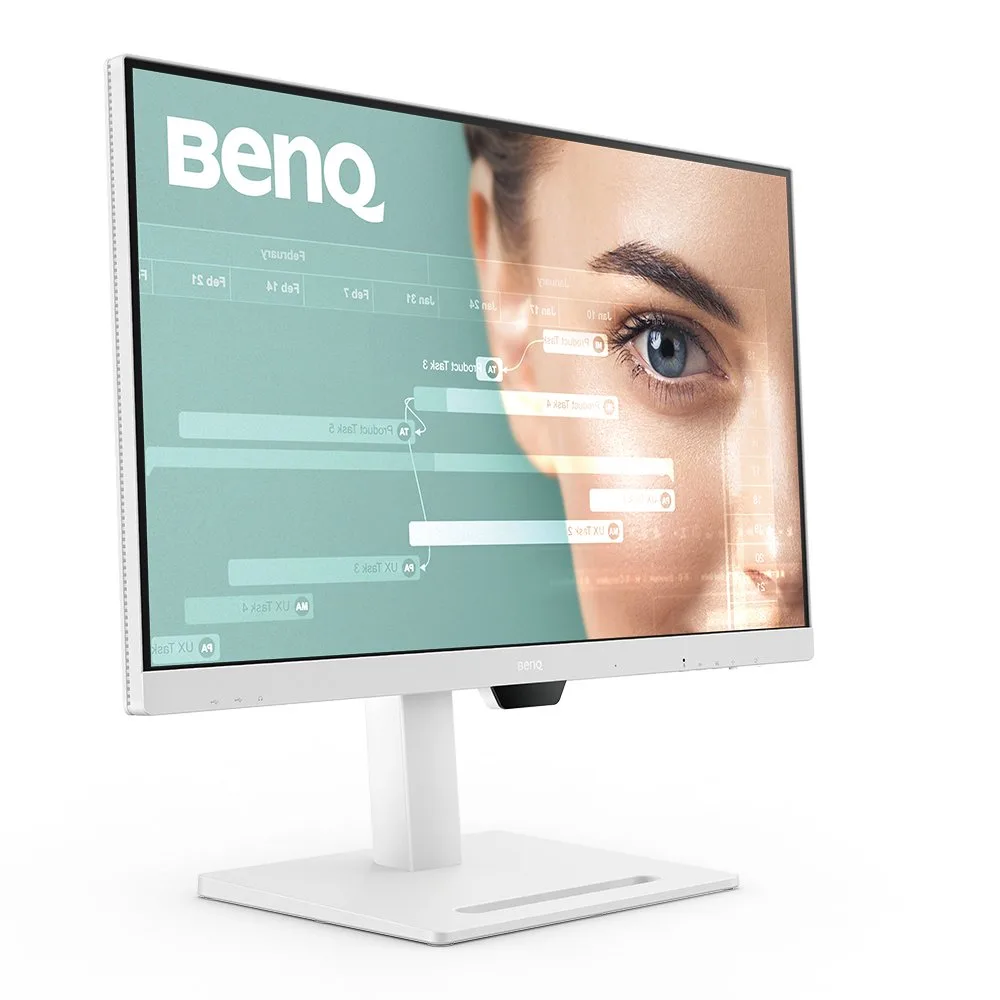
The matte white finish and clean aesthetic get consistent praise, but the bulky power plug, absent cable management, and clunky OSD controls are real friction points.
Key Takeaway
→The design looks good in photos and holds up in person, but the missing cable management and clunky controls will bother anyone who cares about a tidy setup.
Built-in Audio & Mic 79
Four sources agree the built-in speakers and noise-cancelling mic are functional for video calls. Nobody is calling them impressive.
Key Takeaway
→Good enough for daily video calls, not good enough to replace dedicated audio gear. Set expectations accordingly.
Brightness & Visibility 64
At 250 nits maximum, this monitor struggles in bright rooms. Two sources flag it, and TechRadar's blunt 'not all that bright' sums it up.
Key Takeaway
→If your workspace has strong ambient light or direct sunlight, this monitor will frustrate you. In a controlled indoor environment, the brightness is workable.
Specifications & Verdict
Display
- Screen Size
- 23.8 in
- Resolution
- 1920 × 1080
- Aspect Ratio
- 1.778:1
- Pixel Density
- 92 ppi
- Panel Type
- IPS
- Screen Coating
- Anti-glare/Matte (3H)
- Backlight
- W-LED
Performance
- Refresh Rate
- 100 Hz
- Response Time
- 5 ms
- Adaptive Sync
- None
Image
- Contrast Ratio
- 1000 : 1
- Brightness
- 250 nits
- Color Gamut
- 99 %
- Color Depth
- 8 bits (6 bits + FRC)
- HDR Support
- NA
- Viewing Angles
- 178 °
Connectivity
- Video Inputs
- USB-C
- HDMI Ports
- 1
- HDMI Version
- 1.4
- DisplayPort
- 1
- DisplayPort Version
- 1.2
- USB Ports
- 3
- Speakers
- 2 x 2 W
Design
- Weight
- 3.8 kg
- Dimensions
- 527.04 mm
- Panel Thickness
- 60 mm
- VESA Mount
- Yes
- Height Adjustment
- 130 mm
- Tilt
- -5 - 20°
- Swivel
- -45 - 45°
- Pivot
- -90 - 90°
- Remote Control
- No
Other Specs
- Power Consumption
- 14.6W
- Warranty
- 3 years
- Special Features
- Anti-theft stand lock slot - Kensington
Our Verdict
The BenQ GW2486TC is a great pick for users who value an ergonomic design, good color accuracy, and modern connectivity options without breaking the bank. Coders in particular get a purpose-built advantage from the Coding Mode, which targets eye strain reduction across long sessions. However, it may not be the best choice for those who need a brighter screen or are looking for a KVM switch.
Customer Reviews Amazon
269 reviews
Exceeded Expectations!! ❤️❤️❤️❤️❤️
Increible la calidad y el precio
wish I bought 2 - one for my wife and one for me
Excelente para home office
Show all 5 reviews
Let there be sight
Reviews shown are from Amazon customers and do not reflect our editorial assessment.
Reader Questions
Specific questions about the BenQ GW2486TC, answered only from what reviewers reported.
01Can I connect a laptop with a single USB-C cable and charge it at the same time?
Yes. The USB-C port supports video, data, and 65W power delivery, so a single cable handles display output and laptop charging while reducing cable clutter.
02How is the color accuracy, and is it good enough for graphic design work?
Reviewers rated color accuracy highly, describing the display as vibrant and consistent. At least one source specifically called it ideal for graphic design.
03Is the 100Hz refresh rate a meaningful upgrade for everyday use?
Reviewers consistently noted smoother visuals compared to standard 60Hz panels, with the 100Hz rate benefiting both video playback and gaming. Multiple sources flagged it as one of the monitor's standout features.
04Are there any practical downsides to be aware of before buying?
Two issues came up across reviews. The monitor is not particularly bright, which could be a concern in well-lit rooms. The bundled power plug is also bulky, which can disrupt a clean desk setup.
Pricing & Availability
Updated Feb 18, 2026BenQ GW2486TC
All regions
Sources & Methodology
Every score is built on evidence. This review synthesizes 11 independent sources — expert publications, video reviews, and community discussions — weighted by credibility, depth, and relevance.
Show detailed source analysis ↓ Hide source analysis ↑
Expert Reviews
techradar.com
Top
4/5-point
The BenQ GW2486TC Eye-Care Monitor is praised for its affordability and ergonomics, offering a comfortable viewing experience with a wide range of adjustments. It features USB-C with power delivery and eye-care viewing modes to minimize eye strain, making it suitable for extended use. However, it lacks cable management and brightness, which could be a drawback for some users.
Strengths
- +Very affordable
- +Versatile ergonomics
- +Quick refresh rate
- +Solid office-oriented features like USB-C and eye comfort viewing modes
Weaknesses
- −No cable management
- −Not all that bright
- −No KVM
pcmag.com
Top
4.5/5-point
The BenQ GW2486TC offers a compelling feature set for a budget monitor, including a superior contrast ratio, high refresh rate, and ergonomic stand. Its 100Hz refresh rate and 99% sRGB color coverage provide a smoother viewing experience and accurate colors. The monitor also boasts a USB-C port with power delivery, a DisplayPort-out for daisy-chaining, and built-in speakers.
Strengths
- +Superior contrast ratio for an IPS panel
- +100Hz refresh rate for smoother video
- +99% sRGB color coverage
- +Ergonomic stand with height adjustment and pivot
devicenext.com
The BenQ GW2486TC is praised for its advanced eye-care features and flexible display modes, making it an excellent choice for home office setups, particularly for coders and programmers. Its sleek design, Full HD resolution, and 100Hz refresh rate provide sharp visuals and smooth performance. The monitor stands out with its Coding Mode and ergonomic adjustability, including portrait mode, enhancing productivity. USB-C connectivity simplifies cable management, and the eye-care technology, including Flicker-Free and Low Blue Light, ensures comfort during extended work sessions.
Strengths
- +Sleek, modern design integrates well into home offices
- +23.8-inch IPS display offers wide viewing angles and color accuracy
- +Full HD resolution and 100Hz refresh rate for sharp visuals and smooth performance
- +Coding Mode reduces eye strain for long work sessions
Weaknesses
- −Bulky 16A power plug may disrupt clean desk setup
m.dailyhunt.in
The BenQ GW2486TC (₹14,998) offers a compelling package for home office users with its 23.8-inch IPS panel, 100Hz refresh rate, and versatile USB-C connectivity with 65W power delivery. Tool-free assembly and extensive ergonomic adjustments (pivot, tilt, swivel, height) enhance usability, though the stand exhibits some wobble at extreme positions. The 250-nit brightness limitation and bulky Type M power plug are notable drawbacks. Brightness Intelligence Technology shows inconsistent responsiveness. Strong eye-care features with TÜV certification and specialized modes for coding and reading add value for extended use.
Strengths
- +USB-C with 65W power delivery reduces cable clutter significantly
- +100Hz refresh rate delivers smoother visuals for gaming and movies
- +Tool-free assembly takes minutes without any external tools
- +Extensive ergonomic adjustments including pivot, tilt, swivel, height
Weaknesses
- −250-nit maximum brightness struggles in brightly lit environments
- −Bulky Type M power plug increases desk footprint unnecessarily
- −Brightness Intelligence Technology shows sluggish responsiveness
- −Stand feels wobbly when adjusted to extreme positions
Monitornerds
The BenQ GW2486TC is a 24-inch IPS monitor with a modern design and a plethora of connectivity options, making it an enticing choice for tech-savvy users. It boasts a 1920 x 1080 FHD resolution, a 100Hz refresh rate, and a 5ms response time, ensuring smooth performance. The monitor's color accuracy and vibrancy are impressive, covering 100% sRGB and 92% of DCI-P3, with a deltaE average of 1.14 out of the box. Its build quality is excellent, and the stand offers multiple adjustments for user comfort.
Strengths
- +Modern design with matte white finish
- +Generous connectivity options including USB-C
- +Excellent color accuracy and vibrancy
- +Sturdy build quality and stable stand
Weaknesses
- −Clunky OSD controls with multiple key processes
- −Minor backlight leaks on the bottom edge
Review-rating
90
Designed for extended office work, this 24-inch IPS monitor combines ergonomic flexibility with practical connectivity. The height-adjustable stand allows personalized positioning, while USB-C consolidates video, power, and data into a single cable. Brightness Intelligence automatically adapts to ambient lighting, and the integrated noise-cancelling microphone enhances video call clarity. Eye-care technology reduces strain during long sessions. Users consistently praise the crisp display and microphone quality, though some report stability concerns when the stand is fully extended. Overall, it serves remote workers and professionals seeking comfort without complexity.
Strengths
- +Height-adjustable stand enables flexible ergonomic positioning
- +IPS panel delivers consistent color and clarity
- +USB-C provides video, power delivery, and data in one cable
- +Brightness Intelligence adapts to ambient light automatically
Weaknesses
- −Stand stability decreases at higher height settings
Video Reviews
 Tech Dreams
The BenQ GW2486TC monitor is praised for its stylish design and …
Tech Dreams
The BenQ GW2486TC monitor is praised for its stylish design and …
The BenQ GW2486TC monitor is praised for its stylish design and excellent color accuracy, making it suitable for both professional work and media consumption. It features an IPS panel with 99% sRGB color gamut, providing vibrant and lively colors. The monitor also boasts a 5ms response time, 250 nits brightness, and 100Hz refresh rate, enhancing the overall viewing experience. Additionally, it includes a USB-C port with 65W power delivery, allowing for simultaneous charging and data transfer, and a DP out port for daisy-chaining monitors to reduce cable clutter.
- →Ideal for professional work and media consumption
- →Excellent color accuracy with vibrant colors
- →Reduces cable clutter with daisy-chaining feature
- →Suitable for use with laptops and smartphones
- →Enhances the viewing experience with fast response time and high refresh rate
 TV Chef
The BenQ GW2486TC is a 24-inch Full HD IPS display tailored for office …
TV Chef
The BenQ GW2486TC is a 24-inch Full HD IPS display tailored for office …
The BenQ GW2486TC is a 24-inch Full HD IPS display tailored for office and productivity users. It offers adaptive brightness, eye care mode, coding mode, a built-in noise-canceling microphone, daisy chaining capabilities, and USB Type-C connectivity. The monitor's 250 nits brightness and 5ms response time ensure clear visuals. The stand is highly adjustable, supporting height, tilt, swivel, and rotation, enhancing user comfort and flexibility.
- →Ideal for office and productivity tasks
- →Multiple display sizes available for different workspaces
- →USB Type-C simplifies cable management
- →Versatile stand offers ergonomic adjustments
- →White color scheme for a clean, modern look
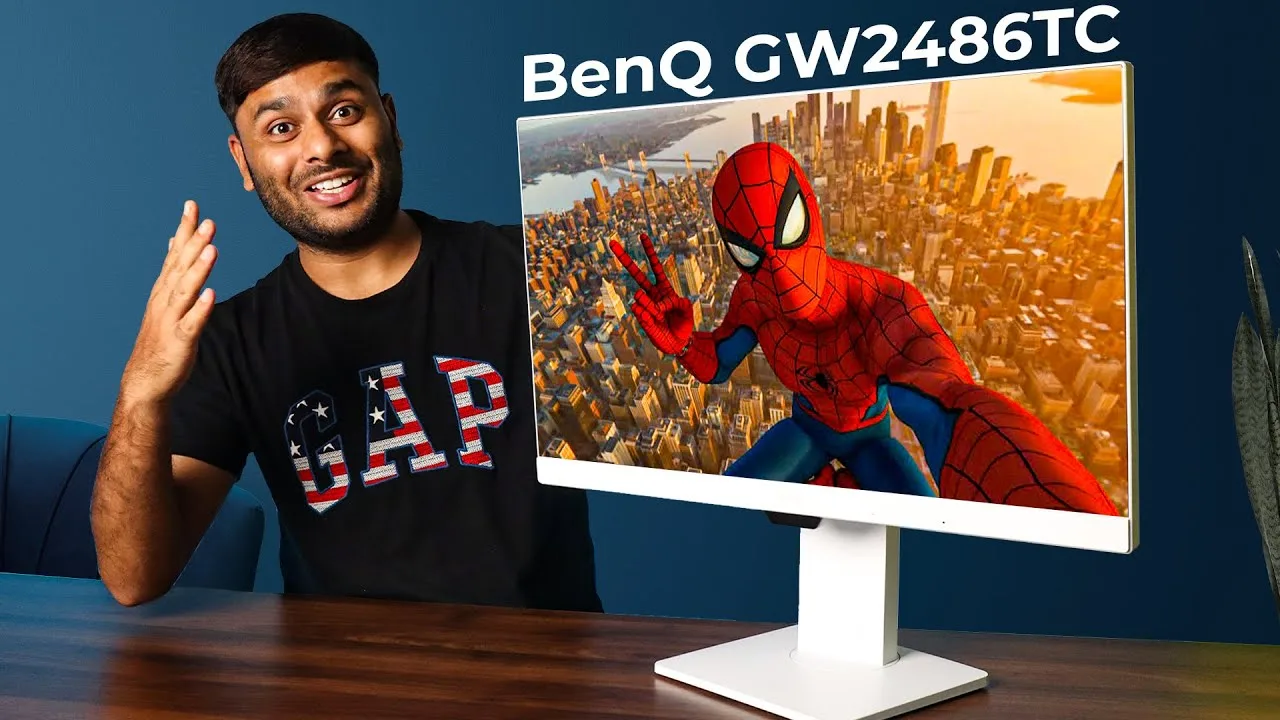 OZONE TECH
The BenQ GW2486TC offers a solid build quality with a heavy metal …
OZONE TECH
The BenQ GW2486TC offers a solid build quality with a heavy metal …
The BenQ GW2486TC offers a solid build quality with a heavy metal stand and multiple ergonomic adjustments, making it suitable for various professional needs. Its 100Hz refresh rate provides a better experience than 60Hz monitors, enhancing visual performance for tasks like coding, programming, and color grading. The monitor's modern ergonomic design and premium materials ensure a comfortable and stylish addition to any workspace.
- →Ideal for content creators and graphic designers
- →Reduces fatigue with adjustable ergonomics
- →Suitable for coding, programming, and color grading
- →Enhances collaboration with multiple adjustments
- →Adds a premium touch to any desk setup
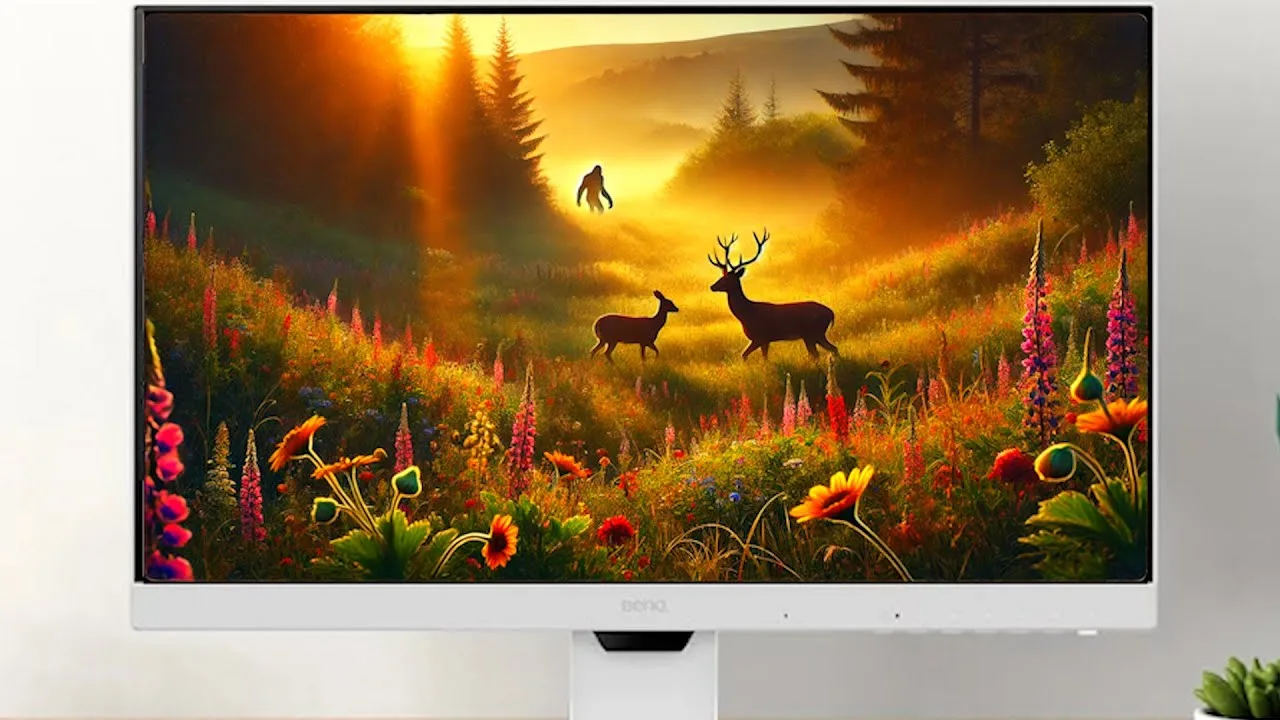 TrendPunk - Product Reviews
The BenQ GW2486TC monitor offers a 23.8-inch IPS panel with full HD …
TrendPunk - Product Reviews
The BenQ GW2486TC monitor offers a 23.8-inch IPS panel with full HD …
The BenQ GW2486TC monitor offers a 23.8-inch IPS panel with full HD 1080p resolution and 99% sRGB color accuracy, making it ideal for graphic design work. The 100 Hz refresh rate ensures smooth scrolling, and the built-in noise-canceling microphone is a plus for client calls. The monitor also features a USB-C hub, which simplifies cable management and provides power delivery. Its ergonomic design includes a sturdy height-adjustable stand and swivel capabilities. The price is reasonable, and the overall performance has been praised by a graphic designer for its color accuracy and ease of use.
- →Ideal for graphic design due to color accuracy
- →Smooth performance with 100 Hz refresh rate
- →Convenient for client calls with noise-canceling mic
- →USB-C hub simplifies setup and charging
- →Affordable option for creative professionals
Community Discussions via Reddit
Comparison
Reddit
dapsuaz
The BenQ GW2486TC is considered a good value for a dual monitor setup, especially for coding, due to its affordability compared to other brands like Dell or LG. The user is particularly interested in its no-flicker feature, daisy chain capability, and color performance to reduce eye fatigue and migraines.
Key Insights
- →Suitable for home office use, particularly coding
- →Ideal for users with migraines due to its no-flicker feature and color performance
- →Easy on the eyes, potentially reducing migraines
Scores based on weighted analysis of 11 expert and community sources. How we review →