


Samsung Monitors
Samsung ViewFinity S70D
Best For
- MacOS users needing 4K video editing
- Professionals requiring accurate color
- Web designers for standard graphics workflows
Consider Carefully
- Users needing vertical screen rotation
- Gamers seeking fast-paced visuals
Jump to Section
The Bottom Line
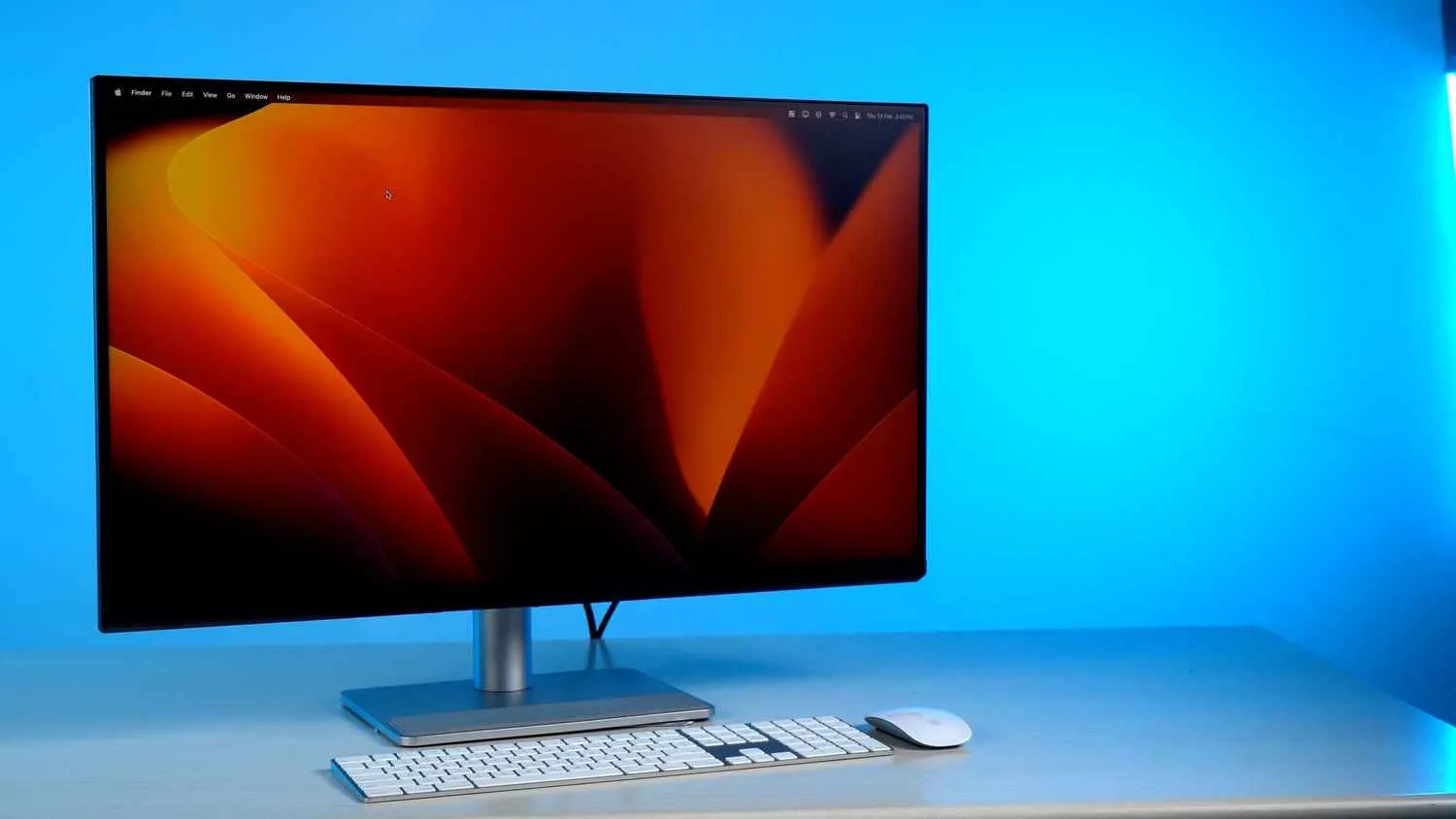
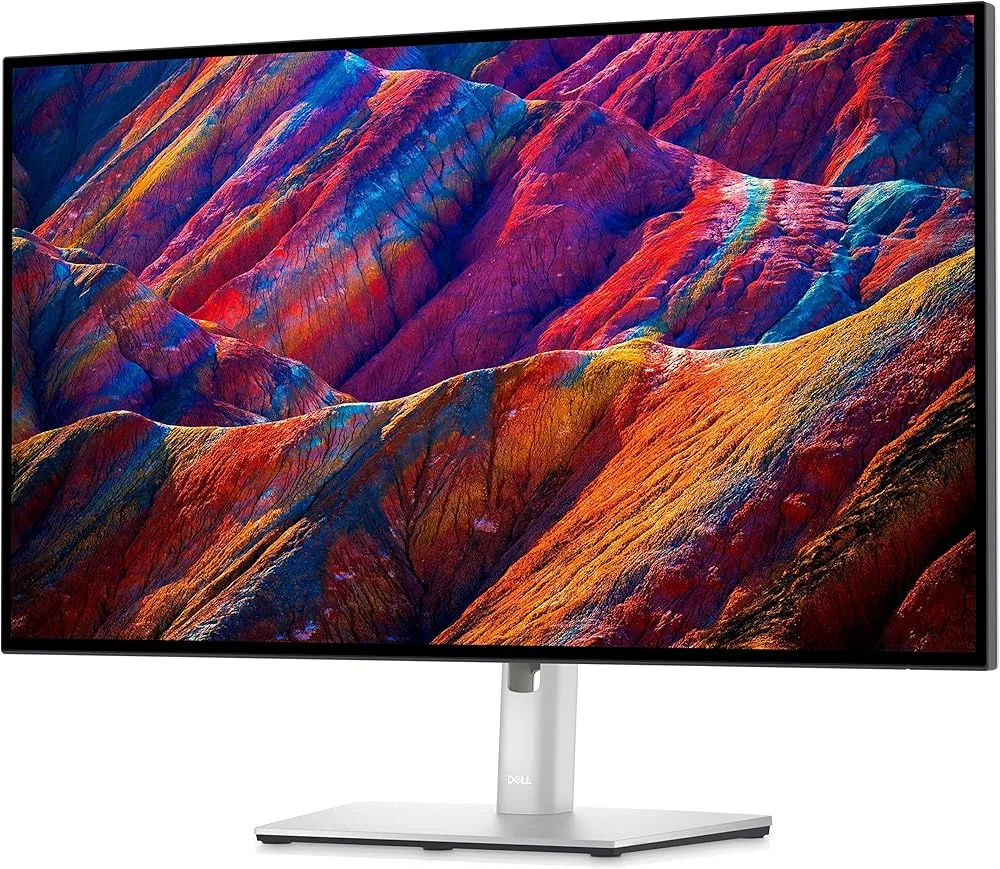
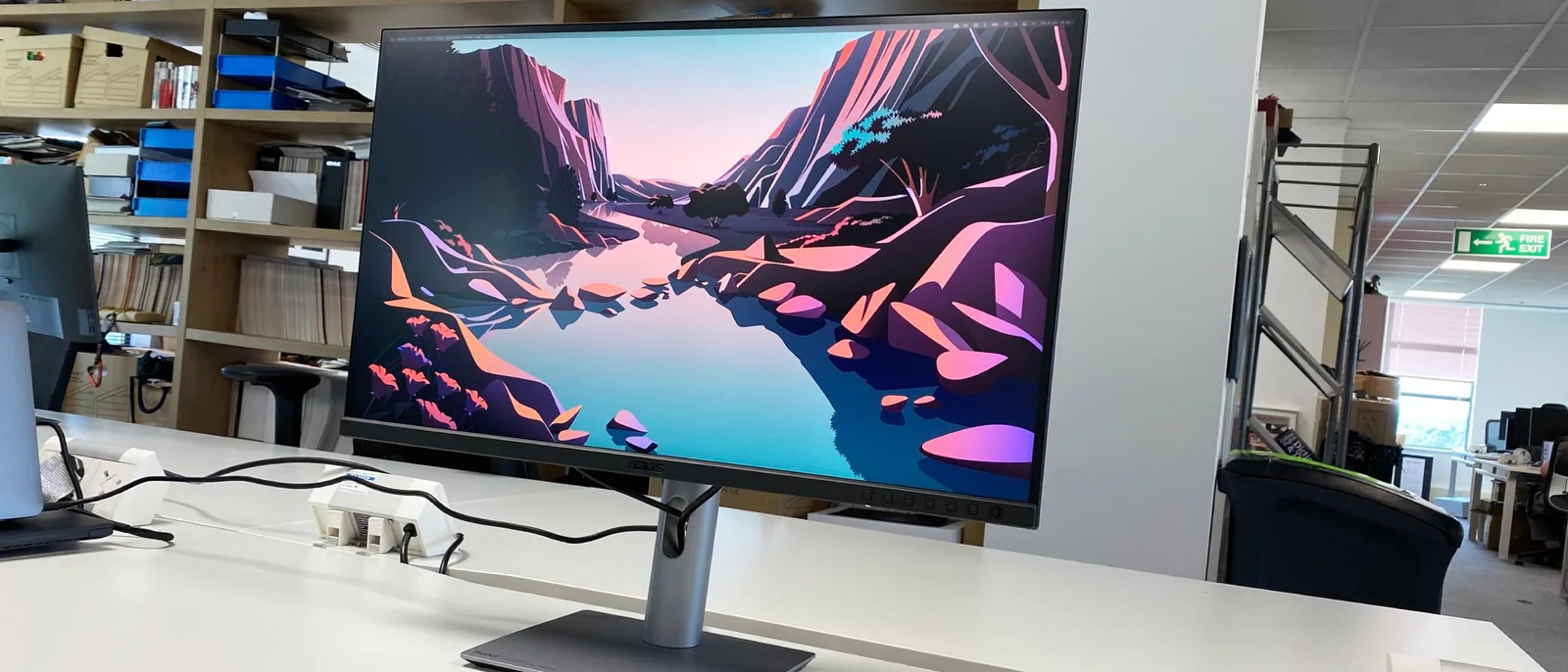
The Samsung ViewFinity S70D is a monitor that's making waves among professionals, particularly in high-resolution photo editing and design work. What we found in our analysis is that this 4K VA panel doesn't just deliver sharp images; it offers a wide color gamut with 99% sRGB and 98% DCI-P3 coverage, as noted by multiple sources. HDR10 support and a peak brightness of 400 nits mean that the panel can handle a variety of content with realistic brightness and deep shadows. However, there are a couple of areas where this monitor falls short. The included stand lacks vertical rotation, and there's a sizable bottom chin bezel which some users might find unappealing.
Performance Breakdown
In-Depth Analysis
Color Accuracy 100
99% sRGB and HDR10 support earn near-universal praise across 12 sources, but there's a quiet disagreement about how far that accuracy actually goes.
Key Takeaway
→For web design, video editing, and general creative work, the color performance is well-documented. For color-critical professional output, the evidence is too mixed to rely on.
Eye Care Features 99
TUV-certified flicker reduction and blue light filtering earn consistent praise across all 4 sources. No dissent here.
Key Takeaway
→If eye fatigue is a concern during long work sessions, this monitor's certifications and adaptive features are well-documented and worth factoring into your decision.
Display & Resolution 95
At $190 (roughly half off), 14 sources agree this 4K panel punches well above its price. The bottom bezel is ugly, but nobody's buying this for aesthetics.
Key Takeaway
→If you do productivity work and can catch it at the discounted price, buy it. If you need wide viewing angles or a clean bezel design, keep looking.
Connectivity & Ports 88
HDMI, DisplayPort, and USB ports cover most setups, but Mac users need to do homework before buying.
Key Takeaway
→Windows users can buy with confidence. Mac users should verify compatibility with their specific setup and buy somewhere with a straightforward return policy.
Stand & Ergonomics 82
The stand situation is genuinely confusing: sources describe both a sturdy adjustable stand and a non-adjustable one that requires a monitor arm.
Key Takeaway
→Confirm which stand configuration ships with your unit before buying. If ergonomic adjustability matters to you, budget for a VESA arm regardless.
Gaming Performance 42
Four sources say skip it for fast-paced gaming. The 60Hz refresh rate is the ceiling, and no amount of FreeSync support changes that.
Key Takeaway
→Casual and single-player gaming is fine. Competitive or high-refresh gaming is not what this monitor is built for, and reviewers are consistent on that.
Specifications & Verdict
Connectivity
- Ports
- USB-C, HDMI, DisplayPort
Display
- Panel
- VA
- Refresh Rate
- 60Hz
- Resolution
- 4K UHD
- Size
- 70 inches
Ergonomics
- VESA
- 400x400
- Adjustments
- Tilt, Swivel, Height Adjustment
Features
- HDR
- HDR10+
- Speakers
- 2x 5W
Performance
- Color
- 99% sRGB, 95% DCI-P3
- Response Time
- 4ms
Physical
- Dimensions
- 63.1 x 36.3 x 4.5 inches
- Weight
- 35.3 lbs
Our Verdict
If you're a professional who values color accuracy and a wide color gamut, the Samsung ViewFinity S70D is a solid choice. However, if you're looking for a monitor with a fully ergonomic stand or are a gamer who requires a high refresh rate, you might want to look elsewhere.
Customer Reviews Amazon
149 reviews
fait le boulot et plutôt bien pour le prix
Bellissimo monitor
Bra köp
Confortable
Show all 5 reviews
Prima beeld en kleur voor kantoorwerk en video films kijken, grote kijkhoek.
Reviews shown are from Amazon customers and do not reflect our editorial assessment.
Pricing & Availability
Updated Feb 20, 2026Samsung ViewFinity S70D
Sources & Methodology
Every score is built on evidence. This review synthesizes 16 independent sources — expert publications, video reviews, and community discussions — weighted by credibility, depth, and relevance.
Show detailed source analysis ↓ Hide source analysis ↑
Expert Reviews
9to5toys
This 32-inch 4K VA panel delivers HDR10 support with realistically bright highlights and deep shadows. The 60Hz display covers 99% of sRGB color space, making it suitable for creator professionals working with intricate designs and dynamic video content. Slim bezels on three sides and a sturdy ergonomic stand with tilt support enhance the physical design. The monitor includes HDMI, DisplayPort, and USB ports for connectivity, plus picture-by-picture and picture-in-picture modes for viewing multiple inputs simultaneously. Tool-free assembly with the Easy Setup Stand adds convenience. Currently available at $209.99 with a $190 coupon at B&H, marking a 52% discount from its $400 launch price and the lowest price to date.
Strengths
- +32-inch 4K VA panel with HDR10 support
- +99% sRGB color space coverage
- +Slim bezels on three sides
- +Sturdy ergonomic stand with tilt support
Weaknesses
- −60Hz refresh rate limits gaming performance
- −Sizable bottom chin bezel
- −MacBook pairing may require docking station
Gizmodo
A 27-inch 4K UHD display with 3840 x 2160 resolution and matte anti-glare coating. Currently discounted to $190 from $350. Features HDR10 support, 16:9 aspect ratio, and automatic brightness/color temperature adjustment based on ambient light. Includes TUV-certified flicker reduction and Eye Saver Mode for blue light limitation. Connectivity options cover HDMI, DisplayPort, two USB-A ports, and one USB-B port. The Easy Setup Stand allows quick height adjustment via push-button system. Weighs 11 pounds with included cables (HDMI, DisplayPort, USB-C, power) and setup guide.
Strengths
- +Matte screen effectively minimizes glare
- +Crisp 4K resolution prevents font distortion when enlarged
- +HDR10 adds brightness and depth to video content
- +Automatic brightness and color temperature adjustment
Techreviewer
The Samsung 27-inch ViewFinity S7 S70D is a 4K IPS monitor primarily designed for productivity rather than competitive gaming. Its 60 Hz refresh rate delivers mediocre performance for fast-paced titles, though the 5 ms response time provides acceptable motion clarity. The 99% sRGB color coverage suggests solid color accuracy for content creation. Reviewers recommend 120-165 Hz or higher for serious gaming, noting this display suits casual players or those prioritizing resolution over frame rates. A higher-end GPU is required to fully leverage 4K gaming, making this monitor better suited for mixed-use scenarios than dedicated esports setups.
Strengths
- +5 ms response time reduces ghosting effectively
- +3840 x 2160 4K resolution for sharp visuals
- +IPS panel provides accurate color reproduction
- +99% sRGB coverage suitable for creative work
Weaknesses
- −60 Hz refresh rate limits smooth motion in fast games
- −Mediocre gaming performance for competitive titles
- −Requires high-end GPU to utilize 4K properly
Buyersguide
5
The Samsung ViewFinity S70D is a 27-inch 4K UHD monitor targeting professionals and entertainment users. It features HDR10 support, 350 nits brightness, and 5ms GtG response time on a VA panel. Multiple connectivity options including HDMI and DisplayPort are available. The monitor includes an easy setup stand with ergonomic adjustments and is VESA-compatible for wall mounting. While marketed as suitable for casual gaming due to its 60Hz refresh rate, it is primarily positioned as a productivity and content creation display rather than a dedicated gaming monitor. The 4K resolution provides crisp detail for tasks requiring visual clarity.
Strengths
- +4K UHD resolution delivers crisp, detailed images
- +HDR10 support enhances contrast and color accuracy
- +Multiple ports ensure broad device compatibility
- +VESA-compatible for flexible mounting options
Weaknesses
- −60Hz refresh rate limits gaming performance
- −5ms response time slower than dedicated gaming monitors
- −27-inch size may be insufficient for some workflows
- −VA panel may have slower pixel transitions than IPS
Video Reviews
 Kenneth Anderson
The Samsung ViewFinity S70D features a 32-inch 4K VA panel, offering …
Kenneth Anderson
The Samsung ViewFinity S70D features a 32-inch 4K VA panel, offering …
The Samsung ViewFinity S70D features a 32-inch 4K VA panel, offering stunning image quality and color accuracy suitable for professional work such as video and photo editing. Despite its lower 60Hz refresh rate, it performs well for non-gaming applications. Initial setup with a Mac Mini required formatting to optimize for the 4K resolution, and while it exhibits some ghosting with fast-moving text, it's less pronounced than typical VA panels.
- →Ideal for professional photo and video editing
- →4K resolution offers superior detail
- →VA panel performs well with less ghosting
- →Viewing angles not as good as IPS
 Mathias Does Tech
The Samsung ViewFinity S70D is a 32-inch 4K UHD monitor designed for …
Mathias Does Tech
The Samsung ViewFinity S70D is a 32-inch 4K UHD monitor designed for …
The Samsung ViewFinity S70D is a 32-inch 4K UHD monitor designed for stunning visuals without a premium price tag. It appeals to a wide range of users, including video editors, photographers, remote workers, and gamers, offering a high-resolution display with HDR10 for rich colors and deep contrasts. The advanced eye care features, including TUV certification for reduced blue light and screen flicker, make it comfortable for long hours of use. The monitor also boasts a range of ports for flexibility and an easy assembly process.
- →Ideal for high-resolution photo editing and design work.
- →Offers a large, clear display for gaming.
- →Eye care features are beneficial for long work sessions.
- →Flexible port options for multi-device setups.
- →Suitable for users seeking a balance between performance and price.
 Tutoro Online
The Samsung Viewfinity S70D is a budget-friendly 4K UHD monitor that …
Tutoro Online
The Samsung Viewfinity S70D is a budget-friendly 4K UHD monitor that …
The Samsung Viewfinity S70D is a budget-friendly 4K UHD monitor that offers high-quality visuals and color reproduction. It's available in various sizes and is praised for its sharp 4K clarity and vibrant colors, making it great for productivity, multimedia, and creative work. However, its 60Hz refresh rate and 5ms response time limit its suitability for high-refresh gaming.
- →Ideal for productivity and multimedia use
- →Affordable option for 4K UHD display
- →Not targeted at high-refresh gaming
- →Good color reproduction for creative work
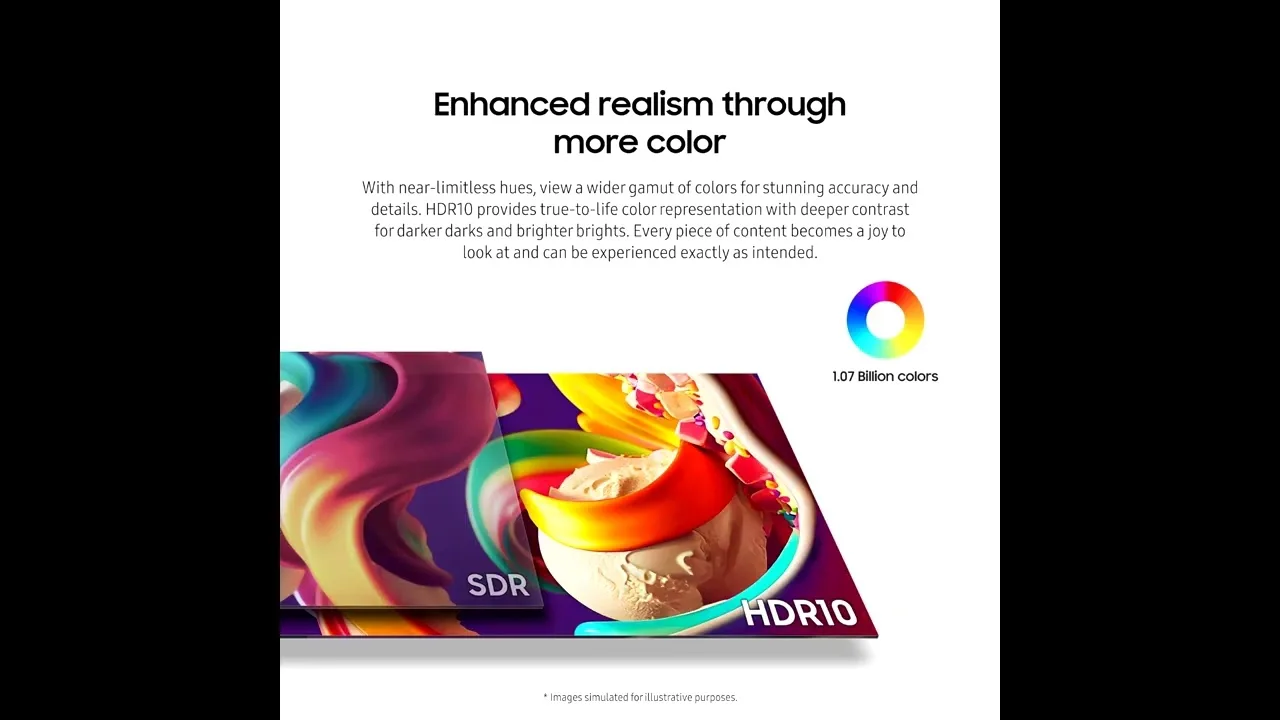 Gaming Tech
The Samsung ViewFinity S70D is a 32-inch 4K UHD monitor with a …
Gaming Tech
The Samsung ViewFinity S70D is a 32-inch 4K UHD monitor with a …
The Samsung ViewFinity S70D is a 32-inch 4K UHD monitor with a resolution of 3840x2160 pixels, offering sharp and detailed images. Its large screen size is ideal for multitasking and creative professionals, while the sleek design with slim bezels enhances aesthetics and multi-monitor setups. The IPS panel provides excellent color accuracy and wide viewing angles, covering 99% of the sRGB color space. It also features a brightness of 300 nits and a static contrast ratio of 1000:1, ensuring deep blacks and bright whites. Connectivity is well catered for with HDMI, DisplayPort, and USB-C ports, with the latter supporting data transfer, video signal, and power delivery.
- →Ideal for graphic design and video editing due to color accuracy
- →Beneficial for gaming with 4K resolution and FreeSync support
- →Enhances productivity with high resolution and large screen size
- →Reduces eye strain with iSaver mode and flicker-free technology
- →Energy efficient with eco plus feature adjusting screen brightness
 Savage Reviews
The Samsung ViewFinity S70D is a 32-inch 4K monitor designed for …
Savage Reviews
The Samsung ViewFinity S70D is a 32-inch 4K monitor designed for …
The Samsung ViewFinity S70D is a 32-inch 4K monitor designed for work-from-home professionals, offering UHD resolution, HDR10, and 99% sRGB coverage. Its VA panel provides good contrast, though not as deep as IPS or OLED. The monitor has received mixed feedback on Mac compatibility and lacks built-in speakers and USB ports. The stand is easy to set up but lacks height adjustment, which could be a drawback for some users.
- →Ideal for productivity and media work
- →Check return policies and verify Mac compatibility
- →Offers compelling value at half off, if use case matches
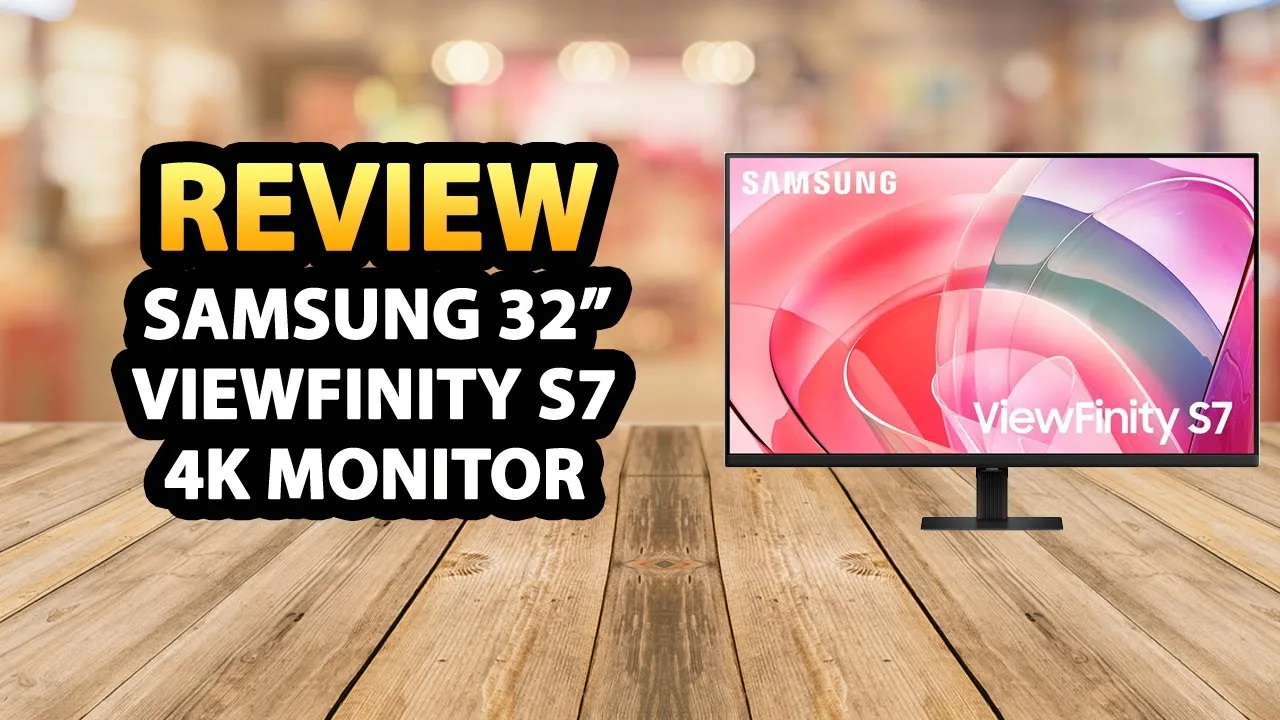 YouTube
The reviewer presents the Samsung 32-inch Viewfinity S7 as an ideal …
YouTube
The reviewer presents the Samsung 32-inch Viewfinity S7 as an ideal …
The reviewer presents the Samsung 32-inch Viewfinity S7 as an ideal entry point for users new to high-quality monitors. Its 4K UHD resolution delivers exceptional detail for gaming, video editing, and general use, while HDR10 enhances color accuracy and contrast. The monitor offers versatile connectivity through HDMI, DisplayPort, USB-A, and USB-B ports. A tool-free Easy Setup Stand allows flexible positioning without screws. TÜV-certified eye care technology with Eye Saver mode reduces blue light and flickering to minimize strain during extended sessions. The 32-inch size may pose challenges in cramped workspaces, but proves rewarding where space permits.
- →Excellent starter monitor for first-time 4K users
- →Ideal for gamers seeking immersive visual experiences
- →Well-suited for photo and video editing workflows
- →Strong choice for productivity-focused professionals
- →Prioritize measuring desk space before purchasing
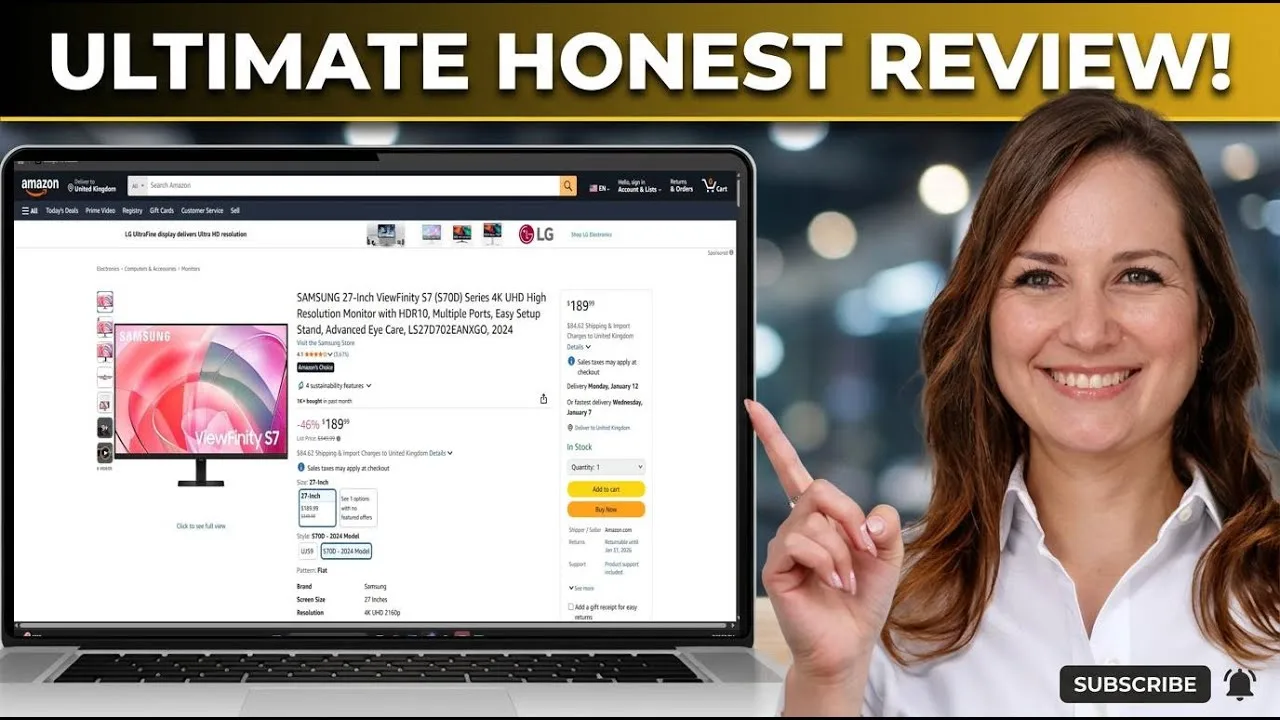 YouTube
The Samsung ViewFinity S70D delivers crisp 4K UHD resolution with 99% …
YouTube
The Samsung ViewFinity S70D delivers crisp 4K UHD resolution with 99% …
The Samsung ViewFinity S70D delivers crisp 4K UHD resolution with 99% sRGB color coverage, making it well-suited for web design, standard graphics work, and general photo editing. Its IPS panel provides wide viewing angles with consistent colors across positions. HDR10 support adds noticeable dynamic range for visualizing final output. The sleek, minimal design features thin bezels, though the stand offers only tilt adjustment with no height or swivel options. Port selection includes standard HDMI and DisplayPort but omits USB-C charging and built-in speakers. The 60Hz refresh rate suits office tasks and coding but excludes competitive gaming. Samsung clearly targets freelance creatives and productivity users who prioritize panel quality over convenience features, accepting trade-offs in ergonomics and connectivity to maintain competitive pricing.
- →Ideal for web designers and standard graphics workflows
- →Best for productivity users prioritizing color accuracy
- →Requires monitor arm purchase for comfortable daily use
- →Not suitable for competitive or high-refresh gaming
- →Perfect for freelancers needing quality without premium pricing
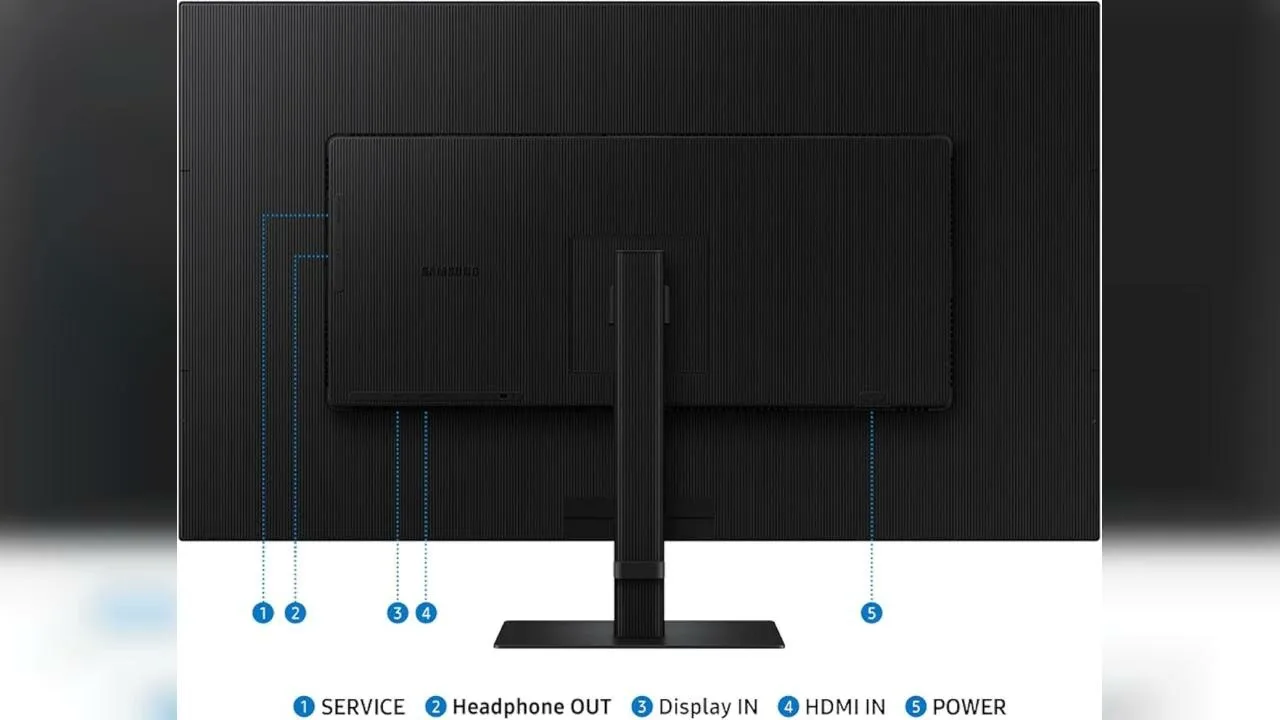 YouTube
A 37-inch 4K UHD monitor targeting professionals and creatives who …
YouTube
A 37-inch 4K UHD monitor targeting professionals and creatives who …
A 37-inch 4K UHD monitor targeting professionals and creatives who need expanded workspace. The 3840x2160 resolution delivers sharp images and text across the extra screen real estate. HDR10 support produces over a billion colors with strong contrast for color-sensitive work. Multiple ports including DisplayPort and HDMI provide versatile connectivity. Tool-free assembly via the Easy Setup Stand adds convenience. TUV-certified eye care technology reduces flicker and blue light for extended use. Samsung incorporates recycled plastics and eco-friendly packaging. The large footprint demands substantial desk space, and pricing runs higher than standard alternatives.
- →Ideal for designers and video editors needing expanded workspace
- →Excellent choice for color-sensitive professional projects
- →Well-suited for users prioritizing eye comfort during long sessions
- →Requires sufficient desk space to accommodate large footprint
- →Strong fit for environmentally conscious buyers seeking sustainable tech
 YouTube
The Samsung ViewFinity S70D is a 32-inch 4K UHD (3840×2160) monitor …
YouTube
The Samsung ViewFinity S70D is a 32-inch 4K UHD (3840×2160) monitor …
The Samsung ViewFinity S70D is a 32-inch 4K UHD (3840×2160) monitor targeting work-from-home users and creative professionals, featuring HDR10 support, 99% sRGB coverage, 60Hz refresh rate, and tool-less assembly. At its $200 sale price, it delivers genuinely praised picture quality with sharp text and vibrant colors suitable for documents, coding, and basic photo editing. However, significant compromises exist: a fixed stand with zero height adjustment necessitates purchasing a VESA mount for proper ergonomics, VA panel technology causes color shifts at wide viewing angles on the large screen, and modern conveniences like USB-C connectivity and built-in speakers are absent. Mac compatibility reports are mixed, creating potential setup headaches for M-series users.
- →Best for spreadsheet work, coding, and document-heavy productivity
- →Budget for VESA arm mount due to non-adjustable stand
- →Verify Mac compatibility and buy from retailer with easy returns
- →Acceptable for basic photo editing, not color-critical professional work
- →Avoid for fast-paced gaming due to 60Hz limitation
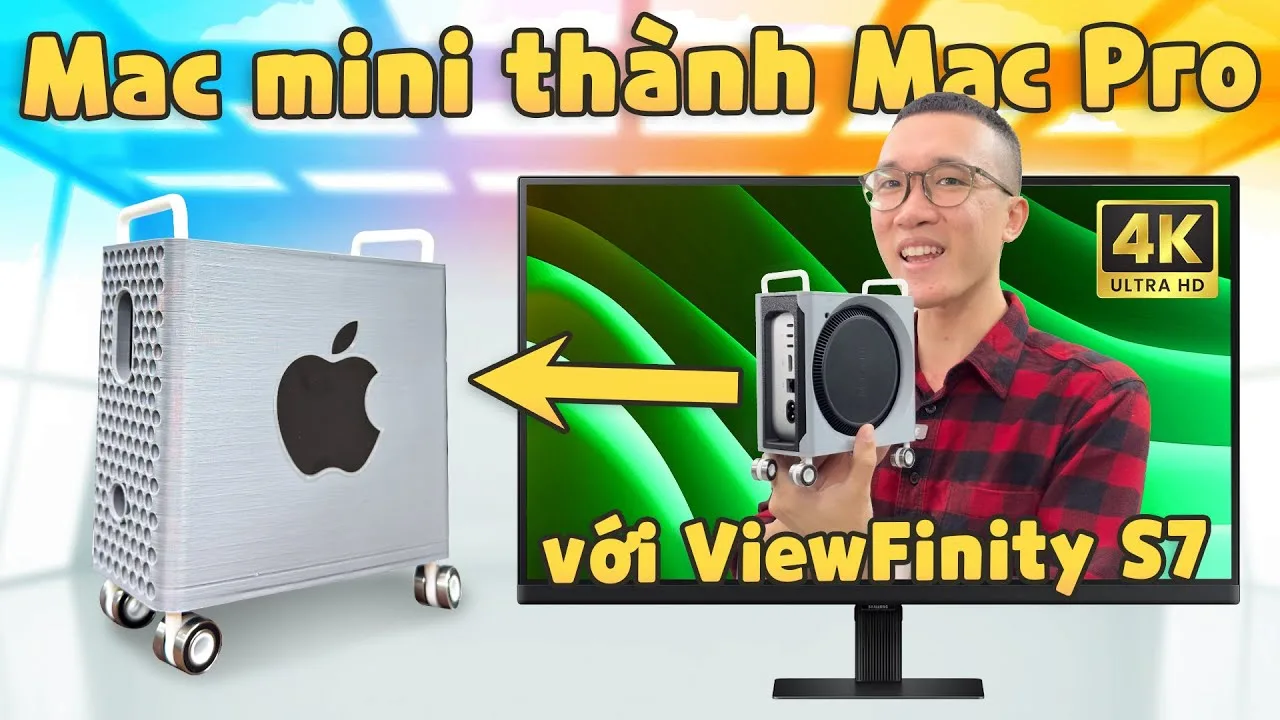 YouTube
The reviewer purchased the Samsung ViewFinity S70D as a 4K monitor …
YouTube
The reviewer purchased the Samsung ViewFinity S70D as a 4K monitor …
The reviewer purchased the Samsung ViewFinity S70D as a 4K monitor upgrade after previously buying a lower-resolution smart TV that didn't meet their needs. Priced around 5-7 million VND depending on retailer, this 32-inch monitor features a matte anti-glare finish that doesn't attract fingerprints. Brightness measures approximately 350-400 nits, which the reviewer notes appears brighter than another 4K monitor they compared it against. The matte coating provides a different experience compared to glossy MacBook displays while maintaining ecosystem consistency across Apple devices.
- →Ideal for Mac Mini users needing sharp 4K text
- →Better choice than low-res smart TVs for productivity
- →Matte coating suits users who dislike glossy screens
- →Sufficient brightness for indoor office environments
- →Budget-friendly 4K option for Apple ecosystem users
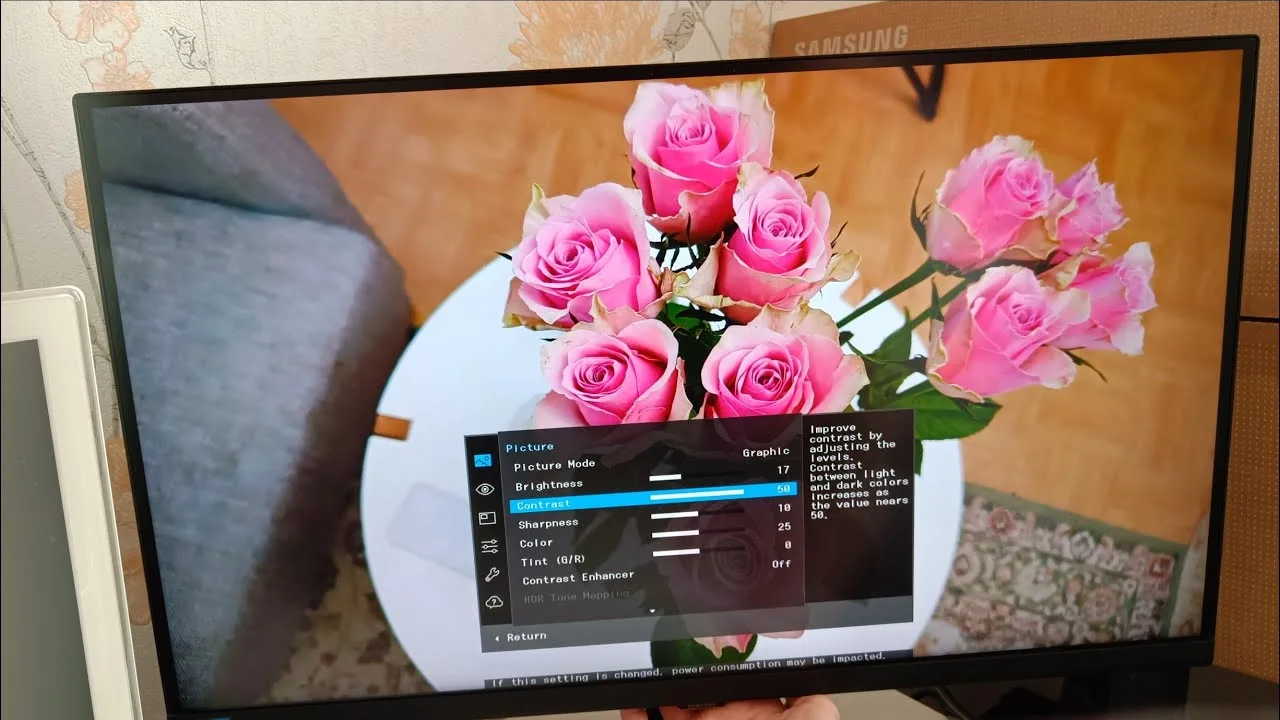 YouTube
The provided content contains no substantive review information about …
YouTube
The provided content contains no substantive review information about …
The provided content contains no substantive review information about the Samsung ViewFinity S70D. The text consists entirely of repeated Norwegian phrases meaning "Thank you for watching" and "Subtitles by Nicolai Winther," along with fragmented, nonsensical English phrases. There are no product specifications, performance observations, or user experiences related to this monitor.
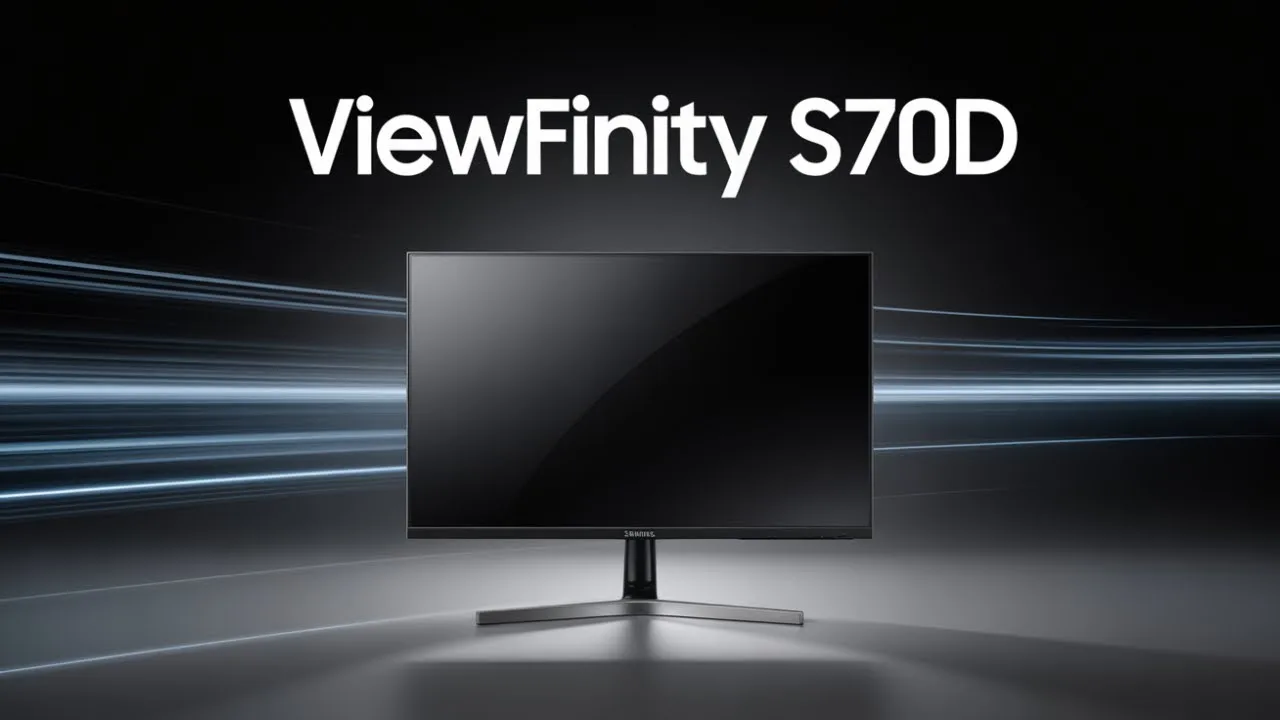 YouTube
The Samsung ViewFinity S70D is a 37-inch UHD monitor (3840 x 2160) …
YouTube
The Samsung ViewFinity S70D is a 37-inch UHD monitor (3840 x 2160) …
The Samsung ViewFinity S70D is a 37-inch UHD monitor (3840 x 2160) praised for its premium minimalist design with thin bezels and sturdy adjustable stand. Reviewers highlight the exceptional clarity, vibrant yet natural colors, and excellent contrast suited for creative professionals. The large screen enables effortless multitasking with multiple applications visible simultaneously. Connectivity includes USB-C with power delivery, DisplayPort, and HDMI. The monitor features HDR support, smooth motion handling, and eye comfort technologies including Low Blue Light Mode and Flicker Free technology. While not strictly a gaming monitor, it handles moderate gaming and entertainment well. The stand offers height, tilt, and swivel adjustments with VESA mount compatibility.
- →Ideal for graphic designers, video editors, and photographers needing color accuracy
- →Perfect for professionals managing complex workflows and multiple applications
- →Excellent choice for content creators seeking immersive large-screen experience
- →Well-suited for remote workers wanting productivity boost with ergonomic design
- →Good fit for entertainment users wanting mini home theater on their desk
Scores based on weighted analysis of 16 expert and community sources. How we review →