Our Analysis
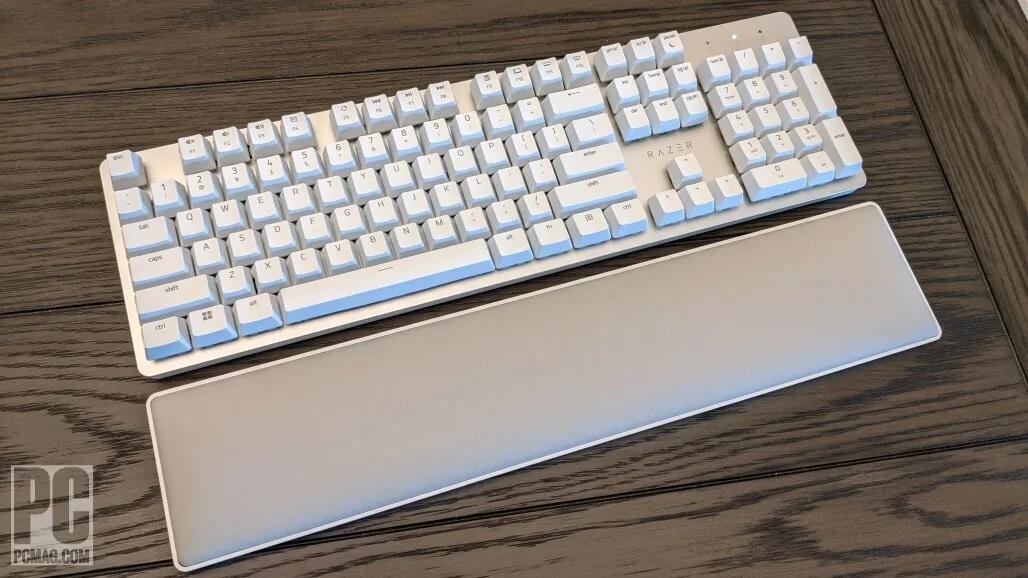
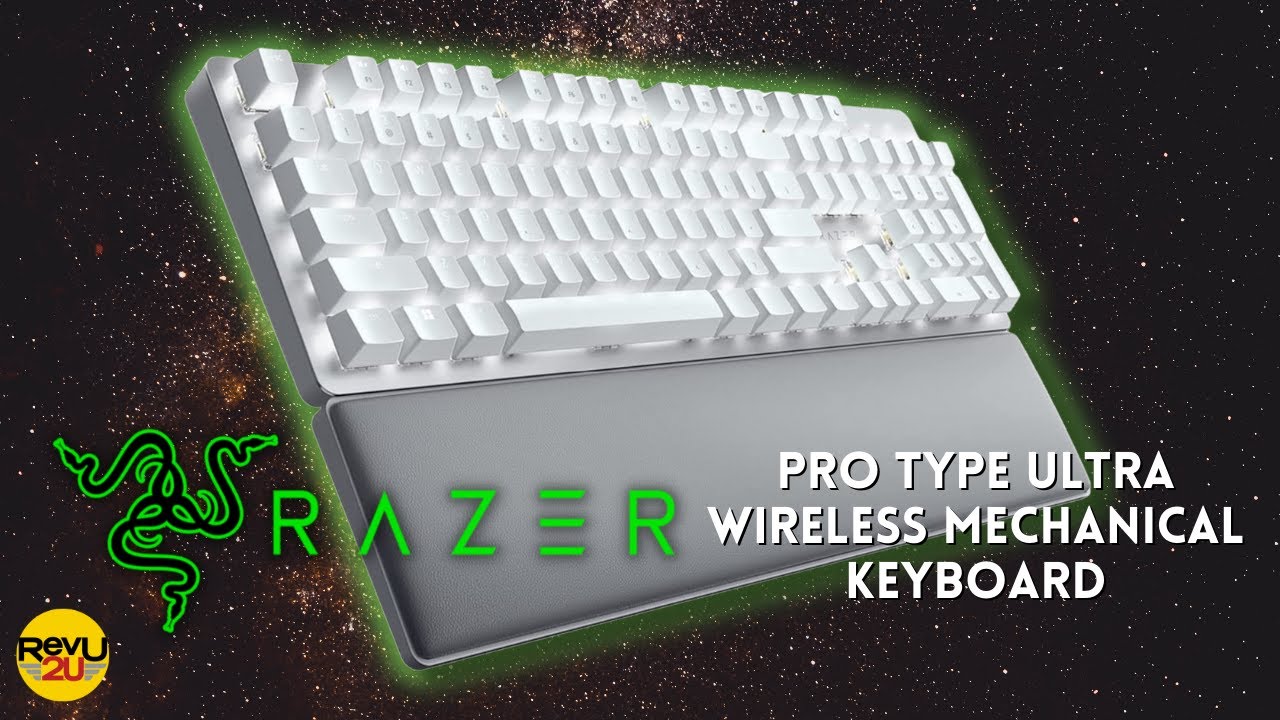
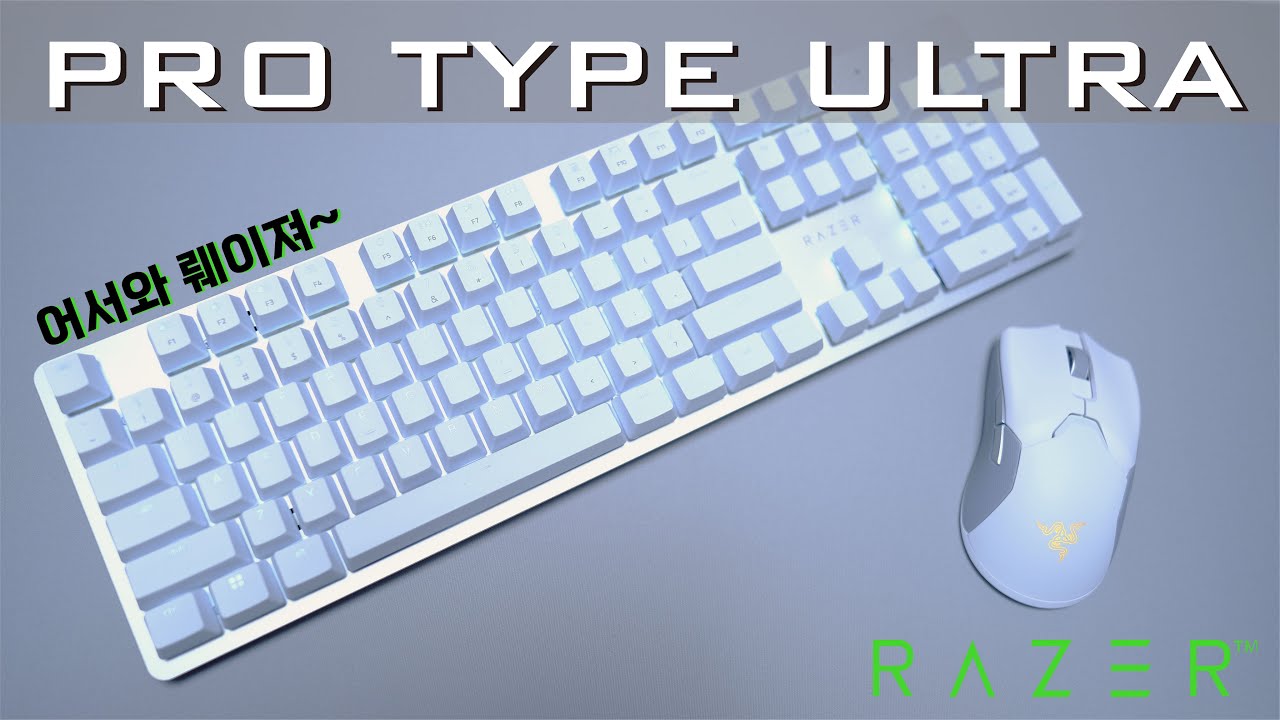
The Razer Pro Type Ultra is a divisive keyboard that caters to specific needs. We found that its typing feel is its standout feature, especially the responsive Razer Yellow switches which are praised for suiting fast typists, as noted by Tom's Guide and Trusted Reviews. These switches offer a 1.2mm actuation and 45g actuation force, providing a smooth and quick typing experience. The dual wireless connectivity via Bluetooth and 2.4GHz, along with an exceptional battery life of up to 214 hours without backlighting, makes it a compelling choice for those seeking a reliable wireless mechanical keyboard. However, the keyboard's high key angle and the cheap feeling ABS keycaps, as criticized in several sources, might be a deterrent for some users.
Key Points
What Reviewers Love
- +
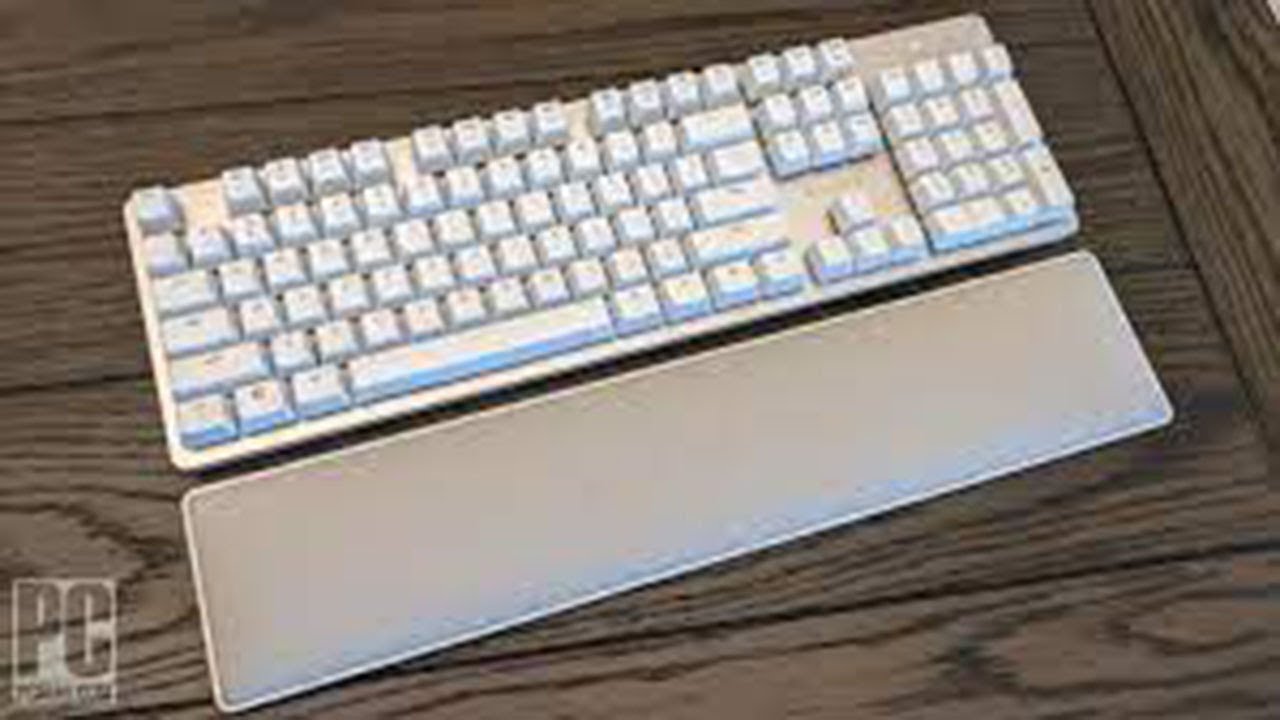
Cushioned wrist rest enables comfortable long sessions
- +
Responsive Razer Yellow switches suit fast typists
- +
Dual wireless connectivity via Bluetooth and 2.4GHz
- +
Exceptional 214-hour battery life without backlighting
What To Consider
- −
ABS keycaps feel cheap and low-quality
- −
$159 price tag exceeds value proposition
- −
High key angle causes typing discomfort for some users
- −
Backlight at maximum brightness drains battery in just 13 hours
Points of Disagreement
- Some sources say "Plush detachable wrist rest included" (9 sources) while others say "No included wrist rest at $140 price point" (6 sources)
check_circle Best For
- Windows-based office workers needing quiet mechanical typing
- Users prioritizing comfort with a cushioned wrist rest
- Individuals requiring long battery life without backlighting
warning Consider Carefully
- Typists sensitive to high key angles and typing discomfort
- Those seeking a more affordable keyboard option
- Users who require a robust backlighting feature
Specifications
Switches
- Operating force
- 42 grams
- Switch actuation point
- 1.2mm
- Switch rating
- 80 million presses
- Switch travel
- 3.5mm
- Switch type
- Razer Yellow linear
Connectivity
- Cable connectors
- USB Type-C (keyboard), USB Type-A (PC)
- Cable length
- two-meter
- Connectivity options
- Bluetooth Low Energy, 2.4 GHz dongle, or USB-C to USB-A cable
- Multi device support
- up to four devices (one 2.4GHz, three Bluetooth)
- Wireless options
- Bluetooth or 2.4GHz RF
Source Analysis
This review synthesizes insights from 25 independent sources to provide a comprehensive, unbiased assessment.
Expert Reviews (8)
Professional testing labs & tech publications
Designed for office environments, this full-size mechanical keyboard features responsive Razer Yellow linear switches with 1.2mm actuation and 45g actuation force, white backlighting, and a comfortable cushioned wrist rest. The minimalist aesthetic fits professional workspaces well, and companion software is easy to use. However, significant build quality issues persist: ABS keycaps feel cheap, metallic pings resonate during typing, and the non-magnetic wrist rest shifts easily. At $159, these compromises make it difficult to justify when competitors offer superior materials and construction at lower prices.
Pros
- Responsive Razer Yellow switches suit fast typists
- Minimalist white design fits office environments
- Cushioned wrist rest enables comfortable long sessions
- White backlighting sufficiently illuminates legends
Cons
- ABS keycaps feel cheap and low-quality
- Audible metallic pings resonate when typing
- Wrist rest lacks magnetic attachment, shifts easily
- Louder than expected for office-focused keyboard
A solid mechanical keyboard targeting productivity users with stylish silver aluminum design and responsive Yellow linear switches. The full-size layout offers convenience with proper numpad and nav cluster, while dual wireless connectivity (Bluetooth and 2.4GHz) adds flexibility. Build quality impresses with sturdy construction and no deck flex, though ABS keycaps feel cheap at this price point. Yellow switches deliver light, responsive typing with 45g actuation force suitable for extended work sessions. Battery life suffers noticeably with backlighting enabled. Razer Synapse integration provides useful remapping and macro capabilities. However, unrefined acoustics and lack of hot-swap functionality make it less compelling against newer enthusiast-grade competitors at similar prices.
Pros
- Responsive Yellow switches with light 45g actuation force
- Stylish silver aluminum design with Mac-like aesthetic
- Sturdy build with no deck flex
- Convenient full-size layout requires no adjustment period
Cons
- ABS keycaps feel cheap and lack durability
- Unrefined acoustics compared to rivals
- Poor battery life with backlighting enabled
- Not hot-swappable despite enthusiast price
Razer's second attempt at an office-focused mechanical keyboard pairs a gorgeous professional aesthetic with disappointing acoustic performance. The aluminum plate and white ABS keycaps create one of the best-looking mechanical keyboards the reviewer has tested, while white LEDs complement the clean design reminiscent of classic Apple keyboards. Wireless connectivity via HyperSpeed or Bluetooth works well for productivity tasks, and battery life reaches 214 hours without backlighting. However, the 'silent' yellow switches fail to deliver true quiet operation due to loud stabilizer rattle, and the rubbery soft-touch keycap coating feels unpleasant and attracts fingerprints. At $160, cheap components undermine the premium positioning.
Pros
- Gorgeous aluminum plate and white keycap combination
- Exceptional 214-hour battery life without backlighting
- Reliable wireless connectivity via HyperSpeed or Bluetooth
- Clean white LED aesthetic suits professional environments
Cons
- Loud stabilizer rattle undermines silent operation claims
- Rubbery keycap coating feels moist and shows fingerprints
- Expensive $160 price tag for the component quality
- ABS keycaps prone to shine over time
Video Reviews (9)
Hands-on demonstrations & setup guides

- Best for Windows-based office workers needing quiet mechanical typing
- Ideal for multi-device users with phone, tablet, and PC setup
- Suitable for occasional gaming but primarily productivity-focused
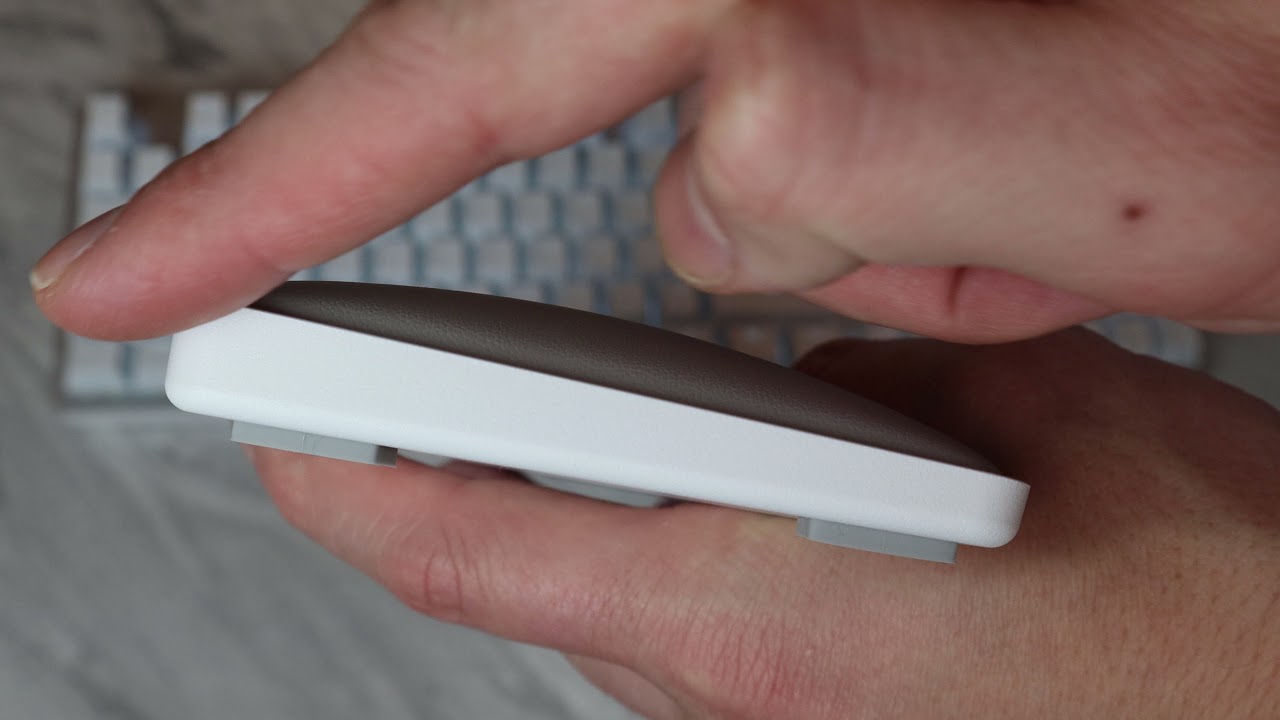
- Best for Razer fans wanting subtle branding in professional settings
- Consider if you prioritize switch feel over ergonomic features
- Skip if you need true split-key ergonomic design
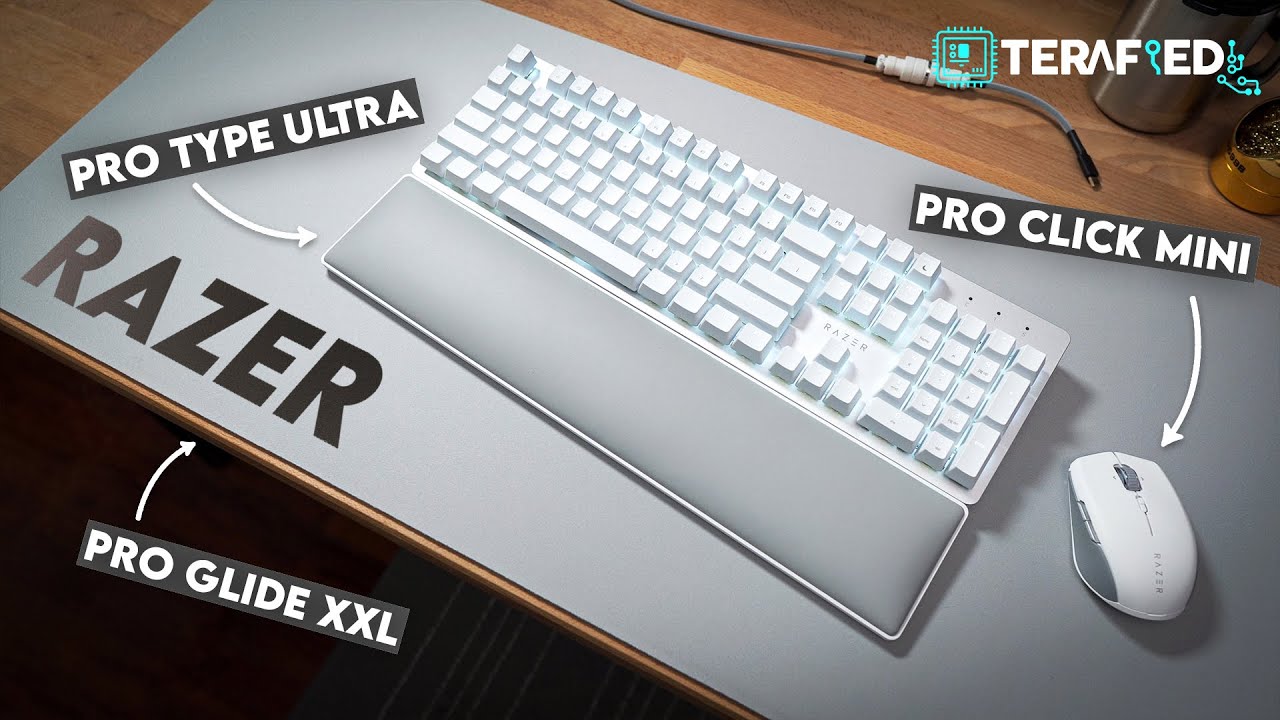
- Part of Razer's expanding productivity peripheral ecosystem
- Wireless mechanical keyboard designed for professional use
- Intended to pair with Proclick Mini mouse and Proglide desk mat

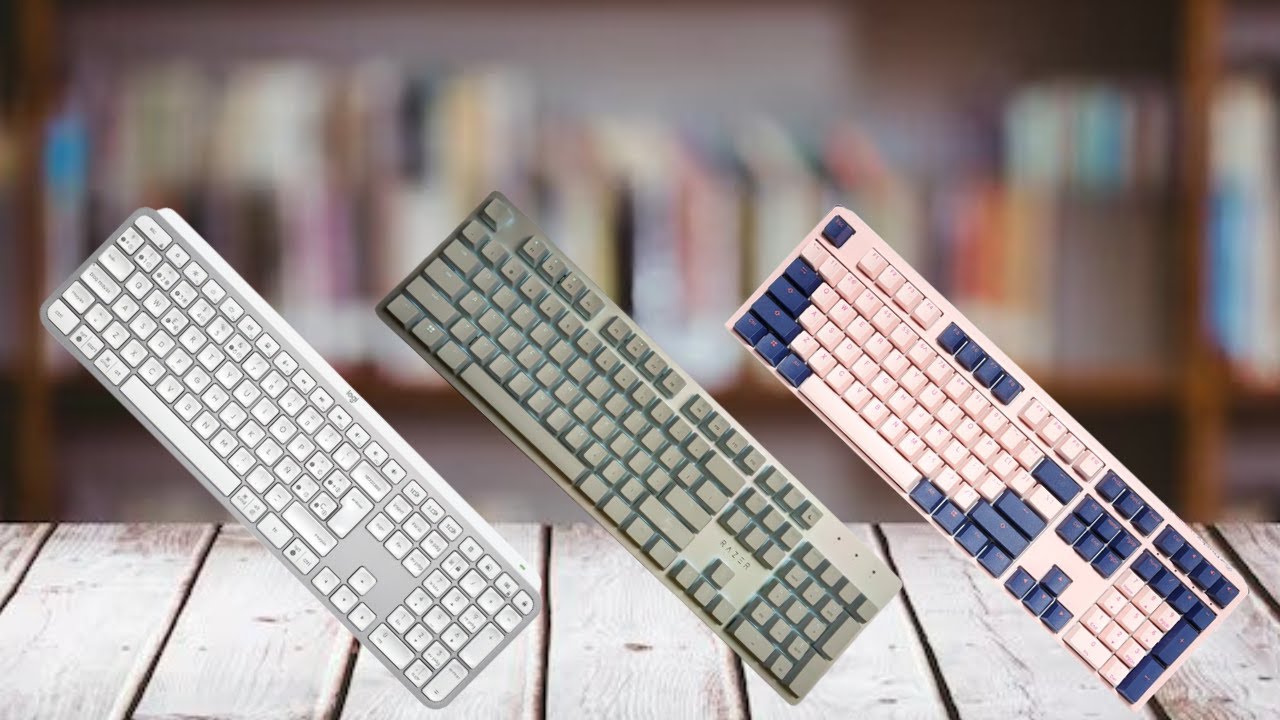
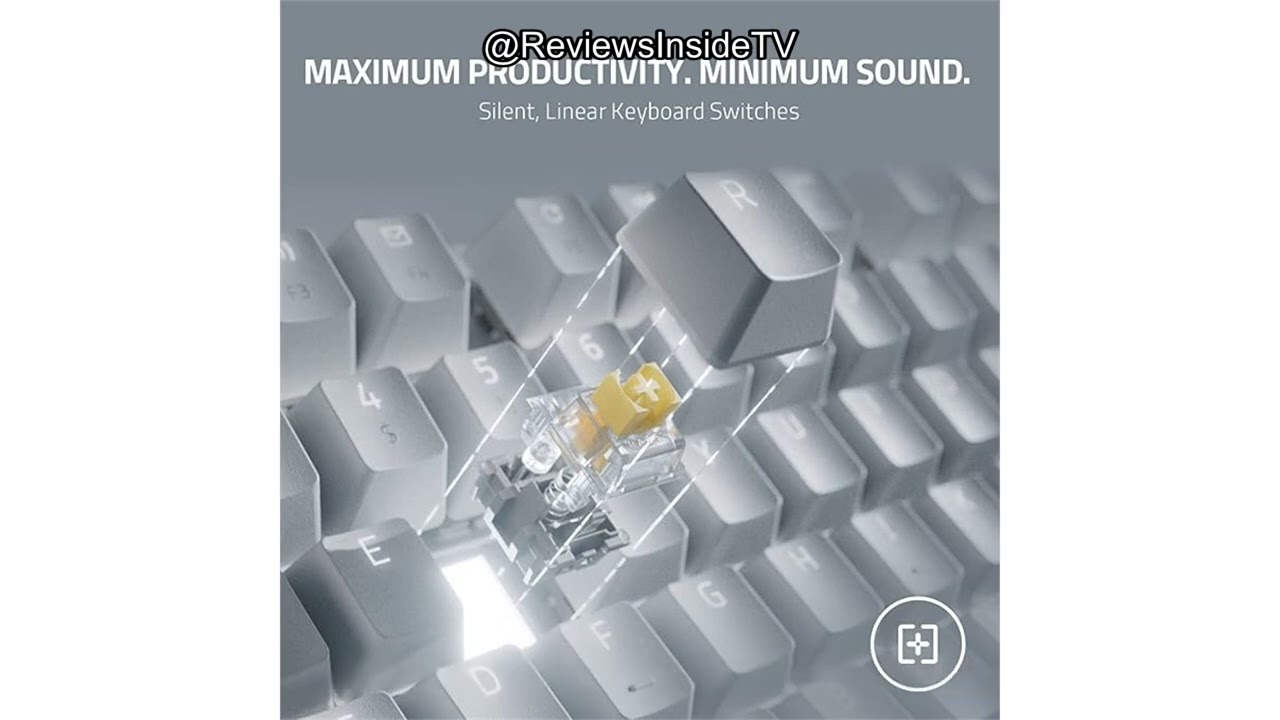
Community Discussions (4)
Real owners sharing experiences
u/NofearAngel
Comparison- Stock keycaps are painted and not durable for daily productivity use over 6+ months
- Best suited for users willing to immediately upgrade to PBT keycaps or accept eventual legend wear
- Purchase only from authorized dealers in supported countries to ensure warranty validity
u/bigpuppyman
Long-term Update- Best for users invested in Razer ecosystem who value software customization and FN key programmability
- Recent Synapse update finally delivered long-requested FN lock functionality, addressing a key community complaint
- Razer's support infrastructure actively monitors Reddit and responds quickly to product concerns
u/mzeinh
Troubleshooting- Critical Bluetooth hardware reliability issue appears within 2-4 month window based on owner experience
- Product unsuitable for users dependent on Bluetooth connectivity as primary or backup connection method
- 2.4GHz and wired modes serve as functional fallbacks but defeat wireless convenience purpose
Customer Reviews Amazon
What buyers are saying
470 reviews
3.9 out of 5 stars
from 470 reviews
Reviews shown are from Amazon customers and do not reflect our editorial assessment.
The Verdict
The Razer Pro Type Ultra is a good choice for Windows office workers prioritizing quiet mechanical typing and long battery life, but the $160 price and cheap ABS keycaps make it hard to recommend over competitors like the Keychron K8 Pro or Logitech MX Mechanical. Buy it if you specifically want Razer's ecosystem and silent Yellow switches; skip it if you need durable keycaps or true quiet operation for shared workspaces.