Our Analysis
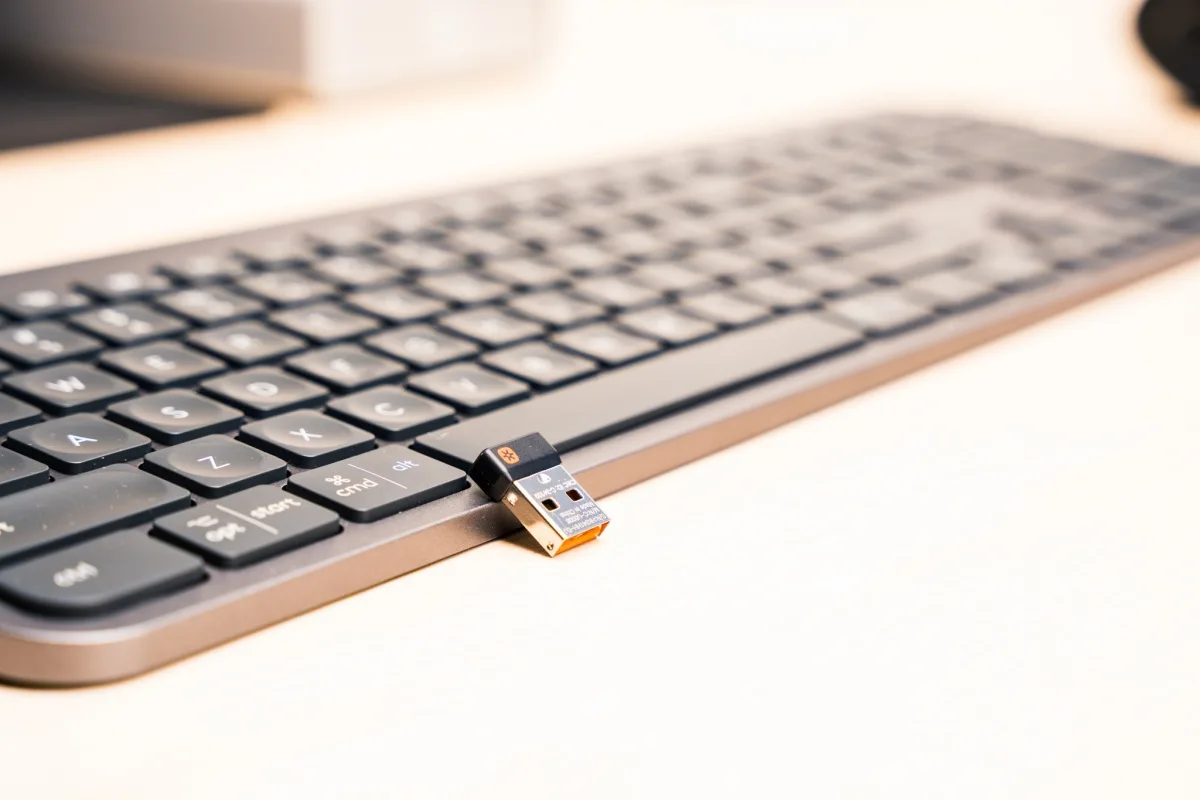
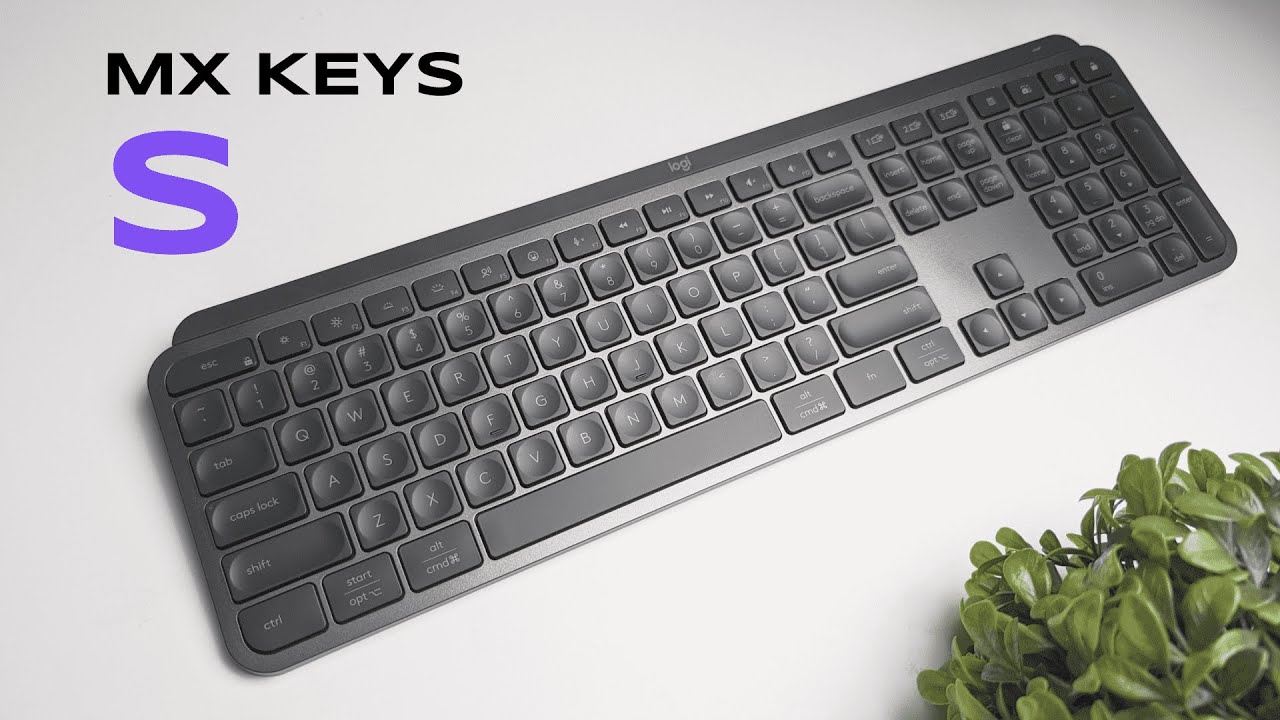
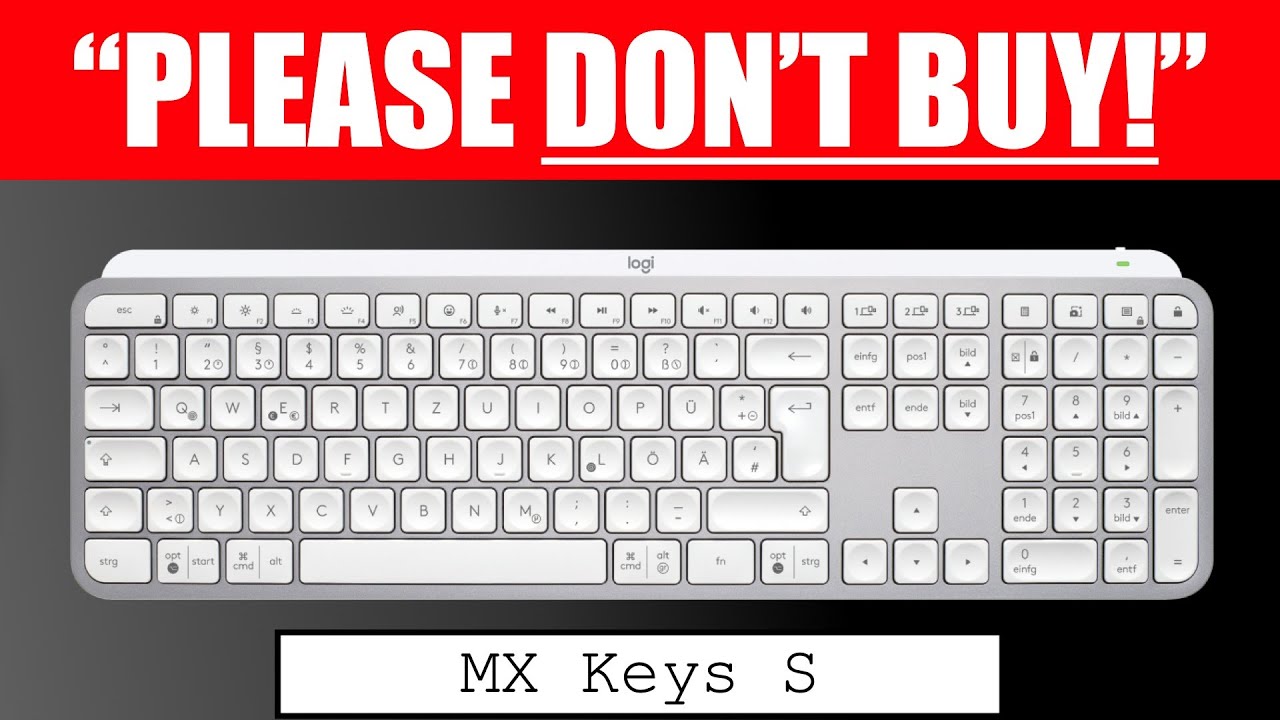
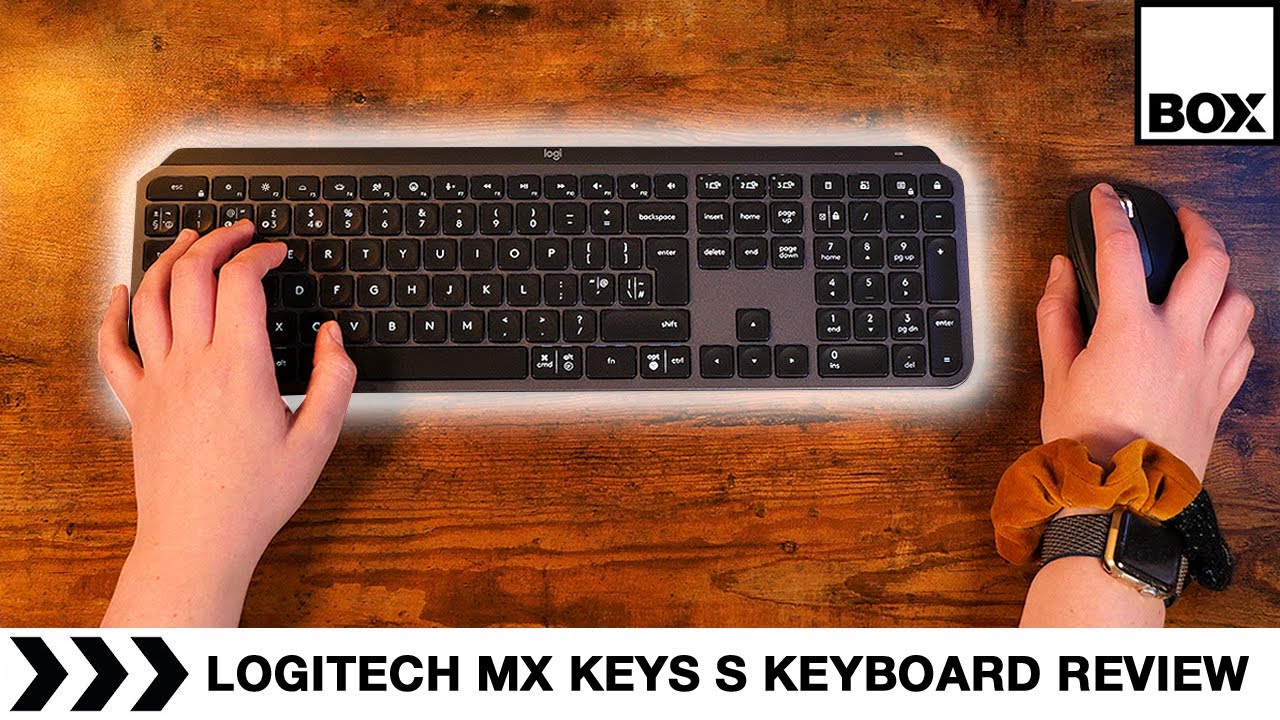
The Logitech MX Keys S is a wireless keyboard that scores high on versatility and ease of use, particularly for those who work across multiple devices. What we found most impressive is its typing feel; it utilizes concave keycaps and scissor switches which, according to techgearlab.com, provide 'excellent tactile feedback'. This keyboard is praised for its quiet operation, ideal for shared workspaces, and its smart backlighting with proximity sensors that save power. A unique feature is the dedicated emoji button, adding a fun touch for quick access. Battery life is also commendable, with 10-day longevity with backlight and up to 5 months without it. However, there are trade-offs: some users might be disappointed by the lack of a USB-A bolt receiver storage slot, absence of adjustable feet, and the thin, uncomfortable optional wrist rest.
Key Points
What Reviewers Love
- +
Multi-device support with easy switching
- +
Quiet typing suitable for shared workspaces
- +
Smart backlighting with proximity sensors saves power
- +
Fun dedicated emoji button for quick access
What To Consider
- −
No storage slot for USB-A bolt receiver
- −
No adjustable feet for typing angle
- −
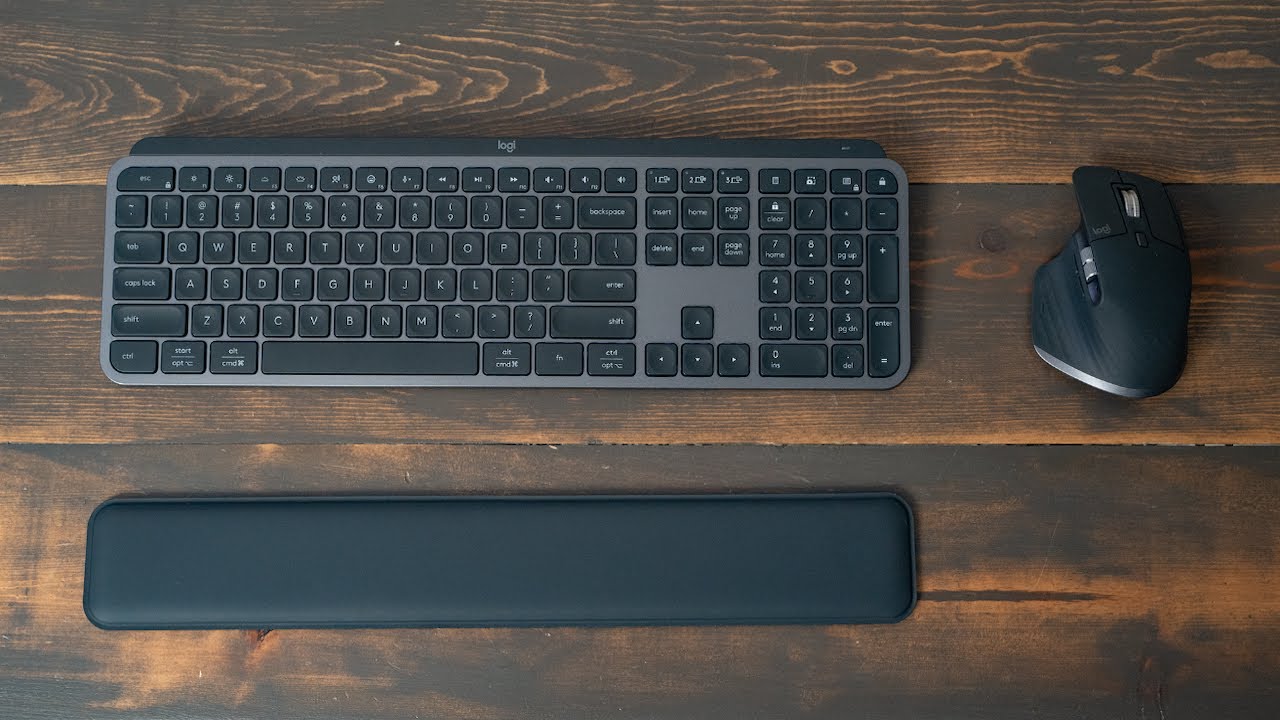
Optional wrist rest is thin and uncomfortable
- −
Premium price point for membrane keyboard technology
check_circle Best For
- Professionals in quiet offices
- Users who switch between devices
- Those who value long battery life
warning Consider Carefully
- Typists needing adjustable typing angles
- Individuals seeking Touch ID integration
- Users on a tight budget
Specifications
Switches
- Actuation force
- just over 60 grams
- Key switch type
- Scissor-actuated (membrane)
- Switch type
- low-profile scissor switches
- Tactile bump distance
- 0.65mm
- Travel distance
- 1.9mm
Connectivity
- Compatibility
- Windows 10, Windows 11, macOS 11 or later, ChromeOS, Linux, iPadOS 14 or later, Android 9.0 or later
- Connectivity
- USB-C, 2.4GHz USB wireless receiver, low-energy Bluetooth
- Multi device support
- up to 3 devices
- Paired devices max
- 3
Source Analysis
This review synthesizes insights from 20 independent sources to provide a comprehensive, unbiased assessment.
Expert Reviews (8)
Professional testing labs & tech publications
The Logitech MX Keys S delivers an excellent typing experience through concave keycaps and scissor switches with good tactile feedback. Its dual-labeled keys and automatic OS detection enable seamless work across macOS and Windows, while dedicated Bluetooth buttons and remappable F-keys enhance productivity. The 1,500mAh battery provides 10 days of use with backlighting or 5 months without. However, the white-only backlight is notably dim, there's no onboard storage for the 2.4GHz dongle, and at $109 the price feels steep for the features offered. The keyboard's 1.78lb weight and full-size design make it desk-bound rather than portable.
Pros
- Concave keycaps and scissor switches provide excellent tactile feedback
- Dual-labeled keys with automatic OS detection for cross-platform work
- Dedicated Bluetooth buttons are better placed than MX Keys Mini
- Logi Options+ enables easy key remapping and macro programming
Cons
- White-only backlight is dim and lackluster
- No onboard storage for 2.4GHz dongle
- Expensive at $109 for the features provided
- Heavy 1.78lb weight makes it non-portable
The MX Keys S delivers an exceptional typing experience centered on its unique dish-shaped keycaps with circular divots that cradle fingertips. Tactile scissor switches require 60+ grams of force with a 0.65mm tactile bump, providing crisp feedback without mushiness. The 6º fixed angle and low-profile 1.9mm travel distance create surprising comfort without needing a palm rest. However, the dish design forces typists to lift fingers between keys, potentially reducing speed for those accustomed to flat keyboards. Performance testing showed strong accuracy (9.2/10) and respectable speed (7.0/10), though the key shape creates a learning curve. Dual-labeled keys support both MacOS and Windows seamlessly.
Pros
- Tactile scissor switches with crisp, non-mushy feedback
- Dish-shaped keys cradle fingertips and reduce slippage
- 6º fixed angle eliminates need for palm rest
- Consistent key feel across entire board
Cons
- Dish design requires lifting fingers between keys
- Fixed angle offers no adjustment options
- 1.9mm travel feels long for low-profile design
- 60g actuation force above average for wireless keyboards
The MX Keys S refines Logitech's 2019 original with subtle hardware tweaks and significant software additions. At $109.99, it maintains the slim 0.8-inch aluminum profile and 1.7-pound weight, now available in Graphite or new Pale Gray. Key updates include adaptive backlighting responding to both hand proximity and ambient light, plus dedicated emoji, mute/unmute, and dictation buttons. The standout feature is Smart Actions in Options+ software—powerful macro automation for streamlining workflows. Battery life reaches 10 days with backlighting or five months without. Multi-device connectivity supports three simultaneous Bluetooth or 2.4GHz connections across Windows, macOS, ChromeOS, Linux, iPadOS, and Android. The optional wrist rest disappoints with minimal cushioning.
Pros
- Adaptive backlighting adjusts to hand proximity and ambient light
- Smart Actions enables powerful single-button workflow automation
- Slim 0.8-inch aluminum profile at just 1.7 pounds
- Multi-device Bluetooth and 2.4GHz connectivity for three devices
Cons
- Optional wrist rest lacks plush cushioning and adequate support
- Shallow key travel may not suit all typing preferences
- Smart Actions disables the assigned trigger key's original function
- Premium price point at $109.99 for non-mechanical keyboard
Video Reviews (9)
Hands-on demonstrations & setup guides
- Ideal for users with wrist pain seeking ergonomic alternatives
- Strong choice for video editors using timeline-based software
- Best suited for multi-device workflows across Mac, iPad, phone
- Ideal for open office environments requiring quiet operation
- Best suited for professionals prioritizing typing ergonomics
- Strong choice for users wanting extensive key customization

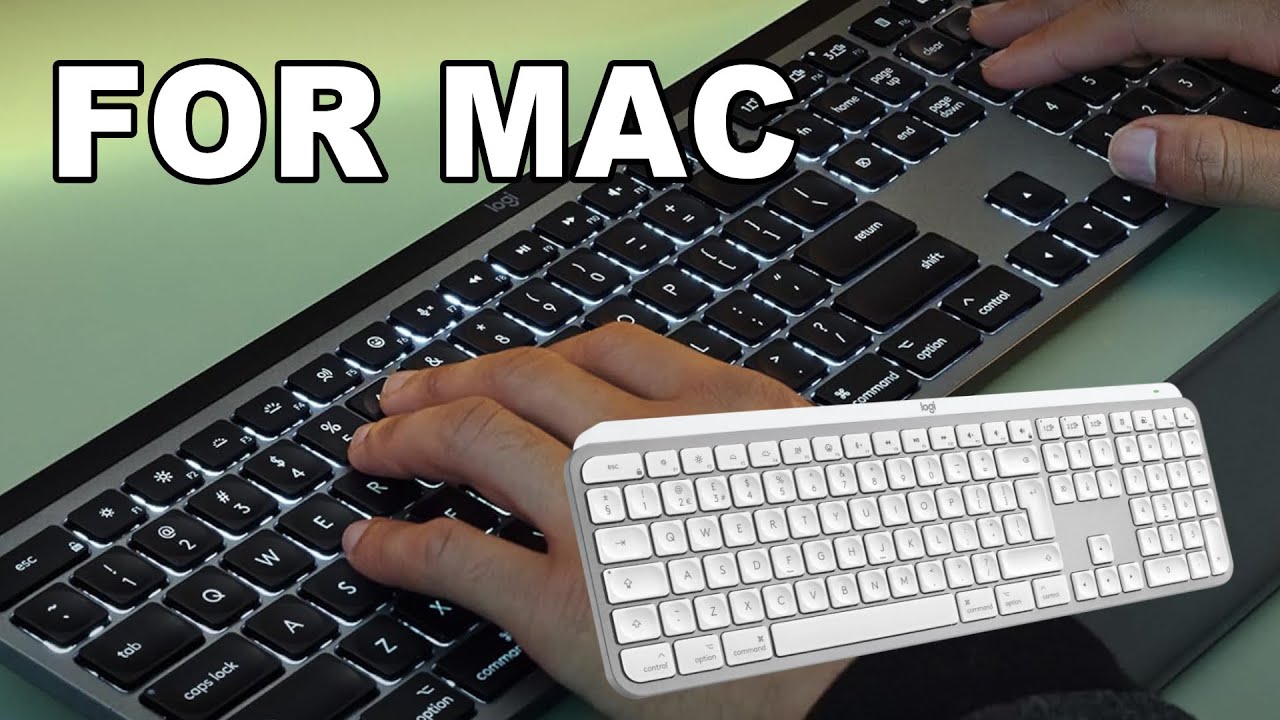
- Ideal for Mac users wanting dedicated function row shortcuts
- Perfect for late-night work with adaptive backlighting
- Best for multi-device setups mixing Mac and Windows
Community Discussions
Real owners sharing experiences
No community reviews analyzed.
The Verdict
With its excellent typing experience and smart features, the Logitech MX Keys S is a solid choice for those seeking a quiet, efficient keyboard. However, considering th lack of certain conveniences like adjustable feet and no onboard storage for 2.4GHz dongle, it may not be the best fit for everyone.