Our Analysis
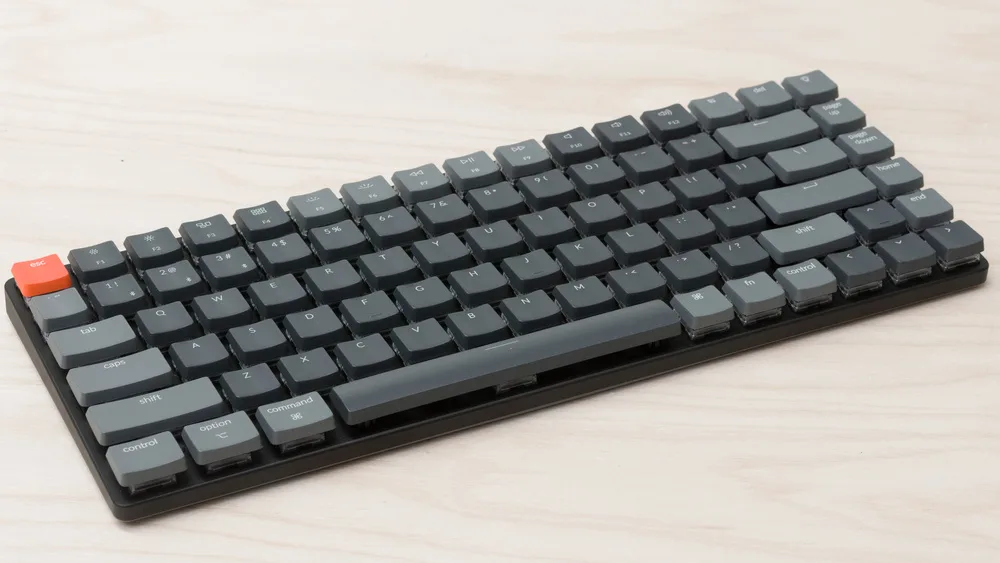
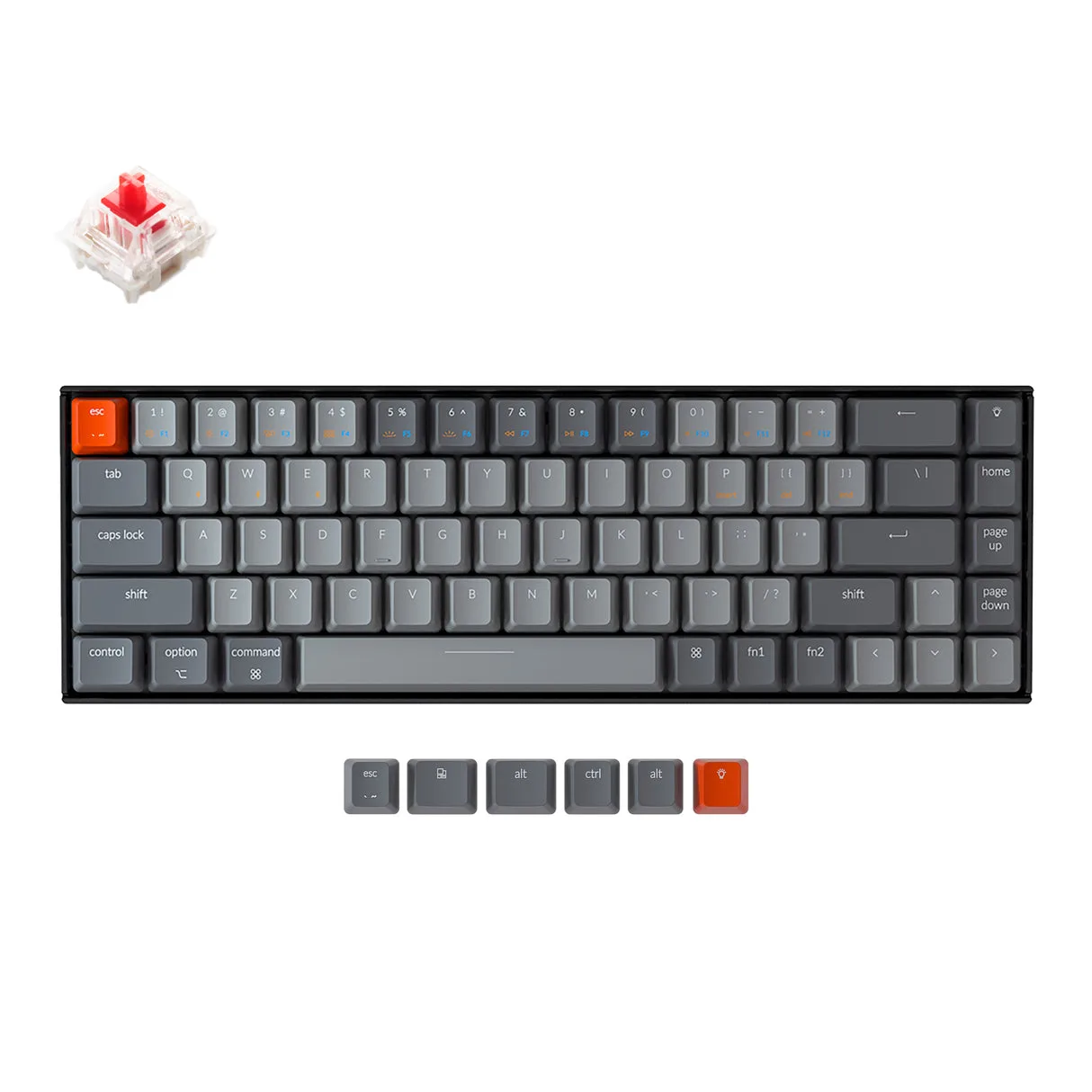
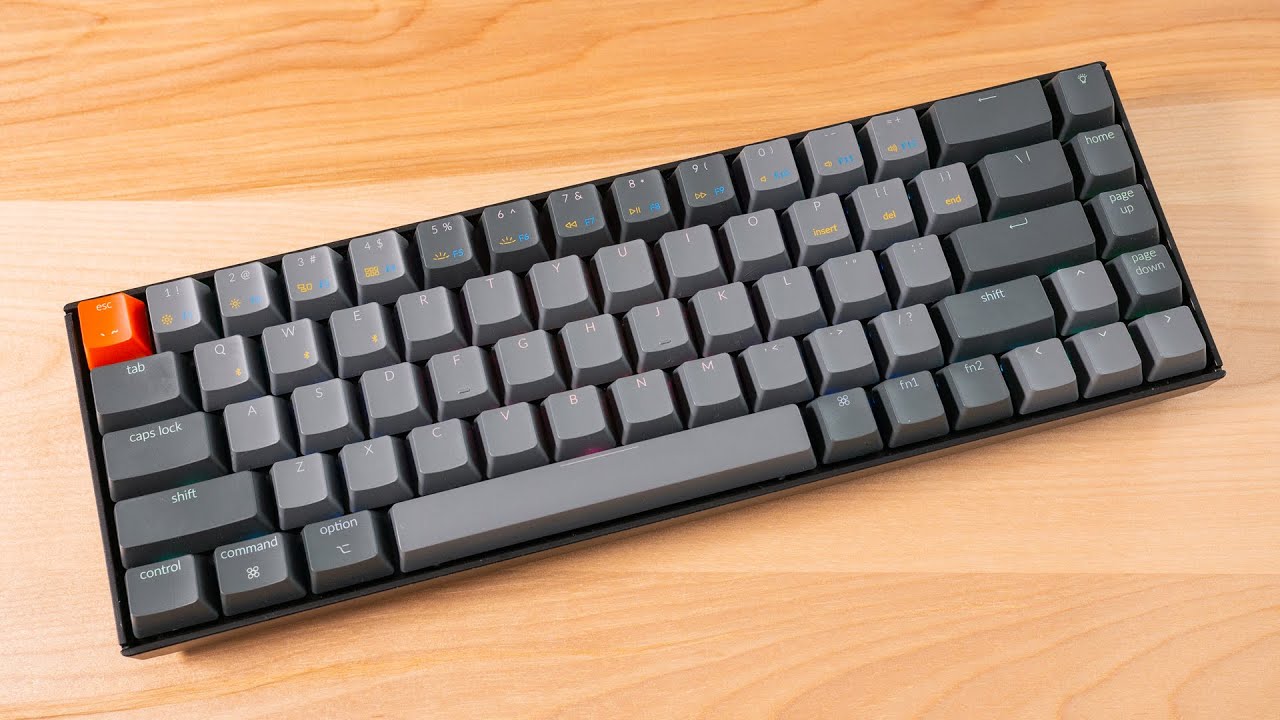
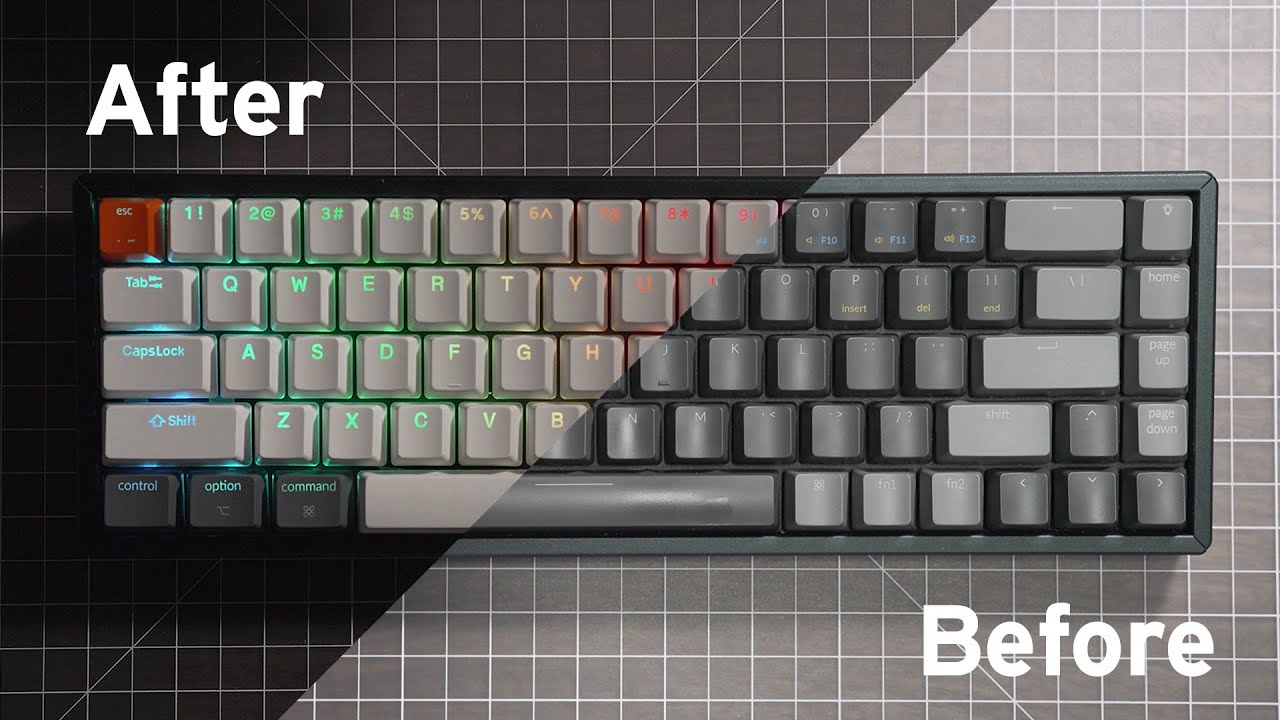
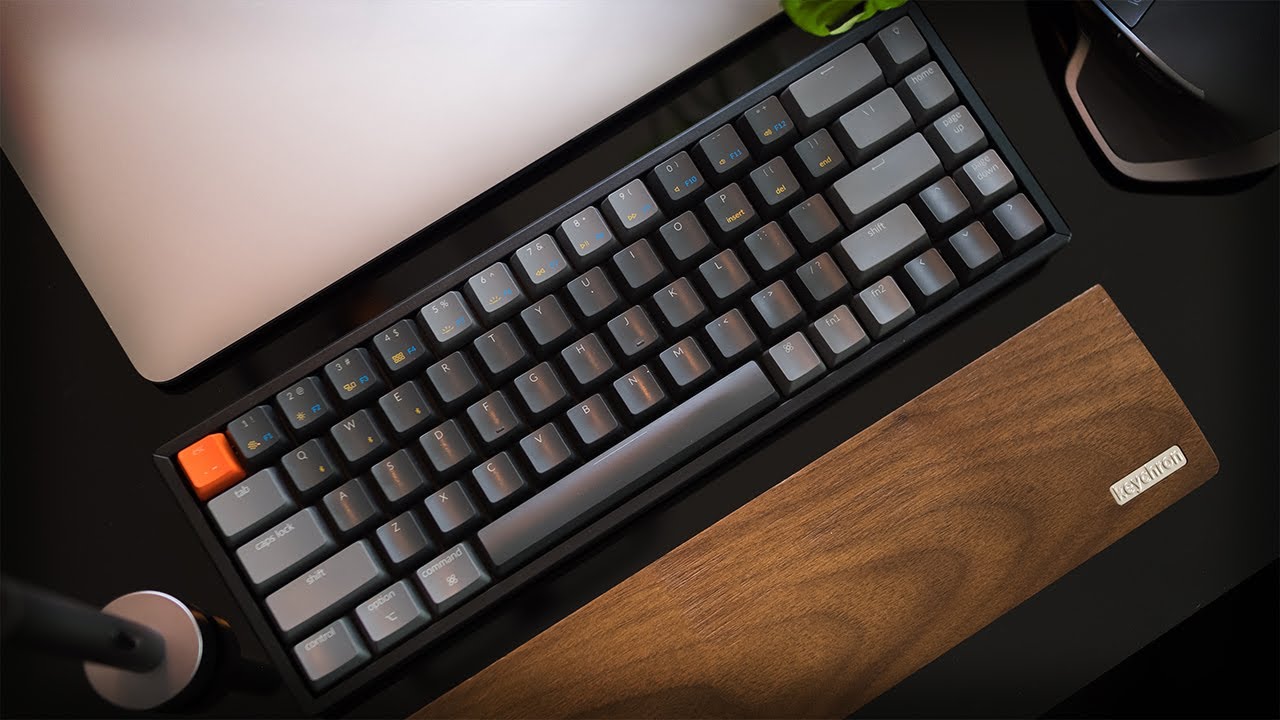
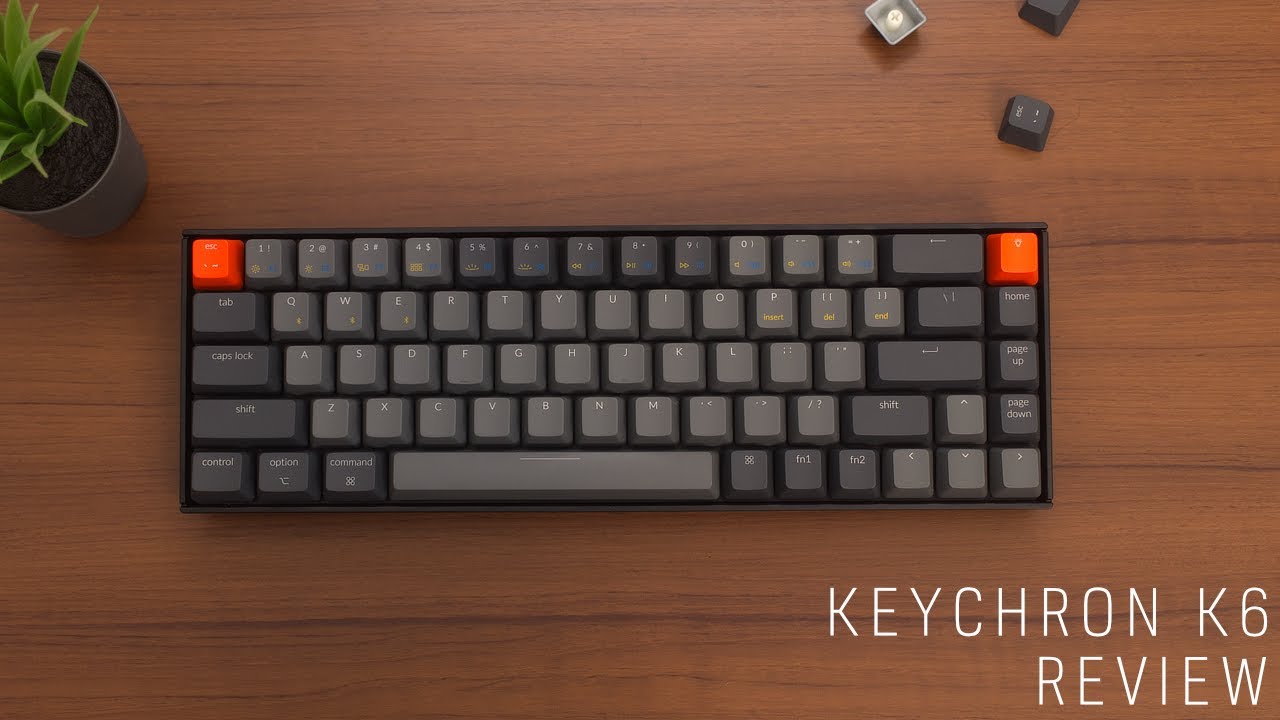
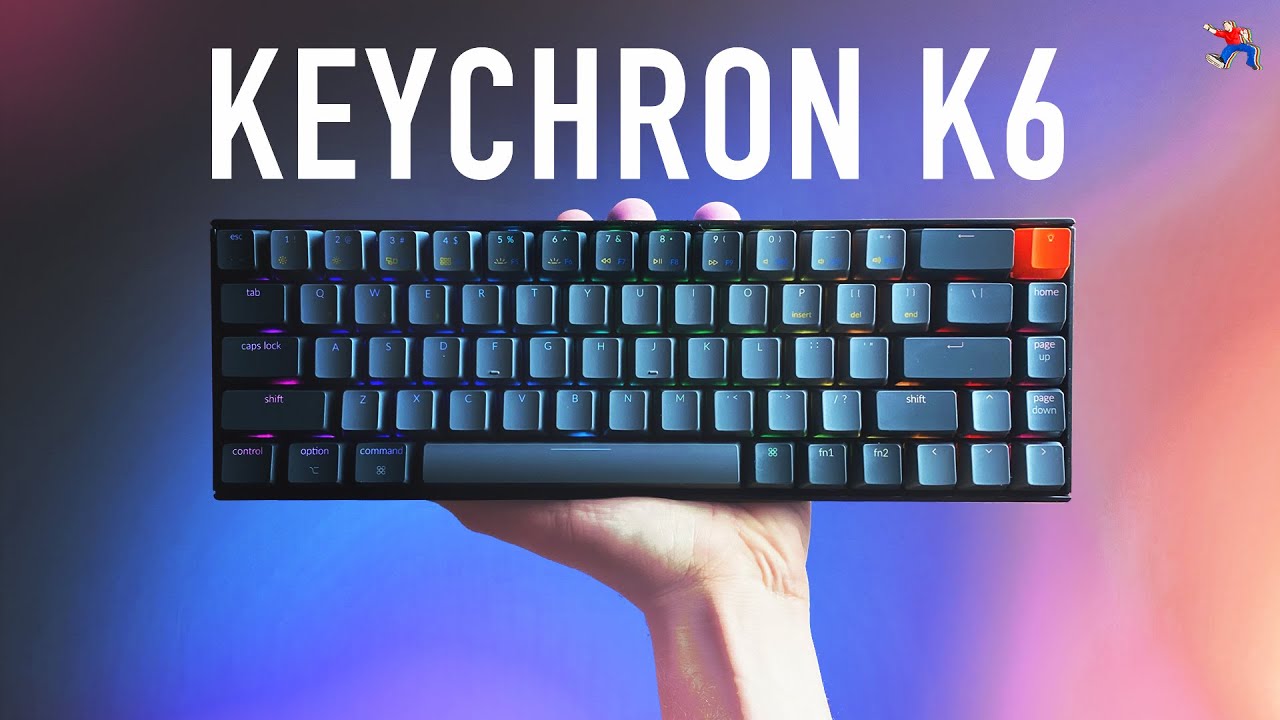
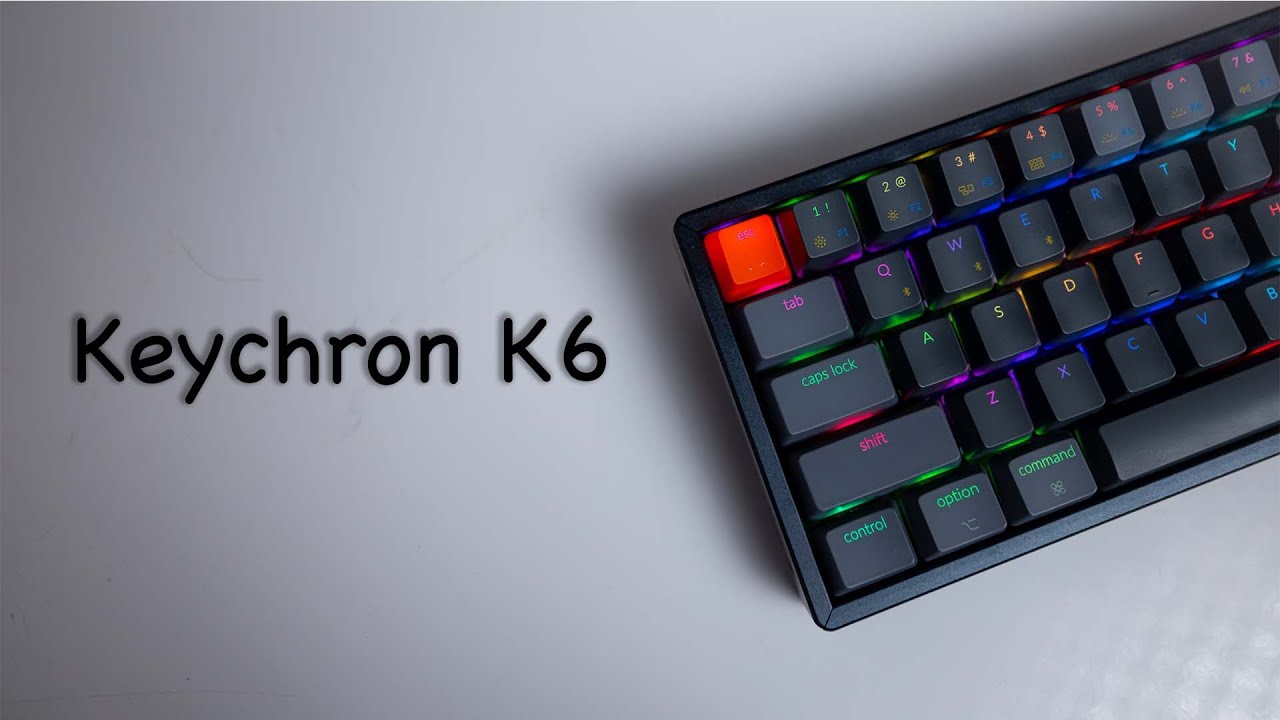
When we looked at the Keychron K6, we found a compact mechanical keyboard that's clearly a favorite among reviewers. It sits at the sweet spot where functionality meets aesthetics, offering a range of features that cater to both Mac and Windows users. What stands out is the typing feel, with its Gateron switches providing a satisfying actuation and sound profile, as noted by gomechanicalkeyboard.com. Its build quality is robust, featuring a sturdy aluminum frame that houses the switches, and it maintains a compact 65% size while retaining arrow keys, a layout preference that many find efficient. Connectivity is seamless with three-device Bluetooth pairing, and it boasts wireless/Bluetooth capabilities, enhancing its versatility. However, some users have noted the ABS keycaps developing an oil shine quickly and the tall chin design that might necessitate a wrist rest for comfort, as observed by thegamingsetup.com and switchandclick.com.
Key Points
What Reviewers Love
- +
Reliable Bluetooth 5.1 multi-device connectivity
- +
Exceptional 4000mAh battery lasts 72 hours with RGB active
- +
Seamless Mac/Windows toggle switch on left side
- +
Sturdy aluminum frame construction
What To Consider
- −
Slippery, textureless ABS keycaps prone to shine
- −
Thin, inflexible switch puller hampers switch removal
- −
No software available for key remapping
- −
Side-mounted USB-C cable looks awkward
check_circle Best For
- Multi-device users needing Bluetooth 5.1 pairing for up to 3 devices
- Desk-space-conscious typists who still need arrow keys
- Gamers wanting a compact, wireless mechanical keyboard
warning Consider Carefully
- Users who require a dedicated F1-F12 function row without using a Fn layer
- Users who prefer durable PBT keycaps over ABS
- Anyone needing dedicated function or multimedia keys
Specifications
Switches
- Options
- Gateron Red, Blue, Brown or LK Optical switches
- Pre lubed
- switches and stabilizers
- Type
- Customizable/swappable
Connectivity
- Multi device support
- Up to 3 devices via Bluetooth
- Os compatibility
- Apple/macOS,Windows
- Rollover
- NKRO on wired mode, 6KRO on wireless mode
- Wired
- Wired
- Wireless
- Bluetooth 5.1
Source Analysis
This review synthesizes insights from 28 independent sources to provide a comprehensive, unbiased assessment.
Expert Reviews (11)
Professional testing labs & tech publications
The Keychron K6 impressed as a compact 65% mechanical keyboard weighing 1.93 pounds with dimensions of 12.3" x 4.8" x 1.5". Its sturdy aluminum frame houses Gateron switches (Red, Blue, or Brown options) and delivers exceptional battery life—72 hours with RGB and Bluetooth active, or about a week without backlighting. The reviewer particularly valued the seamless Mac/Windows toggle switch and dedicated Mac multimedia key layout. RGB lighting offers 18 preset effects, though customization is limited. USB-C connectivity and Bluetooth wireless are standard, though the left-side port placement proved inconvenient for some setups. ABS keycaps enable double-shot molding but feel thin with low contrast.
Pros
- Exceptional 4000mAh battery lasts 72 hours with RGB active
- Seamless Mac/Windows toggle switch on left side
- Includes dedicated Mac multimedia key layout
- Compact 65% size with productive space utilization
Cons
- ABS keycaps feel thin with low contrast effect
- RGB lighting not programmable or customizable
- Left-side input location causes cable tangling issues
- Minor Bluetooth latency occasionally present
The Keychron K6 marks the company's first gaming-suitable keyboard with its compact 65% layout. It delivers multi-device Bluetooth 5.1 connectivity, hot-swap switch compatibility, and impressive battery life at a budget-friendly price point. The high-profile ABS case with optional aluminum bezels stands out in its price range, though the 4cm height demands a wrist rest for comfortable typing. Pre-lubed stabilizers perform adequately, and the 5-pin hot-swap socket accommodates most popular switches. However, the slippery thin ABS keycaps and lightweight chassis disappoint, while the absence of remapping software limits customization. The included extras—extra keycaps, pullers, and braided USB-C cable—add meaningful value.
Pros
- Clean, attractive design with optional aluminum bezels
- Reliable Bluetooth 5.1 multi-device connectivity
- Long battery life with clear LED charging indicator
- 5-pin hot-swap socket compatible with popular switches
Cons
- 4cm case height requires wrist rest for comfort
- Slippery, textureless ABS keycaps prone to shine
- Thin, inflexible switch puller hampers switch removal
- Very light weight affects stability
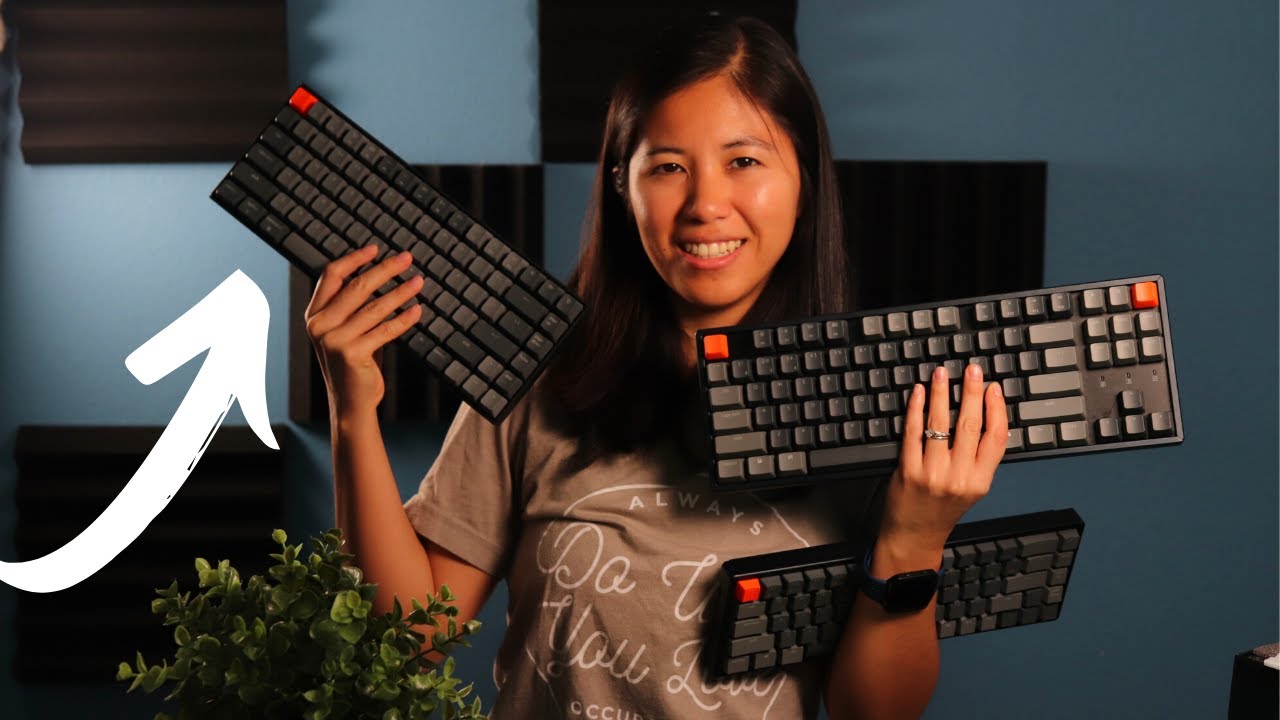
The Keychron K6 features a 65% layout with hot-swap sockets, making it slightly more slim than the K2 and K4 models. It shares the same overall width as the K2 but includes fewer total keys, offering minimal space savings. Like other Keychron keyboards, it includes wireless connectivity and Mac compatibility. The review notes that the 65% layout removes some functionality without significant space reduction compared to the 75% K2, positioning it as a middle-ground option for users wanting arrow keys and some navigation cluster in a compact form factor.
Pros
- 65% layout retains arrow keys and some navigation cluster
- Hot-swap sockets allow switch customization without soldering
- Slightly slimmer profile than K2 and K4 models
- Wireless connectivity with multi-device support
Cons
- Same width as K2 with fewer keys offers minimal space savings
- Less efficient layout than 75% alternatives
- High front profile risks wrist discomfort without rest
Video Reviews (15)
Hands-on demonstrations & setup guides
- Ideal for enthusiasts wanting entry-level hot-swap customization
- Budget for immediate keycap and stabilizer upgrades
- Choose aluminum frame variant for more complete appearance

- Ideal for users wanting hot-swap in compact 65% layout
- Plan immediate keycap swap for optimal visibility
- Best suited for left-side USB-C computer setups
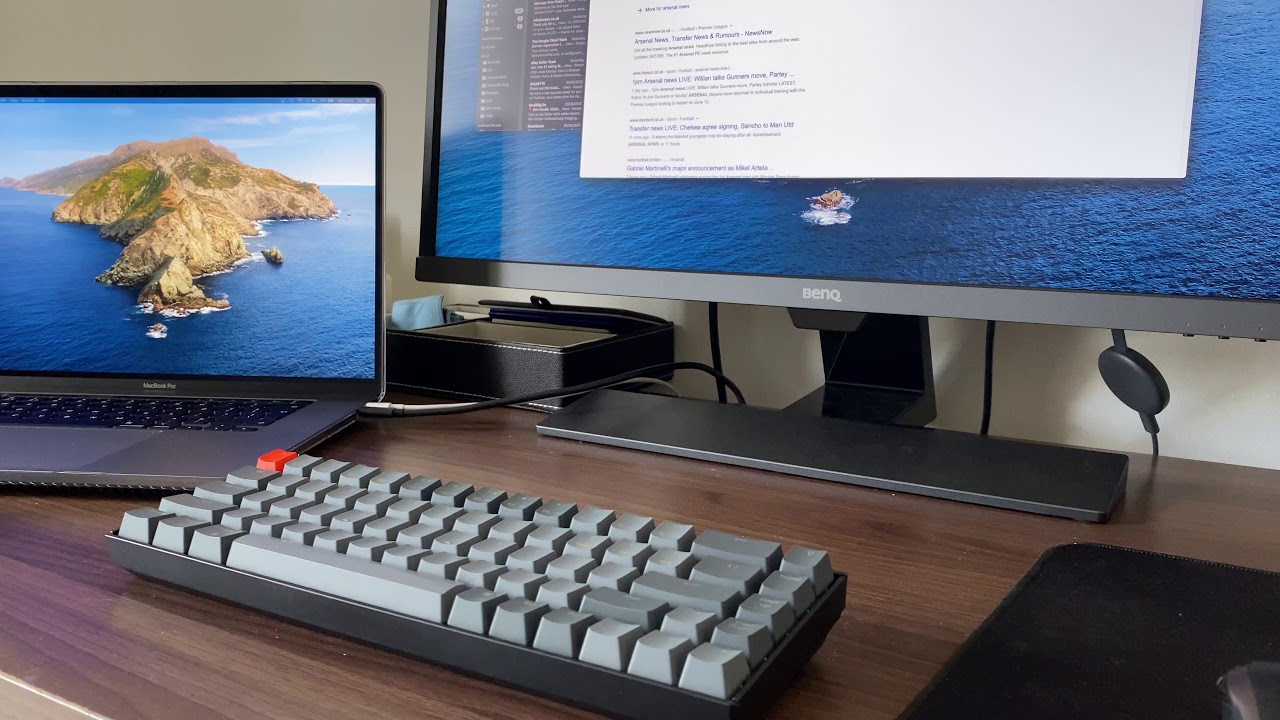
- Requires separate wrist rest for comfortable typing
- Avoid if you have any history of wrist or carpal issues
- Disconnect other Bluetooth devices before initial pairing



Community Discussions (1)
Real owners sharing experiences
u/Thalandros
Setup Showcase- Best for office workers who want mechanical feel without disturbing colleagues—choose tactile or linear switches, not clickies
- Viable platform for custom keycap enthusiasts seeking compact layouts
- Community consensus: switch choice matters more than board choice for office acceptability
Customer Reviews Amazon
What buyers are saying
1,238 reviews
Recently Added Reviews
Great, just needs a wrist rest
Great gaming keyboard
Almost Perfect
First Keychron keyboard, really impressed.
Replaced my current gaming keyboard with this!
Reviews shown are from Amazon customers and do not reflect our editorial assessment.
The Verdict
The Keychron K6 earns its 88/100 score as the best compact mechanical keyboard under $100 for multi-device users. The hot-swap sockets, Bluetooth 5.1, and aluminum frame make it hard to beat at this price. Pass on it only if you need PBT keycaps from day one or depend on a dedicated function row.