

Keyboards
Keychron C3 Pro
Best For
- Budget-conscious typists
- Mac and Windows users
- Gamers needing a starter mechanical keyboard
Consider Carefully
- Serious gamers seeking advanced features
- Users needing diverse RGB lighting
Jump to Section
The Bottom Line
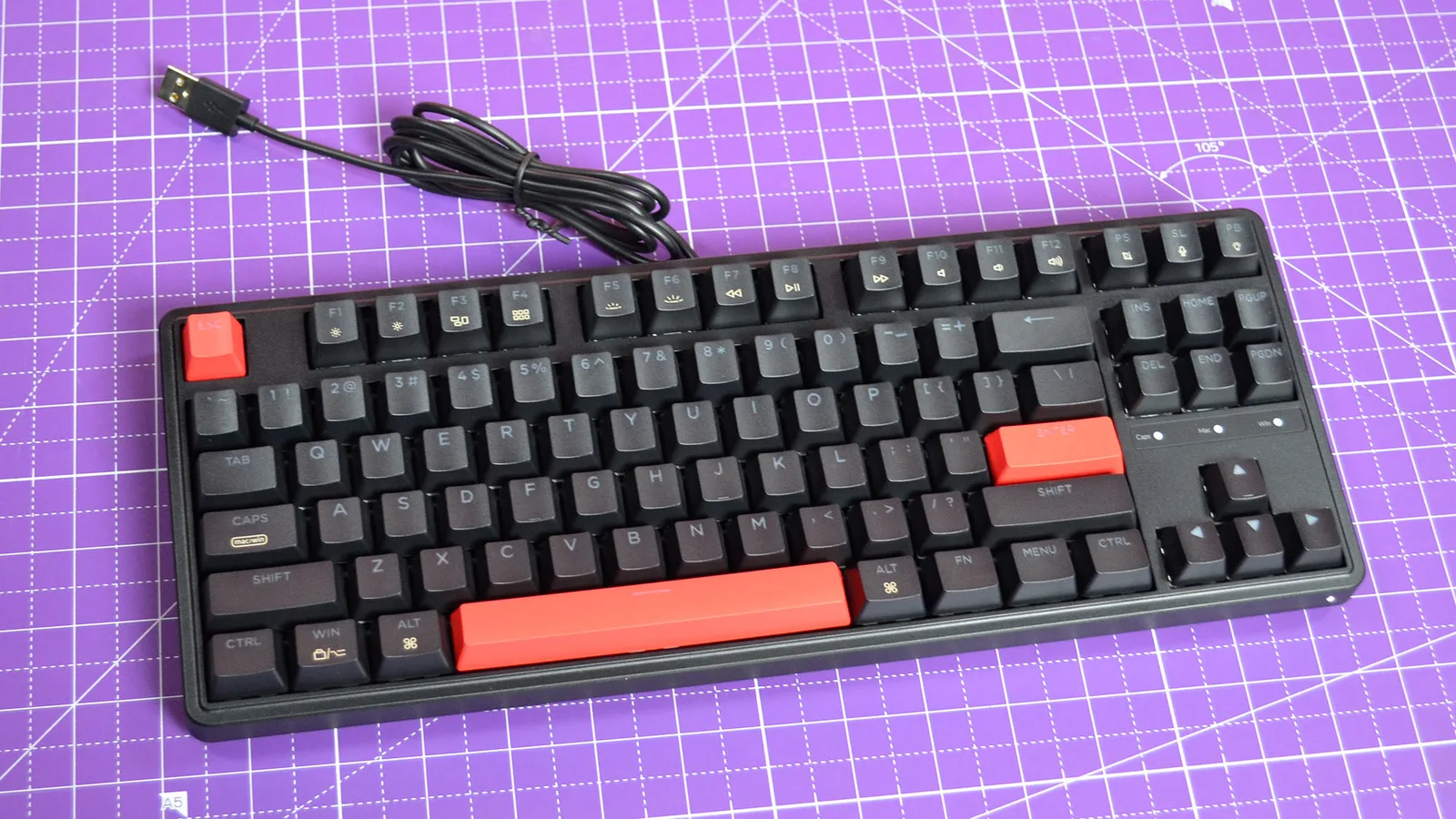
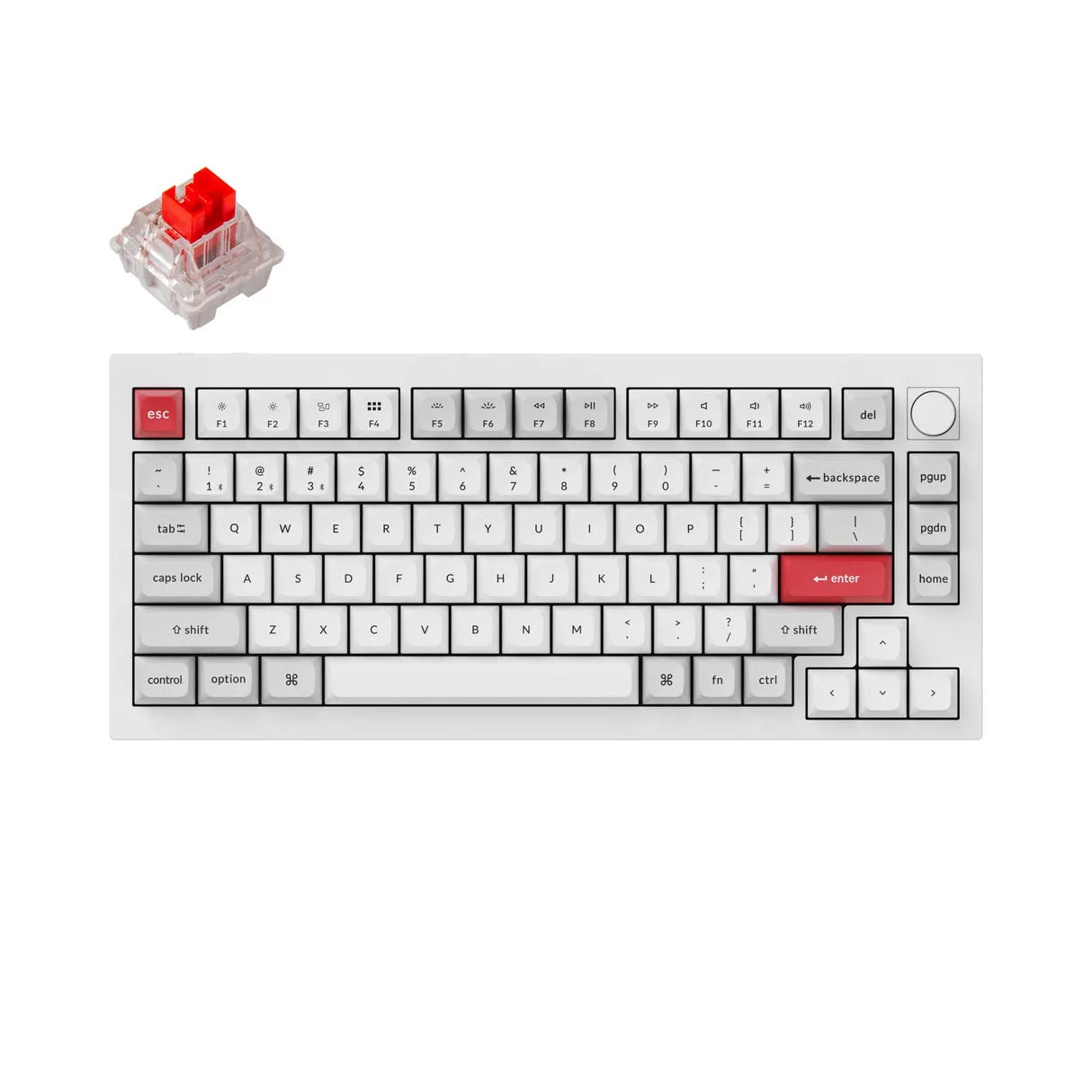
The Keychron C3 Pro is a budget-friendly mechanical keyboard that's making waves for its value. We found it to be a solid choice for users seeking a cost-effective entry into mechanical keyboards without sacrificing too much in performance. A standout feature is its typing feel, with the keyboard offering a quiet experience due to its gaskets and foam, as noted by makeuseof.com. Its build quality is generally praised, with cable management channels adding to the neat setup, despite its plastic construction which some feel results in a tinny sound profile. Connectivity-wise, it supports a 1000Hz polling rate and programmable keys, which techradar.com commends, although it's limited to wired connection with an awkwardly placed USB-C port.
Performance Breakdown
In-Depth Analysis
Value For Money 98
Eleven of 15 sources call this the go-to pick for budget mechanical keyboards, and none of them disagree on the core point: sub-$50 for QMK/VIA support is genuinely hard to beat.
Key Takeaway
→If you want a mechanical keyboard with real customization support and have $50 or less to spend, this is the obvious starting point.
Software Customization 94
QMK and VIA support at this price is the headline, but expect a learning curve. Setup isn't always plug-and-play.
Key Takeaway
→If you want QMK/VIA at a budget price, this delivers. If you want zero-setup customization, the learning curve is real.
Typing Experience 93
Reviewers broadly agree the typing feel punches above its price, though TechRadar is direct that serious gamers should look elsewhere.
Key Takeaway
→For everyday typing and casual gaming, the feel is genuinely good for the price. Competitive gamers and tactile switch fans should factor in a switch swap.
Platform Compatibility 86
Five of six sources confirm solid Windows and macOS support, with included keysets for both. The only gap is PlayStation, and macOS users should know about a scrolling quirk.
Key Takeaway
→Cross-platform use is well covered. Mac users exploring QMK scrolling features should check the r/olkb thread before committing.
Build Quality 66
Plastic construction keeps the price down but brings real trade-offs: a tinny sound profile and a build that multiple sources describe as lackluster for anything beyond budget expectations.
Key Takeaway
→The build is fine for the price, but if sound profile or premium feel matters to you, budget for foam mods or look at a higher tier.
Switch & Hot-Swap Options 66
Four sources confirm the C3 Pro is not hot-swappable, which is the single biggest functional limitation for anyone who wants to experiment with switches down the line.
Key Takeaway
→If you know which switches you want and don't plan to swap, this is solid. If hot-swap is on your checklist, look at the Keychron C3 Pro's siblings or competitors.
Backlighting Options 64
Red-only backlighting is the hard limit here. Three sources flag it, and A Better Computer is blunt: this isn't for RGB enthusiasts.
Key Takeaway
→If red backlighting fits your setup, this is fine. If you want RGB or any other color, this board isn't it.
Connectivity & Cable 57
No wireless option and a stiff, awkwardly placed USB-C cable are the two complaints that show up across multiple sources. This is the weakest aspect of the board.
Key Takeaway
→If wireless is a requirement, stop here. If you're fine with wired, budget for a better cable replacement.
Specifications & Verdict
Build
- Palm Rest
- None
- Passthrough Ports
- None
Connectivity
- Interface
- USB Wired
Features
- Key Backlighting
- Single-Color
- Media Controls
- Shared With Other Keys
Layout
- Number of Keys
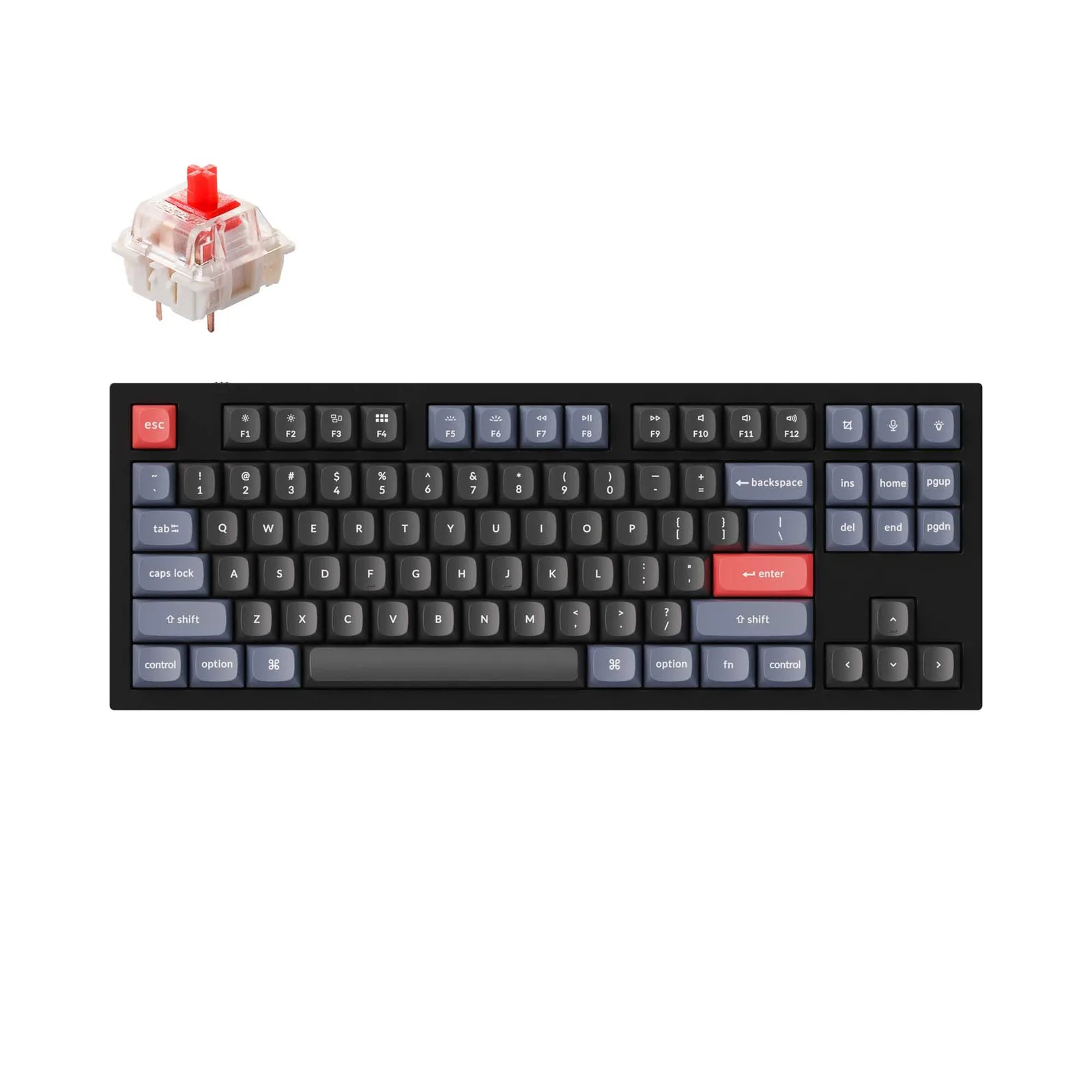
- 87
Physical
- Dimensions
- Not Provided
Switches
- Key Switch Type
- Keychron Red
Our Verdict
The Keychron C3 Pro is an excellent pick for those on a tight budget who want the tactile feedback of mechanical switches. Its affordability and respectable performance make it a great starter keyboard. However, for those requiring advanced gaming features or extensive RGB customization, this keyboard falls short.
Customer Reviews Amazon
135 reviews
Fantastic keyboard for the price
Great for the $30 I paid for it
Lots of keyboard for the money
Solid keyboard at an outstanding price.
Show all 9 reviews
Easy to use
Almost perfect
Branded budget mech, guilt free price and a great entry point.
Teclado Alámbrico RGB
Como habilito los 1000hz?
Reviews shown are from Amazon customers and do not reflect our editorial assessment.
Pricing & Availability
Updated Feb 23, 2026Keychron C3 Pro
Sources & Methodology
Every score is built on evidence. This review synthesizes 45 independent sources — expert publications, video reviews, and community discussions — weighted by credibility, depth, and relevance.
Show detailed source analysis ↓ Hide source analysis ↑
Expert Reviews
techradar.com
Top
4/5-point
The Keychron C3 Pro offers a high-quality experience at an affordable $36.99 price point, featuring red-color-lit mechanical switches, a 1000Hz polling rate, and programmable keys. Its solid design and respectable performance make it one of the best budget keyboards available. Despite minor issues like an awkwardly placed USB-C connection and limited key light color options, the C3 Pro's price is deceptive of its quality, providing a phenomenal value.
Strengths
- +Mac and Windows compatibility
- +Extremely affordable price
- +Solid design
- +Respectable typing and gaming performance
Weaknesses
- −Won’t impress serious gamers
- −USB-C connection is awkwardly placed
- −Red is the only key light color
makeuseof.com
Top
8/10-point
The Keychron C3 Pro is an affordable mechanical keyboard with a 75% form factor, offering a quiet typing experience due to its gaskets and foam. It supports both Keychron Red and Brown switches and is compatible with Windows and macOS. The keyboard features per-key red lighting and is customizable through QMK firmware with VIA software. Despite its plastic build, it includes a steel top plate for added weight and stability.
Strengths
- +Affordable price point compared to competitors
- +Quiet typing experience with gaskets and foam
- +Supports both Keychron Red and Brown switches
- +Works seamlessly with Windows and macOS
Weaknesses
- −Plastic build may not be as durable as higher-end models
- −Limited to red-only lighting
pocket-lint.com
Top
4.5/5-point
The Keychron C3 Pro is a budget-friendly mechanical keyboard with a host of gaming features, including QMK/VIA support, RGB lighting, durable PBT keycaps, and several customization options. Its hot-swappable switches allow for easy customization without soldering, and the compact 65% layout saves desk space while being portable. The keyboard stands out for its durability and flexibility, making it a favorite among entry-level mechanical keyboard users.
Strengths
- +Highly customizable with QMK/VIA support
- +Hot-swappable switches for enhanced customization
- +Durable PBT keycaps with a premium feel
- +Compact 65% layout saves desk space
Weaknesses
- −Lacks media control keys
- −No wireless option
pcmag.com
Top
4/5-point
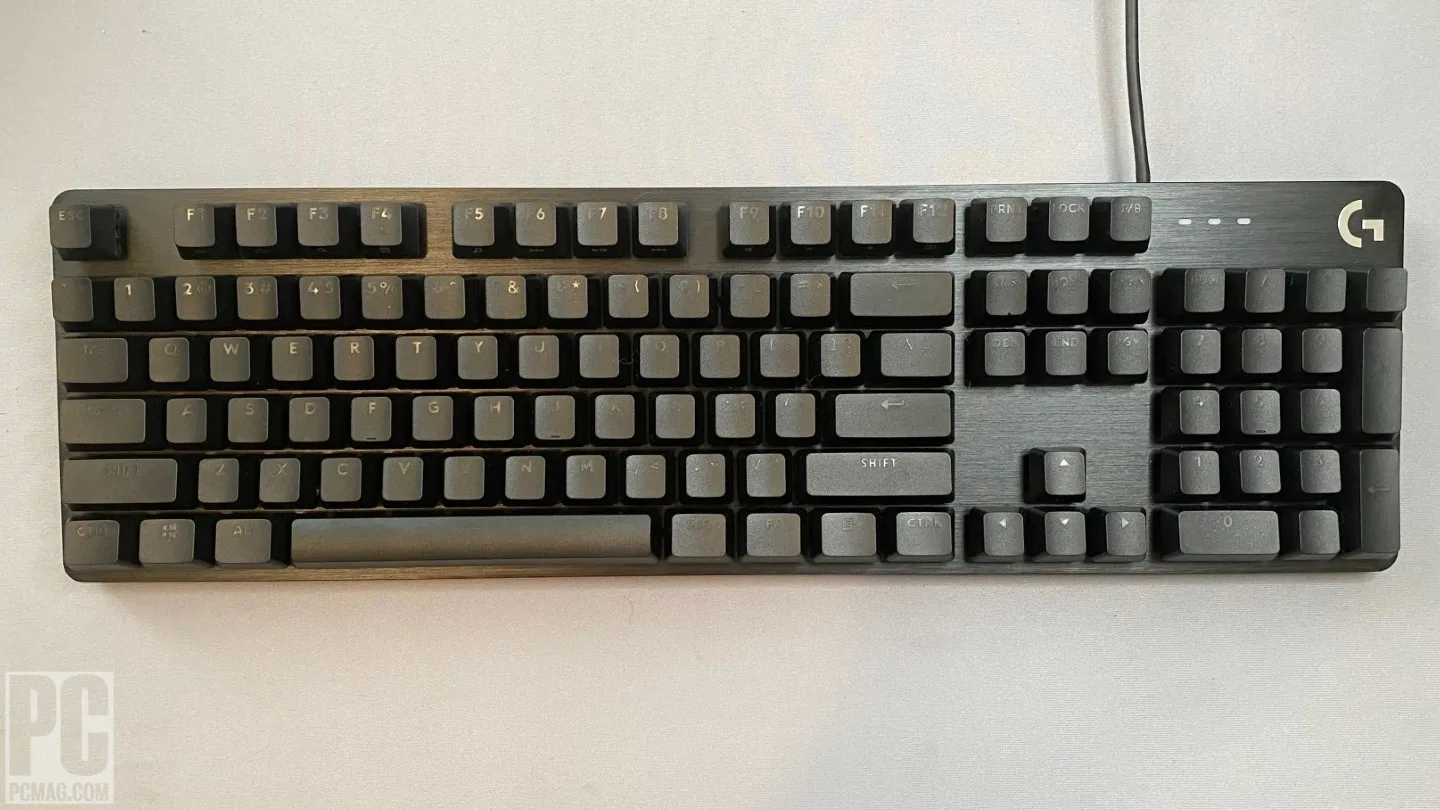
The Keychron C3 Pro offers a superior typing experience at an affordable price, featuring LED backlighting and cable management. Despite its slightly lackluster build quality, it's an excellent budget buy, especially for mechanical keyboard newcomers. The keyboard's frame is made of ABS plastic with a slight grain, and it measures 1.6 by 17.1 by 5.1 inches, making it a space-saver on a desktop. It weighs about 2 pounds, mostly due to the steel top plate, which doesn't add much rigidity.
Strengths
- +Affordable price point under $50
- +LED backlighting for better visibility
- +Cable management channels under the frame
- +Comes with a combination keycap/key-switch puller
Weaknesses
- −Slightly lackluster build quality
- −Plastic construction results in a tinny sound profile
- −Rubber-wrapped USB-C cable feels cheap
- −Lack of hot-swapping capabilities
pcworld.com
The Keychron C3 Pro offers a compelling budget mechanical keyboard option with a unique combination of features. It stands out for its fantastic price, decent switches, internal foam, and gasket mounting, all of which contribute to a pleasant typing experience. The inclusion of VIA and QMK programming adds to its appeal, making it a solid choice for those looking for customization without a hefty price tag.
Strengths
- +Fantastic price for a mechanical keyboard
- +Decent switches with high-quality stabilizers
- +Internal foam and gasket mounting for comfort
- +VIA and QMK programming for customization
Weaknesses
- −Only red lighting is available
- −USB-C cable is stiff and awkward to plug in
reviewed.com
The Keychron C3 Pro offers a compelling balance of form and function at an attractive price point. It supports both Windows and Mac platforms with software for customization and includes Android and Xbox Series X|S support, though it lacks PlayStation compatibility. Available in black with either red or brown switches, it provides a responsive typing experience and 17 pre-programmed multi-function keys for media control and backlight effects. The keyboard also features a gasket mount for a cushioned feel and comes with a USB-A to USB-C cable and a two-in-one keycap and switch remover tool.
Strengths
- +Affordable price with excellent value
- +Supports Windows, Mac, Android, and Xbox
- +Responsive keys with good typing feel
- +17 pre-programmed multi-function keys
Weaknesses
- −No PlayStation support
- −Not hot-swappable
appleinsider.com
The Keychron C3 Pro offers a reliable budget mechanical keyboard experience for Mac users, blending quality with affordability. Its compact design, durable build, and customizable features stand out. Despite not being hot-swappable, it impresses with its typing feel, customizable backlights, and macros, making it a solid choice under $50.
Strengths
- +Affordable option with quality features
- +Customizable through QMK/VIA
- +High polling rate for quick response
- +Durable double-shot ABS plastic keys
Weaknesses
- −Not hot-swappable
- −Plastic clicking sound persists
- −Wired-only connectivity
Video Reviews
 Banproof
The Keychron C3 Pro offers a budget-friendly mechanical keyboard …
Banproof
The Keychron C3 Pro offers a budget-friendly mechanical keyboard …
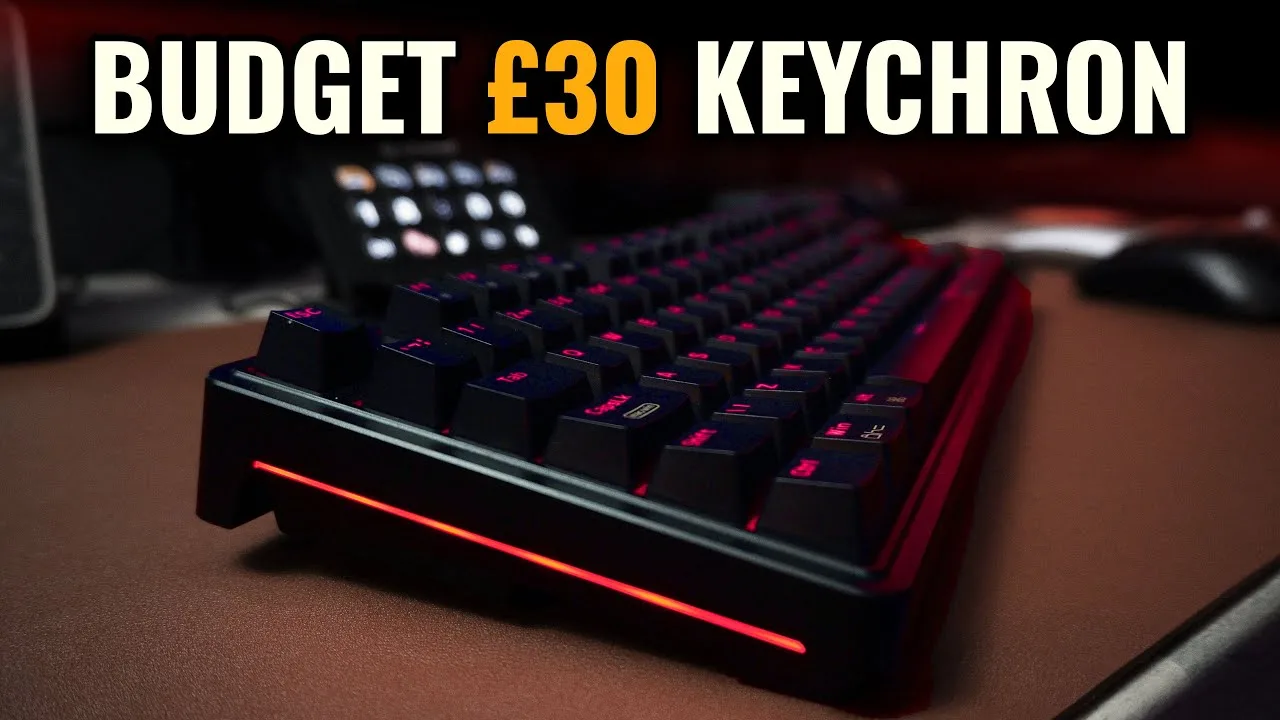
The Keychron C3 Pro offers a budget-friendly mechanical keyboard experience from a reputable brand. It comes in a simple packaging with minimal but sufficient extras, including a quick start manual, key cap and switch puller, and a USB type A to type C cable. The keyboard features red LED lighting, which may not appeal to everyone, and lacks RGB capabilities. The cable has a unique locking mechanism on the type C side, ensuring it doesn't accidentally disconnect.
- →Suitable for those on a tight budget looking for a mechanical keyboard
- →Includes basic but useful accessories for setup and maintenance
- →Red LED lighting may not fit all aesthetic preferences
- →Secure cable connection prevents accidental disconnects
 MechTech Keyboards
The Keychron C3 Pro offers impressive value with its QMK Viya …
MechTech Keyboards
The Keychron C3 Pro offers impressive value with its QMK Viya …
The Keychron C3 Pro offers impressive value with its QMK Viya compatibility and gasket mounting at an affordable price. It includes a key switch and keycap puller, suggesting hot swap capability. The keyboard features a single red LED color, north-facing, and is not lubed, which is audible. It also has a PC plate with plate-mounted stabilizers and a substantial feel, not feeling cheap. The design is chunky with a nice sideline and includes flip-out feet. However, it has a recessed USB port, which is not a favorite among users.
- →Ideal for those seeking a budget-friendly QMK Viya keyboard
- →Gasket mounting provides a comfortable typing feel
- →Suitable for customization with included key tools
- →Design and build quality exceed price expectations
- →May require personal lubrication for quieter switches
 Tech By Leon
The Keychron C3 Pro offers a cult-following mechanical keyboard at a …
Tech By Leon
The Keychron C3 Pro offers a cult-following mechanical keyboard at a …
The Keychron C3 Pro offers a cult-following mechanical keyboard at a lower price point, featuring a gasket mount design and customizable RGB lighting. The USB-C cable with a proprietary wing can be cumbersome to plug in, and the keyboard's thickness may require additional propping for comfort. It includes brown switches suitable for both typing and gaming and allows seamless switching between Mac and PC.
- →Great for those looking for a customizable mechanical keyboard on a budget
- →Suitable for both Mac and PC users needing a seamless switch
- →Ideal for typing and gaming with its brown switches
- →Consider additional propping for more comfortable use
- →Customize lighting to match your setup
 Jaren Havell
The Keychron C3 Pro is a 10-key mechanical keyboard with a sturdy, …
Jaren Havell
The Keychron C3 Pro is a 10-key mechanical keyboard with a sturdy, …
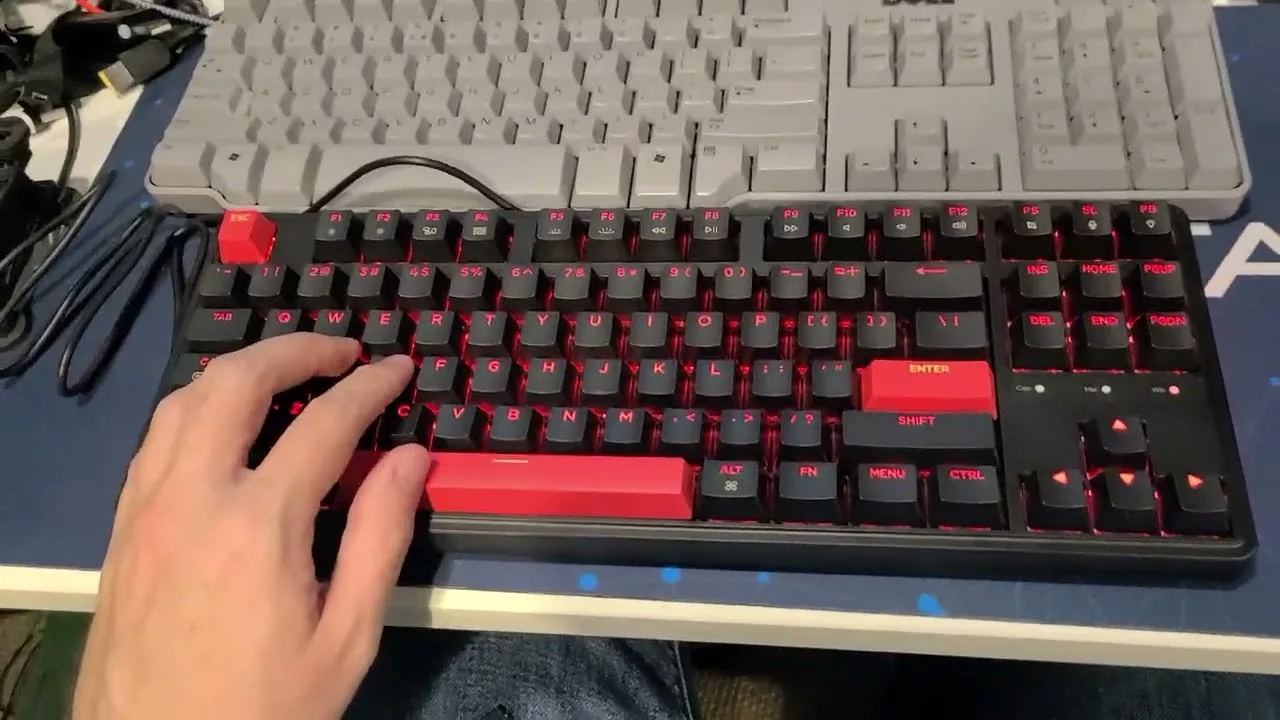
The Keychron C3 Pro is a 10-key mechanical keyboard with a sturdy, heavy build and plastic construction. It offers tactile feedback and a more clacky typing experience compared to full-sized keyboards. USB-C connectivity and customizable lighting are included, with the ability to turn off the lights entirely. The keyboard supports up to six-key rollover and can be remapped using via.
- →Ideal for those who prefer tactile typing
- →USB-C simplifies cable management
- →Customizable lighting for various preferences
- →Six-key rollover suitable for most users
- →Remappable via software for personalization
 Corey Staden
The Keychron C3 Pro is a low-cost entry point into customizable …
Corey Staden
The Keychron C3 Pro is a low-cost entry point into customizable …
The Keychron C3 Pro is a low-cost entry point into customizable keyboards. It includes double-shot PBT keycaps, RGB backlighting, stabilizers, and a Keychron K-Pro switch. Despite its affordability, it lacks wireless connectivity and high-end sound-absorbing foam found in more premium models.
- →Suitable for those new to mechanical keyboards
- →Lacks premium features like wireless connectivity
- →No high-end sound-absorbing foam included
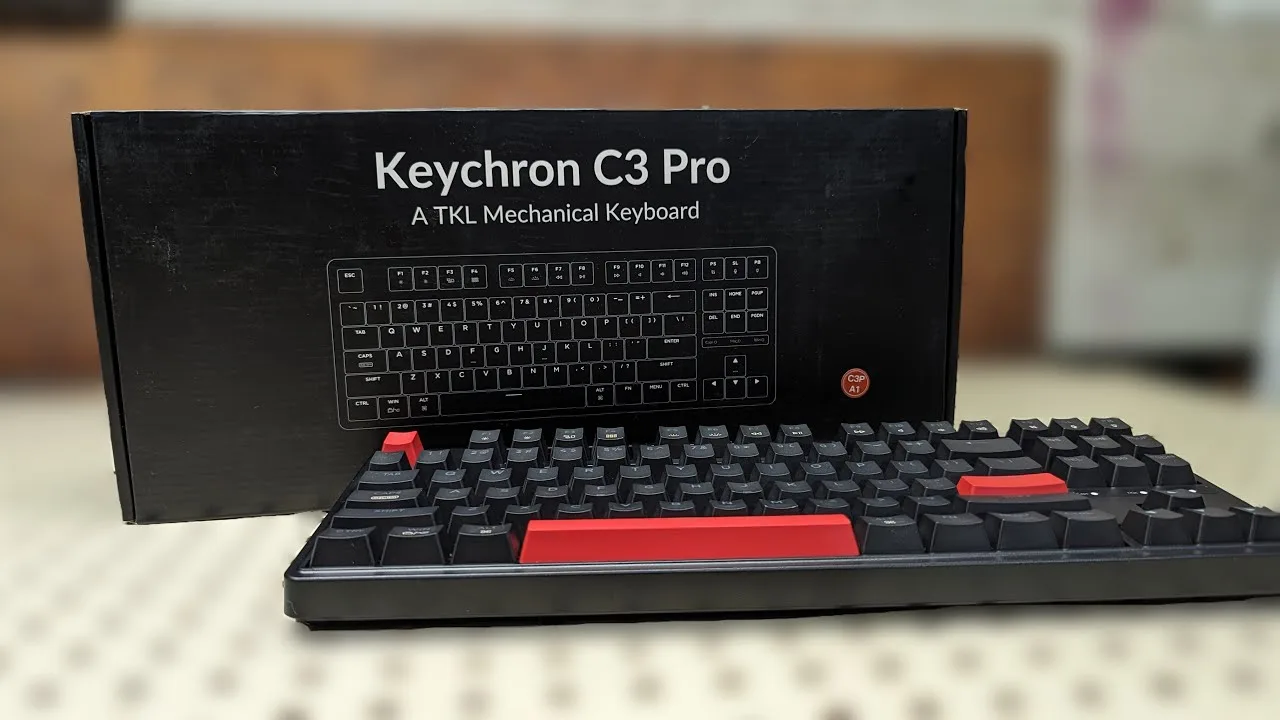 SargeantsTechTips
The Keychron C3 Pro impresses with its high-quality feel and …
SargeantsTechTips
The Keychron C3 Pro impresses with its high-quality feel and …
The Keychron C3 Pro impresses with its high-quality feel and performance for a $35 keyboard. It features a heavy, sturdy build and a removable Type-C connection for easy portability. The keyboard has a minimalist red backlighting, which is a welcome feature for those who prefer simplicity over RGB lighting options. The mechanical switches provide a quieter typing experience, which is appreciated by users who favor less noise.
- →Ideal for users preferring a quieter typing experience
- →Suitable for those who value portability and durability
- →Good option for Mac users with its compatibility feature
- →Offers simple lighting effects for a minimalist aesthetic
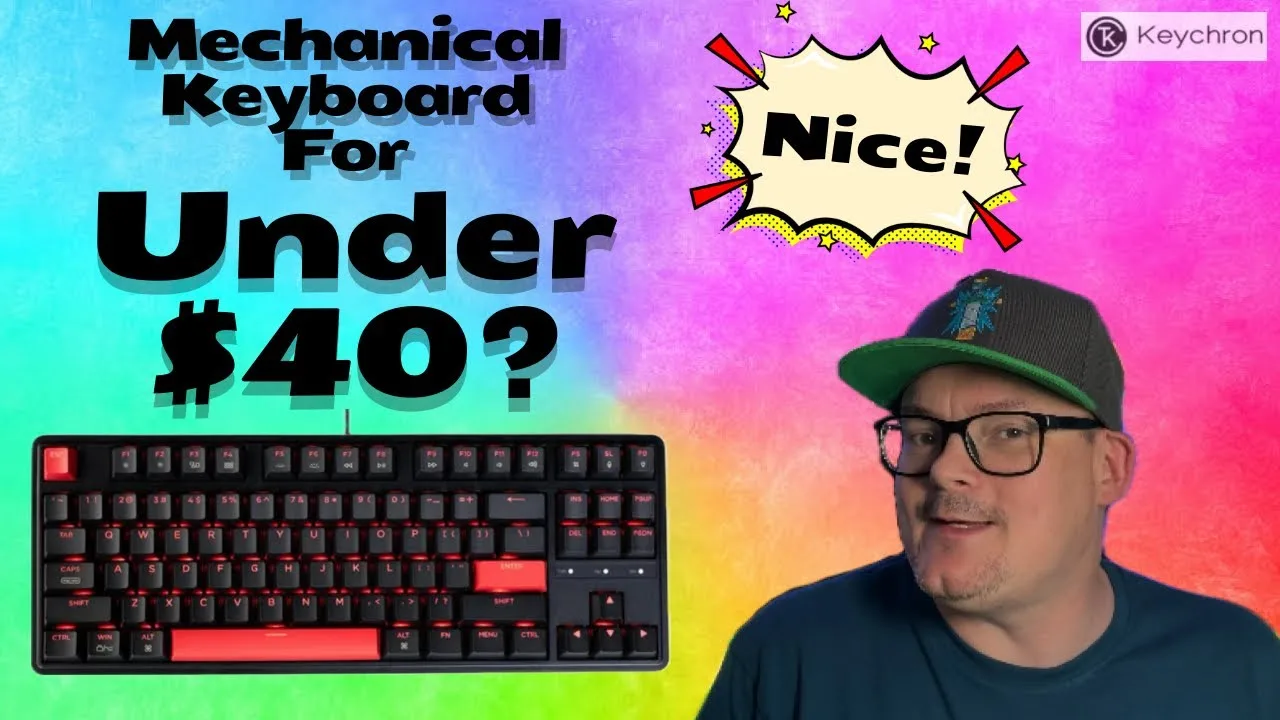 Alien Gaming
The Keychron C3 Pro is an entry-level mechanical keyboard priced under …
Alien Gaming
The Keychron C3 Pro is an entry-level mechanical keyboard priced under …
The Keychron C3 Pro is an entry-level mechanical keyboard priced under £40, offering both brown and red switches. It includes a detachable USB-C cable with wings for secure connection and allows for cable management with three different exit points. The keyboard has a medium weight, providing stability on a desk, and features a nice typing feel. However, it exhibits a noticeable flex when pressure is applied.
- →Suitable for those new to mechanical keyboards
- →Good value for the price
- →Flexible cable management options
- →Multiple lighting patterns and animations
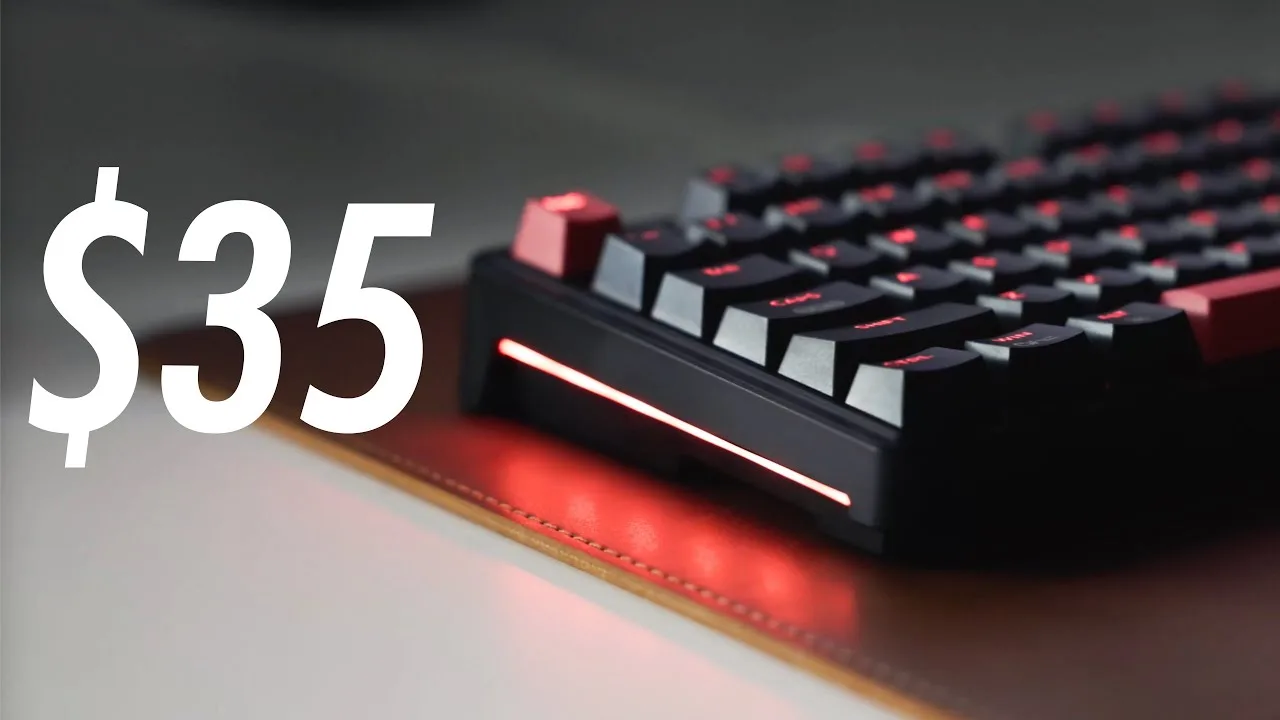 A Better Computer
The Keychron C3 Pro offers a decent typing experience at an affordable …
A Better Computer
The Keychron C3 Pro offers a decent typing experience at an affordable …
The Keychron C3 Pro offers a decent typing experience at an affordable price point, featuring gasket mounted design for a slightly nicer feel and customizable layouts with VIA or GMM. However, it lacks hot-swappable switches and has a non-RGB red backlight, which may be deal breakers for some users. The build quality and aesthetics, being made of basic black plastic, might not appeal to everyone.
- →Suitable for those on a budget looking for a mechanical keyboard
- →Good for customization with programmable layouts
- →Not ideal for RGB backlight enthusiasts
- →May not meet professional aesthetic standards
Community Discussions via Reddit
Troubleshooting
r/olkb
u/mediasoak
The Keychron C3 Pro is a mechanical keyboard that has been discussed in the r/olkb community, with a focus on troubleshooting and setup with Vial and QMK. The user's experience is centered around the process of setting up Vial on the keyboard, which is not yet natively supported but can be achieved by using a similar model's configuration.
Key Insights
- →The Keychron C3 Pro offers a customizable experience through Vial, despite not being officially supported.
- →Community members have successfully used a similar model's configuration to set up Vial on the Keychron C3 Pro.
Top Comments
Whaaa?! Is this MAGIC :O Thank you!! I recognise your username! I read your GitHub guide on keyboards you have used. It's how I chose the CIDOO QK61. It's impossible to get \*true\* QMK 60% …
toxyxd13 posted about it here …
Oh also! Here is the ‘official’ CIDOO upload of the source for the qk61: [https://github.com/CIDOOKeyboard/QK61](https://github.com/CIDOOKeyboard/QK61)
Setup Showcase
r/MechanicalKeyboards
u/Wolffe_In_The_Dark
The Keychron C3 Pro, purchased on Cyber Monday for around $22, has impressed its new owner with its solid construction and smooth keystroke feel. Despite being made of plastic, the keyboard feels rock-solid with no board flex. The linear switches are buttery smooth, which is growing on the user. The keyboard also supports QMK customization, allowing for further personalization. While the user is considering swapping the switches for tactile/clicky ones, the overall first impressions are quite positive, and the keyboard is deemed worth the money.
Key Insights
- →The Keychron C3 Pro is a solid choice for a first mechanical keyboard, especially at a sub-$50 price point.
- →The keyboard's linear switches provide a smooth typing experience, although some users may prefer to swap them for tactile/clicky ones.
- →Customization options with QMK are a significant advantage, allowing users to tailor the keyboard to their preferences.
Top Comments
Not only is it a great keyboard for the sale price of $25 or less, you can further customize it to your liking with QMK, the best part! If you ever tire of the red RGB, the full RGB one is around …
This board is probably good enough for a lot of people, especially at sub-$50. I very much would've gone for the hotswap version though.
I thought this WAS the hotswap version?
Quick Opinion
r/Keychron
u/_TheEndGame
The Keychron C3 Pro has received a mixed response from users, with some experiencing difficulties during the firmware update process. The author of the post found the update process frustrating but eventually managed to update the keyboard after following a detailed guide. The community has provided some workarounds for the update process, indicating that while the keyboard may have some initial setup challenges, it can be resolved with patience and the right guidance.
Key Insights
- →The Keychron C3 Pro may require patience and community support for initial setup.
- →The community has provided a workaround for firmware updates, suggesting a proactive user base.
Setup Showcase
r/MechanicalKeyboards
u/slowtreme
The Keychron C3 Pro is a sturdy and affordable mechanical keyboard, praised for its solid build and typing experience. Users appreciate its weighty plastic case and the fact that it won't slide around. It includes qmk/via programmability, which is a notable feature for its price point. However, some users have noted that the keycaps are of cheap quality and the F row keys wobble, indicating a potential weakness in the switch post.
Key Insights
- →The Keychron C3 Pro offers a solid typing experience and is a good value for the price.
- →Not ideal for those looking for hotswap capabilities.
- →Suitable for those who need a TKL with programmability and don't plan to mod further than a keycap set.
Top Comments
While it's probably the best value out there for a sub-$40 keyboard, what I think is funny is that most likely your red coiled aviator cable probably cost more than the keyboard itself.
I'm not huge into the hobby. I built/use a 65% and have no others to compare with like from a meetup or anything. Pros: My impression is it's a very solid TKL. it types well, I gamed with it and …
I'm not huge into the hobby. I built/use a 65% and have no others to compare with like from a meetup or anything. Pros: My impression is it's a very solid TKL. it types well, I gamed with it and …
Troubleshooting
r/olkb
u/EleniumSDN
The Keychron C3 Pro keyboard, running QMK, has been reported to have scrolling issues on macOS, particularly in applications like Slack and Chrome. The user experiences a delay in scroll wheel registration, especially when reaching the end of a scrollable area or quickly switching scroll directions. This issue is not present on Windows systems. The user has managed to somewhat alleviate the problem by disabling drag scroll horizontal scrolling.
Key Insights
- →The Keychron C3 Pro has customizability features for scrolling.
- →Scrolling issues are specific to macOS and not present on Windows systems.
- →Disabling drag scroll horizontal scrolling can alleviate some of the scrolling issues.
Top Comments
No, unfortunately it happens with all methods of scrolling: scroll wheel, drag scroll with the trackball, and mouse scroll assigned to keyboard keys.
The Keychron C3 Pro keyboard and the Ploopy Classic Trackball are wired only, so it shouldn't be a bluetooth issue. I'm on the latest macOS version, Sonoma 14.5 (23F79) on a 16-inch 2021 MacBook Pro …
Not as of yet. I’m still hoping some update somewhere happens to fix it.
Troubleshooting
r/Keychron
u/Nehemoth
The user purchased the Keychron C3 Pro due to its affordability and interest in trying a TKL keyboard. They are facing issues with the lack of ALT codes support which is crucial for their Spanish language needs. The user is also looking for a way to create custom shortcuts for certain characters using the VIA software.
Key Insights
- →The Keychron C3 Pro is a budget-friendly TKL keyboard but may require additional setup for non-English language users.
- →Customization options are available but may require technical knowledge to implement.
Scores based on weighted analysis of 45 expert and community sources. How we review →