Our Analysis
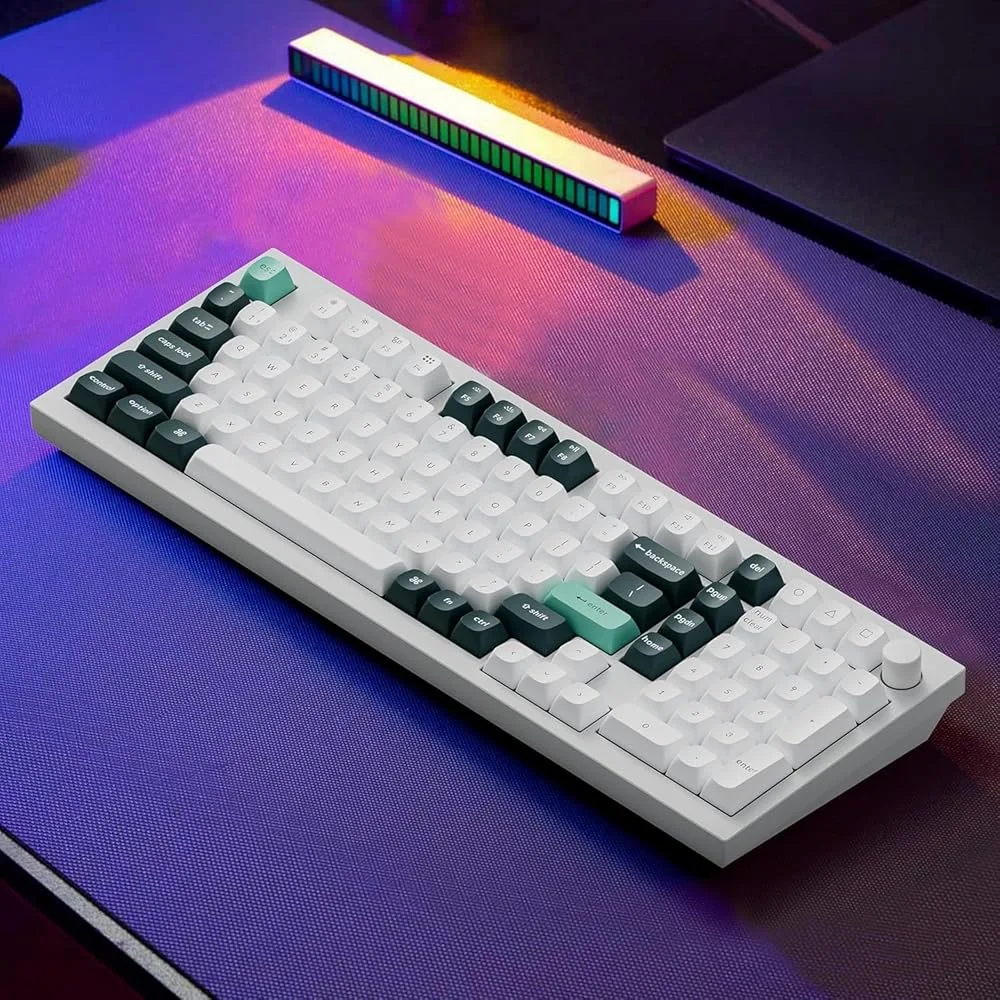
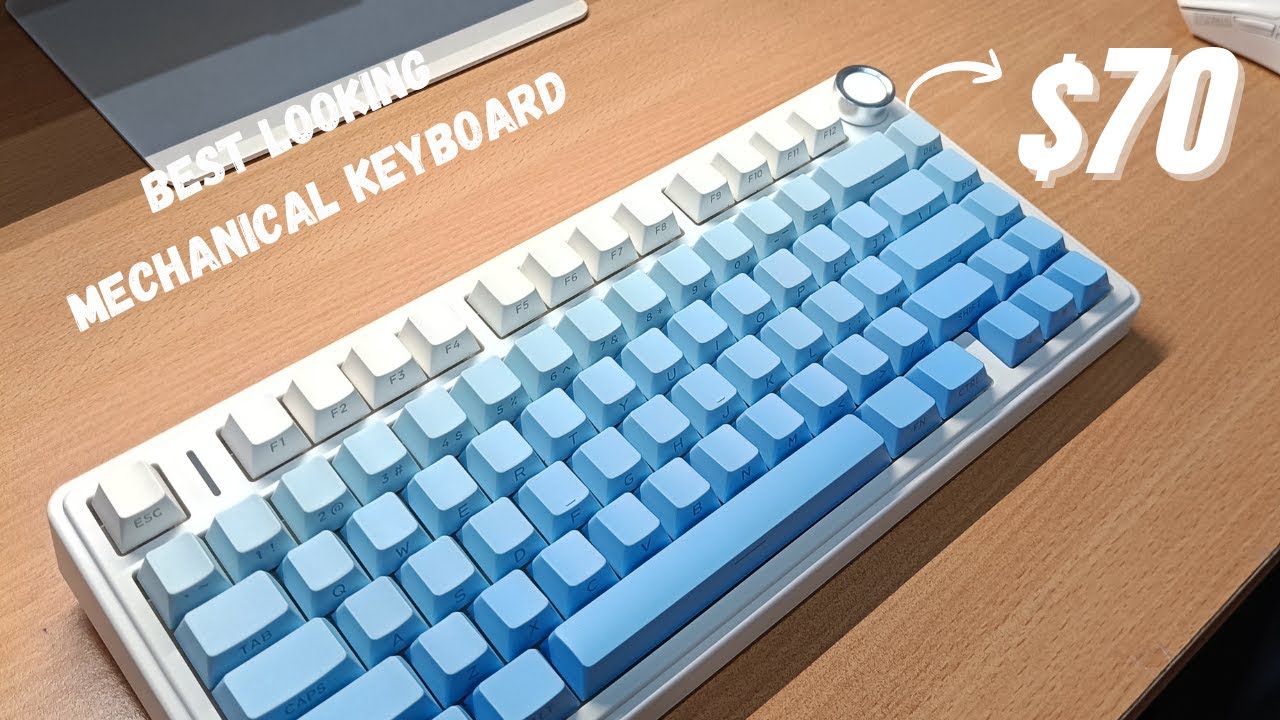
The EPOMAKER x Aula F75 MAX offers a solid typing experience at a budget-friendly price, making it an appealing choice for those who value performance without breaking the bank. What we found most impressive is its gasket-mount design with five layers of dampening, which contributes to a comfortable typing feel. A majority of reviewers noted the factory-lubricated switches, eliminating the need for any DIY maintenance, and the convenient volume knob with a mute function is a thoughtful addition. The 4000mAh battery promises a substantial 30-80 hours of use, a significant advantage for those on the go. However, it's not without its drawbacks. The case, constructed from ABS plastic only, and the lack of silent switch options, might be a deal-breaker for some users.
Key Points
What Reviewers Love
- +
Gasket-mount with 5 layers of dampening
- +
Factory-lubricated switches, no DIY needed
- +
4000 mAh battery lasts 30-80 hours
- +
Convenient volume knob with mute function
What To Consider
- −
Case constructed from ABS plastic only
- −
No silent switch option available
- −
TFT screen GIF uploads only work in wired mode
- −
Basic included cable needs replacement
Points of Disagreement
- Some sources say "Decent overall build quality" (3 sources) while others say "Build needs more polish overall" (2 sources)
check_circle Best For
- Budget wireless typists who want gasket-mount feel
- Desk setup fans who want a TFT display keyboard
- Gamers who want an on-board volume knob
warning Consider Carefully
- Office or shared-space users who need silent switches
- Modders who want easy disassembly and screw-in stabs
Specifications
Switches
- Actuation force leobog reaper
- 45 grams
- Included switches
- Factory-lubed Reaper linear switches
- Switch base material
- Nylon
- Switch bottom out force
- 55±3 gf
- Switch compatibility
- Hot-swappable (3-pin and 5-pin)
- Switch factory lubed
- yes
- Switch lifespan
- 5,000,000
- Switch light diffuser
- yes
- Switch options
- Leobog Ice Vein,TTC Crescent,Leobog Reaper
- Switch pre travel
- 1.8±0.3mm
- Switch stem material
- POM
- Switch top material
- PC
- Switch total travel
- 3.6±0.3mm
- Switch trigger force
- 45±3 gf
- Switch type
- Linear
Connectivity
- Bluetooth devices
- up to three
- Connectivity
- Wireless/Wired
- Os compatibility
- Windows, macOS, Linux, Android
- Polling rate
- 1000Hz
- Polling rate2 4 g
- 1000Hz
- Polling rate USB
- 1000Hz
Source Analysis
This review synthesizes insights from 24 independent sources to provide a comprehensive, unbiased assessment.
Expert Reviews (8)
Professional testing labs & tech publications
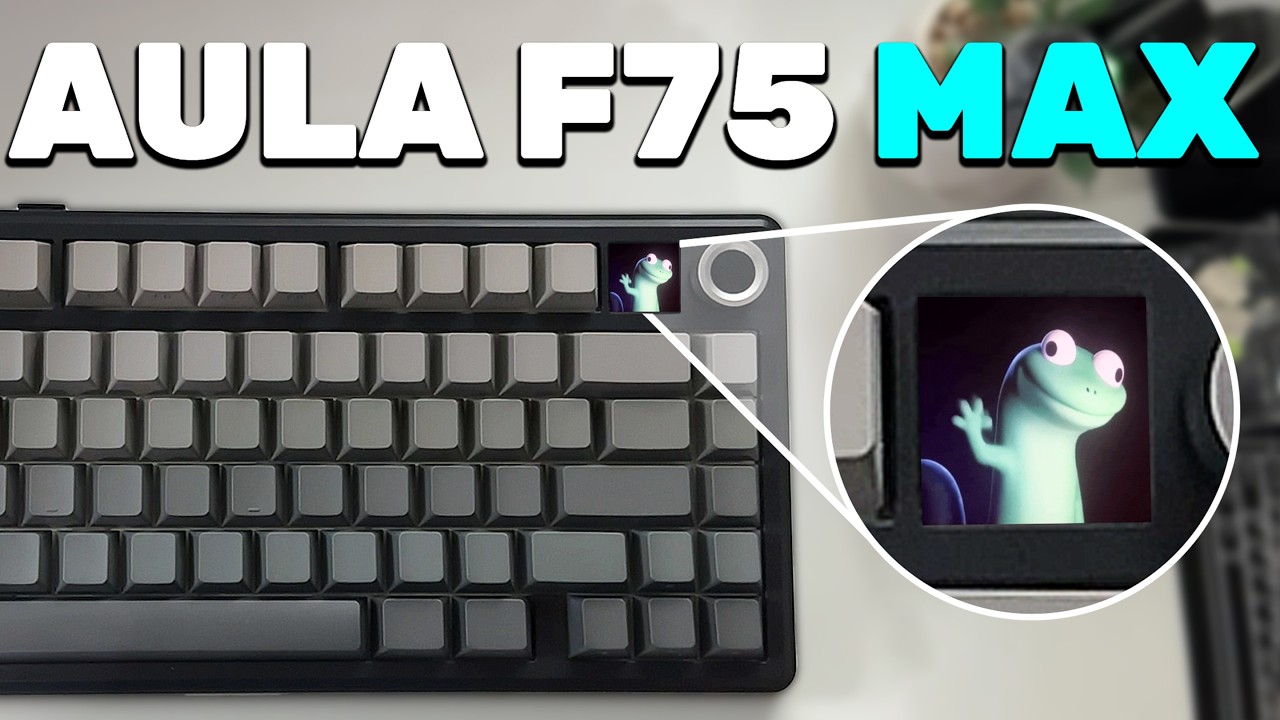
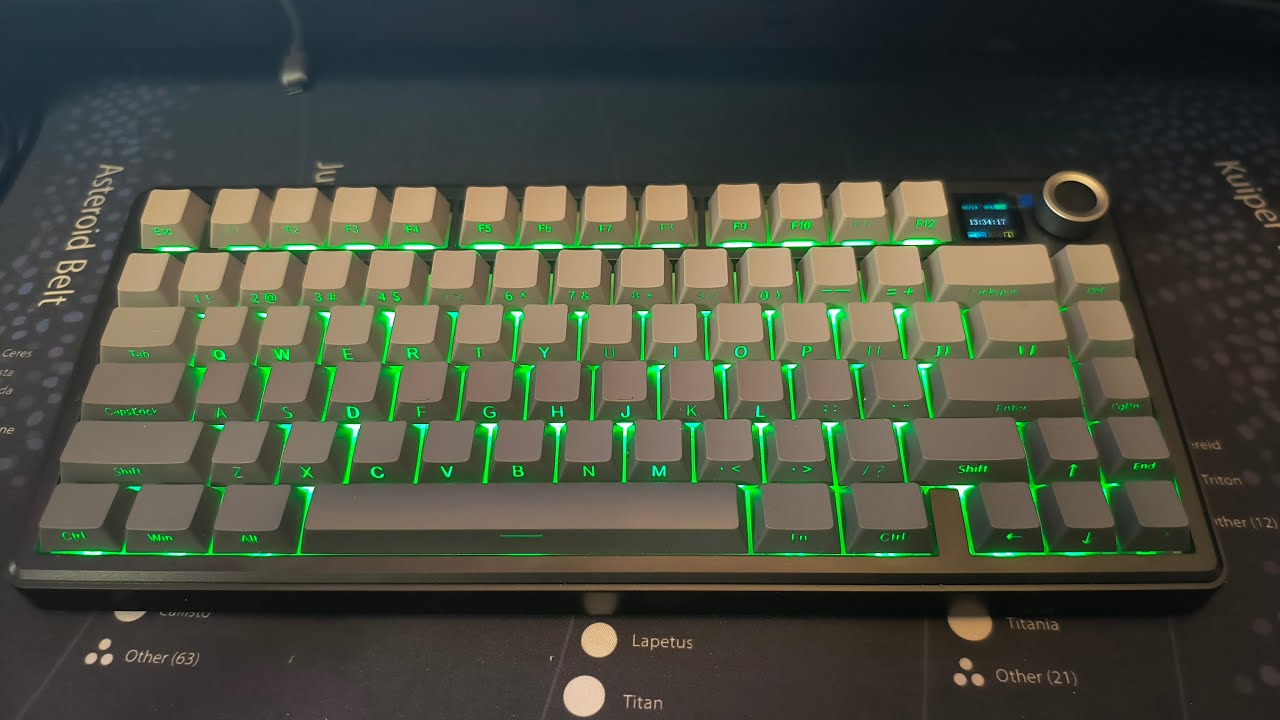
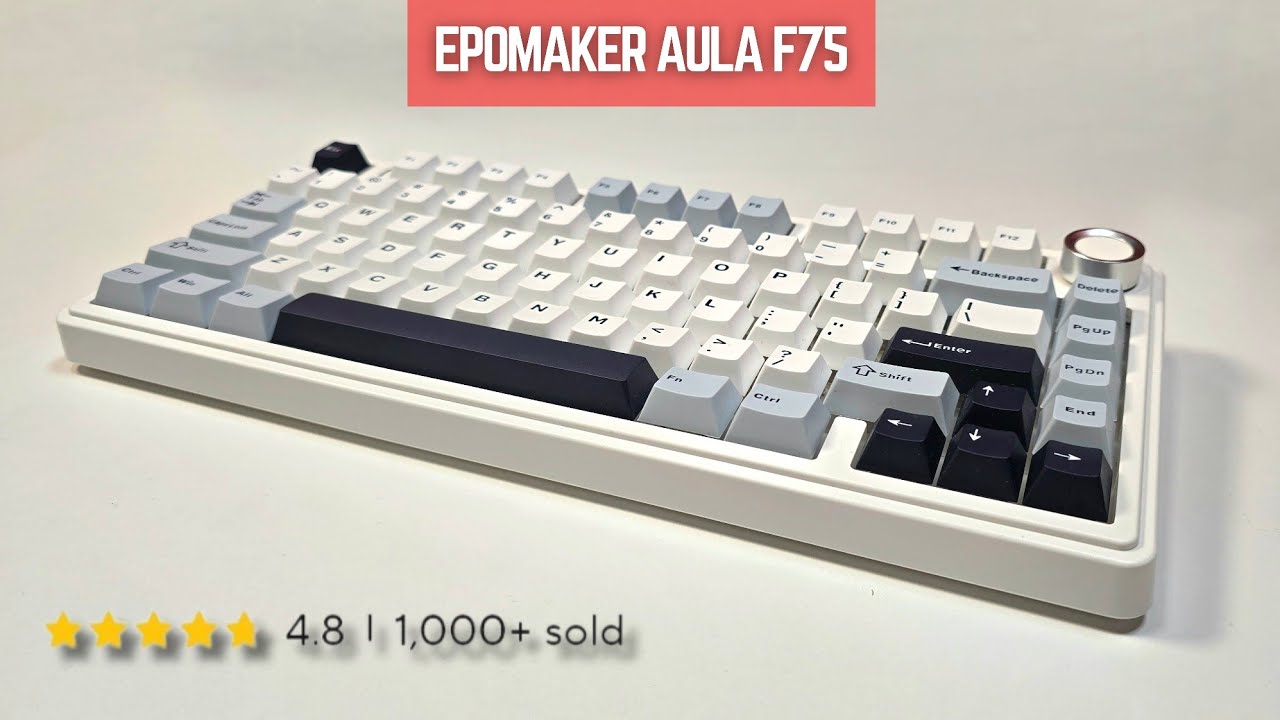
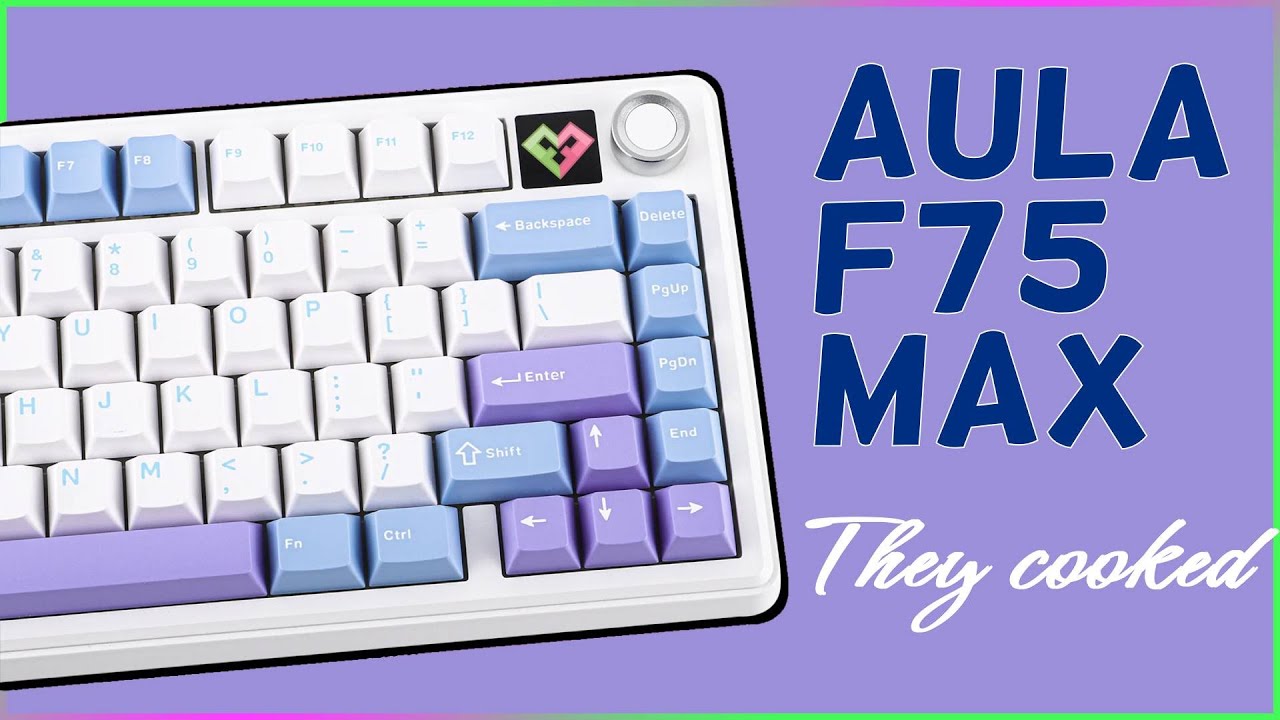
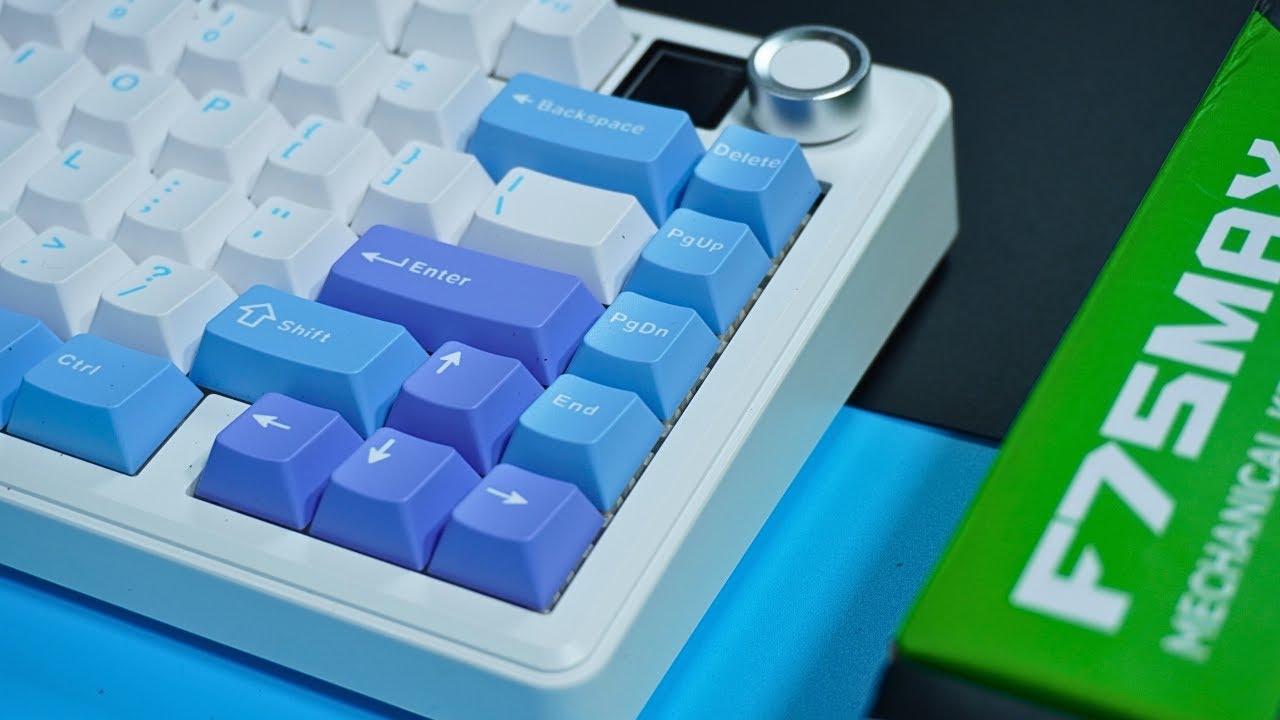
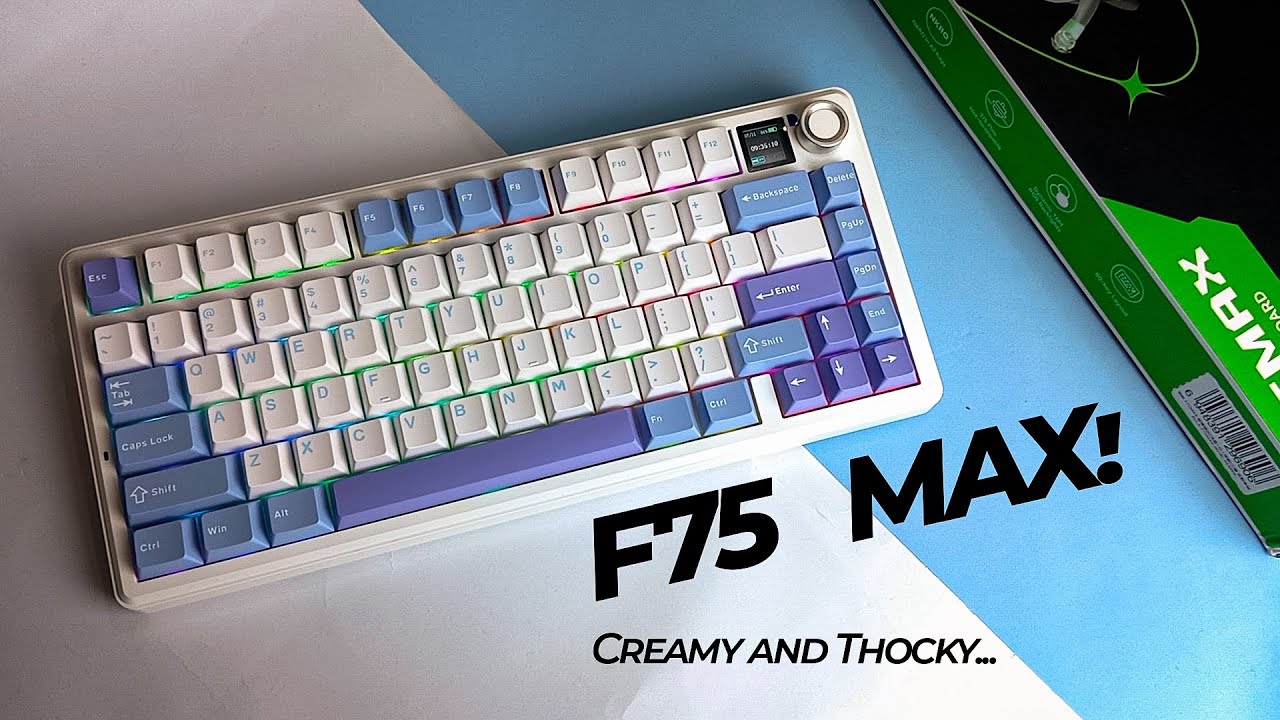
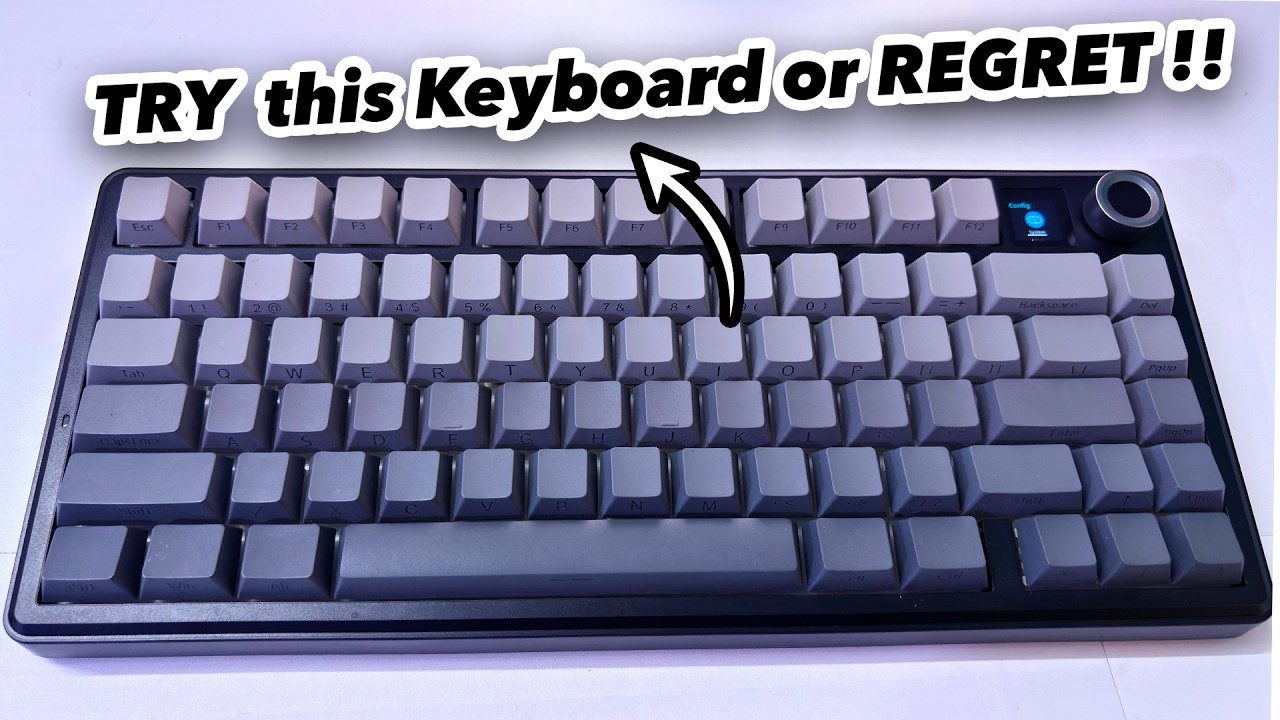
The EPOMAKER x AULA F75 Max builds upon its predecessor with a dedicated volume knob and smart TFT display for GIF customization and connectivity monitoring. The 75% layout remains compact at 32.8×14.3×4.4cm and 0.96kg, featuring solid build quality with minimal chassis flex. The Black OEM variant with grey side-printed keycaps suits both gaming and professional environments. Packaging impresses with cyberpunk-themed design and organized accessory compartments. The magnetic receiver storage, mode switch, and two-stage adjustable feet add practical functionality. The display integration avoids feeling gimmicky while enhancing backlight customization interactivity.
Pros
- Dedicated volume knob enables quick audio adjustments without external controls
- Smart TFT display supports GIF customization and connectivity status monitoring
- Solid chassis construction with minimal flex and premium surface finish
- Magnetic storage slot prevents wireless receiver misplacement
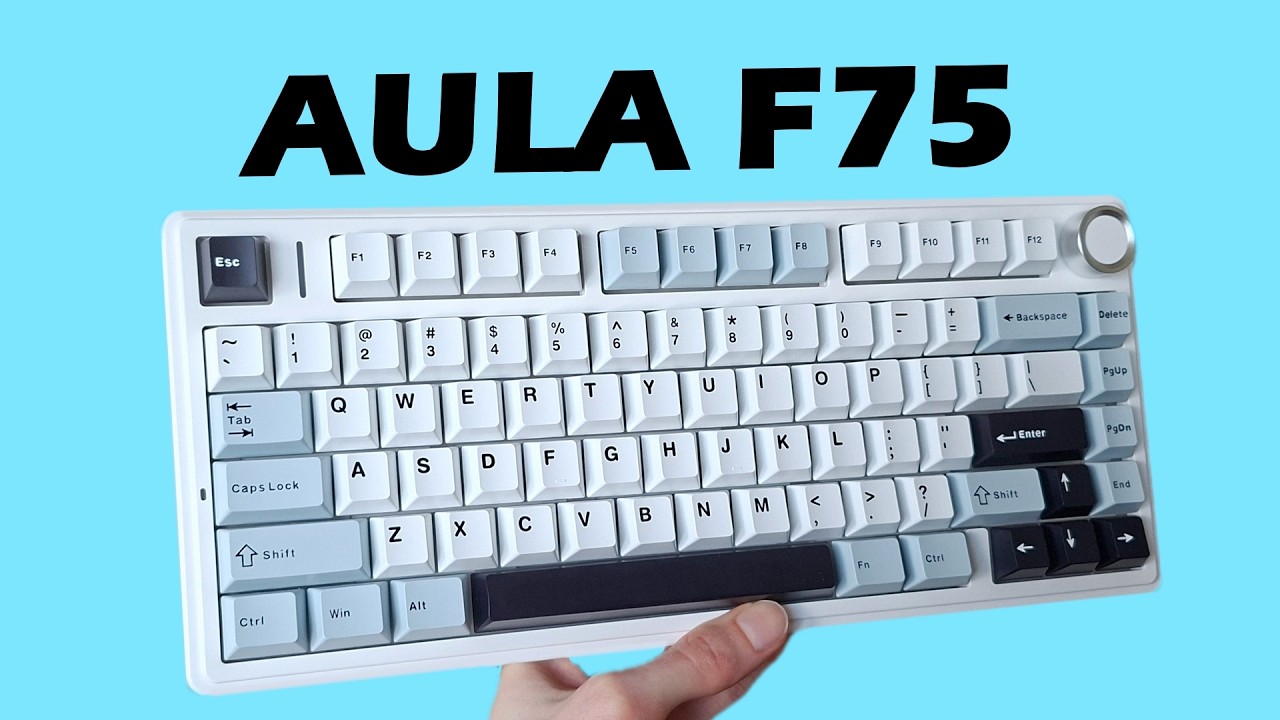
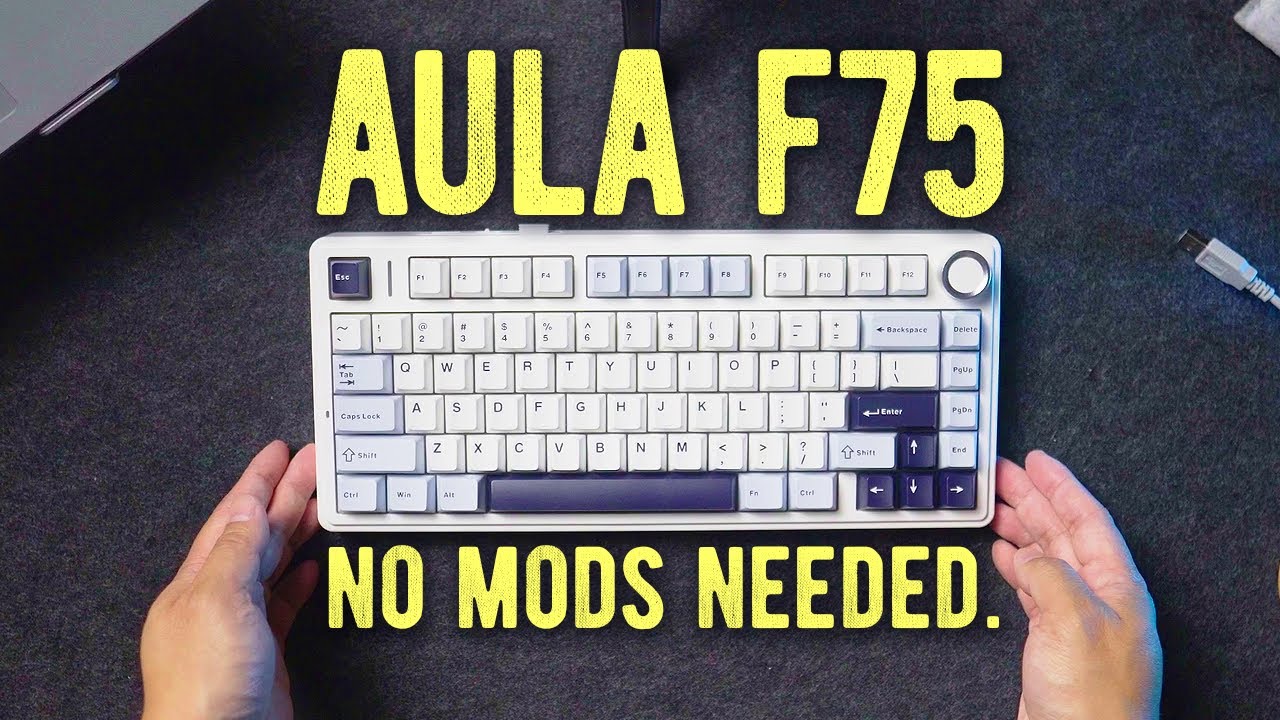
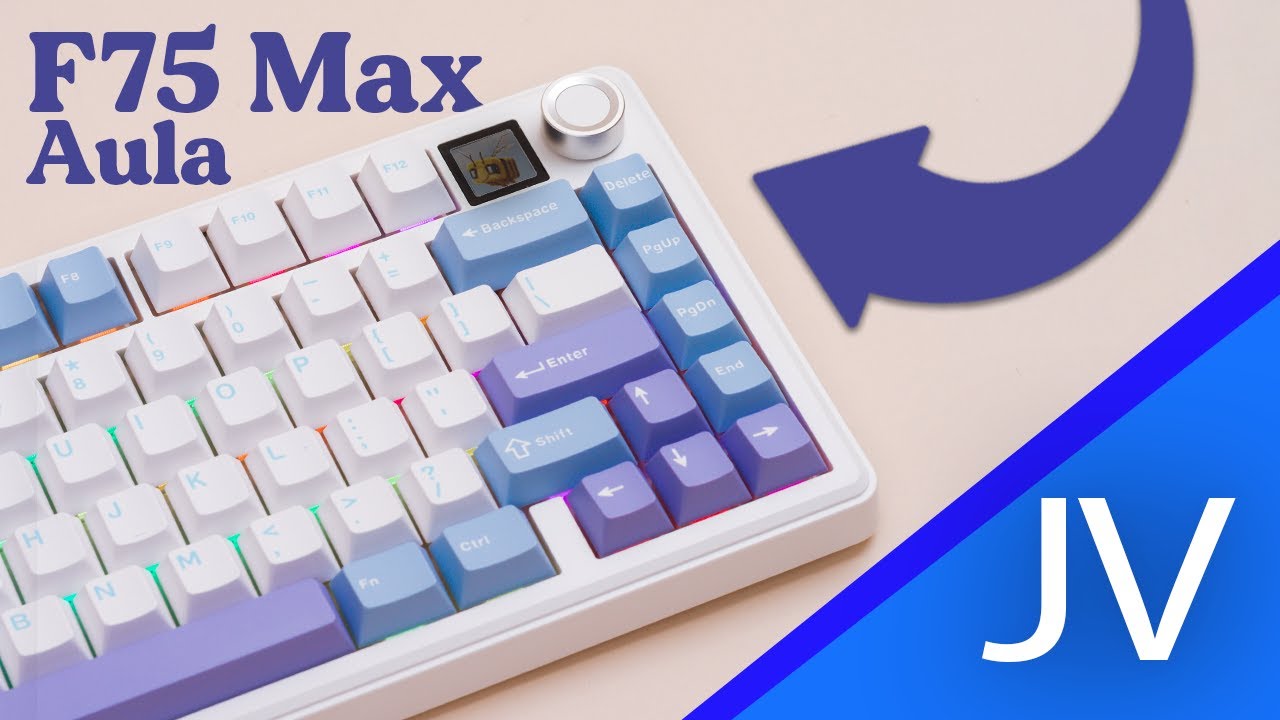
The EPOMAKER x Aula F75 MAX is a budget-friendly 75% mechanical keyboard with premium features. It offers triple connectivity (wired, 2.4G, Bluetooth), hot-swappable PCB, gasket-mount structure with 5 dampening layers, and a 0.85" display. The ABS case feels superior to typical plastic keyboards, weighing nearly 1kg for added stability. It comes with PBT keycaps in unique color themes and LEOBOG Reaper linear switches. A dedicated Caps Lock indicator light sits directly on the case. The display shows system info and GIFs but suffers from dim viewing angles. The rotary encoder provides tactile, audible feedback per notch.
Pros
- Dedicated Caps Lock indicator light on case
- Gasket-mount with 5 layers of dampening
- Triple connectivity supporting up to 5 devices
- Superior ABS case quality and 1kg weight
Cons
- Display gets dim when not viewed straight from above
- Only linear switch option available (LEOBOG Reaper)
- Small fonts on display like similar models
The Aula F75 Max delivers excellent typing fundamentals with well-lubed switches, perfect stock stabilizers, and satisfying acoustics. Its sleek design pairs nicely with side-lit keycaps and vibrant RGB. However, the marquee features—an undersized dim screen and loose volume knob—are poorly implemented and actively detract from usability. After three days of testing, it emerges as a competent budget keyboard undermined by its own attempted upgrades. Build quality and wireless performance remain solid, but the lack of polish around secondary features prevents it from being a clear recommendation over competitors.
Pros
- Well-lubed switches sound excellent out of the box
- Stock stabilizers are essentially perfect
- Sleek design complements side-lit keycaps nicely
- Vibrant RGB lighting looks impressive
Cons
- Screen is too small and dim to be useful
- Screen scratches extremely easily
- Volume knob is too loose and wobbly
- Can't adjust volume directly using the knob
Video Reviews (15)
Hands-on demonstrations & setup guides
- Ideal for users wanting premium features on a budget
- Great choice for low-sensitivity gamers needing extra mouse space
- Perfect for typists prioritizing sound dampening and comfort
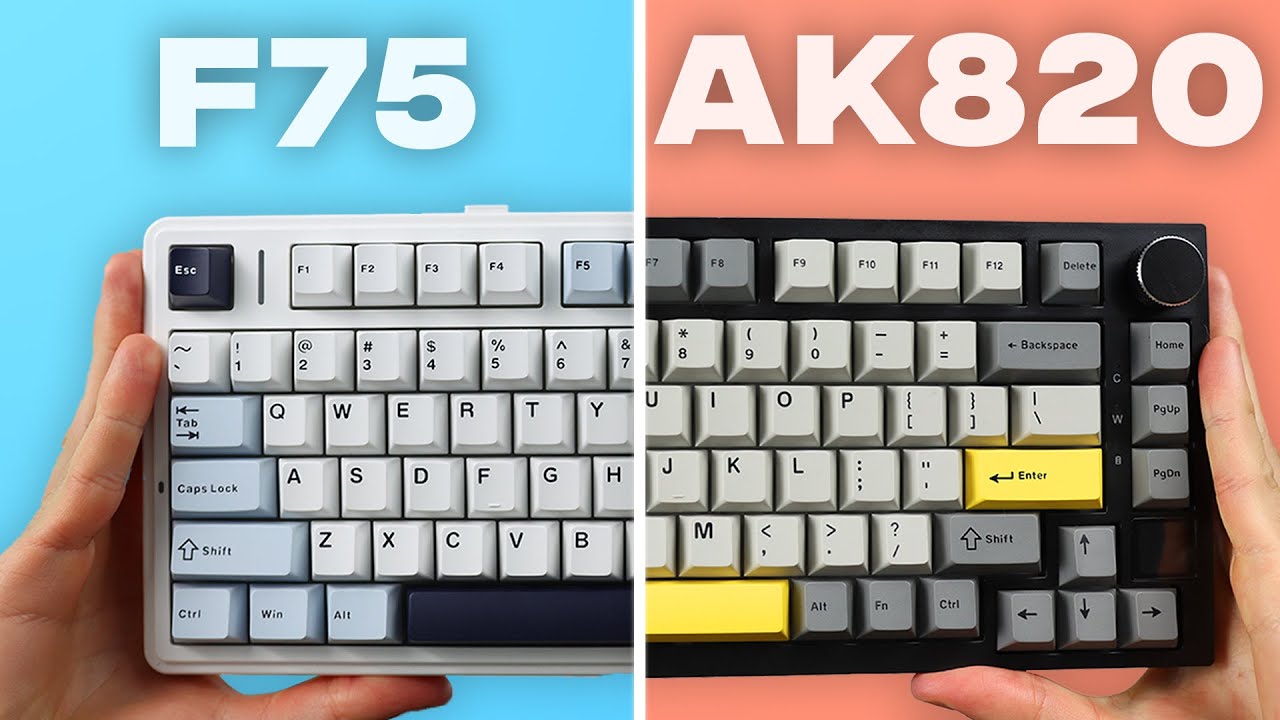
- Best for users wanting maximum thock without modding
- Ideal for RGB enthusiasts prioritizing brightness
- Skip if planning extensive internal modifications

- Ideal for first-time mechanical keyboard buyers
- Perfect for RGB enthusiasts seeking vibrant lighting
- Great wireless option for clean desk setups


Community Discussions (1)
Real owners sharing experiences
Ecstatic-Rest-4170
Comparison- Best for daily heavy typists and software developers who prioritize typing enjoyment
- Expect a 3-4 day learning curve to adapt to the keyboard's speed
- MAX variant's screen adds convenience but not essential functionality—worthwhile only with extra budget
Customer Reviews Amazon
What buyers are saying
1,225 reviews
Recently Added Reviews
Great Keyboard for the Price
Aula X75 Max
Crispy Outside, Creamy Inside — The Keyboard Croissant! 🥐
Great keyboard with many options
The screen
Reviews shown are from Amazon customers and do not reflect our editorial assessment.
The Verdict
The EPOMAKER x Aula F75 MAX punches well above its price with factory-lubed switches, a gasket mount, and a TFT screen that most boards at this tier don't offer. Skip it if you need silent switches or plan to mod the internals, but for wireless typists and desk setup enthusiasts who want a lot of keyboard for the money, it's a strong buy.