

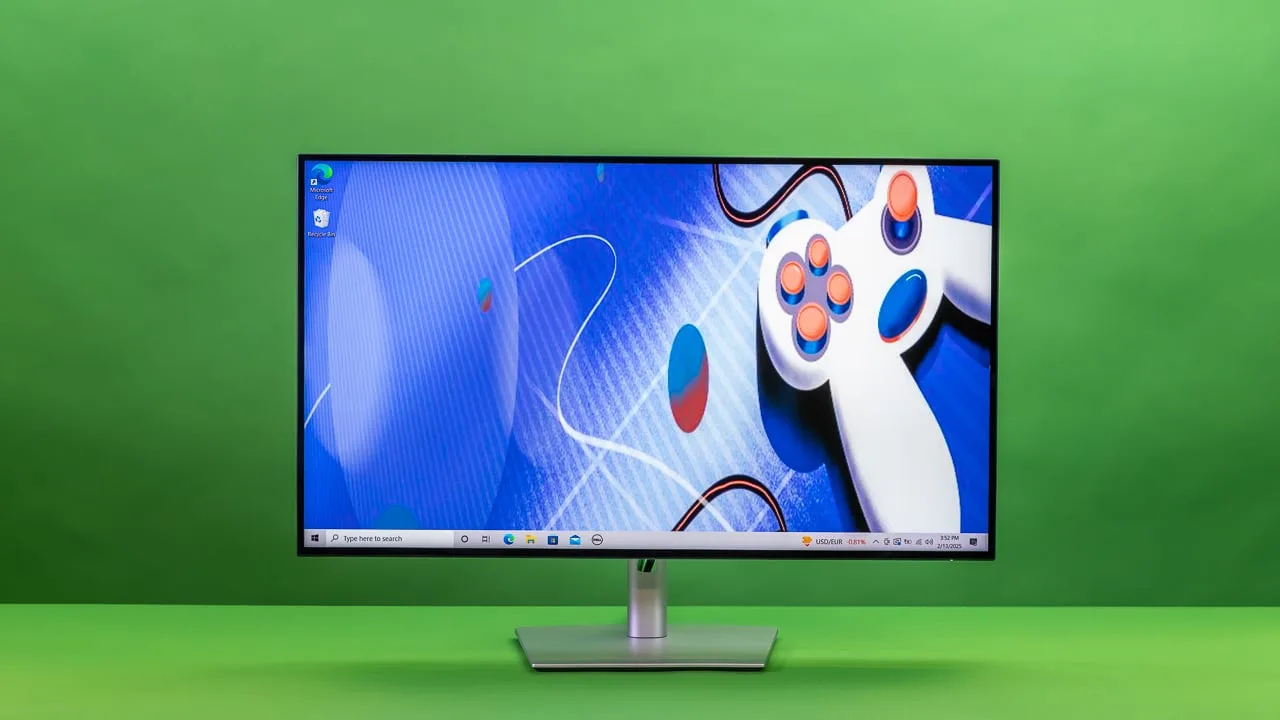
Monitors
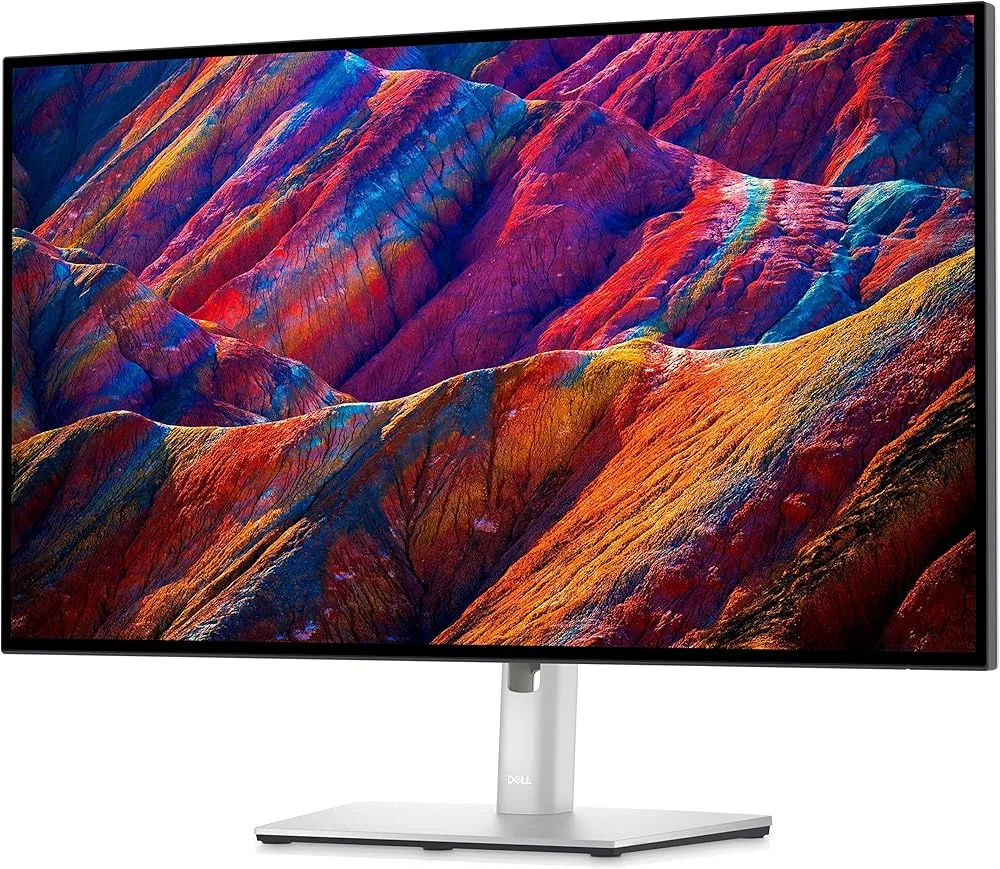
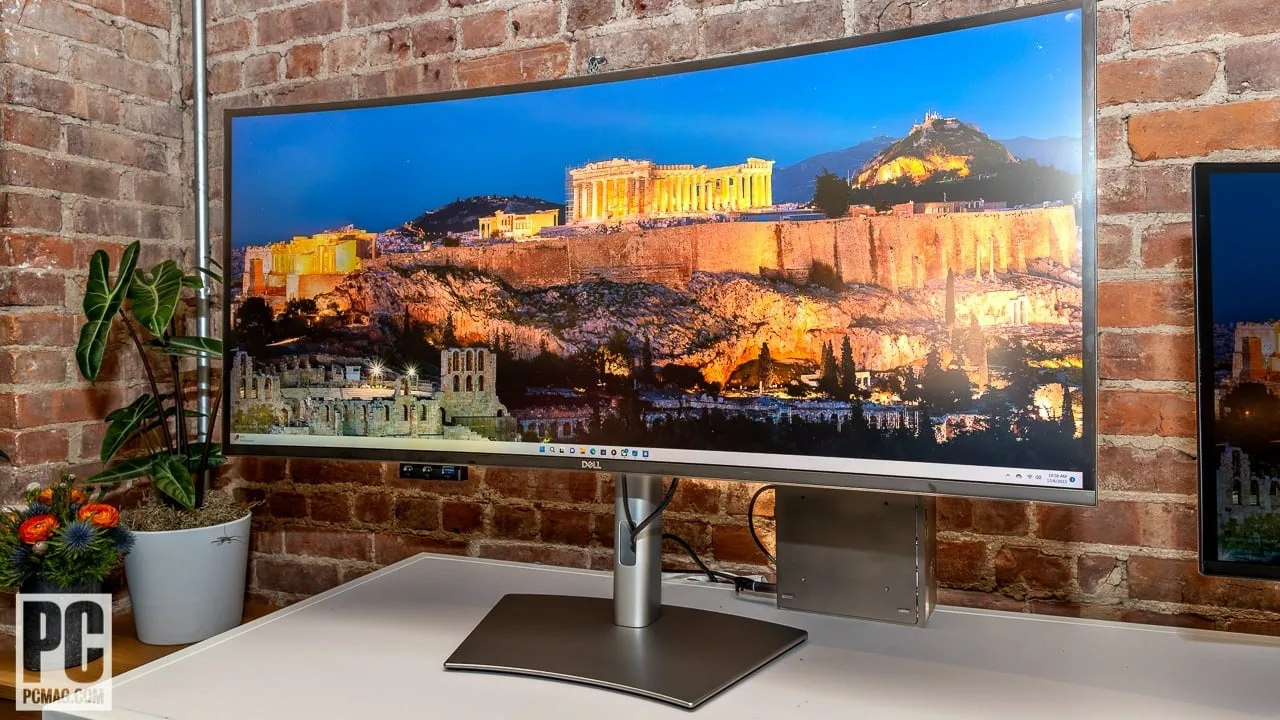
Dell UltraSharp U2725QE
Best For
- Productivity-focused users
- Office professionals
- Graphic designers
Consider Carefully
- Budget-conscious shoppers
- Home entertainment seekers
Jump to Section
The Bottom Line
The Dell UltraSharp U2725QE is a monitor that makes a strong case for itself in the productivity and office space, standing out with its exceptional panel quality and versatile connectivity. What we found most impressive about this 27-inch monitor is its enhanced IPS Black panel, which boasts a 3000:1 contrast ratio — a significant upgrade from its predecessors. This, combined with its 99% DCI-P3 color coverage, ensures vivid and accurate colors, as noted by howtogeek.com. It also offers a 120Hz refresh rate, ensuring smooth visuals that are particularly useful for graphic-intensive tasks. Its connectivity is another strong suit, with Thunderbolt 4 support providing a versatile solution for multiple device connections, which is ideal for a bustling office environment.
Performance Breakdown
In-Depth Analysis
Color Accuracy 100
Eight sources, no meaningful dissent. Factory calibration is good enough for professional color work straight out of the box, with 99% DCI-P3 coverage and a reduced Delta E error.
Key Takeaway
→If color accuracy is your primary buying criterion, this is one of the strongest options at this price. Run a white balance calibration if you're doing critical color grading.
KVM & Multi-Device 95
Five sources agree the built-in KVM switch is a genuine differentiator for anyone running two computers off one desk. No meaningful dissent.
Key Takeaway
→If you run two computers off one desk, the built-in KVM alone justifies serious consideration of this monitor over alternatives without it.
Connectivity & Ports 92
Five sources call this a legitimate workstation hub, with Thunderbolt 4 and 140W power delivery doing the heavy lifting. The included cables are frustratingly short.
Key Takeaway
→If you want to replace a separate Thunderbolt dock and simplify your desk, this port selection is hard to beat. Just budget for longer cables out of the box.
Display Image Quality 91
The IPS Black panel's 3000:1 contrast ratio is the headline upgrade here, and 10 sources largely agree it delivers. Minor corner dimming on white backgrounds is the only real complaint.
Key Takeaway
→If you want IPS-level color accuracy with meaningfully better contrast than typical IPS panels, this delivers. If perfect backlight uniformity is non-negotiable, test it first.
HDR Performance 89
DisplayHDR 600 certification sounds impressive, but theaureview.com and RTINGS both suggest SDR is where this monitor actually performs best.
Key Takeaway
→Don't buy this for HDR performance. The certification is real, but SDR is where it shines, and the tone mapping holds back cinematic HDR content.
Refresh Rate Performance 87
120Hz makes scrolling and cursor movement noticeably smoother for productivity work, but expertreviews.co.uk flags sluggish response times that matter if you're gaming seriously.
Key Takeaway
→Buy this for productivity and treat the 120Hz as a perk. If gaming performance is a priority, the sluggish response times are a real limitation.
Ergonomics & Design 85
The adjustable stand and thin bezels get consistent praise, but no built-in speakers or webcam, and techaeris.com thinks the design itself is overdue for a refresh.
Key Takeaway
→The ergonomics are genuinely good for long work sessions. If you need integrated speakers or a webcam, plan for external solutions.
Build Quality 72
One source, r/Dell, reports a buzzing noise issue under specific conditions. With only one source, treat this as a known risk rather than a confirmed pattern.
Key Takeaway
→One source isn't enough to call this a systemic problem, but the buzzing noise report is specific and plausible. Check r/Dell threads before buying and know Dell's support response has been inconsistent.
Specifications & Verdict
Connectivity
- Usb Ports
- 8
- Video Inputs
- USB-C
Display
- Panel
- IPS Black
- Refresh Rate
- 120 Hz
- Resolution
- 3840 by 2160
- Size
- 31.5 inches
Ergonomics
- Vesa Mounting
- VESA DisplayHDR 600
Features
- Adaptive Sync
- NA
- Hdr Level
- DisplayHDR 600
Performance
- Contrast Ratio
- 3000:1
- Luminance
- 450 cd/m2
Physical
- Dimensions
- 24.4 by 28.1 by 8.5 inches
- Weight
- 20.6 pounds
Our Verdict
For those seeking a high-quality monitor with excellent color accuracy and a smooth visual experience, the Dell UltraSharp U2725QE is a solid choice. However, for those on a tight budget or looking for a monitor primarily for home entertainment, this might not be the best fit due to its premium price and lack of built-in speakers or webcam.
Customer Reviews Amazon
156 reviews
Outstanding Monitor (And its silent)
Perfect MacBook M4 dual monitor setup
A great 4K monitor that is very versatile.
vendedor que no le preocupa si el producto llega bien
Show all 10 reviews
The bomb!!!!
Desactivar brillo automatico
La mejor calidad en un panel ips
Dead on arrival - returned
Definitely recommend
Excelente
Reviews shown are from Amazon customers and do not reflect our editorial assessment.
Pricing & Availability
Updated Feb 23, 2026Dell UltraSharp U2725QE
Sources & Methodology
Every score is built on evidence. This review synthesizes 33 independent sources — expert publications, video reviews, and community discussions — weighted by credibility, depth, and relevance.
Show detailed source analysis ↓ Hide source analysis ↑
Expert Reviews
itpro.com
Top
4/5-point
The Dell UltraSharp U2725QE is a 27-inch productivity monitor that builds on the strengths of its predecessors with several enhancements. It features an improved IPS Black panel with a 3000:1 contrast ratio, a higher refresh rate of 120Hz, and increased power delivery up to 140W. The inclusion of Thunderbolt 4 connectivity allows for high-speed data transfers, 120Hz 4K display, and 2.5Gbe Ethernet via a single cable. The monitor also offers a refined design with better cable management and improved on-screen display menus.
Strengths
- +Improved 3000:1 contrast ratio
- +120Hz refresh rate for smooth visuals
- +Higher 140W power delivery
- +Thunderbolt 4 for versatile connectivity
Weaknesses
- −Limited cable lengths in the box
howtogeek.com
Top
9/10-point
The Dell UltraSharp U2725QE stands out with its exceptional contrast and color accuracy, achieved through Dell's IPS Black technology. It offers a 3000:1 contrast ratio and 99% DCI-P3 color coverage, making it one of the best-looking LCDs on the market. The integrated Thunderbolt 4 hub provides versatile connectivity options, enhancing its appeal for professionals. However, it lacks built-in speakers and a webcam, and the included video cables are too short for some setups.
Strengths
- +Outstanding contrast and color for an IPS monitor
- +Contains a robust port selection with Thunderbolt 4 speeds
- +Unique functionality for people who own multiple computers
Weaknesses
- −No built-in speakers or webcam
- −The included video cables are too short
theaureview.com
The Dell UltraSharp U2725QE is a refined professional display that excels in image quality, ergonomics, and build quality. Its smart connectivity and clean design make it a productivity hub for hybrid professionals. The monitor features a 27-inch 4K IPS Black panel with excellent color accuracy and a matte anti-glare coating, providing a crisp and comfortable viewing experience. Its versatile stand offers generous ergonomic adjustments, and the comprehensive port selection, including Thunderbolt 4, makes it a workstation hub.
Strengths
- +Premium minimalist design with thin bezels
- +Flexible stand with 130mm height adjustment
- +Comprehensive port selection including Thunderbolt 4
- +Outstanding factory calibration for professional color work
Weaknesses
- −Mild corner dimming on full-white test backgrounds
techaeris.com
The Dell UltraSharp U2725QE is a feature-rich 27-inch monitor that offers exceptional display quality with vibrant colors, deep blacks, and crisp whites. It boasts a sleek, slim design with a broad feature set, including 140W power pass-through USB-C and KVM switching for multiple desktops. Connectivity options are plentiful, and it's easy to set up and use with cables included.
Strengths
- +Fantastic 4K display with vibrant colors
- +Deep blacks and crisp clean whites
- +Broad feature set including USB-C and KVM switching
- +Easy to set up and use with cables included
Weaknesses
- −CA pricing is pretty steep
- −Design could use a significant refresh
expertreviews.co.uk
The Dell UltraSharp U2725QE offers a stylish and understated design with a 27-inch 4K panel, 120Hz refresh rate, and robust connectivity options including Thunderbolt 4. Its enhanced IPS Black panel boasts improved contrast ratios, color palette expansion, and reduced Delta E error, making it suitable for professional work. The monitor also features a user-friendly OSD and a comprehensive port selection, enhancing its versatility and ease of use.
Strengths
- +Stylish and understated design
- +4K resolution with 120Hz refresh rate
- +Enhanced IPS Black panel with improved contrast ratio
- +Color palette expanded to 99% of DCI-P3
Weaknesses
- −Backlighting uniformity could be better
- −Sluggish response time
forums.macrumors.com
The Dell UltraSharp U2725QE is highly regarded for its excellent color accuracy, making it ideal for professional work. Its USB-C connectivity simplifies cable management and enhances user convenience. The monitor's high resolution and color depth are also praised for delivering crisp and detailed images.
Strengths
- +Excellent color accuracy for professional work
- +USB-C connectivity simplifies cable management
- +High resolution delivers crisp images
- +Color depth is impressive for detailed visuals
Video Reviews
 RTINGS Computer
The Dell UltraSharp U2725QE is a 27-inch 4K monitor with a focus on …
RTINGS Computer
The Dell UltraSharp U2725QE is a 27-inch 4K monitor with a focus on …
The Dell UltraSharp U2725QE is a 27-inch 4K monitor with a focus on productivity and versatility. It features an ergonomic stand, multiple connectivity options including USB-C, and supports DisplayPort Alt Mode and Thunderbolt 4. The monitor's high resolution ensures sharp text and ample screen real estate, and it performs well in bright environments with good glare resistance. However, it struggles with black levels and local dimming in HDR, making SDR a better option for some users.
- →Ideal for office use with multiple device connections
- →Suitable for content creation due to color accuracy
- →Better performance in SDR for dark room use
- →Good for productivity with large screen real estate
- →Consider calibration for improved white balance
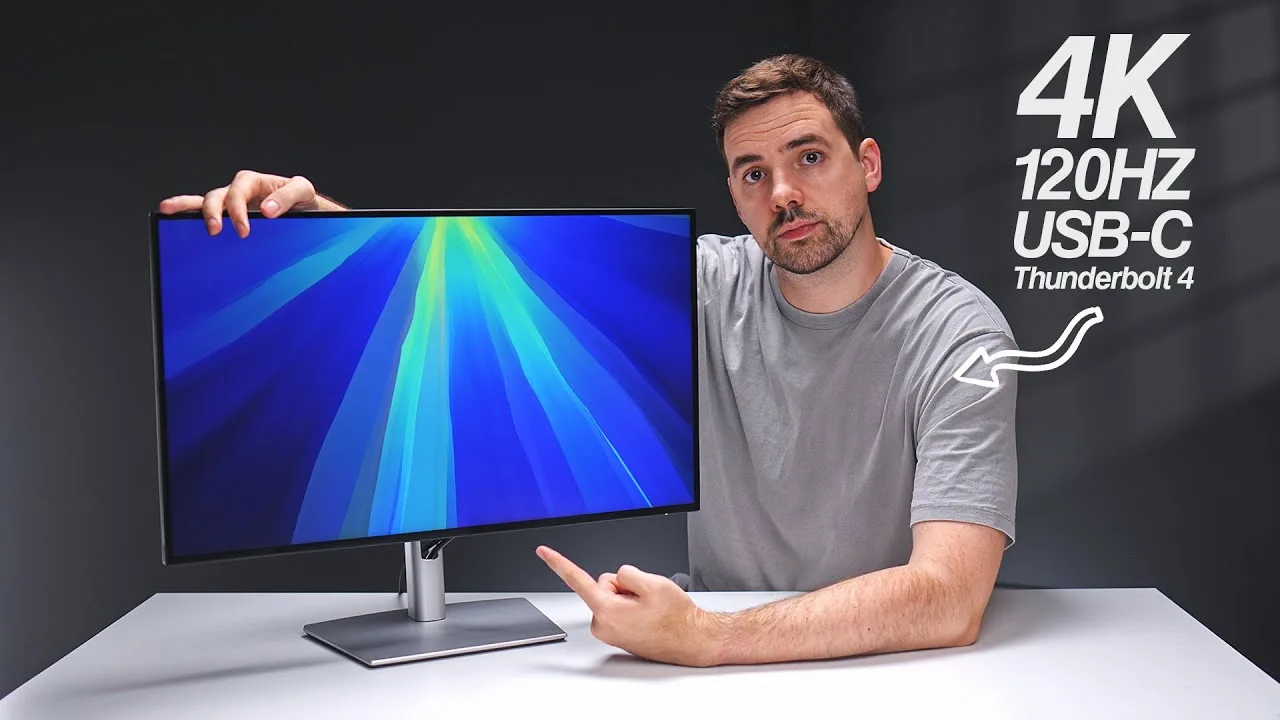 Created Tech
The Dell UltraSharp U2725QE offers a 4K resolution with a 120Hz …
Created Tech
The Dell UltraSharp U2725QE offers a 4K resolution with a 120Hz …
The Dell UltraSharp U2725QE offers a 4K resolution with a 120Hz refresh rate and Thunderbolt 4 connectivity, providing 140W of power output. Its port selection is extensive, including HDMI 2.1 and multiple USB ports, eliminating the need for a desktop dock. The monitor also features a built-in KVM switch for ease of use with multiple computers. The design is sleek with minimal bezels and no visible branding from the front, and the stand offers great adjustability.
- →Ideal for MacBook users needing high-resolution output
- →Suitable for professionals requiring multiple device connections
- →Reduces cable clutter with one-cable laptop connectivity
- →Excellent for gaming with HDMI 2.1 support for 4K 120Hz
- →Streamlines workflow with built-in KVM switch
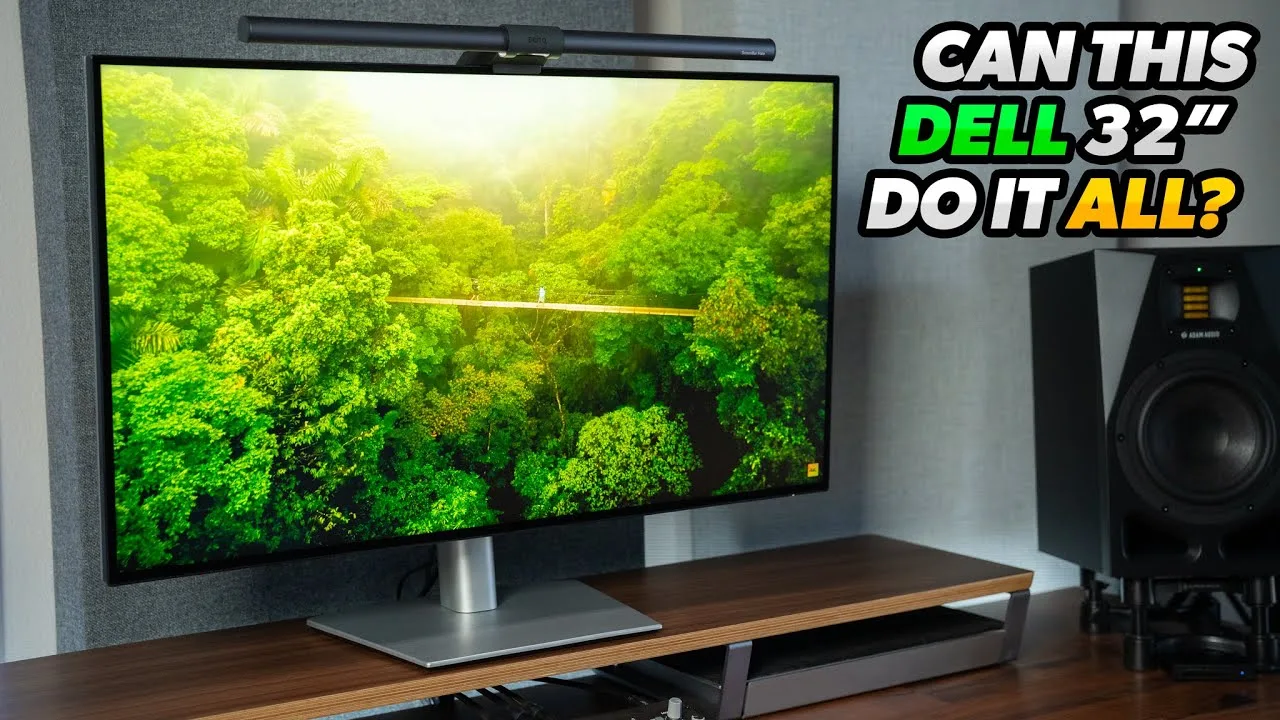 Full Transparency
The Dell UltraSharp U2725QE offers a professional look with its silver …
Full Transparency
The Dell UltraSharp U2725QE offers a professional look with its silver …
The Dell UltraSharp U2725QE offers a professional look with its silver plastic body and a versatile stand that saves space. It features a matte display to combat light pollution and an impressive array of connectivity options, including HDMI 2.1, DisplayPort 1.4, Thunderbolt 4, and USB-C ports. The monitor's height adjustability, swivel, tilt, and portrait mode capabilities make it adaptable for various workspaces. It also boasts a high brightness level, reaching 469 nits in SDR and 546 nits in HDR mode, suitable for well-lit environments.
- →Ideal for productivity and office use with multiple connectivity options
- →Suitable for well-lit environments due to high brightness levels
- →Adaptable for various workspaces with its adjustable stand
- →Not a gaming monitor but offers 120Hz refresh rate for work and gaming
- →Higher level of HDR certification with Display HDR 600
 TechIntro
The Dell UltraSharp U2725QE is a 27-inch 4K monitor designed for …
TechIntro
The Dell UltraSharp U2725QE is a 27-inch 4K monitor designed for …
The Dell UltraSharp U2725QE is a 27-inch 4K monitor designed for professionals and remote workers who value clarity, comfort, and a clean setup. Its one-cable Thunderbolt setup simplifies cable management, and its factory color calibration ensures accurate, natural colors. The monitor's eye comfort features and premium build quality make it suitable for long work sessions and professional environments.
- →Ideal for professionals and remote workers
- →Suitable for content creation and design work
- →Reduces eye strain with eye comfort features
- →Enhances productivity with 4K resolution and ergonomics
Community Discussions via Reddit
Comparison
r/Monitors
u/praised-formula
The Dell UltraSharp U2725QE is praised for its enhanced IPS Black technology, which offers rich colors and improved contrast compared to traditional IPS screens. Users appreciate its high PPI for sharp text and its Thunderbolt hub capabilities, which justify its price. It performs well for productivity and light gaming, although it has slower response times and slight ghosting. Coil whine is present but not bothersome for most users.
Key Insights
- →Ideal as a primary productivity or professional monitor
- →120Hz refresh rate is beneficial for productivity and reduces eye strain
- →IPS is still the king for productivity uses
- →Daisy chaining works well with MacBook M1 Pro and M3 Air, but has limitations with the base M3 chip in MacBook Air
Top Comments
https://preview.redd.it/nkj7k0mqc3pe1.jpeg?width=4284&format=pjpg&auto=webp&s=e473ee0f9dbddca0e30138f3752693d36702a29e Just got it like 3 days ago and i love it! I do school work browse …
For those who returned it due to coil whine, are there any monitors worth getting instead? Ideally 4K, good contrast ratio and refresh rate.
https://preview.redd.it/bxs5oqqtqnoe1.jpeg?width=4096&format=pjpg&auto=webp&s=13e60f0f38599a11309b98385d078c2b582944c2 Pretty bad on my model.
Quick Opinion
r/Dell
u/drdaz
The Dell UltraSharp U2725QE has been received with mixed reactions. Users appreciate the overall quality of the monitor but report a buzzing noise issue when the brightness is set below 50%. This problem seems to be related to the power supply unit's performance under low load, as the buzzing stops when a device is connected to charge via USB. Despite this, Dell's support has deemed the noise 'within spec', which has disappointed some users.
Key Insights
- →Monitors may have a buzzing noise issue under certain conditions.
- →Dell's customer support has been disappointing for some users.
- →The buzzing noise stops when a device is connected to the USB for charging.
Top Comments
I've been through 6 screens now (!). I've currently got 2 where 1 is perfect and doesn't whine at all, and one that just buzzes a little, but it's only audible if everything else is \*completely\* …
What's the manufacturing date on yours?
Scores based on weighted analysis of 33 expert and community sources. How we review →