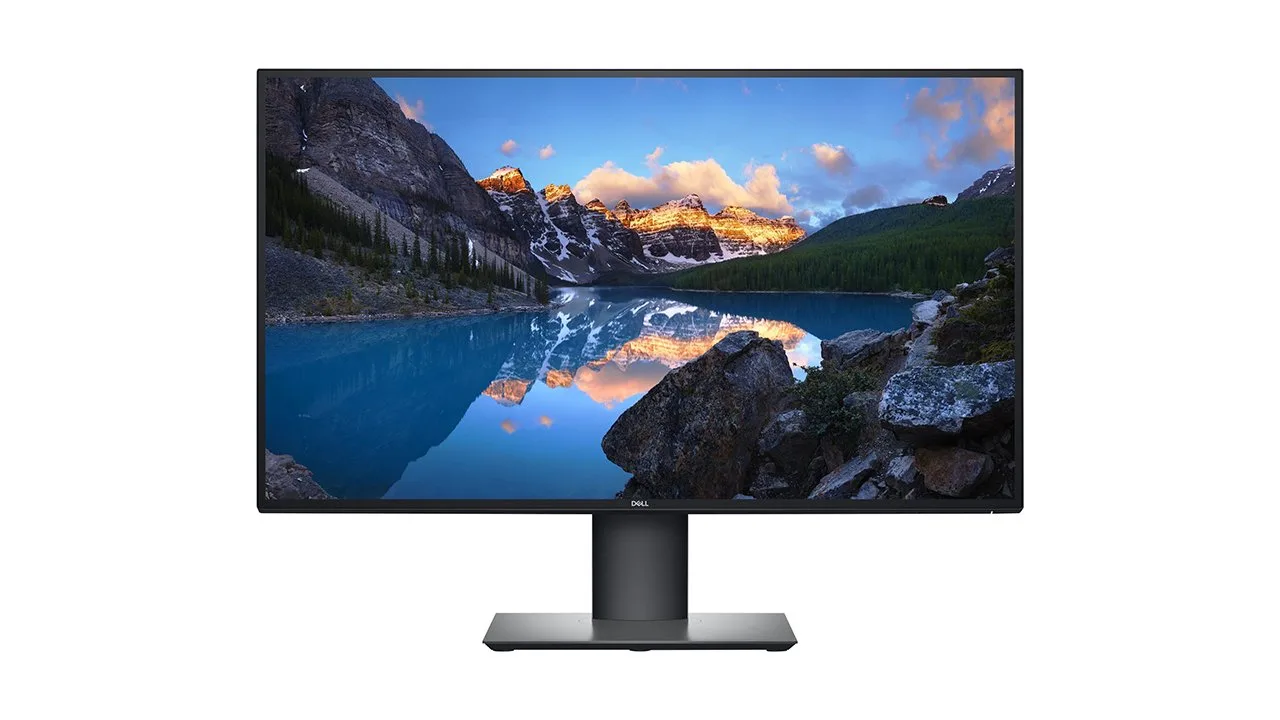
Dell UltraSharp U2720Q 27 Inch 4K UHD Review

S
SetupScore EditorsUpdated Mar 2026
manage_search 33 Expert Reviews
schedule4 min read
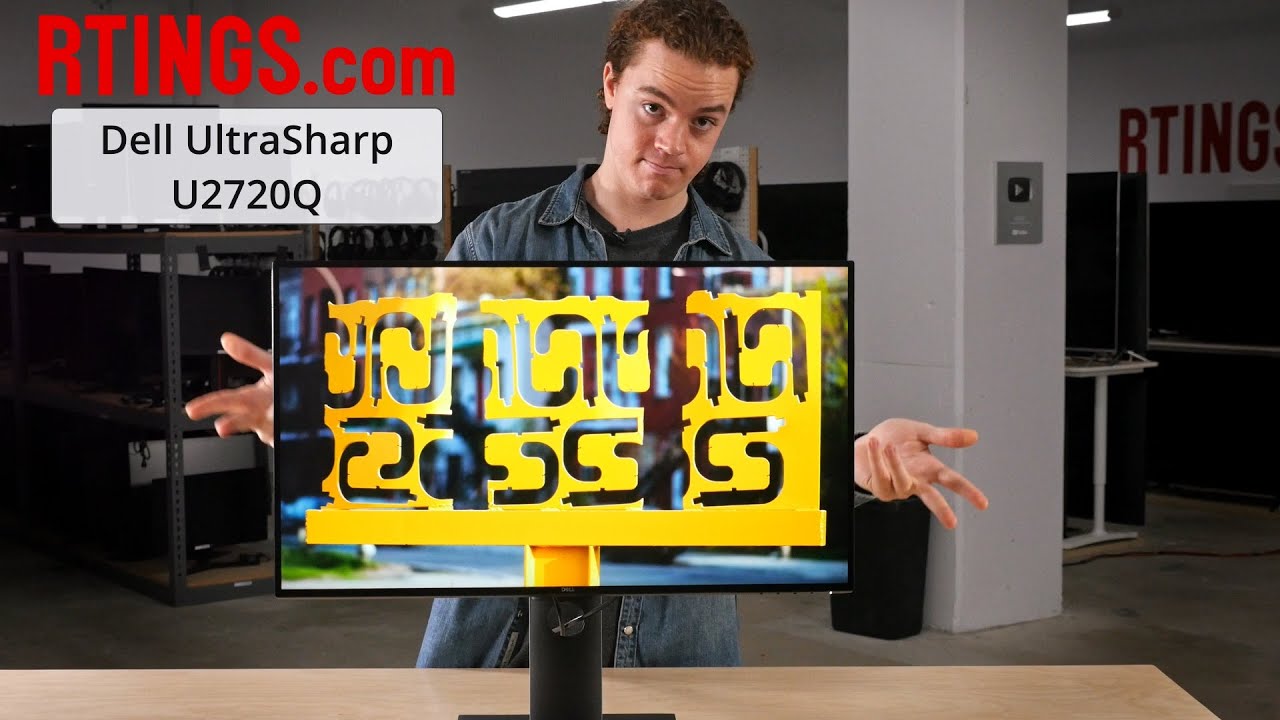
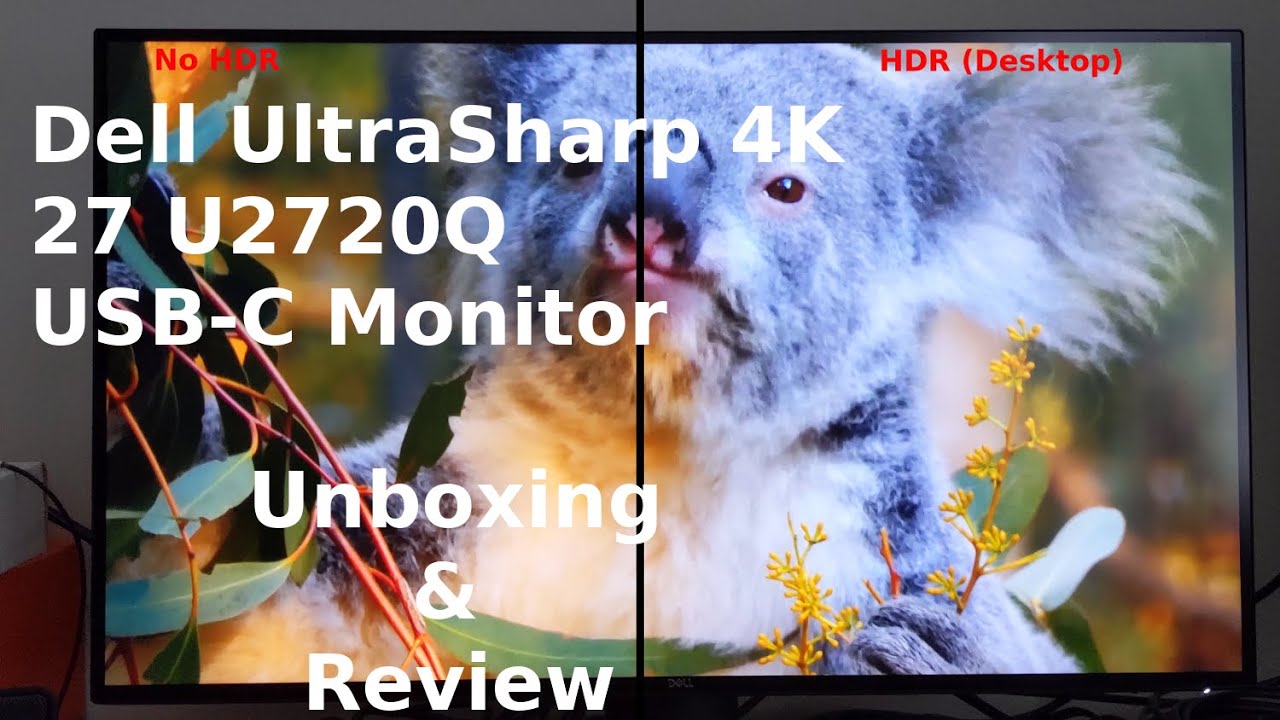
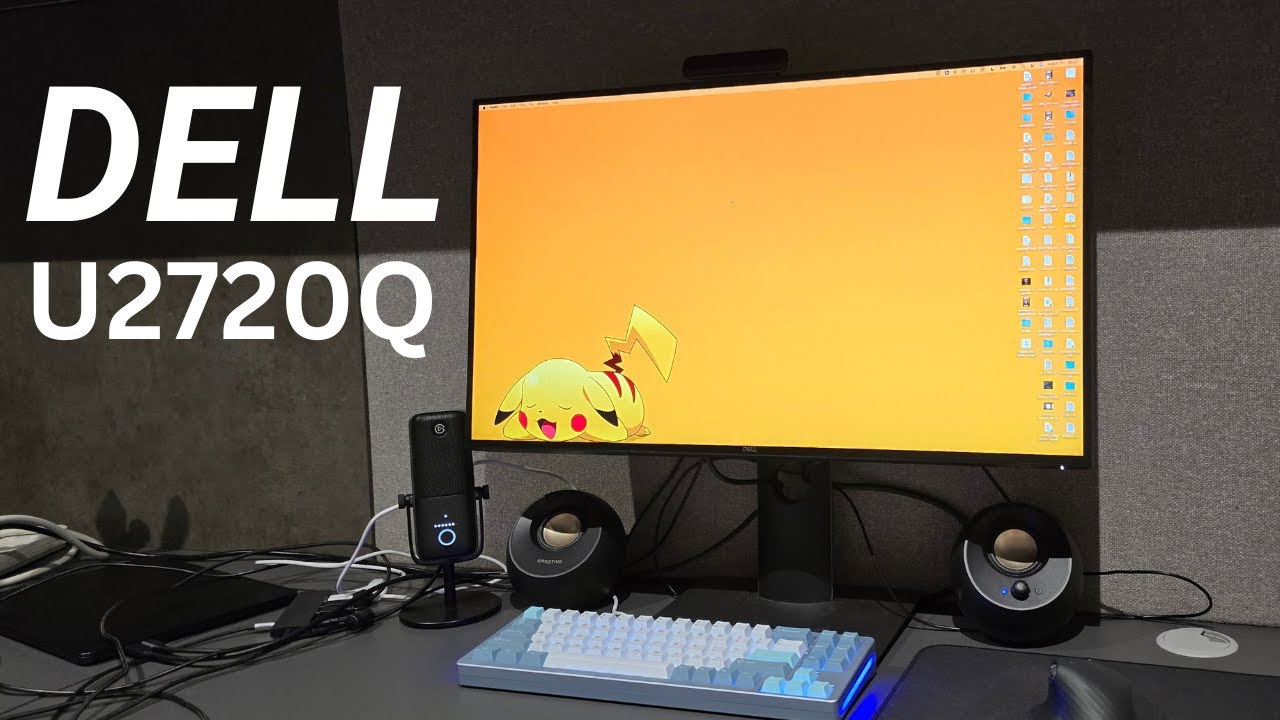
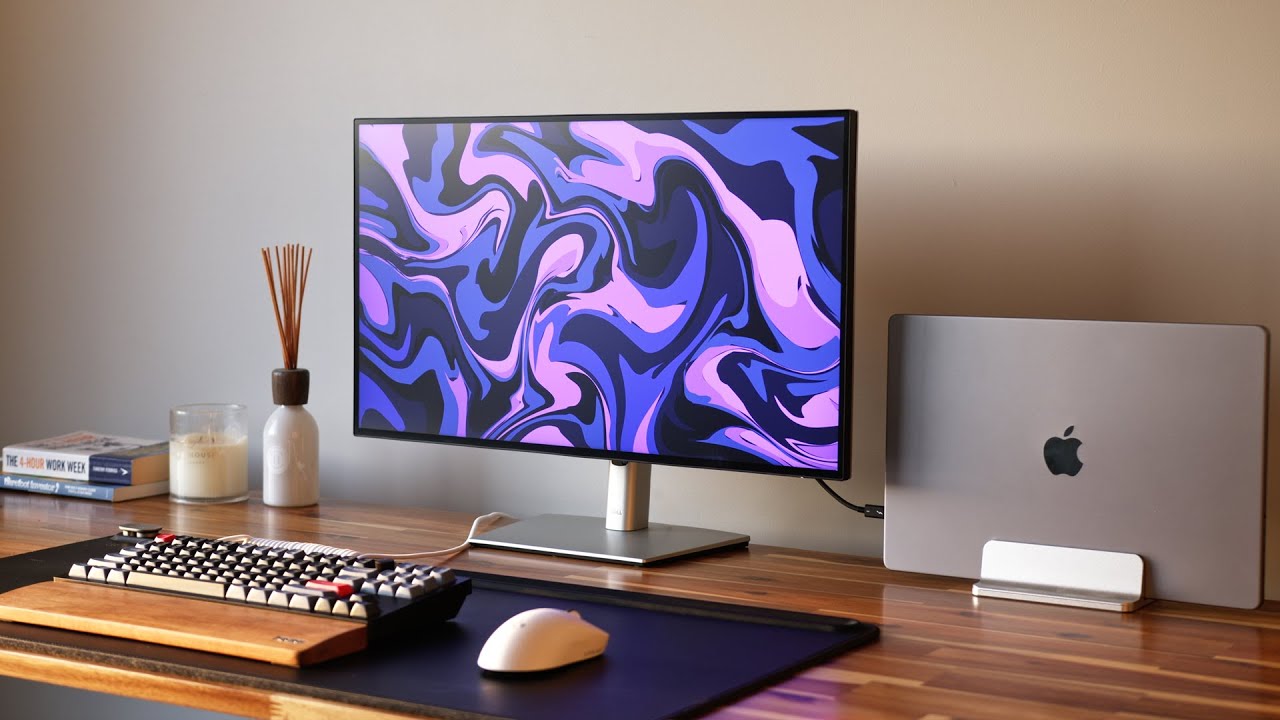
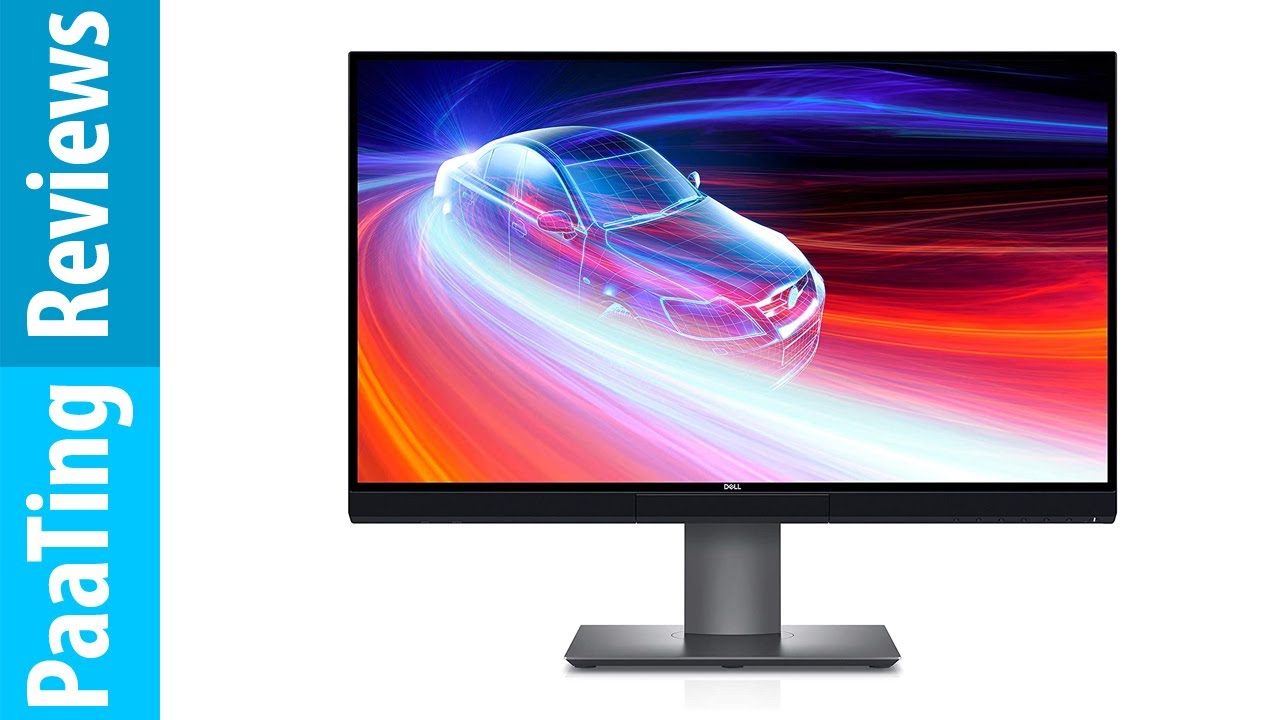
Dell UltraSharp U2720Q 27 Inch 4K UHD monitor with sleek design and prominent USB-C port.
86 / 100
verified Excellent
starstarstarstar star_half
4.4
Amazon Rating 993 reviews

The Bottom Line

The Dell UltraSharp U2720Q is a 27-inch 4K UHD monitor that stands out with its USB-C port offering power delivery and 100% sRGB color coverage right out of the box. Ideal for professionals requiring accurate color reproduction and seamless connectivity, this monitor delivers a high-quality visual experience. However, it lacks built-in speakers and has a 60Hz refresh rate, which may limit its appeal for gaming enthusiasts.

MSRP: $619.00 $539.00 at Amazon arrow_outward
insights

Our Analysis

The Dell UltraSharp U2720Q 27 Inch 4K UHD monitor is a compelling option for professionals seeking a high-quality display that delivers on color accuracy and versatility. It stands out with its exceptional 100% sRGB color coverage right out of the box, as confirmed by numerous sources, ensuring accurate and vibrant colors for creative work. The monitor also impresses with its USB-C port, which not only offers single-cable video and power but also provides power delivery, a feature that's increasingly valuable in modern workspaces. What we found particularly noteworthy is the monitor's extensive stand adjustability, including portrait mode and a generous 130mm height adjustment, which makes it adaptable to various workspaces and user preferences.

Key Points

What Reviewers Love

What To Consider

Points of Disagreement

  • Some sources say "VESA DisplayHDR 400 certification" (2 sources) while others say "Basic DisplayHDR 400 certification" (1 sources)
  • Some sources say "Low input lag with decent 5ms response time" (2 sources) while others say "5ms response time limits gaming suitability" (4 sources)

check_circle Best For

  • Creative professionals needing factory-calibrated color accuracy
  • Laptop users wanting 90W USB-C single-cable setups
  • Office workers who need a fully adjustable ergonomic stand

warning Consider Carefully

  • Competitive gamers requiring high refresh rates above 60Hz
  • Users who need built-in speakers or integrated audio

Specifications

Display

Brightness
350 Nit
Color gamut srgb
99% claimed, 100% tested
Color support
1.07 billion colors
Contrast ratio
1300:1
Panel type
IPS
Refresh rate
60Hz
Resolution
3840 x 2160
Response time
5ms gray to gray in Fast mode, 8ms gray to gray in Normal mode
Size
27 inches

Performance

Dci p3 coverage
86.7%
Delta efactory promise
under 2
Delta emeasured
0.33
Srgb coverage
92.8%
Srgb volume
94.7%

Source Analysis

This review synthesizes insights from 33 independent sources to provide a comprehensive, unbiased assessment.

Expert Reviews (9)

Professional testing labs & tech publications

Verified Source

The Dell UltraSharp U2720Q delivers exceptional value at $539 for creative professionals and productivity-focused users. Its 27-inch 4K IPS panel produces sharp, accurately saturated colors ideal for video editing in DaVinci Resolve 16 and photo work in Capture One Pro. The monitor excels ergonomically with 5.1 inches of height adjustment, extensive tilt range (5° down to 21° up), 45° swivel in either direction, and 90° pivot to portrait orientation. Port selection includes USB-C with power delivery, HDMI 2.0, DisplayPort 1.4, and multiple USB 3.0 connections. The InfinityEdge bezel design maintains professional aesthetics, while the display manager software enables screen tiling and auto-restore functionality for seamless workflow continuity.

Mark Anthony Ramirez Read →
Pros
  • Native 4K resolution with 163 PPI pixel density
  • Wide color gamut coverage for professional work
  • USB-C port with power delivery capability
  • Excellent ergonomic adjustability range
Cons
  • Display brightness could be higher
80/100
Verified Source

A 27-inch 4K productivity monitor positioned between basic displays and professional models, featuring solid color accuracy with 100% sRGB coverage, extensive ergonomic adjustments, and convenient USB-C connectivity with 90W power delivery. The IPS panel offers 163 ppi pixel density and VESA DisplayHDR 400 certification. Navigation through the onscreen display proves intuitive via physical buttons. While capable of handling occasional photo and graphics work, it lacks built-in calibration tools found in true professional monitors. Port selection includes HDMI, DisplayPort, dual USB-C, three USB-A ports, and audio-out, with some ports easily accessible on the side.

Pros
  • 100% sRGB color coverage out of the box
  • 90W USB-C power delivery simplifies laptop charging
  • Intuitive OSD navigation with physical buttons
  • Extensive ergonomic adjustments including portrait pivot
Cons
  • Only 232 nits brightness in Standard mode
  • Basic DisplayHDR 400 certification
  • No built-in calibration tool
  • Downward-facing rear ports require rotation to access
100/100
Verified Source

This 27-inch 4K IPS monitor targets professionals prioritizing color accuracy and USB-C connectivity over flashy design. Factory-calibrated with Delta E under 2, it covers 92.8% of sRGB and 86.7% of DCI-P3 color spaces. The versatile stand offers 130mm height adjustment, full tilt, swivel, and portrait rotation. A single USB-C cable delivers 90W power to laptops while enabling three USB-A ports—though no USB-B limits keyboard/mouse sharing. Missing speakers and Ethernet may disappoint some, but competitive pricing at £534 makes it accessible compared to technically superior rivals like NEC.

Tim Danton Read →
Pros
  • Factory color calibration with Delta E under 2
  • Versatile stand with 130mm height adjustment
  • 90W USB-C power delivery for laptop charging
  • Easy color space switching via OSD
Cons
  • Screen wobbles when pressing OSD buttons
  • No built-in speakers included
  • DCI-P3 coverage falls short of 95% claim
  • No USB-B connector limits peripheral sharing

Video Reviews (15)

Hands-on demonstrations & setup guides
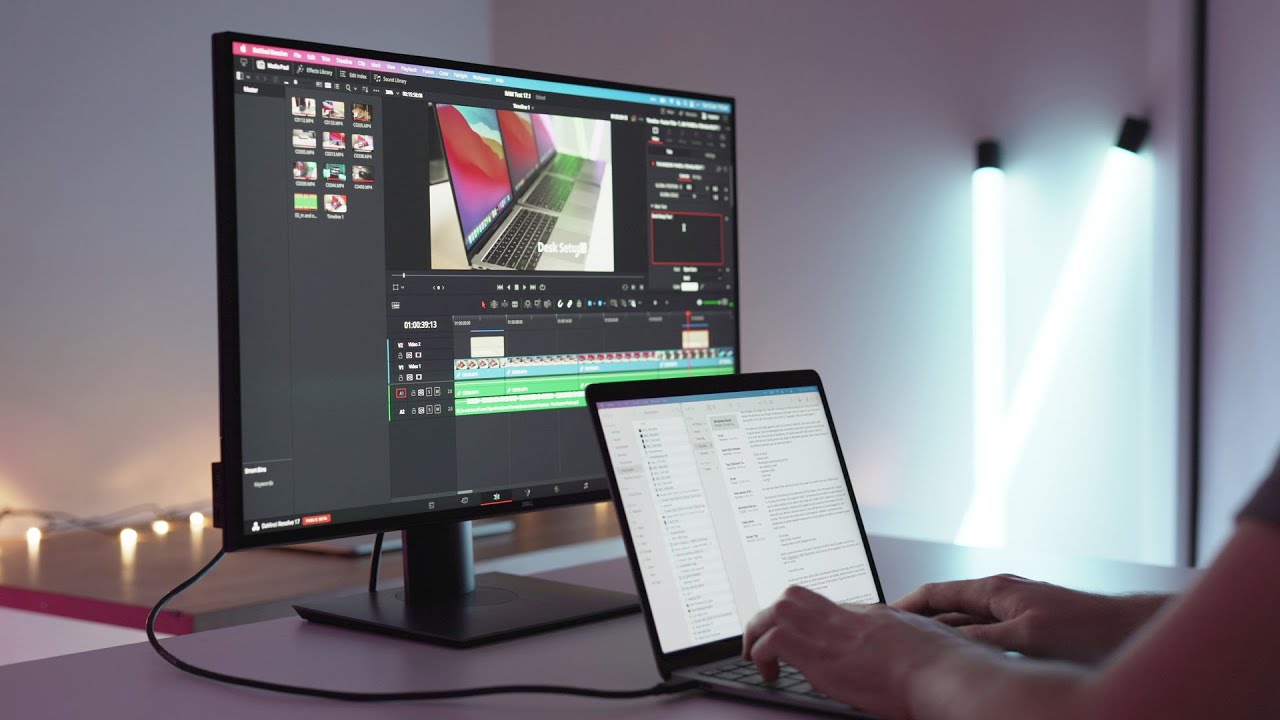
Created Tech
Created Tech
  • Ideal for professionals needing color accuracy across platforms
  • Perfect dock replacement for USB-C laptop users
  • 27 inches optimal for productivity without excessive head movement

Ben Aqua
Ben Aqua
  • Best for users prioritizing minimal bezel design
  • Ideal for workflows requiring 90W USB-C power delivery
  • Suitable for those wanting USB charging without computer

TK
TK
  • Best suited for Dell laptop users wanting single-cable setup
  • Reliable choice for office productivity and content creation
  • Avoid if using Chromebooks or mixed-brand environments

Community Discussions

Real owners sharing experiences

No community reviews analyzed.

Customer Reviews Amazon

What buyers are saying

starstarstarstar star_half
4.4

993 reviews

Recently Added Reviews

star star star star star

Good quality color calibrated 4K monitor

Clostridium May 20, 2021
Bought to use with MBP 16”. Works great, have it in retina mode and the text is super sharp. Vivid colors, screen strikes a nice balance between glare reduction and not being too matte. Tiny bezel around so would be great for multi monitor setup.The usb-c cable that came with it would only do 30 hz but the third party one I had bought worked just fine in 60 hz refresh and the power delivery works as well. So many different usb-c cables so make sure you read reviews to find one that will do what you want.There are many articles on internet discussing pros and cons of different resolution and size combos for external monitors for OS X devices. I’m fine with the fact that in retina mode the interface text is a bit larger but others may not be. This is not something related to this product but rather to the nature of OS X. You can do scaled resolutions but that has tradeoffs.This works just fine for my mixed office work and photo editing world.
star star star star star

One of the best screens I've ever used

Rouben Branton Buyat April 16, 2023
Overall a beautiful monitor for daily use. When I was on the hunt for a monitor, this one in particular was on the top list of a lot of Youtubers, which was mainly the reason why I decided to get this. I always take influencers recommendation with a grain of salt because I never really know when they are getting paid, but I can attest that this monitor is really just amazing. The picture quality especially on 4K videos are beautifully crisp and very color accurate and it comes calibrated straight out of the box. However, if you plan to have this near bright open windows this might not be the best monitor for you since it doesn’t get that bright, but anything else would be perfect. I got this for around $650, which is still kind of expensive for a monitor, but I think for the quality it’s definitely worth it. I’ve had this monitor for a couple of years now and I don’t think I plan on replacing this anytime soon.
star star star star star

Excellent display for work!

Nazmul SatarNazmul Satar October 30, 2021
I have had this monitor for a little under a year now. I had to get something larger due to the amount of spreadsheets I hard to work on in addition to the extended hours I had to spend starting at a screen. The matte finish is great for the environment that I am in, I am able to work with my window blinds open and all of the lights on without having the worry of glares. Which can still occur when watching videos but I rarely use it for that. The 90W USB-C Power is phenomenal, I used it to power my M1 MacBook Pro and I had no need for a charger. Since I run two additional external displays (70 inch and a projector) I had to switch to Lenovo X1 Extreme. It will power the more watt hungry windows machines, however you will not be able to enjoy the full potential of those devices. It will however power most laptops and chrome books. Really allows you to have a clean desk set up and on my photo you will see an apple charger, it is unnecessary and in the future I never brought the apple charger to work. I had no issues or funny business with the pixels though if you ever decide to rotate the display you may never get it fully straight (you can with an gyro sensor). I hope to purchase another one soon, I do not believe I would purchase the 43inch- too big and you need to move your head around.
star star star star star

Amazing Monitor with a Few Flaws

Chris August 27, 2020
This is display has a lot of great things, but a couple flaws keep it from being a perfect monitor, even for the price.The panel and image reproduction in 30bit sdr mode is amazing. Colors look great out of the box, but it definitely is still going to require calibration if you want to seriously use it for design. It covers +99% of sRGB and +97% of DCI-P3. The display gets plenty bright and can be used for just about any type of work. And that’s it, it’s a great display and if you plan on using this for creative work or even just want a really good and good looking display, this is great!So now for the flaws… each of them are small but add up, and maybe one of these might be a deal breaker for you depending on your use.1. USB-C is not ThunderBolt 3: This is a real stinger for those who were hoping to have a single plug running from their computer to everything else. And the reason why this stings so hard is because to get a 4k@60Hz image to the display, the USB ports on the display can only run at USB 2.0 speeds. This means if you were hoping to plug in things like an Ethernet adapter, you should still run it through another port on your laptop. Additionally, this means you don’t have access to any sort of daisy chaining which can be extremely useful for those running multiple monitors. I haven’t tested running this monitor’s USB-C port through a ThunderBolt Dock so I do not know if that is even a possibility. If you really want this functionality, Dell makes the UP2720, but that will run you about 3x the cost.2. Color modes are pretty useless for most people: The out of box calibration is not good enough to make use of the color modes. I can’t remember why, but the white point for the built in P3-DCI is very green looking. So the best way to get the best colors out of the monitor is to run it in the Color Temp 6500k mode and calibrate from there, you will still have access to the wide color space. (I’ll get to HDR later)3. Low quality bezel/frame: The display is surrounded by some of the softest plastic I’ve ever seen. maybe this is to make it better for pressing monitors together side by side but it’s not a perfect look. The worst part is down by the buttons, a large number of the monitors will have a QC defect (mine included) where the frame feels like it’s pulled a bit off from the body of the monitor which makes pressing on of the buttons just a little more irritating than the others. Very small complaint though because it still is a great looking monitor, but those who get really distracted by small defects might get annoyed too quickly.4. WTF is going on with HDR: All but 1 HDR mode looks like total crap, and in that 1 HDR mode the color space shrivels up to only being inside sRGB. This is all while still running 30bit color. If you are hoping for a great HDR experience, this really isn’t the monitor for you. It’s serviceable and it’s a good monitor for viewing HDR content and playing games in HDR, but I definitely wouldn’t recommend doing design work in HDR on this monitor. Which is a let down for people looking for a flawless monitor for mastering on at a great price. The monitor can automatically switch when it detects HDR content, so let it do that, but keep the default in the simple wide color mode.5. No Freesync: This never was supposed to be a gaming monitor, but this would have been greatly appreciated. The LG equivalent has this feature so I’m a bit shocked it wasn’t included. Likely the next model will have it since it’s not a costly addition to monitors at this point. This makes this significantly worse for gaming though, especially since it’s locked at 60Hz.And that’s it, I ranted on the bad parts but that’s because it’s overall a really great monitor that I do recommend for a lot of people. I have a separate monitor to use for gaming, but besides that, this is my main display every day.Notes for Windows Users:1. If you plug in through the HDMI port you might need to go into your settings and enable full color range (limited color range sometimes is the default for HDMI connections)2. To get 30bit (10bit per color) color, you need to enable that manually as well, with an NVIDIA GPU this will be in the NVIDIA Control panel.
star star star star star

Great Monitor, really good resolution 3840x2160 DPI.

Amazon Customer April 13, 2024
I decided to switch to Dell Monitor. This monitor is great for the price. I love the 3840x2160 DPI. I really enjoy the extra USB inputs on the left side. I do feel safe with this Monitor. The adjustable stand is great.Lenovo I still use, but less of.

Reviews shown are from Amazon customers and do not reflect our editorial assessment.

The Verdict

The Dell UltraSharp U2720Q earns its 86/100 score as a standout 27-inch 4K display for professionals who need factory-calibrated color accuracy and a clean, single-cable USB-C desk setup. With 100% sRGB and 95% DCI-P3 coverage, 90W USB-C power delivery, and a fully ergonomic stand, it's purpose-built for creative and productivity work. Just don't expect it to pull double duty as a gaming monitor — a 60Hz refresh rate and 5ms response time make it a poor fit for competitive play.
Pricing Reference

Updated Mar 6, 2026
Prices sourced from Amazon.com Affiliate disclosure
33 sources analyzed Updated March 6, 2026
About our review methodology

Score methodology: Weighted average of 3 expert ratings (grade-inflation compressed, outlier-dampened, confidence-adjusted). Community discussions used for qualitative insights only.

Sources breakdown: 9 expert reviews, 15 video reviews, 1 community discussions

Pipeline v1.0.0