Our Analysis
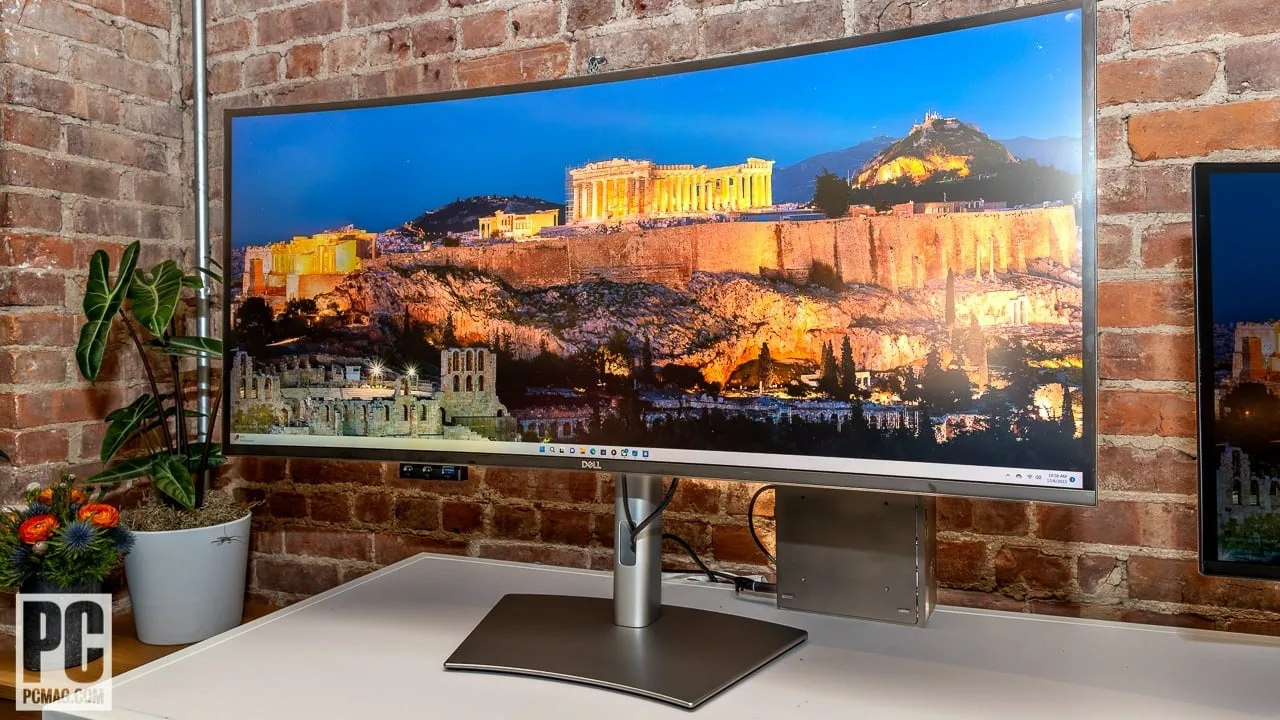
The Dell U4025QW is a 40-inch curved 21:9 ultrawide monitor built for professionals who demand the best from a single display. Its 5K2K (5120×2160) IPS Black panel delivers 140 PPI pixel density and a 2000:1 contrast ratio, producing sharp text and deep blacks that set it apart from standard IPS monitors. A 120Hz refresh rate ensures fluid motion for productivity tasks, while factory calibration achieves Delta E < 2 accuracy across 99% DCI-P3, 100% sRGB, and Adobe RGB color spaces — making it a compelling choice for creative professionals. The built-in KVM switch and Thunderbolt 4 hub with 140W power delivery allow users to manage multiple computers through a single cable, eliminating the need for a separate dock. At a price point ranging from approximately $1,920 to $2,400, the U4025QW is a significant investment. Its edge-lit HDR produces only modest results, and the large trapezoid stand base demands considerable desk space — but for productivity-focused users and creatives, these are minor trade-offs against an otherwise exceptional feature set.
Key Points
What Reviewers Love
- +
120Hz refresh rate enhances motion clarity and responsiveness
- +
Delivers up to 140W of power delivery
- +
2000:1 contrast ratio delivers deep blacks via IPS Black technology
- +
140 PPI pixel density provides sharp text and detailed images
What To Consider
- −
Premium price point limits accessibility for budget-conscious buyers
- −
5ms response time exhibits minor ghosting behind fast-moving objects
- −
Large trapezoid stand base consumes desk space
- −
5ms response time and edge-lit HDR make it a poor fit for competitive or fast-paced gaming compared to dedicated gaming monitors
Points of Disagreement
- Some sources say "120Hz refresh rate impressive at this resolution" (14 sources) while others say "Custom refresh rate settings revert to standard 60Hz after system sleep cycles" (3 sources)
- Some sources say "120Hz refresh rate impressive at this resolution" (14 sources) while others say "Limited to 60Hz maximum refresh rate when used with base M1, M2, or M3 chips (non-Pro/Max)" (2 sources)
- Some sources say "120Hz refresh rate impressive at this resolution" (14 sources) while others say "120Hz refresh rate restricted to native resolution only, preventing 120Hz usage on PS5" (2 sources)
- Some sources say "5K2K resolution eliminates need for dual monitors" (9 sources) while others say "Demanding 5K2K resolution requires high-end PC hardware for gaming" (3 sources)
- Some sources say "Text appears crisp and clear when using HiDPI scaling modes at 120Hz" (3 sources) while others say "Text appears too small and difficult to read when using the native 5k2k resolution without scaling" (2 sources)
check_circle Best For
- Productivity professionals seeking a 5K2K display
- Creatives requiring high color accuracy and contrast
- Users valuing Thunderbolt 4 connectivity for power and data
warning Consider Carefully
- Budget-conscious buyers looking for affordability
- Gamers in need of fast response times and HDR quality
- Casual users not requiring a 5K2K resolution
Specifications
Display
- Aspect ratio
- 21:9 ultrawide
- Brightness hdr peak
- 600 cd/m2
- Brightness typical
- 450 cd/m2
- Color depth
- 10-bit (dithered)
- Color gamut dci p3
- 99%
- Color gamut srgb
- 100%
- Contrast ratio
- 2000:1
- Panel type
- IPS Black
- Pixel density
- 140ppi
- Refresh rate
- 120Hz
- Resolution
- 5120 x 2160
- Size
- 40 inches
Performance
- Adaptive sync
- Yes, VRR
- Color accuracy
- Delta E < 2 (Average)
- Color support
- 1.07 Billion colors (8bit + A-FRC)
- Hdr
- Yes, HDR10, VESA DisplayHDR 600 certified
- Response time
- 5ms GtG
Source Analysis
This review synthesizes insights from 38 independent sources to provide a comprehensive, unbiased assessment.
Expert Reviews (7)
Professional testing labs & tech publications
Features a 39.7-inch 5K2K IPS Black panel with 5120×2160 resolution at 120Hz, delivering 140 PPI pixel density ideal for productivity and creative work. Factory calibration achieves Delta E < 2 accuracy across 99% DCI-P3 and 100% sRGB color spaces. The 2000:1 contrast ratio produces deep blacks while maintaining 178° viewing angles. Connectivity includes Thunderbolt 4 and HDMI 2.1 with VRR support up to 120Hz. Peak brightness reaches 450 nits, ensuring visibility in well-lit environments. However, edge-lit dimming limits HDR effectiveness despite DisplayHDR 600 certification, and the premium pricing positions it as a luxury option. Response time measures 5ms GtG with minor ghosting visible during fast motion.
Pros
- 2000:1 contrast ratio delivers deep blacks via IPS Black technology
- 140 PPI pixel density provides sharp text and detailed images
- 120Hz refresh rate enhances motion clarity and responsiveness
- Delta E < 2 factory calibration covers 99% DCI-P3 color space
Cons
- Premium price point limits accessibility for budget-conscious buyers
- Edge-lit dimming produces subpar HDR image quality
- 5ms response time exhibits minor ghosting behind fast-moving objects
- IPS glow appears when viewing dark content in dark environments
At 40 inches with 5K resolution, this curved Thunderbolt 4 hub monitor targets productivity professionals seeking to consolidate dual-display setups. It delivers 140W power delivery, TUV-certified eye comfort, and sustainable construction using 85% recycled plastic and 90% recycled aluminum. Setup proves straightforward, typically completing in under 20 minutes with intuitive joystick controls. However, the $2,400 price approximates the cost of multiple separate displays, while the 240-nit average brightness runs disappointingly dim. The massive trapezoid stand consumes considerable desk real estate, and at 30.4 pounds, repositioning proves unwieldy. Timing issues plague the Thunderbolt 4 implementation as Thunderbolt 5 approaches market, and limited 5K content adoption creates a 'content desert' for users.
Pros
- High color gamut volume and accuracy
- Delivers up to 140W of power delivery
- TUV Rheinland five-star eye comfort certification
- Made from 85% recycled plastic and aluminum
Cons
- Expensive $2,399.99 price point
- Dim 240 nits average brightness
- Large trapezoid stand base consumes desk space
- Heavy 30.4 pound weight
A 40-inch curved ultrawide featuring 5K2K resolution on an IPS Black panel with 120Hz refresh rate. Ships in eco-friendly, 100% recyclable packaging with all necessary cables included for immediate plug-and-play setup. The built-in Thunderbolt hub and convenient pop-out port access on the bottom bezel simplify connectivity and cable management. Excels at professional productivity tasks, offering sufficient screen real estate to replace multiple displays entirely. However, the massive 40-inch footprint and high price point present significant barriers, while the 5K2K resolution demands a powerful graphics card. Users who struggle with focus may find the expansive workspace overwhelming despite its multitasking advantages.
Pros
- Exceptional 5K2K resolution on 40-inch curved IPS Black panel
- Built-in Thunderbolt hub simplifies connectivity
- Pop-out hub on bottom bezel for easy port access
- Ships with all necessary cables including Thunderbolt 4 active cable
Cons
- High price point makes it expensive
- Requires powerful graphics card to drive 5K2K resolution
- Massive physical footprint demands significant desk space
- Not suitable for gaming or casual users
Video Reviews (10)
Hands-on demonstrations & setup guides
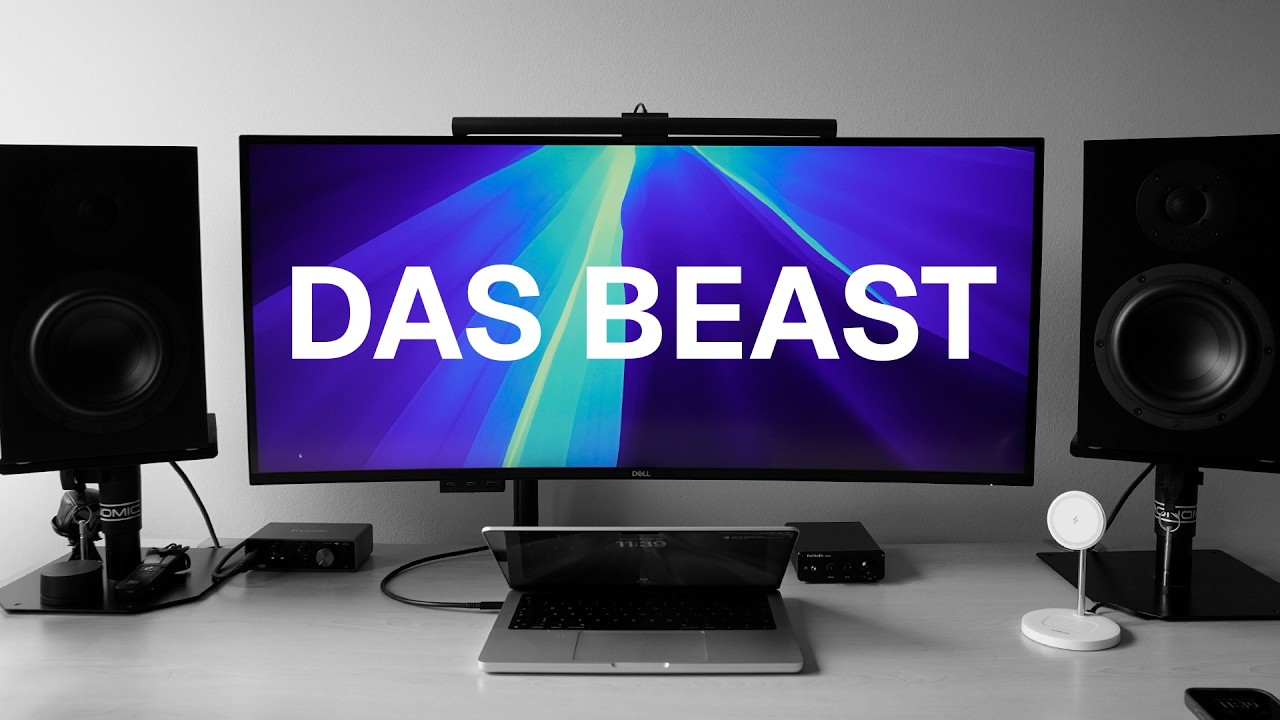
- Ideal for UX designers needing large workspace
- Excellent color accuracy for most professional creative work
- 40-inch size requires adaptation but boosts productivity

- Ideal for professionals needing extensive screen real estate daily
- Perfect for MacBook users wanting single-cable docking solution
- Excellent choice for text-heavy work requiring sharp pixel density

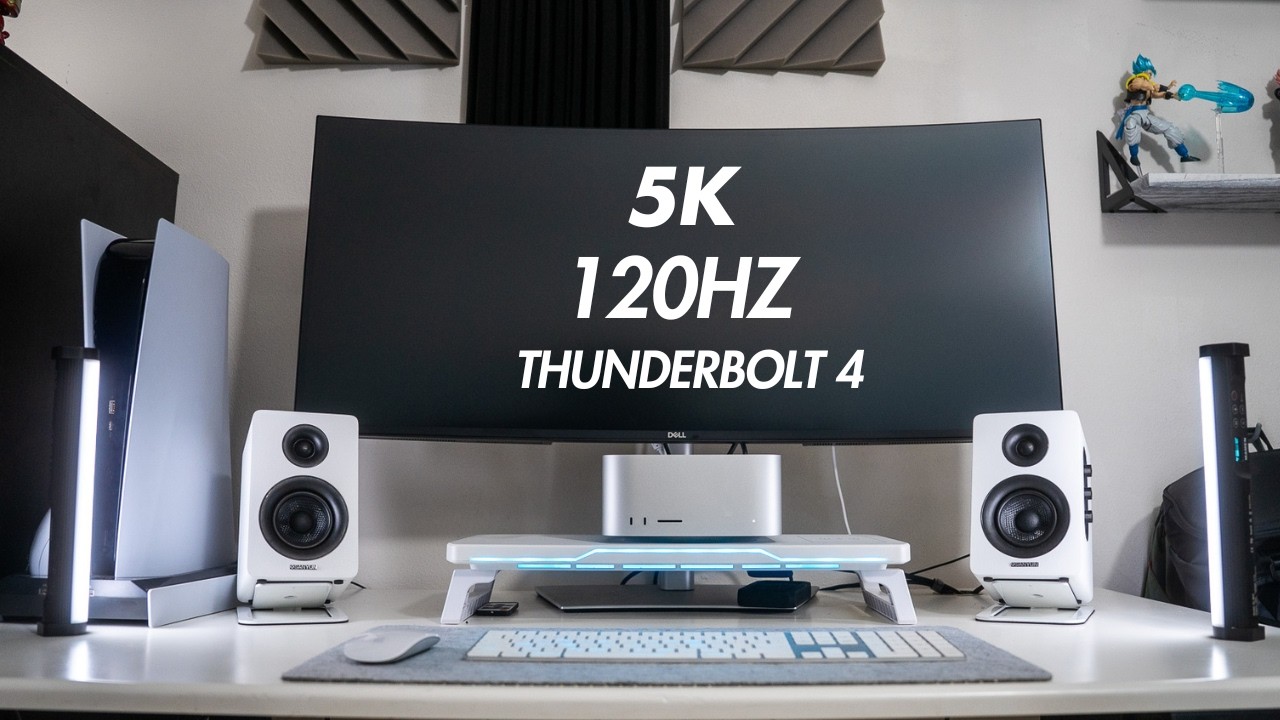
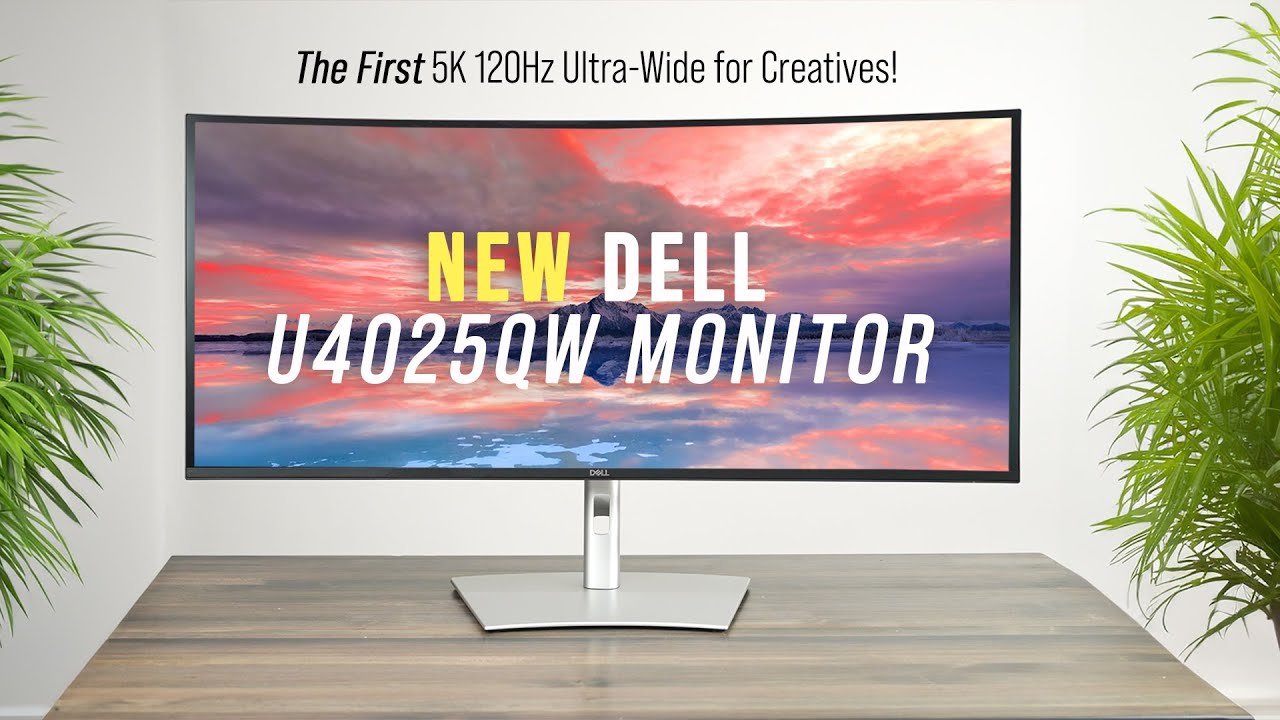
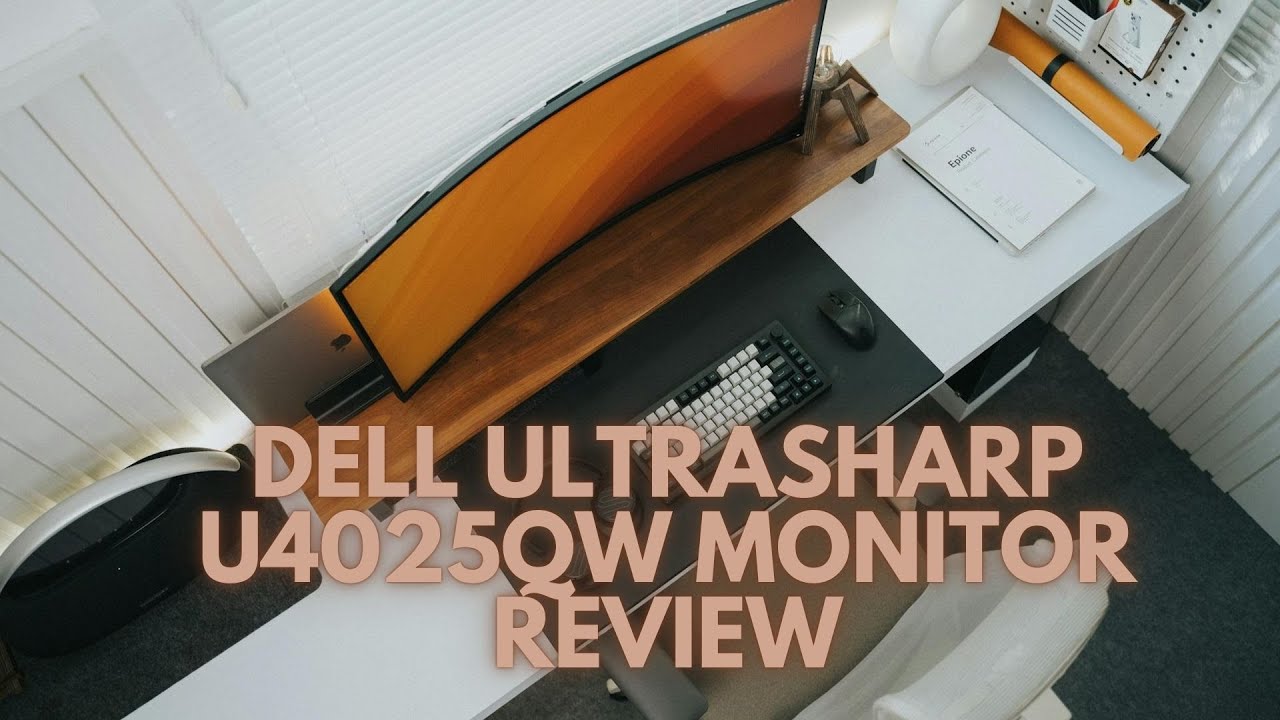

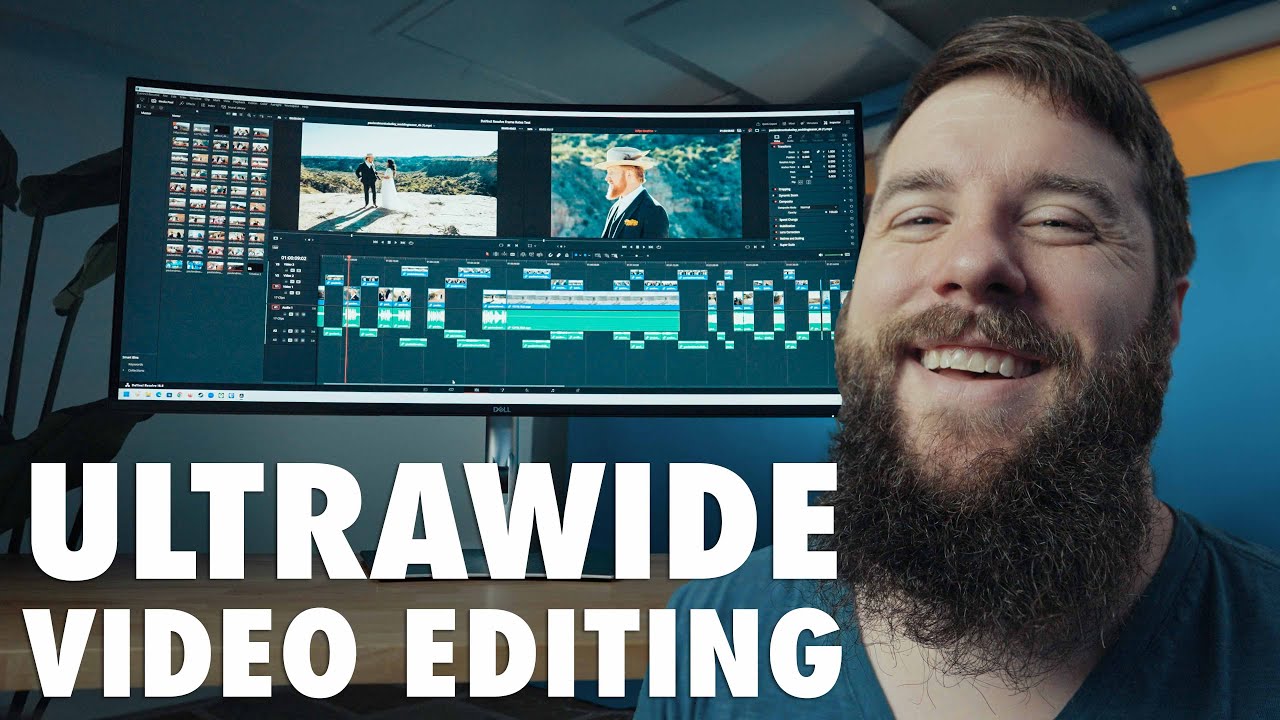

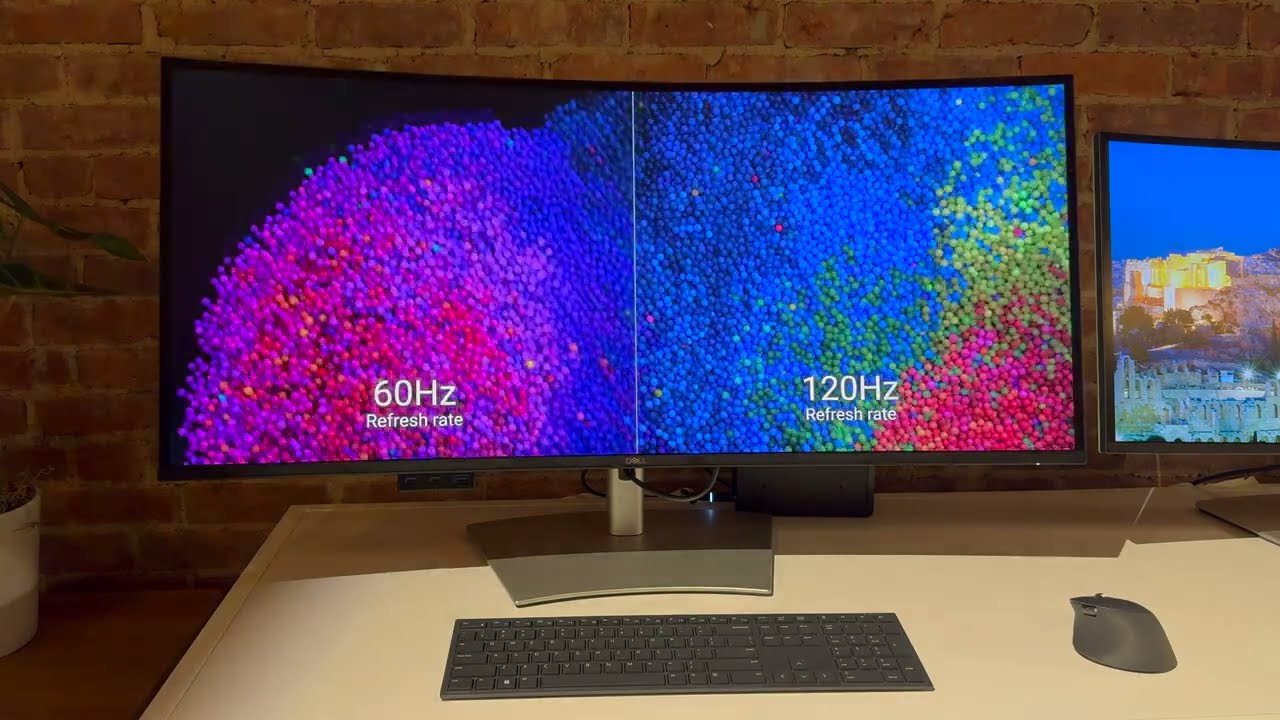
Community Discussions (14)
Real owners sharing experiences
u/S1mpel
Comparison- Ideal for MacBook Pro users seeking hassle-free 5K ultrawide compatibility with sharp text rendering for coding, studying, and document work
- Requires BetterDisplay or similar third-party tools for optimal HiDPI scaling and virtual display management in professional workflows
- Best suited for productivity-focused users prioritizing eye comfort, minimalist desk aesthetics, and business-class connectivity over gaming features
u/setzer
Full Review- Best suited for technically-inclined Mac users willing to modify system files to achieve 100Hz operation
- 3840x1620 at 100Hz represents the practical sweet spot for M1 compatibility maintaining Full RGB color
- Not suitable for plug-and-play users expecting advertised 120Hz support on Apple Silicon without technical intervention
u/Humble_Contract_2620
Comparison- Best for Windows-based productivity users prioritizing text clarity and color accuracy; Mac users face significant refresh rate limitations
- KVM functionality works reliably but involves 10-second delays and device power cycling between a maximum of two machines
- Suitable for coding and development work with dark themes due to IPS Black panel clarity and eye comfort
Customer Reviews Amazon
What buyers are saying
199 reviews
4.6 out of 5 stars
from 199 reviews
Reviews shown are from Amazon customers and do not reflect our editorial assessment.
The Verdict
The Dell U4025QW is a strong, well-rounded professional monitor that earns its 82/100 score through a genuinely useful combination of a sharp 5K2K IPS Black panel, 140W Thunderbolt 4 hub, built-in KVM switch, and factory-calibrated color accuracy. It is not without real limitations — edge-lit HDR delivers only modest results, and the 5ms response time makes it a poor fit for competitive gaming — but for creative professionals and productivity-focused users, these trade-offs are manageable. At $1,920–$2,400, it is a significant but well-justified investment for the right buyer.