Our Analysis
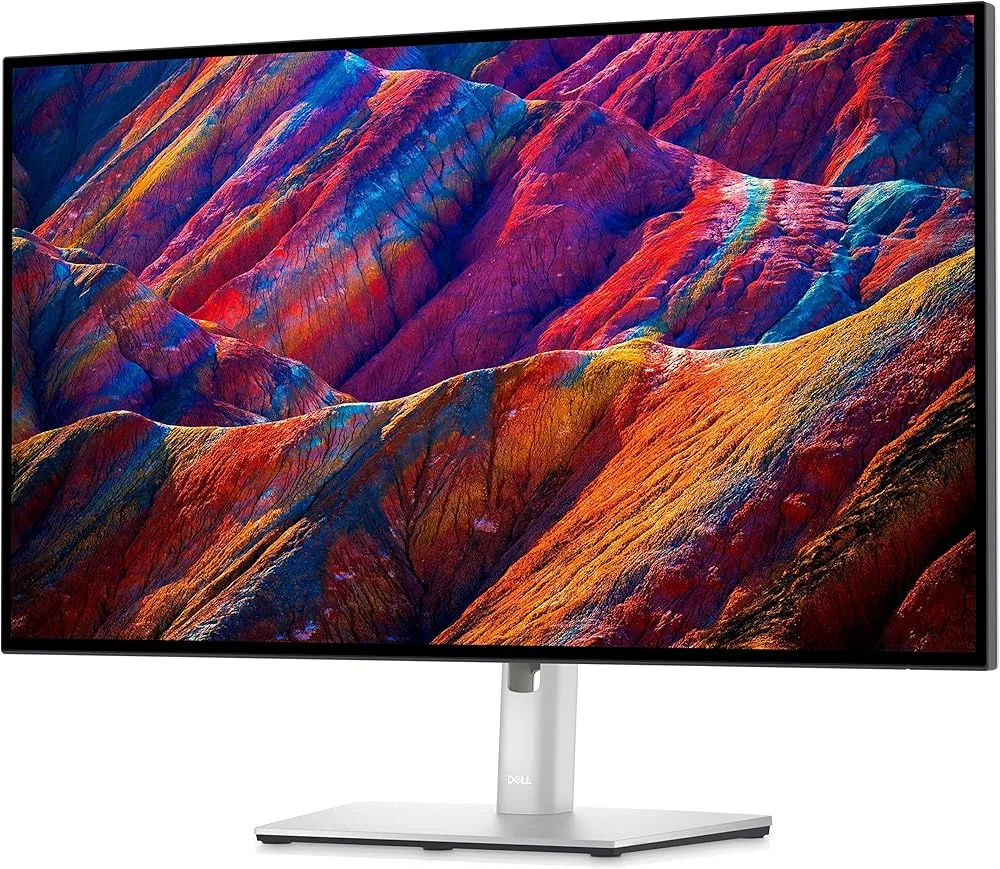
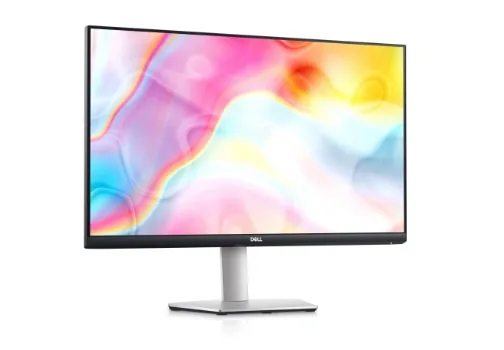
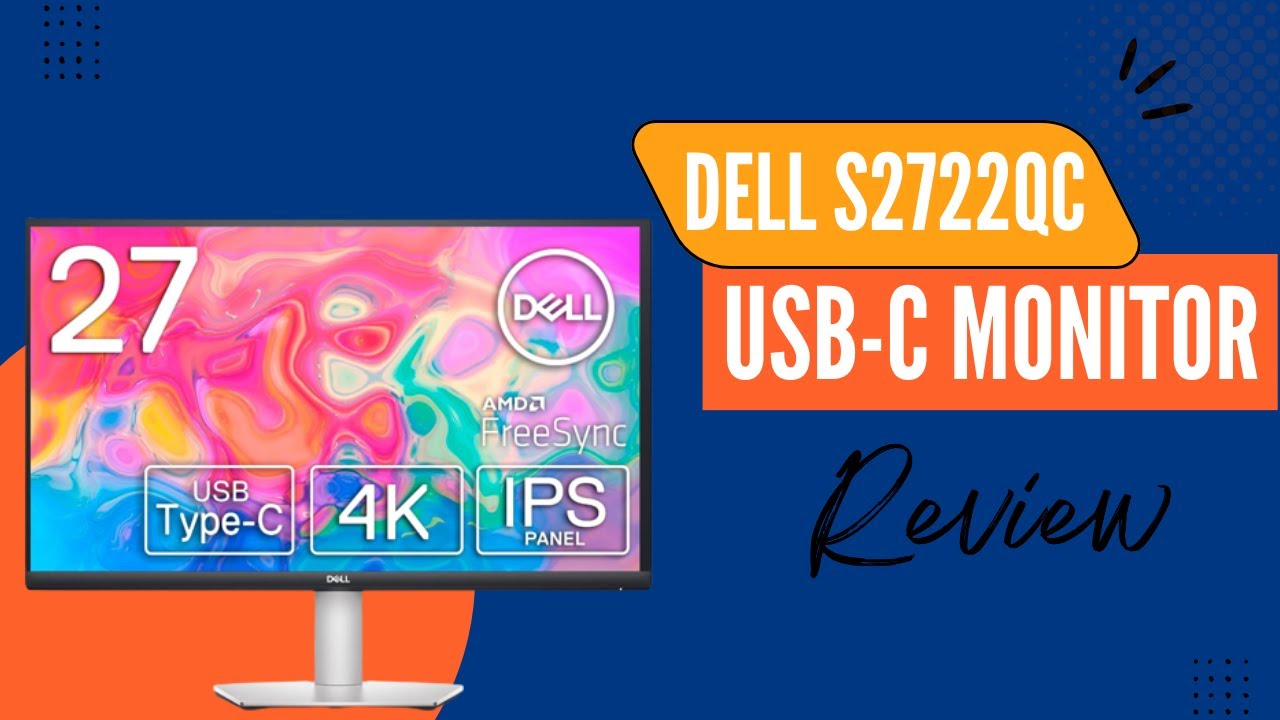
The Dell S2722QC is a 27-inch 4K monitor that has carved out a niche as a budget-friendly option for those looking to upgrade their display without breaking the bank. What we found particularly impressive is its color accuracy and connectivity features. The monitor boasts a 99% sRGB color gamut, ensuring accurate and consistent colors as noted by displayninja.com, which is a crucial aspect for creatives and professionals who require precise color representation. Its USB-C with 65W power delivery is another standout feature that simplifies setup and enhances functionality. The sleek design with thin bezels on three sides and easy height and tilt adjustments add to its appeal. However, there are trade-offs to consider. The monitor is limited to a 60Hz refresh rate, which may not satisfy gamers or professionals requiring smoother motion. The contrast ratio of 1,000:1 results in less depth in blacks, which could be a drawback for those who value deeper contrast for an immersive viewing experience. Additionally, the built-in 3W speakers offer basic audio quality, and the monitor lacks true HDR support, which may be a deal-breaker for media enthusiasts.
Key Points
What Reviewers Love
- +
99% sRGB color gamut for accurate colors
- +
USB-C with 65W power delivery and DisplayPort (single-cable)
- +
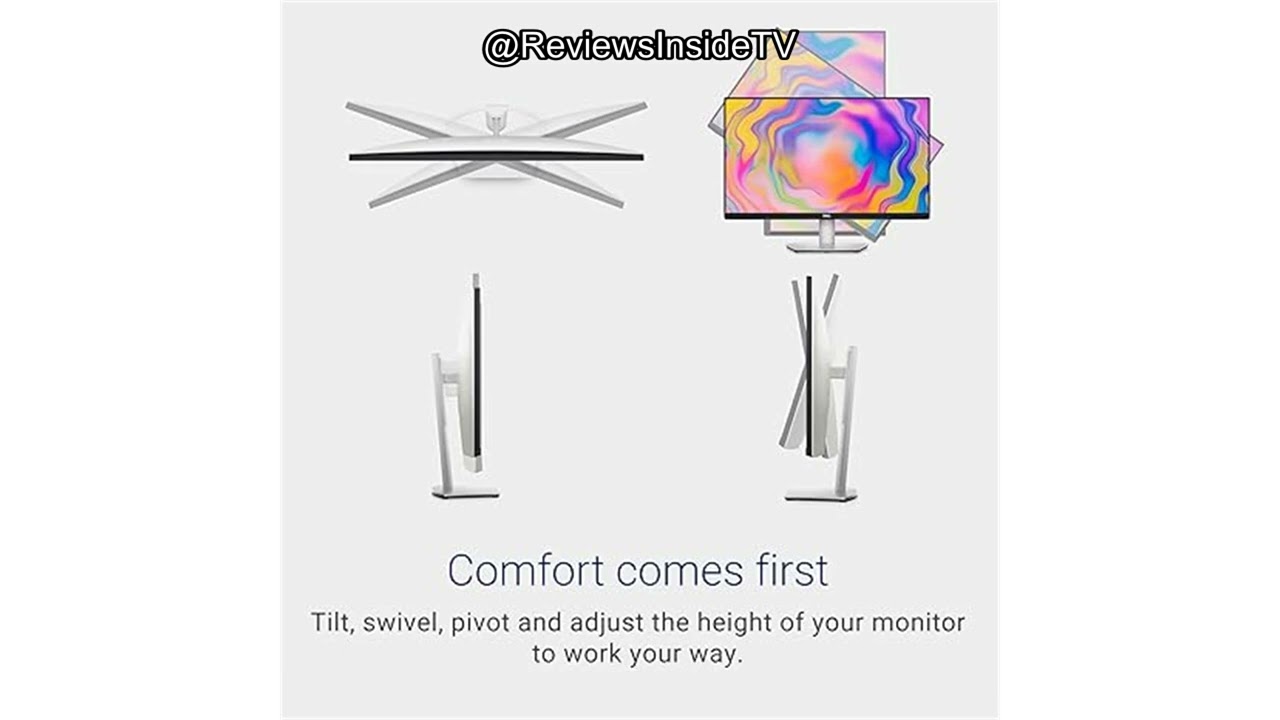
Easy height and tilt adjustment
- +
Thin 1mm bezels on three sides
What To Consider
- −
Limited to 60Hz refresh rate
- −
1,000:1 contrast ratio produces shallow blacks
- −
Requires checking laptop GPU power for 4K support
- −
3W speakers offer basic audio quality only
Points of Disagreement
- Some sources say "99% sRGB color gamut for accurate colors" (10 sources) while others say "Mediocre color gamut coverage limits professional use" (3 sources)
check_circle Best For
- Laptop users wanting a single-cable 4K USB-C setup
- Photo and video editors needing 99% sRGB accuracy
- Remote workers upgrading to 4K on a budget
warning Consider Carefully
- Competitive or fast-paced gamers needing 144Hz+
- Home theater viewers who need deep blacks and true HDR
Specifications
Display
- Brightness
- 350 cd/m²
- Color gamut
- 99% sRGB
- Contrast ratio
- 1,000:1
- Panel type
- IPS
- Pixel density
- 163 PPI
- Refresh rate
- 60Hz
- Resolution
- 4K UHD
- Size
- 27 inches
- Viewing angles
- 178°
Performance
- Color depth
- dithered 10-bit (1.07 billion colors)
- Hdr support
- HDR10 (limited)
- Input lag
- ~10ms
- Response time
- 4ms gray to gray in extreme mode
- Variable refresh rate
- AMD FreeSync 40-60Hz, G-SYNC Compatible
Source Analysis
This review synthesizes insights from 35 independent sources to provide a comprehensive, unbiased assessment.
Expert Reviews (7)
Professional testing labs & tech publications
The Dell S2722QC is a 27-inch 4K 60Hz IPS monitor positioned as a budget-friendly option for users with USB-C laptops supporting DisplayPort Alt Mode and 65W Power Delivery. Its IPS panel delivers 99% sRGB coverage with accurate, consistent colors and 178° viewing angles, though the 1,000:1 static contrast ratio produces mediocre black levels and IPS glow is present in dark scenes. The 350-nit peak brightness handles well-lit environments, while 163 PPI pixel density provides sharp text and ample screen real estate. Gaming performance is limited by the 60Hz refresh rate but benefits from ~10ms input lag, fast pixel response time on 'Normal' overdrive, and AMD FreeSync (40-60Hz). The robust stand offers full ergonomic adjustments, and connectivity includes HDMI 2.0, USB-C with 65W PD, USB 3.0 ports, and basic 3W speakers. However, HDR10 support is non-functional due to lacking hardware, and the reviewer explicitly recommends the newer S2725QC model with 120Hz and better contrast for the same price.
Pros
- 99% sRGB coverage with accurate, consistent colors
- 350-nit peak brightness for well-lit rooms
- Low ~10ms input lag for responsive feel
- Fast pixel response time on 'Normal' overdrive
Cons
- 60Hz refresh rate unsuitable for serious gaming
- 1,000:1 contrast ratio produces shallow blacks
- IPS glow visible in dark content at high brightness
- HDR10 support lacks hardware for meaningful HDR
The Dell S2722QC positions itself as an exceptionally affordable entry point for 4K USB-C monitors, typically retailing around $380. Its standout feature is USB-C connectivity with 65W Power Delivery, enabling single-cable laptop charging alongside two USB-A ports. The design impresses with thin bezels, versatile ergonomic adjustments including portrait pivot, and attractive textured gray plastic. Display performance proves adequate rather than exceptional—SDR brightness reaches 296 nits, but the 270:1 contrast ratio significantly limits vibrancy. Integrated 3-watt speakers handle basic tasks poorly. HDR support exists but image quality sacrifices were clearly made to achieve the aggressive price point.
Pros
- USB-C with 65W Power Delivery at budget price point
- 4K resolution with HDR option included
- 296 nits SDR brightness adequate for most rooms
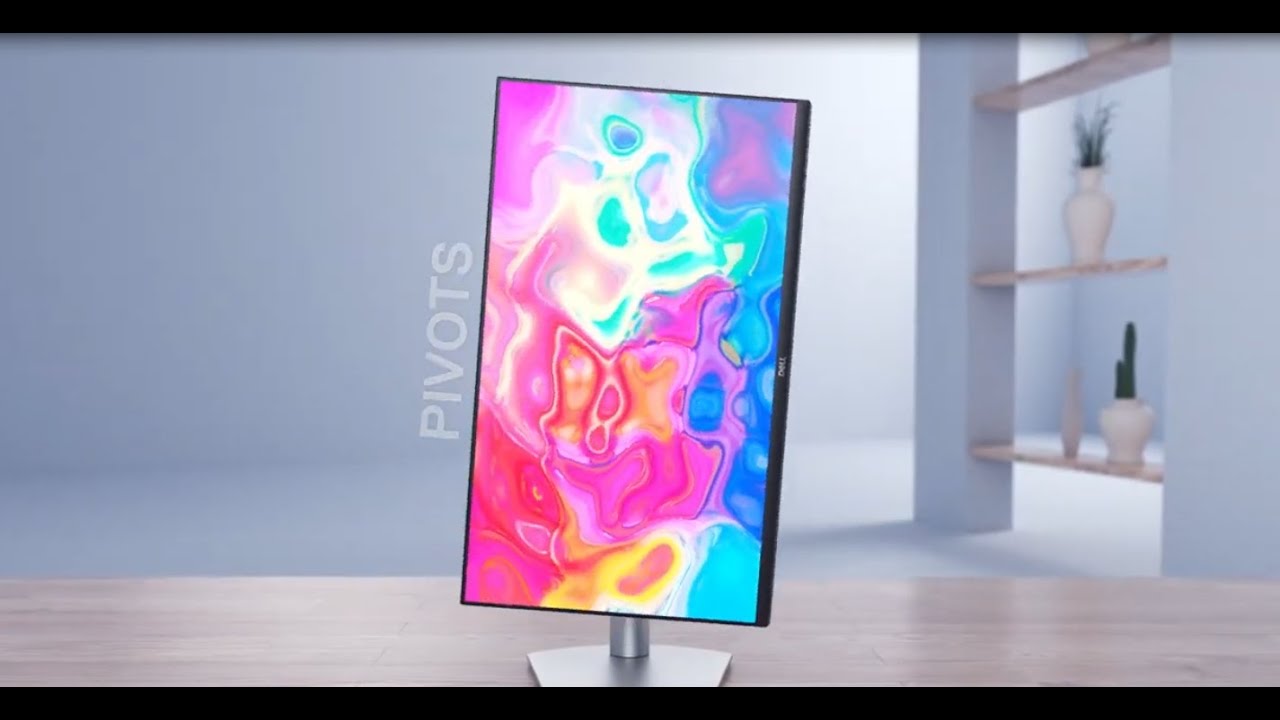
- Versatile stand with height, tilt, swivel, pivot adjustments
Cons
- 270:1 SDR contrast ratio saps vibrancy significantly
- Mediocre color gamut coverage limits professional use
- No standard DisplayPort input included
- Minimal image quality calibration controls available
A versatile 27-inch 4K USB-C monitor targeting creative professionals and media consumption. Single-cable connectivity delivers video, audio, data, and 65W power delivery. The IPS panel offers 99% sRGB coverage with wide viewing angles, while ComfortView and flicker-free technology reduce eye strain. Ergonomic stand provides height, tilt, swivel, and pivot adjustments. Built-in 3W speakers and PBP/PIP multitasking features add flexibility. Eco-conscious construction uses 25% post-consumer recycled plastics and 75% recycled cardboard packaging. Priced around $620 MSRP with frequent discounts available.
Pros
- Single USB-C cable handles video, audio, data, and 65W power delivery
- 99% sRGB color coverage with wide 178° viewing angles
- Three-sided ultrathin bezel maximizes screen real estate
- Ergonomic stand with height, tilt, swivel, and pivot adjustments
Cons
- 3W built-in speakers may lack power for demanding audio needs
- 65W power delivery limits laptop charging for power-hungry devices
- PBP and PIP features may see limited practical use for typical workflows
Video Reviews (9)
Hands-on demonstrations & setup guides
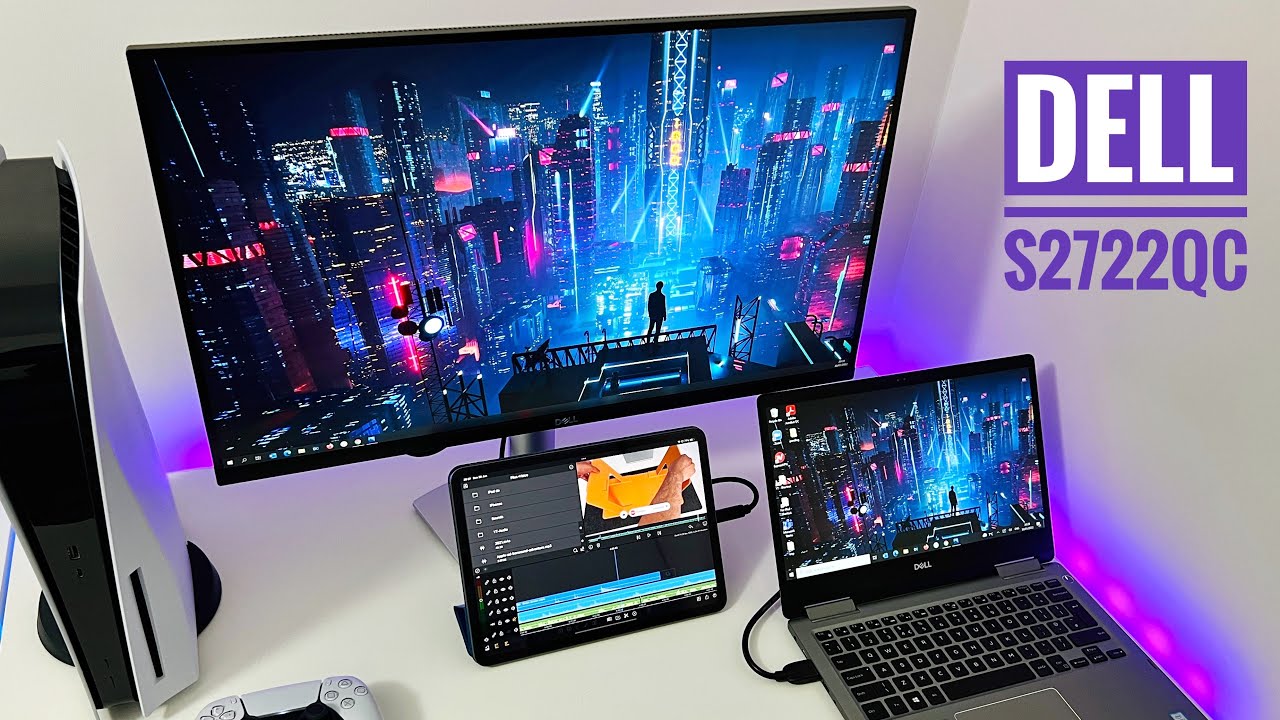
- Ideal hybrid monitor for remote work and casual PS5 gaming
- Portrait mode suits coders, streamers, and vertical content
- Verify laptop graphics capability before 4K purchase

- Ideal for productivity tasks and general desktop use
- Suits users comfortable with unscaled 4K at 70-80cm distance
- Good choice for image editing and media consumption

- Ideal for office productivity with laptop docking via single USB-C cable
- Excellent choice for text-heavy work and document editing
- Well-suited for bright environments with collaborative viewing
Community Discussions (4)
Real owners sharing experiences
u/i_miss_wonderland
Comparison- Best suited for Apple Silicon Mac users (M1/M2) who want 4K without Intel-era GPU scaling concerns
- Recommended for creative professionals prioritizing text clarity and UI sharpness over maximum screen real estate
- Budget-friendly 4K entry point for macOS users; 1440p alternatives considered acceptable but noticeably less sharp
u/ausaffluenza
Comparison- Best avoided for MacBook M1/M2 users due to unresolved hardware flickering defect
- Windows users may have better experience with available firmware updates
- Workarounds include using black backgrounds, StillColor software, or macOS 14.5+ Beta with partial improvement
u/MoogleLight
Comparison- Potential compatibility issue with M1 MacBook Air's power management when battery reaches optimized charge levels
- Noise behavior suggests possible coil whine or power regulation issue in monitor's USB-C PD implementation
- Best for users who keep MacBook actively charging; problematic for those with optimized battery charging enabled
Customer Reviews Amazon
What buyers are saying
1,891 reviews
Recently Added Reviews
Decent monitor purchase for office work with USB-C and VESAmount
About as good as the much more expensive Dell U2720QM monitor (I own both)
Reviews shown are from Amazon customers and do not reflect our editorial assessment.
The Verdict
The Dell S2722QC earns its 80/100 score as a well-rounded 27-inch 4K monitor for productivity and creative work. Its 99% sRGB accuracy, fully ergonomic stand, and 65W USB-C single-cable setup make it a compelling pick for laptop users and color-sensitive workflows. Just don't expect it to pull double duty as a gaming display — the 60Hz refresh rate, 1,000:1 contrast ratio, and absent true HDR support are real limitations for gamers and home theater use.