Our Analysis
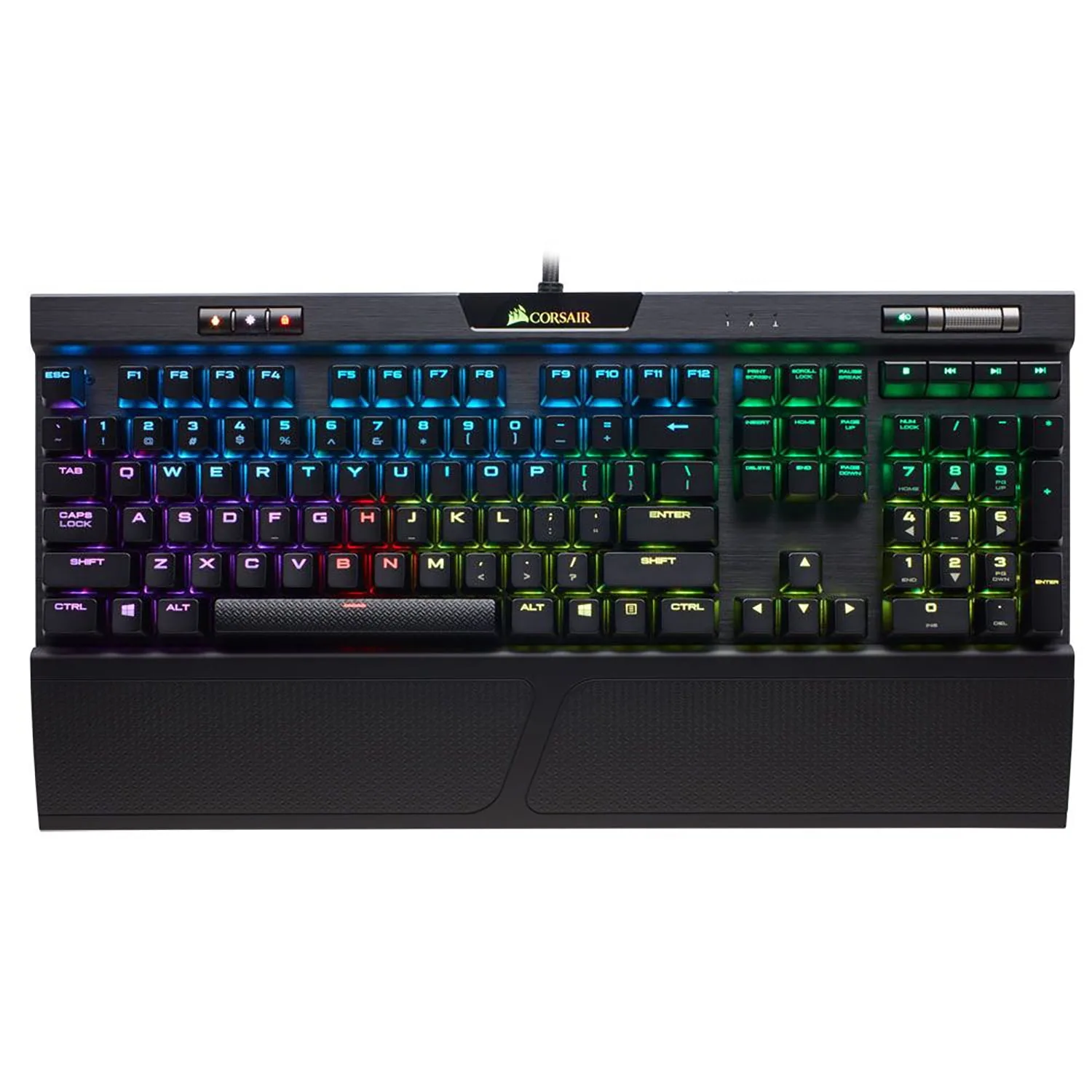
The Corsair K70 RGB MK.2 Mechanical Gaming Keyboard has established itself as a top choice for gamers who appreciate a blend of performance and luxury. We found its typing feel to be a standout feature, with a variety of Cherry MX switches ensuring a tailored experience for different gaming styles. The build quality is robust, highlighted by the premium aluminum chassis that not only looks the part but also provides the necessary rigidity to withstand intense gaming sessions. The keyboard's dedicated media keys and a satisfying metal volume wheel add to its appeal, while the larger, softer rubberized wrist rest is a thoughtful touch for extended gaming comfort. Despite these strong points, its high price tag and the complexity of its CUE software are areas where the keyboard could be more accessible.
Key Points
What Reviewers Love
- +
Larger, softer rubberized wrist rest fits big hands
- +
Dedicated media keys and satisfying metal volume wheel
- +
Five Cherry MX switch options cover all gamer preferences
- +
Authentic Cherry MX switches, no corner-cutting
What To Consider
- −
$180 price point excludes budget-conscious buyers
- −
CUE software has steep learning curve
- −
Requires two USB ports to power
Points of Disagreement
- Some sources say "USB pass-through port comes in handy" (4 sources) while others say "Lacks USB pass-through feature from previous K70 versions" (2 sources)
check_circle Best For
- Gamers needing switch variety
- Professionals seeking a durable build
- Players who value wrist support
warning Consider Carefully
- Budget-conscious gamers
- Users wanting simple software
Specifications
Switches
- Actuation
- 1.2 mm
- Type
- Cherry MX (Speed, Red, Brown, Silent, Blue options)
Connectivity
- Cable type
- Braided USB 3.0 to USB 3 Type-A
- USB inputs
- two USB-A
- USB pass through
- true
- Wired
- Wired with detachable cable
Source Analysis
This review synthesizes insights from 38 independent sources to provide a comprehensive, unbiased assessment.
Expert Reviews (8)
Professional testing labs & tech publications
The Corsair K70 RGB Mk.2 represents a refined evolution of its predecessor, featuring a compact 17 x 6 inch aluminum chassis that balances gaming aesthetics with professional appeal. Five Cherry MX switch options (Speed, Red, Brown, Silent, and Blue) distinguish it from competitors typically offering only one or two variants. The keyboard includes discrete media controls with a volume wheel, USB pass-through, textured FPS/MOBA key caps, and extensive RGB customization through Corsair Utility Engine software. At $180, it commands a premium price justified by durable construction and authentic mechanical switches. Typing performance reached 116 WPM with Cherry MX Blues. The software presents a learning curve but enables sophisticated lighting effects, game profiles, and macro recording.
Pros
- Aluminum chassis provides durability and refined appearance
- Five Cherry MX switch options cover all gamer preferences
- Compact 17-inch design without wasted space
- Full discrete media controls with volume wheel
Cons
- $180 price point excludes budget-conscious buyers
- CUE software has steep learning curve
- Interface could be more intuitively laid out
The K70 RGB MK.2 refines an already excellent design with subtle but meaningful upgrades. The brushed aluminum body remains unchanged and feels premium, with enough weight to prevent sliding during intense gaming. New additions include an illuminated Corsair logo, larger rubberized wrist rest, and 8MB onboard memory for three storable profiles. The floating keycap design enhances RGB effects and cleaning access, though ABS plastic shows fingerprints easily. Five Cherry MX switch options are available, with the review unit featuring Silver Speed switches at a low 1.2mm actuation point ideal for fast-action games. Dedicated media controls and a volume roll-bar remain standout features, while new profile switching and cable-routing tunnel add practical functionality. The per-key RGB lighting is exceptionally bright and customizable through iCue software.
Pros
- Premium brushed aluminum body with pleasant weight
- Larger, softer rubberized wrist rest fits big hands
- Five Cherry MX switch options including fast Silver Speed
- Excellent per-key RGB lighting with perfect brightness
Cons
- Requires two USB ports to power
- ABS plastic keycaps show fingerprints easily
- No dedicated macro keys like K95
- No Windows 10 Dial functionality on volume roll-bar
The Corsair K70 RGB MK.2 Rapidfire is a premium mechanical gaming keyboard featuring Cherry MX Speed switches with 1.2mm actuation for competitive gaming. It offers per-key RGB backlighting, 8MB onboard memory for three profiles, aircraft-grade aluminum construction, and dedicated media controls including a metal volume wheel. The keyboard includes textured WASD keycaps, USB pass-through, and Windows lock functionality. However, at $170 it commands a high price and requires an adjustment period. The 1000Hz polling rate offers minimal practical benefit for keyboards. Some users may dislike the broad key font, and the lack of additional programmable keys may disappoint hardcore MOBA players.
Pros
- Cherry MX Speed switches enable fast 1.2mm actuation for competitive play
- Per-key RGB backlighting with excellent light shine-through
- Aircraft-grade brushed aluminum baseplate provides durability
- 8MB onboard memory stores three profiles for LAN portability
Cons
- $170 price tag is expensive compared to alternatives
- Requires adjustment period to get used to Speed switches
- Broad key font may not appeal to all users
- No additional programmable keys for hardcore MOBA gamers
Video Reviews (10)
Hands-on demonstrations & setup guides
- Ideal for gamers wanting hardware profile portability
- Good choice for those preferring raised media key visibility
- Suitable for users wanting extensive switch customization
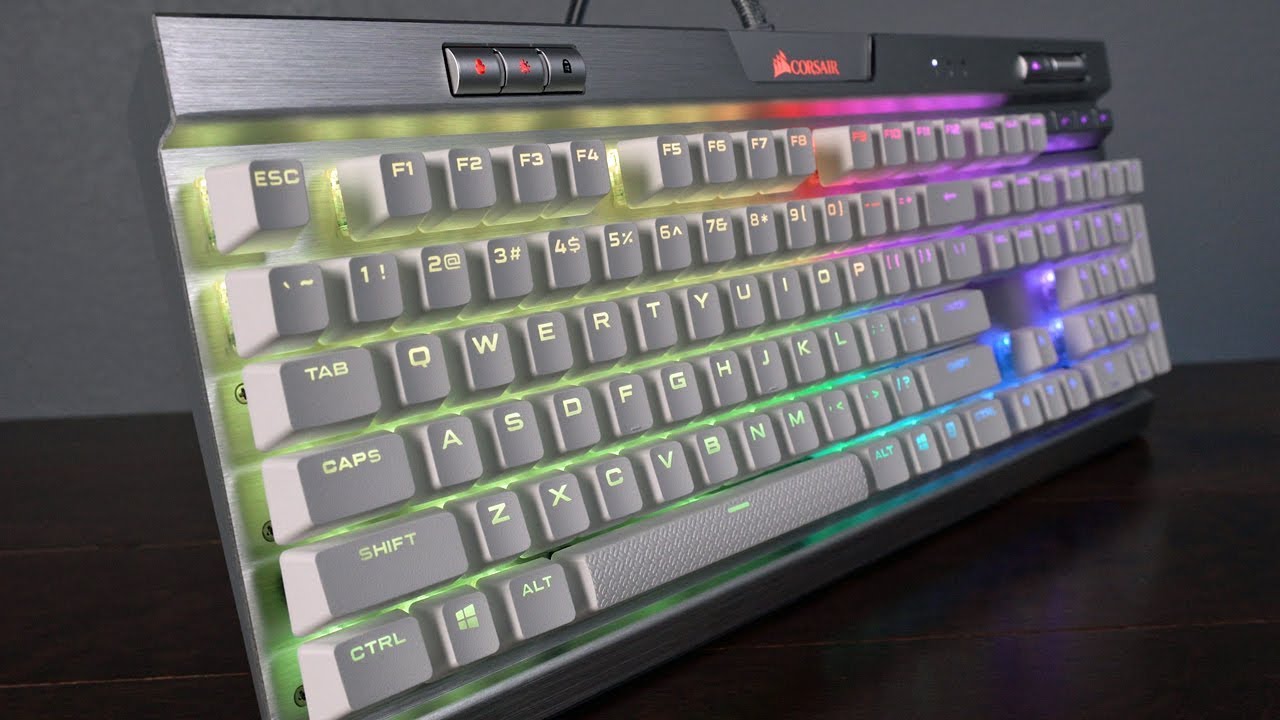
- Ideal for gamers prioritizing fast actuation and RGB aesthetics
- Choose standard edition for typing with brown, blue, or silent switches
- Special edition best for dedicated gaming setups with heavy RGB use
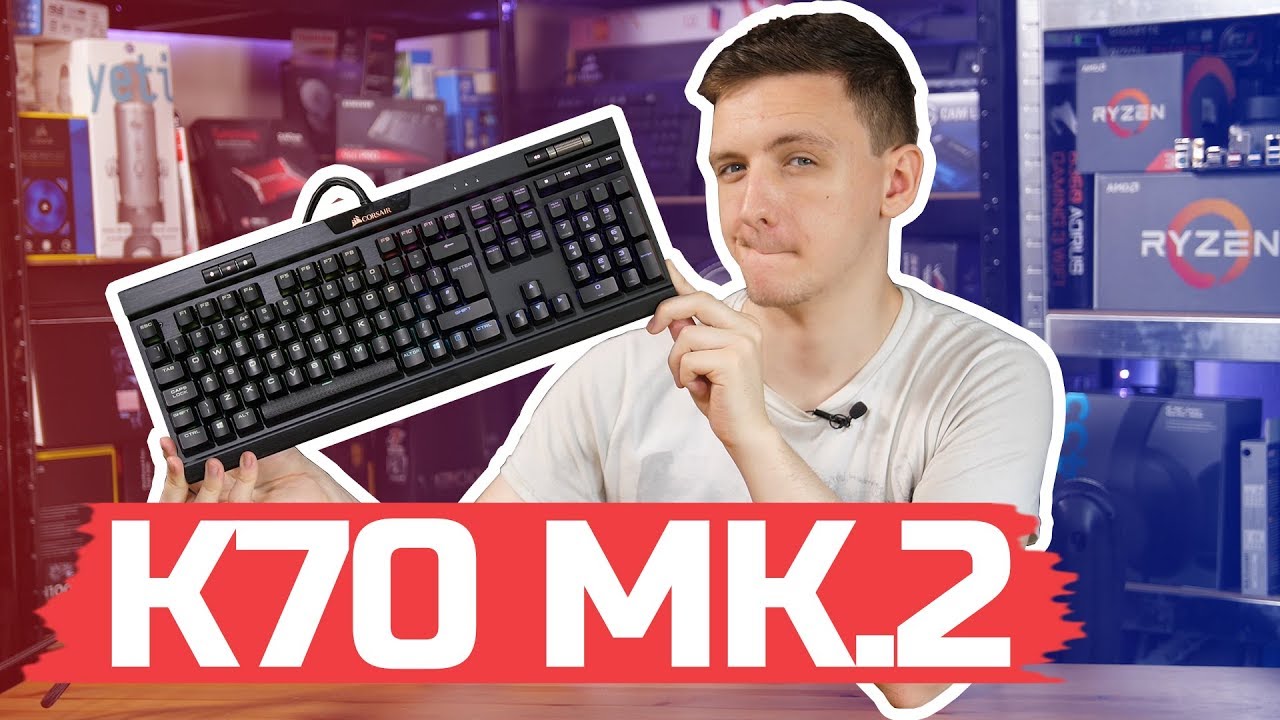
- Ideal for gamers wanting premium RGB without flagship price
- Choose switch type carefully—Cherry MX Bronze tested here
- Typing feel may not suit those preferring tighter spacing

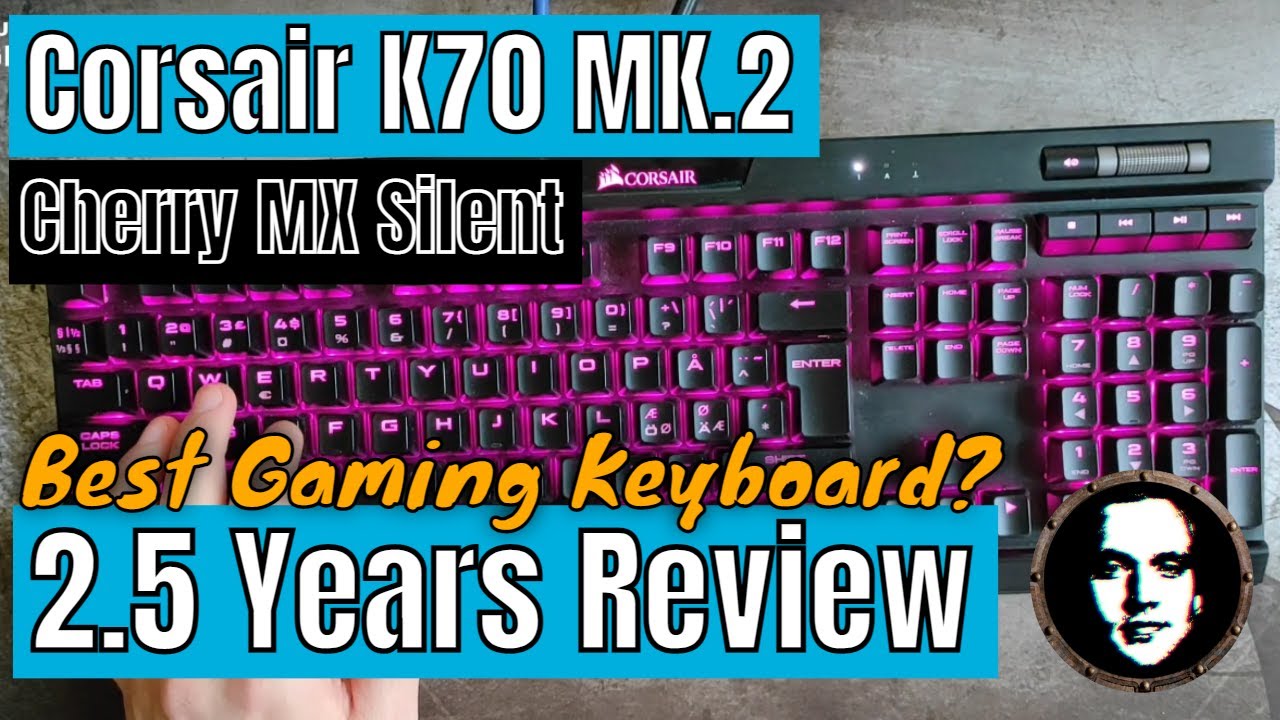
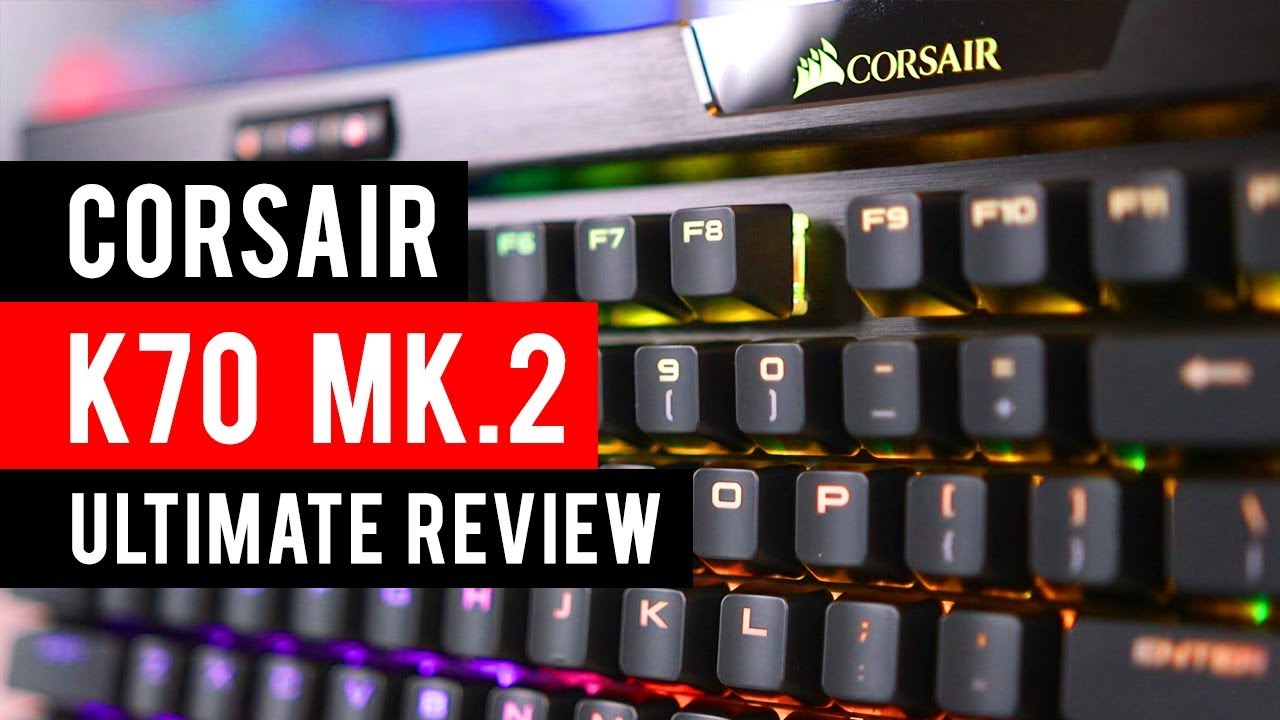

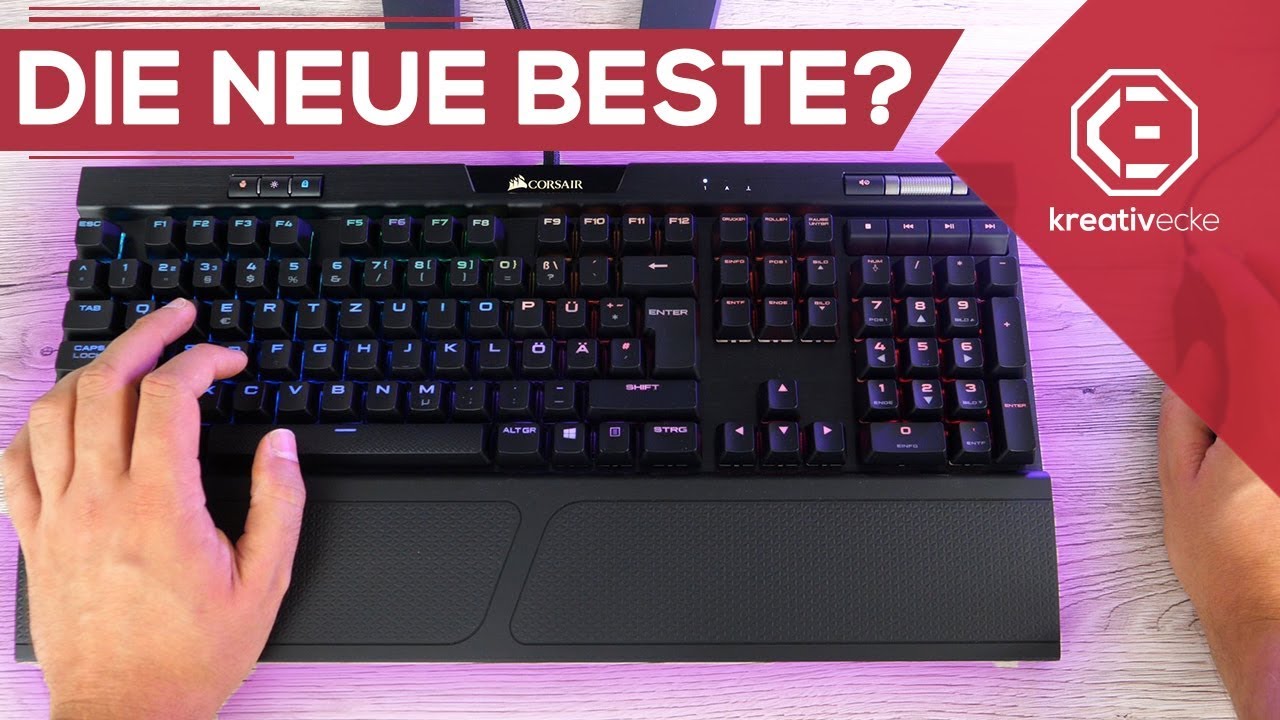
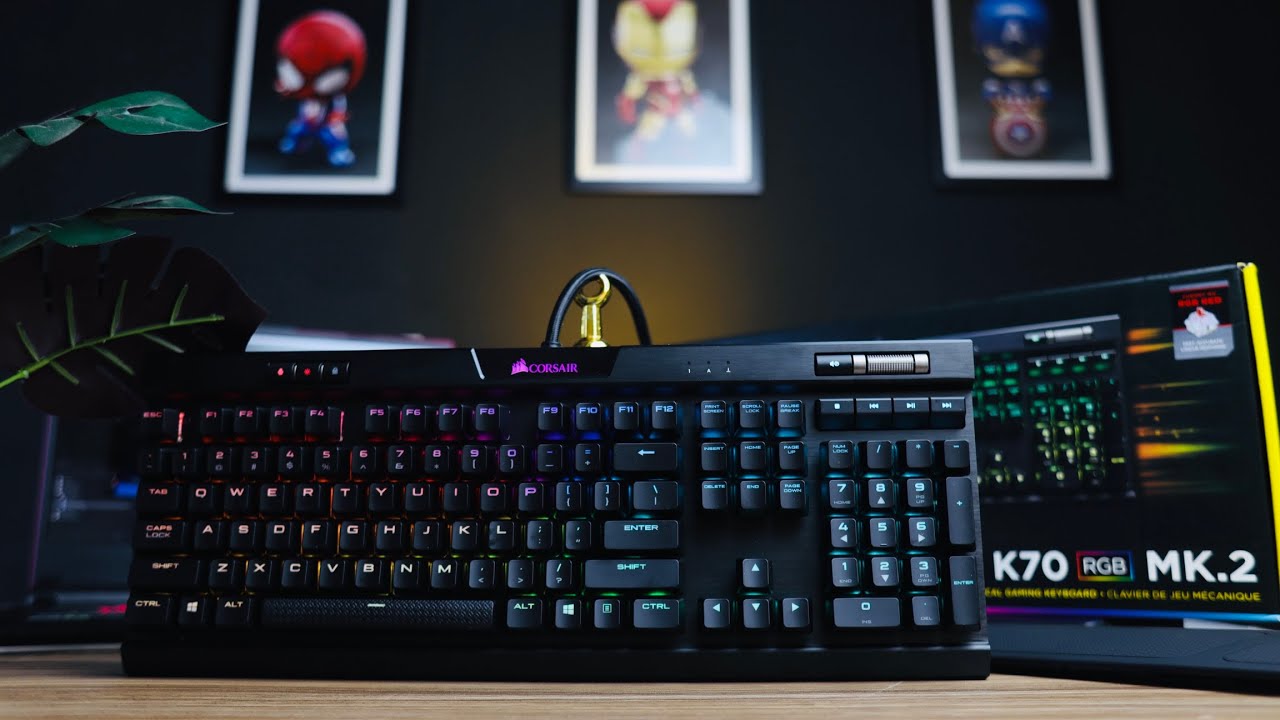
Community Discussions
Real owners sharing experiences
No community reviews analyzed.
Customer Reviews Amazon
What buyers are saying
523 reviews
Recently Added Reviews
Great Keyboard!
Best value in class
Not Good
good keyboard
La rapidez de todo el proceso
Reviews shown are from Amazon customers and do not reflect our editorial assessment.
The Verdict
The Corsair K70 RGB MK.2 is a strong pick for gamers who want authentic Cherry MX switches, a brushed aluminum build that holds up over time, and dedicated media controls that actually work well. The onboard memory lets you carry profiles without software. Budget buyers and anyone who wants simple configuration software should look elsewhere, but for serious gamers willing to pay the premium, this delivers.