BenQ PD3226G Review

S
SetupScore EditorsUpdated Mar 2026
manage_search 26 Expert Reviews
schedule4 min read
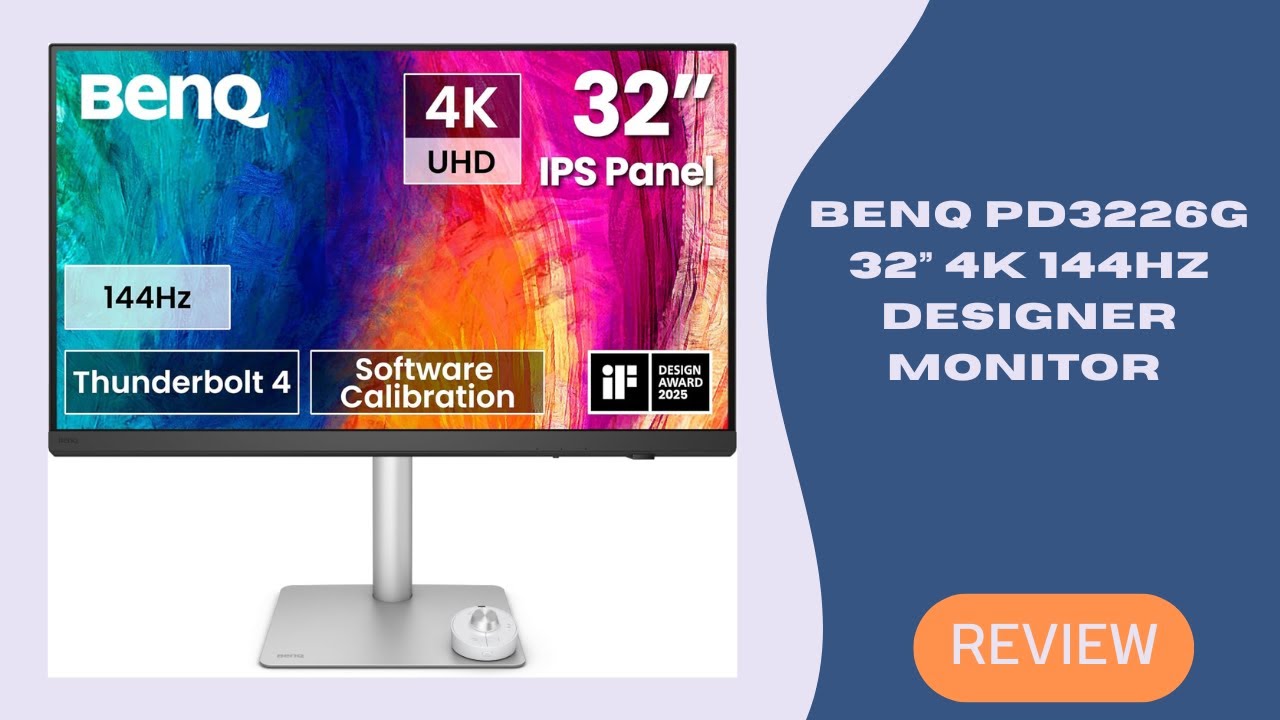
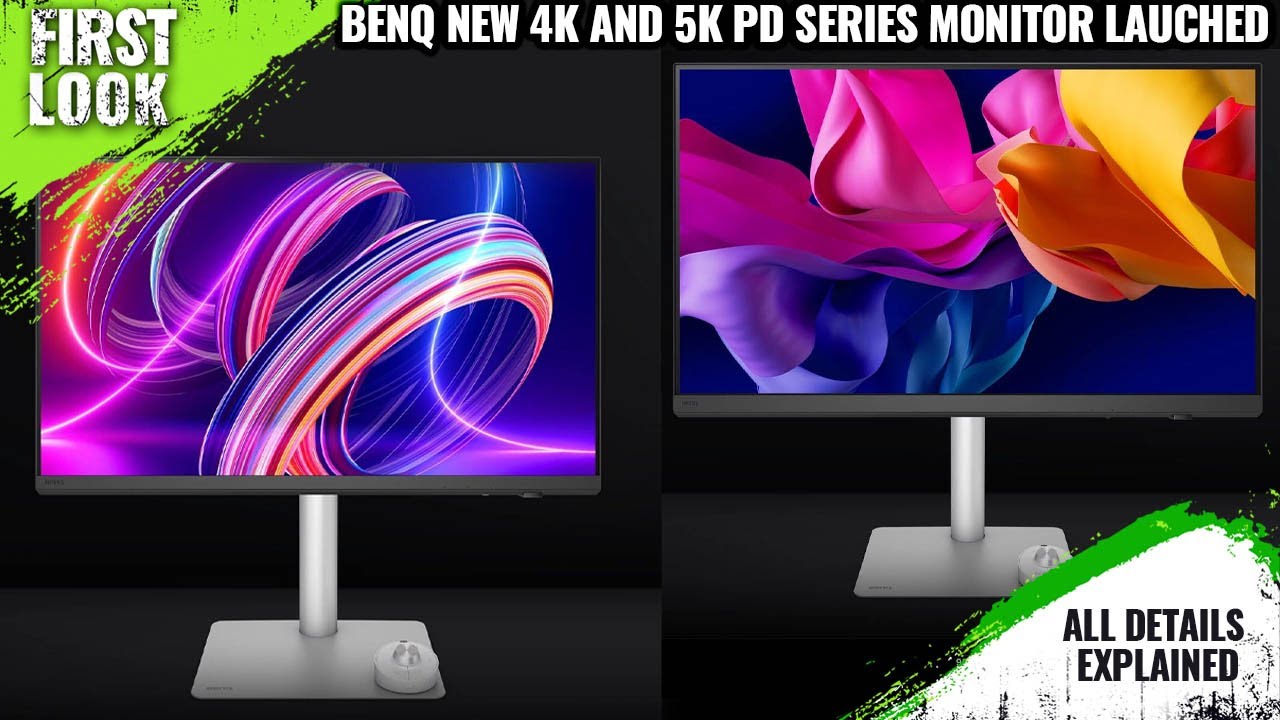
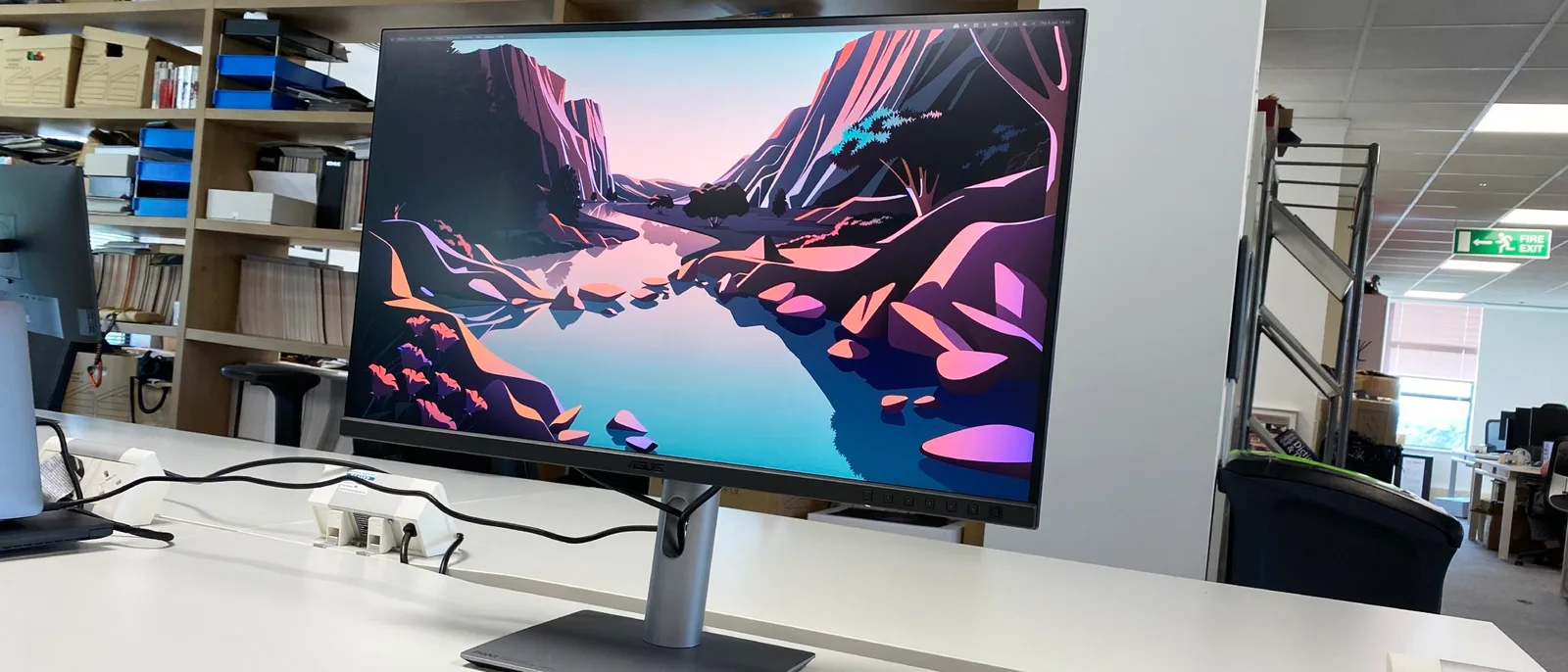
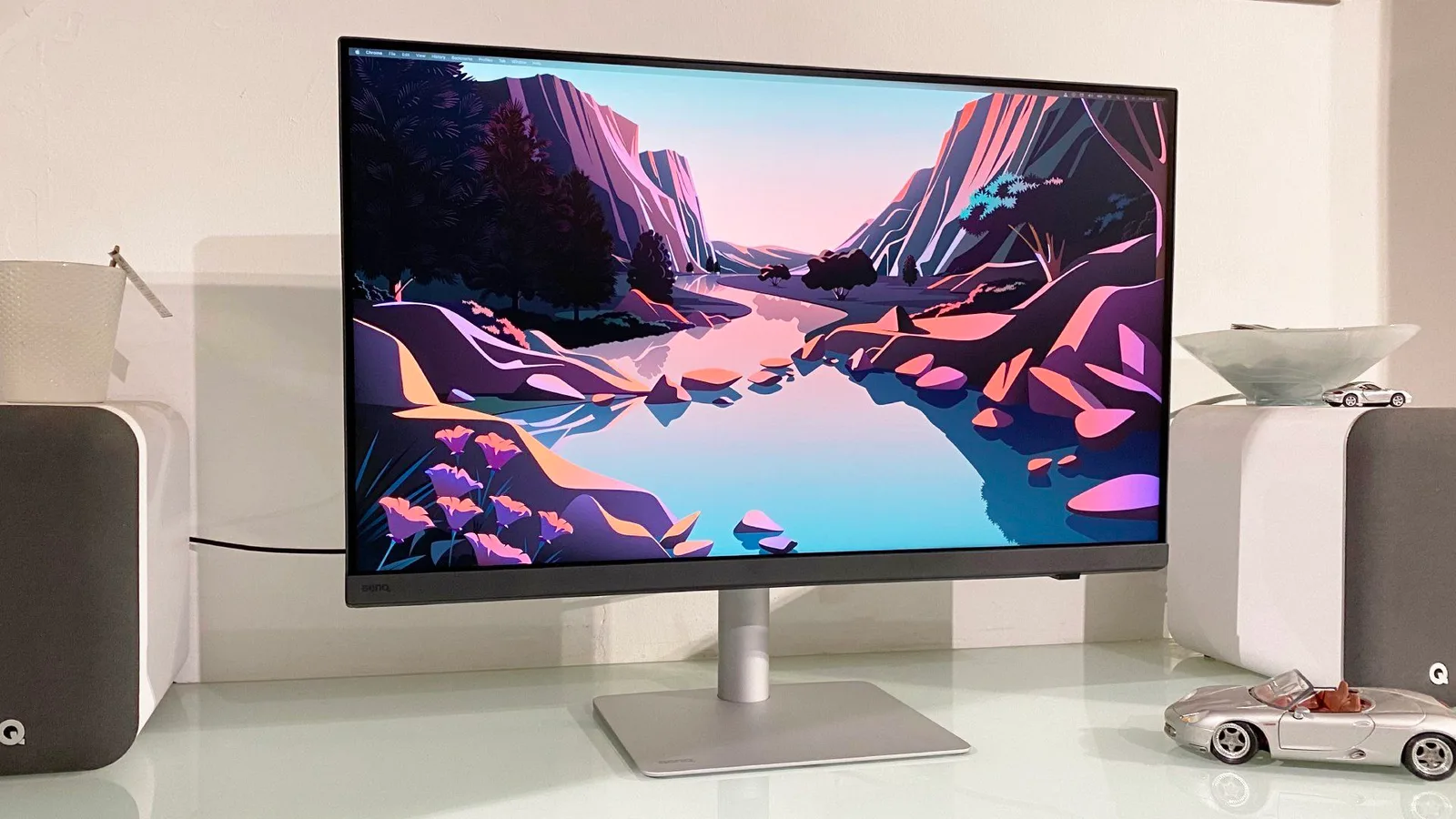
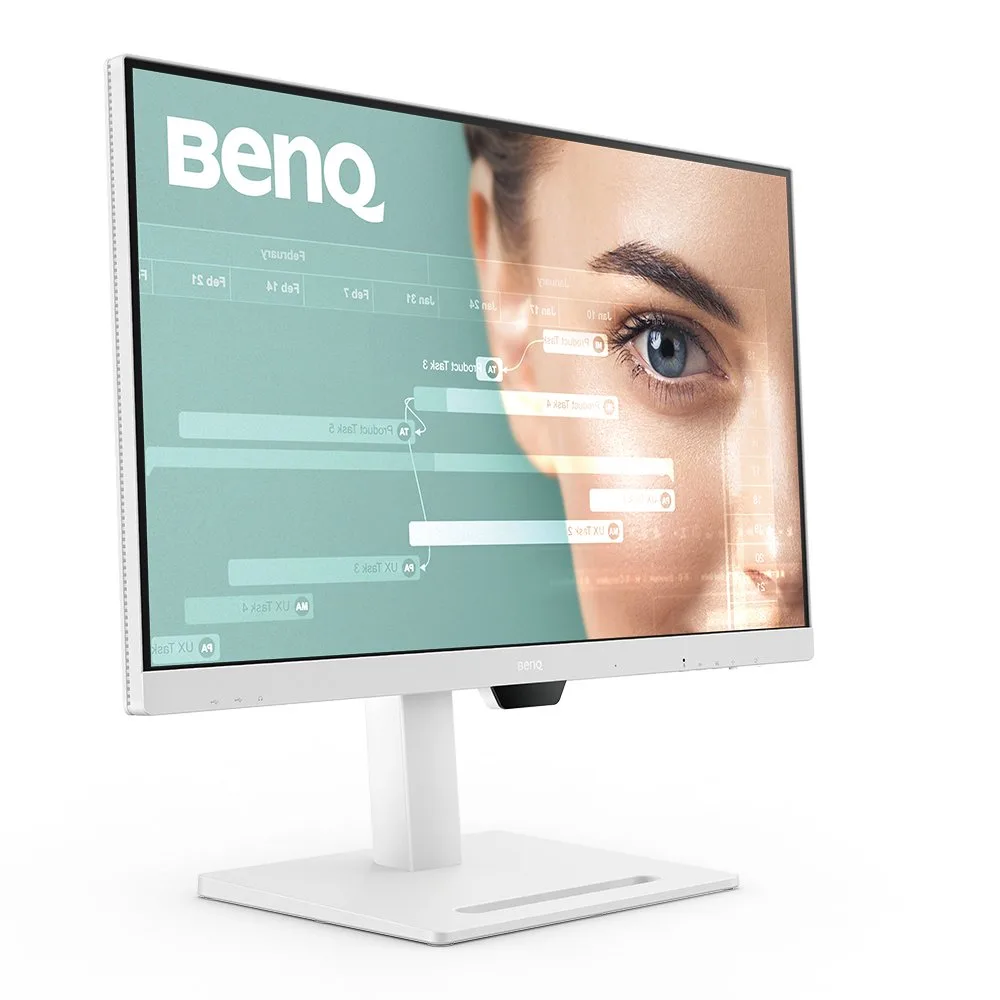
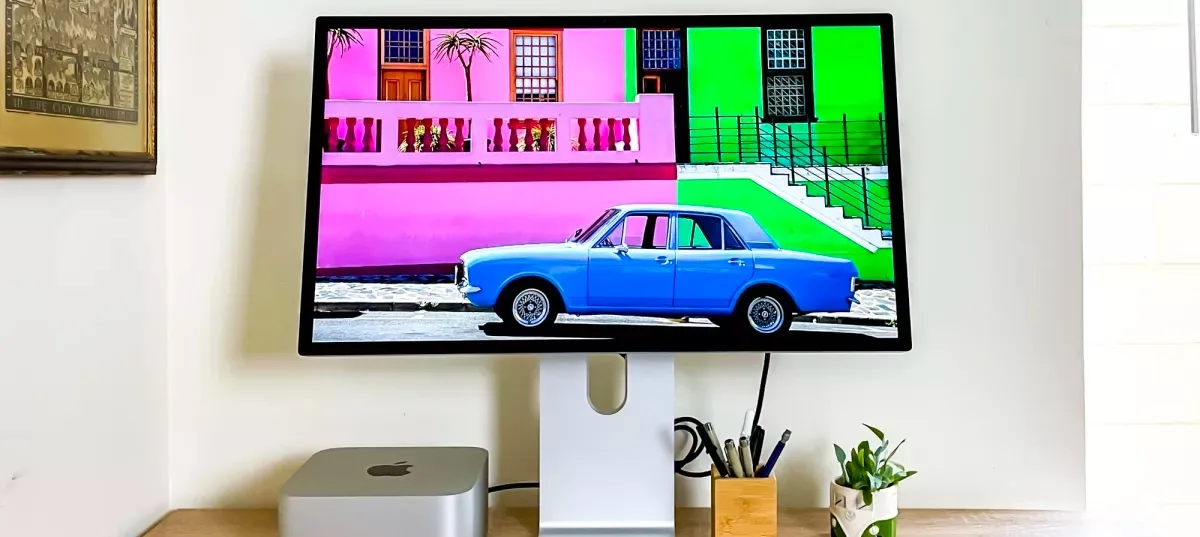
The BenQ PD3226G 4K monitor with a sleek design, featuring a 144Hz refresh rate and Thunderbolt 4 connectivity.
80 / 100
verified Excellent
starstarstarstar star_half
4.4
Amazon Rating 575 reviews

The Bottom Line

The BenQ PD3226G monitor stands out with its 144Hz refresh rate at 4K resolution, Thunderbolt 4 connectivity with 90W power delivery, and a wireless OSD puck to minimize desk clutter. This high-performance monitor is ideal for professionals and enthusiasts seeking a seamless, clutter-free setup. However, it has a modest peak brightness of 400 nits and a limited contrast ratio for its price category.

MSRP: $1099.99 $1099.49 at Amazon arrow_outward
insights

Our Analysis

The BenQ PD3226G is a 31.5-inch 4K IPS monitor that strikes a balance between creative professional use and gaming capabilities, as per the aggregated expert ratings. What we found impressive is its 144Hz refresh rate at 4K resolution, a significant upgrade from the standard 60Hz, and the Thunderbolt 4 with 90W power delivery, which simplifies setup and reduces desk clutter. The matte anti-glare panel coating and factory uniformity calibration included enhance its appeal for color-critical work. While it boasts a 147% sRGB and 104% DCI-P3 color space coverage, as noted by tomsguide.com and techradar.com, it does have some limitations, including a peak brightness of only 400 nits and a contrast ratio that some feel is limited for its price category.

Key Points

What Reviewers Love

What To Consider

check_circle Best For

  • Motion graphics artists and video editors needing 4K 144Hz
  • Mac laptop users wanting single-cable Thunderbolt 4 docking
  • Gamers who also do color-critical creative work

warning Consider Carefully

  • Print photographers requiring Adobe RGB color mode
  • Users prioritizing HDR or high-contrast visuals

Specifications

Display

Panel type
IPS
Refresh rate
144Hz
Resolution
3840x2160
Size
32-inch

Performance

Brightness
400 nits
Color gamut
Over 95% DCI-P3
Contrast ratio
1,200:1
Response time
1ms

Source Analysis

This review synthesizes insights from 26 independent sources to provide a comprehensive, unbiased assessment.

Expert Reviews (8)

Professional testing labs & tech publications

Verified Source

The BenQ PD3226G is a 31.5-inch 4K IPS editing monitor targeting creative professionals who also want gaming capabilities. It delivers strong color performance with 147% sRGB and 104% DCI-P3 coverage, plus Pantone validation and 10-bit color depth. The 144Hz refresh rate and 1ms response time make it unusually versatile for an editing display. Workflow features include a handy remote control and multiple editing modes. However, peak brightness is limited, contrast drops in very dark scenes, and there's no Adobe RGB mode—significant drawbacks for print photographers. At $1,099, it offers reasonable value as a hybrid work-and-play display.

Peter Wolinski Read →
Pros
  • Excellent 147% sRGB and 104% DCI-P3 color space coverage
  • Strong color accuracy with AQColor and Pantone validation
  • 144Hz refresh rate rare for professional editing monitors
  • Handy remote control streamlines editing workflows
Cons
  • Low peak brightness limits HDR performance
  • No Adobe RGB mode excludes print photography work
  • Contrast struggles in very dark image patches
  • Slight contrast wobbles visible in testing
Verified Source

A 32-inch 4K IPS monitor targeting creative professionals with an unusual addition: 144Hz refresh rate where 60Hz was previously standard. The panel delivers excellent factory calibration and image quality with 95% DCI-P3 coverage and Pantone validation. Connectivity stands out with Thunderbolt 4 (90W power delivery), daisy-chain support, and comprehensive USB hub. The wireless IR control puck eliminates desk clutter. However, the near-$1,300 price feels steep given only DisplayHDR 400 certification, and built-in speakers are notably poor. High refresh benefits digital art workflows with drawing tablets and improves general computing responsiveness.

Jeremy Laird Read →
Pros
  • Gorgeous 4K IPS panel with excellent factory calibration
  • 95% DCI-P3 coverage with Pantone validation for creators
  • 144Hz refresh rate improves digital art responsiveness
  • Thunderbolt 4 with 90W power delivery and daisy-chain support
Cons
  • Very expensive at nearly $1,300
  • Only entry-level DisplayHDR 400 certification
  • Terrible built-in speakers
  • Lower chin bezel is somewhat chunky
Verified Source

The PD3226G successfully bridges professional and gaming needs with a 32-inch 4K IPS panel running at 144 Hz. It delivers reference-level color accuracy with 102% DCI-P3 coverage and excellent calibration options, including uniformity compensation for medical imaging applications. The elegant design features premium build quality with a precisely engineered stand. HDR performance reaches 520 nits peak brightness, though some color undersaturation occurs in HDR mode. Gaming credentials include low input lag and smooth overdrive despite not matching the refresh rates of OLED alternatives. At $1,400, it represents solid value for creative professionals who also game.

Christian Eberle Read →
Pros
  • Sharp, clean image quality with high brightness
  • Perfect gamma tracking across all content
  • 102% DCI-P3 gamut coverage for wide color
  • Reference-level accuracy after calibration
Cons
  • Uniformity compensation reduces peak brightness
  • Fixed color modes lock uniformity compensation on
  • Some color undersaturation visible in HDR mode
  • No Mini LEDs or local dimming for HDR

Video Reviews (9)

Hands-on demonstrations & setup guides
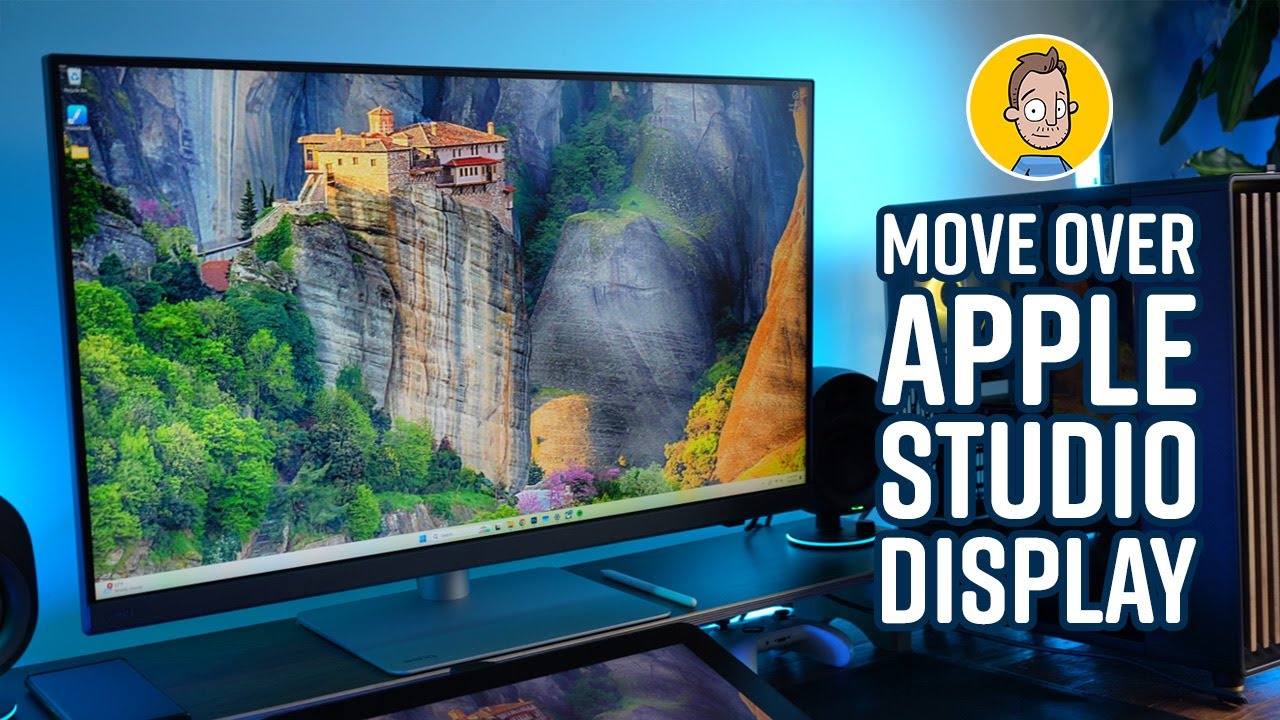
DAVISION
DAVISION
  • Ideal reference monitor for color-critical photo/video work
  • Rare combination of pro color accuracy and 144Hz gaming
  • Matte panel suits mixed office and creative workflows
Brad Colbow
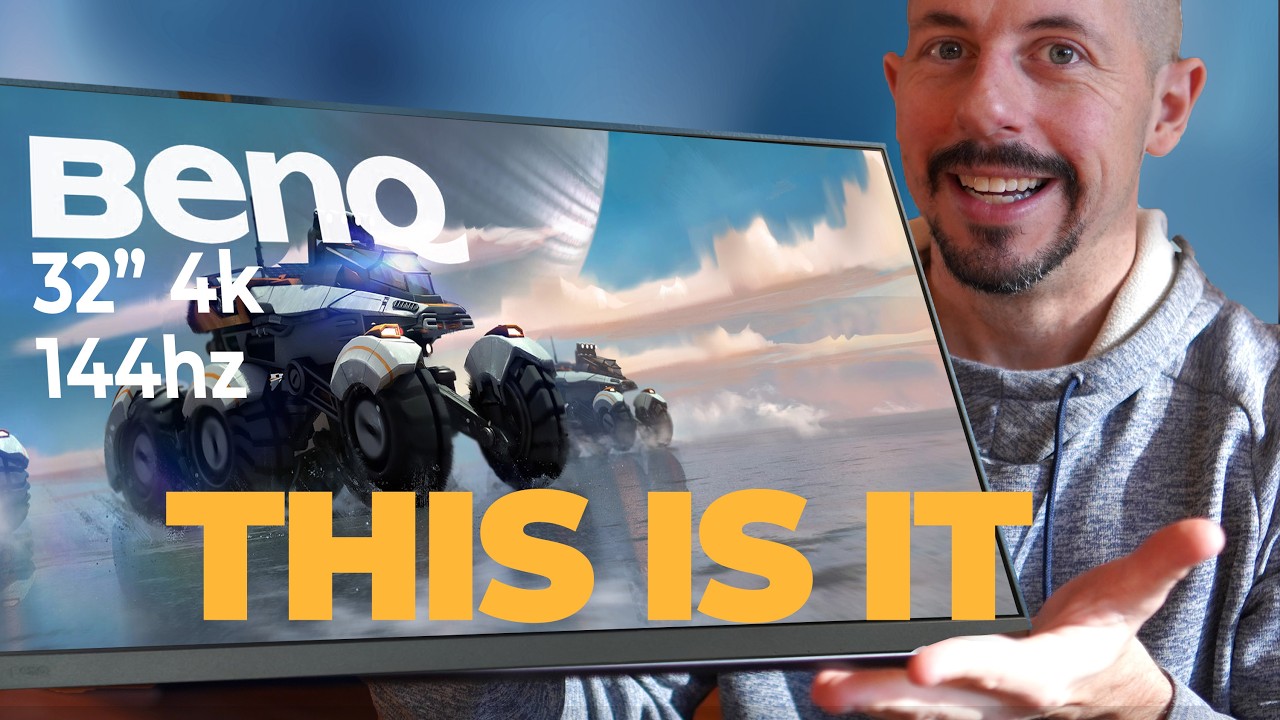
Brad Colbow
  • Ideal for creative professionals needing color-matched secondary displays
  • Perfect for teams sharing files requiring consistent color reproduction
  • Suits illustrators wanting accurate colors alongside drawing tablets
Tyler Edlin
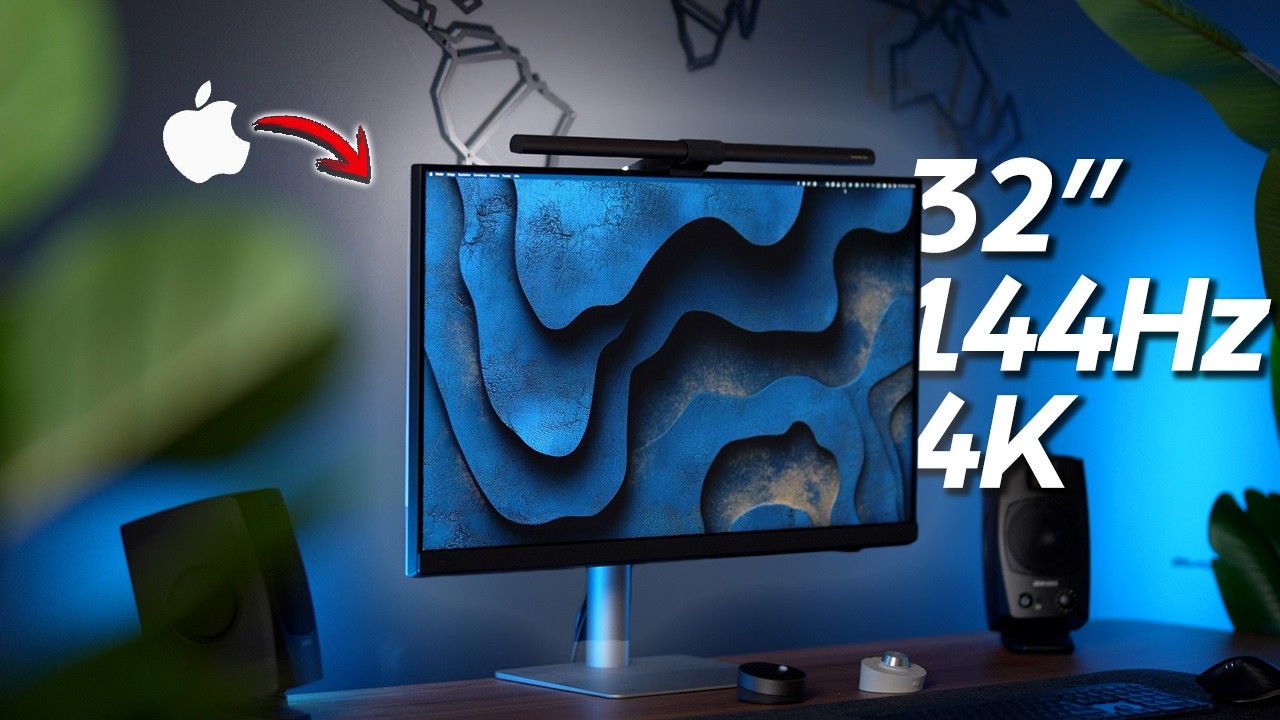
Tyler Edlin
  • Ideal for animators needing smooth playback with accurate color
  • Perfect for tablet artists wanting instant stroke response
  • Excellent for studios requiring consistent multi-display color
Community Discussions (3)

Real owners sharing experiences

Verified Source
Key Insights:
  • Best for: Hybrid work/gaming users prioritizing productivity reliability, especially programmers and designers concerned with text clarity and eye comfort
  • Not ideal for: Users seeking maximum contrast and response times for competitive gaming, or those wanting future-proof DisplayPort 2.1 connectivity
  • Community consensus strongly favors IPS over OLED for programming work due to text fringing and eye strain concerns, validating the author's hesitation
Comparison: Compared with: BenQ and, acer XV275K, Dell 32
Limited community engagement

u/wadamean

Comparison
Verified Source
Key Insights:
  • Best suited for users prioritizing smooth UI interaction and refresh rate over maximum brightness
  • Target user: Creative professionals doing photo editing and multitasking who value responsiveness
  • Intended as a 5-10 year investment monitor for professional workflows
Comparison: Compared with: Asus PA32UCE, Asus due, Dell U3225QE
Limited community engagement

u/Lobo_theDark

Comparison
Key Insights:
  • Author seeks monitors with integrated KVM to replace problematic external KVM switch
  • Daisy chaining capability is a mandatory requirement for dual-monitor setup
  • Target use case involves high refresh rate (120-144Hz) for future-proofing
Comparison: Compared with: BenQ Ex321ux, BenQ EX321UX, BenQ website

Customer Reviews Amazon

What buyers are saying

starstarstarstar star_half
4.4

575 reviews

Recently Added Reviews

star star star star star

Amazing

amadams March 26, 2023
TL/DR: Amazing monitor. Great picture, Great Features. HotKey Puck - the accessory I didn’t know I needed, but can’t live without! Wish it had 1 or 2 more USB ports & Ethernet port.I shopped for a monitor for months. I have used dual 27" monitors for at least a decade. I’ve recently started to have trouble with vision - more than just my eyes getting old, but they are too. I thought getting a slightly larger monitor would be nice. Then my docking station for 2 laptops (built-in KVM) started to fail - and it had been discontinued and there were no replacements available. I had 2 choices, buy 2 docks, plus a KVM and all of the extra cables, or reevaluate my entire setup and consider a monitor with a built-in KVM. Frankly, it was a really tough decision. Lots of monitors with built-in KVM - not many that also have daisy-chain capability. And without daisy-chain capability, I’m back to needing 2 laptop docks and all the cables that would require.This monitor from BenQ was the only one that also let me take advantage of the Thunderbolt connection on my laptop. Another key requirement was 4K resolution capability.The Good:The picture quality is really good and the features are fantastic. The display is plenty bright, without being too bright. It is flicker-free and has settings to minimize blue light. The color calibration is far more than I need. All the various color settings and features are interesting and cool. I don’t really use them but did find them interesting enough to check out. There is also a boatload of software that you can download, including eye care software that reminds you periodically to look away from the monitor etc. All good things to help preserve eye health.The Freakin’ AWESOMEThe most exciting feature of the monitor is the hot-key puck. With other monitors that have a built-in KVM switch, the switch to changing computers is usually on the monitor itself - not always convenient or easy to reach. The hot-key puck has a 3–4-foot cord and allows you to navigate the on-screen menu without needing to reach the monitor. You can even customize the buttons (hotkeys). This handy-dandy device allows me to change the computer with a click of a button on the hot-key puck. While the cord is plenty long to be within reach without stretching, I do wish it was a tad bit longer or could use an extension cable, so that I could run the cord under my desk to minimize cord clutter. But that’s a really petty complaint for a spectacular feature.The monitor stand is an outstanding feature with a well-thought design. The stand has quite a bit of heft to it - it’s downright heavy. It has a flat plate that sits on the desk. It’s suitable to place any number of small items you want to place below your monitor. It’s almost large enough for my 13" Ultrabook to set on top of, but not quite. The monitor connects to the stand with a quick-release type of connection giving the back of the monitor a very finished look. Putting it together is a one-person job.The mehThere is a single headphone jack on the side of the monitor. I made sure to get a right-angle plug to minimize the impact on the monitor alignment on my dual-monitor setup.Most of the connections are on the back of the monitor but facing upward - meaning it’s impossible to see the connections with the monitor standing upright. It is much easier to plug everything in, then attach the monitor to the stand. I keep my user guide handy so that I can find the connection diagram if I need to unplug or reconnect anything.The Could-Be-BettersThere is no ethernet port. You can certainly use one of those ethernet-to-USB adapters and plug that into a USB port. I found that to be slower than when I plugged the ethernet adapter directly into my laptop. It also uses a USB port. Which leads to….There are only 4 USB 3.1 ports (3 USB-A, 1 USB-C) for peripherals. 2 of these ports (1 USB-A & 1 USB-C) are on the side of the monitor. Those are easy to reach, but when in use, they prevent smooth alignment with another monitor for multi-monitor set-ups. 4 USB ports are typical of many, if not most, KVM switches, but fewer than I need. I have a USB hub connected to one of the ports on my monitor.I do wish that there were an option for a monitor arm that was compatible with the quick-release feature. It is so easy for one person to attach, and it looks very finished. (One of the new BenQ monitors has an arm like another brand’s arm that does fit. I haven’t tried the other brand’s arm long-term because there isn’t enough room for all the cables with the monitor’s KVM switch). I do wish that the new BenQ monitor arm was compatible and available to purchase without the new monitor. I would buy it in a second.Prior to researching for a new monitor, I had never heard of BenQ. Given my experience with this product though, they have moved to the top of my list for future monitor purchases.
star star star star star

Excellent monitor for graphic design and video editing, great value

N. StrumN. Strum March 25, 2024
I’ve been using a BenQ PD3220U for over a year now (for graphic design and video editing), and liked it so much I bought another to pair with it as a second display. The BenQ compares very favorably to previous monitors I’ve used from NEC and Apple, but for less than half the cost. The color accuracy is excellent, build-quality is superb, and the display’s brightness is more than adequate in my workspace. There’s a good selection of ports, although accessibility to the ones on the back is a bit frustrating if you can’t vertically rotate the monitor (mine sits under a bookshelf).Some of the setup instructions could use better clarification, particularly in regards to daisy-chaining displays and setting up the KVM switch, but BenQ’s customer service has been very responsive to any questions I’ve had.The included Hotkey Puck is a convenient way to access the monitor’s controls, however the icons on the buttons are nearly impossible to see, so I stuck my own P-Touch labels on them for better visibility (see photo).The monitor’s stand is rock-solid and well-built. It’s easily adjustable and has a good range of motion. The base is very flat and low-profile, so you can set things on top of it and it doesn’t intrude on your usable desk space.For an excellent, color-accurate, yet still affordable monitor, I’d highly recommend it.There are three minor complaints I have with it:1) At only 24", the included Thunderbolt 3 cable is effectively useless. If you plan on connecting with Thunderbolt 3, measure where you’ll be installing your system before purchasing, so you can order a cable of the proper length.2) If using more than one of these monitors together, each monitor must have its own dedicated Hotkey Puck. You can’t control two monitors with one Puck (even if the monitors are daisy-chained together). Not a big deal, but it does increase desk clutter. (The Puck isn’t required to use the monitor - there are buttons on the back to access the menus.)3) I use the built-in KVMs to switch both monitors between two Macs. Mostly, it works fine. But there’s an issue where if one of the connected Macs falls asleep, and I attempt to switch over to it, the Mac will not wake up and the monitor’s entire USB bus and everything plugged into it will stop responding - keyboard, mouse, Puck, and all USB ports - and the KVM will get “stuck” on the sleeping Mac. If this happens, there are two fixes: 1) unplug/reconnect the USB (or Thunderbolt 3) cable going to the sleeping Mac, or 2) plug a keyboard directly into the sleeping Mac to wake it up. In either case, once the Mac is awake, the monitor’s USB ports and all connected devices will start working normally again. BenQ customer support says this is a MacOS issue (which I fully believe).
star star star star star

Overall happy with the monitor for the price.

skoobs February 22, 2026
Overall a great monitor. Use it with a Mac mini and a laptop and having the kvm switch means I can easily switch between computers and use the same wired mouse and keyboard. Nice that there is an easy to access usb and headphone jack but being on the right side of the monitor to me is not a great location for the usb and how I use it. Speakers are not that great, but that is to be expected. Overall it does the job well, but if you are looking for this to be as good as an apple display, it’s not.
star star star star star

Con sus detalles sí, pero un magnífico monitor.

Rubens HRubens H October 10, 2023
Lo compré para una Mac Studio y en verdad me ha gustado mucho. La calidad de imagen es excelente y no extraño para nada el IPS 5K que usaba. Lo uso para Diseño Editorial, Fotografía y Edición de Video. Tiene cosas muy buenas y sus cosas malas; si las malas no afectan tu flujo de trabajo, valdrá la pena como fue en mi caso.Aquí mi lista de PRO’s y Contras.Pro’s:• #1: La Calidad de Imagen.• El tamaño para trabajar es extraordinario. Cierto, mueves más la cabeza y te tienes que acostumbrar, pero una vez que lo haces, aprecias lo ultra-ancho.• Gracias a sus capacidades de configuración puedes obtener una calibración muy precisa. Recuerda, no es Adobe RGB pero al usar Display P3 estás en un buen porcentaje de precisión.• Descubrí que es mejor trabajar con 2K que con un monitor retina.• La base es sólida, tiene varias conexiones y es cómodo en todo momento.• El hotkey Puck es una buena herramienta.• Destaca más en Final Cut Pro: Cabe todo. Tooodo. En verdad trabajas más eficientemente con este tamaño.Contras:• Por alguna triste razón, si lo conectas por USB-C sólo obtienes 8 bits de color. Debes conectarlo por HDMI para obtener los 10 bits. Por el precio y su mercado, debió traer al menos Thunderbolt 3.• Por este mismo inconveniente, debes conectar un USB tipo A para que funcionen el resto de conexiones con la debida pérdida de velocidad. Es mejor conectar todo directo a la computadora. Eso sí, trae todos los cables.• En ocasiones al prender los equipos, no encuentra la señal de la computadora, por lo que debes asignar manualmente la entrada HDMI para que funcione. Realmente es la única CONTRA que sí me afecta.• Y en verdad, hubiera sido mejor que Benq no le pusiera bocinas: Suenan hooorrible, más feo de lo que estás pensando ahora. Afortunadamente yo uso externas.Observación neutral:Aunque viene calibrado de fábrica, lo calibré con un x-rite i1 para adaptarlo a mi ambiente de trabajo. La calibración fue excelente y de paso conseguí terminar con el problema del brillo.Al conectarlo la primera vez, ví que el control de brillo estaba casi al máximo y me preocupó un poco. Una vez calibrado el monitor, el software de x-rite lo puso a menos de la mitad (44%) y se ve muy bien. He continuado trabajando con ese parámetro sin problemas.Por otro lado y aunque el Display Pilot (el software de Benq) es muy útil, tiene inconsistencias menores. Afortunadamente es software y confío en que se actualice pronto.
star star star star star

Arızalı ürün

Abdullah March 7, 2024
BenQ PD3220U maceram çok kısa sürdü, ürünü teslim aldıktan ve kurduktan sonra monitörün 7 farklı noktasında ışık sızması vardı. Yenisiyle değiştirip BenQ macerama devam etmek istemedim.Birazda şans sanırım.

Reviews shown are from Amazon customers and do not reflect our editorial assessment.

The Verdict

The BenQ PD3226G earns its 80/100 as the world's first 4K 144Hz professional monitor — a genuinely rare combination that makes it compelling for creative professionals and gamers alike. Its Thunderbolt 4 connectivity, factory-calibrated color accuracy, and nano matte coating are hard to match at this size. That said, its 400-nit peak brightness and limited contrast ratio hold it back from premium HDR use, and the lack of Adobe RGB mode is a real gap for print-focused workflows. If color accuracy and high-refresh 4K are your priorities, it's a strong buy — just don't expect OLED-level contrast.
Pricing Reference

Updated Mar 4, 2026
26 sources analyzed Updated March 4, 2026
About our review methodology

Score methodology: Weighted average of 6 expert ratings (grade-inflation compressed, outlier-dampened, confidence-adjusted). Community discussions used for qualitative insights only.

Sources breakdown: 8 expert reviews, 9 video reviews, 3 community discussions

Pipeline v1.0.0