Our Analysis
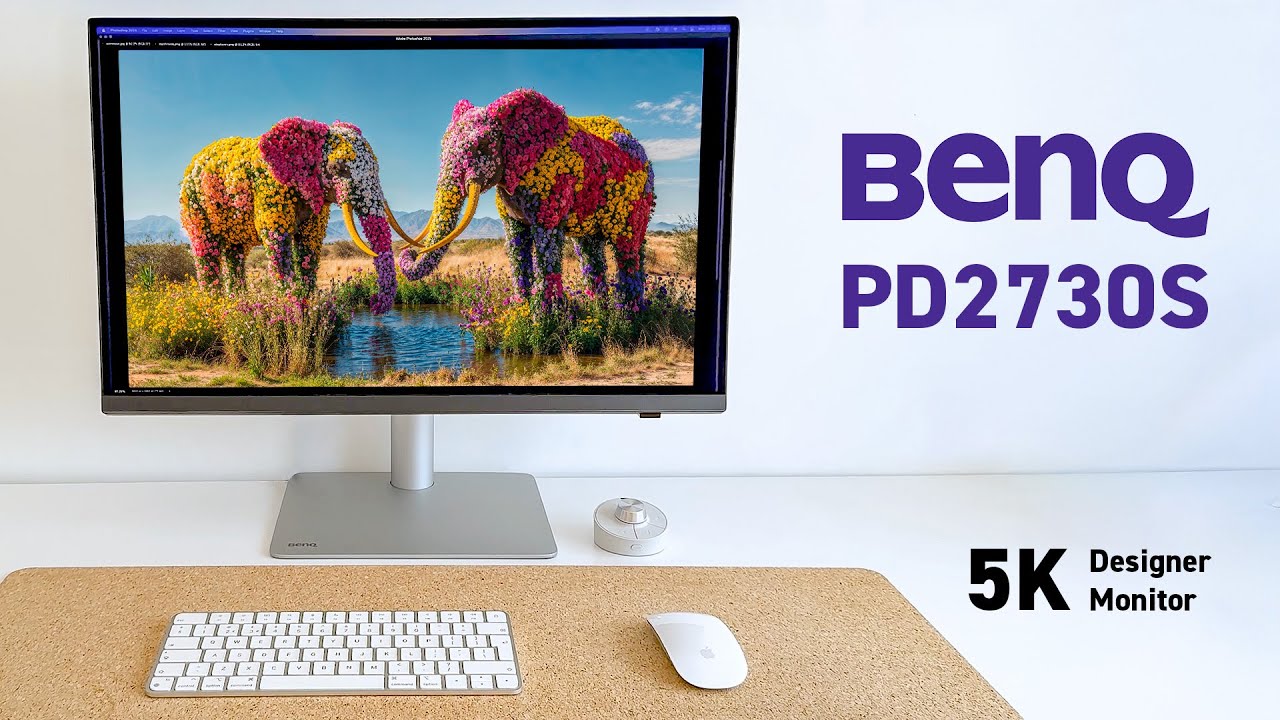
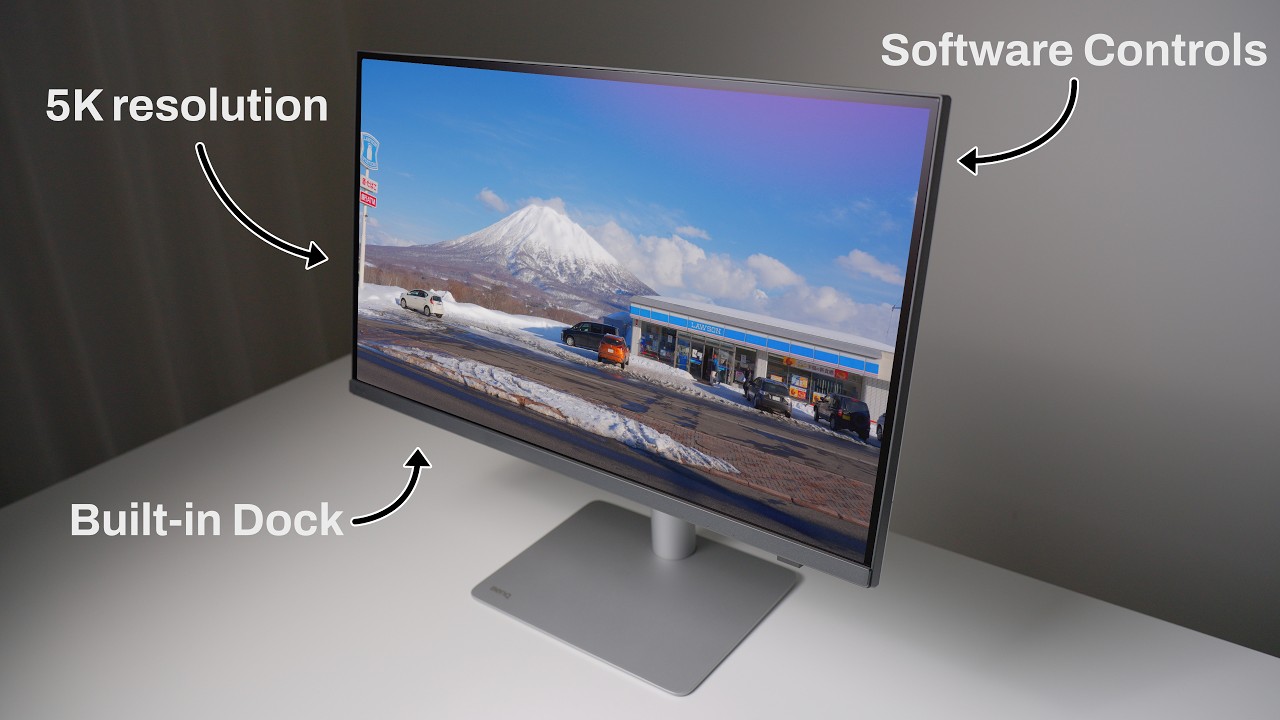
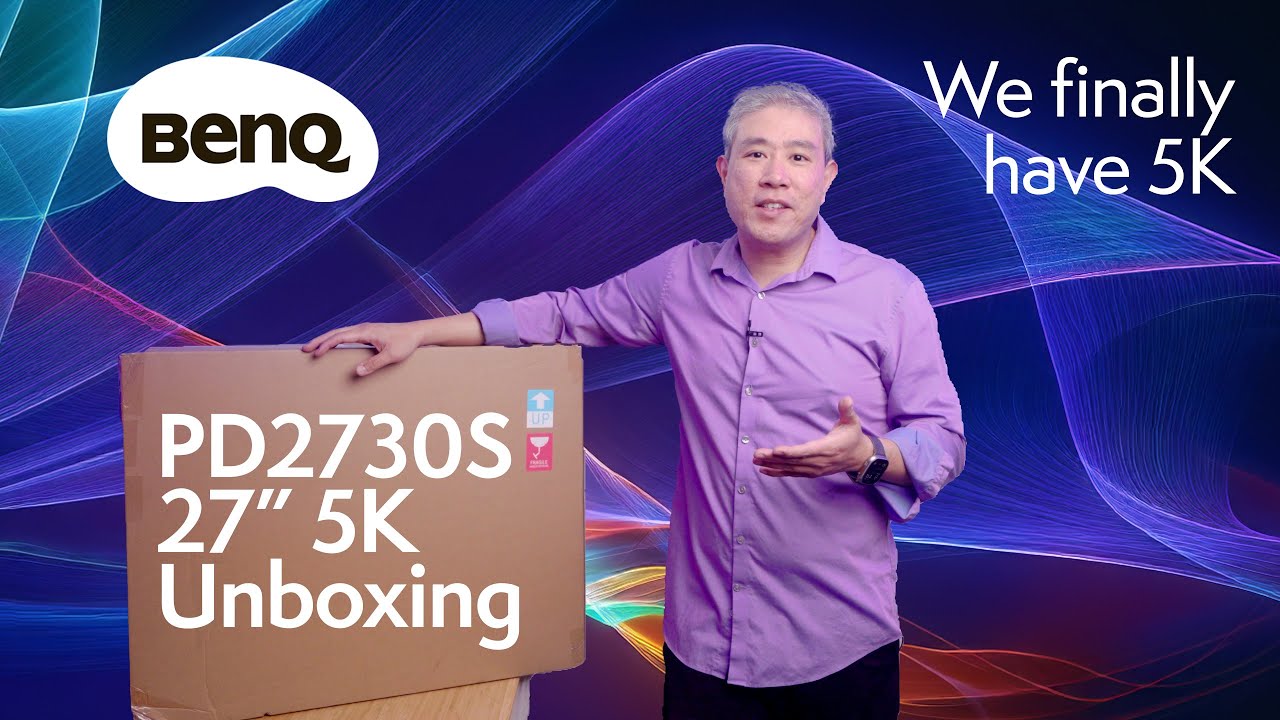
The BenQ PD2730S is a 27-inch 5K monitor that's designed to cater to the demands of creative professionals requiring high color accuracy and a robust feature set. What we found particularly striking is its panel quality, boasting 98% P3 and 100% sRGB color accuracy, as well as a 2000:1 contrast ratio for deep blacks, making it a strong contender in this category. The Thunderbolt 4 connectivity with 90W PD is a significant advantage, offering a single-cable solution for power and data transfer. Factory-calibrated color presets ensure the PD2730S is ready for professional work out of the box, and the Nano Matte coating enhances clear viewing without glare. However, it's not without its drawbacks; the PD2730S only offers a 60Hz refresh rate, which might be a letdown for those expecting smoother motion in graphics-intensive tasks. Additionally, some reports of severe, intermittent black glitching/flickering lines are concerning.
Key Points
What Reviewers Love
- +
98% P3 and 100% sRGB color accuracy
Cited by 13 sources
- +
2000:1 contrast ratio for deep blacks
Cited by 8 sources
- +
Thunderbolt 4 connectivity with 90W PD
Cited by 6 sources
- +
Factory-calibrated color presets for professional work
Cited by 6 sources
What To Consider
- −
Only a 60Hz refresh rate
Cited by 5 sources
- −
Both original BenQ PD2730S monitors developed severe, intermittent black glitching/flickering lines.
Cited by 4 sources
- −
Brightness limited to 400 nits
Cited by 3 sources
- −
Color coverage slightly lower than some competitors
Cited by 3 sources
check_circle Best For
- Creative professionals
- Graphic designers
- Photographers
warning Consider Carefully
- Gaming enthusiasts
- High-refresh-rate users
Specifications
Display
- Color gamut
- 98% P3, 100% sRGB
- Color space coverage
- 100% sRGB, 100% Rec.709, 98% P3
- Panel type
- 27-inch IPS with Nano Matte coating
- Pixel density
- 218 ppi
- Refresh rate
- 60Hz
- Resolution
- 5120 x 2880 (5K)
- Response time
- 5ms (GtG)
- Size
- 27 inches
Performance
- Brightness
- 400 nits peak
- Color accuracy
- Delta E ≤ 2
- Color depth
- 10-bit
- Contrast ratio
- 2000:1
- Display colors
- 1.07 billion
Source Analysis
This review synthesizes insights from 38 independent sources to provide a comprehensive, unbiased assessment.
Expert Reviews (11)
Professional testing labs & tech publications
The BenQ PD2730S is a 27-inch 5K monitor that offers pin-sharp image quality with a minimal footprint. It boasts Thunderbolt 4, a KVM switch, and factory-calibrated color presets. Connectivity is robust with Thunderbolt 4, HDMI 2.1, DisplayPort 1.4, and multiple USB ports, although cable management could be improved. The monitor's design is stable and adjustable, but not as slim and elegant as competitors.
Pros
- 5K resolution provides pin-sharp image quality
- Includes Thunderbolt 4 and 90W power delivery
- Factory-calibrated color presets for professional work
- Ample connectivity options including HDMI 2.1 and DisplayPort 1.4
Cons
- Cable management clip is mediocre and drops cables
- No USB-A ports on the rear of the monitor
- Color coverage slightly lower than some competitors
The BenQ PD2730S is a 5K monitor designed for creative professionals, offering sharp resolution, accurate color reproduction, and a variety of connectivity options. Its wireless HotKey puck and ergonomic design enhance usability, though the built-in speakers are a weak point. Priced under £1,000/$1,000, it's a competitive option compared to the Apple Studio Display.
Pros
- Exceptional 5K resolution for detailed work
- Wide color gamut with factory calibration
- Ample connectivity ports including Thunderbolt 4
- Wireless control puck for easy adjustments
Cons
- Weak built-in speakers
- Brightness limited to 400 nits
The BenQ PD2730S stands out with its 5K resolution, providing a pixel density of 218 PPI for exceptional sharpness. It offers 98% DCI-P3 coverage and HDR support, making it suitable for professional video editing. The monitor's USB-C connectivity at Thunderbolt 4 speed simplifies setup and allows for daisy-chaining. Despite its high price, the PD2730S delivers on image quality and build, though the 5K resolution's benefits are debatable on a 27-inch screen.
Pros
- Excellent color accuracy
- Great all-round image quality
- Fast, high-power USB connectivity
- Handy Hotkey Puck remote
Cons
- 5K resolution of limited benefit
- Mediocre AdobeRGB coverage
Video Reviews (12)
Hands-on demonstrations & setup guides
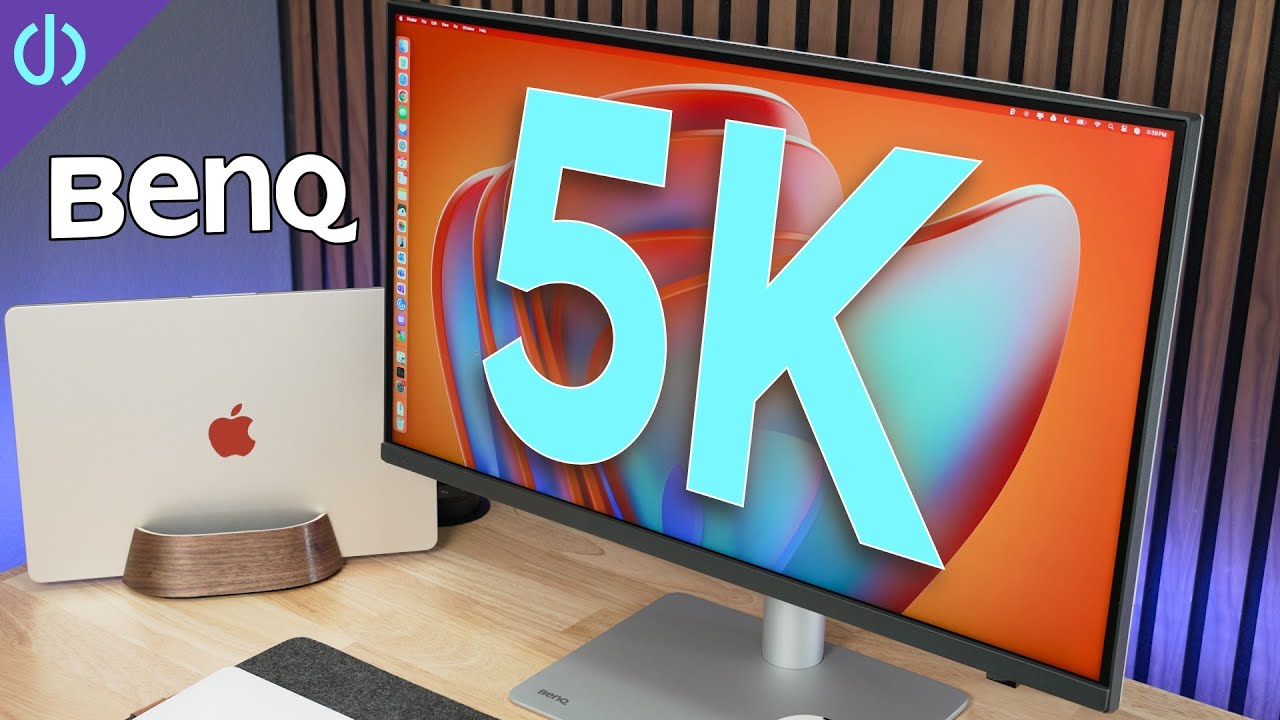
- Ideal for professionals requiring color accuracy
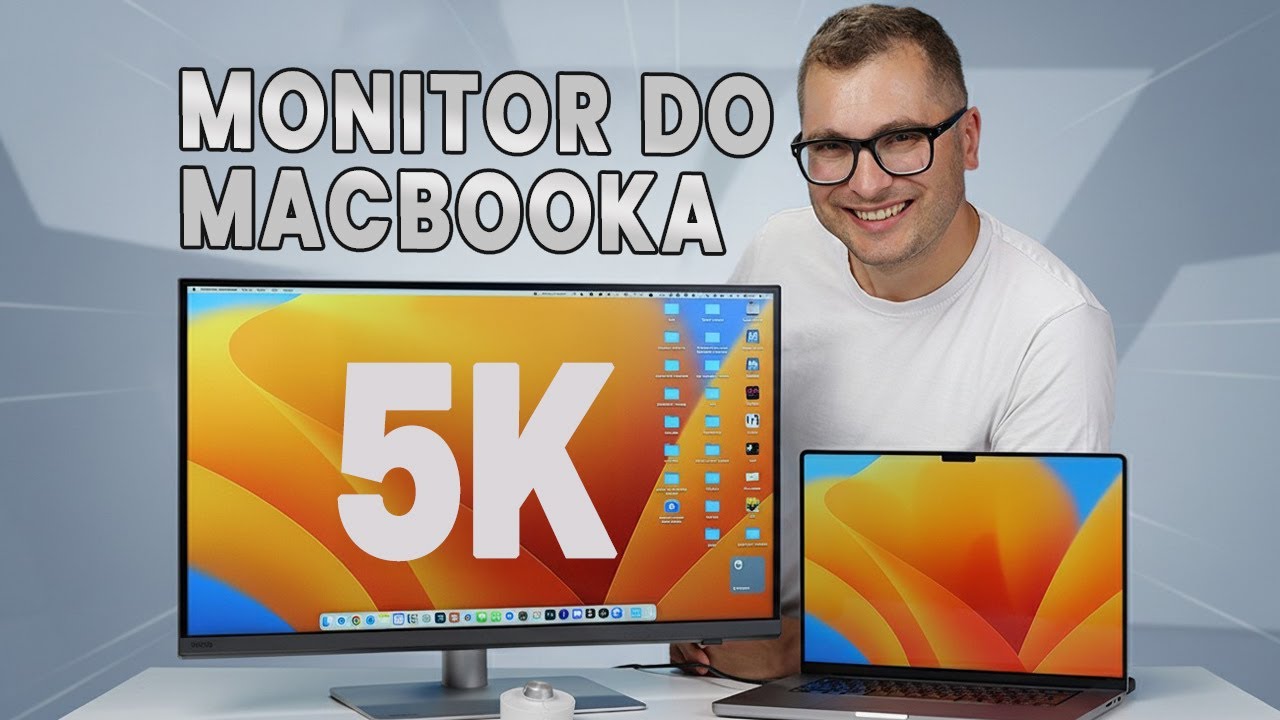
- Suitable for Mac users valuing Retina display
- Great for multitasking with multiple device connections

- Ideal for photo editing, video editing, and 3D modeling
- Anti-glare panel reduces eye strain during long work sessions
- USB-C connectivity simplifies cable management

- Suitable for designers, video, and graphics work
- Great as a second monitor with P3 and sRGB color space
- KVM feature allows use with two computers, one keyboard, and one mouse

Community Discussions (12)
Real owners sharing experiences
u/MariusBienius
ComparisonThe BenQ PD2730S is anticipated for its 5K resolution, which is particularly appealing for professionals in DTP, photography, and video editing. However, there is curiosity and debate among users regarding its performance in color accuracy and overall value for money, especially when compared to other options in the market.
- The BenQ PD2730S is a 5K monitor that could be suitable for professionals requiring high resolution for their work.
- Users are curious about the monitor's color accuracy and overall performance, which are critical for professional work.
- The value for money is a point of debate, with users considering other options in the market.
u/thepixelgeek
ComparisonThepixelgeek's experience with the BenQ PD2730S has been marred by multiple hardware failures within a short period of ownership. Despite the high expectations set by the 'Designer' series' marketing, the monitor has failed to deliver reliable color accuracy and operational stability.
- The BenQ PD2730S has shown issues with color accuracy and hardware reliability.
- Professional users seeking color-critical work may find the monitor unsuitable due to the mentioned failures.
- The monitor's performance has not met the expectations set by its price point and marketing.
u/m1ndwalker
Comparison- The BenQ PD2730S has a better panel and colors, but offers features that may not be needed for all users.
- The monitor's HDR functionality works across all resolutions at 60 Hz, but is disabled at 120 Hz for resolutions 1440p and above in MacOS.
Customer Reviews Amazon
What buyers are saying
1,014 reviews
Recently Added Reviews
Sharp 4K USB-C Work Monitor - Built-In KVM switch is awesome for WFH
Full-featured, high quality monitor
Great monitor!
Beautiful Monitor. Minor Issue
Mac OS Scaling is perfect.
Reviews shown are from Amazon customers and do not reflect our editorial assessment.
The Verdict
The BenQ PD2730S is an excellent choice for professionals who value color accuracy and a wide range of connectivity options. Its factory-calibrated 98% P3 coverage, 2000:1 contrast ratio, and Thunderbolt 4 with 90W power delivery make it a compelling Apple Studio Display alternative at a lower price point. That said, users prioritizing refresh rate should consider a 4K 120Hz option like the Dell U2725QE instead. On reliability, reports of severe intermittent black glitching and flickering lines — documented by multiple users within months of ownership — are worth factoring in before purchase.