

Monitors
BenQ MA320U
Best For
- Creative professionals
- MacBook users
- Color-critical work
Consider Carefully
- Users needing Thunderbolt 4
- Those requiring powerful speakers
Jump to Section
The Bottom Line
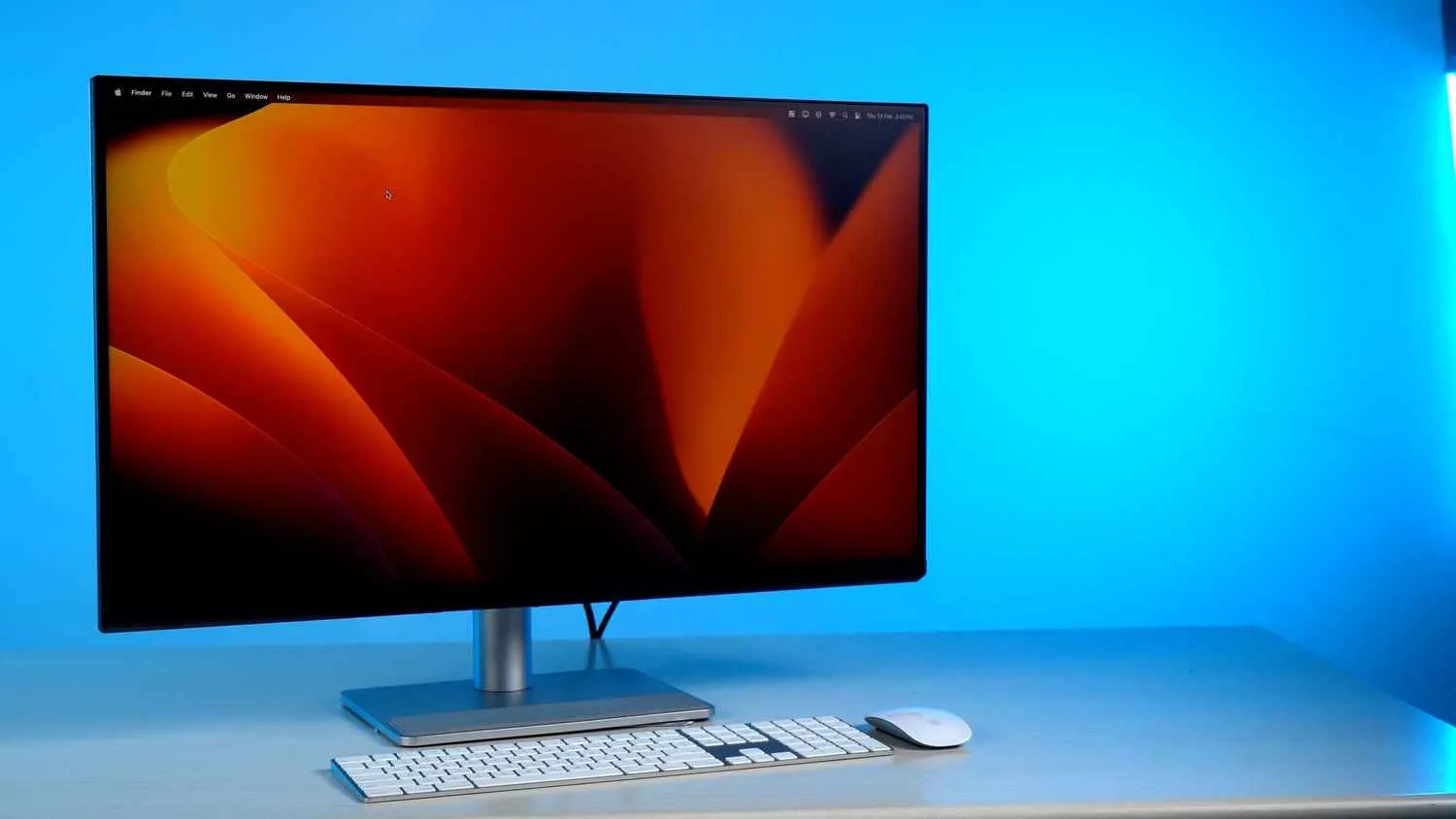
The BenQ MA320U is a 32-inch 4K monitor that has made a strong impression in the professional creative space, particularly for its color accuracy and USB-C connectivity. What we found was a monitor praised for its detailed, color-accurate images, which is a testament to its 99% sRGB and 97% Display P3 color coverage as noted by IT Pro. This level of color accuracy is fantastic for professional work, making it an ideal choice for creative professionals who require precise color matching. However, despite its strengths, the MA320U is not without its notable trade-offs, such as the lack of cable management features and poor internal speakers, which some experts have pointed out. These issues might be a deal-breaker for users who value a clean desk setup or quality audio from their monitor.
Performance Breakdown
In-Depth Analysis
Color Accuracy 93
Color accuracy is the MA320U's strongest card, with 7 to 8 sources independently confirming it's solid for professional and creative work.
Key Takeaway
→For Mac-based creative work, photo editing, and design, the color accuracy is genuinely reliable. Demanding studio professionals should verify uniformity before committing.
USB-C Connectivity 92
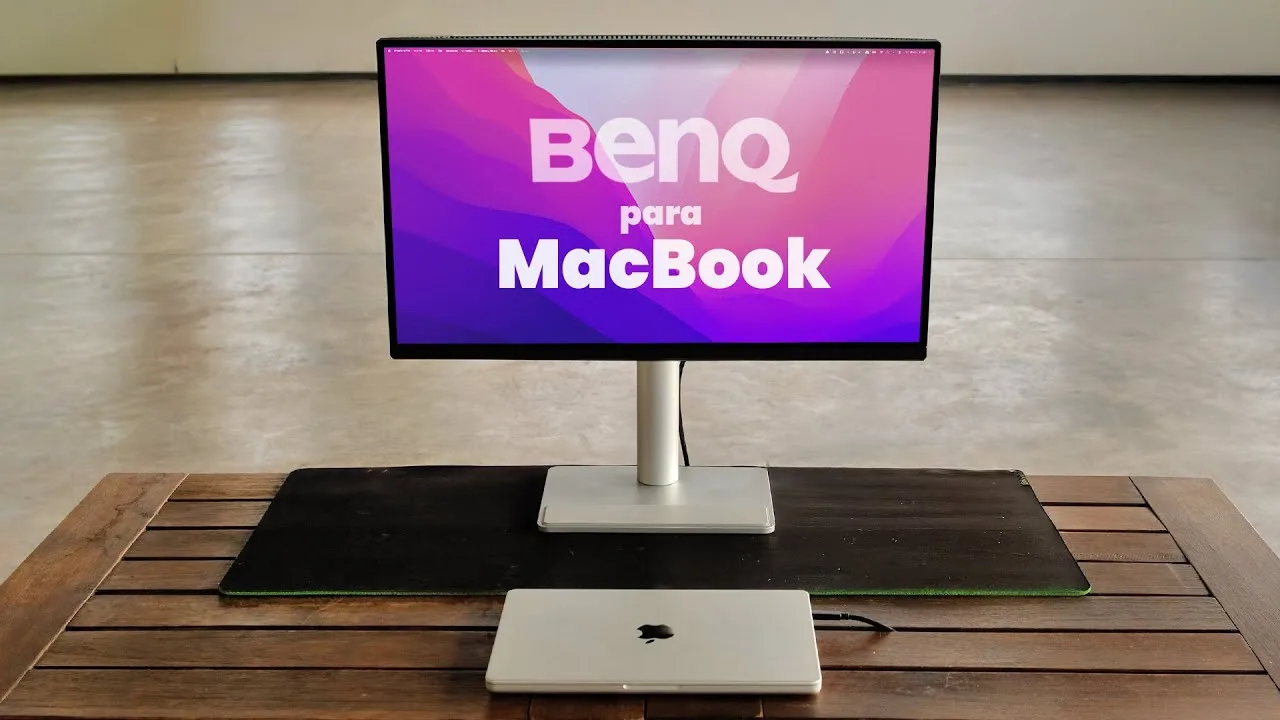
90W USB-C power delivery with one-cable operation is the feature nine sources led with, and it's the clearest reason to buy this monitor over alternatives.
Key Takeaway
→If one-cable simplicity with a MacBook is the goal, this nails it. If you need Thunderbolt 4 for daisy-chaining or faster data transfer, look elsewhere.
Mac Integration & Software 92
Display Pilot 2 makes Mac keyboard controls work natively, which five sources flagged as a meaningful differentiator, though macworld.com found the app itself fiddly.
Key Takeaway
→Mac users who want keyboard-native monitor controls and a cohesive Apple-adjacent aesthetic will find this genuinely well-considered. Just expect some friction with the Display Pilot 2 app itself.
Display Quality 88
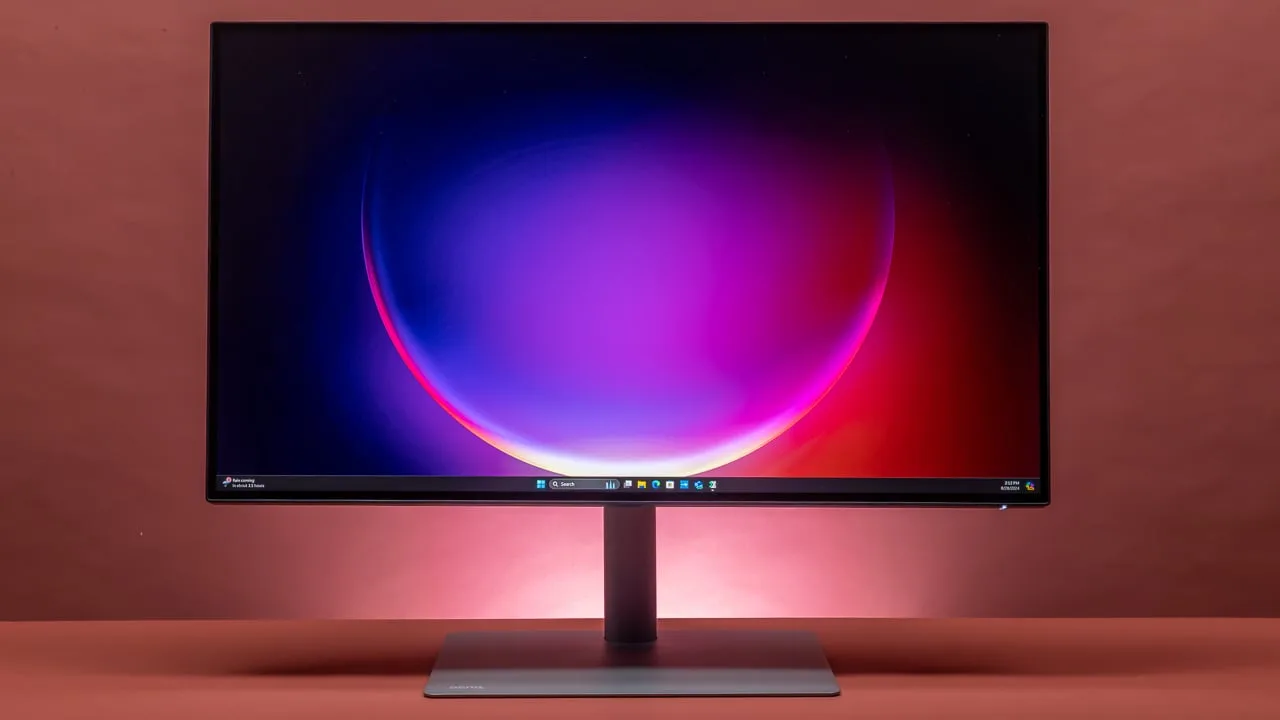
A striking 32-inch 4K panel with genuinely useful eye-care features, but panel uniformity issues have surfaced across multiple sources and aren't easy to dismiss.
Key Takeaway
→If you work in a bright room and need a large 4K panel for creative tasks, this delivers. If contrast depth or perfect panel uniformity are non-negotiable, check the competition first.
Ergonomics & Stand 85
Five sources confirmed a sturdy, fully adjustable stand with VESA support, but the plastic casing and thin cable management options are real compromises at this price.
Key Takeaway
→The stand adjustability is a genuine strength and beats Apple's own offering. If premium build materials matter to you, the plastic casing will disappoint.
Port Selection 79
Five sources called the port selection versatile, but the missing Thunderbolt 4 and no daisy-chaining are real gaps that narrow who this works for.
Key Takeaway
→For single-laptop setups with standard peripherals, the port selection is fine. If you need Thunderbolt 4 or plan to daisy-chain displays, this isn't the right monitor.
HDR Performance 78
VESA DisplayHDR 600 certification sounds solid on paper, but eight dimming zones and a 600-nit cap mean HDR here is functional, not impressive.
Key Takeaway
→HDR support is present and certified, but eight dimming zones and a 600-nit ceiling make it a secondary feature. Don't buy this for HDR.
Built-in Speakers 75
Three sources, zero disagreement: the built-in speakers are mediocre and not worth relying on.
Key Takeaway
→Plan on external speakers or headphones. The built-ins are an afterthought.
Specifications & Verdict
Connectivity
- Audio Output
- headphone output
- Downstream Usb CPort
- supports up to 15W of power delivery
- Ports
- 2x HDMI 2.0, 2x USB-C (90W/15W), USB-A hub
- Usb C
- handles 4K images and 90W of power delivery
Display
- Brightness
- 550 nits (typical), 600 nits (HDR peak)
- Coating
- matte anti glare
- Color Depth
- 10-bit (1.07B colors)
- Color Gamut
- 99% sRGB, 97% DCI-P3
- Panel Type
- IPS-Type LCD
- Refresh Rate
- 60Hz
- Resolution
- 4K UHD (3840 x 2160)
- Size
- 32 inches
- Viewing Angle
- 178°(H) / 178°(V)
Ergonomics
- Stand
- fully adjustable
- Stand Adjustment
- tilt,swivel,portrait mode
- Stand Articulation
- Tilt: +20° ~ -5°, Swivel: +15° ~ -15°, Pivot: +90° ~ -90°, Height Adjustment: 0~115 mm
- Vesa Mounting
- 100 x 100mm
Features
- Charging
- up to 90W for MacBook laptop, 15W for smaller devices, 7.5W for USB-A ports
- Display Certifications
- VESA DisplayHDR 600, TÜV Eye Comfort 2.0, TÜV Flicker-free, TÜV Low Blue light (Software Solution), TÜV Reflection Free, Energy Star
- Eye Care Tech
- Low Blue Light, Flicker-Free
- Onboard Speakers
- 2x 3W stereo
- Power Consumption
- 45W (normal), 250W (max)
Performance
- Color Accuracy
- 99% sRGB, 97% DCI-P3
- Dimming Zones
- 8 vertical edge-lit
- Hdr Support
- HDR10
- Response Time
- 5ms
Physical
- Dimensions
- 42.4 x 71.5 x 8.7cm
- Weight
- 20 lb / 9.1 kg (with Stand), 13.3 lb / 6.0 kg (without Stand)
Our Verdict
The BenQ MA320U is a monitor that truly excels for creative professionals and Mac users who value color accuracy and a single-cable solution. While it may not be the best fit for those needing advanced connectivity options or high-quality audio, its strengths in panel quality and color reproduction make it a solid choice for its target audience.
Customer Reviews Amazon
288 reviews
No Money for Studio Display? Get This Excellent 4K Monitor for a Competitive Experience
BenQ - Best for Apple users.
Terrific monitor with great features. Small bezel. A lifetime investment. All set up for Mac.
High quality, fair price
Show all 8 reviews
Perfect 4K monitor for my Apple devices!
Fantastic second monitor
Great alternative to overly expensive Apple monitors.
Very, very nice 27" display.
Reviews shown are from Amazon customers and do not reflect our editorial assessment.
Pricing & Availability
Updated Feb 26, 2026BenQ MA320U
Sources & Methodology
Every score is built on evidence. This review synthesizes 38 independent sources — expert publications, video reviews, and community discussions — weighted by credibility, depth, and relevance.
Show detailed source analysis ↓ Hide source analysis ↑
Expert Reviews
creativebloq.com
Top
5/5-point
The BenQ MA320U is a 32-inch 4K monitor tailored for Mac users, offering exact color matching for MacBooks and a one-cable USB-C connectivity. It features a striking display and integrates well with Mac keyboards through BenQ’s Display Pilot 2 software. The monitor is praised for its color accuracy, usability, and overall performance, making it an excellent choice for creative professionals within the Apple ecosystem.
Strengths
- +Exact color matching for MacBooks
- +One-cable USB-C connectivity
- +Striking 32-inch display
- +Mac keyboard integration with Display Pilot 2 software
Weaknesses
- −Poor internal speakers
- −Lacks a Thunderbolt 4 port
itpro.com
Top
5/5-point
The BenQ MA320U is a 31.5-inch 4K monitor designed for Mac users, offering excellent value at £550. It boasts 99% sRGB and 97% Display P3 color coverage, and its Display Pilot 2 app allows for easy adjustments and integration with Macbook. The monitor is also compatible with Windows PCs. Despite its large size, it's lightweight and easy to set up, with a fully adjustable stand and VESA mounting options.
Strengths
- +31.5-inch 4K panel with 99% sRGB and 97% Display P3 coverage
- +Designed for seamless integration with Macbooks
- +Display Pilot 2 app simplifies brightness and color profile adjustments
- +Fully adjustable stand with VESA mounting options
Weaknesses
- −Lack of cable management features
- −Compromise between USB 3.2 Gen 1 data speeds and 60Hz refresh rates
- −Built-in speakers lack bass and lower mid-range
trustedreviews.com
Top
0.5/10-point
The BenQ MA320U is a 4K monitor with a sturdy construction, detailed and color-accurate images, and a good selection of ports. Its stand offers versatile adjustments, including portrait mode. While it lacks advanced features like KVM and has middling contrast and black levels, it performs well for everyday use and photo editing.
Strengths
- +Sturdy construction
- +Detailed, color-accurate images
- +Solid port selection
- +Lots of stand adjustment
Weaknesses
- −Black level and contrast not as strong as the competition
techradar.com
Top
5/5-point
The BenQ MA320U impresses with its seamless MacOS integration, color accuracy, and sleek design, making it an excellent choice for MacBook users. Its HDR capabilities and 90W USB-C Power Delivery enhance its value for professionals. However, it falls short with mediocre built-in speakers and a maximum HDR performance of 600 nits.
Strengths
- +Fantastic color accuracy for professional work
- +Mac integration with Display Pilot 2 for brightness and volume control
- +90W USB-C Power Delivery simplifies cable management
Weaknesses
- −Mediocre built-in speakers
- −HDR Performance caps at 600 nits
- −No Thunderbolt 4
macworld.com
The BenQ MA320U offers an attractive 32-inch 4K display at a competitive price, with good connectivity features and adjustable height and rotation. It addresses weaknesses of its smaller sibling, the MA270U, by providing a brighter display with bolder, crisper colors. The stand allows for height adjustment and portrait orientation, and it includes a cable holder for tidiness. Despite its plastic casing, it includes features missing from more expensive rivals, such as a free height-adjustable stand and multiple USB ports for charging and data transfer.
Strengths
- +Attractive 32-inch 4K display
- +Competitive price point
- +Good connectivity features
- +Adjustable height and rotation
Weaknesses
- −Not intended for professional use
- −Fiddly Display Pilot app
- −Light, plastic casing
expertreviews.co.uk
The BenQ MA320U offers a crisp, color-accurate 4K panel with decent connectivity and 90W USB-C power delivery for a reasonable price. Its design is smart and functional, with an adjustable stand that provides height, tilt, swivel, and portrait rotation adjustments. The DisplayPilot 2 software enhances usability by controlling monitor settings from a desktop widget, synchronizing color profiles and brightness settings between devices.
Strengths
- +31.5in 4K panel with 60Hz refresh rate
- +99% sRGB and 97% Display P3 color coverage
- +Supports USB-C and HDMI connectivity
- +90W USB power delivery for compatible laptops
Weaknesses
- −Only eight dimming zones for HDR
- −No Thunderbolt 4 support
- −Basic cable management
digit.in
The BenQ MA320U is a 32-inch 4K monitor designed to provide Mac-consistent colors and smart software integration. It offers excellent color accuracy in both HDR and SDR, with a Nano Matte Panel reducing reflective light and enhancing eye comfort. The monitor also boasts high peak brightness and a range of connectivity options, including USB-C with Power Delivery. However, it comes at a high-end price, which might be a consideration for potential buyers.
Strengths
- +Great colour accuracy in HDR and SDR
- +Nano Matte Panel and other eye-care features are helpful
- +High peak brightness
- +Great connectivity options
Weaknesses
- −Steep price
pokde.net
The BenQ MA320U impresses with its seamless integration with Apple devices, offering accurate colors and a matching color gamut with MacBooks. Its clean aesthetics and easy-to-use software interface are notable, along with decent HDR capabilities and automatic display rotation. However, it has limited hardware-level controls and could improve in brightness uniformity.
Strengths
- +Accurate colors in specific presets
- +Coding & ePaper mode
- +Matching color gamut with MacBooks
- +Easy to use software interface
Weaknesses
- −Limited hardware-level controls
- −Brightness uniformity can be improved
Video Reviews
 Rebels Squad Tech
The BenQ MA320U is a 32-inch 4K UHD monitor tailored for Mac users, …
Rebels Squad Tech
The BenQ MA320U is a 32-inch 4K UHD monitor tailored for Mac users, …
The BenQ MA320U is a 32-inch 4K UHD monitor tailored for Mac users, offering a high-resolution display with color accuracy and detail suitable for professional editing. It features BenQ's Mac color tuning technology, ensuring colors match MacBook displays without manual calibration. The monitor covers 97% DCI-P3 and 99% sRGB, and is VESA Display HDR 600 rated for impressive viewing experiences. It also includes Trivolo 2 into 3W speakers for quality audio and comprehensive eye care features to reduce eye strain.
- →Ideal for creative professionals requiring color accuracy
- →Suitable for Mac users seeking a high-resolution display
- →Excellent for editing with detailed color reproduction
- →Supports HDR content with VESA Display HDR 600 rating
- →Includes ergonomic adjustments for comfortable use
 marvinmachts
The BenQ MA320U is a 32-inch 4K monitor designed for Mac users, …
marvinmachts
The BenQ MA320U is a 32-inch 4K monitor designed for Mac users, …
The BenQ MA320U is a 32-inch 4K monitor designed for Mac users, offering precise color matching with MacBooks right out of the box. It features a minimalist design with a sturdy stand and sleek silver matte finish, integrating seamlessly with Apple's ecosystem. The monitor's single USB-C cable simplifies setup by handling video, audio, data transfer, and charging the MacBook simultaneously. The MA320U's color accuracy and ergonomics have been praised for their out-of-the-box performance and ease of use.
- →Ideal for Mac users seeking precise color consistency
- →Suitable for professional work requiring accurate color representation
- →Reduces cable clutter with all-in-one USB-C connectivity
- →Enhances workflow efficiency with minimal setup hassle
 Digit
The BenQ MA320U is a 32-inch 4K monitor designed to provide color …
Digit
The BenQ MA320U is a 32-inch 4K monitor designed to provide color …
The BenQ MA320U is a 32-inch 4K monitor designed to provide color consistency for MacBook users, featuring DisplayP3 color space tuning and smart software integration. It uses an IPS LCD panel with a Nano Mate panel coating, reducing reflective light and offering comfort for the eyes. The monitor delivered impressive color accuracy with an average delta error of just 2.3 for DisplayP3 and a peak brightness of 660 nits, exceeding expectations for HDR performance. It also includes a suite of eye care features and a minimalistic design that complements MacBooks.
- →Ideal for MacBook users requiring precise color
- →Suitable for professional work and content creation
- →Enhanced eye care features for comfortable use
- →Stylish design with practical base storage
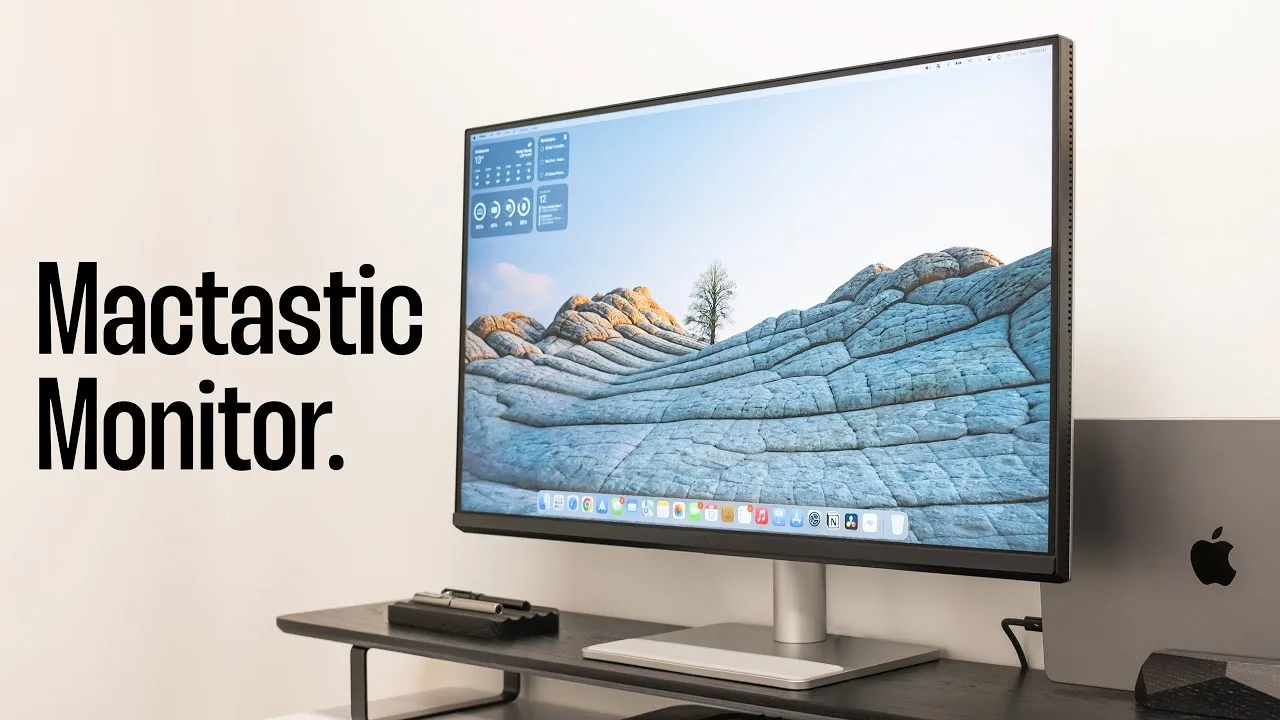 Designed by Kirk
The BenQ MA320U offers a 32-inch 4K panel with 95% DCI-P3 and 99% sRGB …
Designed by Kirk
The BenQ MA320U offers a 32-inch 4K panel with 95% DCI-P3 and 99% sRGB …
The BenQ MA320U offers a 32-inch 4K panel with 95% DCI-P3 and 99% sRGB color gamut, providing excellent color accuracy for professional work. It delivers 90 watts of power to a MacBook and features a versatile stand with 115mm height adjustment and 90-degree rotation. The matte panel and high brightness of 300-400 nits ensure good visibility. The monitor also includes USB-C, HDMI, and USB ports, but lacks Thunderbolt connectivity. The DisplayPilot 2 software offers seamless macOS integration, making it user-friendly.
- →Ideal for Mac users needing a large, color-accurate display
- →Good value for a 32-inch 4K panel with professional features
- →USB-C connectivity simplifies cable management
- →DisplayPilot 2 enhances workflow integration with macOS
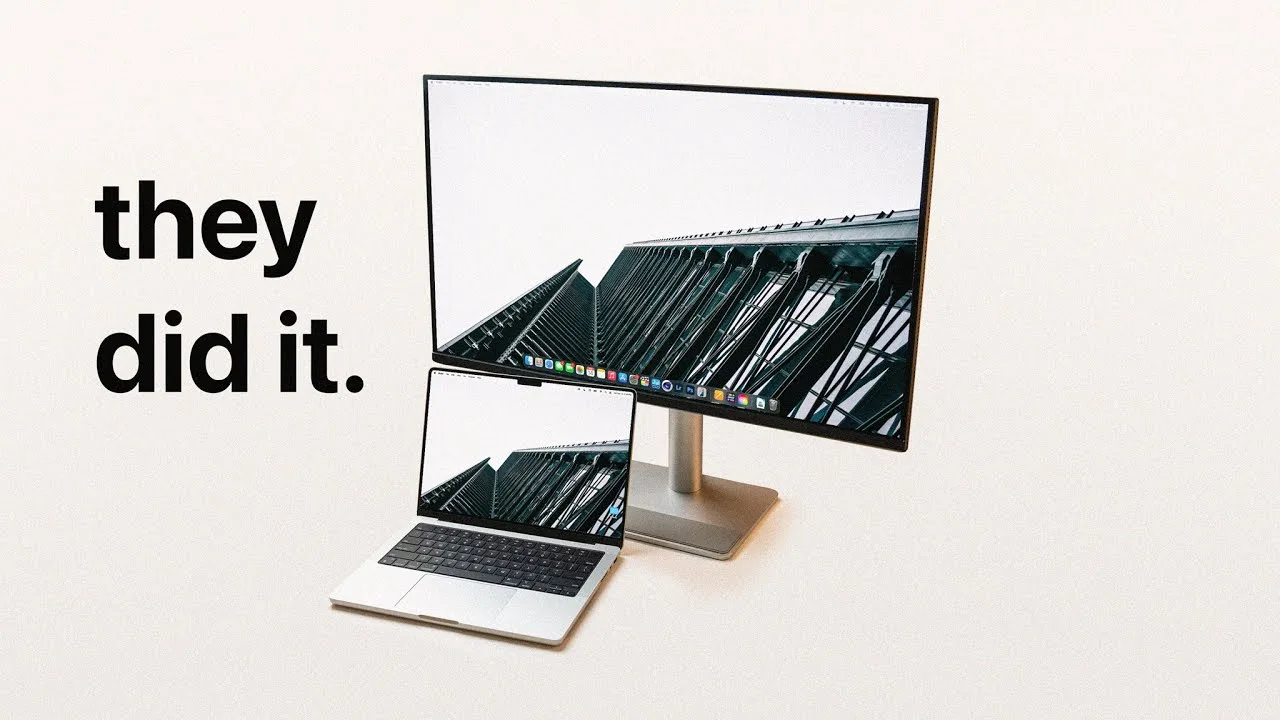 Noah Herman
The BenQ MA320U is a well-built, sturdy, and Apple-esque 32-inch 4K …
Noah Herman
The BenQ MA320U is a well-built, sturdy, and Apple-esque 32-inch 4K …
The BenQ MA320U is a well-built, sturdy, and Apple-esque 32-inch 4K display designed with Macs in mind. It offers a sharp screen, adjustable stand, and excellent brightness, rivaling more expensive Apple displays. The monitor's color accuracy and tuning tech ensure consistency with Mac displays, and its iKeyboard control feature allows for easy brightness and volume adjustments.
- →Ideal for Mac users seeking a high-quality, affordable display
- →Suitable for productivity, creative tasks, and media production
- →Good for split or quad window setups and portrait orientation
- →Recommended 1440p scaling for a balance of UI space and sharpness
- →Useful for those who need accurate color representation
 Tech Hub Wilts UK
The BenQ MA320U 32-inch 4K monitor is a high-resolution display …
Tech Hub Wilts UK
The BenQ MA320U 32-inch 4K monitor is a high-resolution display …
The BenQ MA320U 32-inch 4K monitor is a high-resolution display designed for professionals and productivity enthusiasts. It boasts a UHD display with a 3840 x 2160 resolution, an IPS panel with HDR support, and a 95% DCI-P3 color gamut for vibrant, color-accurate visuals. The monitor's clean design, ultra-thin bezels, and solid stand with adjustable features make it aesthetically pleasing and practical for well-lit environments. Connectivity is robust, with HDMI 2.1 ports, DisplayPort 1.4, a USB-C port with 65W power delivery, and a USB hub.
- →Suitable for editing 4K videos and designing high-res graphics
- →Ideal for multitasking with multiple windows
- →Matches the color quality of high-end displays like the Apple Studio Display
- →VESA mount support for multi-monitor setups
- →USB-C port allows for a single cable solution for laptops
 Niko Bolante
The BenQ MA320U monitor stands out for its color accuracy, matching …
Niko Bolante
The BenQ MA320U monitor stands out for its color accuracy, matching …
The BenQ MA320U monitor stands out for its color accuracy, matching MacBook screens perfectly for seamless editing across devices. Its 32-inch 4K display with a 60Hz refresh rate and 97% DCI-P3 color gamut ensures professional-level color reproduction. The inclusion of BenQ's Display Pilot 2 app allows for easy control of various settings, enhancing user convenience. The monitor's build quality and minimalist design complement Apple products, and its USB-C ports offer both display output and power delivery, simplifying cable management and providing a single-cable solution for display and charging.
- →Ideal for photo and video editing across MacBook devices
- →Simplifies cable management with USB-C connectivity
- →Enhances productivity with color accuracy and minimal setup
- →Suitable for professional work requiring precise color matching
- →Matches Apple's aesthetic for a cohesive workspace
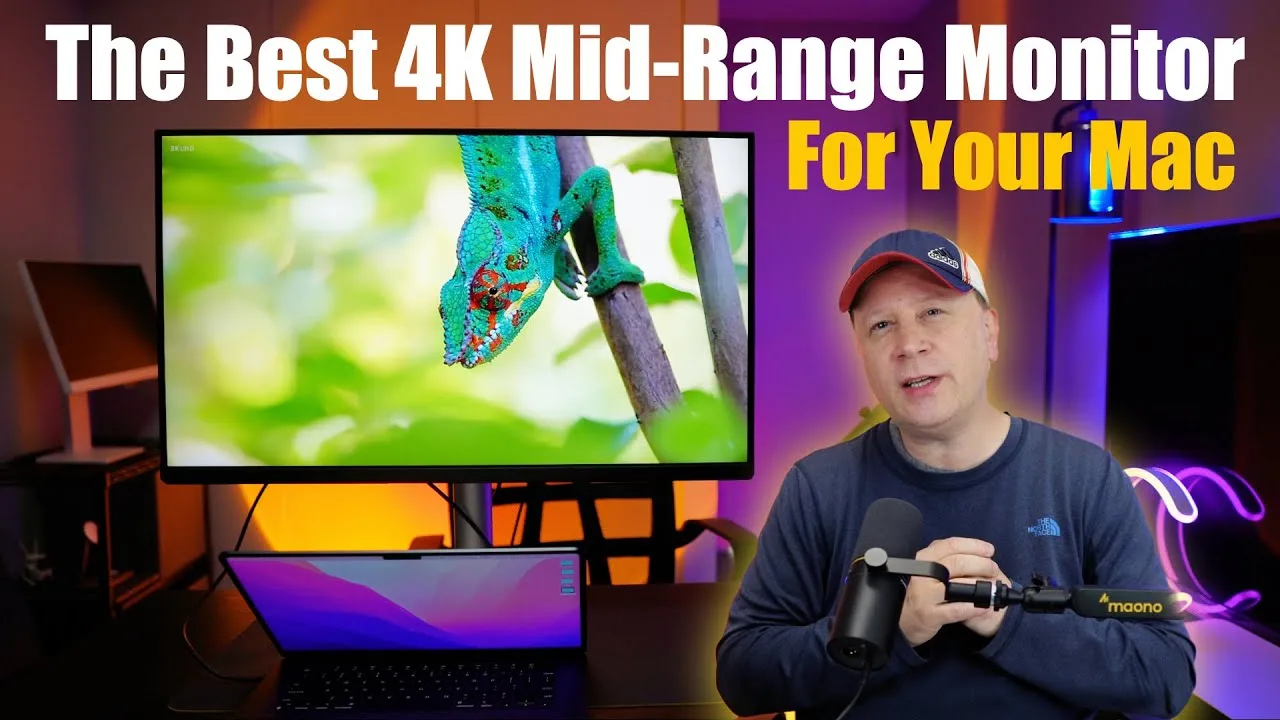 Craig Neidel
The BenQ MA320U is a 4K 32-inch IPS panel monitor designed with Mac …
Craig Neidel
The BenQ MA320U is a 4K 32-inch IPS panel monitor designed with Mac …
The BenQ MA320U is a 4K 32-inch IPS panel monitor designed with Mac users in mind. It features a Mac-like design with small bezels, a silver stand, and a silver back, making it aesthetically pleasing and matching well with Mac devices. The monitor is easy to install, with a stand that offers tilt, swivel, and height adjustments, surpassing the Mac Studio display in terms of flexibility. It also includes a thoughtful bottom panel designed to prevent scratches when placing a MacBook against it.
- →Ideal for Mac users seeking a 4K monitor with a sleek design
- →Offers better stand flexibility compared to Mac Studio display
- →Suitable for those who want a large screen with a Mac-like appearance
 MrHtech
The BenQ MA320U is a 32-inch 4K Ultra HD monitor with an IPS LED …
MrHtech
The BenQ MA320U is a 32-inch 4K Ultra HD monitor with an IPS LED …
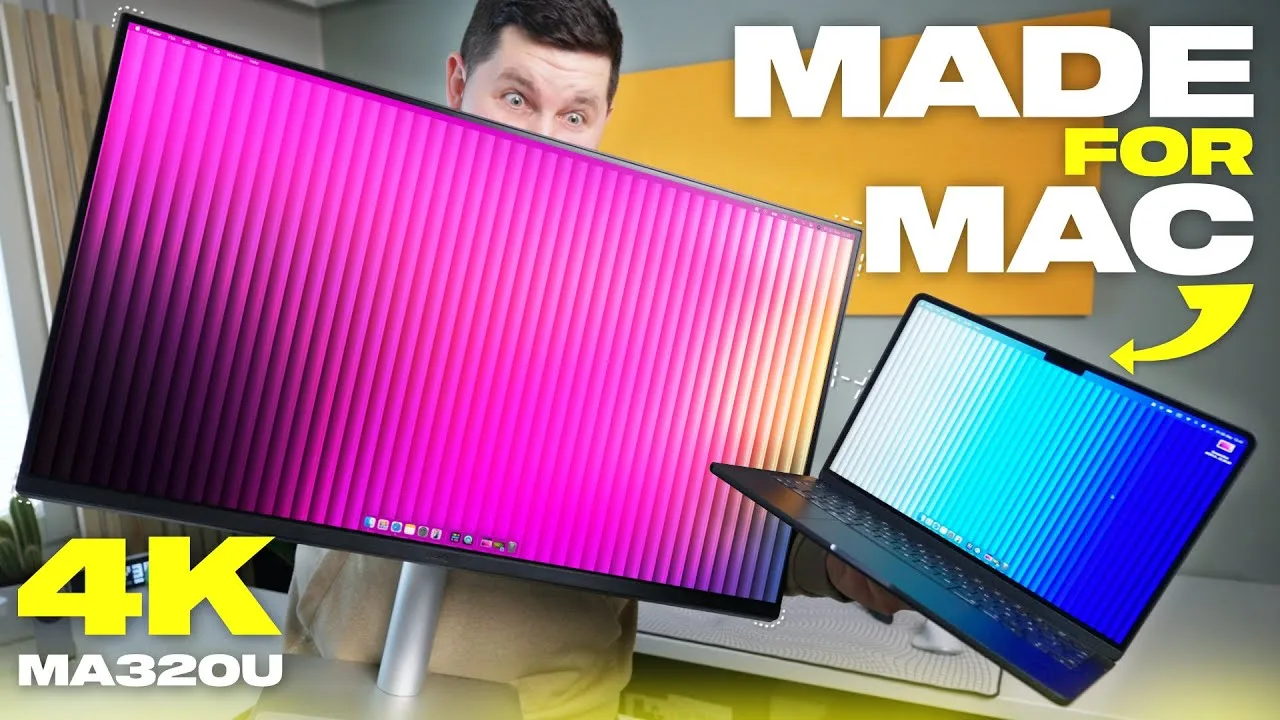
The BenQ MA320U is a 32-inch 4K Ultra HD monitor with an IPS LED backlit display, offering around 140 ppi and accurate colors with 97% DCI-P3 and 99% sRGB coverage, making it suitable for creative work. It features a 60 Hz refresh rate, adequate for most users including creators and photographers, and comes with two 3-watt speakers. The monitor's peak brightness is around 600 nits, and it has a native contrast ratio of 1300:1. Its design, with a silver color matching Apple products and a clean, minimalistic approach, enhances its aesthetic appeal.
- →Ideal for Mac users due to design and color accuracy
- →Suitable for creative work requiring accurate colors
- →USB-C port supports one-cable operation with 90W power delivery
- →Anti-glare nano matte panel is excellent for bright environments
 Anubhav Roy
The BenQ MA320U is a 4K 32-inch monitor praised for its color accuracy …
Anubhav Roy
The BenQ MA320U is a 4K 32-inch monitor praised for its color accuracy …
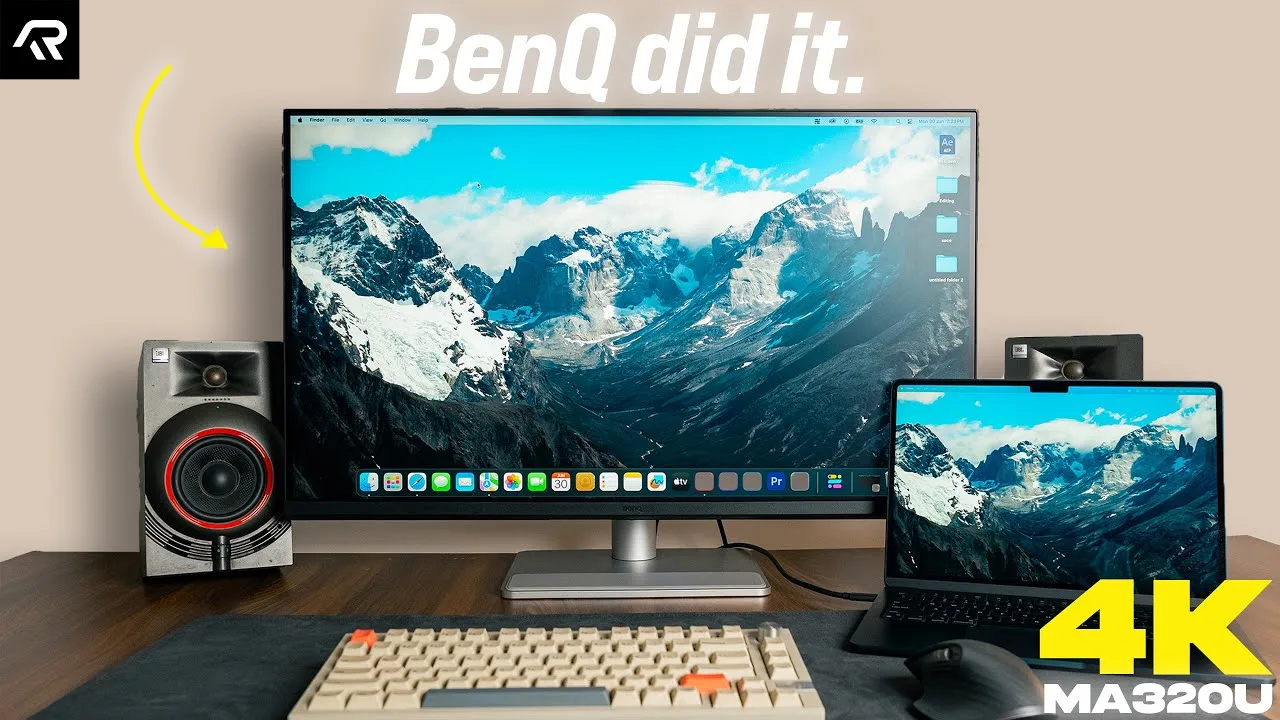
The BenQ MA320U is a 4K 32-inch monitor praised for its color accuracy and value for money, especially among MacBook users. It supports 97% of the P3 color gamut, making it ideal for photo and video editing. The monitor also includes a universal problem-solving feature for color matching with MacBooks, achieved through BenQ's proprietary DisplayPilot 2.0 application. Its peak brightness of 550 nits is commendable, and it offers a good selection of ports, including a 90-watt Type-C port for display output and charging. The build quality and design are noted for their premium feel, matching well with Apple's aesthetics.
- →Ideal for MacBook users needing accurate colors
- →Suitable for photo and video editing workflows
- →Good value compared to high-end monitors
- →Versatile port selection for multiple device connectivity
 Tech Man Pat
The BenQ MA320U is a sleek 32-inch 4K IPS display designed for Mac …
Tech Man Pat
The BenQ MA320U is a sleek 32-inch 4K IPS display designed for Mac …
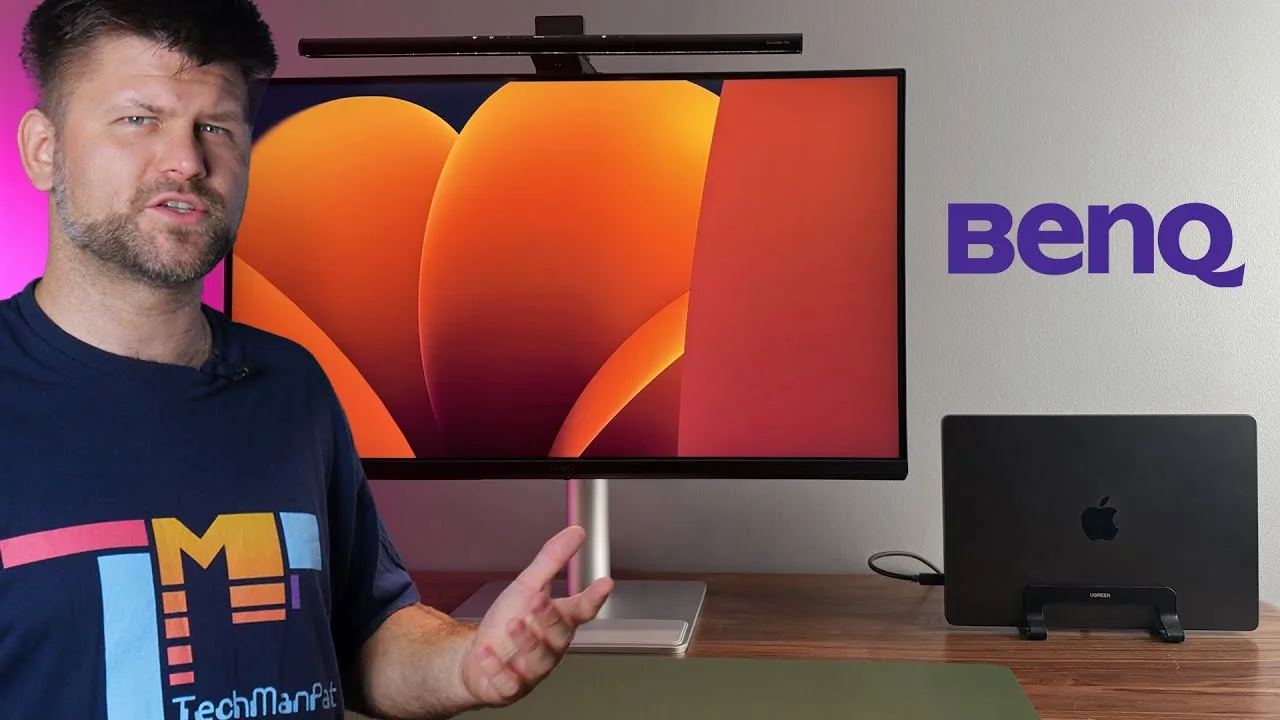
The BenQ MA320U is a sleek 32-inch 4K IPS display designed for Mac users, offering Mac Color Match Tuning and a vibrant P3 wide color gamut. Its USB-C connectivity simplifies setup, providing display and 90W charging in one cable. The monitor's design complements the BenQ ScreenBar Pro, an LED light bar that sits atop the monitor without glare, reducing desk clutter and offering a focused light environment to reduce eye strain.
- →Ideal for Mac users requiring precise color representation
- →Suitable for creators needing a clutter-free workspace
- →Enhances video editing with accurate color rendering
- →Reduces eye strain with focused lighting and flicker-free LEDs
 Người Chơi Đồ
The BenQ MA320U is a 32-inch 4K UHD monitor designed with MacBook …
Người Chơi Đồ
The BenQ MA320U is a 32-inch 4K UHD monitor designed with MacBook …
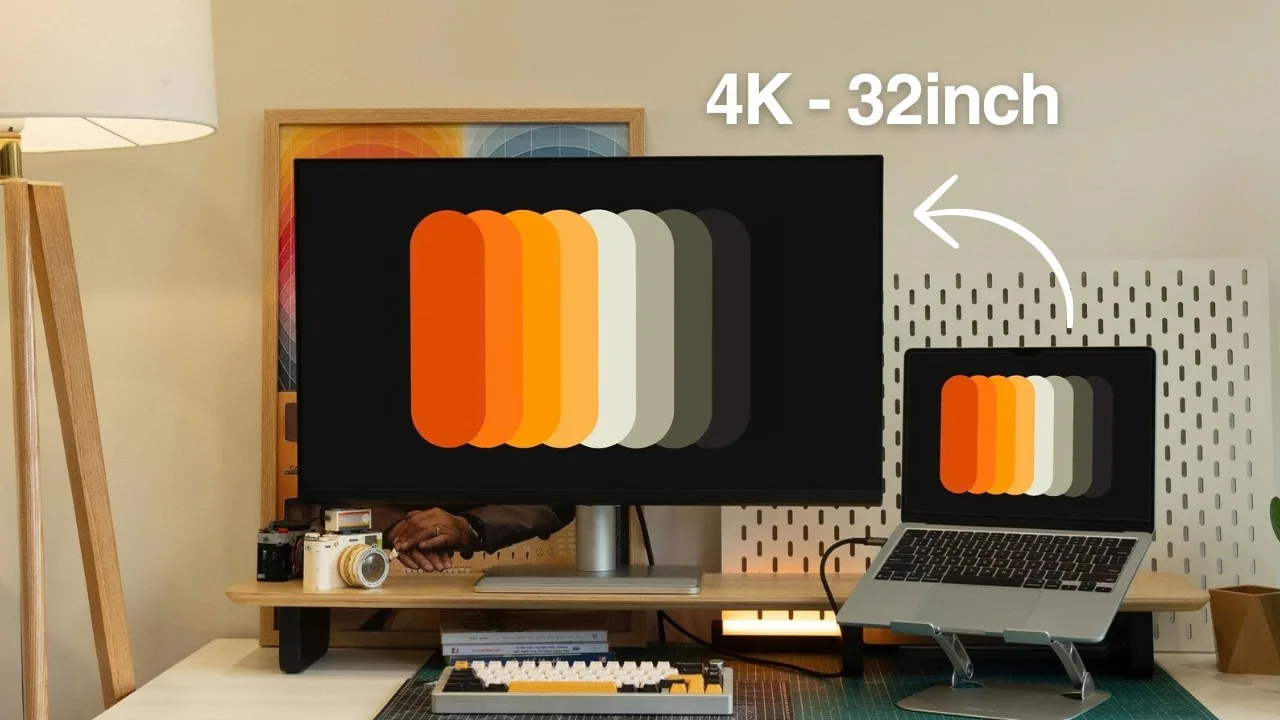
The BenQ MA320U is a 32-inch 4K UHD monitor designed with MacBook users in mind. It features a sleek, minimalist design that complements Apple products and includes a sturdy stand with extensive adjustability. USB-C connectivity is a standout feature, offering high-power charging and display output, simplifying cable management and enhancing convenience for MacBook users.
- →Ideal for MacBook users seeking a large, high-resolution display.
- →USB-C ports are a game-changer for cable management and charging.
- →Sturdy stand with wide adjustability for various viewing angles.
- →4K resolution provides crisp, detailed images, enhancing productivity.
Community Discussions via Reddit
Comparison
r/BenQ
u/redcremesoda
The BenQ MA320U has been in use for five years and was expected to provide a significant upgrade in image quality compared to the user's older Dell U3219Q. However, the user experienced uneven panel uniformity, with darker edges and magenta/green tinting on white or grey backgrounds, and inconsistent brightness and color uniformity. Despite testing with multiple cables, ports, power outlets, and another computer, the issue persisted.
Key Insights
- →The BenQ MA320U may not meet expectations for uniformity and image quality, especially for users with high standards for color accuracy and consistency.
- →The issue of uneven panel uniformity is persistent and not resolved by changing cables, ports, power outlets, or computers.
Top Comments
It would be great if support could response here so that the community has a better understanding of the issue.
Thank you for this! I will return the monitor as the edge bleed is quite noticeable.
Comparison
r/Monitors
u/happyFF_kk_2404
The BenQ MA320U is praised for its seamless integration with MacBooks, offering a cohesive visual experience with its M-Book color mode. Users appreciate the USB-C power delivery, 4K resolution, and P3 color coverage, which meet their specific requirements. The eye-care features are a bonus, potentially reducing eyestrain during long hours of screen use. However, some skepticism remains about whether these features are more than marketing hype.
Key Insights
- →Best for Mac users seeking a 4K monitor with USB-C power delivery and P3 color coverage.
- →Not ideal for those not requiring the specific color matching features with MacBooks.
Top Comments
https://preview.redd.it/3b58vcu5bhze1.png?width=702&format=png&auto=webp&s=2b70a48da2342d3169a72d4e7511464f6fb5174f No issue with the refresh rate using the included USB-C cable and I …
For me is acceptable, Dell and Samsung's have higher price with similar specs, and this one even have a fairly good built-in speakers.
Thank you for mentioning that, wasn't in my list. But after comparing it with mine, i still prefer the latest model from Benq
Comparison
r/mac
u/Impressive_Remote_58
The BenQ MA320U is considered by the user for its compatibility with Mac devices, USB-C with power delivery, and built-in speakers. It is being compared to other monitors for its 32" screen size and 4K resolution at 60Hz. The user is particularly interested in its performance in color accuracy for light photo editing and general work.
Key Insights
- →The BenQ MA320U is sought for its 32" screen size and 4K resolution at 60Hz.
- →The monitor is valued for its solid color accuracy, suitable for light photo editing and general work.
- →The user is curious about the monitor's performance compared to other models like the LG 32UP83A or Dell U3225QE.
Top Comments
I have a U2723QE and it's a pretty good monitor but I do notice the difference with the Apple 5k display. I think that 4k at 32 inches isn't high enough resolution too. My setup is 3 Dell …
Can you describe how is the difference between 27 4K and Apple 27 5K? Is the clarity obvious lower than 27" 5K? The only resolution that work perfectly on 32" is 6K, and the only option is Apple Pro …
May be it would be beneficial to view both displays simultaneously to identify the differences. Perhaps the differences are acceptable to me.
Comparison
r/Monitors
u/redcremesoda
The BenQ MA320U is considered by the author for its nano-texture coating and very good contrast, suitable for someone seeking vibrant colors and better image quality. It is priced at €549 and is appreciated for its quality control reputation. The author is leaning towards it but is concerned about the lack of daisy-chaining compared to the Dell U3219q.
Key Insights
- →The BenQ MA320U is appreciated for its image quality and contrast.
- →The lack of daisy-chaining might be a drawback for some users.
- →BenQ is known for quality control, which can be a significant factor for long-term reliability.
Top Comments
I returned the BenQ due to poor color accuracy and poor panel uniformity. I thought reviews overhyped it and glossed over these issues. I ended up sticking with my existing monitor.
Comparison
r/BenQ
u/No-Complaint-1193
The BenQ MA320U is a monitor designed with MacBook users in mind, making it a suitable choice for those who primarily use Mac-based applications. It is also considered for its potential gaming performance on PS5, although specific user experiences are limited in this context. The community consensus is that it may not be as geared towards gaming as the EW3290U, but it still holds potential for those with a mixed use case.
Key Insights
- →Best for Mac-based use with some gaming on PS5.
- →Not as geared towards gaming as the EW3290U.
Troubleshooting
r/macmini
u/patparks
The BenQ MA320U 32-inch 4K monitor has been well-received by its owner, who purchased it for use with a Mac Mini. The monitor is praised for its beautiful display at 2560x1440 scaled resolution with HiDPI enabled, and the built-in speakers are considered decent for everyday use. The owner has no complaints regarding performance or image quality, and the monitor's PPI, though not matching Apple's standard, has not been an issue in practice.
Key Insights
- →Best for users seeking a 4K monitor for Mac Mini with good scaling and image quality.
- →Not ideal for those requiring native 4K resolution for their work.
- →The monitor's 140PPI is not a concern in practical use.
Top Comments
Yeah, should also mention the monitor speakers are actually pretty decent too. I use my Mac for some music stuff, so when I want more oomph I turn on my studio monitors (kali audio lp8-v2 …
$599. I almost bought at $649 and then it went onsale everywhere.
Yes you can. I have this monitor.
Scores based on weighted analysis of 38 expert and community sources. How we review →