Our Analysis
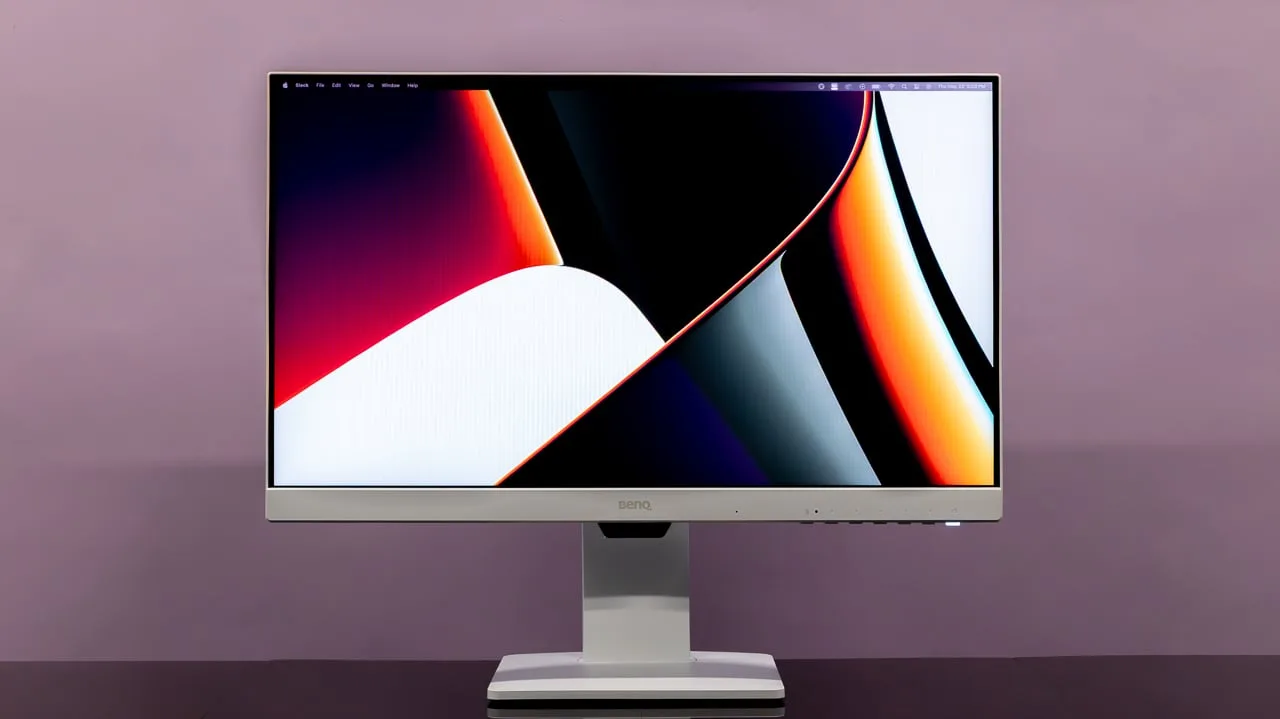
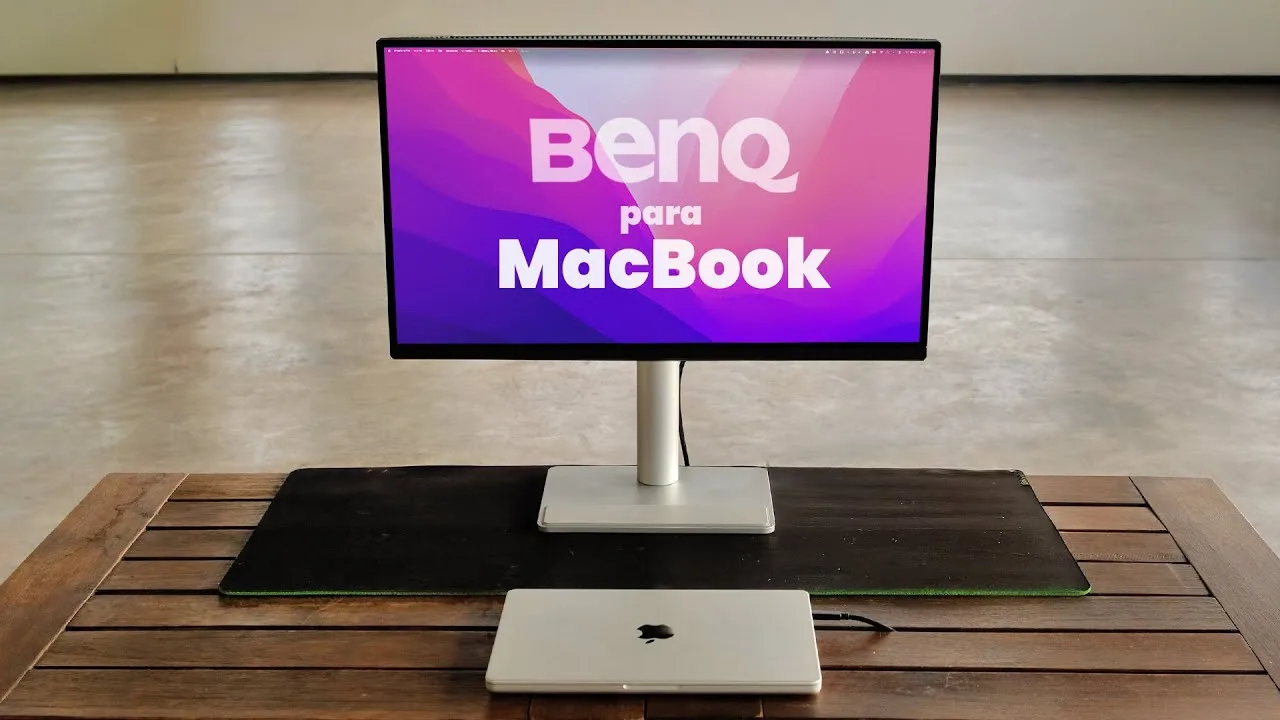
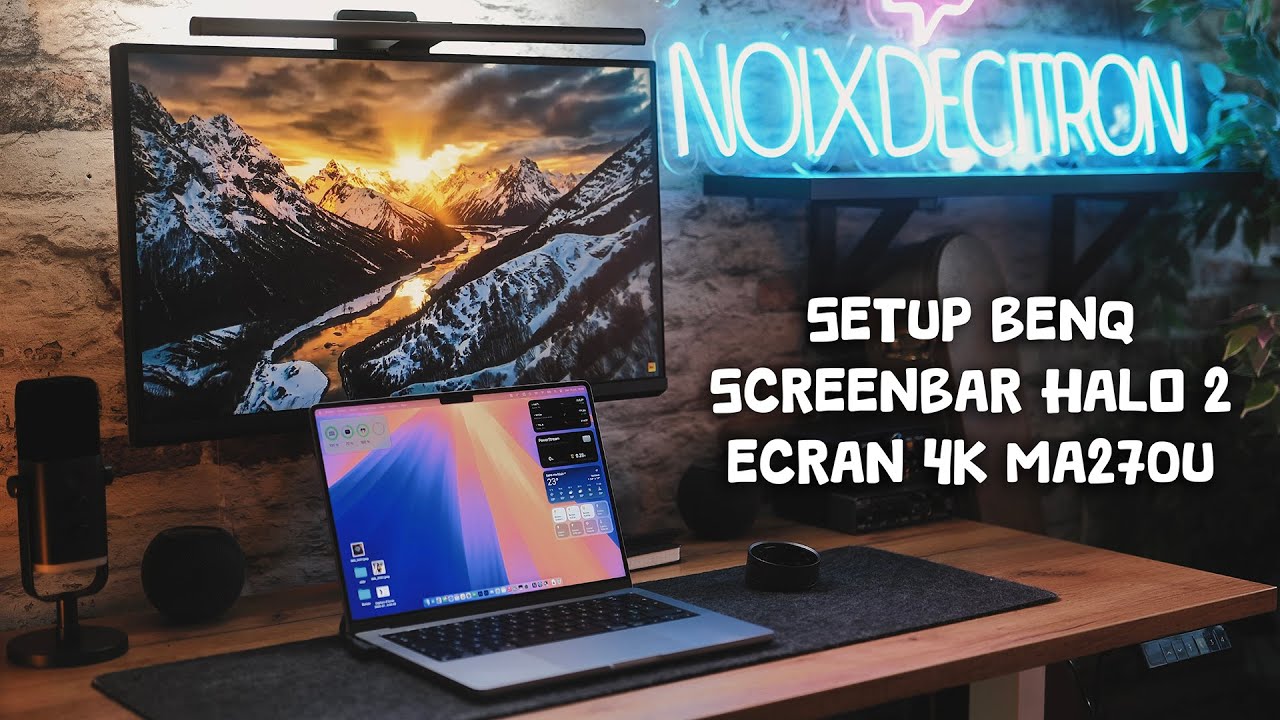
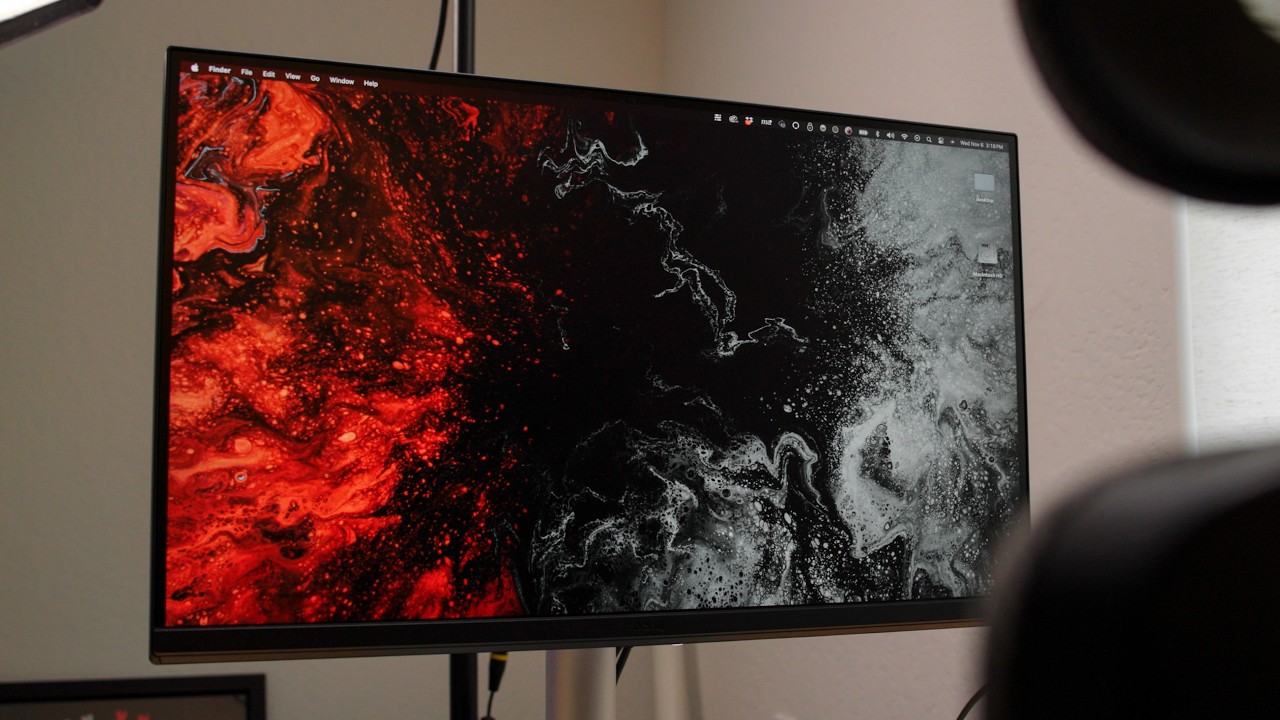
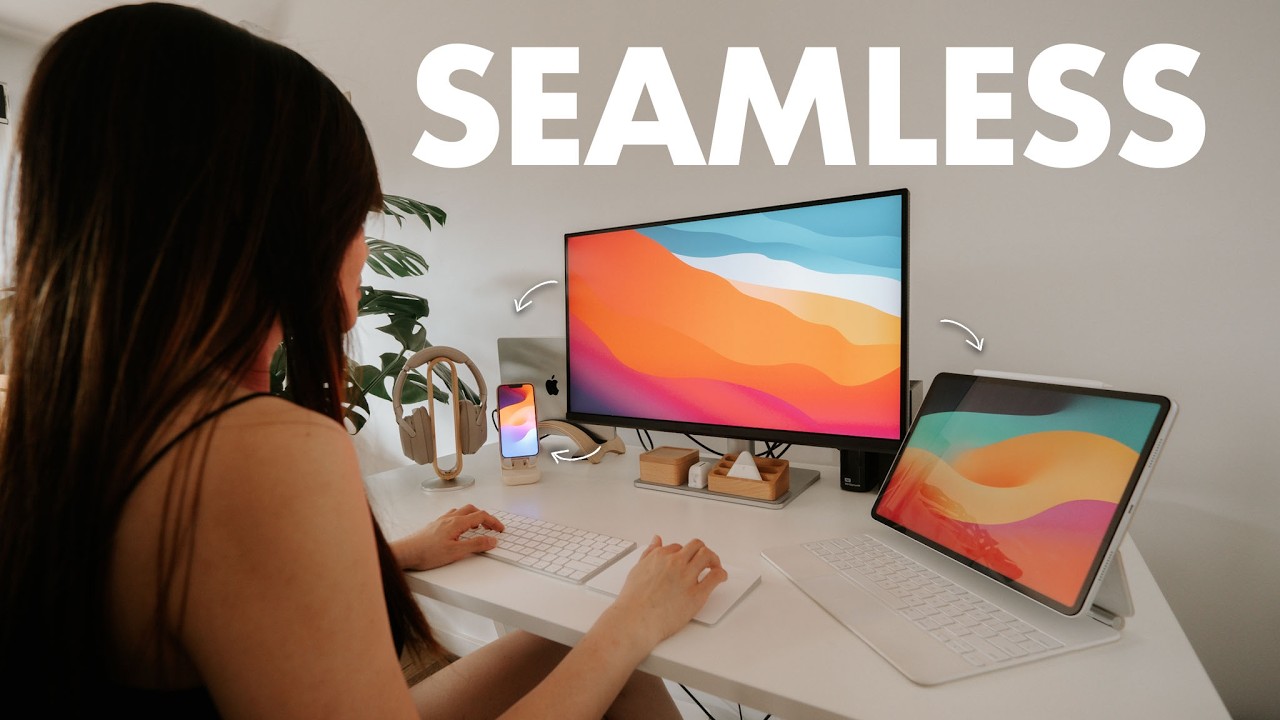
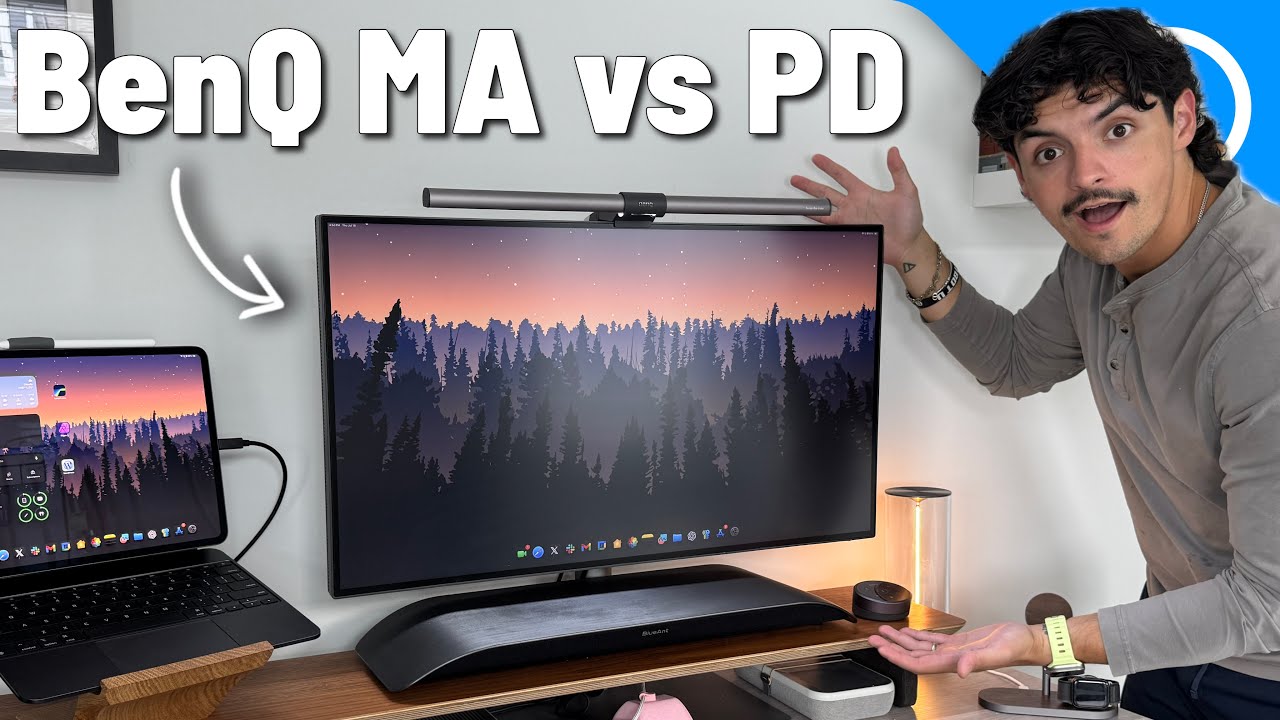
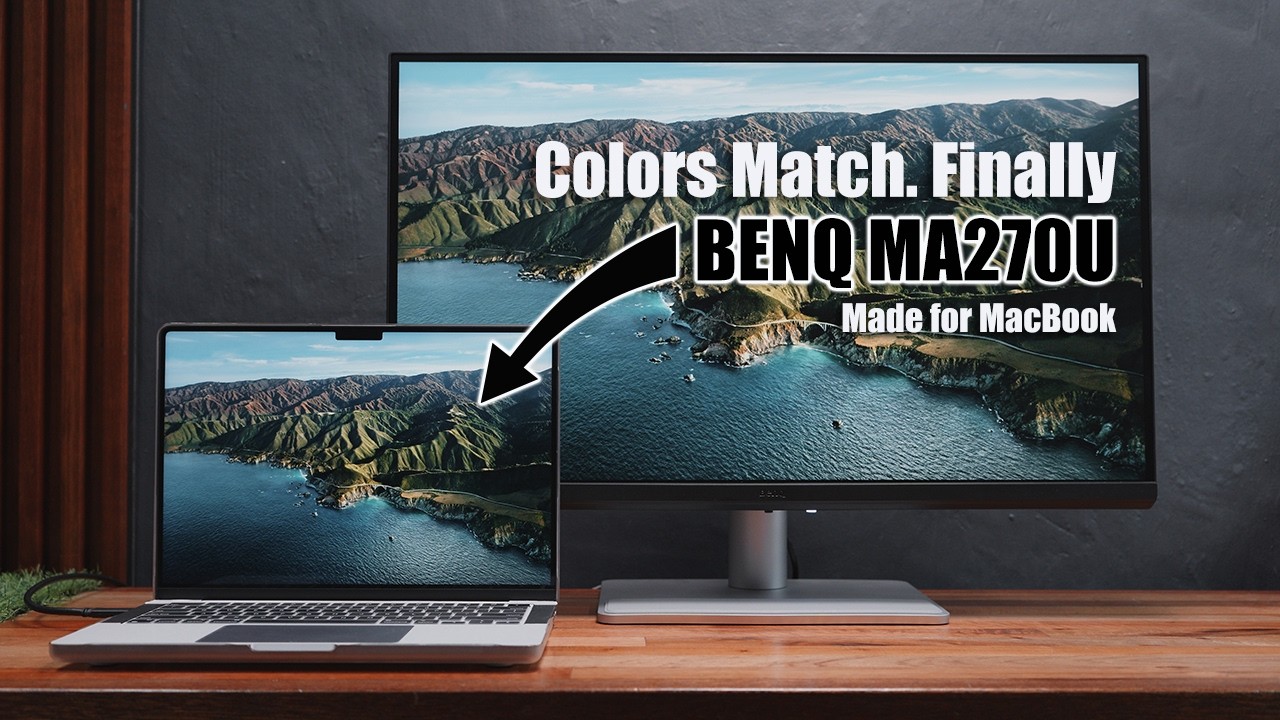
The BenQ MA270U is a 27-inch 4K monitor that's made a name for itself among Mac users. What we found particularly striking is its commitment to color accuracy, boasting 95% coverage of Apple's Display P3 gamut and a Delta E below 2, as noted by itpro.com. The standout feature is its M-book mode, which offers automatic color matching to MacBooks, ensuring visual consistency across devices. This monitor excels in panel quality, with sharp text clarity and excellent color-matching technology, making it a favorite among reviewers. However, it's not without its drawbacks; its 60Hz refresh rate and dated design may not appeal to everyone.
Key Points
What Reviewers Love
- +
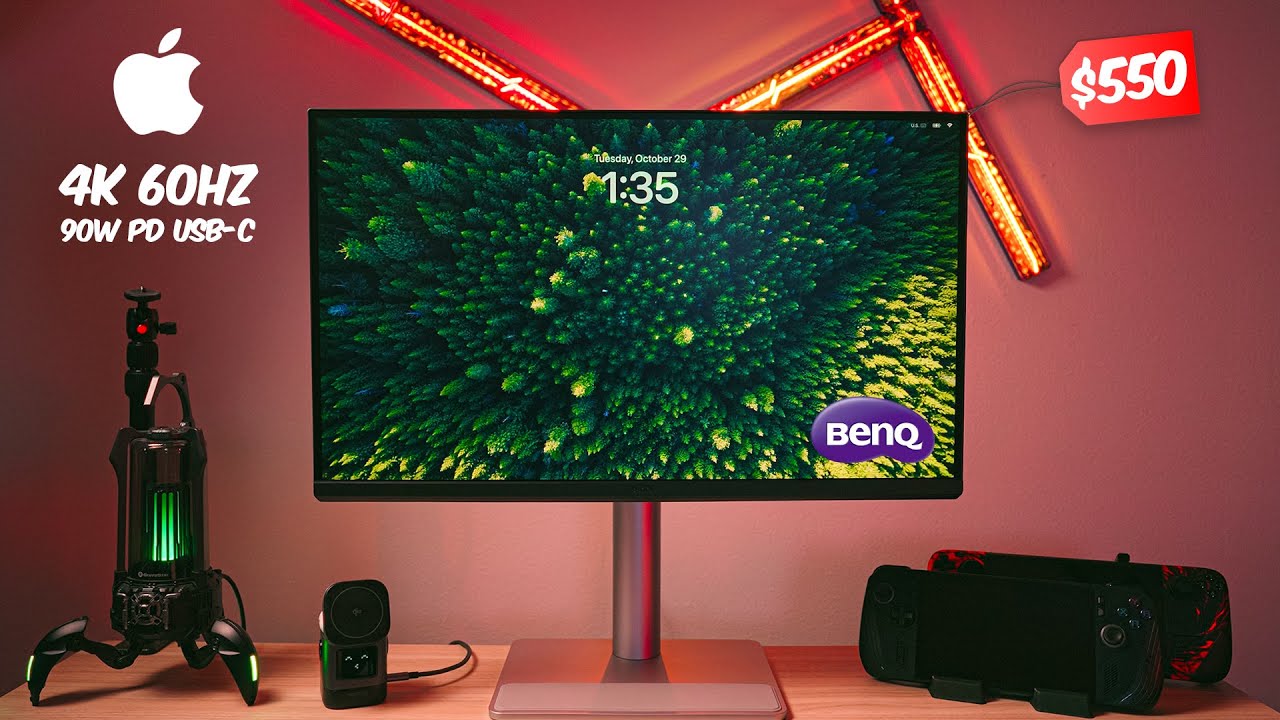
90W USB-C power delivery enables single-cable laptop connectivity
- +
Best suited for static productivity work rather than gaming or video
- +
Color-matched to recent MacBook displays for visual consistency
- +
Excellent color-matching technology for Mac
What To Consider
- −
USB hub forces choice between 60Hz refresh or full USB 3.2 speeds
- −
Built-in 3W stereo speakers are average at best
- −
Dated design with grey plastic construction
- −
USB-C limited to 5 Gbps and 60Hz
Points of Disagreement
- Some sources say "Built-in speakers eliminate external audio needs" (3 sources) while others say "Built-in 3W stereo speakers are average at best" (4 sources)
- Some sources say "Matte finish reduces glare compared to glossy alternatives" (2 sources) while others say "Matte finish dampens image vividness versus glossy" (2 sources)
check_circle Best For
- MacBook users wanting single-cable 90W USB-C setup
- Creative professionals needing accurate DCI-P3 color
- Mac users who want display colors matched to their MacBook
warning Consider Carefully
- Gamers requiring refresh rates above 60Hz
- Users needing Thunderbolt 4 or high-speed USB hub
- Buyers prioritizing premium build materials over function
Specifications
Display
- Brightness
- 400 nits
- Color depth
- 10-bit
- Color gamut dcip3
- 95%
- Color gamut srgb
- 99%
- Contrast ratio
- 1200:1
- Panel type
- IPS
- Refresh rate
- 60Hz
- Resolution
- 4K (3840 x 2160px)
- Response time
- 5ms
- Size
- 27 inches
Performance
- Color accuracy
- Delta E < 2
- Hdr support
- HDR10, VESA DisplayHDR 400 certified
Source Analysis
This review synthesizes insights from 42 independent sources to provide a comprehensive, unbiased assessment.
Expert Reviews (11)
Professional testing labs & tech publications
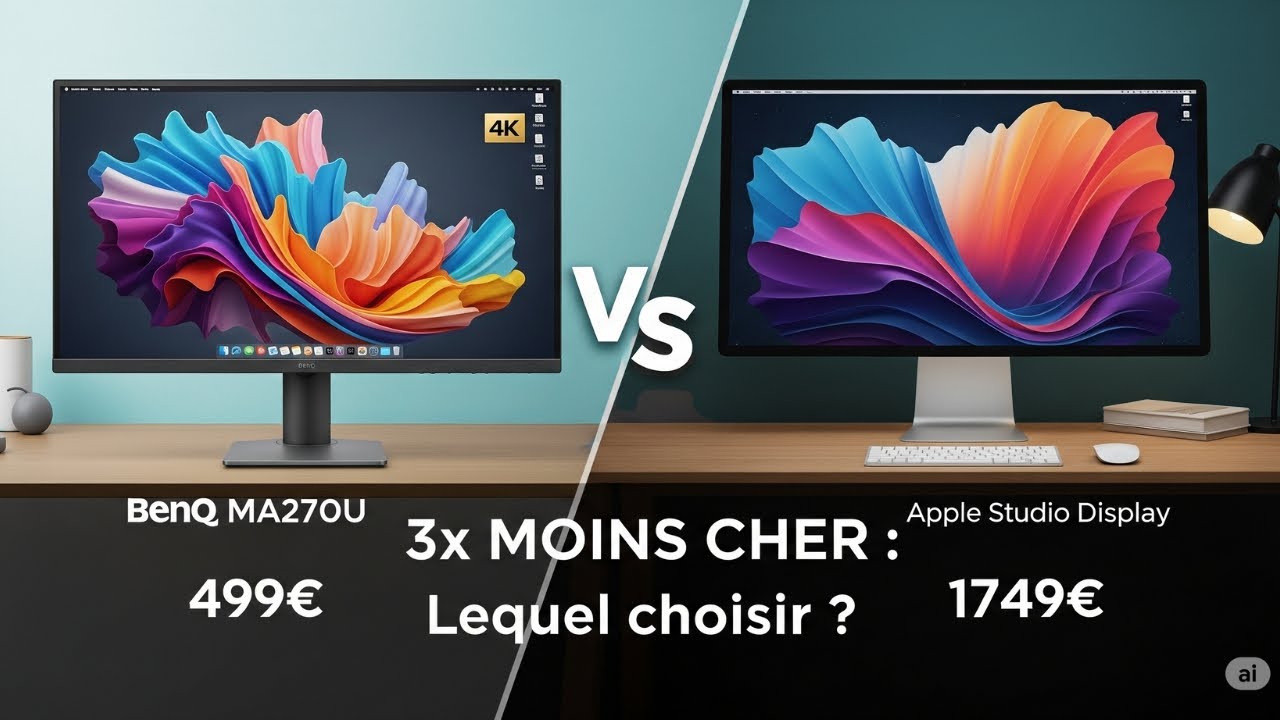
Designed specifically for MacBook users, this 27-inch 4K monitor delivers color-matched accuracy with Apple's Display P3 gamut at 95% coverage and Delta E below 2. The silver-shimmer finish complements MacBook aesthetics, while a sturdy stand offers 115mm height adjustment, 30-degree swivel, and portrait pivot. Single-cable USB-C connectivity provides 90W power delivery alongside a USB 3.2 Gen 1 hub. The Display Pilot 2 desktop app replaces traditional OSD controls for easier adjustments. Dual 3W speakers handle basic audio needs adequately. At £450, it undercuts Apple's Studio Display significantly while maintaining professional-grade color accuracy for creative workflows.
Pros
- Color-matched to recent MacBook displays for visual consistency
- 95% Display P3 coverage with Delta E under 2 for professional accuracy
- 90W USB-C power delivery enables single-cable laptop connectivity
- Desktop app replaces fiddly on-screen display controls
Cons
- No Thunderbolt 4 support limits high-speed connectivity
- DisplayPort connection notably absent from port selection
- Plastic cable management clip feels lightweight and cheap
- Speakers lack bass and lower midrange entirely
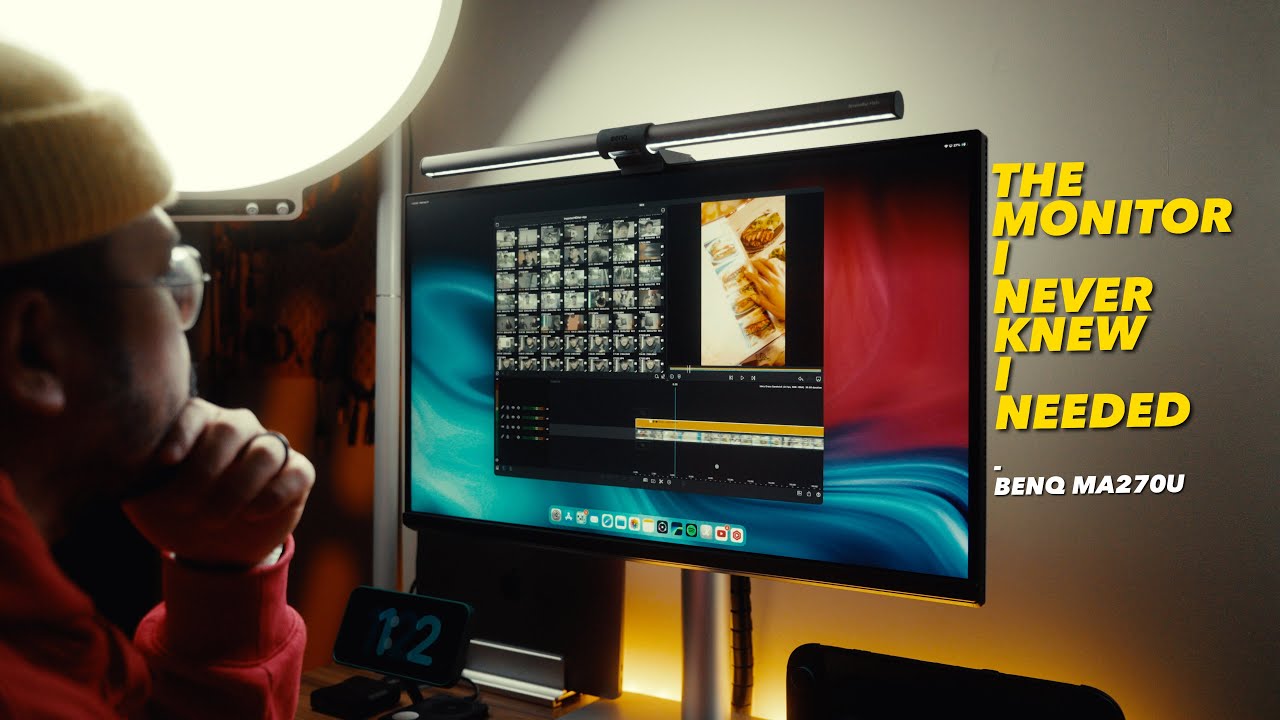
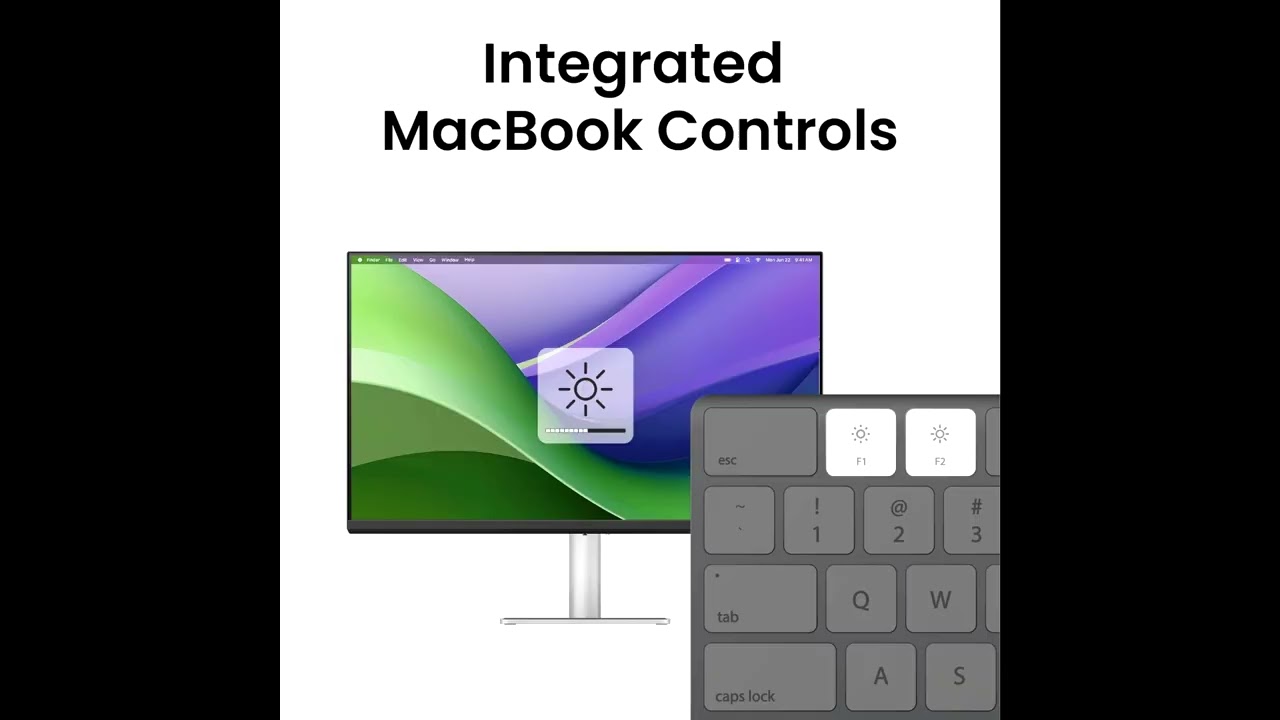
The BenQ MA270U is a 27-inch 4K productivity monitor designed primarily for Mac users, featuring tight macOS integration including M-book color matching and keyboard brightness/volume control. It delivers sharp text clarity through its IPS panel with 3840 x 2160 resolution, covers 95% DCI-P3 and 99% sRGB color spaces, and offers excellent ergonomics with height, tilt, swivel, and pivot adjustments. The USB-C connectivity with 90W power delivery enables single-cable laptop charging and peripheral connection. Eye-care features reduce blue light and flicker for extended work sessions. However, the 60Hz refresh rate limits gaming appeal, built-in 3W speakers are mediocre, and Windows users miss color calibration benefits.
Pros
- Crisp 27-inch 4K resolution with sharp text clarity
- Single USB-C cable handles charging, video, and peripherals
- M-book mode matches MacBook colors accurately
- Mac keyboard controls brightness and volume directly
Cons
- Built-in 3W stereo speakers are average at best
- 60 Hz refresh rate limits appeal for some users
- Not color-calibrated for Windows design work
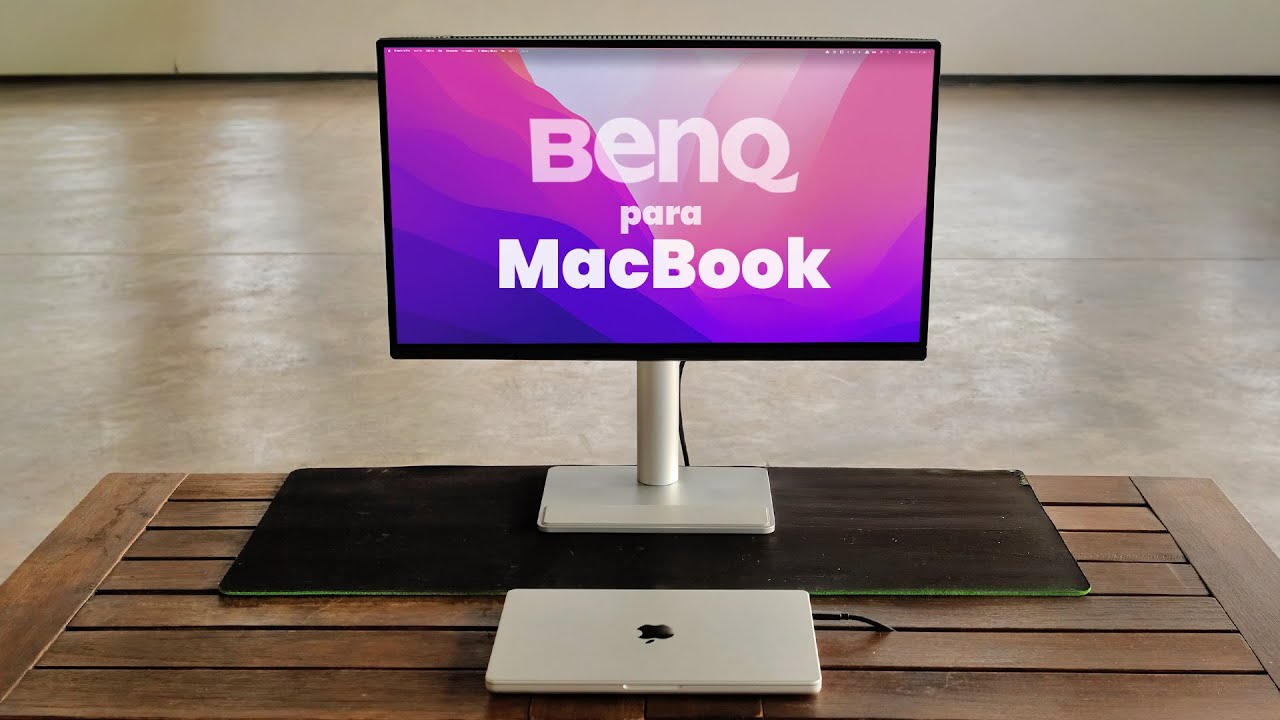
The BenQ MA270U is a 27-inch 4K monitor purpose-built for MacBook users, delivering exceptional display quality that matches Apple's own screens. It features 90W USB-C power delivery, comprehensive ergonomic adjustments (115mm height, tilt, swivel, pivot), and robust build quality with grippy base stability. The design uses grey plastic that feels dated compared to Apple aesthetics, though construction remains solid. Dual USB-C ports (90W and 15W) plus HDMI and USB-A provide versatile connectivity. Color accuracy and sharpness impress immediately, making it ideal for creative professionals despite premium pricing.
Pros
- 4K resolution matches MacBook display sharpness
- 90W USB-C powers laptop while displaying
- Excellent color-matching technology for Mac
- Comprehensive ergonomic adjustments with one-hand operation
Cons
- Dated design with grey plastic construction
- Materials lack premium feel expected for Mac accessories
- Lower bezel strip larger than necessary
- Relatively expensive price point
Video Reviews (17)
Hands-on demonstrations & setup guides
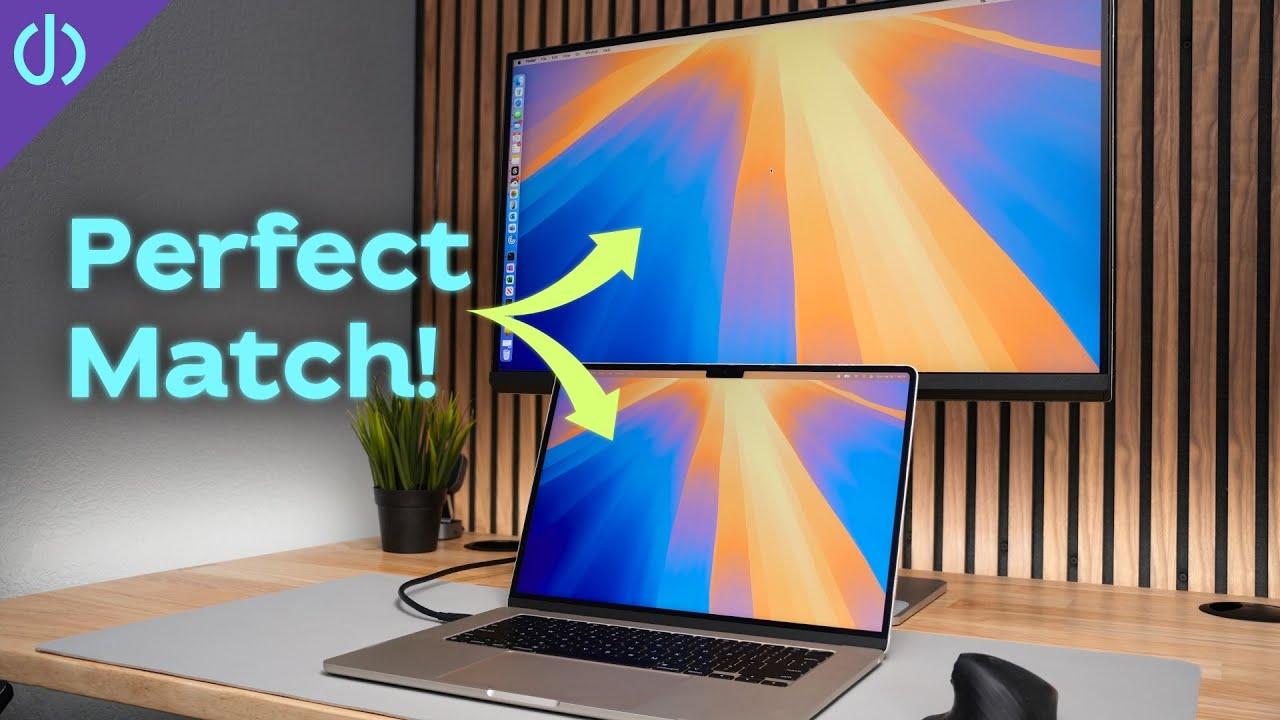
- Ideal for MacBook users wanting color-matched external display under $500
- Best for clamshell mode setups with integrated charging and storage features
- Requires separate dock for high-speed external SSD or SD card workflows
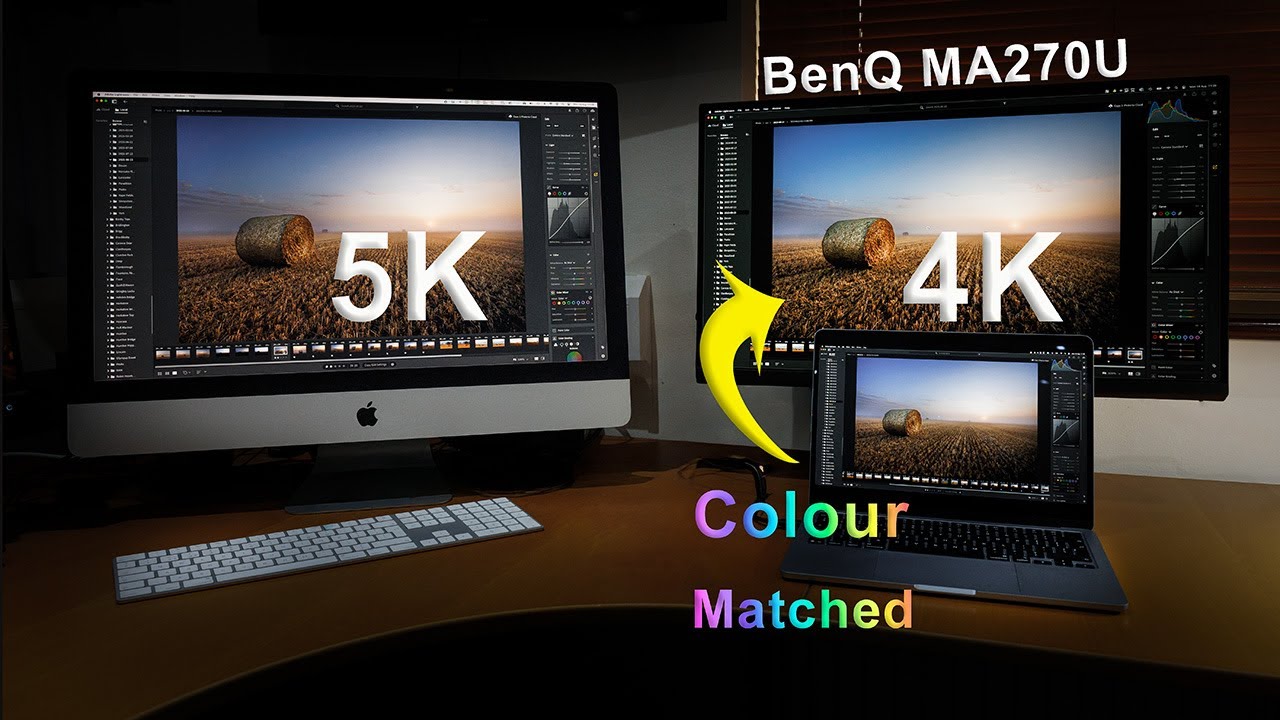
- Ideal for MacBook users prioritizing color continuity between displays
- Best suited for static productivity work rather than gaming or video
- Consider the 32-inch variant for iMac-like physical footprint
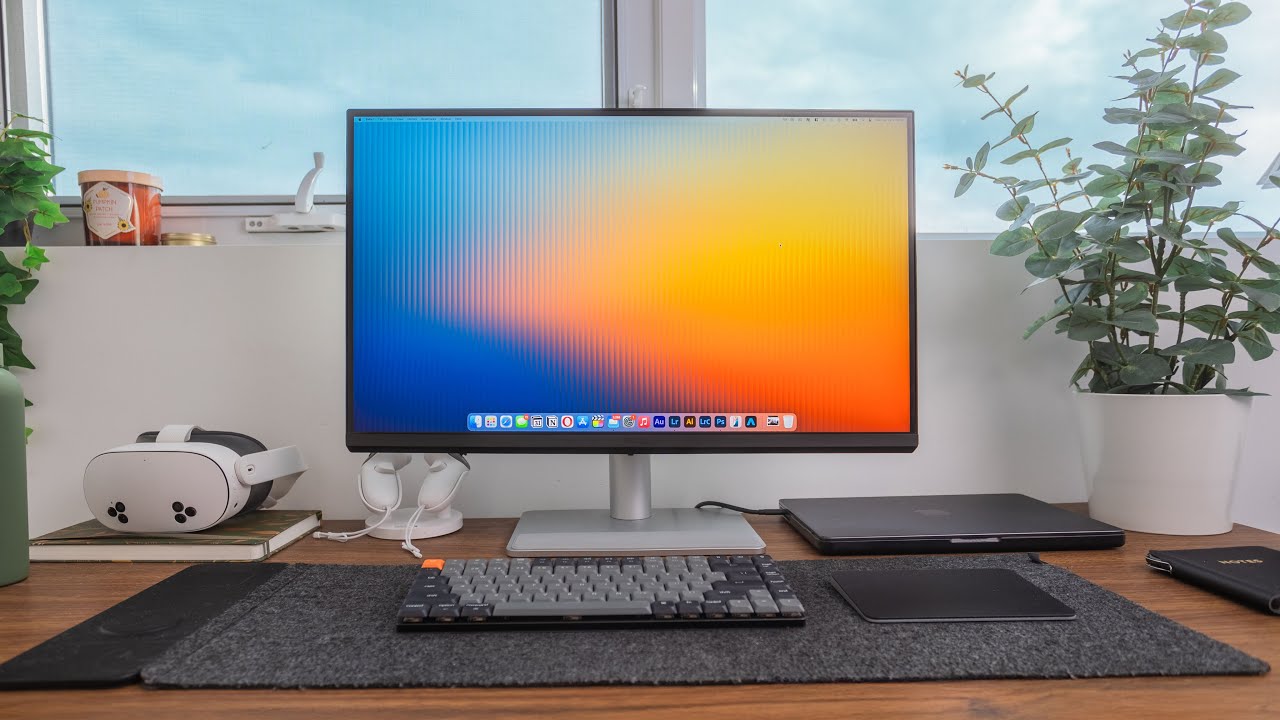
- Ideal for MacBook users needing color-matched external display
- Streamlined workflow for traveling professionals with single-cable docking
- Ready for color grading and professional editing without calibration


Community Discussions (4)
Real owners sharing experiences
u/Puzzleheaded_Joke603
Setup Showcase- Best suited for content creators delivering to Apple ecosystem viewers where color consistency is critical
- Professional-grade color accuracy at a lower price point than Apple's display options
- 400-nit brightness adequate for most but not all working environments
u/rakendd
Comparison- Best for users who do not rely on sleep/wake functionality or are willing to keep their Mac awake continuously
- Not ideal for MacBook users who depend on reliable sleep/wake behavior for daily workflow
- The monitor's Mac-specific features (USB-C power, keyboard control) are undermined by this fundamental compatibility issue
Customer Reviews Amazon
What buyers are saying
164 reviews
Recently Added Reviews
No Money for Studio Display? Get This Excellent 4K Monitor for a Competitive Experience
Perfect 4K monitor for my Apple devices!
Fantastic second monitor
Great idea - same color as my MacBook Pro, disappointing reliability, responsive service / support.
A beautiful, powerful and easy-to-use and set up monitor from BenQ
Reviews shown are from Amazon customers and do not reflect our editorial assessment.
The Verdict
The BenQ MA270U earns a strong 81/100 as a purpose-built Mac companion monitor. Its M-book mode, 95% DCI-P3 coverage, and 90W USB-C single-cable setup make it a compelling pick for MacBook users and color-sensitive professionals. The 60Hz refresh rate rules it out for gaming, and the grey plastic build won't win design awards — but if your priority is accurate, Mac-matched color in a productivity-focused 4K display, the MA270U delivers where it counts.