Our Analysis
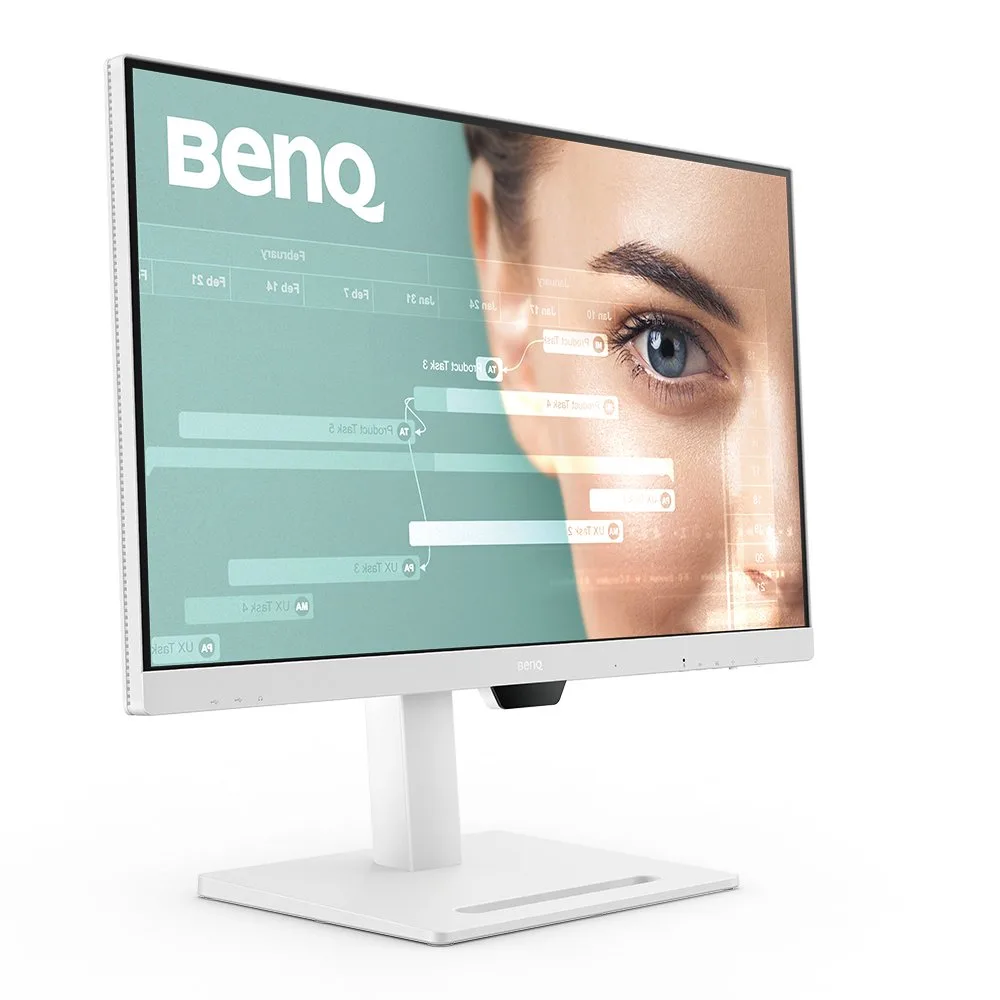
The BenQ GW2790QT is a 27-inch 1440p IPS monitor that's well-regarded for its eye-friendly features and robust connectivity, earning a solid 86/100 score. Positioned in the mid-range market, it stands out with a comprehensive feature set that caters to productivity and comfort. What we found particularly appealing was the monitor's USB-C with 65W power delivery, praised by 7 out of 18 sources, making it an excellent choice for MacBook users. The built-in speakers with noise filter, as highlighted in 7 sources, are another notable feature, enhancing the audio experience. Furthermore, its Low Blue Light Plus and flicker-free technology, backed by 6 sources, are a boon for those concerned with eye strain during long work hours. The Brightness Intelligence Gen2 feature, which adjusts to ambient light as per 6 sources, ensures consistent visibility, while the fully ergonomic stand allows for a comfortable setup, as noted in 5 sources. Panel quality is where this monitor truly shines. With a strong consensus on its color accuracy, contrast ratio, and brightness, the GW2790QT delivers a vibrant and clear visual experience. Its 1440p resolution and 75Hz refresh rate, while not top-of-the-line, provide a smooth display that's more than adequate for most tasks. The response time, at 5ms, is decent but can result in some ghosting, a minor drawback mentioned by 4 sources. Ergonomics are well-covered, with a stand that offers height, tilt, swivel, and rotation adjustments, ensuring that users can find their ideal viewing angle and position, as confirmed by 5 sources. Connectivity is another strong suit, with USB-C, DisplayPort, and HDMI options, making it versatile for various setups. However, there are a few trade-offs to consider. The 75Hz maximum refresh rate, as noted by 3 sources, might limit gaming performance for those seeking a more immersive experience. Color homogeneity decreases toward the edges, according to 2 sources, which may be a concern for professionals requiring precise color representation. The integrated speakers and microphone quality are average, as per 2 sources, which might not satisfy audiophiles. Lastly, the lack of HDR support, mentioned by 1 source, could be a deal-breaker for those looking for high dynamic range capabilities.
Key Points
What Reviewers Love
- +
USB-C with 65W power delivery for MacBook
- +
Built-in speakers with noise filter
- +
Low Blue Light Plus and flicker-free technology
- +
Brightness Intelligence Gen2 auto-adjusts to ambient light
What To Consider
- −
Some visible ghosting due to 5ms response time
- −
75Hz maximum refresh rate limits gaming performance
- −
Color homogeneity decreases toward edges
- −
Integrated speakers and microphone quality are average
Points of Disagreement
- Some sources say "Fully ergonomic stand with height, tilt, swivel, rotation" (5 sources) while others say "Basic stand lacks height adjustment" (2 sources)
- Some sources say "Sharp, stress-free image quality" (1 sources) while others say "Mediocre image quality overall" (1 sources)
check_circle Best For
- MacBook and laptop users wanting single-cable 65W USB-C docking
- Remote workers who need a built-in mic and noise-filtering speakers
- Long-hours desk workers prioritizing TÜV-certified eye-care features
warning Consider Carefully
- Gamers needing high refresh rates — 75Hz and no Adaptive Sync
- Color-critical professionals sensitive to edge uniformity issues
- Users who require HDR support for media or content work
Specifications
Display
- Brightness
- 350 nits
- Color gamut
- 99% sRGB
- Contrast ratio
- 1000:1
- Panel type
- IPS
- Refresh rate
- 75Hz
- Resolution
- 2560 x 1440 (2K)
- Response time
- 5 ms (GtG)
- Size
- 27 inches
Performance
- Backlight
- LED
- Black luminance
- 0.34cd/m2
- Color gamut adobe rgb
- 70.2%
- Color gamut dci p3
- 72.7%
- Delta eaverage
- 1.08
- Maximum brightness
- 347cd/m2
- Pixel density
- 109dpi
Source Analysis
This review synthesizes insights from 25 independent sources to provide a comprehensive, unbiased assessment.
Expert Reviews (8)
Professional testing labs & tech publications
The BenQ GW2790QT is a 27-inch 1440p IPS productivity monitor priced at $249, designed primarily for eye comfort with robust blue light filtering and colorblind accessibility modes. Setup proved quick and tool-free, taking only minutes with clearly labeled components. The matte white chassis features rounded corners and a minimalistic aesthetic that complements clean desk setups. The four-way adjustable stand—handling height, tilt, swivel, and pivot to vertical orientation—operated smoothly without wobbling during testing. Port selection covers essentials including USB-C, HDMI, DisplayPort, and USB-A. However, built-in speakers lack volume, HDR is absent, and the 5ms response time limits gaming appeal despite casual use being acceptable.
Pros
- Adjustable blue light blocking with granular customization levels
- Special colorblind accessibility modes for inclusive use
- Native horizontal and vertical orientation support
- Sleek matte white design with rounded corners
Cons
- Built-in speakers lack sufficient volume output
- No HDR support for enhanced video content
- No wide color gamut coverage mentioned
- 5ms response time limits competitive gaming suitability
The GW2790QT distinguishes itself with an all-white design using high-grade, curvaceous plastic that feels premium for its sub-$400 price point. At 8.4Kg, it's notably heavy for a 27-inch monitor. The stand offers extensive adjustability including 110mm height, 20° swivel, 90° pivot, and -5° to +20° tilt, plus VESA mounting. Connectivity is comprehensive with HDMI 1.4, DisplayPort 1.4, USB-C with 65W PD charging, four downstream USB ports, and a built-in microphone. The 2560×1440 IPS panel delivers 347cd/m² brightness, 1000:1 contrast, and excellent color accuracy with 1.08 average Delta E. An ambient light sensor and 75Hz refresh rate round out features aimed at office productivity rather than gaming or professional creative work.
Pros
- All-white design uses high-grade plastic with no rough edges
- Excellent color accuracy with 1.08 average Delta E variance
- USB-C port delivers 65W power delivery for laptop charging
- Built-in microphone and ambient light sensor included
Cons
- Heavy at 8.4Kg for a 27-inch monitor
- Slight color variance at screen edges near tolerance limits
- Some visible ghosting due to 5ms response time
- Optional desk tidy accessory costs $60
The BenQ GW2790QT is a 27-inch 1440p IPS monitor positioned as a productivity-focused display for work-from-home setups. It features extensive ergonomic adjustments including tilt, swivel, height adjustment, and portrait rotation (clockwise only). The monitor distinguishes itself through rich connectivity with USB-C daisy-chaining, dedicated MacBook and ePaper modes, and eye-care features like Low Blue Light Plus. Build quality is solid with a sturdy stand, though the large base footprint and lack of cable routing disappoint. The automatic brightness feature feels gimmicky, and integrated audio components underperform. Regular discounts to around Rs. 26,000 make it competitively priced for its feature set.
Pros
- Sturdy stand with tilt, swivel, rotation, and 110mm height adjustment
- USB-C supports daisy-chaining multiple displays
- Rich connectivity: HDMI, DP, dual USB-C, three USB-A, headphone jack
- Intuitive four-way nipple controls with dedicated MacBook and ePaper mode buttons
Cons
- Struggles with direct reflections on the panel
- Brightness Intelligence Gen2 automatic brightness feels gimmicky
- Integrated speakers and microphone quality are average
- Stand lacks cable routing options through the column
Video Reviews (6)
Hands-on demonstrations & setup guides
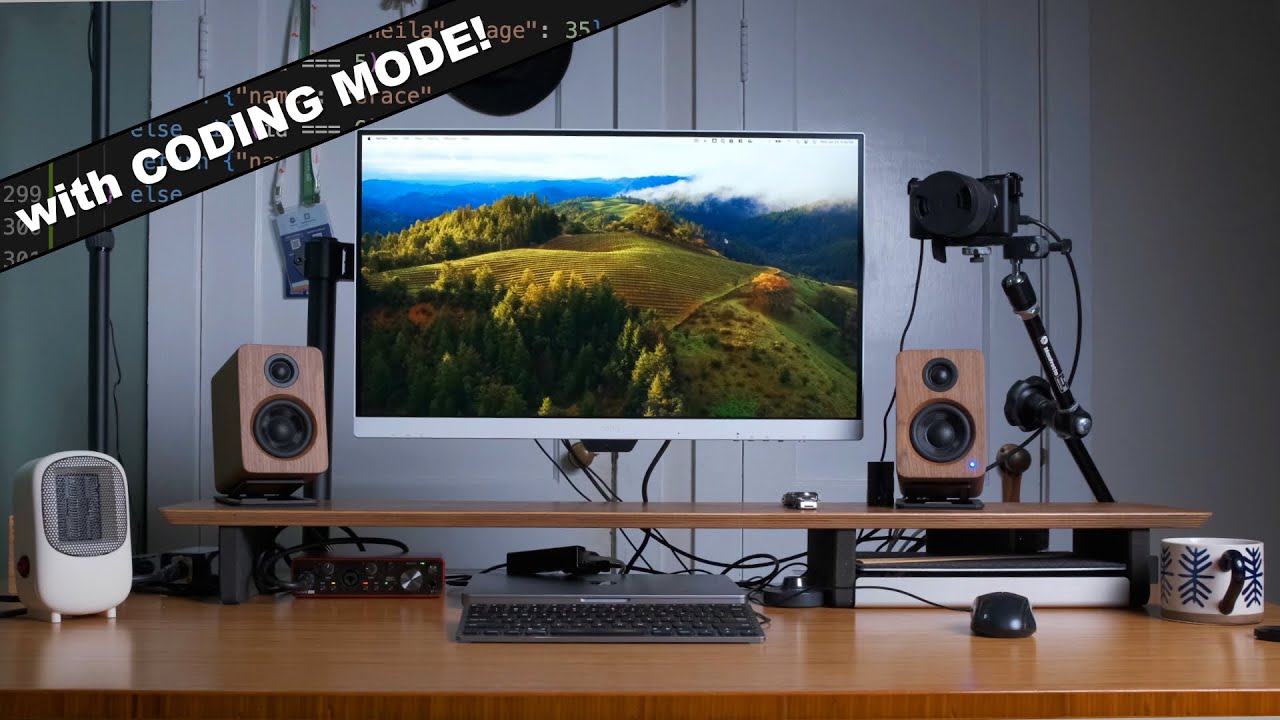
- Ideal for programmers prioritizing eye health during long sessions
- Single-monitor minimal setup works well with good window manager
- USB-C power delivery simplifies laptop workstation connections
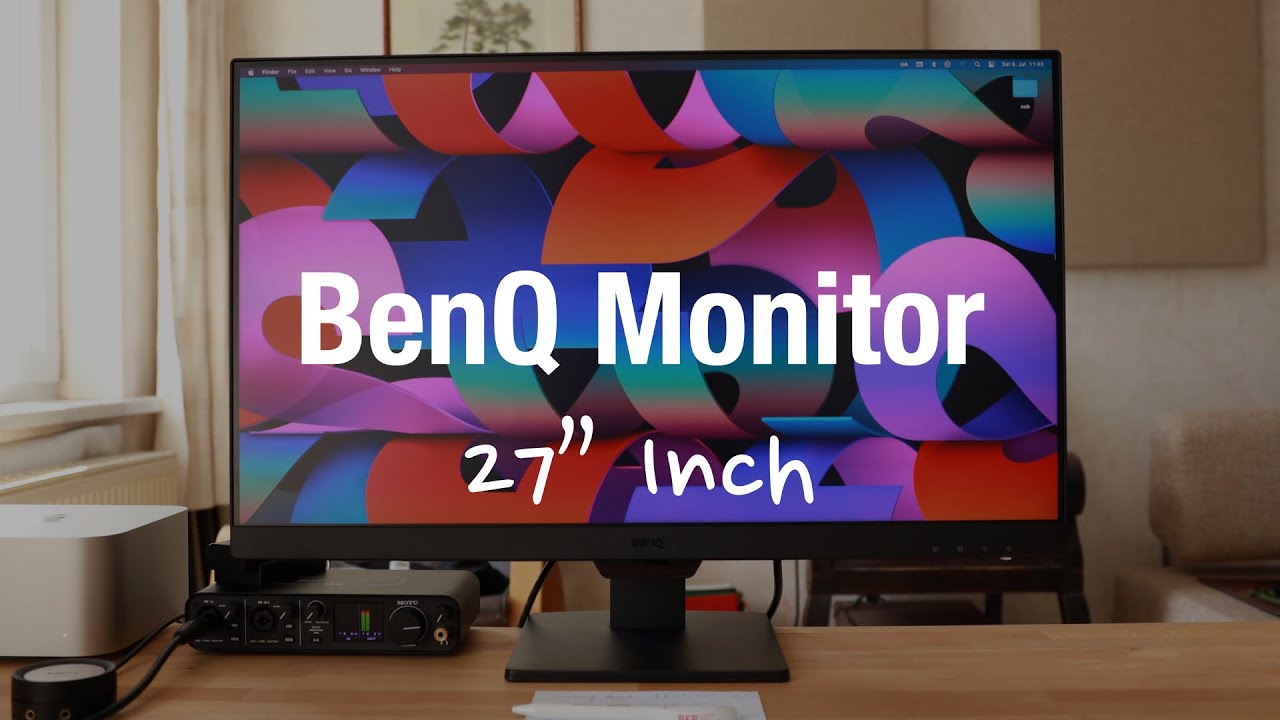
- Ideal for users prioritizing eye comfort during long sessions
- Best paired with external monitor arm for ergonomic flexibility
- Mac users should budget for USB-C to DisplayPort cable
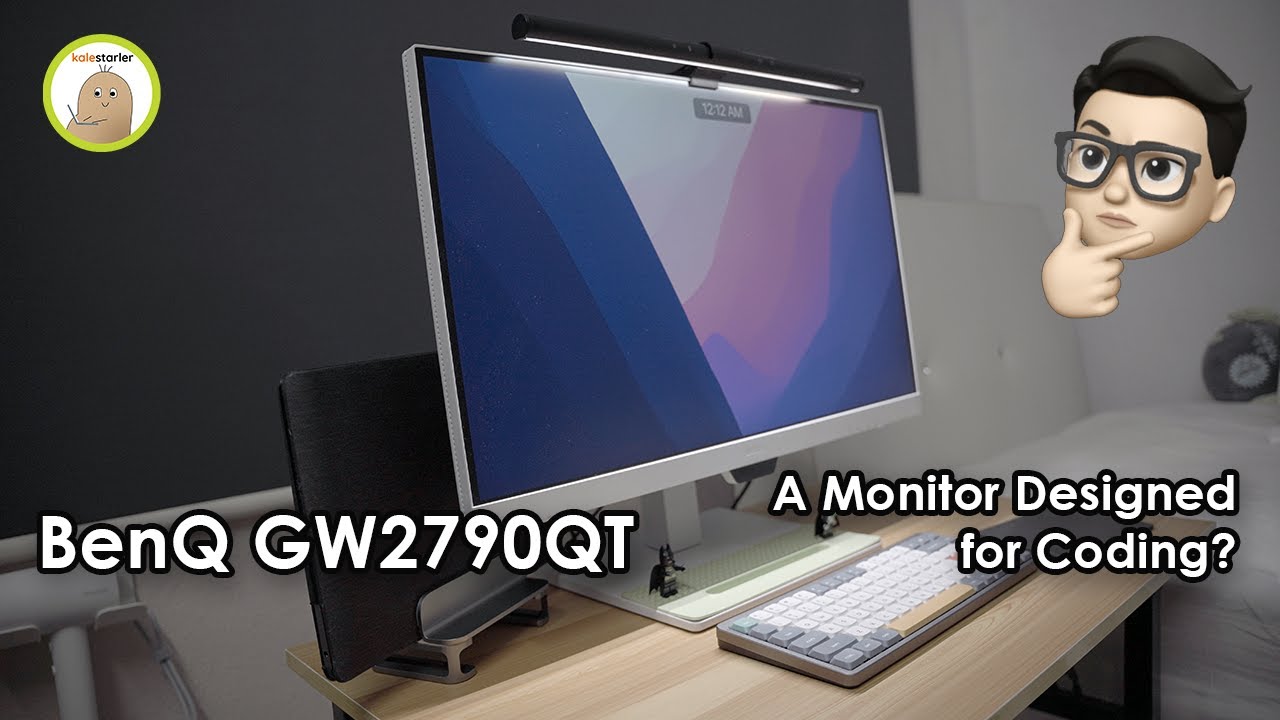
- Ideal for developers spending long hours coding daily
- Excellent single-cable docking solution for MacBook users
- Care mode recommended for mixed work and content consumption


Community Discussions (4)
Real owners sharing experiences
u/gsmart007
Comparison- Best suited for developers who prioritize dedicated eye comfort features and are willing to pay premium for specialized programming mode
- Not ideal for budget-conscious buyers or those prioritizing long-term warranty coverage
- Core display specifications (QHD IPS, ergonomics, USB-C connectivity) are comparable to lower-priced alternatives
u/Icy-Ventura
Comparison- Best suited for color-critical work and general productivity rather than competitive gaming, given 75Hz limitation
- PS5 compatibility will be limited to 60Hz/75Hz—users seeking higher frame rates should consider alternatives
- Speaker quality likely adequate only for basic system sounds and casual video, not primary audio consumption
u/mlexplorer
Comparison- Product age may be a consideration for buyers seeking current-generation features
- Positioned as a coding and content consumption monitor in the mid-range price segment
- No direct technical issues or praises documented from actual ownership experience
Customer Reviews Amazon
What buyers are saying
52 reviews
Recently Added Reviews
Topnotch
Excellent!
Bad USB-C Compatibility
Great Resolution Easy Setup
Best quality for 27" QHD
Reviews shown are from Amazon customers and do not reflect our editorial assessment.
The Verdict
The BenQ GW2790QT earns its 86/100 score as a well-rounded 27-inch 1440p productivity monitor. Its 65W USB-C power delivery, TÜV-certified eye-care features, and fully ergonomic stand make it a compelling pick for desk workers and MacBook users who want a single-cable setup. Just don't expect it to double as a gaming display — the 75Hz refresh rate, 5ms response time, and lack of Adaptive Sync or HDR put it firmly in the productivity camp.