Our Analysis
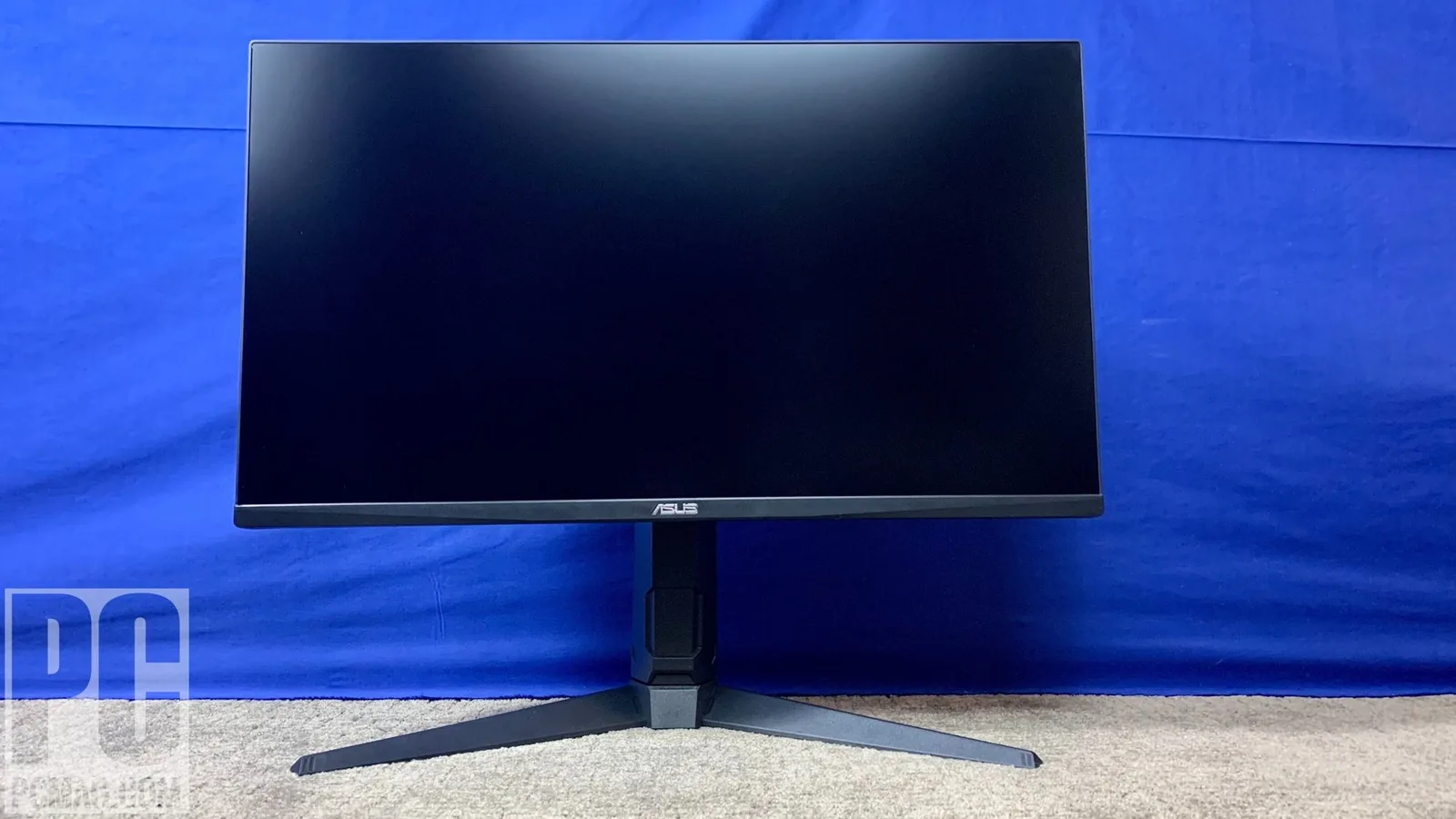
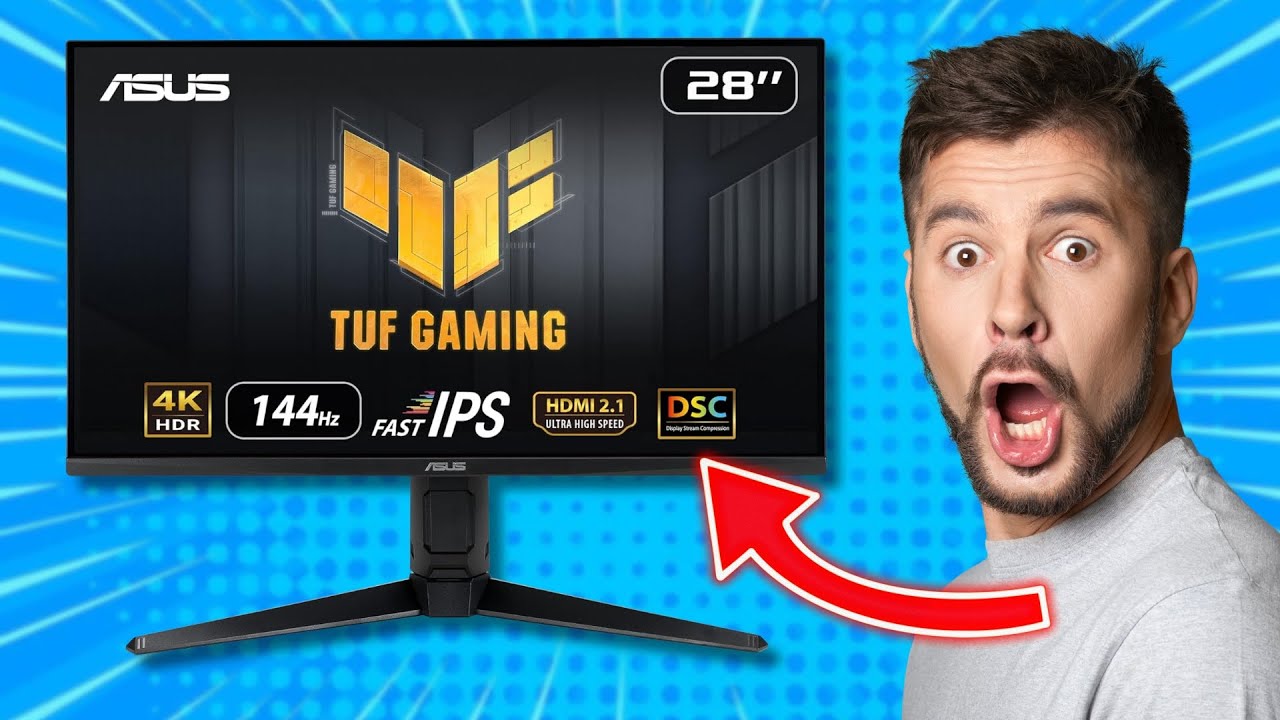
The Asus TUF Gaming VG28UQL1A stands out as a monitor that offers high-end gaming performance at a mid-range price. What we found impressive is its excellent color accuracy, boasting a 0.23 Delta-E score, which aligns with its reputation for vibrant and lifelike colors as noted by Tom's Guide. This monitor truly excels with its 4K resolution and 144Hz refresh rate, supported by HDMI 2.1, which enables 4K 120Hz gaming on next-gen consoles, a feature that has been lauded by various sources. Additionally, it supports both Nvidia G-Sync Compatible and AMD FreeSync Premium, ensuring smooth gameplay across different platforms. However, this monitor does have its trade-offs. The placement of its ports is inconvenient for frequent access, and while it offers VESA DisplayHDR 400, it lacks local dimming, making it an entry-level HDR option. Its 90% DCI-P3 coverage doesn't quite reach the standards of true HDR displays, and it doesn't offer USB-C connectivity, which might be a deal-breaker for some users.
Key Points
What Reviewers Love
- +
Excellent color accuracy with 0.23 Delta-E
- +
HDMI 2.1 enables 4K 120Hz console gaming
- +
Two HDMI 2.1 ports for modern consoles
- +
Supports both Nvidia G-Sync Compatible and AMD FreeSync Premium
What To Consider
- −
Ports positioned inconveniently for frequent access
- −
VESA DisplayHDR 400 is entry-level HDR without local dimming
- −
90% DCI-P3 coverage falls short of true HDR displays
- −
Slightly dark console HDR performance at 233 nits
check_circle Best For
- Gamers seeking 4K 144Hz on a budget
- Console gamers needing 4K 120Hz support
- Users prioritizing color accuracy and refresh rate
warning Consider Carefully
- Professionals requiring true HDR performance
- Users needing USB-C connectivity for peripherals
Specifications
Display
- Brightness
- 450 cd/m2
- Color
- 10-bit, 90% DCI-P3
- Display colors
- 1073 million
- Panel type
- IPS
- Pixel density
- 157 ppi
- Refresh rate
- 144Hz
- Resolution
- UHD 3840x2160
- Response time
- 1ms
- Size
- 28 inches
Performance
- Adaptive sync
- AMD FreeSync Premium, Nvidia G-Sync Compatible
- Adobe rgb coverage
- 82%
- Black level
- 0.37 nit
- Contrast ratio
- 840:1
- Dci p3 coverage
- 87%
- Delta eaverage
- 0.98
- Hdr peak brightness
- 433.5 nits
- Sdr peak brightness
- 310.8 nits
- Srgb coverage
- 100%
Source Analysis
This review synthesizes insights from 27 independent sources to provide a comprehensive, unbiased assessment.
Expert Reviews (7)
Professional testing labs & tech publications
The $800 VG28UQL1A delivers a nearly flawless gaming monitor experience with its 28-inch 4K display, 144 Hz refresh rate, and vibrant color reproduction. The minimalist design works equally well in gaming and professional settings, with versatile ergonomics including vertical orientation. Two HDMI 2.1 ports make it ideal for current-gen consoles alongside PC gaming. Minor shortcomings include slightly dim HDR performance on consoles, lack of USB-C connectivity, and inconveniently placed ports that complicate frequent peripheral swaps.
Pros
- Gorgeous 4K screen with vibrant, lifelike colors
- 144 Hz refresh rate ideal for gaming and productivity
- Elegant, versatile design suits any environment
- Two HDMI 2.1 ports for modern consoles
Cons
- Slightly dark console HDR performance at 233 nits
- No USB-C connectivity for modern peripherals
- Ports positioned inconveniently for frequent access
- Menus could be more intuitive
The Asus TUF Gaming VG28UQL1A delivers a vibrant, punchy 28-inch 4K IPS panel with 144Hz refresh rate and excellent pixel response times. HDMI 2.1 connectivity enables 4K 120Hz gaming on next-gen consoles alongside PC use. The monitor offers configurable five-level pixel overdrive with minimal overshoot in middle settings, plus compatibility with both Nvidia G-Sync and AMD FreeSync. However, VESA DisplayHDR 400 certification provides only entry-level HDR without local dimming, and the $800 price point fails to democratize 4K 144Hz gaming as hoped. Static contrast remains decent for IPS but cannot match VA panels.
Pros
- Vibrant, punchy image quality with precise color balance
- Excellent pixel response with minimal overshoot at optimal settings
- HDMI 2.1 enables 4K 120Hz console gaming
- 144Hz refresh delivers sharp, responsive gameplay
Cons
- VESA DisplayHDR 400 is entry-level HDR without local dimming
- 90% DCI-P3 coverage falls short of true HDR displays
- $800 price not affordable enough for mass adoption
- Not a full G-Sync monitor, only G-Sync Compatible
The Asus TUF Gaming VG28UQL1A is a 28-inch 4K 144Hz gaming monitor built around a Rapid IPS panel, priced at $799. Testing revealed peak SDR brightness of 310.8 nits and HDR brightness of 433.5 nits, exceeding rated specifications. Color coverage reached 100% sRGB, 82% Adobe RGB, and 87% DCI-P3—solid but below quantum dot alternatives. Color accuracy proved surprisingly strong with a Delta E of 0.98. Input lag measured under 1.95ms at 144Hz. The monitor includes extensive connectivity with four HDMI ports, USB 3.2 ports, and audio jacks, plus console-focused features like VRR and ELMB. Build quality is minimalist without RGB lighting.
Pros
- Four HDMI ports plus USB 3.2 connectivity
- Excellent color accuracy with 0.98 Delta E average
- Under 1.95ms input lag at 144Hz
- Exceeds rated brightness in both SDR and HDR
Cons
- Contrast ratio of 840:1 falls short of 1000:1 claim
- Color gamut coverage lags behind quantum dot competitors
- No refresh rate overclocking support
- HDR performance adequate but not exceptional
Video Reviews (6)
Hands-on demonstrations & setup guides
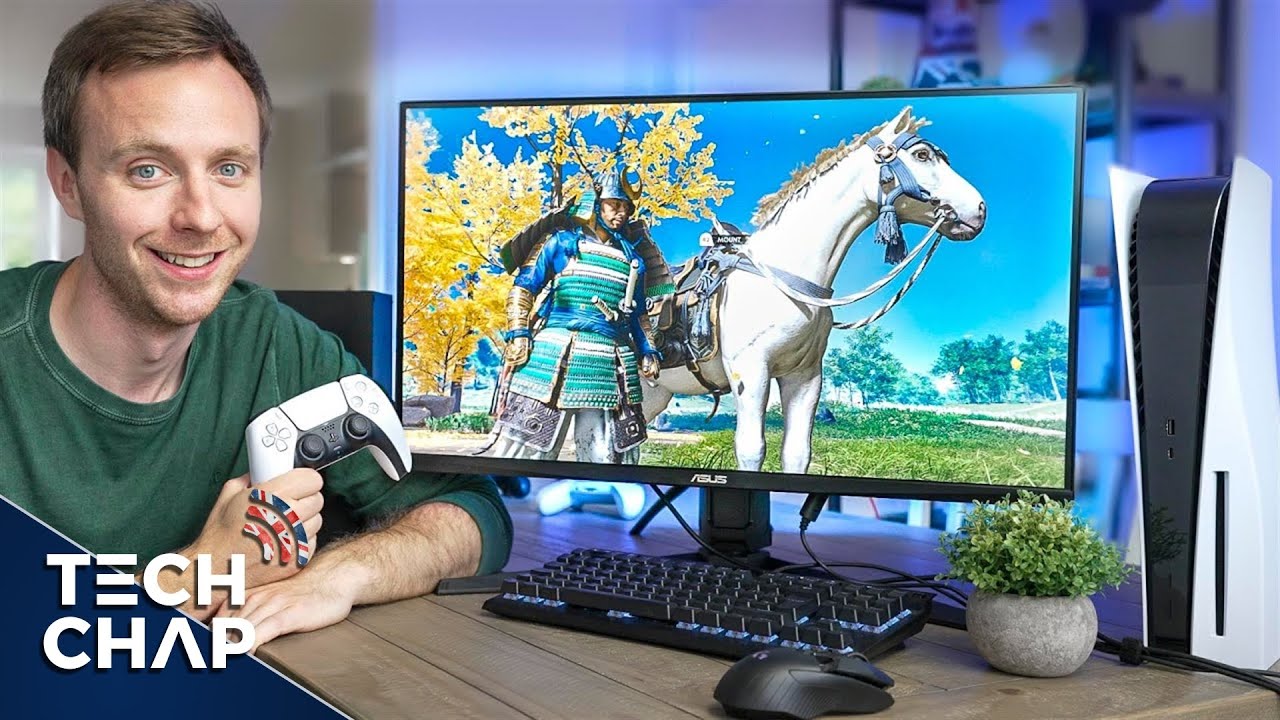
- Ideal for console gamers wanting 4K 120Hz on a desk
- Viable for photo/video editing with solid color accuracy
- PC gamers should consider QHD alternatives for better value
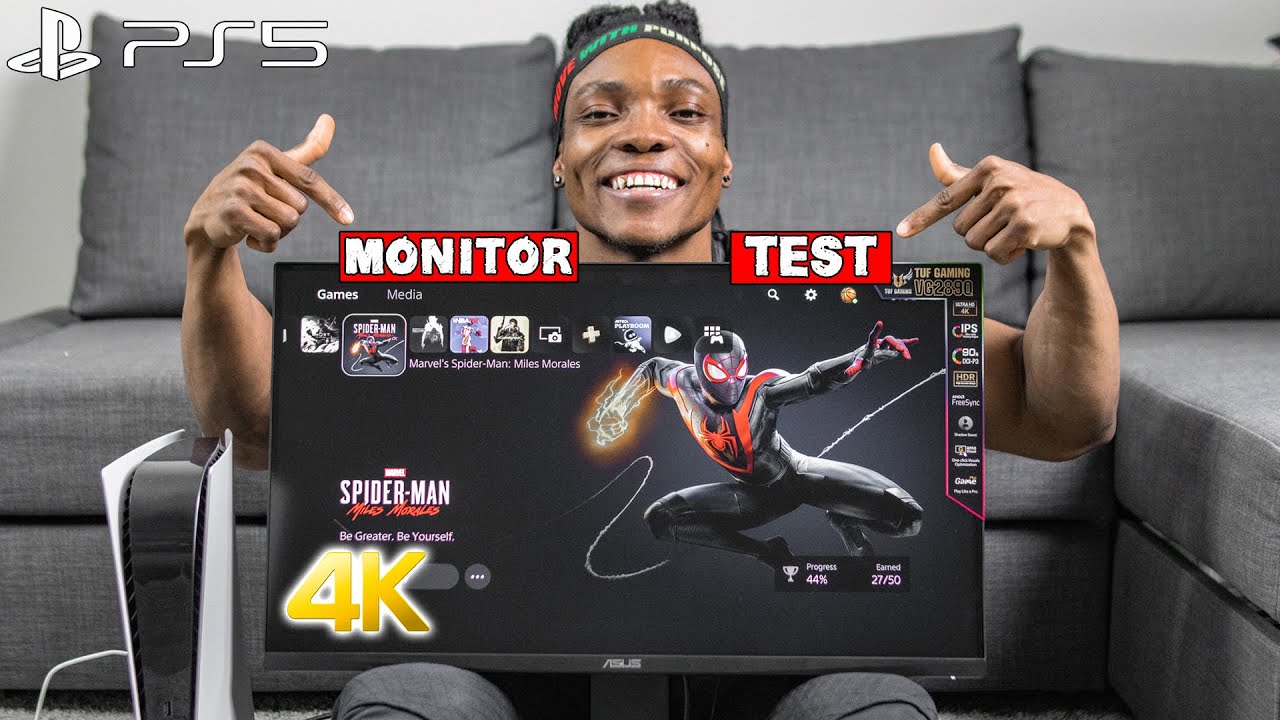
- Best suited for budget-conscious PS5 gamers
- Ideal for those prioritizing 4K over HDMI 2.1 features
- PC gamers benefit more from full feature set
- Ideal for long work sessions due to IPS eye comfort
- Excellent for 4K gaming with HDMI 2.1 support
- Great value at ₹70,000 street price vs MSRP

Community Discussions
Real owners sharing experiences
No community reviews analyzed.
Customer Reviews Amazon
What buyers are saying
171 reviews
Recently Added Reviews
Great Monitor!
The colors and quality are amazing
Awful experience and beta firmware
Impressive
asus rog swift
Reviews shown are from Amazon customers and do not reflect our editorial assessment.
The Verdict
The Asus TUF Gaming VG28UQL1A is an excellent choice for gamers who want a 4K gaming monitor without breaking the bank. Its performance and features make it a solid investment, but those looking for advanced HDR capabilities or USB-C connectivity should consider other options.